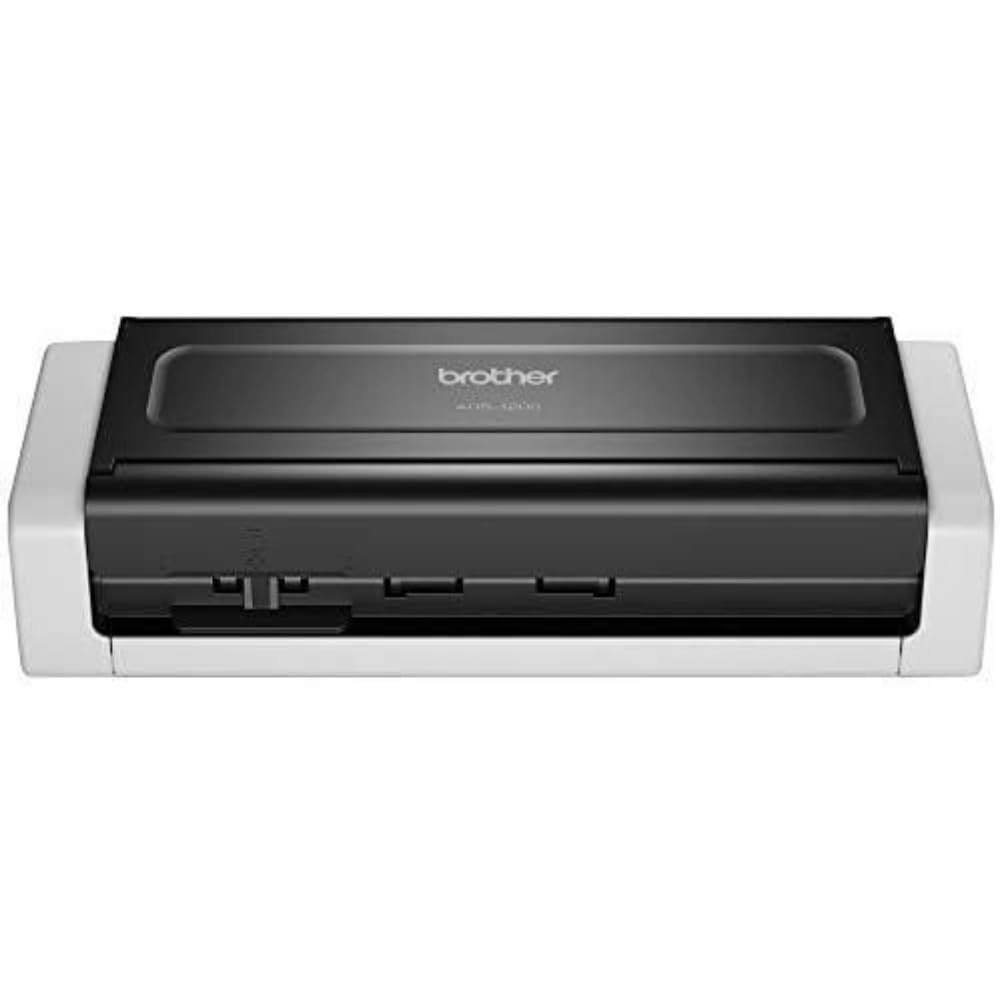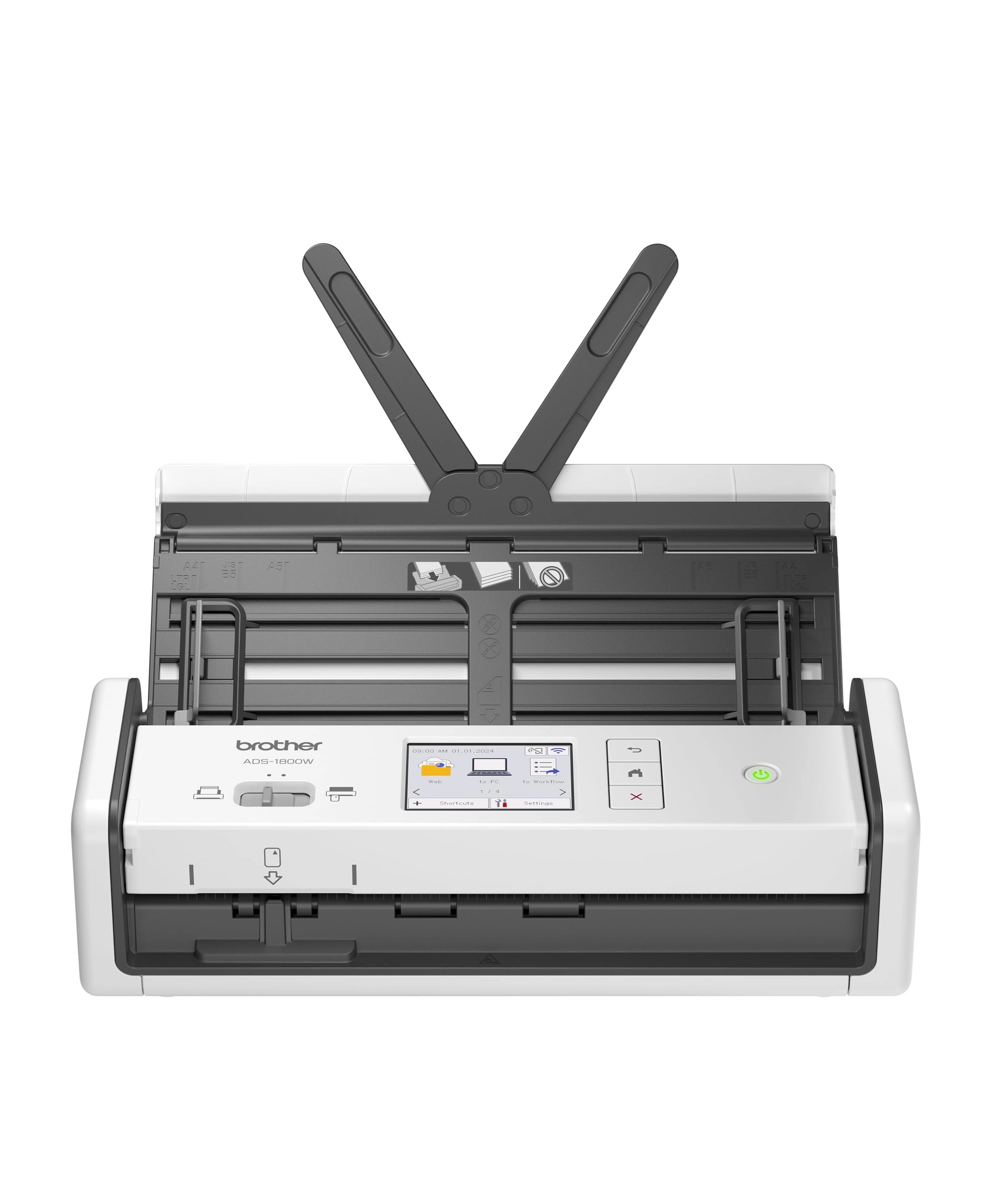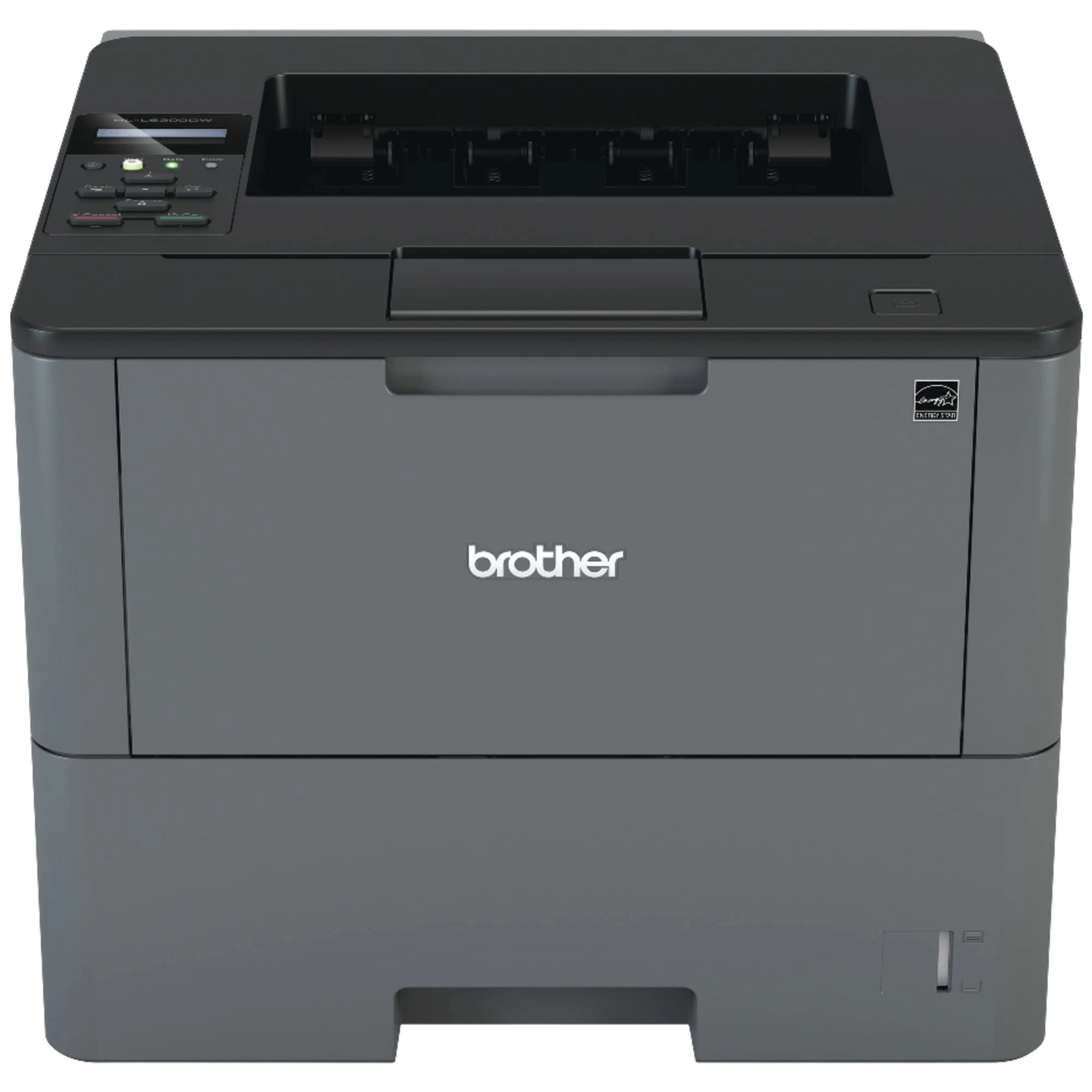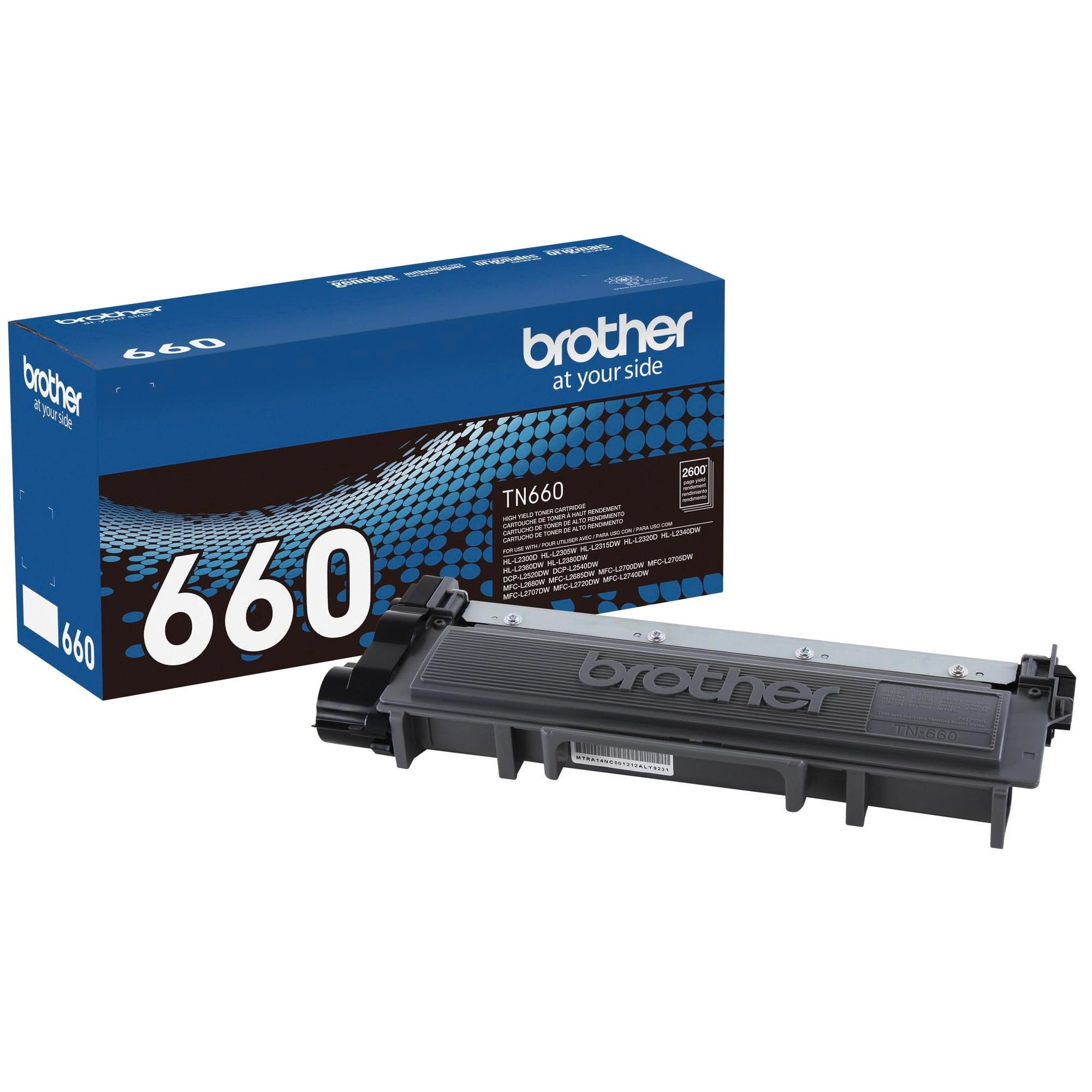
Brother Printer ADS2700W - Wi-Fi
Best offer
AED
2 62500
AED
2 87300
-8%
Key Features
- Scanner type: Document
- Weight: 2630.83575g
- Minimum system requirements: Windows 7
Specifications
Weight & dimensions
Weight
2630.84 g
System requirements
Minimum system requirements
Windows 7
Scanning
Scanner type
Document
Product Details
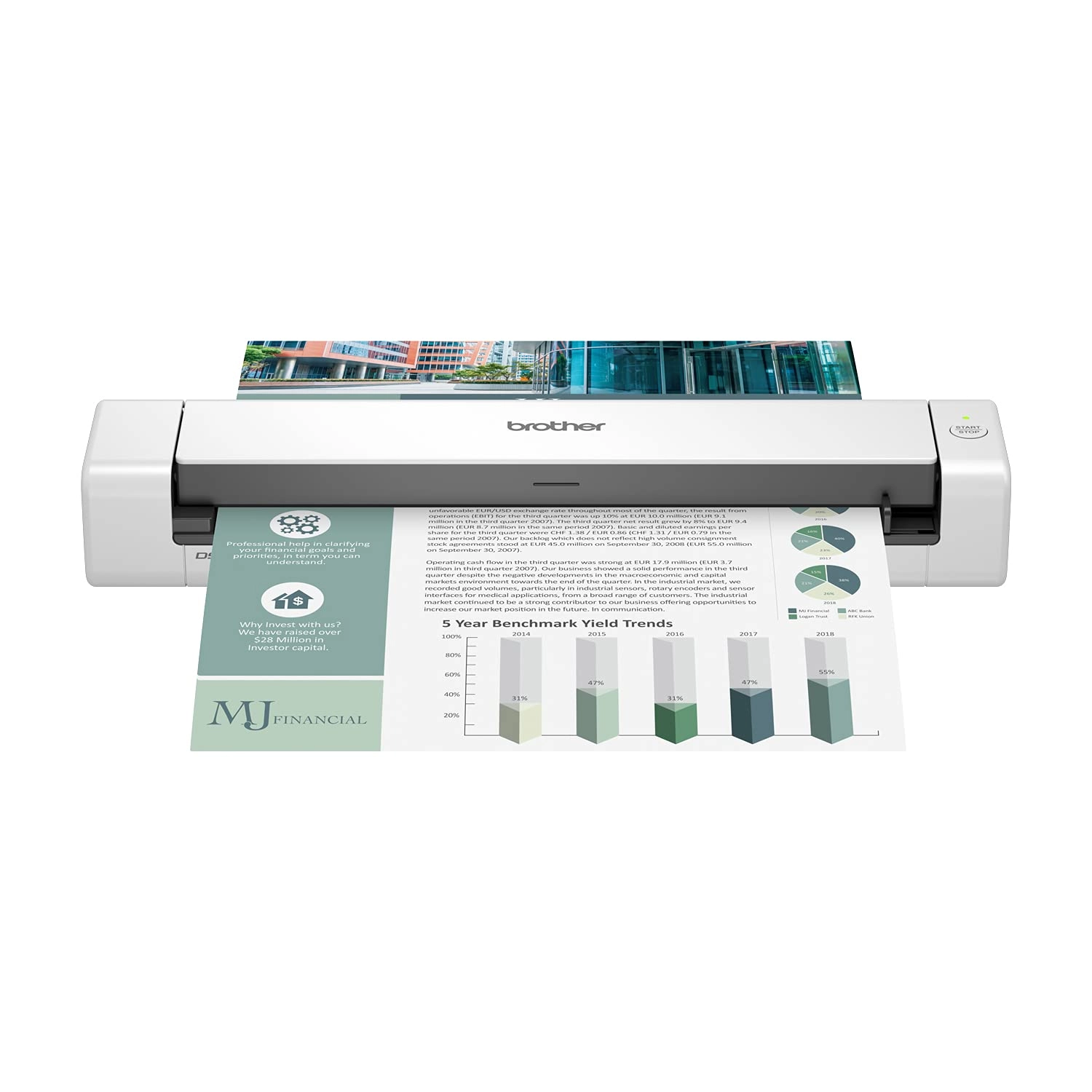
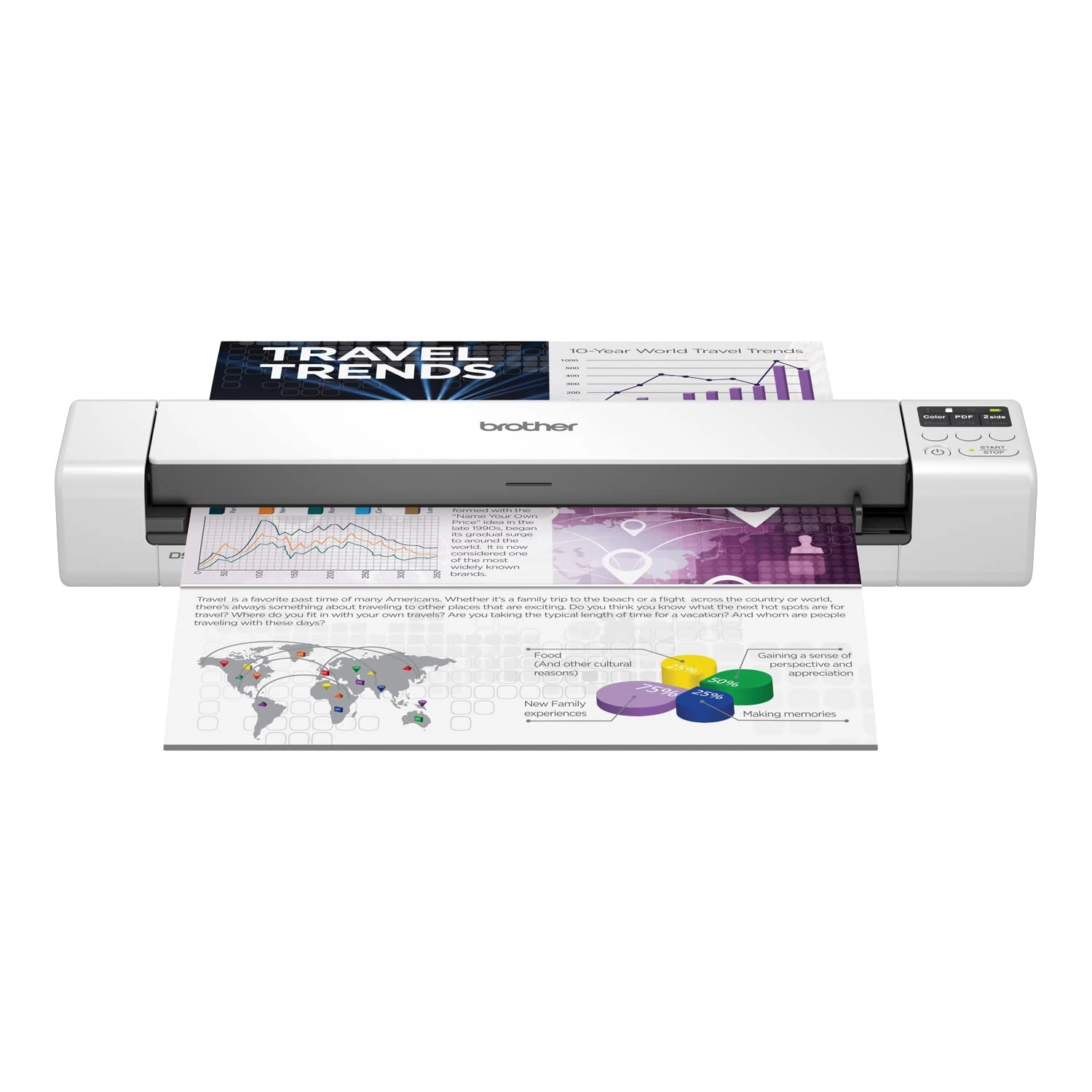
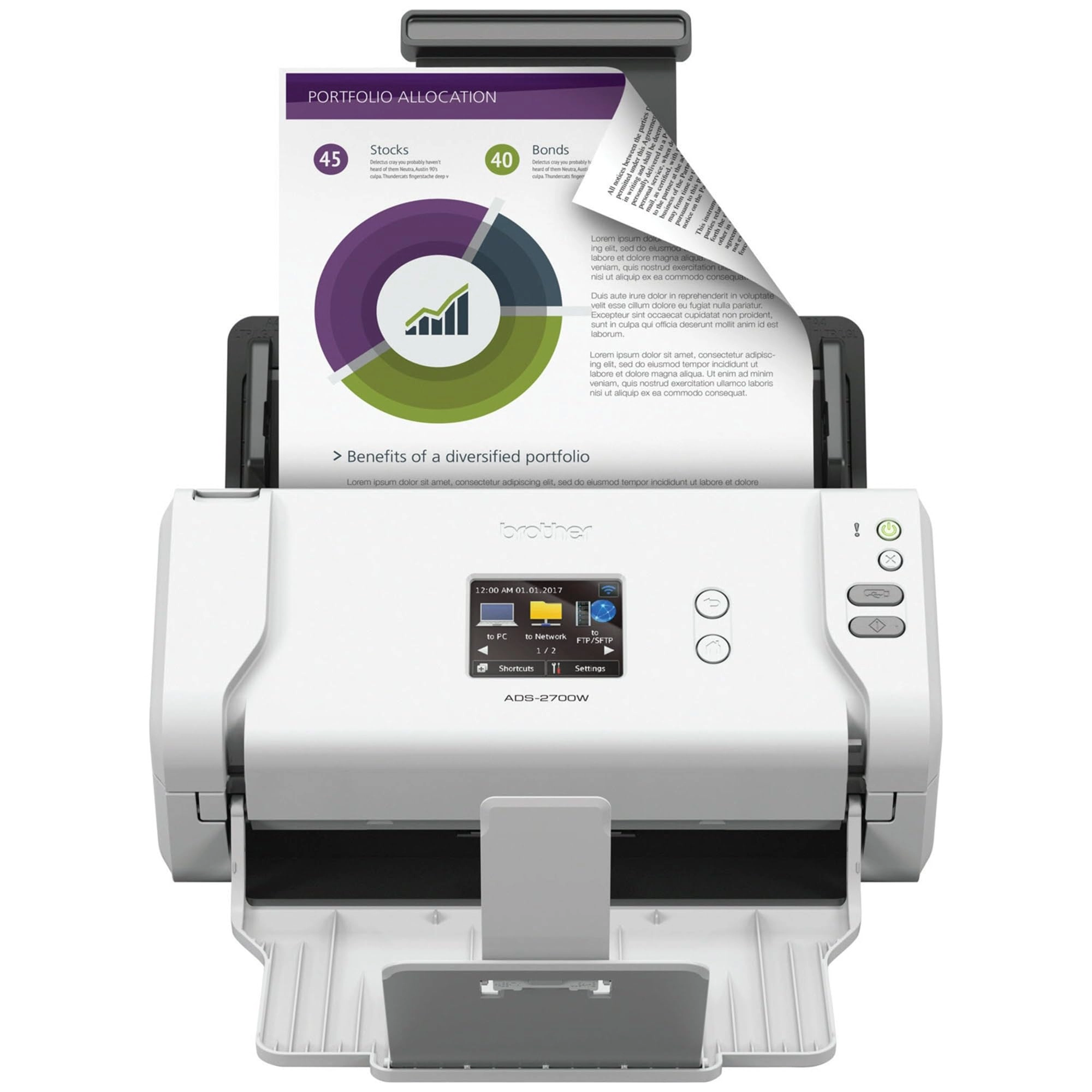
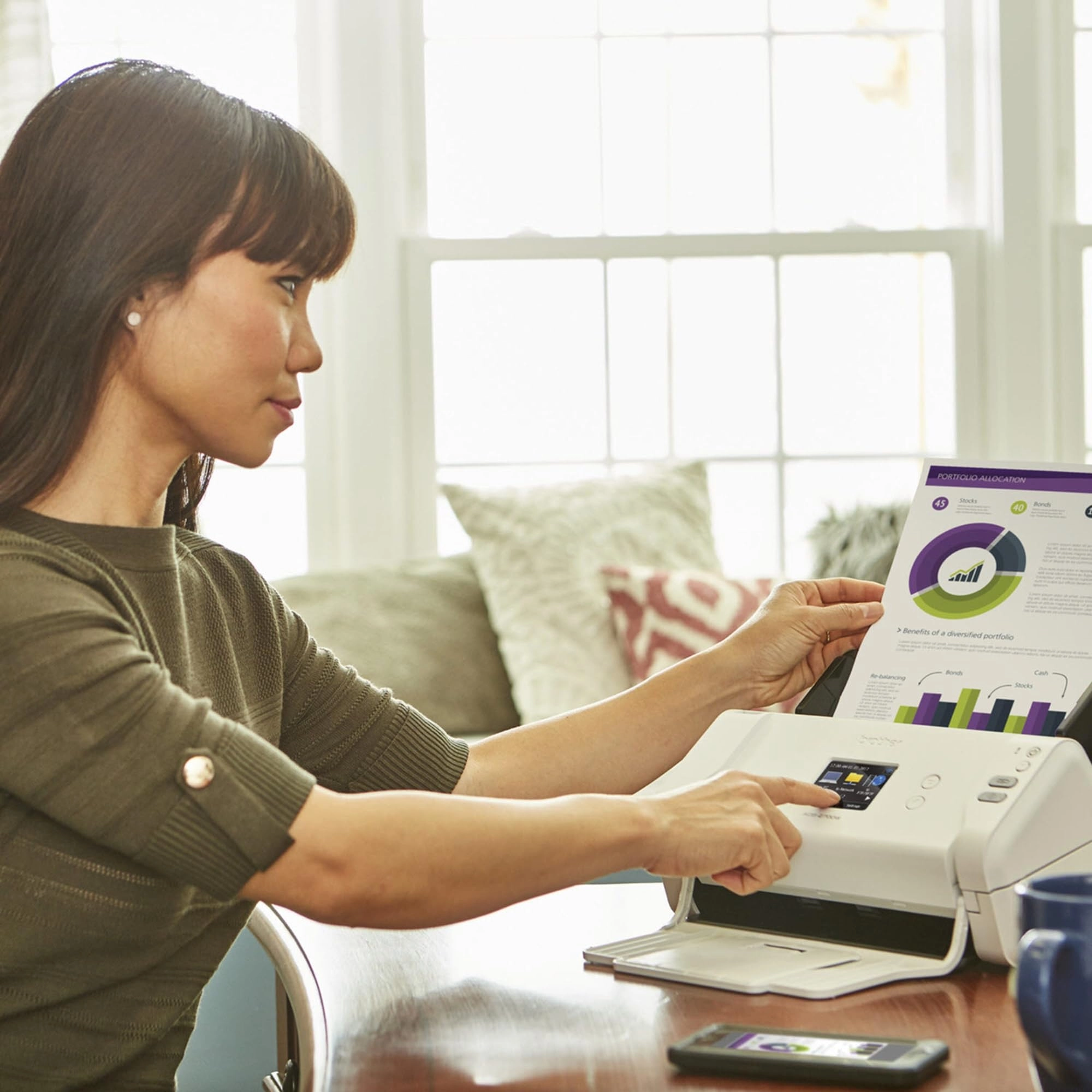
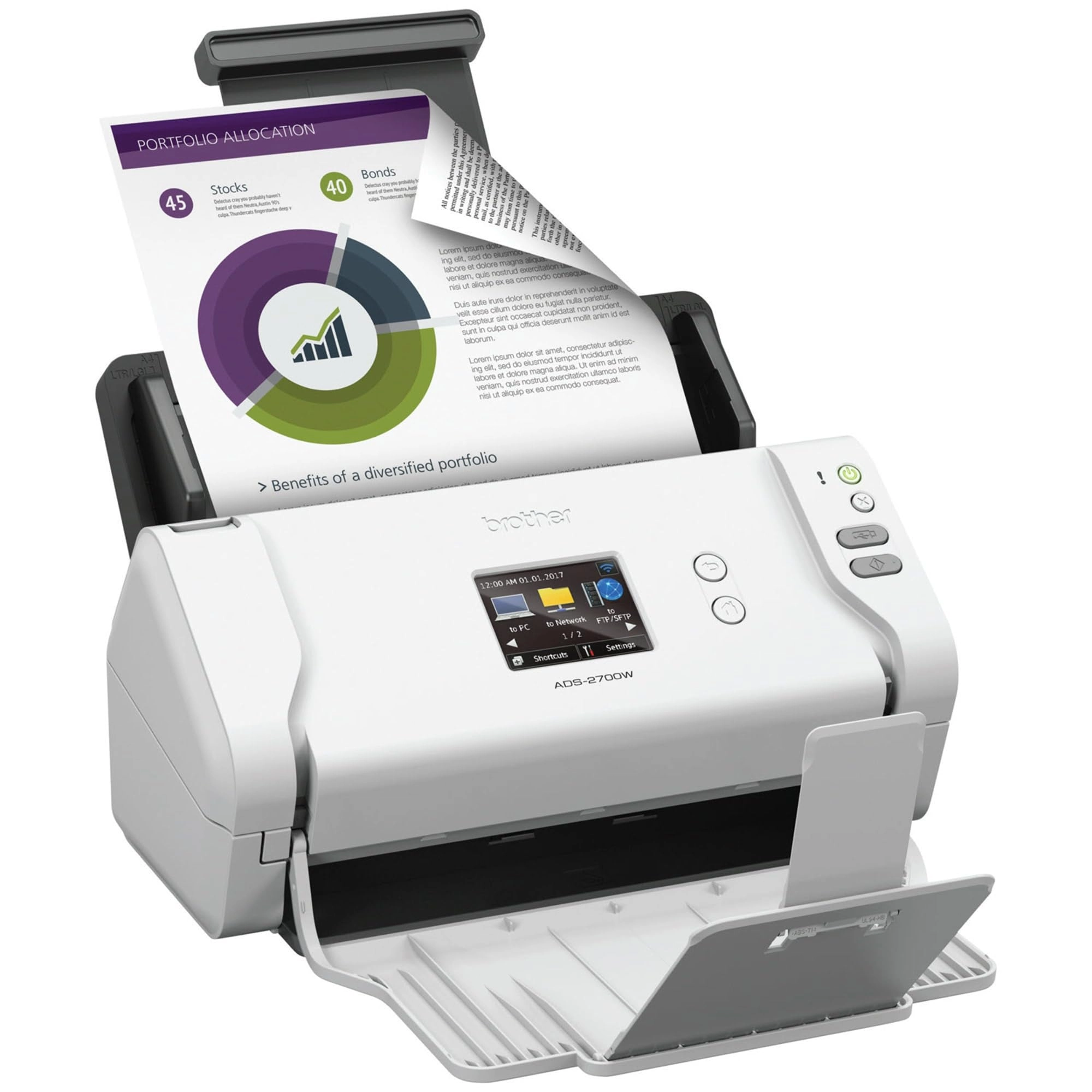
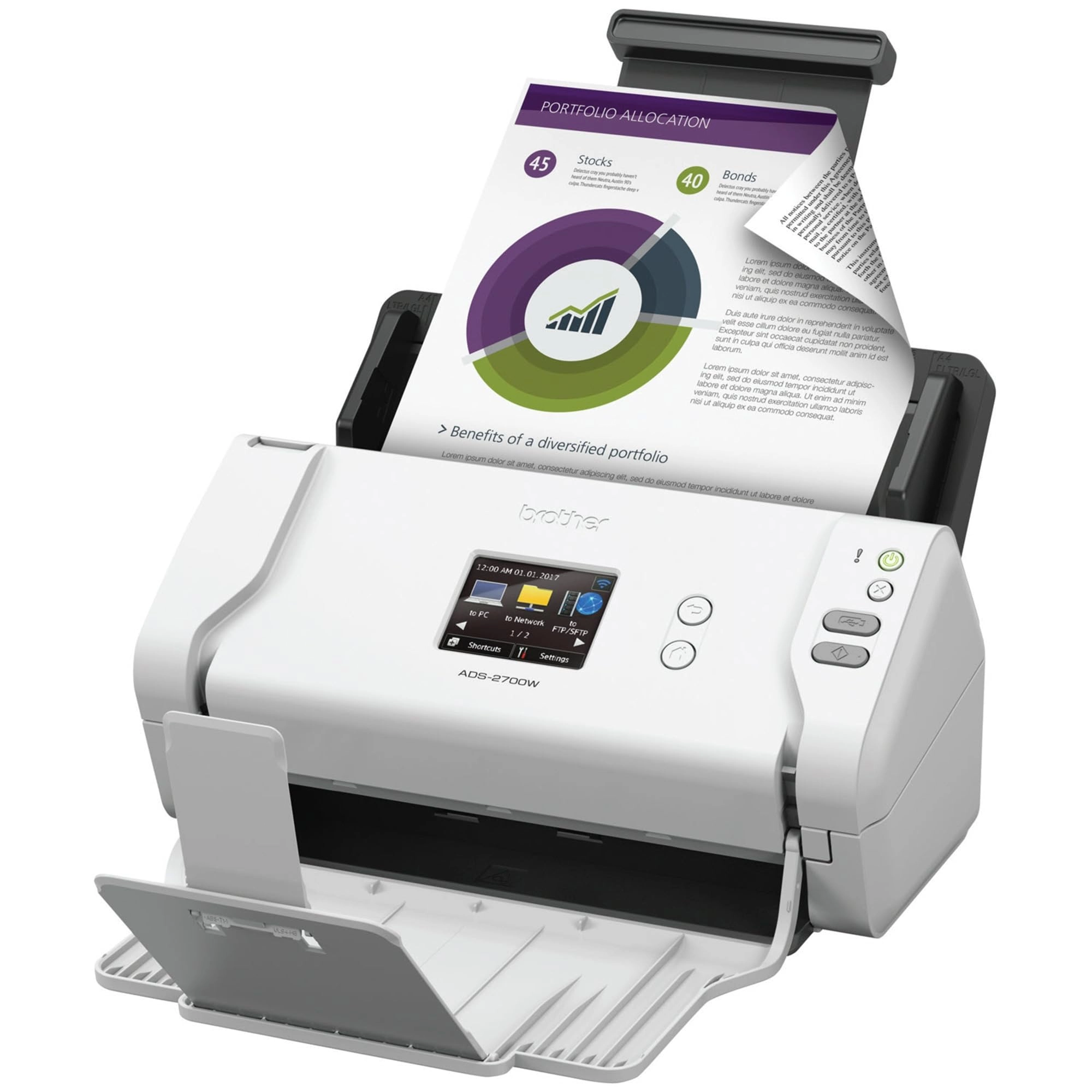
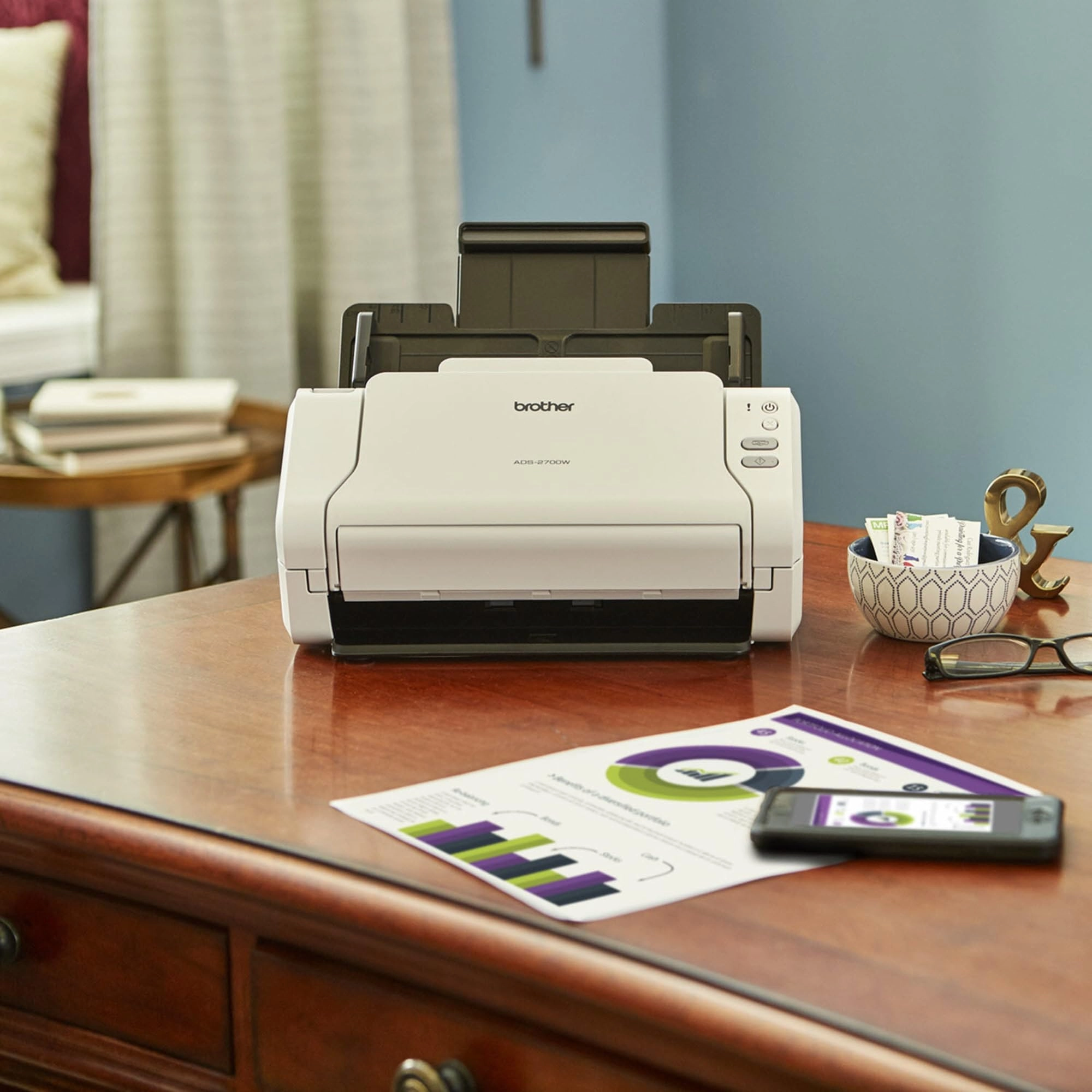
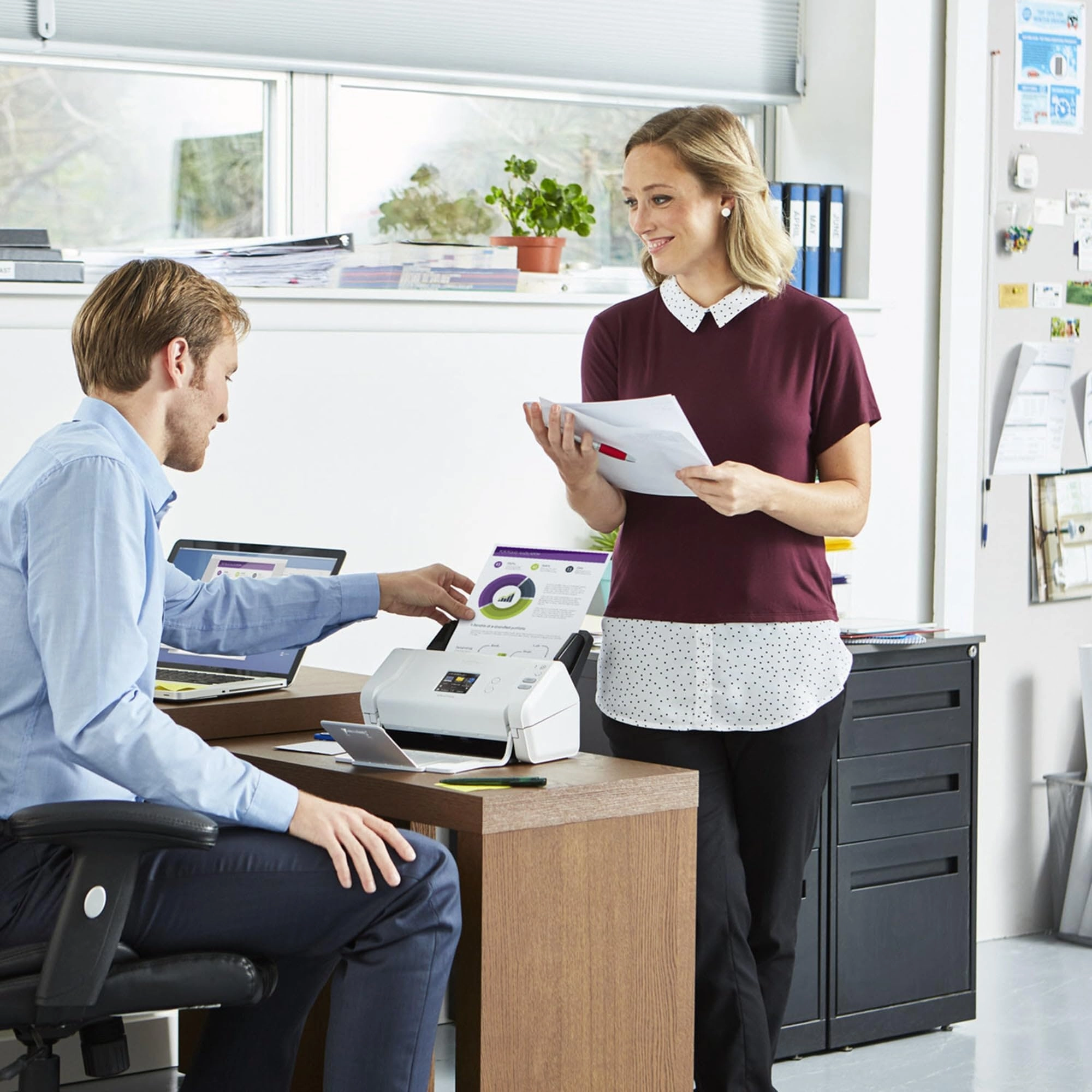
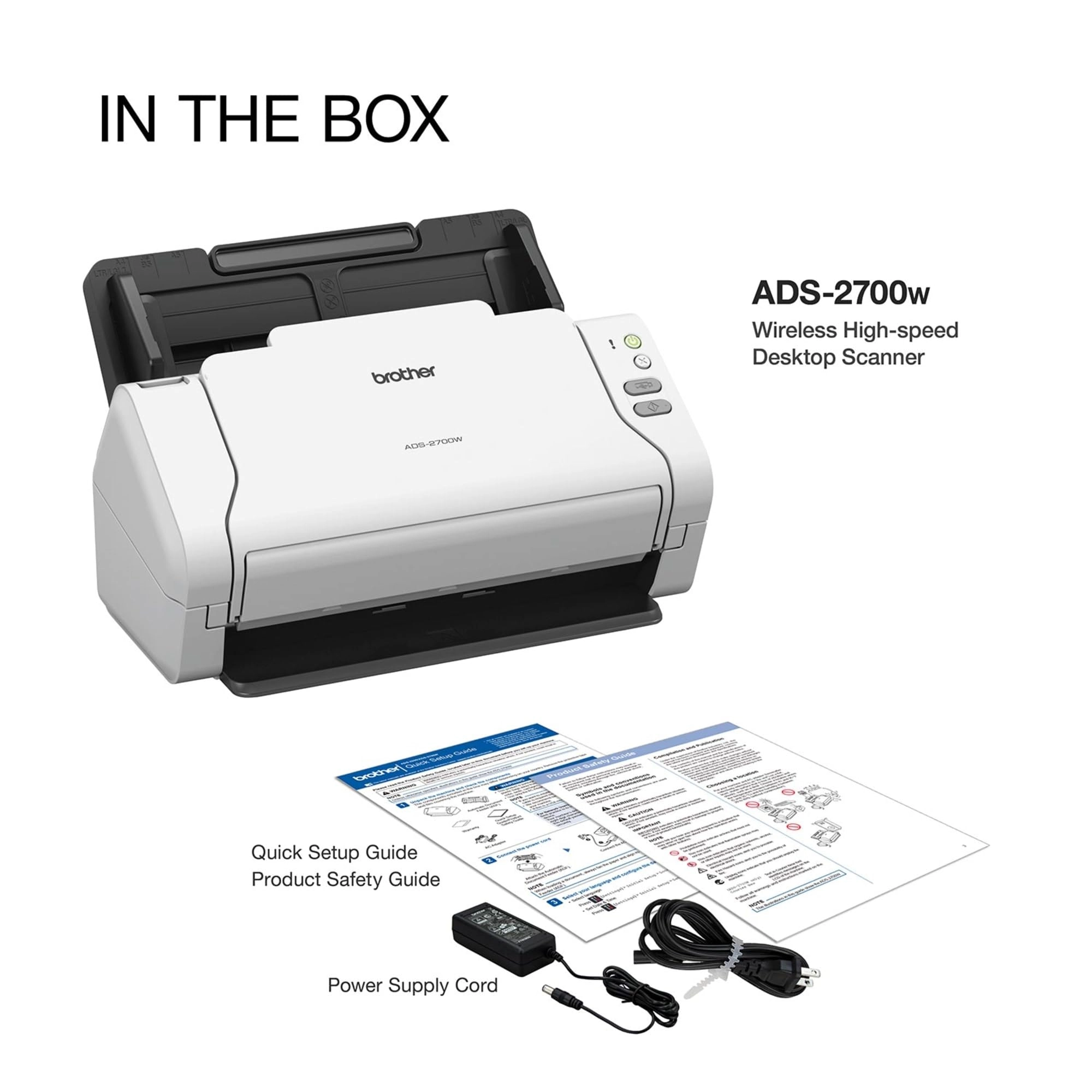
The Brother ADS-2700W wireless, high-speed duplex desktop color
scanner is ideal for small workgroups, sole practitioners, or
home office professionals with simple workflow applications that
need fast, reliable scanning. This high-speed desktop document
scanner is a plug-and-play solution allowing you to scan and
retrieve files without installing software. It offers single-pass
duplex scanning of black & white and color documents at speeds up
to 35 pages per minute(2). The ADS-2700W is lightweight and
compact, which saves desktop space, making it perfect for small
offices or home offices. The ADS-2700W offers versatile
connectivity options by featuring built-in wireless, fast
Ethernet, and the option to connect locally to a single computer
via high-speed USB 2.0. A 2.8″ color touchscreen display offers
one-touch scanning to preset destinations, settings management,
and auto start scan, which lets you simply drop paper into the
feeder to automatically initiate scanning to a predefined
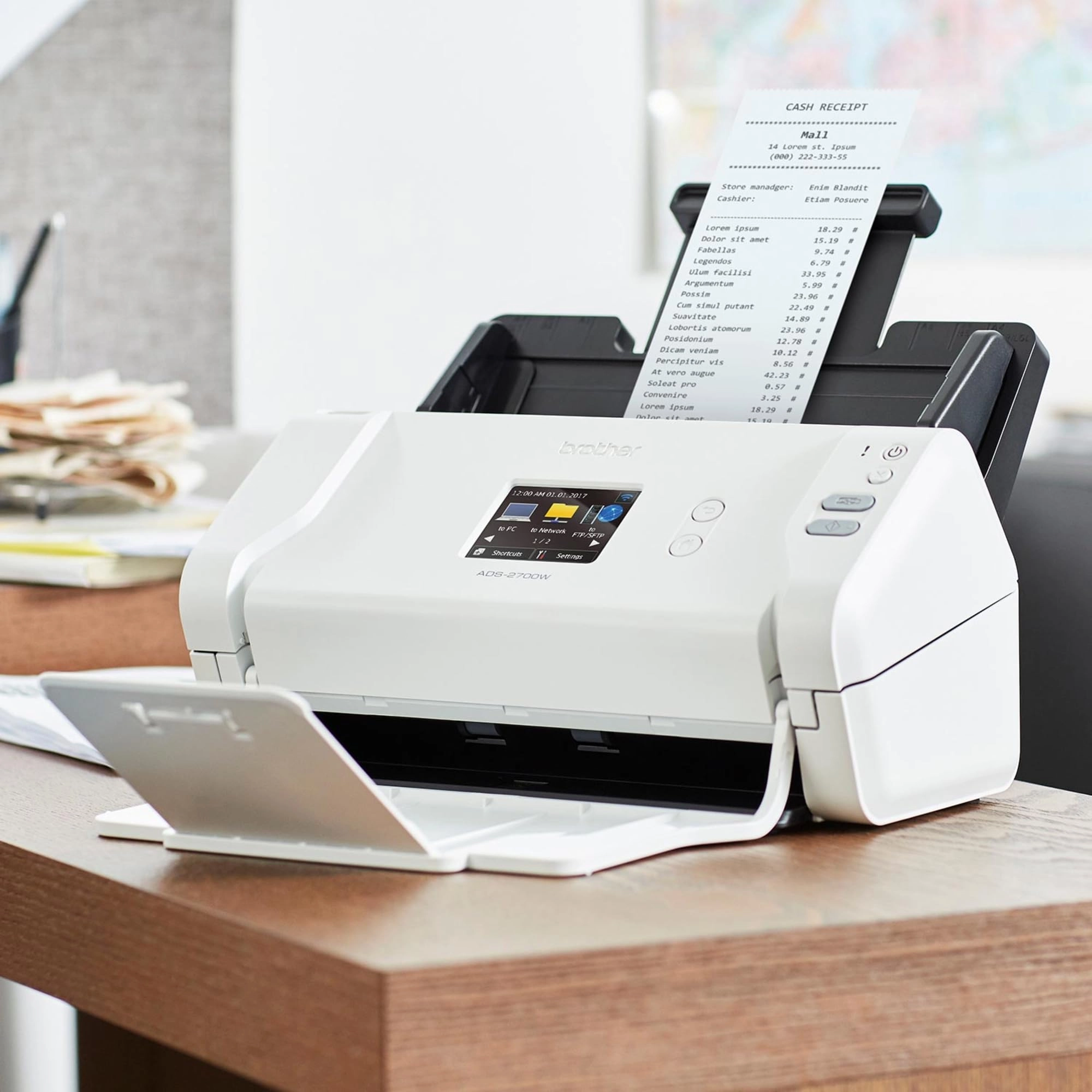
profile. A 50-sheet-capacity auto document feeder with additional
page-continuous scanning handles multiple media types and paper
sizes, such as legal, long paper, business and plastic ID cards,
receipts, and photos. The Brother ADS-2700W offers multiple
“scan-to” destinations, such as file, image, OCR, email, network,
FTP, mobile devices(3), USB flash memory drive(4), and more. An
image-optimization program allows users to enhance scans with
automatic color detection, image rotation, background removal,
text enhancement, color drop-out features, and more. (1)SANE
driver available for download from Brother Solutions Center.
Visit manufacturer’s website for details. (2)Color and
black/white scan speed, LTR at 300dpi. See manufacturer’s website
for details. (3)Requires connection to a wireless network. See
manufacturer’s website for details, availability, and mobile
device compatibility. (4)USB flash memory drive not included.
Review: Outstanding product, quality, and value - This is an
amazing product, and what I've become accustomed to from Brother.
The machine is a workhorse - I bought this product 3+ years ago,
as part of digitizing my world. I had boxes and boxes of
documents, receipts, and photos to scan. The scan time is fast,
scans both sides, great resolution, directly into PDF format or
JPG for photos, as one continuous file or a separate file for
each page being scanned, into your chosen folder location on your
PC or on to a thumbdrive. Save profiles for diff doc settings
(output format, resolution, Substantial duty cycle - I was
scanning 2-3,000+ pages per day consistently without issue or
jamming. Connects to wireless network easily. Machine is small
and compact, which makes it convenient to access on the corner of
my desk. My only issue is the LCD display options - could be
better designed to make setting up and accessing profiles easier
- but even on just this feature, I rate it 4 out of 5 stars.
Finally, the price makes it an incredible value. Given the volume
of scanning that I was doing, I fully anticipated that I would
need to replace this in the first year... but it is still going
strong. While my volume of scanning today is down to modest level
of activity, the fact that it is so convenient means I scan
everything the moment I touch it - no more paper stacks.
Review: A very well designed device - Use case: Scanning
handwritten letters (~1 page at a time), handwritten homework
assignments (up to 40+ pages at a time), and old documents (~5
pages at a time). Features I use: WiFi, Scanning from the
computer, OCR, PDF High Compression Features I do not use: TWAIN,
mobile scanning, wired ethernet connection Setup: Setup is easy
and painless. Unit has few buttons, which I love. Menu navigation
is intuitive and uncluttered. WiFi connection worked on the first
try. Two thumbs up! Scanning on the computer: Usually with my
printers and scanners I go to the manufacturer's site and only
download the drivers. I do not download utilities or software
packages because they tend to be bloat (Ahem, Canon and HP). But
after installing Brother's drivers and initiating
scan-to-computer via the scanner touchscreen, I realized that
options like pdf file size/compression, OCR, and TWAIN were
missing. Files sizes also came out quite large - too large. I was
thinking of returning the unit, but decided to give Brother
support a chance because the unit was just so well made and so
nice to use. In less than 2 business days, Brother sent me a
response explaining that the features I couldn't find (pdf file
size/compression, OCR, and TWAIN) were actually in the Brother
iPrint&Scan software utility. I downloaded the utility from the
Mac App Store, connected my scanner, and still didn't find any of
the features in scan options! So I ran a scan anyway and found
out that the options are all available AFTER you scan. PDF file
output size/compression, OCR, and TWAIN were all there! I tried
OCR and the various file size outputs at 300 DPI and they worked
as expected. Well, that is aside from the High Compression
option, which sometimes caused parts of the image to be in focus
and others to be blurry. I'll be contacting Brother about that
for a future software fix. About 2 weeks after initial setup the
scanner would take an additional 10-15 seconds or so after cold
boot up to be detected by my computer, but it never failed to
connect. It's usually about 10 seconds, but sometimes it's a
little faster and other times it's a little slower. The software
saves the files a bit slow. It can take up to a minute to save
files. That may be because I am running a dual-core processor
Mac, which takes longer to process the file compression and OCR
in the background. Your mileage my vary. Again, I'm not a
business user, so I can wait. Conclusion: If you are a casual
user who has outgrown your existing flatbed printer scanner or is
looking to upgrade from an old one, the 2700W is an excellent
choice. In the month that I've had it I've already scanned more
than 200 pages and it's never let me down, lost connection, or
failed to scan properly. Brother customer support is also
excellent and timely. The unit is also well-built and the plastic
and finish on the plastic is of a very nice quality. I highly
recommend it.
Reviews
Loading...
Loading...
Loading...
Loading...
Loading...
Loading...
Loading...
Loading...
Loading...
Loading...
Loading...
Loading...
Loading...
Loading...
Loading...
Loading...
Loading...
Loading...
Loading...
Loading...
Loading...
Loading...
Loading...
Loading...
Loading...
Loading...
Loading...
Loading...
Loading...
Loading...
Loading...
Loading...
Loading...
Loading...
Loading...
Loading...
Loading...
Loading...
Loading...
Loading...
Loading...
Loading...
Loading...
Loading...
Loading...
Loading...
Loading...
Loading...
Loading...
Loading...
Loading...
Loading...
Loading...
Loading...
Loading...
Loading...
Loading...
Loading...
Loading...
Loading...
Loading...
Loading...
Loading...
Join our newsletter
Be the first to know about new arrivals, sales, and exclusive picks
Sign in to unlock newsletter access and stay in the loop