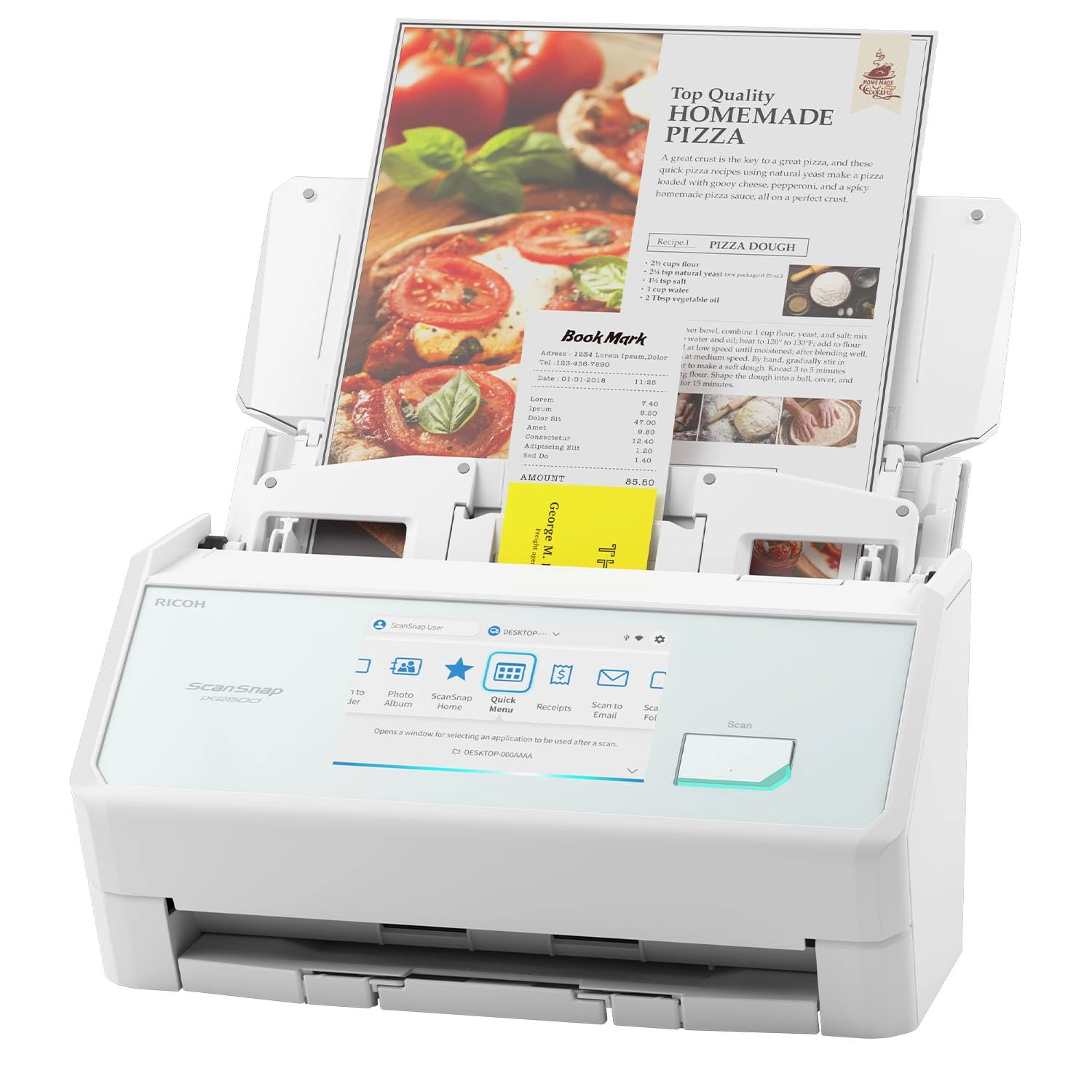
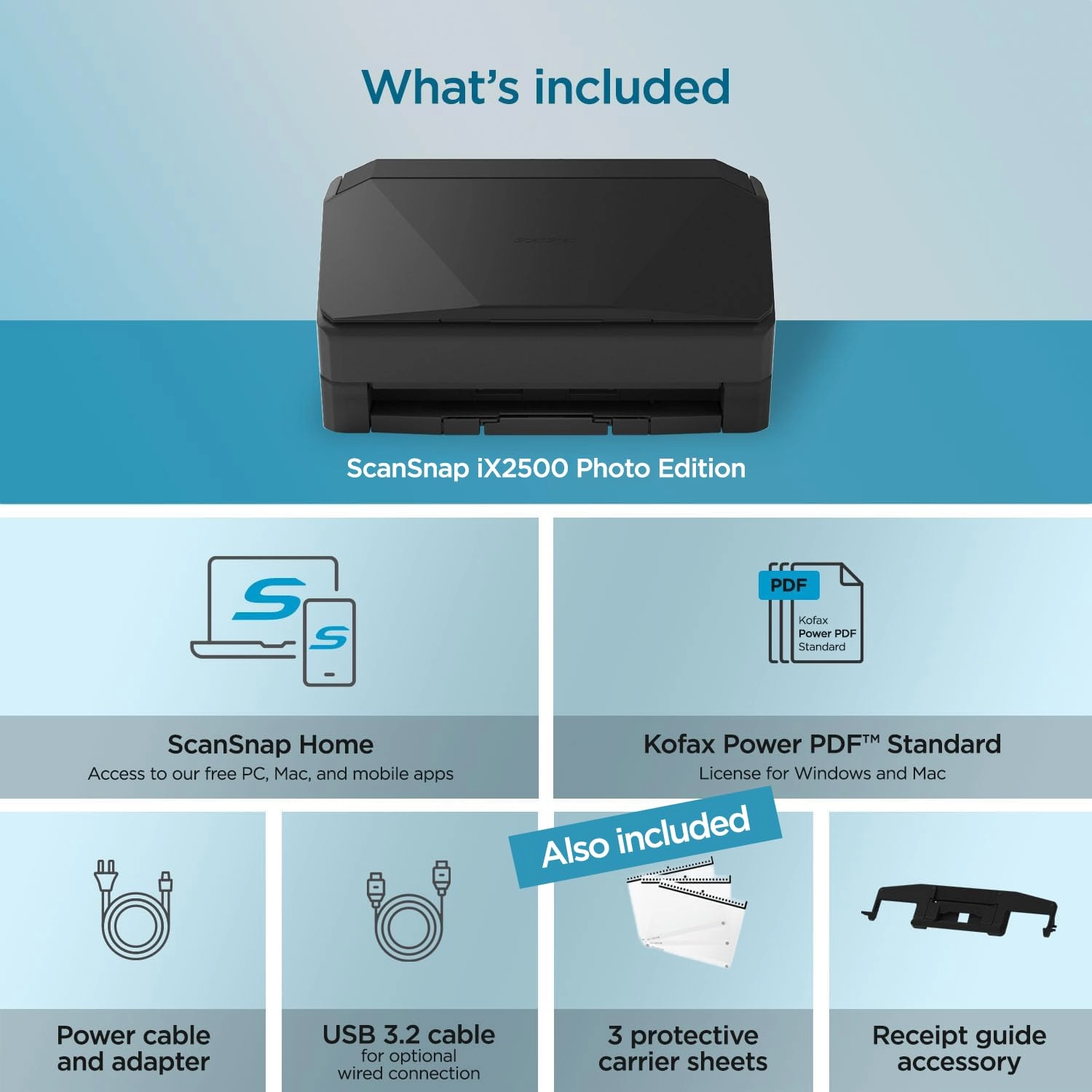
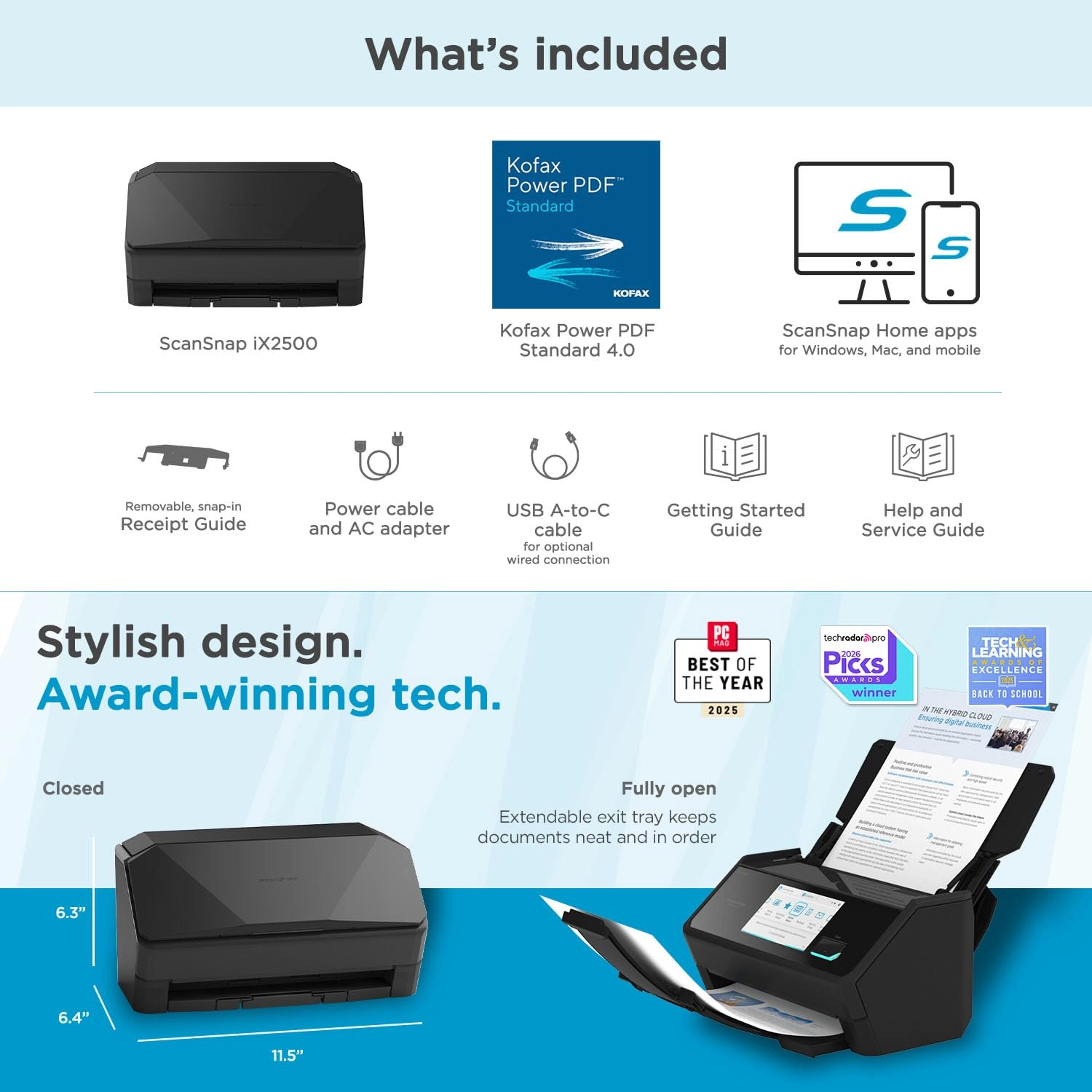
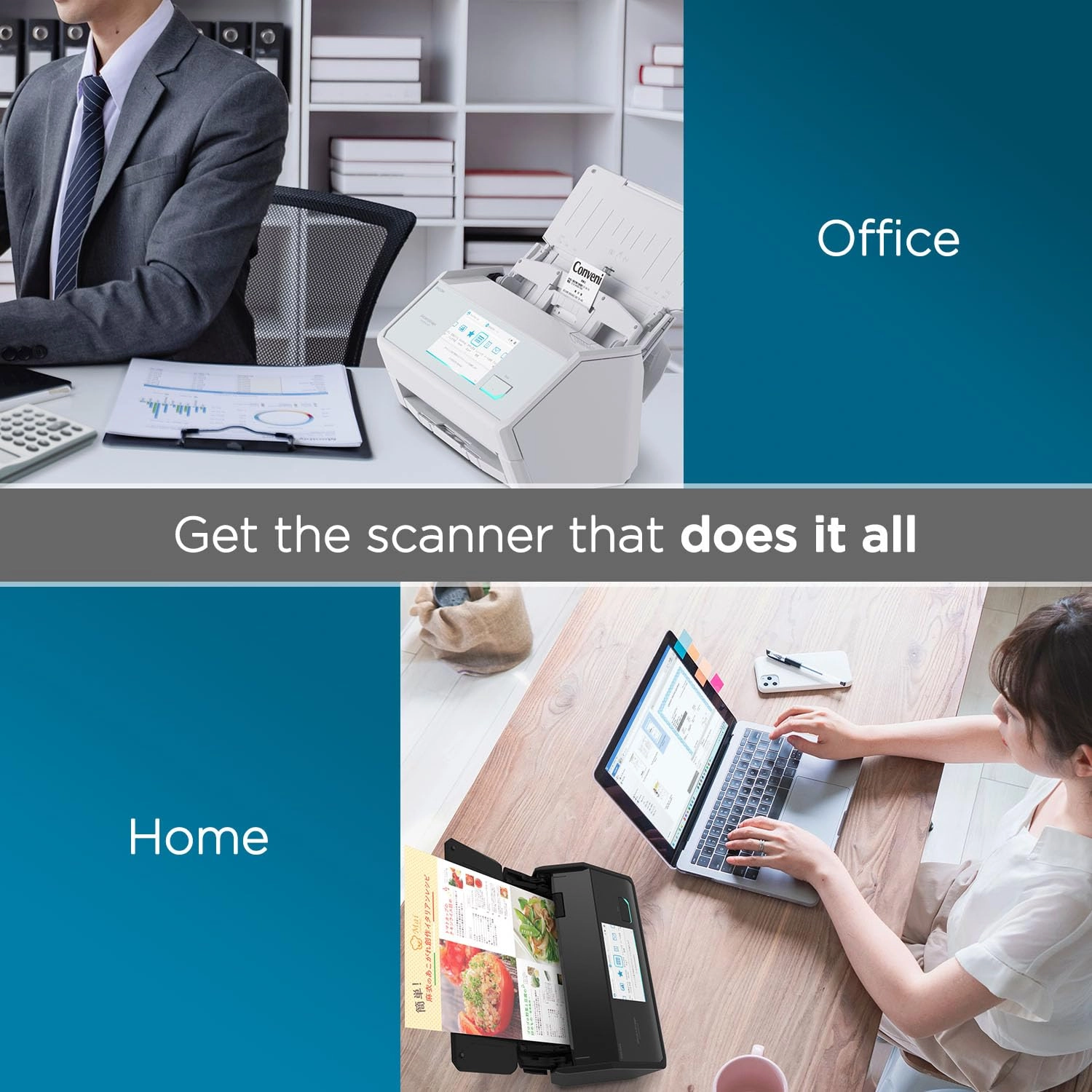
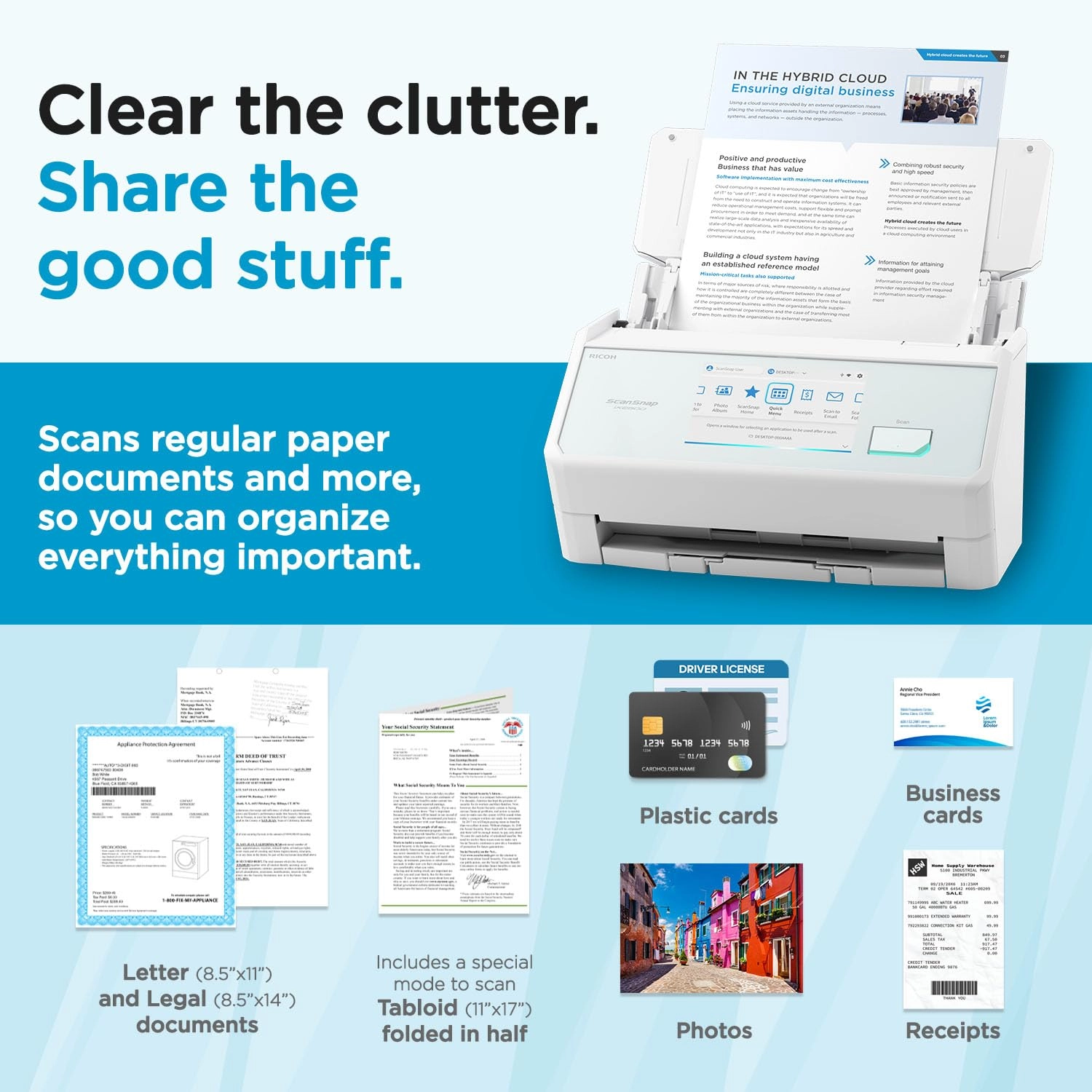
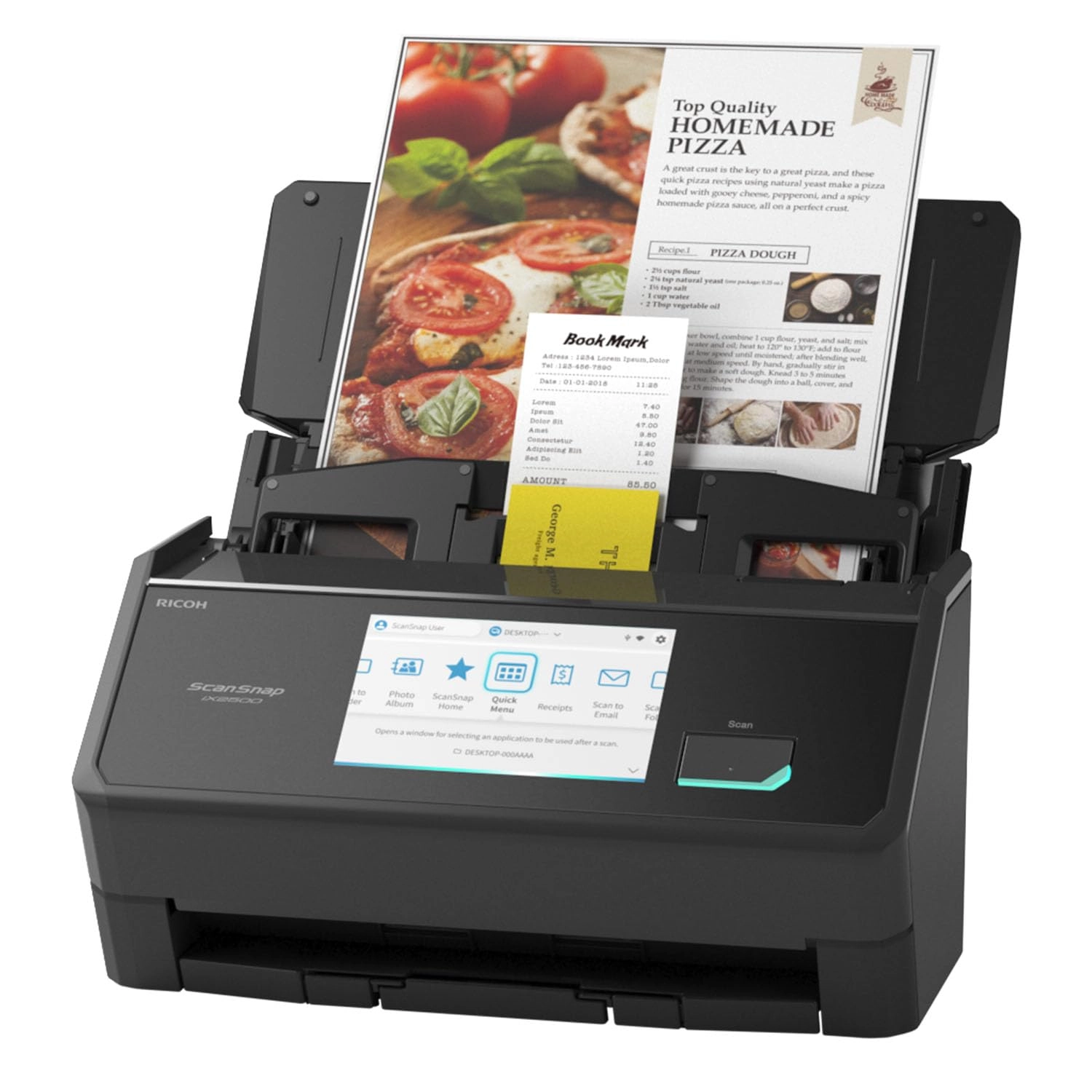
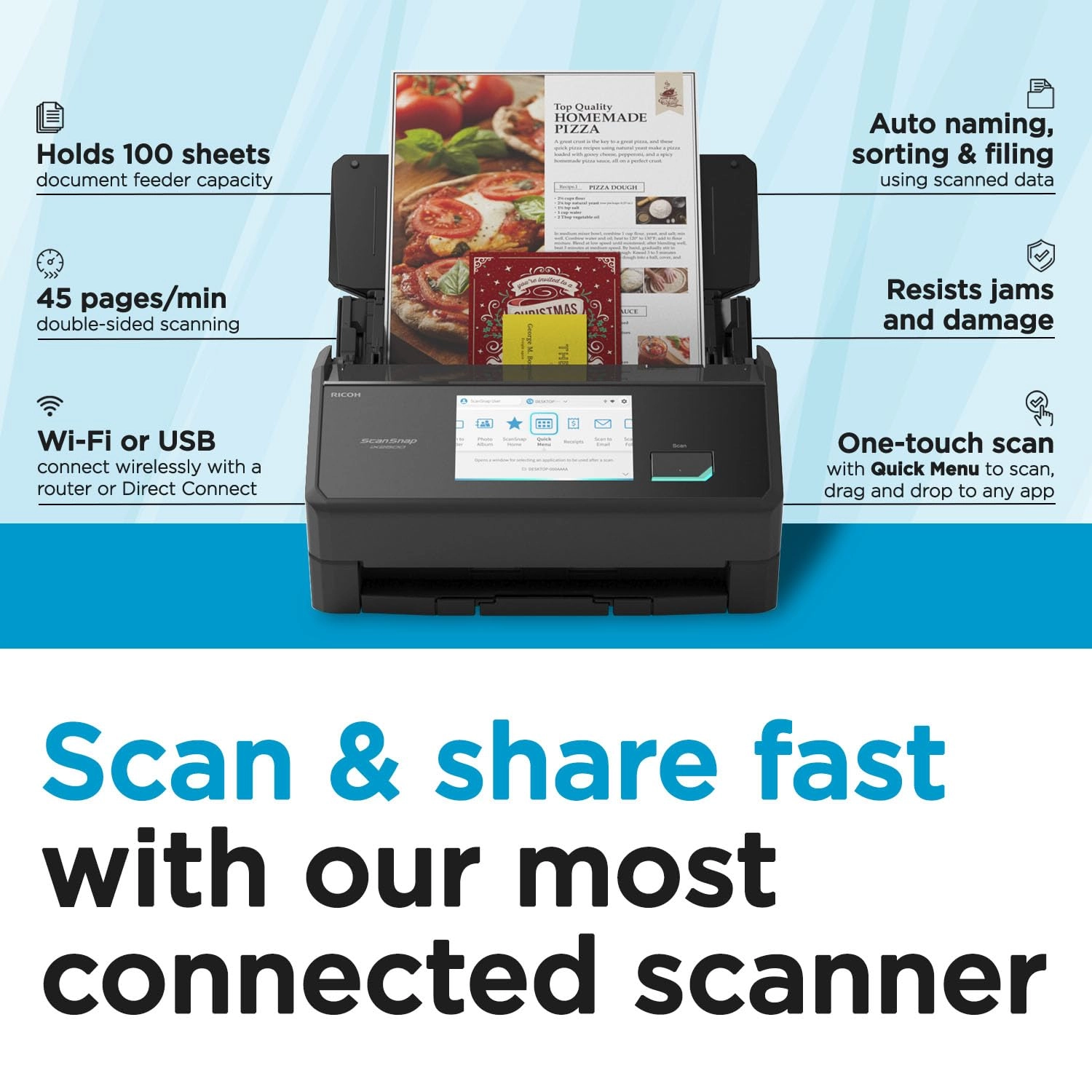
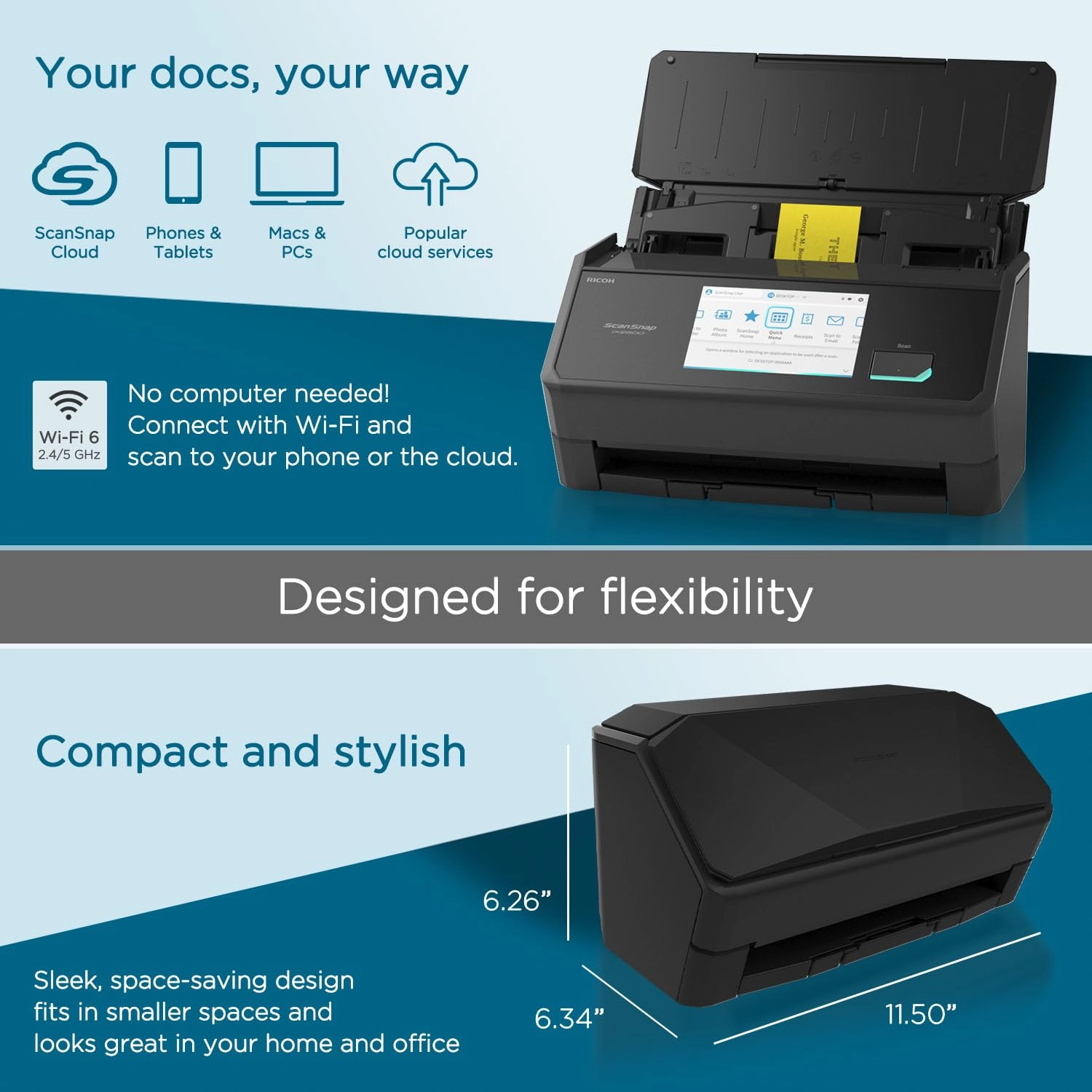
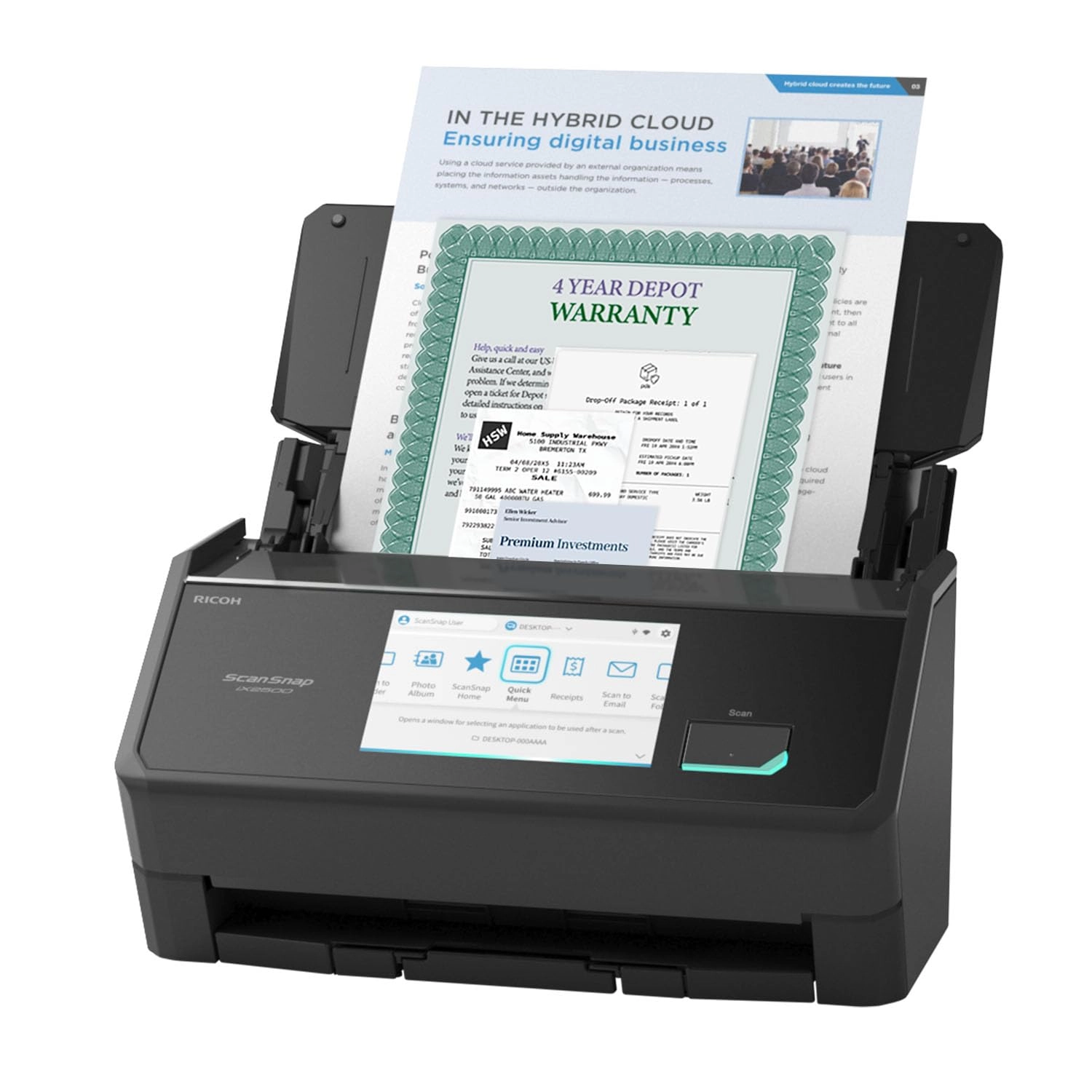
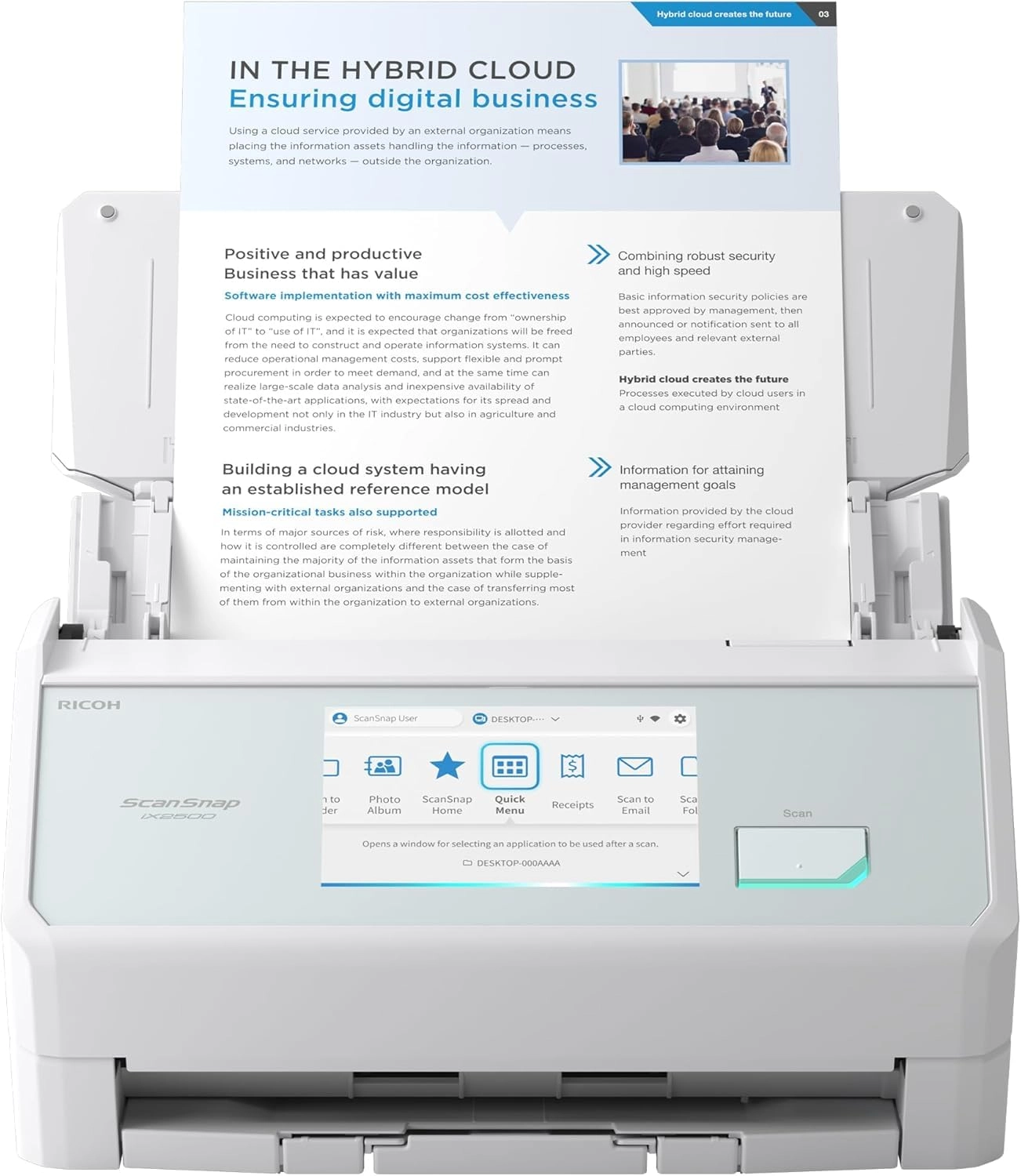
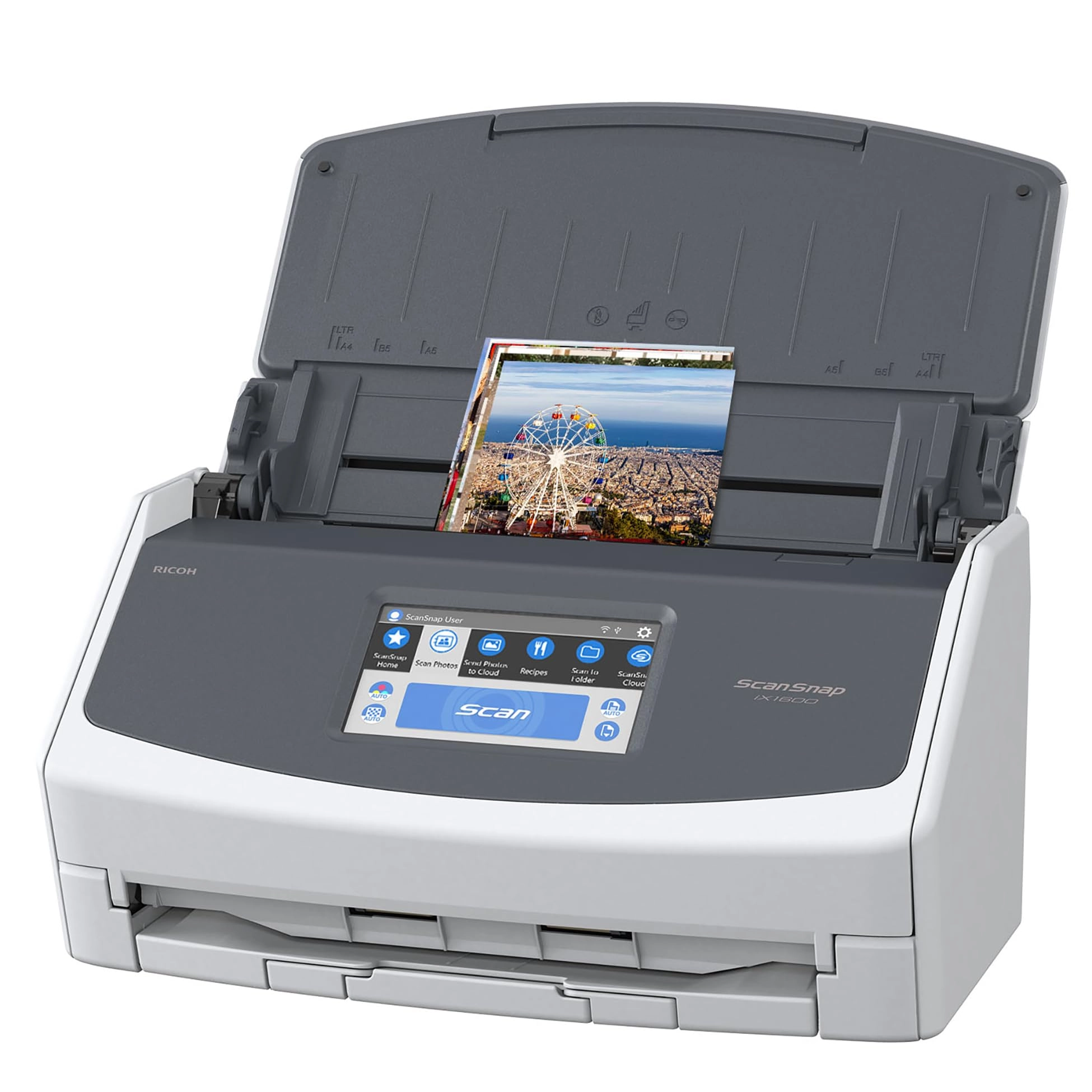
The ScanSnap iX2500 Premium stands out with its elegant faceted
design, available in both black and white to complement any
workspace. Built with quality materials and robust construction,
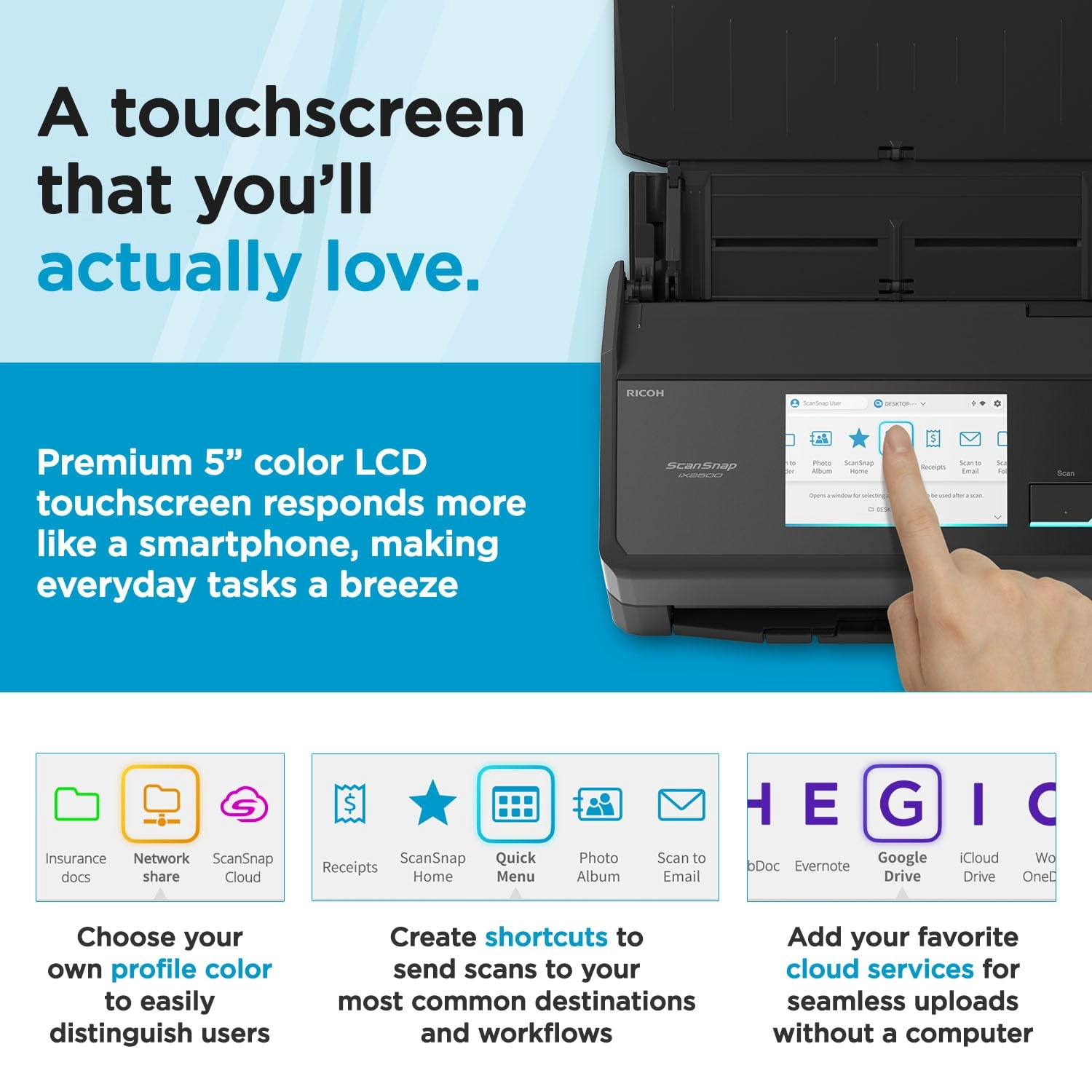
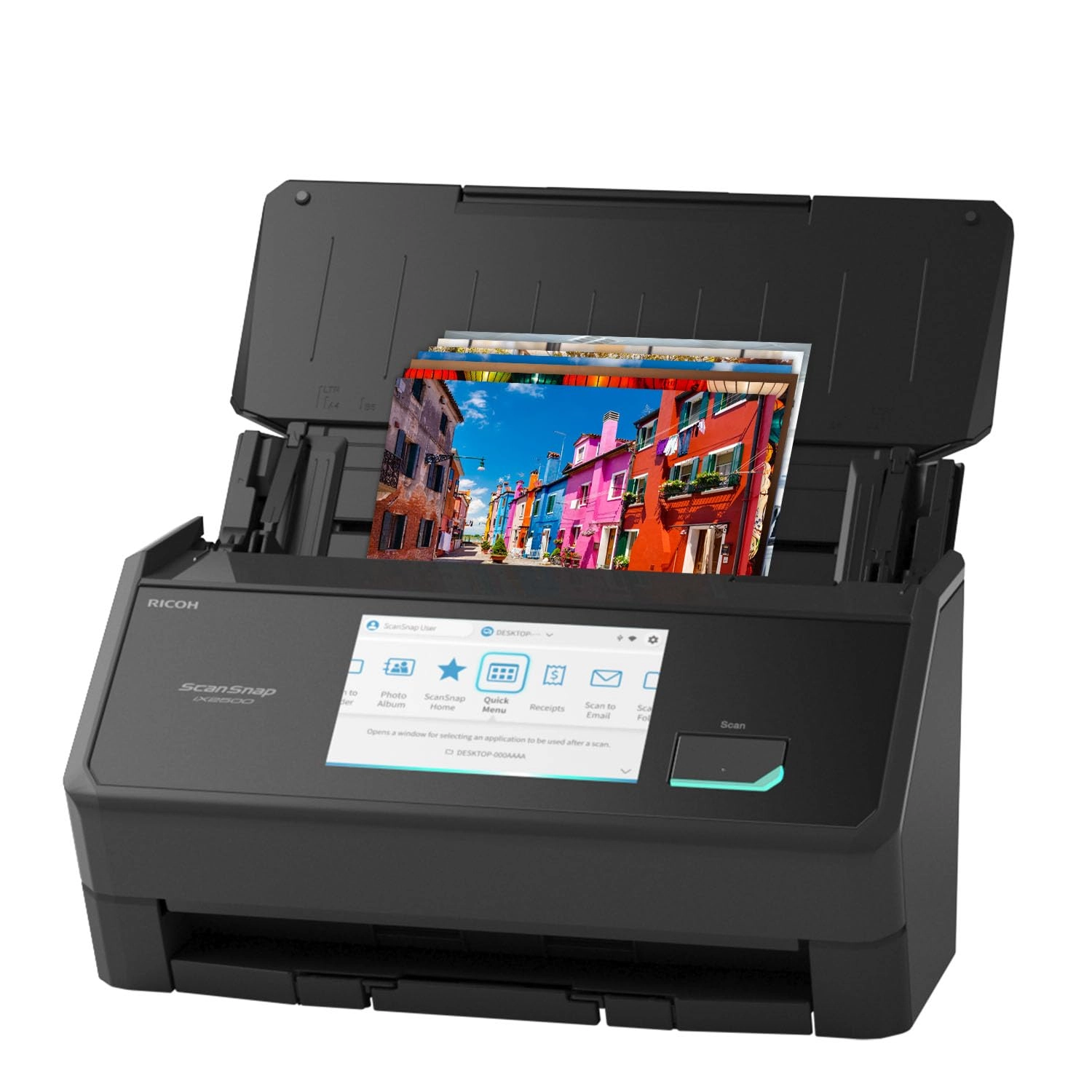
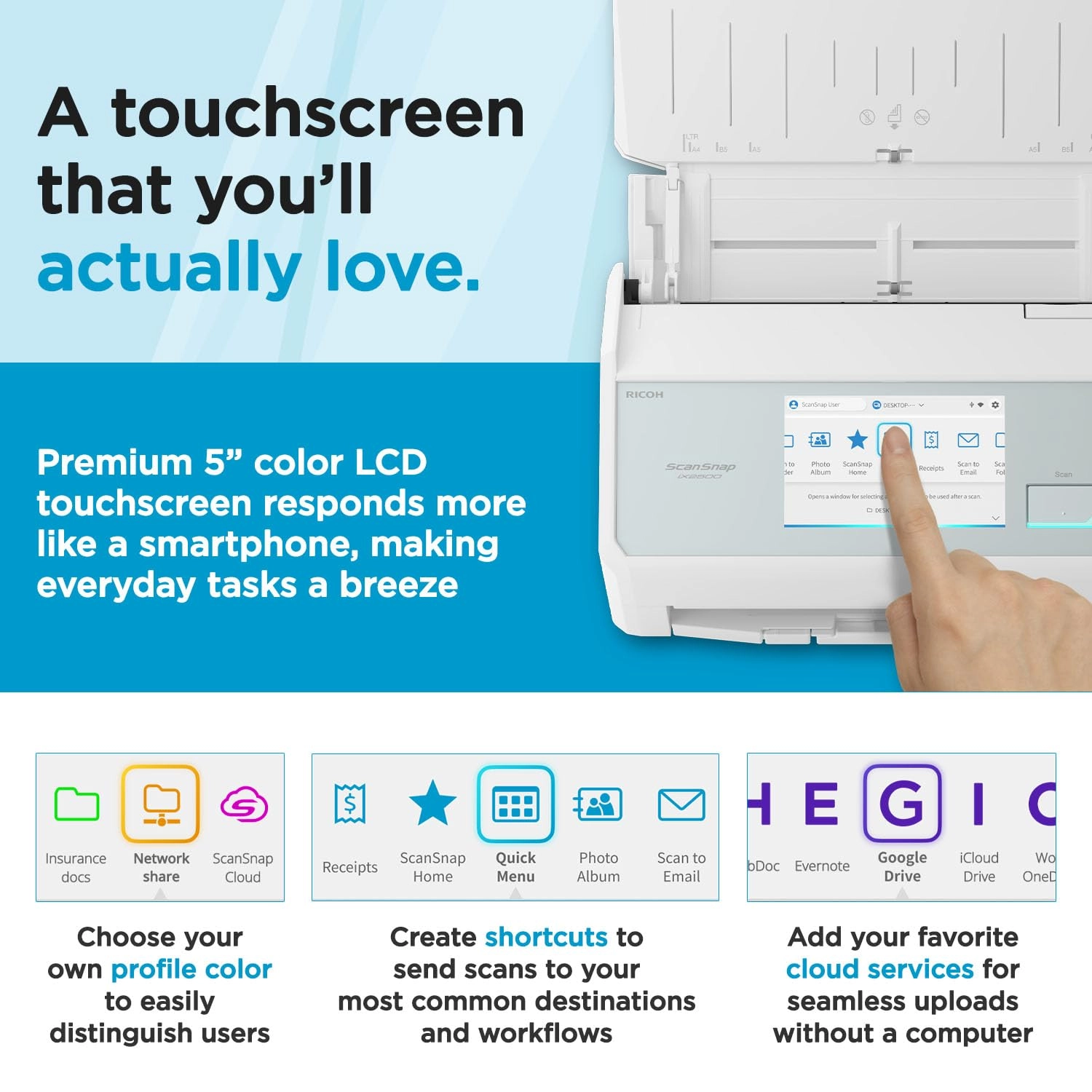
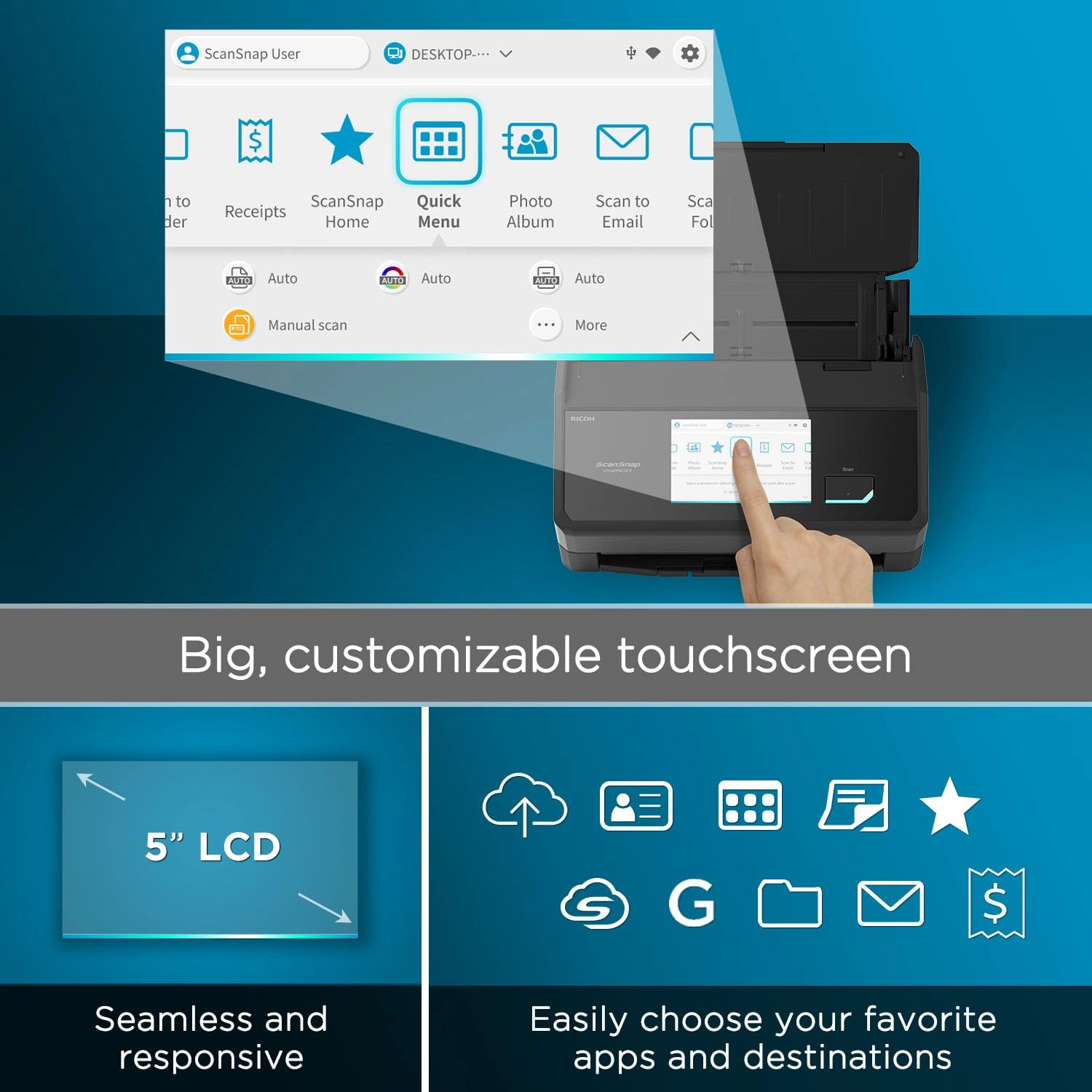
it features a large seamless touchscreen that responds like a
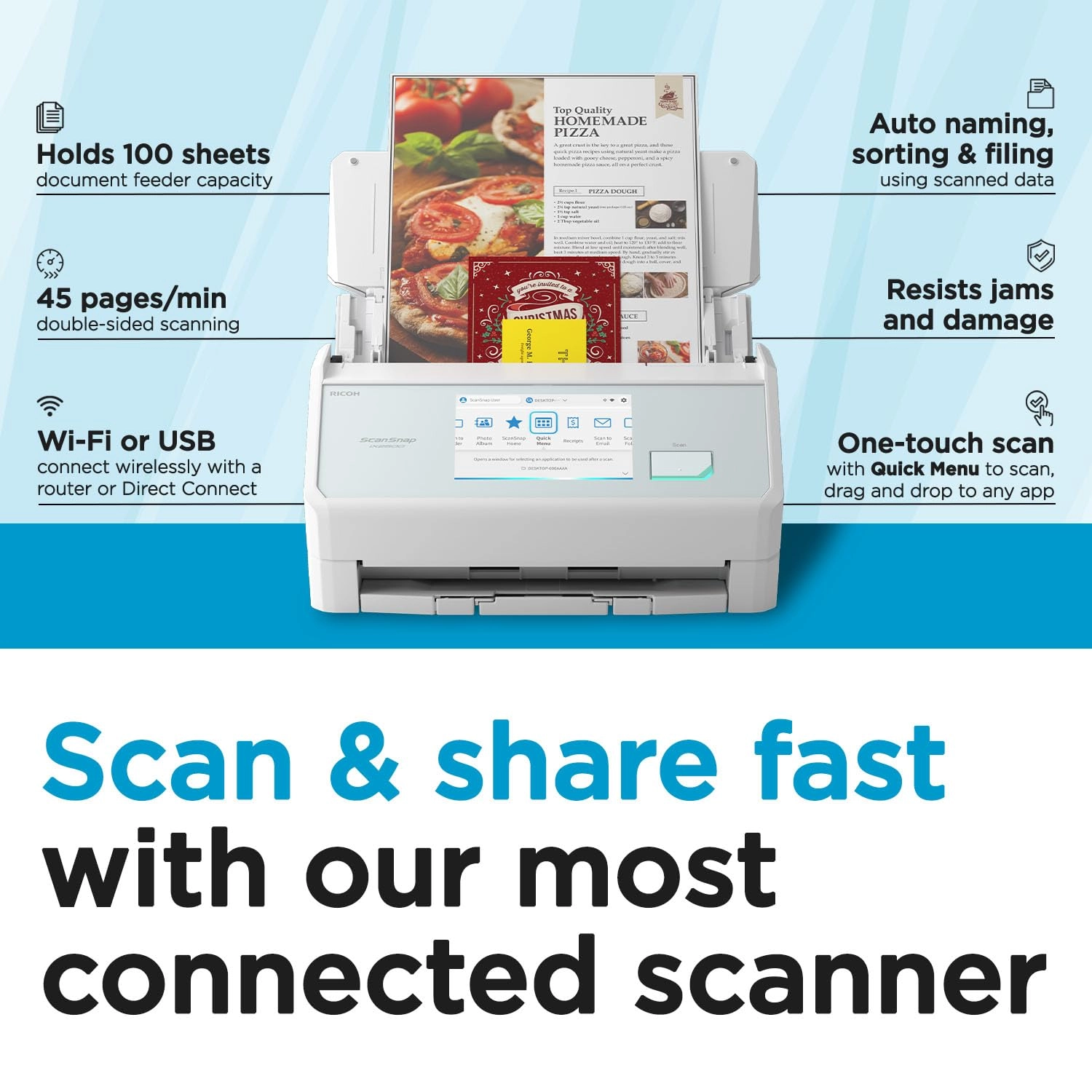
smartphone. The high-capacity document feeder can hold up to 100
sheets and it scans double-sided documents at an impressive 45
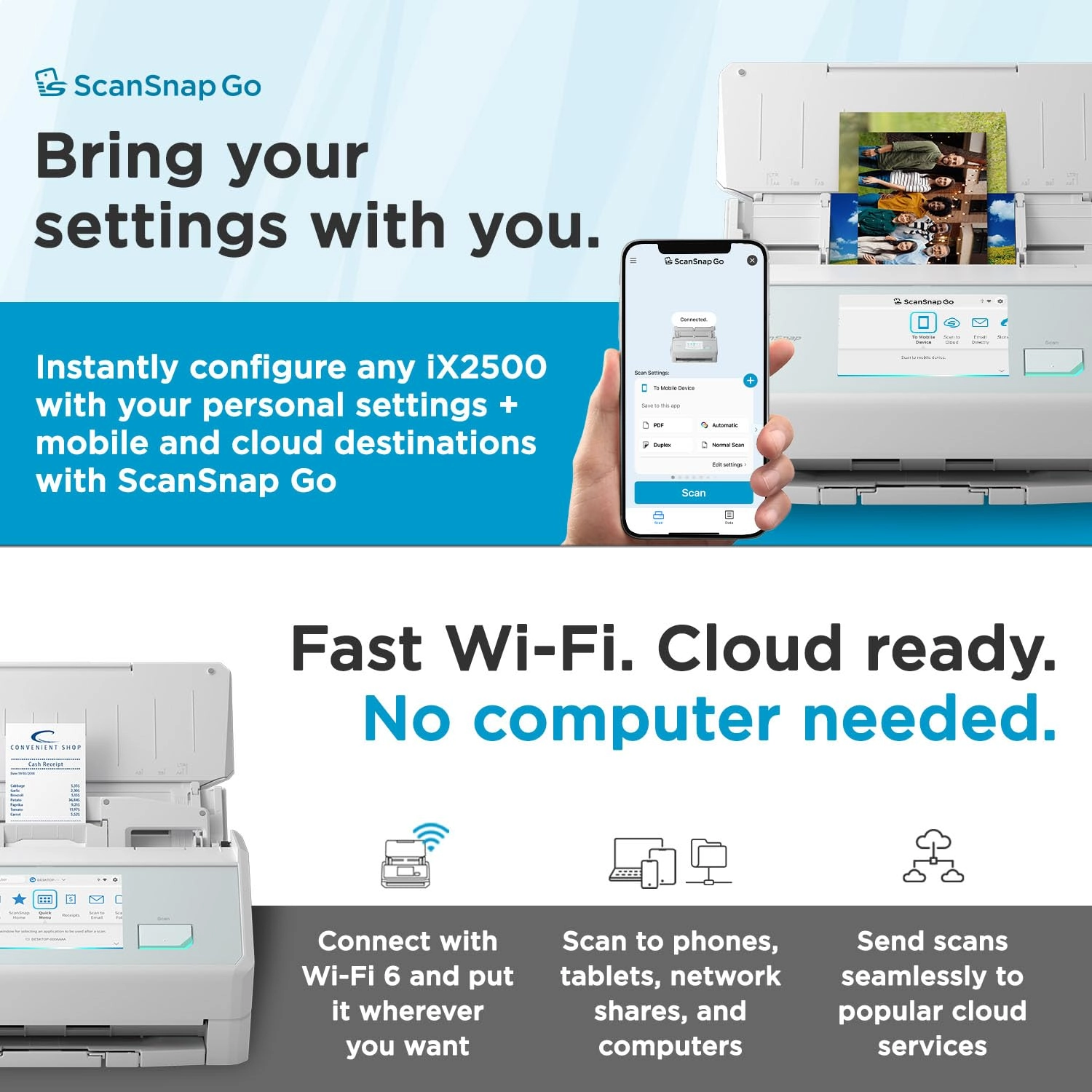
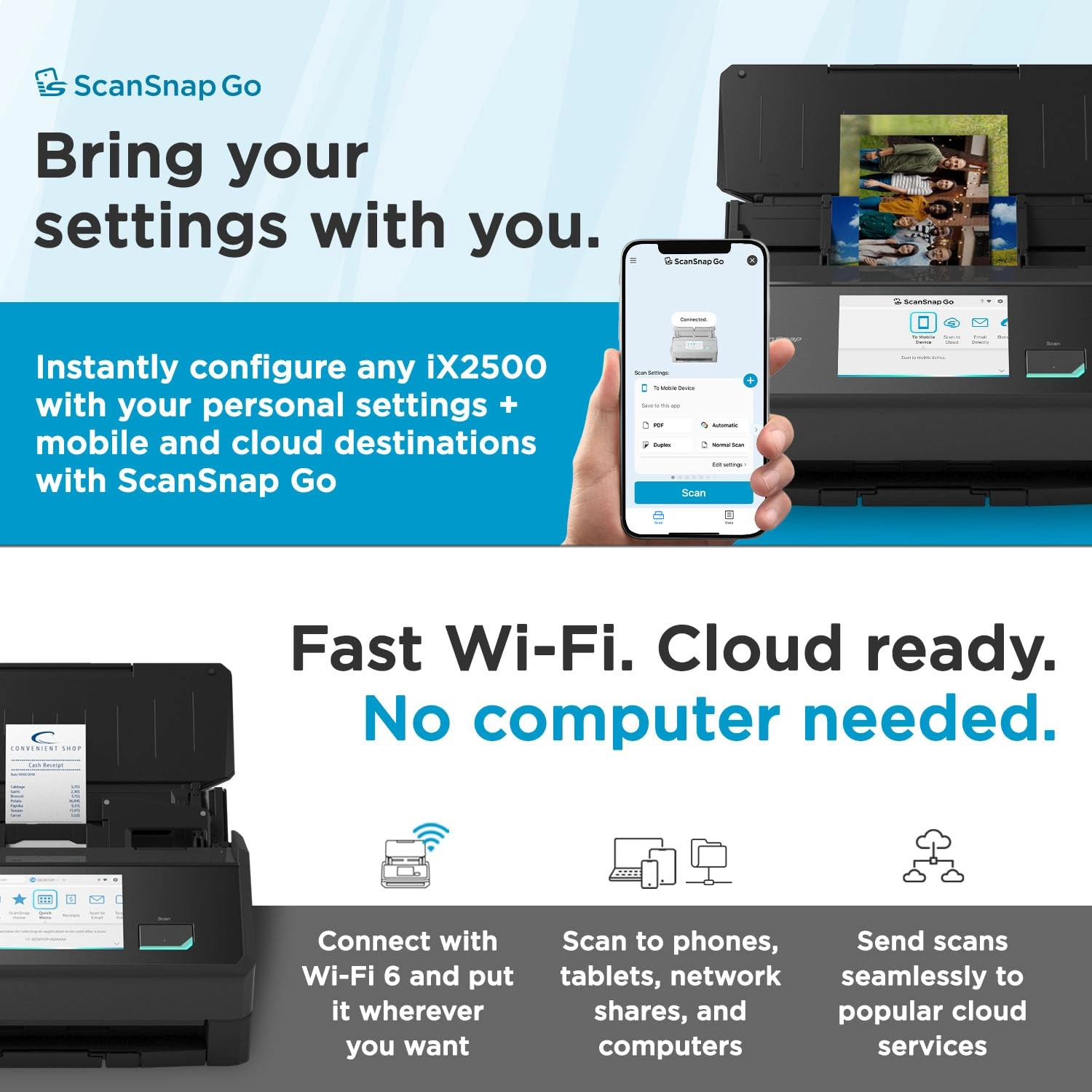
pages per minute. With USB-C and Wi-Fi connectivity, it offers
the flexibility to put the scanner where it’s most convenient.
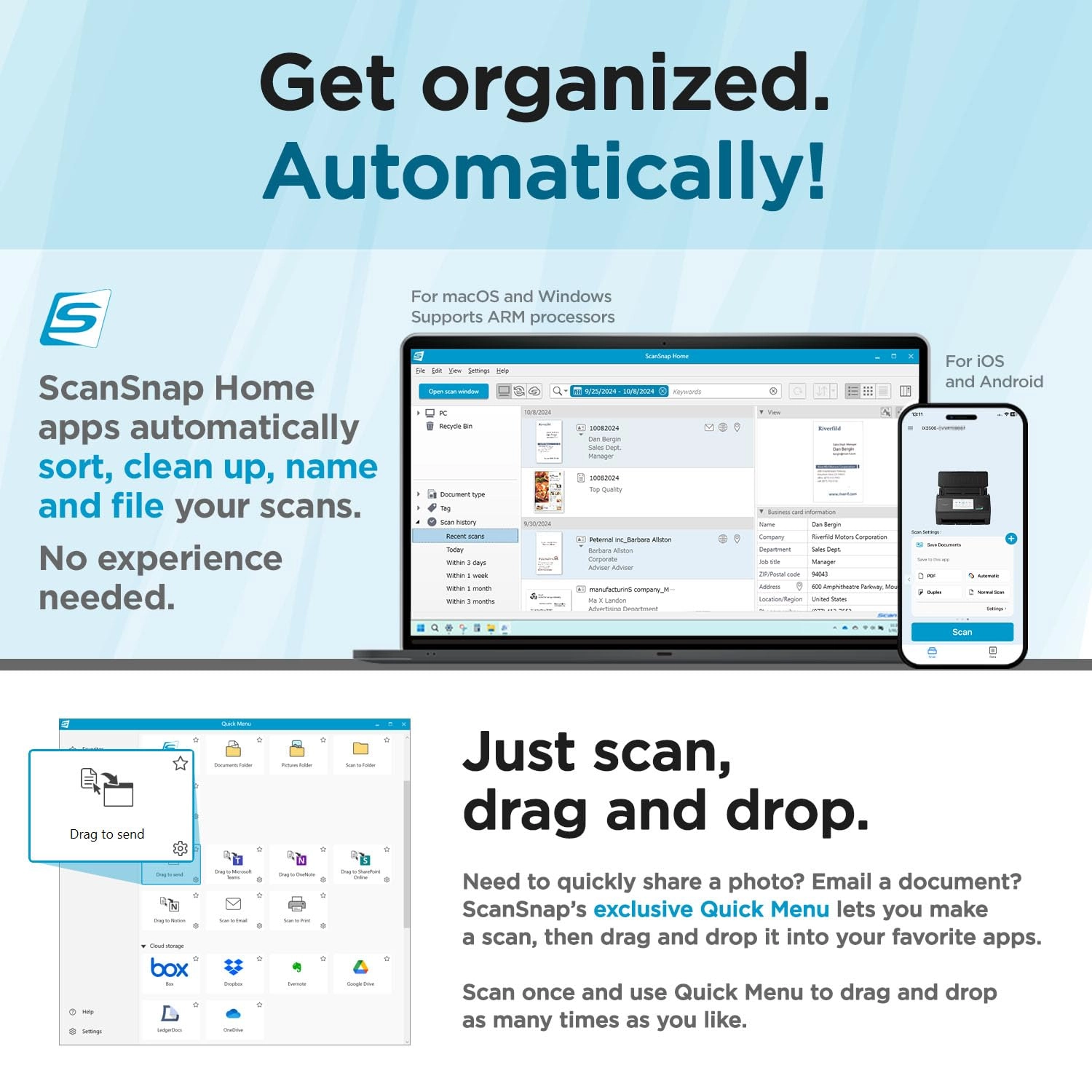
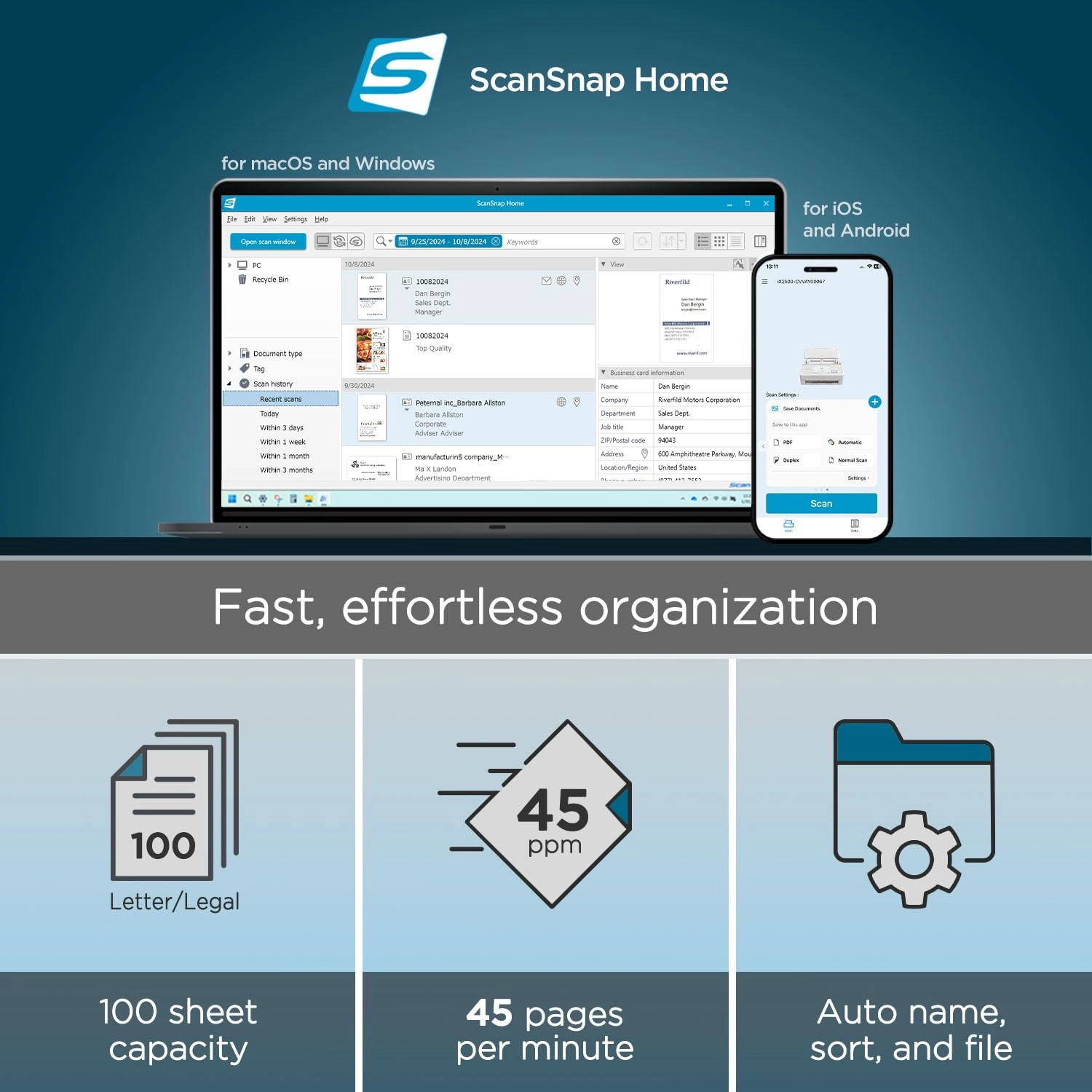
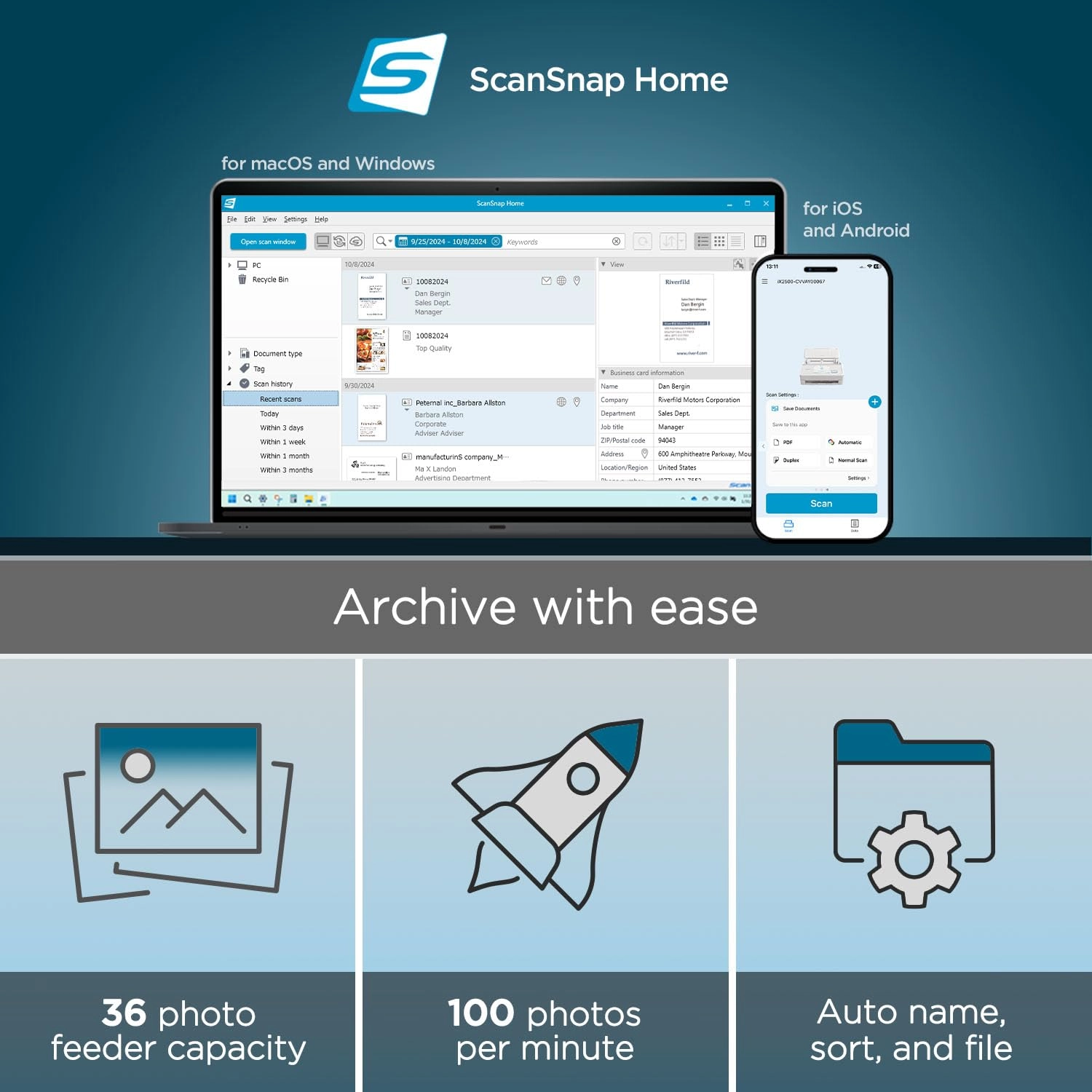
ScanSnap Cloud enables deviceless scanning: simply scan directly
to your favorite service, no computer needed. Compatible with
Mac, PC, iOS, Android, and popular cloud services, it can
automatically make text searchable, plus optimize, name, and sort
documents into folders and clouds. The exclusive Quick Menu
allows for easy drag-and-drop to your favorite apps, helping you
manage everything from tax documents to daily correspondence with
the legendary ease and reliability of ScanSnap. Every ScanSnap
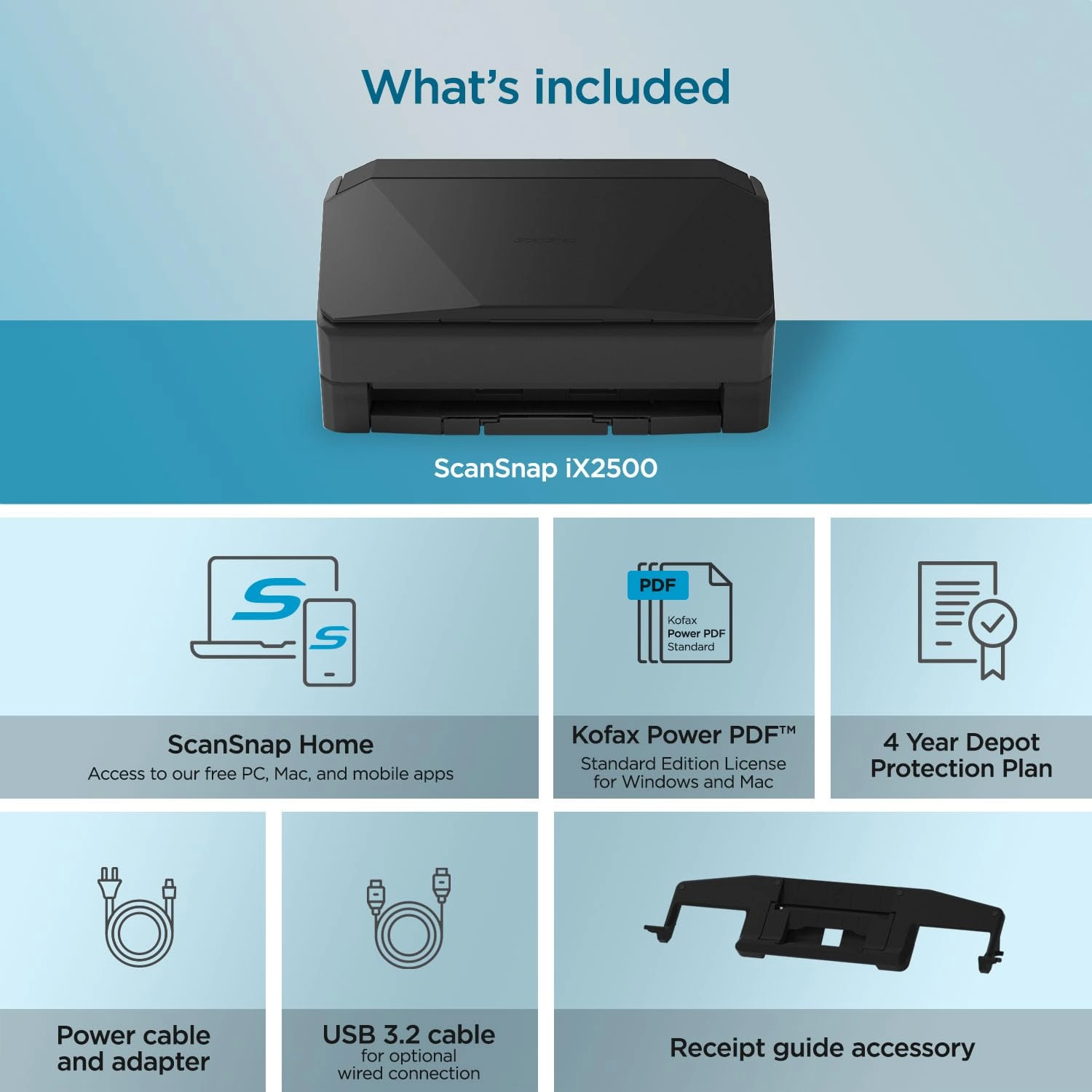
iX2500 Premium includes a 4-year manufacturer’s protection plan
so you can scan with confidence, knowing your device is backed by
extended coverage and long-term support.
Review: Fast, Reliable, and Easy to Use Scanner - I’ve been
really happy with this scanner so far. It’s compact, intuitive,
and easy to use right out of the box. One of the best things
about it is the speed. It scans quickly and the quality is still
great. Everything comes out clear, and I haven’t had any issues
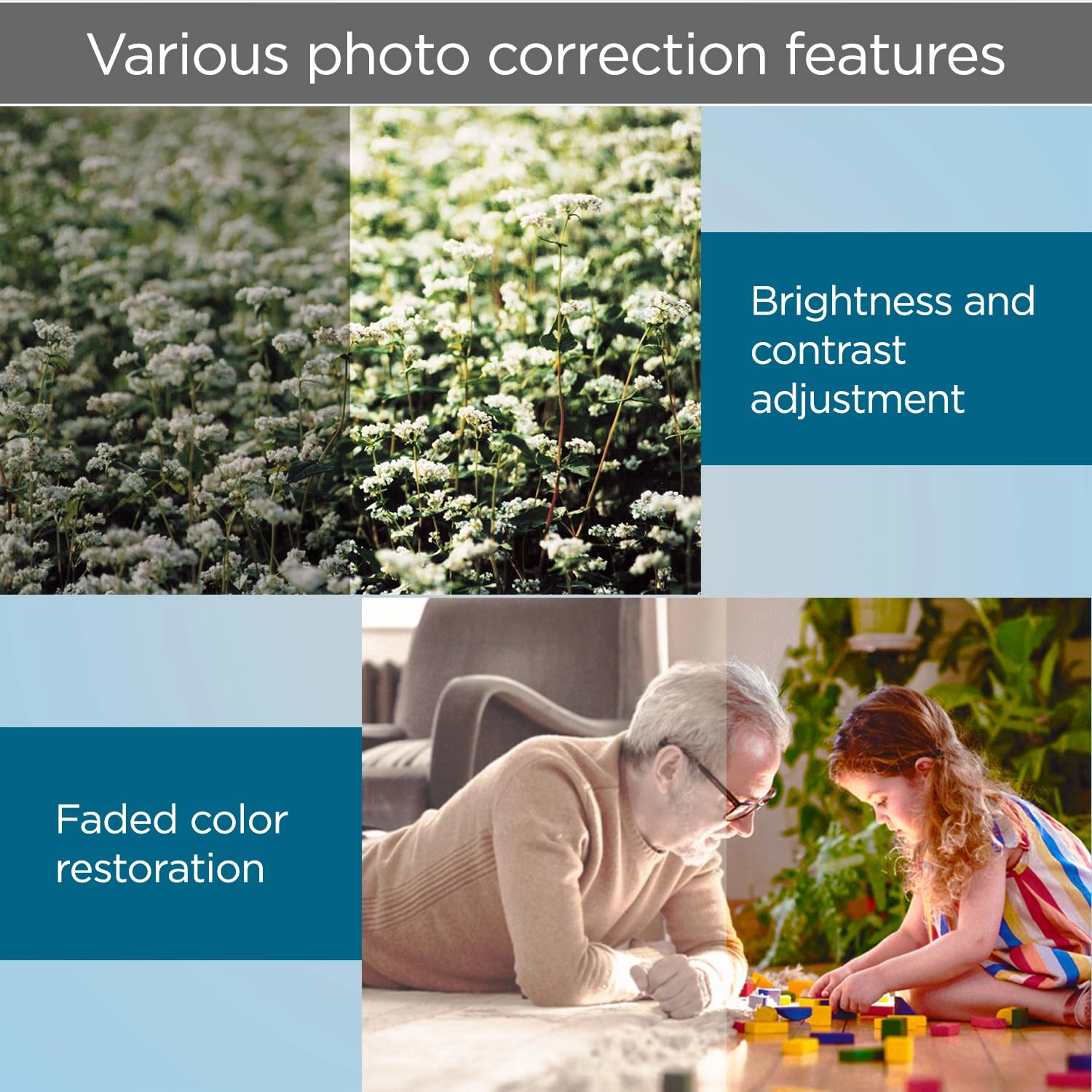
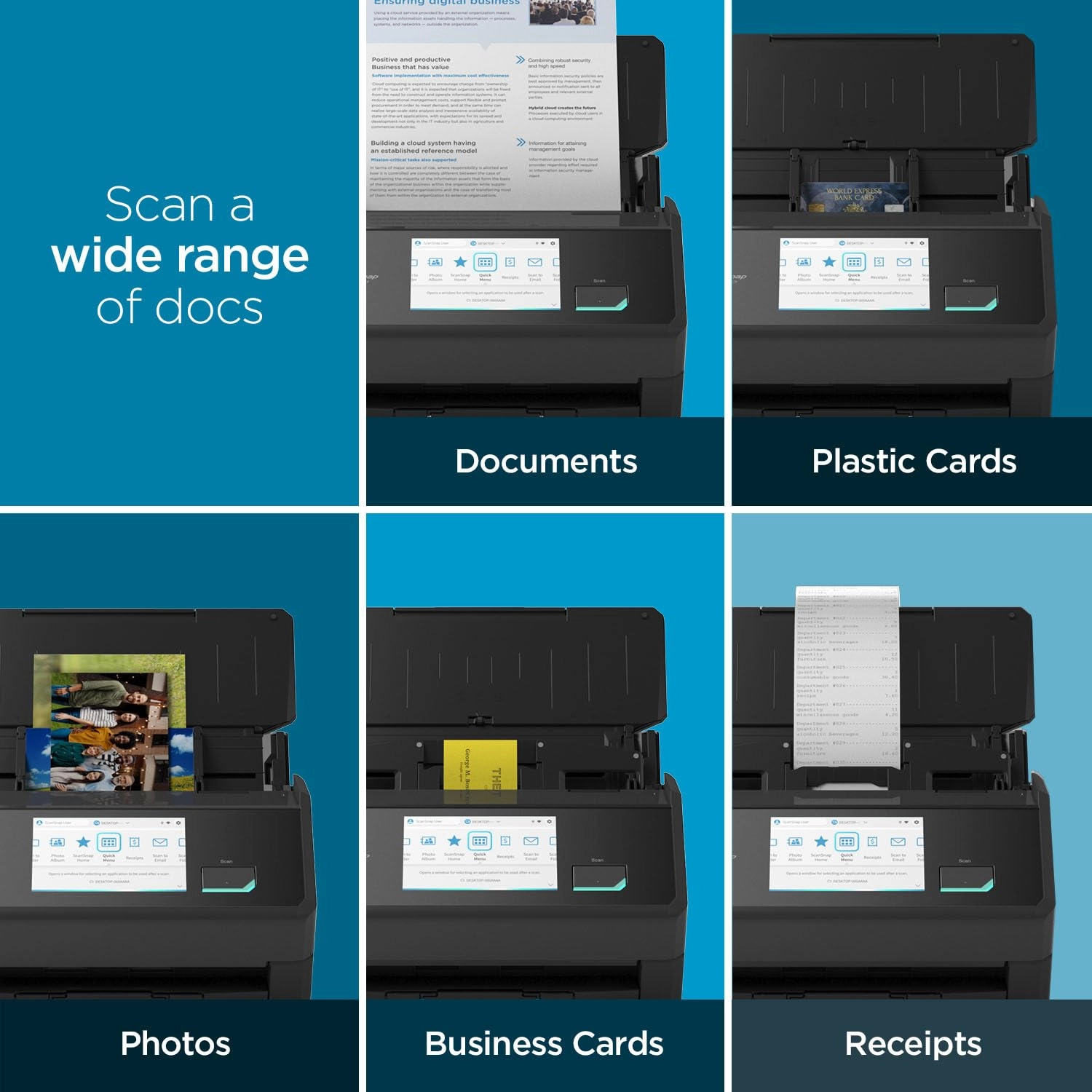
with jamming even after using it regularly for weeks. I also like
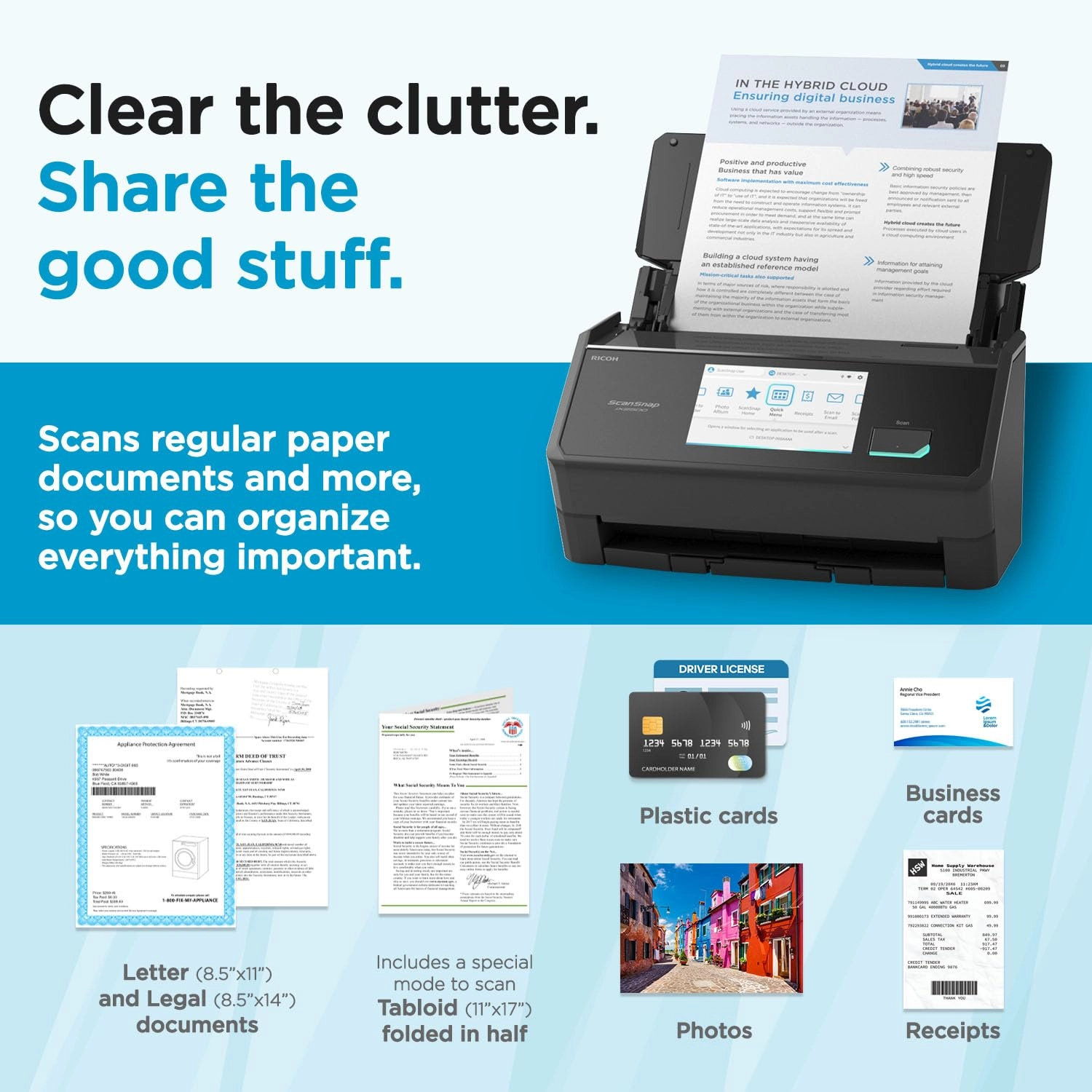
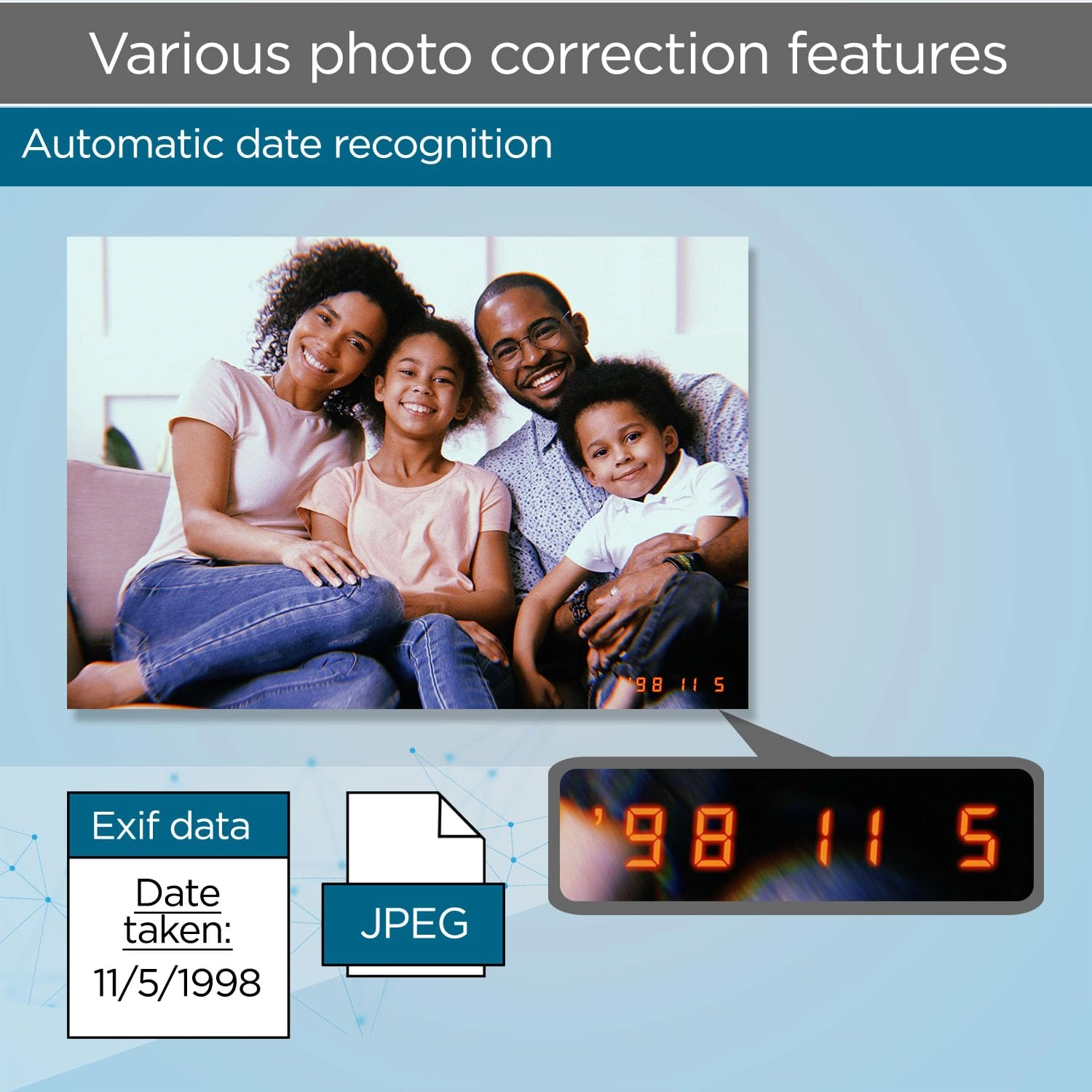
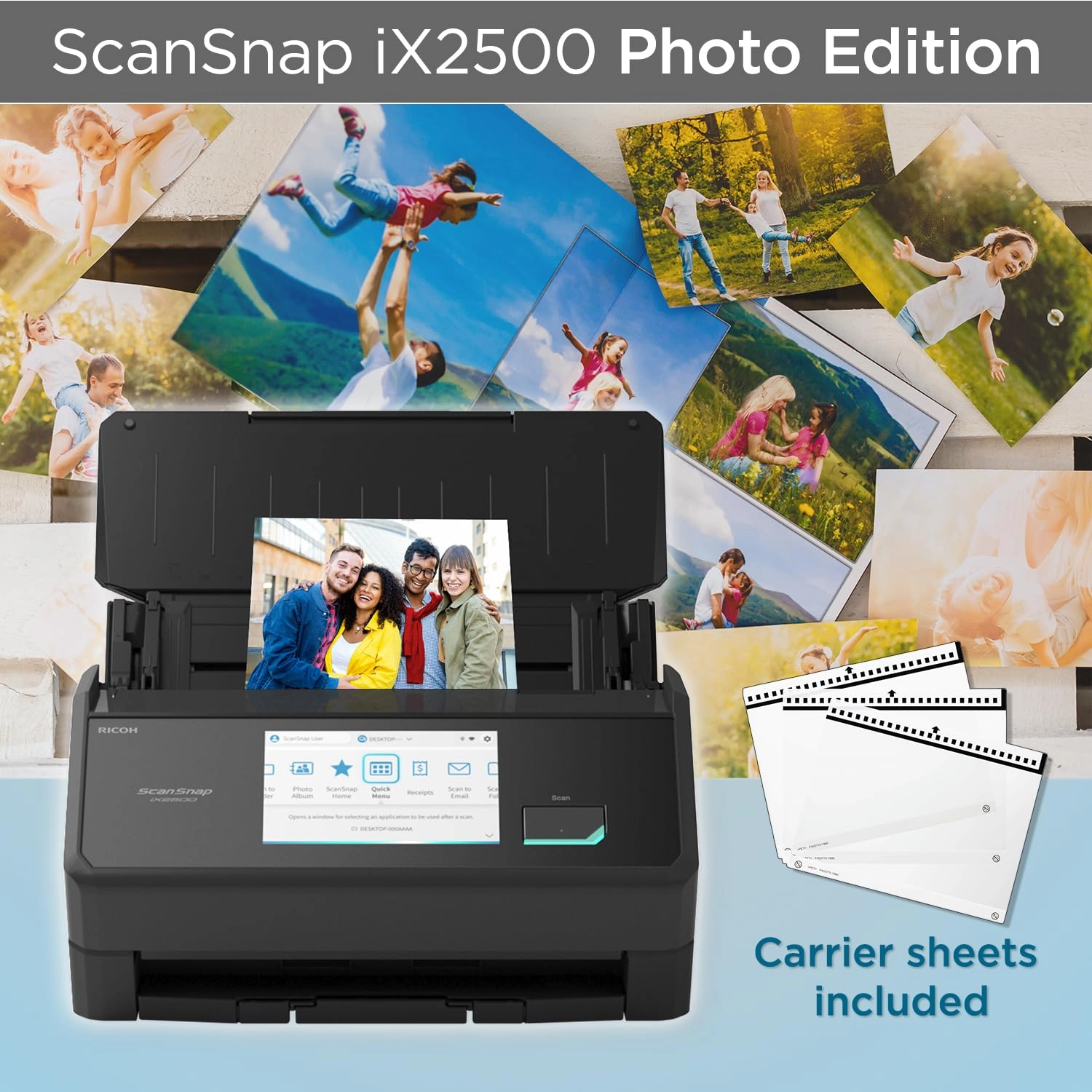
that you can adjust the scan size depending on what you’re
working with, including photos, which is really helpful. Overall,
it’s been reliable and easy to use. I’m glad I bought it and
would definitely recommend it.
Review: ScanSnap iX2500 good replacement for Fujitsu fi-6130z - I
originally ordered the ScanSnap iX1600 sheet fed scanner but then
realized that it was used and would soon become non-eligible for
manufacturer repairs. I sent it back and then ordered the
ScanSnap iX2500 which is the new replacement for the iX1600. The
iX2500 is brand new, comes with full warranty and hopefully won't
become outdated soon. As a bonus, the new iX2500 was priced lower
than the iX1600! (I switched to the ScanSnap iX2500 because my
trusty Fujitsu fi-6130z is not supported by my recent upgrade
from Windows 10 Pro to Windows 11 Pro.) The ScanSnap iX2500
arrived within 1 day and was easy to set up. (Download the
installation files from Fujitsu first - you will be taken to a
RICOH website via a link on the Fujitsu site.) Setup was easy
just by following the prompts on the scanner, but YouTube videos
are also easily found and are helpful for novices. I set the new
scanner up on my Windows 11 Pro tower this morning and so far no
error codes on the computer and the scan process is much faster
than the fi-6130z (which I still have connected to my Windows 10
Pro machine as a backup.) I have been using PaperPort since the
days of my first HP ScanJet flatbed scanner (mid 1990's) and the
current version is 14.5. Unfortunately, the ScanSnap iX2500 does
not use a TWAIN driver like the fi-6130z did, so scanning into
PaperPort requires a few extra steps. For those using PaperPort
who wish to have seamless transfer of the scanned file into any
PaperPort folder, the TWAIN driver can be downloaded as a free
trial to insure compatibility with your scanner and then can be
purchased at snaptwain.com to get full functionality. Although
pricey, this addition is worth it to me. The ScanSnap iX2500 fits
nicely on my desk. It actually takes up a little less room than
the fi- 6130z. I am using my scanner hard wired with the supplied
USB cable, but wireless connection to your network and
integration with smart phones is an option during setup and
doesn't look complicated. Scan quality is excellent whether using
the downloaded ScanSnap Home software or PaperPort 14.5. Photo
image quality is excellent and the speed is much faster than what
I have been used to. I also installed the free ABBYY FineReader
PDF / OCR software downloaded from the RICOH website, but have
not had a chance to try it yet.