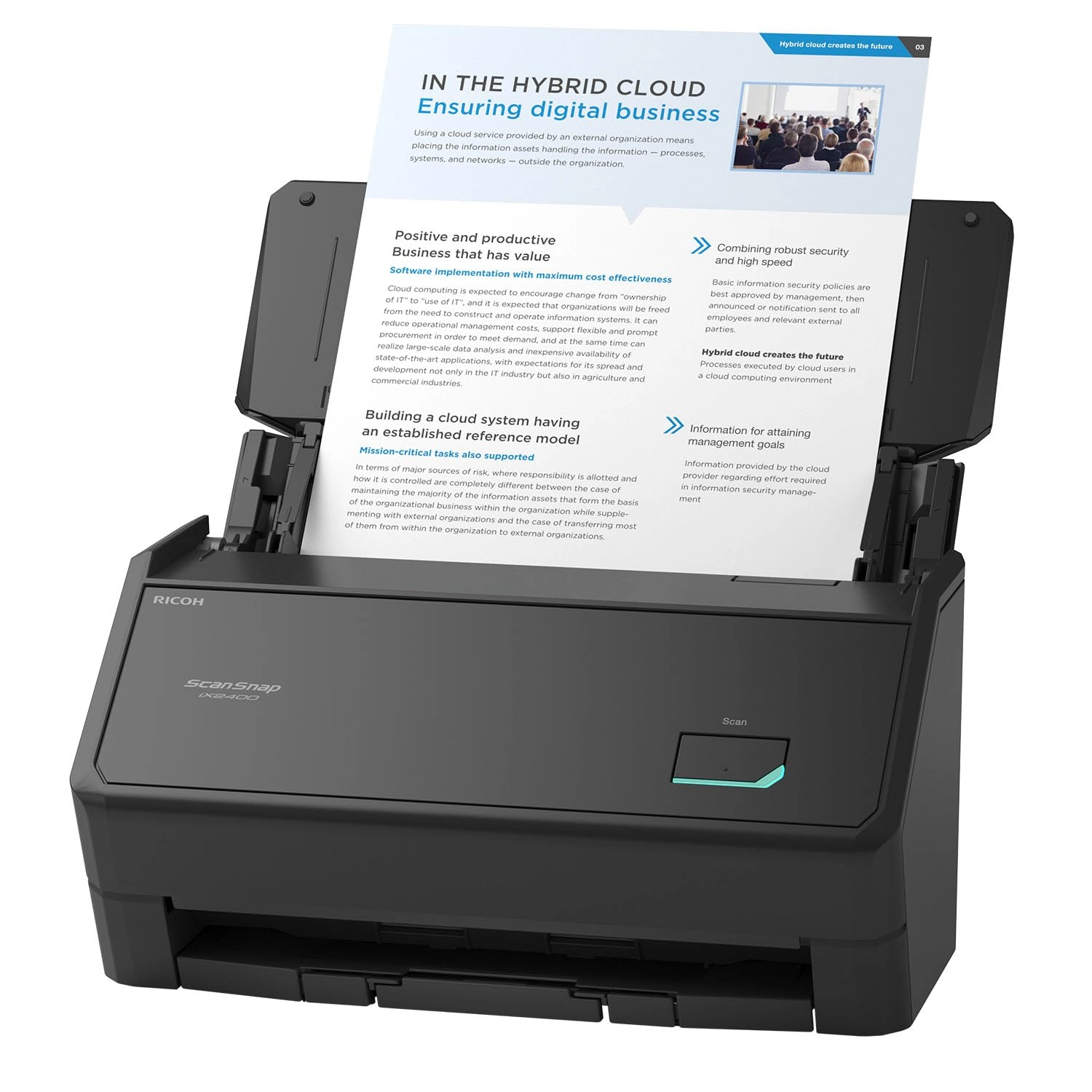
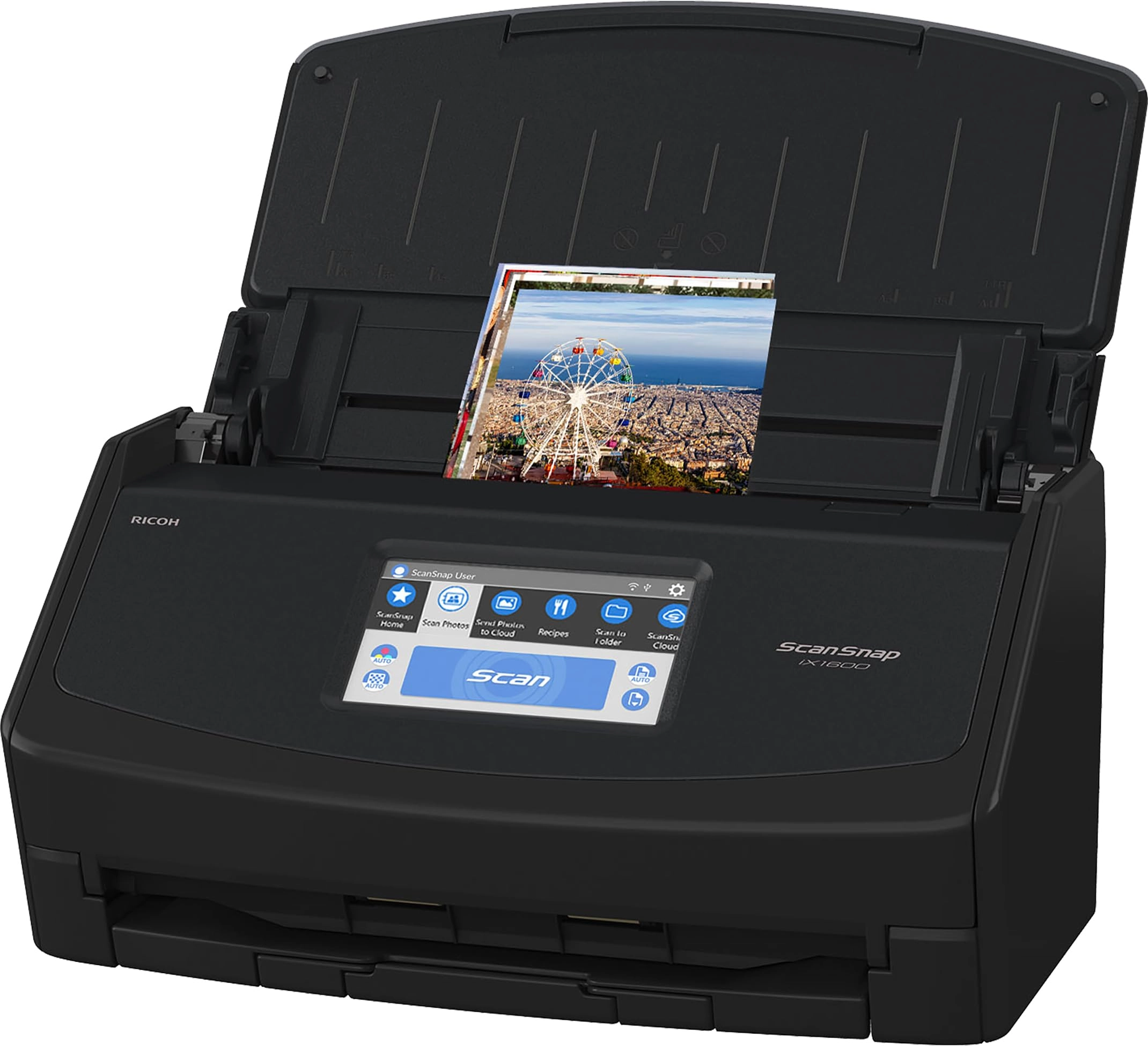
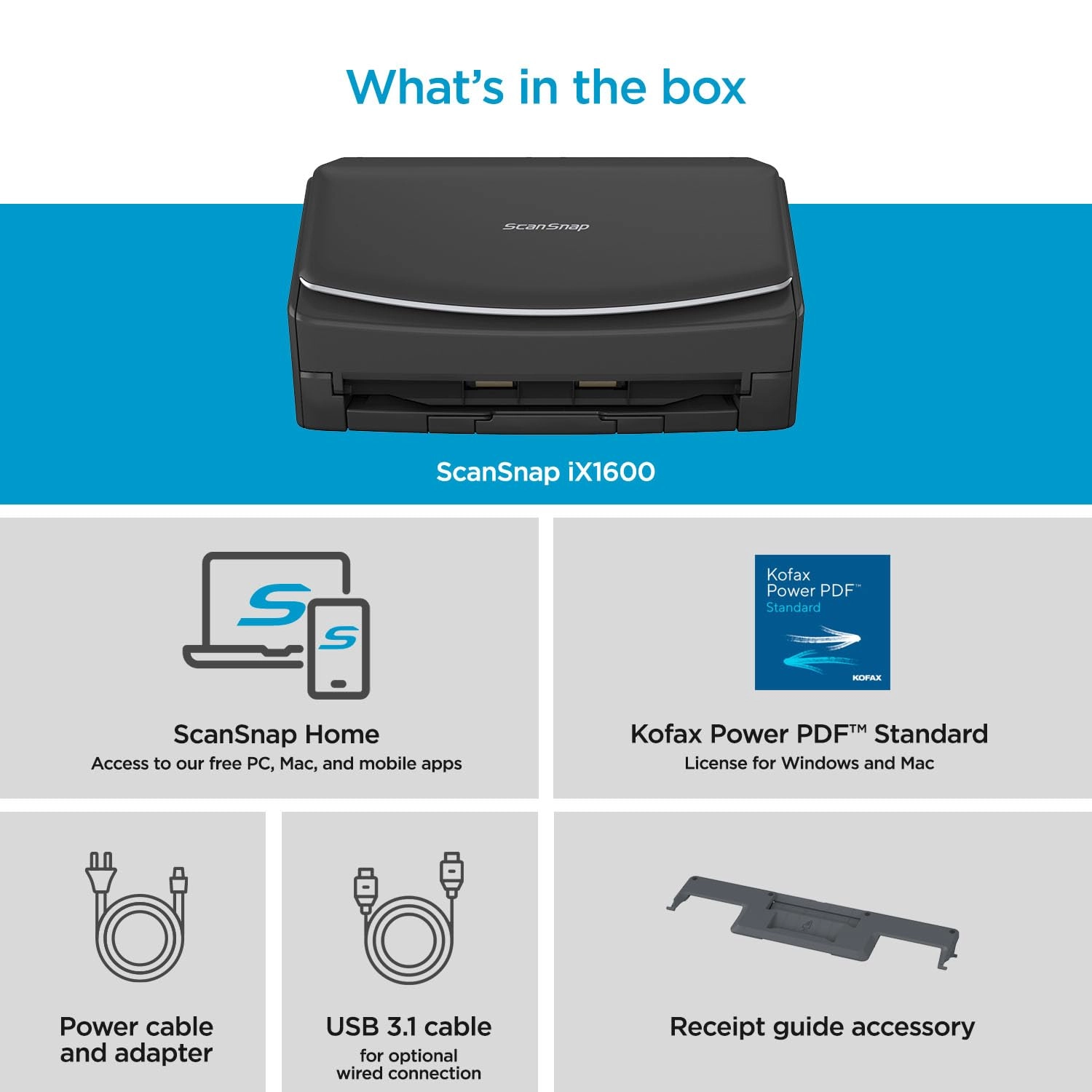
PFU Limited iX1600 - USB Wi-Fi
Best offer
AED
2 84500
Key Features
- Scanner type: Receipt
- Weight: 3401.94278g
- Minimum system requirements: Windows 11 / 10 (352-bit / 64-bit) and macOS Catalina 10.15 or later
Specifications
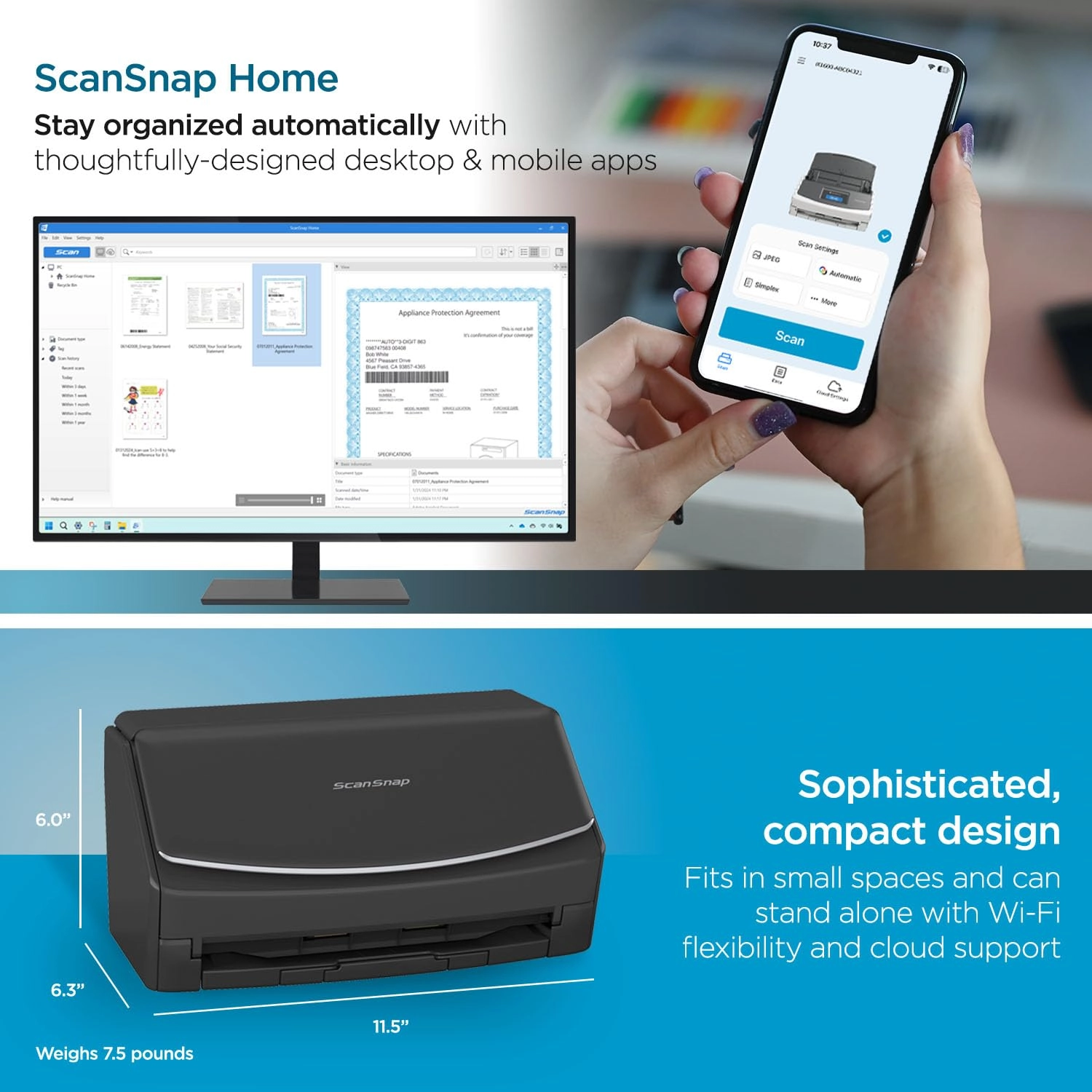
Weight & dimensions
Weight
3401.94 g
System requirements
Minimum system requirements
Windows 11 / 10 (352-bit / 64-bit) and macOS Catalina 10.15 or later
Scanning
Scanner type
Receipt
Product Details
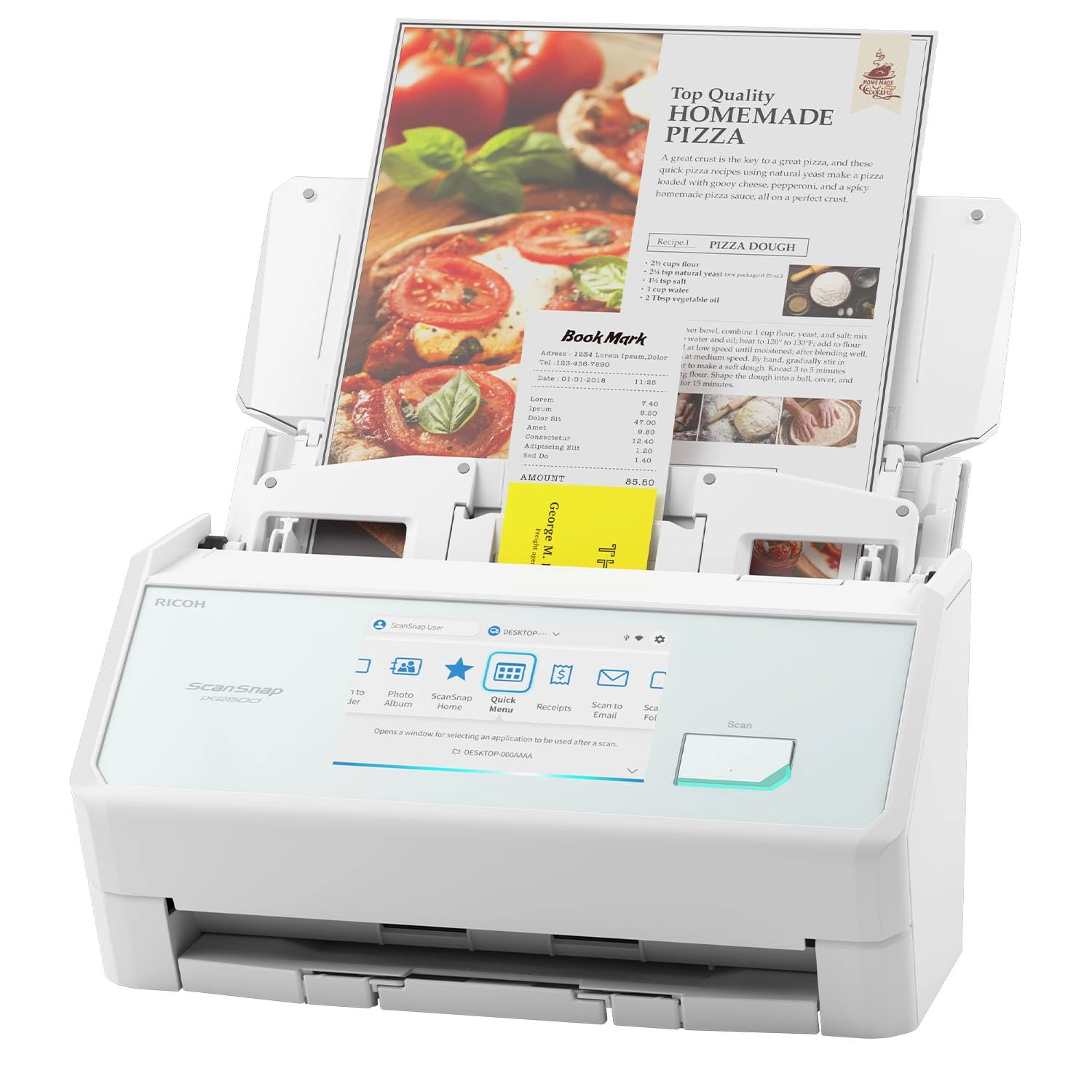
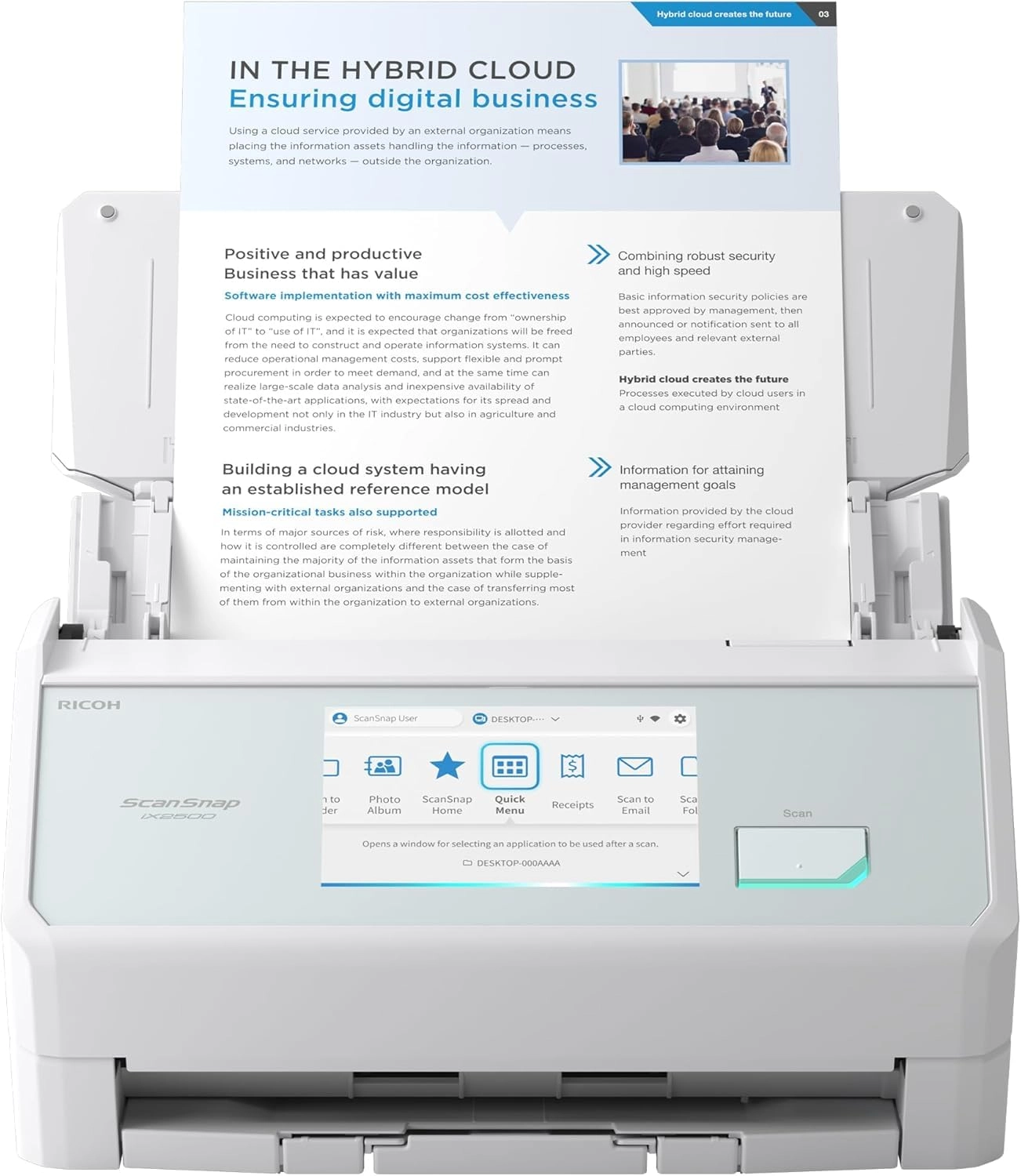
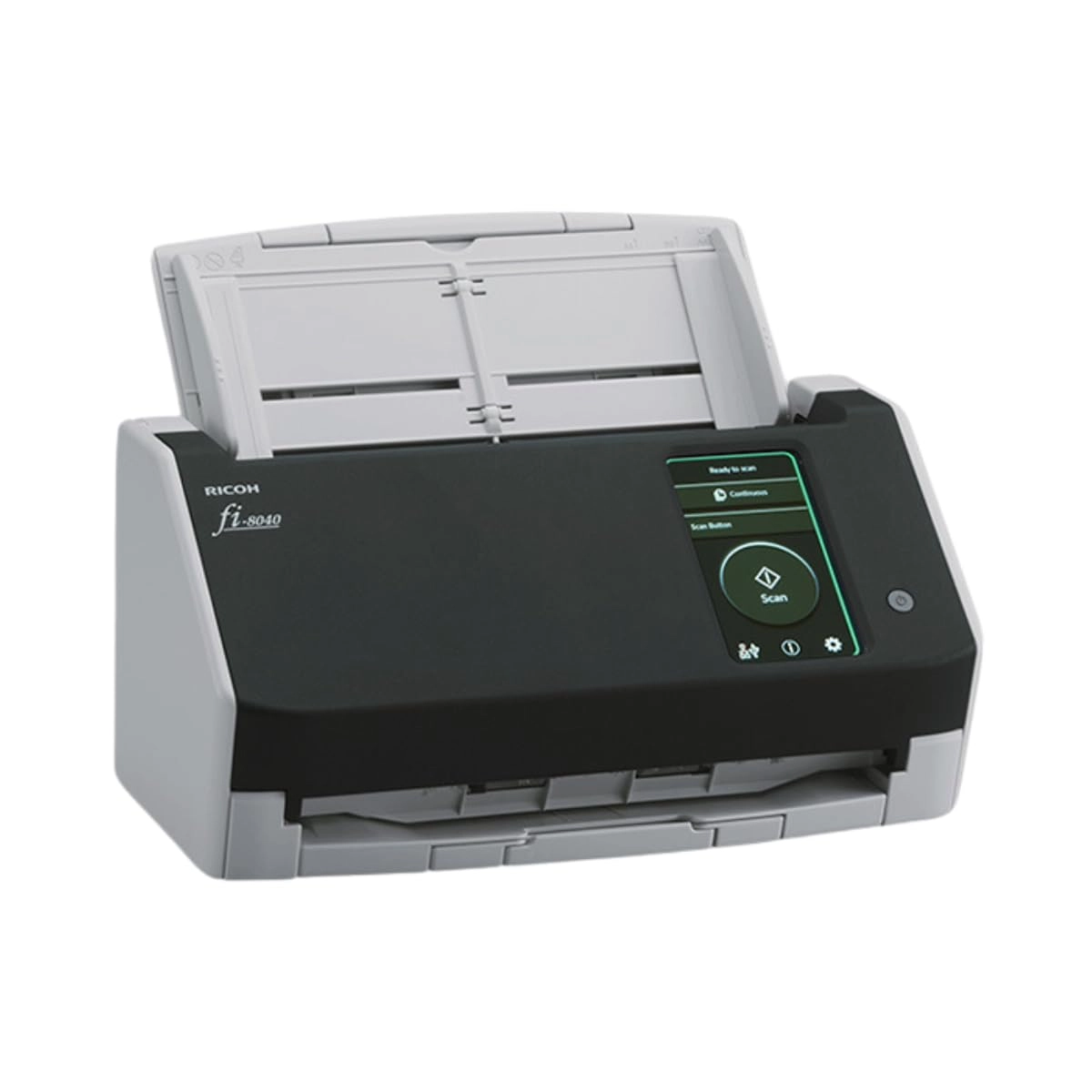
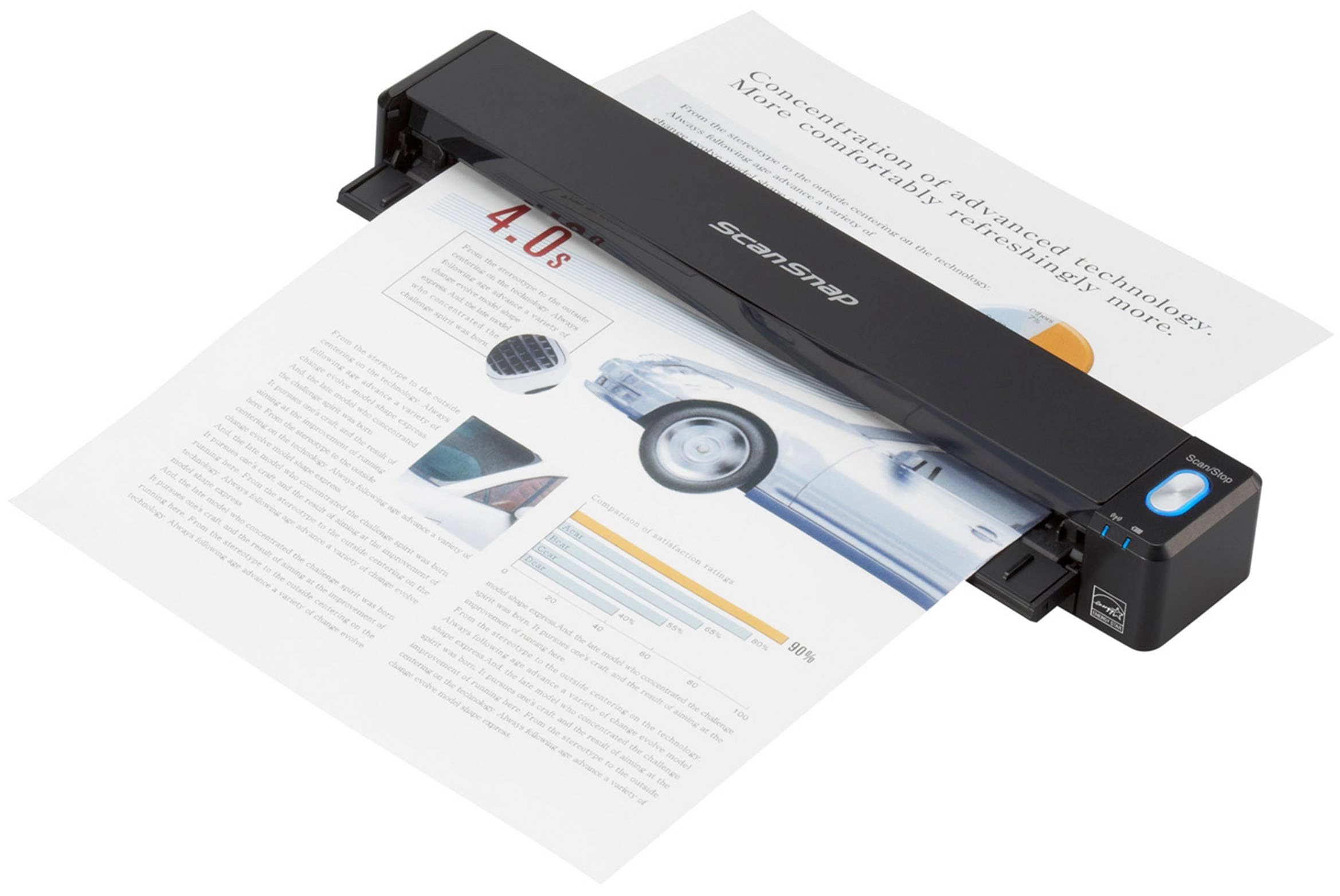
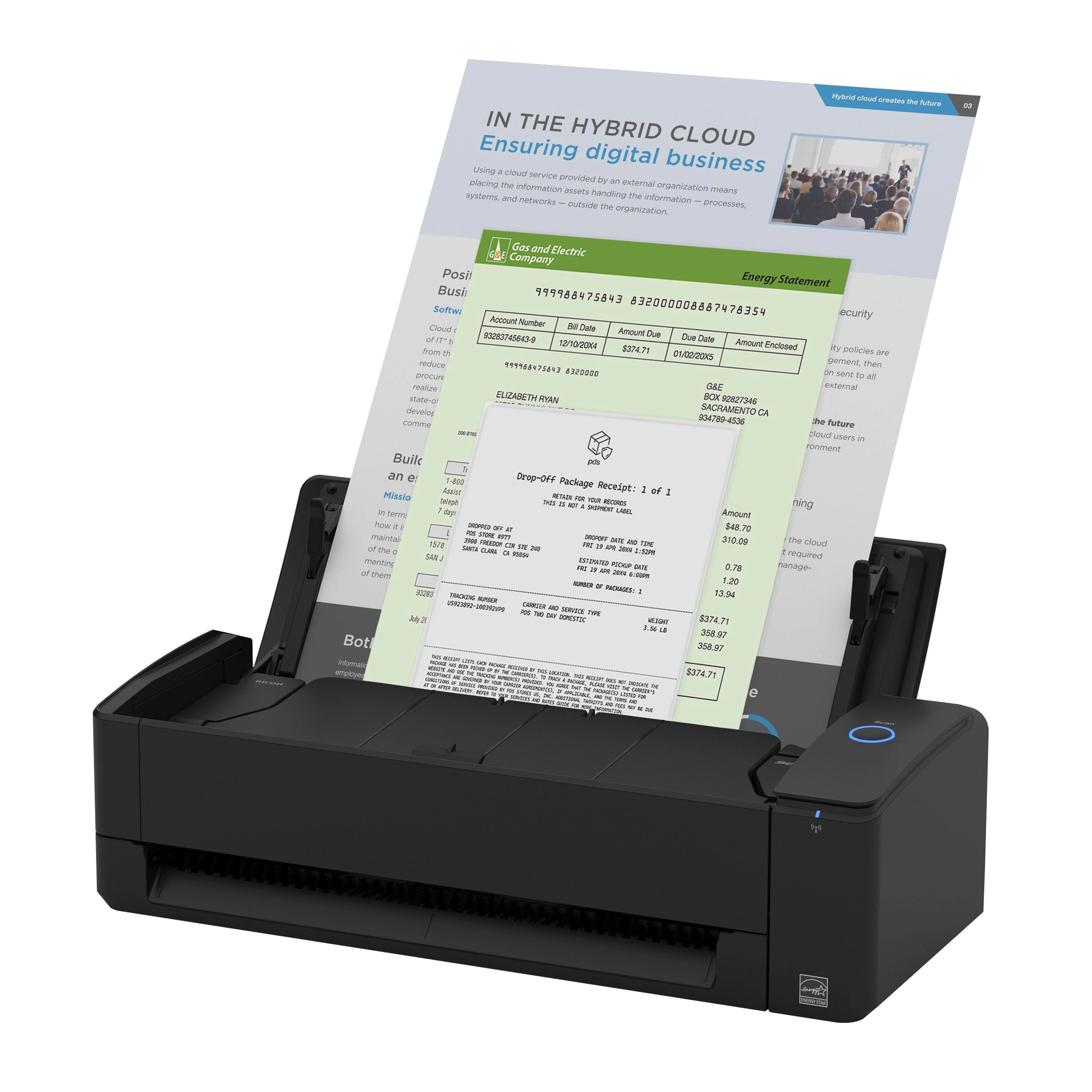
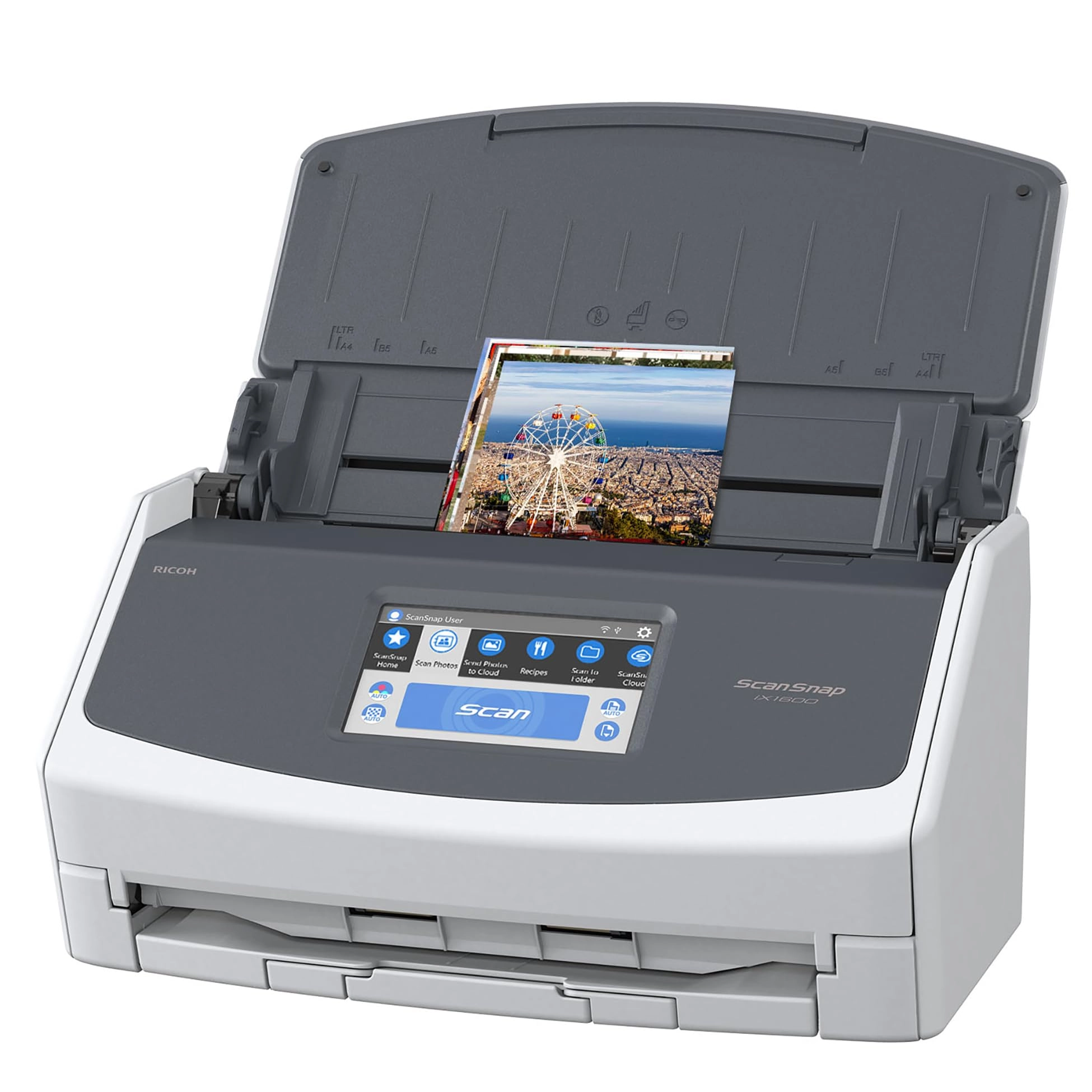
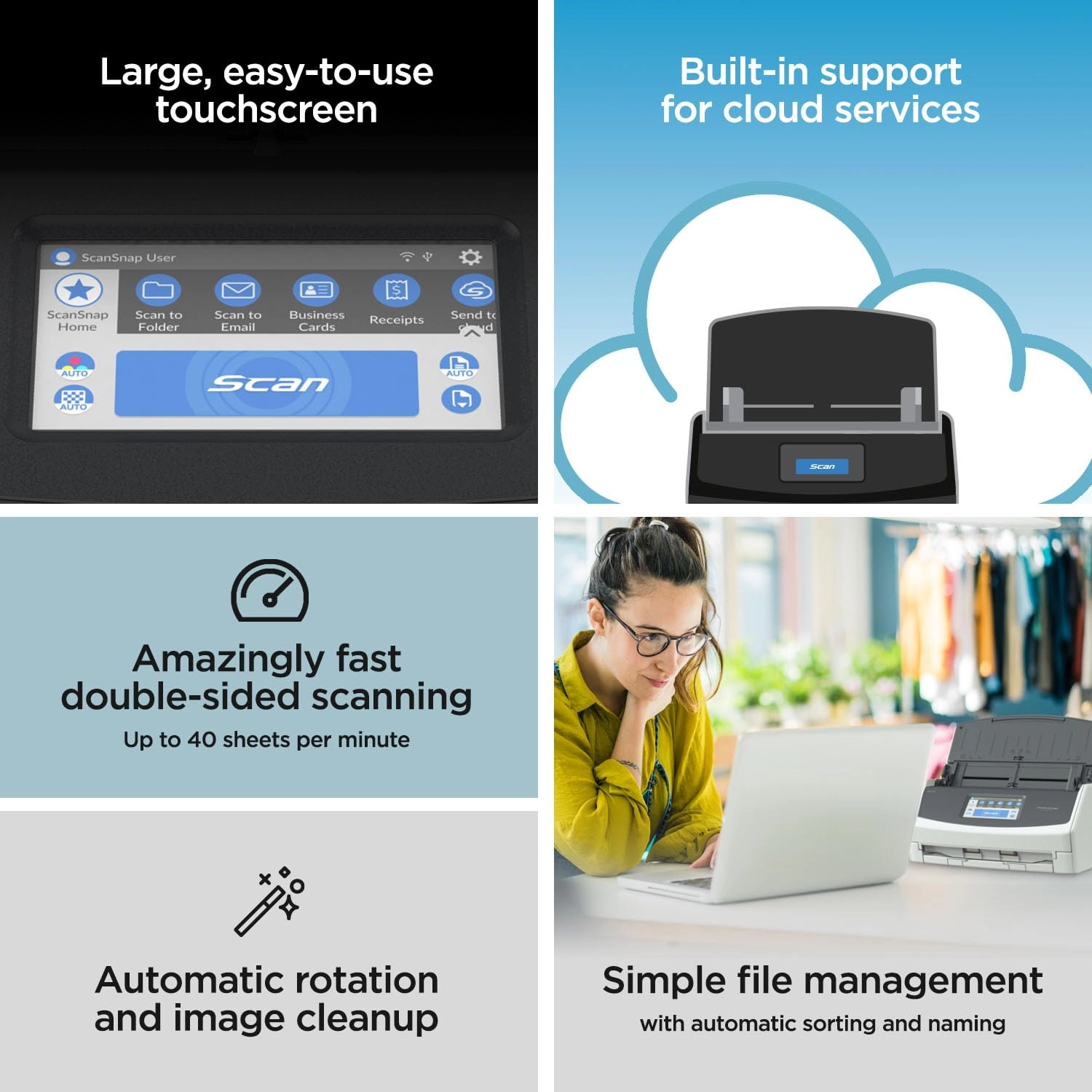
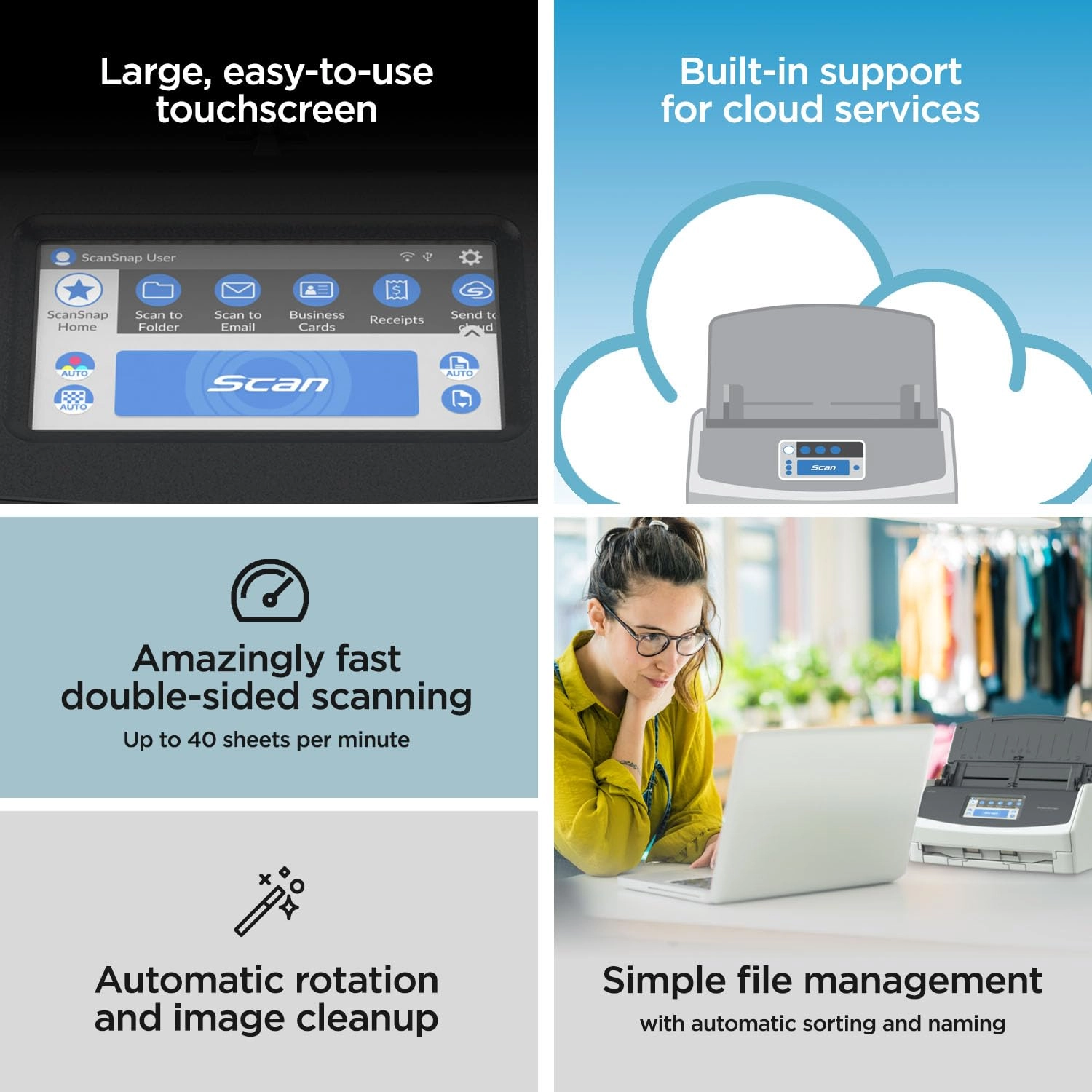
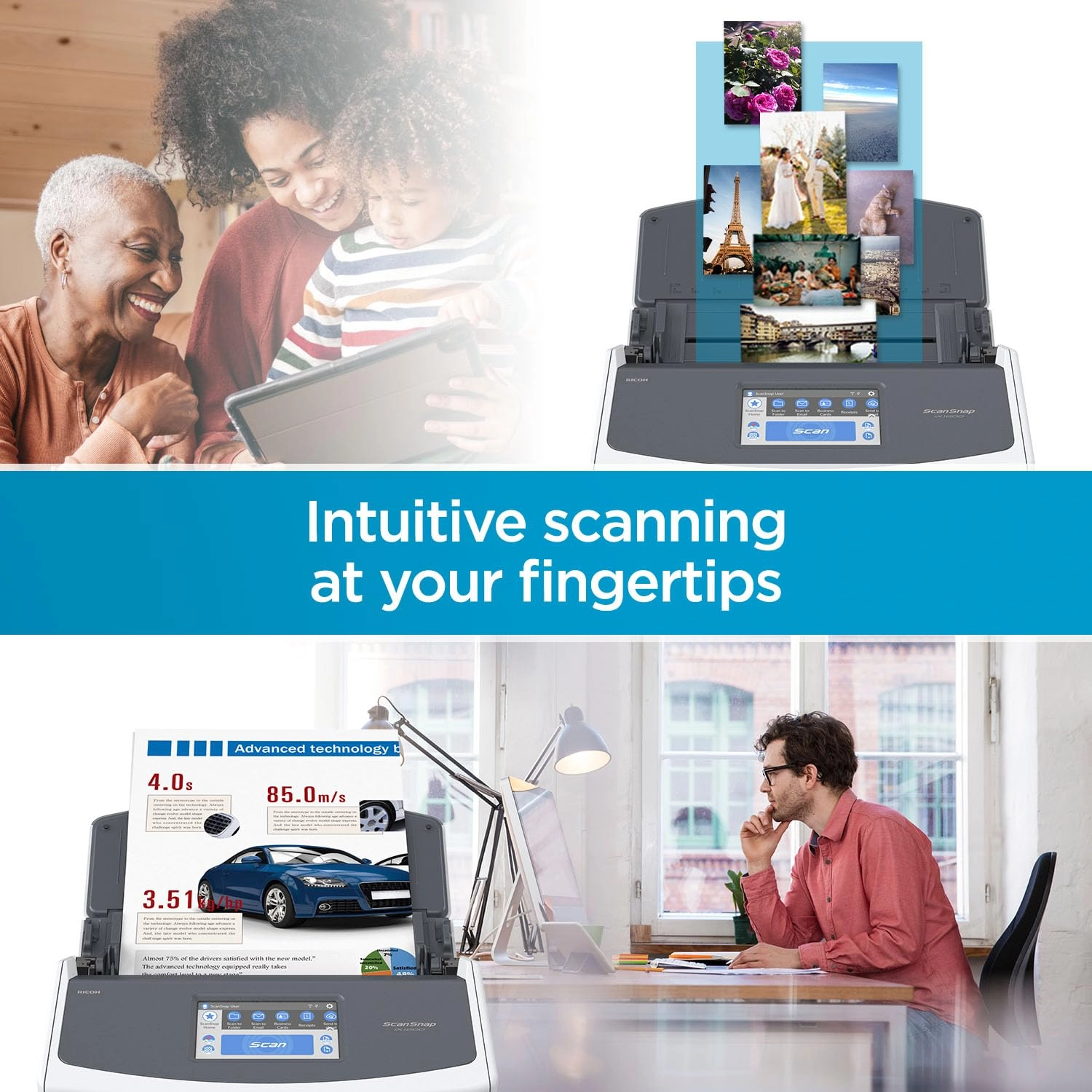
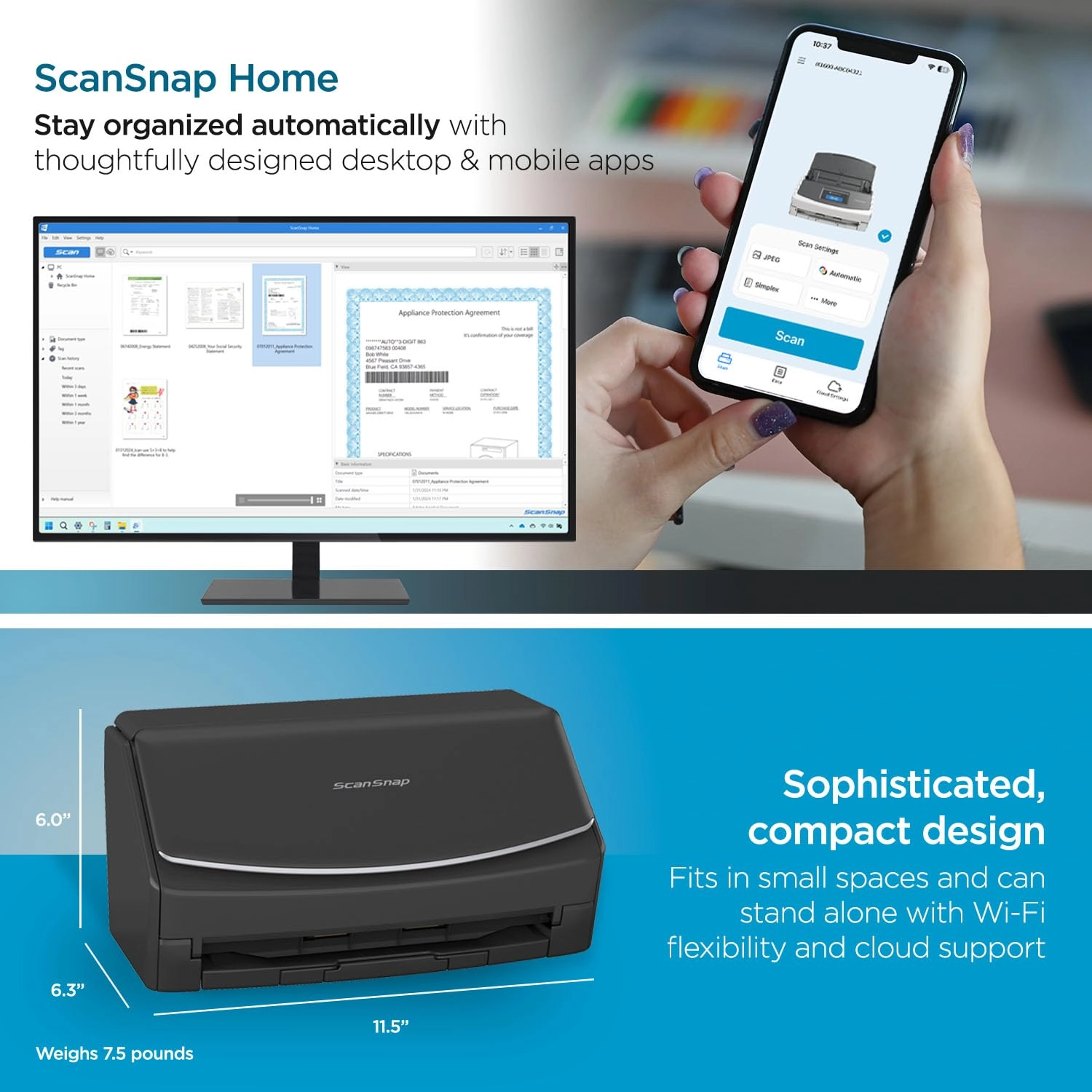
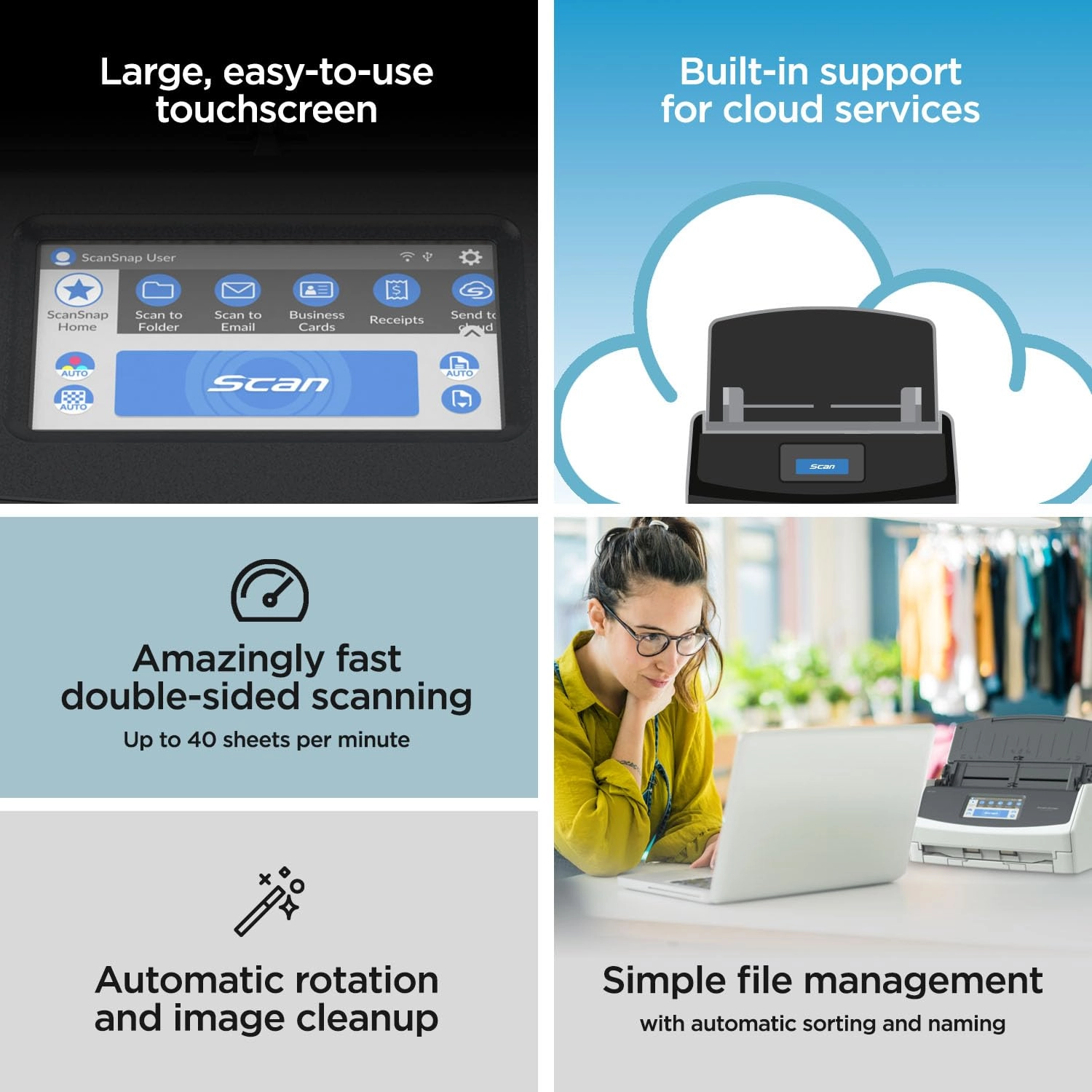
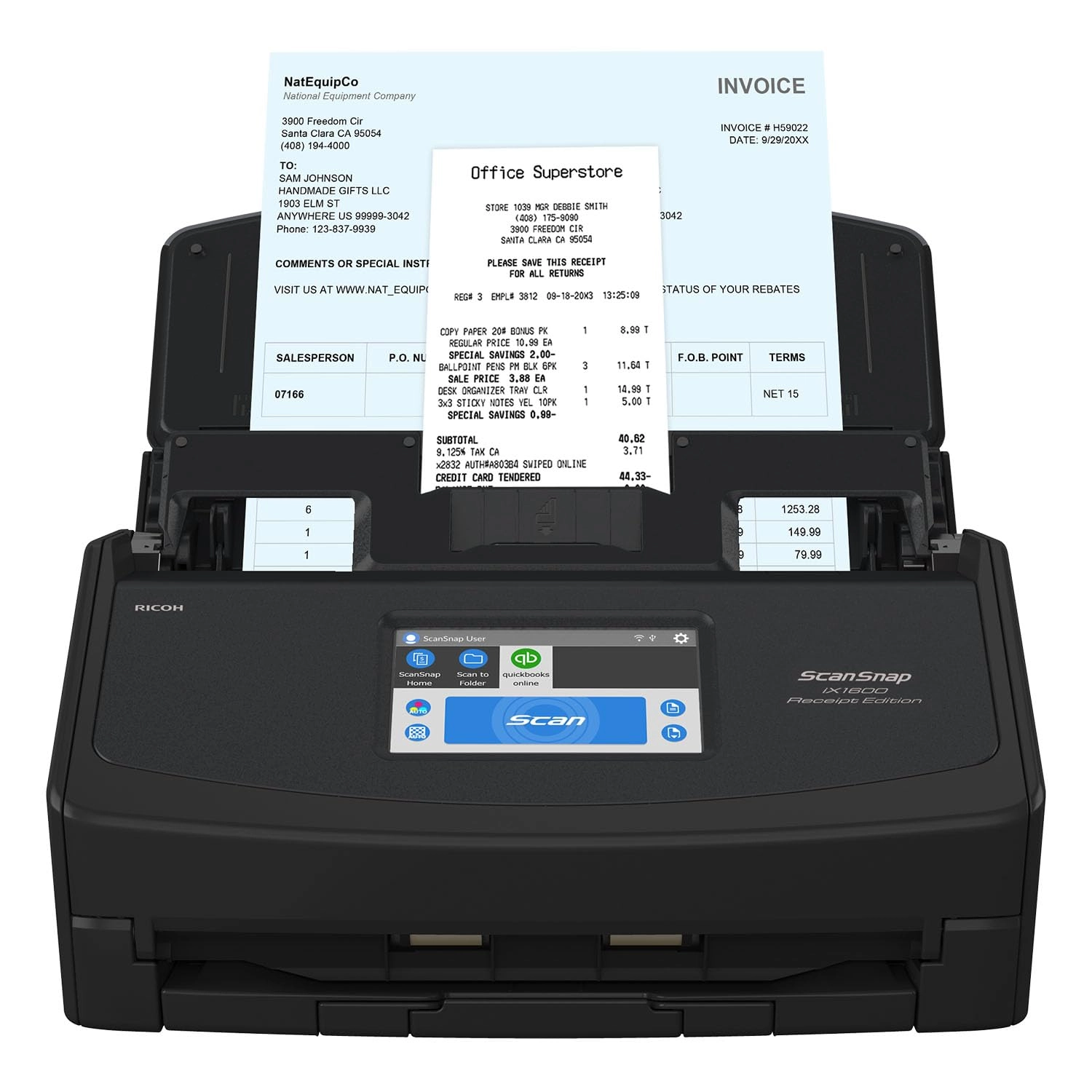
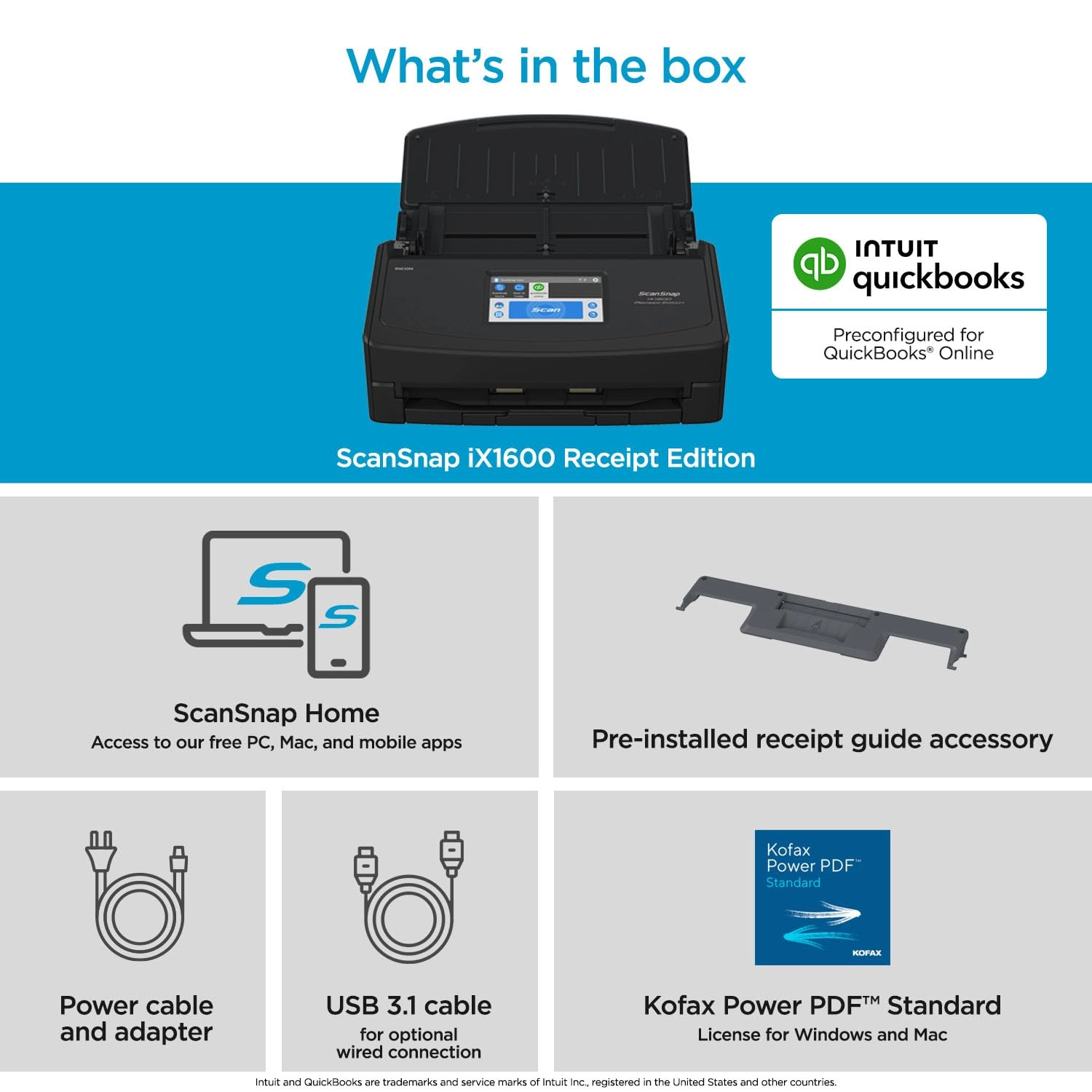
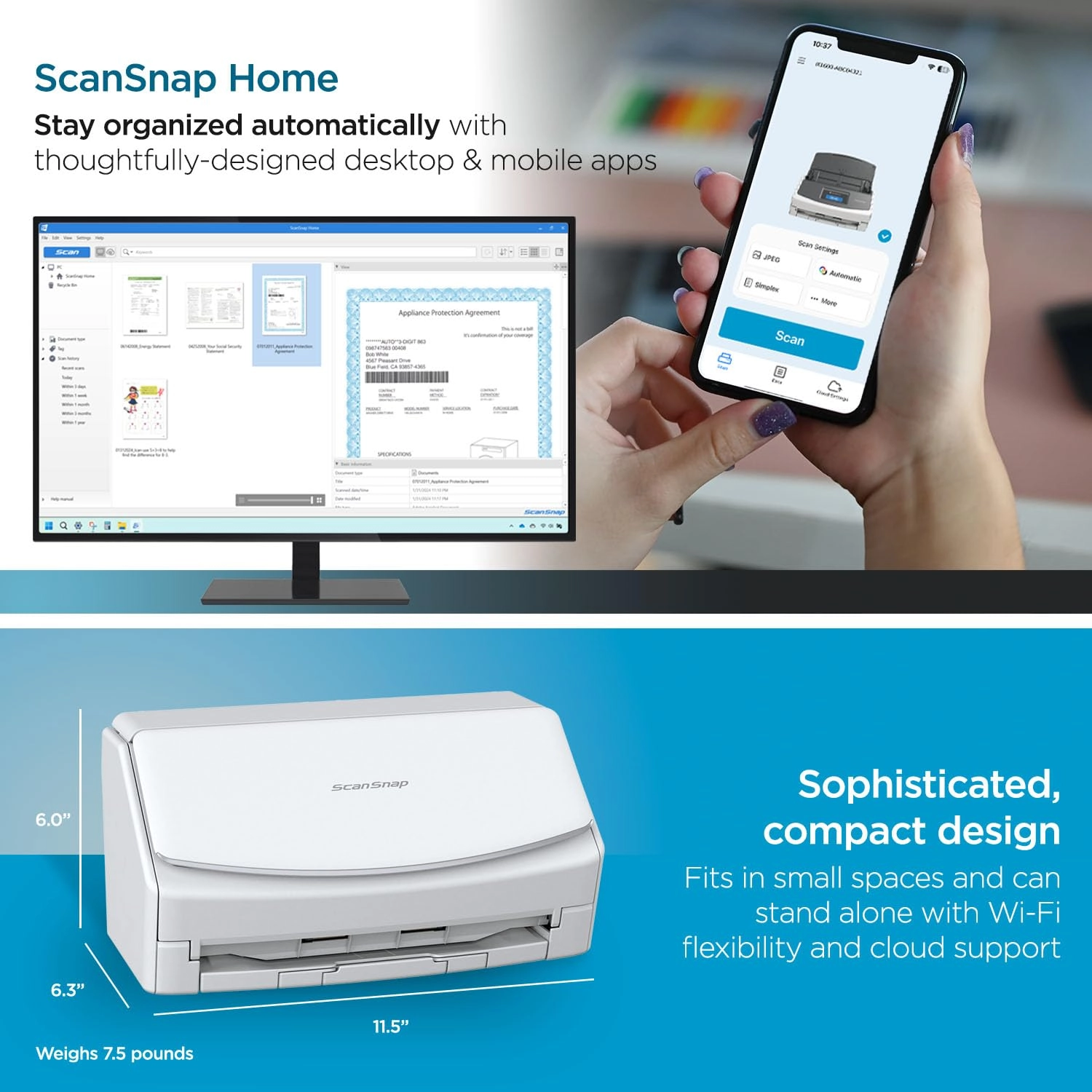
The next generation iX1600 is the most flexible scanner in the
category, allowing users to connect via Wi-Fi or USB. With 33%
faster duplex scanning, you can get more done in less time and
with ScanSnap Home 2.0 software, documents will be digitized,
organized and saved with minimal effort.
Review: Incredible Scanner - If I could give this scanner 6 stars
I would. I have experience with Fujitsu scanners. Our company has
had two humble ScanSnap S1500s in service for over a decade, each
having scanned 50,000+ documents on all original parts (and still
going). We also experimented with a Fujitsu N7100 network scanner
(I think we paid $1700 for that scanner new). I like this scanner
better than all of them. First of all, the old S1500s only worked
with ScanSnap Manager and the older Fujitsu software. This one
works with both the old software and their flagship ScanSnap Home
software. I honestly thought I'd hate the new software and was
planning to just use ScanSnap Manager again. I begrudgingly gave
ScanSnap Home a chance and I must say, it's substantially better.
First of all, the older software was made up of multiple parts
that all had to work together. ScanSnap Home has one clean
interface that acts as a document manager, a scanner config, and
so on. The flexibility is where this thing really shines. At
first glance the touchscreen appears to be laid out how they
think you'll want it. In reality you can customize every button,
change it's icon, change it's action, etc You can have ScanSnap
Home manage the docs or have it scan elsewhere and not even show
the document in ScanSnap Home. I have my scanner setup here at
home in a dual role. I use the default ScanSnap Home button to
scan to my local NAS (as a directory on my computer, not direct
[more on that later]) . I have other buttons that scan to various
OneDrive locations that sync with SharePoint. For those documents
it just scans direct, and I don't have it showing on my computer.
Everything just works perfectly. Setup was a breeze. I initially
set it up with a USB cable then decided to put it on the Wifi
just for fun. I figured I'd setup the mobile app but never got
around to it. Then one day the USB cable was unplugged and I went
to scan something, not even thinking about it, and it just
worked. My computer found the scanner over the network without
any additional configuration. Even over Wifi and uploading to
either my NAS or OneDrive scanning is pretty much instant. I've
scanned 50 page documents and after the last page went through it
was fully OCR'd and available to open within about a second.
Here's the only downsides (which I didn't dock points for because
this is not an expensive scanner by comparison). Although you can
(with a firmware update) scan direct to a network share without
the use of a computer the scanner doesn't perform any OCR on it's
own. Our expensive N7100 could perform OCR on it's own but
honestly it was slower. To really leverage this scanner's true
capabilities, you should use it with a computer. The ScanSnap
Home software is able to perform OCR on the incoming documents
faster than anything I've ever used. On that note, you do have to
check a box in the settings for the PDF files to actually have it
save the PDF as searchable. My suggestion for when you get it is
to bypass the manual altogether and just dive in. Pretty much
everything is self-explanatory. If you go to Settings / Scan
Settings in ScanSnap Home you'll be pretty much good to go.
Review: BUY IT! You won't be sorry - I cannot believe how good
this scanner is. I through out my old Epson scanner after it
would no longer communicate. But I don't miss it for a second.
The UI on this Scansnap IX1600 scanner is impressive. I realized
I quit using the old Epson because it was so much trouble to scan
and name a file, then find it later. This makes it so easy I look
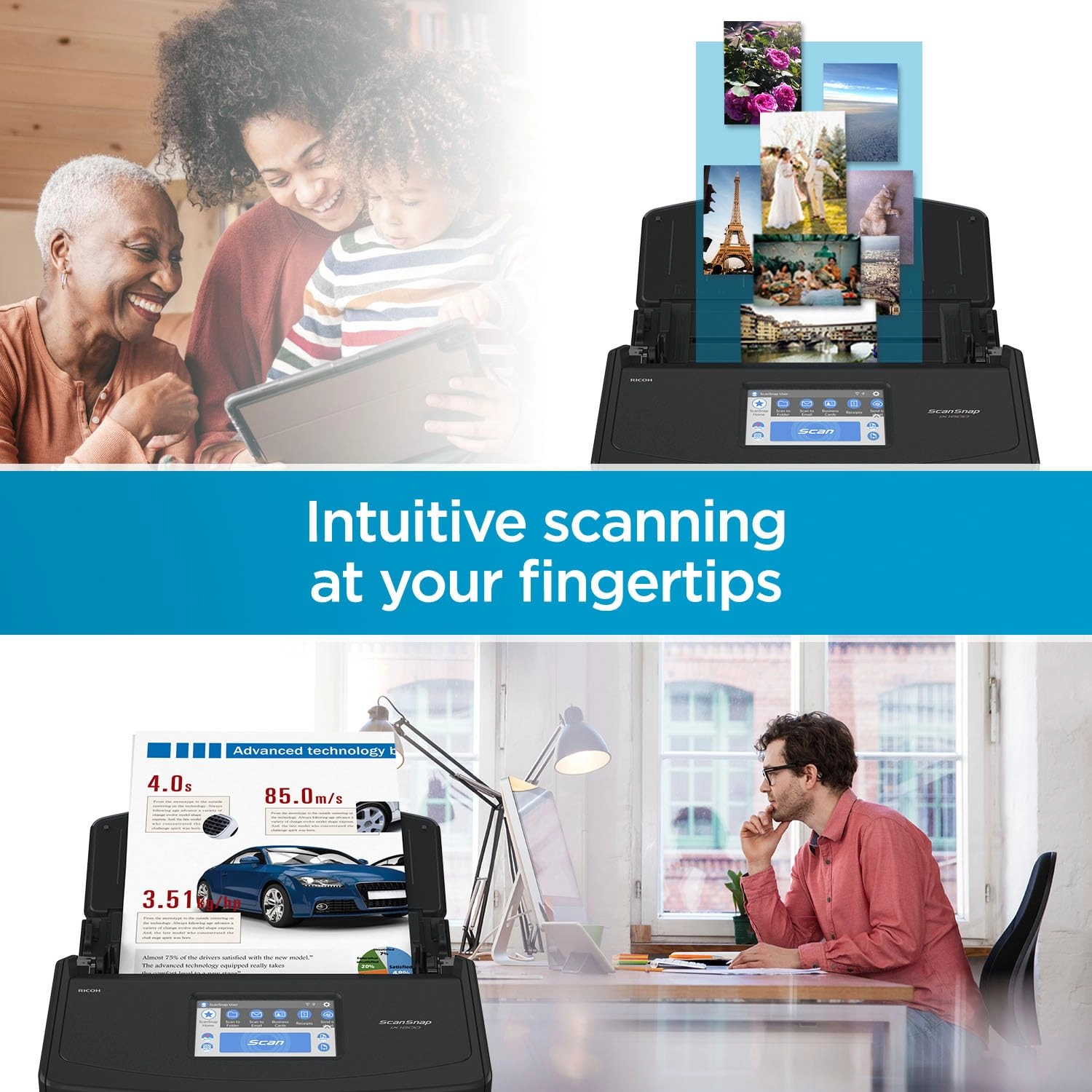
forward to it now. This scanner allows you to create up to 30
unique profiles and it shows up on the display. I created several
other profiles so I could just pick a profile on the display and
scan the item into exactly the appropriate folder location set up
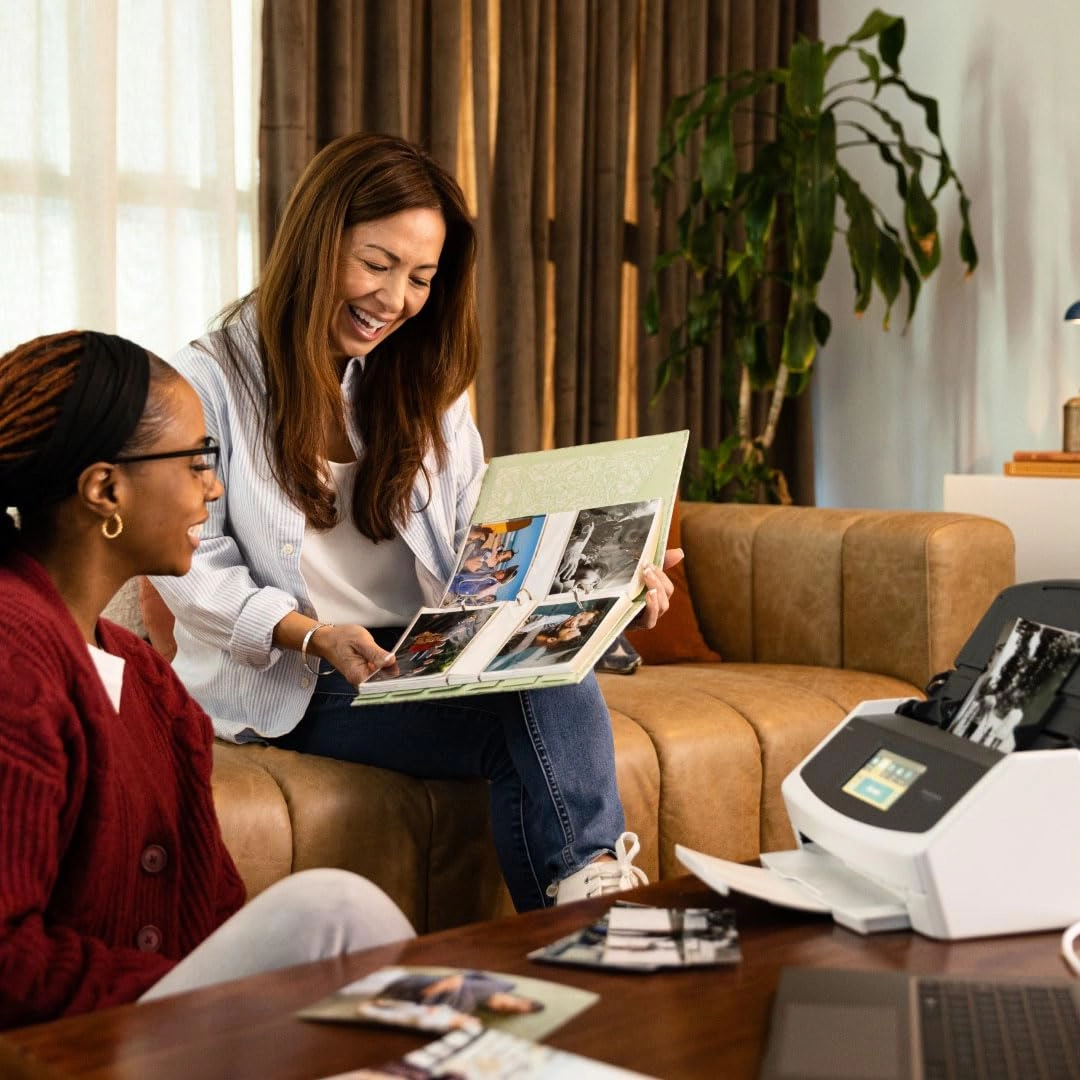
for that type of document. For instance, I had well over a
thousand pictures of my son's sports from over the years and
instead of storing in a closet, I created a profile named Sports
and scanned them up to a Dropbox for the rest of the family to
see. Initially, I was really concerned about how the pictures
would scan, but I was quickly blown away. They come out better
than the picture itself and even at the maximum resolution
setting average less than .5 Mb each. I could place a handful of
pictures (up to 50) at a time and this scanner never skipped a
beat. So getting through over a thousand pictures was a breeze.
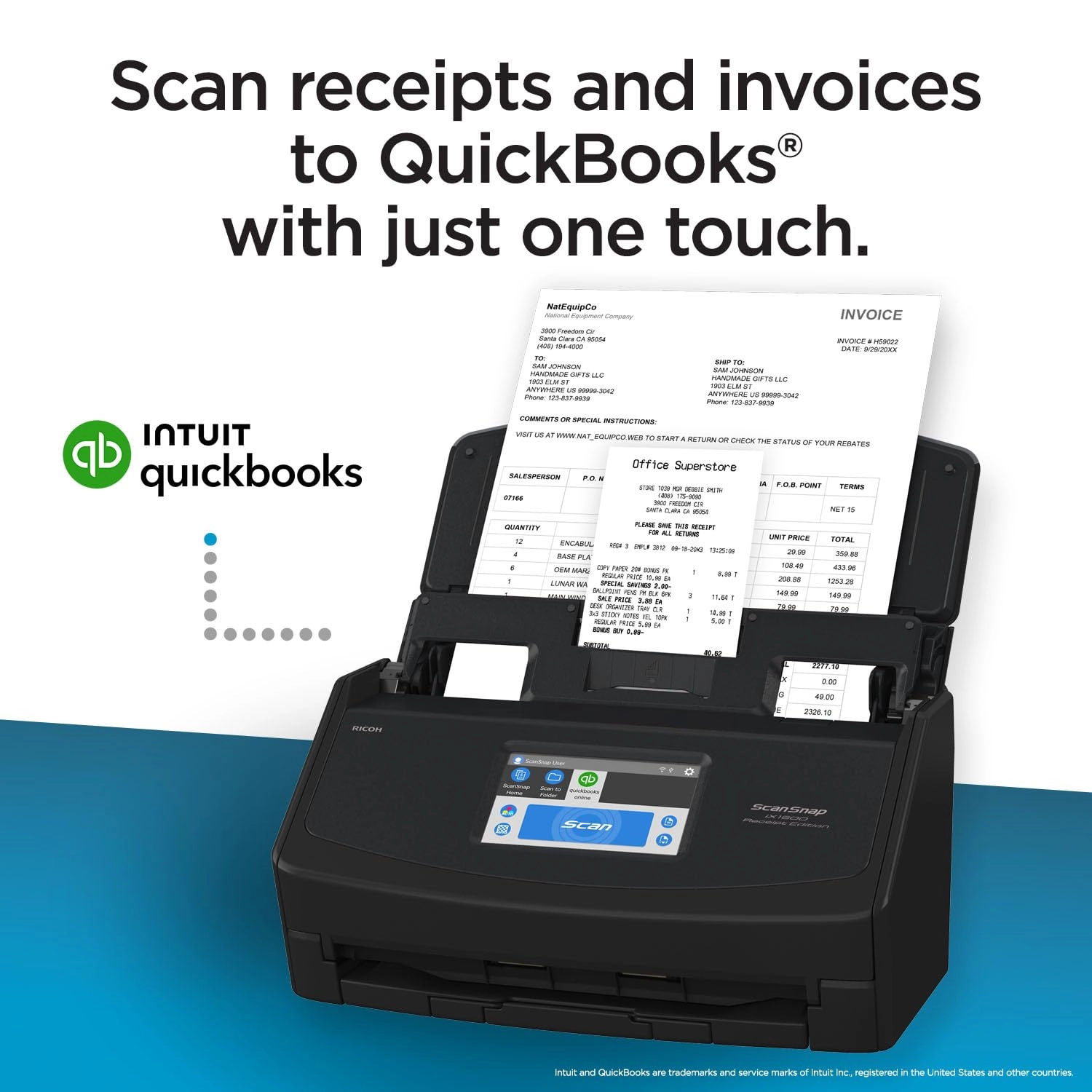
Then grab a handful of receipts of different sizes, pick the
receipt profile and scan them in...simple. And shockingly to me I
put a dozen or so receipts of many different sizes and shapes at
the same time and they just went through easily. It would never
be that simple on my old Epson. One of the best features to me
was/is the duplex function which allows the scanning of both
sides of the paper at the same time. I had several boxes of
documents that I needed to scan so I could shred all the paper
afterwards thus reducing storage space. I created a profile and
turned on the duplex function, then scanned thousands of
documents. If a paper was printed on two sides, it would scan
both sides at once and the speed of the scan was not impacted.
And if there was nothing on the back of a page, it would not scan
a blank page (that's a setting in the profile). Needless to say,
I was able to easily scan numerous documents that I didn't want
to throw away, but I didn't want to store in boxes either. I was
able to reduce about 15 boxes down to 3, keeping the most recent
stuff and digitizing/archiving the rest. I hauled out at least
ten full bins of confetti after shredding so many documents and
pictures. So just to sum up, with my old scanner I never wanted
to scan anything because I knew how much work it would be and it
would not scan pictures. This Scansnap IX1600 scanner is fun to
use and very easy. When I get home with a handful of receipts I
can select receipts profile throw all the receipts in and scan
them, then shred. I am really, really happy I chose this scanner,
it's a dream to use!
Reviews
Loading...
Loading...
Loading...
Loading...
Loading...
Loading...
Loading...
Loading...
Loading...
Loading...
Loading...
Loading...
Loading...
Loading...
Loading...
Loading...
Loading...
Loading...
Loading...
Loading...
Loading...
Loading...
Loading...
Loading...
Loading...
Loading...
Loading...
Loading...
Loading...
Loading...
Loading...
Loading...
Loading...
Loading...
Loading...
Loading...
Loading...
Loading...
Loading...
Loading...
Loading...
Loading...
Loading...
Loading...
Loading...
Loading...
Loading...
Loading...
Loading...
Loading...
Loading...
Loading...
Loading...
Loading...
Loading...
Loading...
Loading...
Loading...
Loading...
Loading...
Loading...
Loading...
Loading...
Join our newsletter
Be the first to know about new arrivals, sales, and exclusive picks
Sign in to unlock newsletter access and stay in the loop