

Allware
Loading...
  • News
  • Price drops
  • New arrivals
  • Featured categories
  1. Computers & Peripherals
  2. Printers & Scanners
  3. Scanning Equipment
  4. Scanners
(Renewed) RDS-940DW - USB

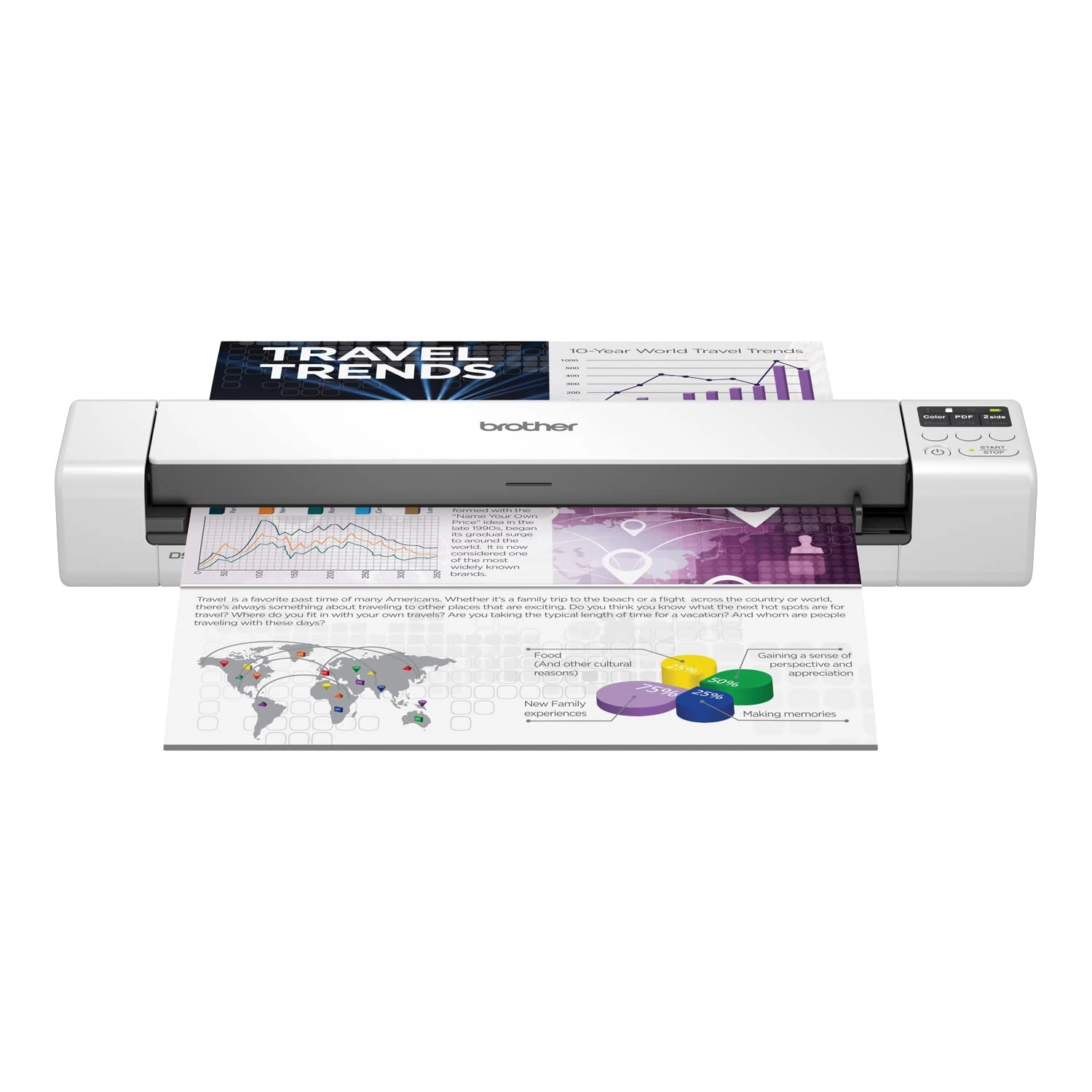
Brother (Renewed) RDS-940DW - USB

Best offer
AED
1 12500
AED
1 81100
-37%

Key Features

  • Scanner type: Sheet-fed scanner
  • Weight: 1115.83723g
  • Minimum system requirements: Windows 7
  • Box contents: 1 Stück
  • Offers
  • Price History
  • Specifications
  • Product Details
  • Review IconReviews
  • Community & Expert Opinions

Specifications

Packaging data

Box contents
1 Stück

Weight & dimensions

Weight
1115.84 g

System requirements

Minimum system requirements
Windows 7

Scanning

Scanner type
Sheet-fed scanner

Product Details

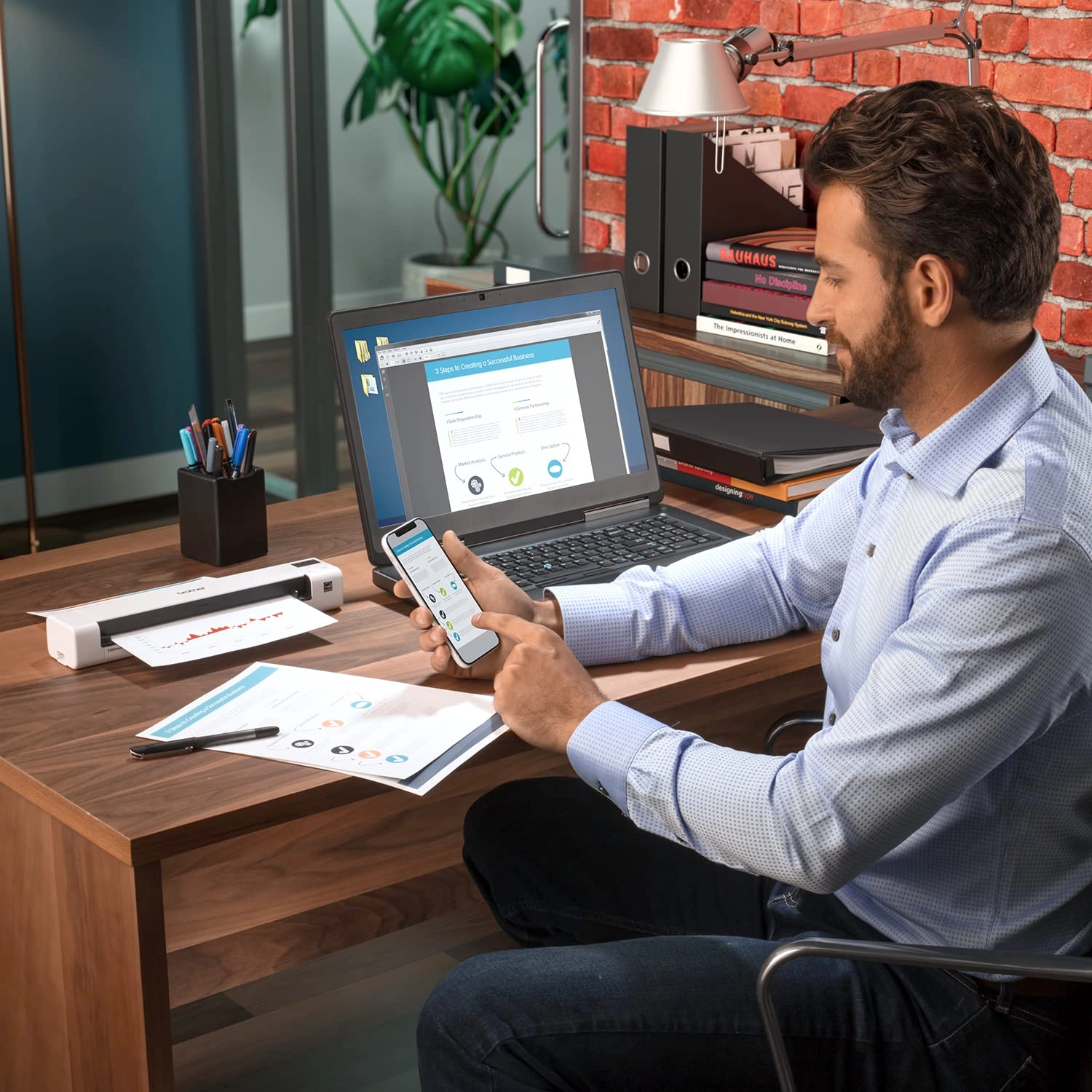
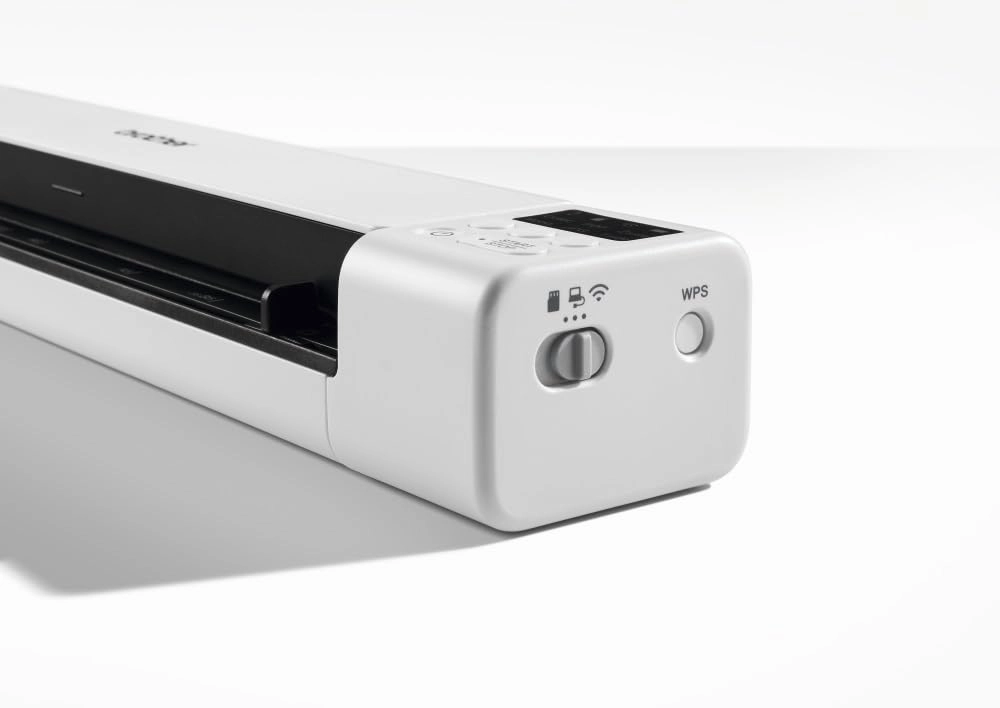
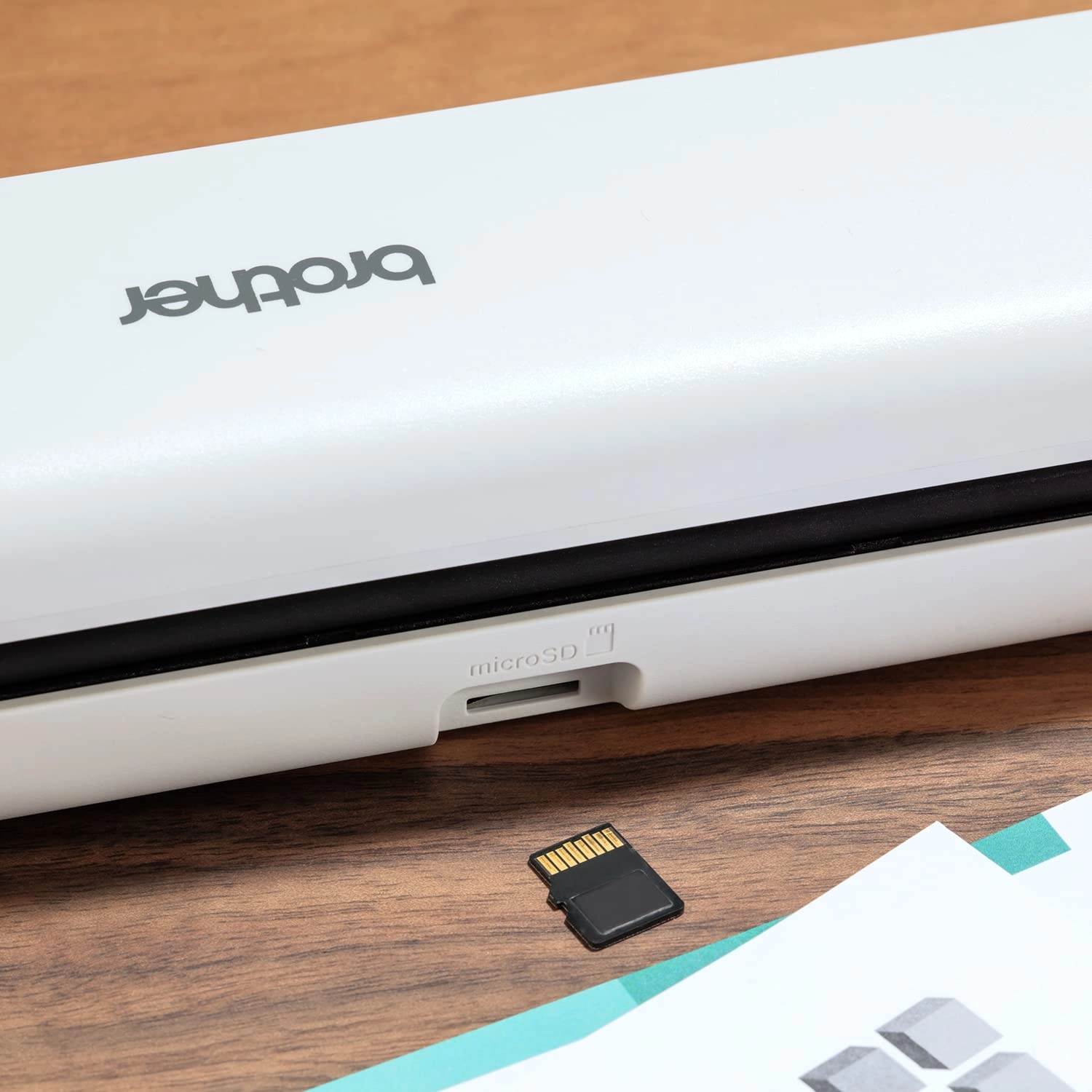
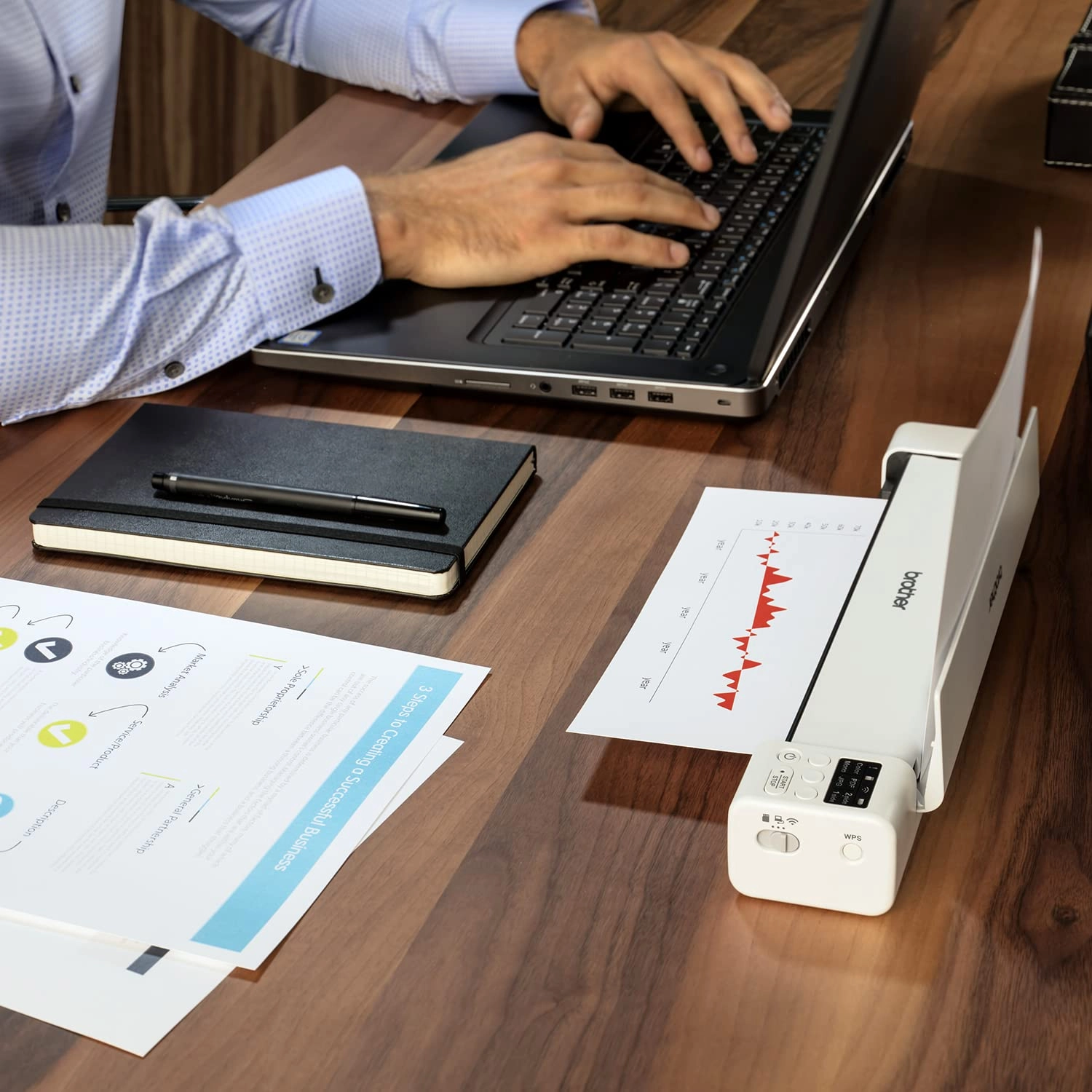
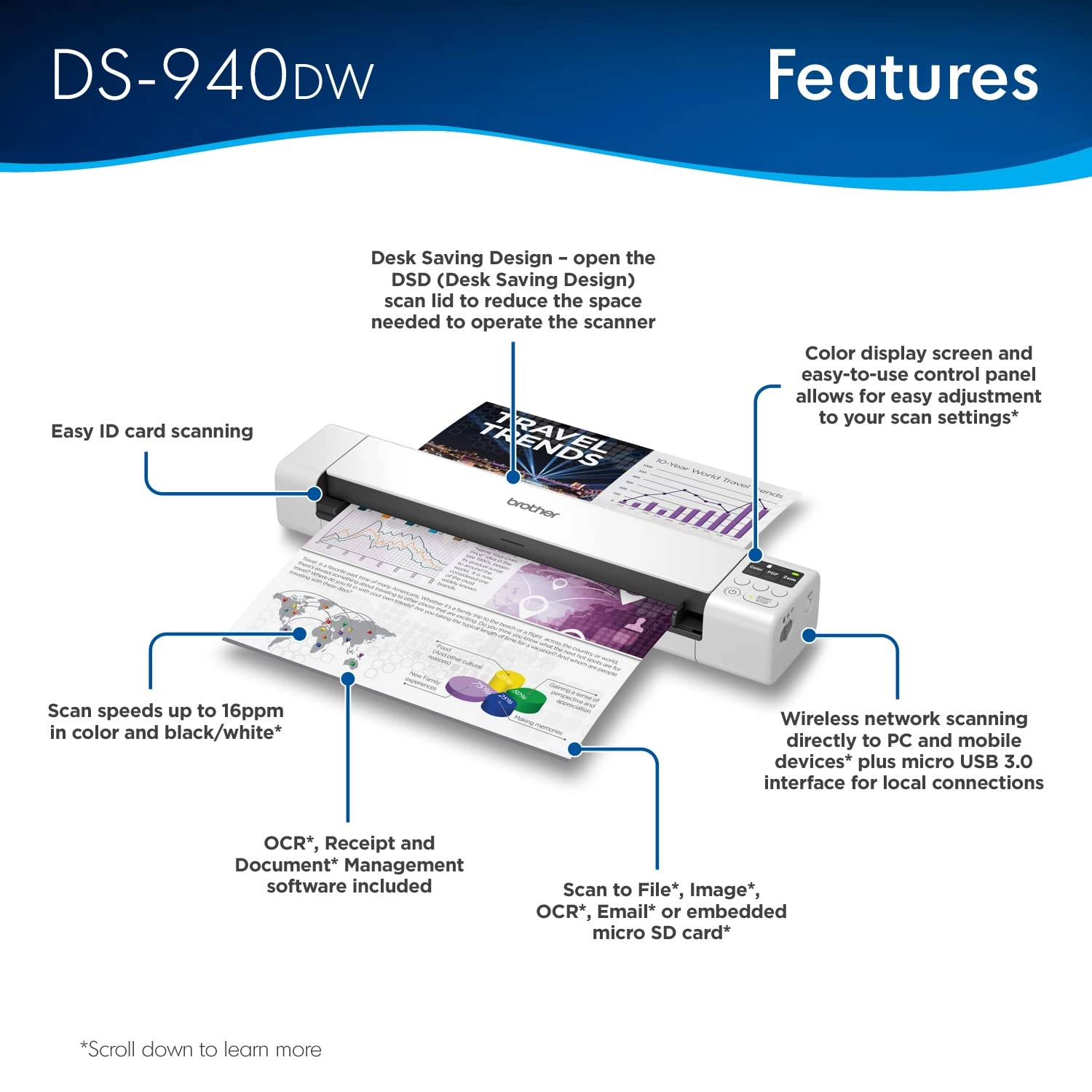
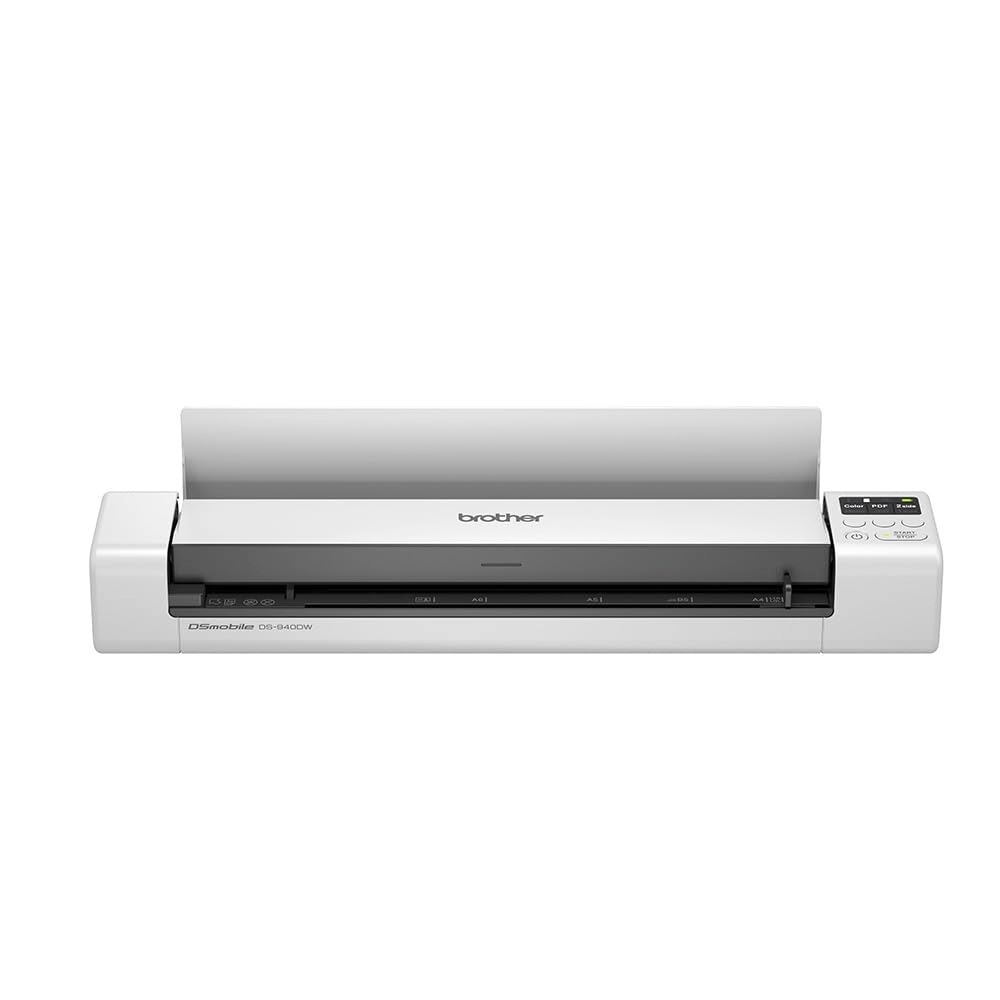
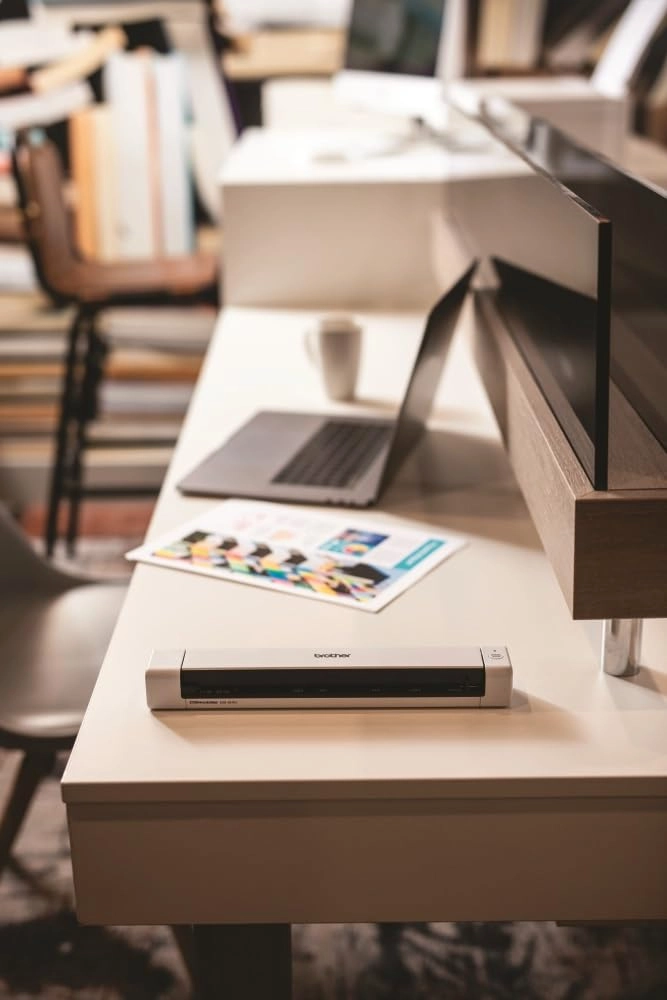
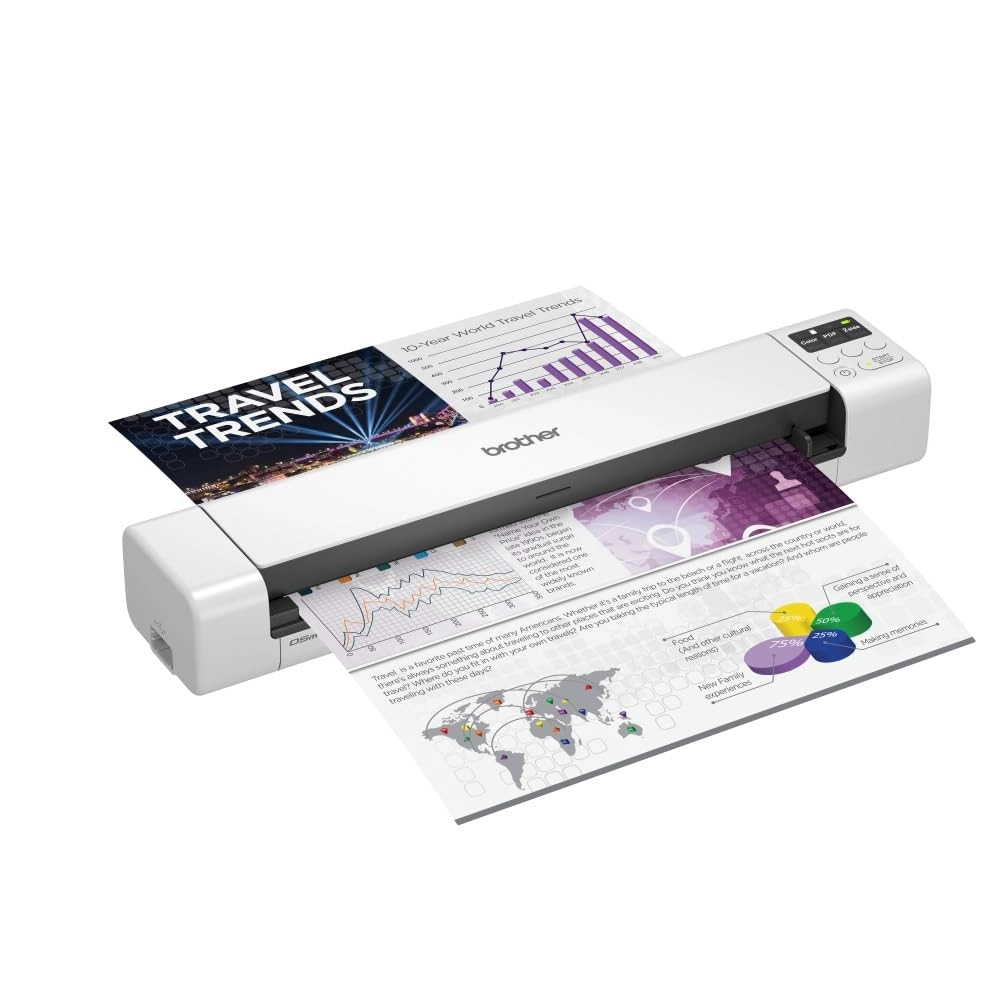
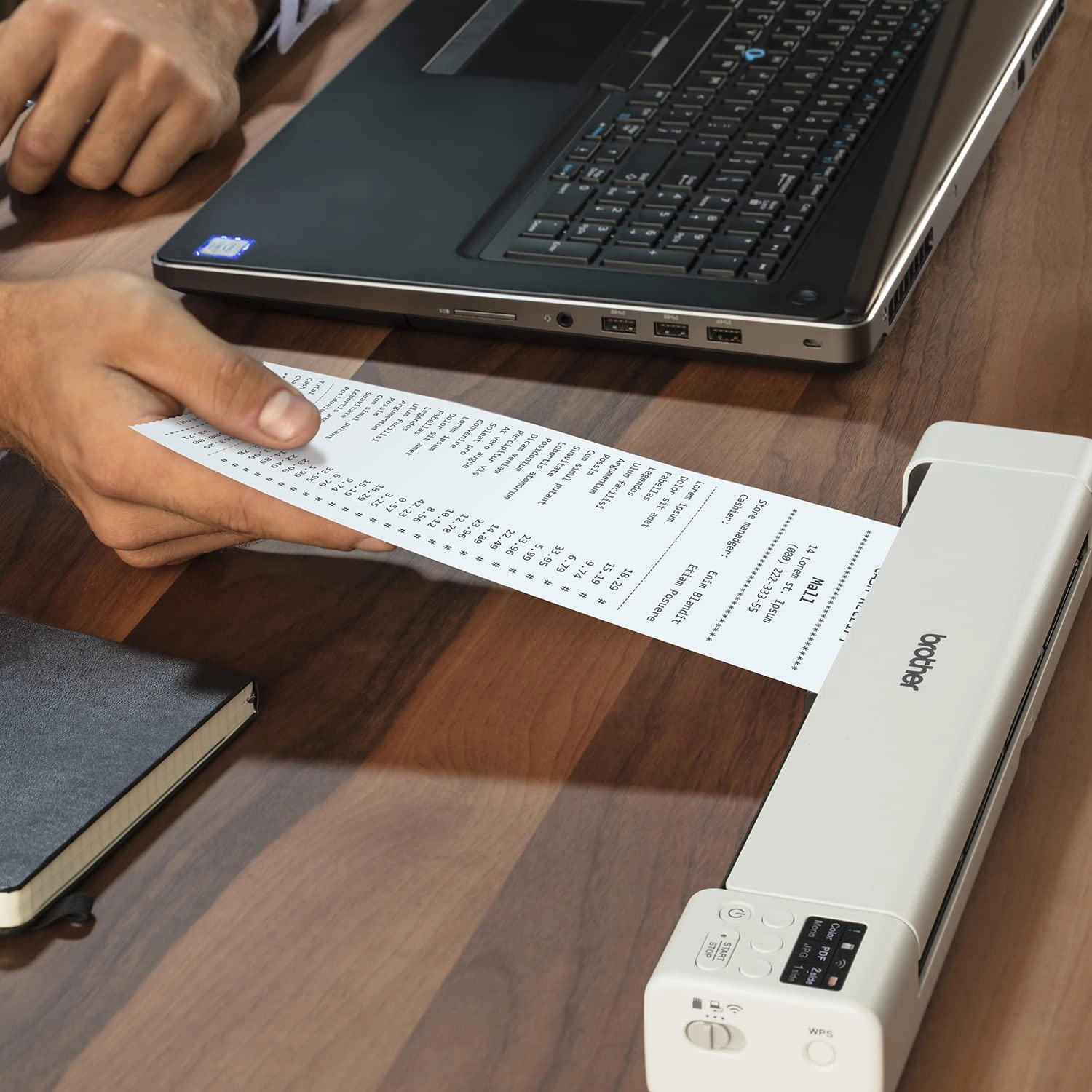
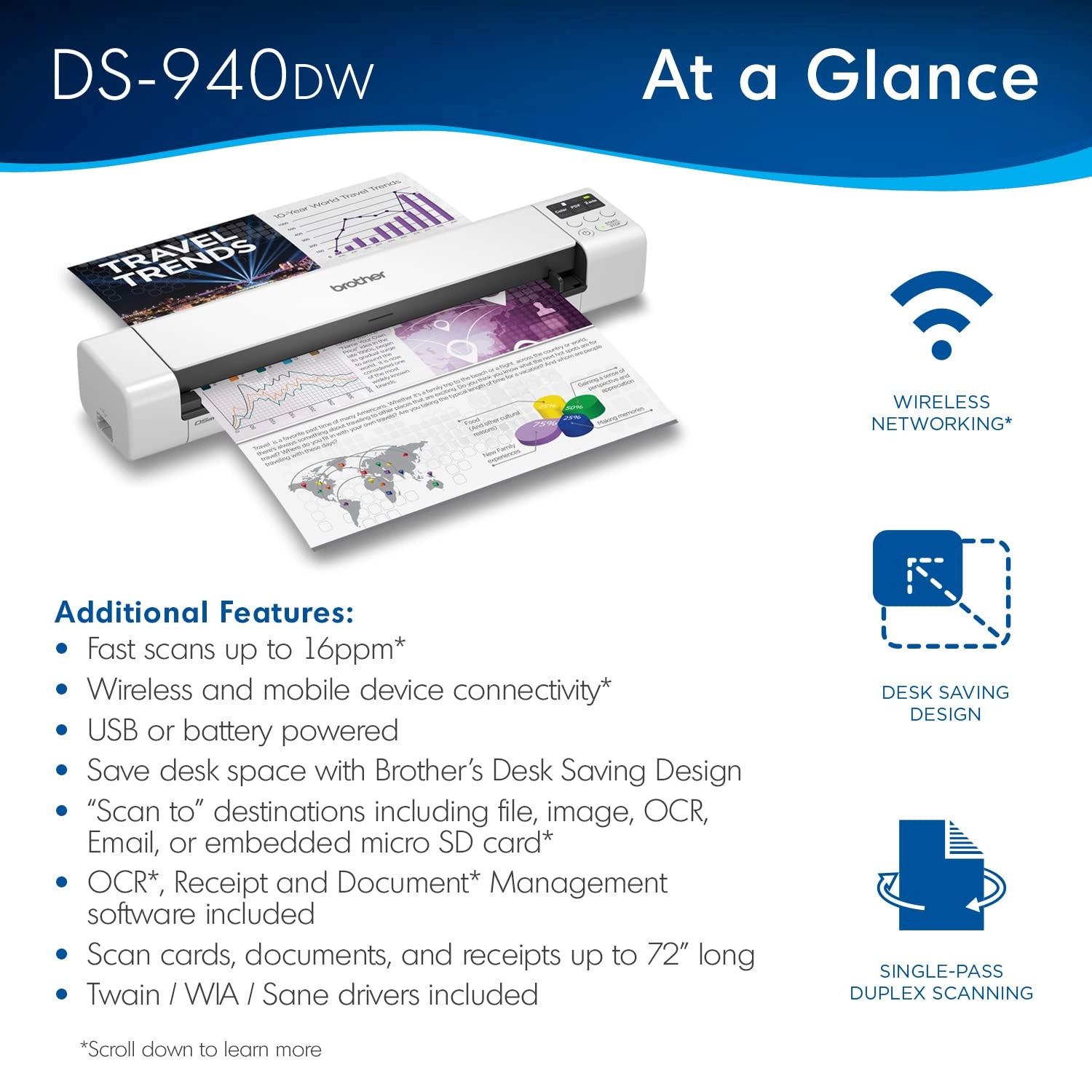
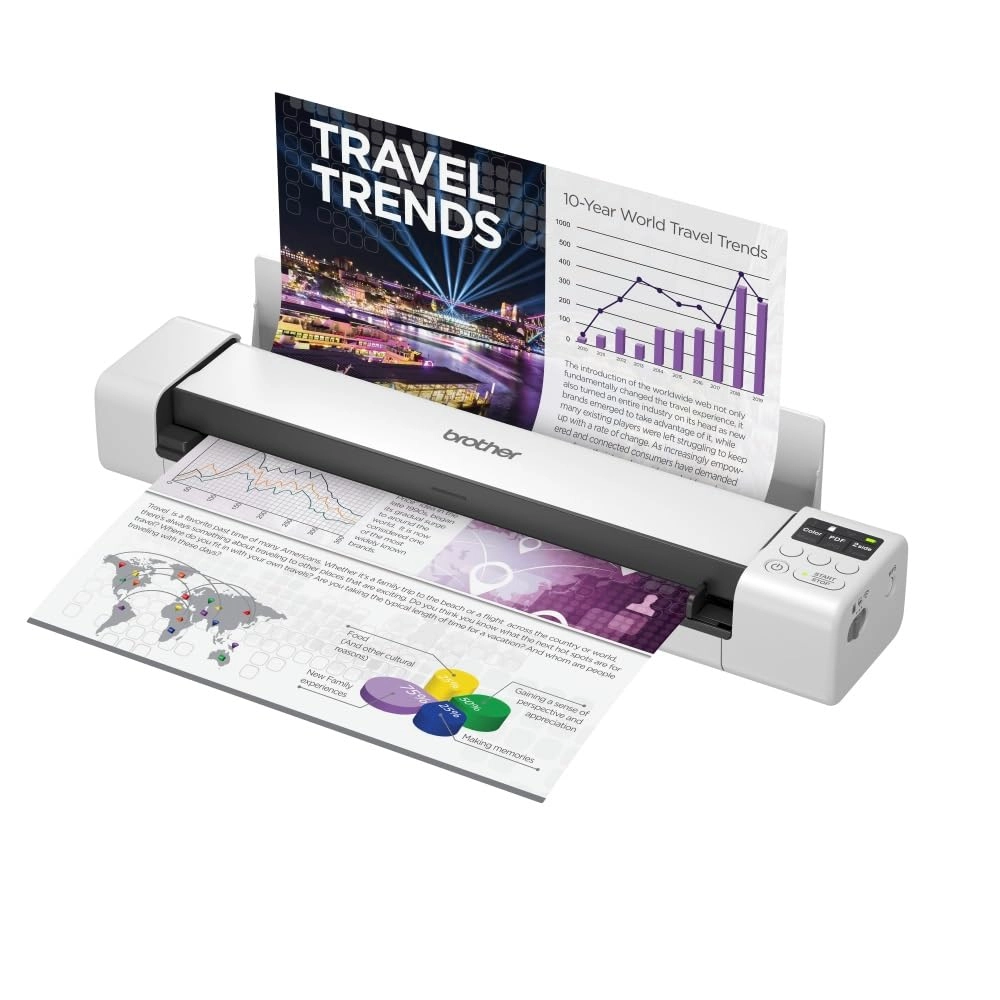
Easily scan 2-sided documents up to 15 pages per minute with this compact, wireless scanner. Includes free mobile app for on-the-go scanning and sharing. Review: What an amazing little scanner. - I was fully prepared to be shipping this unit back if it did not live up to expectations but it is staying with me. I’ve had a number of portable document scanners over the years with a varying degree of success with each. I did a great deal of research into this type of scanner prior to ordering which included the ScanSnap, Doxie, canon and Fujitsu equivalent models. I am a prolific archivist and detest paper so any paperwork given to me gets scanned in and stored electronically. With the MFD shortage brought on by covid I struggled to get a worthy replacement MFD for home with an ADF when the ADF on my Canon just wore out. Over the recent year my job has changed to that of a more flexible worker either from the Office, home or client sites so a portable unit that can be added to my office in a rucksack was the best fit. Anyway enough about my situation. This unit can scan to a machine over USB, Wi-Fi and via a memory card you insert into the back of the device. Whilst the memory card does not petrude it would be nice if there was a clip or cover over it to stop it from being accidentally ejected. This may after all contain sensitive information or the remains of sensitive information after deletion. Scanning to the memory card is OK and just OK. Each page is saved as a separate document, even when selected PDF and 2 Sided each side will be safed as a separate document and not combined. You just put another piece of paper in the feeder and it scans and saves. There I no method, that I have found documented to continue a scan to the memory card into one file. The scans require assembly into a single file after the fact in the included software. I use this feature only for documents of one page. Only when there is no other practicable choice do I use this for multipage scans as it is a bit of a ball ache. Quite why they didn’t make use of the “WStart/Stop” button is anyone’s guess. The Wi-Fi functionality is OK, it is a bit slow in my experience. There is also no “known” Wi-Fi settings listed on the device’s settings so it just remembers the previous network it is connected to. It would be useful it it retained the settings for a number of networks to allow it to move between home, work and Mi-Fi adapter without having to repair the thing by the WPS button each time. As you can tell I mostly use my device over USB, its plug and play and fast. The built-in blank page detection is brilliant and the Brother iPrint & Scan software really is very good. This has a continuation feature so you can just keep stuffing pages into the feeder and they become one document. Automatic page rotation is also a good feature that works well as does deskew. The ability to insert a few pages at once would be nice but it isn’t worth sacrificing the extra size needed to support this. As a portable unit it would have been nice if it included even a cloth carrying case to stop it from being marked in my bag but this is an extra purchase. On th front of the feeder there is a peper guide for the feeder of the slidy piece of plastic type but there is no resistance to moving it so it is pointless. I may well gluee mine in position at somepoint. Despite these shortcomings it works well, the scans are good and it chewed through a massive backlog of scanning in a short period of time and will be taking up its place in my Office in a rucksack. Review: Sony CECHZA1 USB AC power adapter will charge this scanner from the wall - A lot of criticism from this scanner is the requirement to have to charge it via a PC, with the inability to charge via a regular cable into a plug socket. After some trial and error I have found this scanner can be charged from the wall using a Sony AC charger adapter, which is designed for the PS3. These adapters can be sourced online for around £15 and whilst not as streamlined as a simple USB cable into the wall, it’s not far off and makes life a bit more convenient than having to plug into a PC, if it’s something that is important to you. Should Brother have supplied something similar with the scanner? Well it would have been no bad thing... Much has been said of the scanner, so I wont repeat much of what has been said. The bonus feature for for me was 2 sided scanning which saves a bit of time and similar units at this price point and less do not offer this. A couple of reviews have mentioned that tatty paper with creases and folded corners can make for the feeding mechanism to suck the paper in at a slight angle which makes for a slightly wonky scan. If you feed it carefully it can largely be avoided. There are 3 media transmission options; tethered to a PC, send to micro SD card, send to wifi device (needs connecting to a wifi network broadcast by the scanner, not your home wifi). I’ve not tried tethered scan in but image capture works well via SD card and via wifi to app on phone. The scanner scans quick enough, the limitation on speed is having to manually feed additional sheets in. I can’t comment on battery life as I’ve not used it that extensively yet. My only observation is the battery light moves from green (fully charged, high charge) to orange (less charge) quite quickly. Now I have the Sony adapter I am less bothered.

Reviews

Loading...
Loading...
Loading...
Loading...
Loading...
Loading...
Loading...
Loading...
Loading...
Loading...
Loading...
Loading...
Loading...
Loading...
Loading...
Loading...
Loading...
Loading...
Loading...
Loading...
Loading...
Loading...
Loading...
Loading...
Loading...
Loading...
Loading...
Loading...
Loading...
Loading...
Loading...
Loading...
Loading...
Loading...
Loading...
Loading...
Loading...
Loading...
Loading...
Loading...
Loading...
Loading...
Loading...
Loading...
Loading...
Loading...
Loading...
Loading...
Loading...
Loading...
Loading...
Loading...
Loading...
Loading...
Loading...
Loading...
Loading...
Loading...
Loading...
Loading...
Loading...
Loading...
Loading...

Join our newsletter

Be the first to know about new arrivals, sales, and exclusive picks

Sign in to unlock newsletter access and stay in the loop

Allware
info@allware.com
+971522500911
World technology awards winner badge

Allware

  • About Us
  • Terms And Conditions
  • Privacy Policy
  • Contact Us

Partners

  • Why become a partner?
  • How to list your Online Shop?

Newsletter

  • Subscribe

Info

  • How Allware works
All Rights Reserved.
Allware does not sell products. Prices shown are aggregated from verified merchants.
Please enable location access or select an emirate
-
00:00:00
Prayer timings

Offers (2)

desertcart logo

2 offers

From
AED
1 125

Brother DS-940DW Document Scanner, Wireless/USB 3.0, DSMobile, Portable, 2 Sided Scanning, 15PPM, A4 Scanner, Includes Micro USB Cable, White

AED
1 81100
-37%
AED
1 12500

Price History

Price History Skeleton
Price History Shimmer Effect
Loading price history...

Similar Products

See all
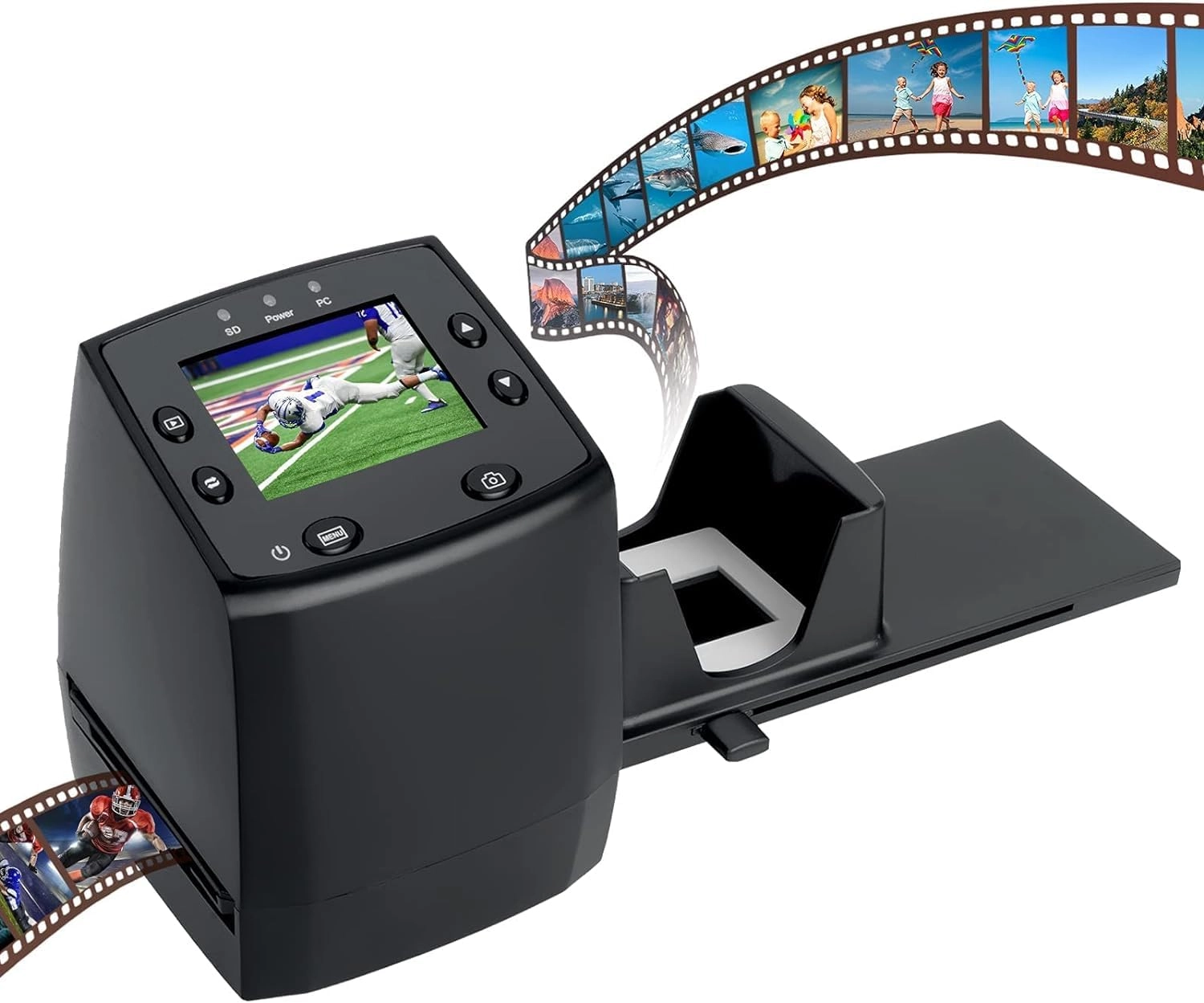
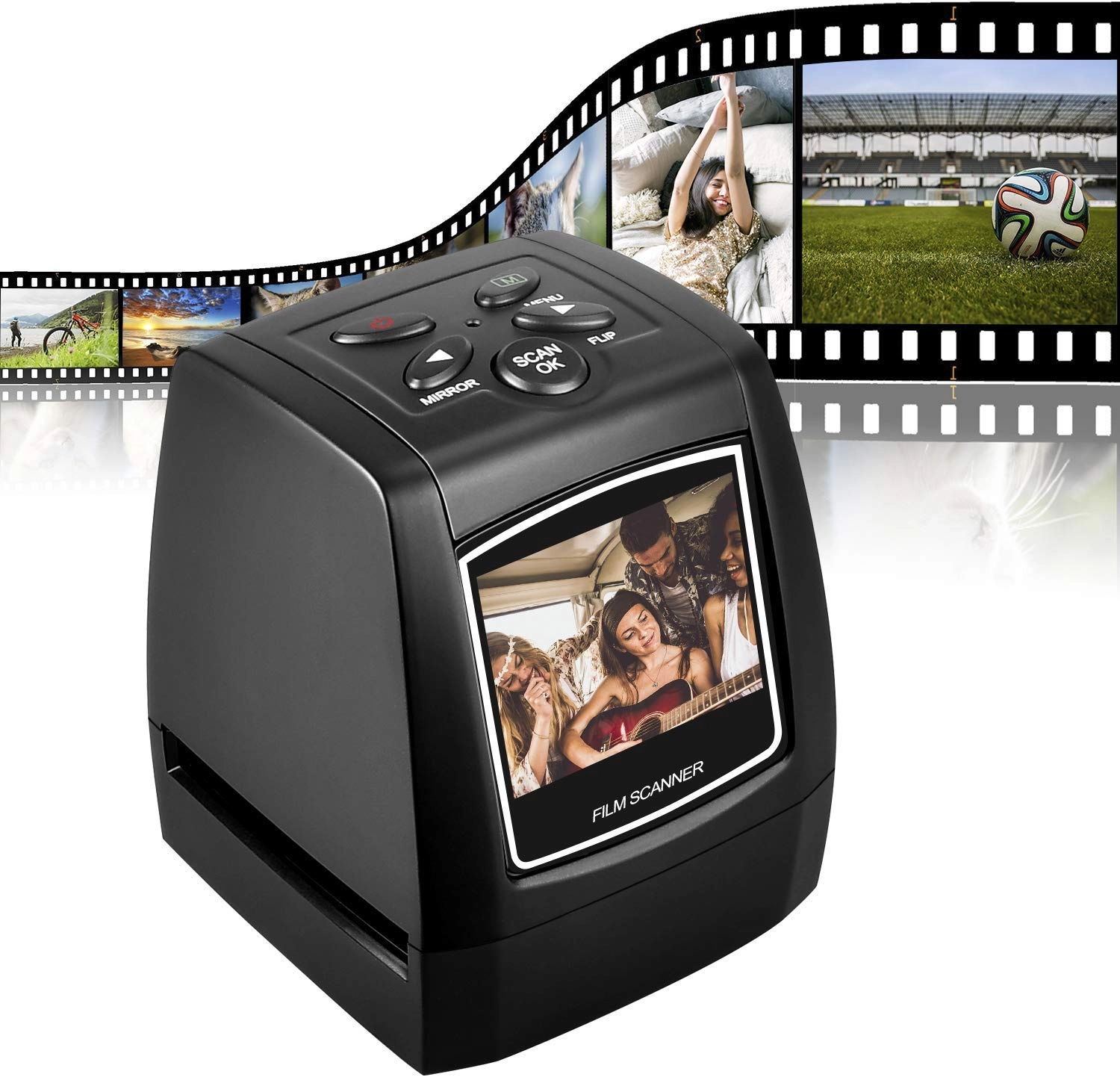
DIGITNOW 135 Film Negative Scanner - USB 2.0

DIGITNOW 135 Film Negative Scanner - USB 2.0

AED
24700
3 offers
Plustek OpticFilm 8300i Ai - USB

Plustek OpticFilm 8300i Ai - USB

AED
2 10804
3 offers
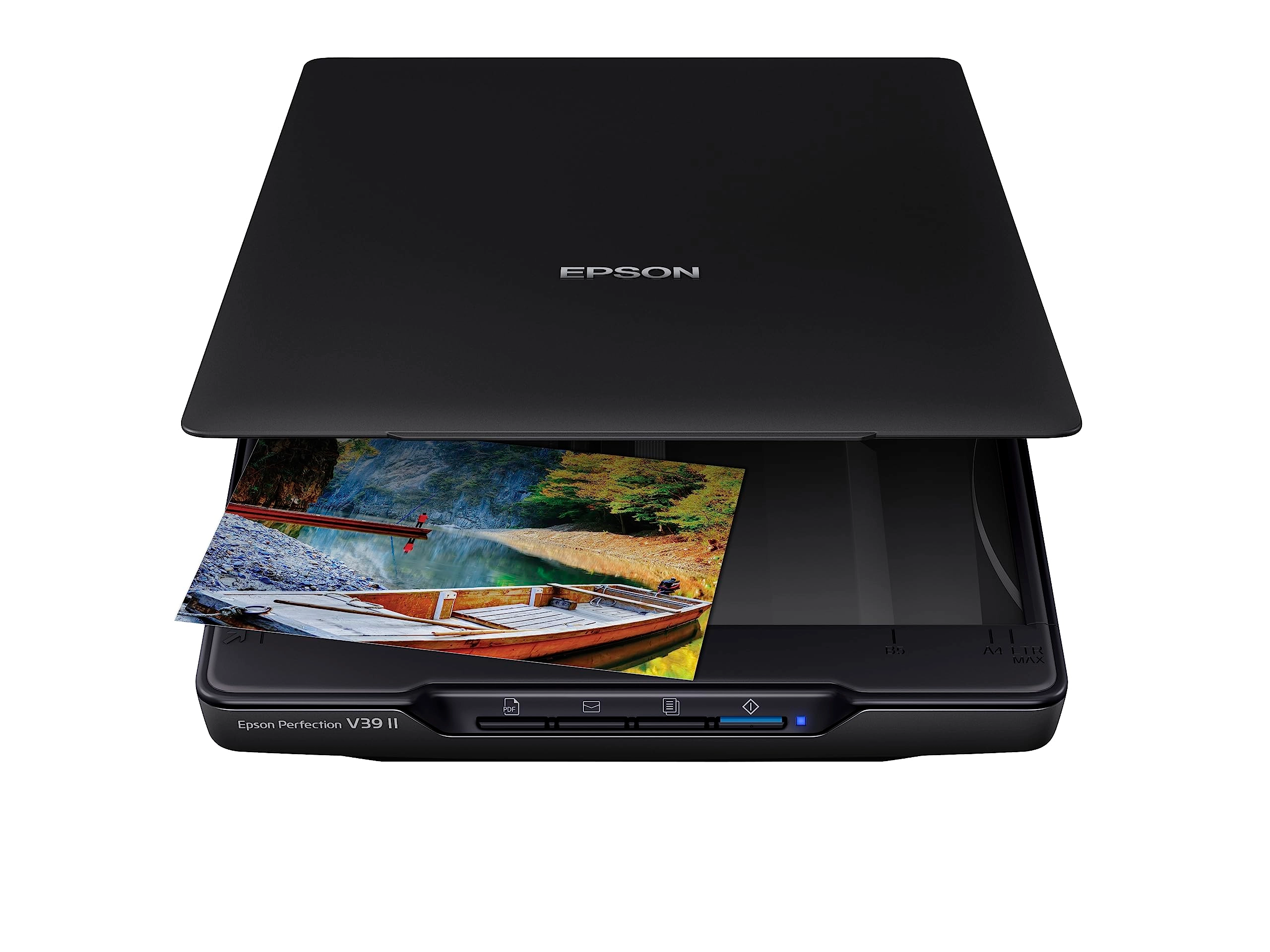
Epson Perfection V39II - USB

Epson Perfection V39II - USB

AED
29500
7 offers
-38%
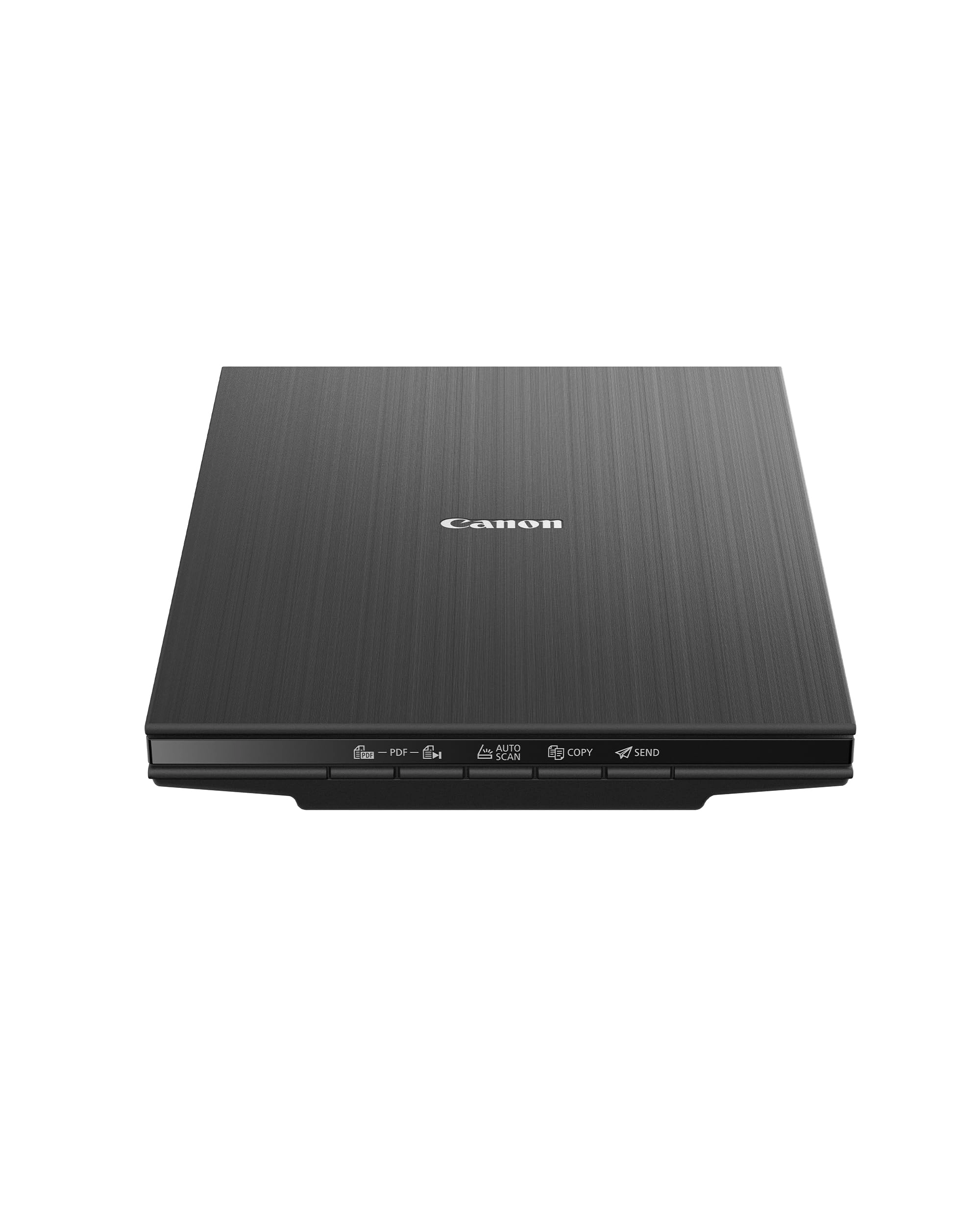
Canon CanoScan LiDE 400 - 4800 X 4800 USB Type-C

Canon CanoScan LiDE 400 - 4800 X 4800 USB Type-C

AED
67500
AED
41700
7 offers
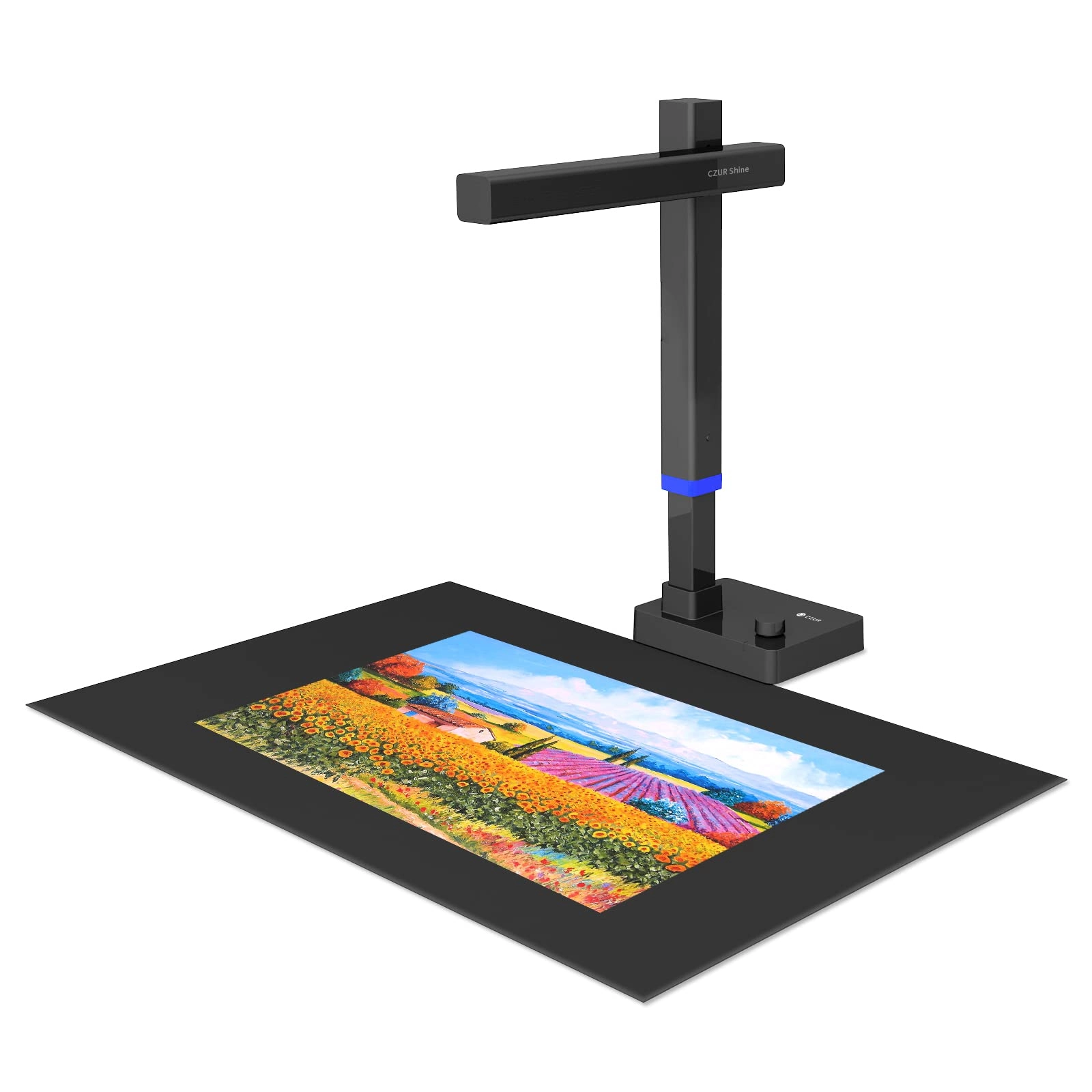
CZUR Tech Shine Ultra - USB

CZUR Tech Shine Ultra - USB

AED
86199
6 offers
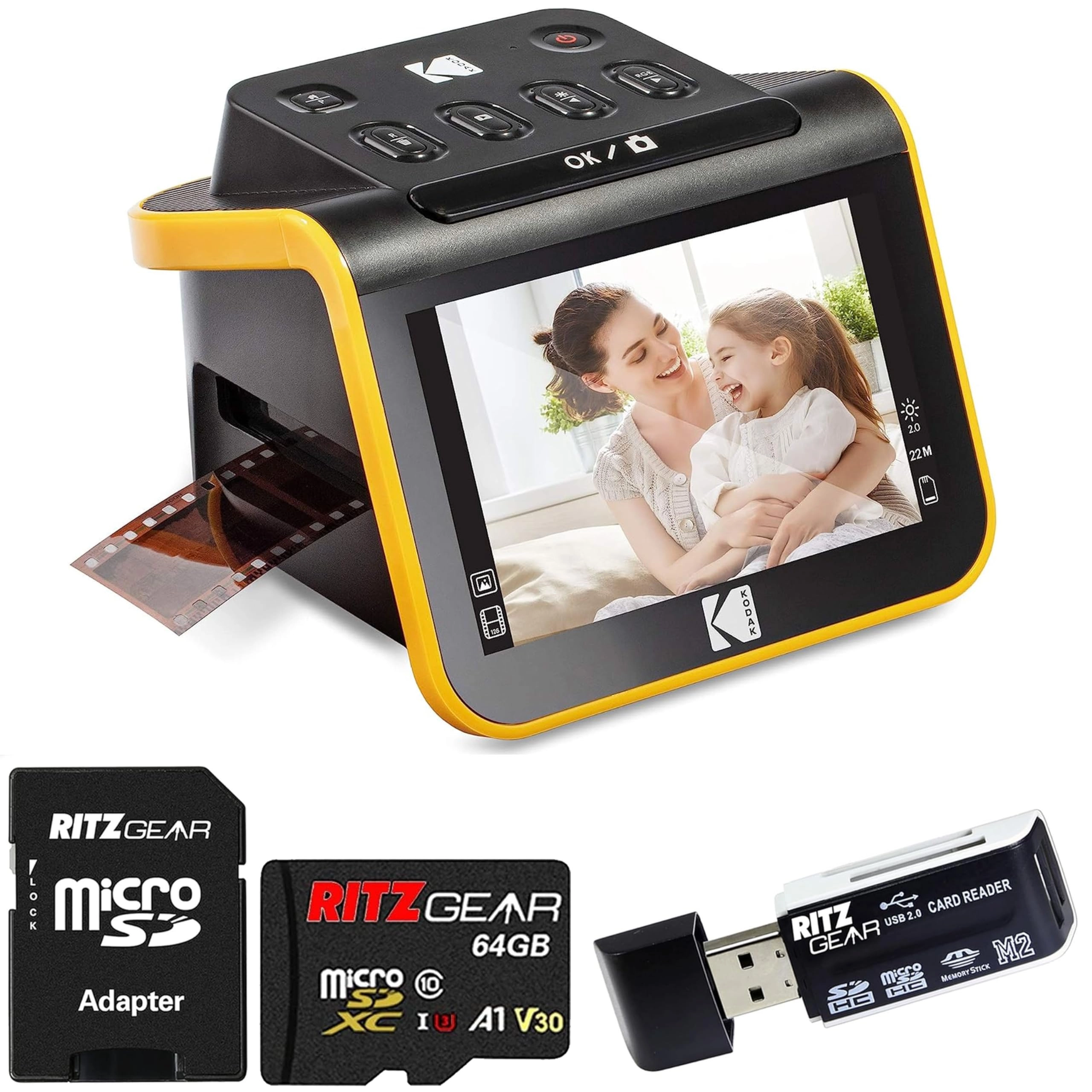
Kodak Slide N Scan + SD Card + SD Card Reader - USB

Kodak Slide N Scan + SD Card + SD Card Reader - USB

AED
1 01600
3 offers
-31%
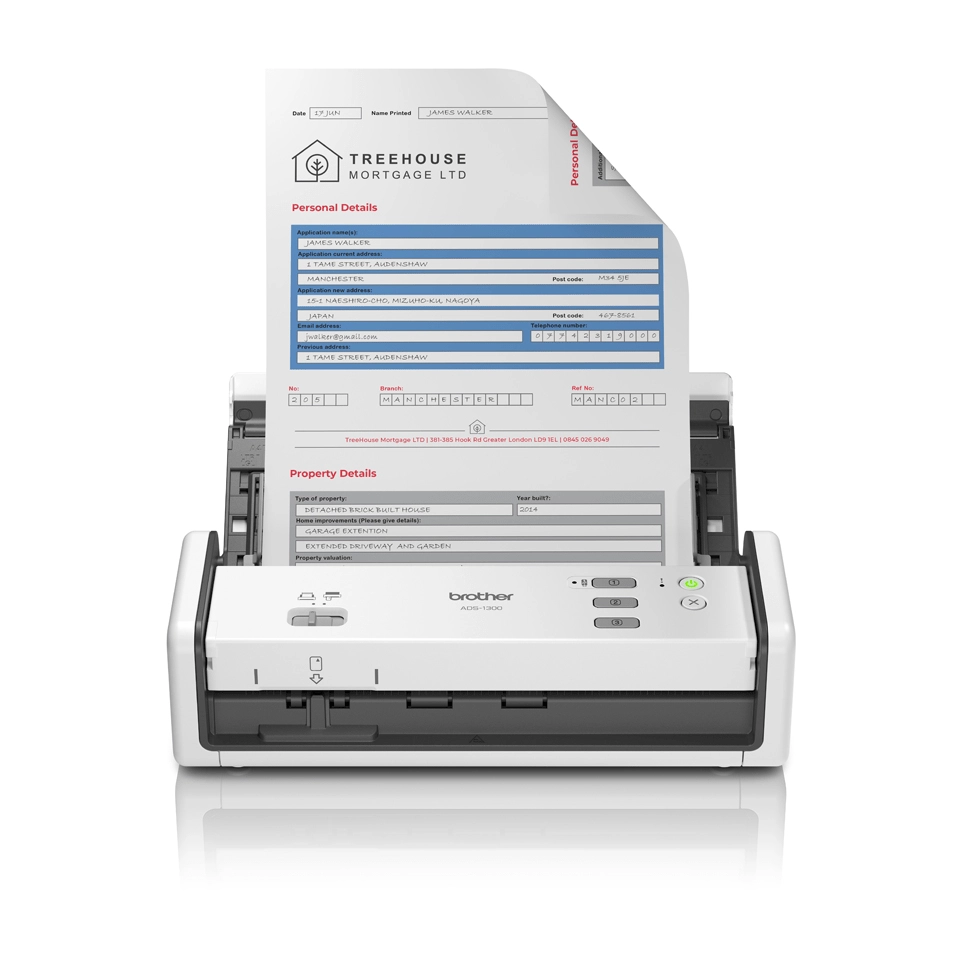
Brother ADS-1300

Brother ADS-1300

AED
1 76700
AED
1 20700
3 offers
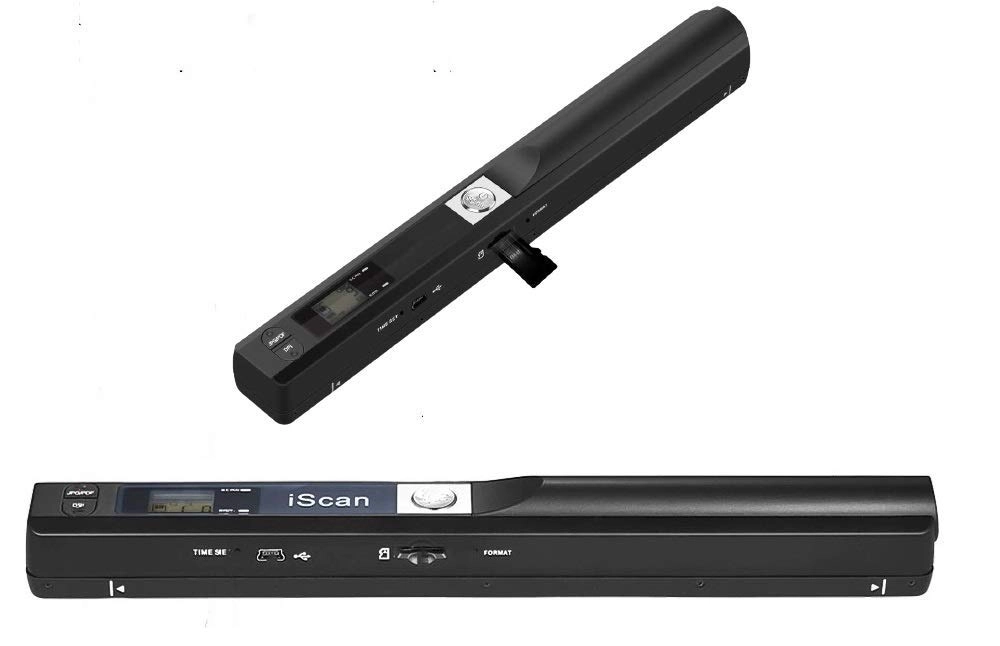
Microware Multimedia Private Limited iSCAN - USB

Microware Multimedia Private Limited iSCAN - USB

AED
37900
3 offers
Brother M121 - USB2.0

Brother M121 - USB2.0

AED
22913
3 offers
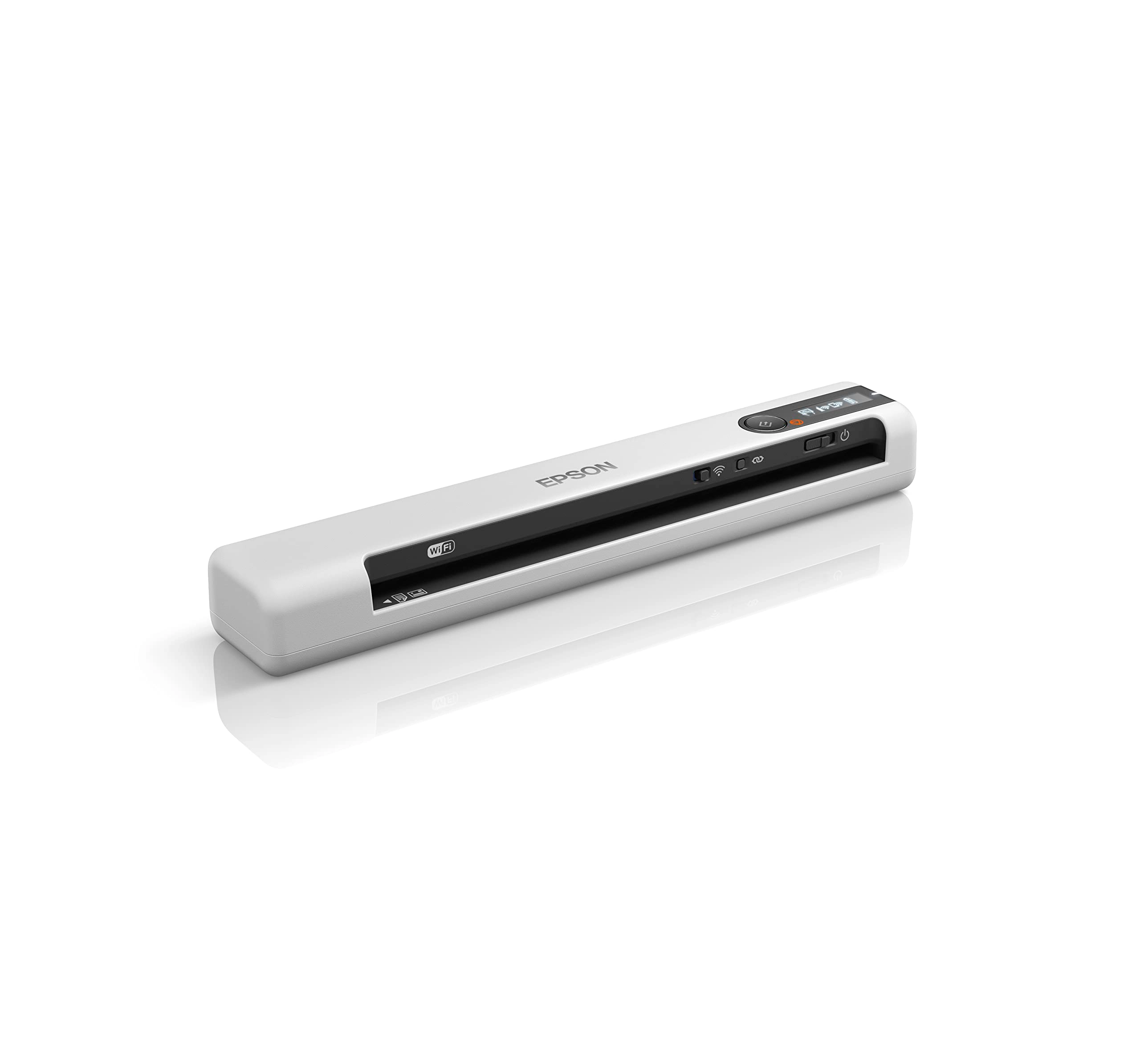
Epson DS-80W - USB 2.0

Epson DS-80W - USB 2.0

AED
79000
2 offers

More from Brother

See all
Brother LC472Y Standard Yield Yellow

Brother LC472Y Standard Yield Yellow

AED
4500
2 offers
-13%
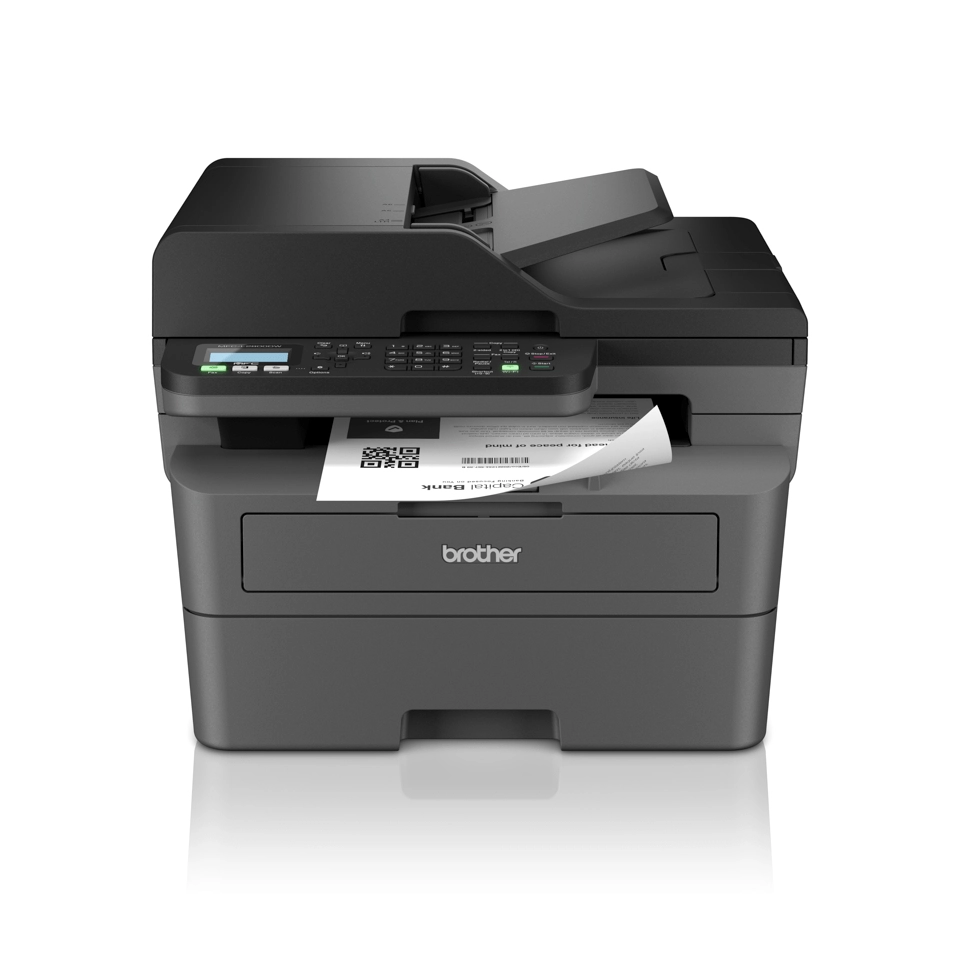
Brother MFC-L2800DW - Laser Monochrome

Brother MFC-L2800DW - Laser Monochrome

AED
1 93600
AED
1 67900
1 offer
-3%
Brother MFC-J3940DW

Brother MFC-J3940DW

AED
1 53500
AED
1 47500
1 offer
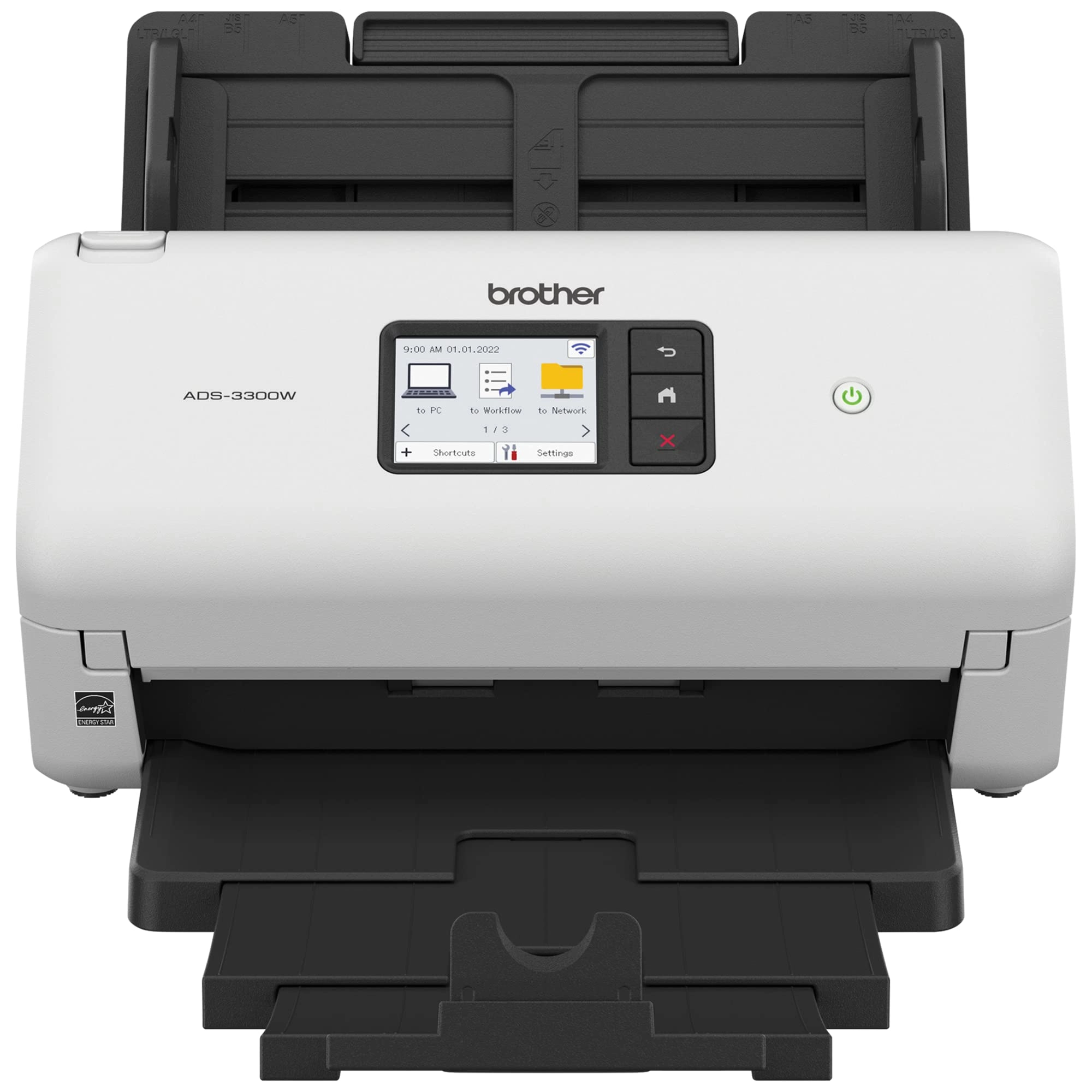
Brother ADS-3300W - Ethernet USB

Brother ADS-3300W - Ethernet USB

AED
2 70300
1 offer
-10%
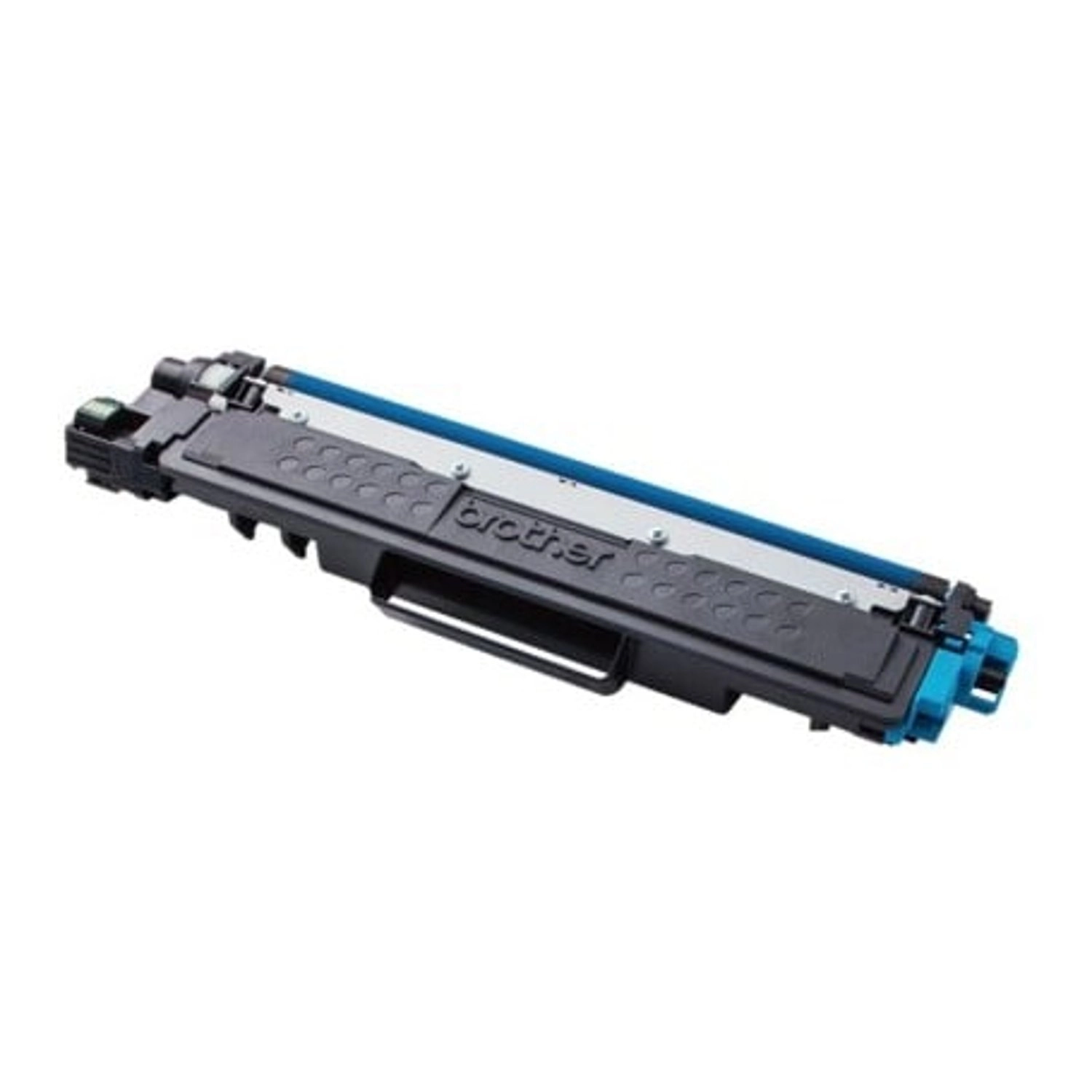
Brother TN-277C - Up to 2300 Pages Cyan

Brother TN-277C - Up to 2300 Pages Cyan

AED
34965
AED
31300
1 offer
Brother MFC-J6540DW - Inkjet Color

Brother MFC-J6540DW - Inkjet Color

AED
2 59600
3 offers
Brother DCP-T430W - Wireless Ink Tank

Brother DCP-T430W - Wireless Ink Tank

AED
44900
2 offers
Brother Standard Yield Toner Cartridge - 3000 Pages Black

Brother Standard Yield Toner Cartridge - 3000 Pages Black

AED
24300
3 offers
Brother HL-L8360CDW

Brother HL-L8360CDW

AED
1 32000
2 offers
-27%
Brother DCP-L2620DW

Brother DCP-L2620DW

AED
1 85100
AED
1 34100
Unavailable
1 offer
Loading...
Loading...
Loading...
Loading...
Loading...
Loading...
Loading...
Loading...
Loading...
Loading...
Loading...
Loading...
Loading...
Loading...
Loading...
Loading...
Loading...
Loading...
Loading...
Loading...
Loading...
Loading...
Loading...
Loading...
Loading...
Loading...
Loading...
Loading...
Loading...
Loading...
Loading...
Loading...
Loading...
Loading...
Loading...
Loading...
Loading...
Loading...
Loading...
Loading...
Loading...
Loading...
Loading...
Loading...
Loading...