Brother ADS-1800W - USB
Best offer
AED
1 45000
AED
2 30600
-37%
Key Features
- Scanner type: ADF scanner
- Weight: 1406.13635g
- Minimum system requirements: Linux operating systems supported:
Specifications
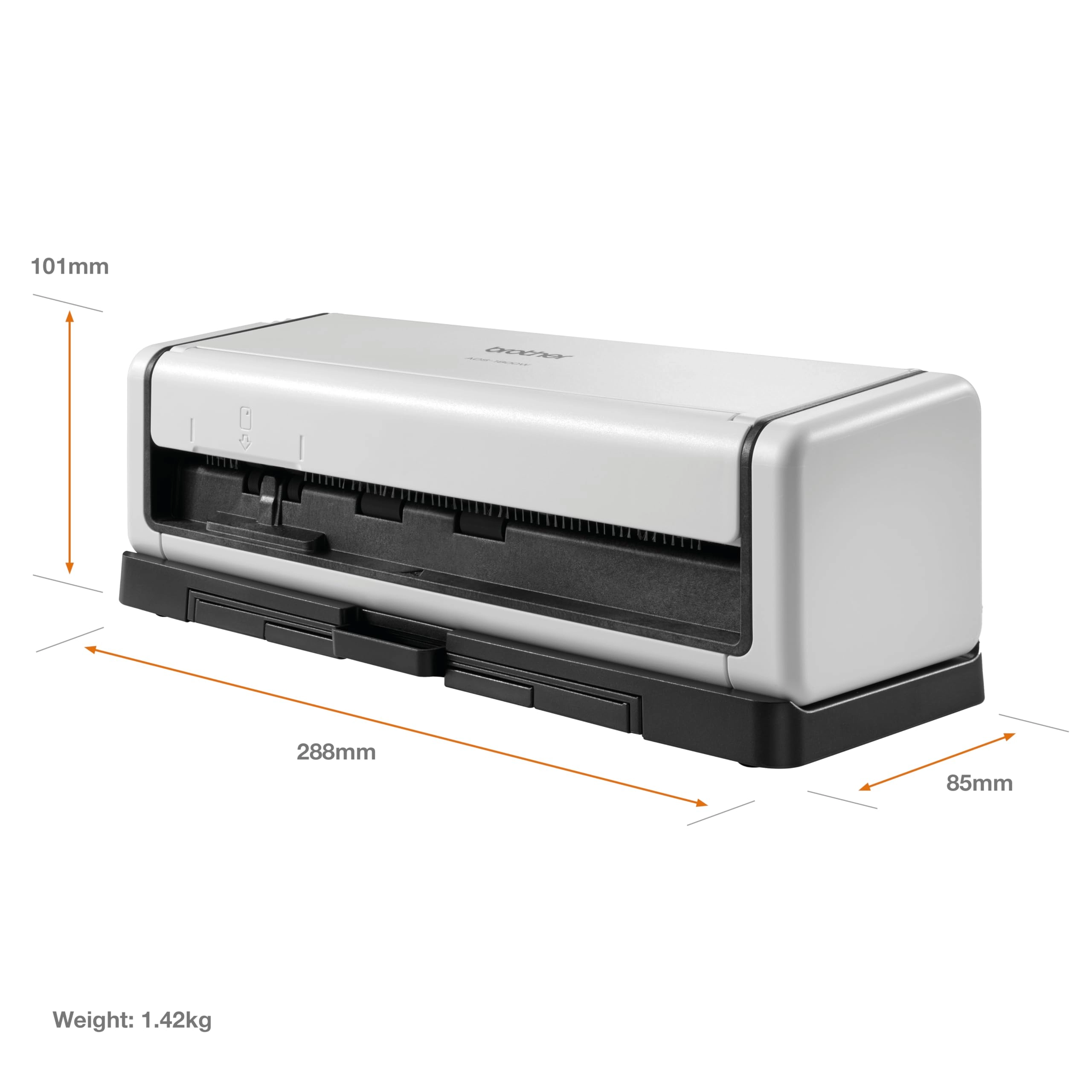
Weight & dimensions
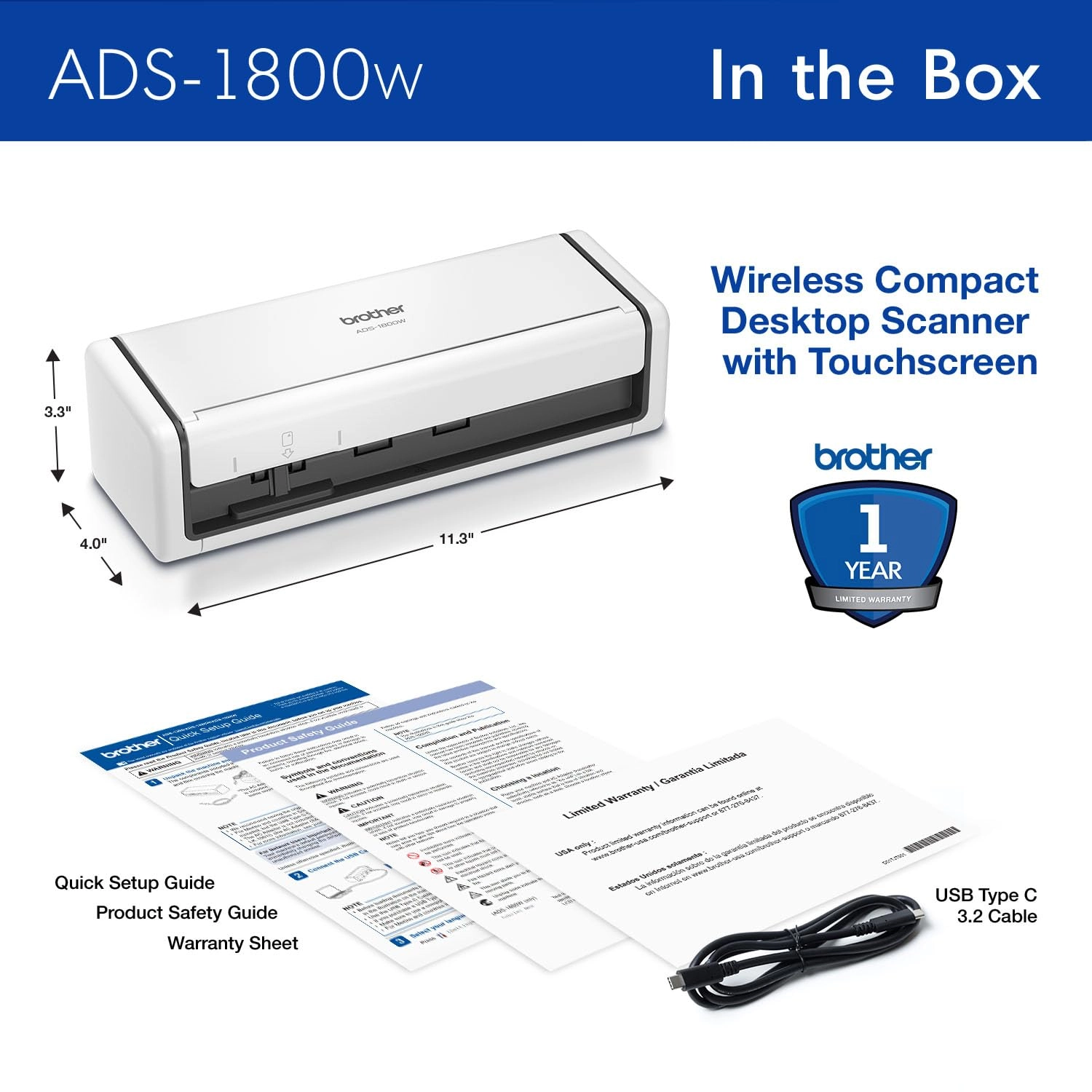
Weight
1406.14 g
System requirements
Minimum system requirements
Linux operating systems supported:
Scanning
Scanner type
ADF scanner
Product Details
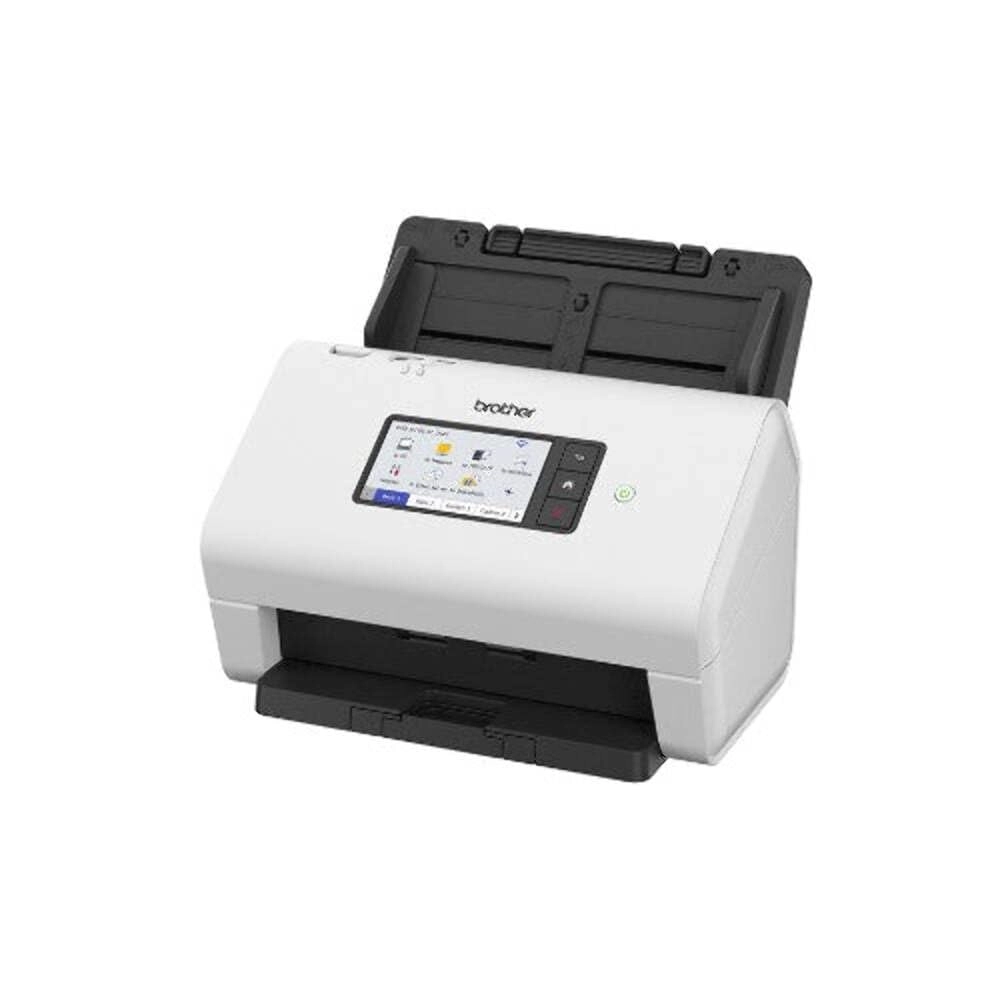
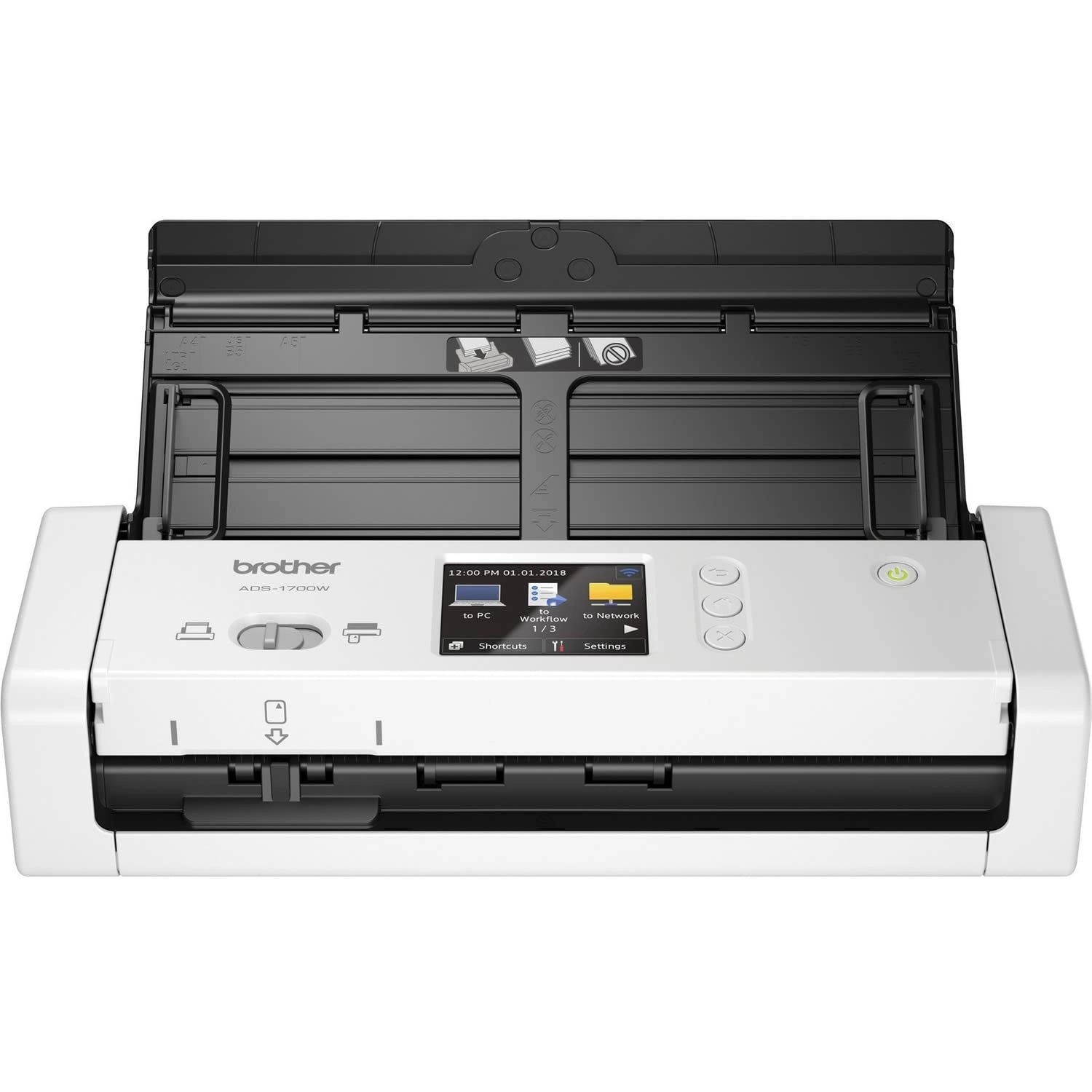
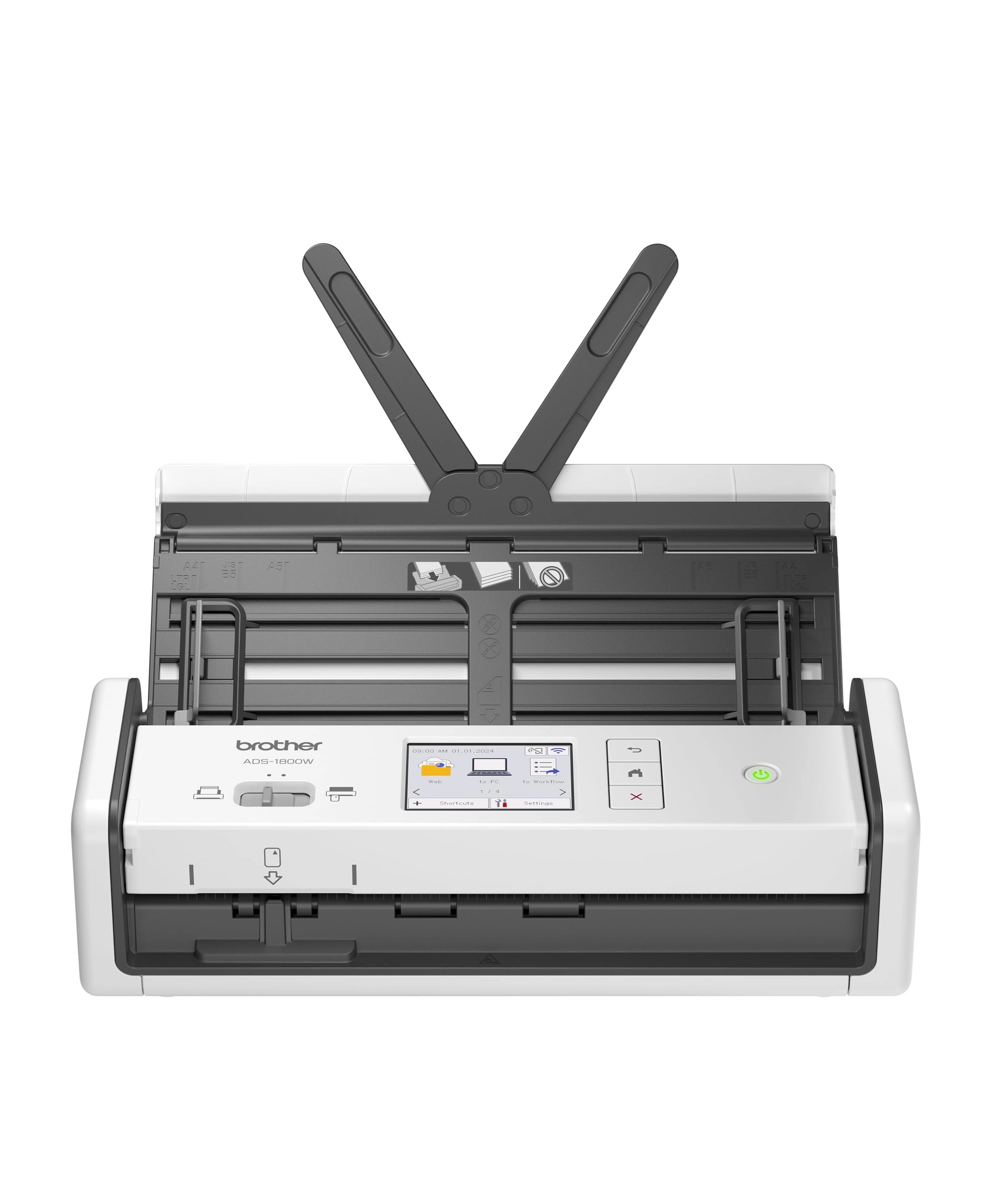
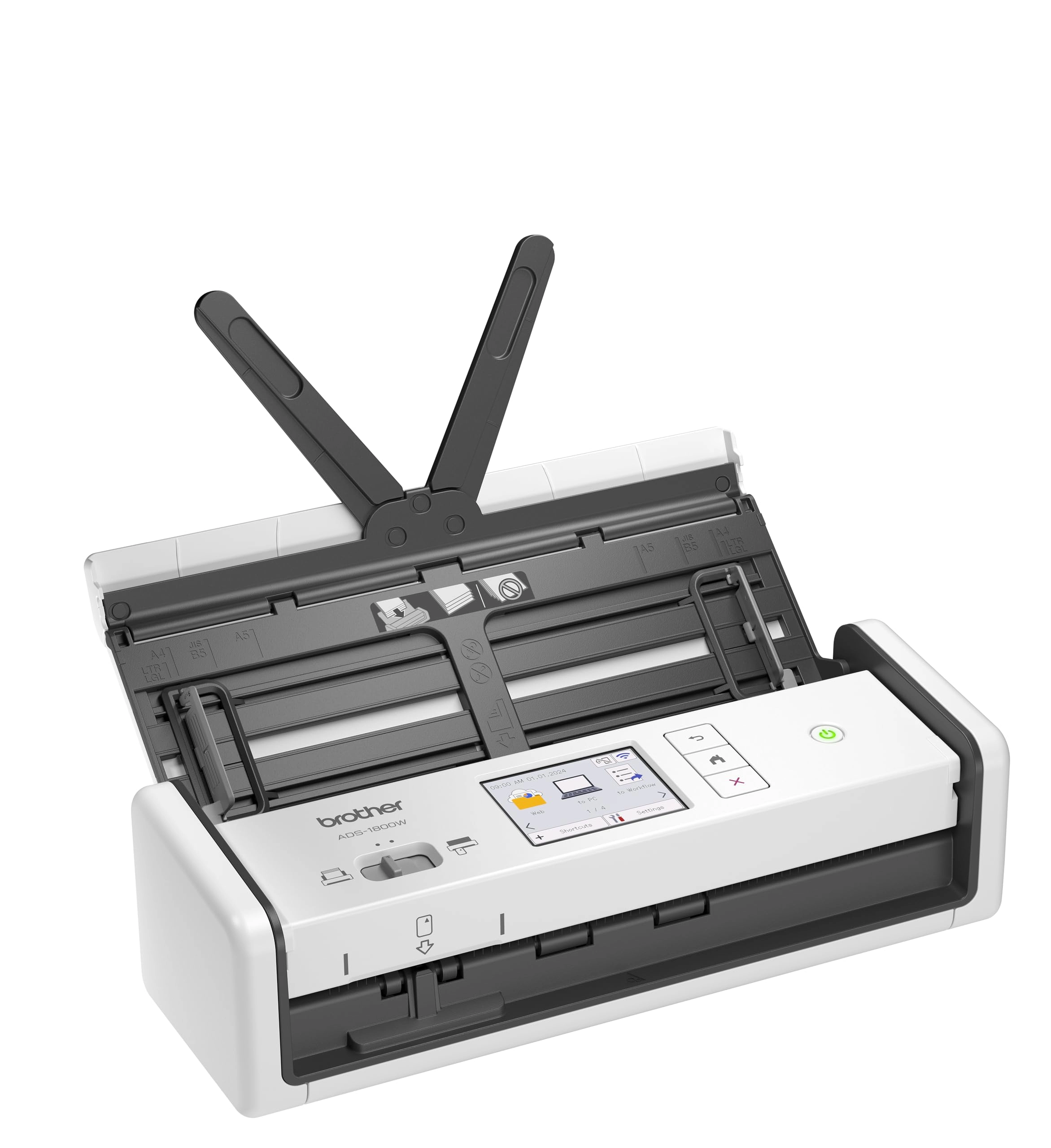
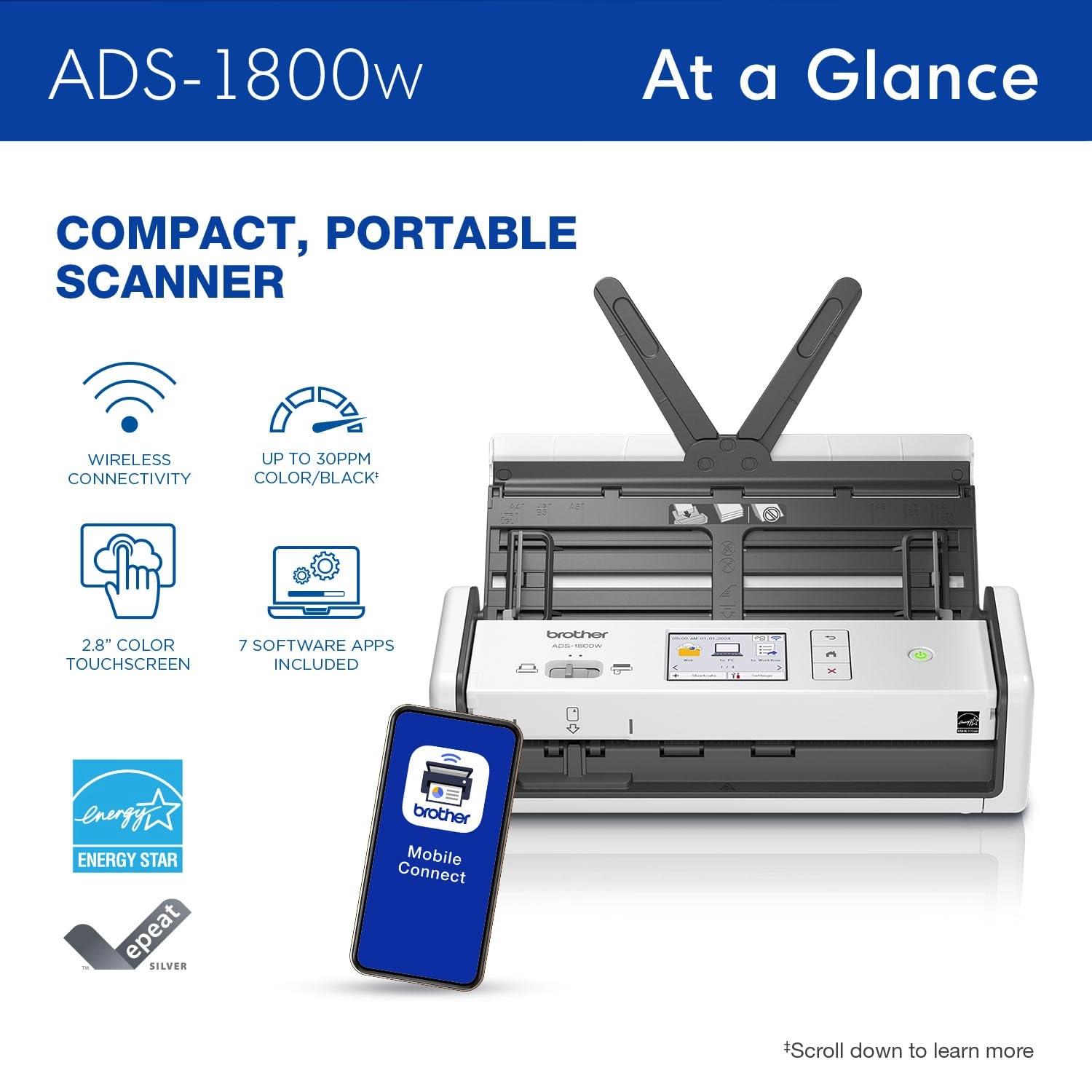
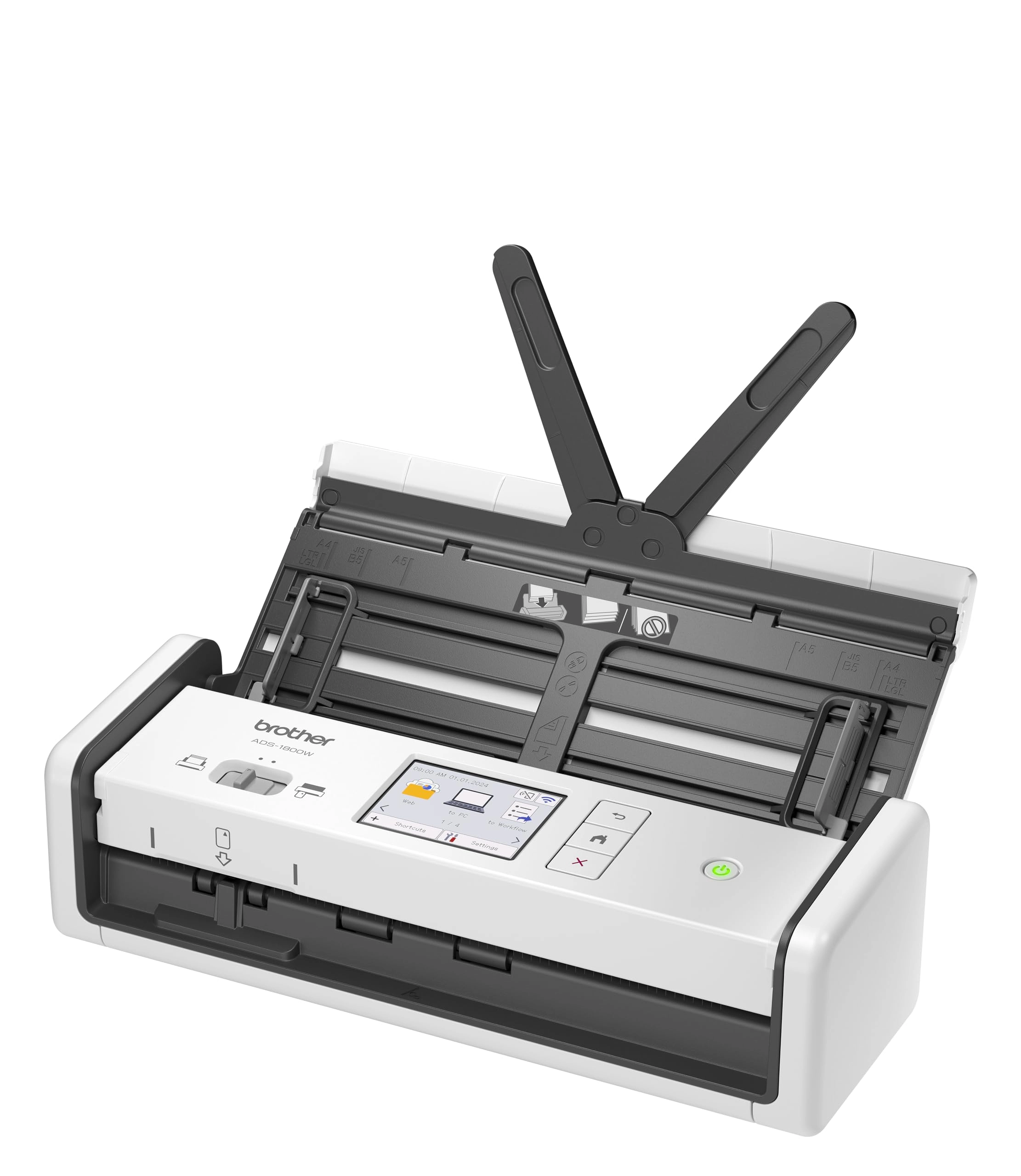
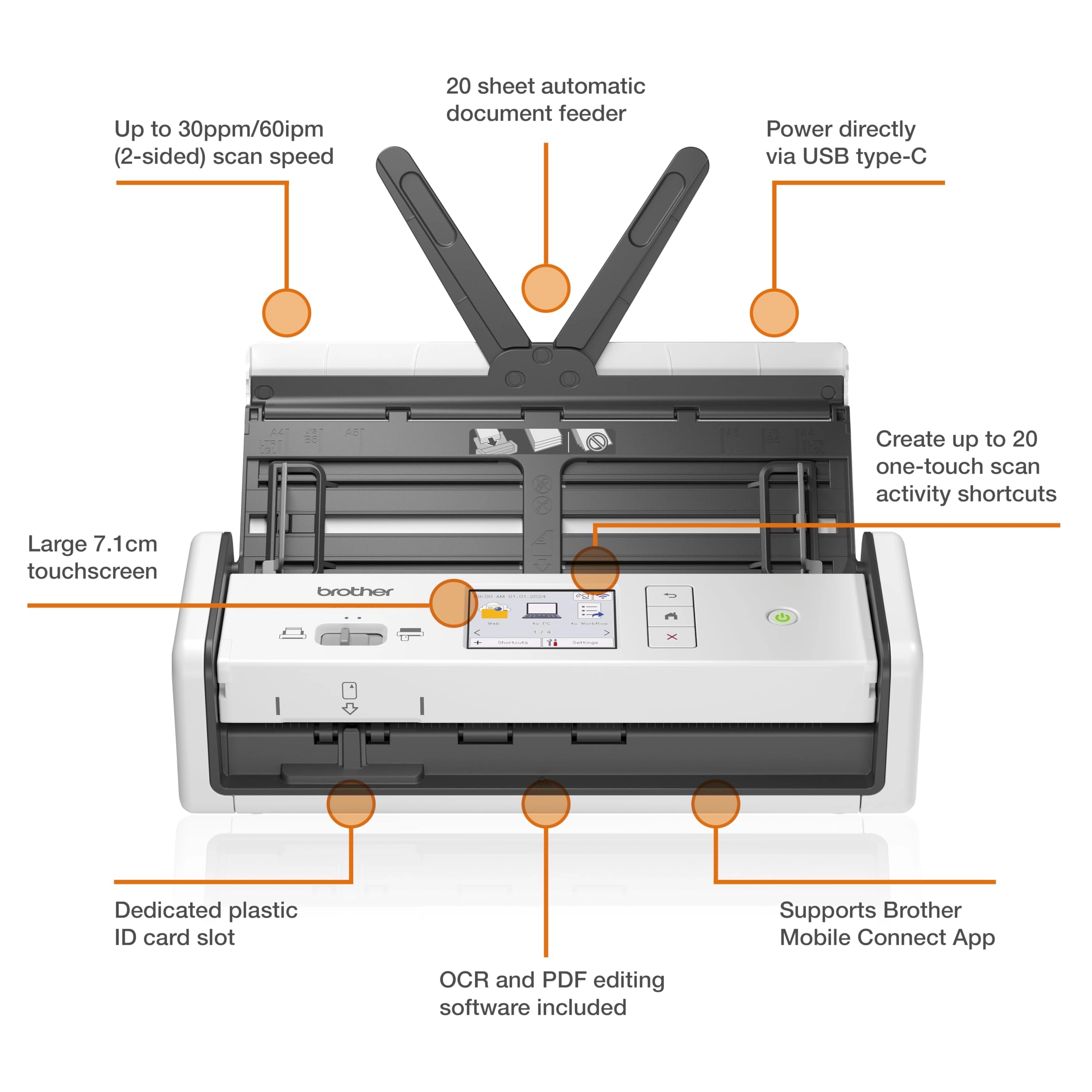
For the ultimate in scanning versatility, choose the Brother
ADS-1800W Compact Desktop Scanner. Scan what you want, your way,
almost anywhere – from your desktop, or using the free Brother
Mobile Connect App(1) from your smartphone when connected to your
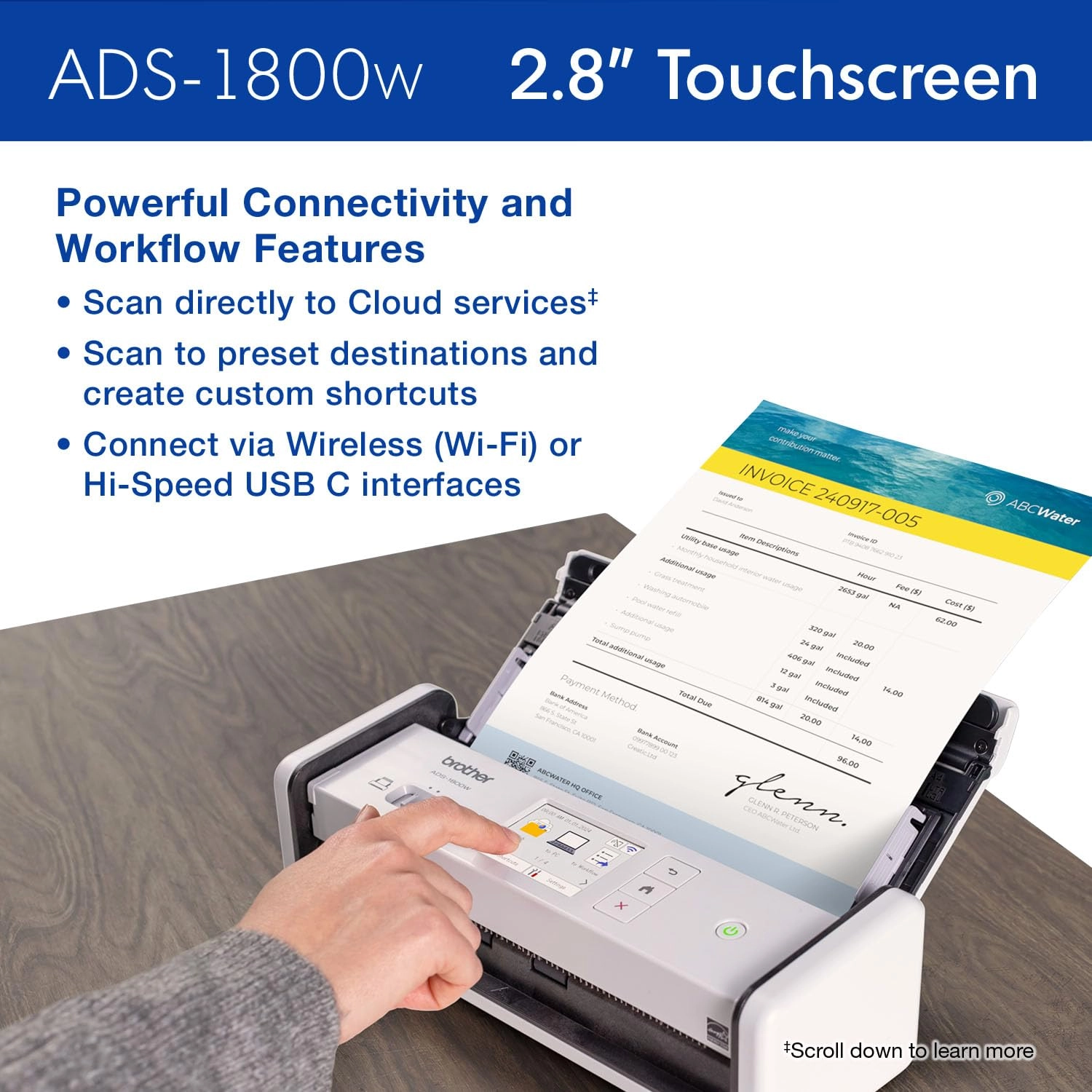
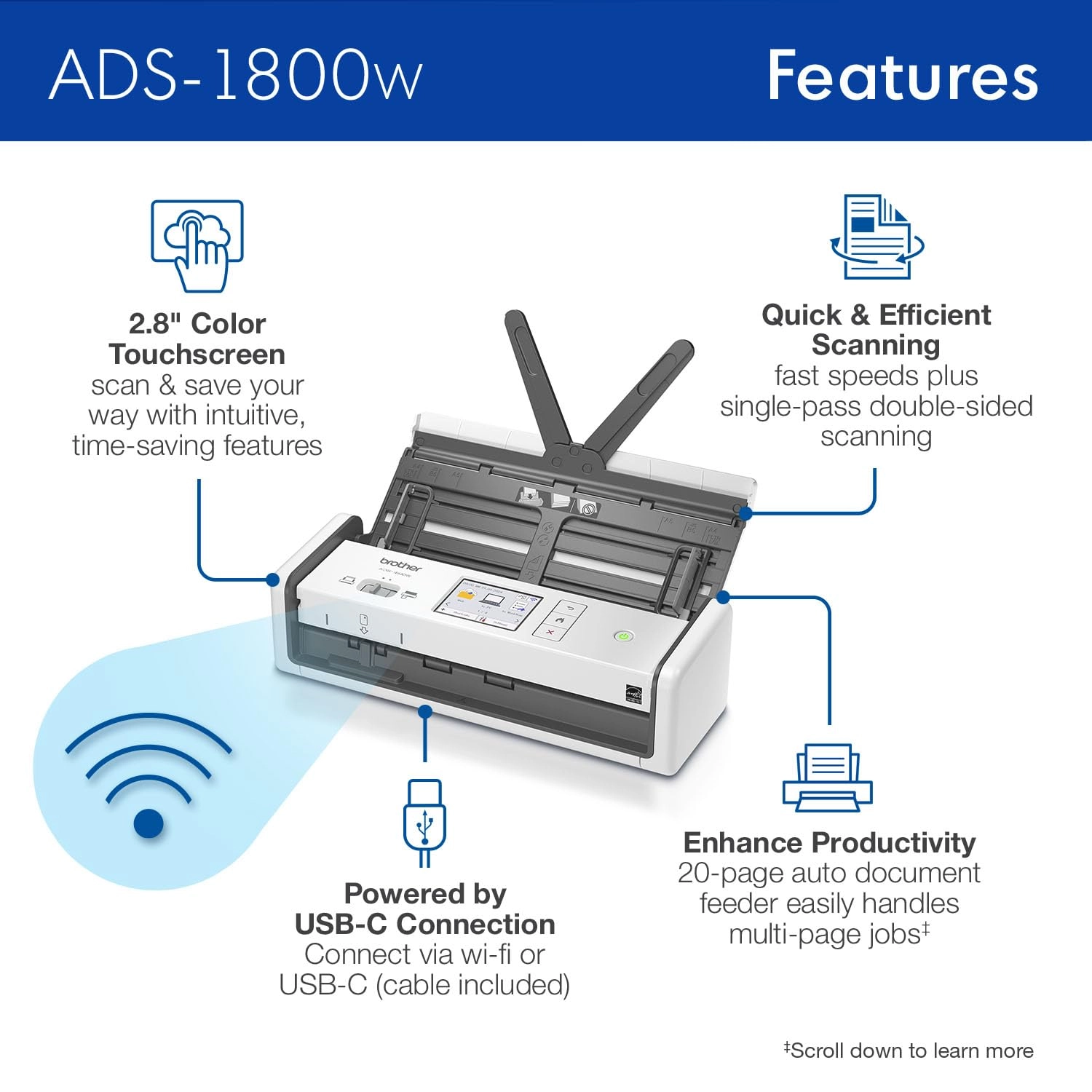
scanner over a Wi-Fi connection. Use the handy 2.8" color
touchscreen to easily scan to preset destinations, create
shortcuts and manage your scanner settings. Save directly to your
favorite cloud service(2), or send to your computer, email, or
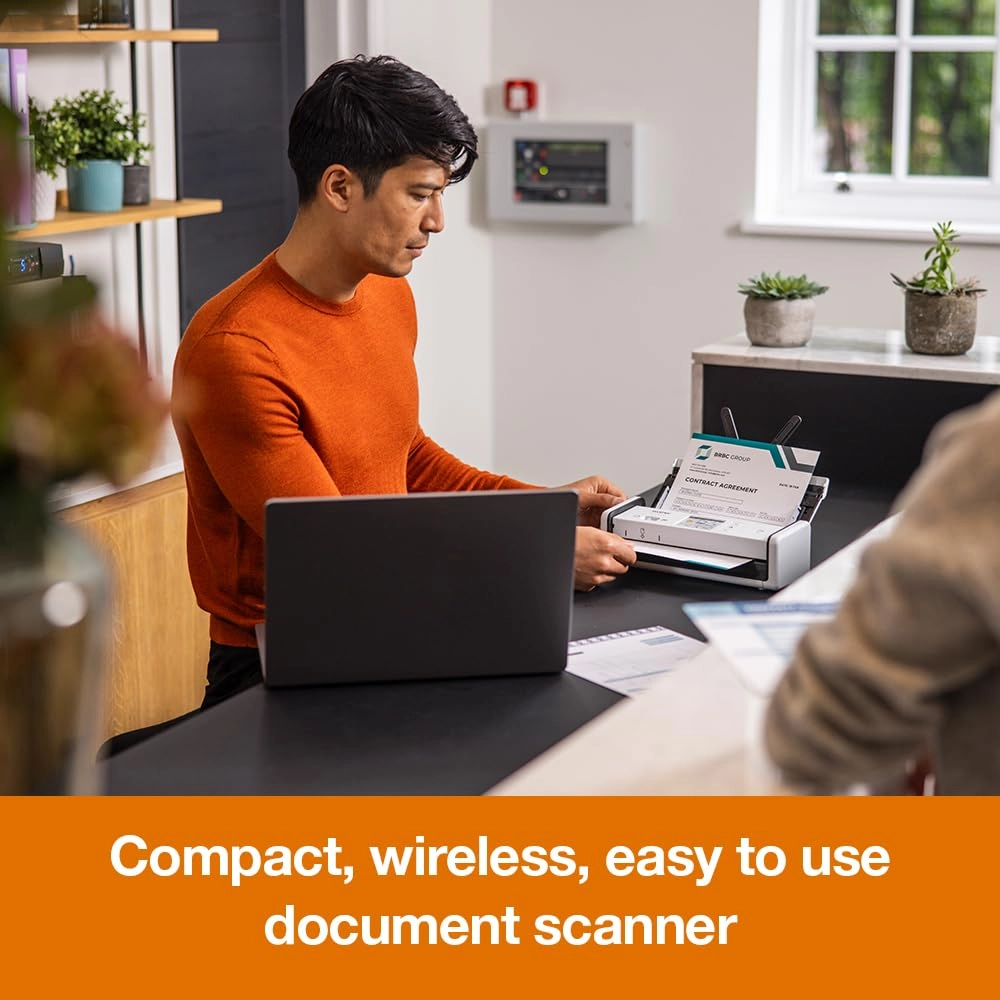
USB flash drive. Perfect for a small office or home office, the
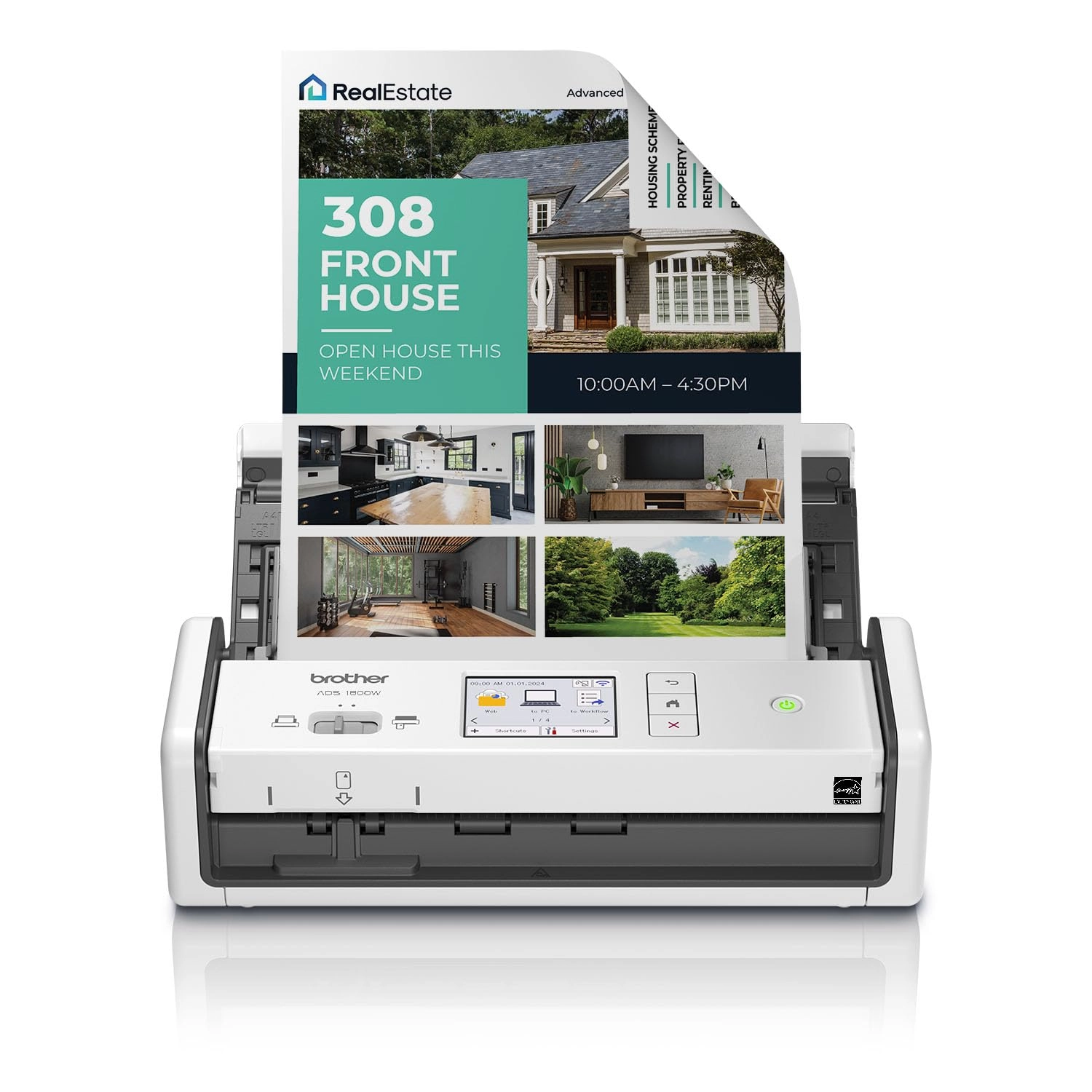
Brother ADS-1800W handles large jobs with ease, with fast
scanning speeds up to 30ppm(3), 20-page automatic document
feeder(4), and easy single-pass double-sided scanning
capabilities. You won’t believe the scanning power you get from
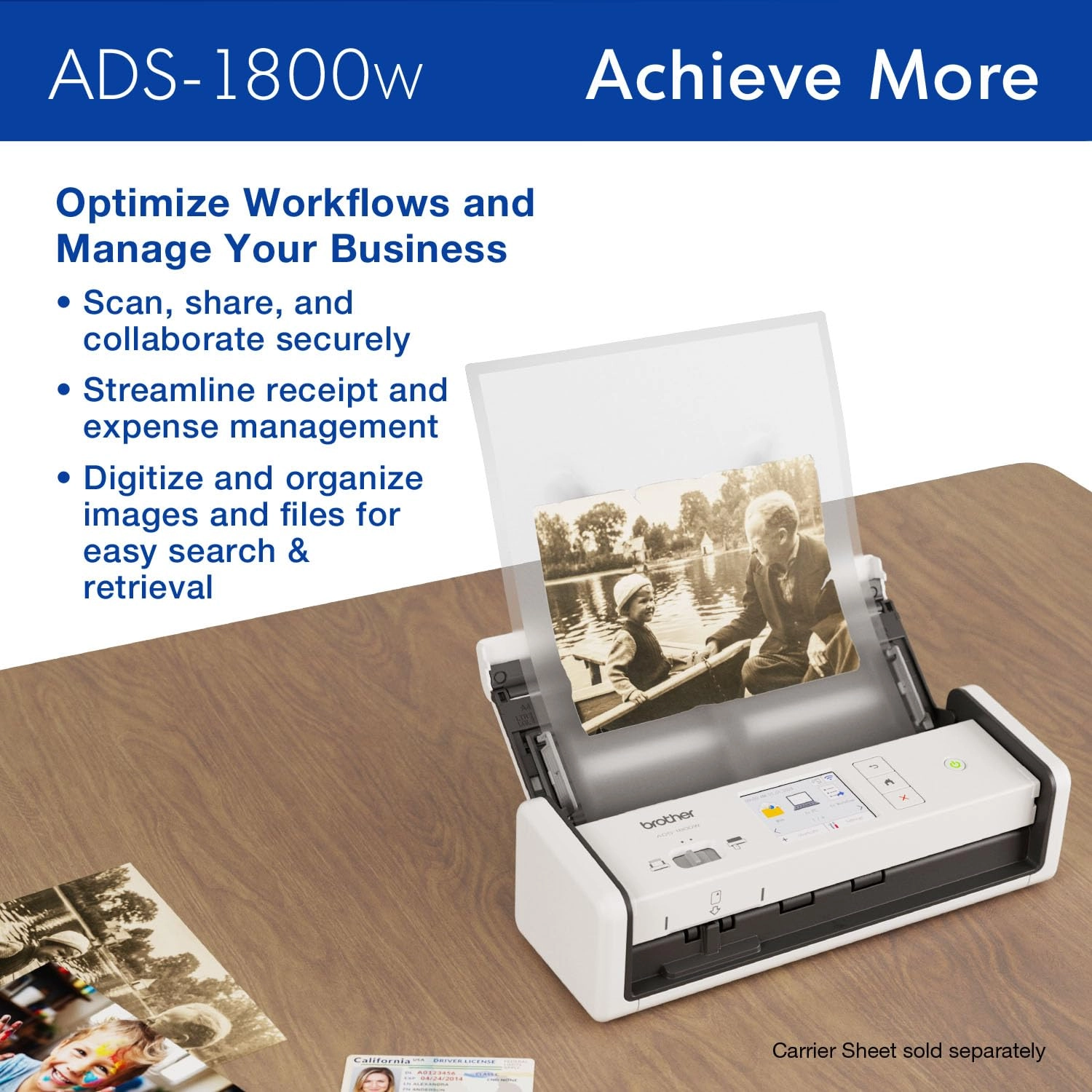
this small but mighty scanner. Whether you’re scanning photos,
organizing your library of business cards, tracking ID cards,
digitizing your tax forms and receipts, or scanning forms and
contracts, the Brother ADS-1800W is your partner to get the job
done quickly and efficiently. The scanner delivers precise black
and white and color scans at a sharp 600 x 600 dpi. Features like
automatic color detection and adjustment, image rotation (PC
only), bleed through and background removal, and text enhancement
will hel p make your scans sharp, readable, and searchable. This
energy-efficient scanner is ENERGY STAR 3.0 and EPEAT SILVER
certified, with built-in power saving features like sleep mode.
It’s also powered directly through your computer or laptop via a
USB-C connection (cable included), so you won’t need to deal with
extra cables or plugs in the way. Perfect for daily or occasional
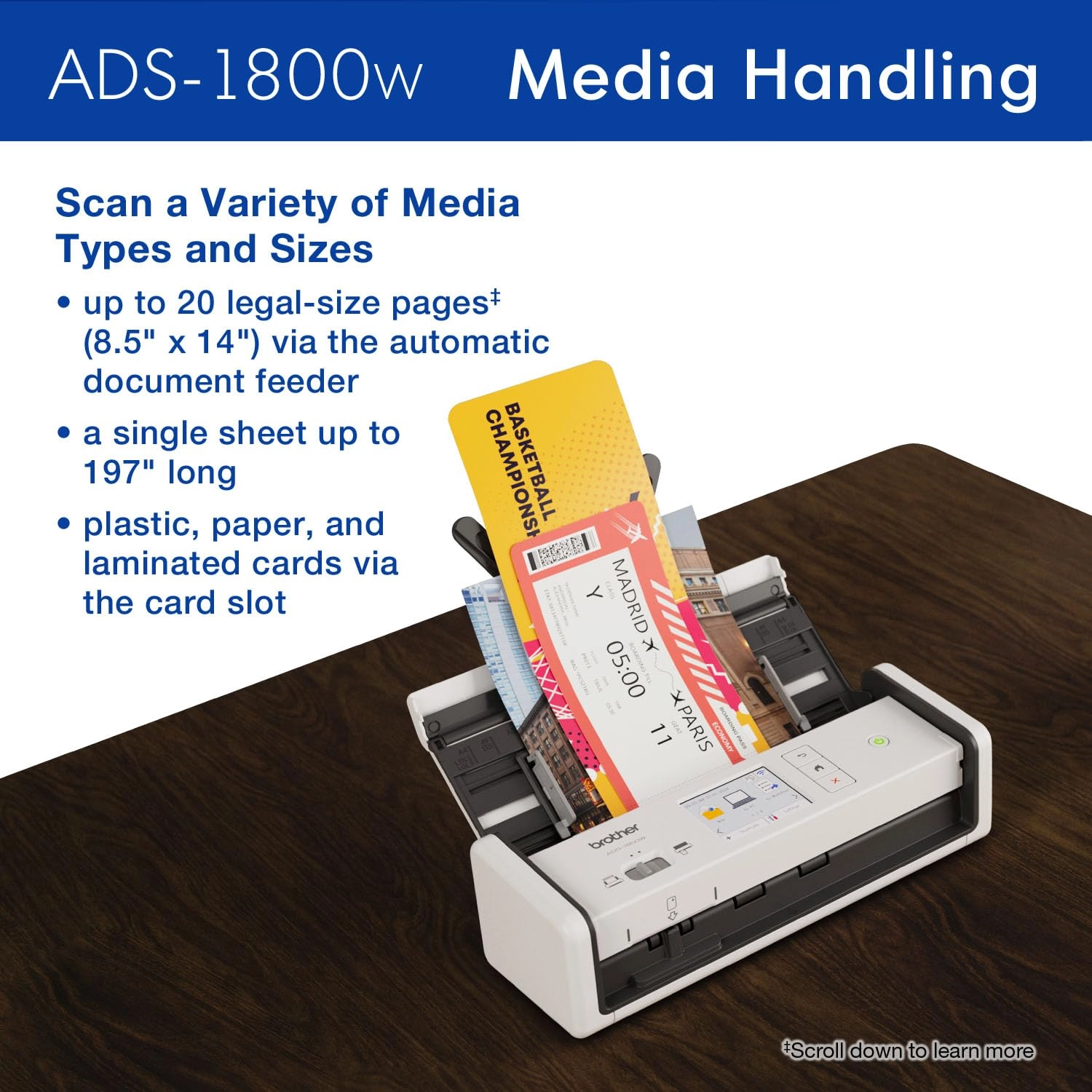
scanning, the Brother ADS-1800W handles multiple document sizes
up to 8.5” x 14” from the automatic document feeder. It also
features a handy card slot for easy scanning of ID cards,
business cards, or almost any plastic card. Think of it as a
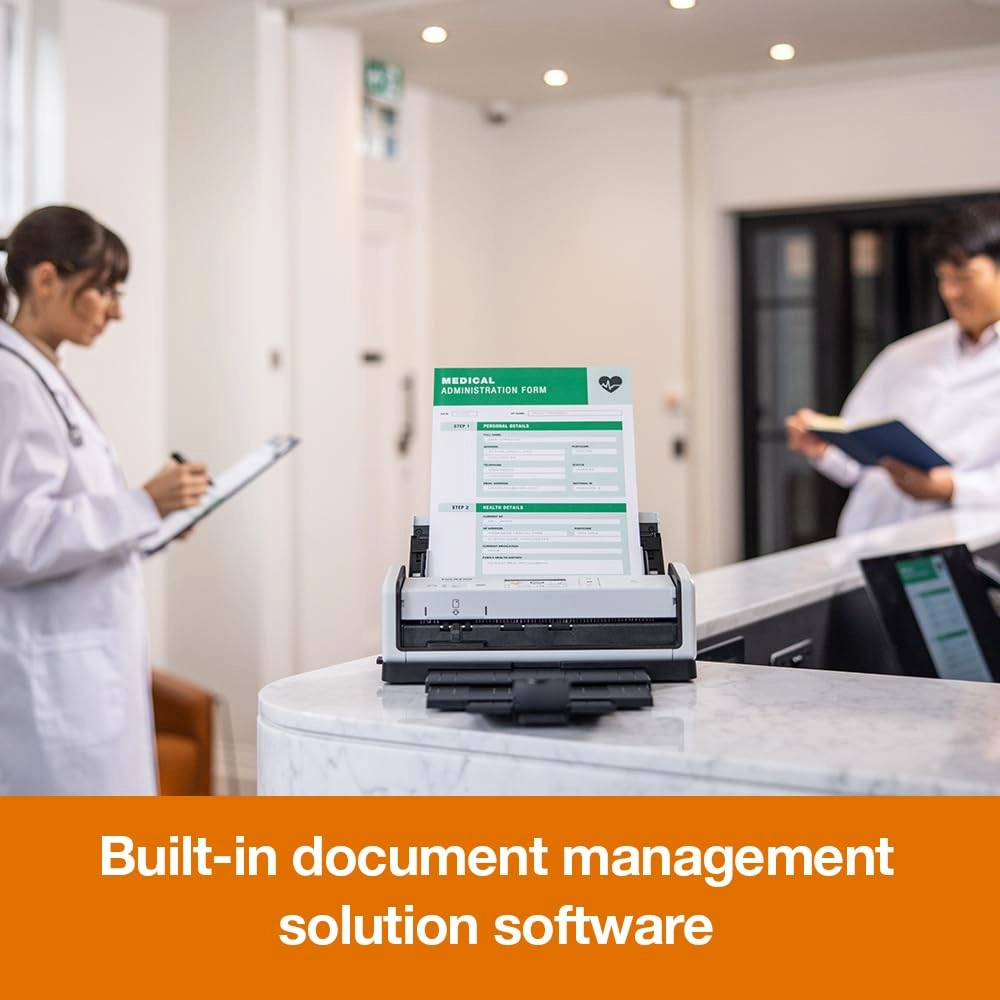
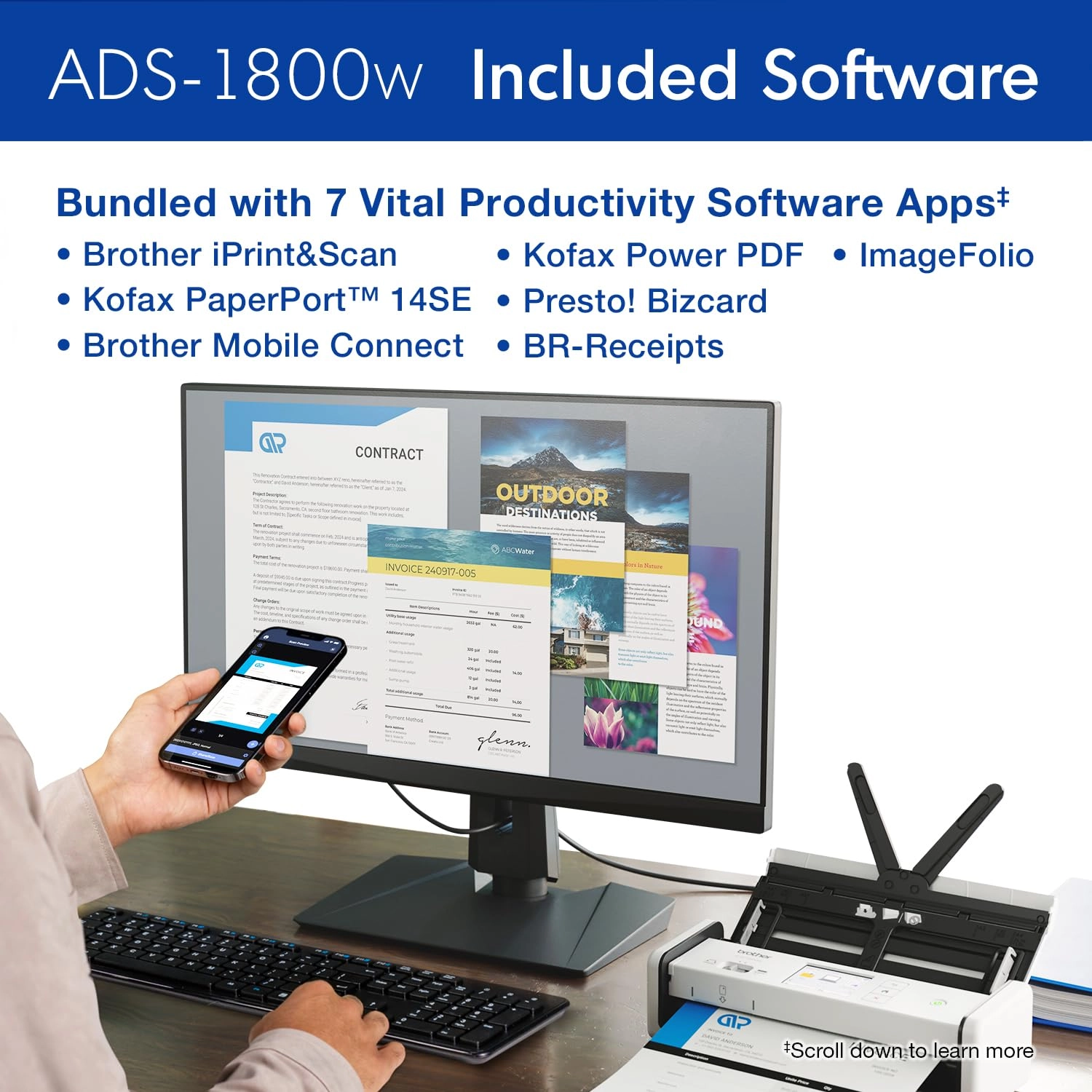
virtual assistant – it comes bundled with software(1) to organize
and manage your files, create and edit PDFs, connect with your
scanner over Wi-Fi, manage your business card contacts, make
documents readable and searchable, and automate workflows. Vital
Productivity Software Apps included(1): Brother iPrint&Scan for
Windows and Mac, Kofax PaperPort 14SE with OCR for Windows, Kofax
Power PDF for Windows and Mac, Brother Mobile Connect App,
Bizcard, BR-Receipts, and Image folio processing software for
Windows. The ADS-1800W comes with Brother At Your Side support,
including a 1-year Limited Warranty, and free online, call, or
live chat support for the life of your scanner. It’s so simple to
use, you’ll never know how you organized yourself without it. 4.
Disclaimers 1. Additional download required. Compatibility may
vary by device and operating system. May require connection to a
wireless network. 2. Internet connection and account with desired
service required. 3. Color and monochrome scan speed with all
advanced features turn off, Letter at 300dpi. 4. Maximum Capacity
based on using 20lb. Paper. ENERGY STAR and the ENERGY STAR mark
are registered trademarks owned by the U.S. Environmental
Protection Agency.
Review: Great portable scanner! - I've been using the 1800W for
about 6 months now and it works very well each time. I've never
had issues with jamming or connectivity. It scans quick and has
good resolution for all of your document needs. I have yet to try
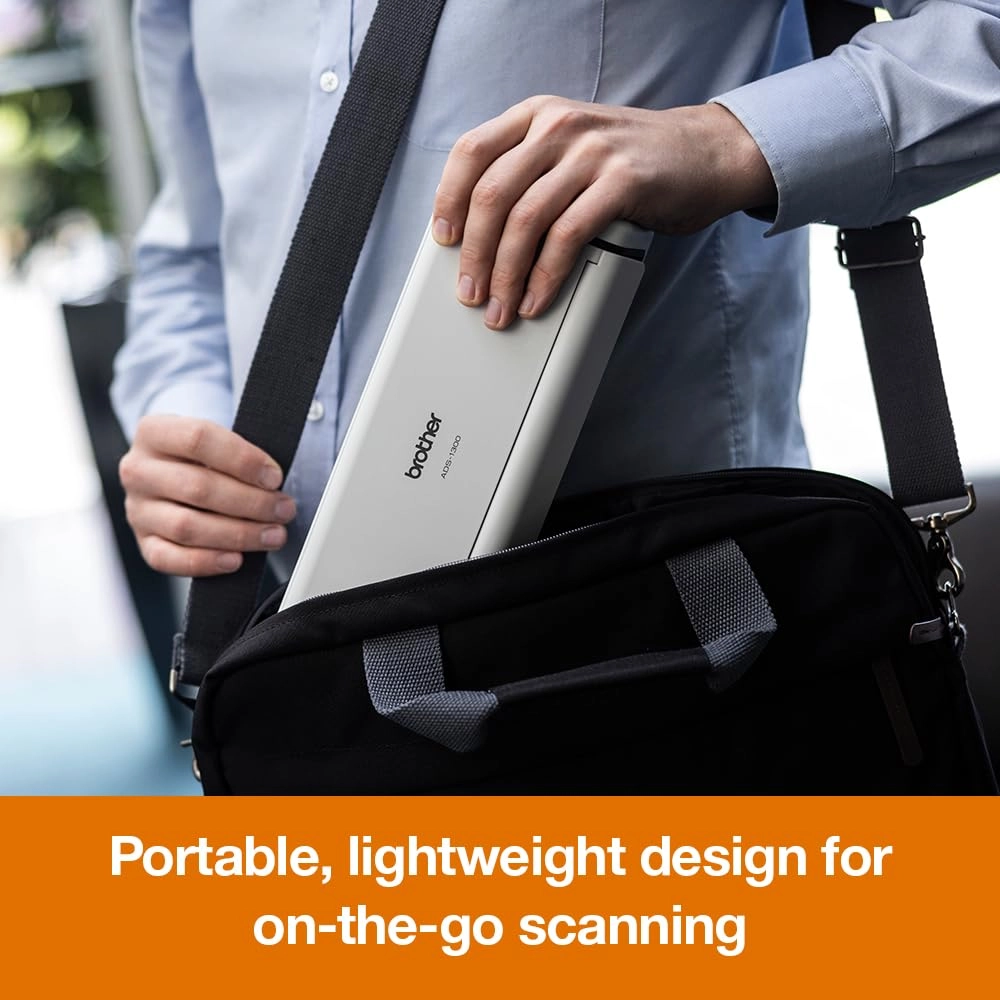
it with pictures. The design is slim and compact making it easy
for you to take it anywhere you need. The software has never
given me any issues either. I receive updates occasionally, and
I've never had any freezing or reading errors. The only time it
will not read a document is if the pages aren't positioned
properly with the feeder. Just make sure to read over the
instructions carefully and note that you need the correct power
supply to support it. There is no DC 5V adapter/power supply with
this model, but that has not been an issue for me. Overall I give
it 5 starts and highly recommend it if you are looking for a
portable scanner with wireless connectivity capabilities.
Review: Very difficult to setup as a standalone scanner - The
Brother ADS-1800W wireless desktop scanner comes with the
scanner, a USB/C to USB/C cable, and a quick setup guide book
only. It does not come with the A/C wall adapter. That must be
purchased separately and the prices I've seen are pretty high for
a simple adapter (~$40 US). I've also noticed that there are no
specification for the barrel and pin size. The only spec I've
found is 5V 1A. However, it can be powered by the USB/C cable
included. I have a Brother ADS-1500W standalone and I needed
another scanner, so I thought the ADS-1800W would work as well as
the 1500, but so far, I've not been able to setup all the
features on the ADS-1800W. I have it setup on my LAN, but when I
try to use the Apps or Web features I get the error "Connection
Error 07" with the message "Connection failed to Server. Wrong
Date & Time". The DHCP server (desertcart eero router) has setup
the IP address, and I've set the date and time on the scanner
using SNTP (defaults to sntp.brother.com as primary, I added
pool.ntp.org as secondary) although the eero should be able to be
the SNTP server. I've tried to setup the scanner to use my NAS
server to store scans on the file share there, but so far it has
not been able to connect like the 1500W scanner. So far the scan
quality has been adequate, but should get better once I get the
other capabilities to work. The durability and design is very
similar to the old 1500 so I expect it will last a while as the
1500 has lasted well past 11 years. I do have to say that the
support on the brother website leaves a lot to be desired. I've
not been able to find a way to find good information on the setup
from the website. I think Brother needs to work on their setup
and documentation. If I have trouble (considering my background),
I can't imagine a typical home user or office user setting this
up on their own. (added 1/9/2026) Well, I had to return the
scanner today. I talked with Brother customer support and
according to customer support most of the features (like scanning
to the cloud) require the scanner to be connected to a Windows PC
or Mac. There is a surprising lack of adequate documentation on
the scanner. I was never able to resolve the error 07 problem,
even after connecting it to a Windows 11 PC. I was able to scan
to Dropbox, but it can't do it in standalone mode like the
ADS-1500W. I was also not able to get the network to connect to
my NAS filesystem, so I couldn't scan to a network filesystem
either. I was able to directly connect to the scanner from my
Android smartphone and scan to the phone after installing the
Brother Mobile App. The lack of an A/C adapter is more of an
irritation for the customer. Yes, you can power it by connecting
it to a USB-C port on a PC or Mac or a Power Block with a USB-C
connection, but having an A/C adapter would alleviate the problem
of using up the USB-C port for power. I also had trouble finding
a seller that had the A/C adapter in stock (it was hard to find
on the Brother website also) plus it's hard to justify spending
$35-40 for a 5V-1A adapter that should have been included in the
box. I just couldn't justify spending this amount of money for a
scanner that didn't satisfy the requirement to be able to run
without being connected to a PC or Mac and the ability to upload
scans to either a cloud service or a network filesystem without
being connected to a PC or Mac. I think if Brother fixed these
problems, it would be a good scanner. Until then I'll stick with
my old ADS-1500W (even though it's no longer supported) until I
find a scanner that works.
Reviews
Loading...
Loading...
Loading...
Loading...
Loading...
Loading...
Loading...
Loading...
Loading...
Loading...
Loading...
Loading...
Loading...
Loading...
Loading...
Loading...
Loading...
Loading...
Loading...
Loading...
Loading...
Loading...
Loading...
Loading...
Loading...
Loading...
Loading...
Loading...
Loading...
Loading...
Loading...
Loading...
Loading...
Loading...
Loading...
Loading...
Loading...
Loading...
Loading...
Loading...
Loading...
Loading...
Loading...
Loading...
Loading...
Loading...
Loading...
Loading...
Loading...
Loading...
Loading...
Loading...
Loading...
Loading...
Loading...
Loading...
Loading...
Loading...
Loading...
Loading...
Loading...
Loading...
Loading...
Join our newsletter
Be the first to know about new arrivals, sales, and exclusive picks
Sign in to unlock newsletter access and stay in the loop