Allware
Loading...
  • News
  • Price drops
  • New arrivals
  • Featured categories
  1. Computers & Peripherals
  2. Printers & Scanners
  3. Scanning Equipment
  4. Scanners
DS-740D - USB
DS-740D - USB
DS-740D - USB
DS-740D - USB
DS-740D - USB
DS-740D - USB
DS-740D - USB

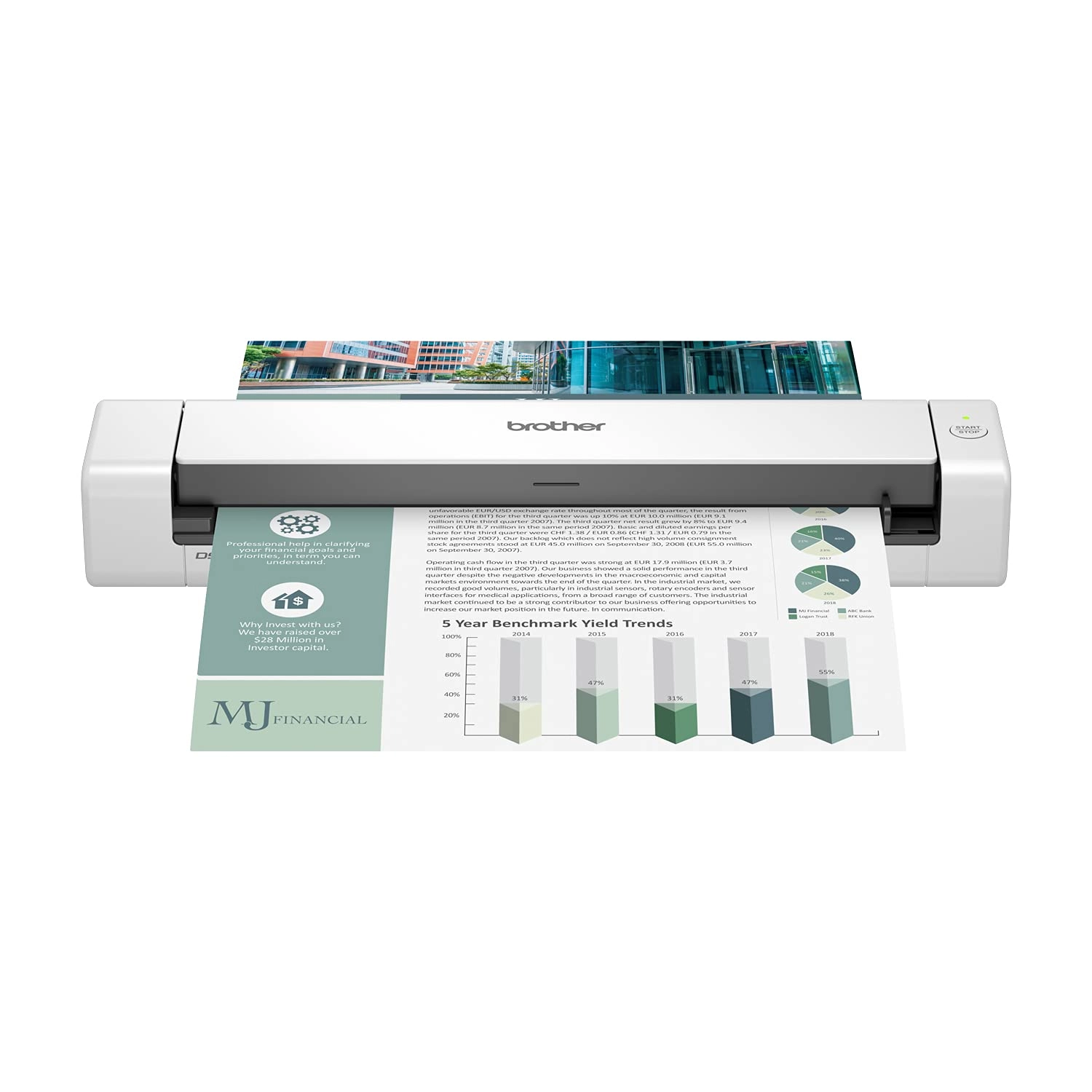
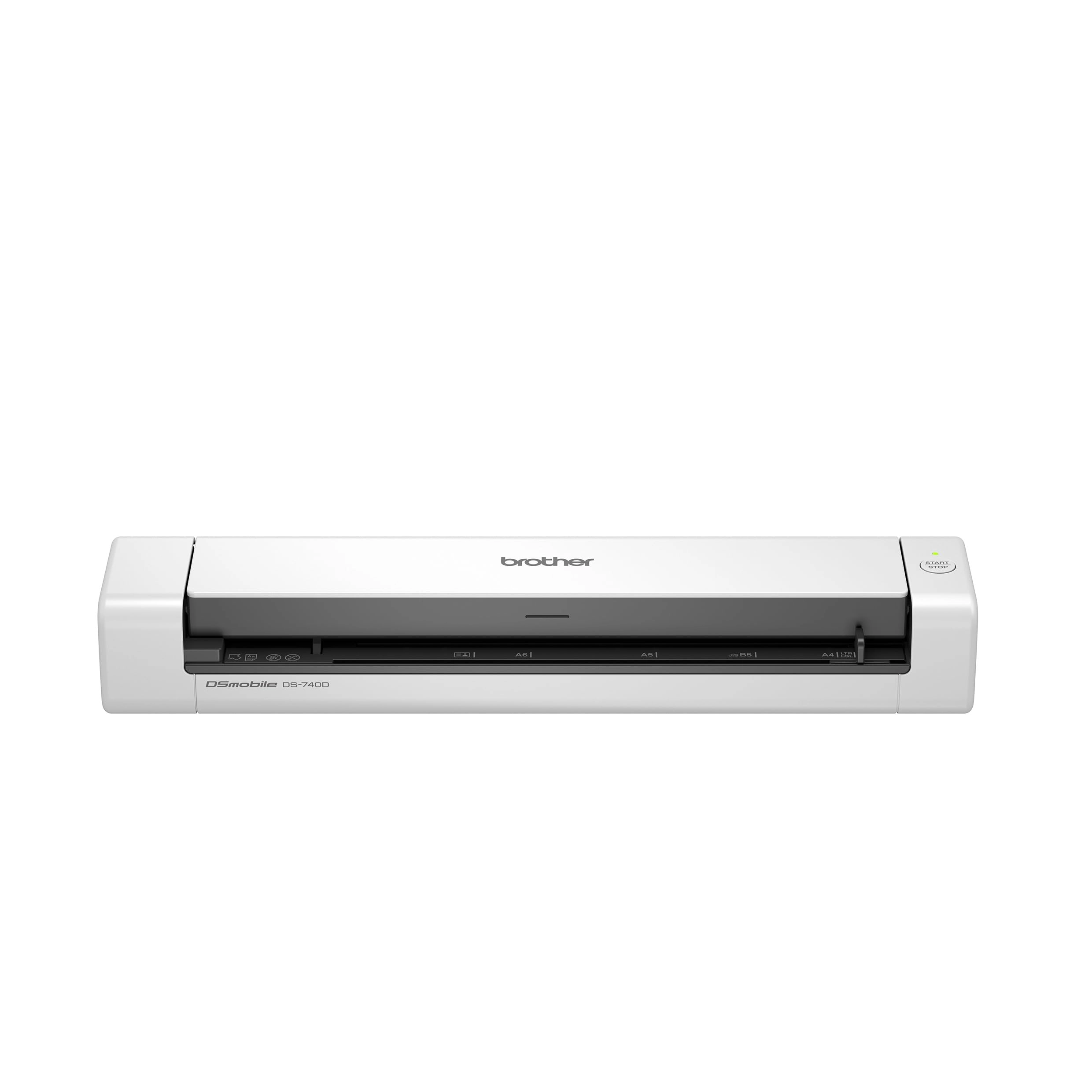
Brother DS-740D - USB

Best offer
AED
91100
AED
1 43400
-36%

Key Features

  • Scanner type: Sheet-fed scanner
  • Weight: 648.63709g
  • Minimum system requirements: Windows 7
  • Box contents: Instruction manual, cable or connector.
  • Offers
  • Price History
  • Specifications
  • Product Details
  • Review IconReviews
  • Community & Expert Opinions

Specifications

Packaging data

Box contents
Instruction manual, cable or connector.

Weight & dimensions

Weight
648.64 g

System requirements

Minimum system requirements
Windows 7

Scanning

Scanner type
Sheet-fed scanner

Product Details

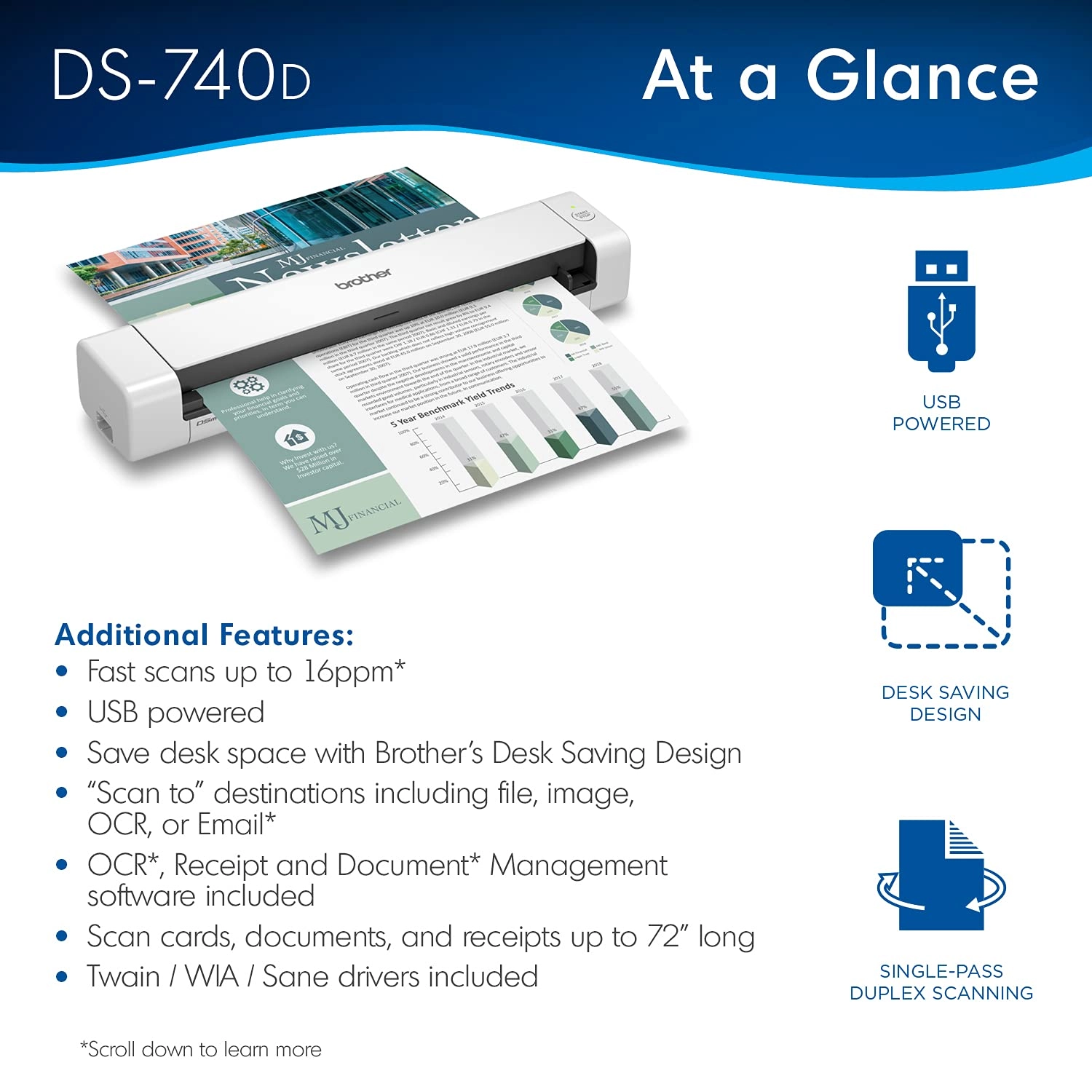
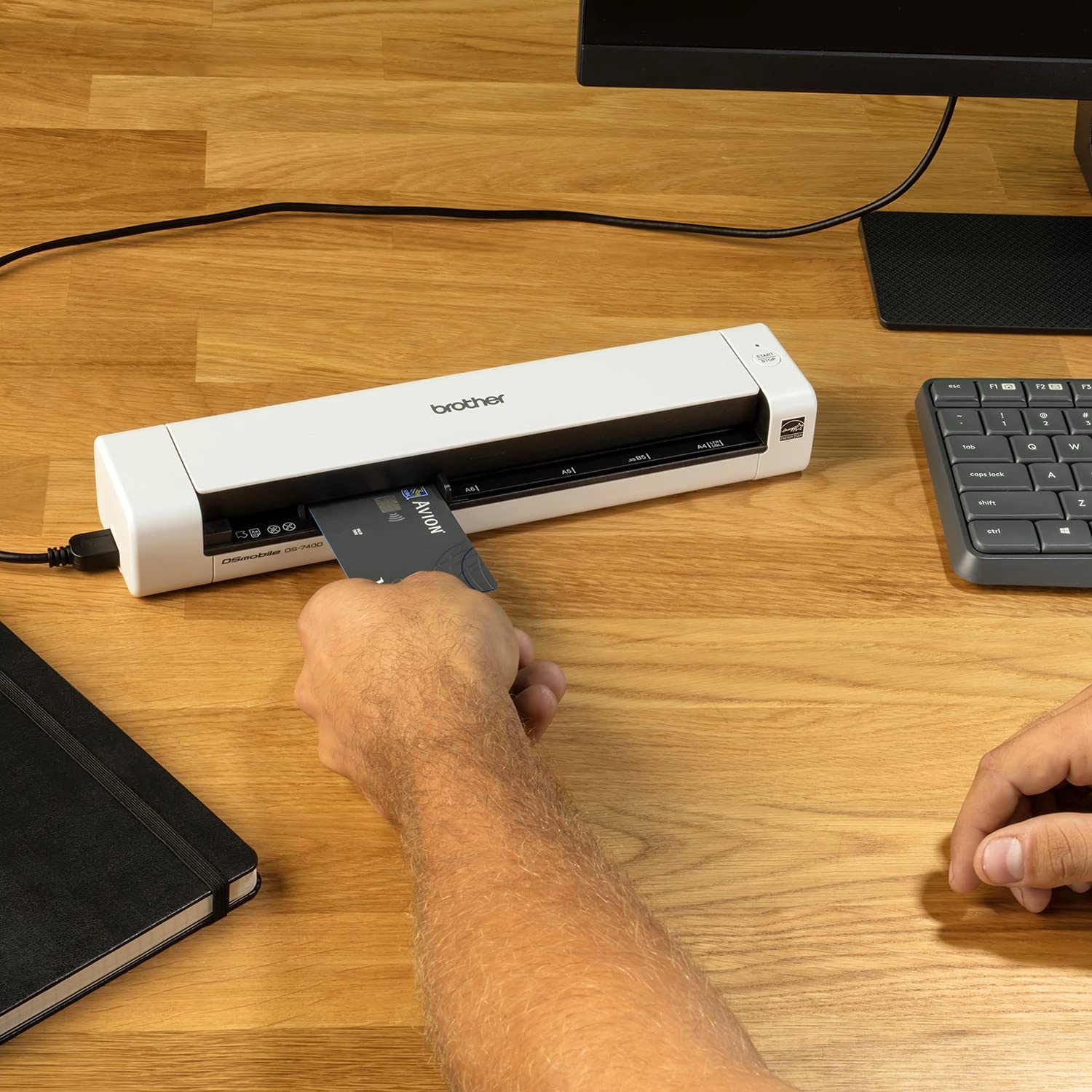
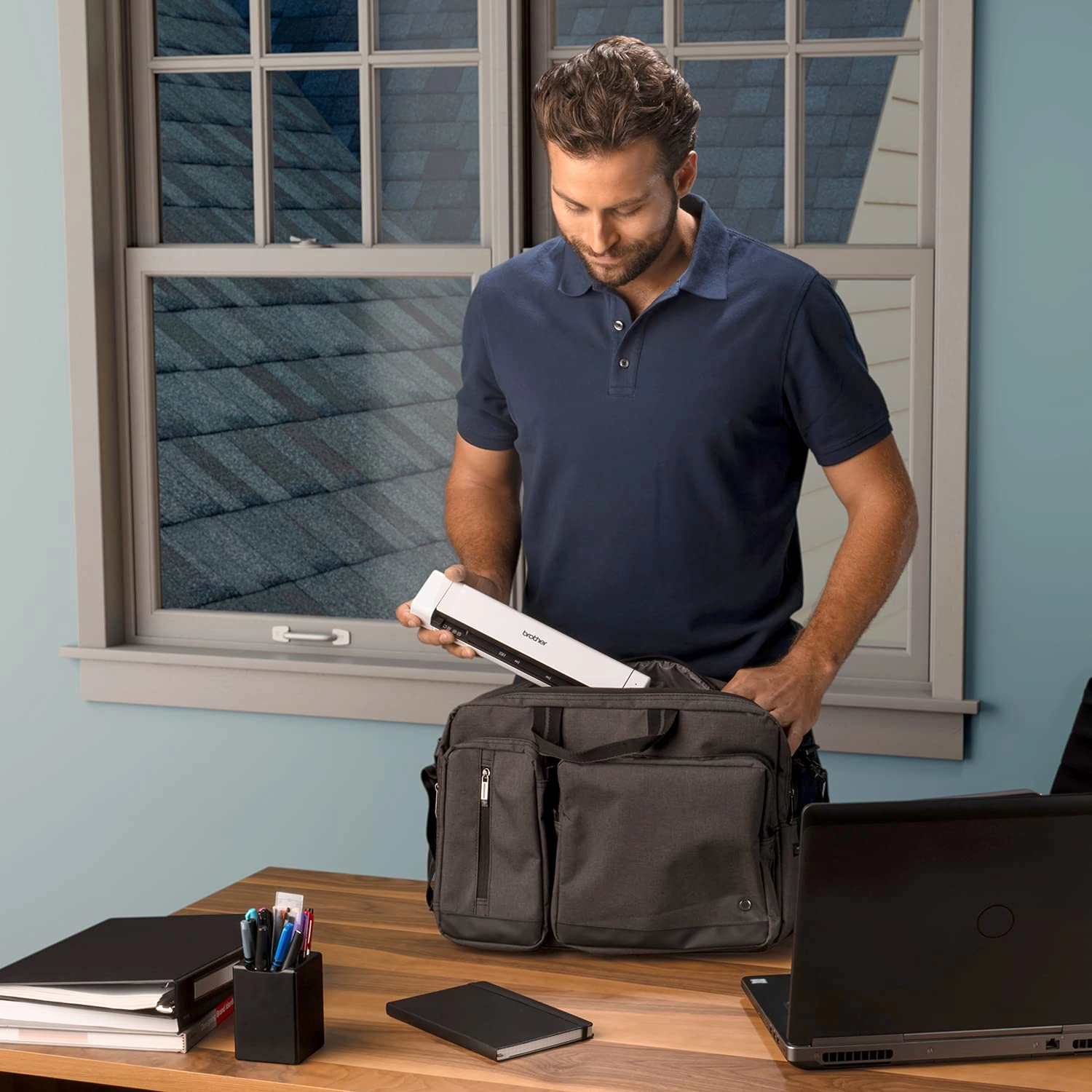
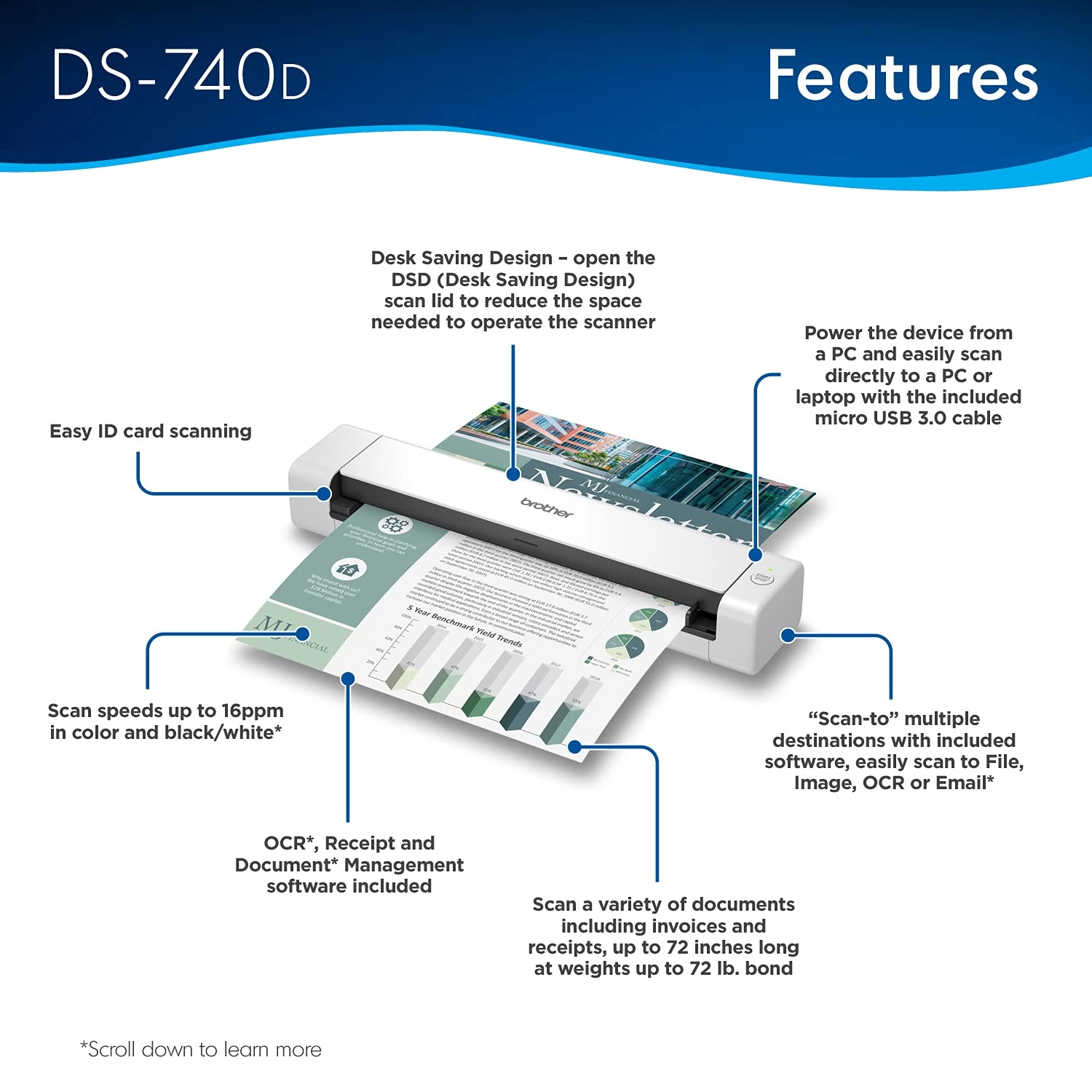
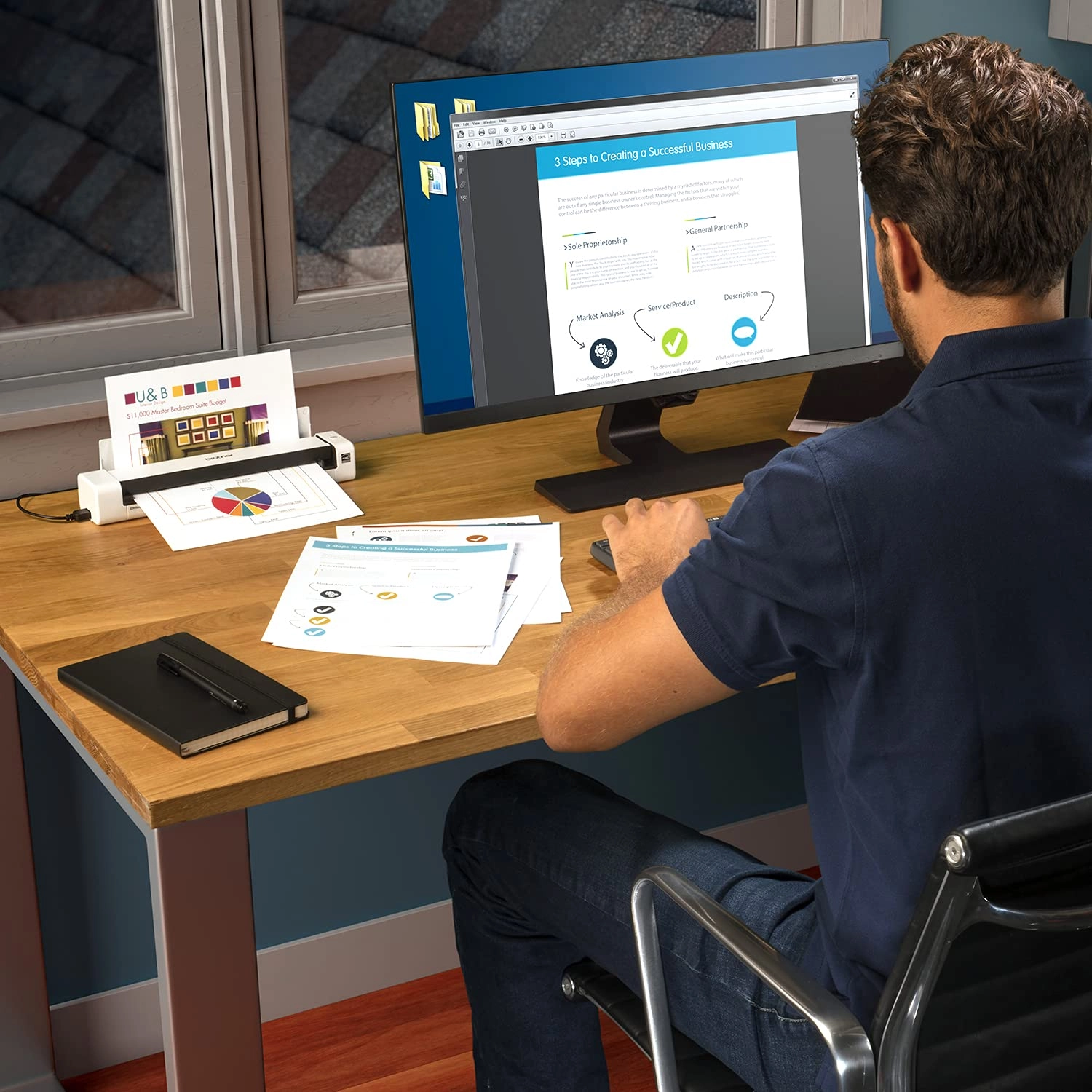
With its compact mobile design and simple workflow applications the Brother DS-740D duplex mobile document scanner is ideal for on-the-go small office/home office professionals It quickly scans single and double-sided materials up to 16ppm(1) in a single pass through a local USB connection Power the DS-740D through a micro USB 3 0 cable connection to your laptop or PC and experience the portability that makes this product the perfect work partner for mobile professionals Scan to multiple destinations including File Image OCR Email and cloud services(4) with the Brother free iPrint&Scan for desktop software Compatible with Windows Mac and Linux Supports TWAIN/WIA for PC/ICA for Mac/SANE drivers (3) Scan two-sided documents once eliminating the need to rescan the same document saving time and avoiding deterioration of your originals Save space with the new DSD (Desk Saving Design) feature from Brother which drastically reduces desk space needed to operate the device Enhance scans with automatic color detection/adjustment image rotation (PC only) bleed through prevention/background removal text enhancement and color drop (4) The DS-740D small footprint and light weight make it ideal for users that need to scan on-the-go The included software suite provides document management and OCR software for easy storage and retrieval of your documents Have confidence with a one-year limited and free lifetime product online call or live chat support (5) Disclaimers (1)Color and monochrome scan speed letter size paper at 300dpi (2)Based on Letter (8 5 x 11 inch) size paper (3)Drivers and bundled software available via download at solutions brother Internet connection required Refer to User Guide for more information (4)When connected to a PC with applicable software Drivers and bundled software available via download at solutions brother Internet connection required Refer to User Guide for more information (5)Free technical support only in USA. Review: Impressed! - Use for work on the go, super easy, user friendly, works way better than I expected it to. Review: Works with Linux (Fedora) - This is a nice little duplex scanner. I bought the factory refurbished model, and for a quick minute I thought that might have been a mistake. After every page, the scanner took 20+ seconds to be ready again. I'm using Linux (Fedora), so I thought maybe it was a driver problem. Or maybe I got a dud unit. I watched the udev monitor and realized the scanner seemed to be power-cycling after each page. Odd. Turns out, it was the port on my laptop. I plugged it into a different USB port ON THE SAME LAPTOP and the scanner works great! No long delay between scanning subsequent pages. No strange udev messages. Linux folks, Brother has Linux drives on their product support website (*.deb and *.rpm). Install is simple. I used Gnome's "Document Scanner" at first as the scanning front end. You have to select "All Pages From Feeder" (not "Single Page") in order for the two-sided (duplex) functionality of the 740D to work. You MUST ALSO select "Both" from the preferences dialogue. I eventually switched to "gscan2pdf", which is more flexible in terms of scan post-processing. In the "Scan" dialogue on the "Scan Options" tab, the "Scan Source" option allows you to perform two-sided (duplex) scanning. Select the option ending with "left aligned" for single-sided and "left aligned - duplex" for two-sided.

Reviews

Loading...
Loading...
Loading...
Loading...
Loading...
Loading...
Loading...
Loading...
Loading...
Loading...
Loading...
Loading...
Loading...
Loading...
Loading...
Loading...
Loading...
Loading...
Loading...
Loading...
Loading...
Loading...
Loading...
Loading...
Loading...
Loading...
Loading...
Loading...
Loading...
Loading...
Loading...
Loading...
Loading...
Loading...
Loading...
Loading...
Loading...
Loading...
Loading...
Loading...
Loading...
Loading...
Loading...
Loading...
Loading...
Loading...
Loading...
Loading...
Loading...
Loading...
Loading...
Loading...
Loading...
Loading...
Loading...
Loading...
Loading...
Loading...
Loading...
Loading...
Loading...
Loading...
Loading...

Join our newsletter

Be the first to know about new arrivals, sales, and exclusive picks

Sign in to unlock newsletter access and stay in the loop

Allware
info@allware.com
+971522500911
World technology awards winner badge

Allware

  • About Us
  • Terms And Conditions
  • Privacy Policy
  • Contact Us

Partners

  • Why become a partner?
  • How to list your Online Shop?

Newsletter

  • Subscribe

Info

  • How Allware works
All Rights Reserved.
Allware does not sell products. Prices shown are aggregated from verified merchants.
Please enable location access or select an emirate
-
00:00:00
Prayer timings

Offers (2)

desertcart logo

2 offers

From
AED
911

Brother DS-740D Document Scanner, USB 3.0, DSMobile, Portable, 2 Sided Scanning, 15PPM, A4 Scanner, Includes Micro USB Cable, White

AED
1 43400
-36%
AED
91100

Price History

Price History Skeleton
Price History Shimmer Effect
Loading price history...

Similar Products

See all
-1%
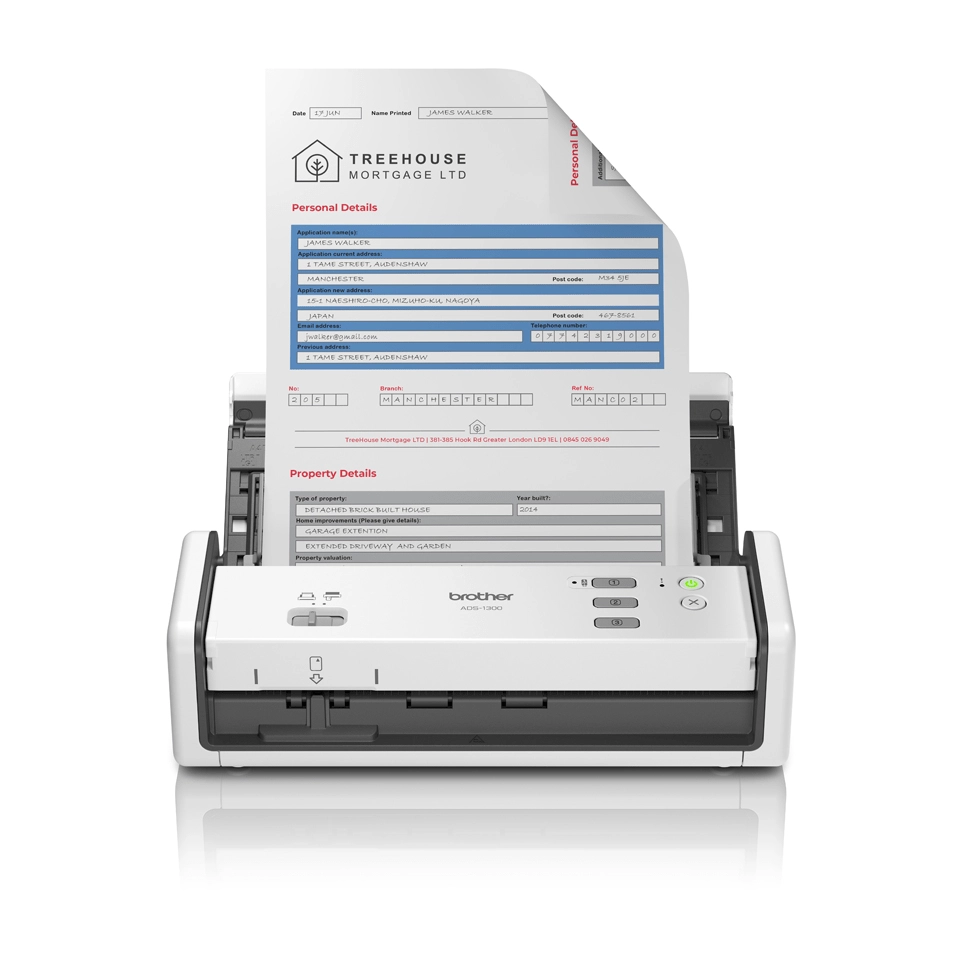
Brother ADS-1300

Brother ADS-1300

AED
97900
AED
96200
4 offers
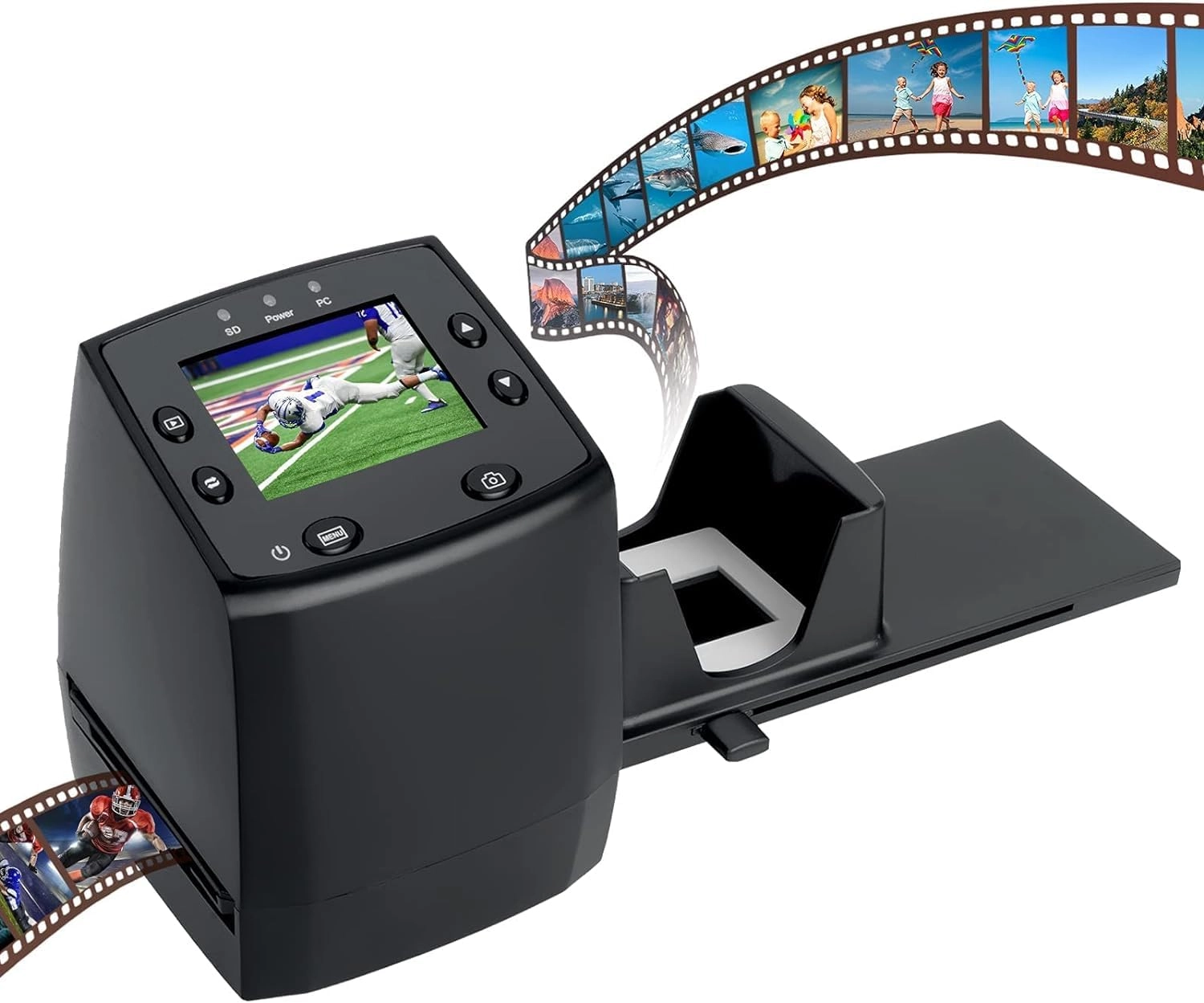
DIGITNOW 135 Film Negative Scanner - USB 2.0

DIGITNOW 135 Film Negative Scanner - USB 2.0

AED
24700
3 offers
-9%
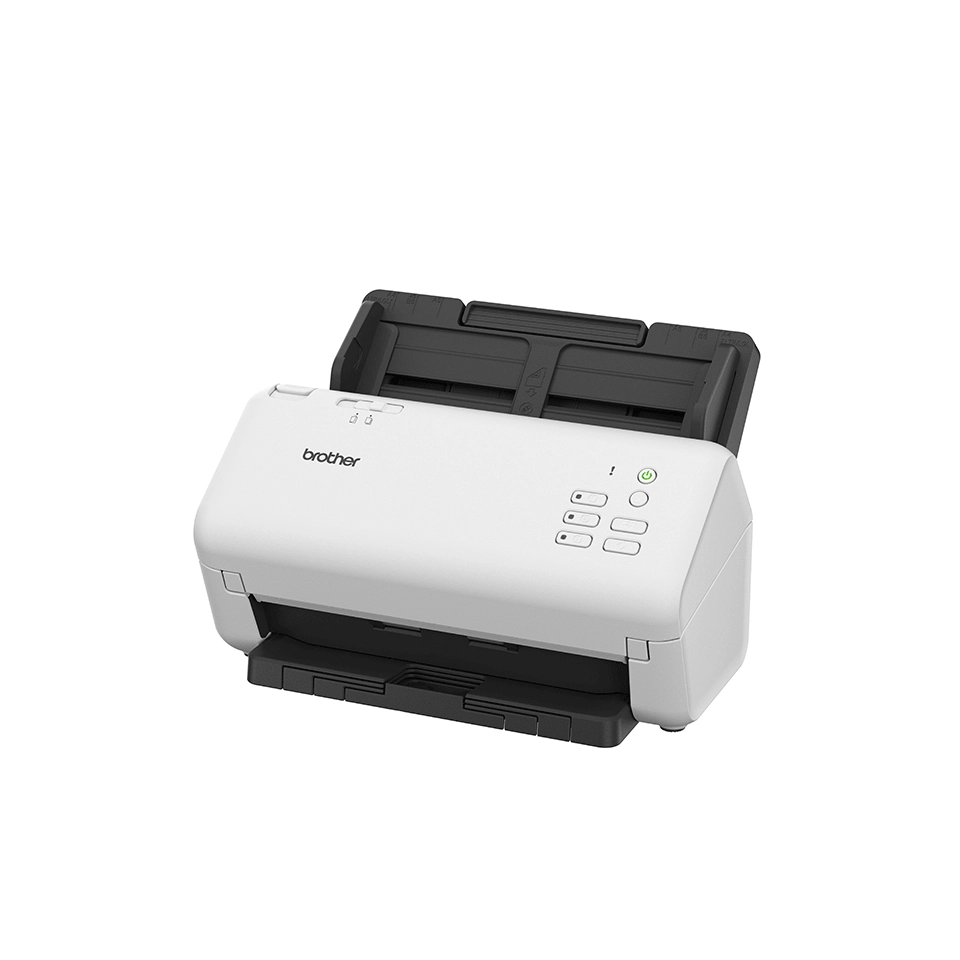
Brother ADS-4300N

Brother ADS-4300N

AED
1 49500
AED
1 34900
3 offers
Plustek OpticFilm 8300i Ai - USB

Plustek OpticFilm 8300i Ai - USB

AED
2 10804
3 offers
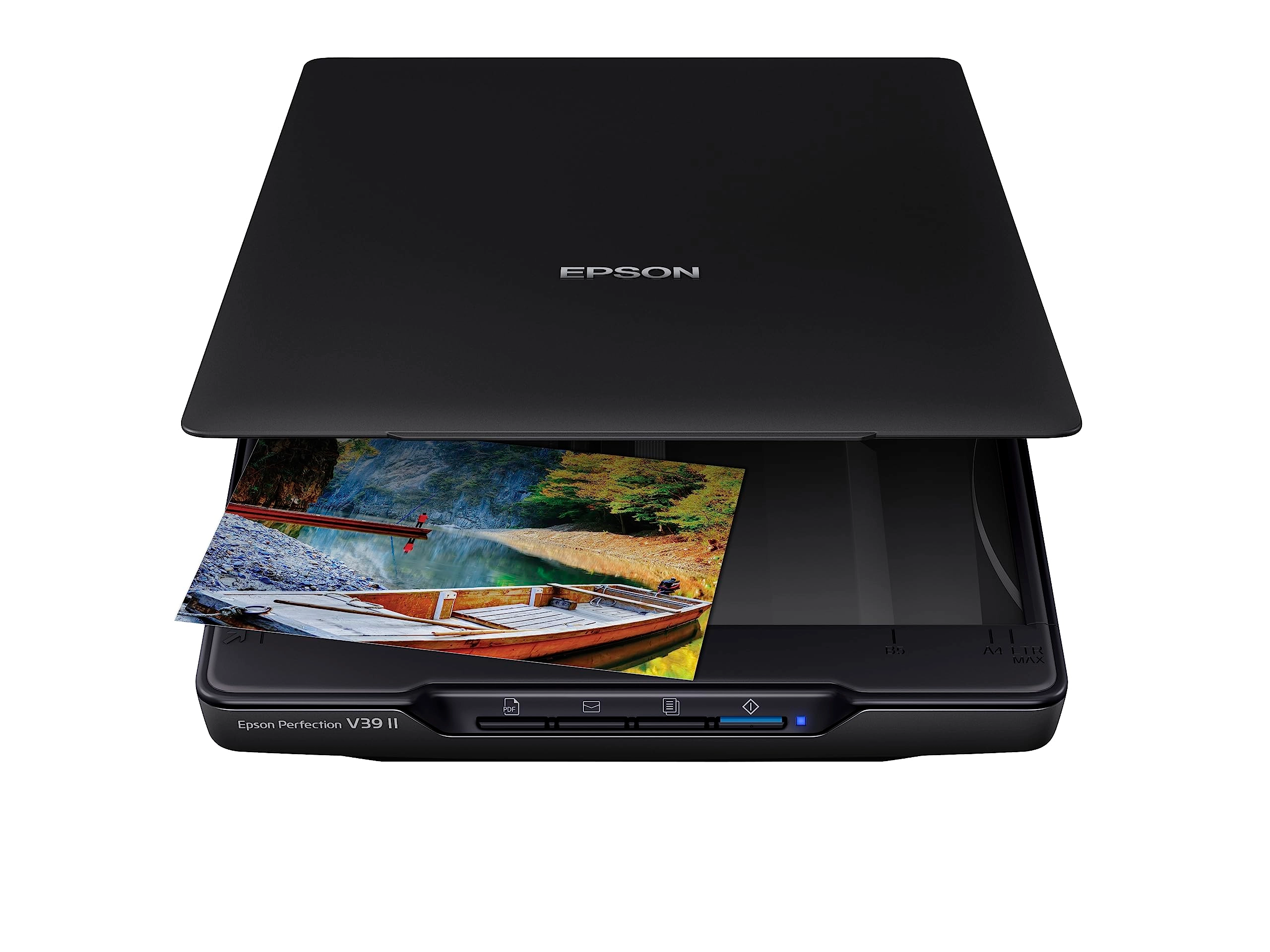
Epson Perfection V39II - USB

Epson Perfection V39II - USB

AED
29500
7 offers
-38%
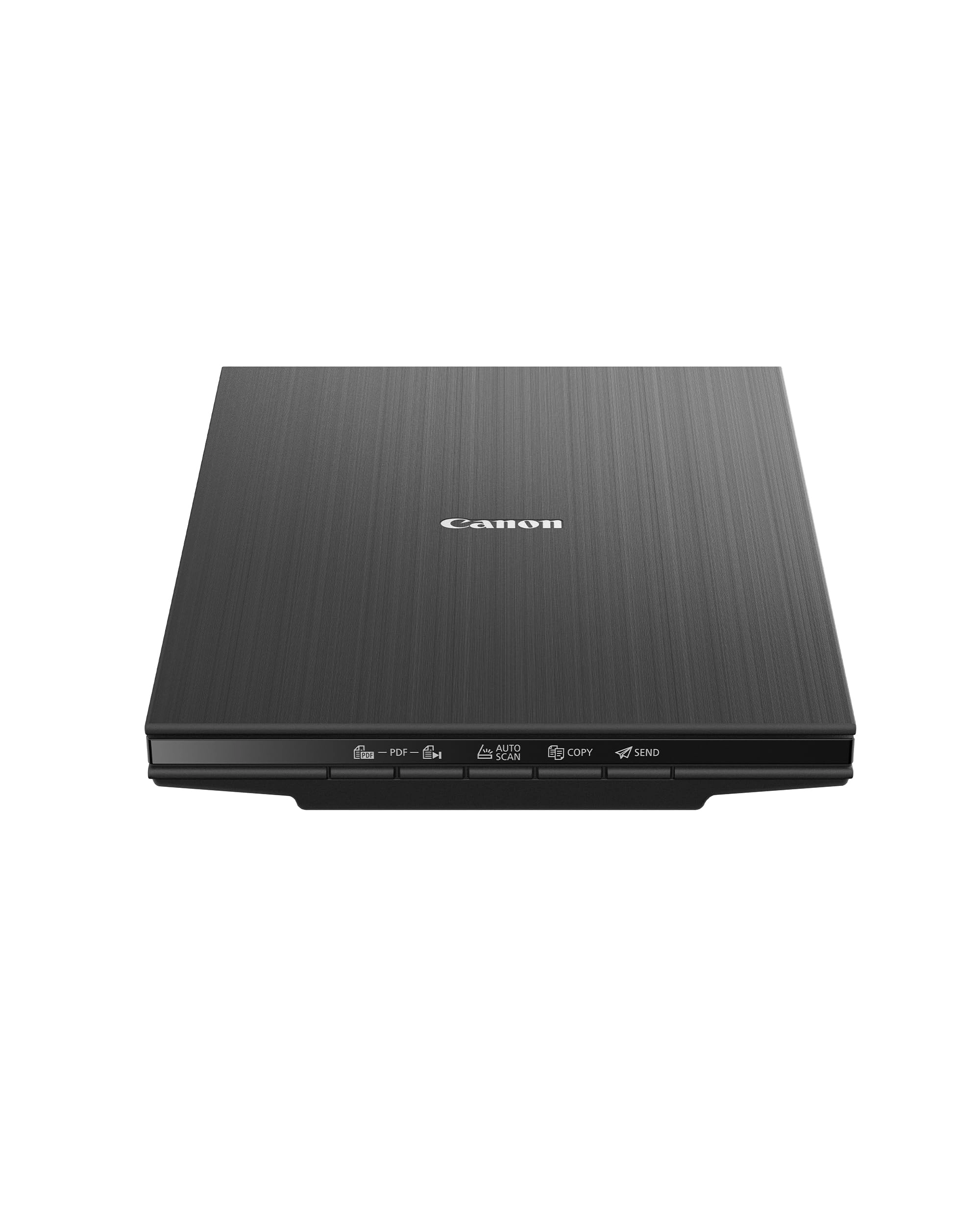
Canon CanoScan LiDE 400 - 4800 X 4800 USB Type-C

Canon CanoScan LiDE 400 - 4800 X 4800 USB Type-C

AED
67500
AED
41700
7 offers
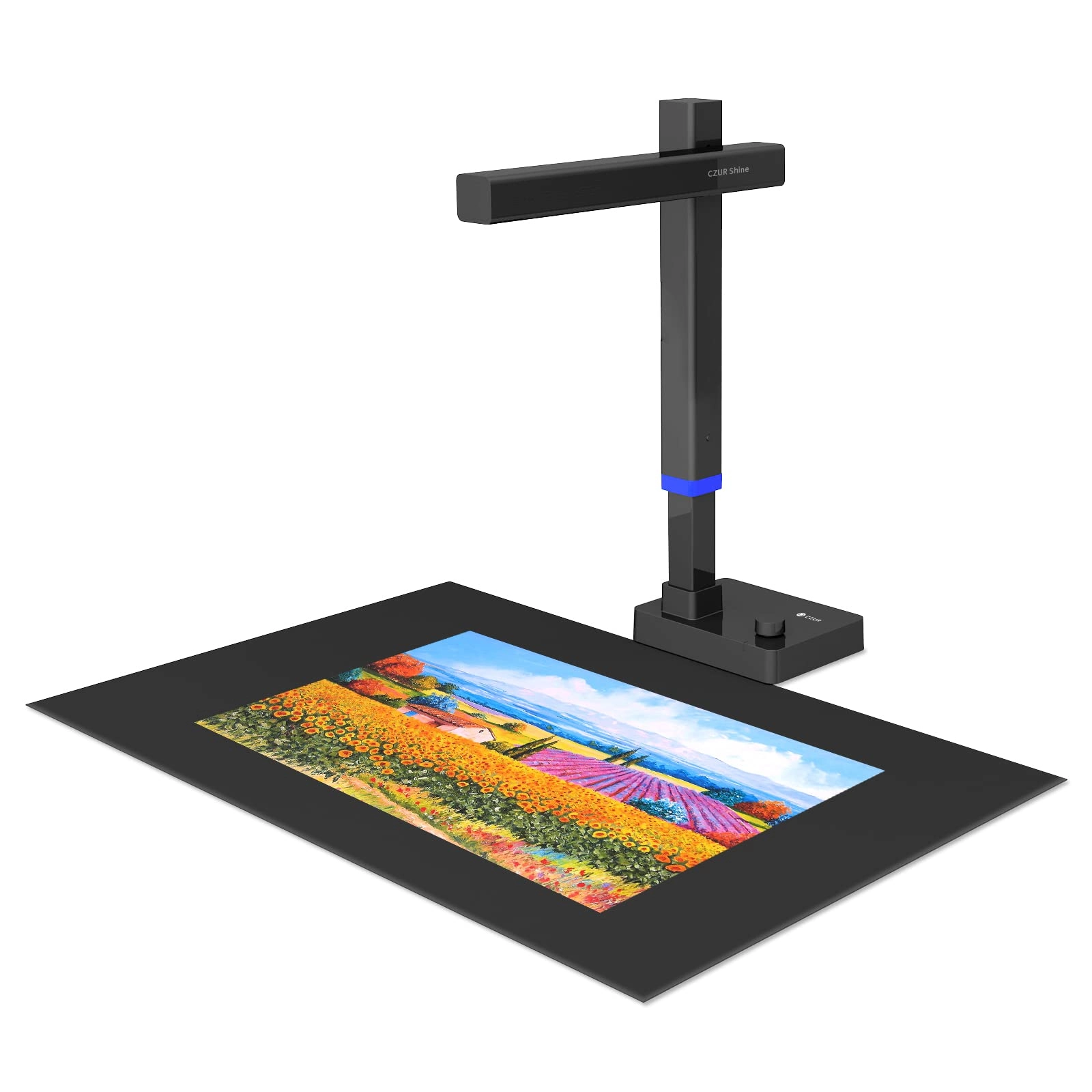
CZUR Tech Shine Ultra - USB

CZUR Tech Shine Ultra - USB

AED
86199
6 offers
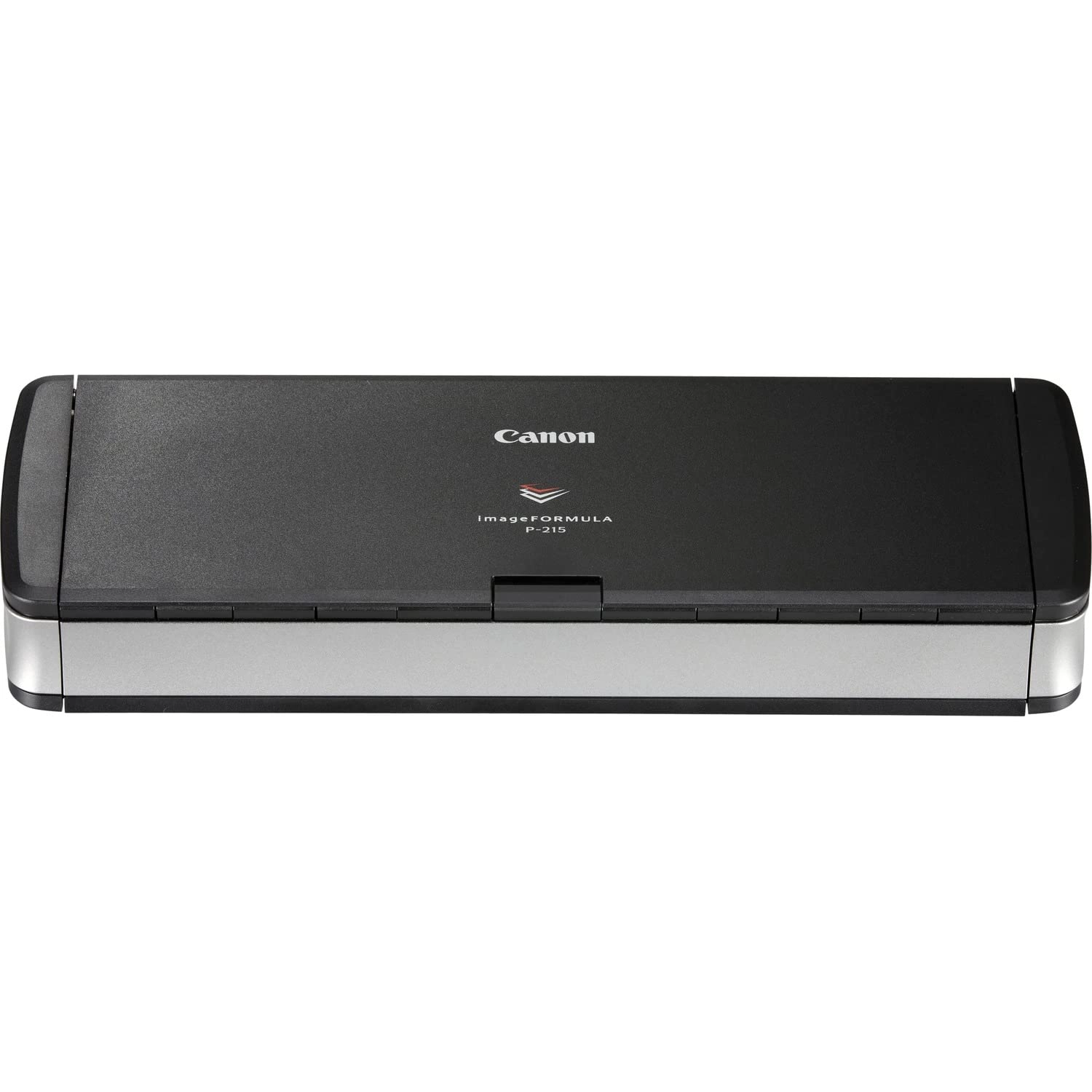
Canon imageFORMULA P-215II - USB

Canon imageFORMULA P-215II - USB

AED
81700
3 offers
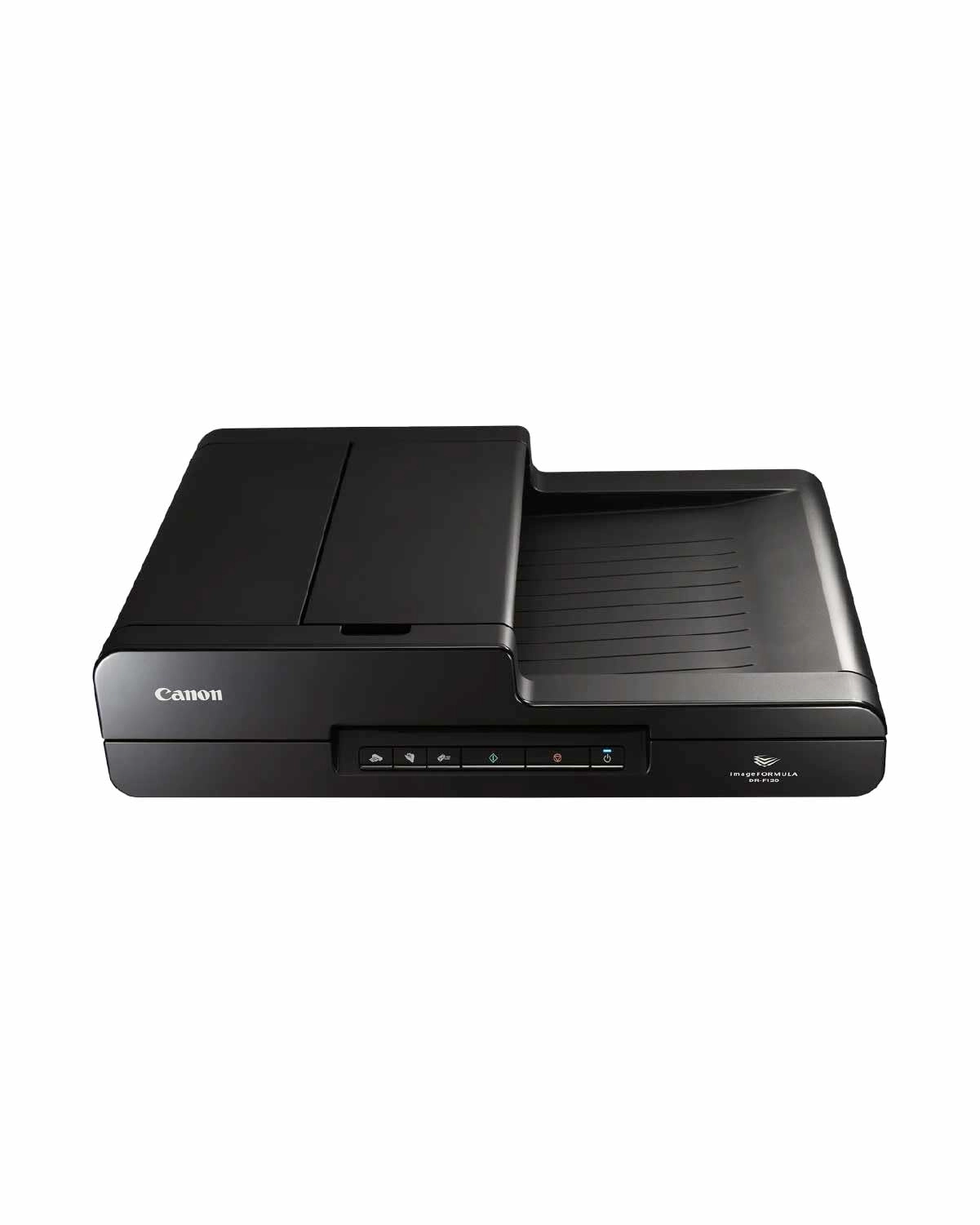
Canon DR-F120 - USB

Canon DR-F120 - USB

AED
94900
3 offers
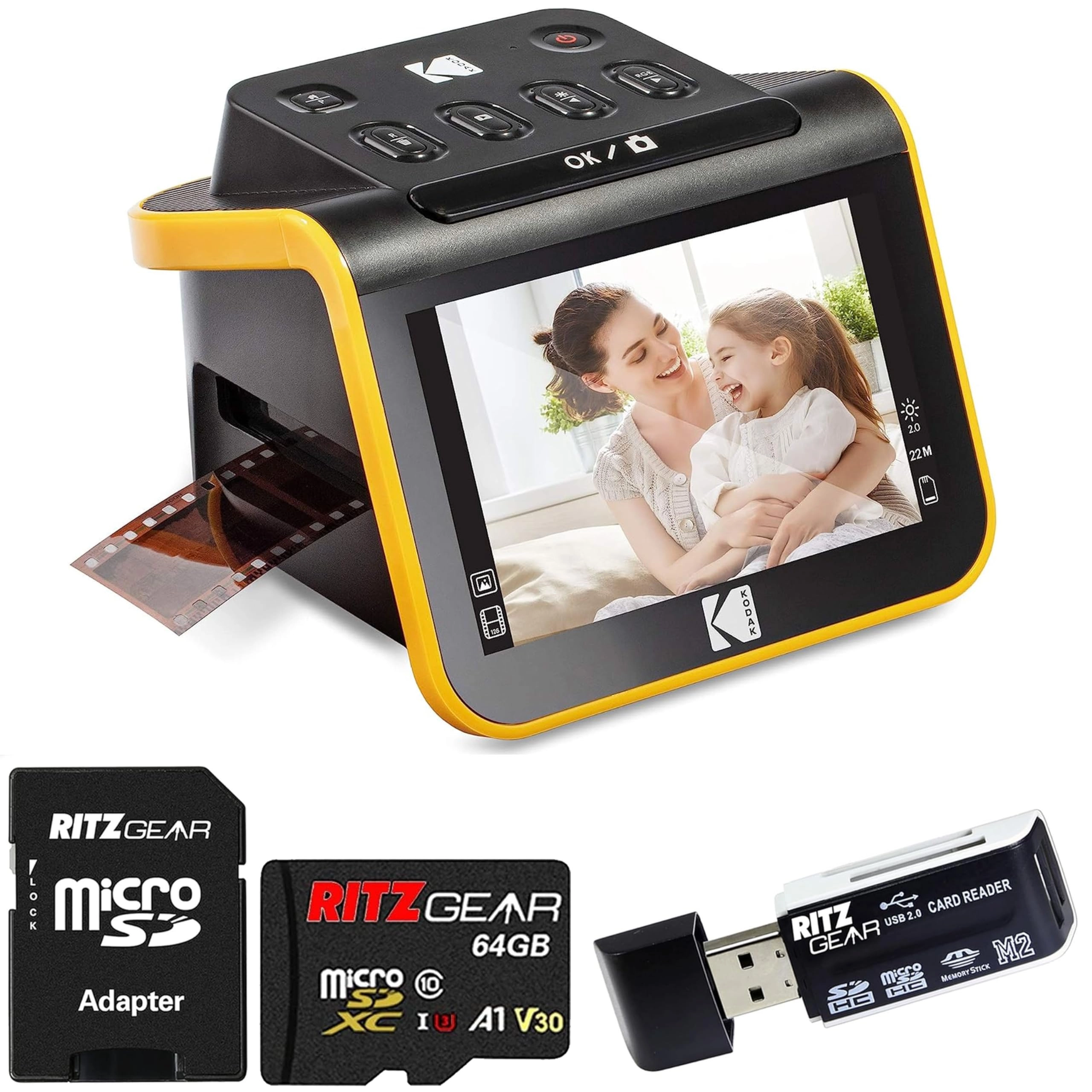
Kodak Slide N Scan + SD Card + SD Card Reader - USB

Kodak Slide N Scan + SD Card + SD Card Reader - USB

AED
1 01600
3 offers

More from Brother

See all
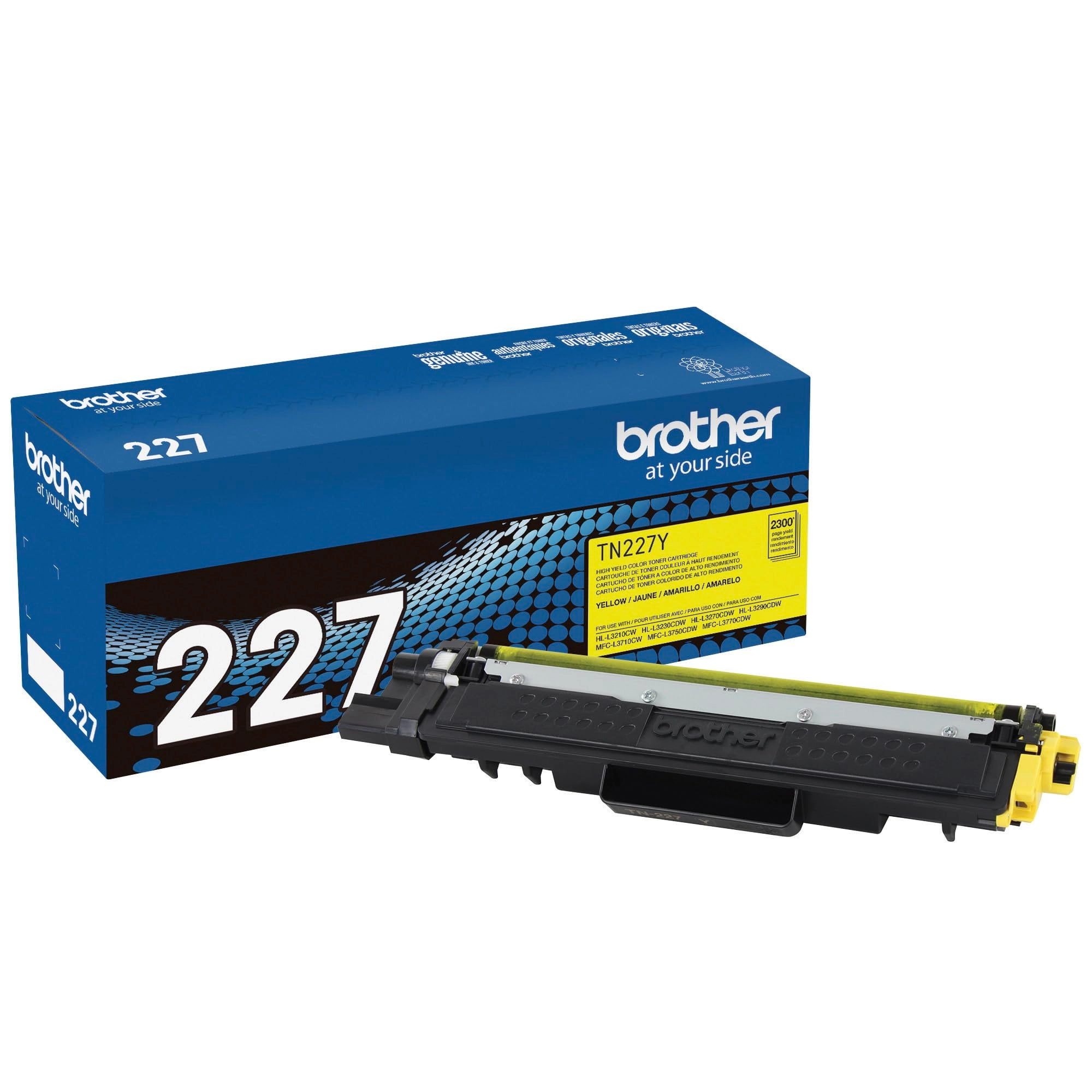
Brother TN-227Y - High Yield Yellow

Brother TN-227Y - High Yield Yellow

AED
67200
1 offer
Brother A4 Multi-Function Printer - Colour Laser Colour and mono (black and white)

Brother A4 Multi-Function Printer - Colour Laser Colour and mono (black and white)

AED
1 69900
1 offer
Brother PT-H110 - Thermal transfer 12 millimeter

Brother PT-H110 - Thermal transfer 12 millimeter

AED
17200
9 offers
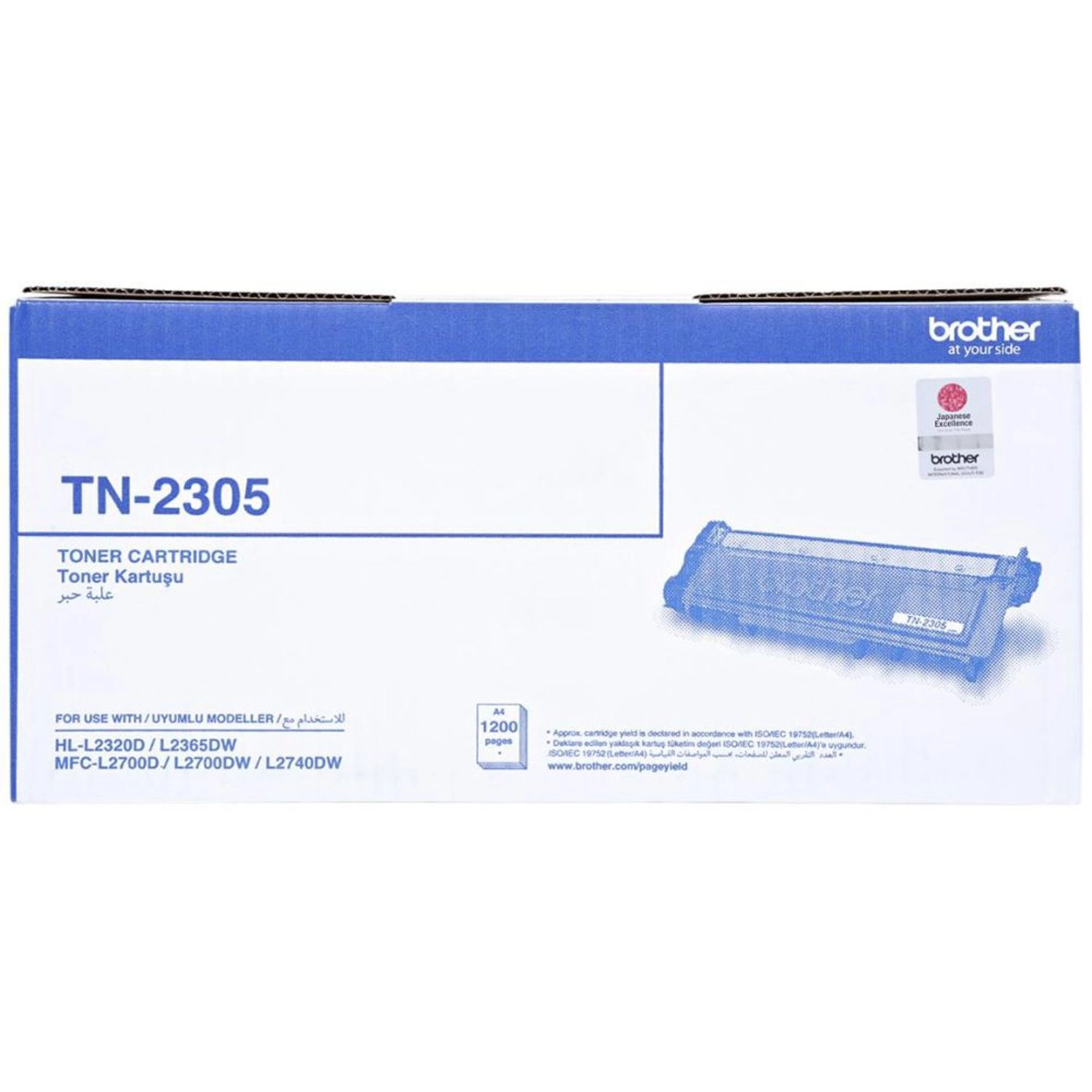
Brother TN-2305 - 1,200pages

Brother TN-2305 - 1,200pages

AED
13300
1 offer
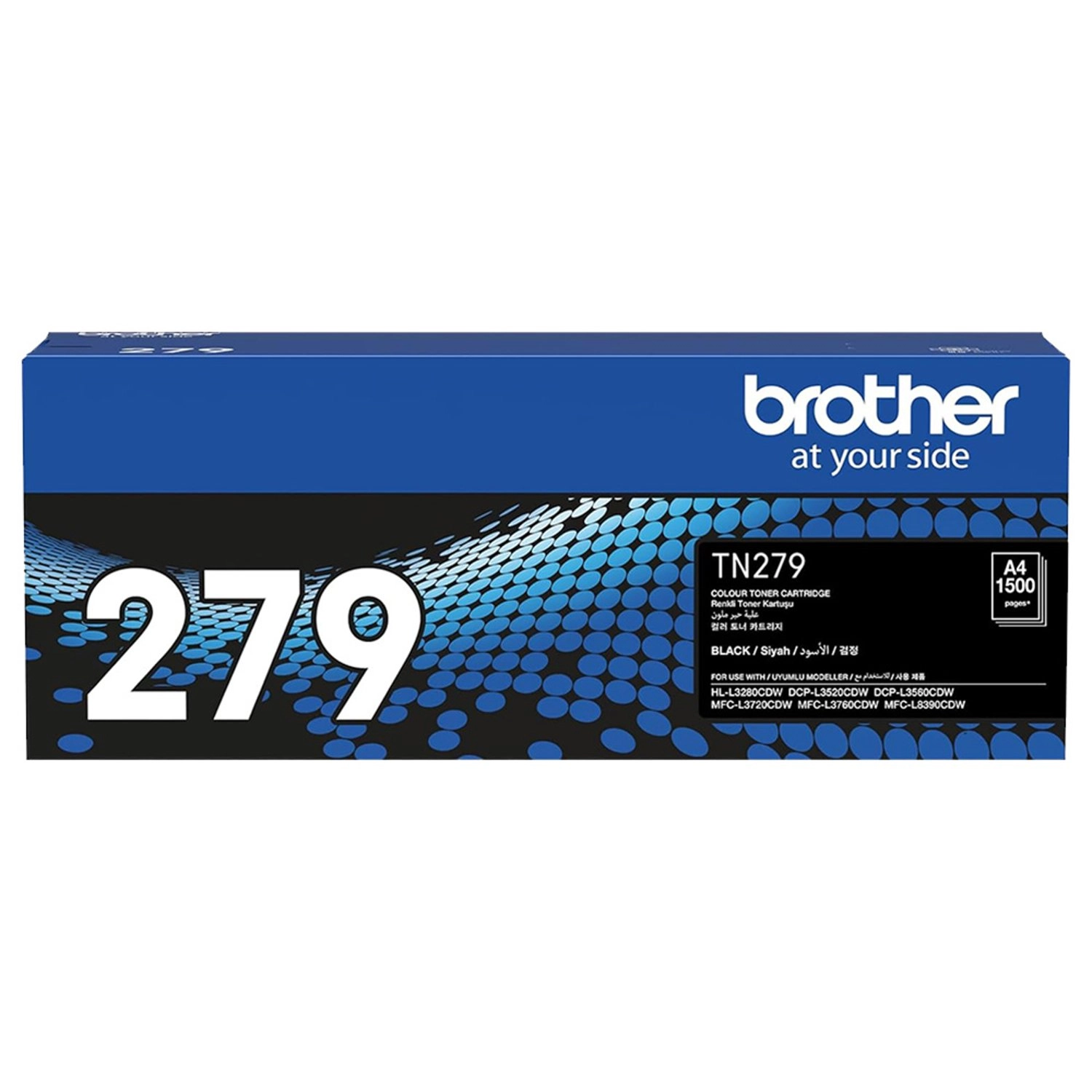
Brother TN279BK - STANDARD YIELD BLACK

Brother TN279BK - STANDARD YIELD BLACK

AED
24900
2 offers
Brother BG-DCPT830DW

Brother BG-DCPT830DW

AED
94900
1 offer
Brother BG-DCPT536DW - Ink Tank Printer

Brother BG-DCPT536DW - Ink Tank Printer

AED
49500
3 offers
Brother (Renewed) HLL3280CDW

Brother (Renewed) HLL3280CDW

AED
1 56241
1 offer
Brother TN-461BK - 3000 pages Black

Brother TN-461BK - 3000 pages Black

AED
25300
3 offers
-5%
Brother MFC-T4500DW Inkjet Printer

Brother MFC-T4500DW Inkjet Printer

AED
2 23400
AED
2 12000
3 offers
Loading...
Loading...
Loading...
Loading...
Loading...
Loading...
Loading...
Loading...
Loading...
Loading...
Loading...
Loading...
Loading...
Loading...
Loading...
Loading...
Loading...
Loading...
Loading...
Loading...
Loading...
Loading...
Loading...
Loading...
Loading...
Loading...
Loading...
Loading...
Loading...
Loading...
Loading...
Loading...
Loading...
Loading...
Loading...
Loading...
Loading...
Loading...
Loading...
Loading...
Loading...
Loading...
Loading...
Loading...
Loading...