PFU Limited IX100 - USB Wi-Fi
Best offer
AED
1 25300
Key Features
- Scanner type: Receipt
- Weight: 399.16129g
- Minimum system requirements: Intel or Intel-compatible processors
Specifications
Weight & dimensions
Weight
399.16 g
System requirements
Minimum system requirements
Intel or Intel-compatible processors
Scanning
Scanner type
Receipt
Product Details
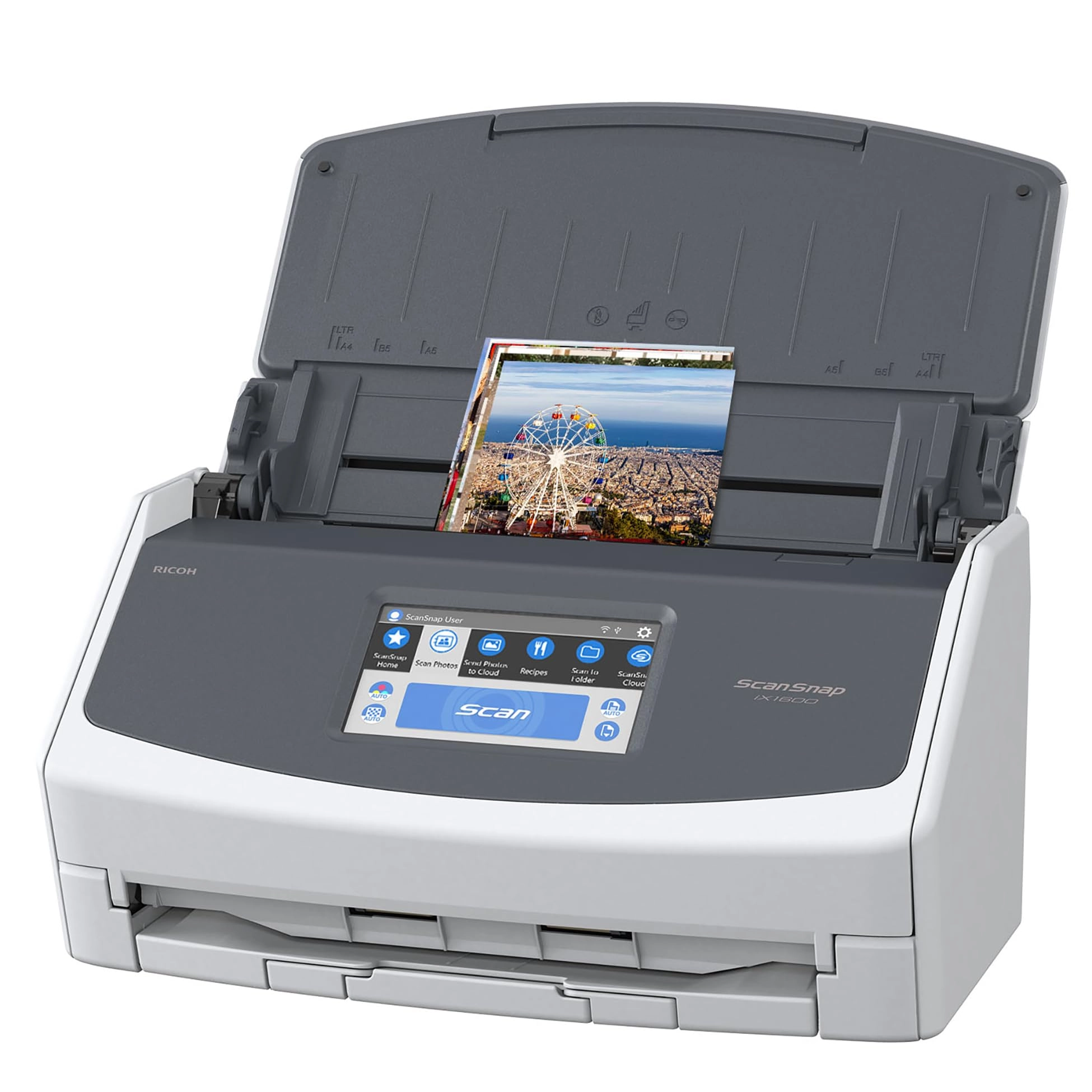
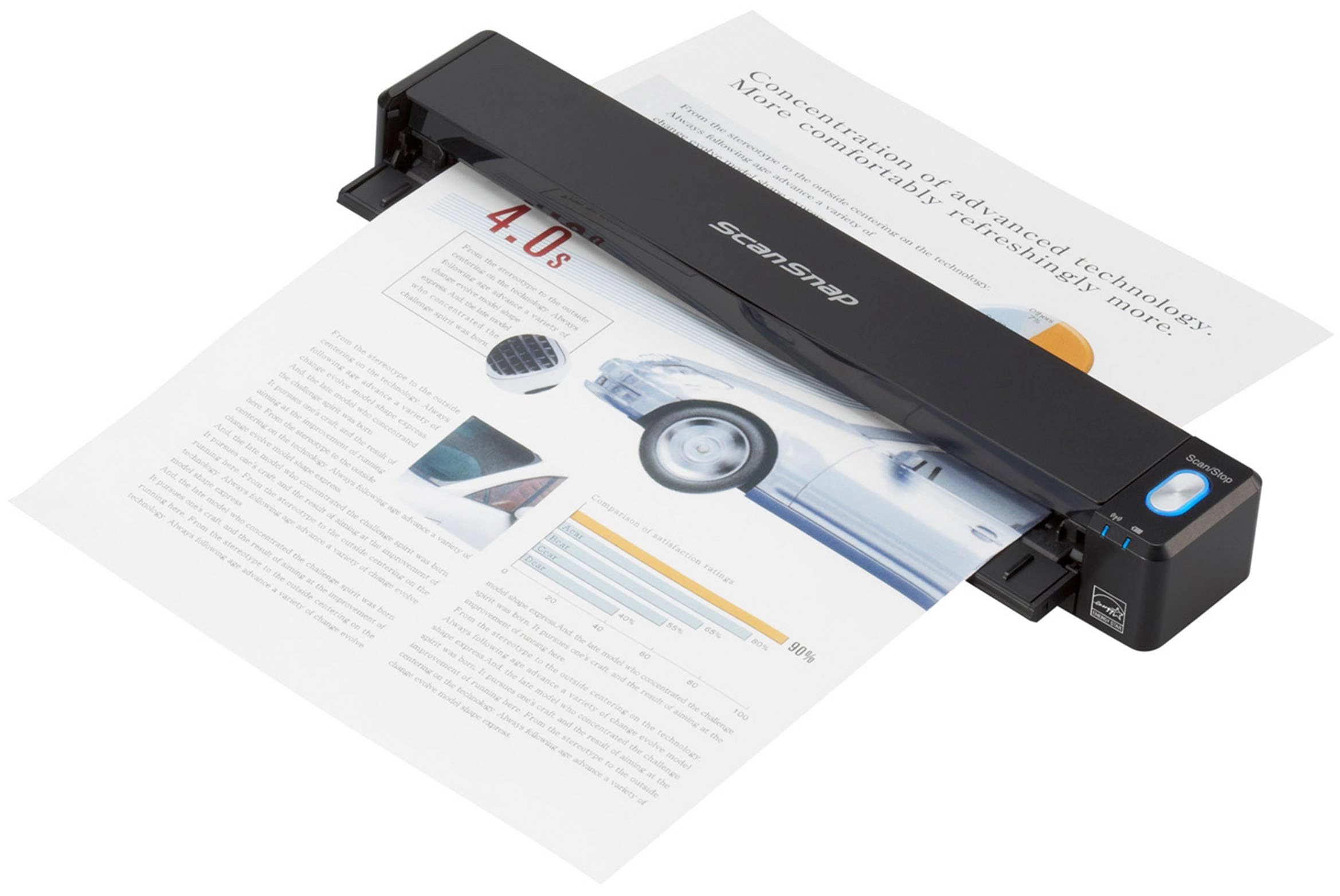
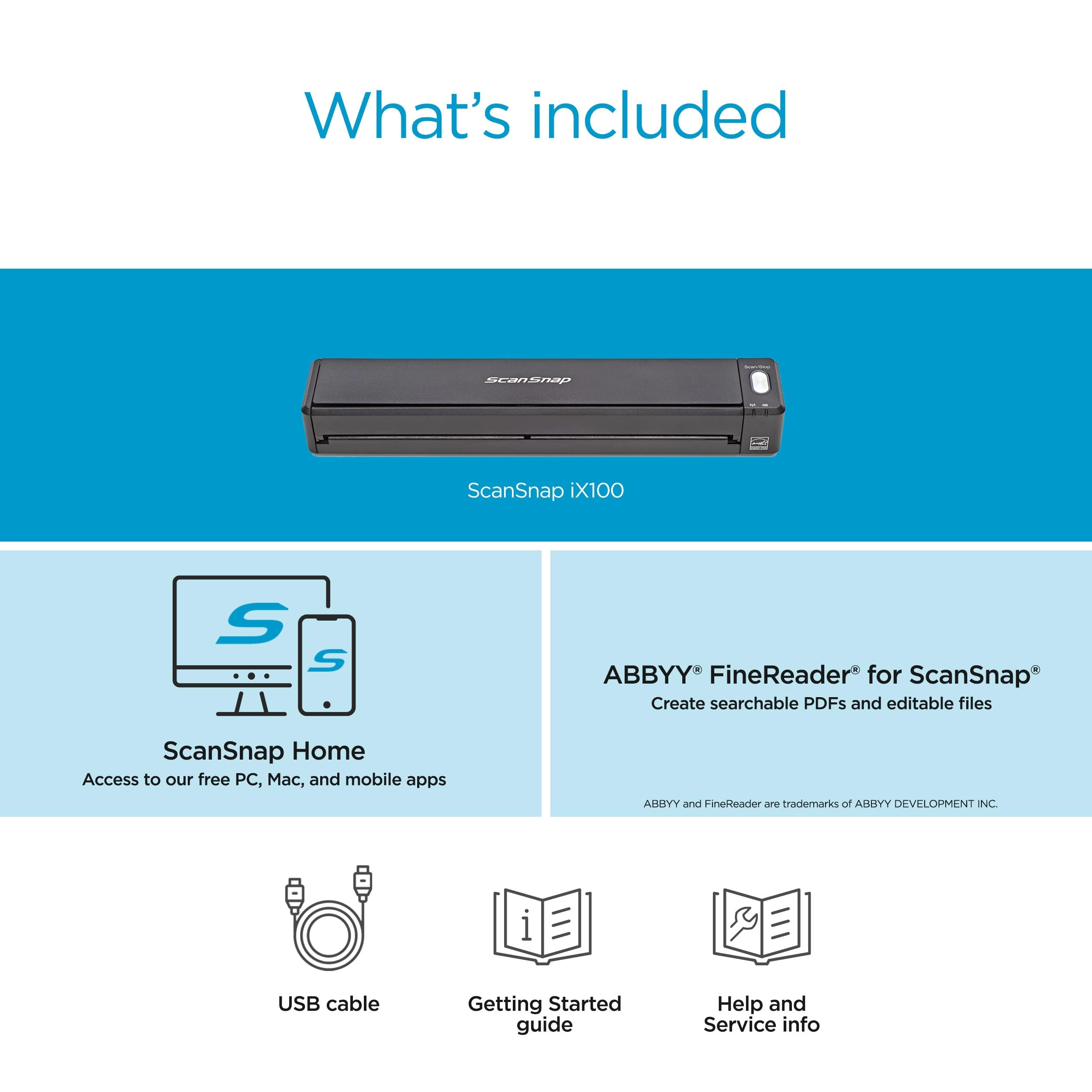
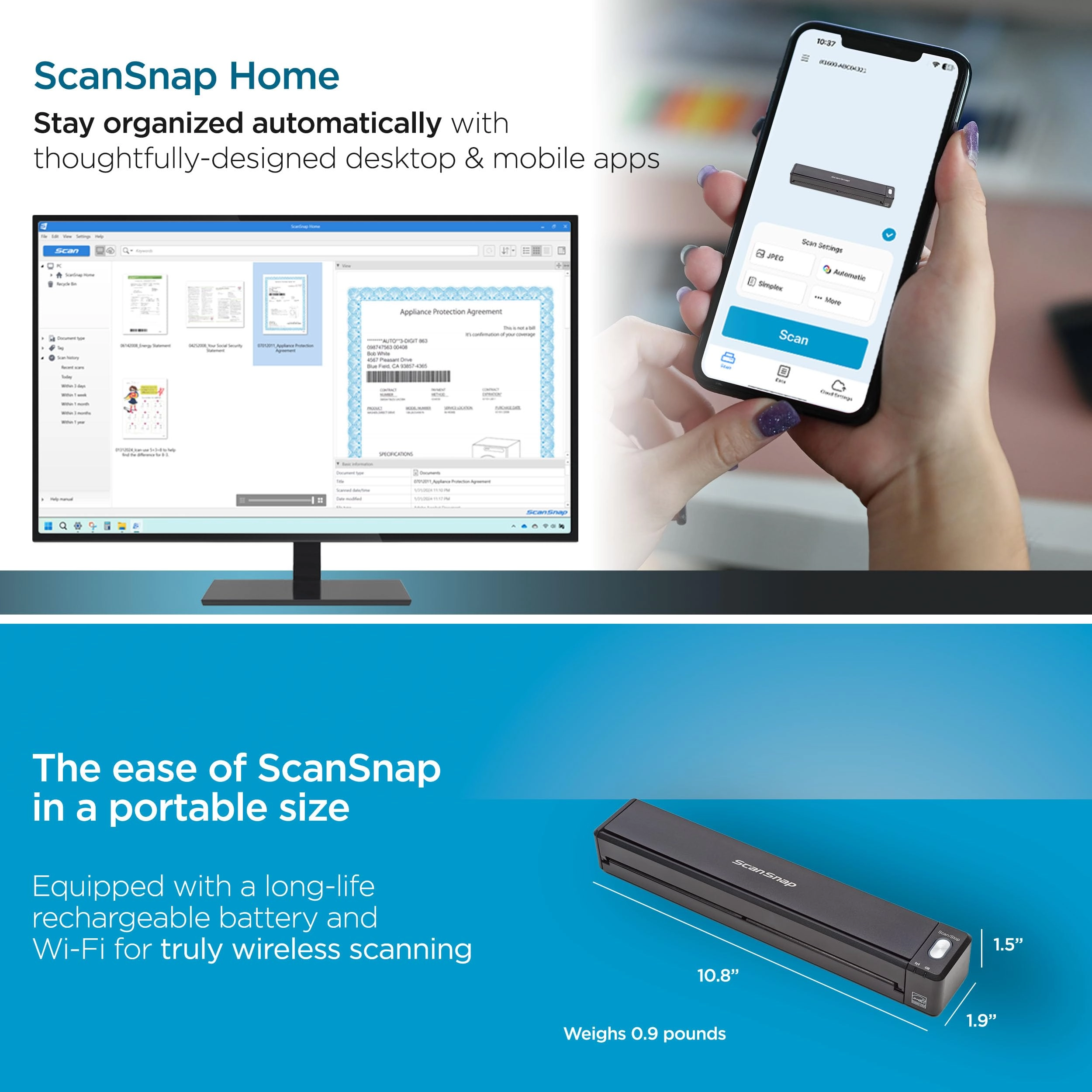
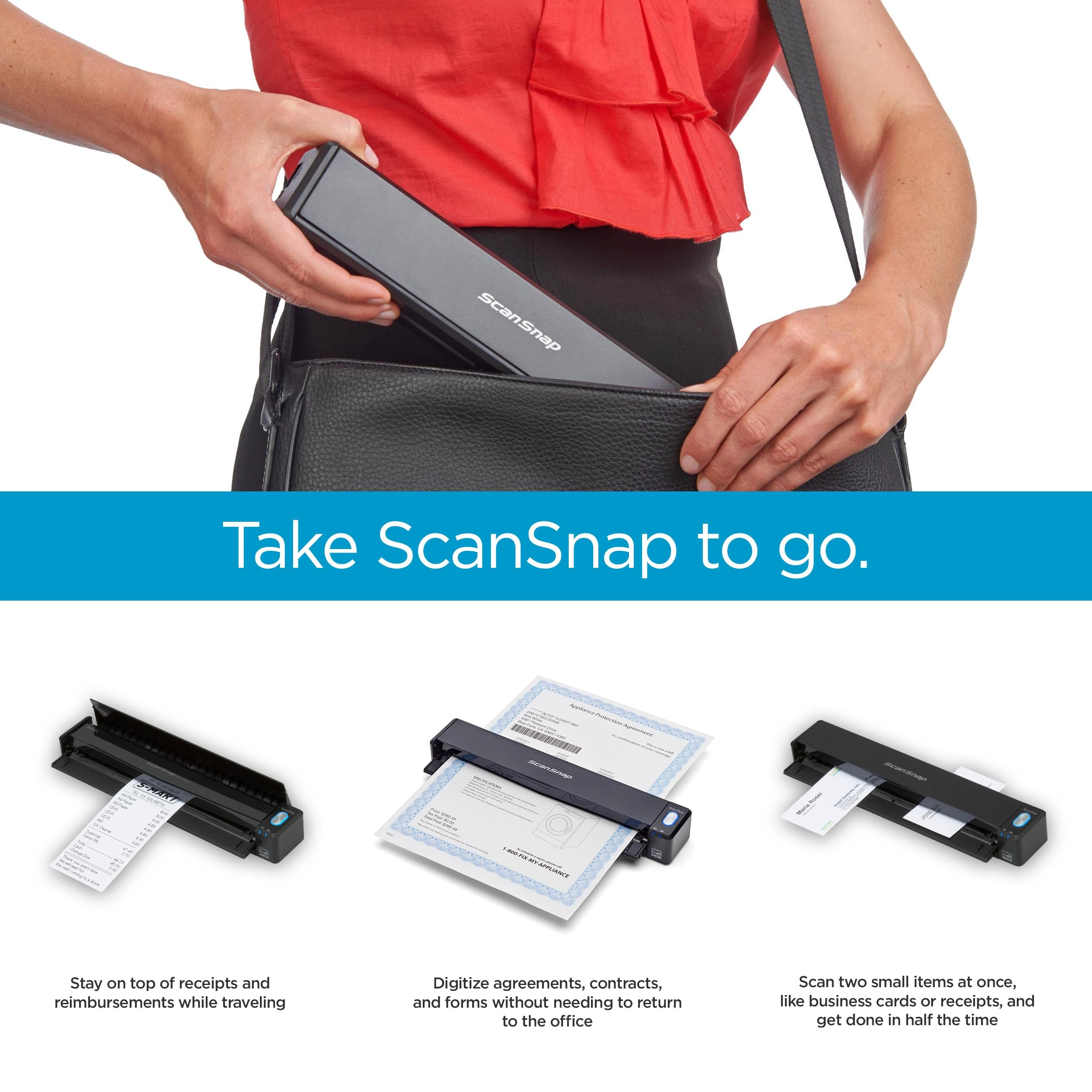
The ScanSnap iX100 is a completely wireless, compact,
battery-powered scanner that takes scanning beyond your desktop
and into the mobile world. The Quick Menu for PC and Mac
automatically pops up after scanning to provide you a variety of
ways to be immediately productive with your scans. It can be
customized to display just your favorites, present a
recommendation, and even display custom profiles. ScanSnap Cloud
makes scanning easier than ever before, enabling the iX100 to
scan directly to your favorite cloud service without the need for
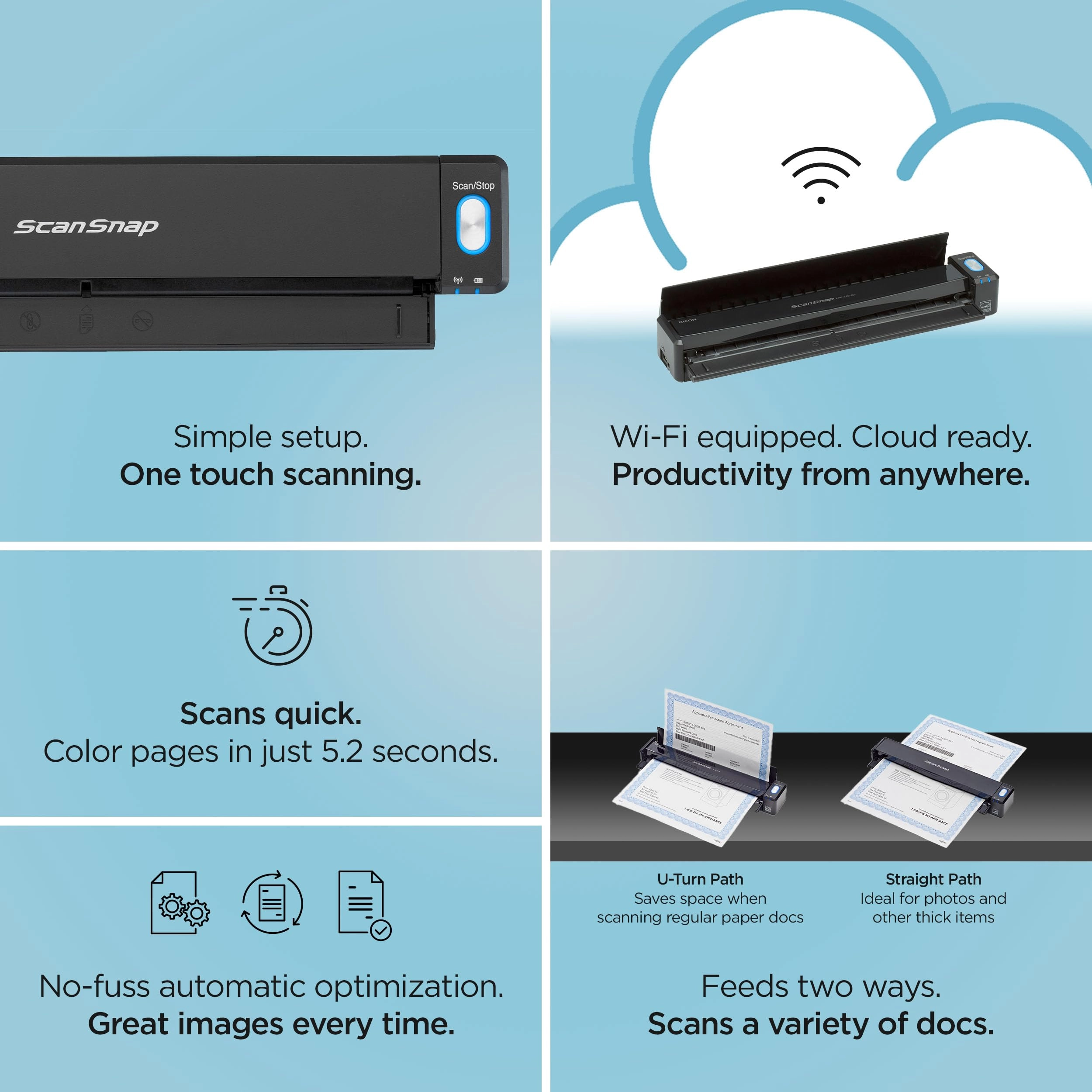
a computer or mobile device. Like all ScanSnap scanners the iX100
features a powerful set of automated image processing functions
including auto color detection, crop & deskew, and blank page
removal. A dual-core CPU-mounted "GI" processor performs the
intelligent image enhancement responsible for great looking
images with dramatically faster results and more sophisticated
connectivity. The ScanSnap iX100 can automatically detect your
Wi-Fi network at home, in the office or on the go. With Direct
Connect mode you can scan wirelessly beyond your network. Dual
Scan allows you to scan two small sized documents, such as
business cards or receipts at the same time.
Review: Damn near perfect for organizing receipts - Scanner This
is a great little scanner - in over 300 receipts, not one misfire
- narrow, slippery cash register receipts, 8-1/2X11 sheets, odd
sized, adhesive backed labels, the feed mechanism worked nearly
flawlessly - on the rare occasion of a skewed feed, the software
straightened the scan nicely - One tip, keep a pair of scissors
handy to clip any tear off tips - they will prevent the receipt
from feeding squarely - the clip can be at an angle - as long as
most of the leading edge is 'square', the receipt will feed
accurately - __________________/| << Tear off tip
xxxxxxxxxxxxxxxxxx| |xxxxxxxxxxxxxxxxxx| |xxxxxxxxxxxxxxxxxx|
xxxxxxxxxxxxxxxxxx| I bought this particular scanner primarily
because it included ScanSnap Receipt - managing my receipts as I
travel around the country is a major PITA - it looks like all the
Fujitsu scanners include ScanSnap Organizer, but only certain
ones have this receipt processing application - if you're looking
to manage receipts, check the included software carefully -
Installing the software took a while (a couple hours including
updating) - it appears to be a well featured suite, but so far I
have only used the ScanSnap Receipt application - After scanning
a batch of documents (make certain they are all of the same type,
eg receipts, business cards, etc), the application to process the
batch is selected - Another tip, if you scan a batch of receipts
and checked the processed results, close that application - if
not when you scan the next batch (say business cards), they will
'automatically' be processed into the open application - if no
apps are open, the option to choose will again open - The
supplied USB cable is short - it was awkward to hold the scanner
in my hand to do a 'USB' linked scan, which was possible right
out of the box (after the software installation) - Connecting a
computer to the scanner WiFi as an Access Point was simple
enough, but a PITA to change computer network connections around
every time I wanted to do a scan - To connect the scanner to my
home network took a bit more finagling, but well worth the effort
- to do a scan, just open the scanner wait a few seconds for the
connection and scan away - I don't know how long the scanner
battery will last, but with the scanner's WiFi connection to a
home network, you are free to do scans anywhere with no cables
connected - The Scansnap Recipt software is decent - the software
attempts to collect the Merchant, date, total amount, tax amount,
cash/charge card and last 4 of charge card - of course, it makes
a fair amount of errors which are relatively easy to correct -
there is an option to assign a category and sub category
(Auto:Fuel, Groceries, Utilities:Electric, etc) - and lastly,
there is a free form notes field - any search/sorting is only on
those fields - Issues: I haven't figured out what the software
does when it 'combines' two entries - I think it just merges the
formatted fields and retains one image - frankly, that doesn't
seem useful, but I am not certain - A feature that that would
allow multiple images for one receipt would be useful - my work
around is to include a note with the some identifying number
(order number) followed by Page X of Y pages - I leave the
amounts $0.00 for the addtional pages, but do fill the Merchant,
Category & date fields - Another feature that would be very
useful is a formatted field for Cash Back amounts - the total
amount usually does not include any cash back amount - that seems
reasonable, but it would be nice to have a specific field
designated to contain cash back amounts - again, I add a note
"$X.XX Cash Back" - As best I can tell, any export does not
include the image - Export to an Excel file is simple, but
without the image is of little value - After doing a scan, a
processing application MUST be specified, otherwise the scans
will be lost - that is not really a problem - including a scan
into an application is called 'registering' - trying to use the
application while it is registering new scans is pretty 'stodgy'
and it can take a while (maybe a minute or two per scan, a bit
more?) to register scans - trying to edit a registered scan while
the application is registering new scans can be frustrating -
corrections get ignored or interrupted - Even after all new scans
are registered, the ScanSnap application isn't smooth - it can
take several seconds after clicking on a different entry for that
entry to display - at this point I only have 300 entries in the
data base - with no method to export images for archiving, the
data base is going to continue to grow without bounds - there is
a backup and restore function, it might be possible to backup
data to a years worth of receipts and then delete those receipts
from the active database - One last tip, scan receipts as soon as
they are collected is simple and quick - I had a lot of 'catching
up' to do - a lot of the recipts I scanned were older, faded,
hard to read and so on - in spite of those obstacles, I scanned
several hundred receipts in a relatively easy couple/three hours
- - In summary, I am impressed with this small scanner - it works
well, feeds all sorts of different items without hassle - the
receipt software is decent, OCR grabs the most important
information and provides an organizing system for receipts - So
far, I have no experience with Cardminder, Folder, Mobile,
Dropbox, ABBYY Scan to Word, Excel, etc -
Review: top notch, versatile wireless mobile scanner - I have a
Fujitsu ix500 scanner attached to my desktop computer at home
which is the finest scanner I've ever used. I needed a portable
scanner, though, for use with my laptop computer while working
out-of-state. I did not hesitate to order this Fujitsu ScanSnap
ix100 wireless mobile scanner for that purpose. The scanner
arrives boxed securely and includes installation software and a
USB cable. The scanner is surprisingly small and powered by a
lithium ion battery that is recharged via USB. No AC adapter is
provided, so you will either need to charge it on your computer
or use a 3rd party AC adapter for USB charging (I simply use the
one I use for my iPad and iPhone). The battery should be fully
charged before using the scanner, so I just charged it up
overnight and was ready to go. The installation software gives
you the option to install off the included disc or download the
latest version. I opted to download the latest version, which is
a very large download and takes quite a while to download and
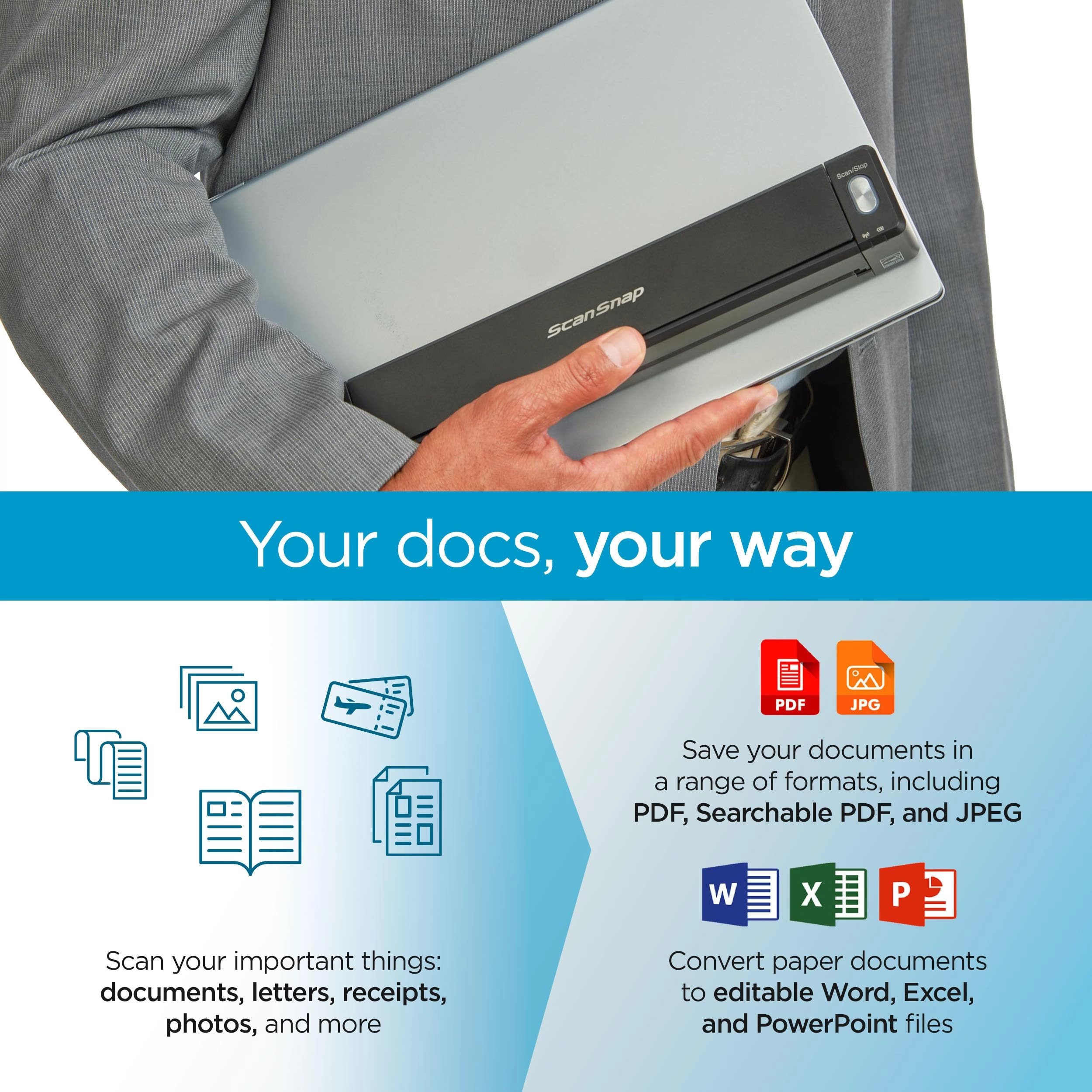
install even with fast broadband wi-fi. Additional software for
OCR scanning and interface with various services like Dropbox and
Evernote is also available to download for free from Fujitsu
during installation. I had no difficulty downloading and
installing all of the software on my HP Pavillion laptop running
Windows 10, and the scanner was quickly ready to go. To turn on
the scanner you simply pull down the front cover and open the
lid. A blue lighted button off to the right shows you the scanner
is powered and ready to go. You simply put your document or
receipt in the scanner slot and press the blue button. Scanning
is very fast. A dialog box opens to give you the option to scan
additional pages or to finish the scan. The software can be
configured to automatically scan to a specified folder or to an
application like Word or Excel. The scanner does not perform
duplex scanning (you will have to flip and scan two-sided
documents) but can scan two receipts side by side simultaneously.
There is software provided to organize receipts, but I find it
cumbersome and awkward to use and prefer to use the ScanSnap
organizer instead. Unlike the Fujitsu ix500 scanner, there is no
carrier sheet provided to scan photos or jagged documents (it can
be purchased separately from Fujitsu if needed). The coolest
feature of this scanner, for me anyway, is the ability to
wirelessly scan a document directly into an iPad or iPhone. Just
download and install the ScanSnap app from the App Store. When
you run the app it will detect the scanner and allow you to
control the scanner with the app. The app is somewhat awkward to
use and really needs to be improved (you have to go through
several steps before scanning to assign a name for your file and
change it every time you want to scan another document), but it
is still enormously handy to scan something into a mobile device.
In summary, the Fujitsu ix100 is a great wireless mobile scanner
that is very fast and versatile. Yes, it costs more than other
similar wireless scanners, but it is worth the higher cost.
Reviews
Loading...
Loading...
Loading...
Loading...
Loading...
Loading...
Loading...
Loading...
Loading...
Loading...
Loading...
Loading...
Loading...
Loading...
Loading...
Loading...
Loading...
Loading...
Loading...
Loading...
Loading...
Loading...
Loading...
Loading...
Loading...
Loading...
Loading...
Loading...
Loading...
Loading...
Loading...
Loading...
Loading...
Loading...
Loading...
Loading...
Loading...
Loading...
Loading...
Loading...
Loading...
Loading...
Loading...
Loading...
Loading...
Loading...
Loading...
Loading...
Loading...
Loading...
Loading...
Loading...
Loading...
Loading...
Loading...
Loading...
Loading...
Loading...
Loading...
Loading...
Loading...
Loading...
Loading...
Join our newsletter
Be the first to know about new arrivals, sales, and exclusive picks
Sign in to unlock newsletter access and stay in the loop