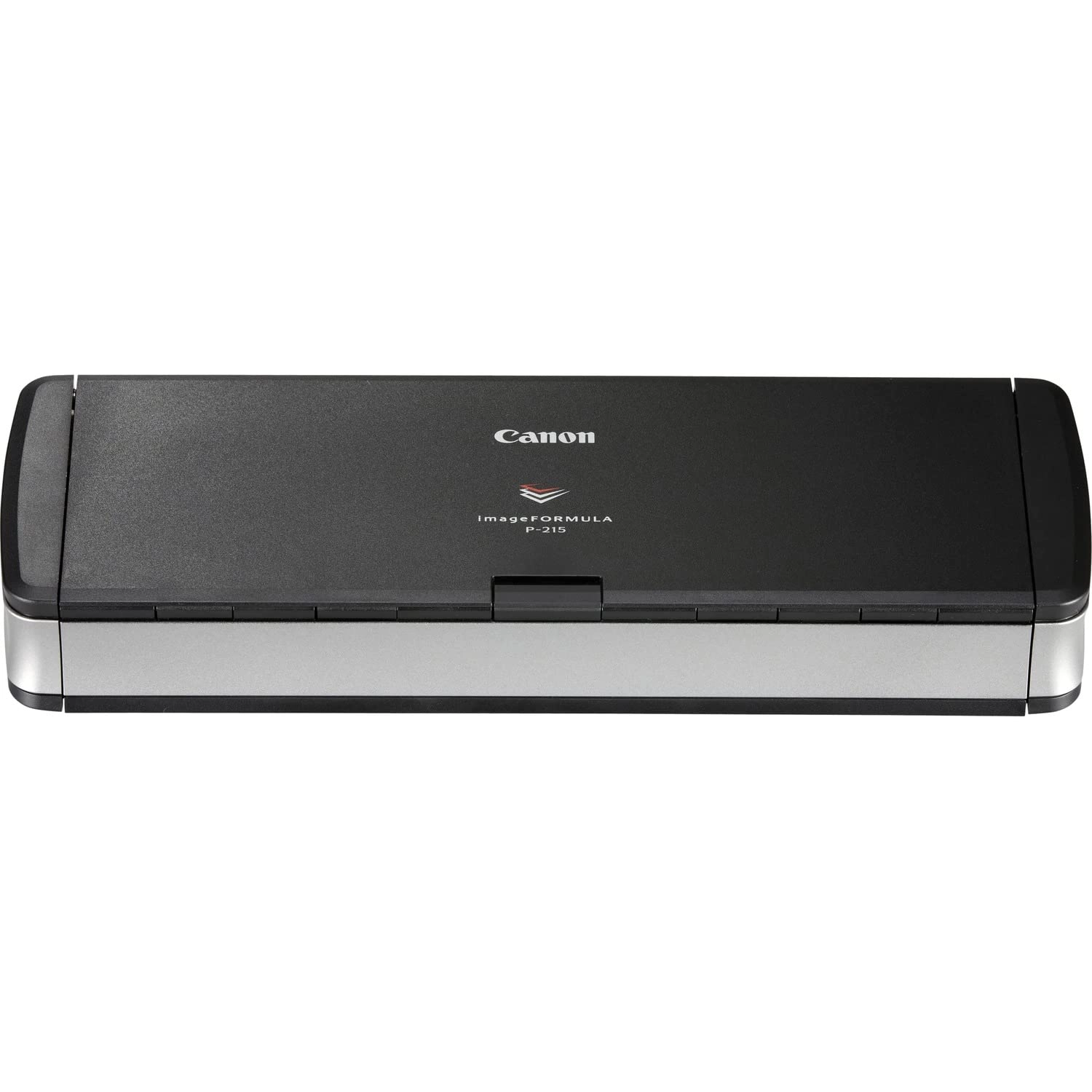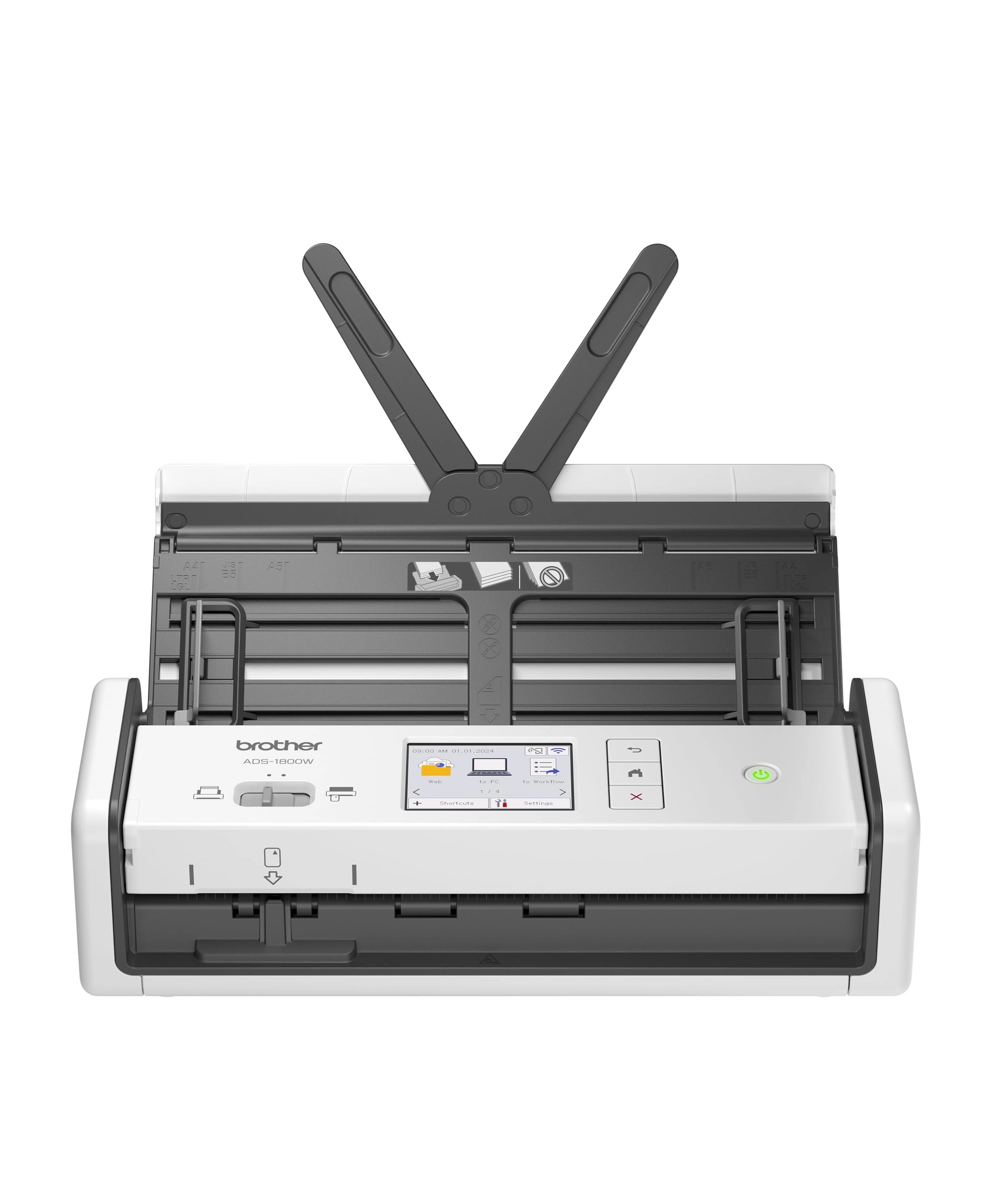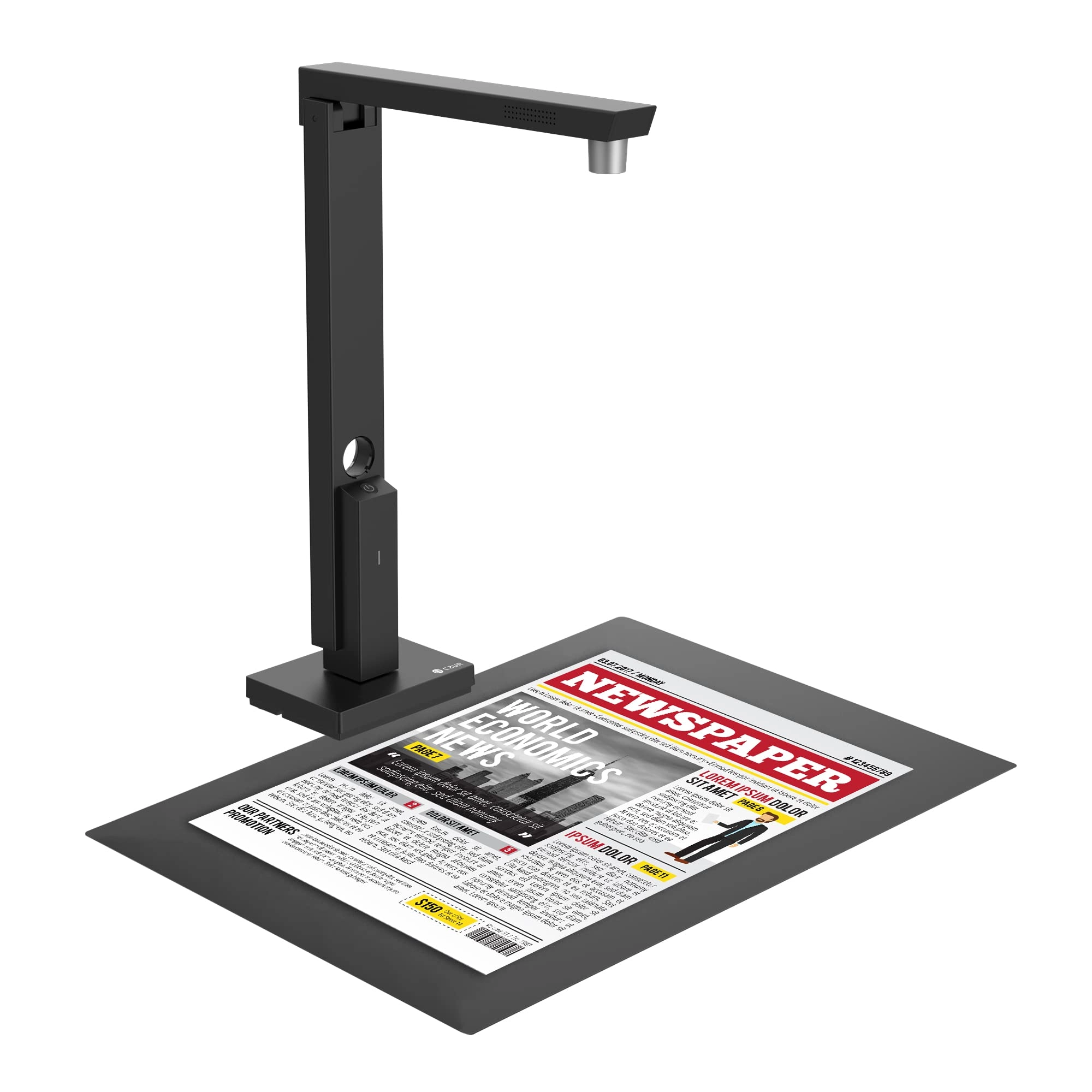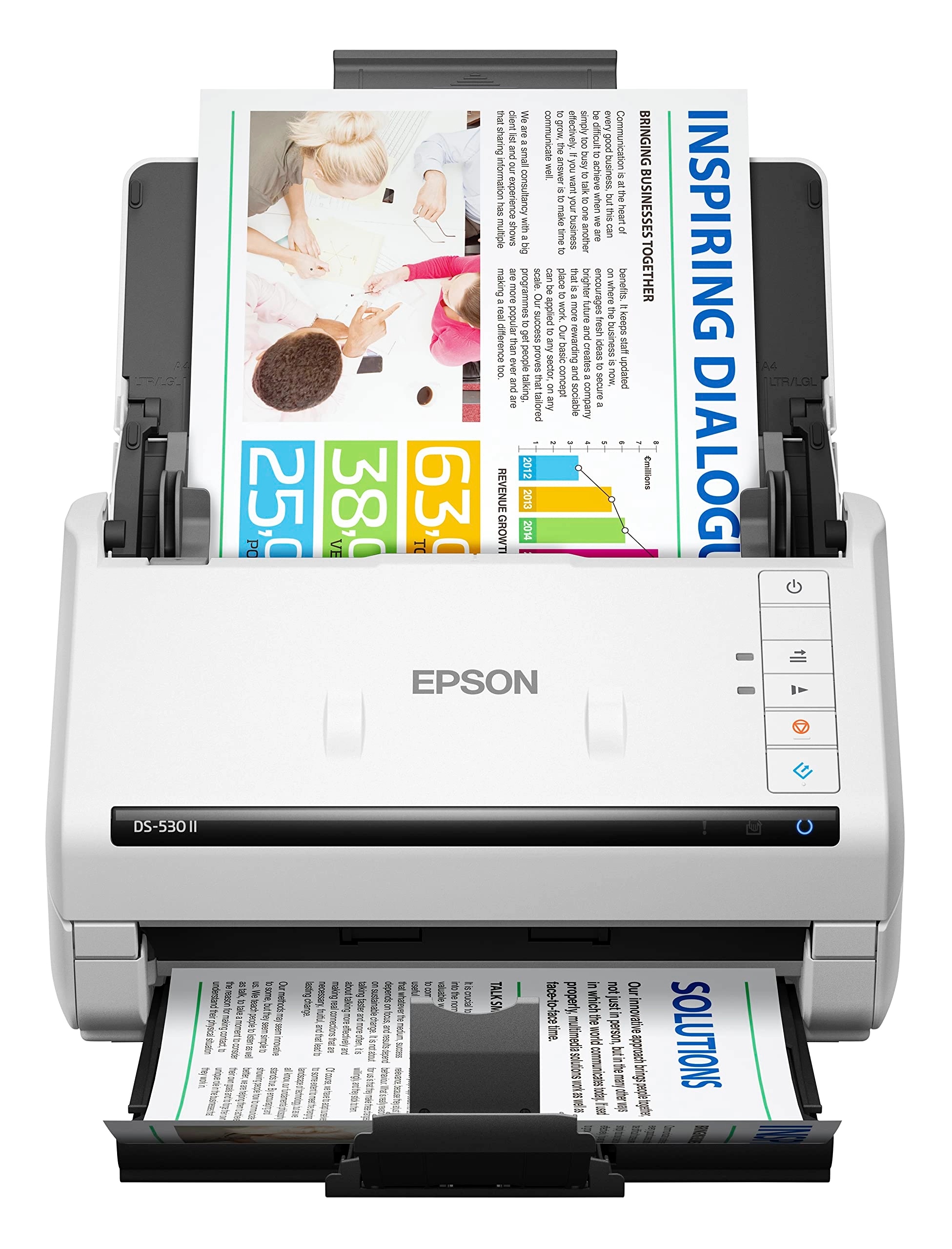
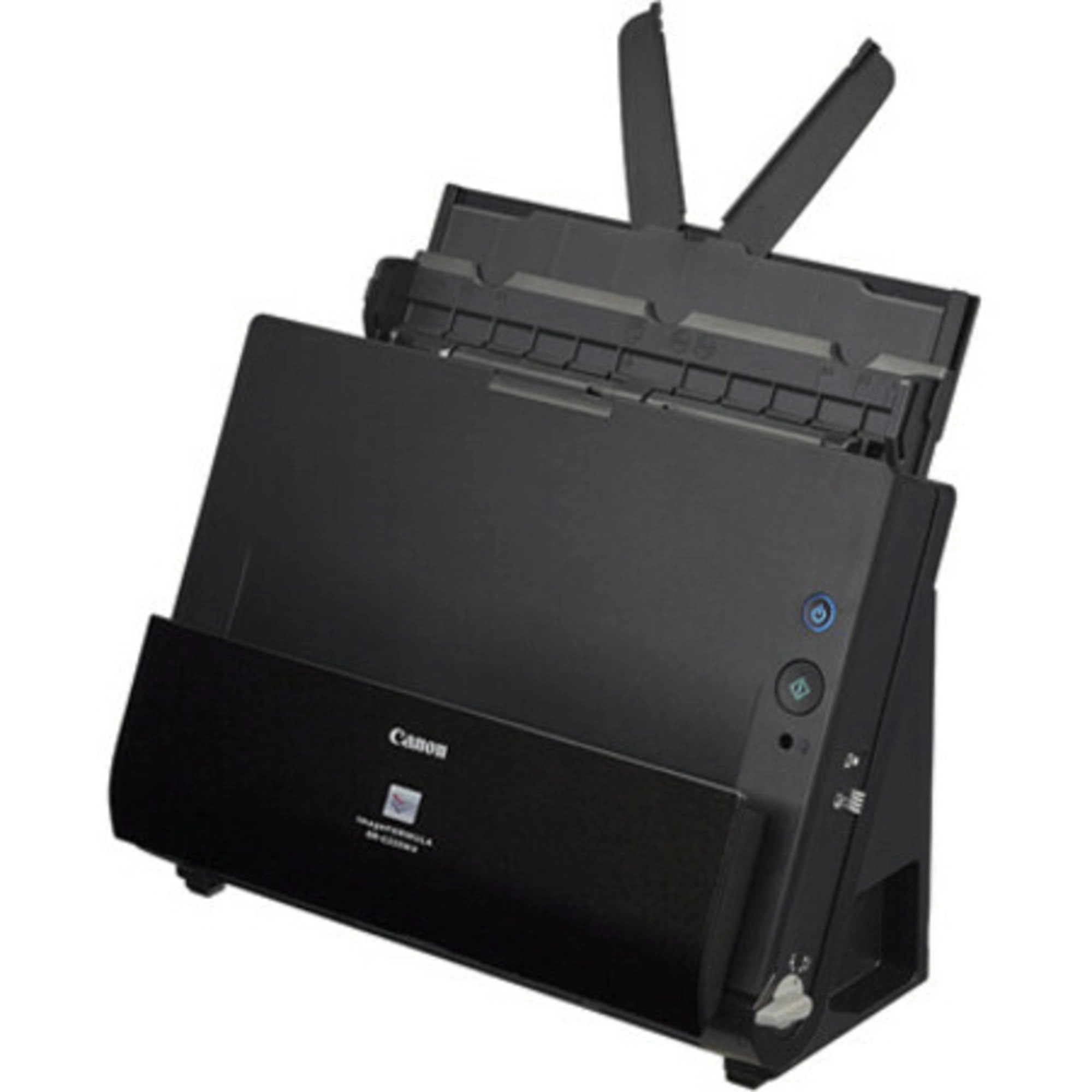
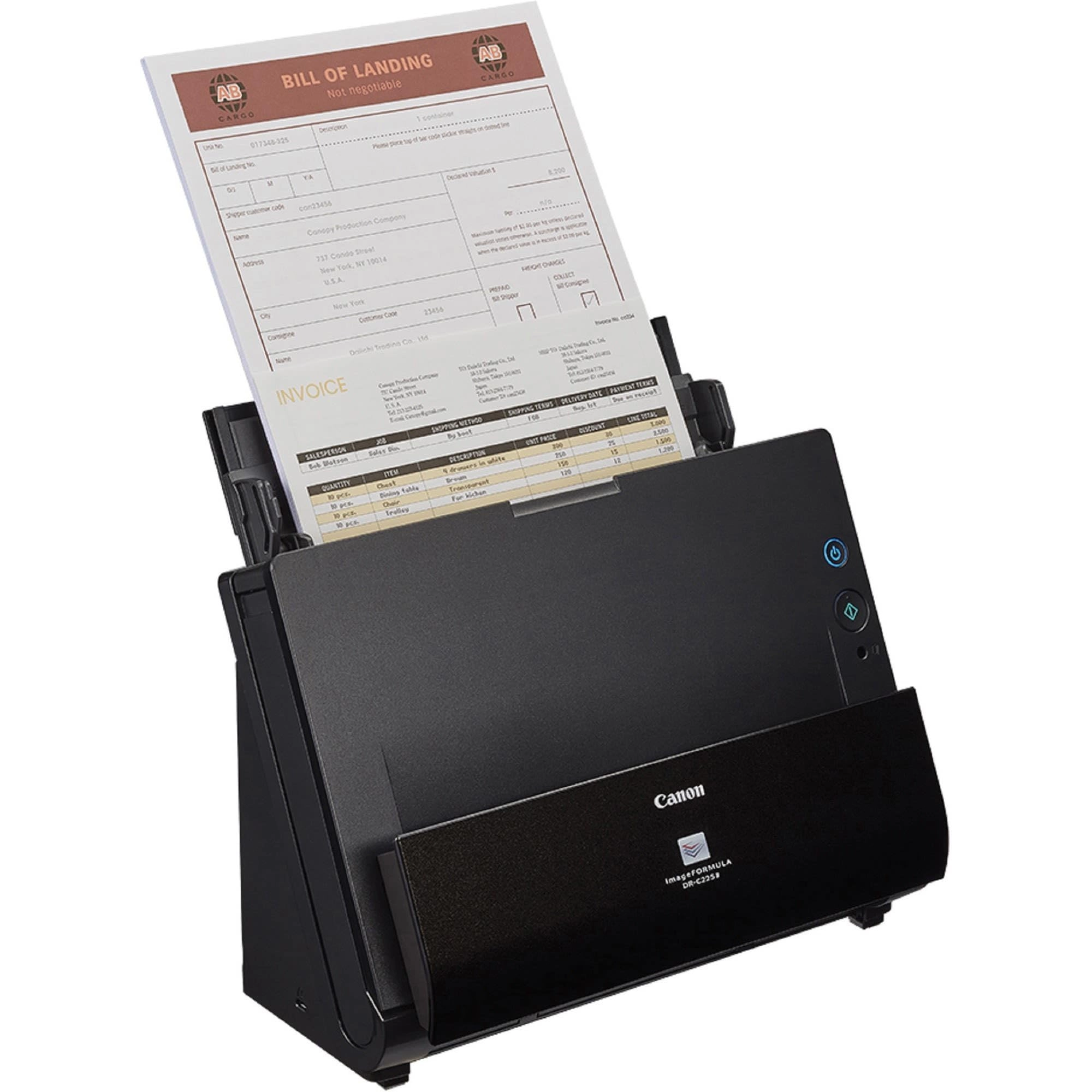
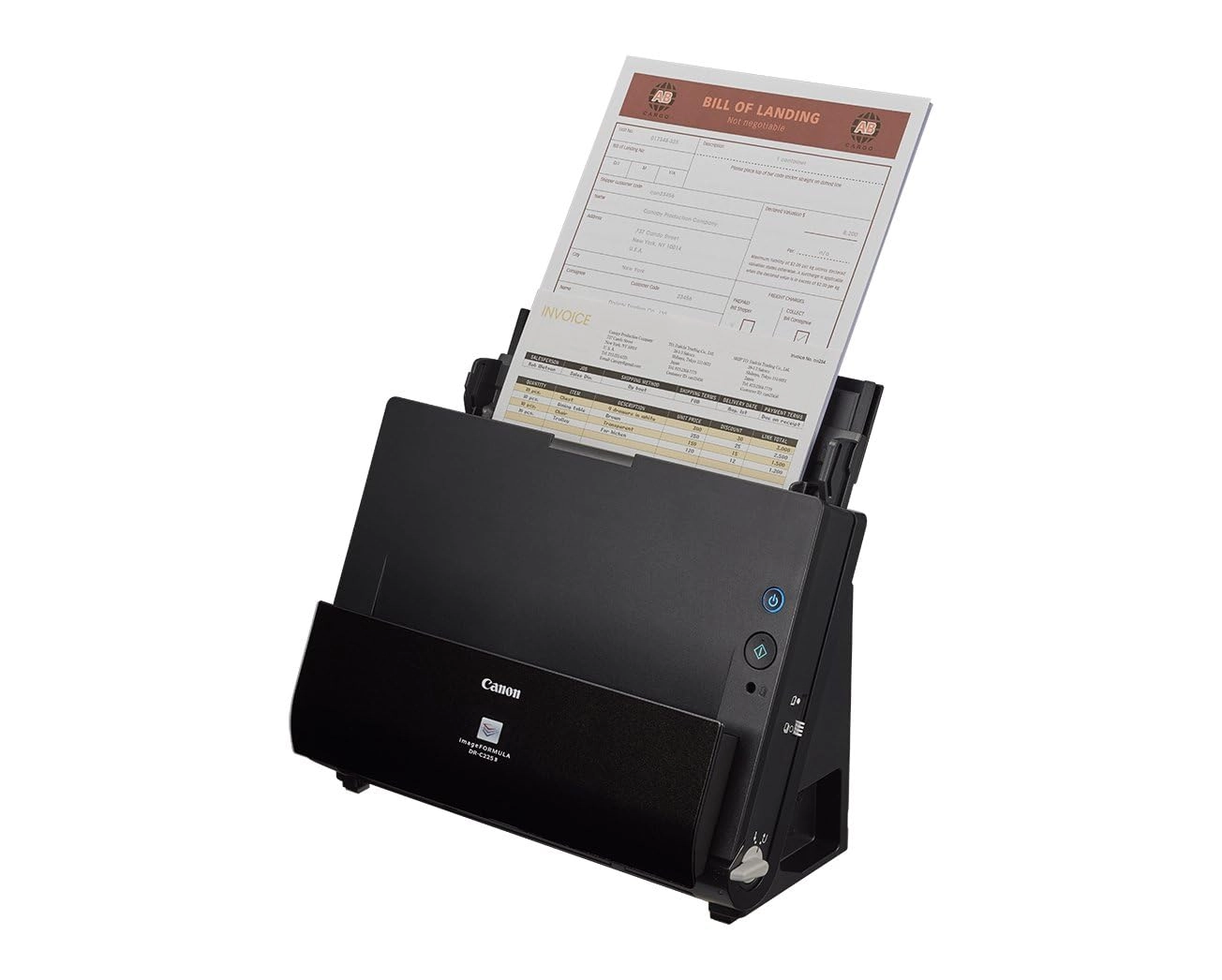
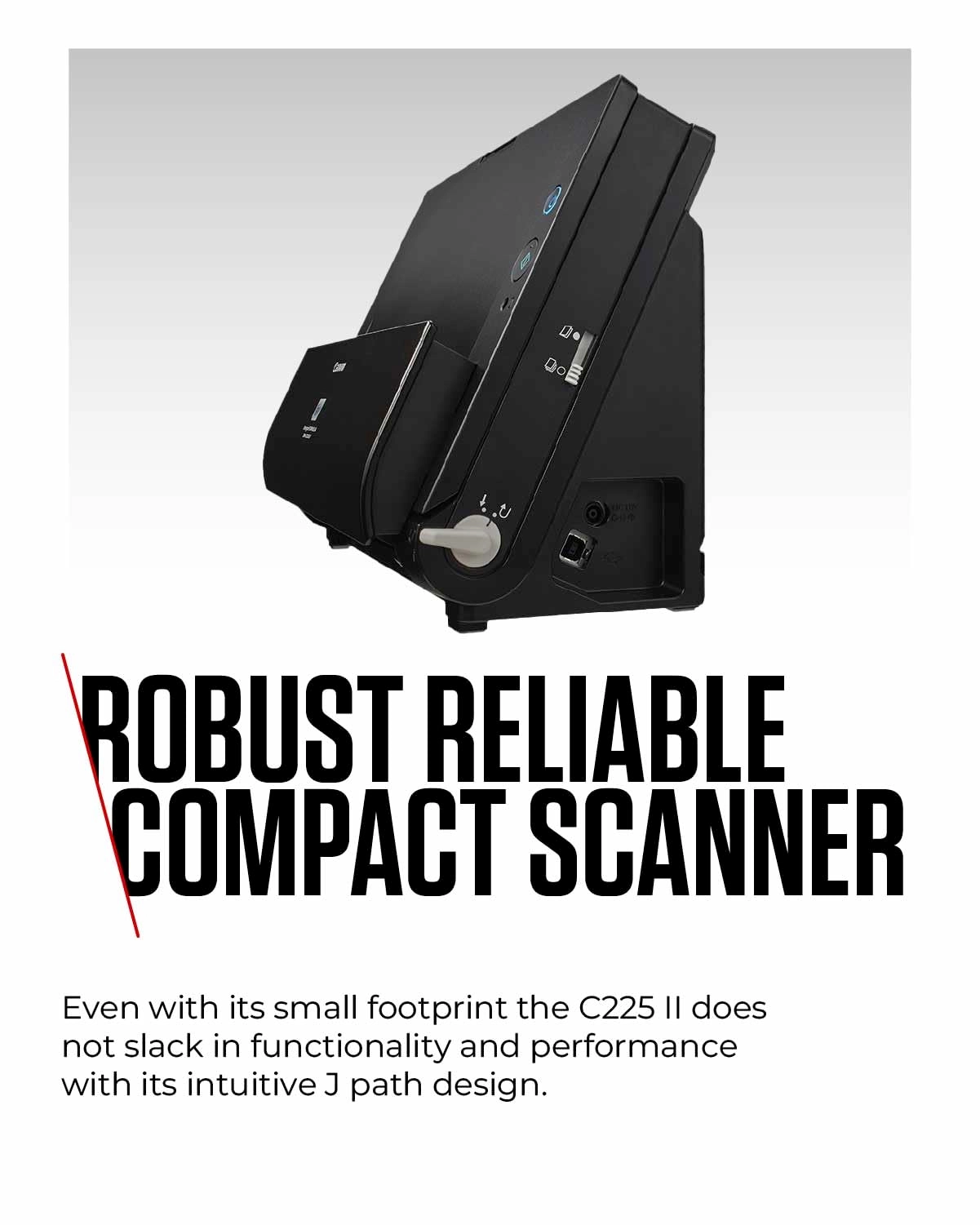
Canon DR-C225 II - USB
Best offer
AED
1 47700
AED
2 53500
-41%
Key Features
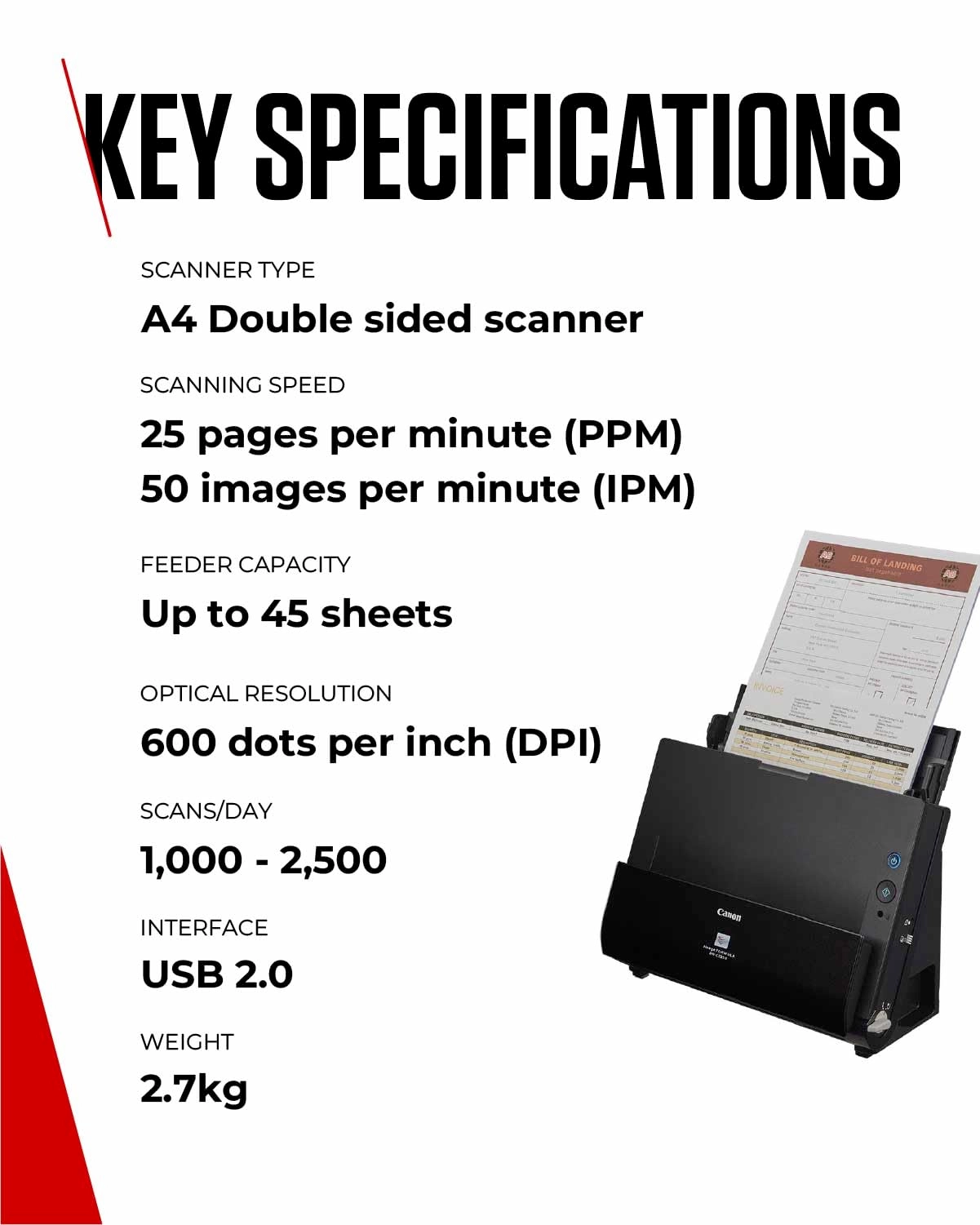
- Scanner type: Document
- Weight: 2698.8746g
- Minimum system requirements: GoogleDocs
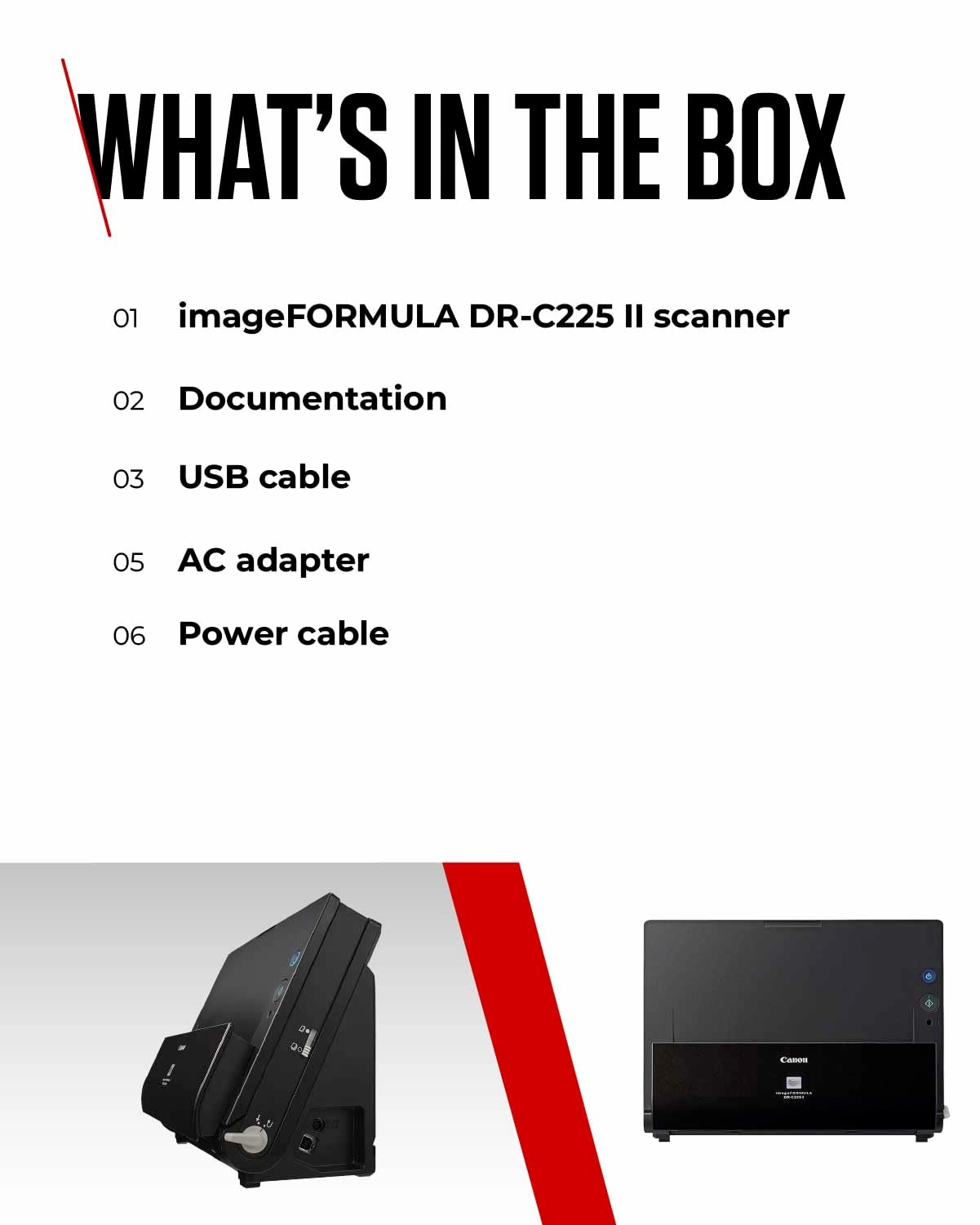
- Box contents: 1 piece
Specifications
Packaging data
Box contents
1 piece
Weight & dimensions
Weight
2698.87 g
System requirements
Minimum system requirements
GoogleDocs
Scanning
Scanner type
Document
Product Details
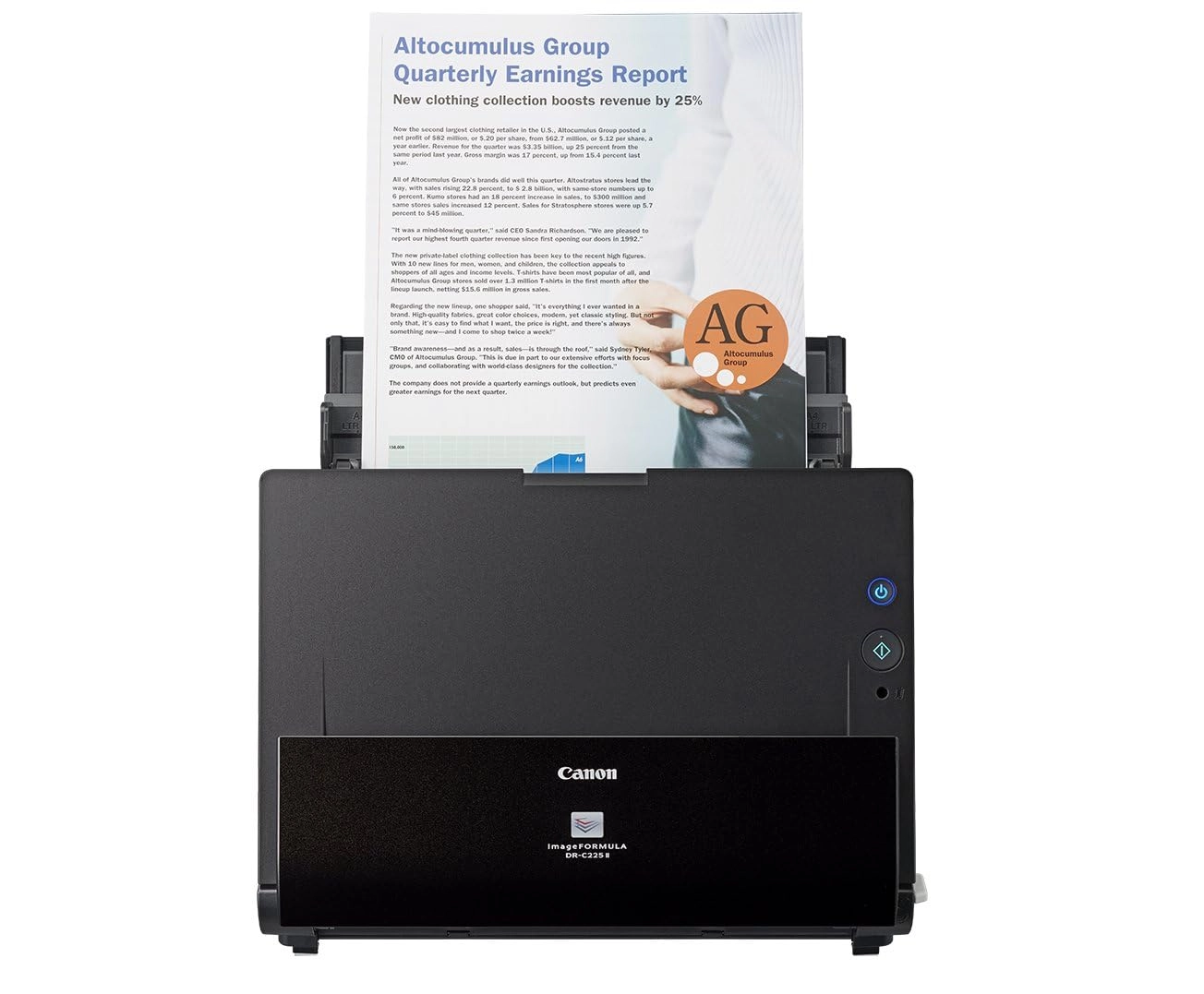
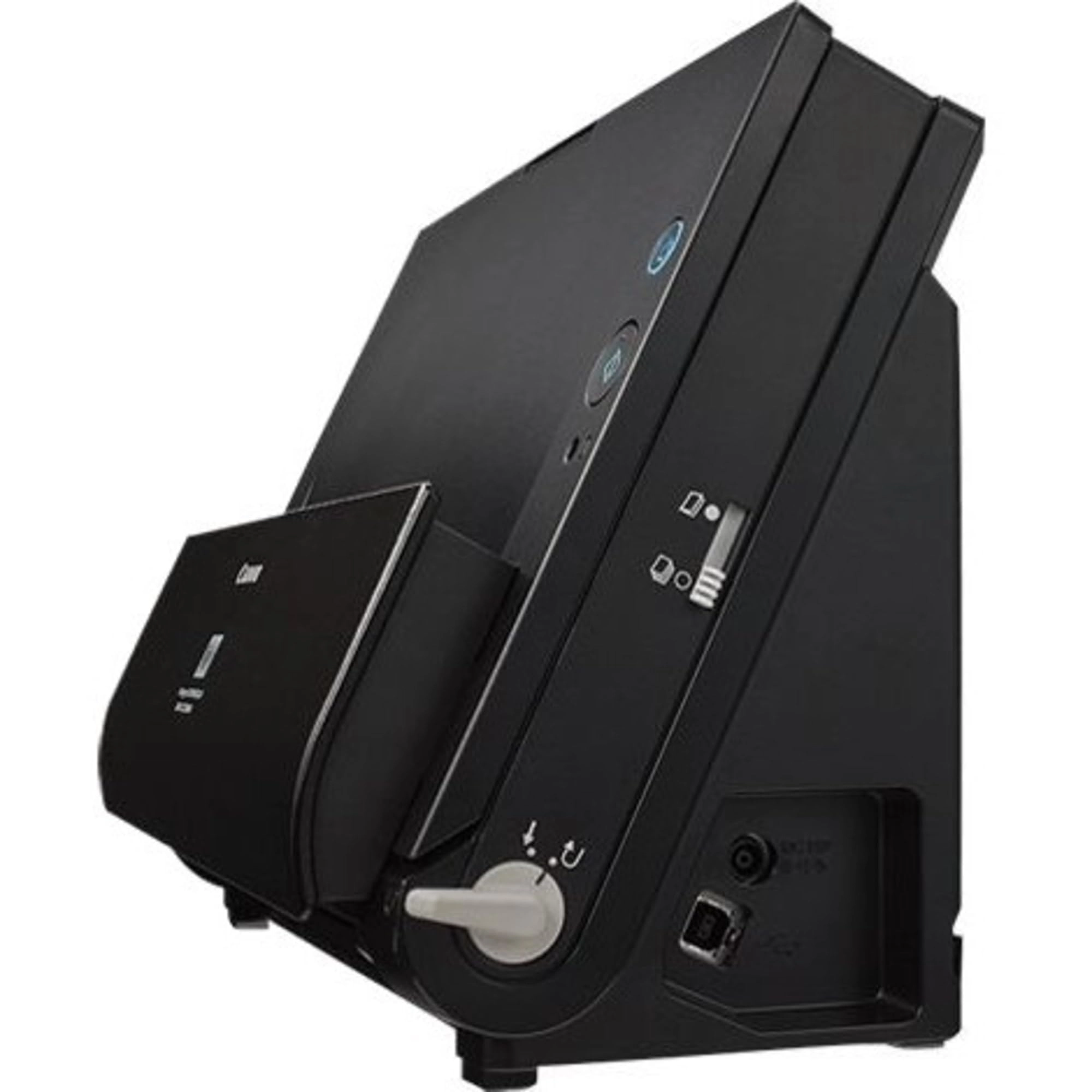
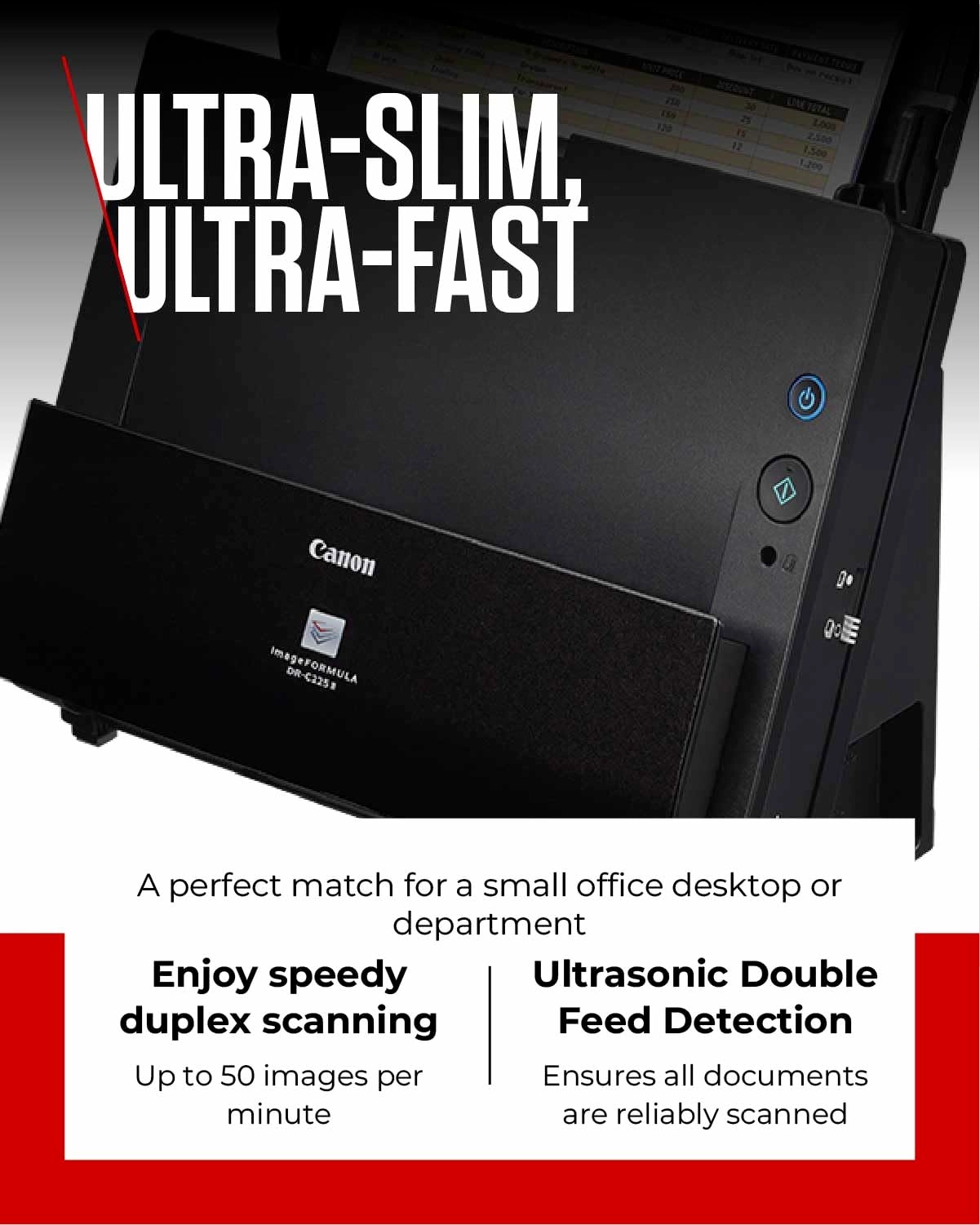
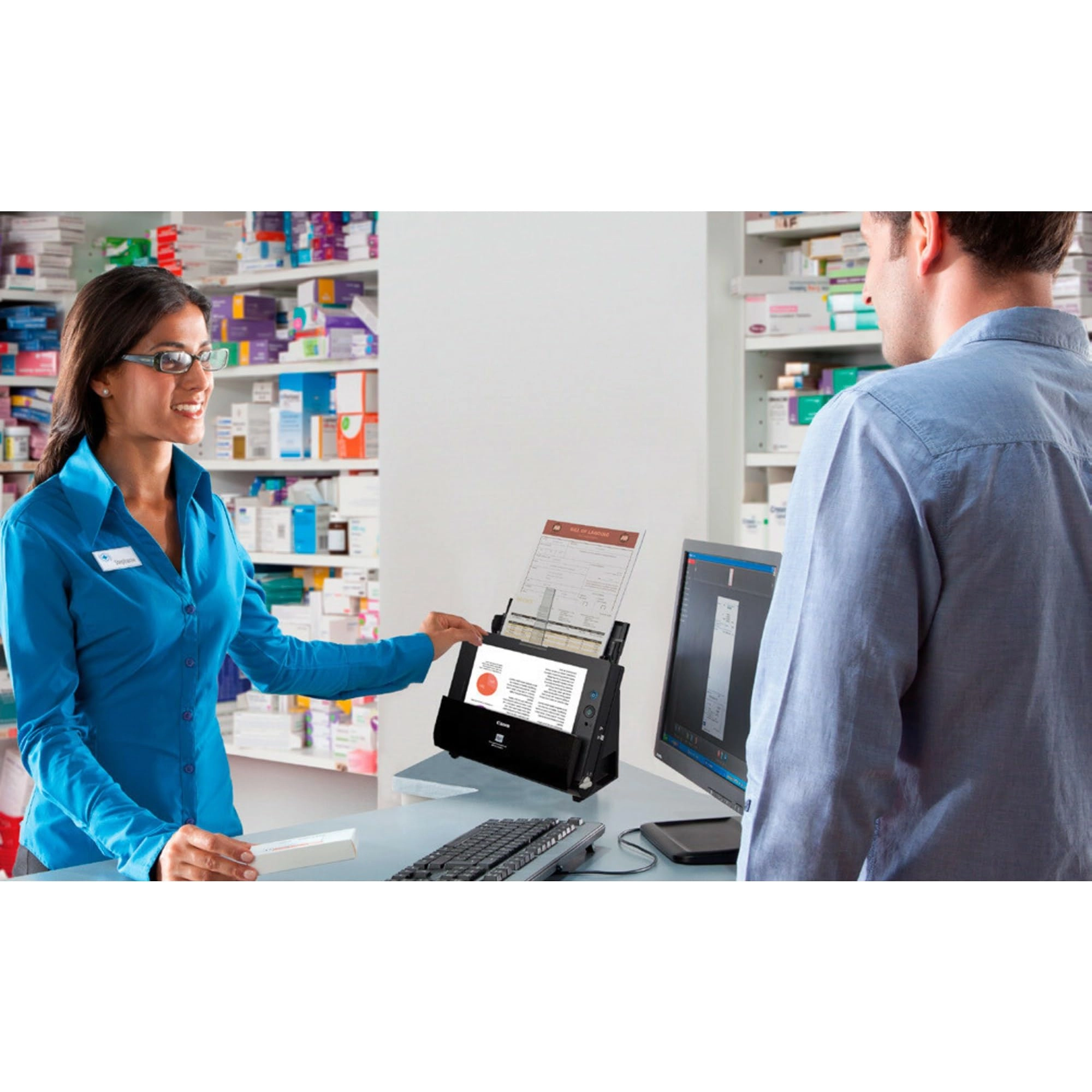
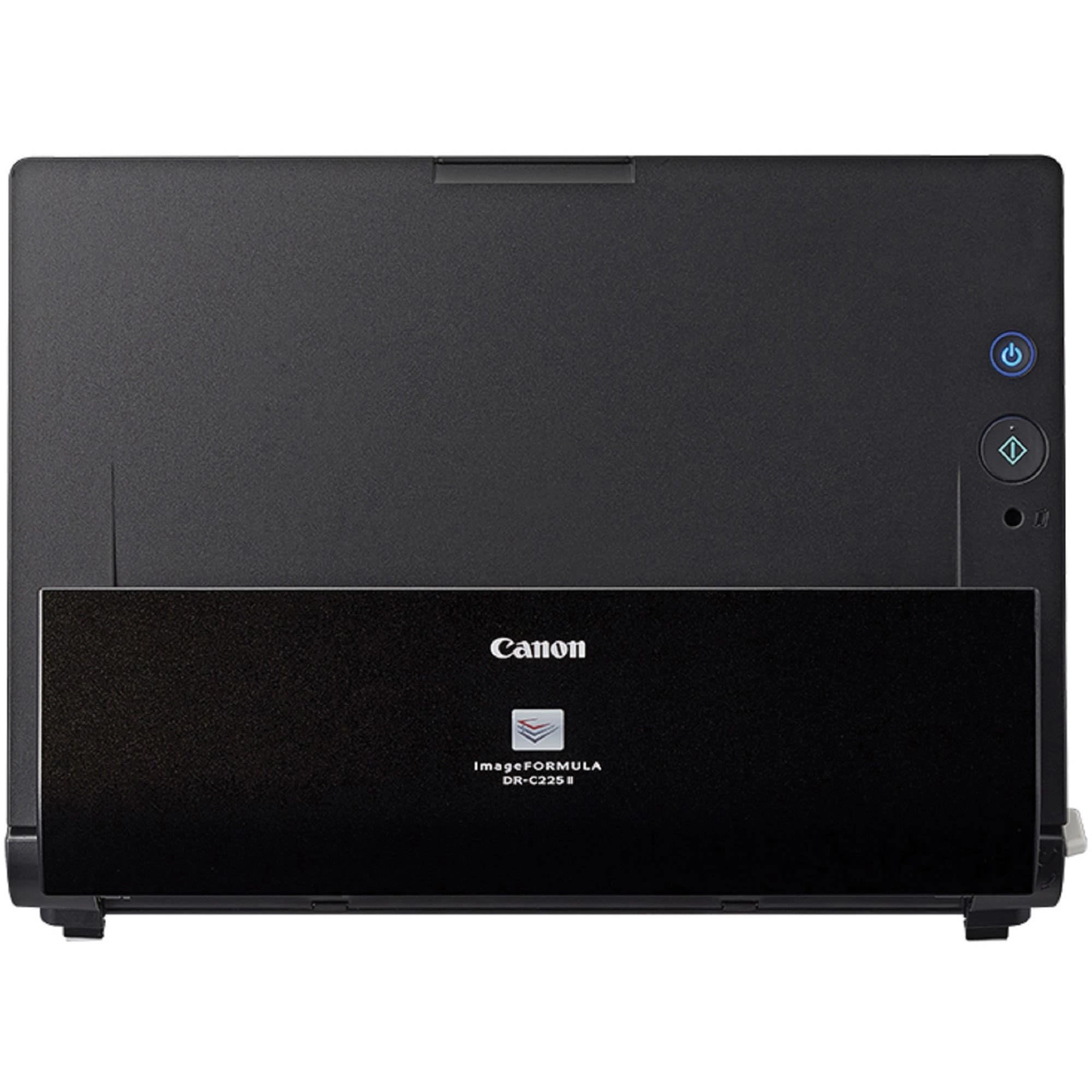
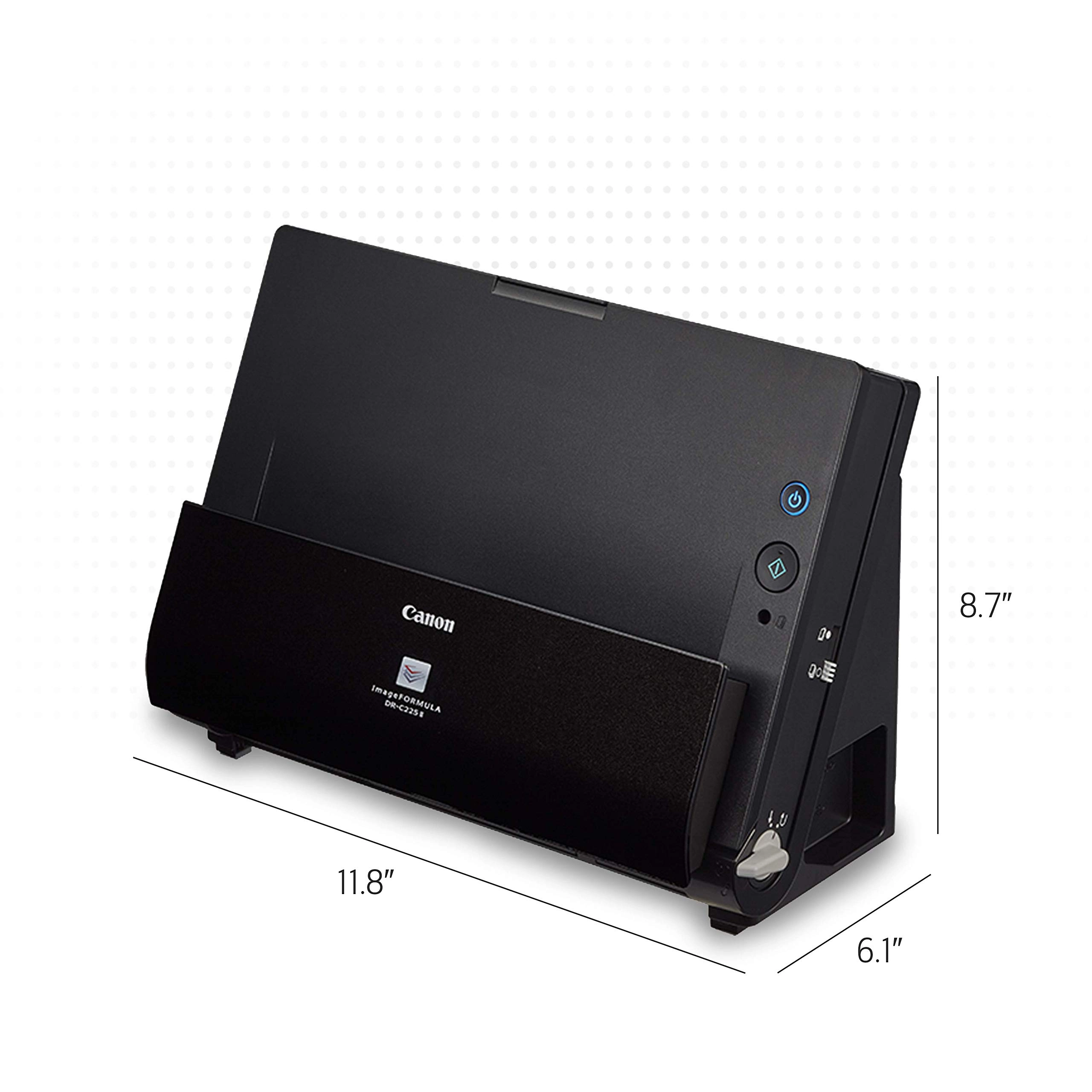
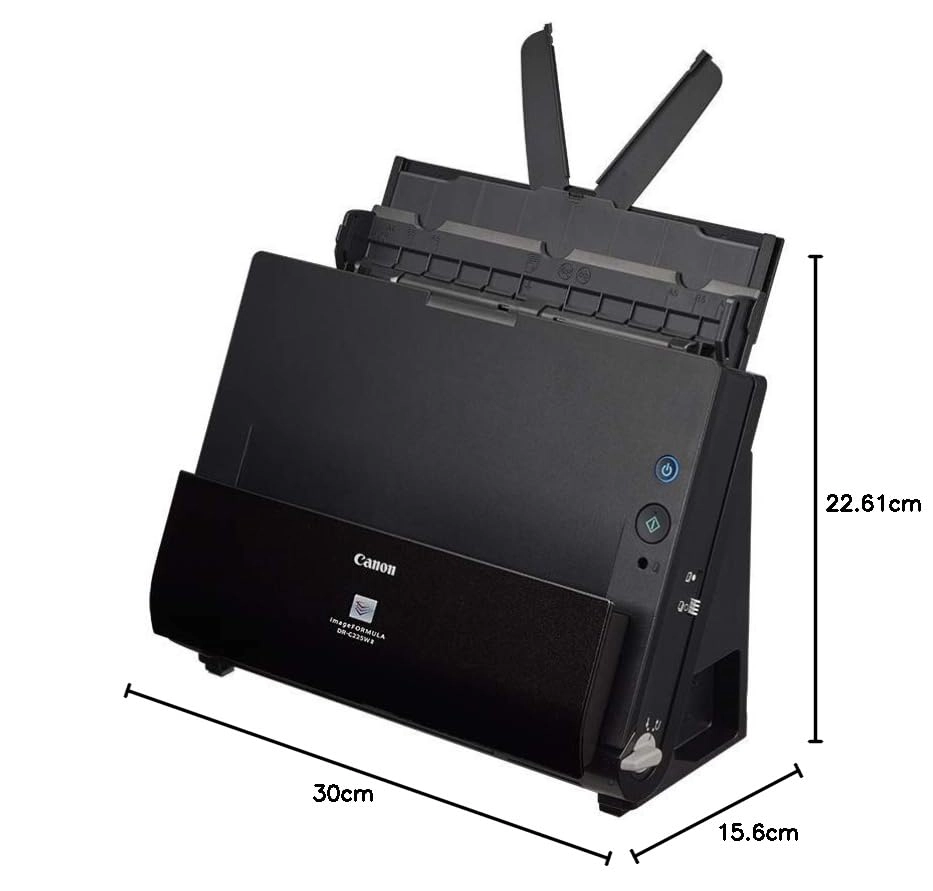
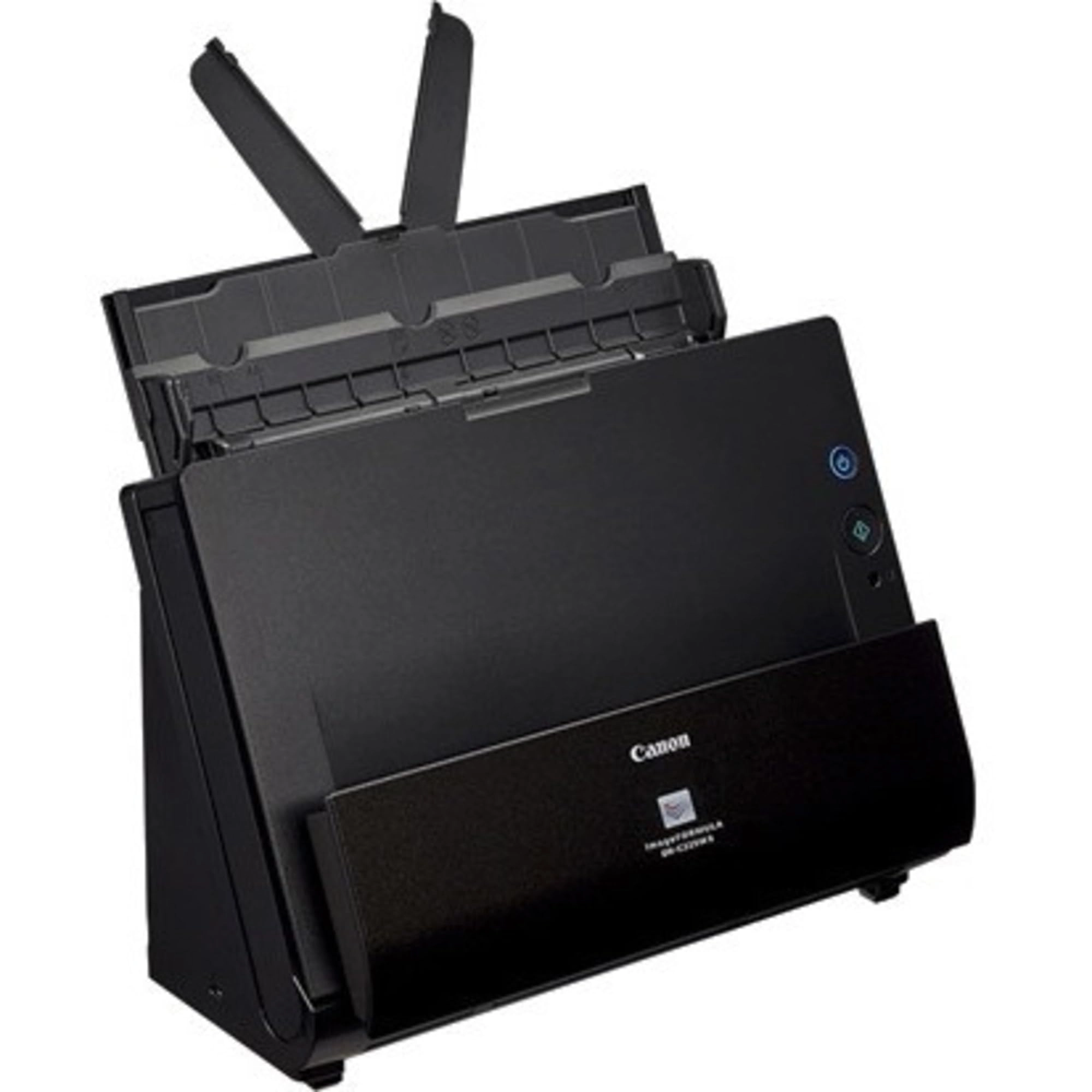
The Canon image FORMULA dr-c225 II/DR-C225W II document scanner's
innovative, upright space-saving design frees up desk space. Its
flexibility and high image quality are only surpassed by its ease
of use, making it ideal for converting paper-based documents to
digital files.
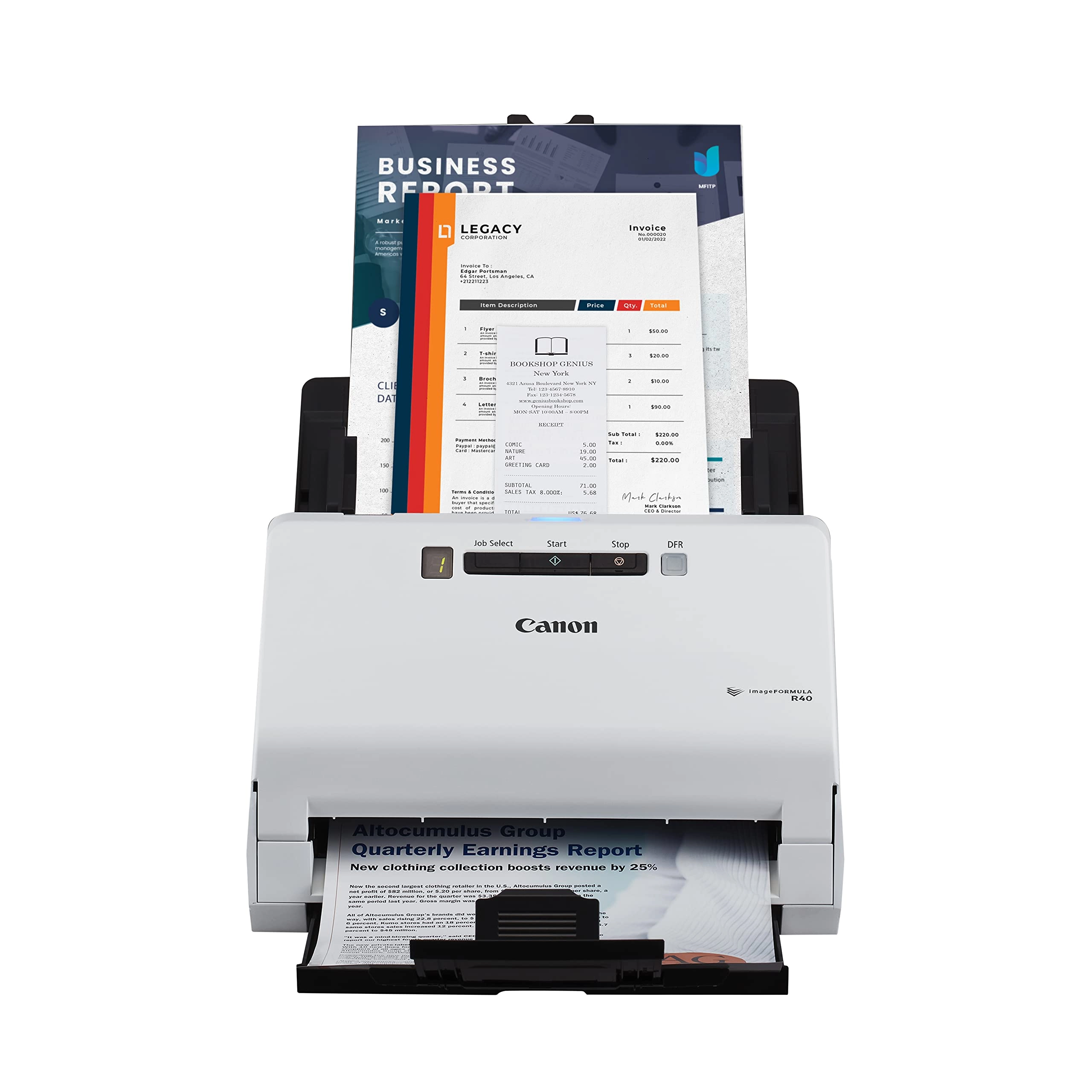
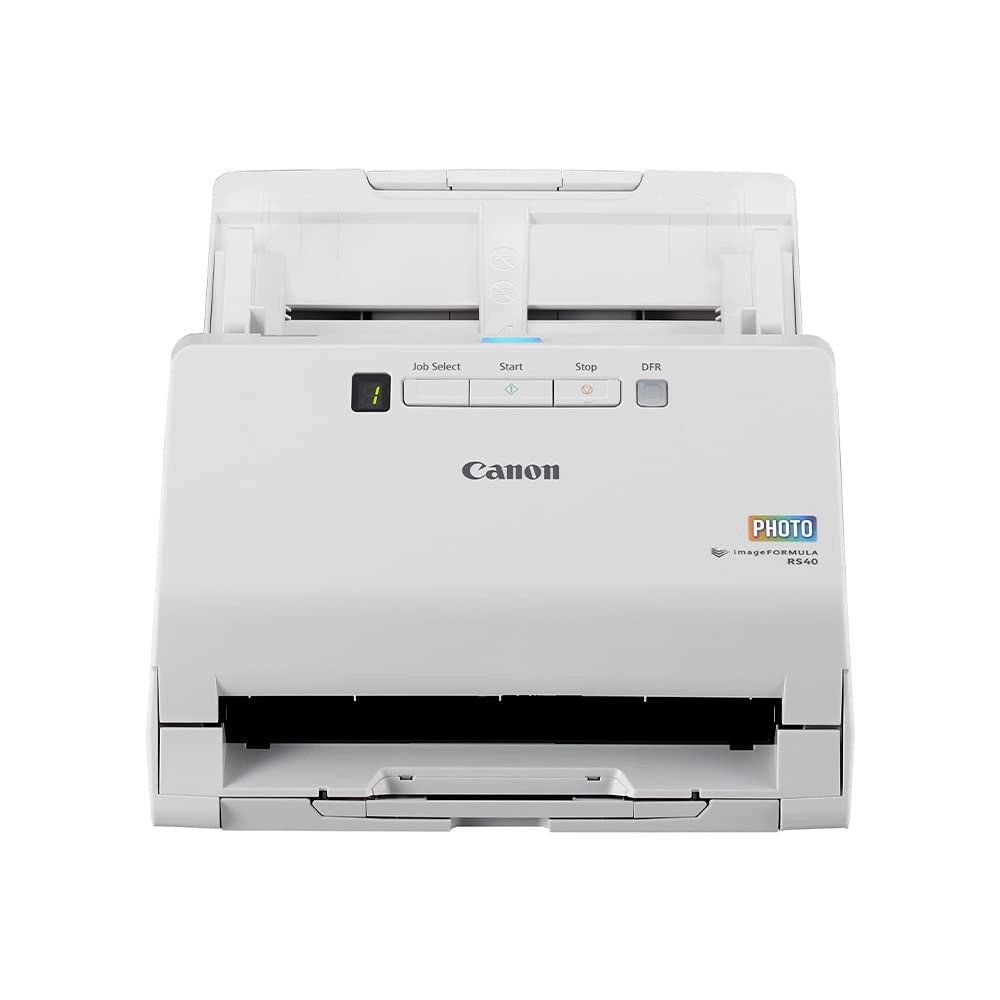
Review: The Best of the Three I've Tested - If your scanning
needs are like mine, I can quickly explain why I believe the
Canon DR-C225 II is the best scanner for you. I’ve tested this
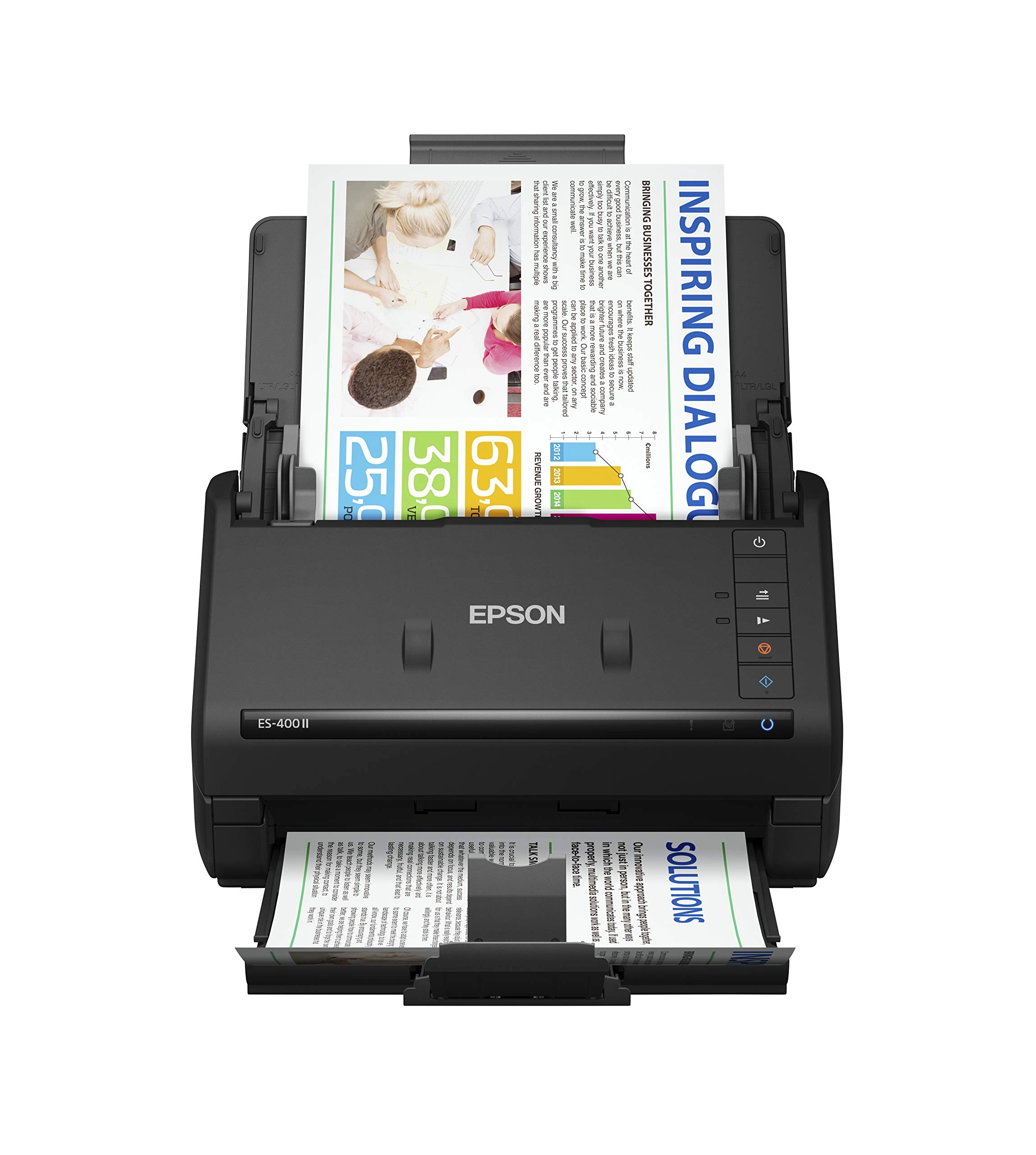
DR-225, the Canon imageFORMULA R40, and the Epson WorkForce
ES-400 II. Let me explain how I use a scanner so you can judge
the relevance of my comments for your decision. I only use my
scanner to archive (i.e., go paperless) and email hard copies of
docs. Usually I scan a page or two, but sometimes I'll scan 500
pages or even more. All my docs go to PDF format. I rarely scan
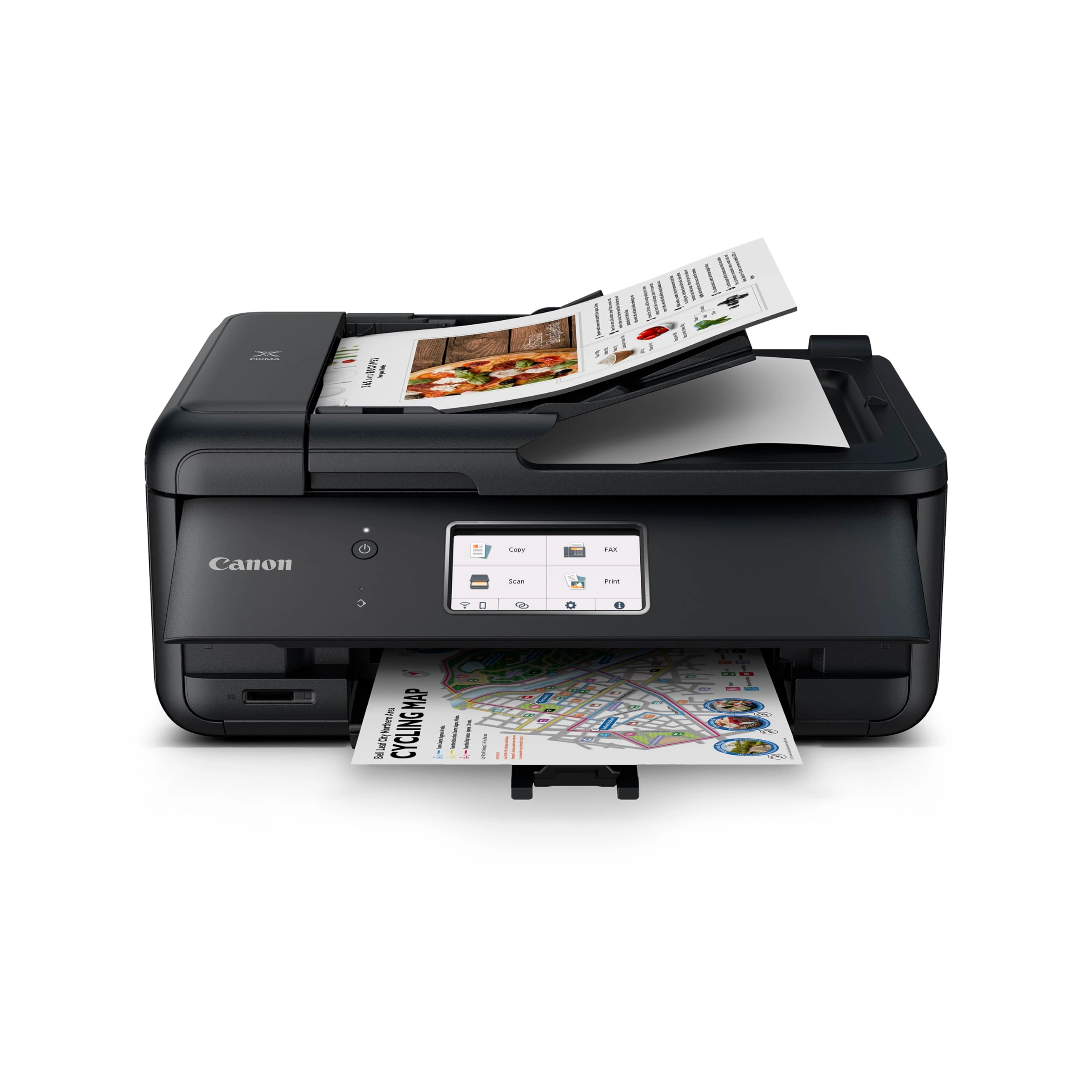
photos, but if I do, I’ll use the flatbed on my multifunction
printer. (If I have lots of photos I use scanmyphotos.com. They
are great.) I do not need wireless. You may think that you’re not
going to use a scanner that much. I would encourage you to be
openminded. Once you get it, you might use a scanner much more
than you think you would. I started with these three scanners
because they are in my price range, they are highly rated, and
they use TWAIN drivers. (TWAIN drivers are a somewhat important
consideration. I will explain why at the end of my review, in the
details section.) There are two reasons I eliminated the Epson
scanner. One is that both of the Canon scanners have the ability
to automatically sense text direction and rotate pages so they
are vertical. That means it doesn’t matter how you put the
document into the automatic document feed (ADF). Put it in
upside-down or right-side up and it still comes out right-side
up. This is especially handy if pages are inconsistent, that is,
if there’s an inadvertent upside-down page or two. The Epson does
not have this capability. So you always have to put the docs into
the ADF upside down, facing toward the back of the ADF. Another
reason I eliminated the Epson is that it will not copy pages with
Post-It notes. Both of the Canons and the Epson can detect
double-feeds and you can turn this capability off. I turned it
off because Post-Its will signal a double-feed and the job shuts
down. Sometimes what I scan has Post-Its and I want them in the
scanned document. Or, I will sometimes tape a small pieces of
paper to a document I’m scanning. For example, I might tape small
receipts, a clip of a spreadsheet, or a business cards to the
back of a document. Even with the auto feed detection off, the
Epson detected a double-feed and stopped scanning. Once I shut
the double-feed detection off, the Canons scanned the pages just
fine. Even if I taped an index card to the back. The Epson
stopped scanning, even though I tried several times. (Note: I
find the double-feed detection unimportant. I had my previous
scanner for 9 years, scanned tens of thousands of pages, and just
didn’t have double-feed problems.) Deciding between the two Canon
scanners was a tough call. One minor consideration is the output
tray of the R40. In my test of the three scanners, I scanned the
same 300-page document that was a tough test. The doc had
different page sizes, different thicknesses of paper, many pages
had staple holes, some had Post-It notes, and so on. The output
tray of the R40 and the Epson didn’t handle this challenge very
well. The pages would clog up, collect out of order, or some
pages would be pushed out of the tray. That’s not the case with
the C225. I just didn’t have to pay attention to the scan - it
just ran. My second reason for eliminating the R40 could have
been a fluke. I installed the scanner software, ran it for a
while, then a few days later I updated the software on my
multifunction printer. When I tried to scan more documents, my
computer could not find the R40 driver. I did not have that
problem with the C225. So, I just went with the C225. I liked all
three scanners. As I said, I’ve scanned a ton of docs over the
years and am pretty well paperless. Over the years I have found
that the decision-making factors I’ve described here are
important ones for my needs. If they are for you, too, then I
believe the Canon DR-C225 II is your best bet. DETAILS: I mention
that the TWAIN driver is important, not a deal killer, but
important. There seems to be some confusion on drivers based on
other reviews, so allow me to explain. Drivers handle the
interface between your computer hardware, computer software, and
the scanner hardware. Through the driver you set the parameters
for your scans (e.g., paper size, duplex or simplex scan,
resolution, color, scan blank pages). All scanners must have some
kind of driver. TWAIN and ISIS are the two industry standards and
have been for about 30 years. Canon has a TWAIN driver, which is
the most popular by far. Some scanners drivers are proprietary,
or closed. The proprietary systems will not interface with as
many apps as TWAIN. More important, proprietary drivers tend to
become obsolete because they are updated by the manufacturer.
After a scanner has been upgraded by a generation or two of newer
scanners, the manufacturer probably doesn’t see the need to keep
the old, proprietary scanner up to date. TWAIN is a standard and
must be kept up to date. I simply cannot imagine any legitimate
reason for having a proprietary driver in this day and age of
“open systems”. One last thing. My previous scanner was a Canon
DR-C125 which I bought 9 years ago. It was the predecessor of the
DR-C225 and it’s still going strong. (I gave it to my son.) It
was such a great scanner that its performance influenced my
purchase of the C225. Here are quotes from my review of my old
C125: “6/29/13. I HAVE YET TO EXPERIENCE ONE JAM OR MULTIPLE
FEED. For years I've been putting off scanning the contents of
3-ring binders I have collected. They are old. The stacks of
binders are 5 feet tall, I'd guess well over three thousand
pages. And the paper was not in good shape. I received the Canon
DR-C125 yesterday afternoon and began scanning. It scanned this
giant pile of paper with no jams or misfeeds! That, to me, is
astonishing. It is also the most important attribute of a scanner
from my perspective. 8/9/14 Update, one year later. I just
received a 100-page insurance policy in the mail. The staples
were only slightly smaller than horseshoes. (Staples damage paper
and are a big cause of jams.) The post office apparently ran over
the envelope with WW II surplus tanks. I pulled the horseshoes
out, put the 100 pager in the Canon, started it, and did not have
a single jam. As a matter of fact, I do not recall a single jam
in the year I've had this scanner. Wow. For me, putting a big
document in a scanner and turning to other work without having to
watch for jams is terrific. 8/3/17 Update. Here it is more than
four years later and this baby works as well as the day I bought
it. Yea Cannon. 5/23/21 Update: This scanner is still working
GREAT.”
Review: Good product and price - This machine is very good. I
line the small the small footprint, as you can program it to curl
the paper in a circular fashion. The only drawback is that you
can't paste any paper on top of your original sheet to be
scanned. Ny previous scanner allowed me such. Pleased with the
product and price.
Reviews
Loading...
Loading...
Loading...
Loading...
Loading...
Loading...
Loading...
Loading...
Loading...
Loading...
Loading...
Loading...
Loading...
Loading...
Loading...
Loading...
Loading...
Loading...
Loading...
Loading...
Loading...
Loading...
Loading...
Loading...
Loading...
Loading...
Loading...
Loading...
Loading...
Loading...
Loading...
Loading...
Loading...
Loading...
Loading...
Loading...
Loading...
Loading...
Loading...
Loading...
Loading...
Loading...
Loading...
Loading...
Loading...
Loading...
Loading...
Loading...
Loading...
Loading...
Loading...
Loading...
Loading...
Loading...
Loading...
Loading...
Loading...
Loading...
Loading...
Loading...
Loading...
Loading...
Loading...
Join our newsletter
Be the first to know about new arrivals, sales, and exclusive picks
Sign in to unlock newsletter access and stay in the loop