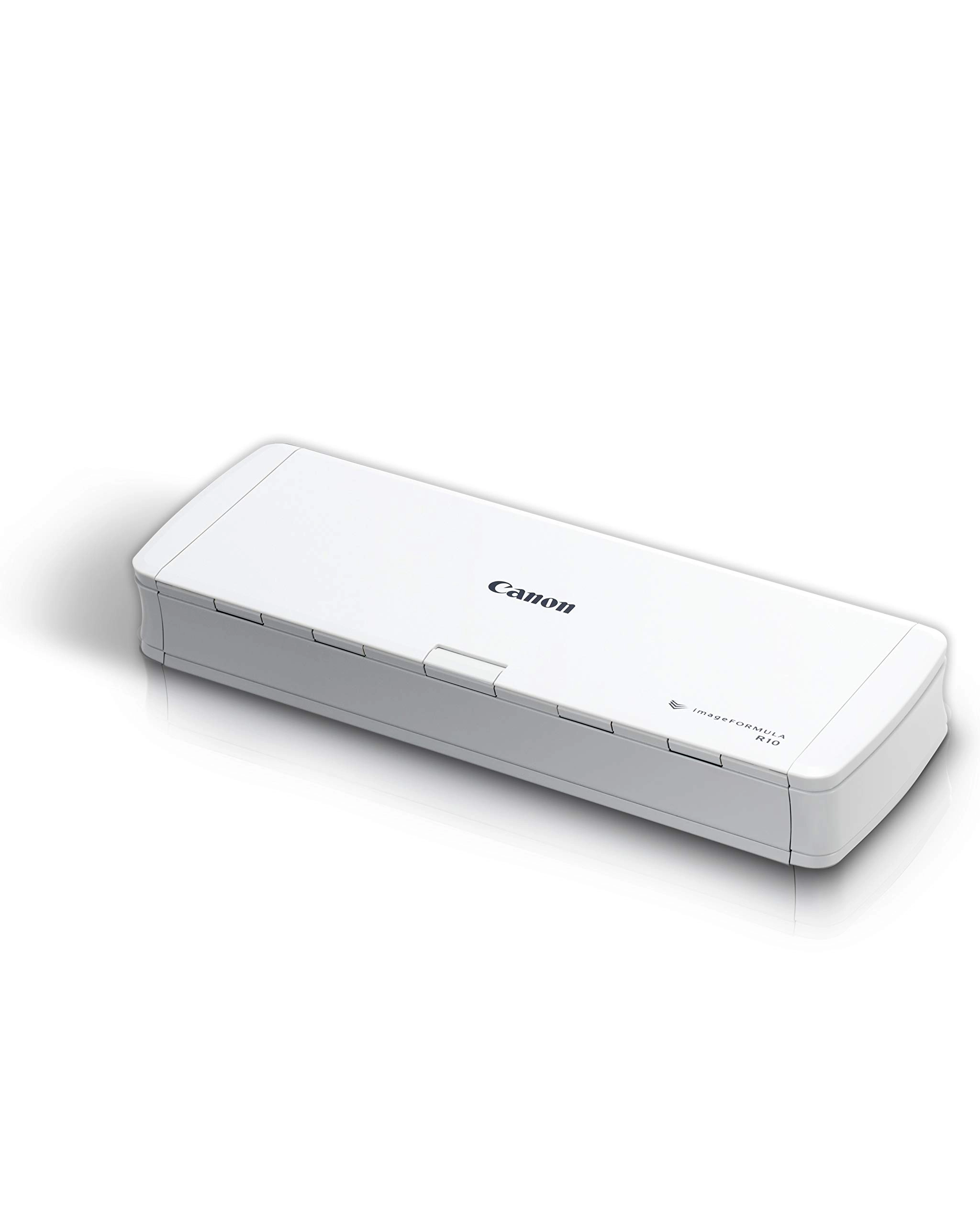
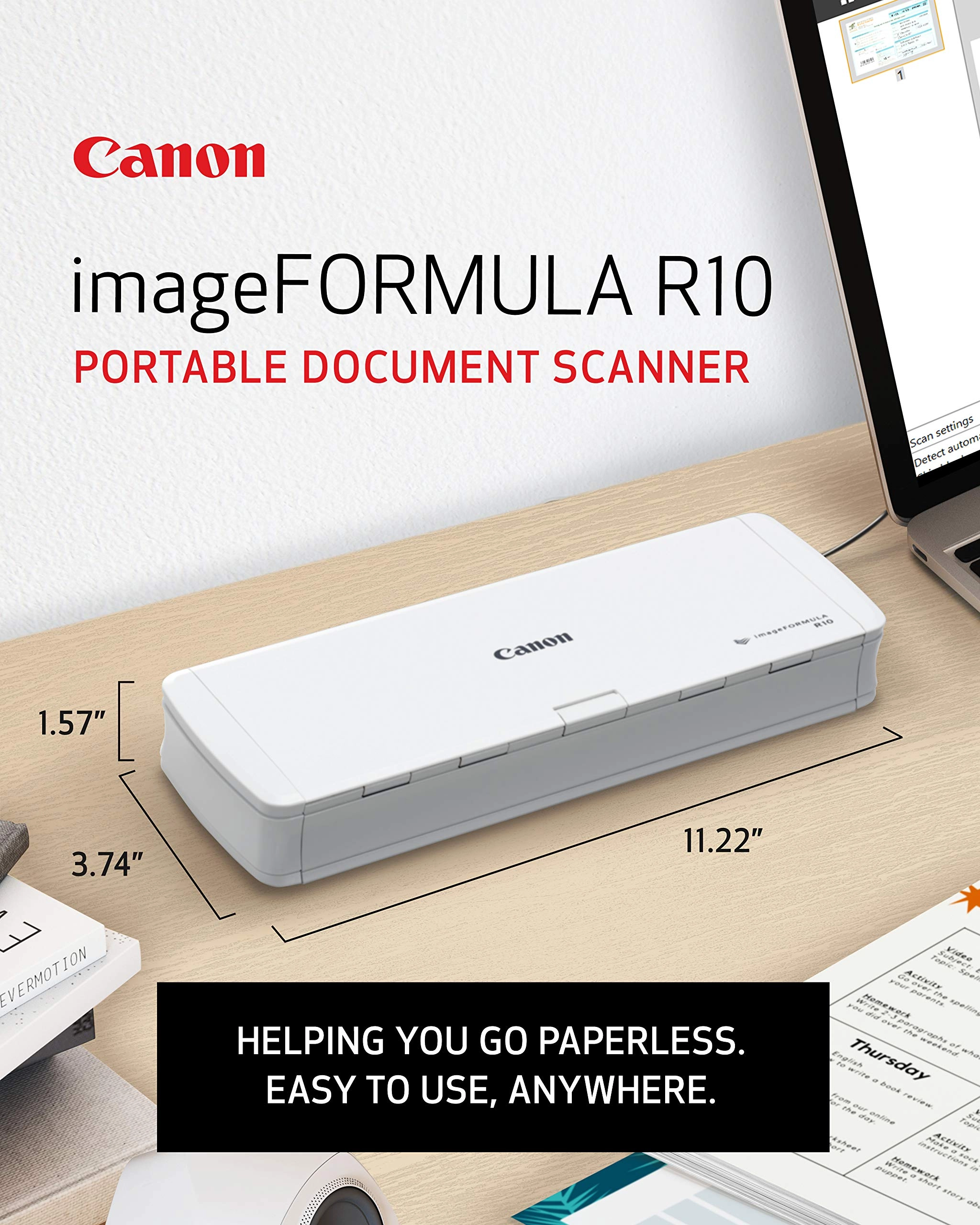
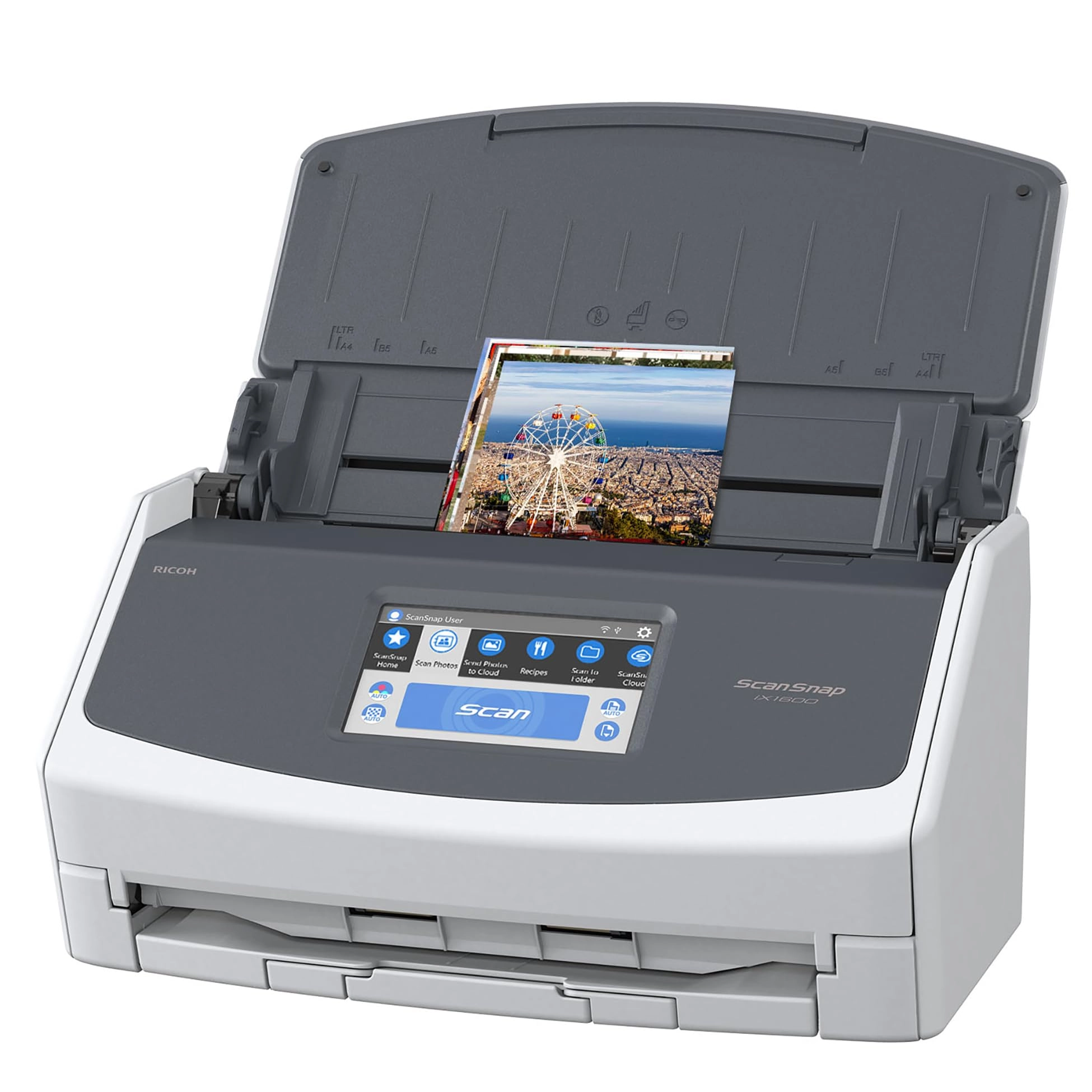
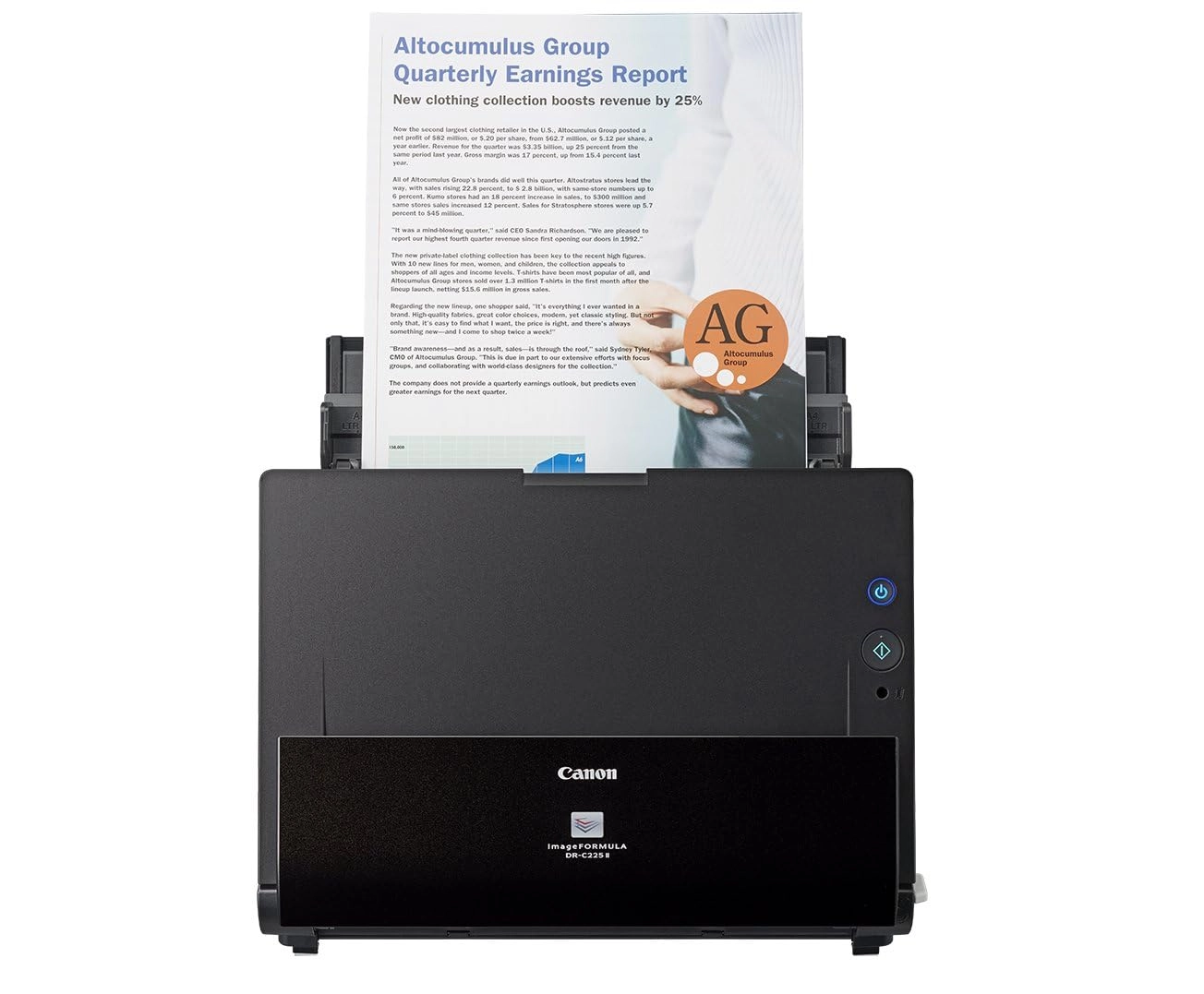
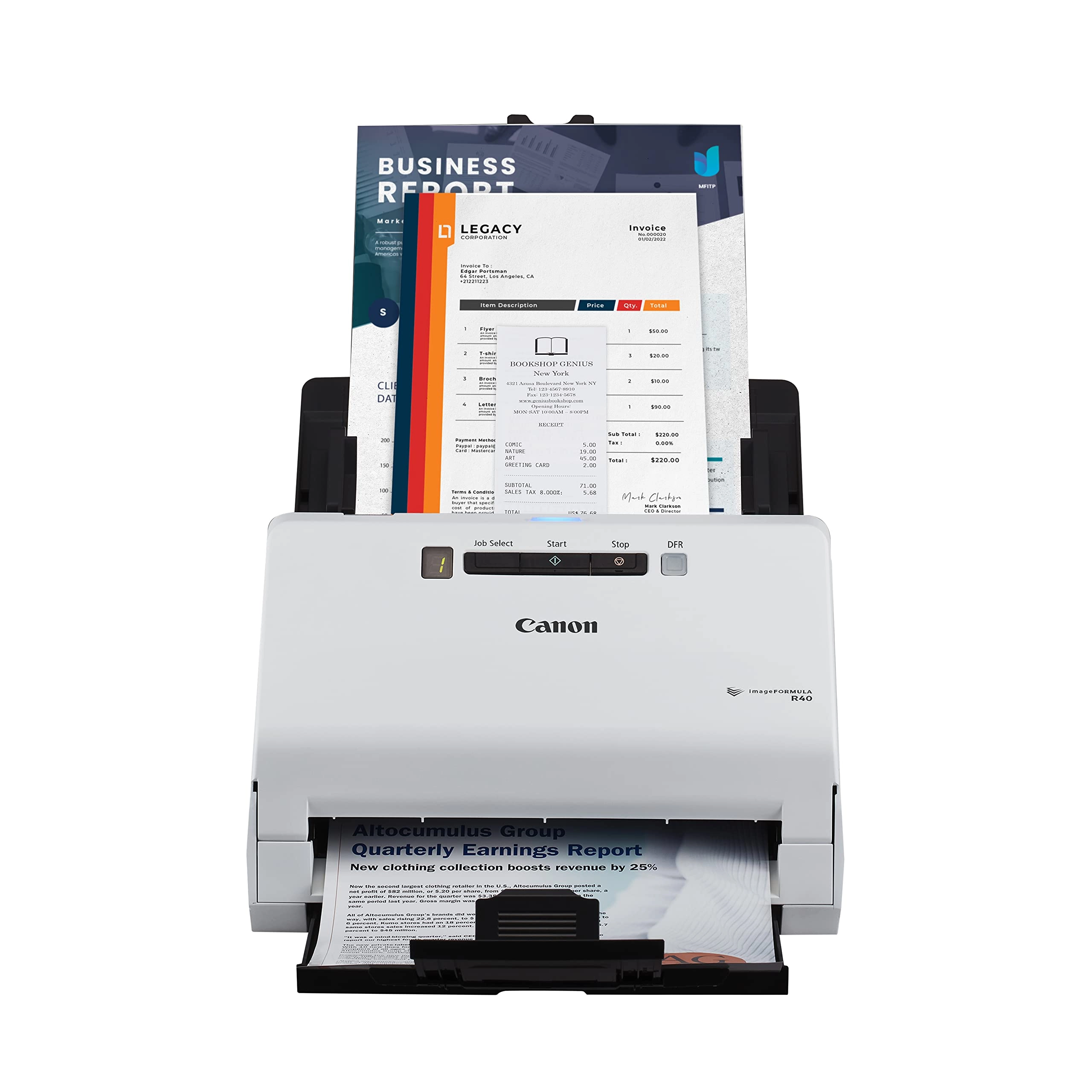
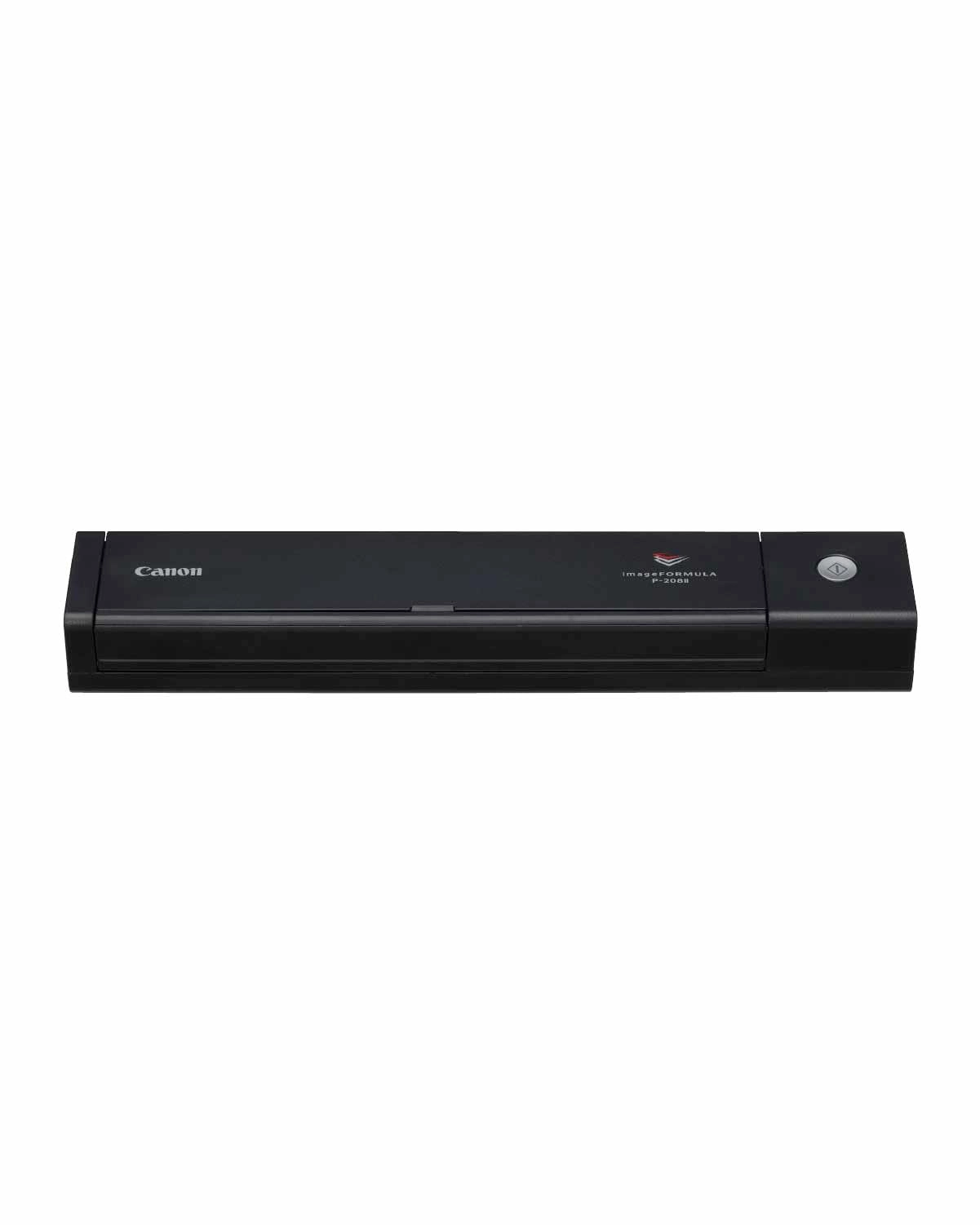
Go paperless anywhere work takes you with the Canon imageFORMULA
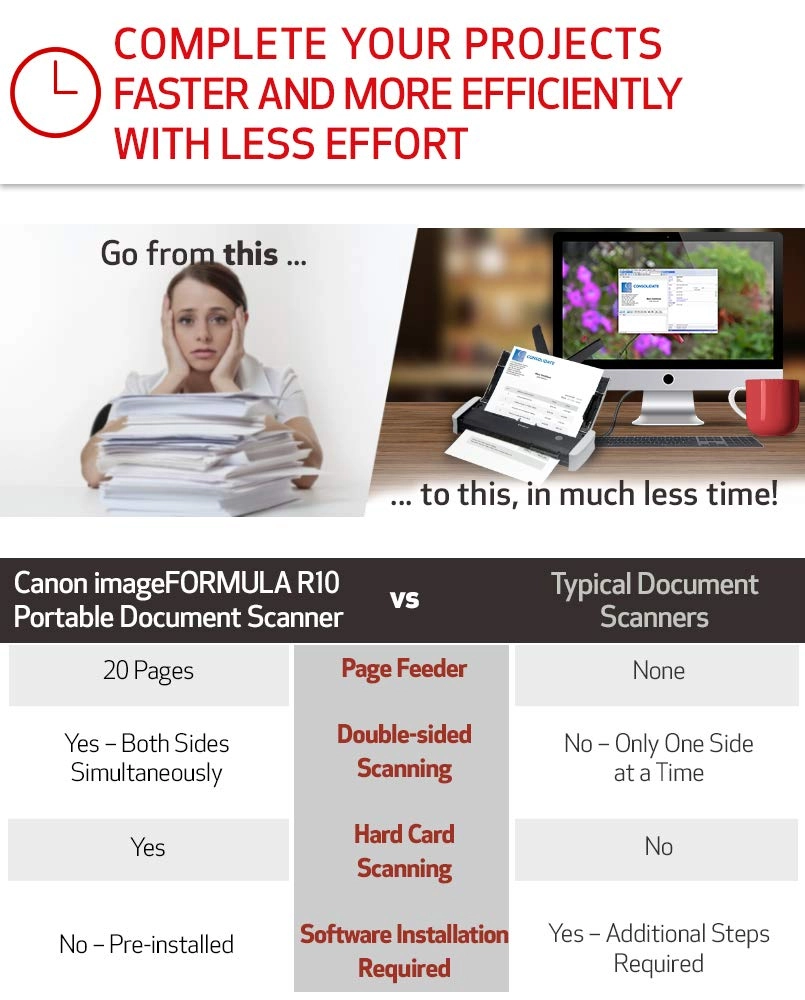
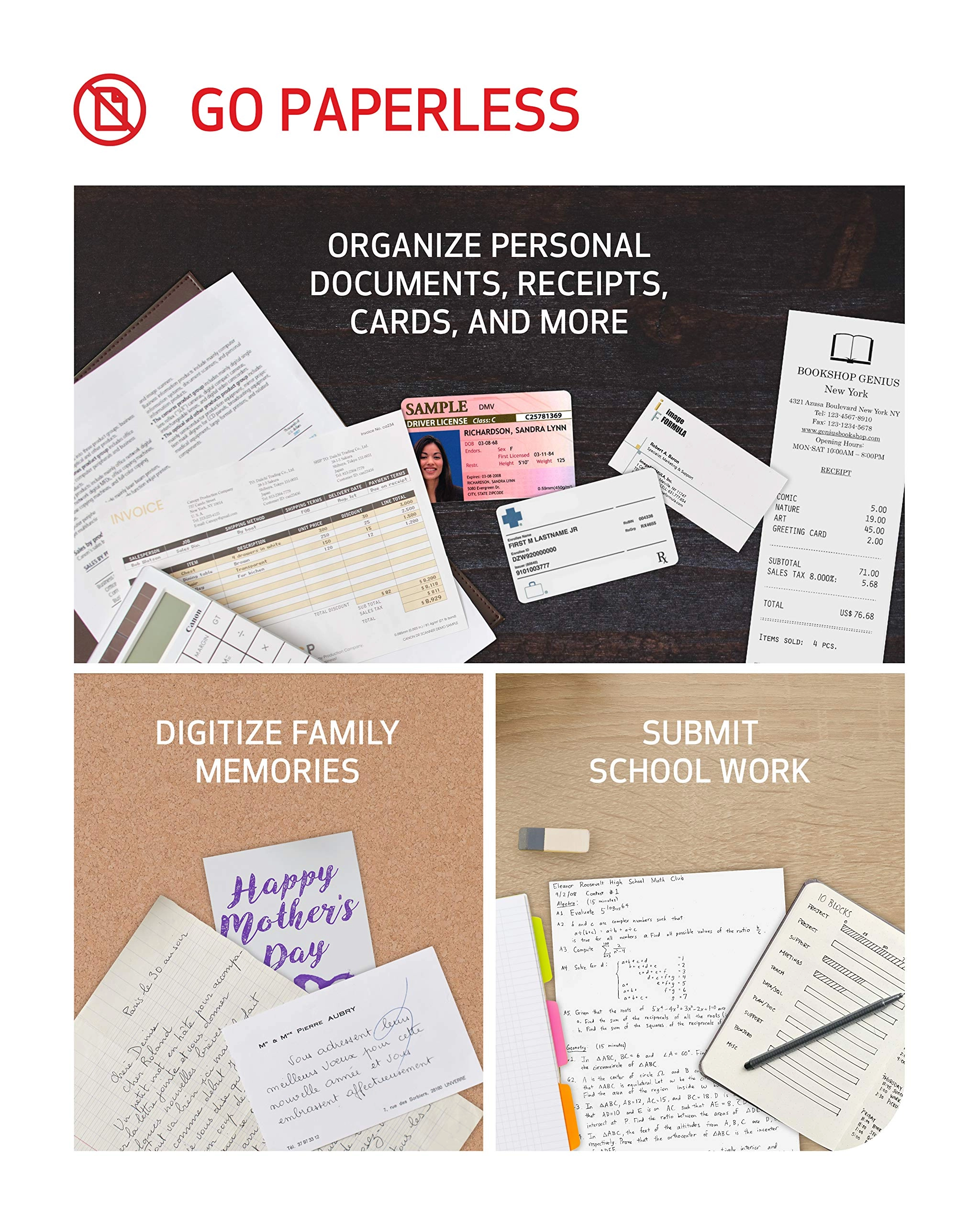
R10 Portable Document Scanner. This easy to use scanner lets you
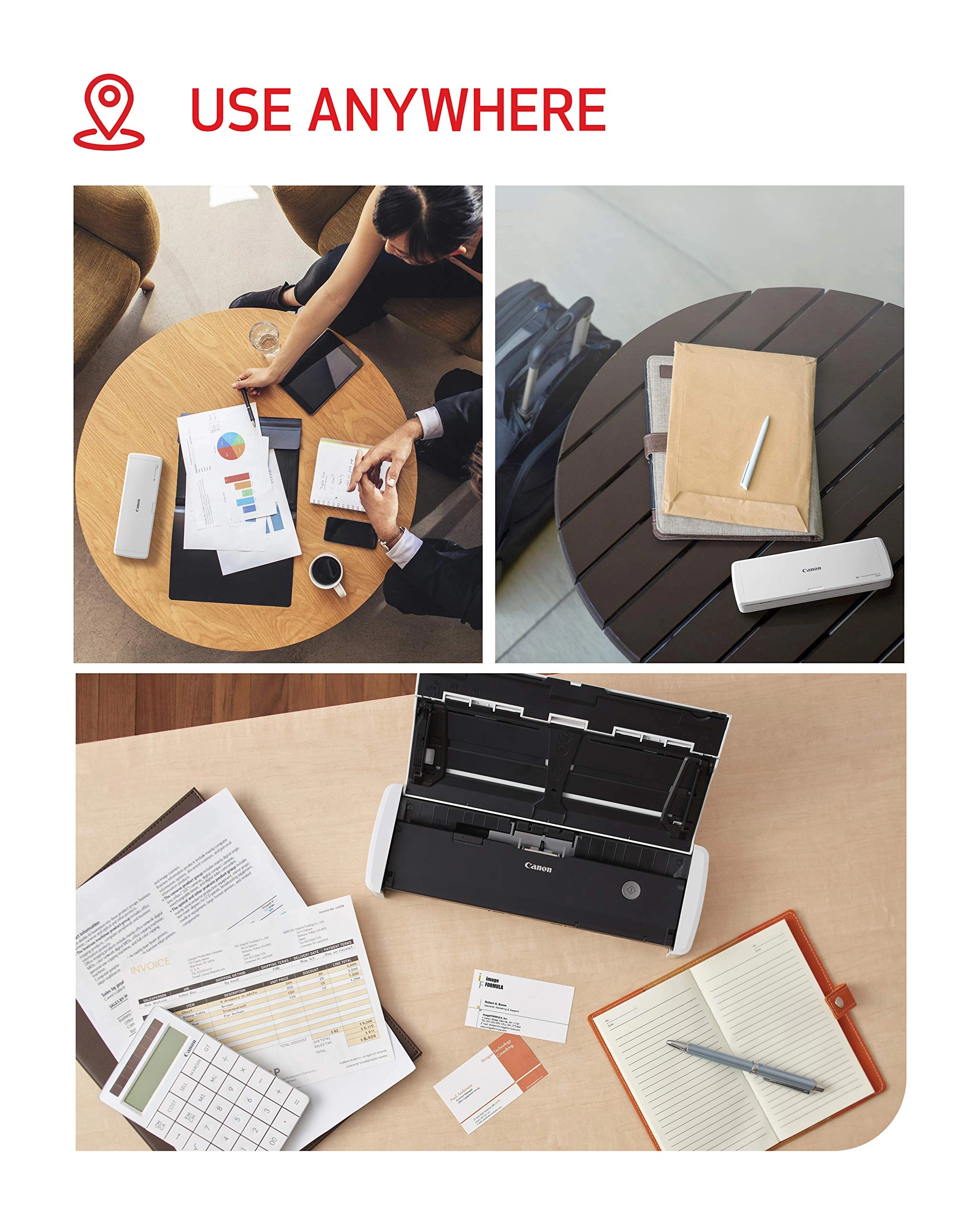
digitize whatever documents, receipts, business cards, or family
records you need saved and organized. Being both Windows and Mac
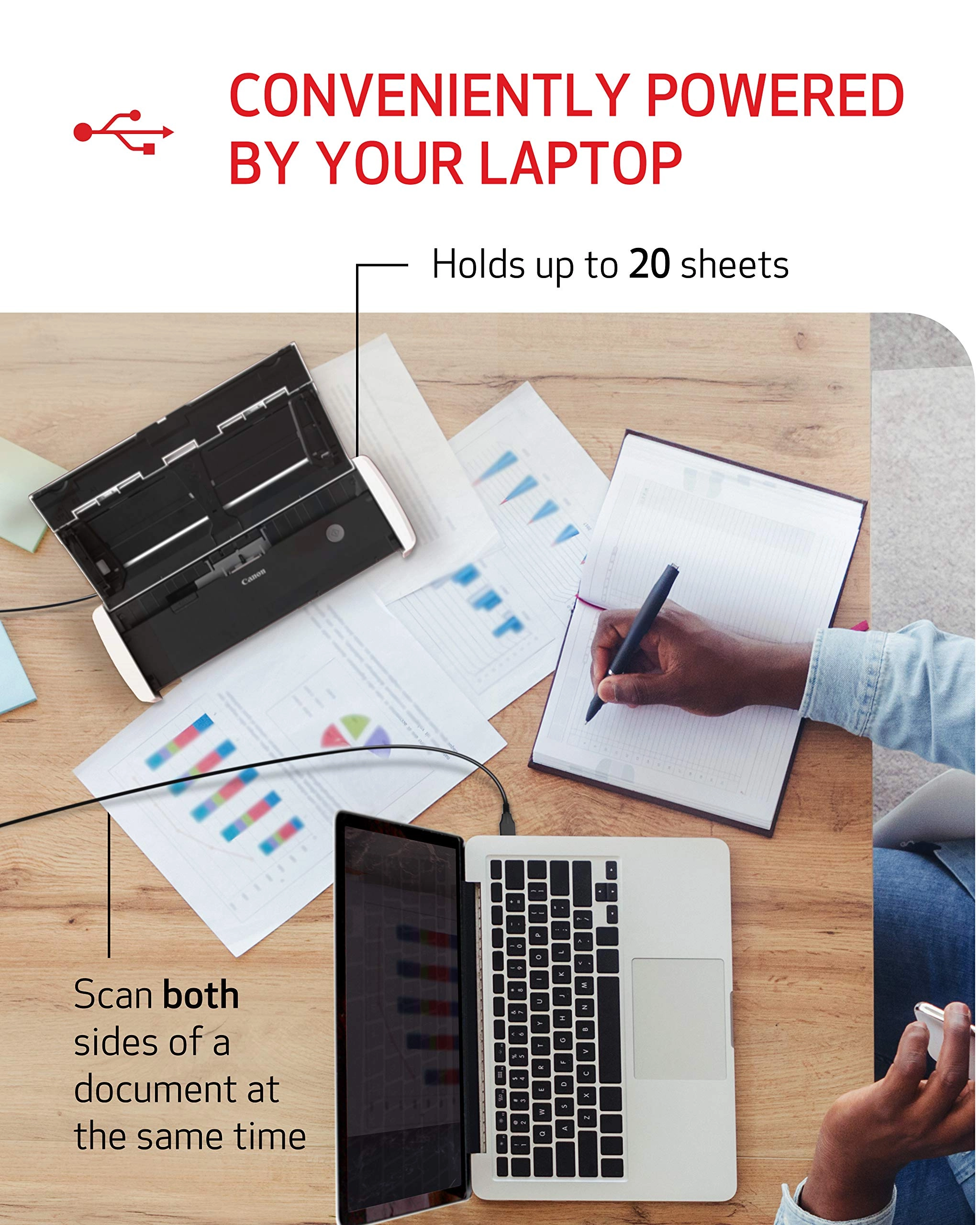
compatible, the simple USB cable gives you connectivity at home,
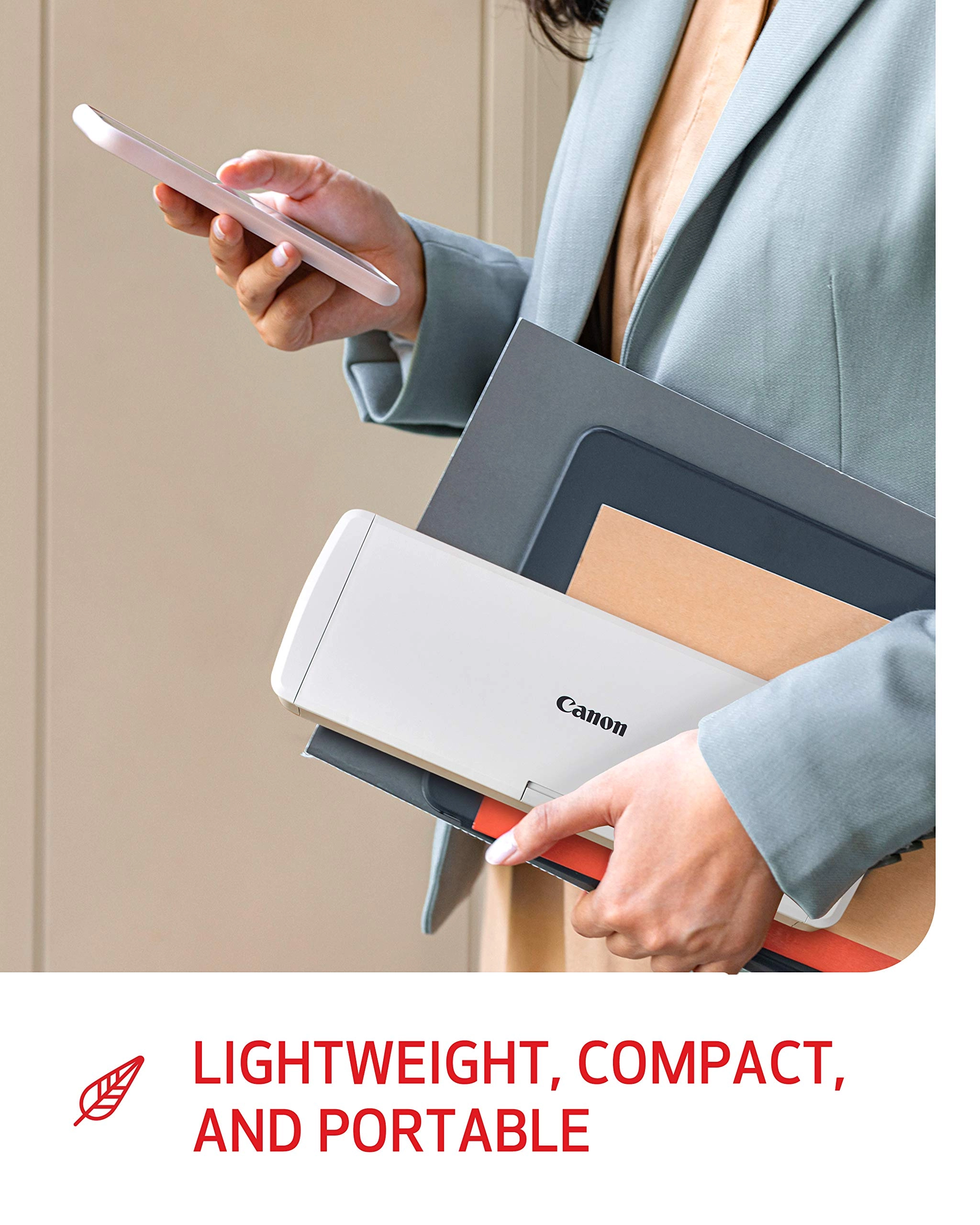
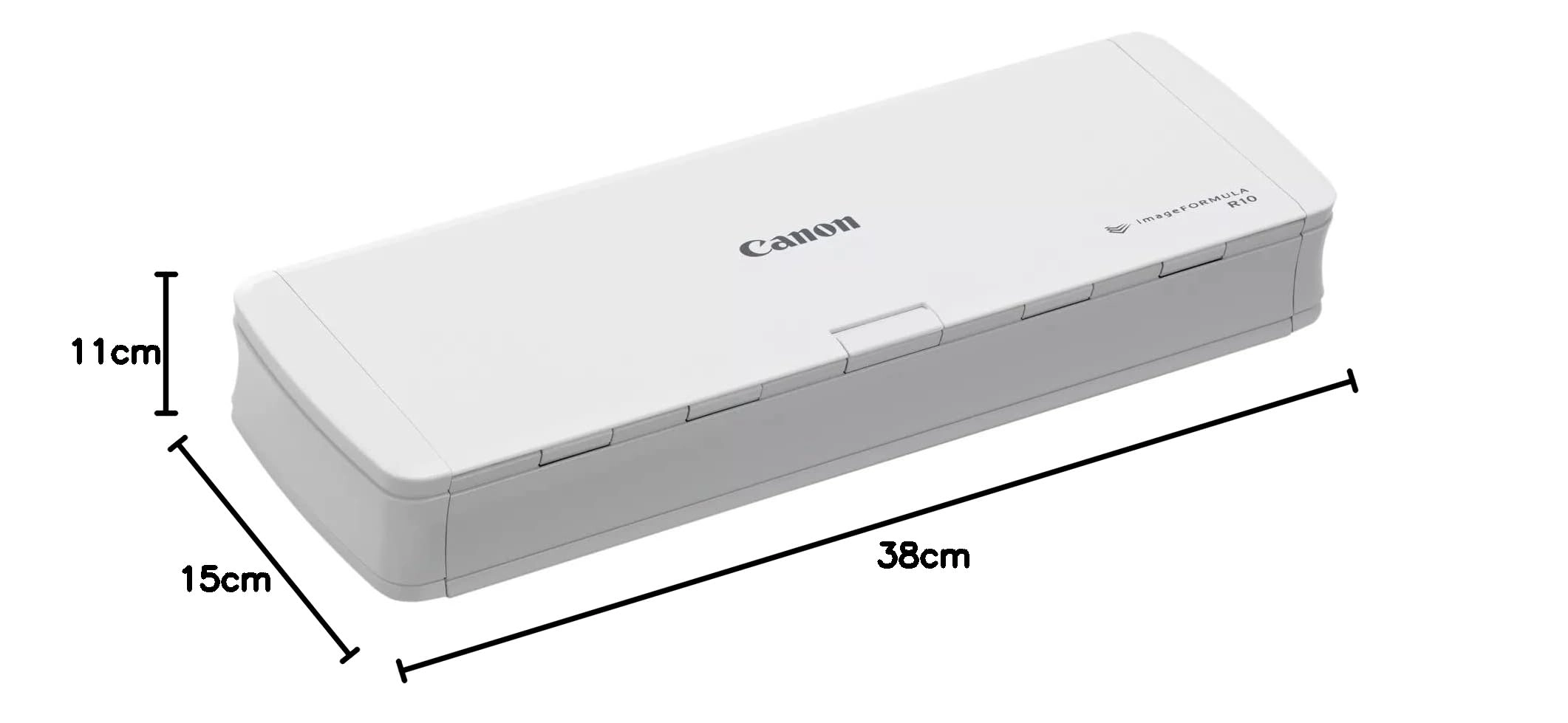
the office, while traveling, or working remotely. This small
scanner is fast and effective with color or black-and-white
duplex scanning, speeds of up to 12 pages-per-minute, and a 20
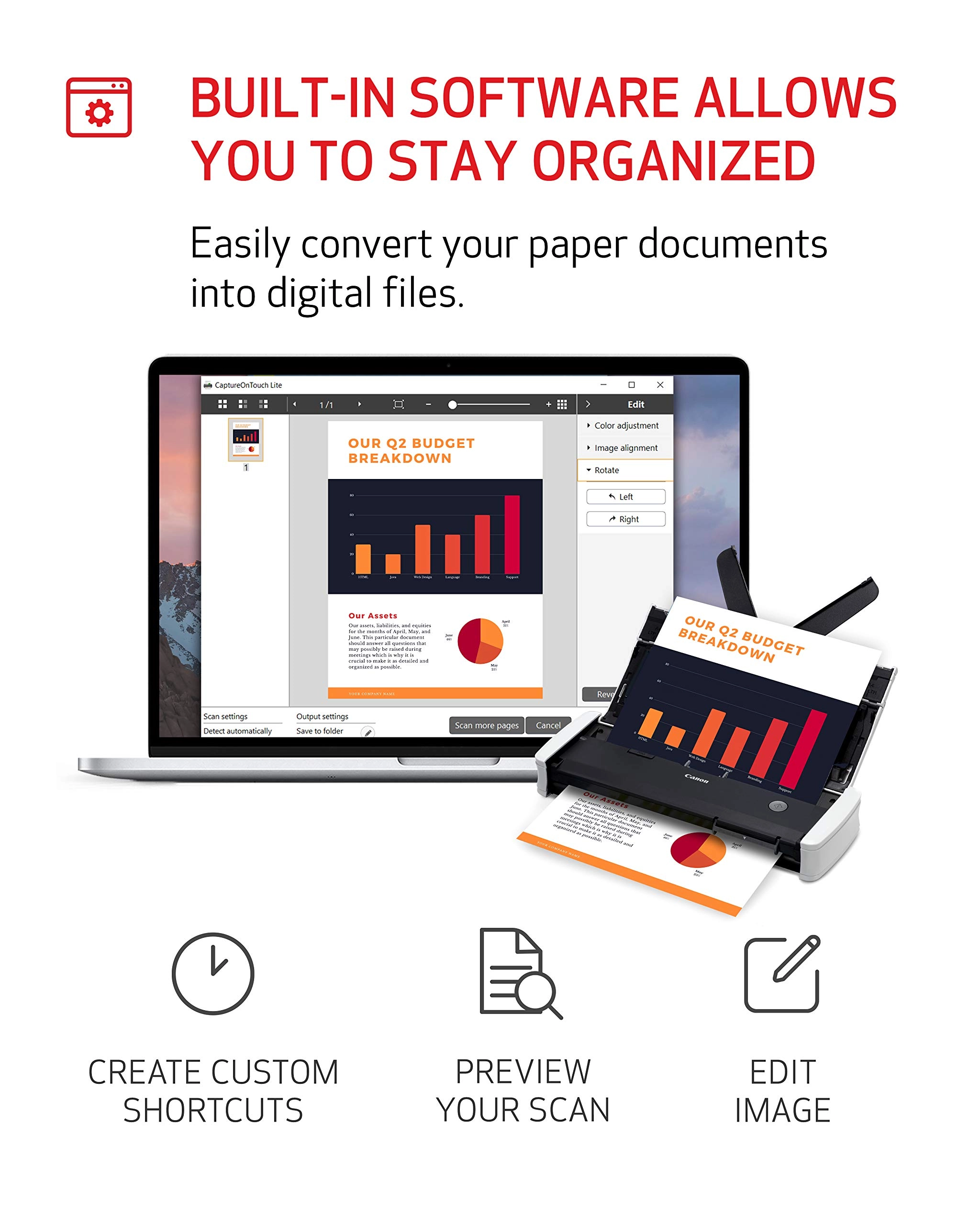
sheet automatic feeder. Built-in and powerful software saves you
time as it comes programmed to update automatically. Edit and
adjust on-the-go as this portable document scanner gives you
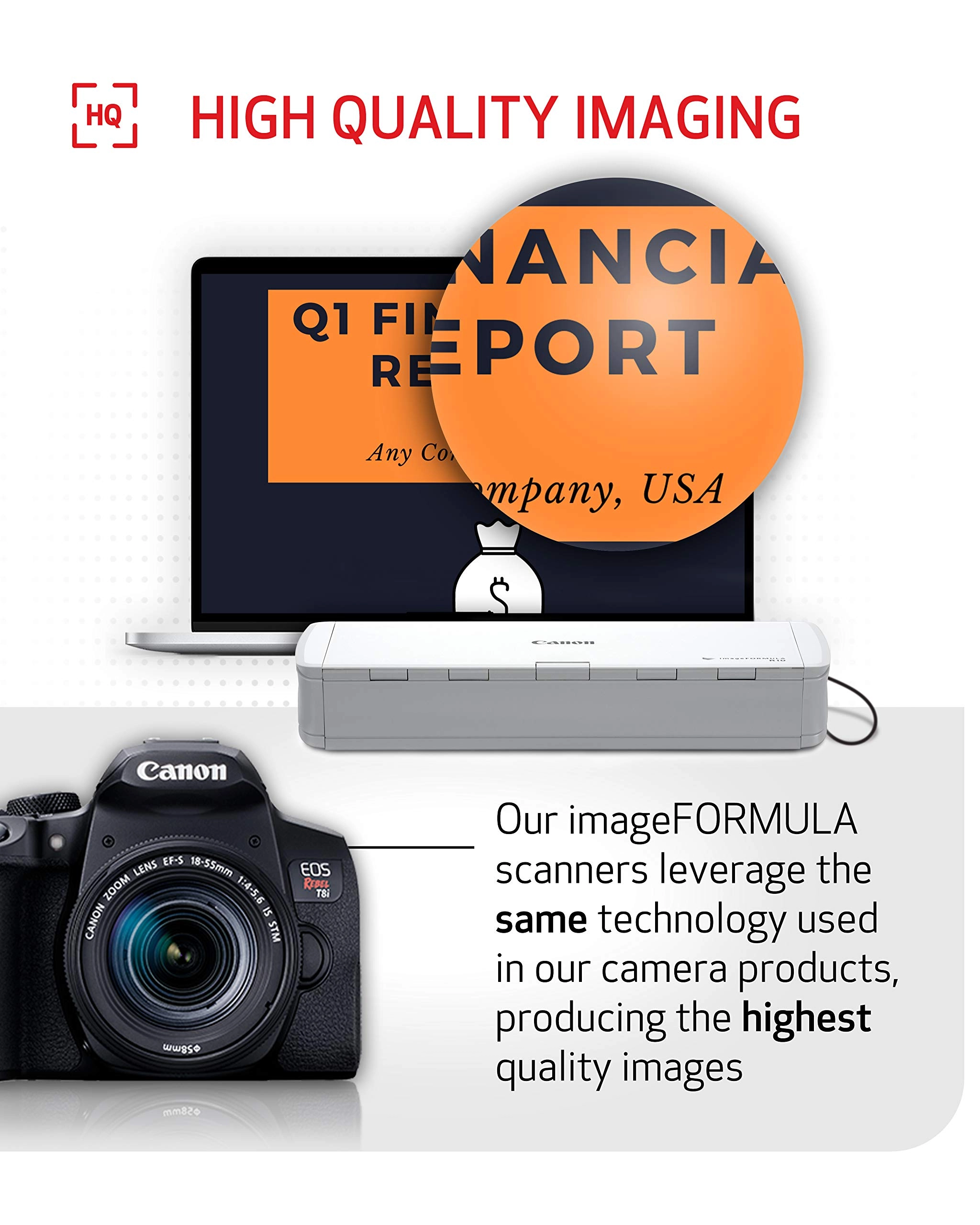
access to high-resolution images of your scans that can be edited
on the fly. Enjoy superior customer care on your energy-efficient
scanner with a one-year warranty and access to Canon's friendly
and knowledgeable support team.
Review: Plays well with M1 Mac Mini - Update 8/2025 -new firmware
compatible with MacOs Sequoia - Updated review 8-18-2025: Once I
upgraded my Mac Mini to Sequoia, the scanner no longer worked on
my Mac and I had to use my Parallels Windows 11 partition to use
it (and it was quite awkward about where it’d post the scan).
BUT, the good news is when I plugged the scanner in yesterday I
was offered an update to the firmware of the scanner
(R10_UpdateTool.app) which took 20 minutes to complete. They warn
you not to allow your Mac to sleep and not to unplug the scanner
during the update process (standard fare for firmware updates).
(After I copied the R10_UpdateTool.app to my applications folder
I noticed the date on the file was March 18, 2024 (see picture of
this attached to this review) which suggests this existed last
year but wasn't released until recently? - Odd.) After that it
worked perfectly on my Mac again. As before when you plug it in
to a USB port on your Mac (or to a powered USB hub attached to my
Mac which I tried, and it worked just as well) you get the pop up
with the CaptureOnTouch Lite software which appears to be the
same as before - dated Mar 30, 2020. Double click on that icon
and the scanning interface appears. Select Color/Black &
White/Automatic, and you can edit the location where the scanned
document(s) are saved. Click SCAN and you’re good to go. I ALMOST
bought a new scanner from another company and was very pleased to
see the updated firmware offered up. Back to quick double sided
quick and good (not excellent) quality scanning. (BTW, I found no
mention of this firmware update on Canon’s support website).
Thanks for the update, Canon! ------ Prior Review: Once I plugged
this in to my Mac Mini (M1) chip, a popup indicated an update was
required to work with an M1 computer. After update was completed,
there was software "CaptureOnTouch Lite" that was installed on
the Mac. Then I just loaded max of 20 pages, and selected my
options in the software app, then [SCAN] it quickly scanned (both
sides at once) all the documents flawlessly. Then it gives you
the option to [SCAN MORE PAGES] so that if you have a document
more than 20 pages, it will add them to your first scan so you
end up with just 1 PDF in the end. It is very small, light, and
portable. At one point after my computer had entered sleep mode,
and I then tried to scan additional documents it said "DRIVER NOT
FOUND" - I rebooted the Mac and it was back to scanning documents
again. Duplex scanning and the simplicity of the scanning
interface (and high quality scans) make this a sure fire winner.
Addendum: I plug the scanner into a USB A port on my Mac Mini - I
have not tried it on a USB hub, but would suspect it’d be less
reliable through a hub.
Review: Good Quality and Fair Performance for the Price - I
needed something compact to store and use in a small area, but I
also wanted something that wasn't overly expensive. This is one
of the better scanners I've used. Depending on the paper quality,
ink quality, and flatness of the paper, 20 sheets can easily scan
through without issue. I found that specific types of paper and
ink tend to stick together and did require me to rescan a few
pages until I got into the groove of how this scanner performs.
The image quality was good. It does have issues scanning colored
highlighter on pages; this would not be the model to use if
that's a concern. I appreciate the software being in the scanner;
it allowed me to very quickly plug in and get scanning. I've used
it to scan over 1200 pages of various pages/ink types in a single
day. The scans are quick and clear. The double-sided scanning is
a game-changer compared to the single-sided flat bed scanner I
was using before.