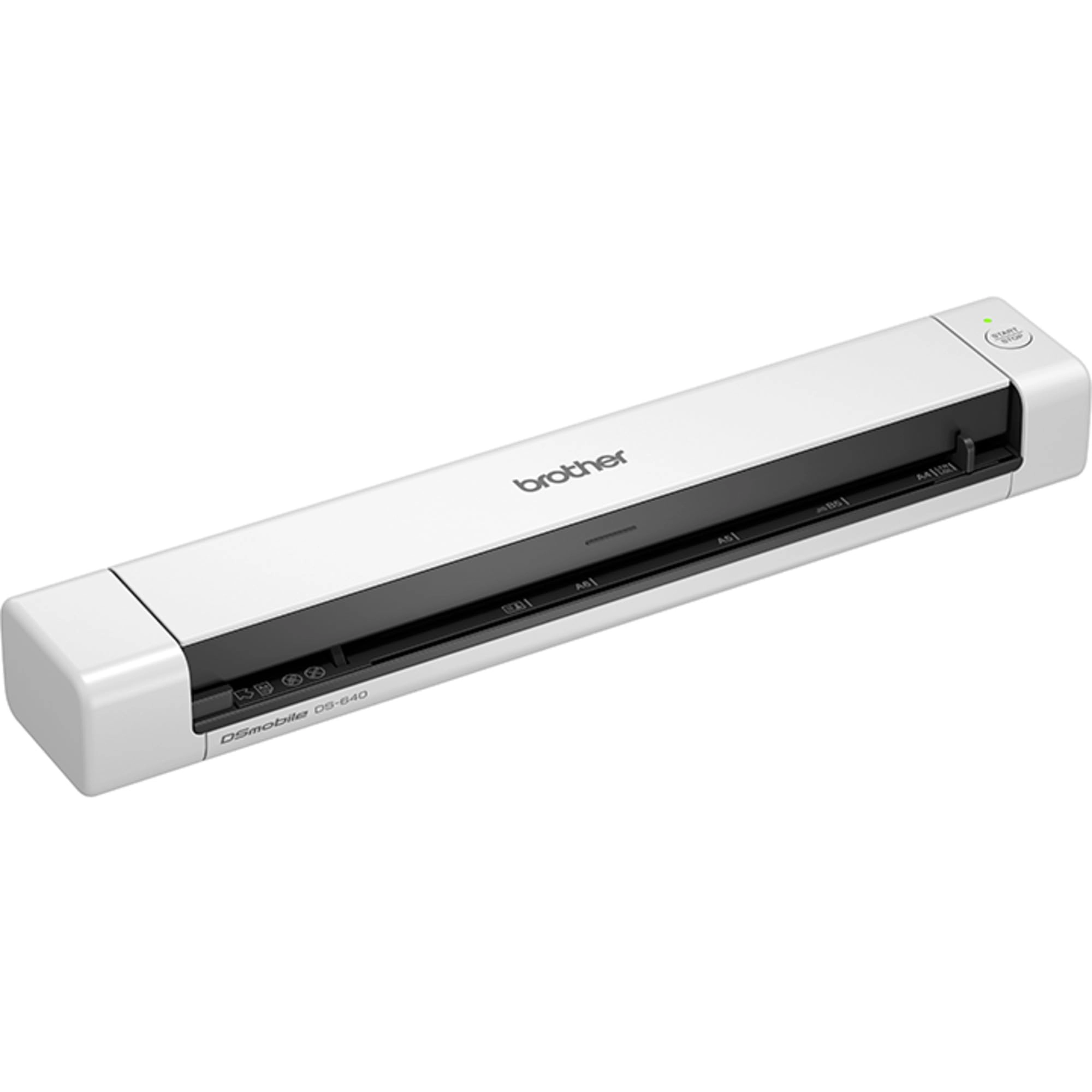
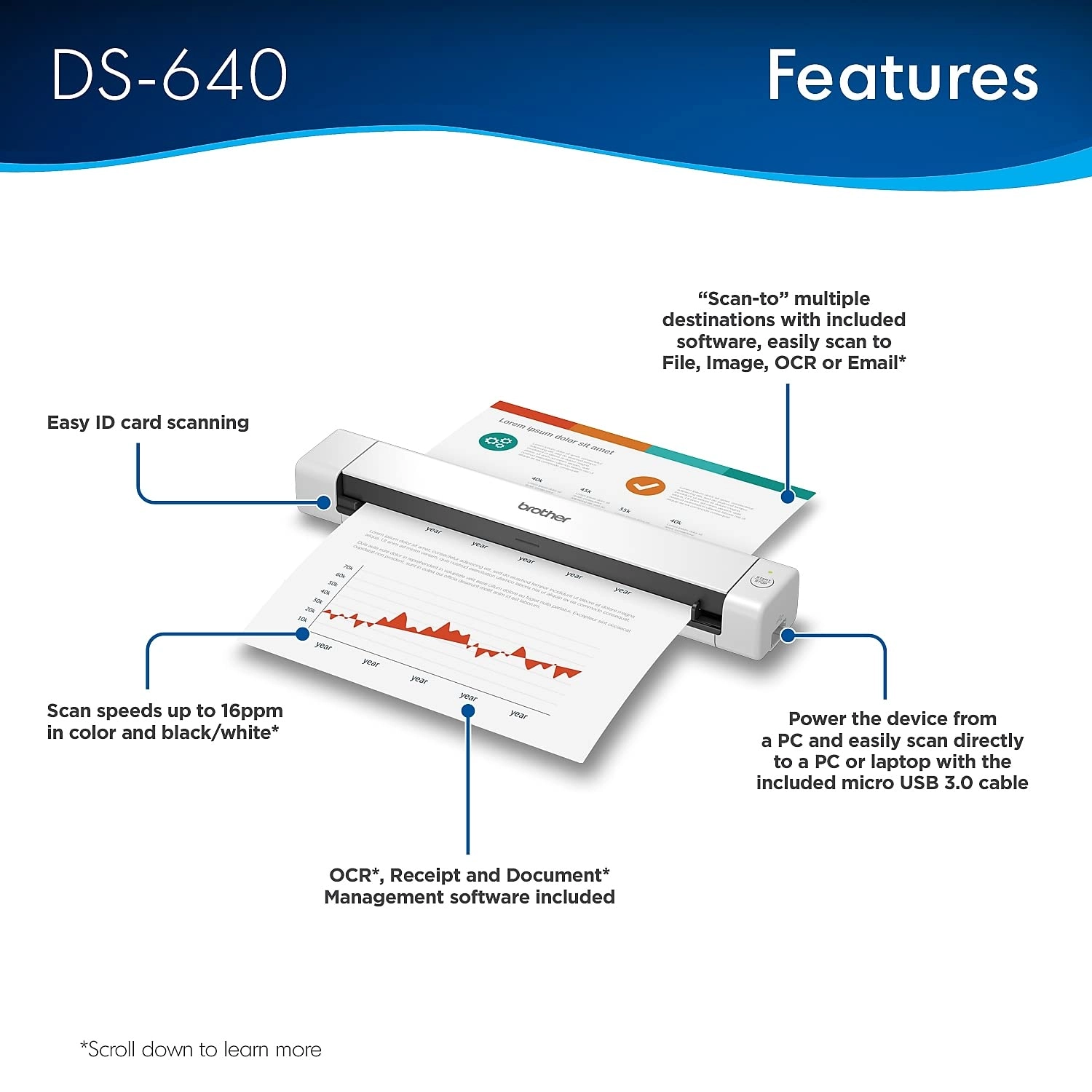
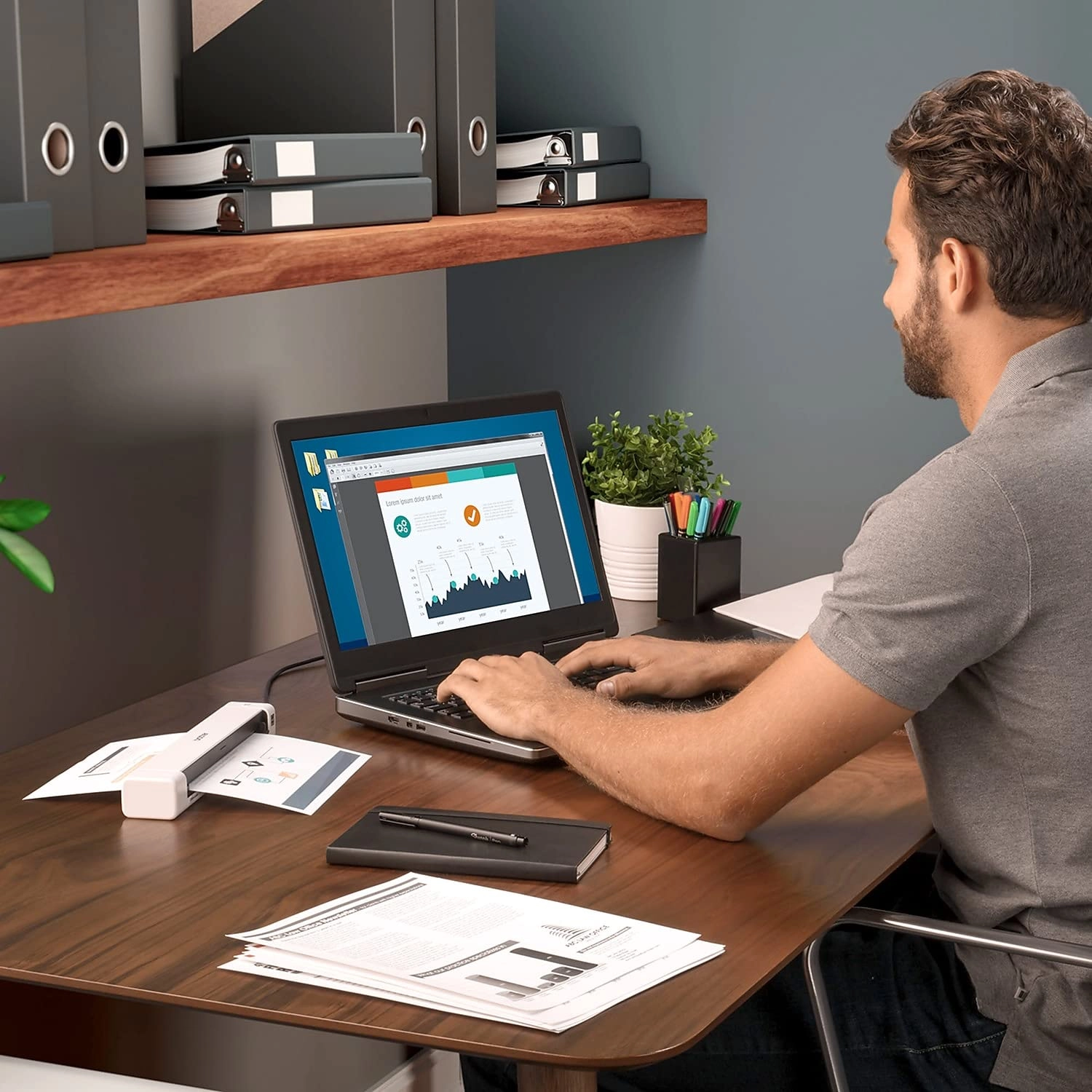
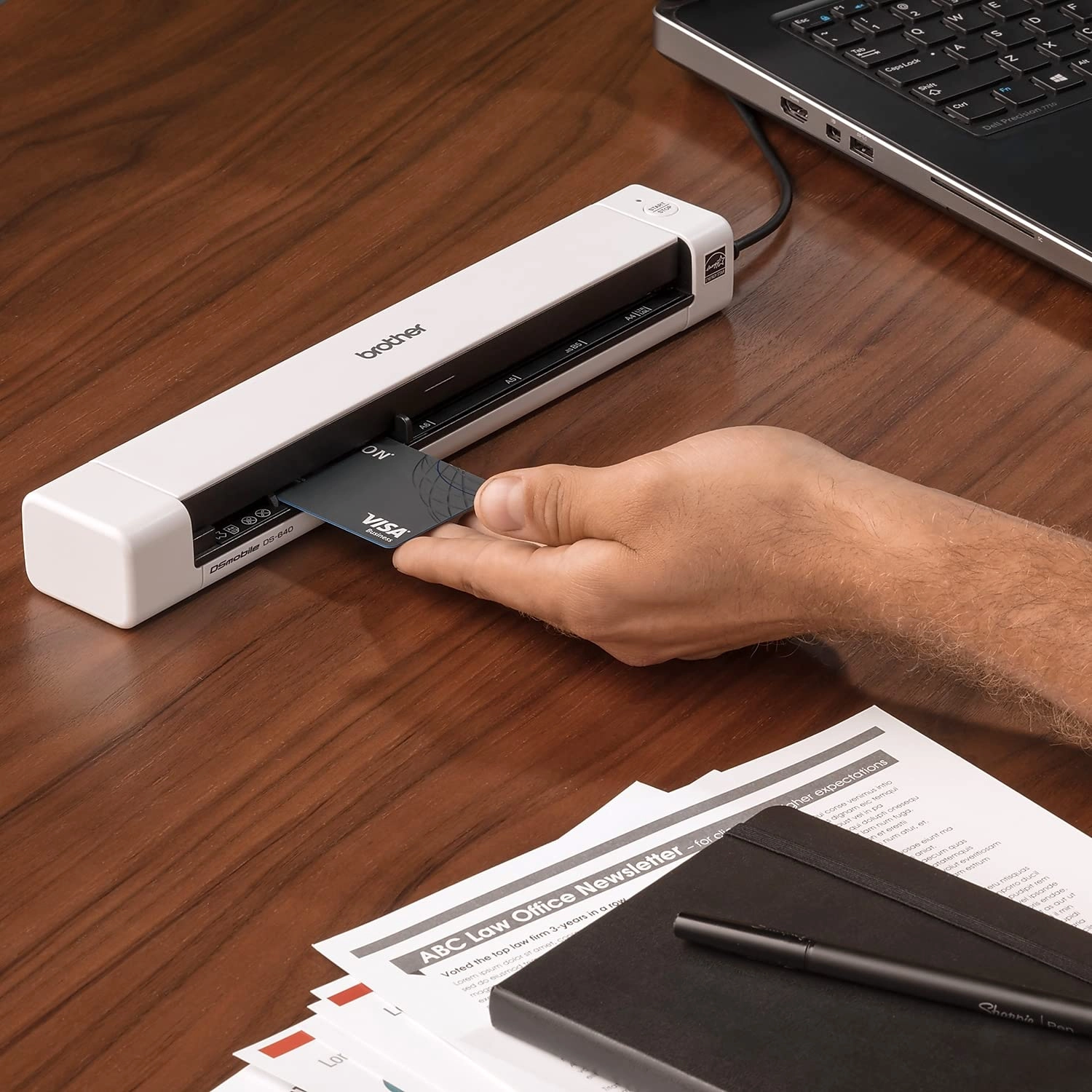
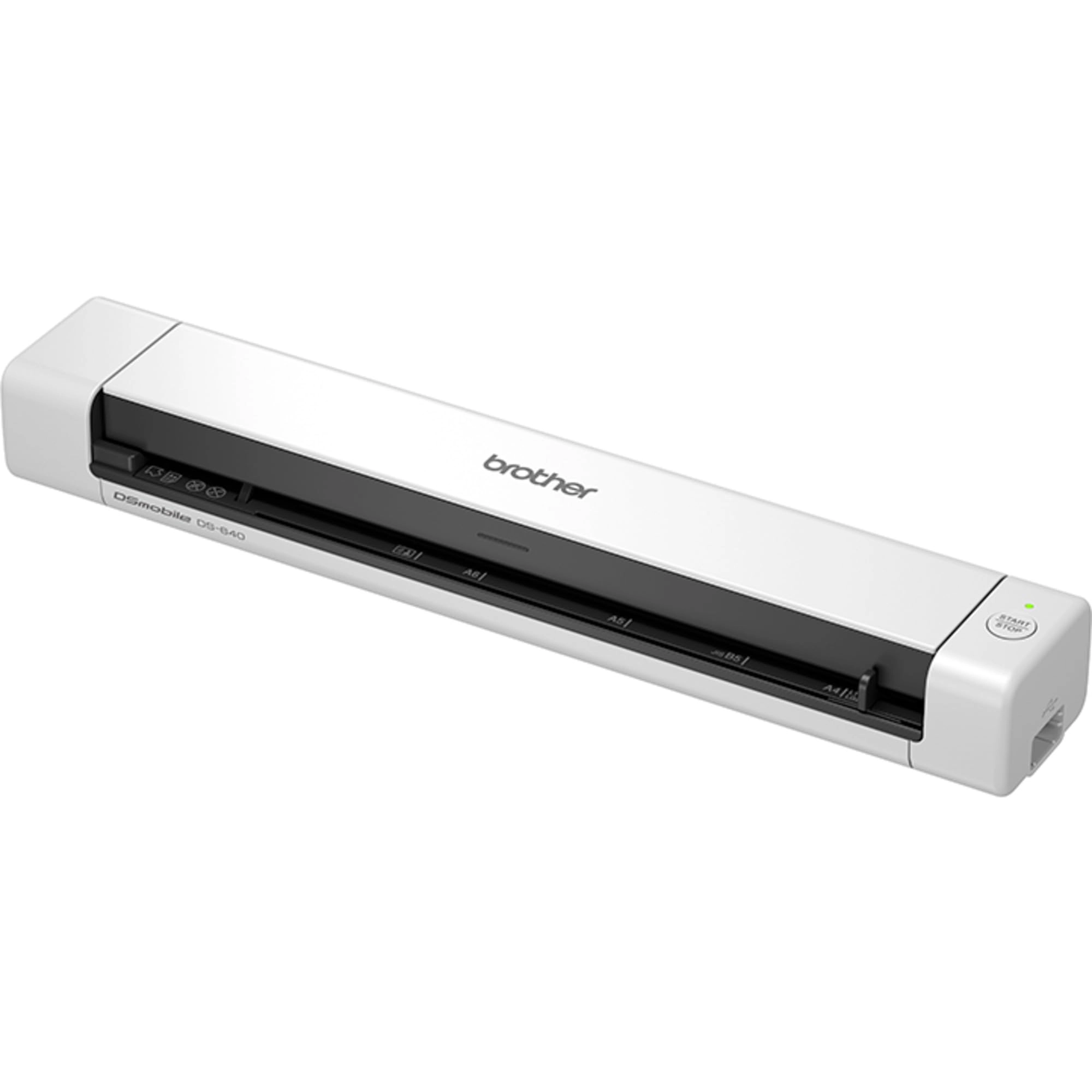
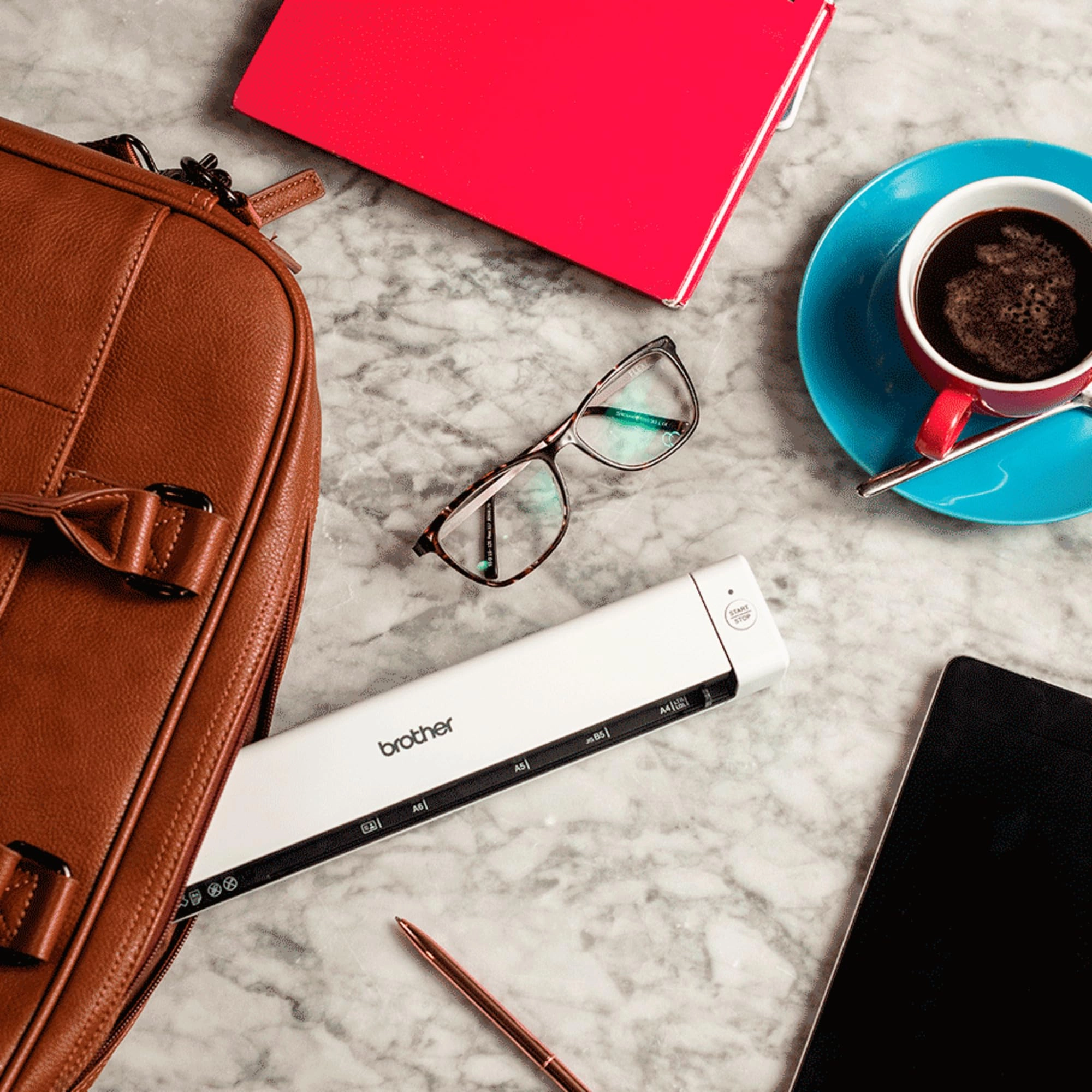
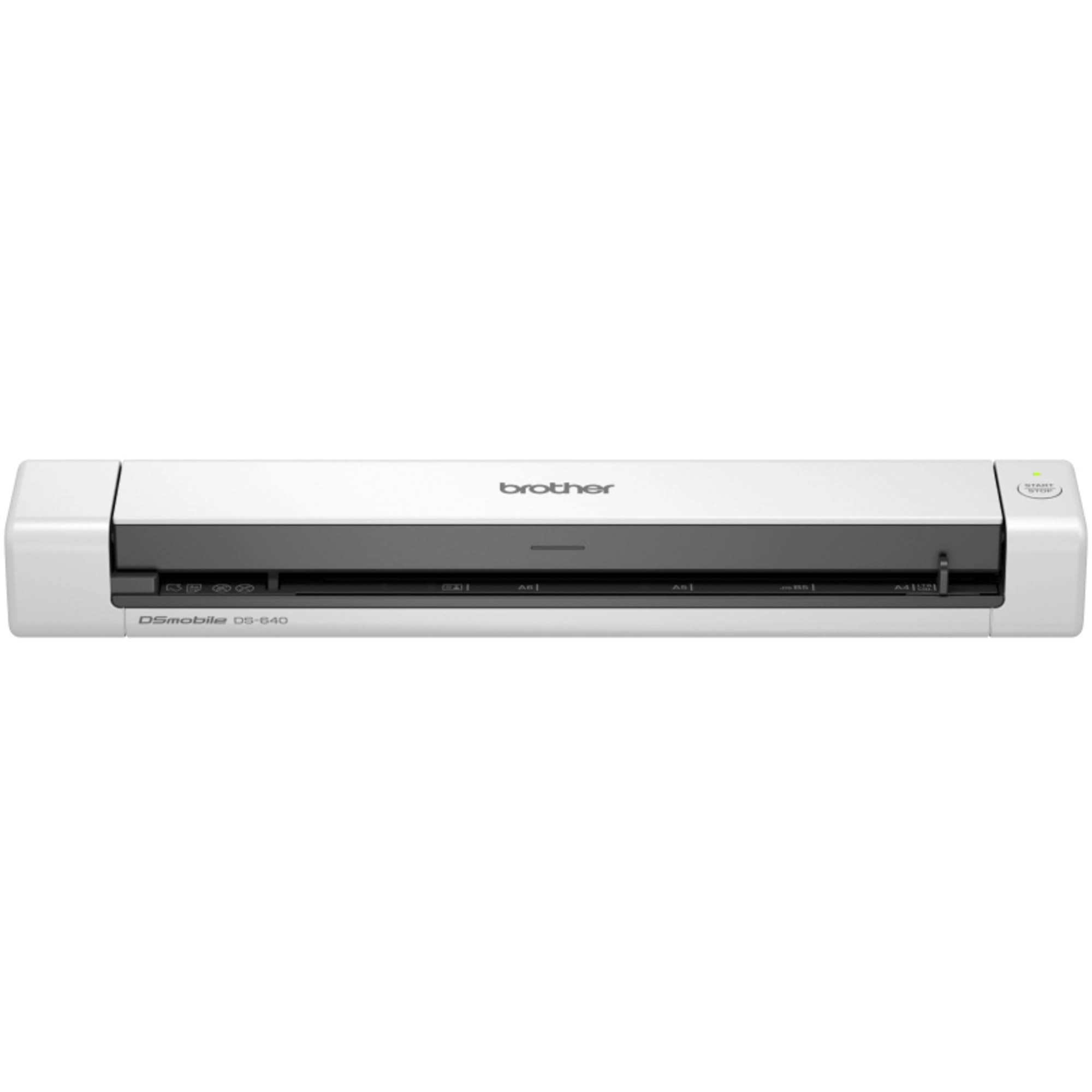
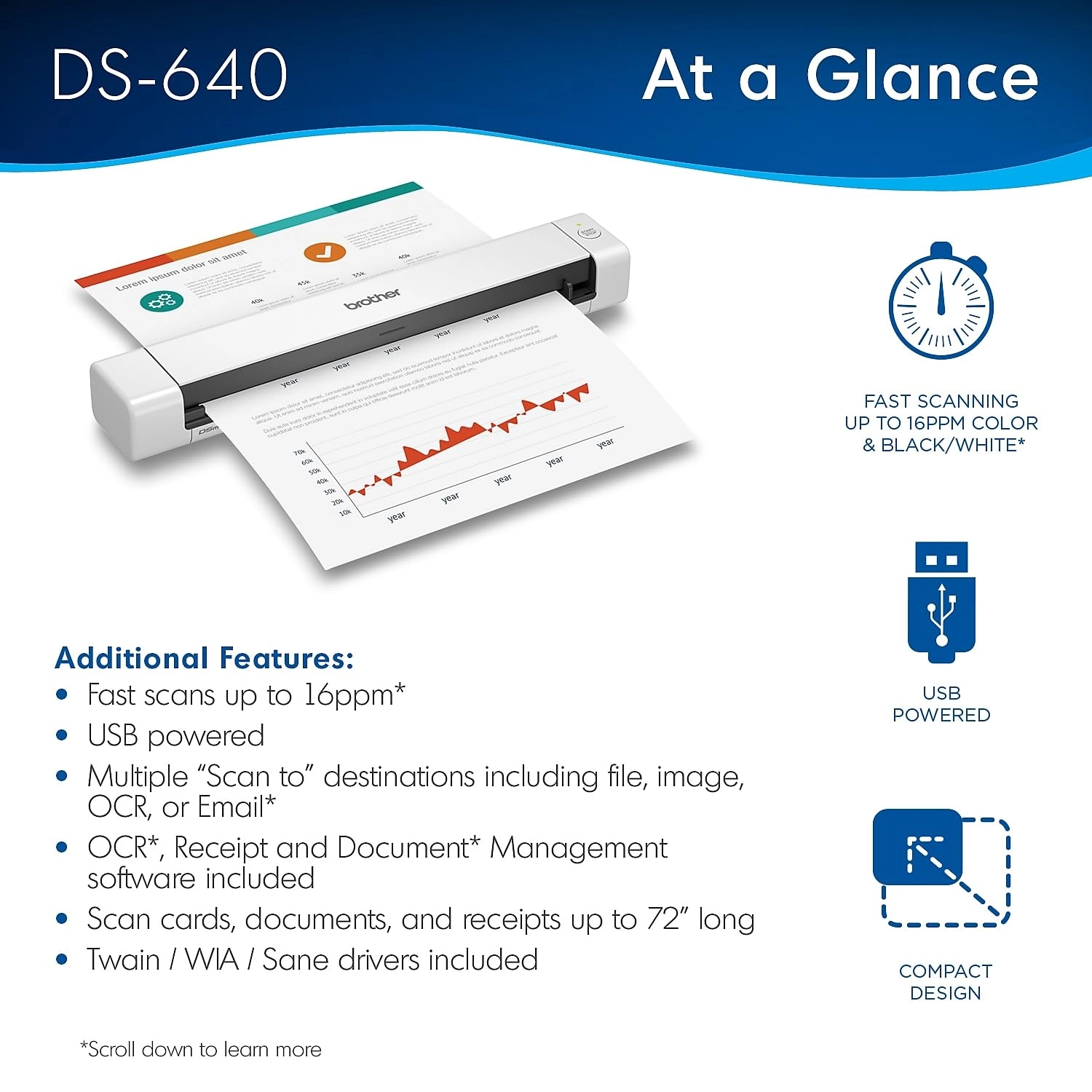
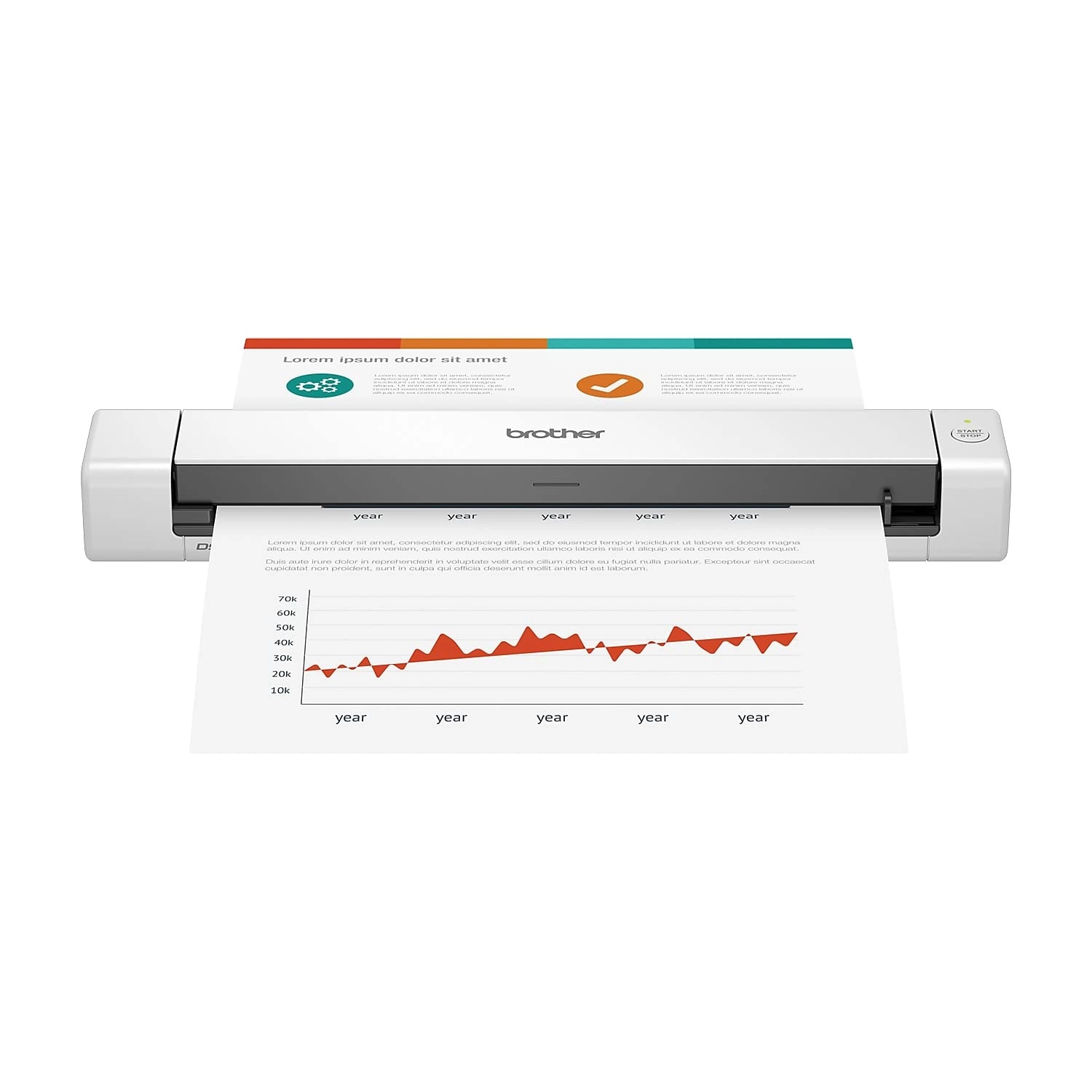
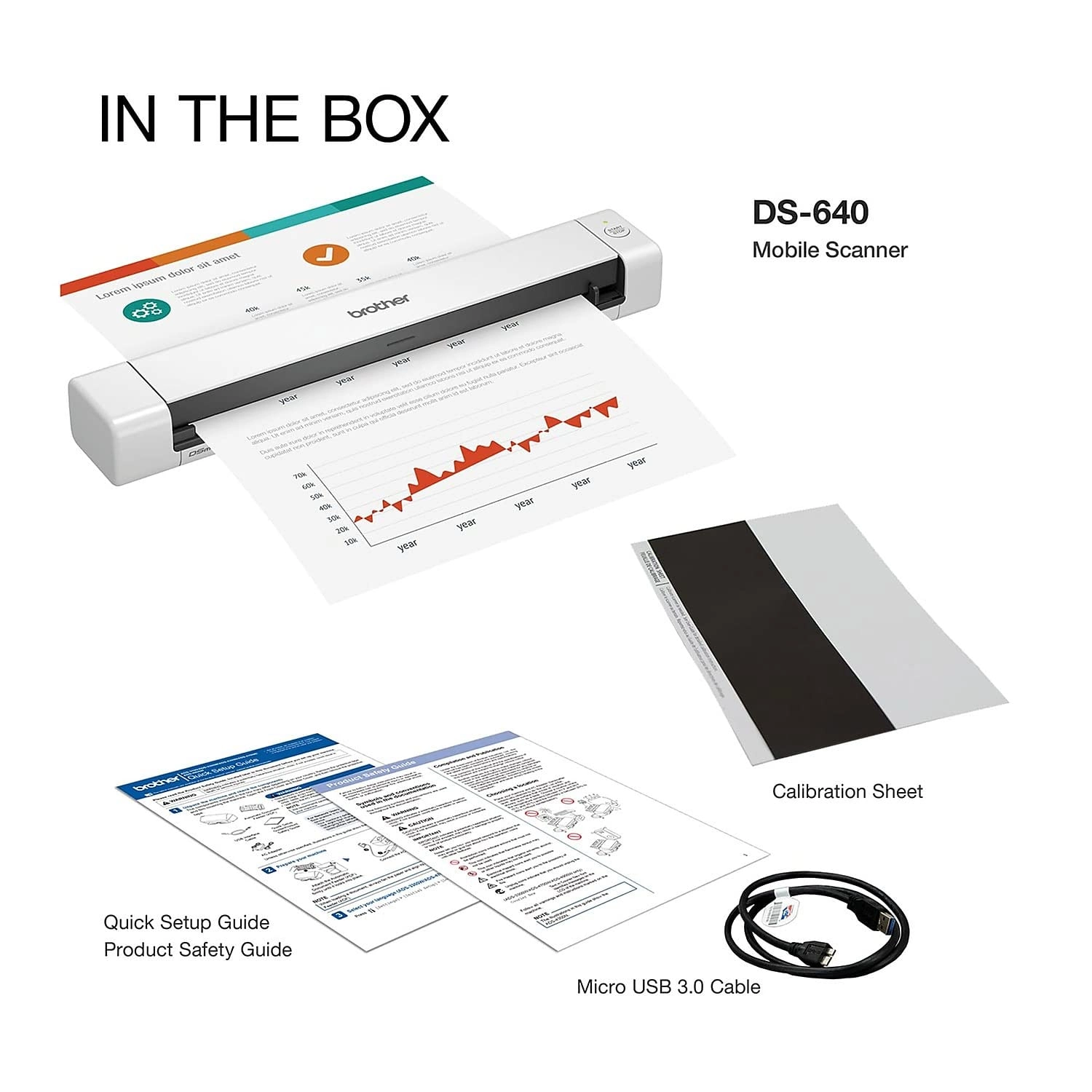
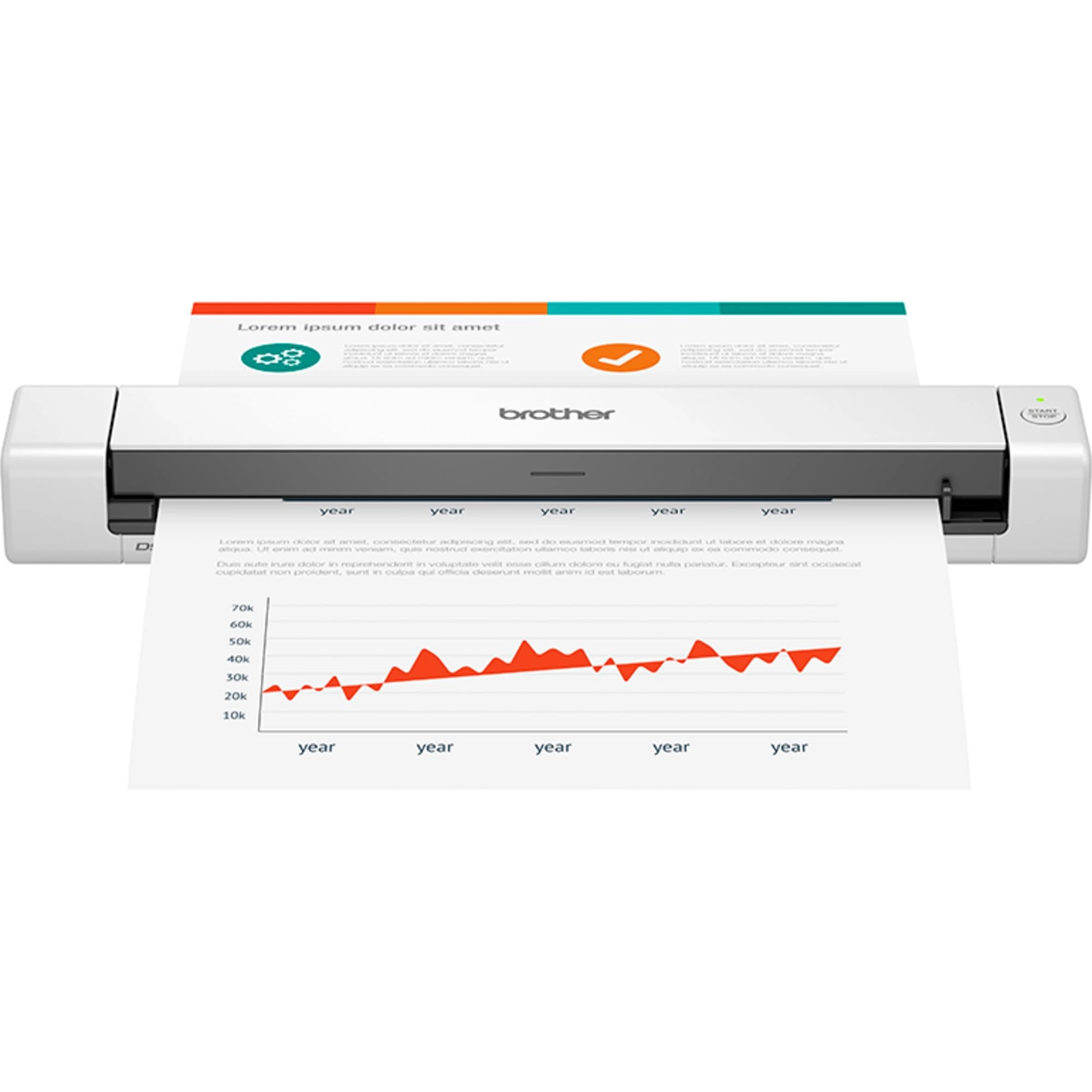
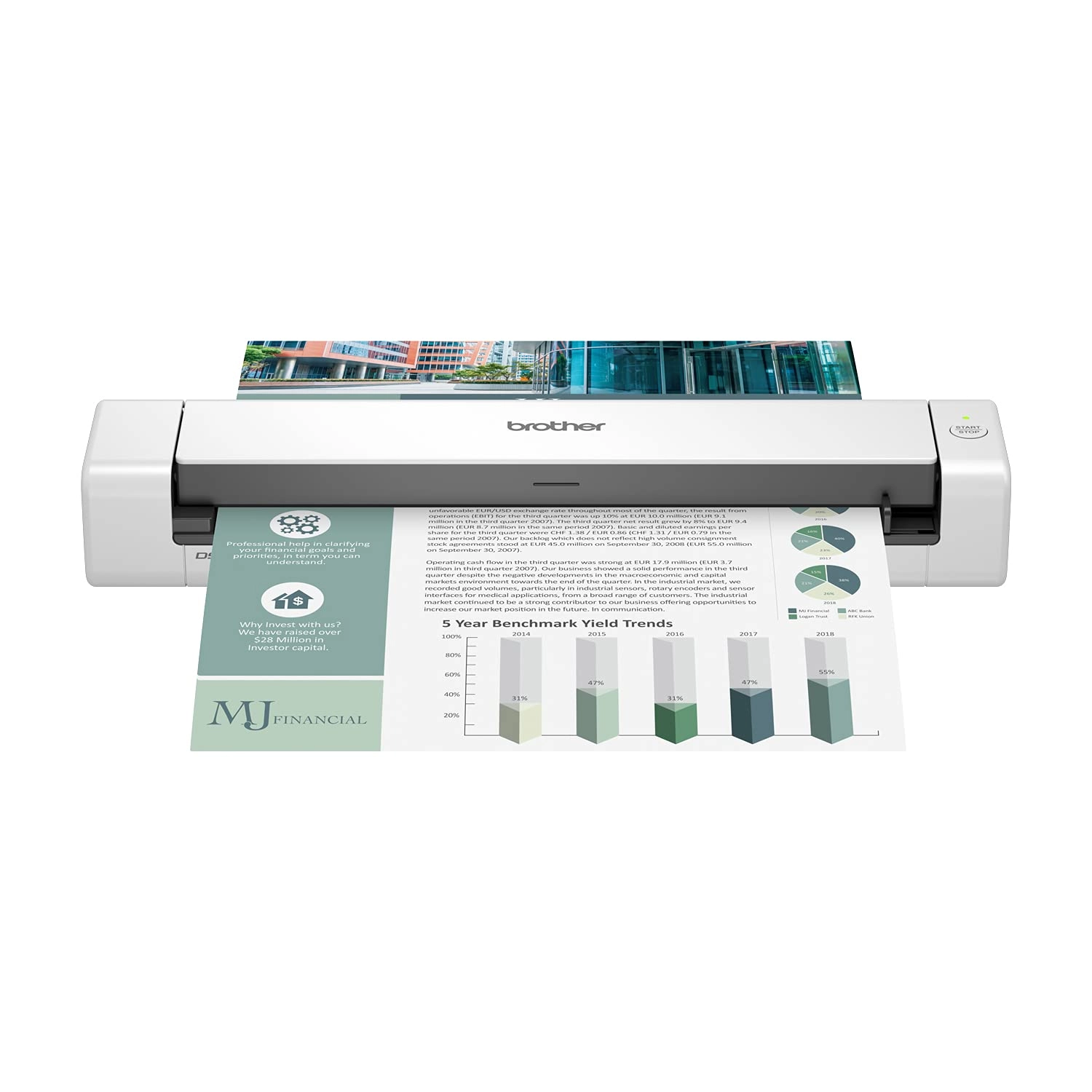
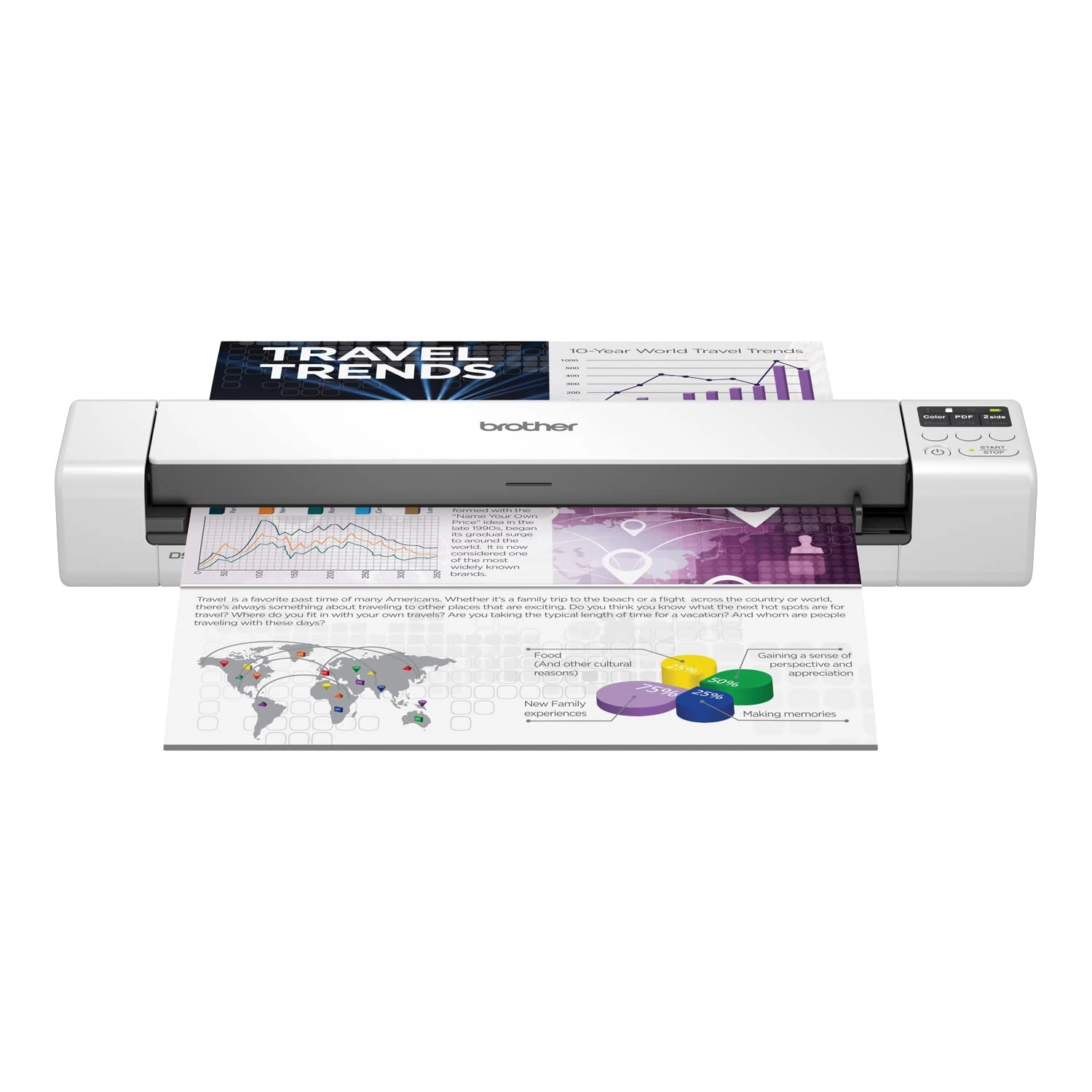
Compact, lightweight DS-640 scanner ideal for scanning documents
anywhere. Capture high-quality scans up to 15 ppm with USB power
for maximum portability.
Review: Impressed with the performance given the size and price -
I confess to being sceptical, having read a few reviews of this,
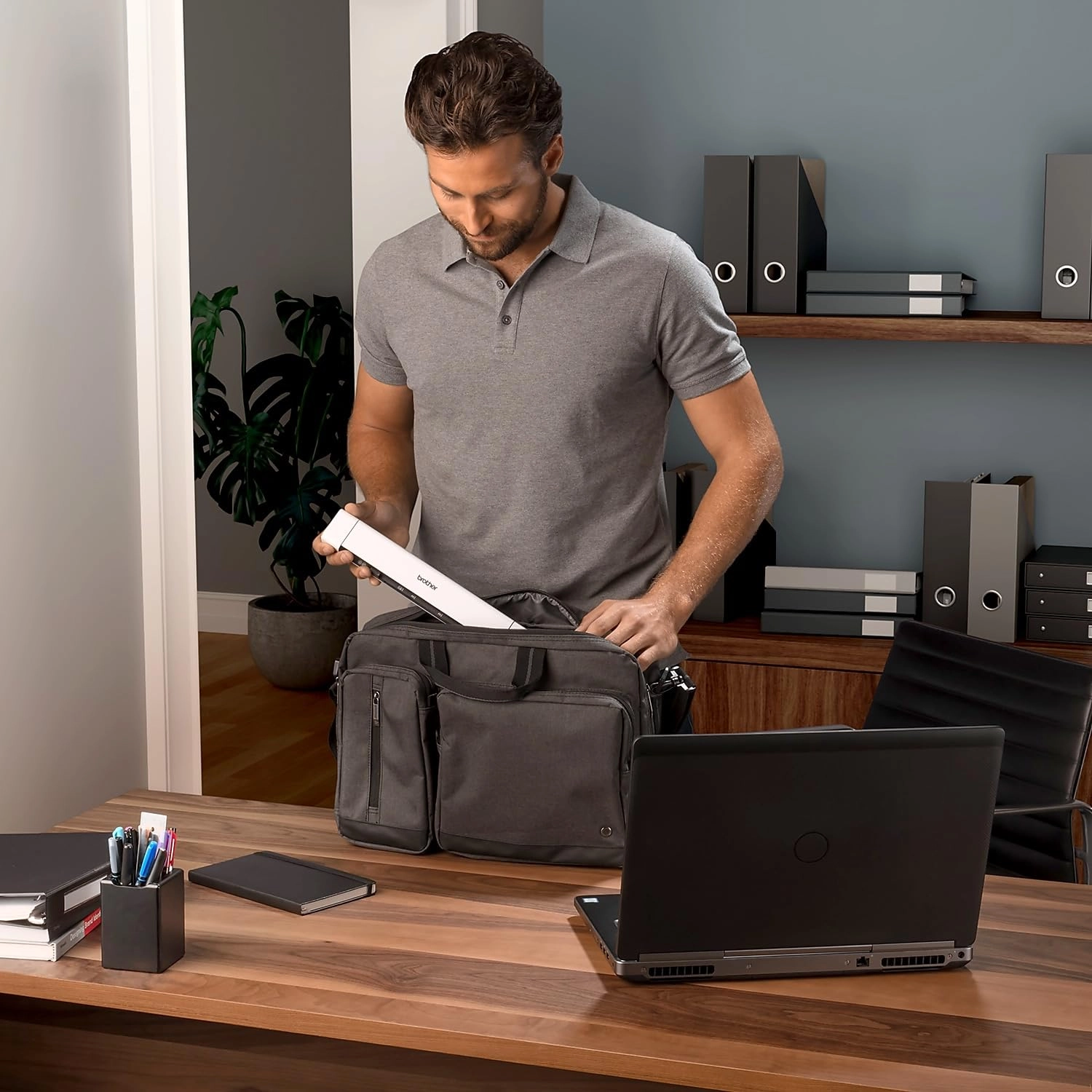
but overall I've been impressed. The unit is highly portable. As
another reviewer mentioned, there's no case (not even a cloth
one) to protect it, which might be a detractor given its intended
portability. I bought this as a cheap scanner to digitise a
number of reports more quickly than using my existing (old)
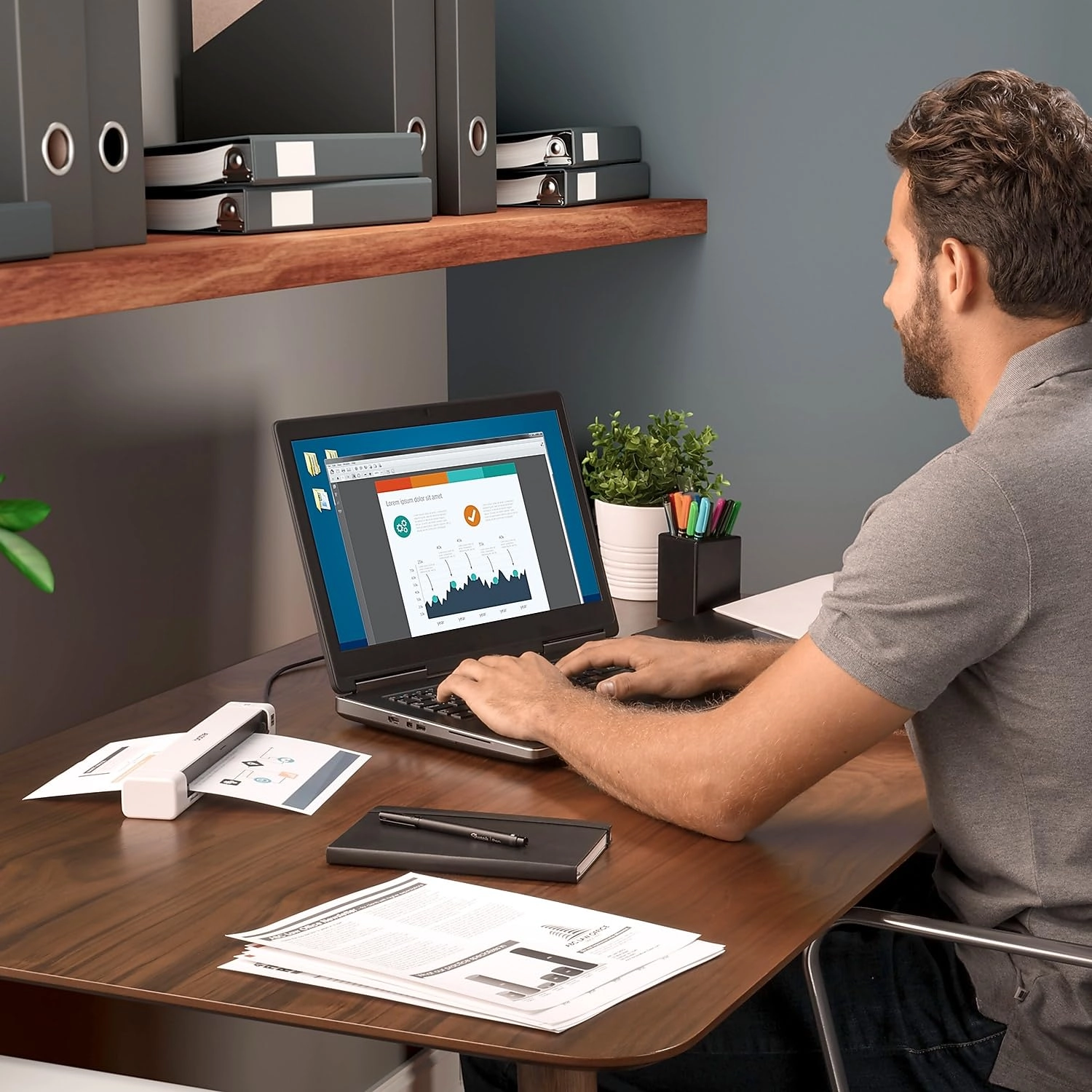
flatbed. Windows 11 recognised the device immediately, but I
downloaded the software bundle from the Brother website in order
to use the main scanning utility and update the firmware, the
latter of which was quick and simple. I didn't install either the
PaperPort software or Kofax Power PDF standard, the latter of
which is only a free trial. Changing the scanning settings is
really easy in the iPrint&Scan software, and creating a single
document from multiple pages is straightforward having ticked the
Continuous Scan option in the settings under Feed Control. Using
this, it's a simple case of pushing the next page into the
scanner after the last and the unit automatically pulls it in.
Once you're done, hit Finish and the PDF save options appear. I
scanned a 50 page (single sided) report, generating a single
searchable PDF, in about 5 minutes. This is much quicker than the
hour or so I'd anticipate it would take to do the same on my
flatbed scanner. The quality of the document at 300x300 dpi was
good; plenty sufficient for a document. Invariably a flatbed
scanner (and one more modern than mine) would produce higher
resolution images, which is possibly an advantage for scanning
photos, but for quick and decent scans of documents and images
this is perfect. I only have two "niggles" with this product: a)
the paper guide slider moves very easily, which can make the
paper feed in slightly crooked, although the de-skew function is
good here, and with a little practice it didn't prove and issue.
I used a small piece of blu tack just to hold it in place, which
worked fine. b) the PDF creation software doesn't have a great
compression algorithm. The 50 page PDF I created was 20mb. I ran
it through ABBYY PDF editor and even on high quality it shrunk it
down to around 4mb. Overall, I would recommend this product if
you want a decent portable scanner that'll make digitising
documents quick and easy. If you want high resolution scans of
photos, you're going to want a flatbed.
Review: Fabulous little scanner - I hate paperwork and hate huge
scanners that take up valuable desk space, so I got this. I was
purchasing a small property for my son and was bombarded with
forms to fill in by the solicitor. So I got this. It took about
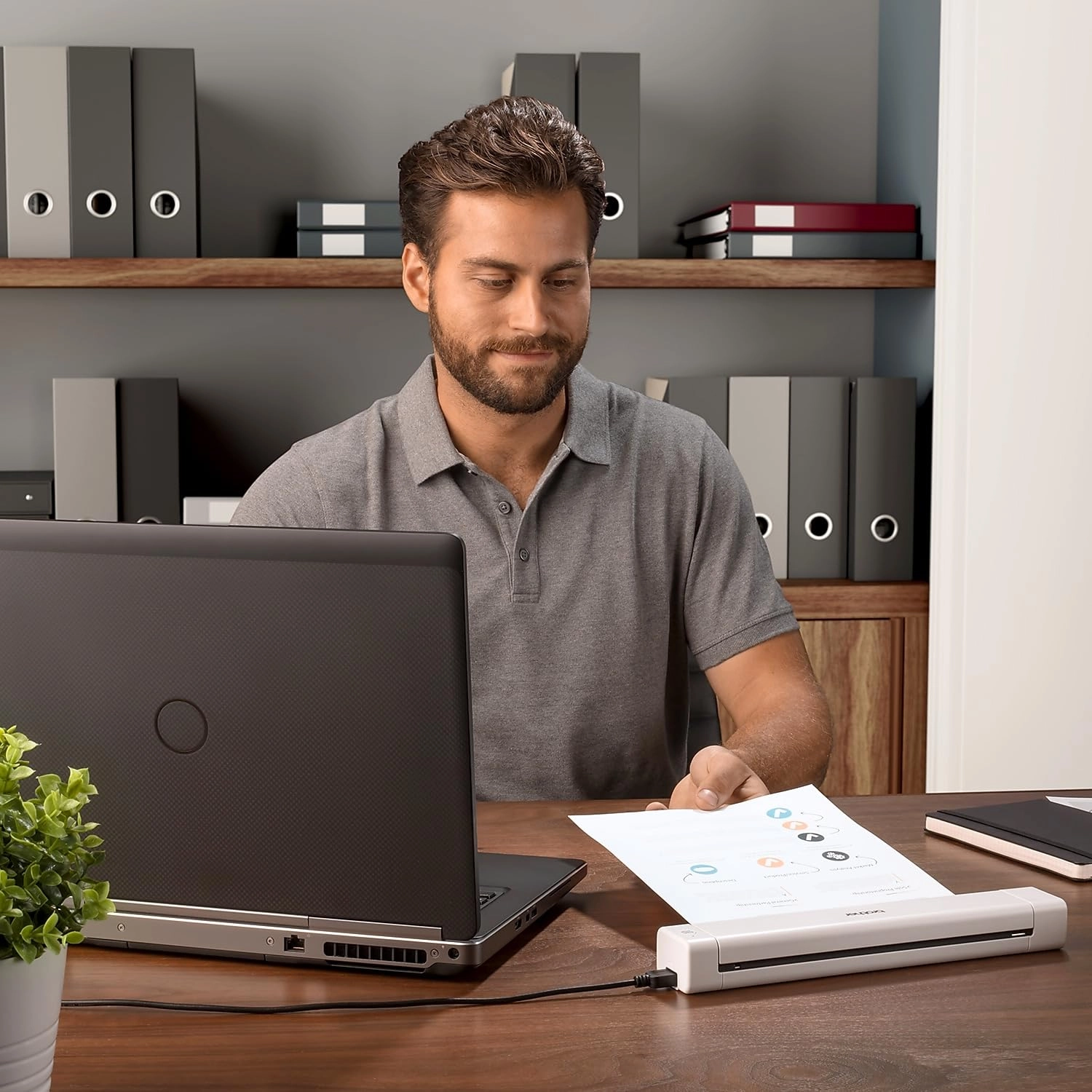
10 minutes to install on my Windows 10 laptop. I plugged in the
scanner, it was detected by the Brother software. I put the paper
face up on the desk and clicked scan. It quickly scanned the
sheet, then I clicked add page. After 5 pages I clicked save to
location, and breathed a sigh of relief. A few more documents and
the whole job was done in about 15 minutes, and the scanner is
stored away ready for the next set of documents to scan. For
around £80 it was fab. Job done. Highly recommended.