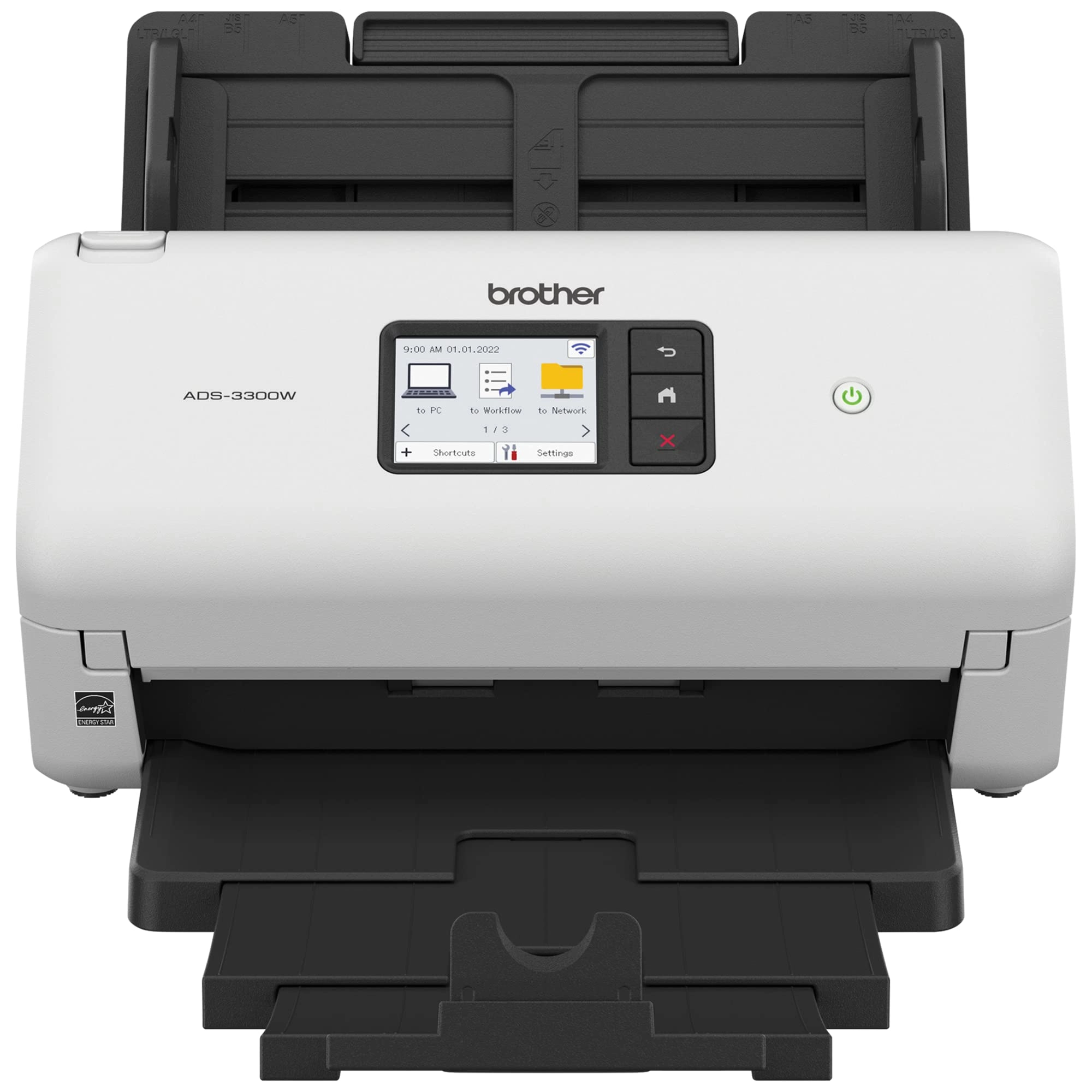
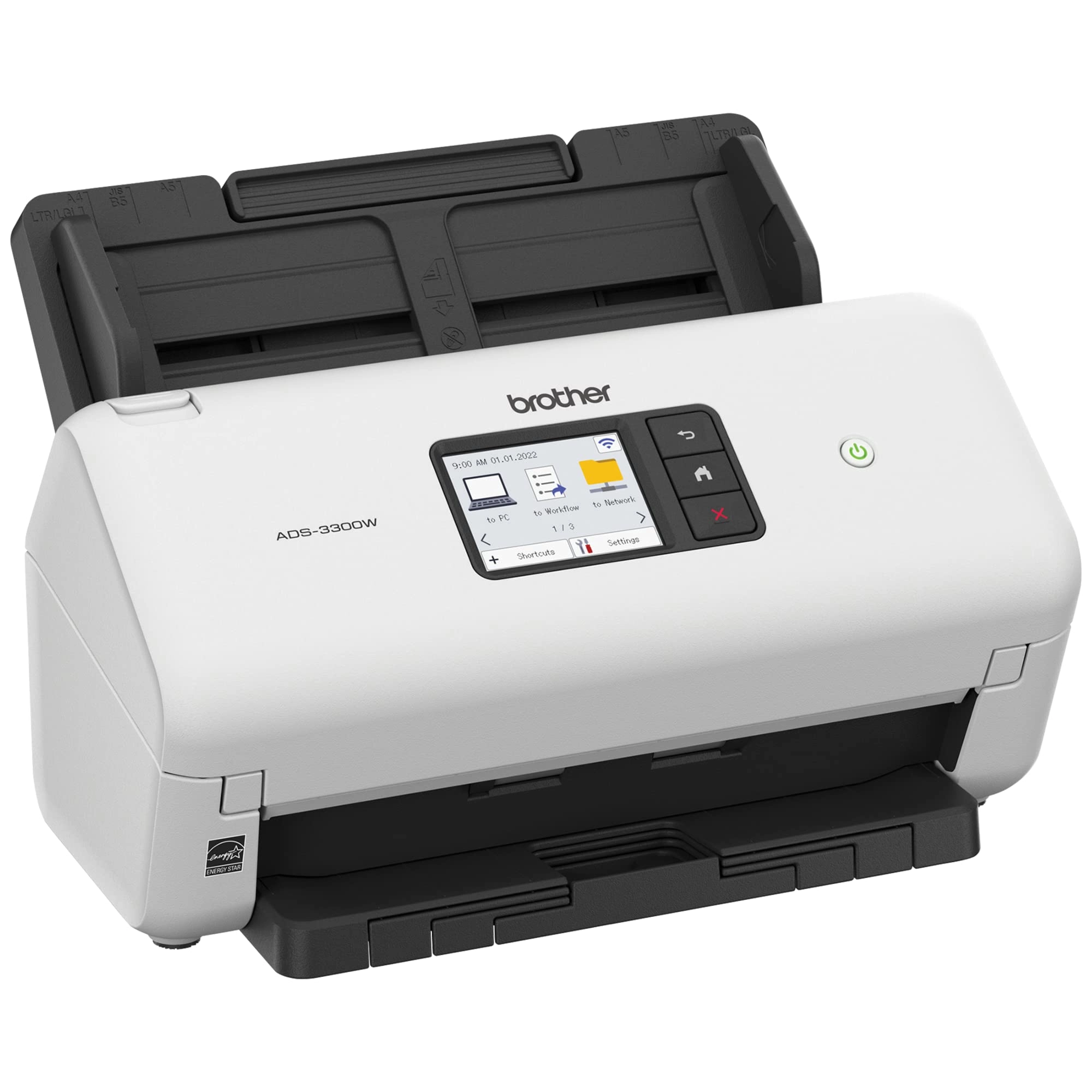
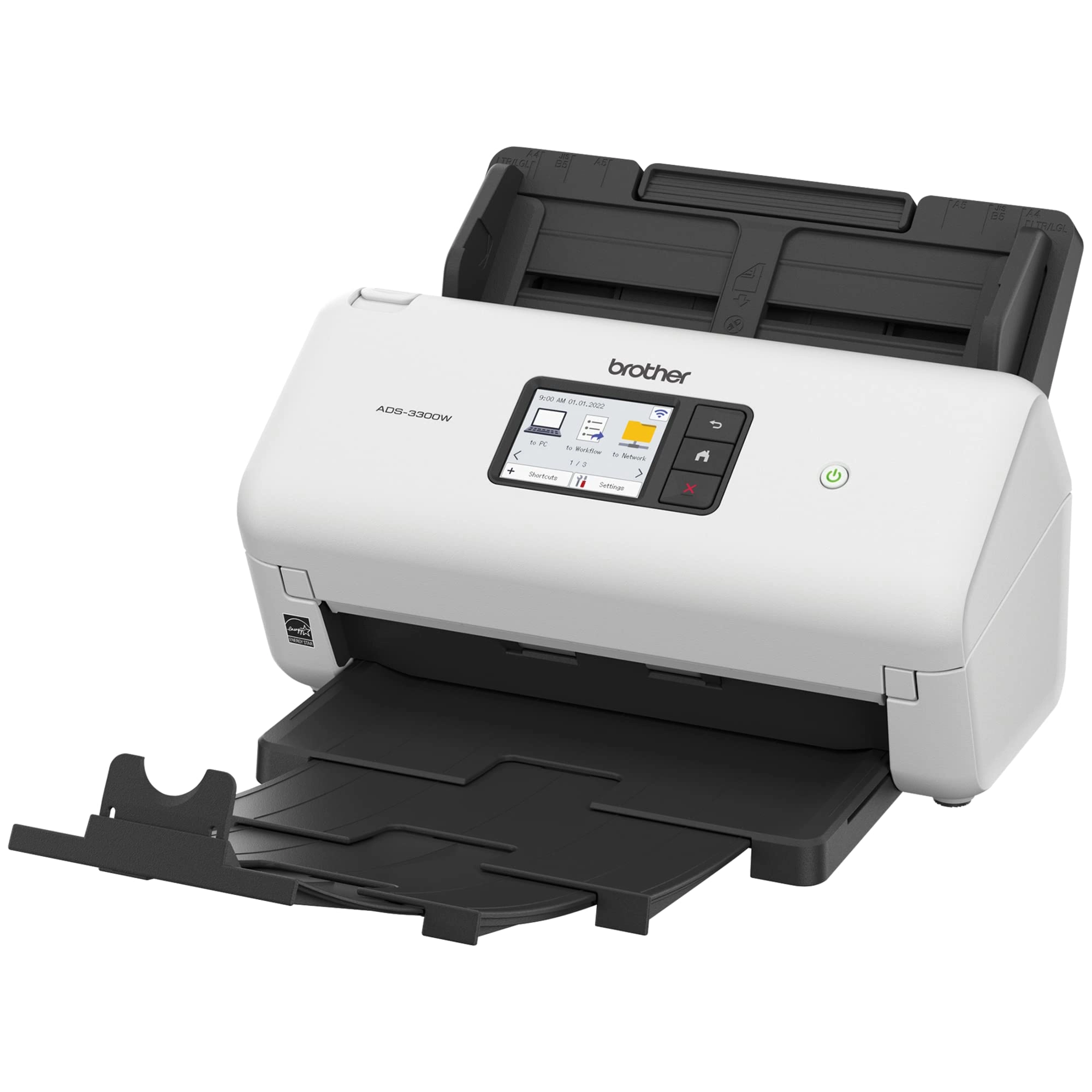
Small but mighty, the easy to use, affordable and efficient
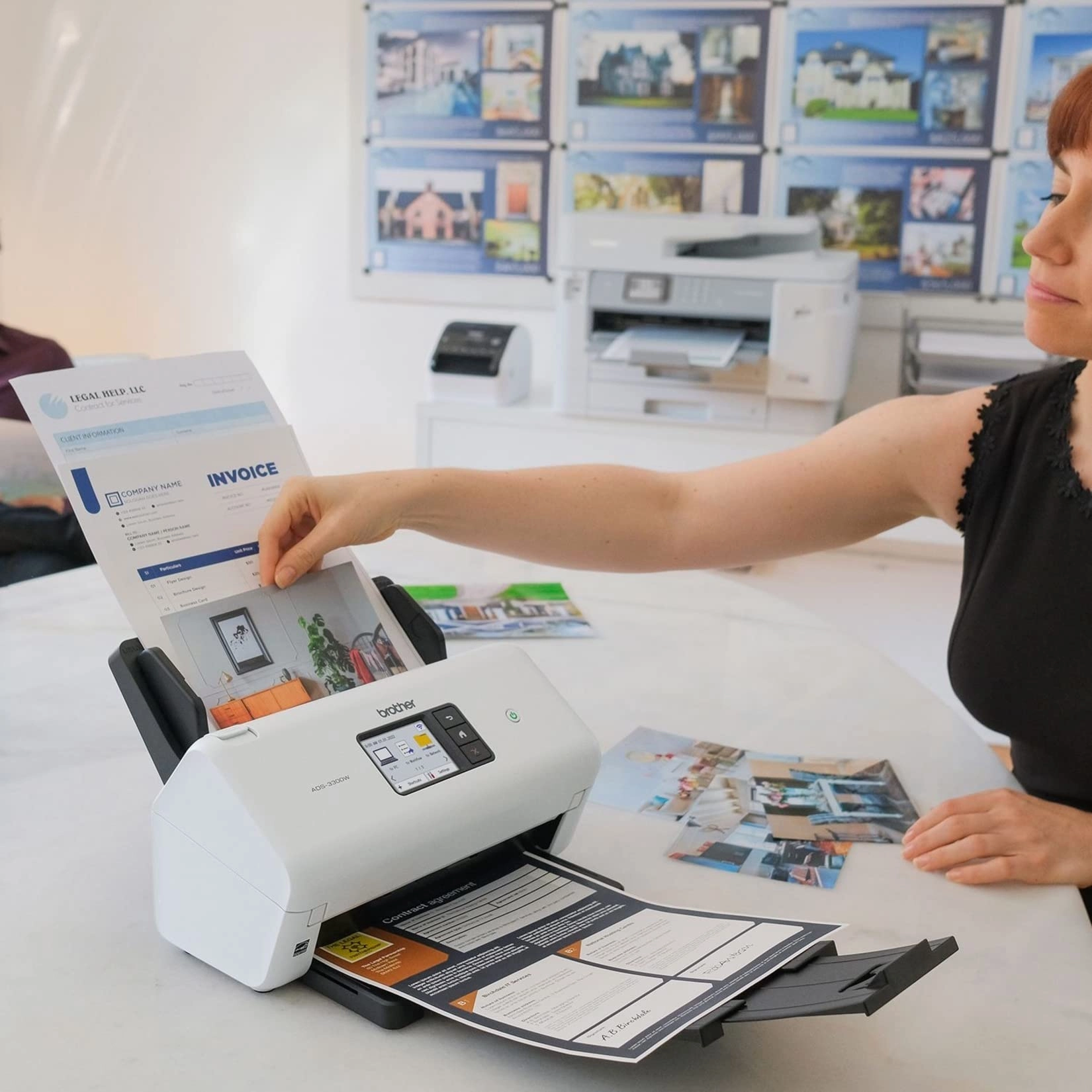
Brother ADS-3300W is a powerful addition to any small business or
home office workspace. A versatile and reliable solution for
mid-volume scanning, it scans to multiple destinations (cloud
services SharePoint, USB memory stick, email, file, image, OCR or
to mobile devices) and offers a range of connectivity options
including wireless/wired fast Ethernet network connectivity, or
via the Brother Mobile Connect2 application for iOS® and
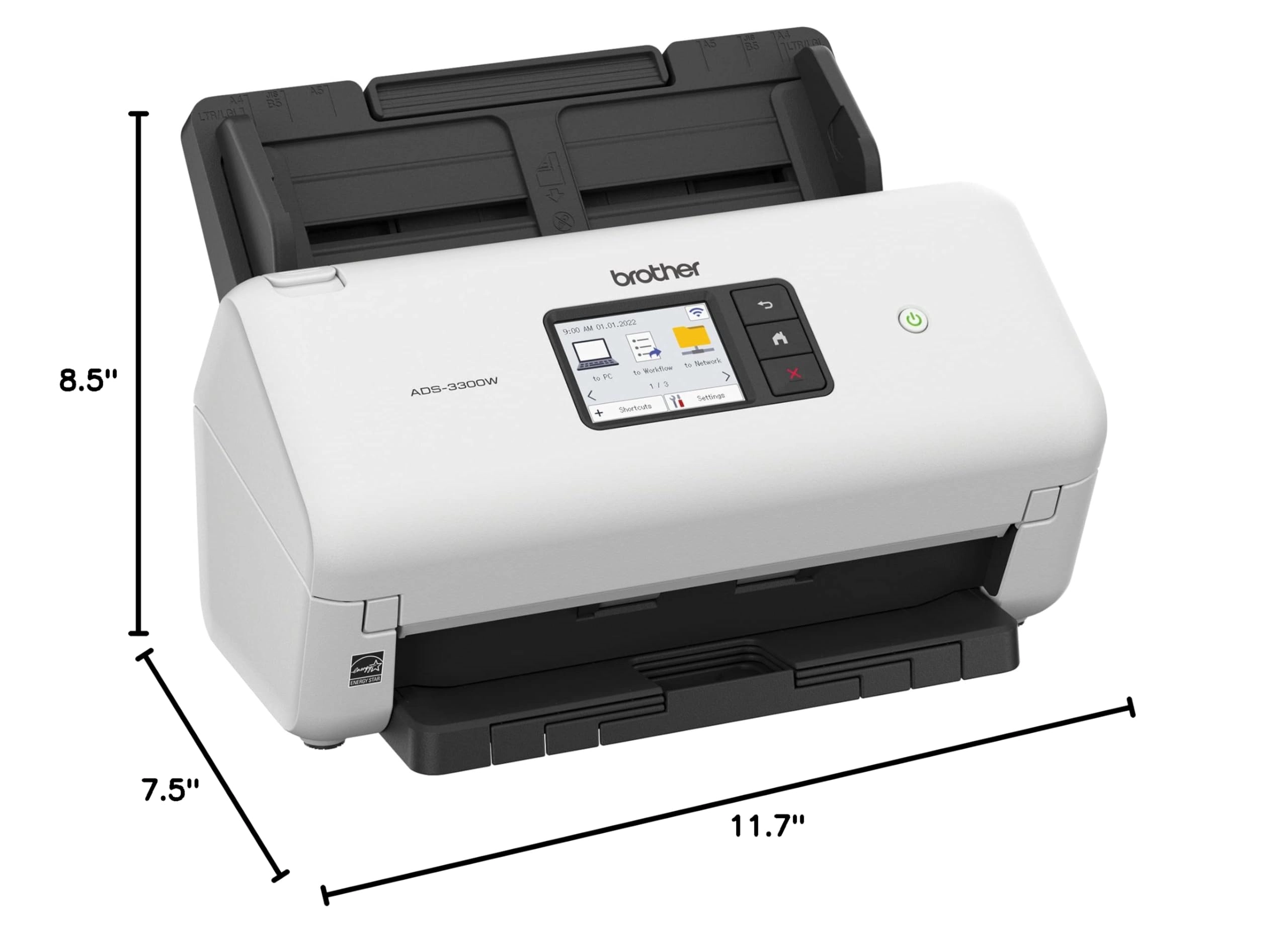
Android™. Thanks to its compact size, users can say bye-bye to
big and bulky equipment and hello to an organized, efficient
workspace in practically any surrounding. From gathering banking
statements to indexing client invoices and tracking expenses,
this desktop scanner includes a robust software bundle3 valued at
over $250 that elevates performance, drives value, and puts the
pro in professional-level organization. Engineered for
exceptional ease of use with a one-touch 2.8-inch color
touchscreen display, the ADS-3300W performs single or dual-sided
document scanning, with an impressive capacity of up to 60 pages
via the built-in auto document feeder with additional
page-continuous scanning. Spend less time waiting and more time
scanning! With a speed of up to 40ppm1 , it quickly handles a
wide variety of media types and paper sizes, including legal-size
and long paper, business and plastic ID cards, receipts, and even
photos. Bid farewell to frustration and remove the guesswork from
scanning with its built-in auto-size detection. Seamlessly
transition from scanning smaller items like business cards to
longer documents like legal contracts at the touch of a button.
It’s easy to use, right out of the box, too! It’s compatible with
several document management software systems, Windows, Mac® and
Linux operating systems, as well as TWAIN, WIA for PC, ICA for
MAC, and SANE drivers. Providing flexibility, reliability,
responsiveness and security, this assistant at your fingertips is
designed to support diverse business processes, workflows and
systems. Disclaimers: 1 Color and monochrome scan speed with all
advanced features turned off, letter at 300dpi. 2 Requires
connection to a wireless network 3 Additional download required.
Software application compatibility may vary based on operating
system. Application availability may vary based on country.
Review: Working Perfectly with Win 11 Pro - GREAT features and
performance - Go with Brother - Before trying the Brother
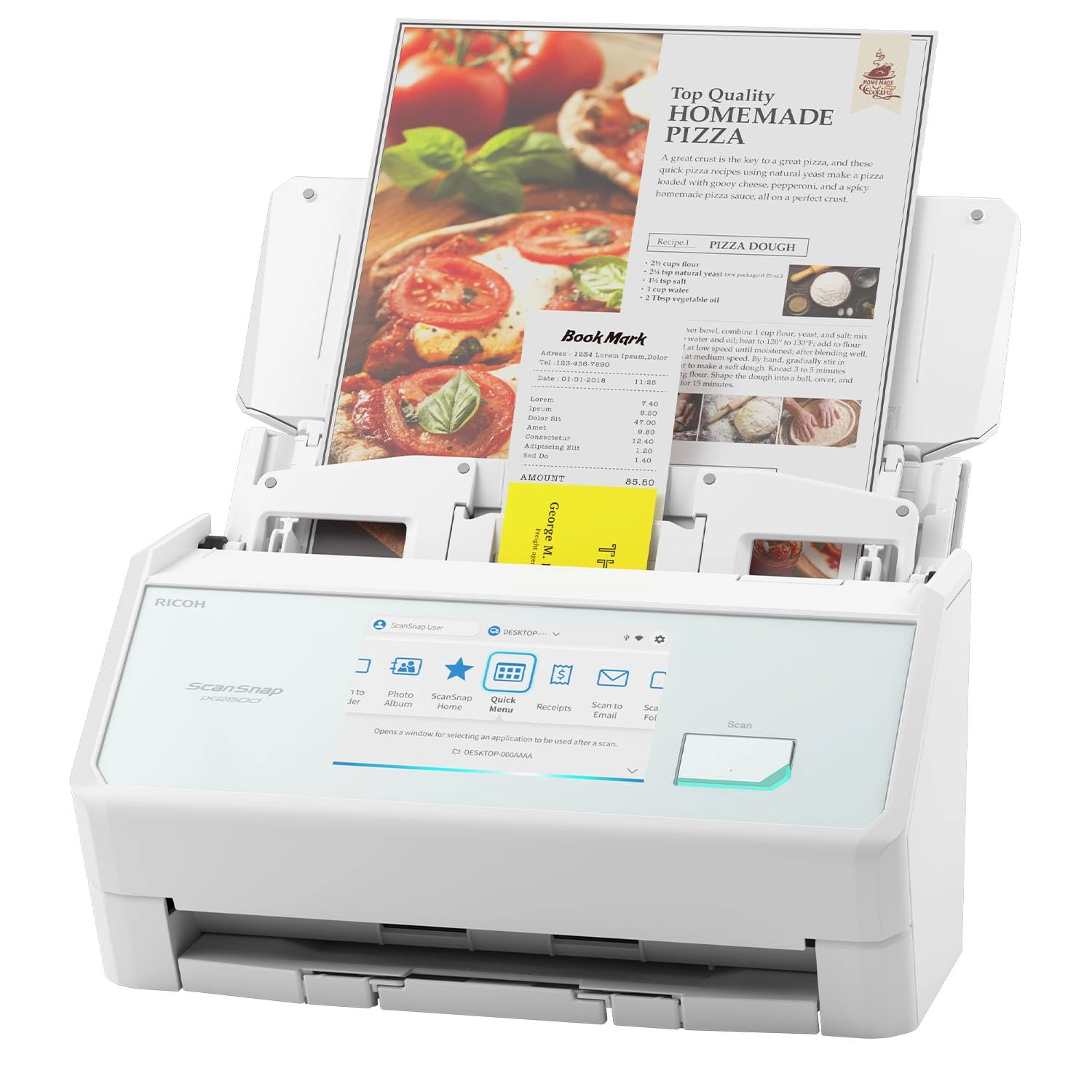
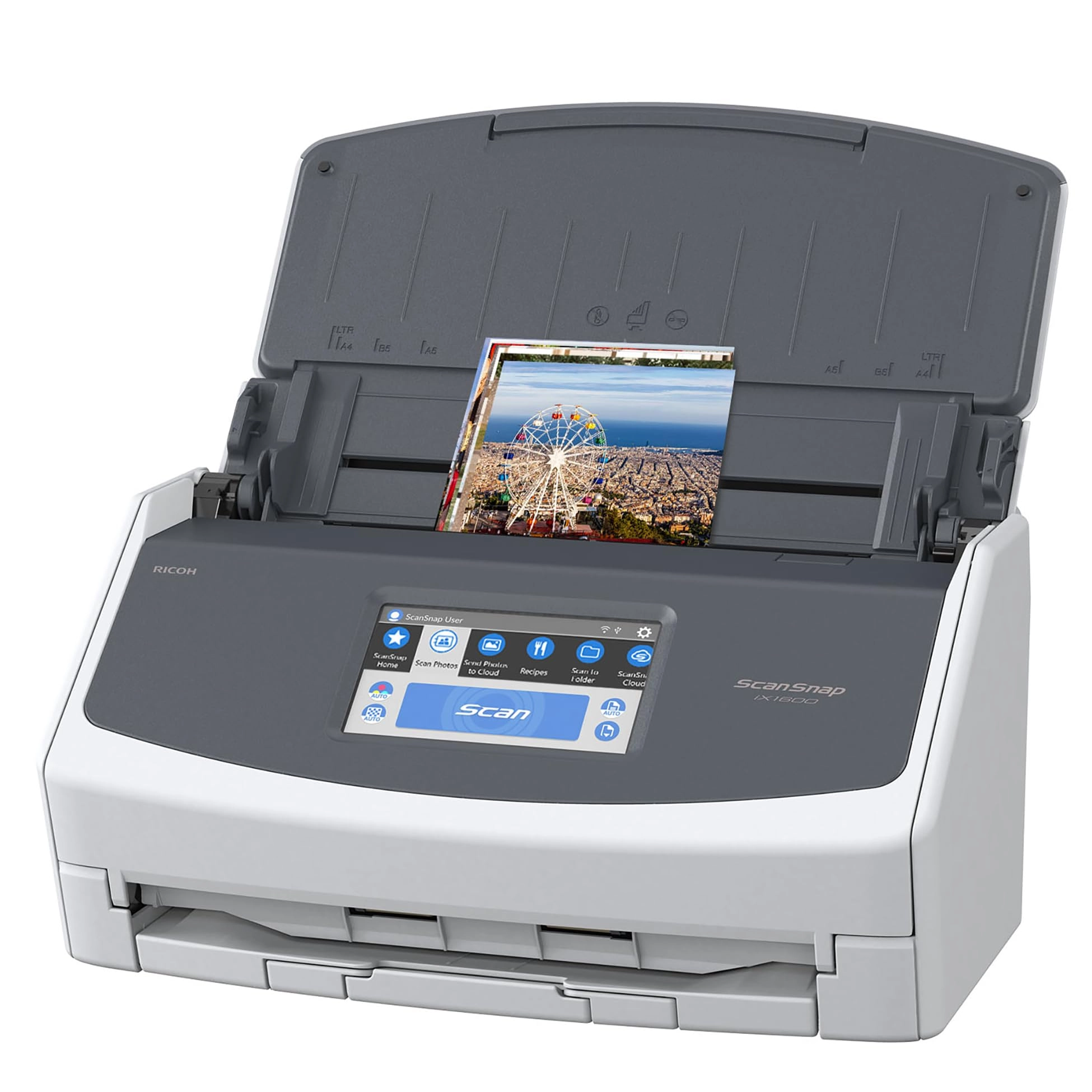
ADS-3300W, I had ordered a Ricoh (formerly Fujitsu) ScanSnap iX
1600 and then an Epson Workforce ES-580W. The software drivers
and utilities for both the Ricoh and Epson machines would not
unpack and install properly on my brand new PC running a fresh
install of Windows 11 Pro, and in each case the support staff for
the manufacturers could not offer a solution. Gnashed my teeth
that neither product would set up properly on the current version
of the Windows OS. So after many hours of frustration, both were
returned, and I crossed my fingers and ordered the Brother. I am
so glad that I did. The Brother software installed with no issues
at all, and I was able to connect the scanner within minutes. It
has all the speed I could ever want, and the feature set is
amazing. Be sure to download AND view the 250+ page manual for
this machine to learn all the tips and tricks. I find the
interface in the Brother software to be very logical and user
friendly. Delighted to have TWAIN and OCR capability, and the
ability to connect the scanner in so many different network and
direct methods. I have a Brother color laser printer that has
given me nearly 20 years of trouble free daily duty, I should
have known all along that Brother would be my best option for a
duplex document scanner. Save yourself the pain that I endured
before buying the ADS-3300W, and just order this great product.
HIGHLY recommended!
Review: Easy setup and works great - The scanner works very well
with my Windows 11 desktop computer. It uses its own iPrint &
Scan software, and is compact, fast, and quiet. Setup was easy,
but I haven't quite figured out how to save commonly-used
configurations so button pressing can be minimized. The only
other con is that it takes a long pause while connecting to the
program when it starts a new job. I am very pleased with it. I
have a multi-use printer/copier/scanner/fax, but I enjoy having a
dedicated scanner.