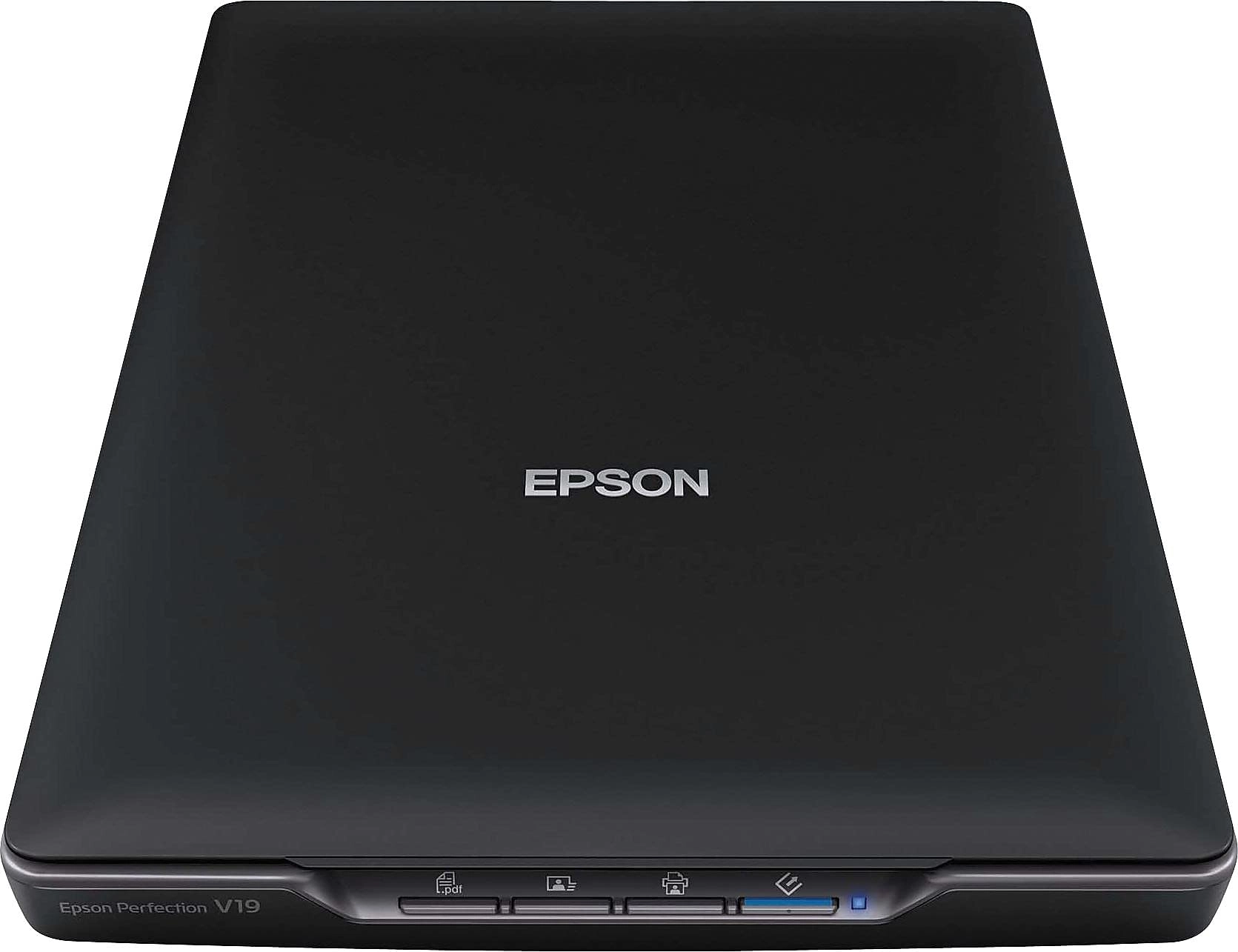
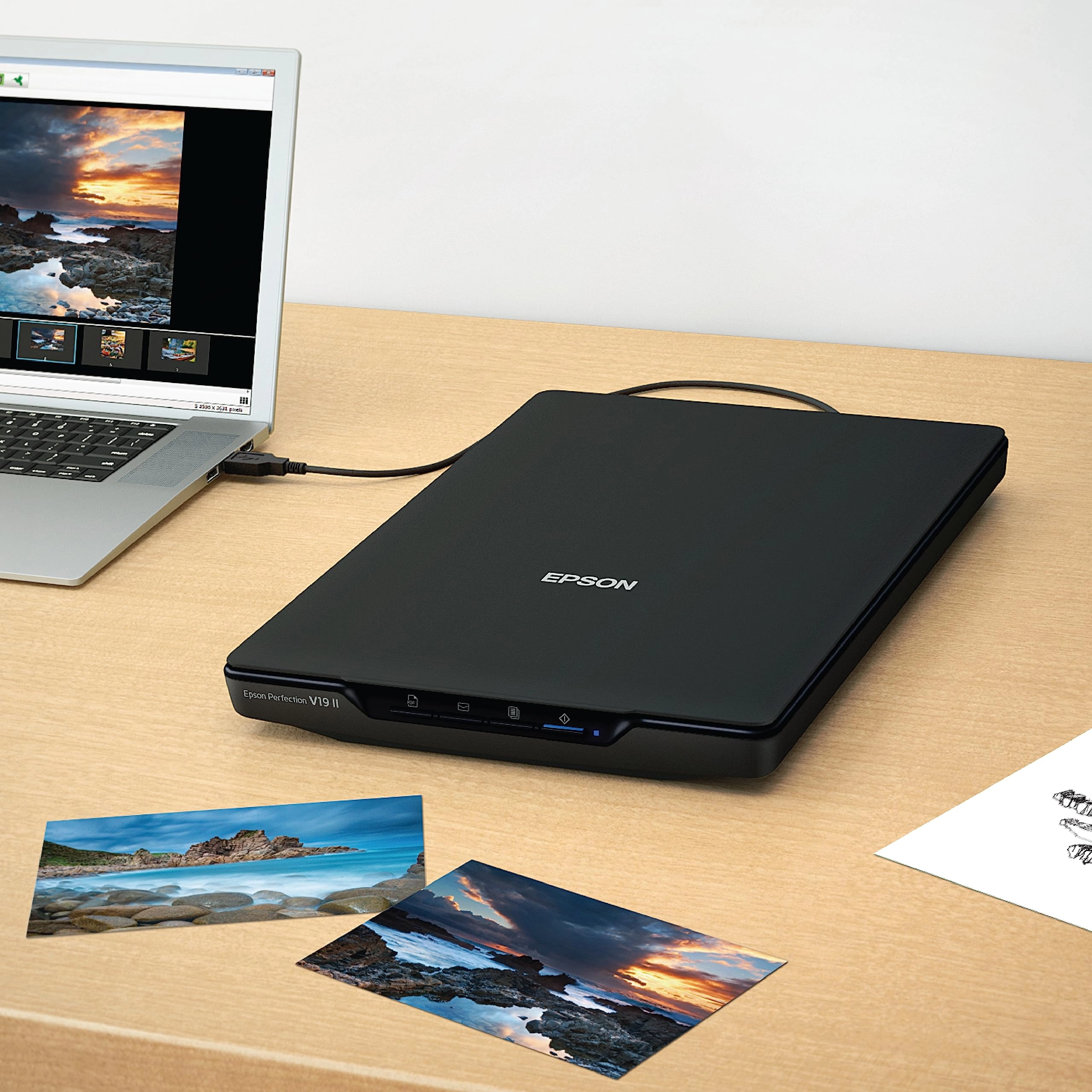
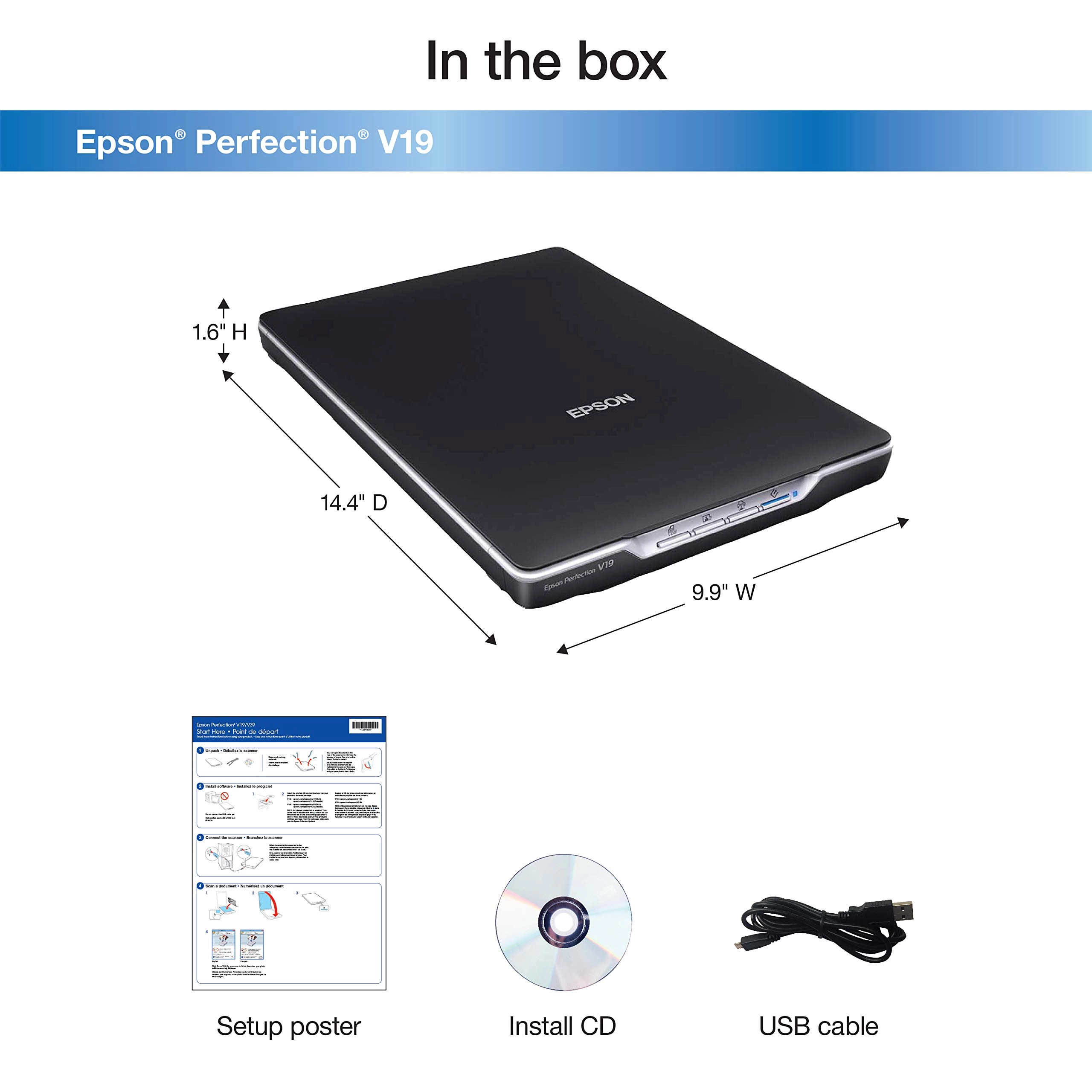
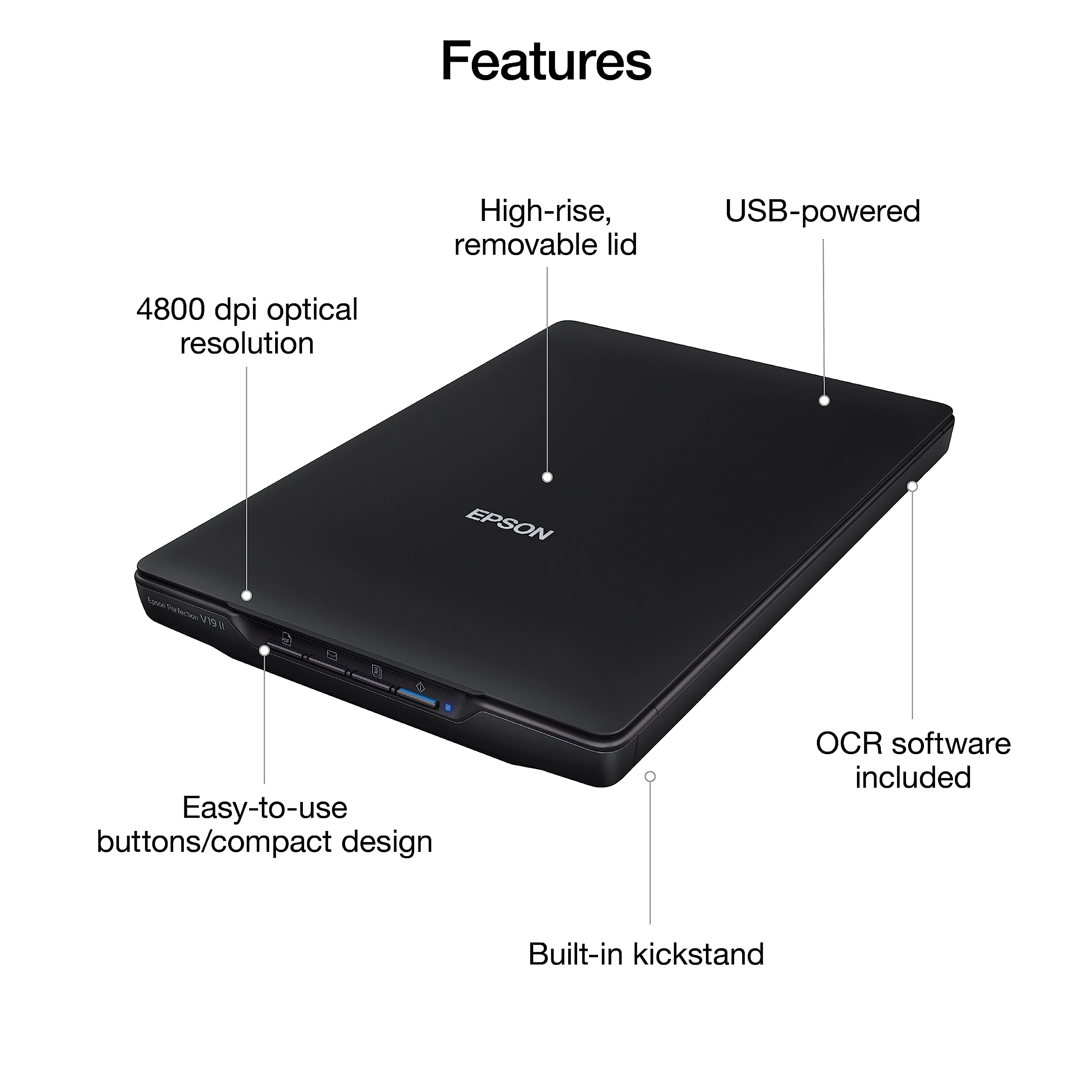
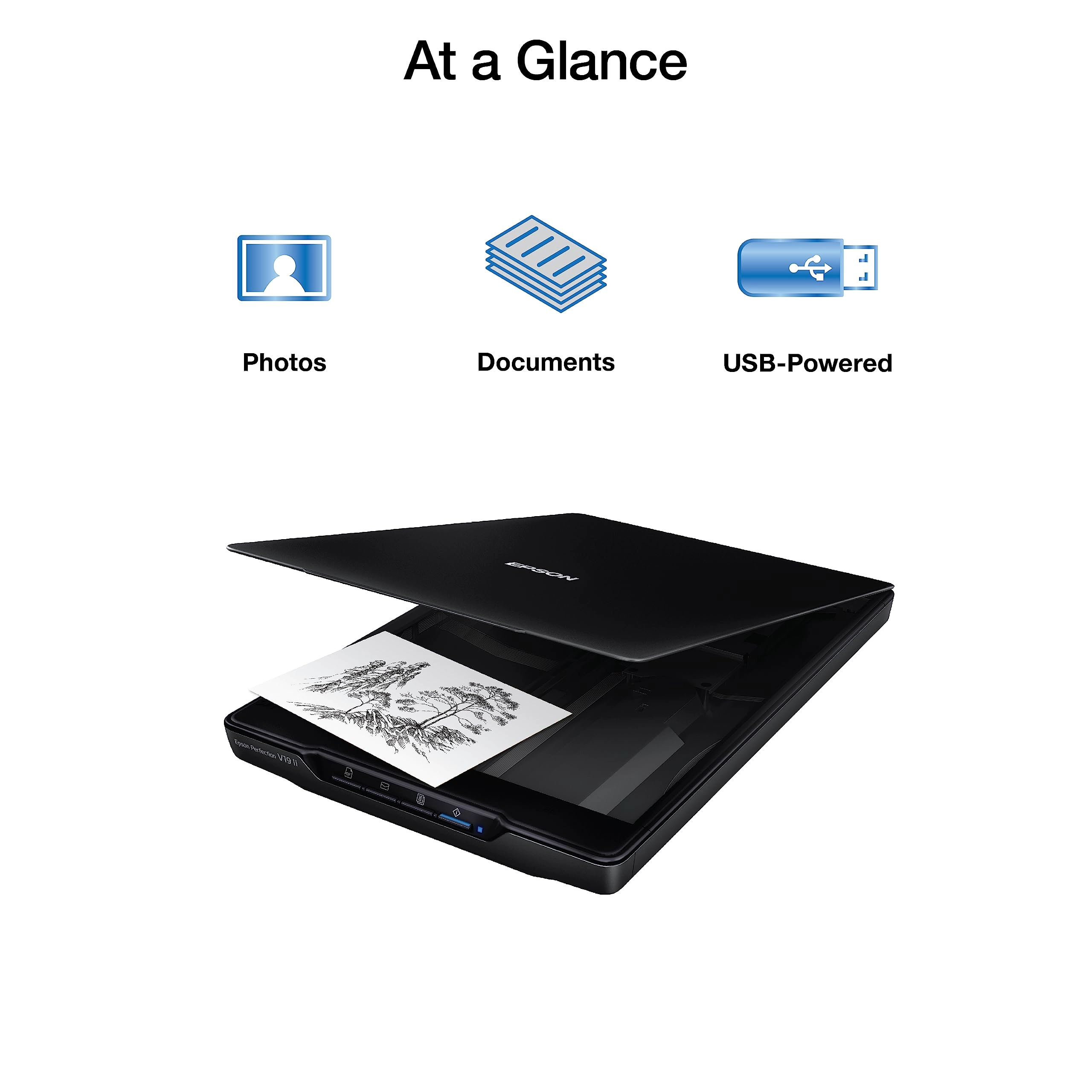
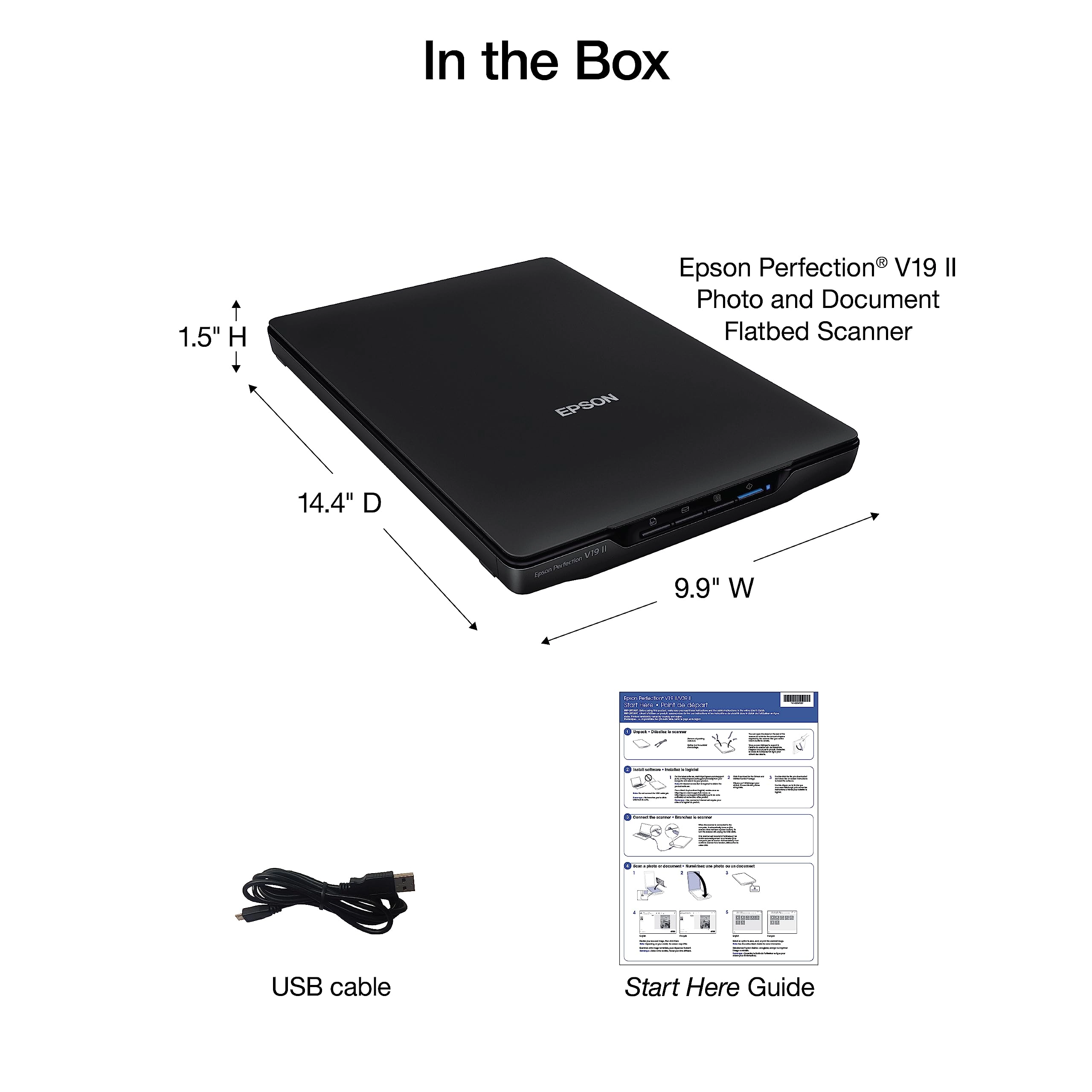
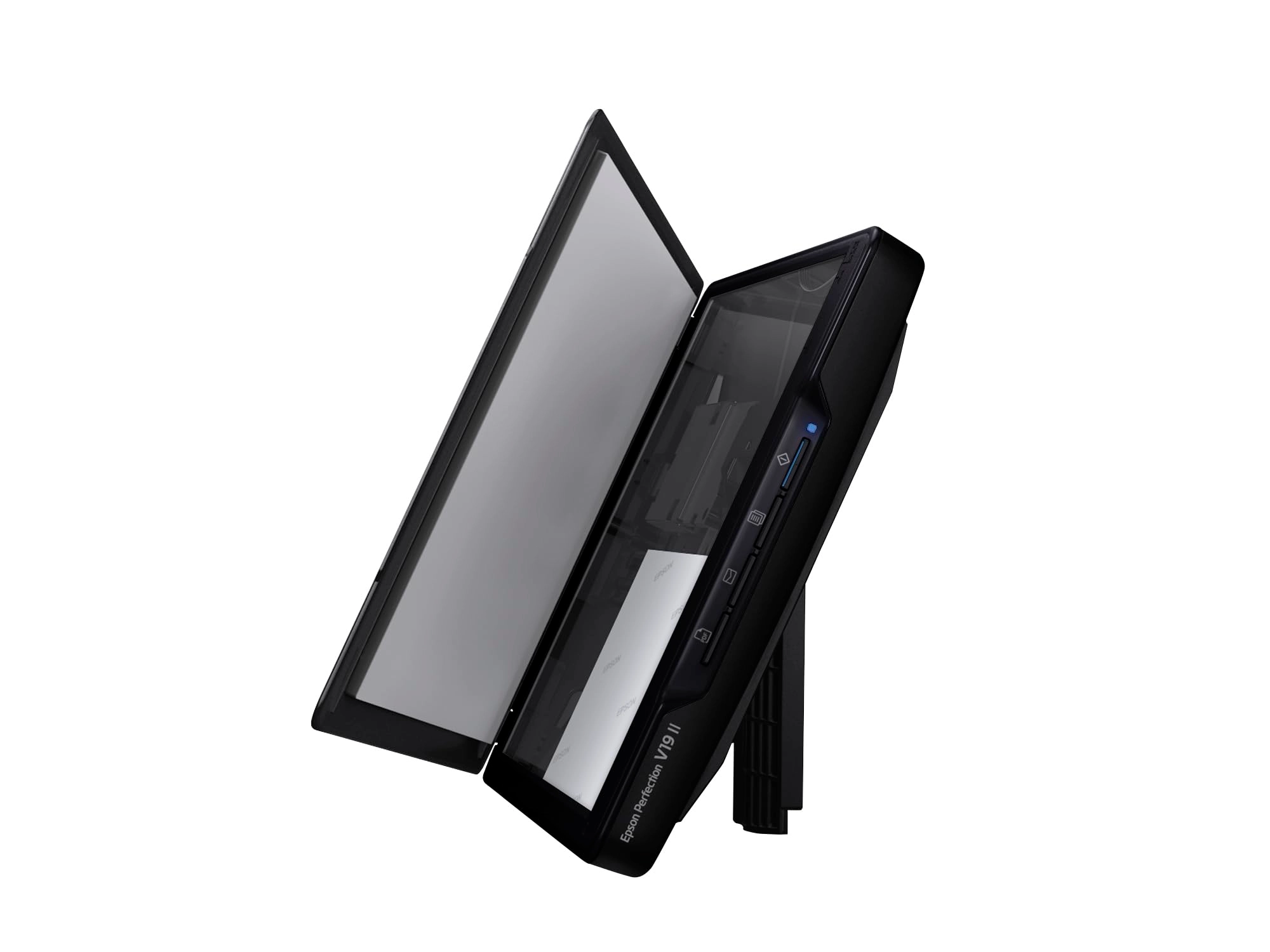
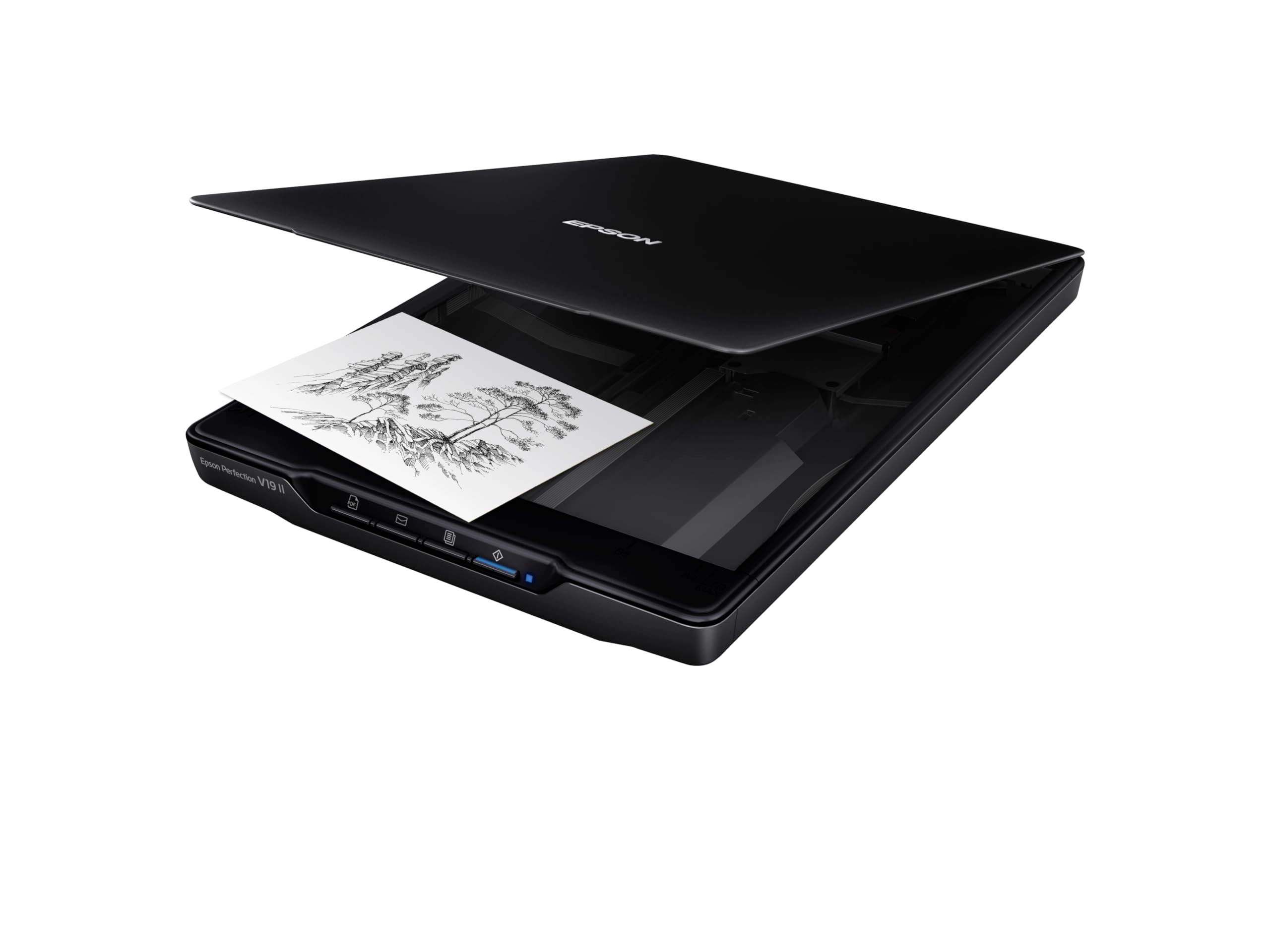
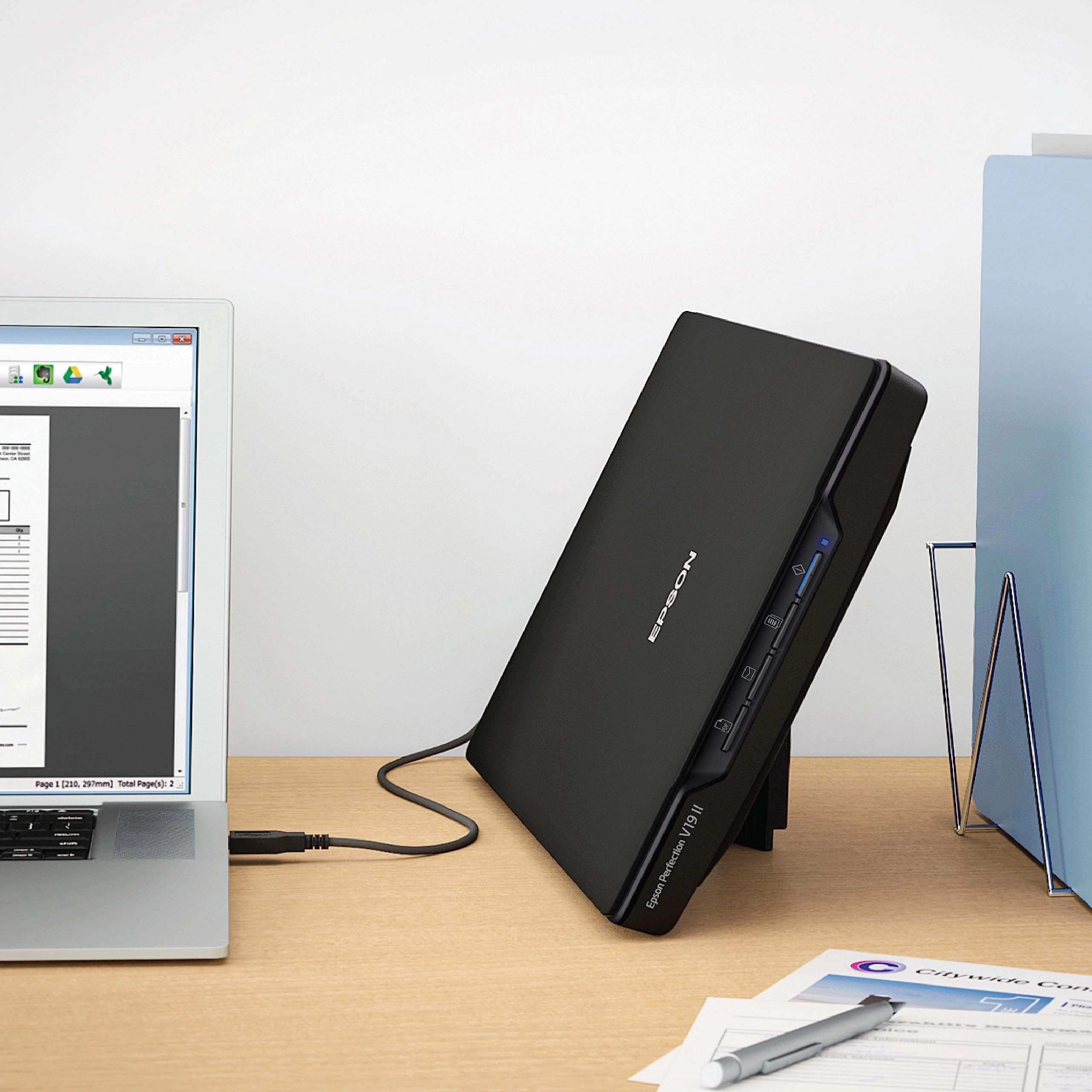
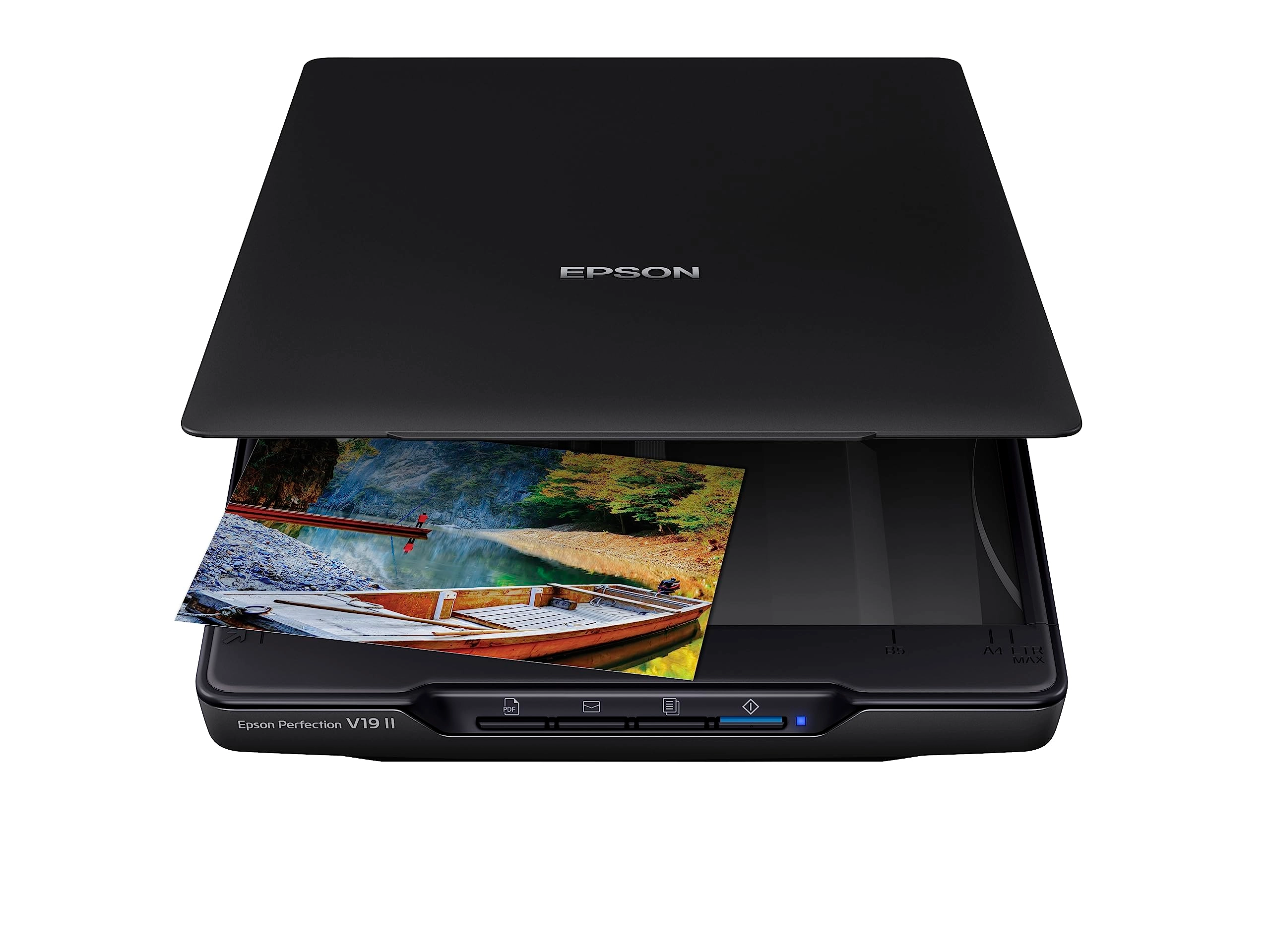
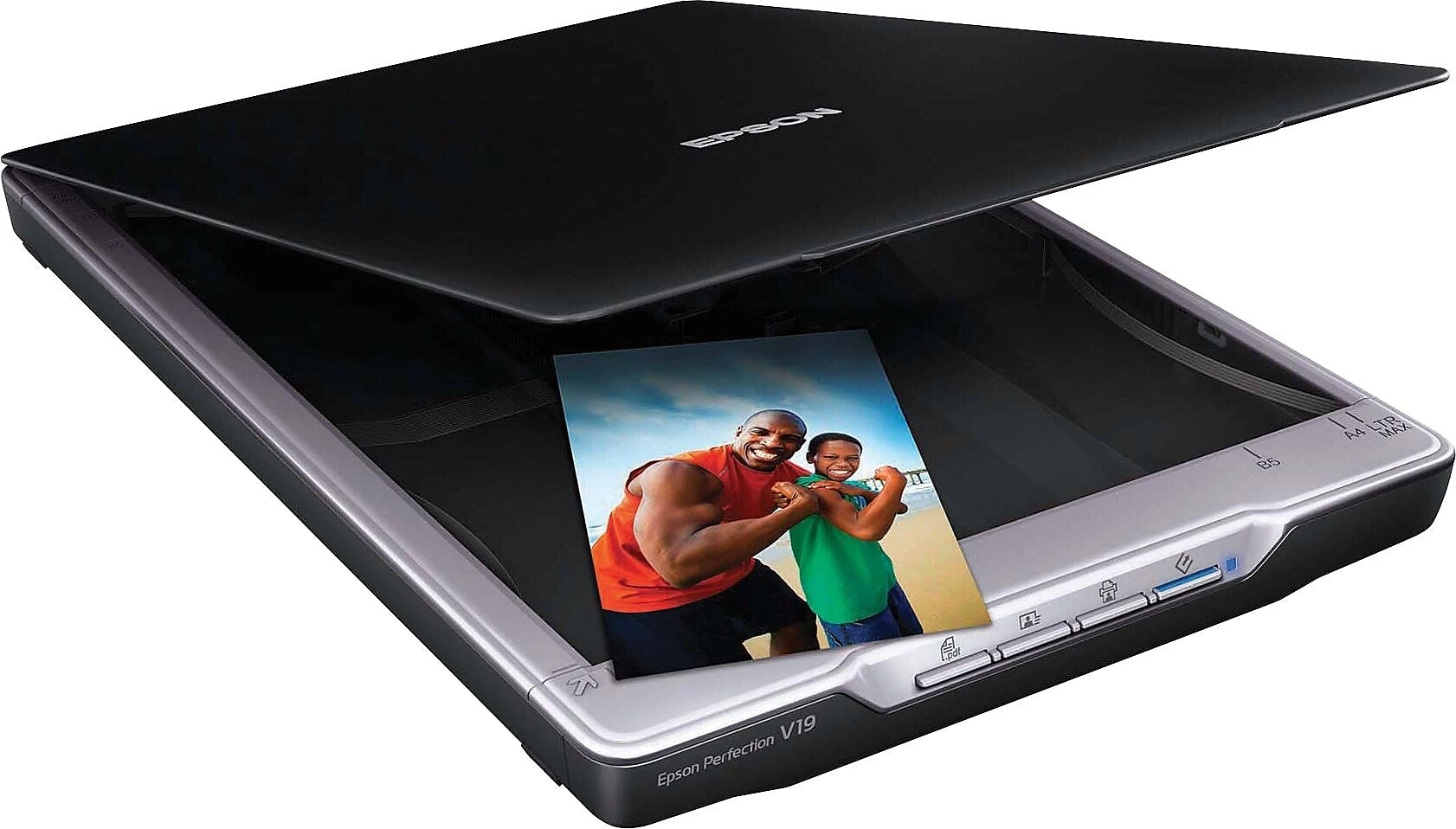
The affordable, compact Epson Perfection V19 offers easy scanning
and sharing. Whether you're scanning photos or documents, the V19
delivers 4800 dpi optical resolution (1) and fast speeds. Capture
letter-sized documents in just 10 seconds (2). Easy-to-use
buttons make scanning directly to computers, emails or PDFs
simple. Scan and share on cloud services such as Evernote (3).
Only one USB connection is required for power and connection to
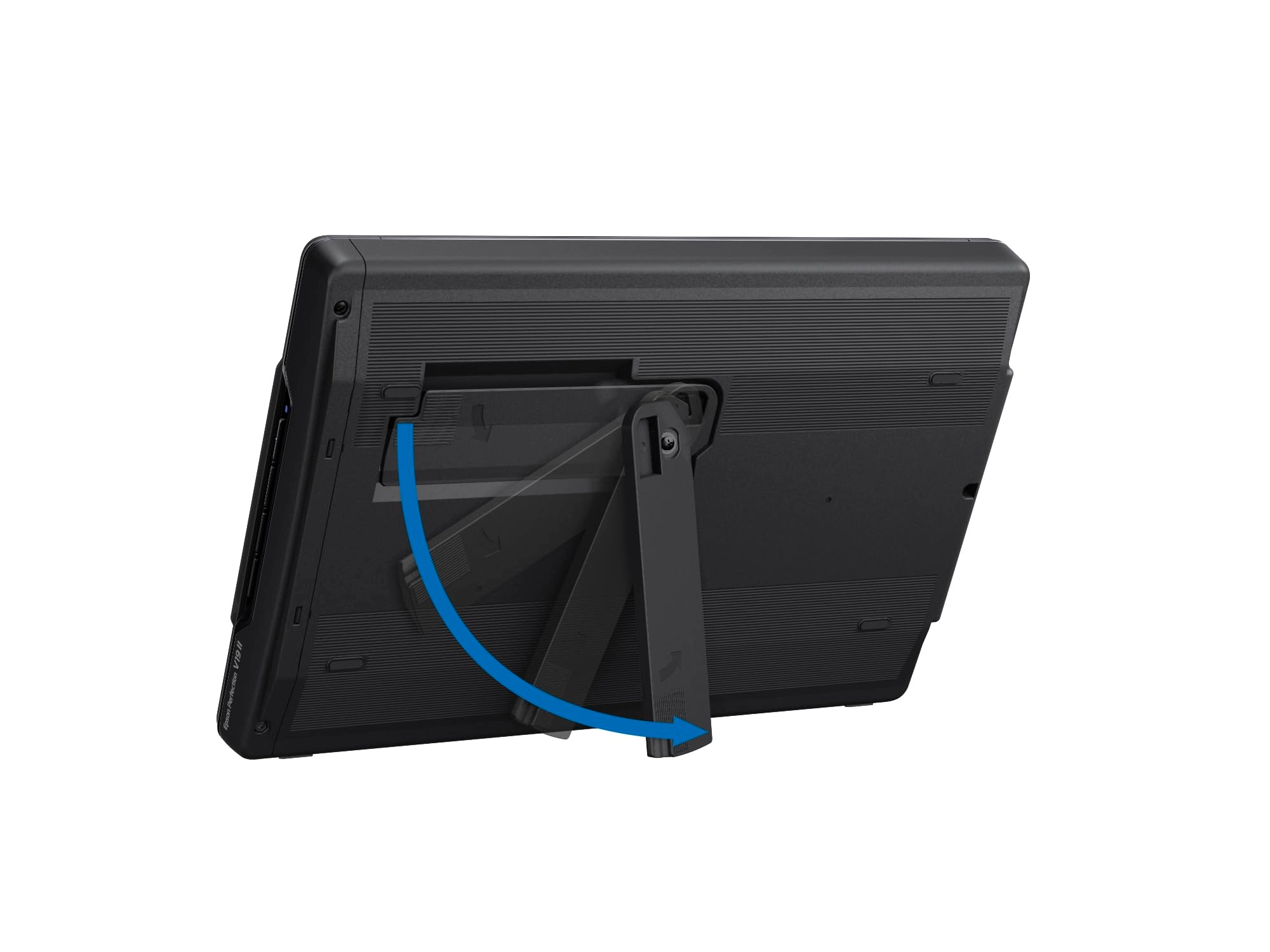
the computer. No warmup time is needed. The built-in kickstand
saves space with vertical placement. The removable lid
accommodates bulky photo albums. Software for restoring color to
faded photos and removing dust is included. 1. Optical resolution
is the maximum scan resolution of the image sensor, using the
definition of ISO 14473. 2. Based on letter-sized scans at 300
dpi in Black-and-White, Grayscale or Color Mode, using the USB
interface. 3. Requires Easy Photo Scan software (included). Mac
version requires software download. 4. For convenient and
reasonable recycling options, visit our official site. 5.
SmartWay is an innovative partnership of the U.S. Environmental
Protection Agency that reduces greenhouse gases and other air
pollutants and improves fuel efficiency.
Review: Works great with macOS Catalina on my MacBook Pro 16 - I
have a 2020 MacBook Pro 16 with the latest macOS version of
Catalina. Because my MacBook only has USB C ports, I got a 3-foot
cable with USB C at one end and Micro USB at the other. This lets
me plug the Epson V19 scanner directly into the laptop without an
adapter. I went to Epson's website and downloaded the software
for using the scanner. "Epson Scan 2" is the program with the
most flexible features for using the potential of the V19
scanner. I've used this software with previous Epson scanners, so
I'm familiar with it. The software could use an update, but it
does everything I need it to - including scanning up to 9,600 dpi
(at least 9,600 is listed in the choices). I did some test scans
and the scanner performed great - both in terms of resolution and
color rendition. Unlike some of the all-in-one printer/scanners
intended for documents, this scanner does an excellent job
scanning photographs. It provides fine details and good exposure
of the scan. I bought this scanner because it is so compact and
does not require a separate power cord (power comes from the USB
cable). The only feature that is missing, is the ability to scan
transparent material, such as negatives or slides. Overall, a
good purchase.
Review: Very Pleased - This is a very good, low end scanner. This
is my "go to" scanner, which I use mostly for documents and
pictures. I have had this scanner for several years, so I am not
sure if this model is still available. Even if it is available, I
think the price has increased substantially. I paid around $70. I
recommend you experiment with the scanner's user interface to
find the settings that work best for the types of scanning you
do. Once you find the settings you like, document them. Pro:
Compared to other scanners I have used, this scanner does a good
job with shaded areas using low DPI. At low DPI, very fast scans.
I have been very pleased with black & white and color pictures.
Extremely close to the original, even when blown-up in photo
editing. For sepia-toned pictures, I use color. GREAT size for
traveling. Cons: The connecting cord (for data transfer and
power), has sometimes lost connection due to slight jostles. It
is better now that I connected it to a tight-fitting USB port
which is then connected to the computer. For small pictures (4x6,
5.7, etc.), I could never get the scanner to just pick up the
picture. I now just scan all pictures at 8.5 x 11 and crop them
in my photo editor. Orientation can also be flakey, so I again
use the photo editor to rotate as needed.