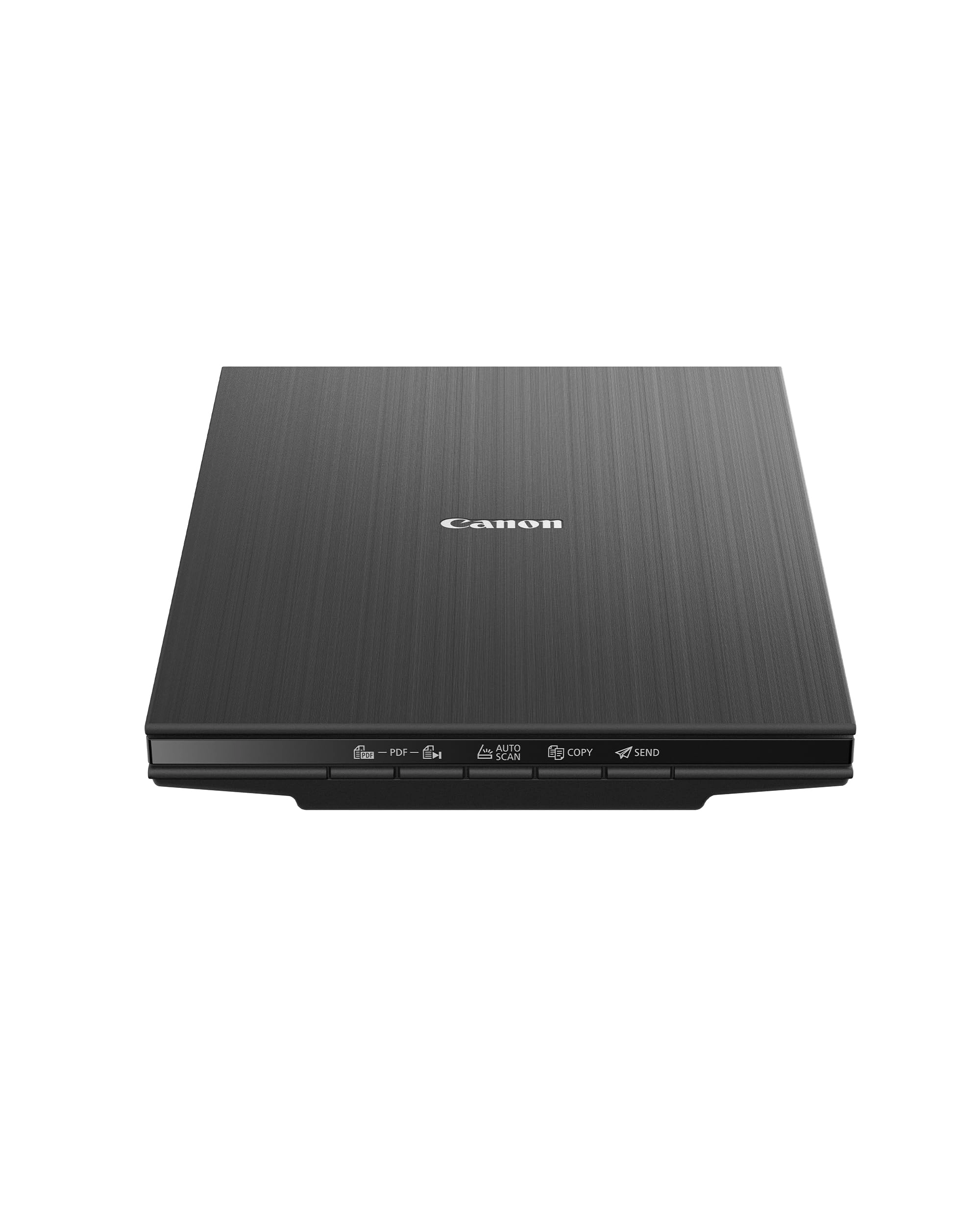
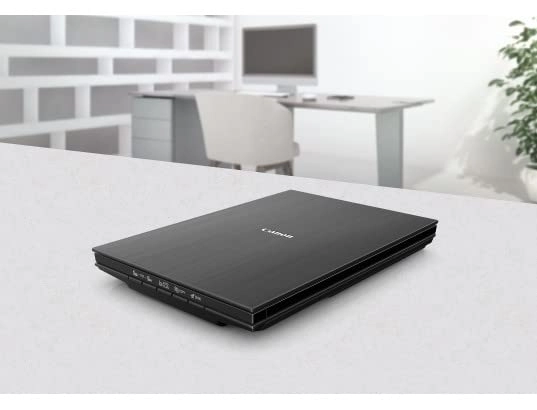
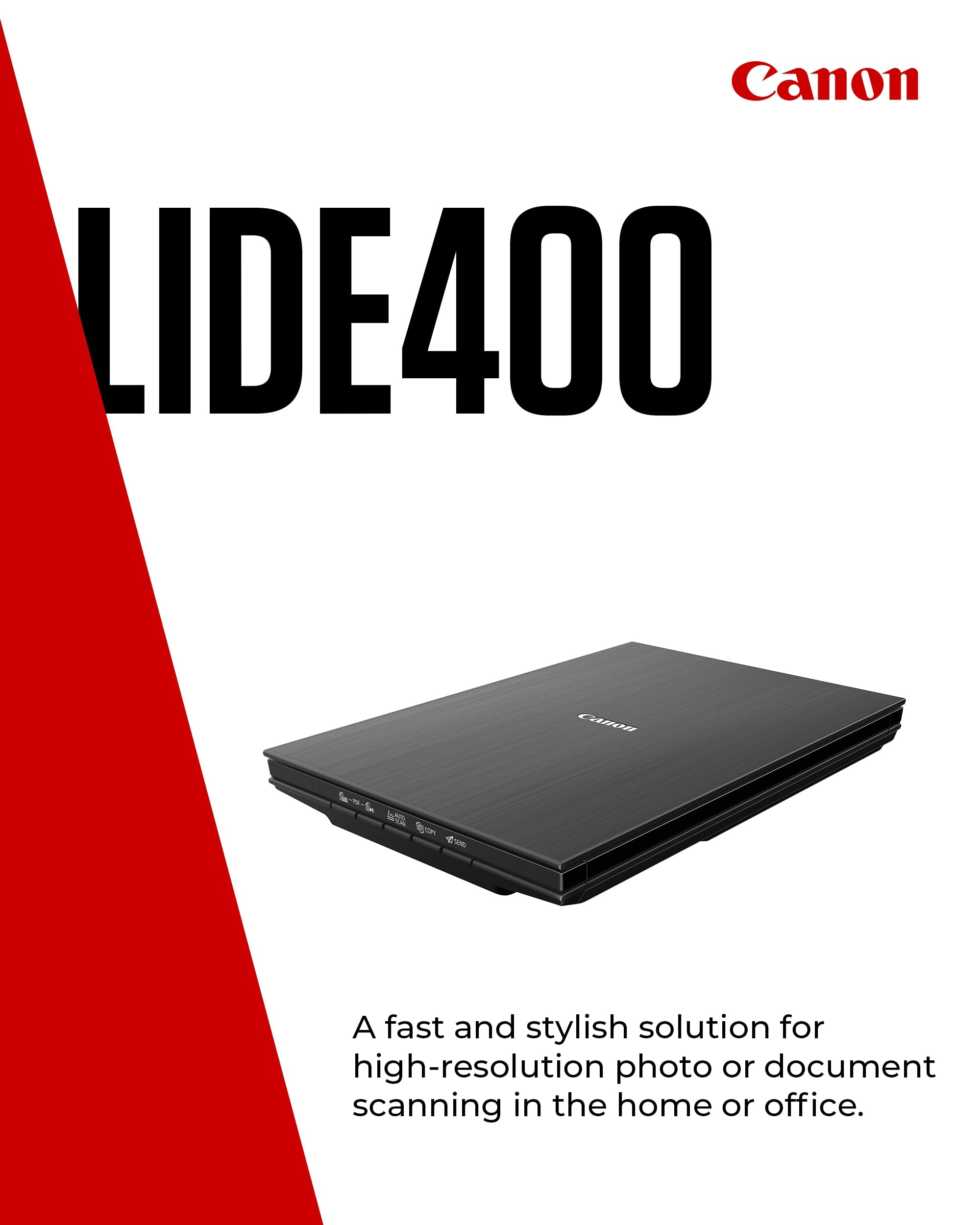
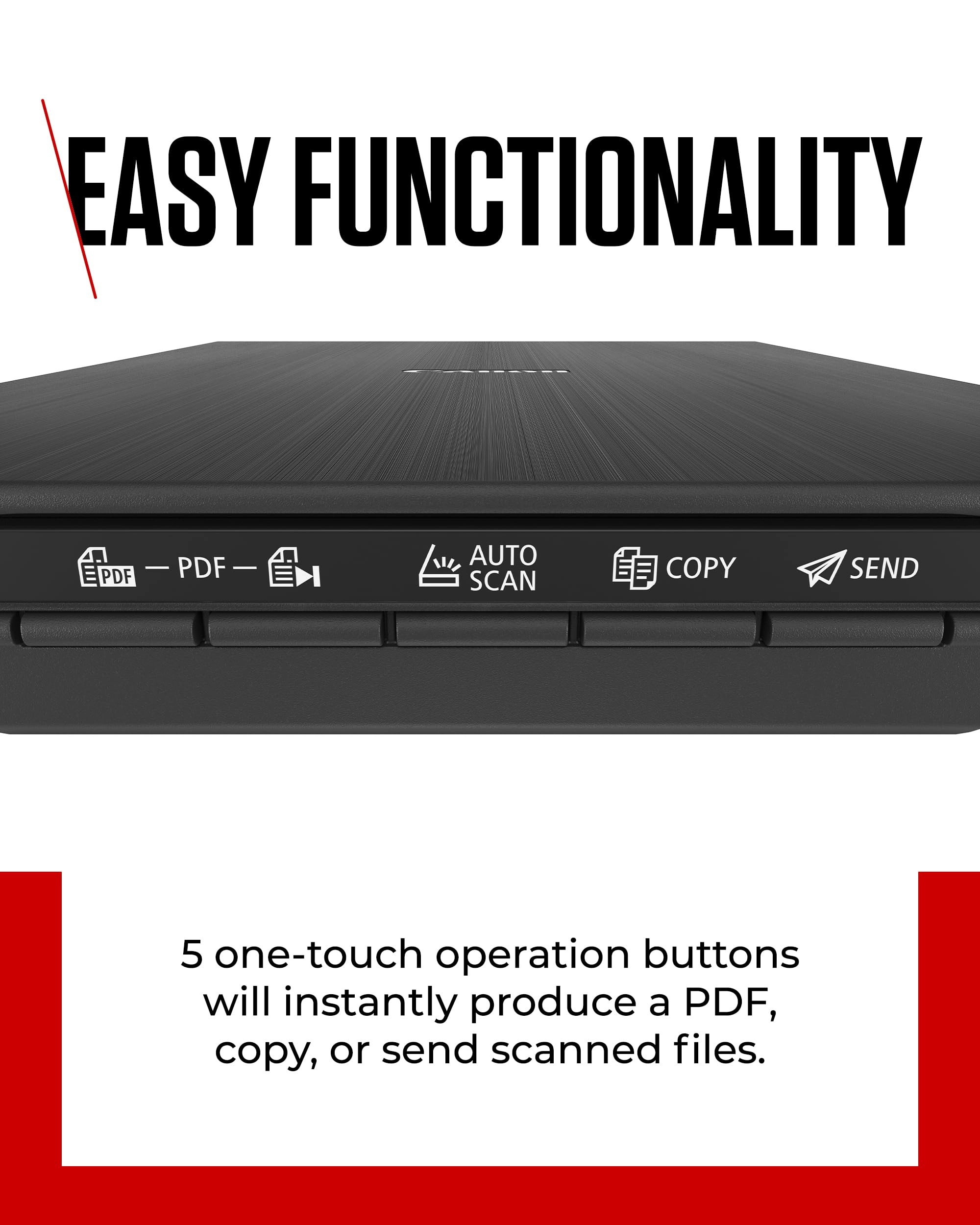
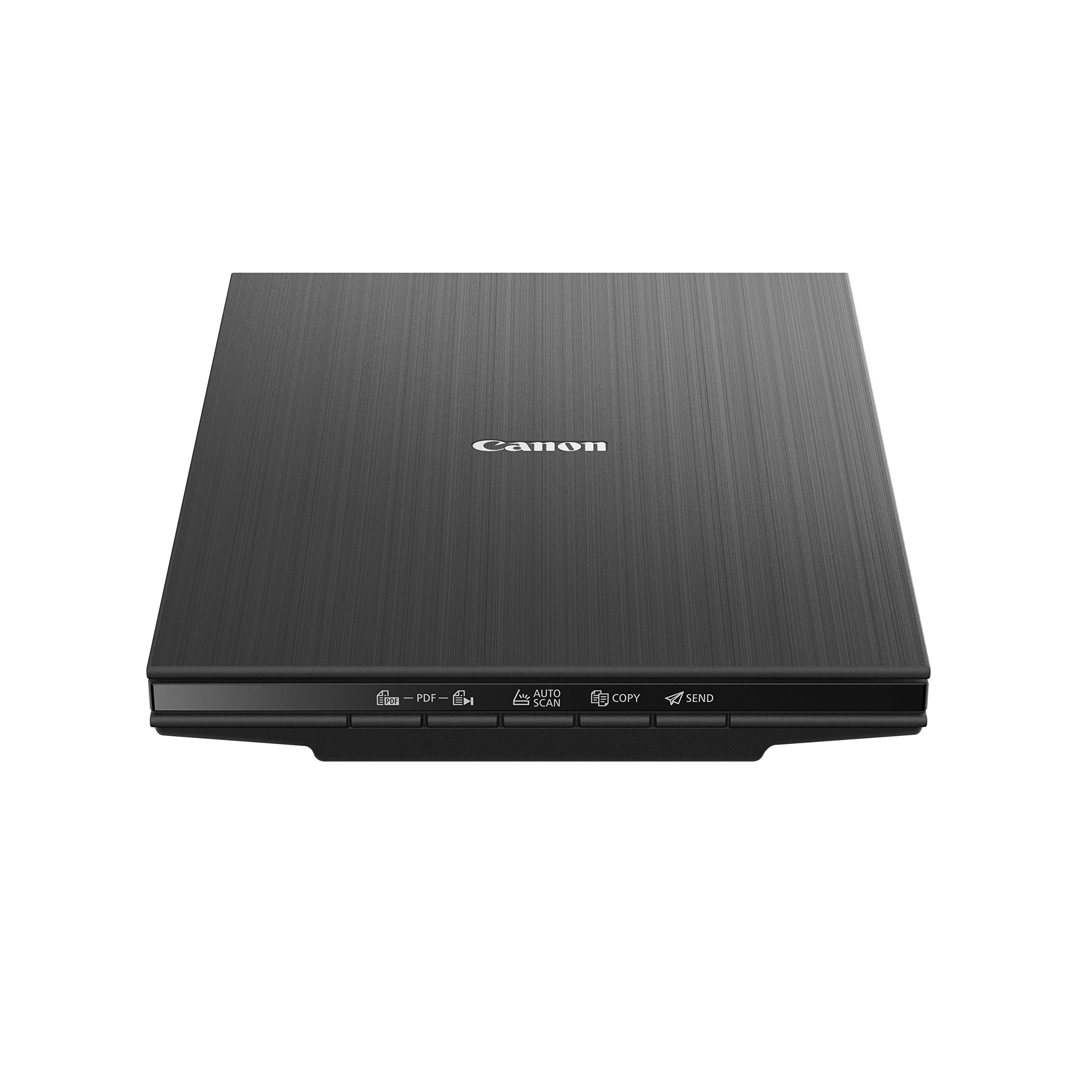
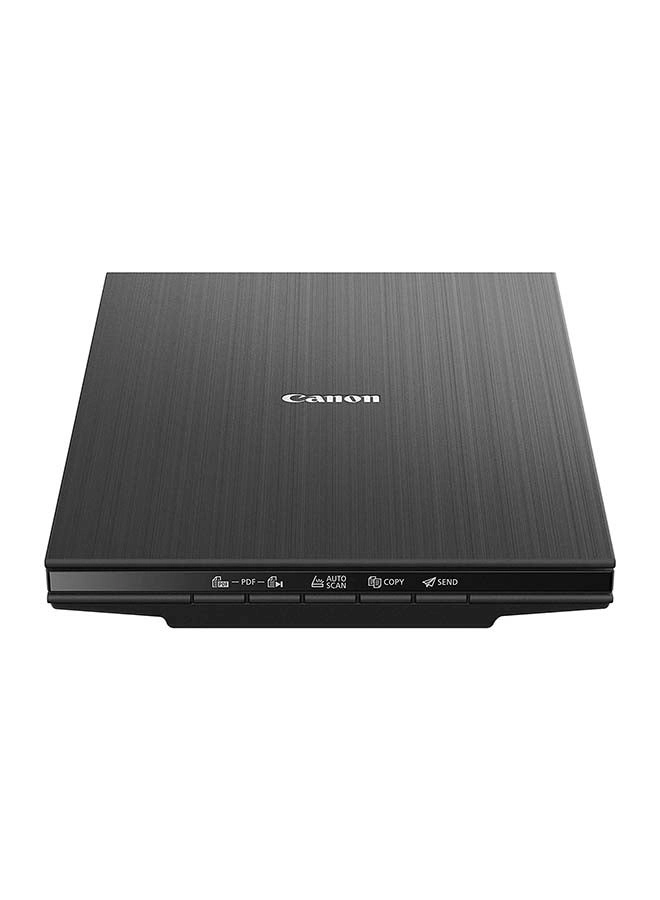
With the Cano scan lid 400 high quality scanning has never been
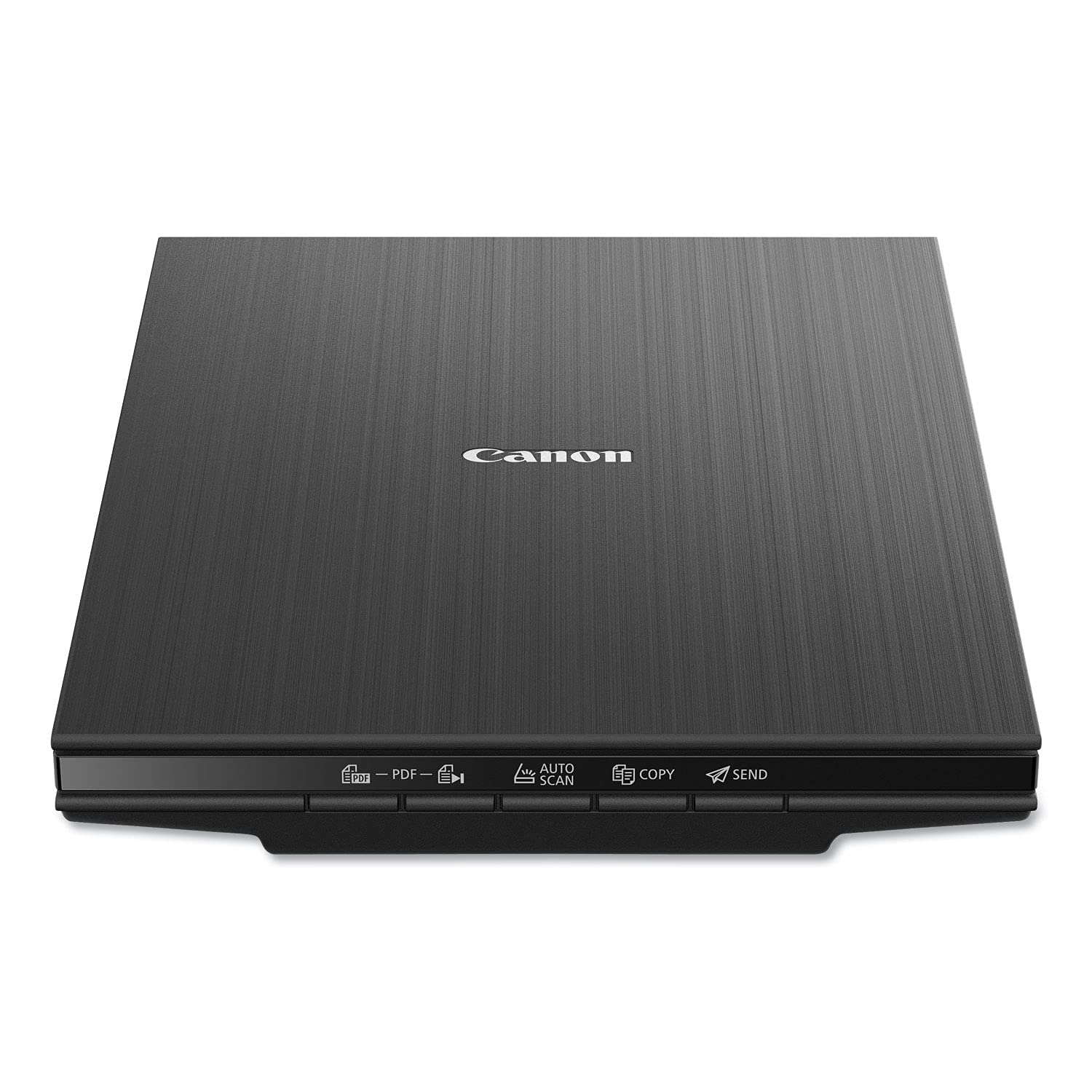
easier. With 8 second High speed scanning, 5 built-in 'EZ'
Buttons and 4800 x 4800 dpi resolution, every scan is fast, easy,
and looks great.
Review: Little scanner, big results! - As an artist, I have been
meaning to find myself a nice flatbed scanner for art purposes,
scanning sketches or what have you, but found myself
procrastinating until I could devote time to really look at
reviews and figure out a high quality, high end scanner. I found
myself in a position recently that I needed to manually sign some
documents and get them to where they needed to be by the next
day, but my car was in the shop. I thought maybe one of those
portable wand style scanners might be good, and I could use it
also to scan receipts, but they are so expensive, and I needed
some thing that would be delivered the next morning. What came up
was the Cannon LIDE 300, which would be delivered between four
and eight in the morning, and this was perfect—I could sign the
documents, scan them and upload. And I would also have a nice
inexpensive scanner for things. I was looking for something that
would be an overnight delivery, and dare I say, on the “cheaper”
side and this fit the bill. This printer far exceeded my
expectations. I realized with the first scan that this little
machine was way more useful, and of a higher quality than its
price would suggest. Inexpensive, yes, but by no means a cheap
piece of equipment. I am on an older OS Mac, so I was worried I
would not find some thing that would be compatible with my
system, but in reading the reviews, it looked like the scanner
would work—and there were some very helpful reviews on how to use
the scanner without having to download any software for Mac. It
was pretty much ready to go straight out of the box, plug into
your computer, go to system preferences under “printers and
scanners”, hit the plus sign and you can add this scanner. Use
the “printers and scanners” window to access the scanner—just hit
the “open scanner” button and it will give you the scanner “user”
window. It starts immediately with an overview scan and from
there you can change the resolution, the size, rotation angle,
even the format —say PDF or JPG. You can even do image correction
with brightness and contrast. It’s pretty intuitive —all you
really need to do is play around with that scanner window for a
few minutes and do some test scans and you’ll see exactly where
you’re at. For each new page/item that you scan you need to close
the scanner window, go back to the “printers and scanners” window
and hit the “open scanner” button again… There may be a way for
it to auto detect when you put a new page in the scanner, but I
have not figured that out… Maybe I should take a look at the
manual, which is still in its plastic bag… L O L. There is a
“combine into single document” option, but I chose to just do
separate PDFs, and then combined them in Acrobat. And it worked
out great. The quality was fantastic! And the color 300 dpi test
scans I did on some color items were phenomenal, and when you
enlarge them up and look at the detail, I was just blown away…
Much higher quality than I expected, and I’m starting to think
maybe I don’t need a higher end scanner. As I said, I bought it
as an emergency measure, but now I find myself with quite a
useful, high-end (in my eyes), and inexpensive little scanner. I
will probably be saying quite often “how did I ever live without
this”… And again I’ll mention the price is right on point, pretty
inexpensive for the quality that I’m seeing, and I deal with
resolution/dpi levels In my job as an artist… If you need
additional information, go in under the (desertcart) reviews for
this scanner and type in Mac in the search window—that was very
helpful for me in making my decision to buy this scanner… The
information I ultimately used for how to access the scanner
without software was from one of those reviews. The scanner
worked with the cable that came with it, and in less than 10
minutes I was scanning… No download of software needed for now,
but I might check that out in the future. I thought this review
might be helpful for others who are on an older system Mac…
Sometimes it’s really hard to find useful information on
products, regarding compatibility with the older systems…For
reference I am on Mac, Mojave 10.14.6. Because yes, sometimes the
newer OS does not always equal the best. I will say, with the
positive experience of this little inexpensive model scanner, I
will upgrade to another Cannon scanner, when and if needed.
That’s how strongly I feel about this scanner. PS the scanner
does have copy, scan/auto send as part of its functions
(buttons), but I’m guessing you probably would need to download
some software for those functions. As noted, this was a quick
solution for some “emergency” scans, and this device was perfect!
I am looking forward to seeing what else this scanner can do.
Review: Great scanner! - Easy to set up and works great! I use
this scanner with a HP notebook computer running Windows 11. The
only drawback I have found is that it did not function when I
plugged the USB cable into a USB hub. This computer only has two
USB connectors, one of which is taken by the connector for a
wireless mouse. When I switched the scanner's USB cable to the
connector on the computer, it worked fine. This is the best
moderately priced flat bed scanner that I've owned.