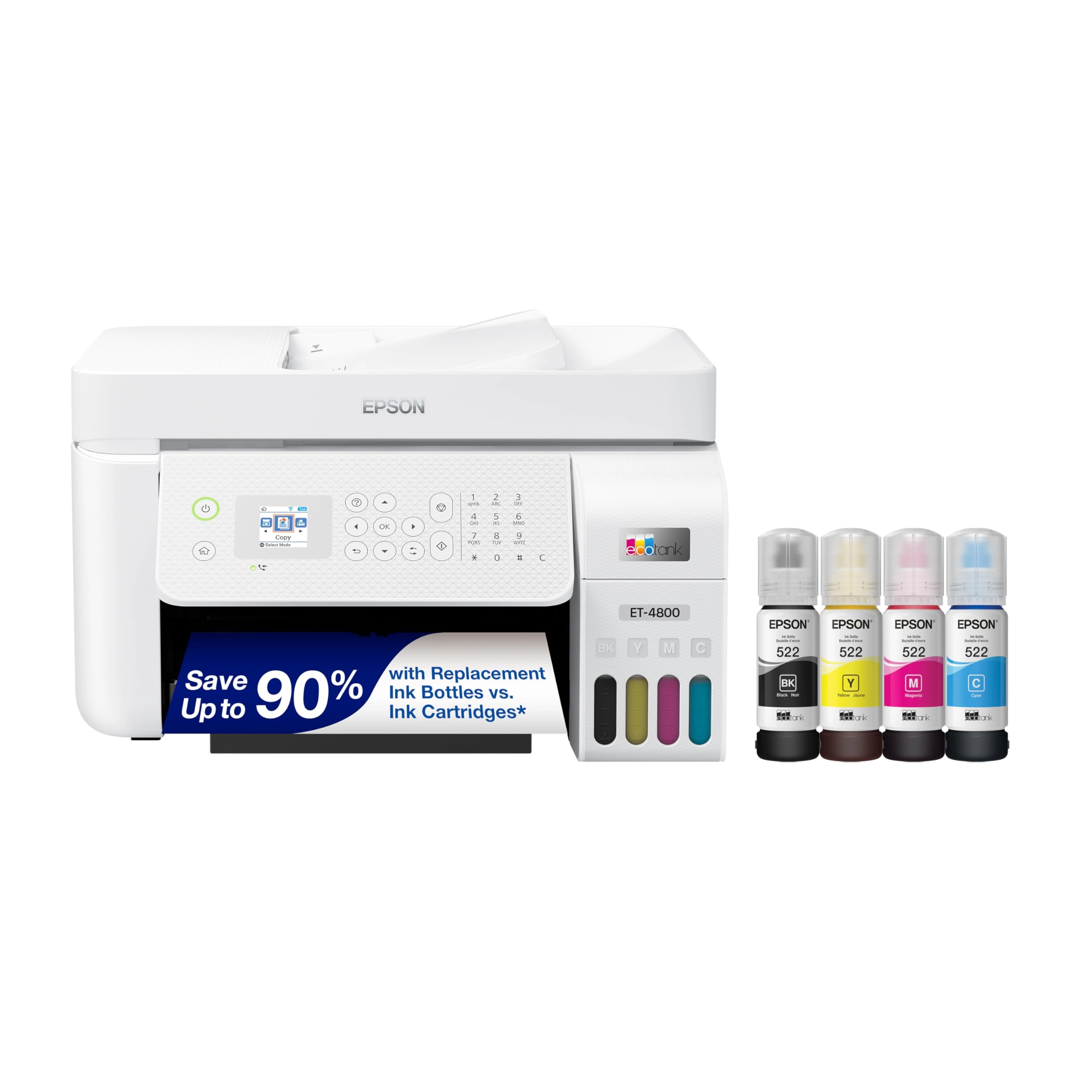
Your home office needs a printer that’s fast, affordable, and
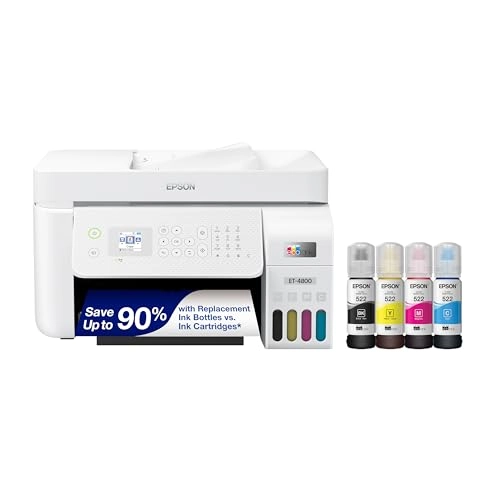
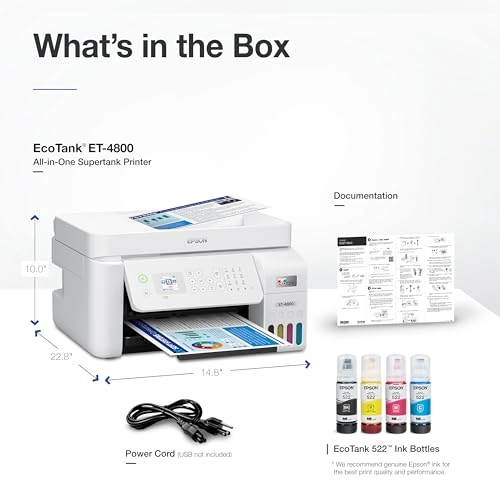
easy to use. That’s why we developed the EcoTank ET-4800 – an
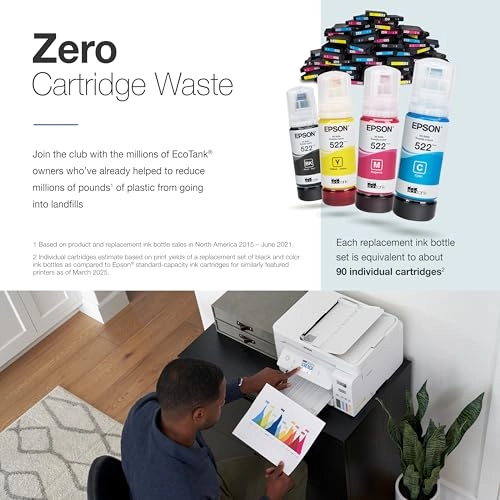
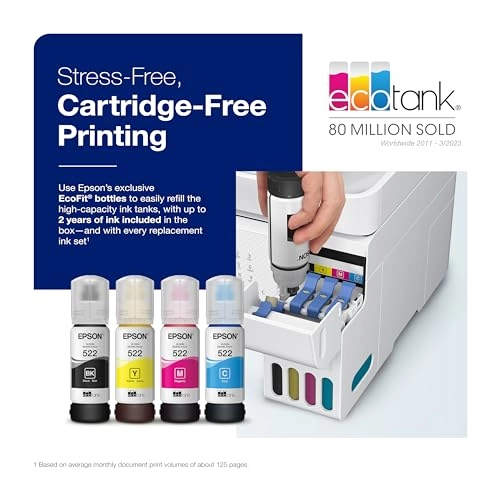
innovative cartridge-free solution that uses high-capacity,
easily refillable ink tanks. So you’ll worry less about running
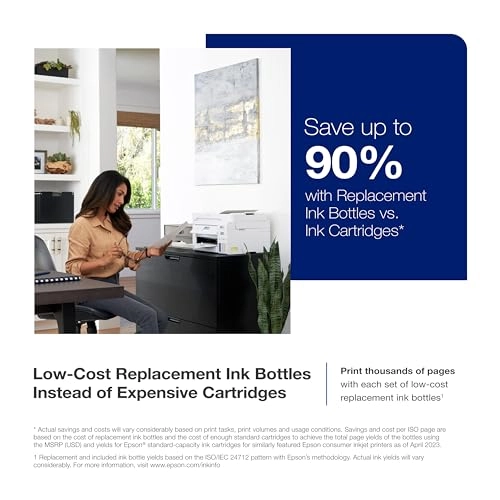
out of ink, and save a lot on replacement ink (1). The ET-4800
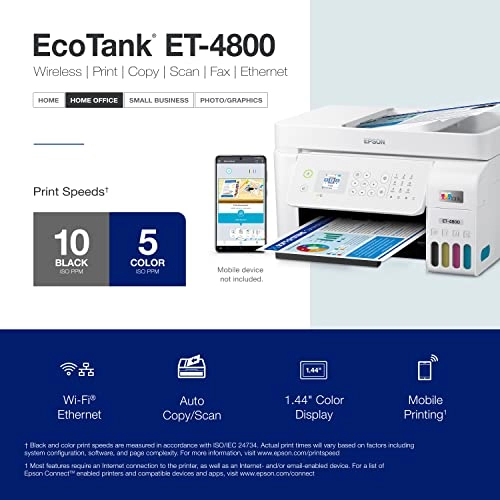
features genuine Epson print quality, an auto document feeder,
fax, a high-resolution flatbed scanner, and convenient color
display – making it the perfect basic home office printer. Epson
strongly recommends the use of genuine ink to ensure optimal
print quality and performance. Use of non-genuine ink could cause
damage not covered under the printer’s ltd. wnty. | 1. Actual
savings and costs will vary considerably based on print tasks,
print volumes and usage conditions. Savings and cost per ISO page
are based on the cost of replacement ink bottles and the cost of
enough standard cartridges to achieve the total page yields of
the bottles using the MSRP (USD) and yields for Epson
standard-capacity ink cartridges for similarly featured Epson
consumer inkjet printers as of March 2024. | 2. Individual
cartridges estimate based on print yields of an included or
replacement set of black and color ink bottles as compared to
Epson standard-capacity ink cartridges for similarly featured
printers as of March 2024. | 3. Part of the ink from the included
bottles is used for initial setup; yields are lower than those of
replacement ink bottles. Replacement and included ink bottle
yields based on the ISO/IEC 24712 pattern with Epson’s
methodology. Actual ink yields will vary considerably for reasons
including images printed, print settings, temperature and
humidity. Yields may be lower when printing infrequently or
predominantly with one ink color. All ink colors are used for
printing and printer maintenance, and all colors must be
available for printing. For more information, visit
www.epson.com/inkinfo | 4. Based on average monthly document
print volumes of about 125 pages. | 5. See www.epson.com/voice
for device compatibility. Epson Connect account and
voice-activated account registration required. | 6. Most features
require an Internet connection to the printer, as well as an
Internet- and/or email-enabled device. For a list of Epson
Connect enabled printers and compatible devices and apps, visit
www.epson.com/connect | 7. Requires Epson Smart Panel app
download. Data usage fees may apply.
Review: A great printer with lower pricing - I am quite happy
with my ET-4800 purchase. From wirelessly connecting to my Mac to
software installation to adding the ink, it was easy to set up. I
feel you can't go wrong with this level of ink capacity. It holds
so much ink without the bother and added expense of frequently
replacing cartridges. I will never go back to a cartridge
machine. I don't care who makes it! I've used my printer several
times so far, and each time it has done a great job by giving me
the colors and clarity that I expected. This is the first printer
that I've owned that wasn't a front-feeder. I wasn't sure how I
would like that, but I've found that holding the paper straight
and then dropping it into the slot rather than placing it, gives
the best result for paper alignment. For my needs, I have only
used it one sheet of paper at a time. So if you are wanting to
load several sheets at once, your loading experience may be
different from mine. But just make sure that you do not load more
than 100 sheets at a time, per the manufacturer's instructions.
Also, be sure that the movable paper guides are in the correct
spots for the size of paper being used, without any buckling. To
date, I have not used the scanner, but it is definitely a feature
that I did not want to be without, so I'm looking forward to
using it. The display window, though small, is simple to follow
along with, and I appreciate that the angle of the keypad can be
adjusted. Working with the Epson Smart Panel app gives a bit more
flexibility, particularly if you're not right next to your
printer and want to check the ink levels or start a printing job.
To use the app, be sure that you turn on your printer first and
that both the printer and your device are set to the same wi-fi,
so that the app can find your printer and you can begin operating
it from afar. Once inside of the app, be sure to check out the
"Other Features Menu" from the app's homescreen. There is a link
to another Epson app that can be used to boost your creativity
and streamline layouts for collages, and a colorful guide full of
project ideas that outline everything that you need for each
project and how to execute them. There's even a feature for
sharing what you've scanned and submitting it as an assignment.
This is something that you'd want to read more about to see if it
is an applicable and helpful addition for you. You can use the
search term, "google classroom in epson smart panel app," to find
out more. There is only one downside that I have found at this
point. The pull-out paper catching tray in the front feels
flimsy. It seems out of place on an otherwise sturdy machine. But
so far, I've had no problems with it. I just take my time pulling
it out, flipping down the end, folding it back up, and pushing
the tray back in. I figure if I baby it a bit, then all should be
well. Overall, I really like the Epson ET-4800 as much as my
ET-5170. I feel it performs well at an acceptable price point.
Review: ET-4800 EZ PZ set up and start up. Prints and scans just
fine - An excellent home printer. And why did I purchase such? I
had an Epson WF-520 for nearly ten years. But neglect and lack of
use caused the printer head to get gunked up. I cleaned the print
heads using a solution of 95% Etoh and glass cleaner (about
fifty/fifty), a syringe with a plastic tube attached and LOTS of
paper towel strips. It was moderately successful but I was never
able to get it back to like new printing. I looked over several
new printers and wanted to stay with Epson because of ease of use
(copy, scanning, printing). Seems as tank printers are the way to
go these days. So I ordered the ET-4800. Got here in only a
couple of days. Setup was pretty easy, just follow the
instructions either via the documentation included or online
version. I have pinted and scanned a color test page. I used the
built in SmartScan feature without having to think about it much.
I am quite satisfied with the results. By the way, there is no
automatic two side printing. You actually have to get off your
b---, take out the first printing, turn it over and refeed the
stack. I was used to doing that with the old WF-520 and never had
a problem. I will now set up a once a week, automatic scheduled
printing task. I will just have to make sure there is paper on
hand. Lack of use is the killer of these inkjet machines
regardless of manufacturer.