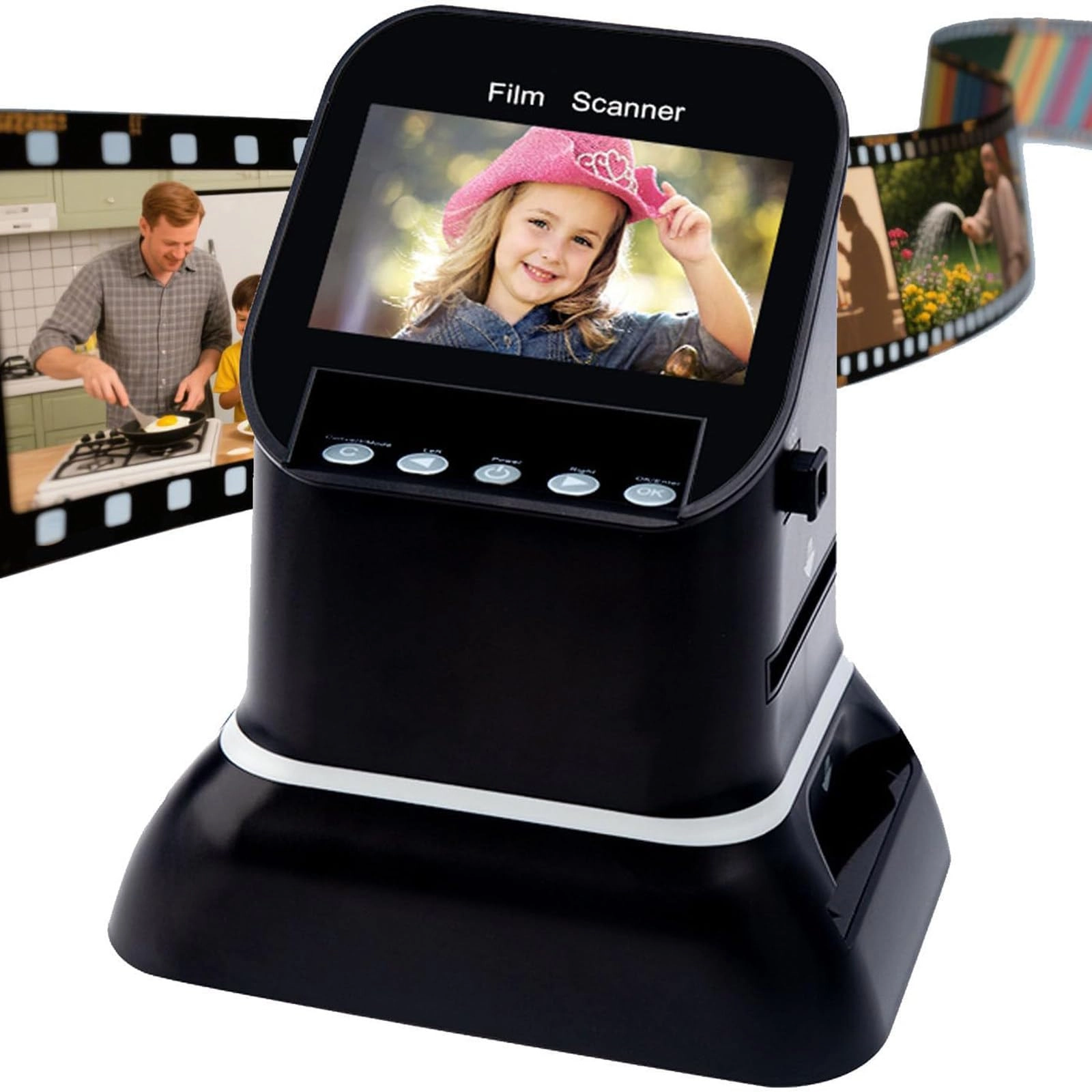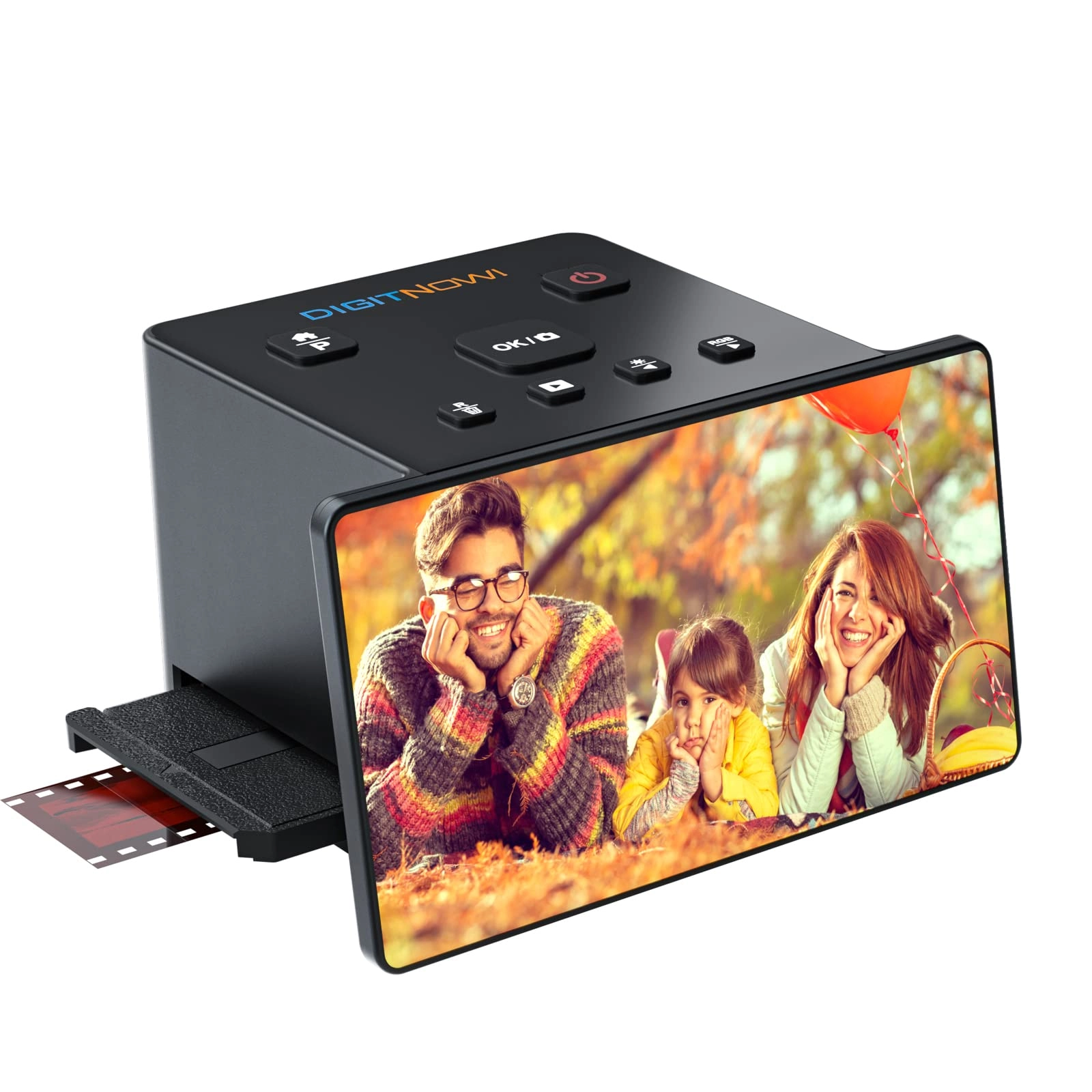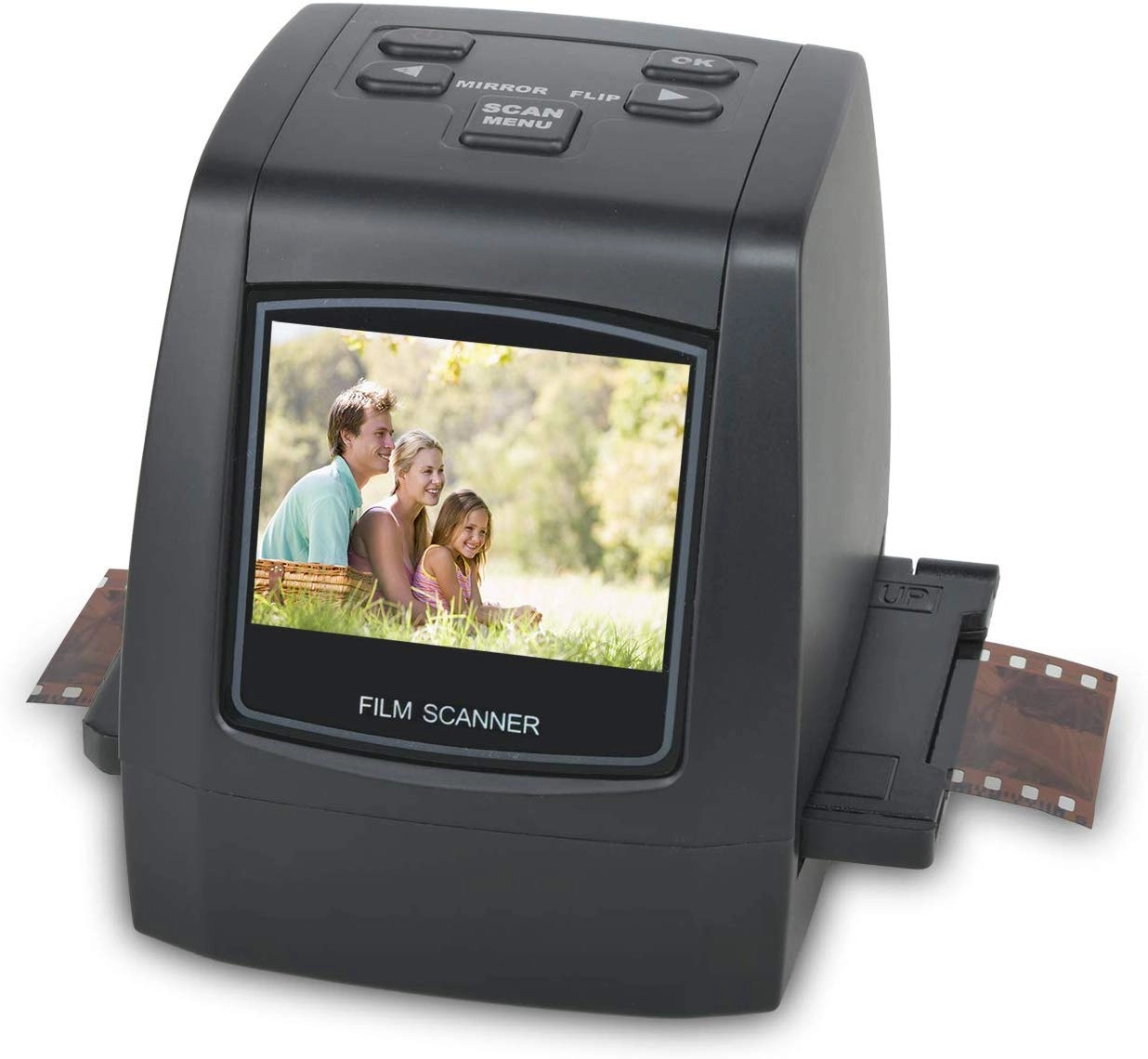
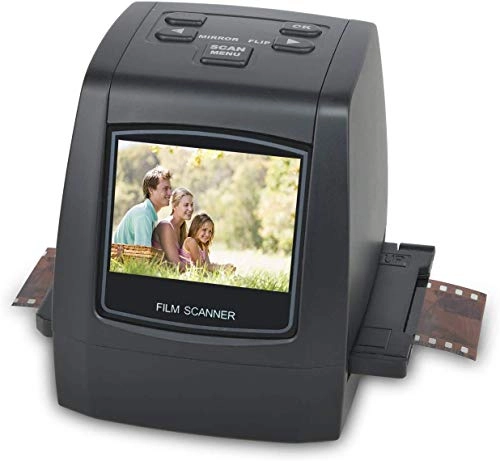
DIGITNOW M126 - USB
Best offer
AED
34554
Key Features
- Scanner type: Film
- Product colour: Black
- Weight: 400g
- Batteries included: No
- Minimum system requirements: Windows 7
- Country of origin: China
Specifications
Features
Country of origin
China
Product colour
Black
Weight & dimensions
Weight
400 g
System requirements
Minimum system requirements
Windows 7
Packaging content
Batteries included
✗
Scanning
Scanner type
Film
Product Details
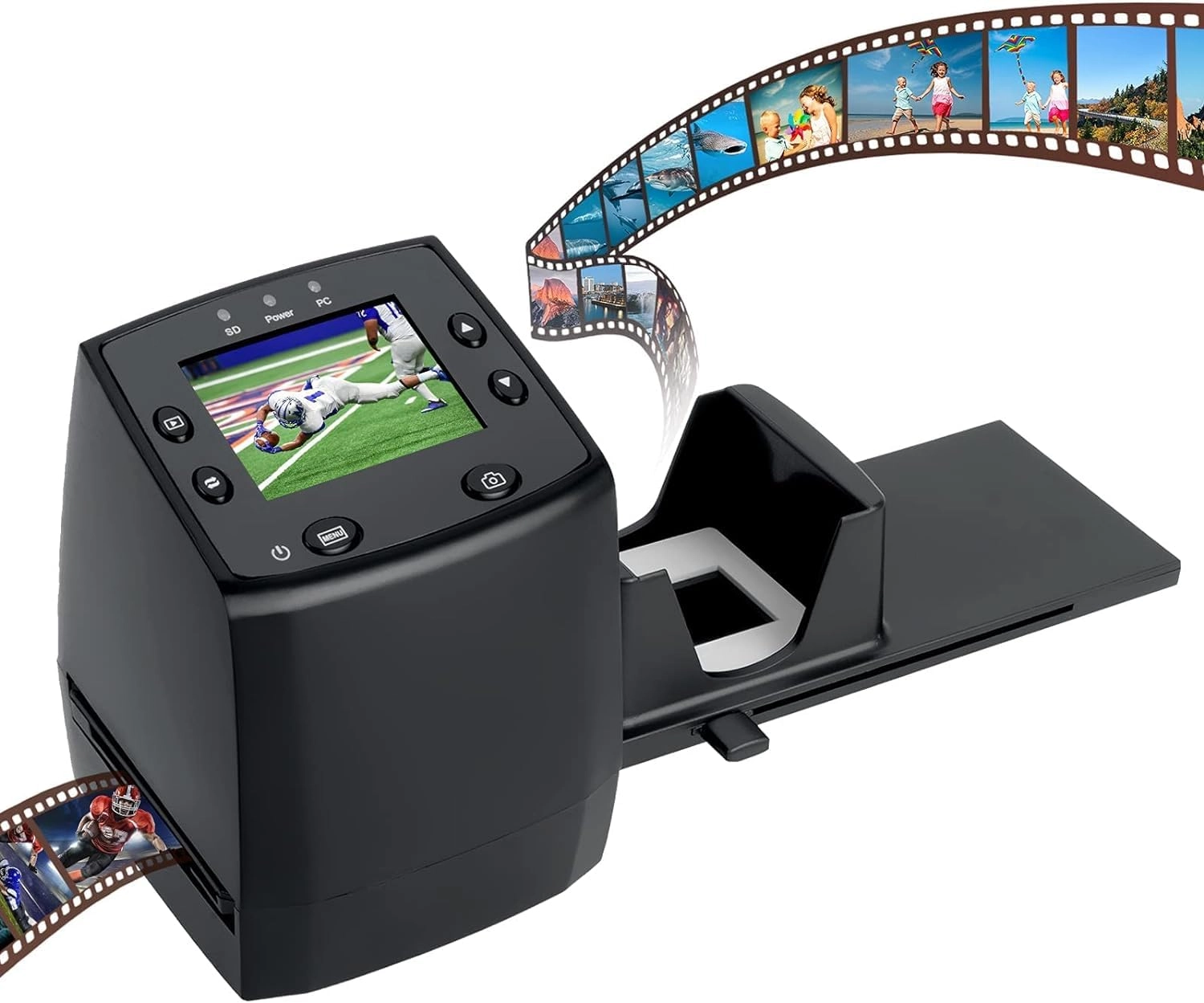
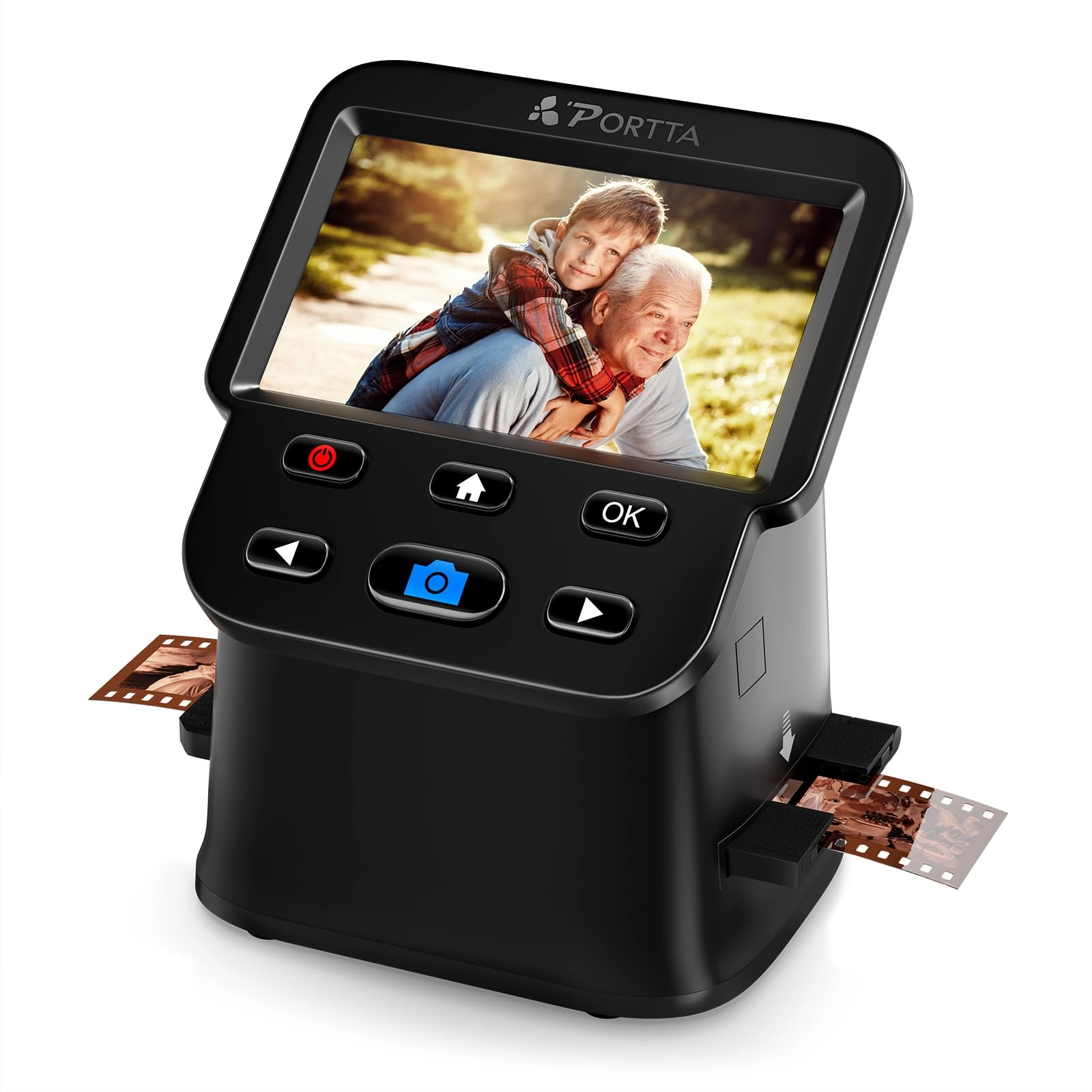
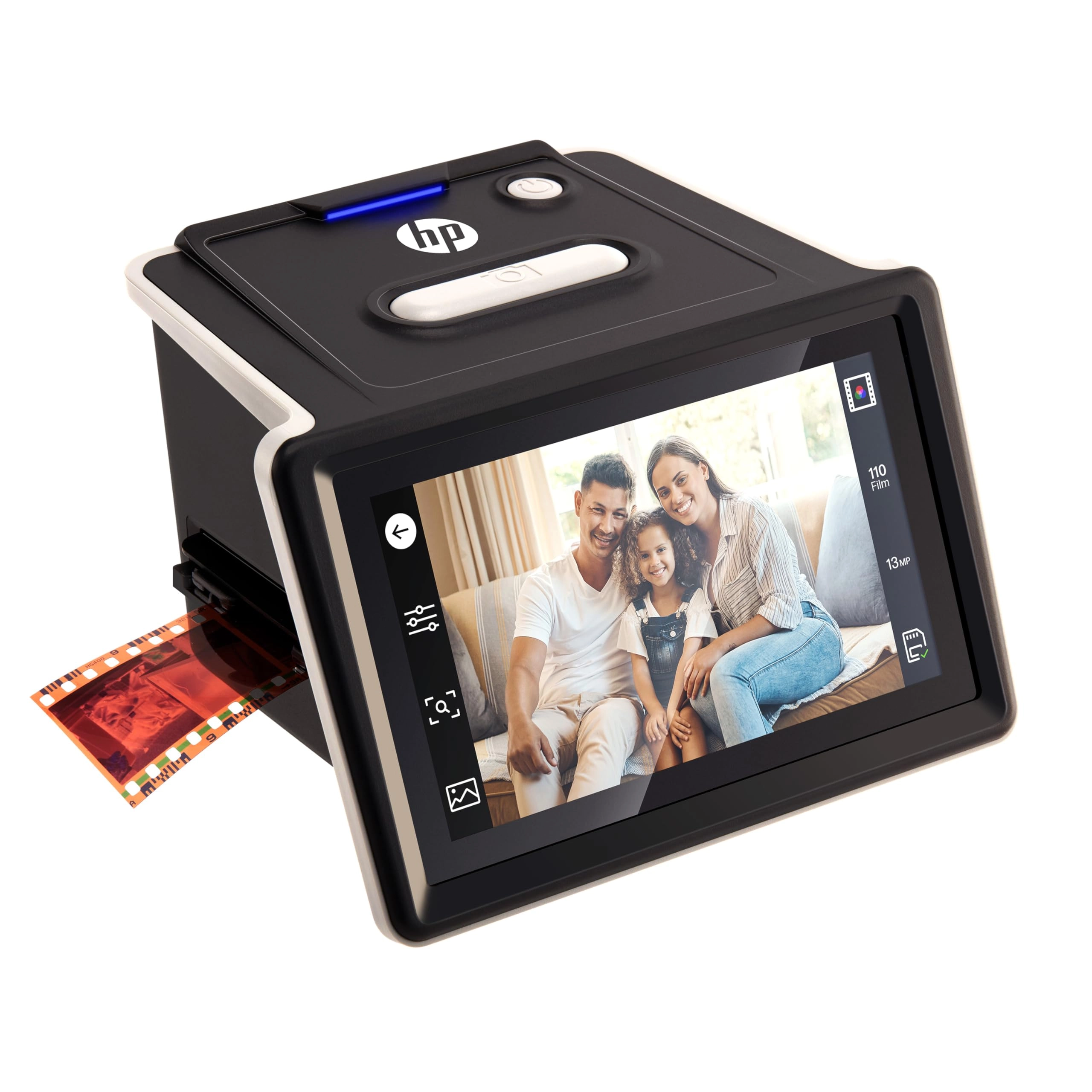
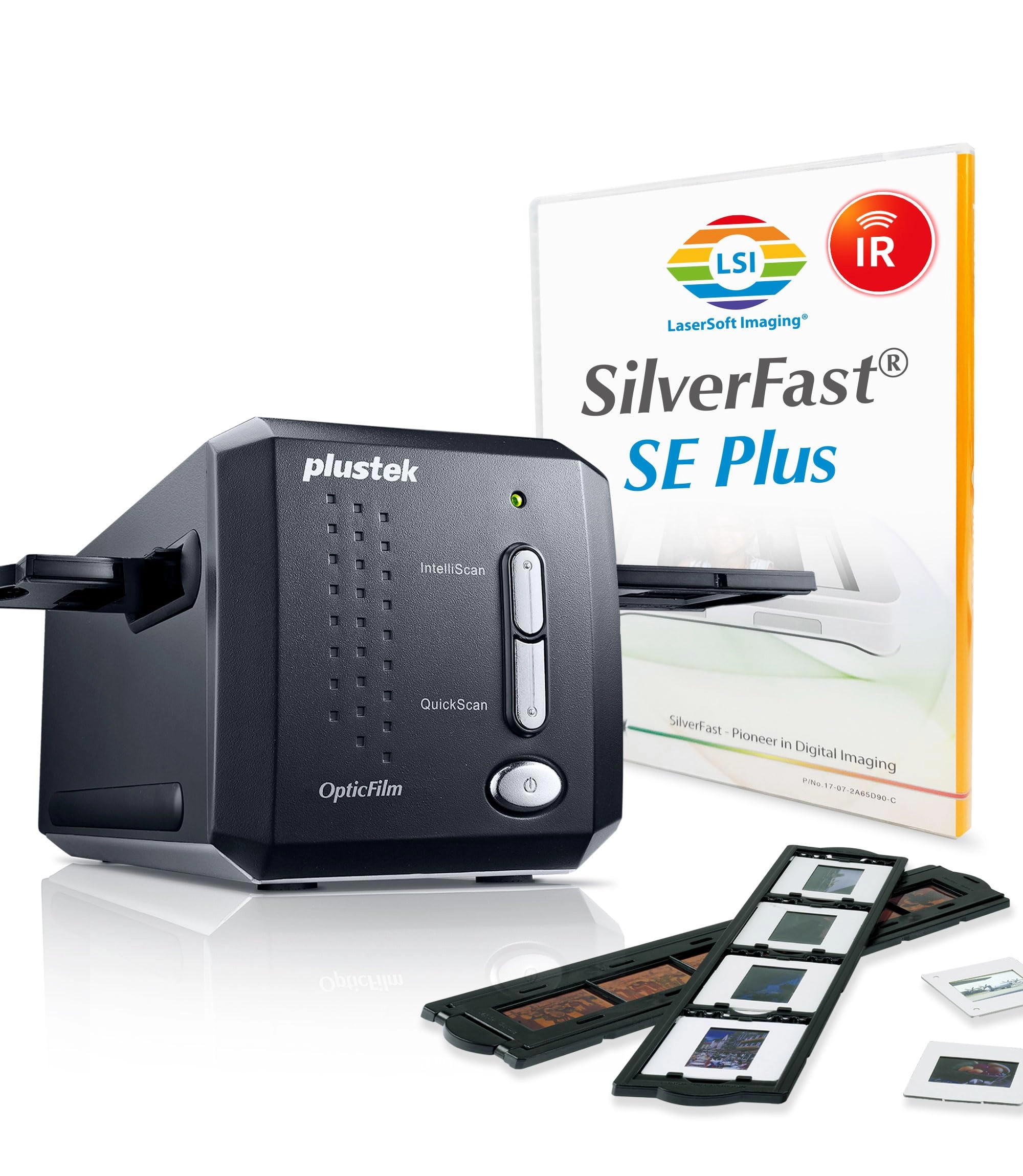
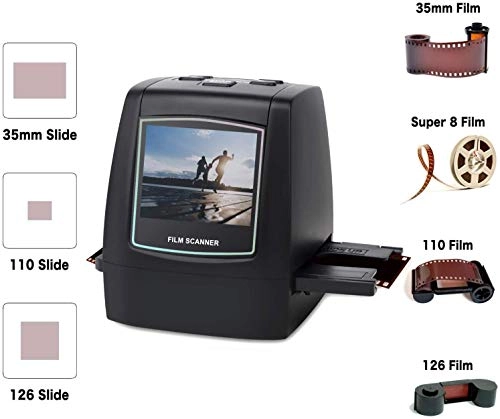
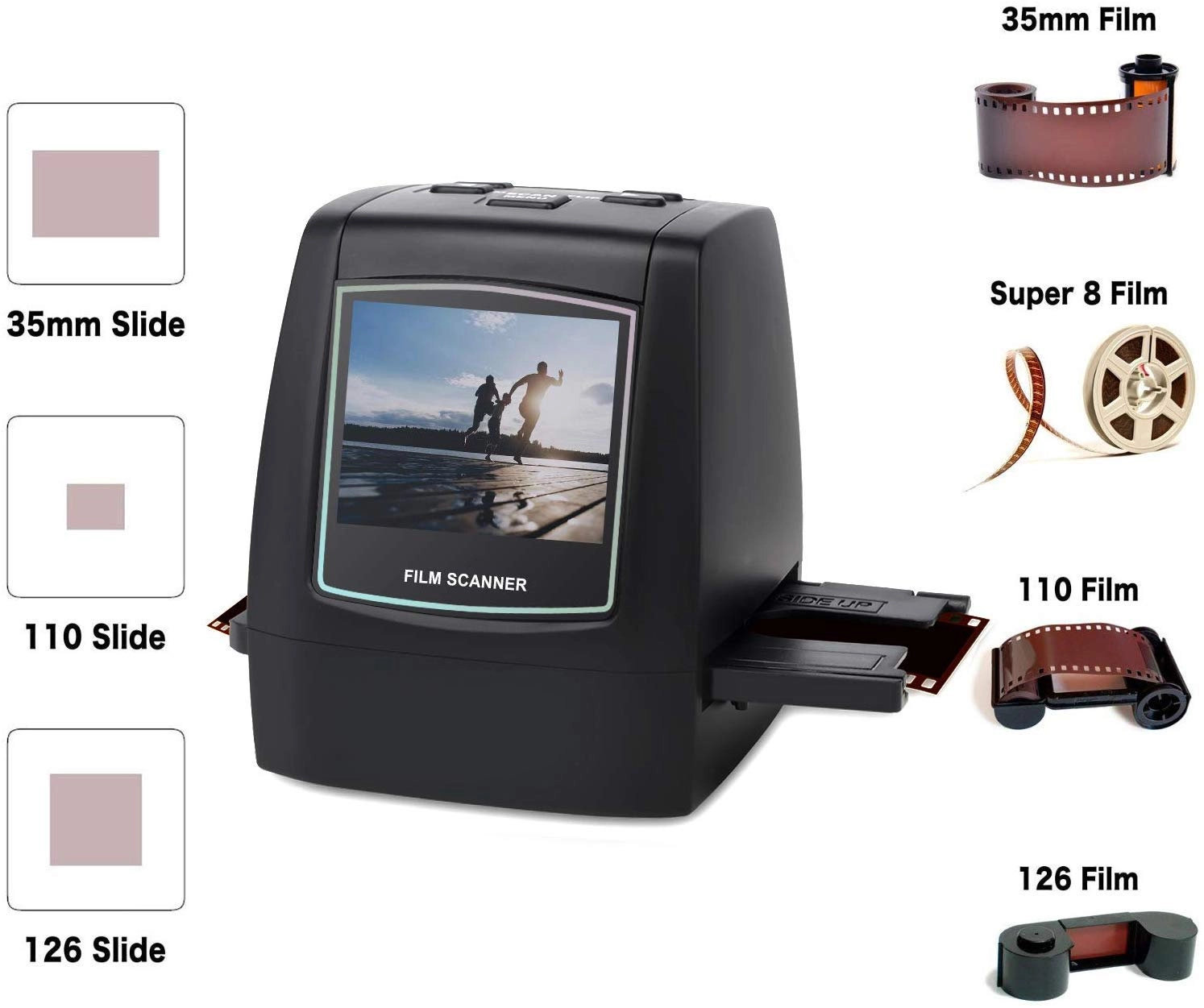
Easily convert 35mm, 110, 126, and Super 8 films, slides, and
negatives to 22MP digital photos. No computer required, with 2.4"
LCD and SD card storage.
Review: A nice little box of tricks. - After reading through
'many' reviews I ordered this model due to the fact I had
neagtives and slides of different formats. The little box arrived
prompty and I was very surprised at the weight, size and
fragitlity of the attachments. After one hour of attempting to
read and comprehend the intructions I gave up for the night, had
a glass of wine and slept on it. I woke the next morning with my
challenge to get my head around this little box. After several
cups of tea and a lot of patience and trial by mostly error I
scanned over 300 negatives. Basically you get what you get! Do
not expect 40 year old negatives to come out like your modern
digital. In the 1970s there were a range of new postal firms like
Trifca and Trippleprint coming out with a range of quality films
and devlopment. Some of my old photos are very clear and some
have that faded orange and awful green shade. Also remember that
with the 126 you had those dreadful little flash cubes to take
indoor photos. My indoor photos are not good. (They came back
from the developers like that) Firstly the slide attachment is
the easiest to use as long as you keep feeding in new slides.
Remember that although you have a slide there were different film
formats so make sure you press that button. Slides are fine. Next
come the 35m negatives. These are fairly easy to feed through the
attachment but this does involve touching the negatives a lot.
Quality of scanning just depends. I have put my more modern ones
through (only 10 years) old and the quality is OK. Better for
outside photos though. If the negatives are scratched then use
Picasa on your laptop. The auto adjust or ' I'm feeling lucky'
buttons are usually enough to enhance the photo. If the photo
appears very scratch make a decision is it worth it or not? The
retouch button does work but it takes time. If you have any
photos and the negatives are scratched then just flatbed scan
them. You'll get a more natural colour. The 110 negative
attachment holder is very small and I am still working on it. If
you want to see a scanner then Maplins have some. Then you can
decide whether to order one. If you just have 35m negatives then
maybe go for the cheaper model. Just plan some time when you have
time to use this machine. Yes it's pricy in some ways but them I
have not found anything else out there that covers all these
formats. Don't be put off straight away. Take time and have
patience. You will be amazed that you come up with a past memory
you didn't know you had so that must be worth it. As I said just
save to the SD card to have bought and after you have done a
number then transfer to laptop and photoshop. I have attached
some 'genuine' photos from the past. The sandsculpture is 35m and
from about 15 years ago. The old mill photo and the Jaws shark
and Disney land is from the 1970s. The little girl is from the
1970s and show how orange and green looks. There is one from
holiday of Tunisia from about 10 years ago. I am happy to answer
questions. Two tips: If you have some photos that you can not
photoshop those old greens and oranges then just turn the photo
to black and white on Picasa and sharpen it. The results are so
much better and colour doesn't always matter.These were 1970s
again. See photos Also check the screen before you start
scanning. As one reviewer mention there is dust etc inside at
times. Take the adapter out and blow clear or use a hairdryer on
slow and cool. It does help. I scanned a whole lot and couldn't
work out why there were marks all in the same places. Easy to
solve. I am now rescanning the photos I took earlier and they are
so much clearer.
Review: Ideal for capturing images for display on the web or in a
digital picture frame. - I bought this to scan old 35mm B&W
negatives for display on a website - and for this purpose it is
very good. The native resolution of the sensor is 14 MegaPixels
(MP) which for 35mm film gives a digital image of 3072 x 4608
pixels. The digital scan is saved as a JPG and from B&W 35mm
negatives the file size is around 2MBytes (possibly bigger for
colour images). This is more than adequate for any use on a
website, digital picture frame or tablet - even with moderate
cropping (post capture on a computer) to select part of the
image. This resolution would also be fine for normal size (6x4
inch) prints. If you are comparing the scan resolution to other
types of more expensive scanners then the native 14MP scan
equates to a 3200dpi (dots per inch) scan resolution. There is a
higher scan resolution mode (22MP) but this is created by
interpolation and contains no additional image detail - the
captured detail is just spread over more pixels. The only benefit
of this mode is that it creates a finer pixel granulation at
higher magnifications or larger print sizes. Using the 22MP scan
resolution a 35mm B&W frame produces an digital image of 3760 x
5640 pixels - with a file size of around 2.8MBytes and equates to
a scan resolution of 4000dpi. For my purposes I did not find the
interpolated (22MP) mode added anything to the image - but for
larger size hardcopy prints it may be useful to reduce visible
pixelation. The built in controls allow for exposure correction
(lighter or darker) and the LCD display shows a positive image -
which makes reviewing the images from negatives much easier. For
colour negatives and slides you also get the option to adjust the
RGB colour balance - but I have not as yet tied any colour film.
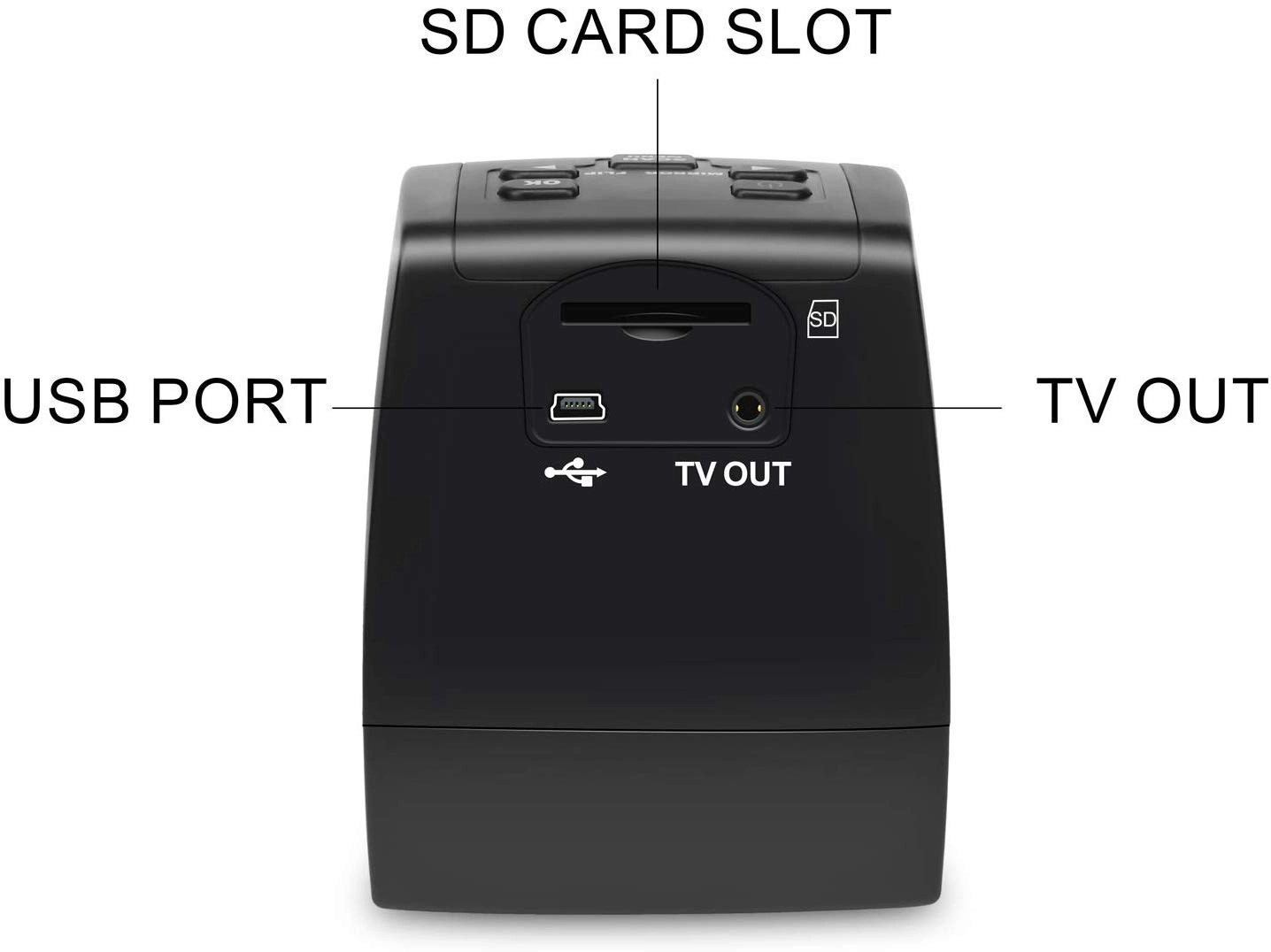
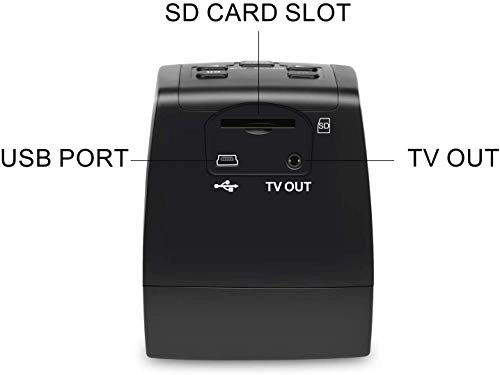
The unit does have a small internal memory (98 MBytes available)
- enough for 30-40 B&W images. It is possible to use the unit
just using the internal memory - but you would have to keep
moving batches of images to a computer (via USB cable) to clear
the internal memory store ready for the next batch. Alternatively
you can plug in a standard SD memory card (32GB maximum) and
images will be automatically stored on that. Apart from the
benefit of being able to scan as many images as you want without
stopping - you also get the option to remove the SD card and plug
it directly into a computer to transfer the scans at a much
faster speed than USB_2 allows. The biggest plus for this unit is
the speed of the capture process - just a couple of seconds per
frame. This compares to one to two minutes per frame for most of
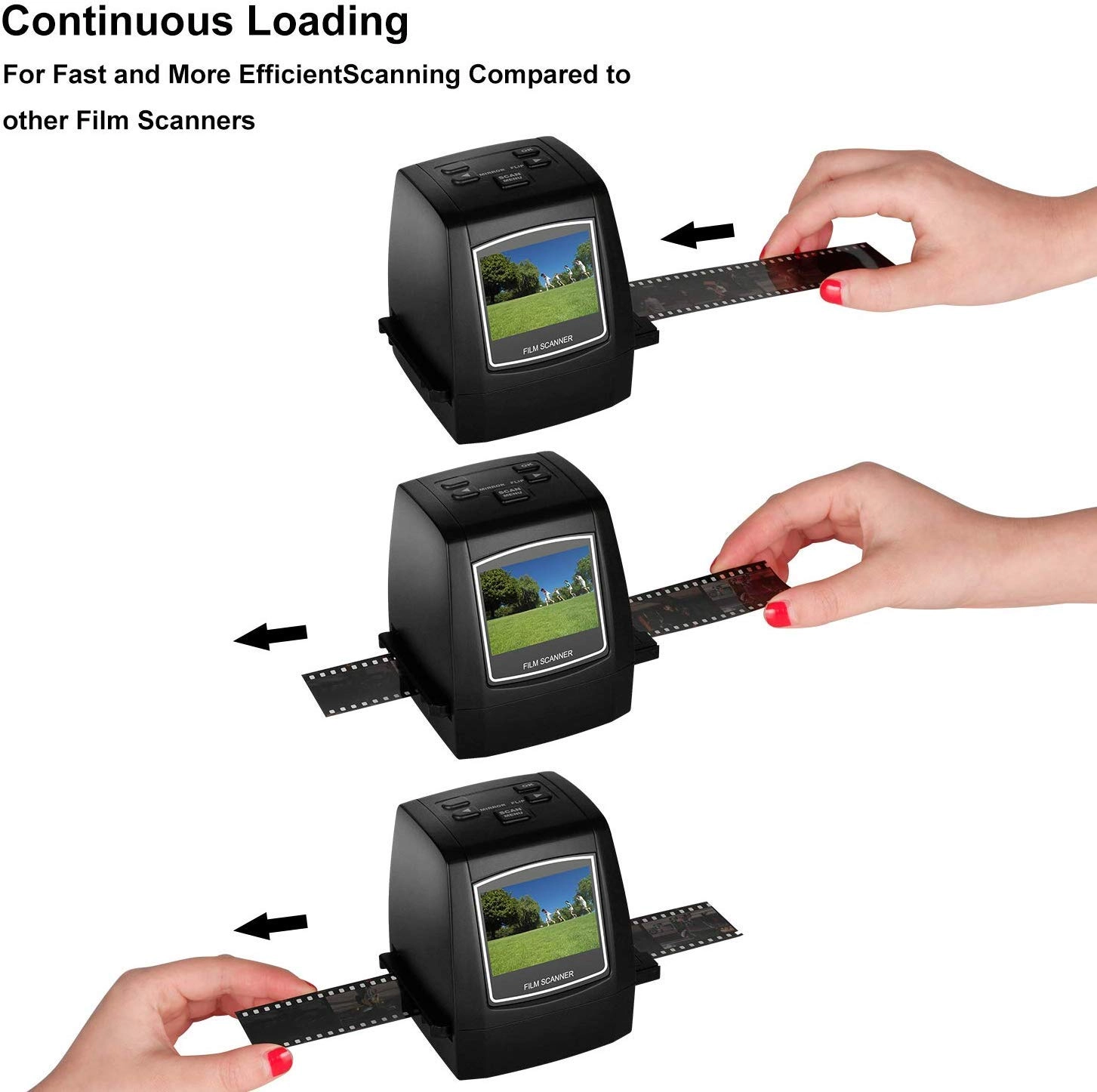
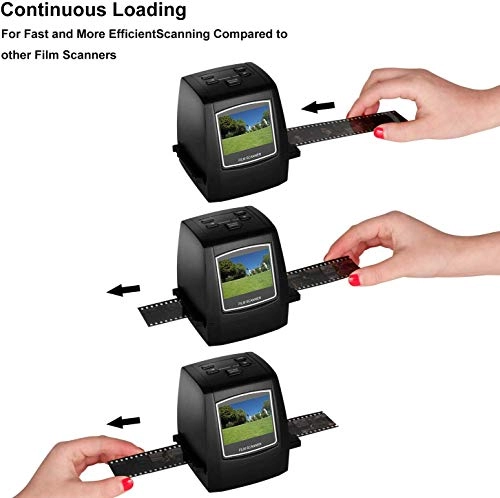
the more expensive high resolution scanners. The film adapter for
35mm works well - just insert it into the scanner and then feed
strips of negatives through from right to left - adjusting the
position using the LCD display. Each image capture requires only
two key presses (assuming no changes to exposure correction) -
press the Scan button and then the OK button - very simple and
very quick. For bulk processing of 35mm images for use on screens
this product is ideal and for standard size hardcopy prints it
produces results that are as good as a 10MP camera.
Reviews
Loading...
Loading...
Loading...
Loading...
Loading...
Loading...
Loading...
Loading...
Loading...
Loading...
Loading...
Loading...
Loading...
Loading...
Loading...
Loading...
Loading...
Loading...
Loading...
Loading...
Loading...
Loading...
Loading...
Loading...
Loading...
Loading...
Loading...
Loading...
Loading...
Loading...
Loading...
Loading...
Loading...
Loading...
Loading...
Loading...
Loading...
Loading...
Loading...
Loading...
Loading...
Loading...
Loading...
Loading...
Loading...
Loading...
Loading...
Loading...
Loading...
Loading...
Loading...
Loading...
Loading...
Loading...
Loading...
Loading...
Loading...
Loading...
Loading...
Loading...
Loading...
Loading...
Loading...
Join our newsletter
Be the first to know about new arrivals, sales, and exclusive picks
Sign in to unlock newsletter access and stay in the loop