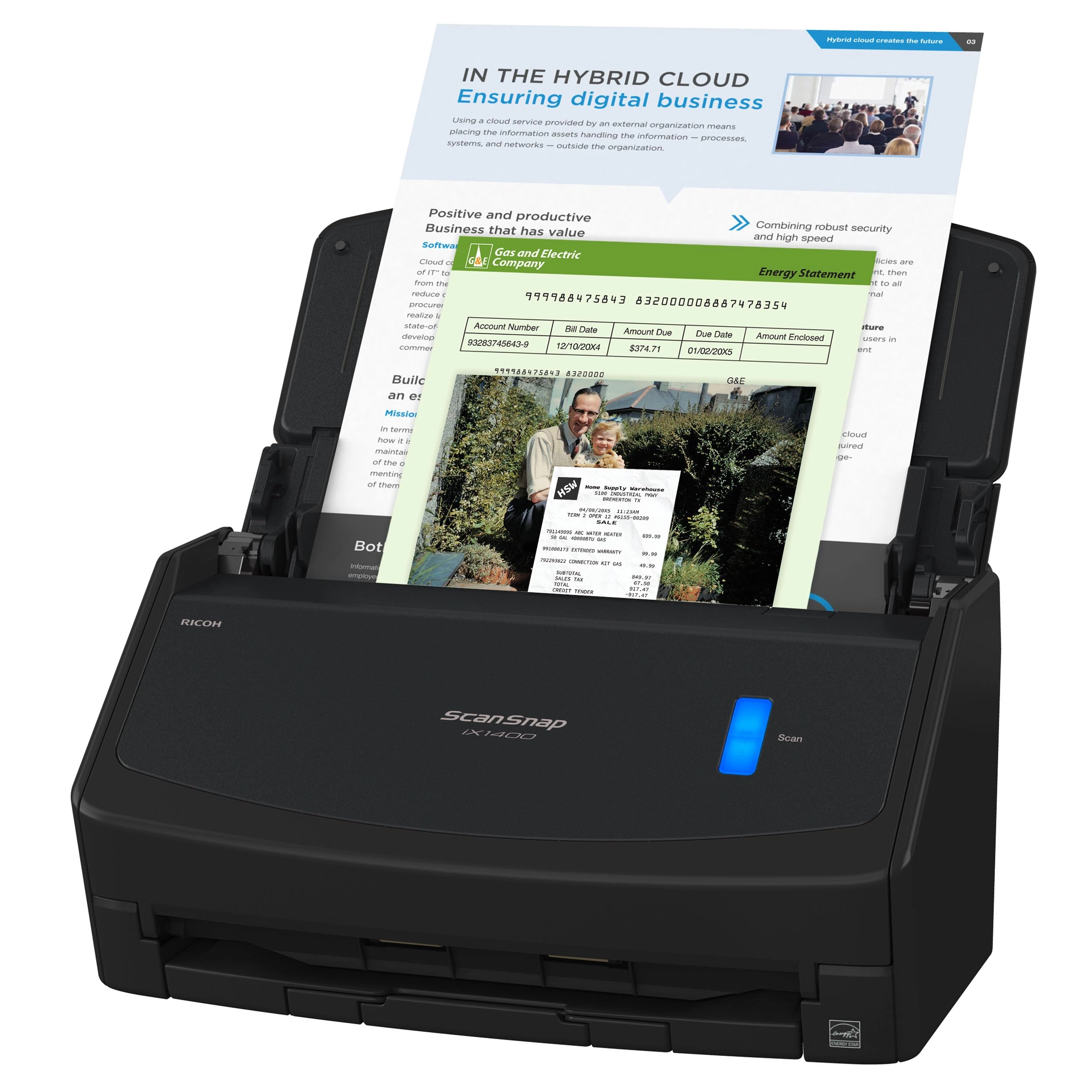
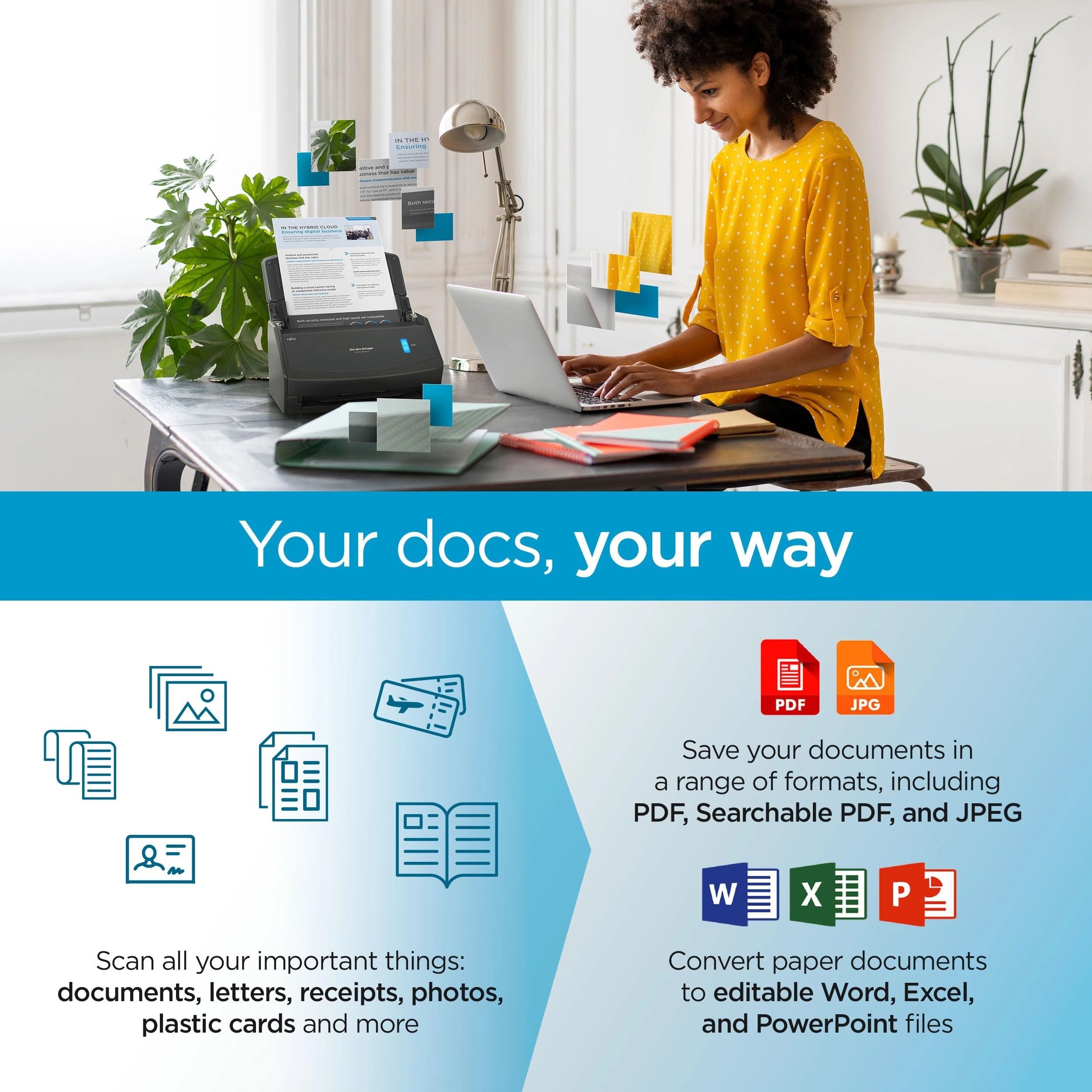
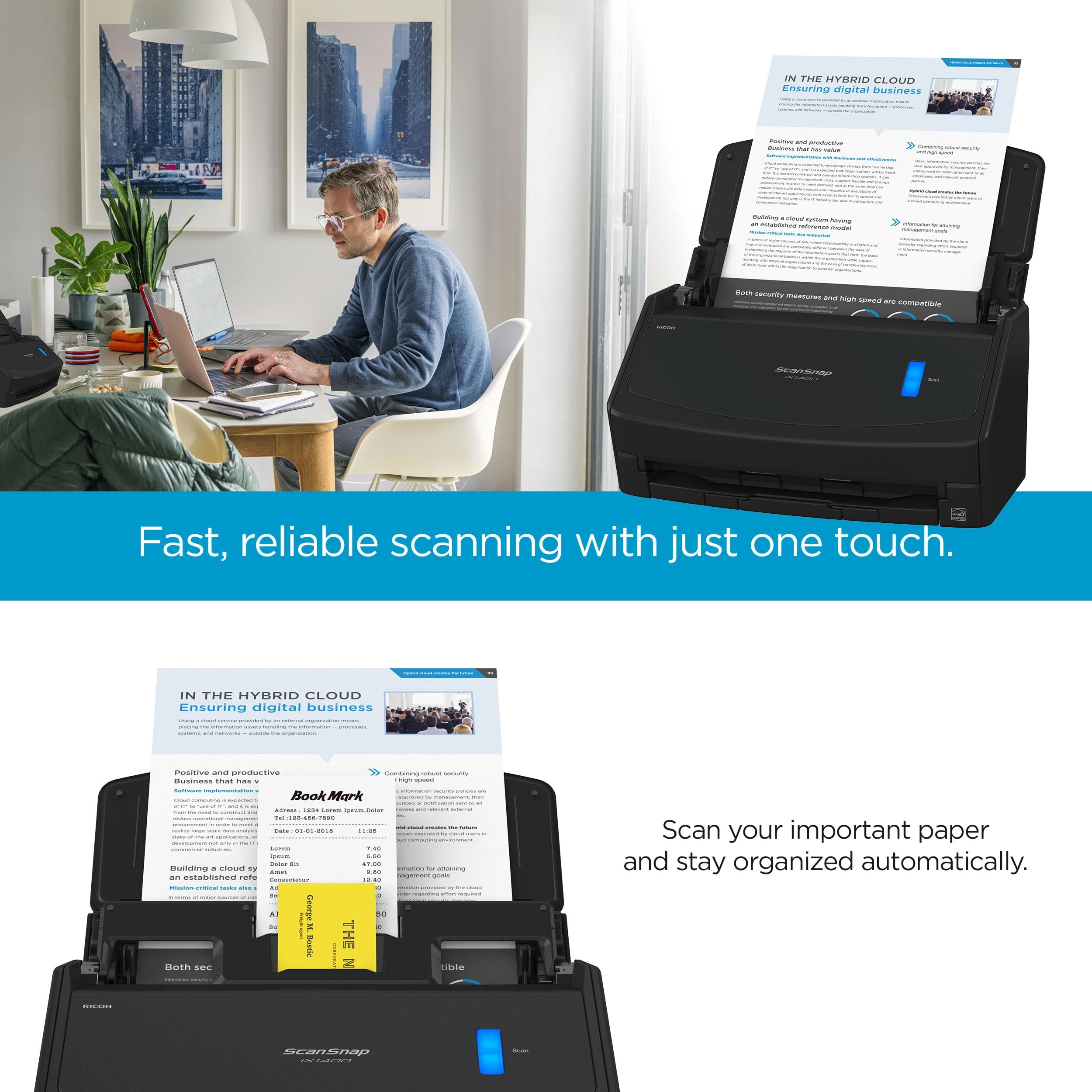
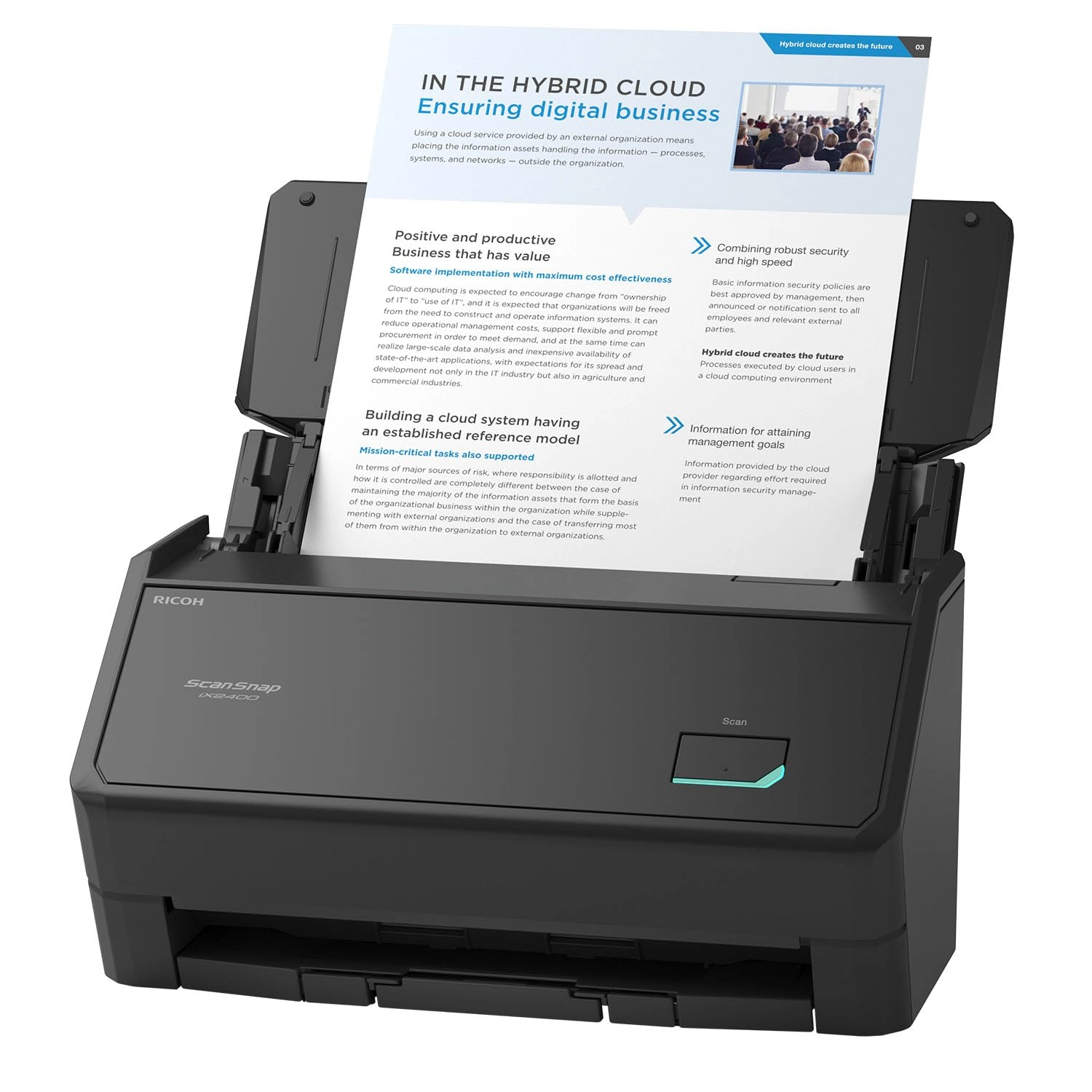
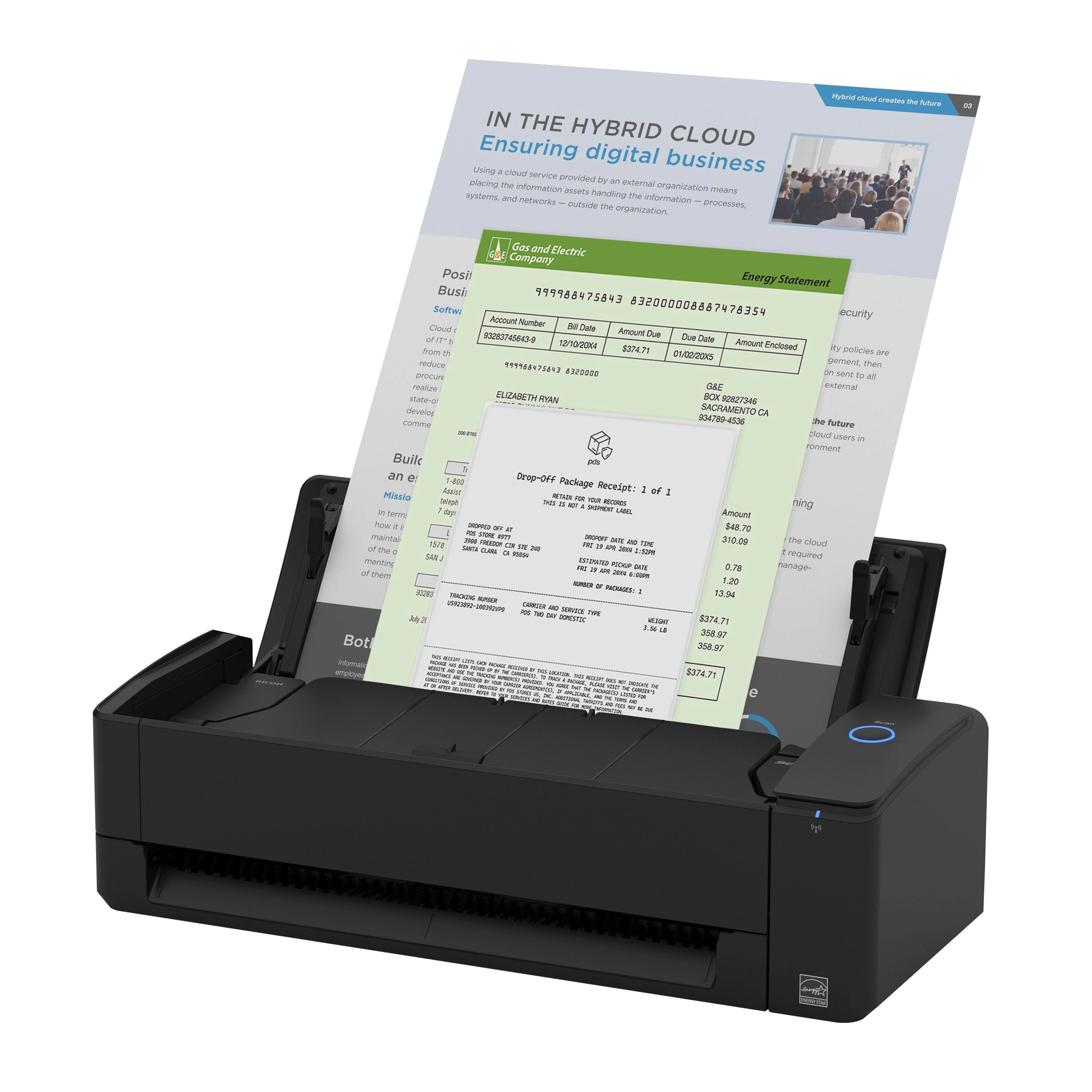
The ScanSnap iX1400 is a testament to simplicity proving
technology doesn’t have to be complicated. With a one-button
touch to scan, digitize and organize documents, the iX1400 is
perfect for every day scanning needs.
Review: Fabulous and VERY fast! - Wow, this is a definite three
steps up from the prior scanners I've had which were functions of
an "all-in-one" printer/scanner: slow, clunky, page jams,
babysitting the scanner. All those problems are in the past now
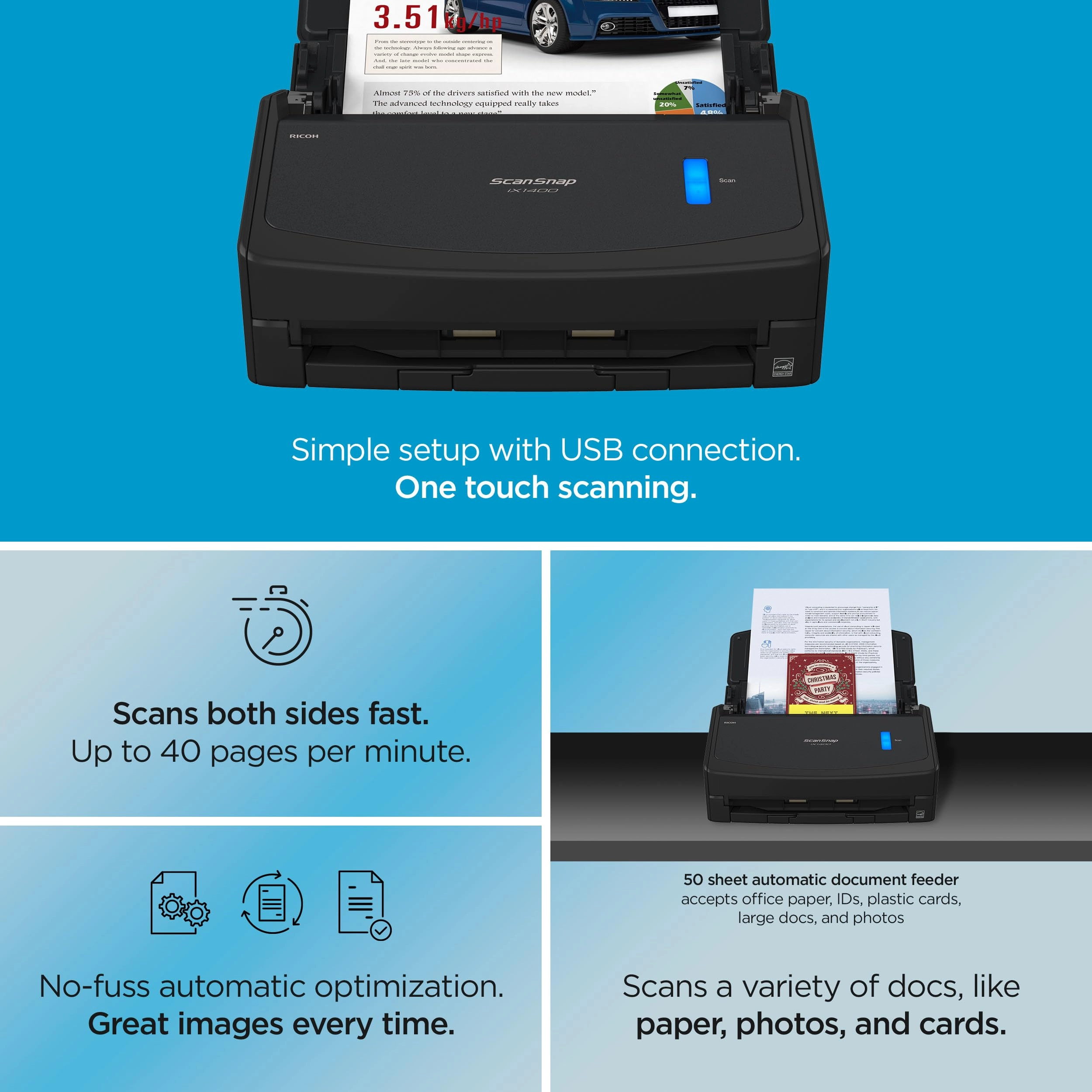
that I have my new ScanSnap. Scanner installation was easy:
simply download the appropriate installation package from the
Fujitsu (now Ricoh) web site, install the software and plug in
the USB 3 cable to the scanner when instructed. The entire
installation process including downloading the software took
under 10 minutes. Open the lid, the scanner connects and powers
on in about 2 seconds and is ready for use. Put your documents in
face down and facing the rear, click the one big bright blue
button (!) and zip zip zap your pages are ingested at a rate of
about 40 pages per minute, EVEN double sided! Yep, scan a
double-sided 40-page (80 impressions) document in 60 seconds!
Natively saves to PDF so multi-page single files are no problem.
Software is a little clunky---it's kind of one of those "does it
all" interfaces with a thousand options, but seems to miss some
of the more obvious advanced settings that would be conducive to
advanced users, like the ability to simply pop up a standard
Windows system "Save As" box on completion (bypassing the
ScanSnap Home interface), rather than the clunky software where I
go in to type the new file name and then have to save it in
there. It just adds a few unnecessary clicks, but isn't all that
aggravating. [EDIT: I've figured out how to scan to a folder with
no pop-up interaction, which is great. Simply go into ScanSnap
Home, and use the "Show with File Explorer" send-to option.] This
is NOT a TWAIN or WIA scanner so you can't just go into your
existing generic scanner app and "pull" in a page--you must use
ScanSnap BUT it provides all the basics (almost as defaults) for
any document scanning any small office or business user would
need and you can always edit the resultant PDF in Adobe or Word
or whatever. It's been an hour since I connected it. I've just
scanned 15 years of personal and business tax returns, over 500
pages in total. I've literally digitized and removed a 3 inch
thick stack of paper from a file drawer IN AN HOUR. And the
ix1400 is just one of the more basic units in the ScanSnap line.
They have units capable of scanning much faster and in larger
volumes, but for the price this basic unit is likely all anyone
but the most demanding users would need. The only misfeeds are
where the page was iffy to begin with--a curled lip, a tear, or
the occasional staple I missed (gasp!). When those misfeeds
happen, the software pauses, tells you what happened, allows you
to remove the errant page and then KEEP SCANNING as if nothing
happened! Amazing. I used to have to trash and restart the entire
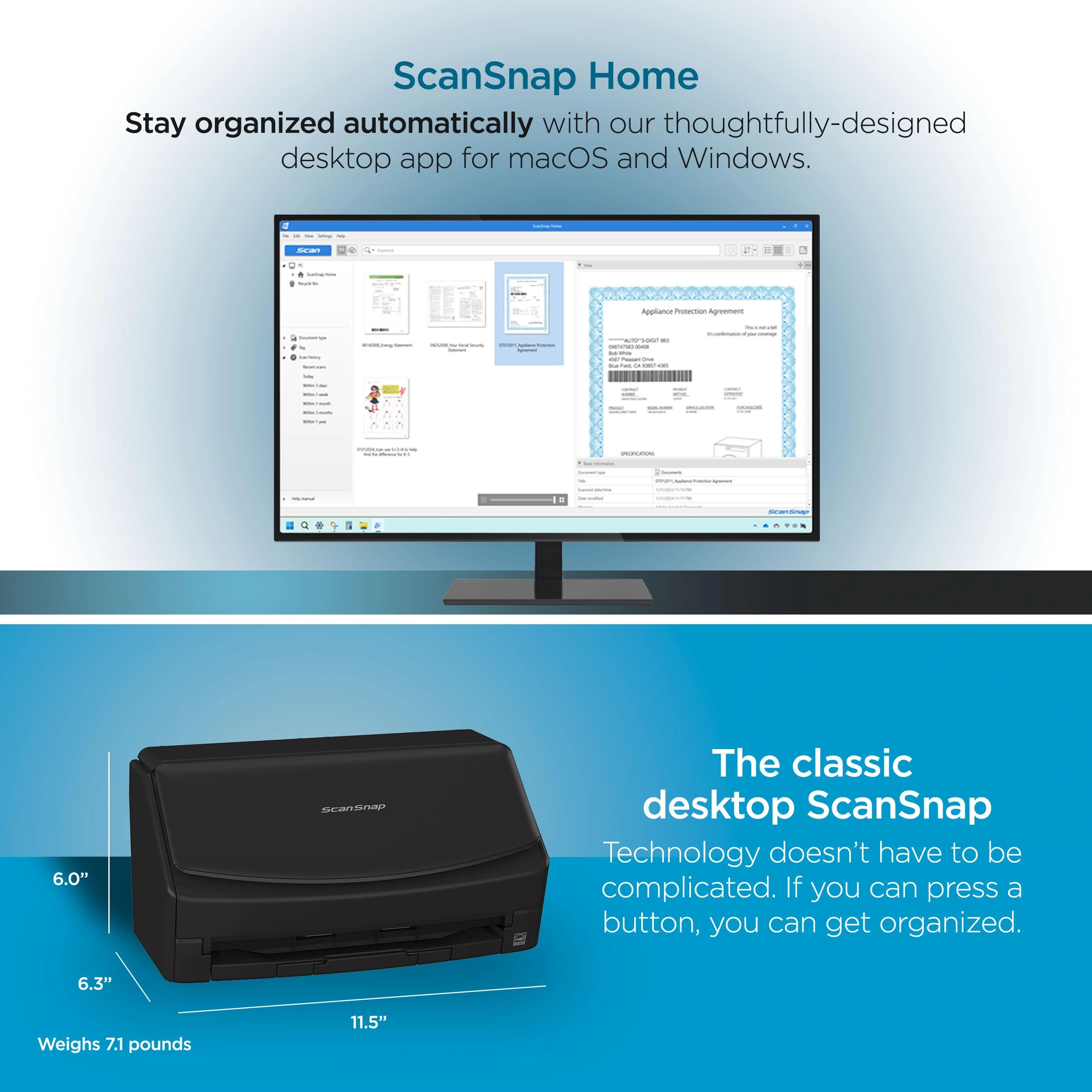
scan. All this in compact desk unit that folds up to fit in
what's barely 6x12" of desk space. Staring at my 3-foot tall
stack of papers, contracts, receipts, and photos to scan, I have
realized that I should have bought a ScanSnap YEARS ago. Where
have you been all my life, my precious scanner?!?! The only
reason I gave "accuracy" 4* instead of 5* was that on occasion,
I've noticed the resulting scan is slightly skewed--the originals
are fine, but a tax return scanned about 3-degrees off. Internal
software de-skewing functionality would have resolved the issue
but that's not a thing on the ix1400. So you may get an
occasional skew, which is not significant for just scanning and
storing old documents.
Review: Best scanner ever! - This is the second ScanSnap I've
owned and I will never buy another brand. The last one I had
(ix2500) lasted me 7 years. I don't think it needed to be
replaced, just cleaned, but I just decided to replace it. It
scans super fast and provides two-sided, very clear images. It's
incredibly easy to set up and start scanning and supports
different size documents like business cards and envelopes
without getting caught up or creating a jam.