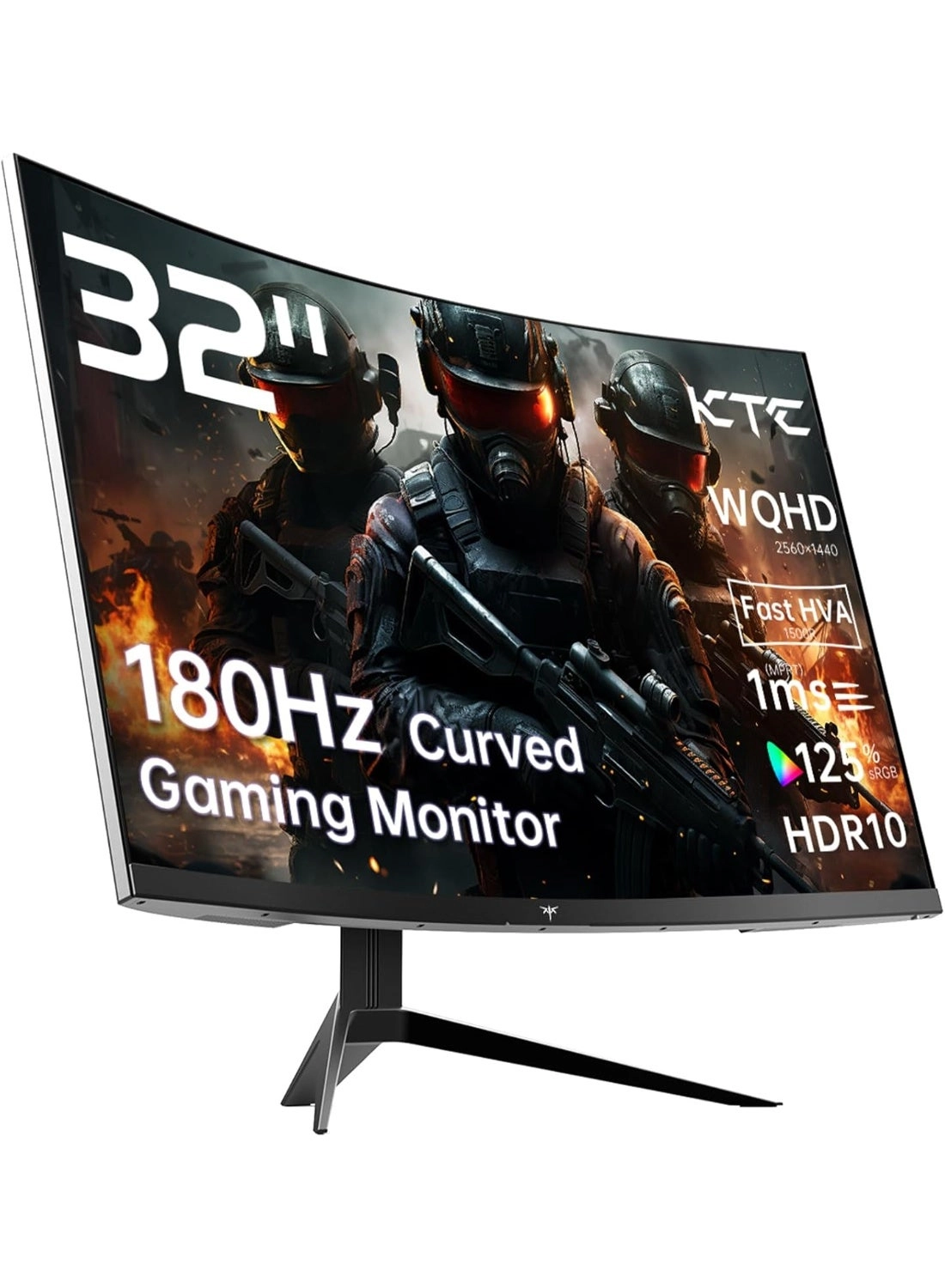
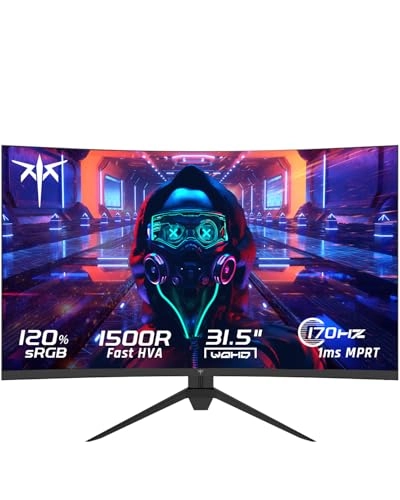
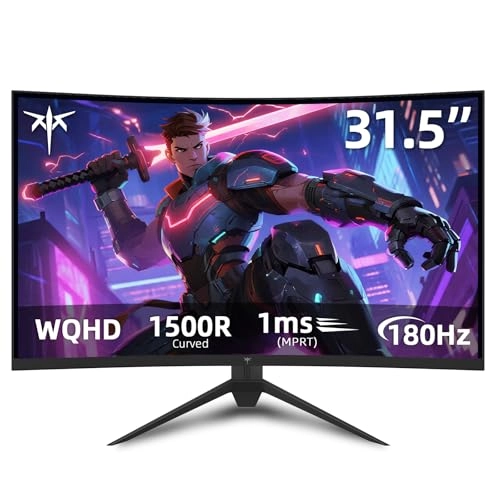
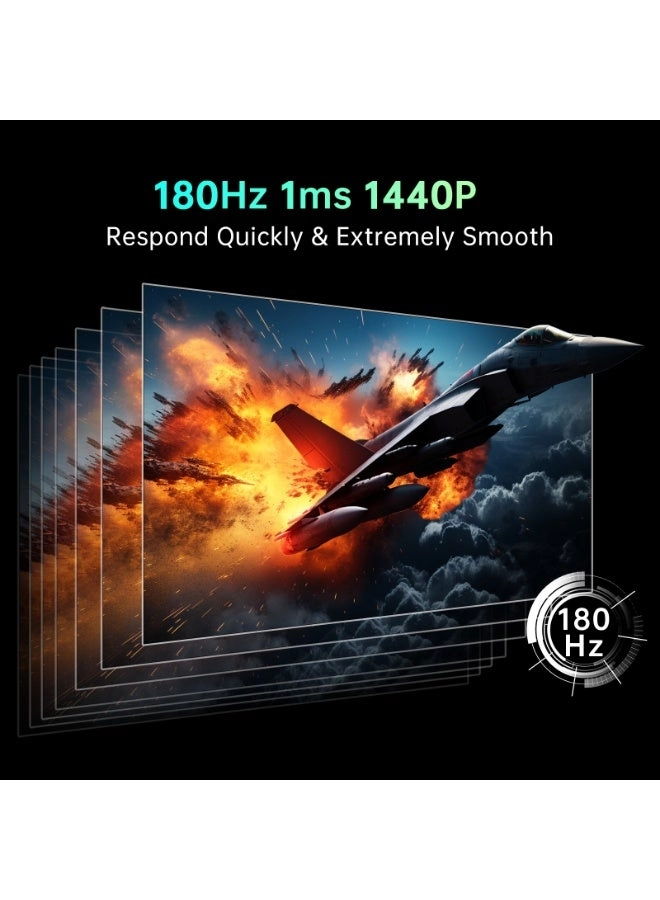
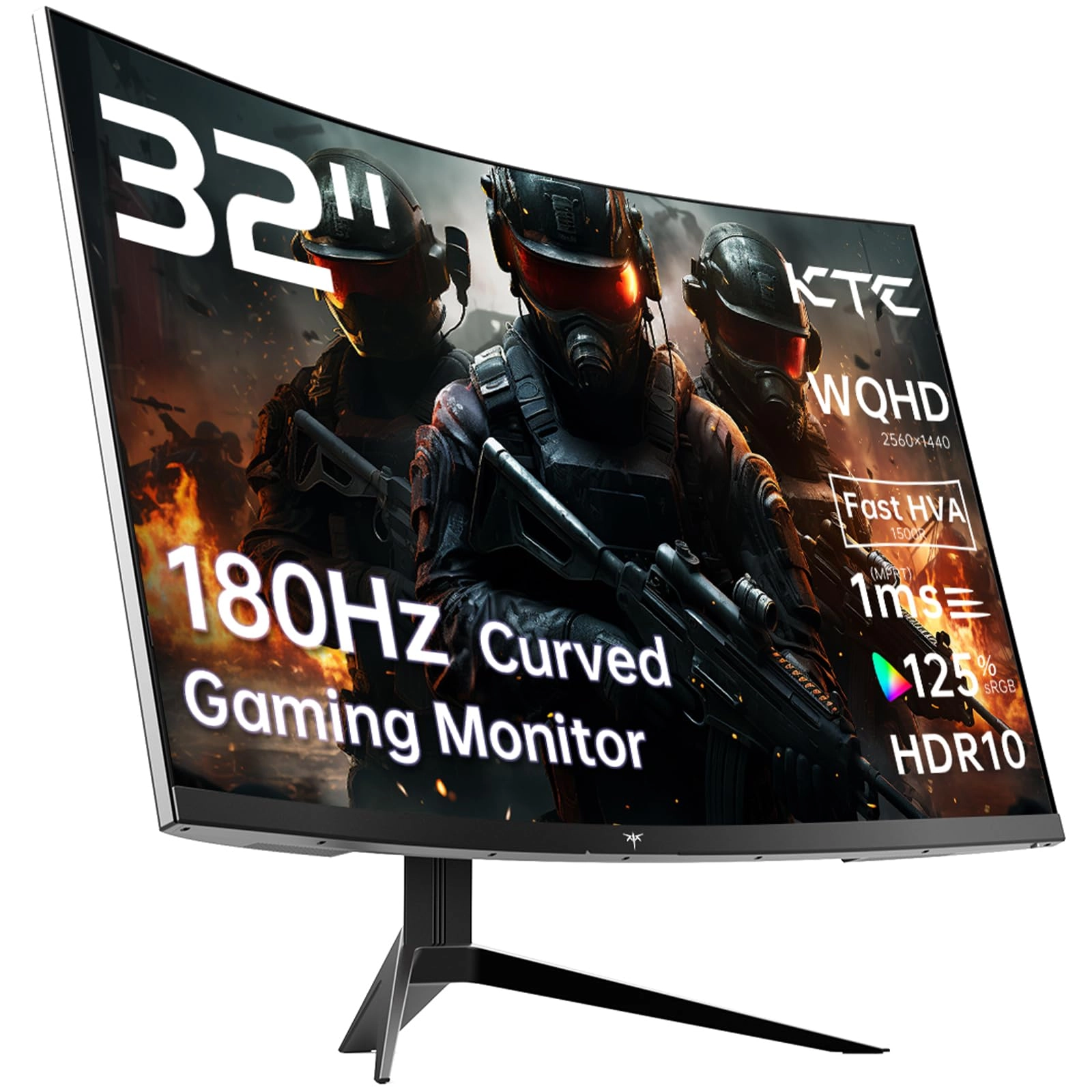
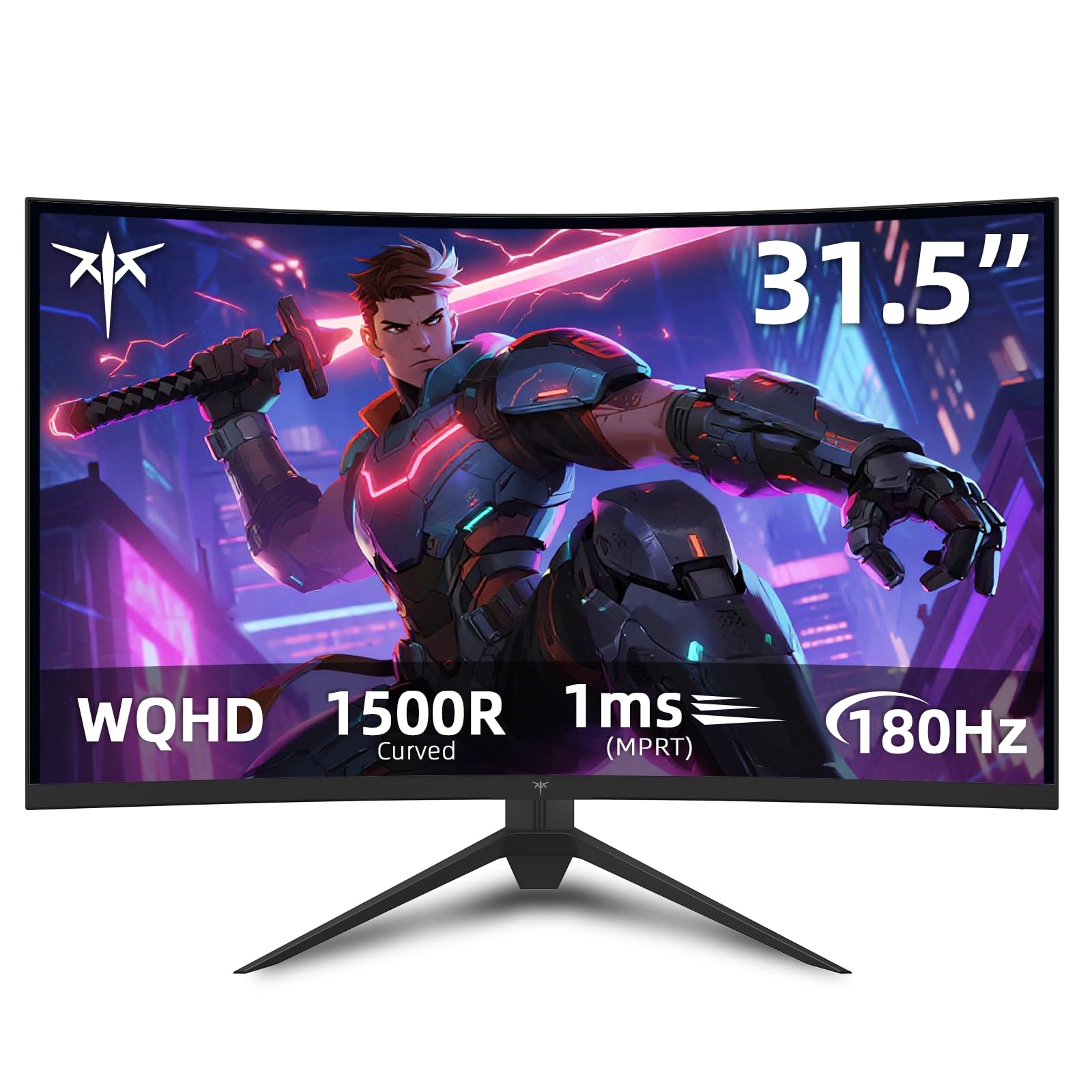
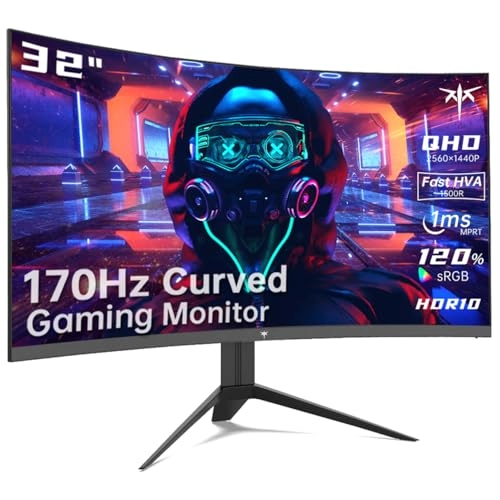
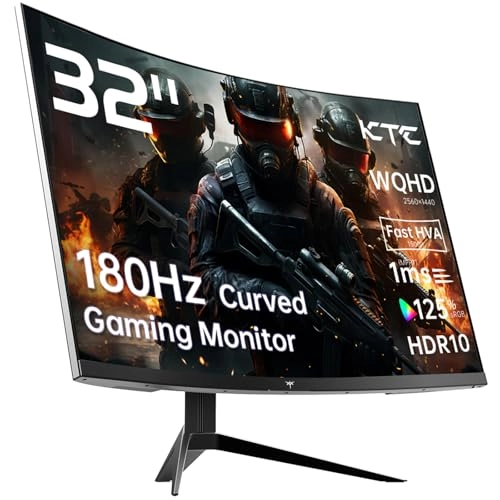
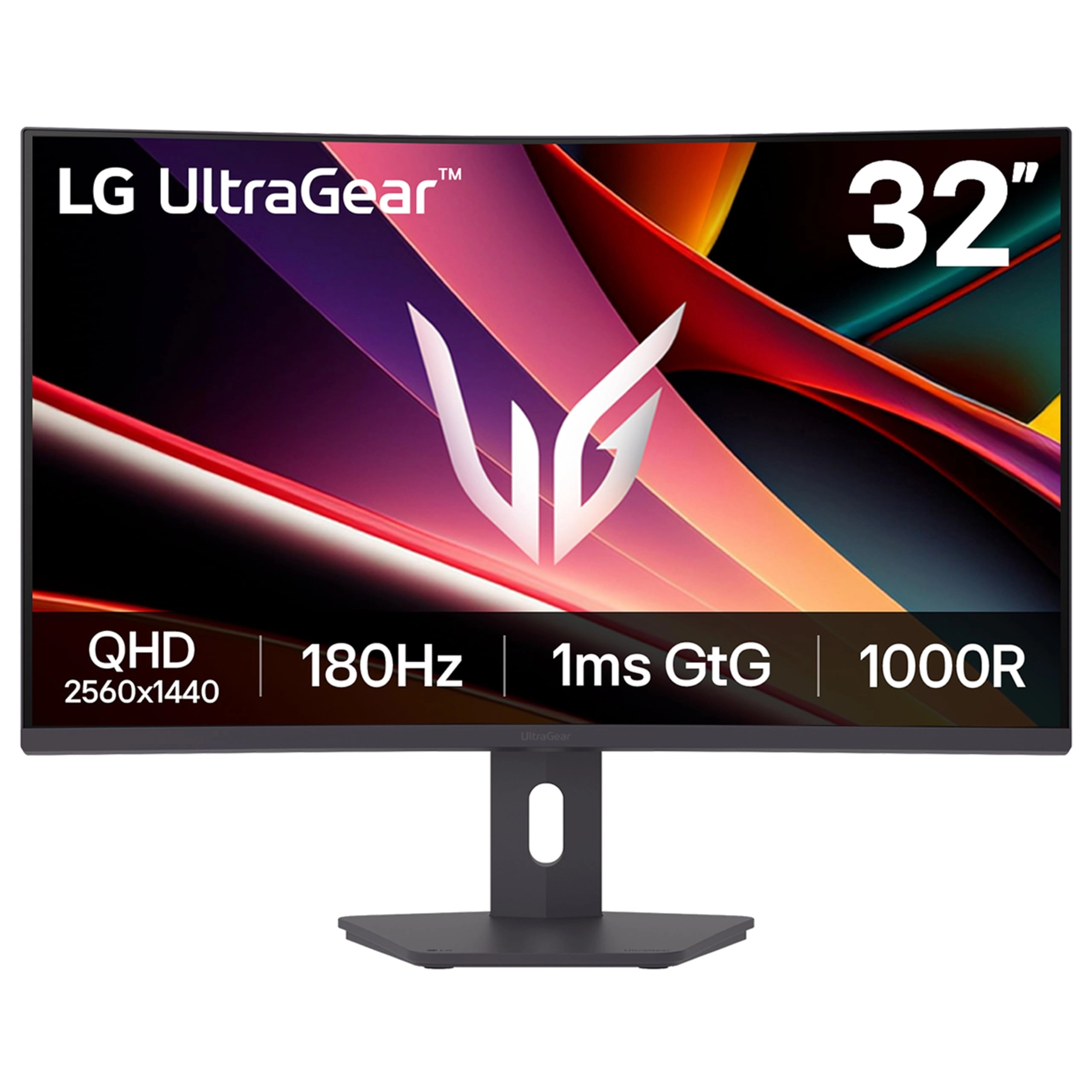
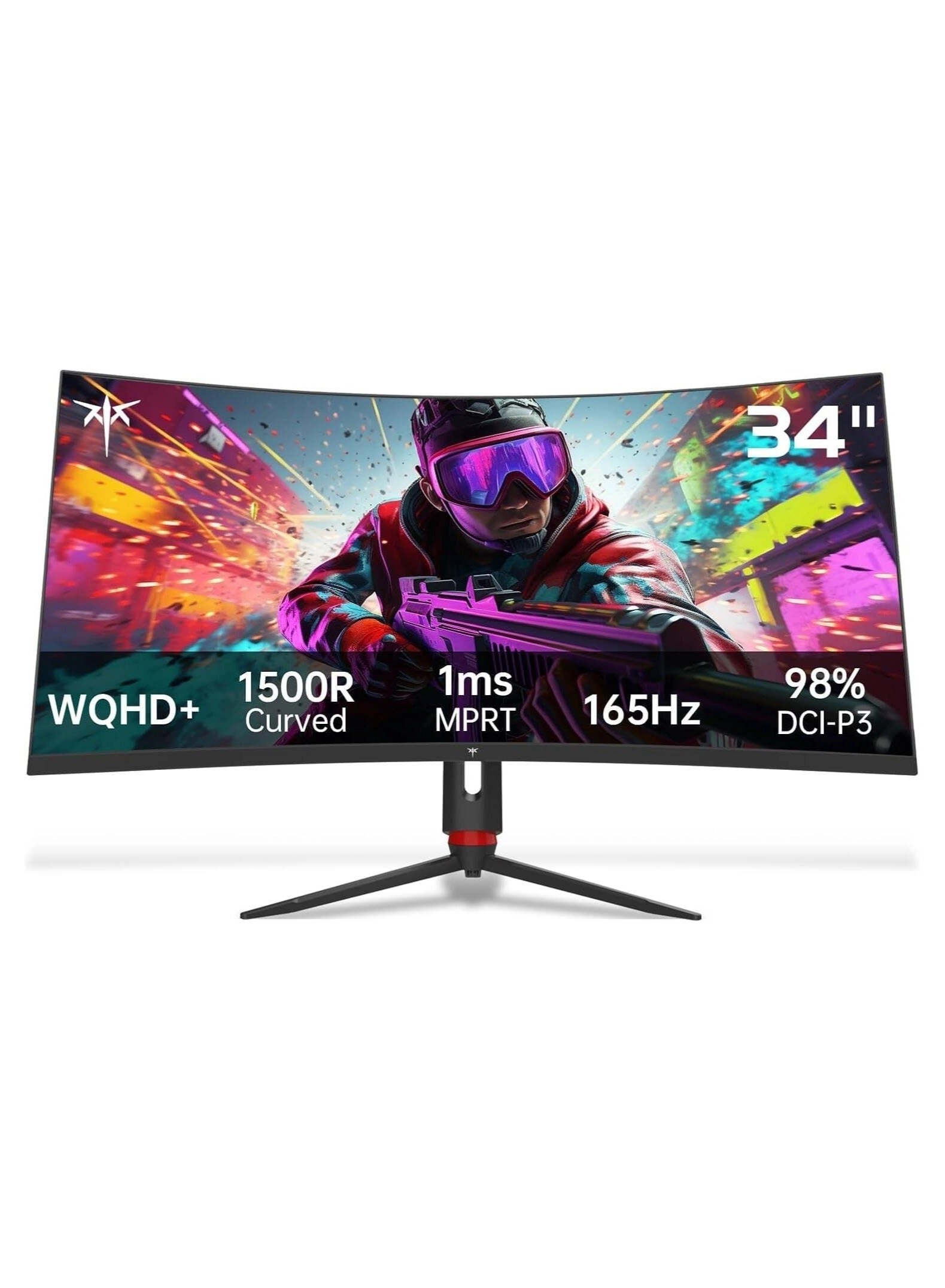
desertcart.com: KTC 32 inch Curved Gaming Monitor, 180Hz 1ms
MPRT, 2K 1440P 144Hz Monitor, 1500R HVA Display, FreeSync
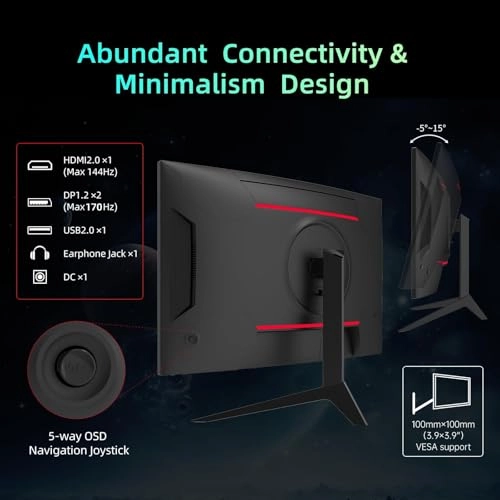
Premium, HDR, 120% sRGB, DisplayPort/HDMI/USB, Vesa Support
3.9x3.9'', PC Moniter for Gamers : Electronics
Review: a good budget-friendly monitor - I bought this during a
pre-Black Friday sale: an desertcart "Lightening Deal" combined
with a KTC coupon that dropped the price well below $200. So, my
positive response to the H32S17 is partly based on the big
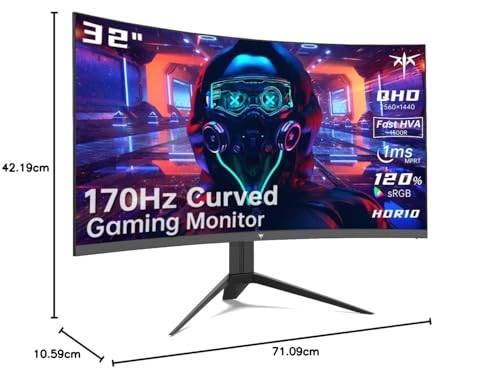
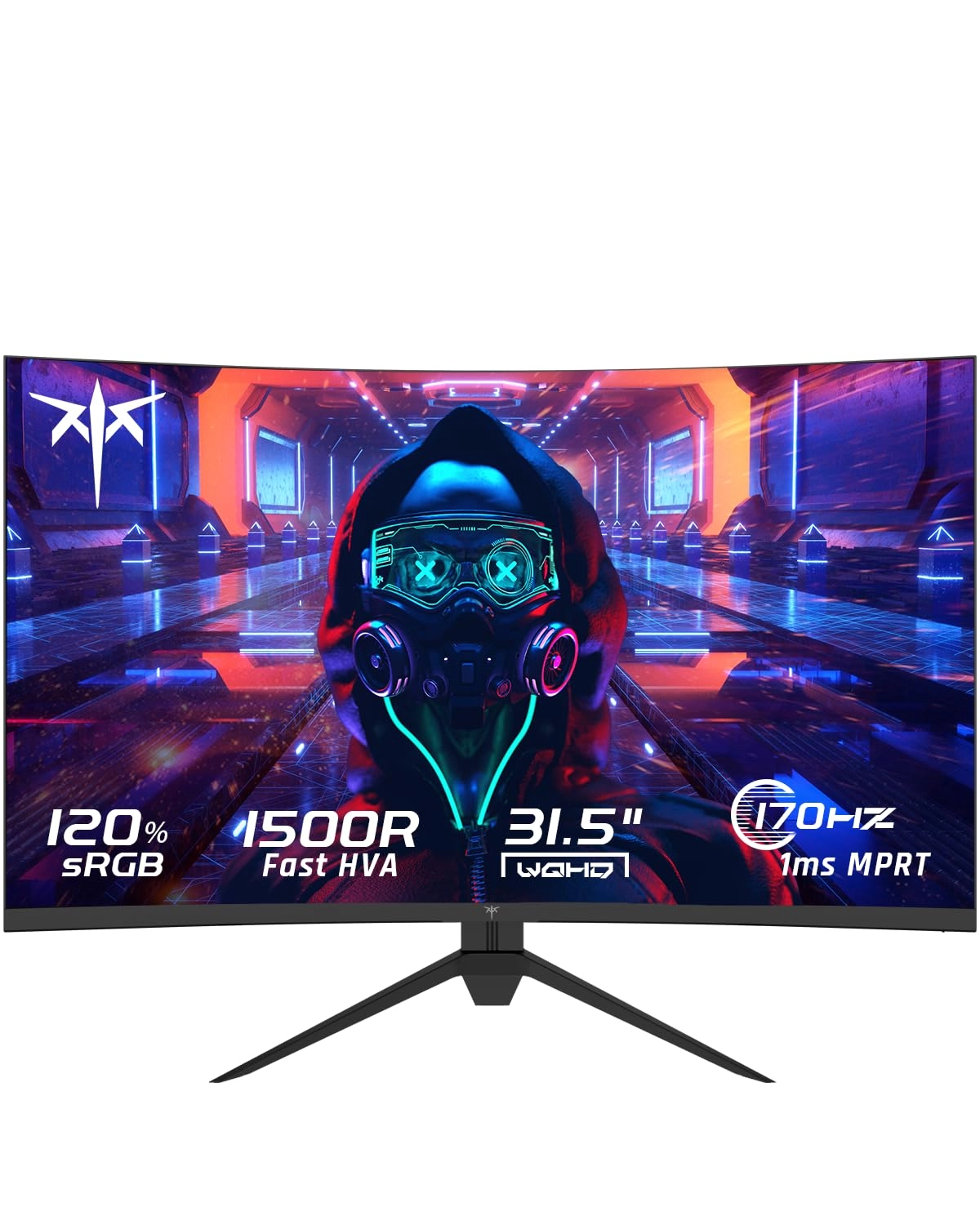
discount I got for my purchase. The monitor is the advertised 32
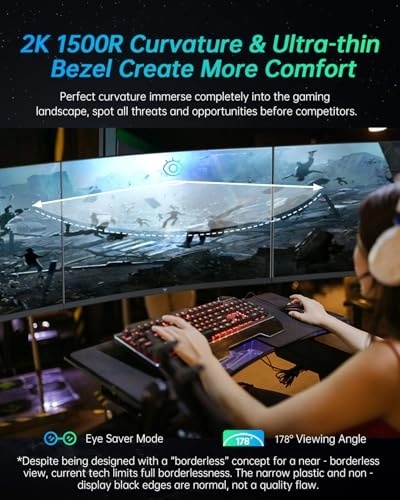
inch width. The bezels are very small, about 2 mm; however, the
panel has a small, black border, which is never utilized. So the
border around the display area extends another 5 mm around the
left, right, and top. So, the max viewing area, measured by the
diagonal corners is 31.5 inches. The build quality is solid
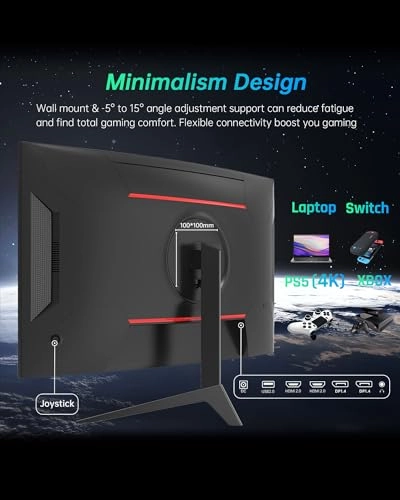
plastic for the monitor, and the monitor base does use metal. I
can't speak to the amount of adjustment the monitor has on its
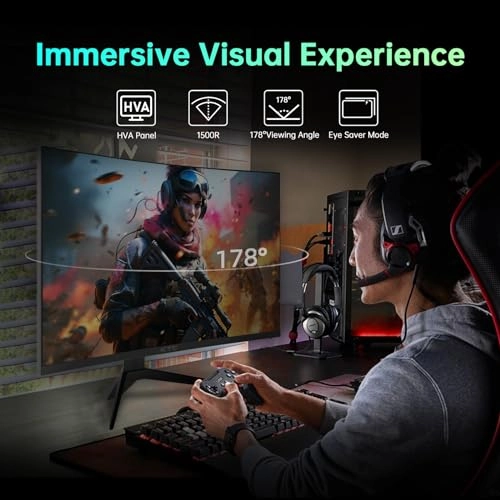
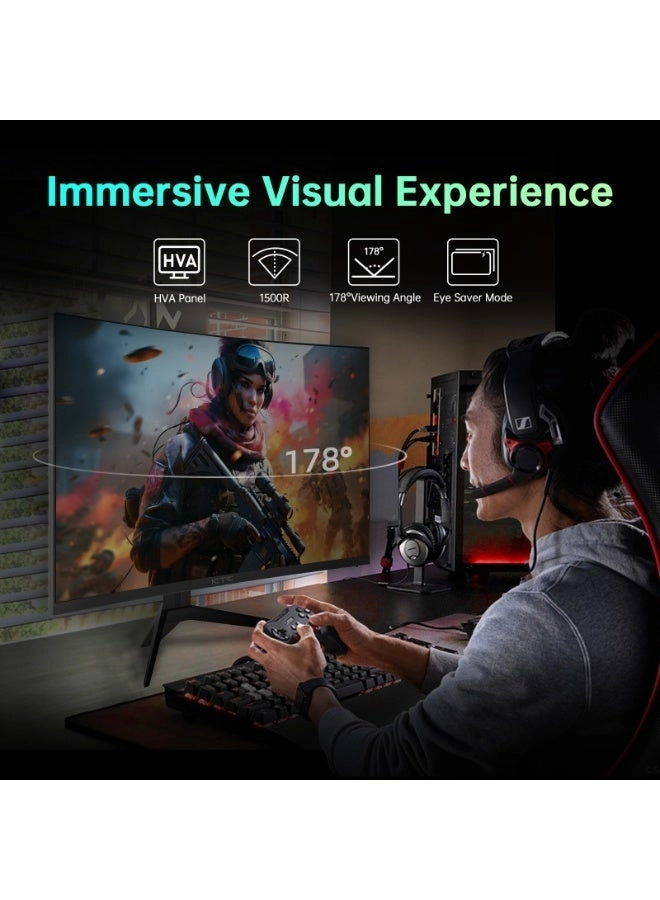
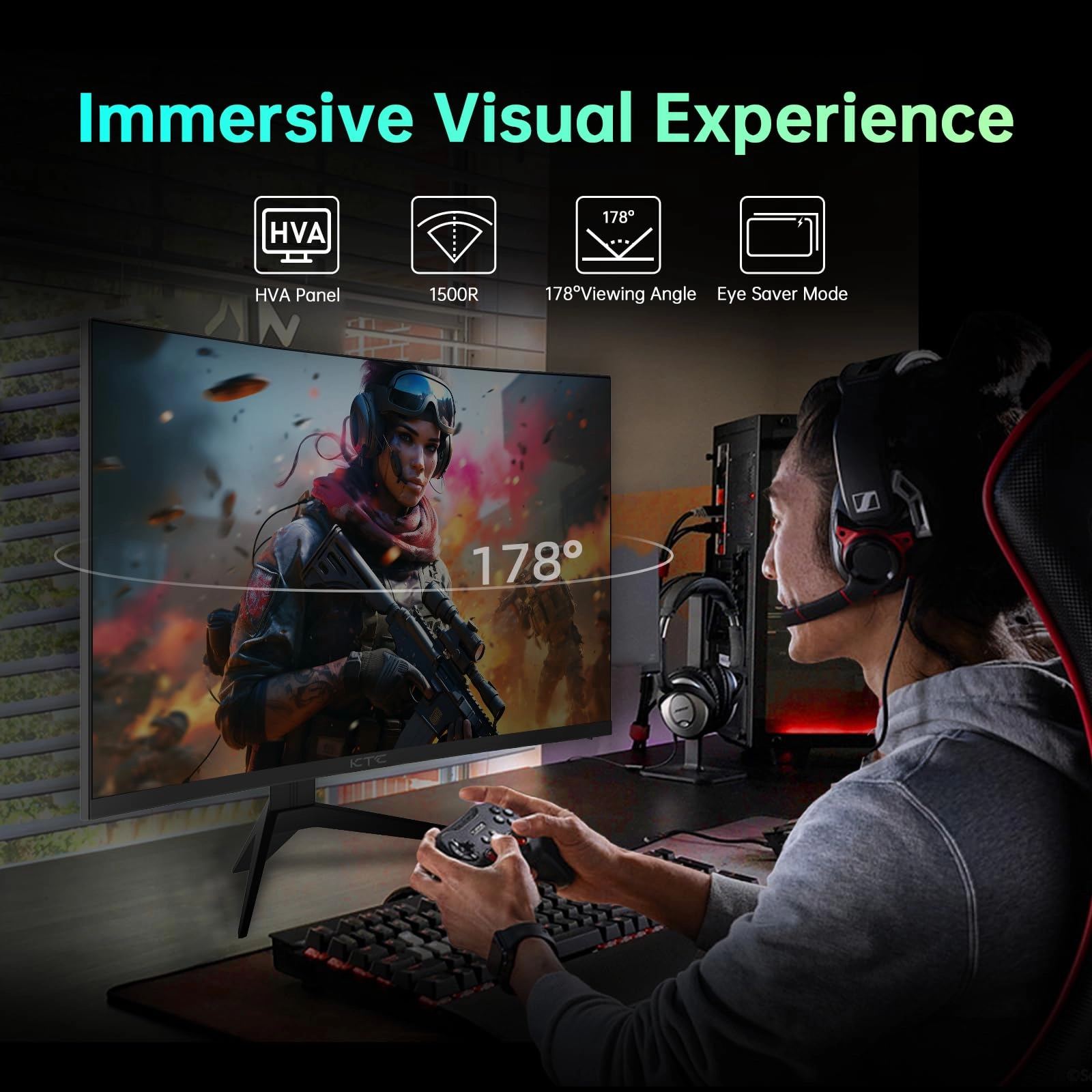
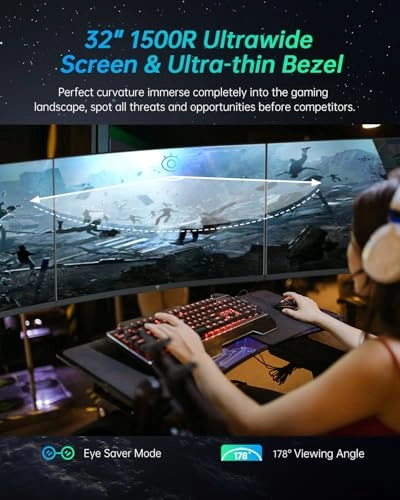
base since I have mine on a 3rd-party VESA mount. The 1500R
curvature is very gentle. I use the monitor up close and viewing
content from a distance up to 10 feet away, and the curvature
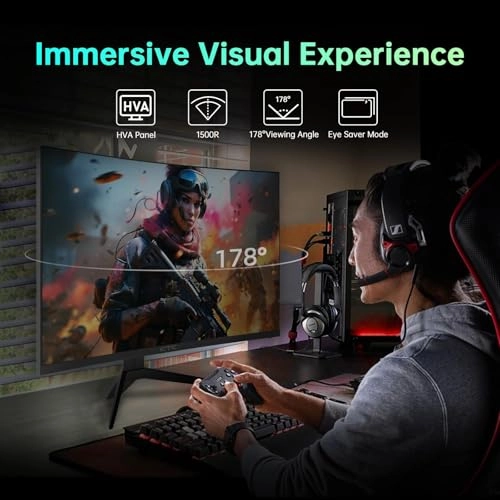
isn't annoying. Be aware, since the panel is a VA, the viewing
angles aren't as wide as with an IPS or OLED panel. But there is
some viewing angle, especially if you are viewing content from a
bigger distance. You don't need to be directly dead center in
front of the monitor to get a good viewing experience. The
out-of-the-box calibration of H32S17 is not good. You will have
to adjust such things like the color hue, saturation, gamma,
brightness, and contrast to fit your environment. Some have
complained that VA panels aren't very bright. I'm happy with the
brightness of this monitor. I never have the brightness maxed
out, and I often lower it to 85 - 75% depending on what I'm
watching and how dark my office is at any given time. When I
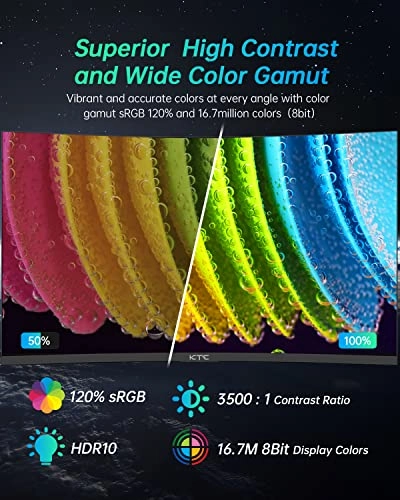
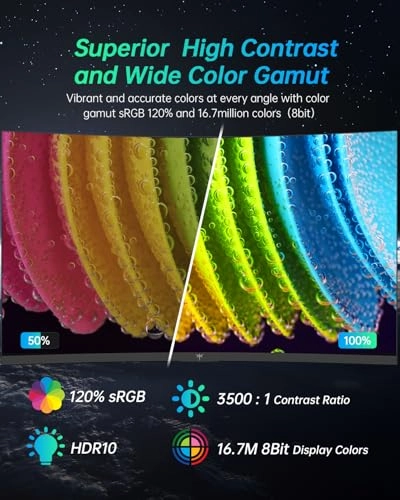
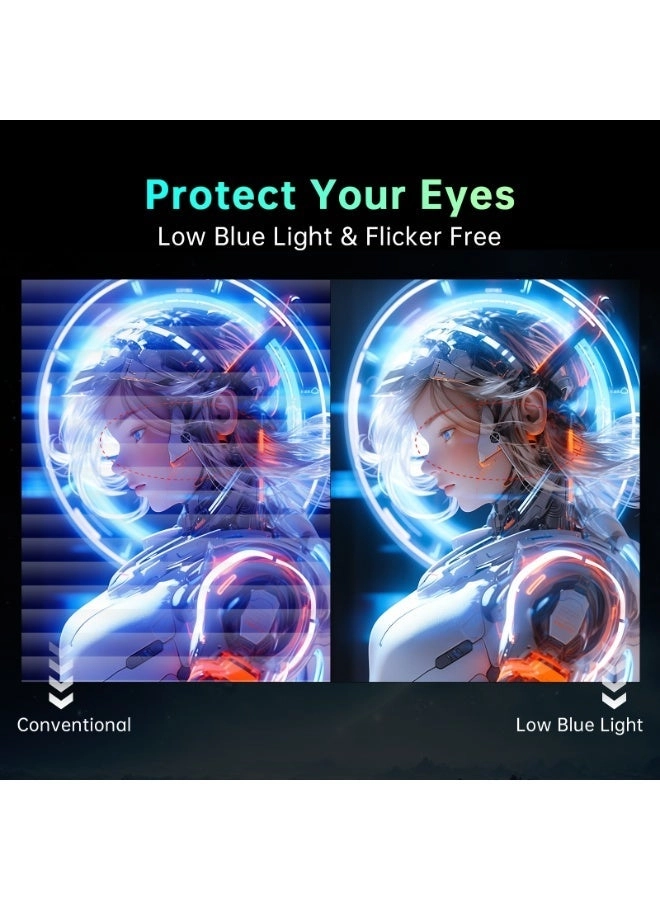
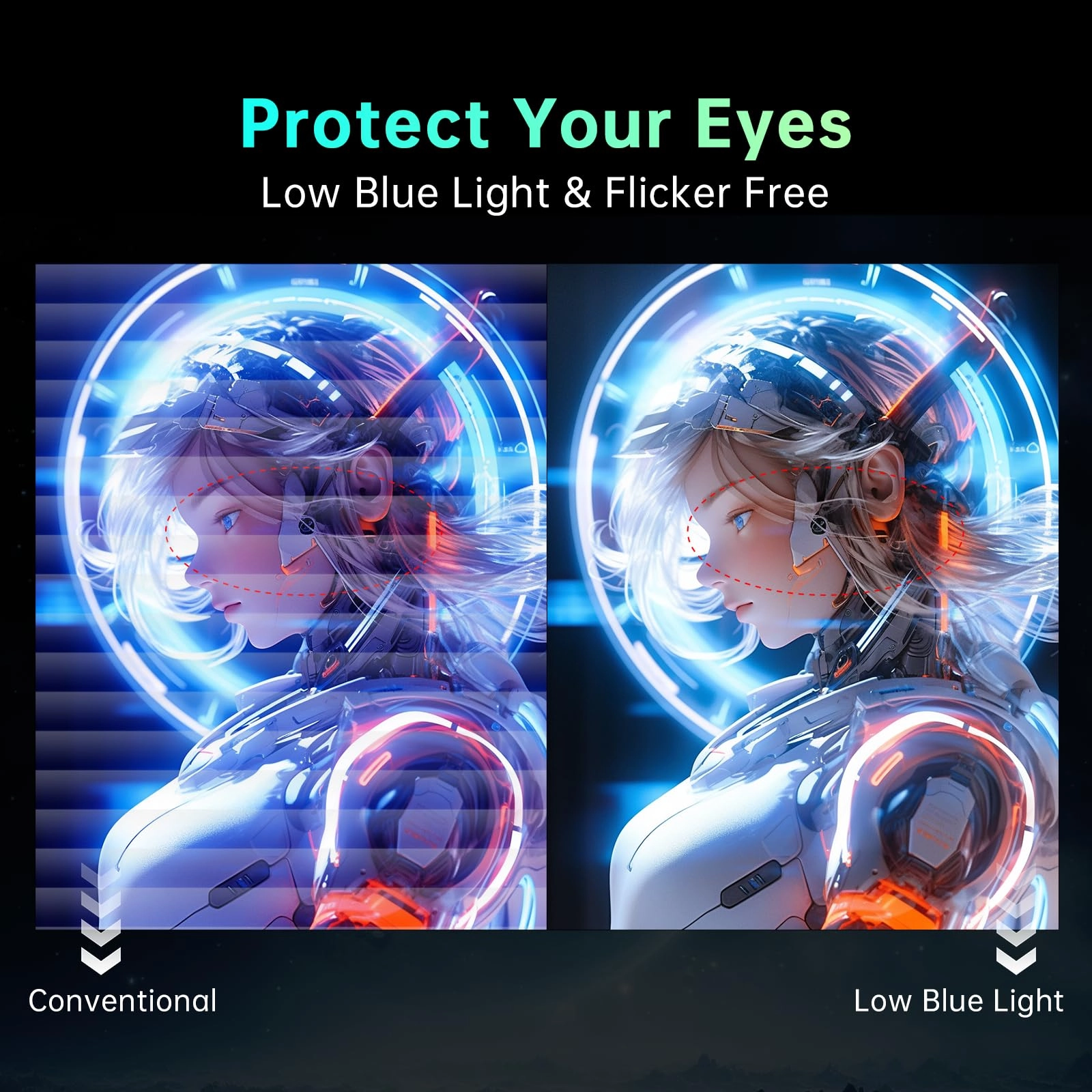
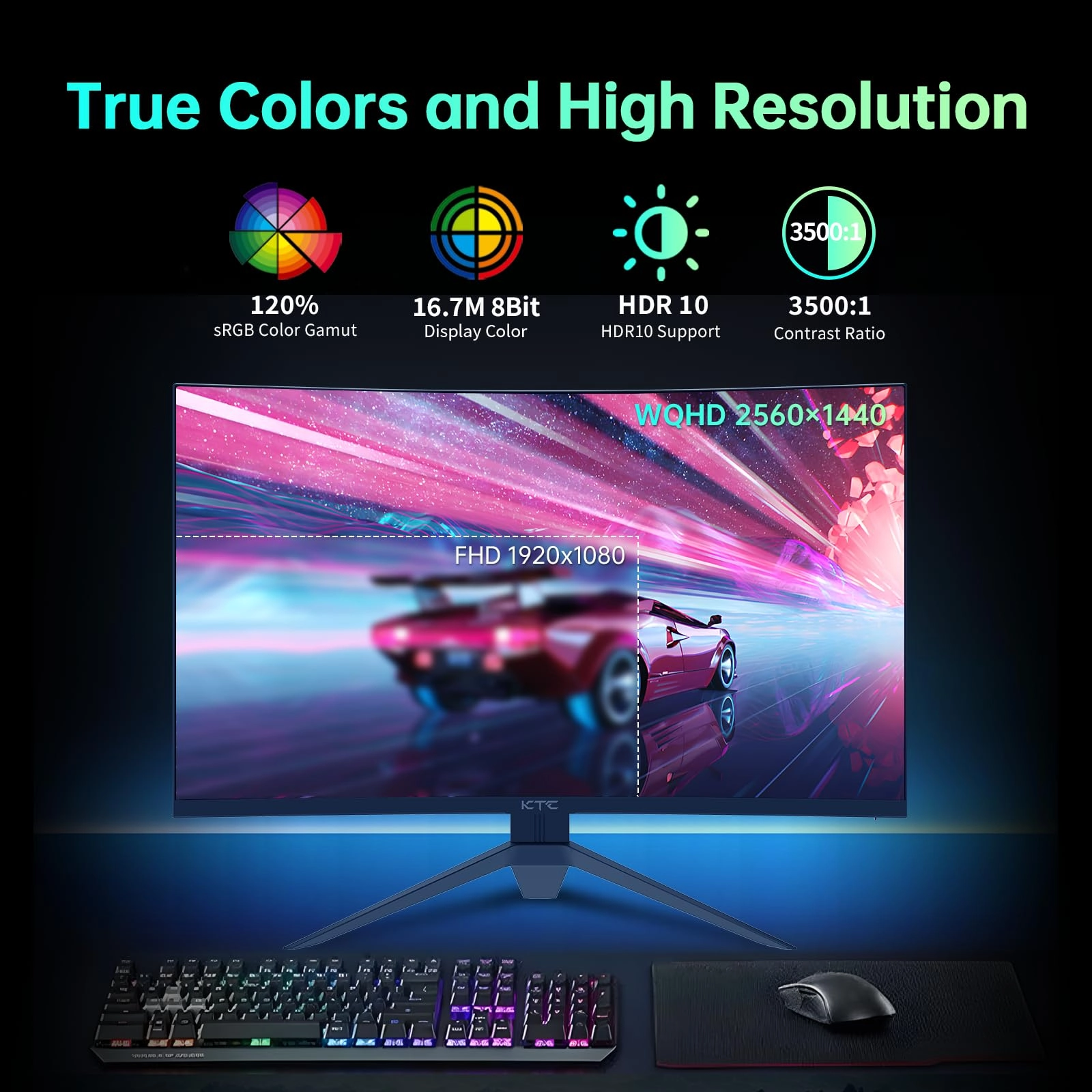
finally got it adjusted, the display is vibrant with good color
saturation and deep blacks. This wasn't clear when I researched
the monitor, so I will confirm that the H32S17 has an overdrive
mode that has 4 different speeds. I currently have it on the
highest speed, but all the levels do influence the gray-to-gray
response times differently. So, this monitor, like any VA, will
have some black smearing, but the overdrive, plus the high
refresh rate, will mitigate it some. I'm satisfied with the low
level of smearing, but I don't play high-level FPS games where
smearing would cause problems. I do use the monitor for
productivity. Text clarity is very good, whether reading black
text on white backgrounds or white text on black backgrounds. I
was a little concerned about that when I bought the monitor, but
it has exceeded my expectations in this aspect. If you have a
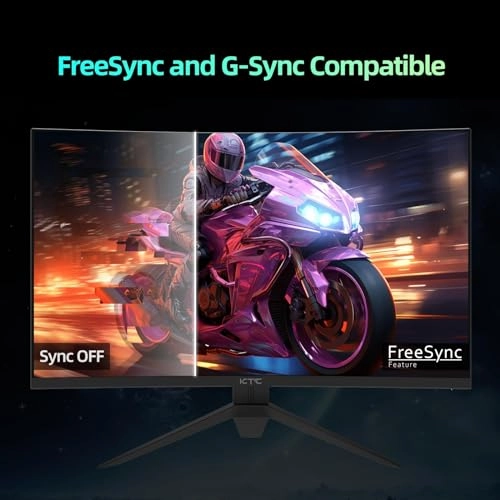
decent PC and GPU that can push high frame rates, I recommend
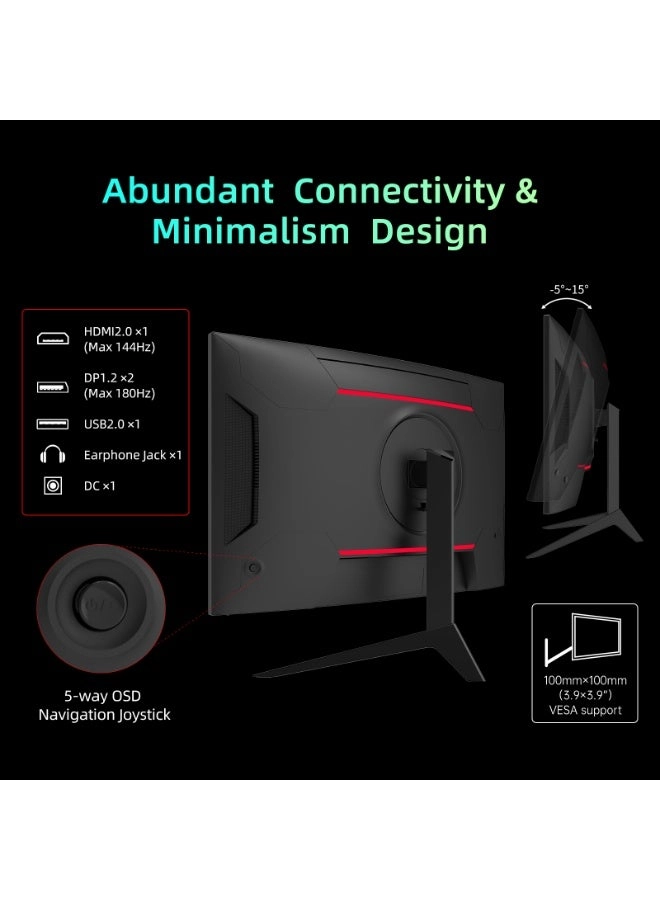
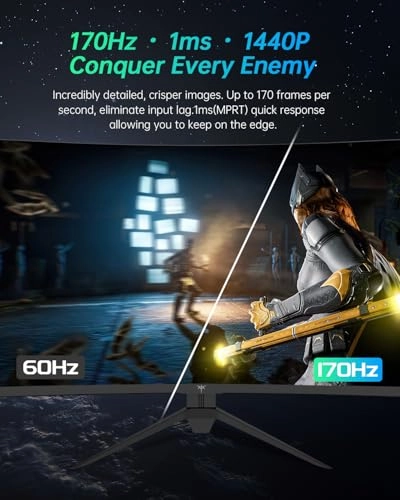
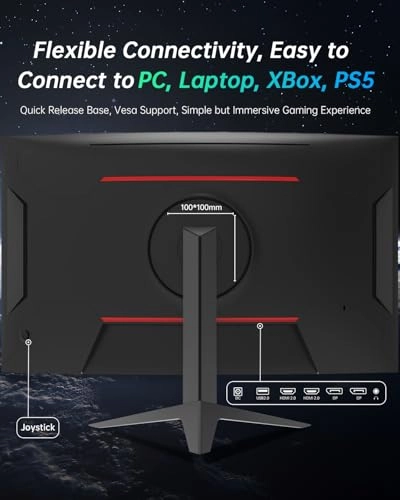
connecting the monitor to your GPU with the display port. With a
DP connection, the monitor provides a stable 180 frames, which is
even higher than the advertised 165-170 hz. I'm extremely happy
with that. Overall, this is a budget-friendly monitor that is
good for multiple purposes (viewing content, casual gaming, and
productivity). It won't compare to the best IPS and OLED
monitors, but, for what I paid, I believe I got a quality
product.
Review: Perfect monitor - Love this monitor already. Better pic
then my way more expensive Acer monitor. Good quality, perfect
refresh rate, easy to use. Very good value for the money. I might
wanna buy another of these at some point.