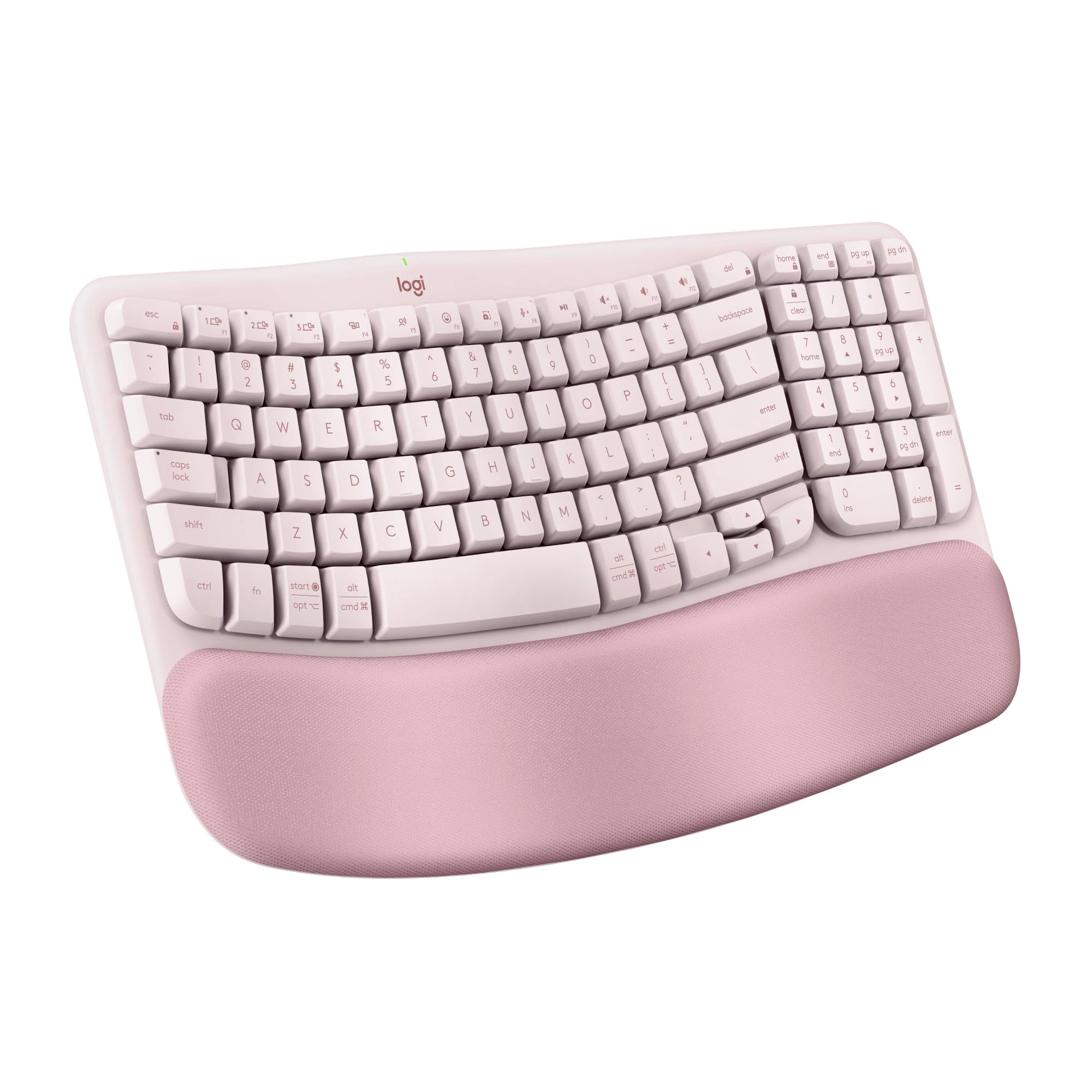
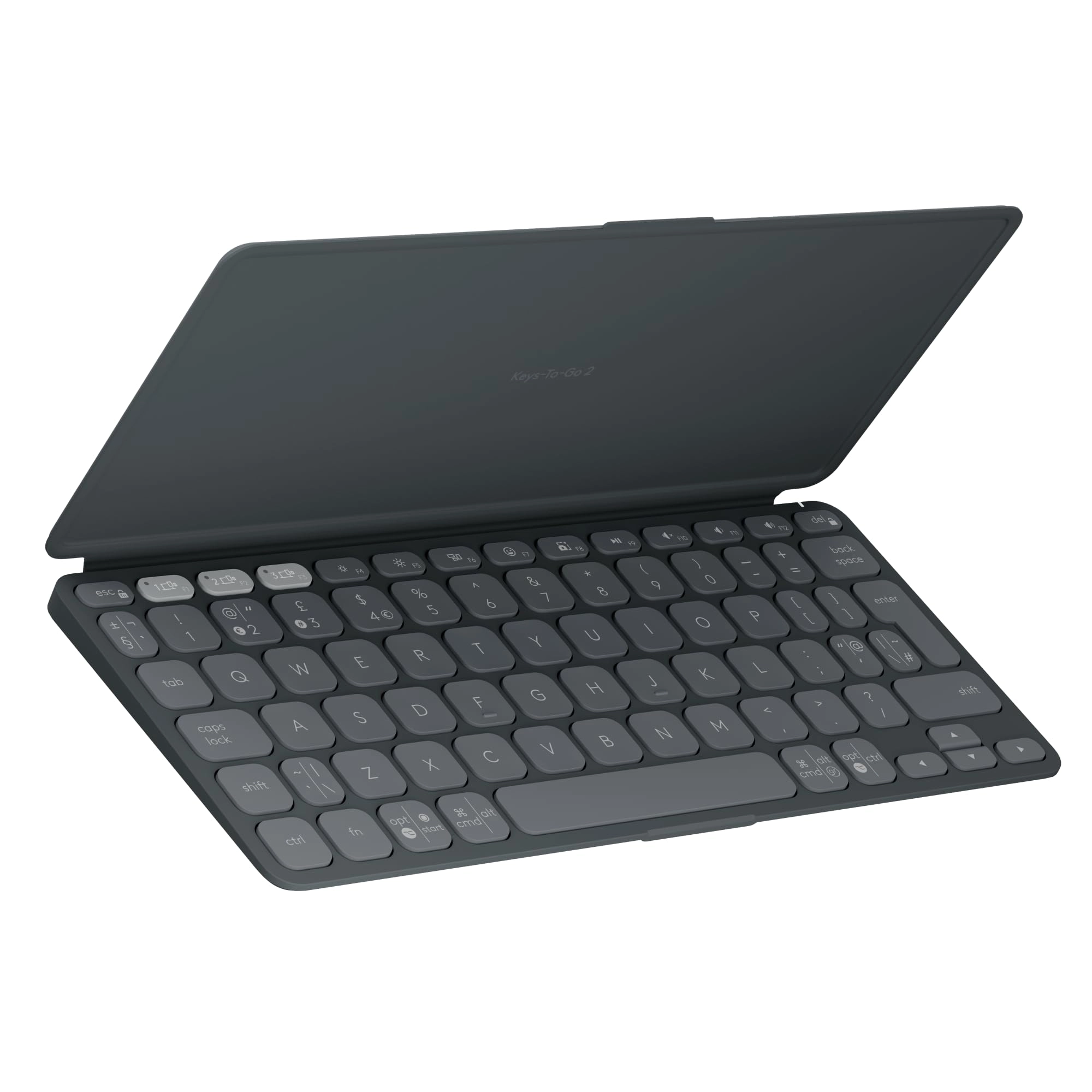
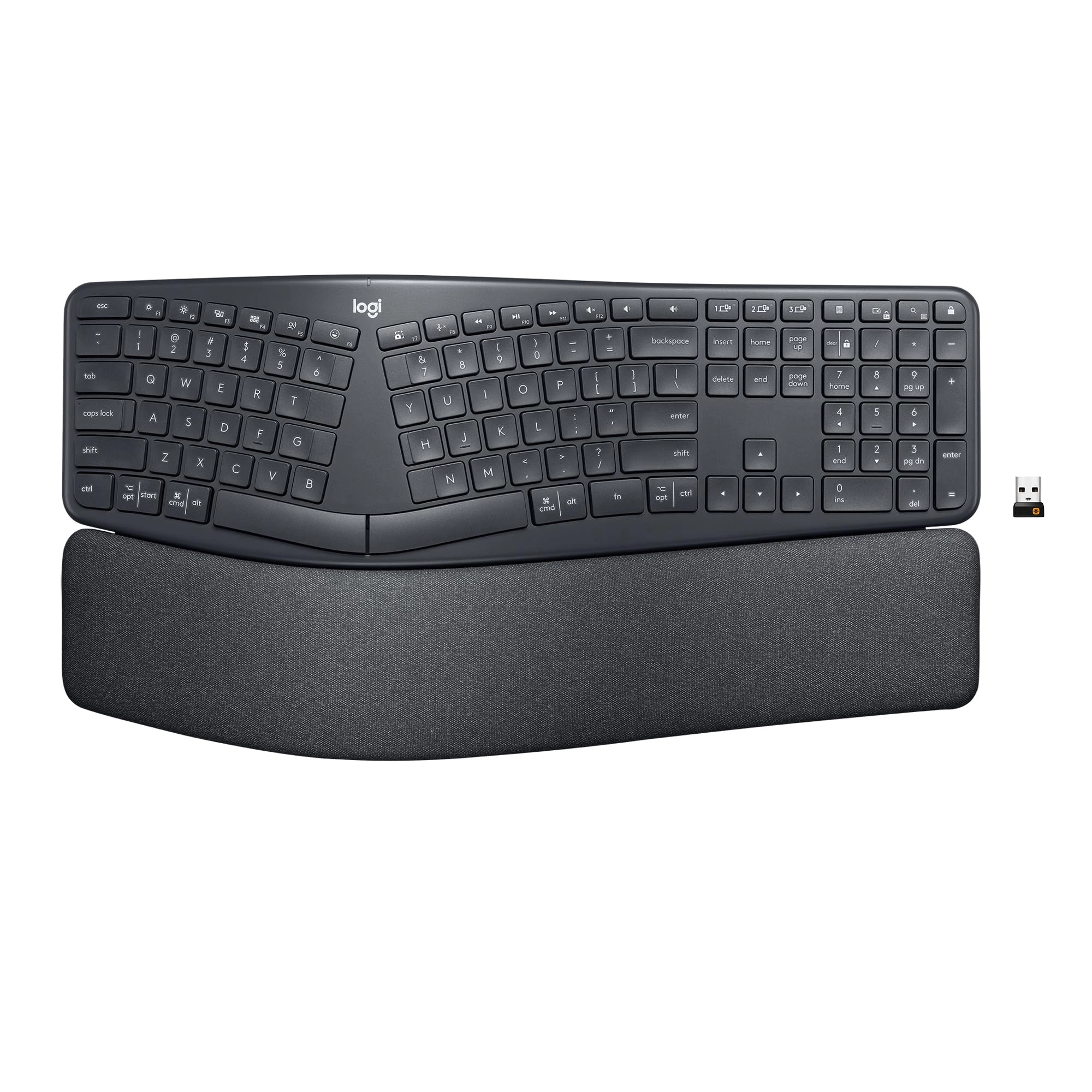
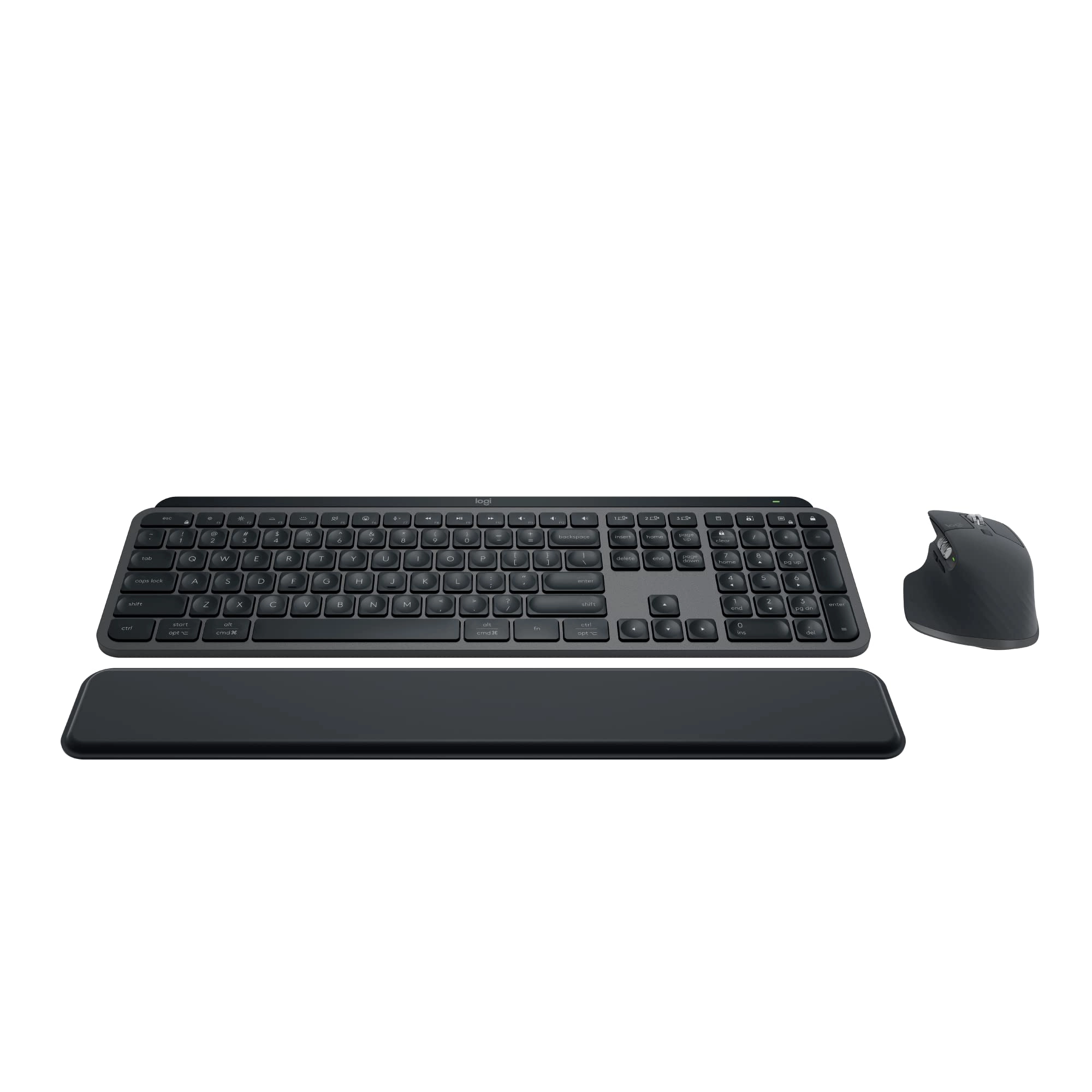
Product Description iClever Bluetooth 5.1 Multi-Device Keyboard
VERSATILE BLUETOOTH KEYBOARD Make typing, chatting and tweeting
easier than ever before with this iClever Bluetooth keyboard. It
is compatible with Windows, Mac OS, iOS, and Android, so there
are virtually no mainstream platforms that you can't use this
portable keyboard with. DURABLE AND EXQUISITE WIRELESS KEYBOARD
Every key of the iClever keyboard is meticulously crafted, and
built to withstand a whopping 3,000,000 presses. You can enjoy
the solid feel of the keyboard under your fingers as you work,
and complement your style with the luxurious colorway. SCISSOR
SWITCH KEYSTROKE The scissor-switch keys are ergonomically
designed, and reduce the tip noise and optimize the
responsiveness so that you can feel every key stroke, but don't
need to hear it, giving you a very pleasant typing experience.
Highlights BROAD COMPATIBILITY USEFUL INDICATORS ULTRA-SLIM &
ERGONOMIC SHAPE SIGNIFICANT LOW POWER CONSUMPTION LONG-RANGE
BLUETOOTH CONNECTION FN LOCK & HOT KEYS You can set up your
tablet at any angle or position with no wires to worry about,
since the iClever Bluetooth keyboard can connect up to 3 devices
seamlessly with Bluetooth enabled devices of different platforms,
like iMac, iPad pro/air/ iPhone 11/xs /max/x/8/7 Plus/7/6s
Plus/6, Samsung Galaxy S10/S9/S8, Google Nexus, etc.
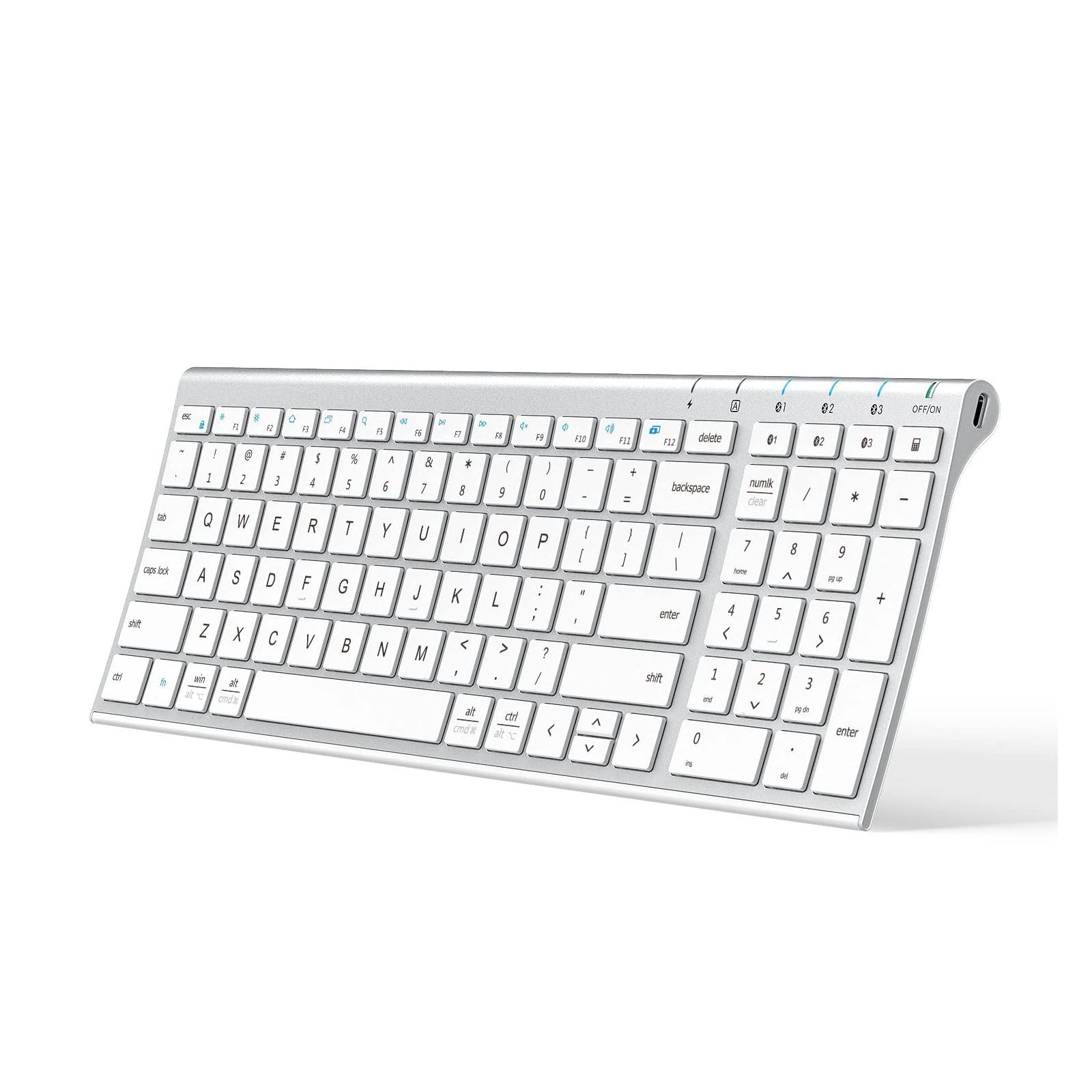
Comprehensive LED indicators are equipped in the portable
wireless keyboard, so you are easy to know the state of your
Bluetooth keyboard. Indicator lights are located in the top right
corner of the keyboard so you can see them unobstructed while you
type. (There is FN lock key, but no FN lock indicator) Designed
for productivity and Superior comfort, the ultra-slim iClever
keyboard with dimensions of 14x4.9x0.15 inches, boasts a full
size keyset, optimum slope and spacing for fast, fluid typing.
The key sound, stiffness and texture provide you a stable and
quiet typing experience. The wireless keyboard adopts an
economical battery management system, which makes the inbuilt
rechargeable battery incredibly long-lasting (2 hours charge for
90 hours continuous use). So you can carry this keyboard around
without worrying about it too much, and the keyboard will be a
trusty companion for all your Bluetooth-enabled devices. Get full
functionality without tying up a USB port with advanced Bluetooth
technology. The wireless keyboard can pair seamlessly with your
devices at a range of up to 33 feet, which provides high accuracy
and stable connection, and automatically connects to your
previously connected devices on your next session of typing. The
Bluetooth keyboard features number keypad and traditional QWERTY
layout you're used to, as well as easy access to several hotkeys
on the fly including Mute, play/pause, backward and forward,
volume up and down, making your time spent on your device highly
productive by co-using Fn lock. Q: Compatibility OS? Windows 8 or
late Android 6.0 or late iOS 9.0 or late Mac OS X 10.8 or later
with HID profile NOTE: Do not compatible with Mac mini, Mac
studio, XBOX, Samsung Smart TV, Nokia Phones and Bluetooth
adapter. Q: Guide to Use for IC-BK10 Step 1: Power on the
keyboard. Step 2: Click BT1/BT2/BT3 button to choose Channel
1/2/3, and each channel can pair with 1 device. Step 3: Hold and
press BT1/BT2/BT3 buttons for 5s to Bluetooth pairing mode. Step
4: On your Bluetooth device, find the *iClever IC-BK10 Keyboard*,
and click to connect it. Q: Fail to connect. Step 1: Charge the
keyboard for 2 hours. Step 2: On your device, remove/delete all
the Bluetooth connection records Step 3: On your device, turn off
the Bluetooth and turn it on again to refresh. Step 4: Follow the
user manual to connect it again. Q: Delay when typing /
frequently gets disconnected or laggy / stop working Make sure
that your device and computer are?within close proximity of each
other.Try moving away from metal and other sources of wireless
signal. Try moving away from any device that could emit wireless
waves Microwave, cordless phone, baby monitor, wireless speaker,
garage door opener, WiFi router Computer power supplies Strong
WiFi signals Metal or metal wiring in the wall Charge the
keyboard for 2 hours If your device has removable batteries,try
removing and re-inserting the batteries in your device.Make sure
your operating system (OS) is up to date. Q: How to Use
"PaUp/PaDn/Home/End" “Fn”+”↑”/”↓”/”←”/”→” for PaUp/PaDn/Home/End
Q: Charging indicator frequently switches between green and red
The green indicator means the keyboard is fully charged. However,
the indicator will turn back red even though you use it for 10
seconds. In this case, the keyboard is fully charged, and it
can't indicate any charging problem. Note: the indicator light
will turn off in 3 seconds after the keyboard is turned on, which
can’t indicate any power problem as long as the keyboard can
match and work.
Review: Highly Recommended - Worth Every Penny! - I’ve been using
this keyboard for about a week now, and I must say it’s an
excellent choice! The proper spacing between the keys makes
typing super comfortable, and the keys are incredibly smooth to
press. Switching between multiple devices is a breeze, it can
easily pair up to 3 devices without any issues. The sleek design
gives you a premium MacBook-like feel, and the firm base ensures
it stays steady while typing, no unnecessary sliding at all.
Battery life is impressive too; it’s been a week since the last
charge, and it’s still going strong. Sometimes (very rare)
there’s a slight lag (3 - 4 seconds) when switching between
Bluetooth devices, but that’s hardly an issue and perfectly
acceptable. One small thing I noticed, the Bluetooth LED flashes
only when switching devices and then turns off. Personally, I’d
have preferred it to stay on (like a caps lock indicator), but
that’s just a minor preference, not a con. Overall, it’s a solid,
well-built, and thoughtfully designed keyboard. I’d highly
recommend it to anyone confused about which multi-device keyboard
to buy. Just go for it ... you’ll love it! 💻✨
Review: Stopped working after 6 months. - I used it for 6 months
and it just stopped working. My use case was to connect it
wirelessly with 3 devices. (Windows and Mac) . It just stopped
connecting via BT. No response. I even tried the
fn+shift+backspace which was supposed to reset. Again nothing.
(Funny thing is that the charging light with turn green when I
plug in any charger).. sad experience. Not sure if it's worth it.
Not buying again.