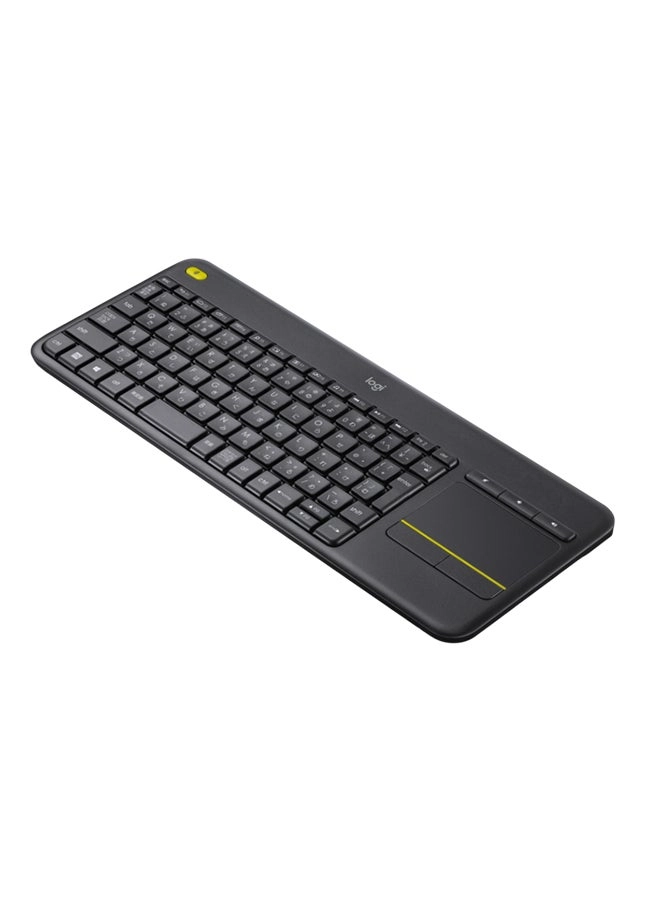
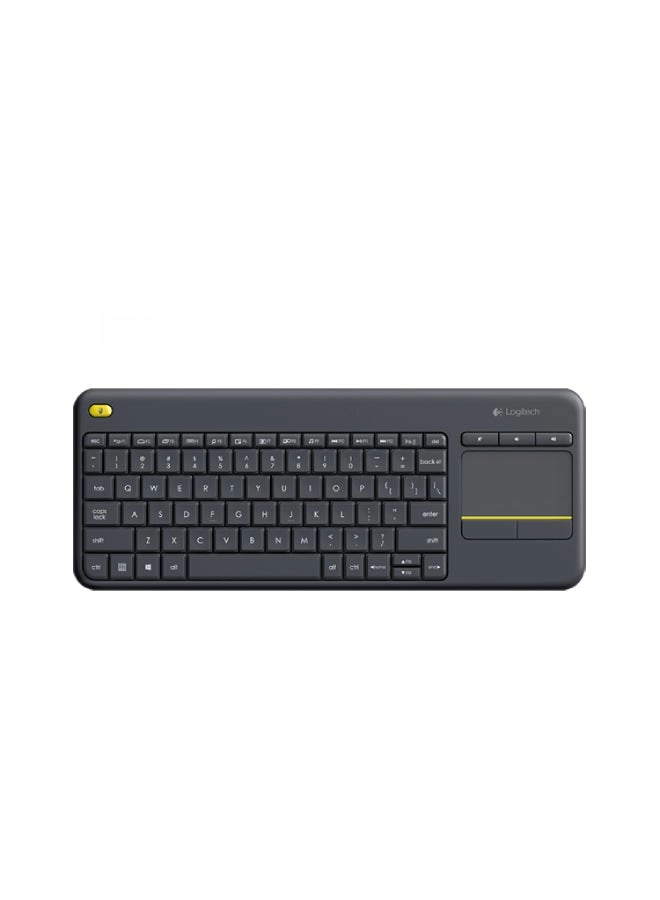
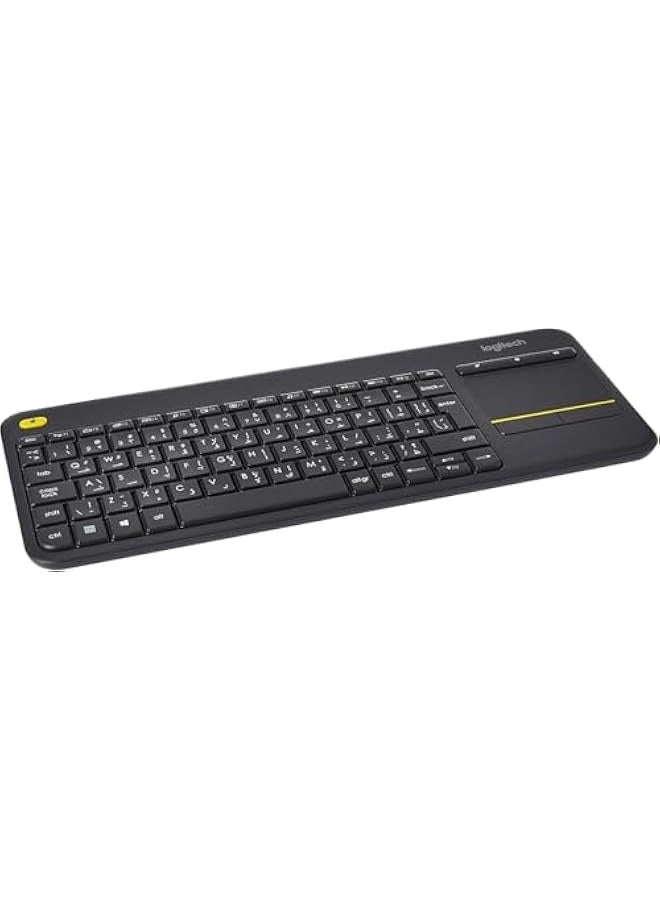
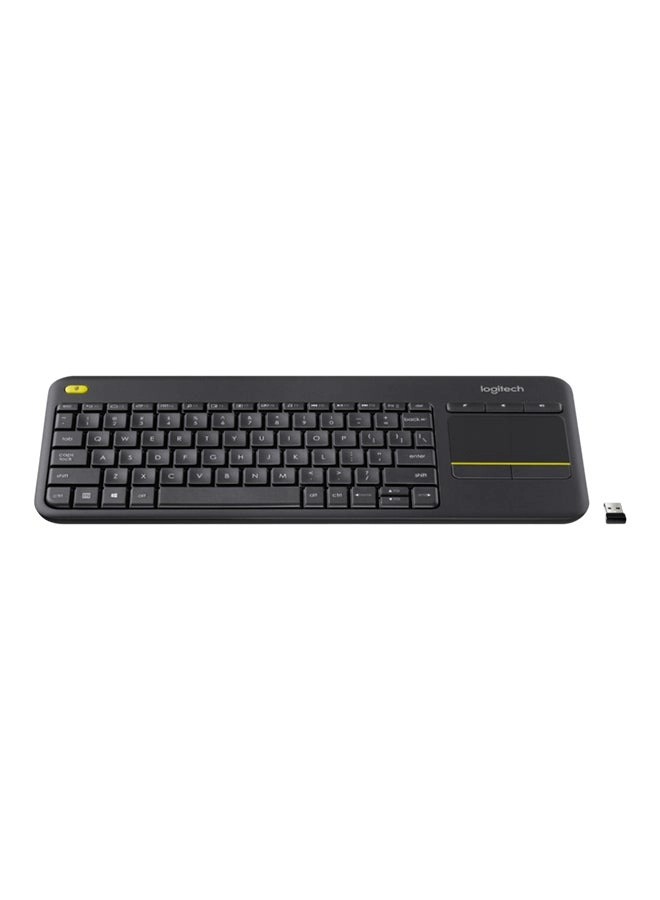
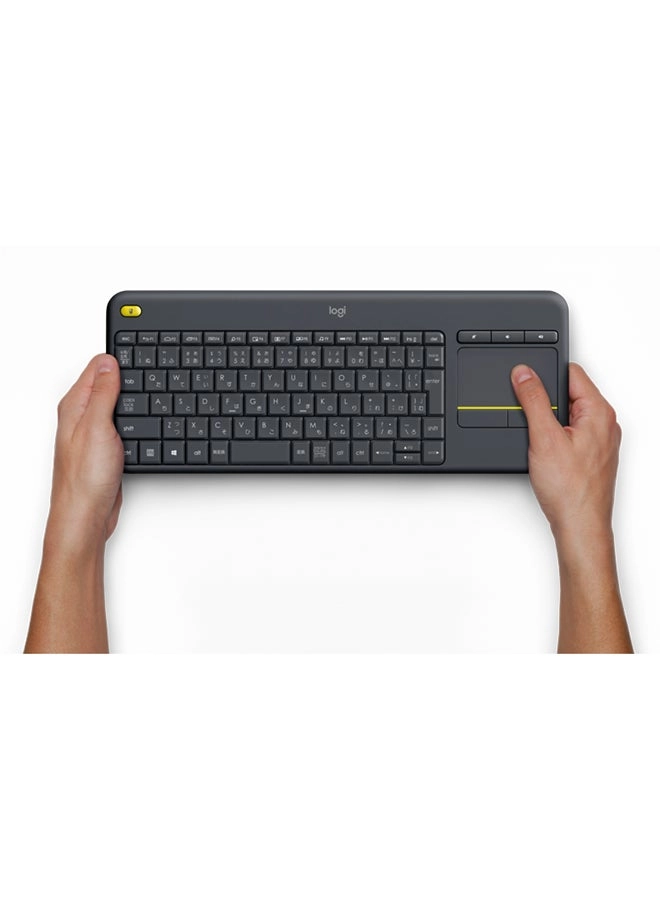
The Logitech Wireless Touch Keyboard K400 Plus lets you
experience PC-to-TV entertainment the way you Watch video, browse
the web, chat with friends and much more. The all-in-one keyboard
with touchpad ends the hassle—and clutter—of multiple devices.
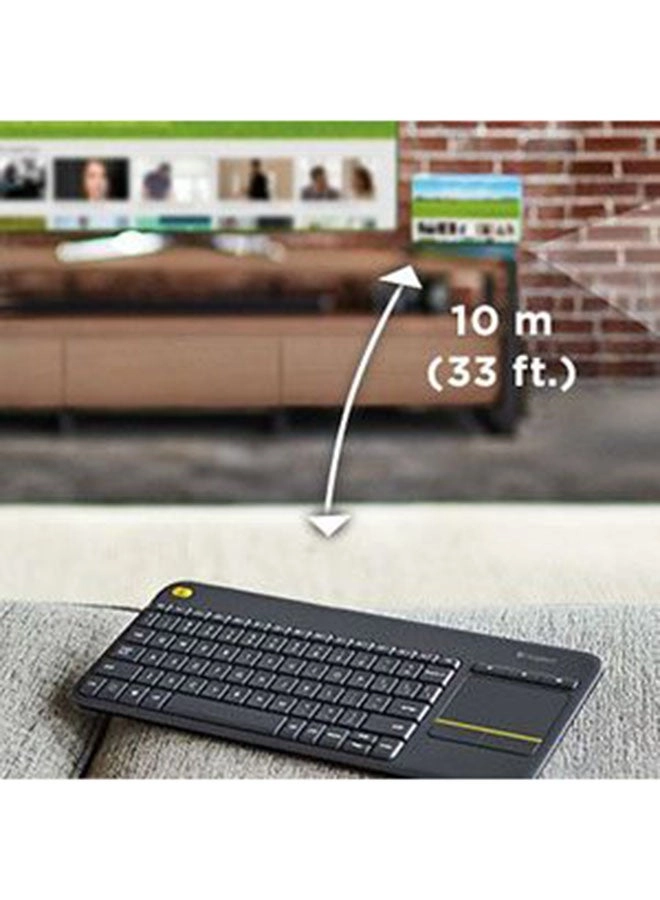
And a 10-meter (33-foot) wireless range ensures your fun won’t be
interrupted. Comfortable, quiet keys and a large (3.5-inch)
touchpad make navigating entertainment effortless. Even setup is
a snap thanks to the tiny, plug-and-play Unifying receiver. The
18-month battery life means you might even forget the keyboard
needs batteries. 1 Wireless range may vary depending on operating
environment and computer setup. Assumes up to two hours typing
per day. Actual battery life will vary with use, settings and
environmental conditions.
Review: Perfect for use with my Samsung Smart TV - I have two 6
Series (MU6290) 40" Samsung 4K Smart TVs that I purchased at
Costco, one in my office and the other in my master bedroom. For
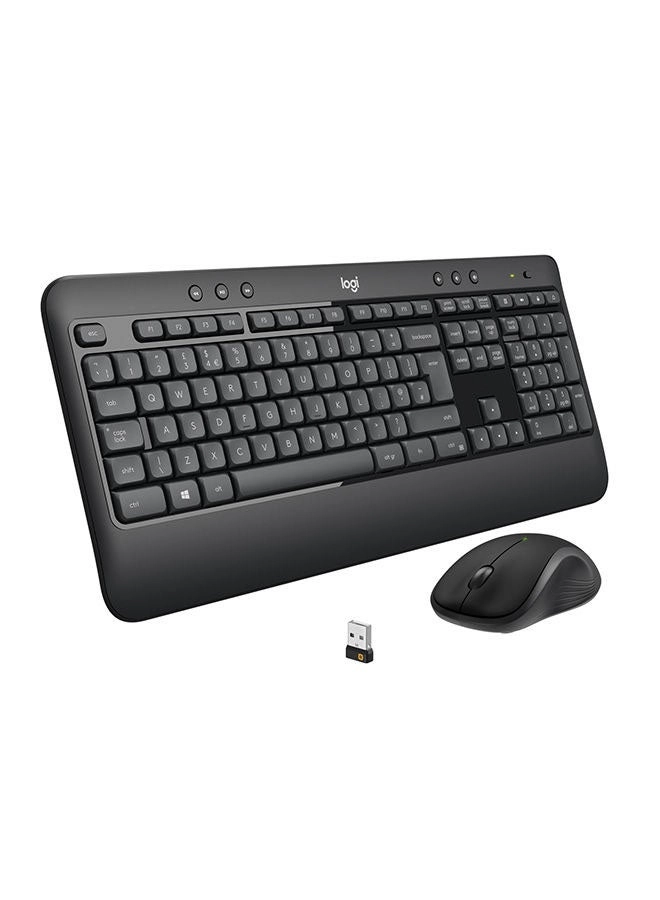
about $19 I purchased a wireless keyboard and mouse combo on
desertcart to use with the TV in my office. They use a single
unifying USB reciever and work great, just plug and play. The
only thing I found I didn't like was having two devices to keep
track of and having to switch between them to point and input
data. I saw this keyboard as an desertcart Deal of the Day two
days ago and just received it, in fact I'm writing this review
with it while sitting on the bed and using my bedroom TV. It
turns out to have been a very good purchase because it works
great! I merely plugged the unifying USB receiver into the first
USB input on the back of the TV, turned the keyboard on and
started using it, true plug and play. And boy do I love using the
touchpad to cursor around instead of having to switch between the
keyboard and mouse like I do in my office. In fact, even though
the keyboard and mouse work fine on the TV in the office, I may
end up buying another K400+ to use in the office, it's "that
nice" not having to use two devices. I know the K400+ is
advertised as a device for using with a computer connected to a
TV but I read other reviews where it was being used directly with
a smart TV without a computer and, even though it works great
with my Samsung, I can't speak to whether it works with all smart
TVs, though I expect it should work with any of the later Samsung
Smart TVs which use Samsung's Tizen OS. I don't know if it works
with the other two major Smart TV operating systems, WebOS &
Android. It's light, seems well made, has a QWERTY keboard with
nice key response and feel and is spaced fine for touch typing.
It's great for basic input and I'm finding out more about how it
functions with my TV. For instance, I found out holding down the
CTRL key while cursoring moves the cursor one word at a time,
holding down the SHIFT key while cursoring highlights one letter
at a time, holding down the SHIFT + CTRL keys while cursoring
highlights one word at a time, etc. These are familiar, however
I've discovered by playing around that other keys and key
combinations do things but the result may not necessarily be what
I expected, but I'm the type who likes to play and learn and will
thus get even more use from this keyboard as I learn. For
example, just discovered esc key is equivalent to the "back"
function when used in your browser. I can mention the media keys,
previous chapter, next chapter, pause/play, volume up & down
don't work with my TV. I'm sure they do if the keyboard is
connected to a computer that's connected to a TV, as advertised.
However this keyboard is perfect for anyone who only simply wants
to point and input, especially if you only want to use one
device! Overall I'm "extremely pleased" with the K400+ and am so
glad I decided to give it a try. Of course the only thing I can't
comment on is it's longevity but I hope it lasts a good long time
because I love this thing!
Review: Great little wireless keyboard to watch TV with. - I
really like this keyboard. I have a Walmart branded Chromecast
device on my TV. With that brand, you can buy a USB adapter that
allows you to connect ethernet and a USB A device. I plugged in
this keyboard (wireless) and it worked straight away. I didn't
configure anything. Watching Prime TV? Wanting to search for your
favorite show? Use a keyboard instead of your remote. Much
faster, more comfortable and with the track pad, you get the
bonus of a mouse pointer. It's big enough to type with reasonable
comfort but small enough to stow away while watching your
show(s). I've had this unit for more than a few months and I'm on
the same set of batteries. I expect that it has a long battery
life. While made of plastic, it does not feel flimsy to me in any
way. It's a great little keyboard for this application in a media
room.