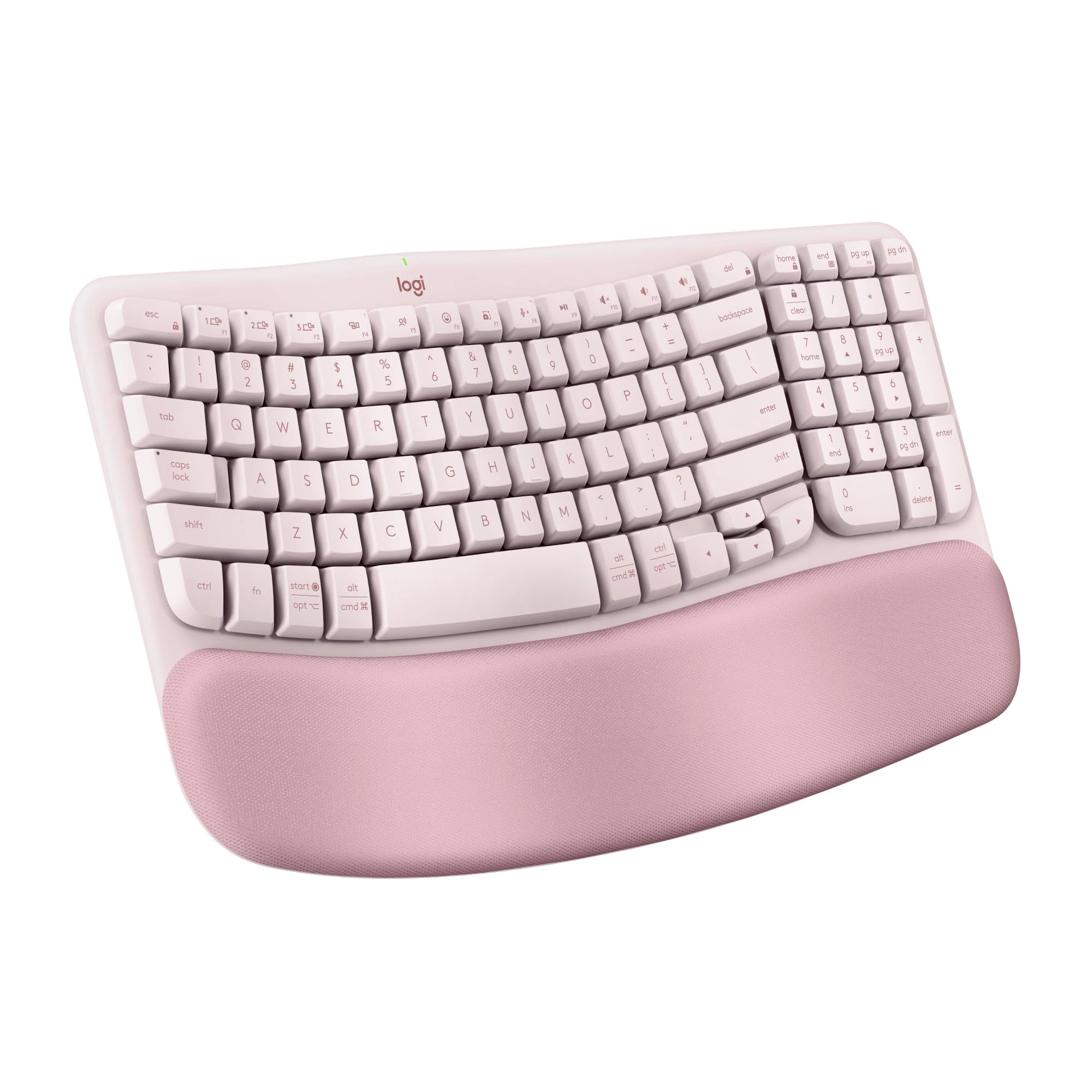
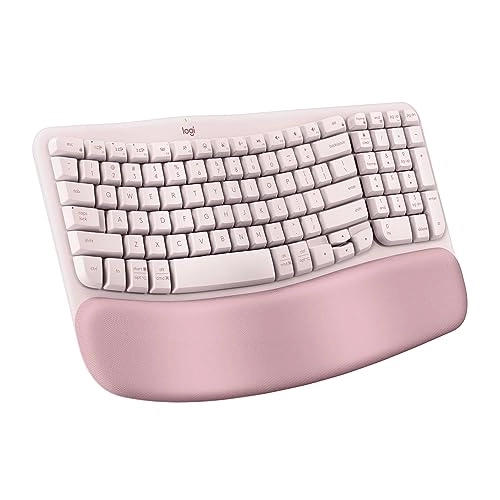
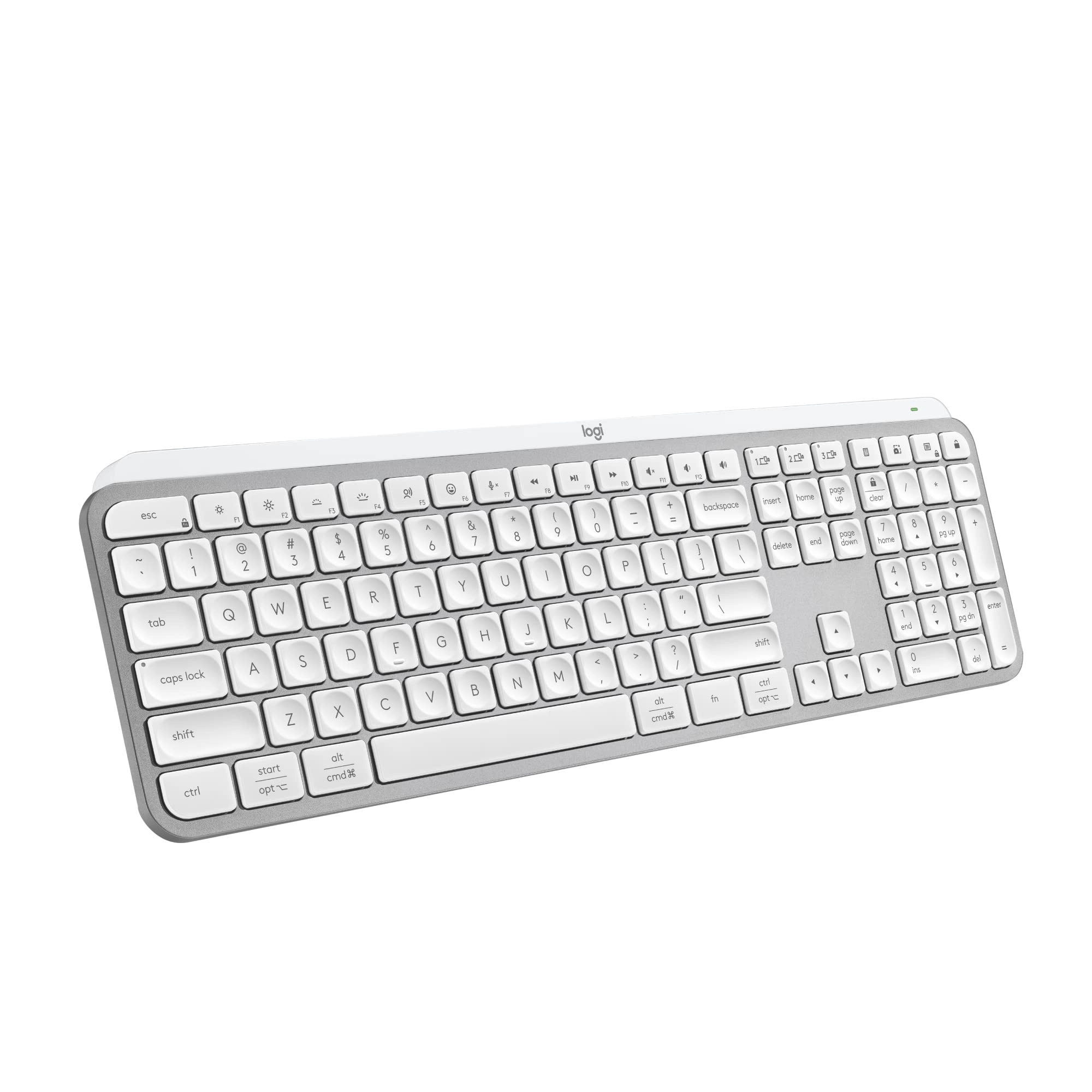
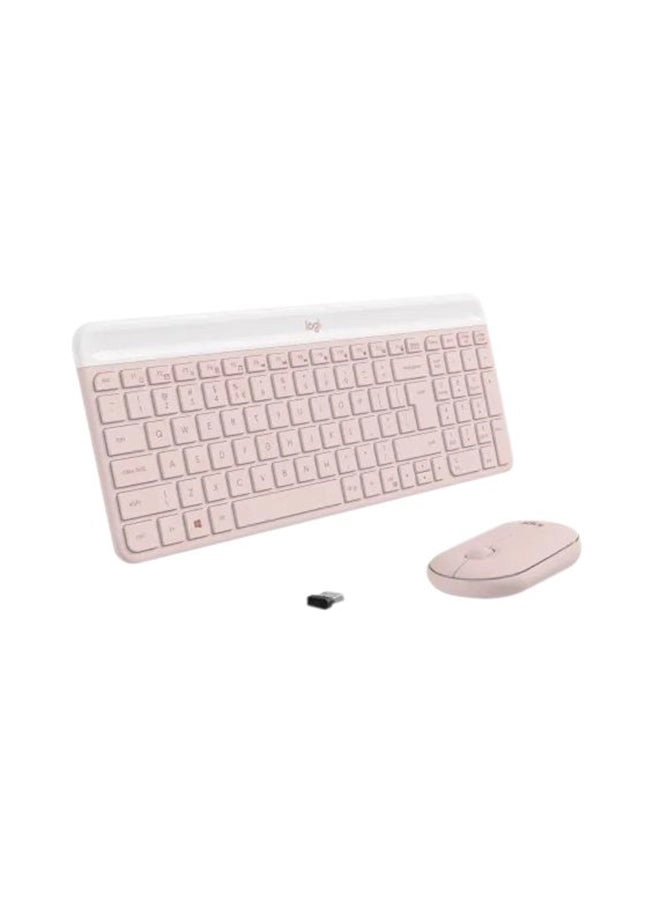
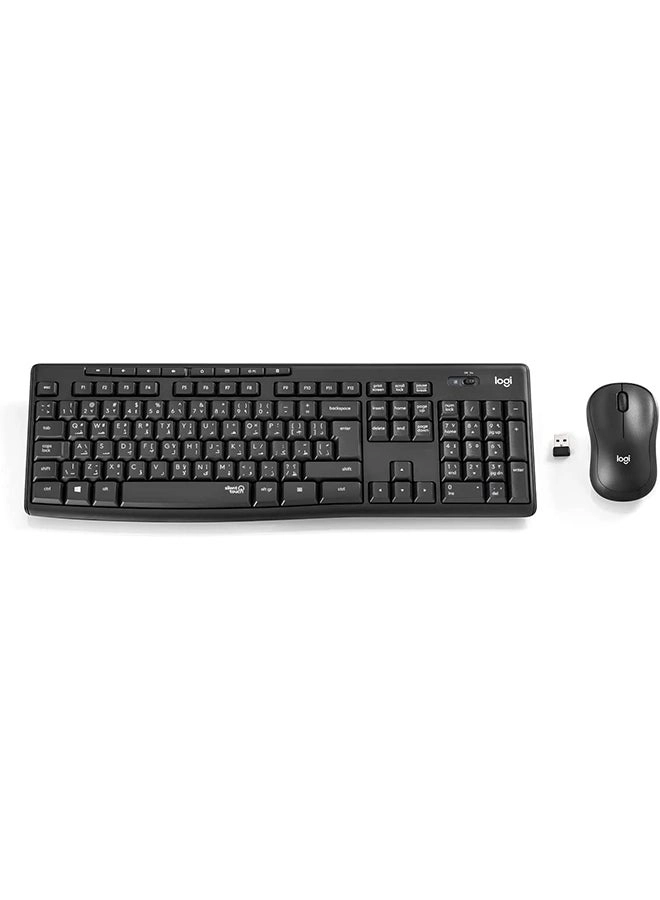
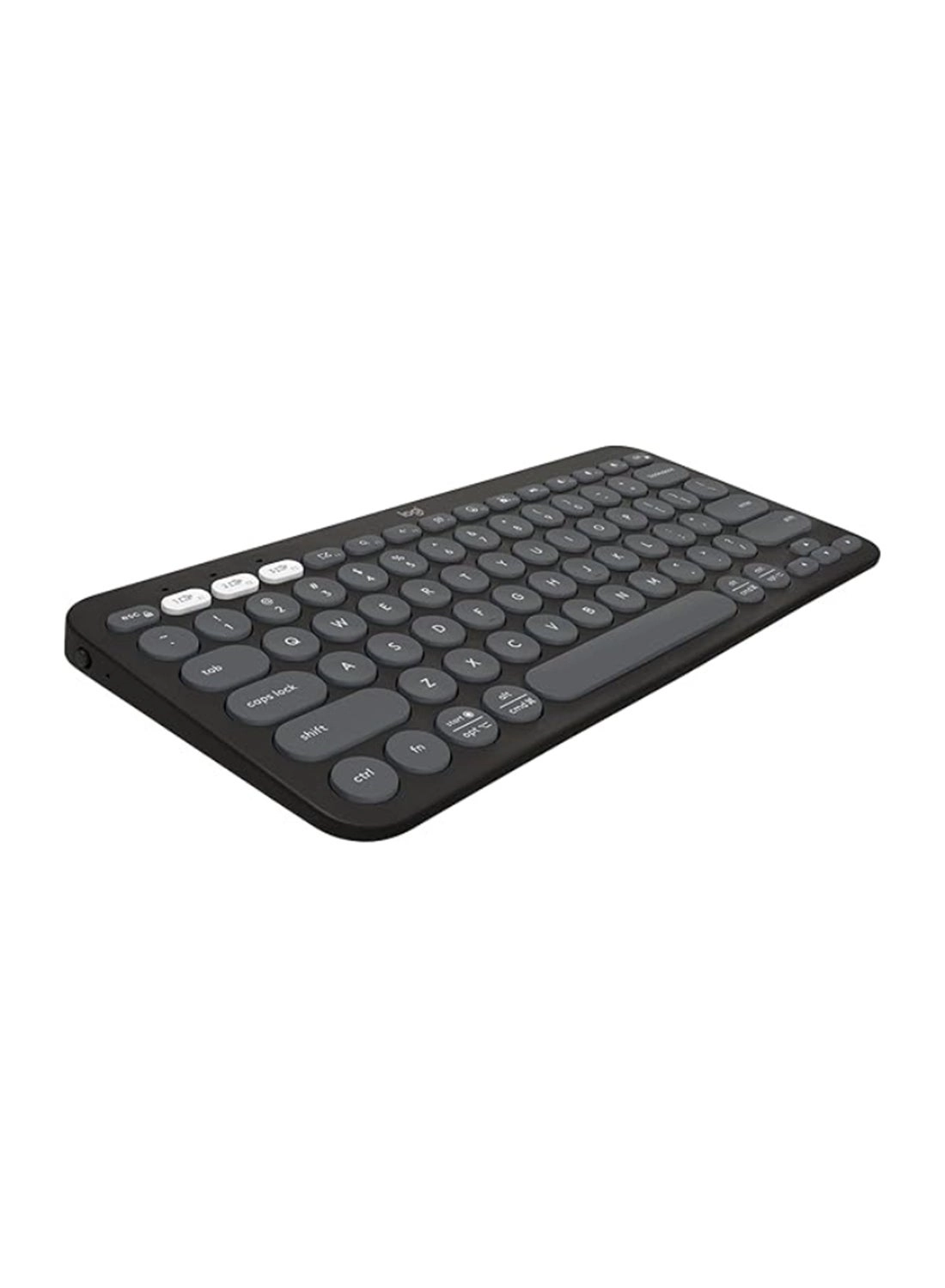
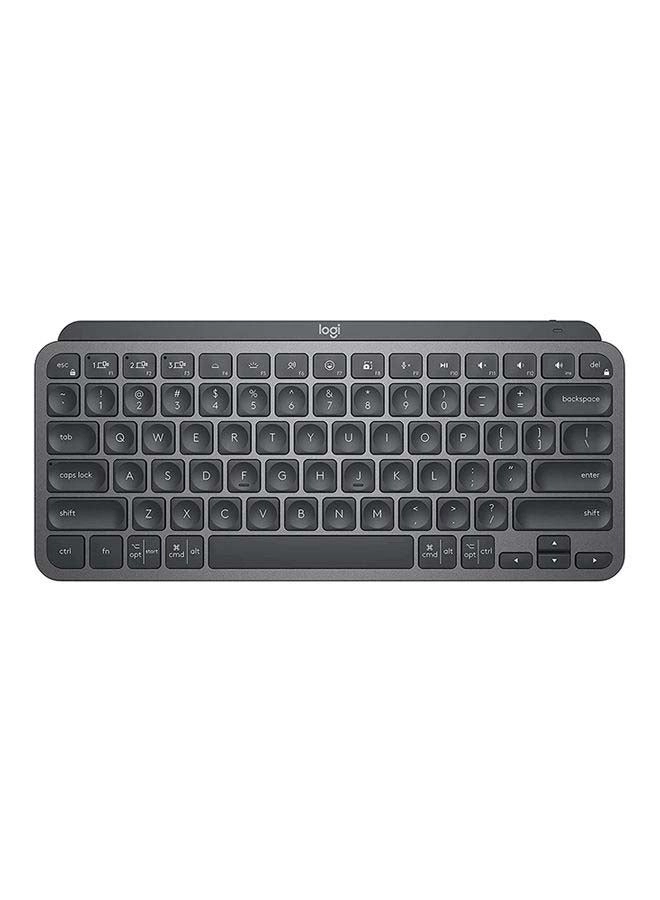
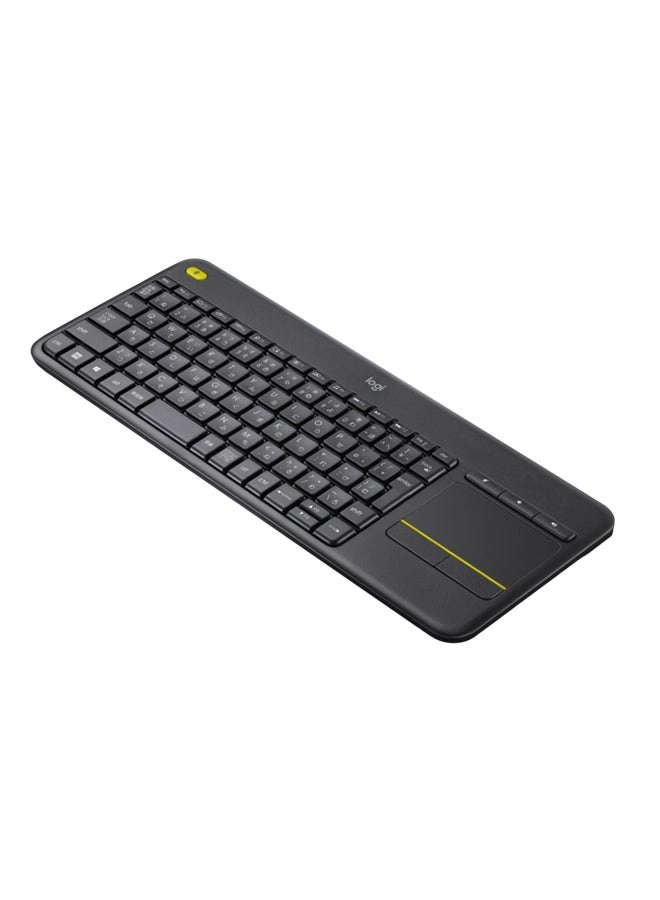
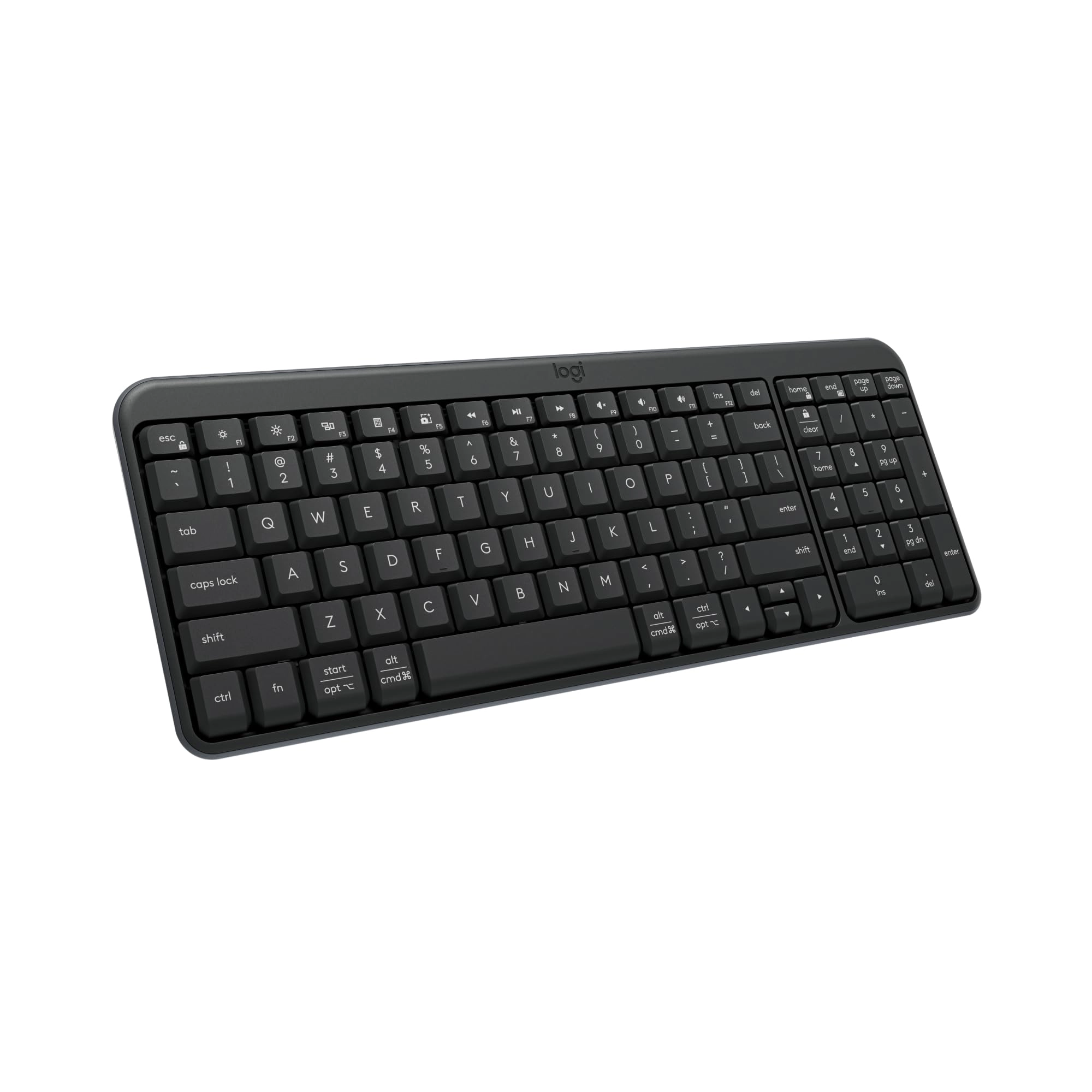
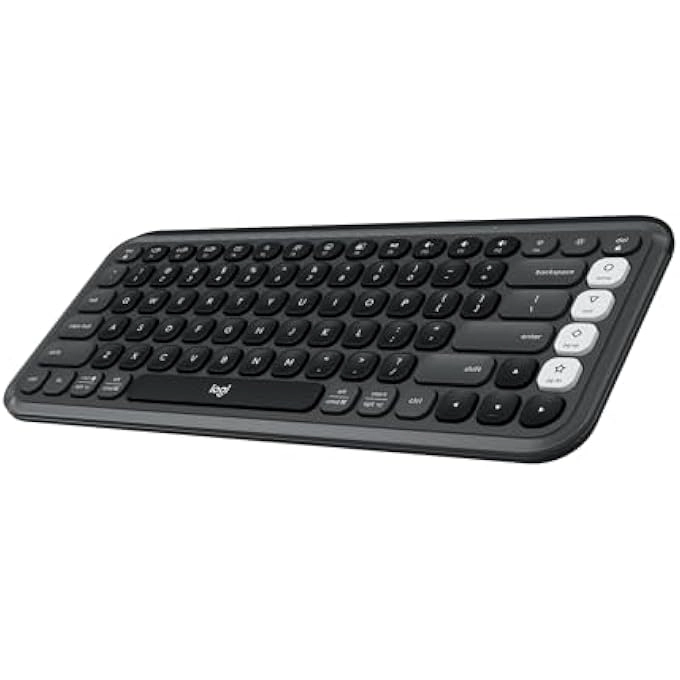
For workdays that go easy on you, feel the Wave. The Wave Keys
Wireless Ergonomic Keyboard is shaped to feel instantly familiar
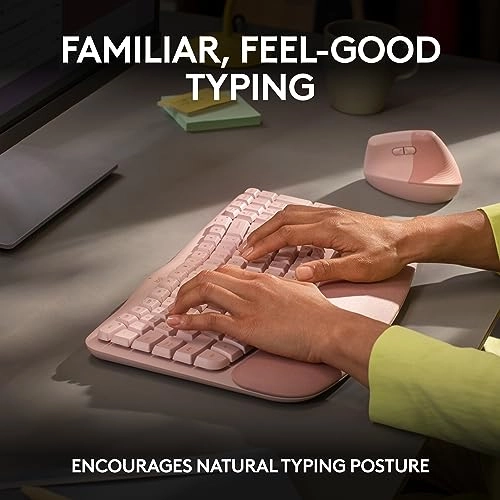
and keep you typing all day in a natural position. A cushioned
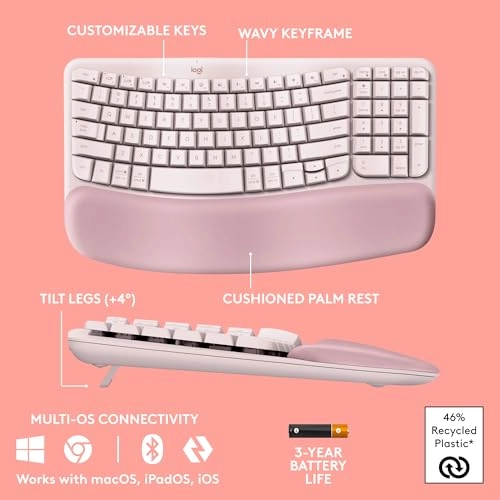
keyboard palm rest with memory foam gives your wrists more
support throughout the day. Personalize your Wave Keys work
keyboard with shortcuts to save time and keep your work flowing
using the Logi Options+ App (2). The Wave Keys wireless keyboard
is made with recycled plastic (Graphite: 61%, Off-white: 46%)(5).
Connect using Bluetooth or the included Logi Bolt Receiver.
Easy-Switch between your computer, tablet or phone in a tap.
Plus, enjoy up to 3 years of battery life using the included
batteries (3). Match your Wave Keys Ergonomic Keyboard with the
Lift Vertical Ergonomic Mouse - a great fit for small to medium
hands.
Review: Beautiful, Comfortable, and Worth It — Just Keep It Clean
- I absolutely love this keyboard! From the moment I started
using it, the quality really stood out—it feels sturdy,
well-made, and not cheap at all. The keys have a soft, satisfying
feel with great response, and best of all, it’s quiet, which is
perfect for working in shared or quiet spaces. The comfort and
ergonomics are a huge plus. I can type for long periods without
any strain, and everything feels very natural. The size is
perfect too—not bulky, but still fully functional with all the
keys I need. Speaking of functionality, it’s been reliable and
super easy to use. I haven’t tried the Bluetooth connectivity
since I always use the included USB receiver—and it works
flawlessly for me every time. Now let’s talk about the pink
color—because it’s beautiful, but it does need care. From what I
read in other reviews, it can stain easily. The key is simple:
clean it daily or every other day to keep it looking brand new
(check out my video!). I’ve had mine since late December and it
still looks like new thanks to this cleaning kit (it even
includes a microfiber cloth): 🧼 Cleaning Kit:
https://www.desertcart.com/dp/B0CPGPFW5Q Directions: Using the
cleaning solution included in this kit, lightly spray onto the
microfiber cloth—avoid spraying directly onto the surface. Gently
wipe in circular motions without applying heavy pressure. Finish
by buffing dry with a clean, dry section of the microfiber cloth.
If you’re willing to maintain it, this keyboard is 100% worth it.
Stylish, comfortable, and functional—you’re welcome 😎
Review: Best keyboard I've owned - I have been using this
keyboard for work and personal use for 2 days and am loving it so
far. It's perfect for my needs and here's why: 1. It has all the
functions I need and then some 2. It's just the right size. I was
using a separate keyboard for my personal pc than for my work
laptop and the other keyboard is much larger, not leaving much
room for my mousepad in the desk tray. 3. It connects seamlessly
to both, my laptop and desktop so I don't even have to use the
other keyboard now! I wasn't looking for that but is a HUGE plus
now that I have it setup. You can save 3 connected devices and
switch between them using F1, F2, and F3. This was a huge help
since I use the same monitor for both devices (I bought an hdmi
splitter for that) but would have to use 2 different
keyboard/mouse each time I switched. Now I only use 2 different
mouses (mice?) which I'll probably upgrade as well. 4. The keys
have good response without being noisy. You can hear them, which
I prefer, and feel the feedback, also preferred, but you don't
have to press hard and don't get the loud click-clack of old
school keyboards. 5. It's comfortable to use, at least for me.
The palm rest cushion is soft but seems like it will hold up for
a long time. The major keys are reachable without lifting my palm
and there was minimal adjustment from my much larger keyboard. 6.
Very easy setup (I use Windows...can't speak to Mac, Google OS,
etc.). As soon as I turned on the keyboard, it paired with my
laptop. I had to do absolutely nothing for setup (see note
below). The ONLY very small con I have is that it doesn't tell
you anywhere in the packaged instructions that you can pair
multiple devices. I knew this from another reviewer. Even then, I
had to search how to do it, because it's not obvious on the
Logitech website. Once I figured it out, it was very easy to do
(have your laptop/pc/whatever search for bluetooth devices and
hold down the button F1/2/3 button that you want to assign to
that device. The device will then discover the keyboard and
you're good to go). Other Notes: I would recommend this keyboard
to anyone. It's pricier than other keyboards I've bought but I
didn't add a con for that because I believe it's definitely worth
it. You can change how the function keys work using their
application and even setup "smart actions" which will do a bunch
of stuff like opening your favorite apps and a bunch of other
stuff. All of this stuff is configurable too, although, I haven't
tried to use it yet. I just needed a keyboard so I didn't have to
use my laptop keyboard but got many features I didn't even know I
needed! Get this keyboard!