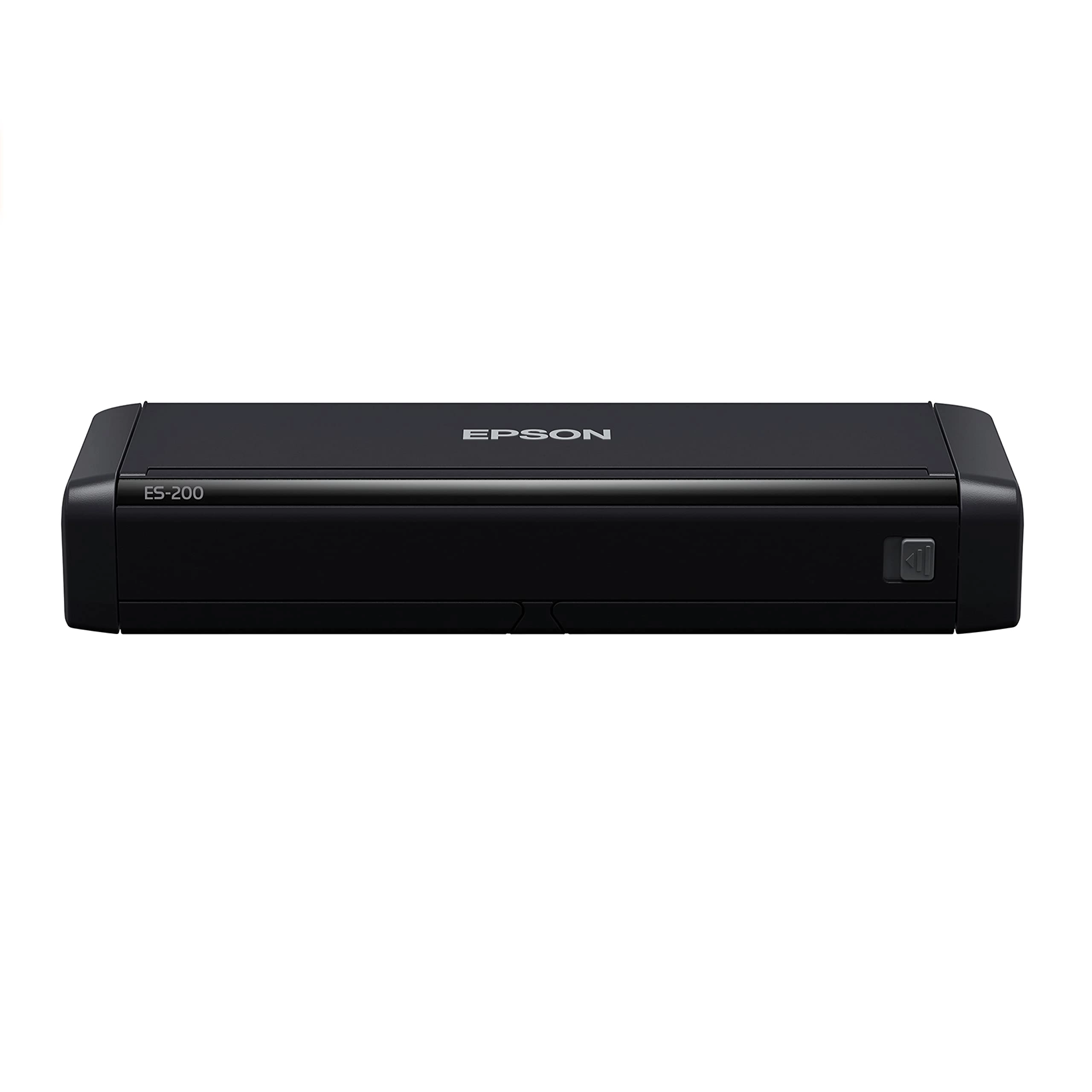
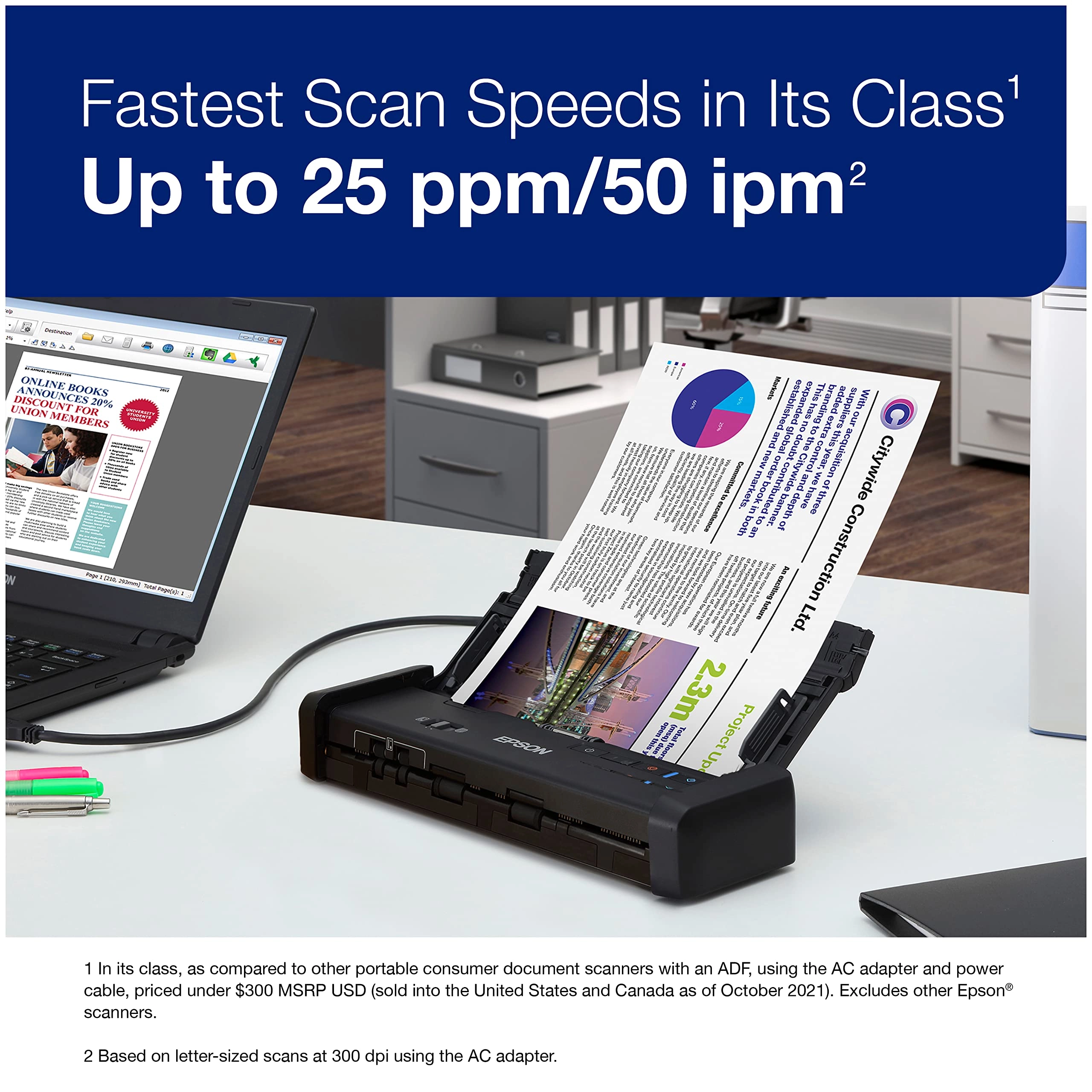
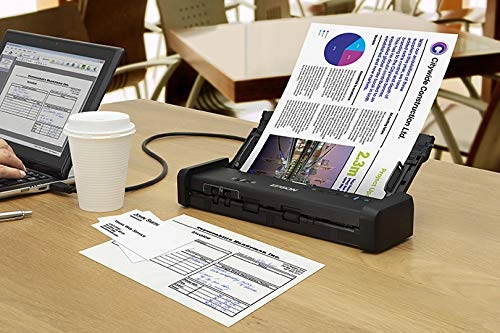
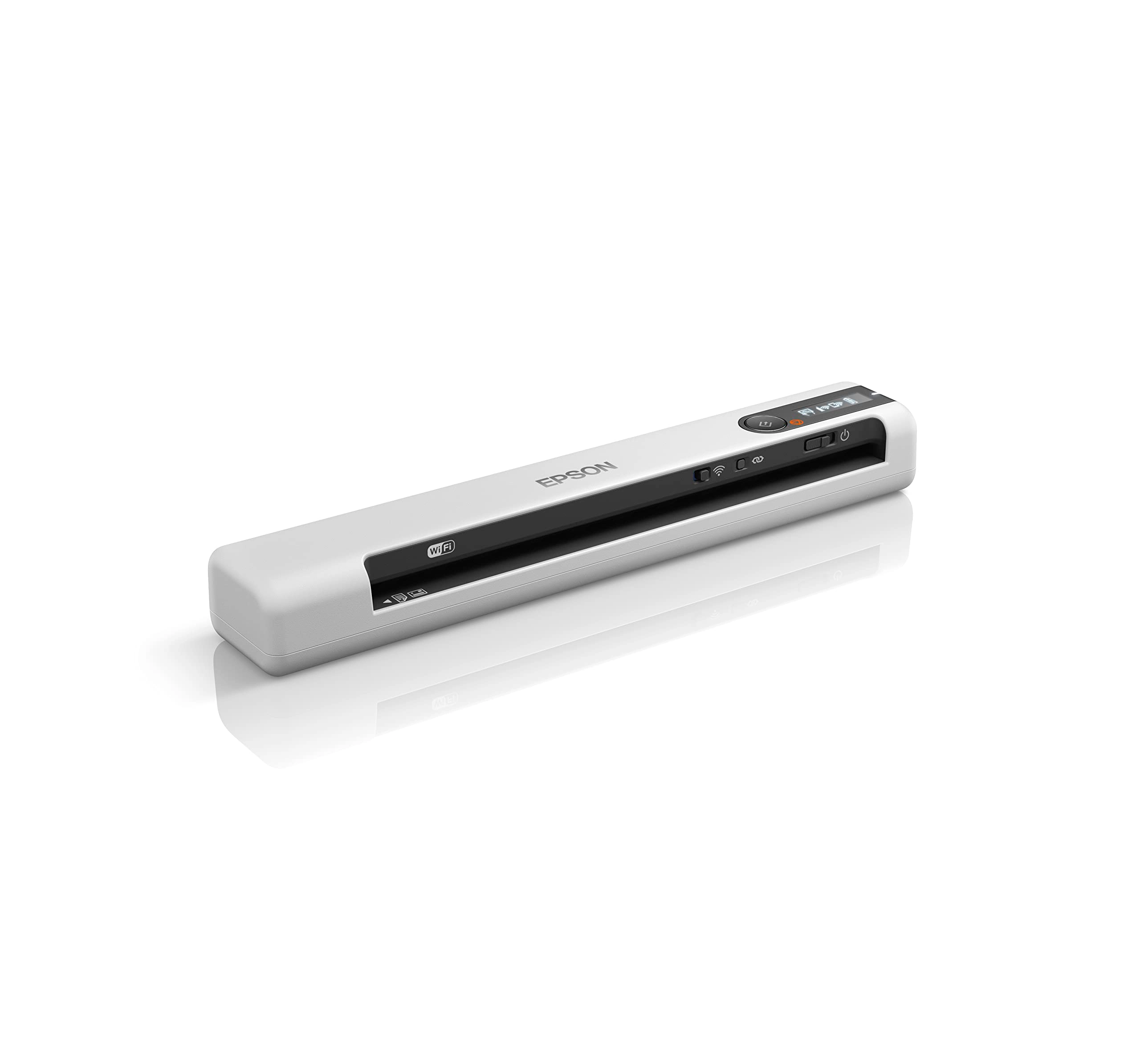
Delivering the fastest scan speeds in its class (1), the
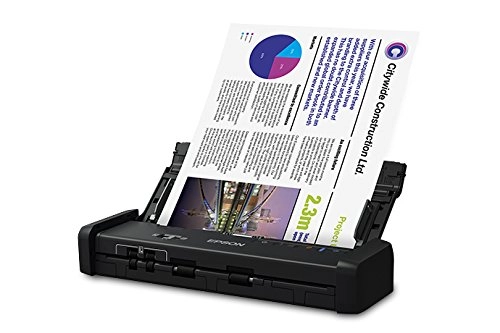
WorkForce ES-200 portable duplex document scanner makes it easy
to stay organized, whether you're at the office or on the road.
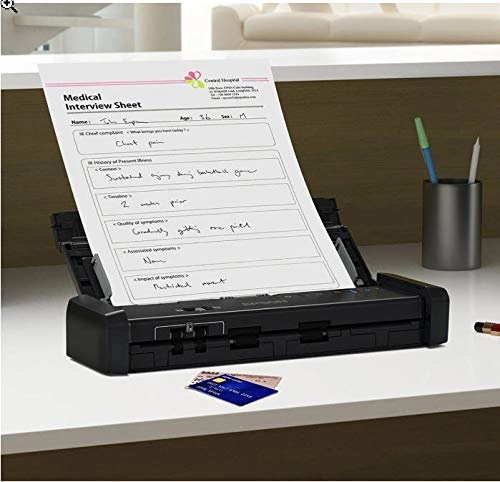
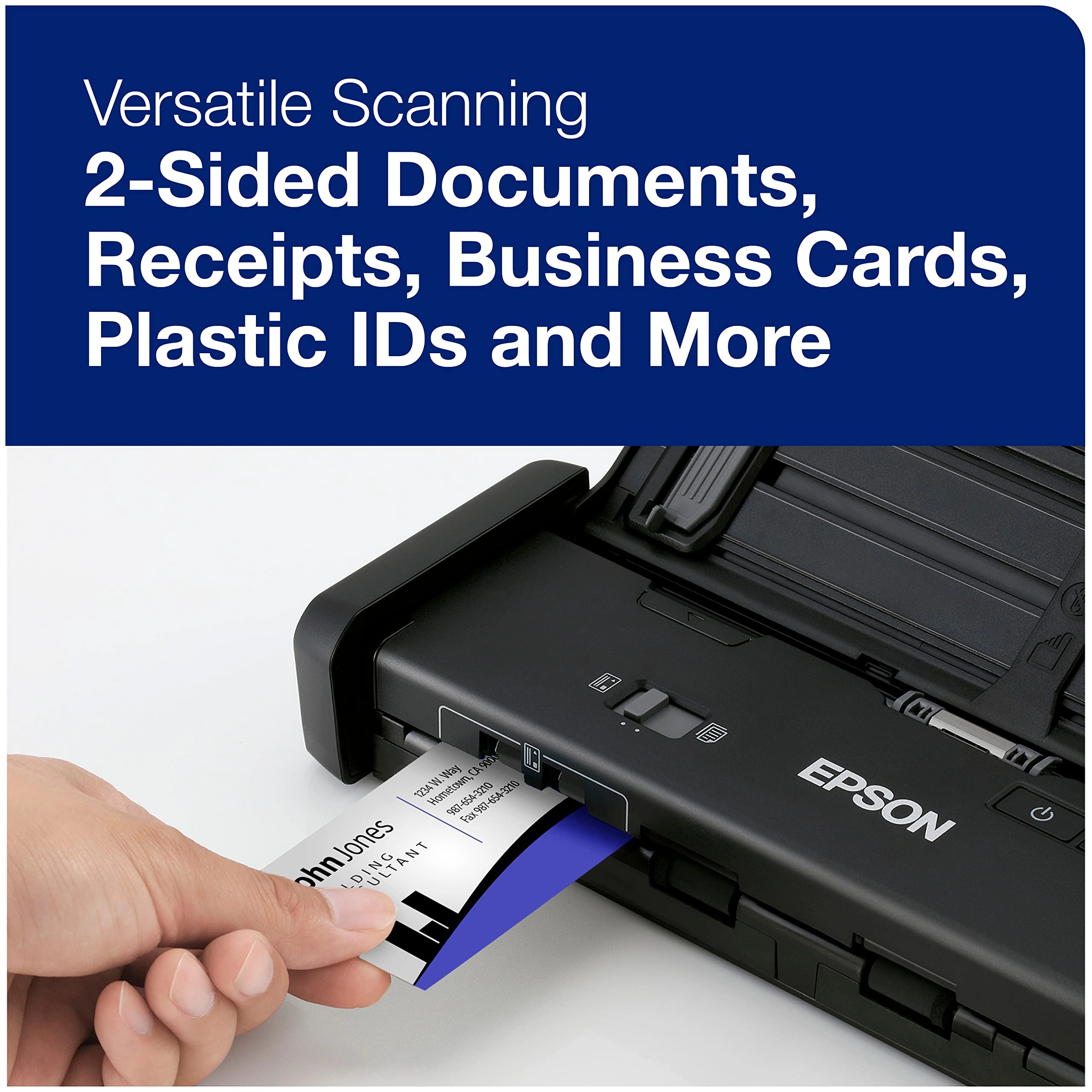
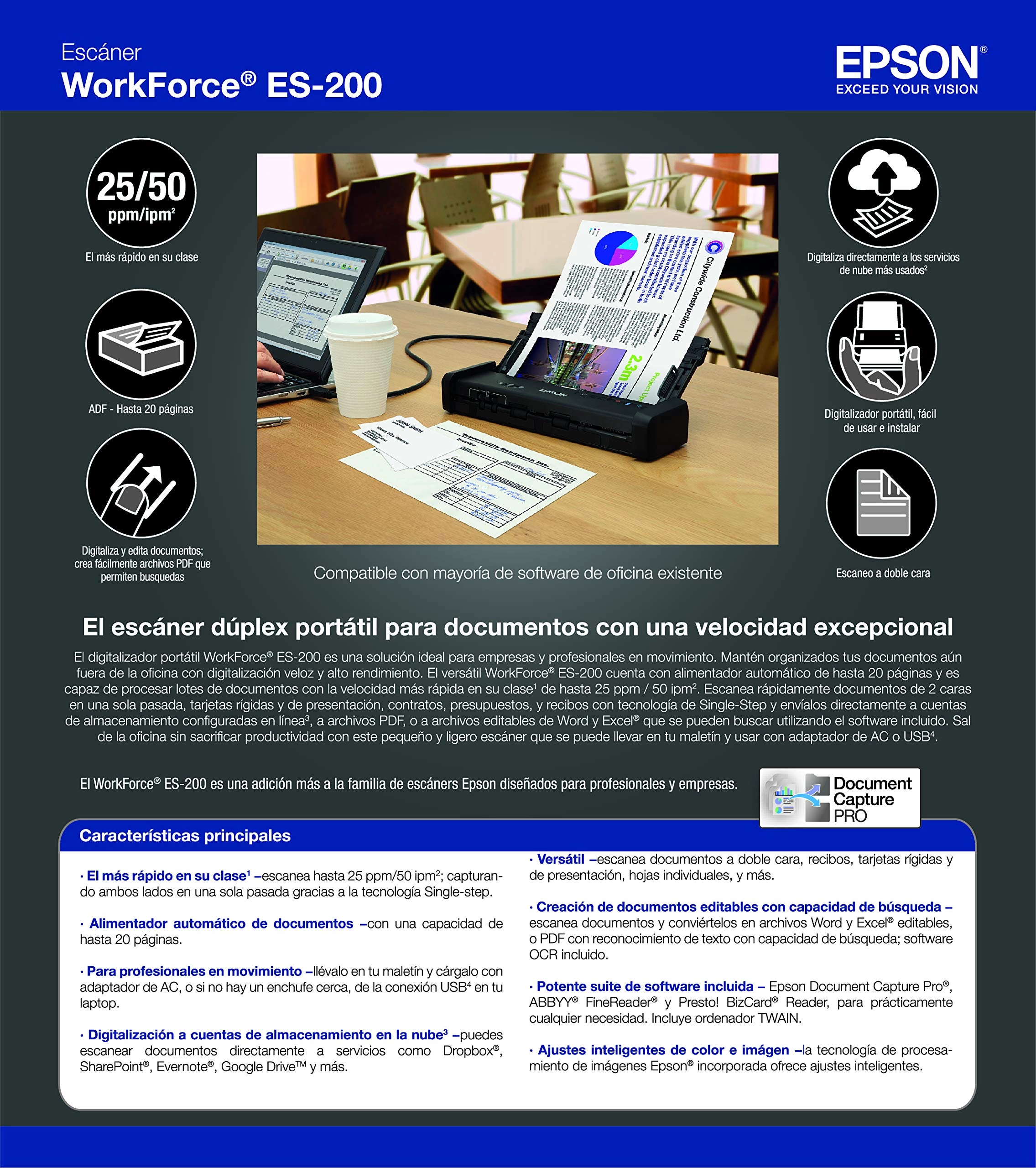
Quickly scan 2-sided documents, business cards and receipts with
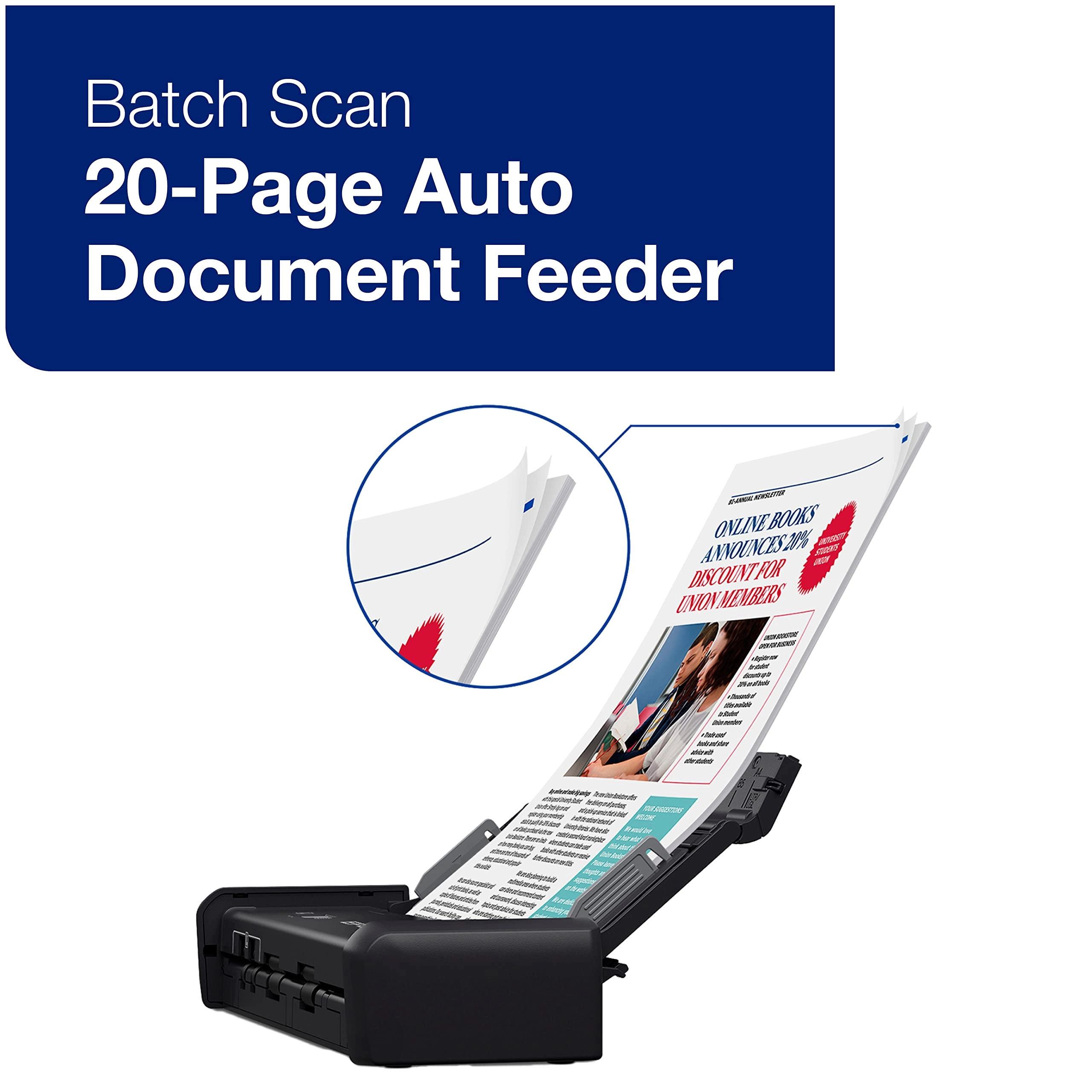
Single-Step Technology. Featuring a 20-page Auto Document Feeder,
the versatile ES-200 performs efficient batch scanning up to 25
ppm/50 ipm (2). Easily scan to cloud storage accounts (3), or to
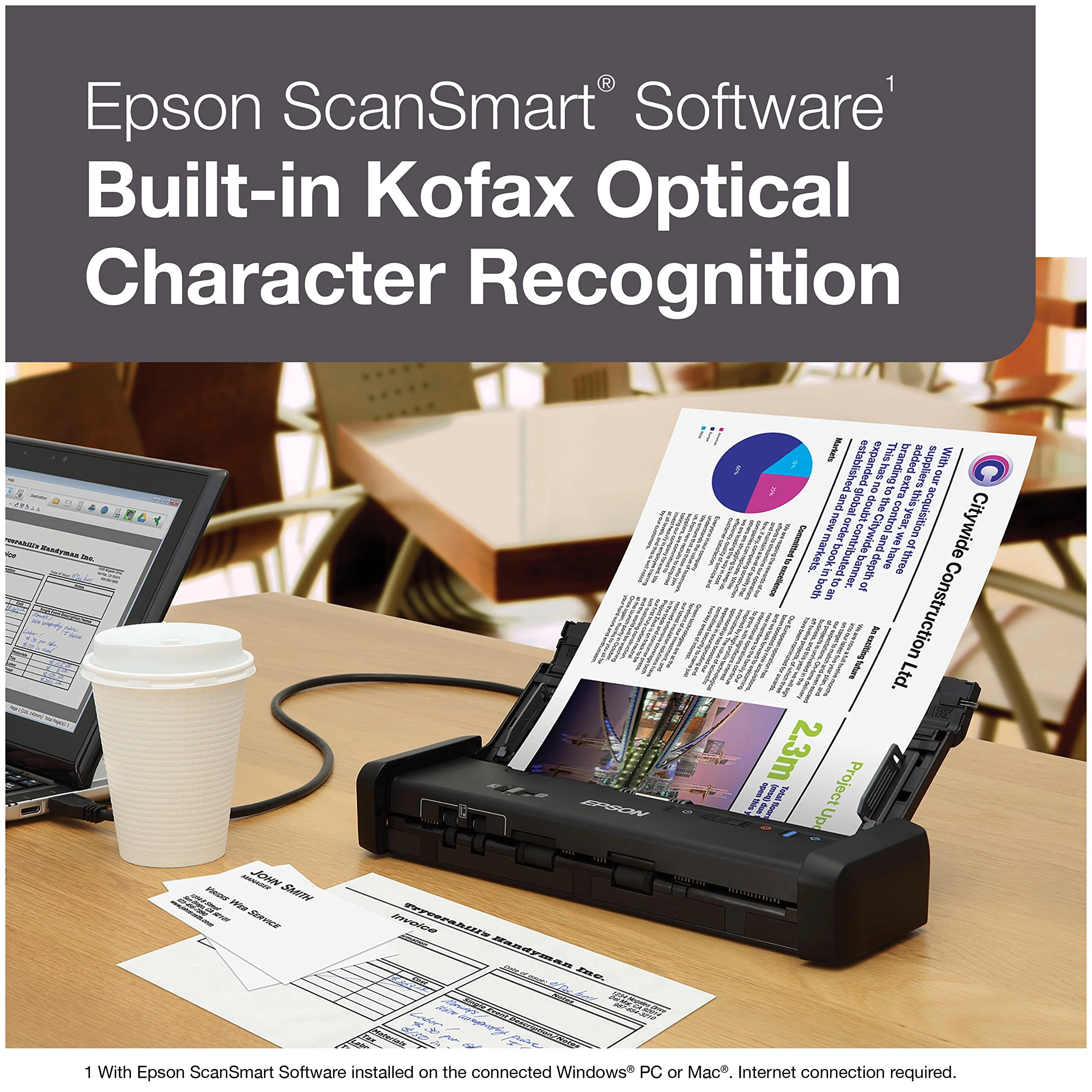
searchable PDFs and editable Word and Excel files using the
included Epson ScanSmart Software (3). Built-in Epson Image
Processing Technology offers intelligent color and image
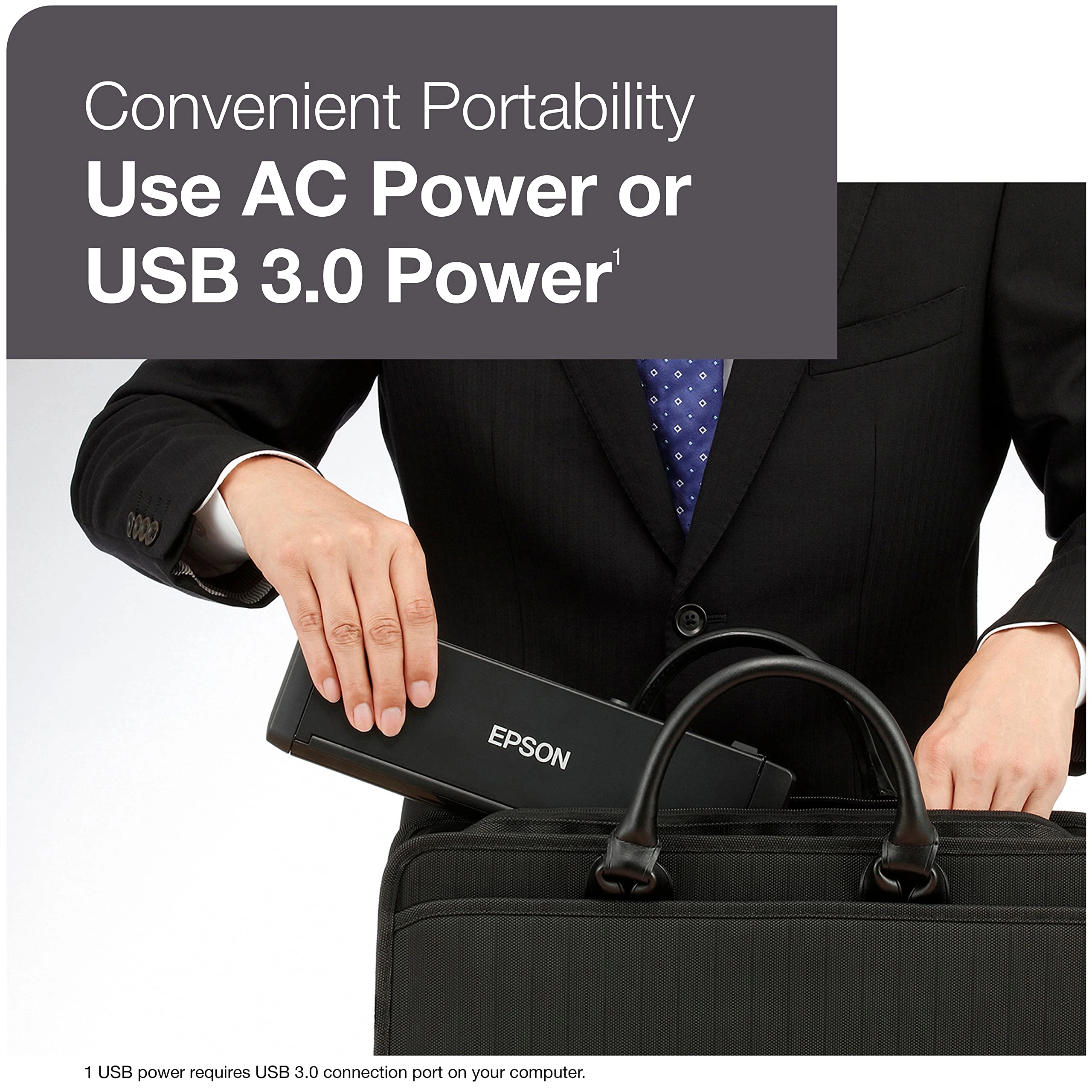
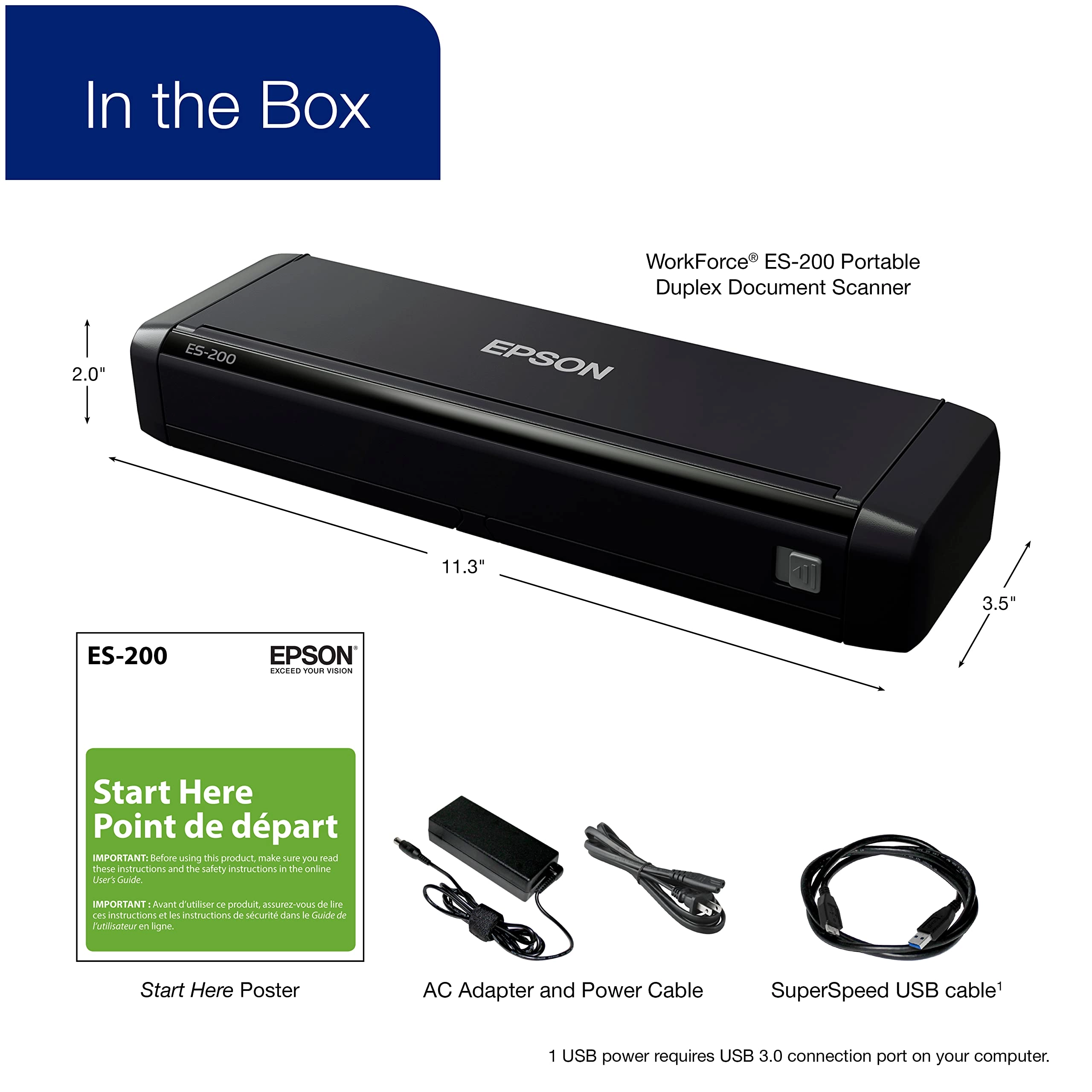
adjustments. And, you can use either AC or USB power (4) — for
convenient portability. 1. In its class, as compared to other
portable consumer document scanners with an ADF, using the AC
adapter and power cable, priced under $300 USD (MSRP) sold into
the United States and Canada as of June 2016. Excludes other
Epson products. 2. Based on letter-sized scans at 300 dpi using
the AC adapter. 3. With Epson ScanSmart Software installed on the
connected Windows PC or Mac. Internet connection required.
Supports Windows 10 (32-bit, 64-bit), Windows 8/8.1 (32-bit,
64-bit), Windows 7 (32-bit, 64-bit) SP1 and Mac OS X 10.11.x to
macOS 10.13.x. 4. USB power requires USB 3.0 connection port on
your computer. 5. For convenient and reasonable recycling
options, visit our official site. 6. SmartWay is an innovative
partnership of the U.S. Environmental Protection Agency that
reduces greenhouse gases and other air pollutants and improves
fuel efficiency.
Review: great value - For the last 12 years during tax season I
have sat, painstakingly scanning docs on my flatbed scanner. I
never realized how horrendously slow it was. This year it gave me
attitude, so I finally decided to buy a dedicated scanner and I
chose this one because it offers duplex (both sides) scanning.
When I opened the box I plugged it in and it basically set itself
up. No issues at all. It prompted me to insert a page to do a
test scan. It was QUICK! So I proceeded to scan my tax documents.
Two packets of docs totaling around 35 pages were scanned and
ready to email to the appropriate place in under a minute! This
is a process that usually takes me at least 20 minutes. I noticed
a few of the reviews said that the pages sometimes scan a little
crooked. This happened to me too, but the docs can still be read
easily. I'm sure there's a fix, but in this case it just doesn't
matter. I'm kicking myself that I took so long to get a dedicated
scanner. The ES-200 is incredibly easy to use.
Review: SWEET! - I used to have a scanner on my desk at work, and
I used it every day. It was so easy and convenient. When I left
my job, I found I still needed a scanner. A lot. So I'd show up
at my old job with folders full of stuff and con someone into
scanning them for me. Well, tax time rolled around, and I
realized it would be a real pain to go into the old job and get
someone to scan for me. So, I decided to suck it up and buy a
scanner. This scanner is sweet. Seriously. I have a Mac, and the
download of software took no time flat, it honestly took me more
time to find an empty socket on my surge protector. From there,
you open the application, hit scan and you're good to go. It does
single or double sided scanning, scanned right to a pdf, open the
file, rename it, and you're in business...and the document
quality is fine. Also, this thing is wickedly fast, even on
double sided. And it's tiny, it barely requires any desktop real
estate, and it's light, so it could well be a portable for folks
who take their offices with them. I'm normally not this effusive,
but for the money, this thing is a solid winner.