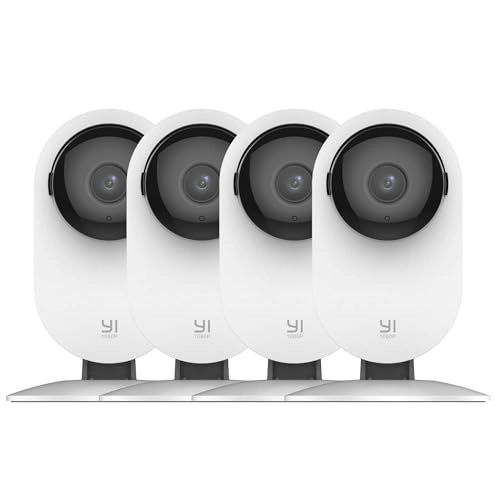
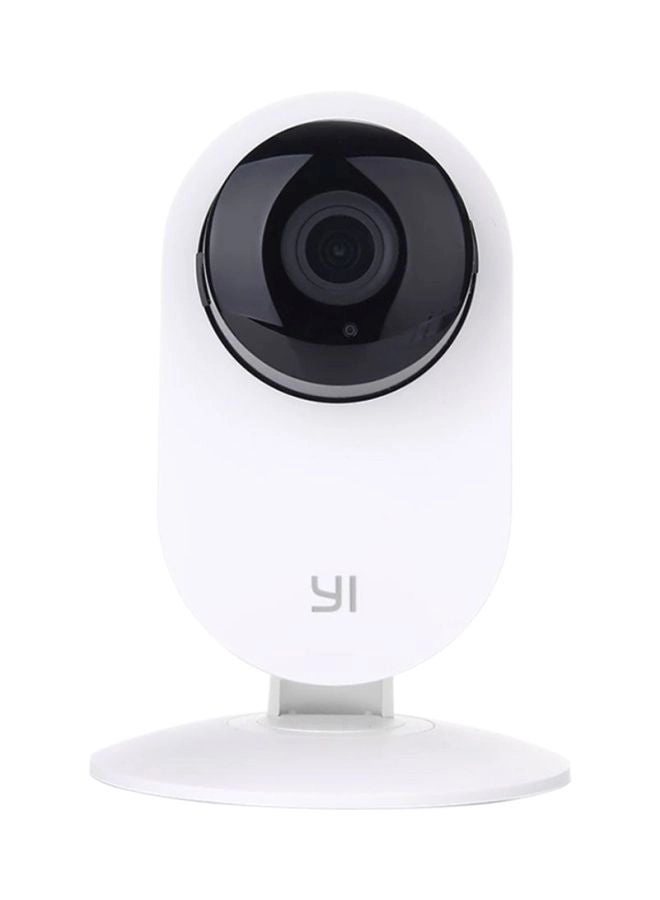
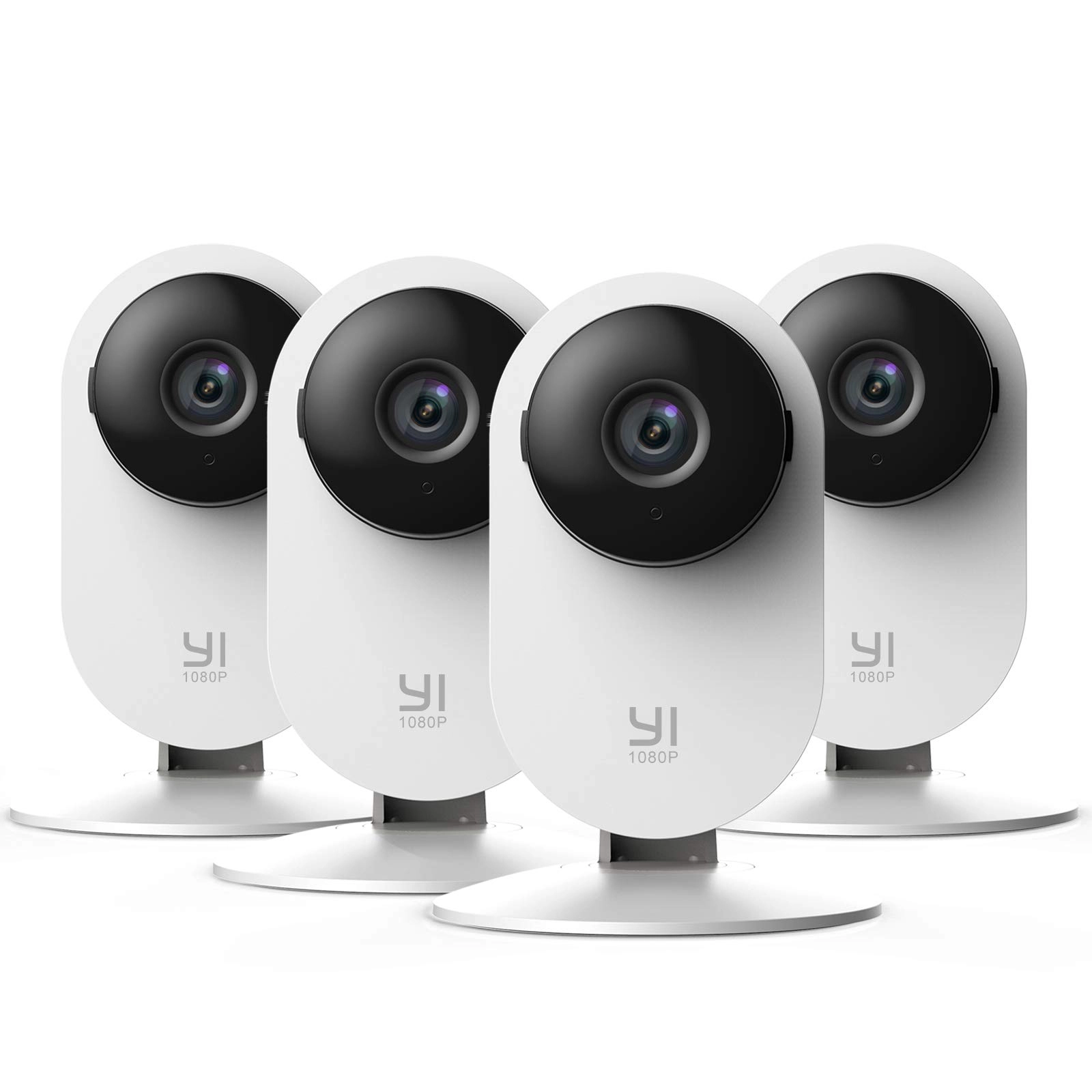
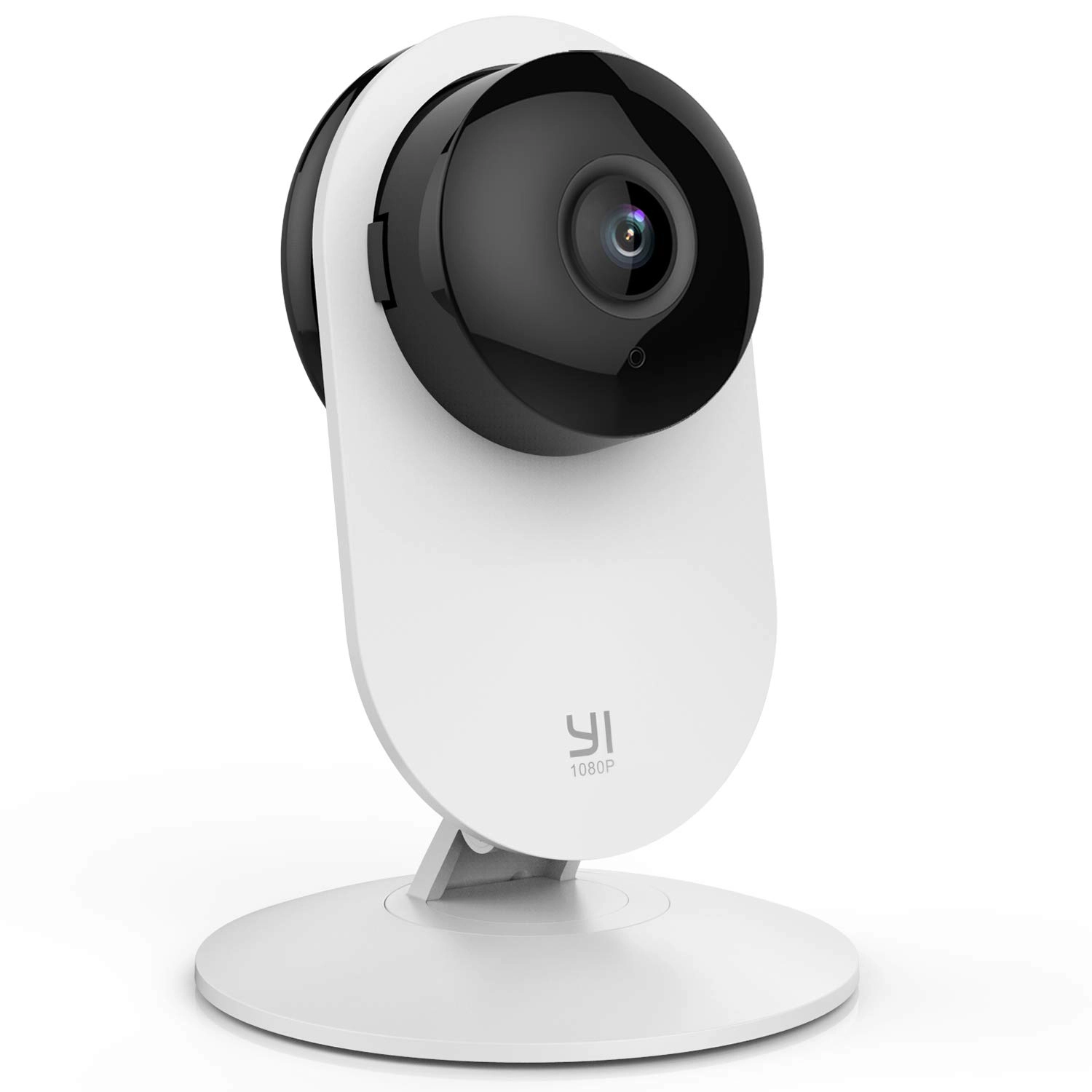
Setting Up Your Camera With YI Home App 1.Install YI Home App and create a YI Home Account 2.Turn your camera on and select the '+' icon in YI Home App to add your camera 3.Select your Wi-Fi network and enter your Wi-Fi password, then select Connect to Wi-Fi 4.Scan the QR Code shown on the app, then select Next once the QR Code has scanned 5.Select Save, then select Start using to finish pairing 6.If connection failed, please push the Reset button and try again WiFi Settings 1.YI Home cameras will need to connect to a 2.4GHz band network. 5GHz WiFi band is not supported 2.Turning on the location service on the phone if you encounter Unknown SSID issue 3.Encryption mode must be set to WPA/WPA2 (mixed mode) or WPA2 4.Your Wi-Fi password must be 8-20 characters in length If you have any other problem, please contact us via support@yitechnology.com.
Reviews
Loading...
Loading...
Loading...
Loading...
Loading...
Loading...
Loading...
Loading...
Loading...
Loading...
Loading...
Loading...
Loading...
Loading...
Loading...
Loading...
Loading...
Loading...
Loading...
Loading...
Loading...
Loading...
Loading...
Loading...
Loading...
Loading...
Loading...
Loading...
Loading...
Loading...
Loading...
Loading...
Loading...
Loading...
Loading...
Loading...
Loading...
Loading...
Loading...
Loading...
Loading...
Loading...
Loading...
Loading...
Loading...
Loading...
Loading...
Loading...
Loading...
Loading...
Loading...
Loading...
Loading...
Loading...
Loading...
Loading...
Loading...
Loading...
Loading...
Loading...
Loading...
Loading...
Loading...
Join our newsletter
Be the first to know about new arrivals, sales, and exclusive picks
Sign in to unlock newsletter access and stay in the loop

Please enable location access or select an emirate
-
00:00:00
Prayertimings
Offers (1)
1 offer
From
AED
551
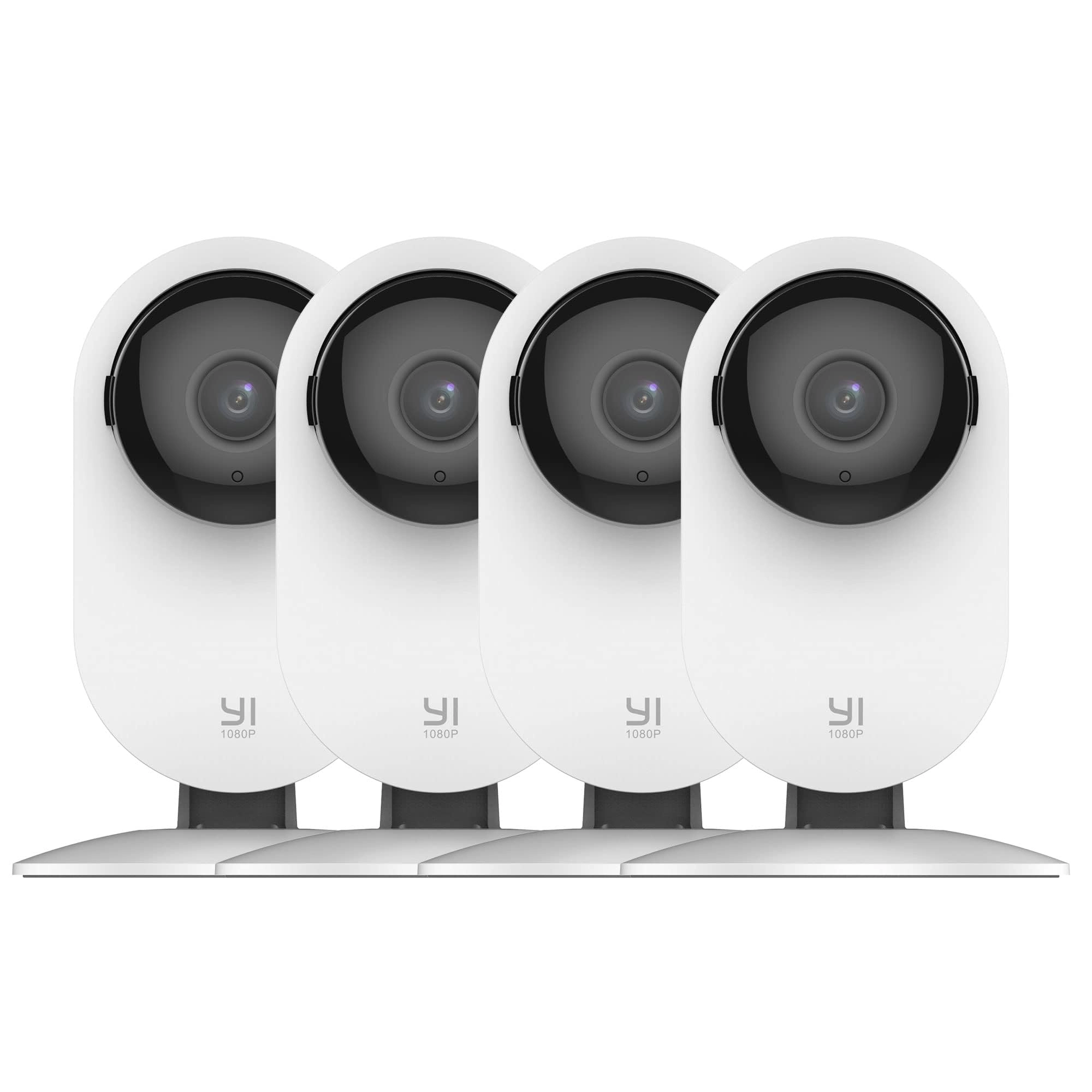
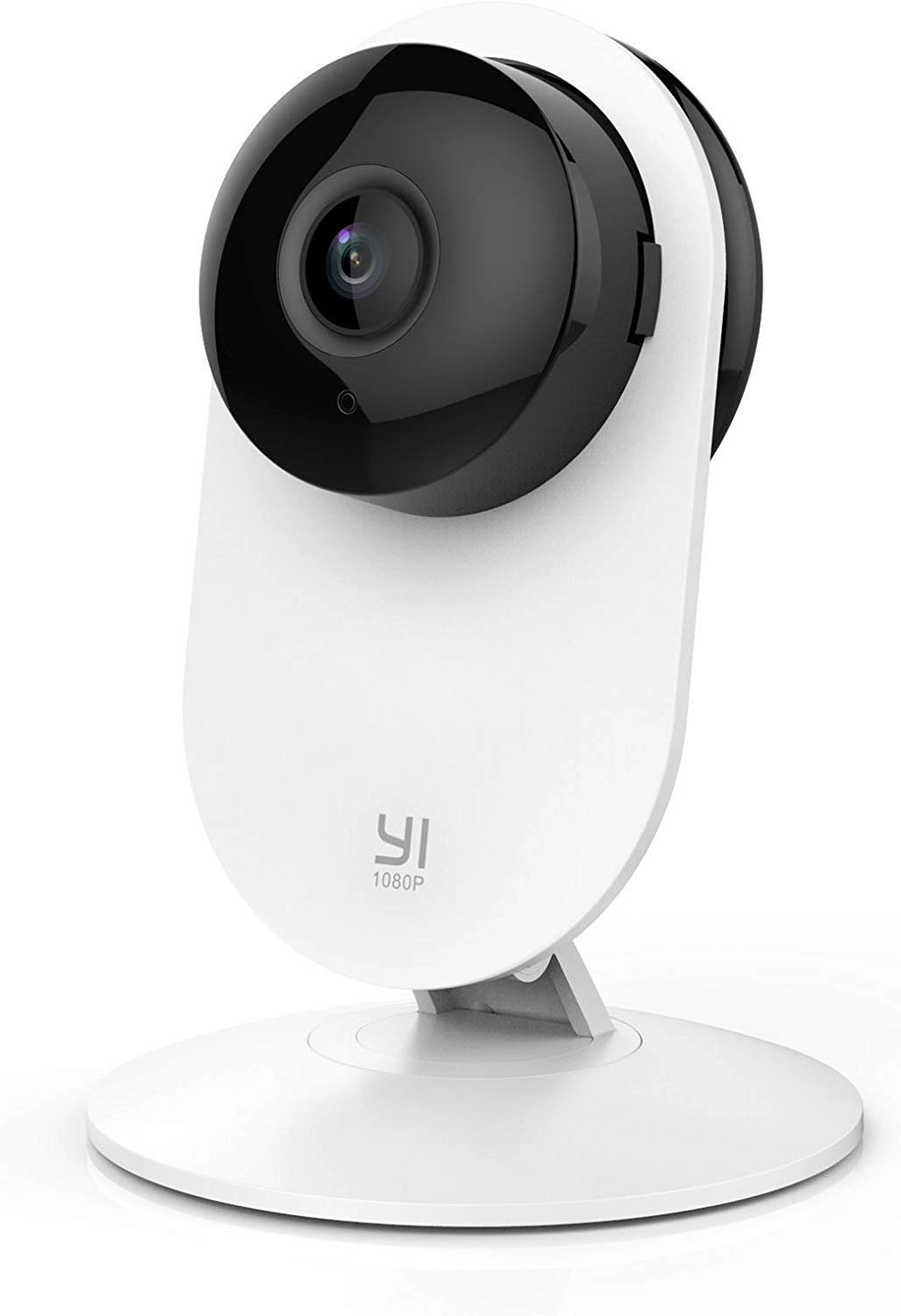
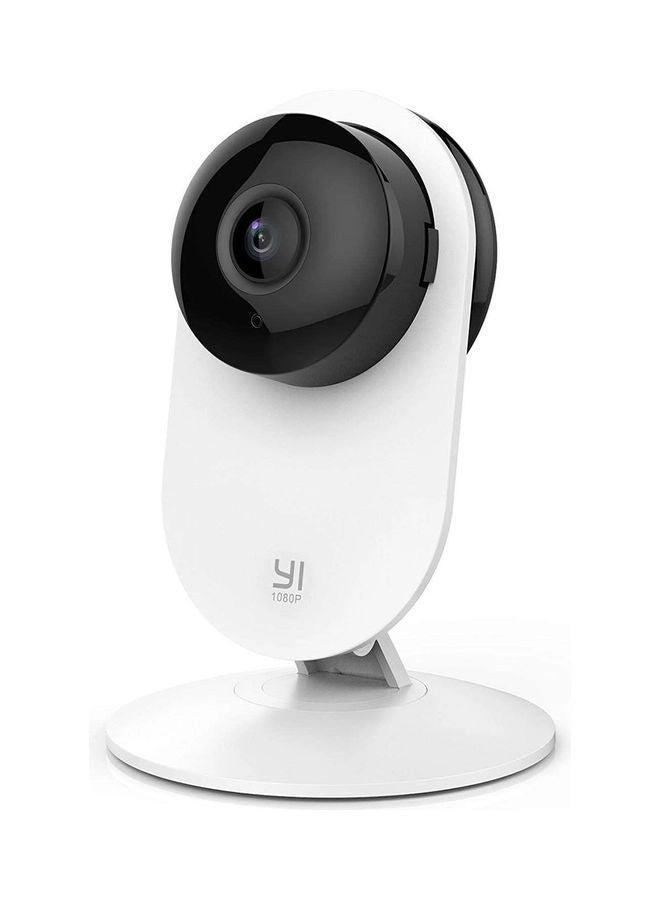
YI 1080p WiFi Smart Wireless Security Home Camera (UK Plug) - 4 Pieces