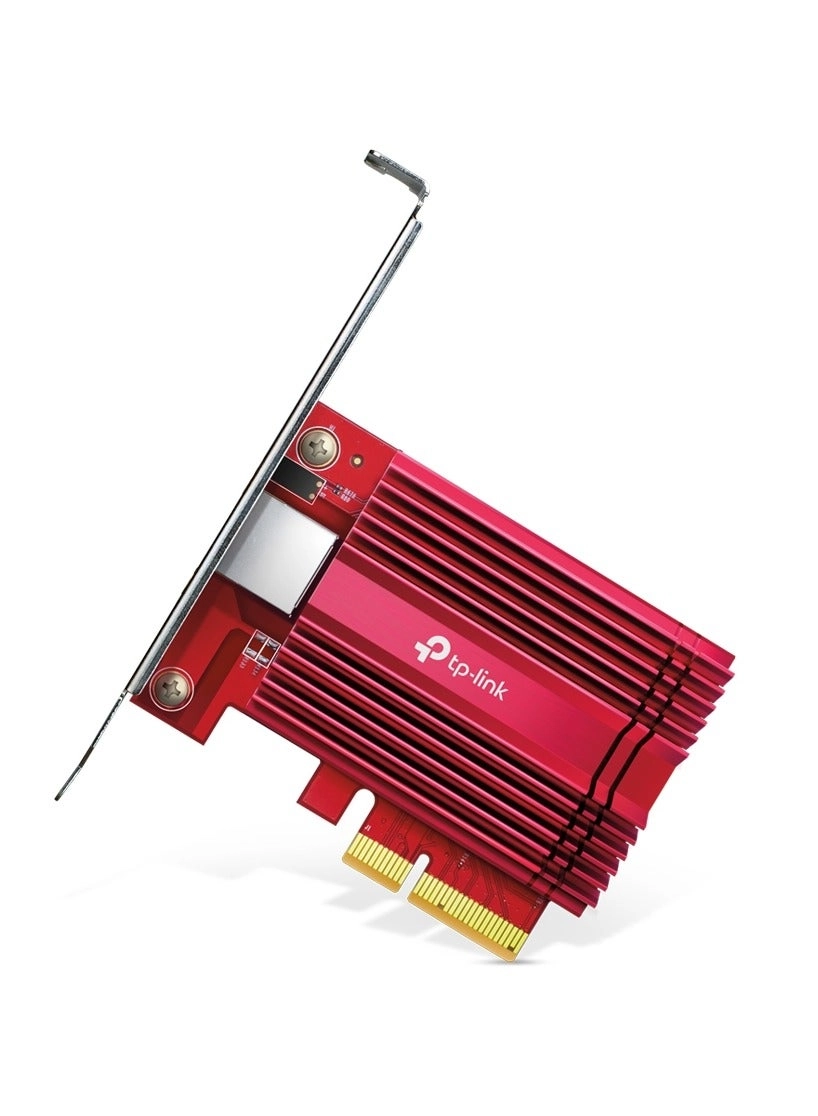
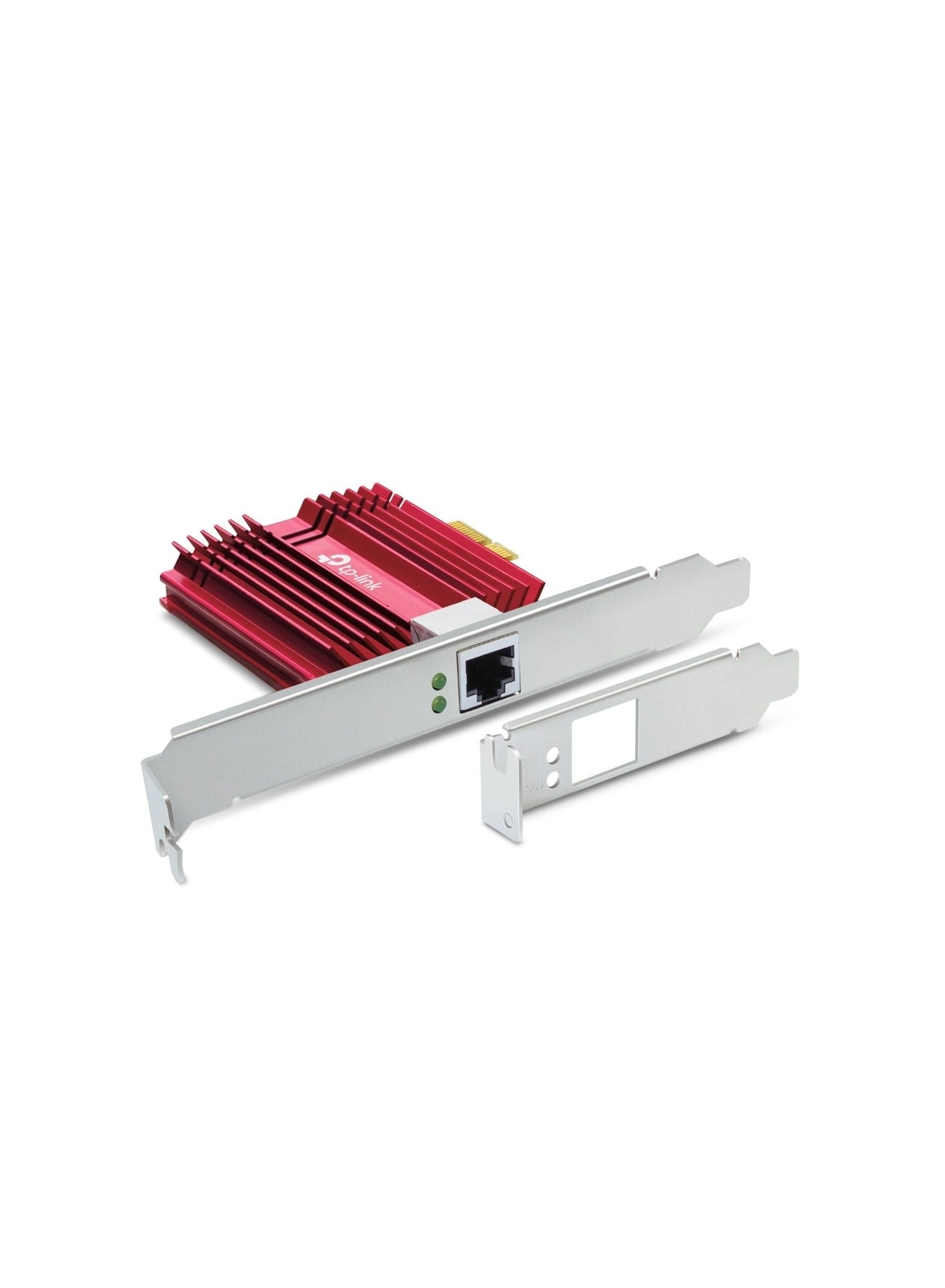
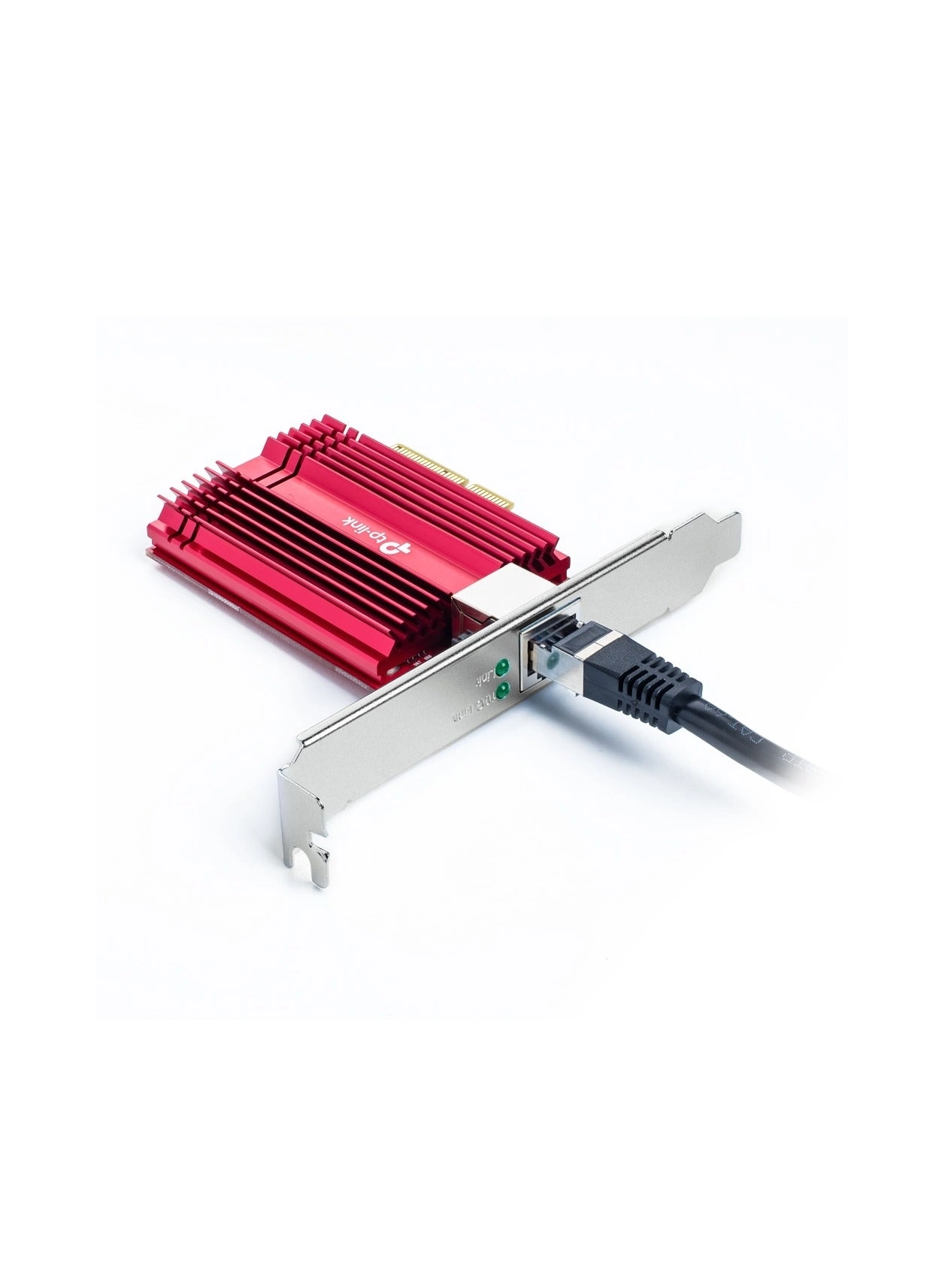
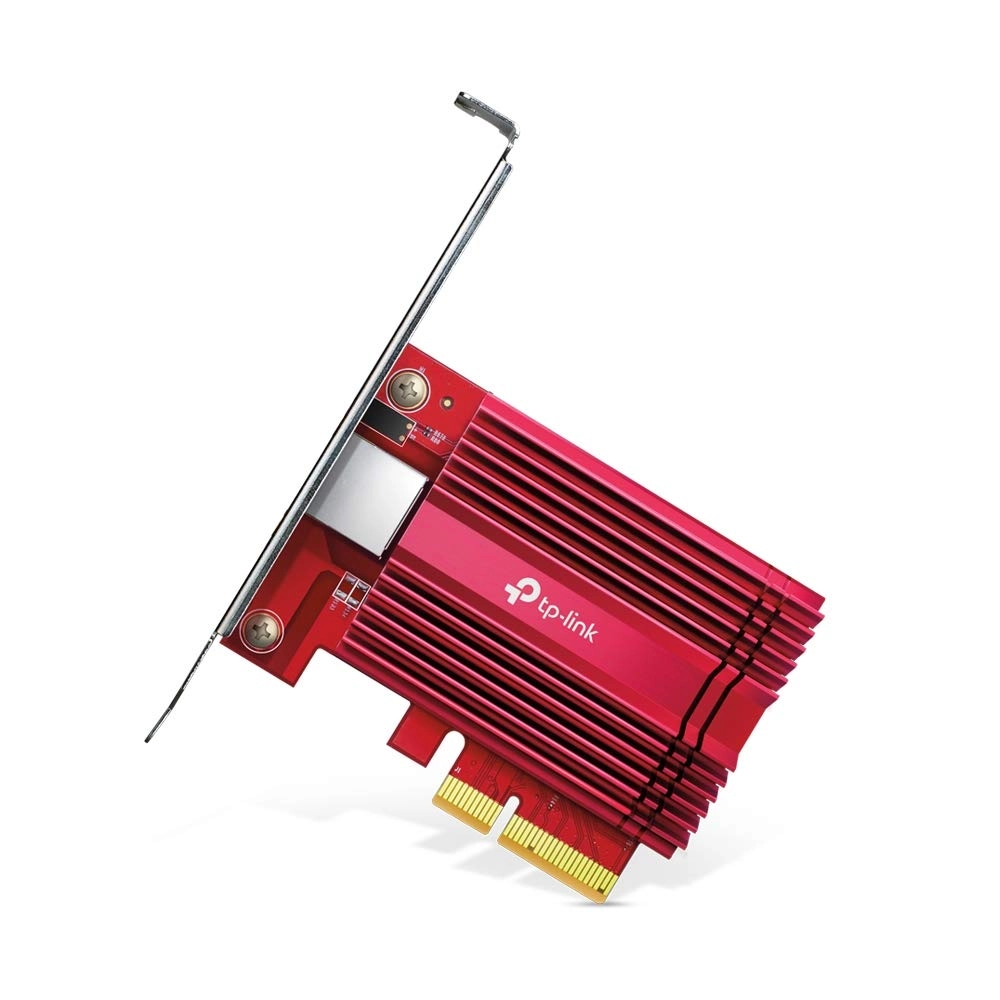
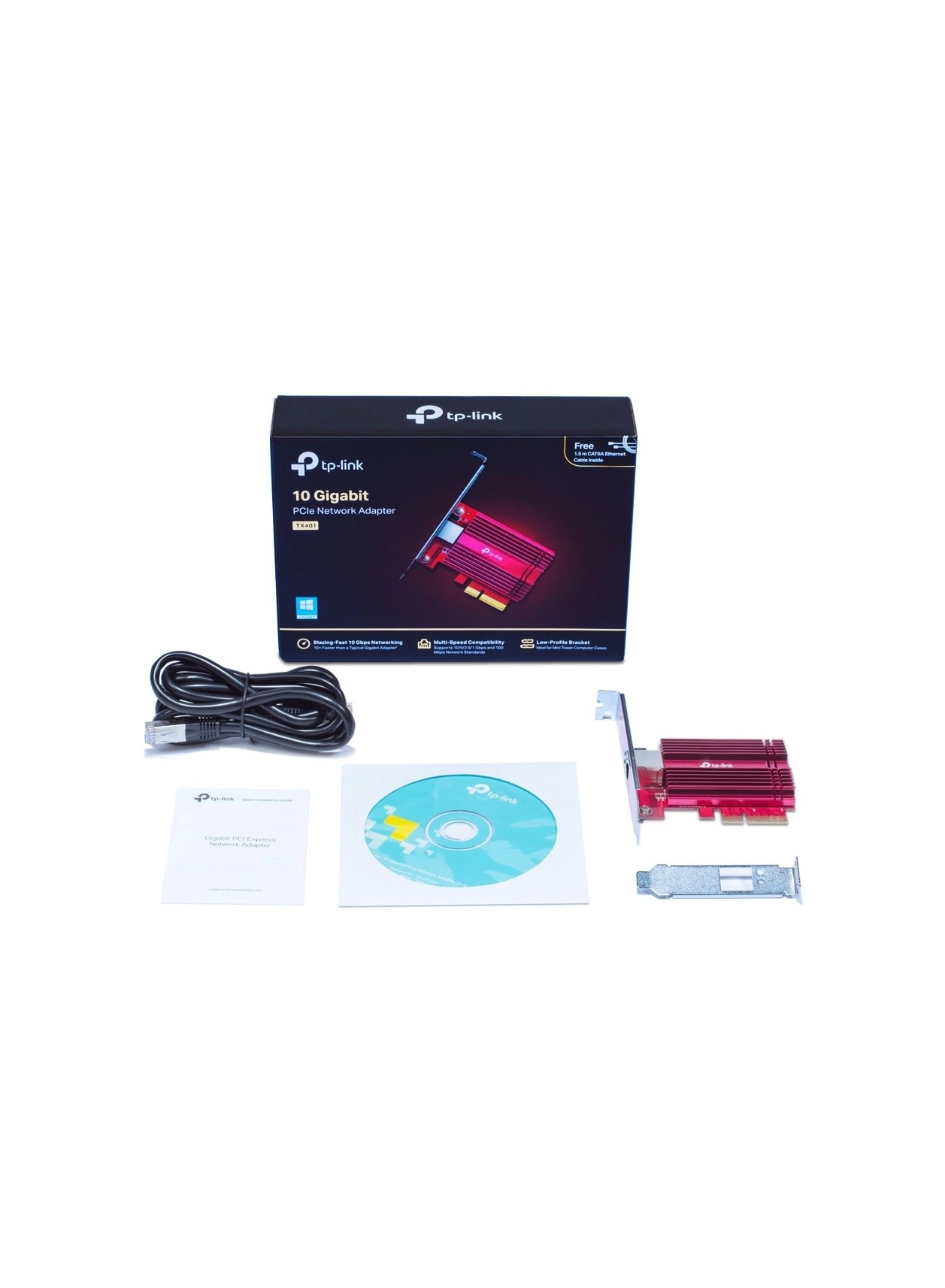
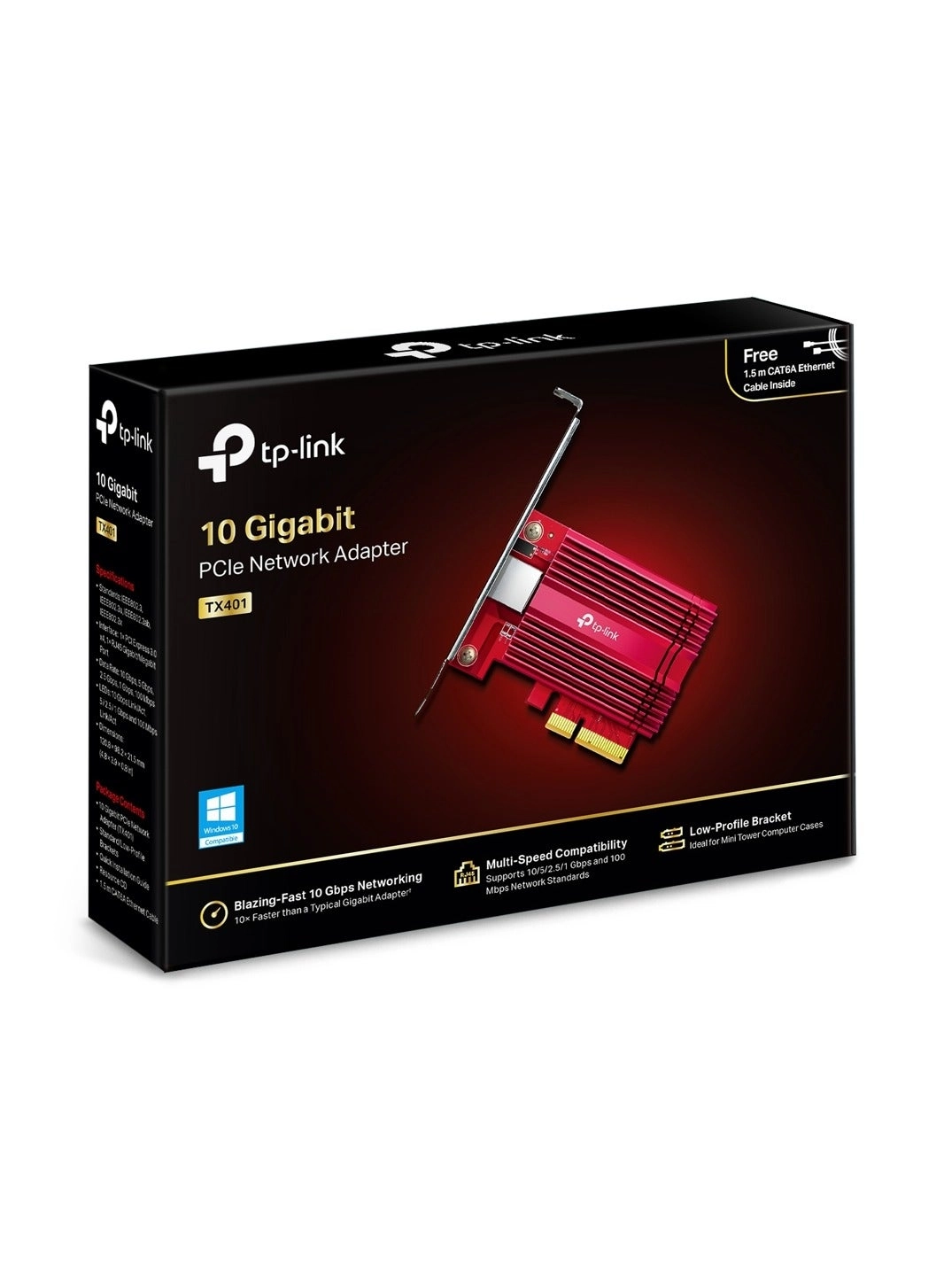
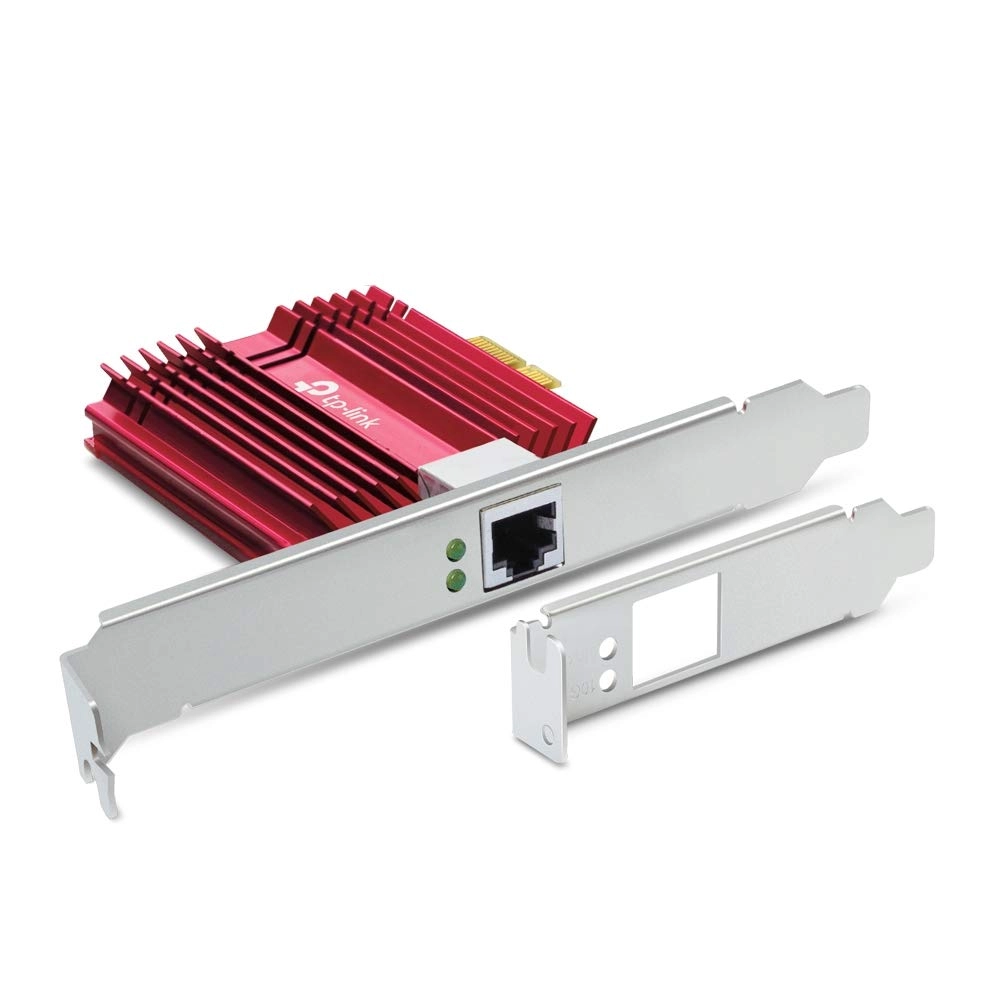
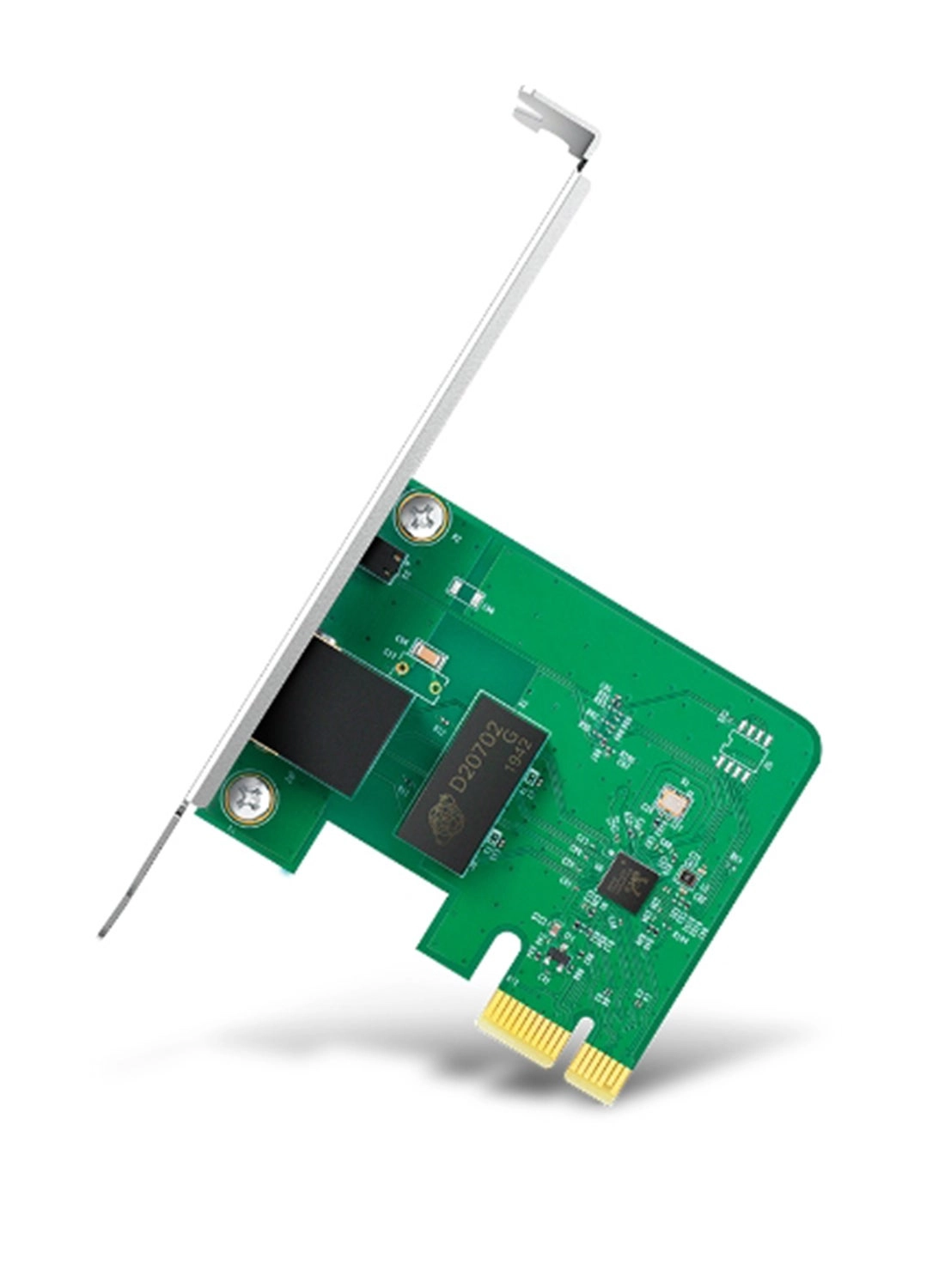
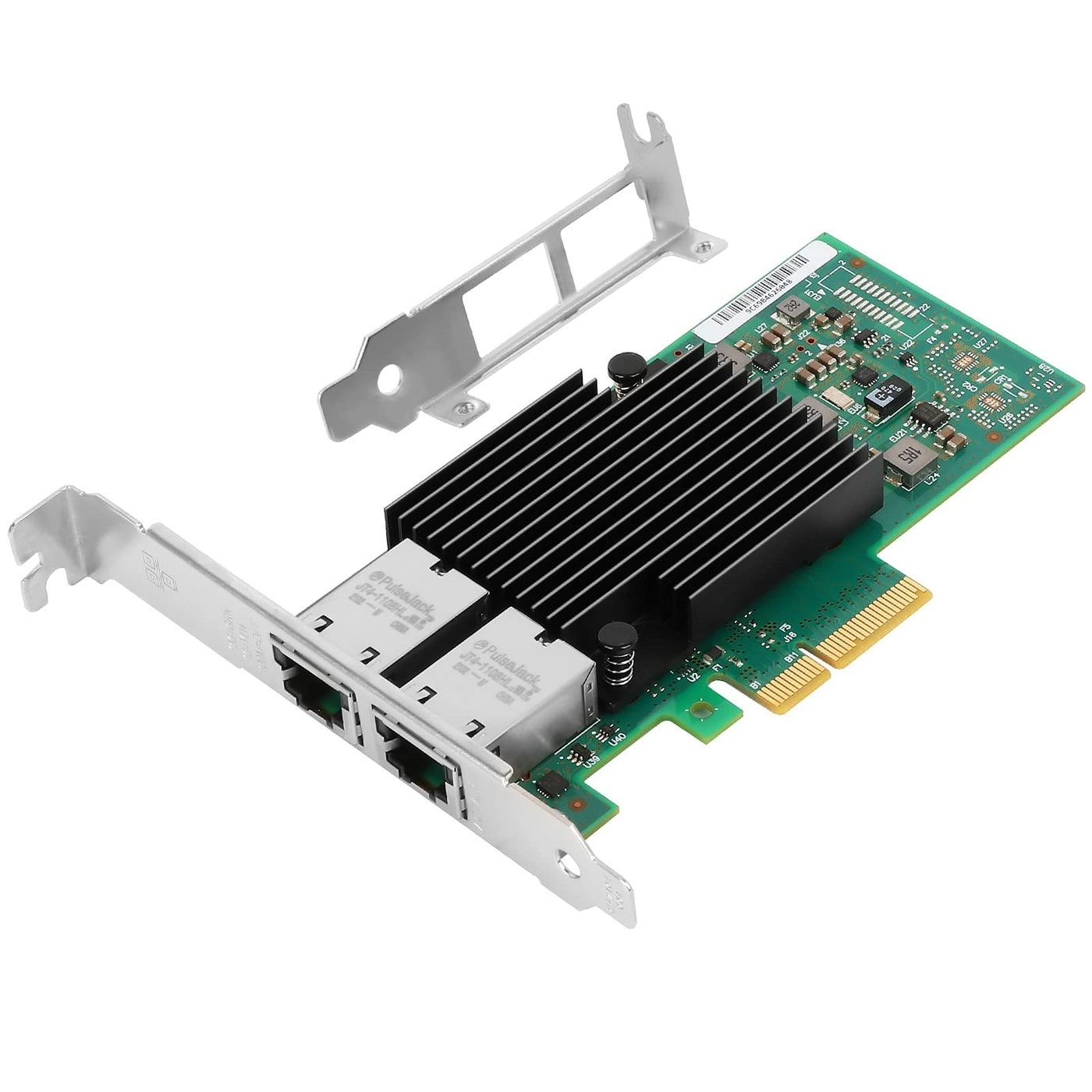
TP-Link 10 Gigabit PCI Express Network Adapter(TX401)Arm Your PC
with the Latest 10G SpeedsPCIe 3.0 Slot to 10 Gigabit Ethernet
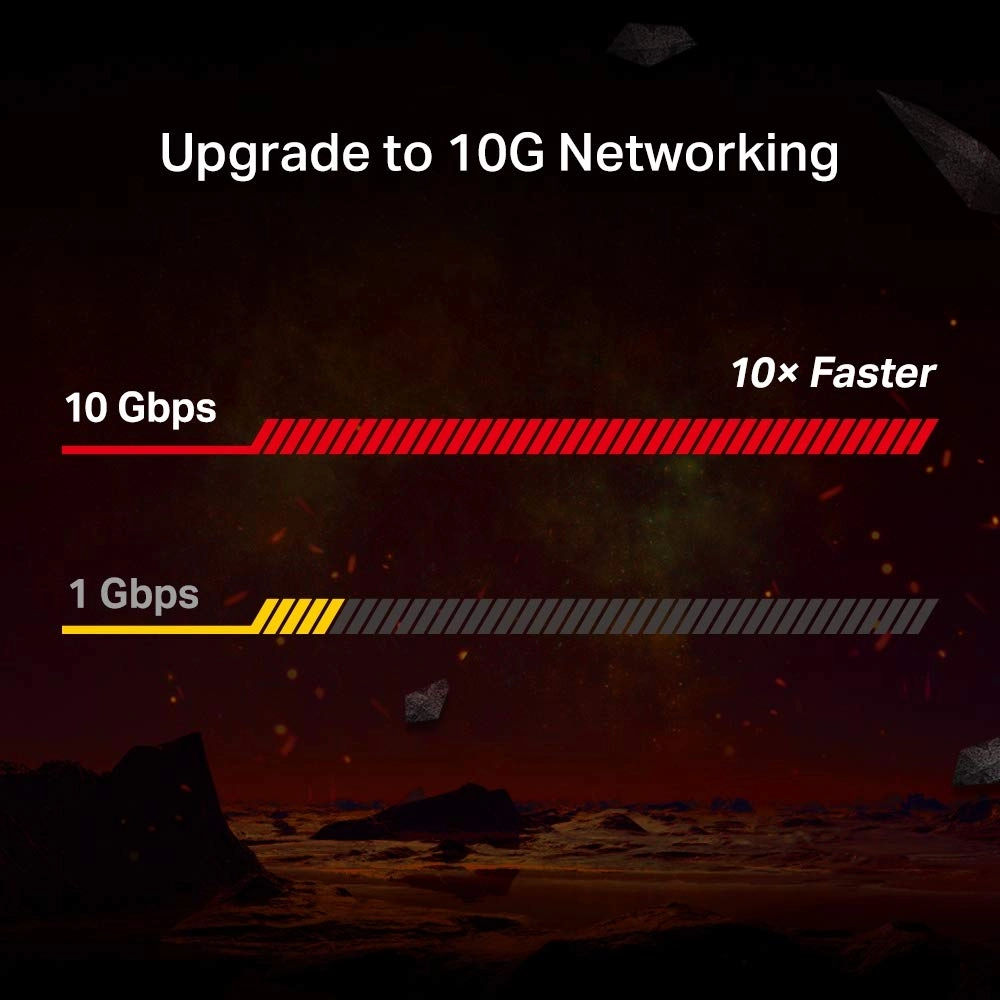
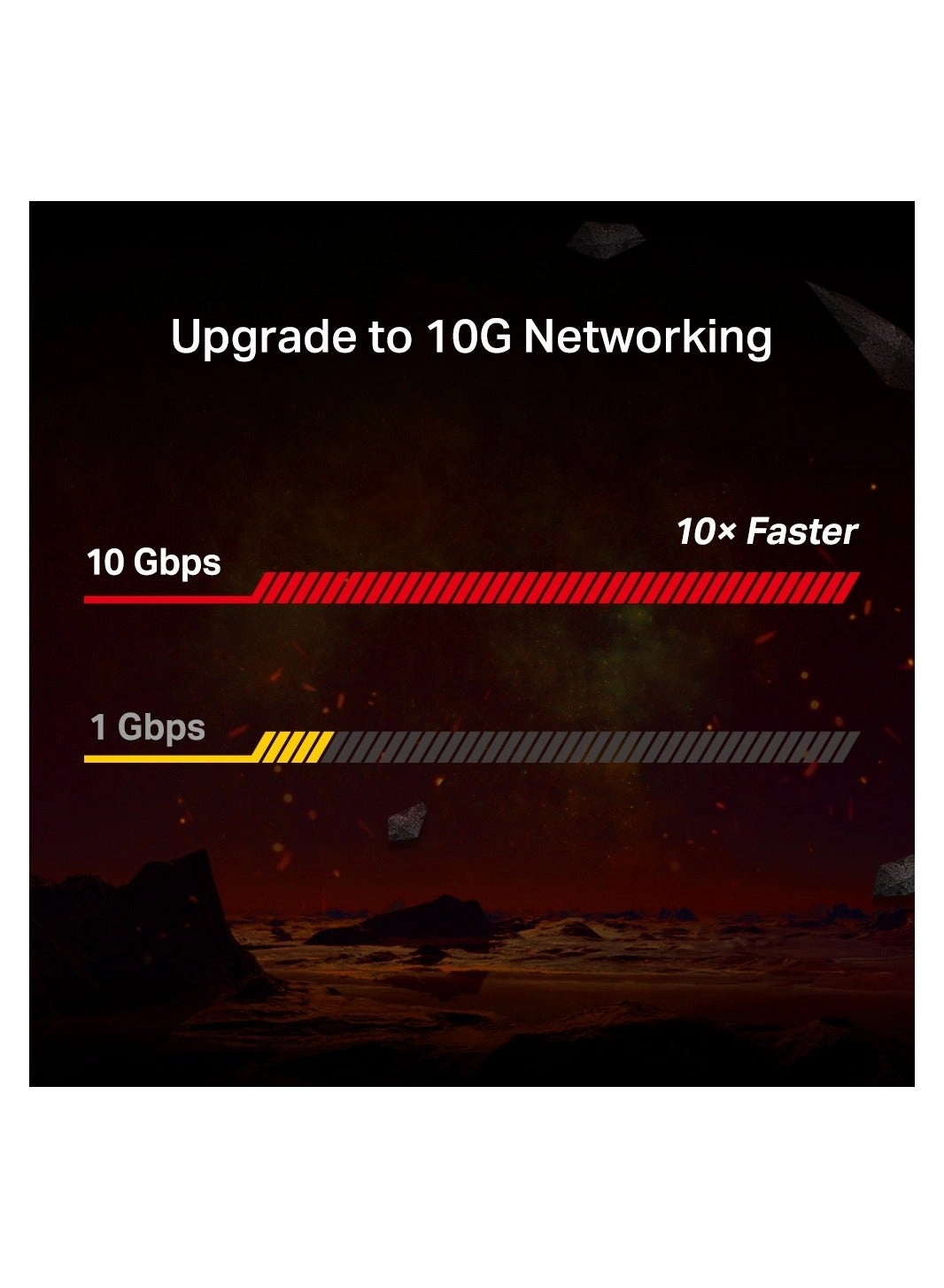
Network AdapterUpgrade to 10G Networking10 Gigabit Ethernet
reaches blazing-fast data rates up to 10 billion bits per
second-10× faster than standard Gigabit Ethernet. It’s a
brand-new era for all your bandwidth-intensive tasks from local
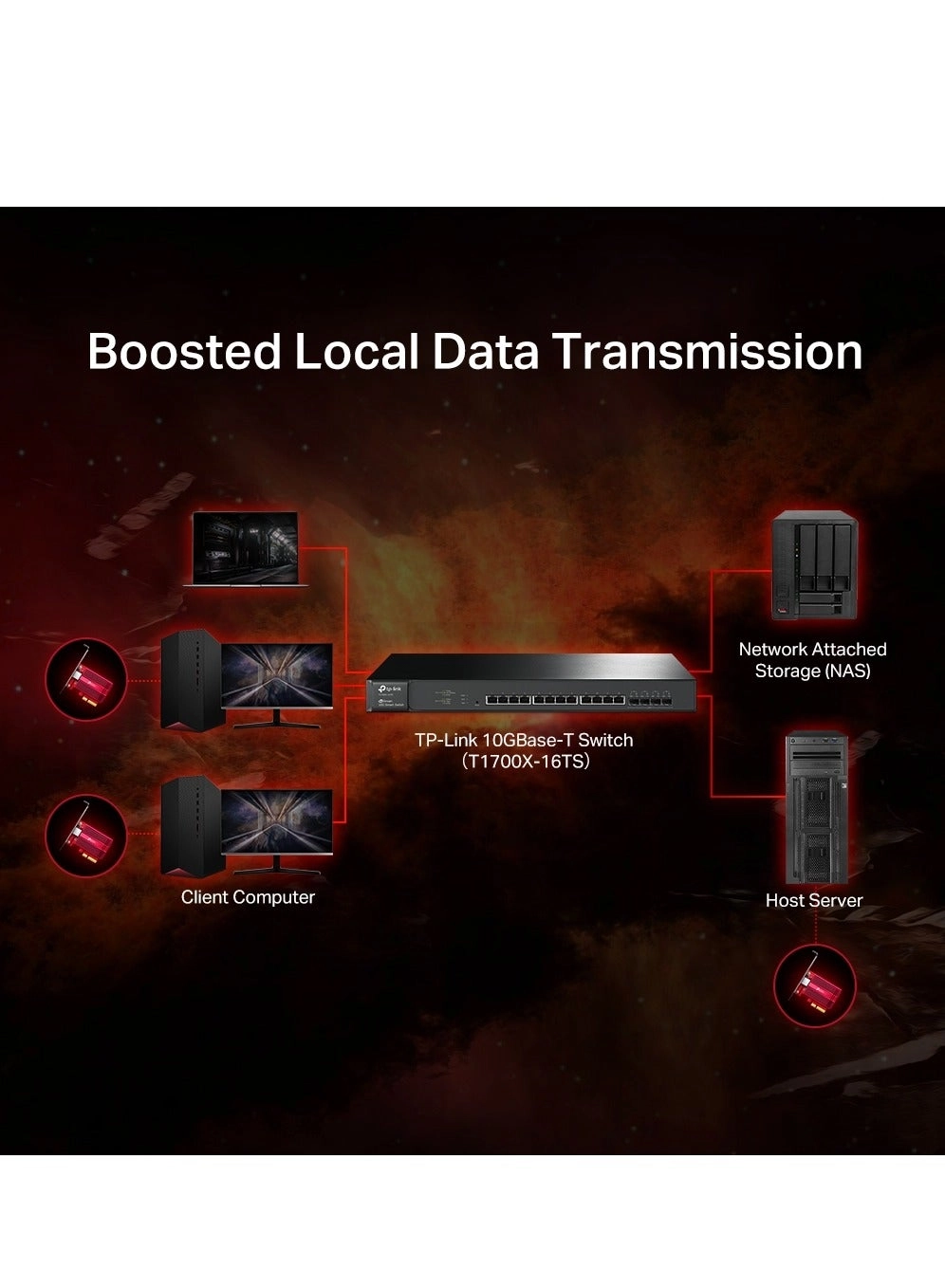
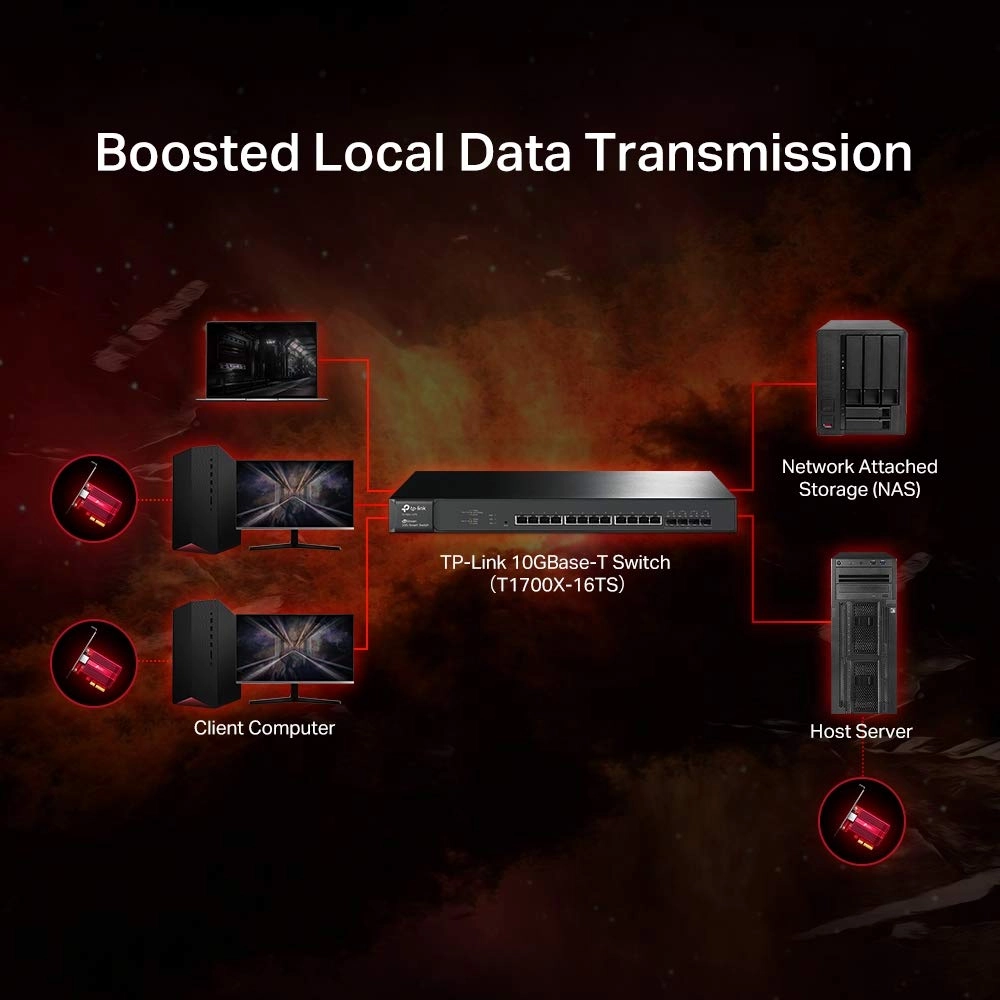
data transfers to internet access.Local Data Transmissions in
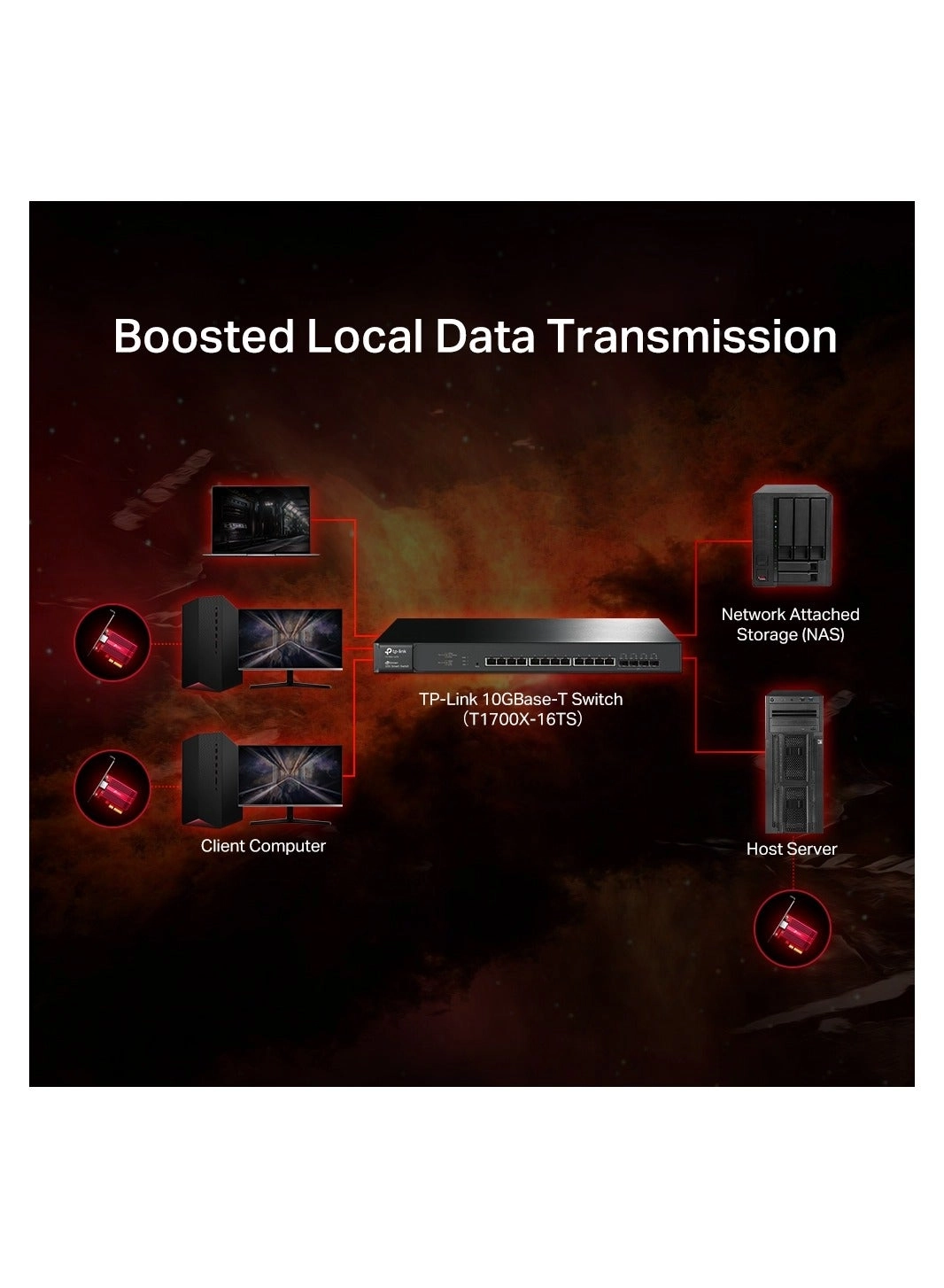
SecondsFor local connections, a 10G PCIe adapter helps build a
lightning fast transport channel between a central server and
other working machines in your local network. Local data
transmissions will be a breeze for you as you handle
bandwidth-intensive tasks easily at your home or
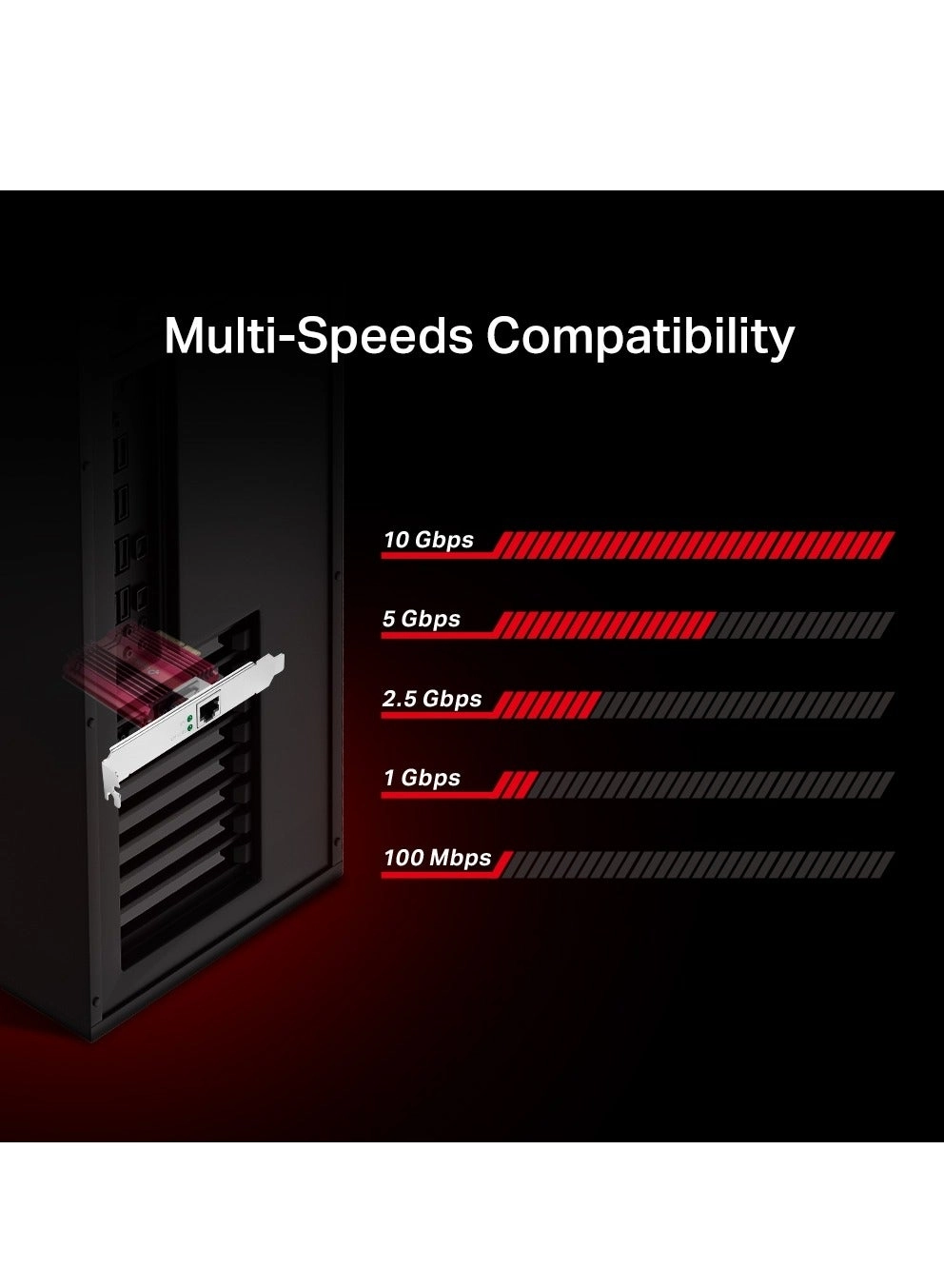
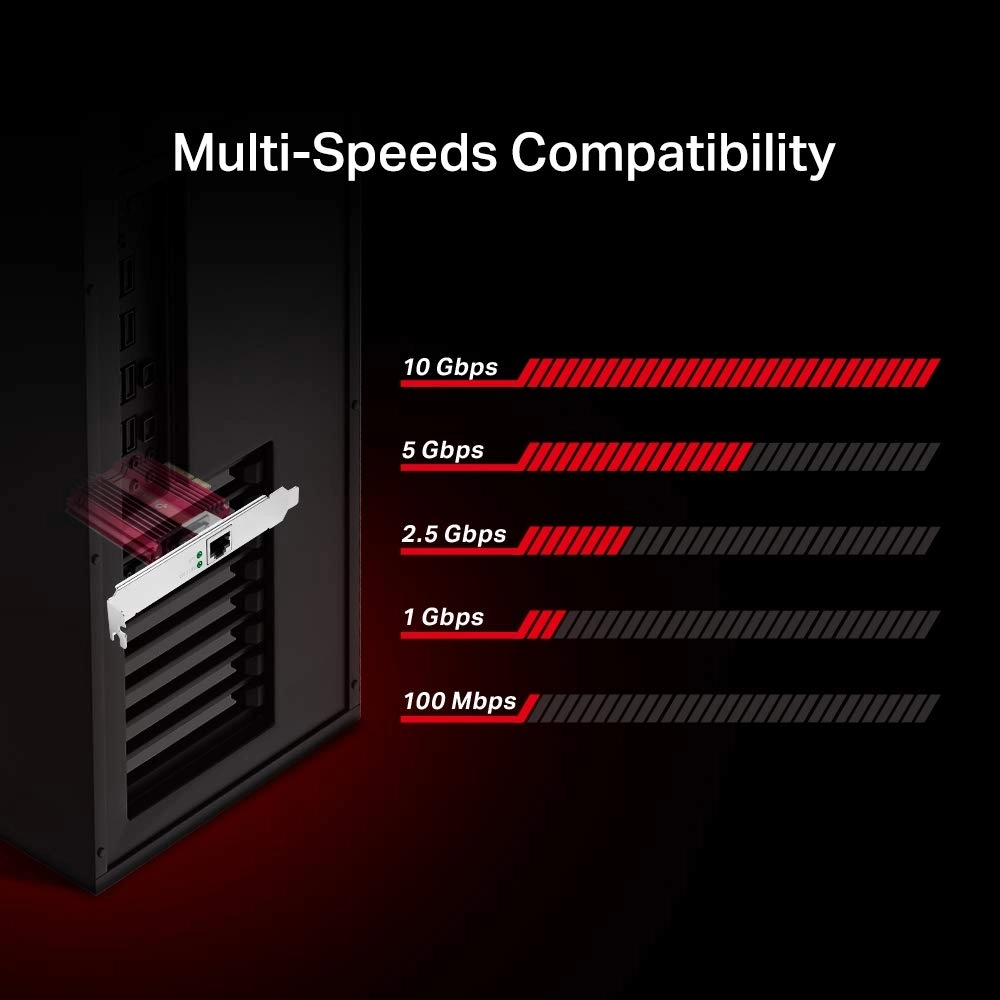
office.Versatile, Multi-Speed Compatibility10GBase-T is backwards
compatible with multiple data rates, including 10 Gbps, 5 Gbps,
2.5 Gbps, 1 Gbps, and 100 Mbps Base-T connectivity. The 10G
Ethernet port automatically negotiates between higher and lower
speed connections, allowing you to upgrade to 10G networking
smoothly.QoS SupportA Bandwidth Buff for GamingQuality of Service
technology ensures enough bandwidth and avoids network congestion
for PC gaming. It delivers prioritized performance for gamers.
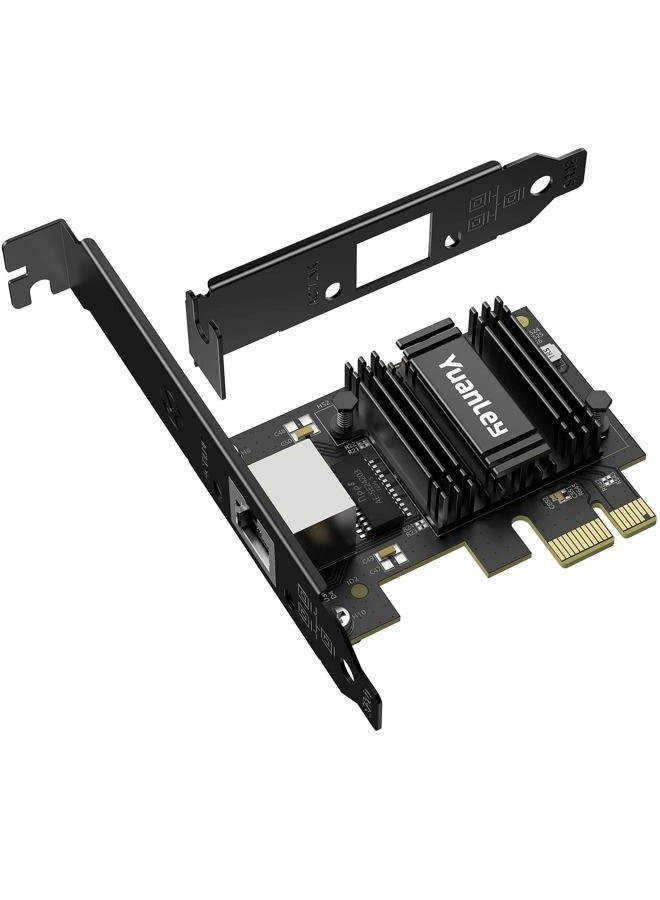
Review: Looks good Runs good! 10G ETH Port! - Looks great, easy
setup, no heat issues as it sits right under my 3 fan GPU sucking
the heat from it and my front fan bringing in cold air plus it
has a great quality heatsink attached to it help disapate heat
from it, solid internet speed and no issues so time will tell
seams solid for gaming my fps are stable and no heat increase
from my GPU TP link has great driver support as well.
Review: Good card, but you might need the beta drivers to solve
connectivity problems - It's a good card, but you should install
the latest drivers after receiving it, especially if you see
random disconnects. The new drivers might just fix it. Details: I
was initially very disappointed with this card. I purchased two
of them, and both of them would frequently disconnect while
running on windows 10 machines. Neither machine had problems when
using their onboard LAN. Both machines were fine when
transferring large files to each other's shared drives at 10gb
speed, but internet speed tests would make them crash, even
though our modem can only do 1gb. I assumed that the cards were
both dead on arrival, possibly due to overheating. I was wrong.
After I contacted TP Link, they put me in touch with a person who
identified themselves as a Senior Engineer, and asked me to
install a "Beta Driver". That made the connection much more
stable. With the new driver, it would only disconnect very rarely
when downloading a game from steam, but other use cases, like
speed tests, were now stable. A few more months have passed, and
now it no longer disconnects, even when downloading games from
steam. I don't know if Microsoft patched something, or Steam
patched something, but the problems have stopped with now further
driver changes. The beta driver that helped me was:
beta/2022/202211/20221102/win11.zip The newest windows driver on
their site is: TX401(UN)_V1_221202_Windows So it looks like they
may have now released that beta driver, or an even newer version,
so you can get it without chatting with support for an hour. One
final note: I read elsewhere that disabling 'Recv Segment
Coalescing' for IPv4 and IPv6 could make cards that use a Marvel
Aqtion 10g chip like this one more stable. I don't know if this
would help because by the time I learned about it, my card was
stable both with this feature on and off, and having it on seems
like it might make downloads faster, so I left it on.