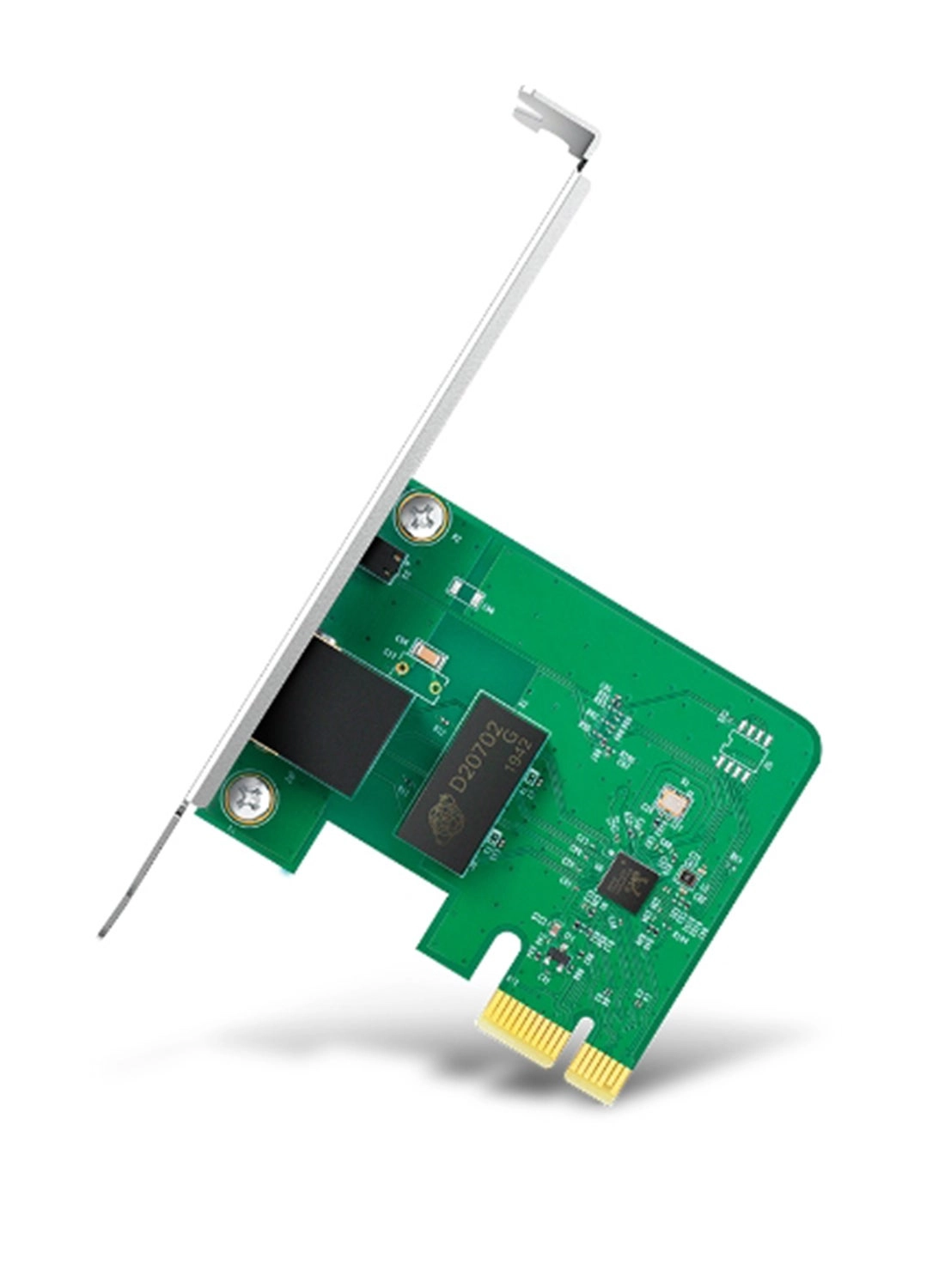
Buy TP-Link 10/100/1000Mbps Gigabit Ethernet PCI Express Network
Card (TG-3468), PCIE Network Adapter, Network Card, Ethernet Card
for PC, Win10/11 Supported: Network Cards - desertcart.com ✓ FREE
DELIVERY possible on eligible purchases
Review: EZ quick XP install !! desertcart is selling/shipping
current version of card (v4.6). - TP-Link manufactures quality
networking gear. Over recent years, I have relied on a TP-Link
modem and I currently running TWO TP-Link routers, one as a
'root' router, the other as an 'extender/bridge' router. Always
rock-solid and reliable. (I retired the TP-Link modem only
because TP-Link does not manufacture a stand-alone DOCSIS 3.1
modem.) Note that there has been, over the years, four
versions/itinerations of this (1 Gigabit PCI-Express) card. Sold
and shipped by desertcart, I received Version 4.6 of the card. So
desertcart is selling (direct) and shipping current stock. You
can check the version of the card by looking at the label on the
outside of the box … or at the sticker on the card. Oddly, the
MAC address is not given on either the box or the card; if you
need it, you will have to snag it out of your router's DHCP list.
Installation into a WinXP SP3 w/ circa-2007 Intel mobo was quick
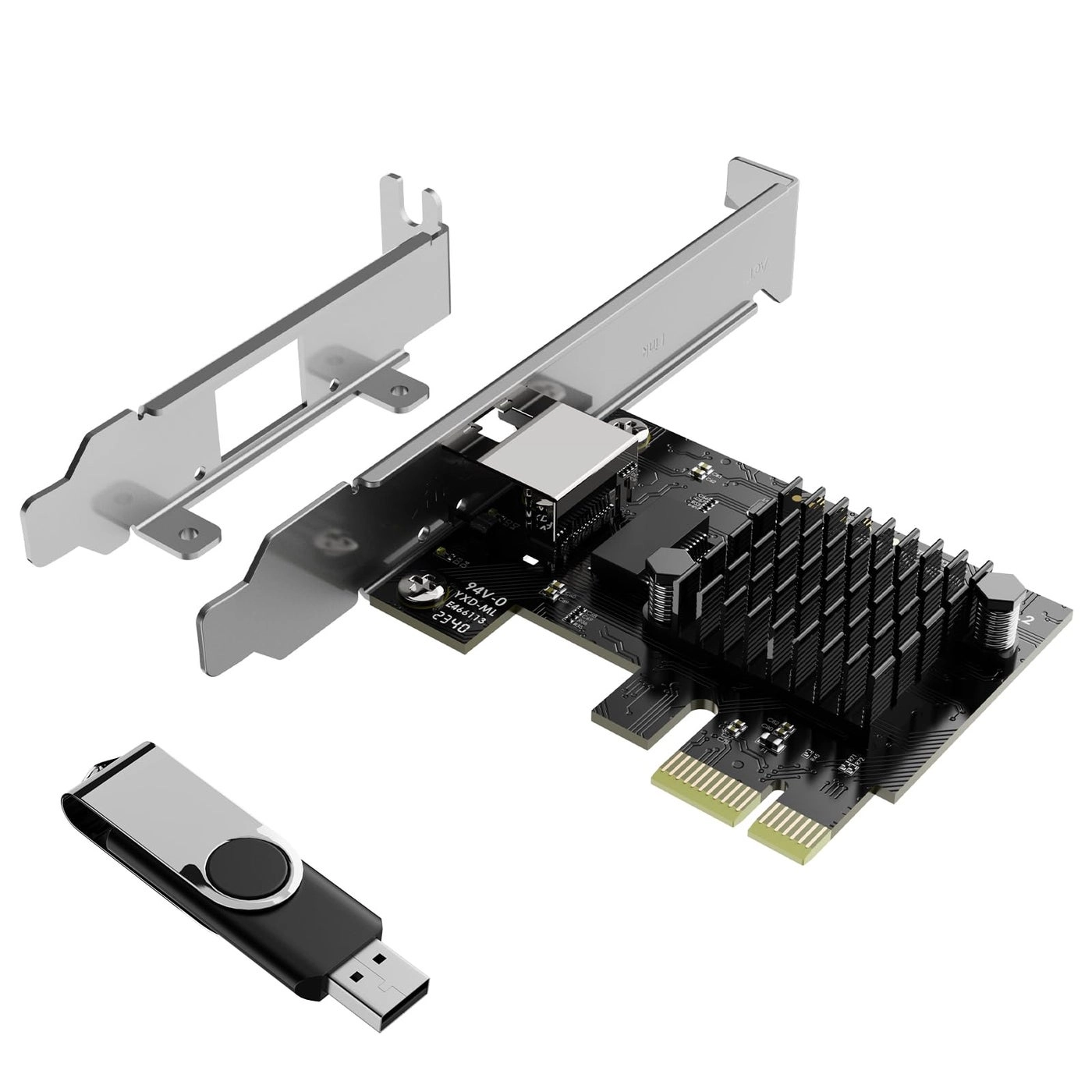
and straightforward: All the drivers come in the box on a mini-CD
but to be sure I would be current, I instead downloaded the most
current Version 4 XP drivers from the TP-Link support webpage for
the card. That was a .ZIP file; I extracted all the files into a
temporary folder. Powered down the computer. Snapped the card
into a vacant PCI-Express x 1 slot on the mobo. Powered back up
and got the "Welcome to the Found New Hardware Wizard" pop-up.
The XP driver install instructions provided by TP-Link (at their
website) were very close, but not entirely 100% spot-on; if I
recall correctly, from the pop-up I followed the path:
InstallFromAListOrSpecificLocation
Don'tSearchIWillChooseTheDriverToInstall HardwareType (choose
NetworkAdapter) Don't bother to choose a specific adapter from
the given list, instead click on HaveDisk, then Browse (to the
.inf file in the temporary folder), then Open it. Click on OK.
Ignore incorrect driver warnings and click ContinueAnyway. (I
think the warning is being 'thrown' by the fact that the TP-Link
card is built on a Realtek chip & drivers.) Bam! Device and
drivers installed. Device is named 'TP-Link Gigabit PCI Express
Adapter.' The three needed driver files were dropped into the
Windows/System32 folder. Swapped the Ethernet cable onto the
card. Opened ControlPanel/NetworkConnections. Disabled the mobo
Ethernet port, renamed it 'Mobo Ethernet.' Enabled the TP-Link
Ethernet port, renamed it 'TP-Link Ethernet.' Deleted the
temporary folder. Rebooted the router, just to be sure. Up and
running !! I didn't pick up the download speed improvement I was
hoping for, but I've definitely excluded the Ethernet port as a
speed constraint. (Paying for 1Gb, pulling 220Mb … time to get a
techie out here to test the speed at the coax connector!) In any
case, this card is very inexpensive … and it is also a quick,
easy solution under XP and older mobos.
Review: Easy Installation with no software needed for Windows
10/11 - Easy installation of 10 minutes (you can find
step-by-step instructions on YT for your brand/model of PC). Just
make sure your PC has the matching type of expansion card slot
for what you are buying (e.g. PCIe x1, 16, etc. AND that there is
nothing ALREADY in that slot; check your computer's manual to
find out; if you don't have the manual, download it from the
company's support web site. I've included an image of a "typical"
System Board [commonly called a "motherboard"]. Sys Board
configurations vary and this is simply to give an EXAMPLE. Your
board may be different, but it gives you an idea of what to look
for regarding PCI-Express slots.). There should be no software
installation required if you have Windows 10/11. Closed my PC,
plugged all the cables back in, turned it on and after Windows
detected it, it started "talking" to the other PC's in the house
with a fast download/upload speed on the Internet. It's plain,
simple with no bells-and-whistles and works great. WARNING!!!
UNPLUG YOUR PC's electric power cable before attempting to open
it and make sure you DISCHARGE ANY STATIC ELECTRICITY you might
have in your body before touching anything in your computer or
wear an anti-static wristband (about $6 on desertcart). WORD OF
ADVICE: If it requires a lot of force to remove or install a
component, 9 times out of 10, it either isn't supposed to be
removed or doesn't belong where you're trying to put it.