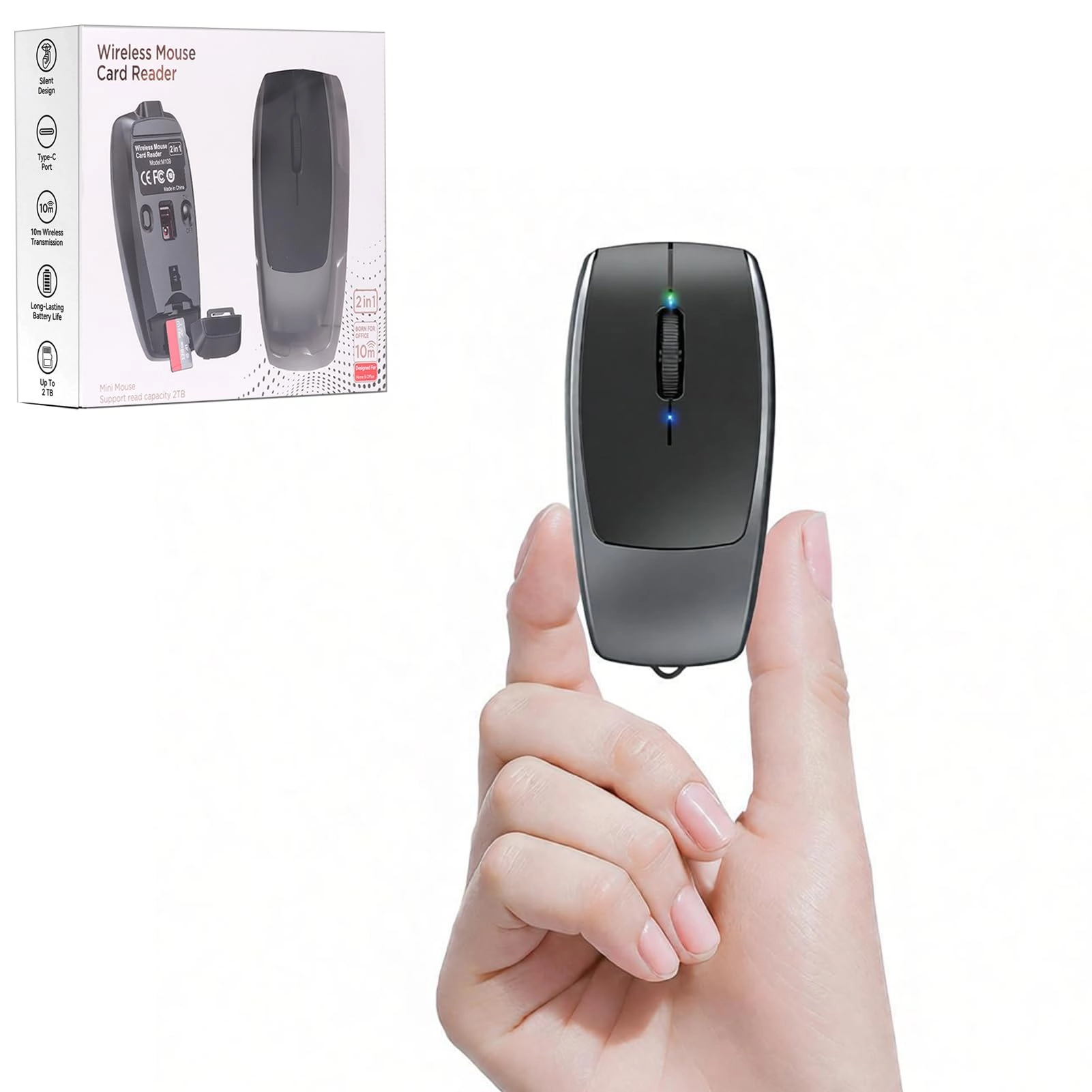
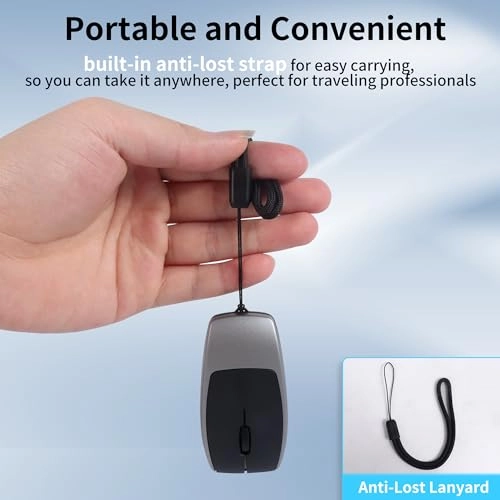
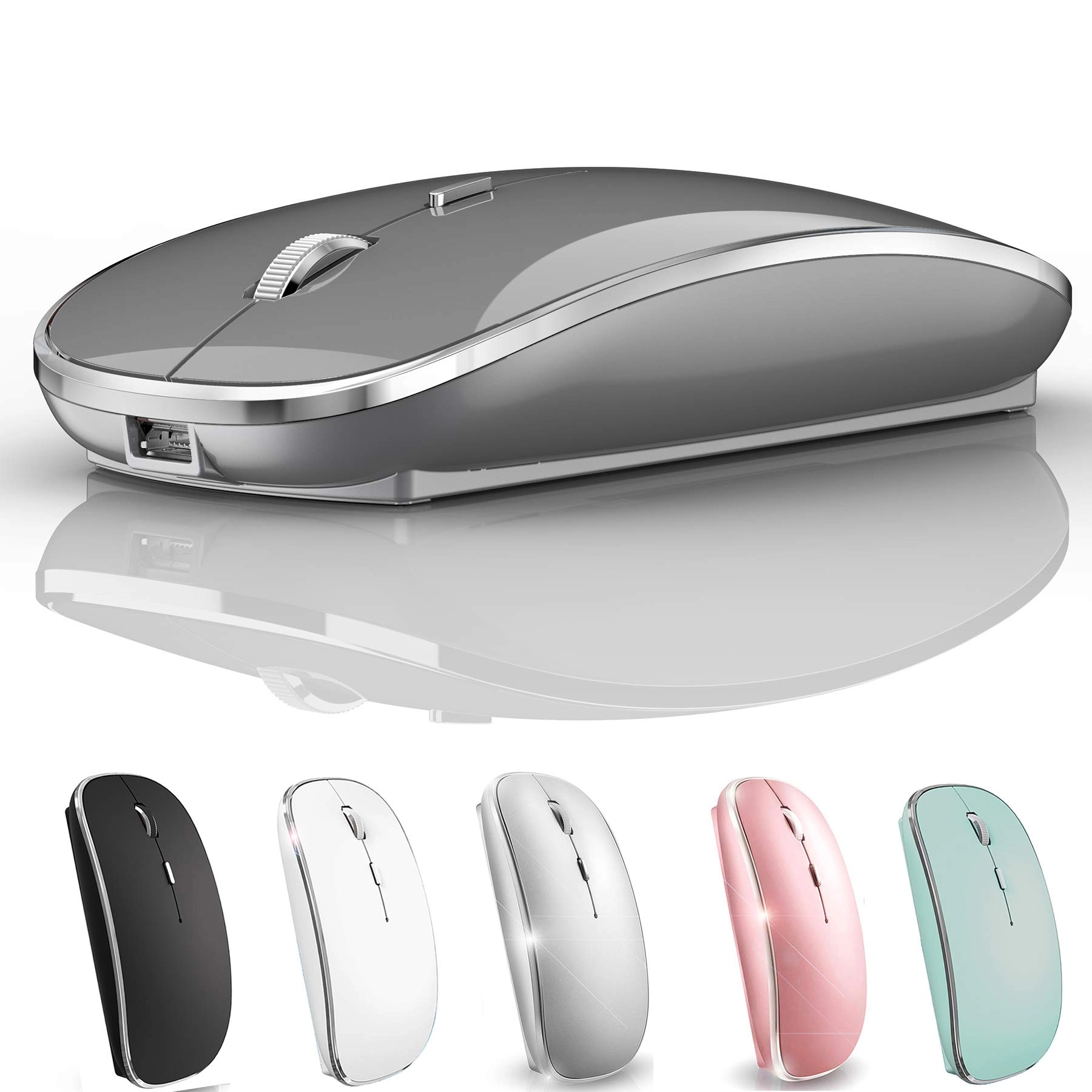
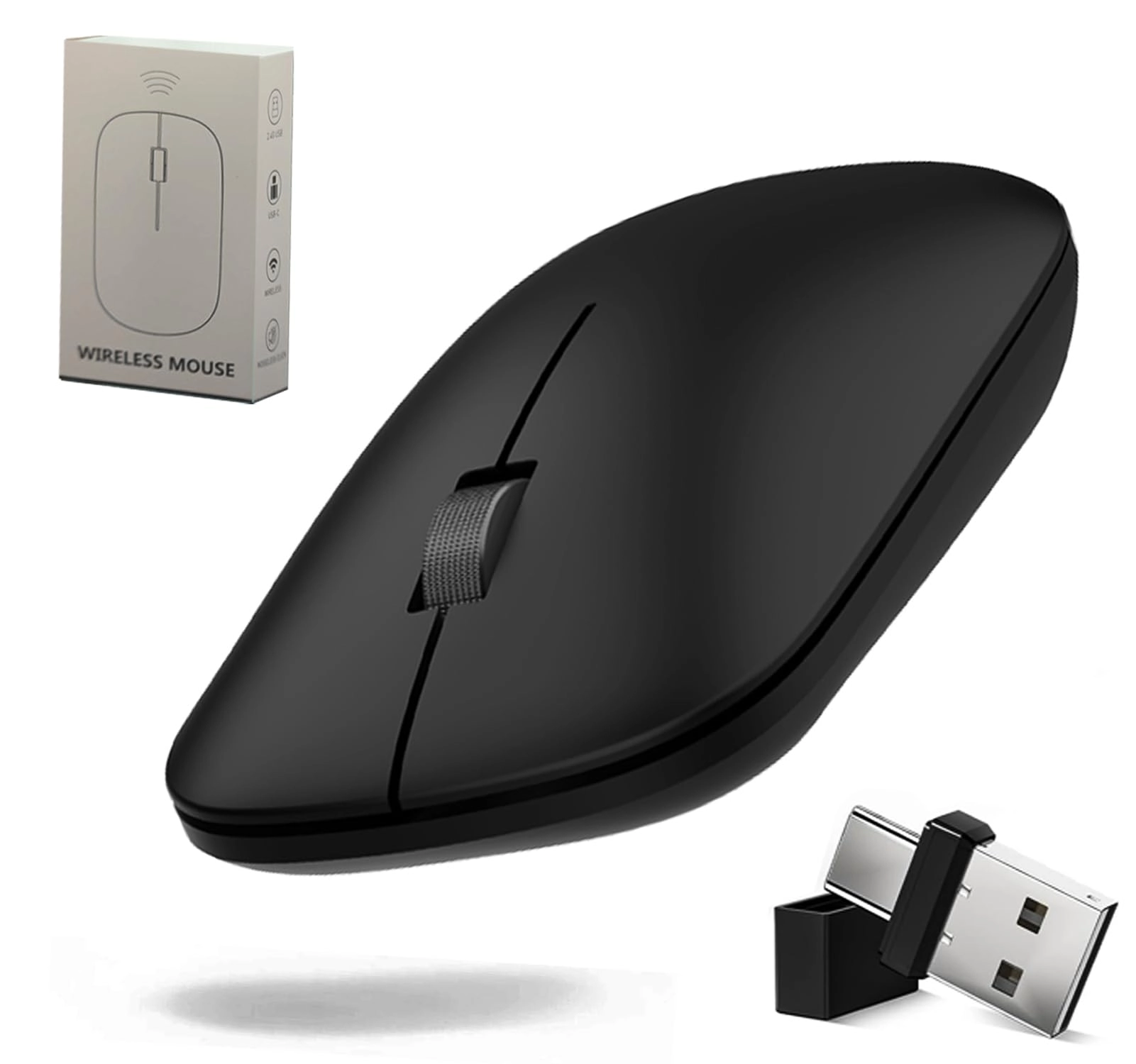
Product Name: Wireless Mouse with TF Card Reader & Lanyard
Upgrade:
1. Specifications: Emphasis on high-speed performance (3000 refresh rate) and lightweight design (27g), ideal for mobile use.
2. Multi-OS Support: Universally compatible with mainstream operating systems, including niche Linux distributions.
3. User-friendly indicators: Clear LED charging/data transfer warnings, improving user experience.
4. TF Card Functionality: Unique 2TB storage support extends utility beyond standard mouse functions.
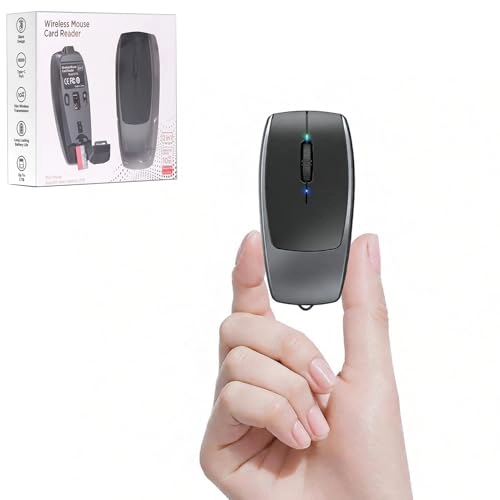
5. Ergonomic Design: Compact size (3.0" length) is suitable for small hands or mobile work scenarios.
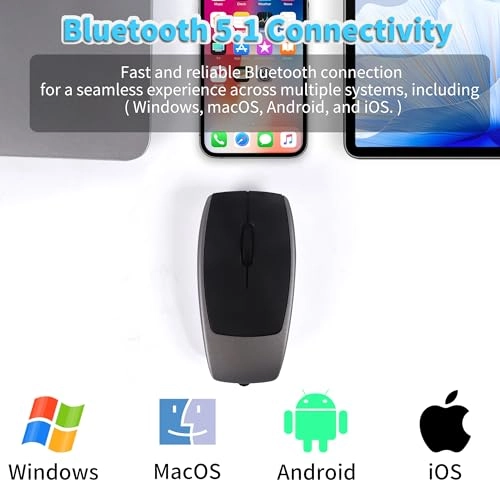
Operating mode: Bluetooth5.1 connection
Polling rate: 250 Hz
Speed: 28 in/s
Refresh rate: 3000
Acceleration: 10G
Resolution: 800/1200/1600
Key life: 3 million clicks (silent switches)
Material: ABS
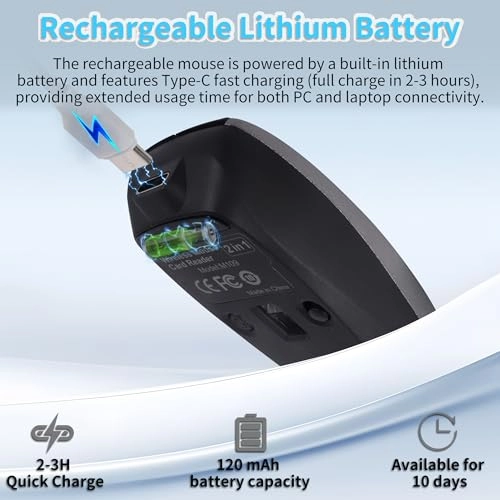
Battery capacity: 120mAh
Voltage/Current: 5V/500mA
Power supply: USB-C
Charging cable length: 20 cm
Operating distance: 10m
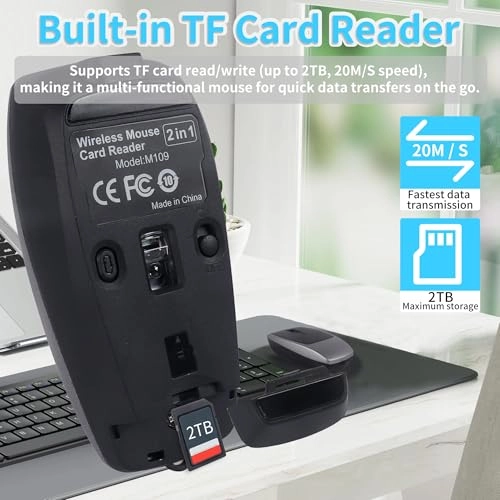
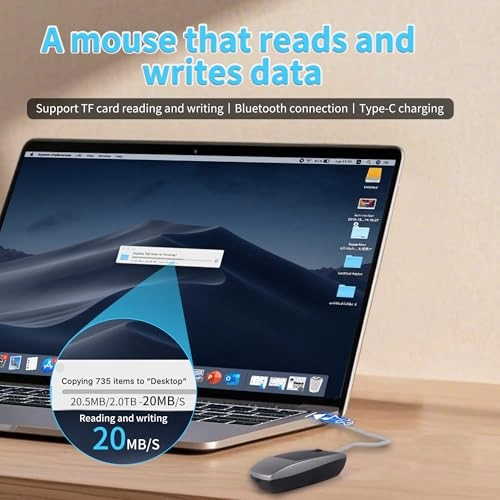
TF card read/write speed: 20MB/s (supports up to 2TB capacity)
Dimensions: 7.8×3.8×2.2cm
Weight: 27g
Packaging dimensions: 11×7×3cm
Package weight: 70g
Ambidextrous: Yes (symmetrical design)
Number of buttons: 4 buttons (left button, right button, scroll wheel, D-PI adjustment button)
Compatible systems:
Windows, MacOS, Linux, iOS, Android and other Bluetooth enabled devices with the latest systems.
Items included:
- 1× mini wireless mouse
- 1× USB-C to USB-C cable (20 cm)
- 1× user manual
Instruction manual and precautions:
1. Wireless connection:
Step 1: Slide the power switch on the bottom of the mouse to “ON”. The Bluetooth indicator turns blue and flashes and enters pairing mode.
Step 2: Enable Bluetooth on your device (tablet/PC/phone), navigate to “BT” settings and connect to “BT5.1Mouse”. After pairing, the blue light turns off.
Step 3: Move the mouse or click the buttons to start using.
Note:
If the device does not detect “BT5.1Mouse”, press and hold the sensitivity switch for 2 seconds to restart pairing.
2. Read/Write TF card
Step 1: Open the TF card slot cover at the end of the mouse.
Step 2: Insert the TF card into the slot according to the direction guide.
Step 3: Connect the mouse to a device (PC/tablet/phone) using a data transfer-capable Type-C cable.
Step 4: The TF card indicator flashes quickly during data transfer and stays on when ready.
Step 5: Access the TF card as a removable storage device in your device's file explorer.
Step 6: Read/write files freely - the indicator flashes during transfer.
Step 7: Safely eject the hard drive via your device and then press the TF card to eject it.
Precautions:
1: Loading:
For optimal charging, use a computer's USB port. The green light lights up while charging and turns off when the battery is fully charged.
2: Low battery warning:
Red light flashes when battery is low. If cursor movement is delayed, check the battery level and charge it immediately.
3: Connection problems:
Make sure the power switch is “ON” or restart pairing mode by pressing and holding the sensitivity switch for 2 seconds.
4: Data transfer display:
The TF card indicator flashes quickly during data transfer and stays on once ready.