Why choose us:
Product Specification-
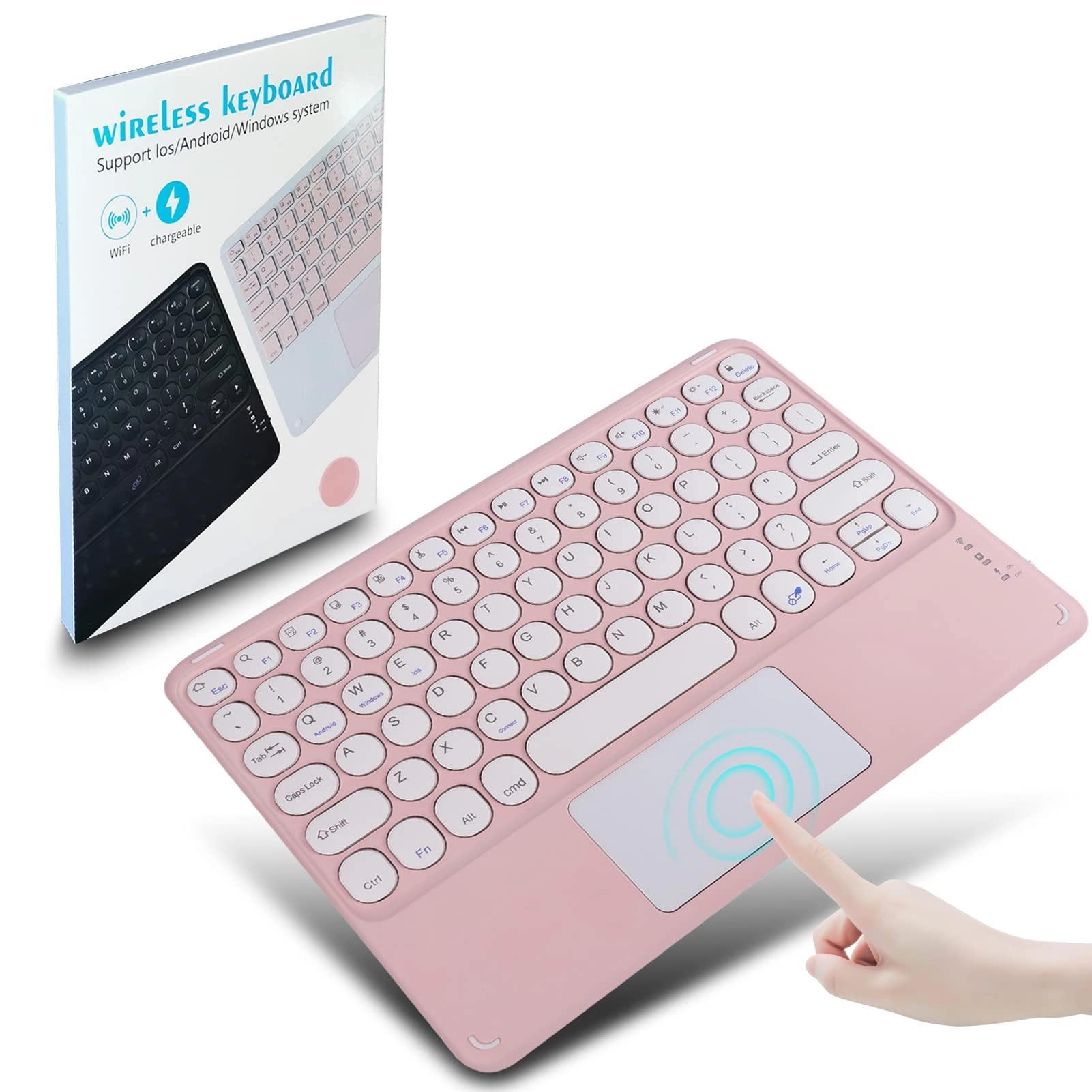
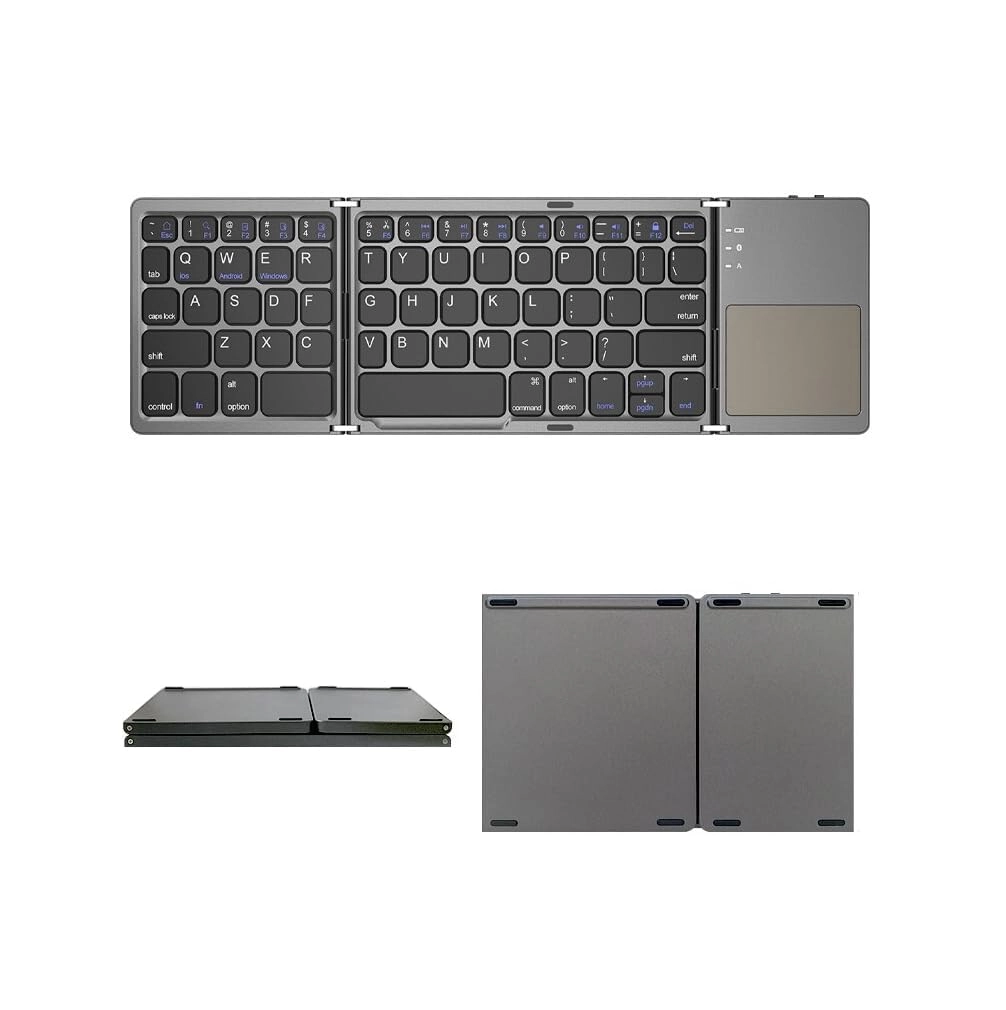
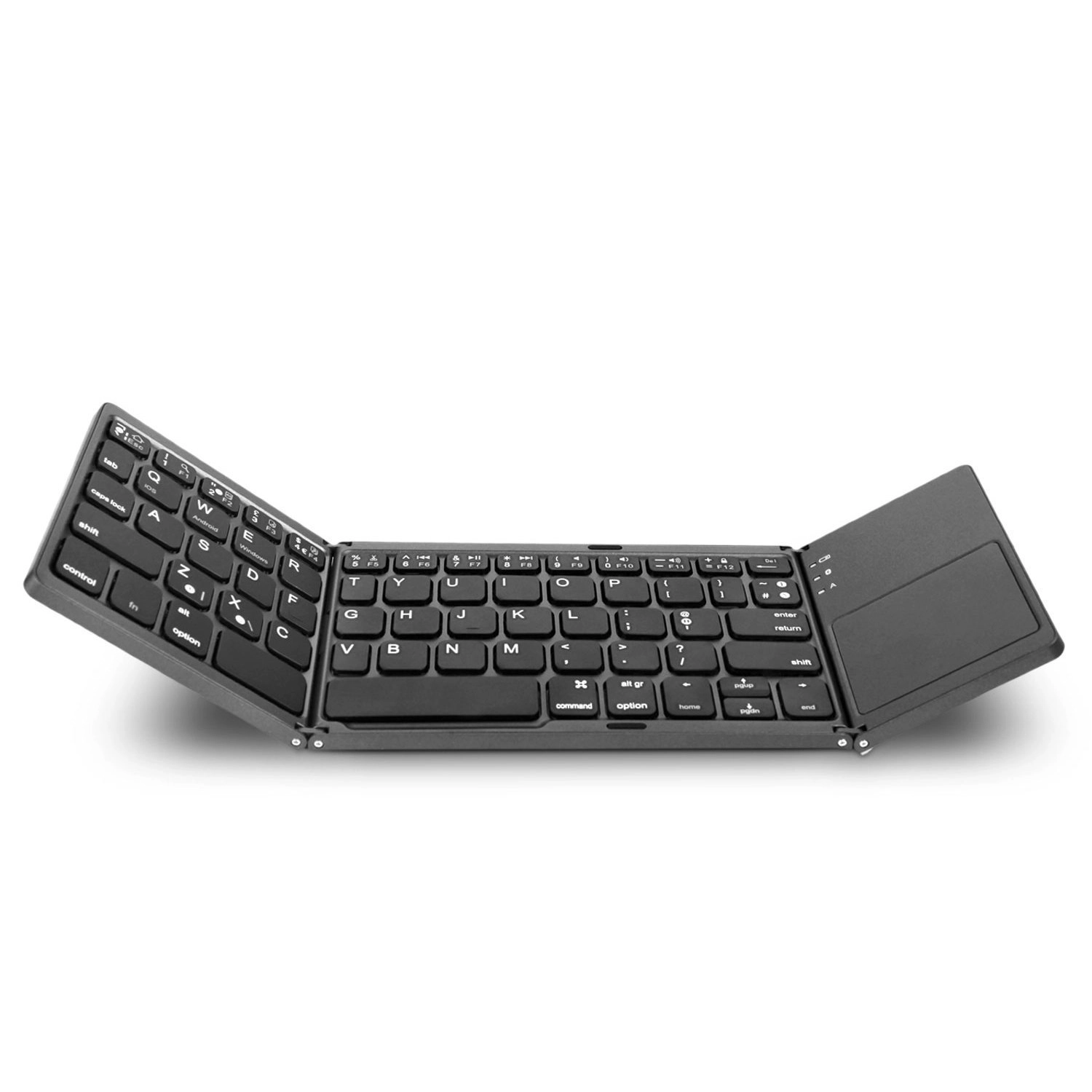
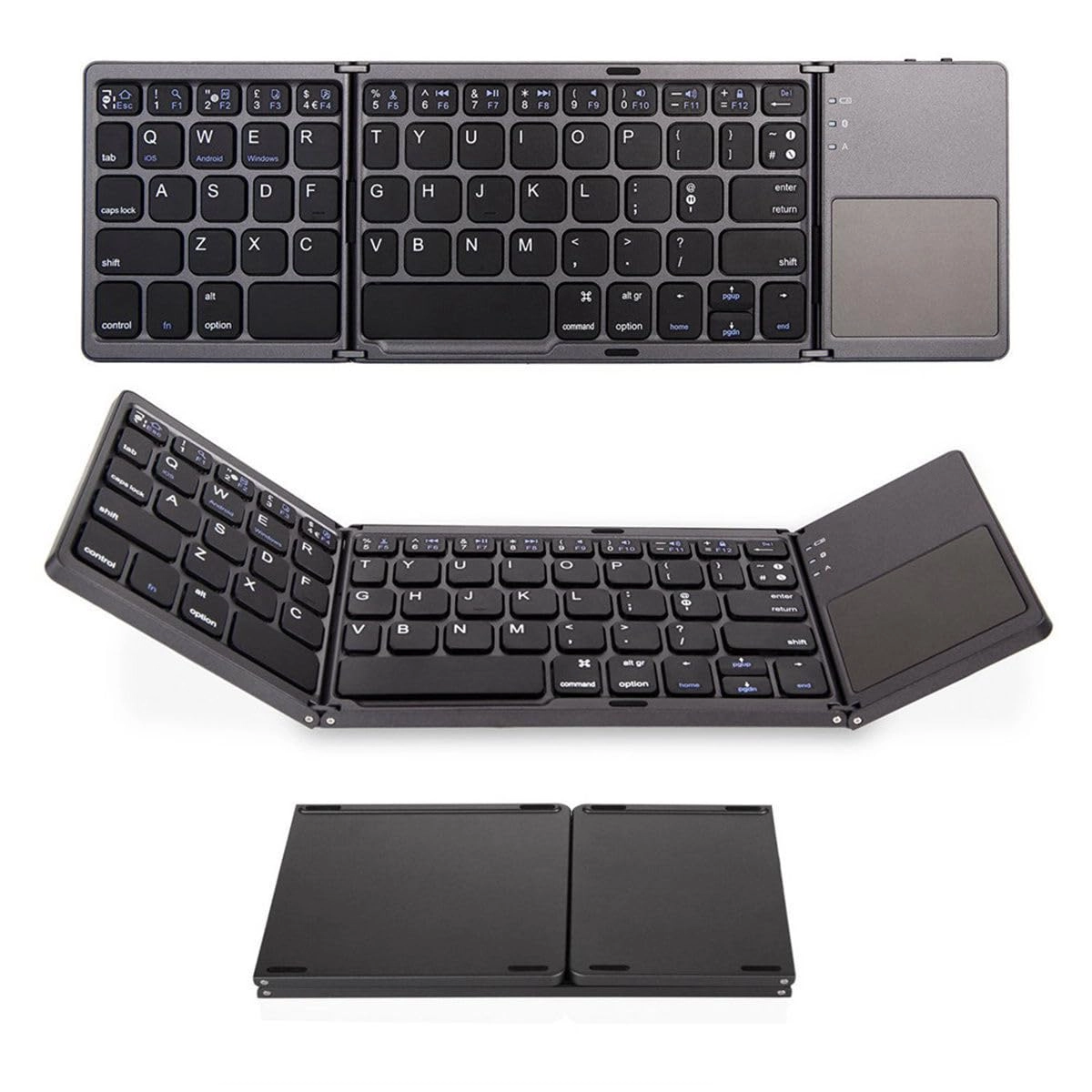
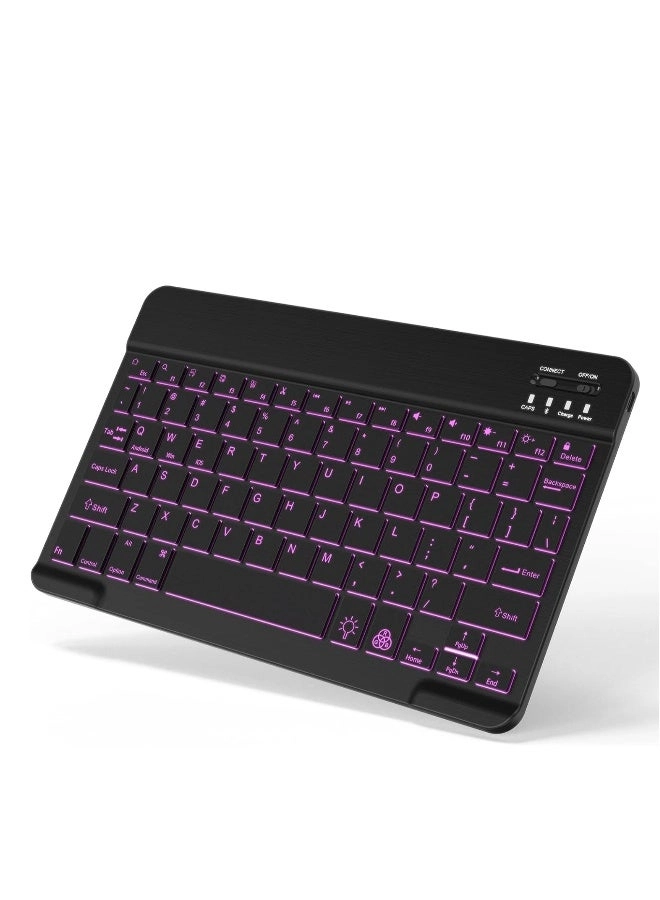
keyboard size:9.56 * 6.69 * 0.27 inches
Weight:0.48lb
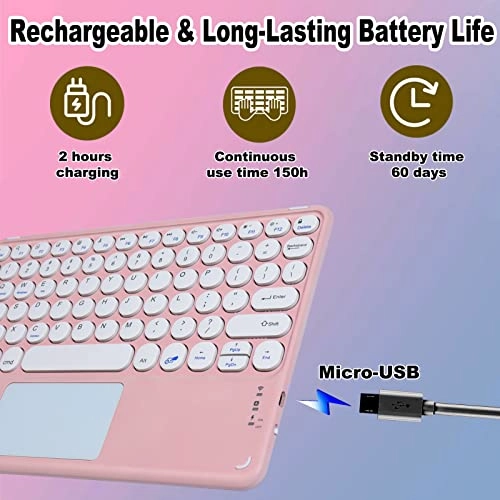
Charging cable length: 0.3 m/11.81inch
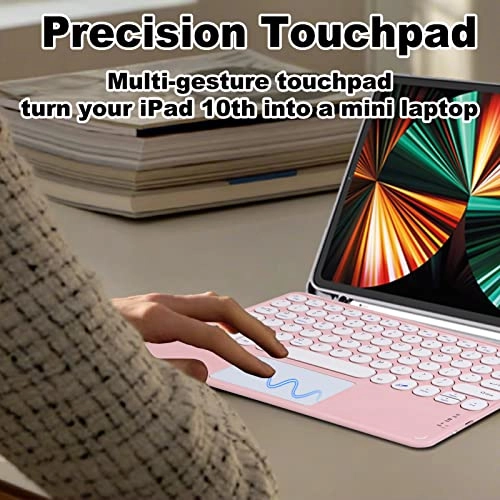
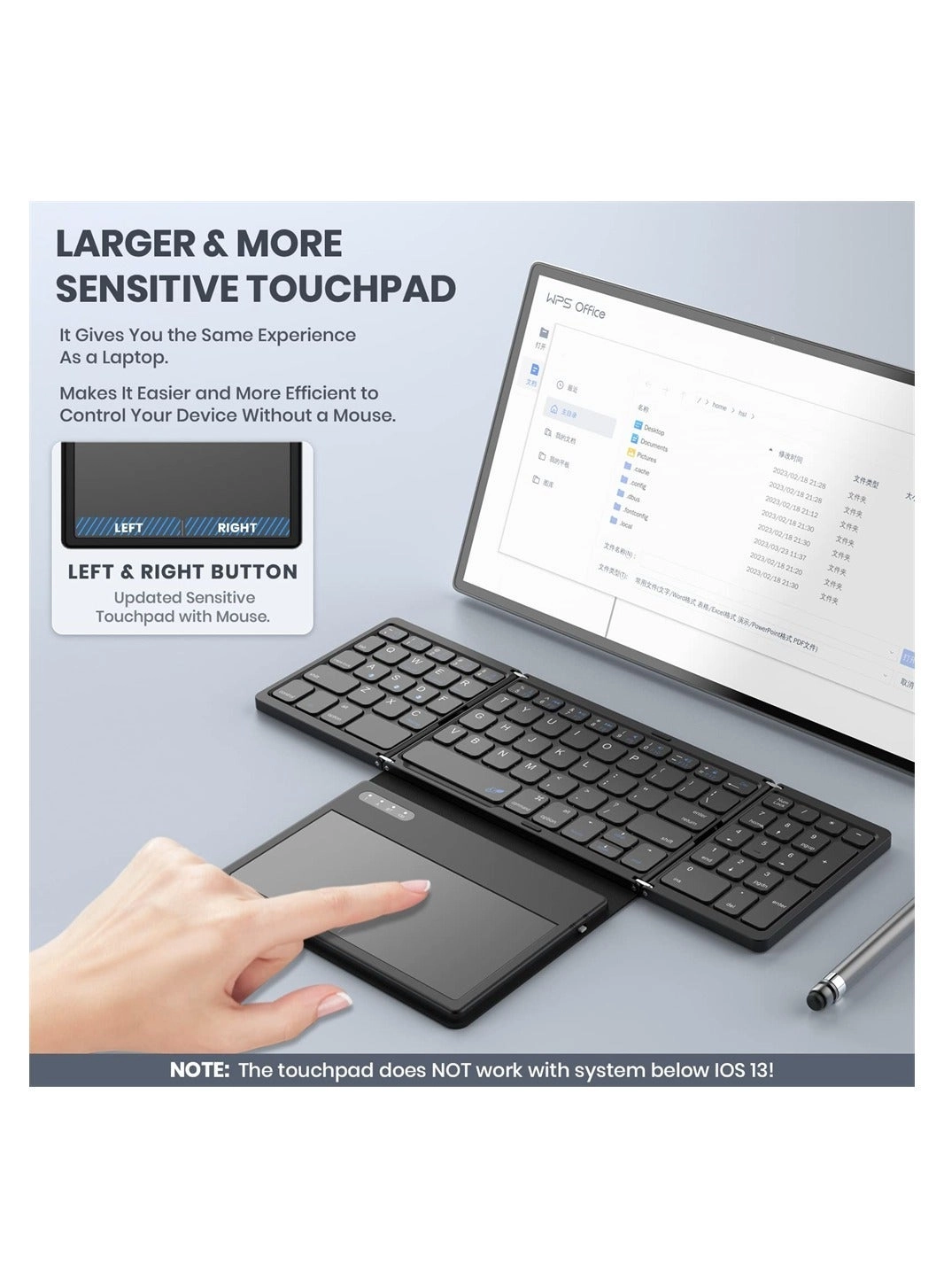
Gesture functions:
Slide finger:Moves the cursor
Tap/Click:Left mouse button
Double-tap and slide with one finger: Left mouse button selection and dragging
Double-tap with two fingers:Right mouse button
Slide up/down with both fingers:Scroll wheel
Swipe left/right with both fingers: Show previous/next page
Switch up with three fingers: Switch between recent tasks
Switch down with three fingers:Return to main menu
Switch left/right with three fingers:Switch between active windows
Connection method:
1. Turn the power switch to the ON position. The power indicator light will illuminate for 3 seconds and then turn off.
2. Turn on and unlock your iPad, then tap the Settings icon.
3. In the Settings menu, tap the Bluetooth menu.
4. Press FN+C on the Bluetooth keyboard to enter pairing mode. The iPad will begin searching for Bluetooth keyboard devices.
5. Discover the Bluetooth device: Bluetooth keyboard and tap it. The Bluetooth keyboard will automatically connect.
6. After successful Bluetooth connection, the pairing indicator light will turn off, and the device will display "Connected" in the Bluetooth device list.
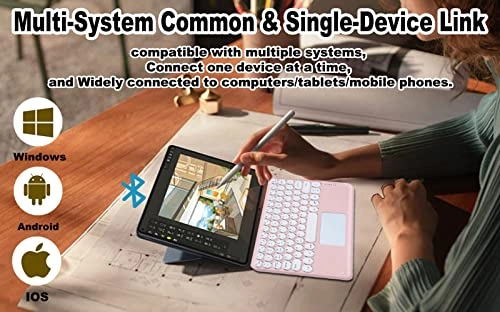
Before use, please switch to the corresponding system mode. For example, press FN+E to switch to iOS before using an iOS device.
Fn+Q: Switch to Android system
Fn+W: Switch to Windows system
Fn+E: Switch to iOS system
Fn+Spacebar: Enable/disable trackpad functionality
Note: Trackpad mouse functionality is supported only in iOS version 13 and above.
Satisfied Customer Service-
Whether before or after sales, we will try our best to give you a satisfactory reply.
Packing list:-
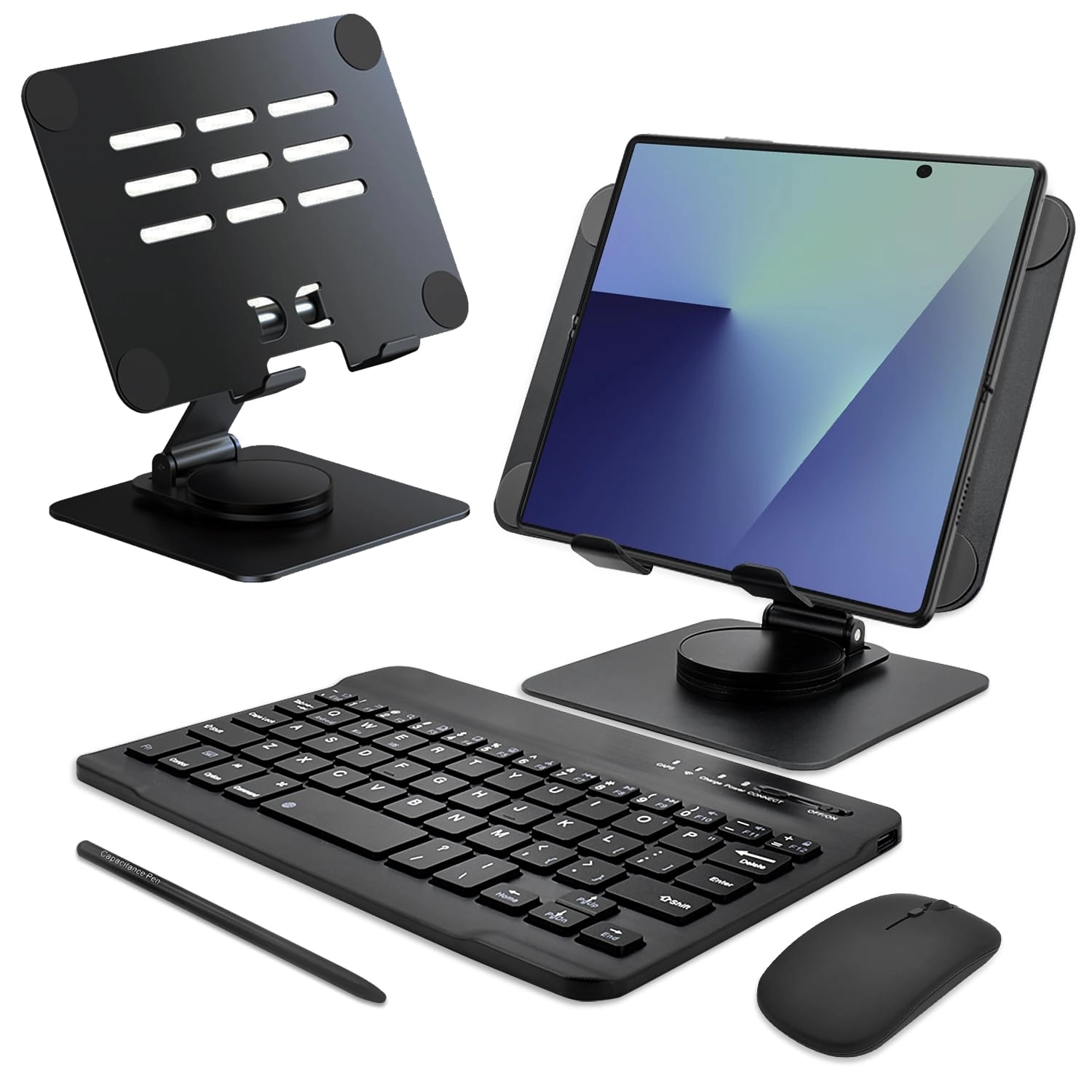
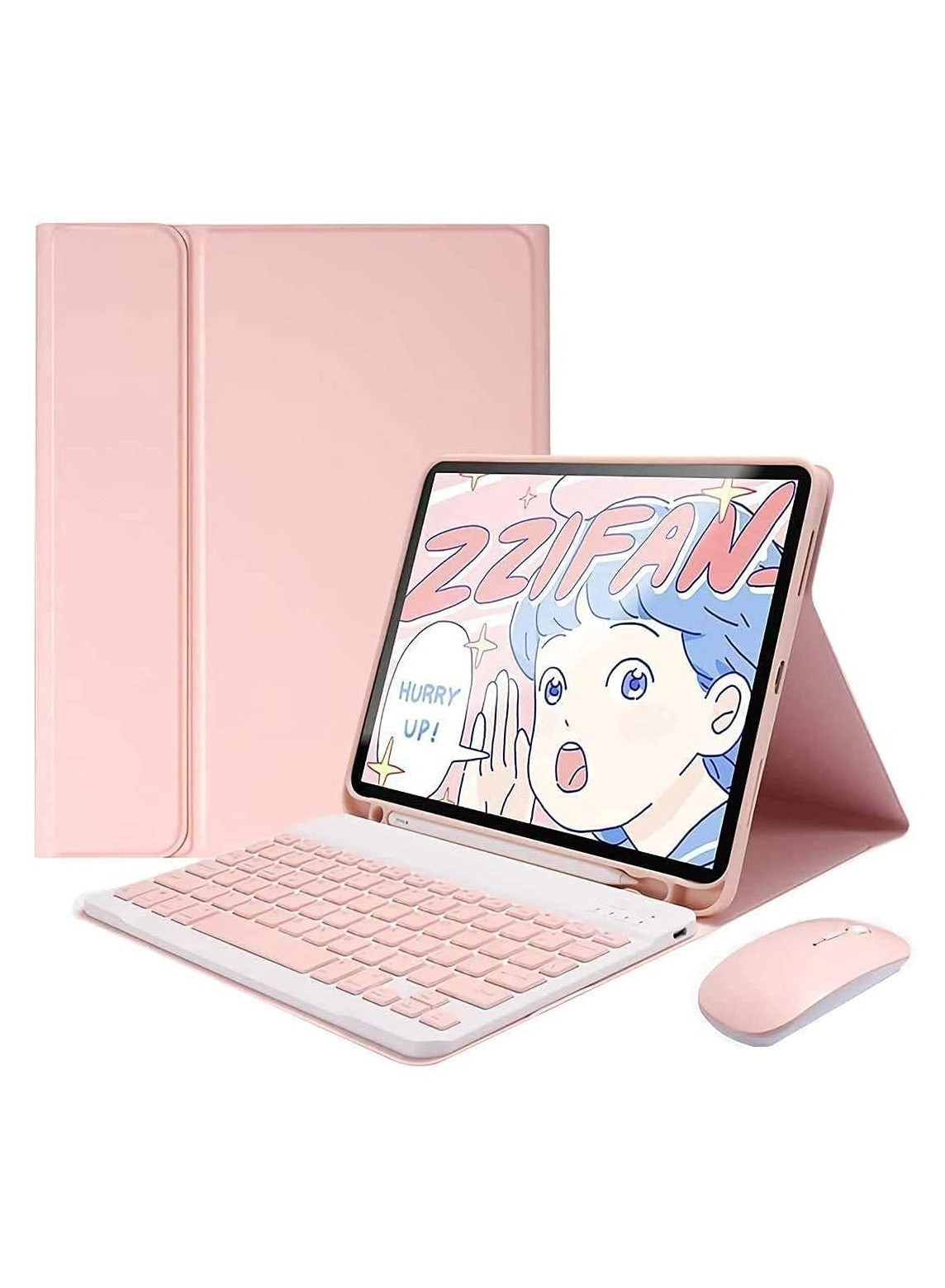
mini keyboard + instruction manual + charging cable