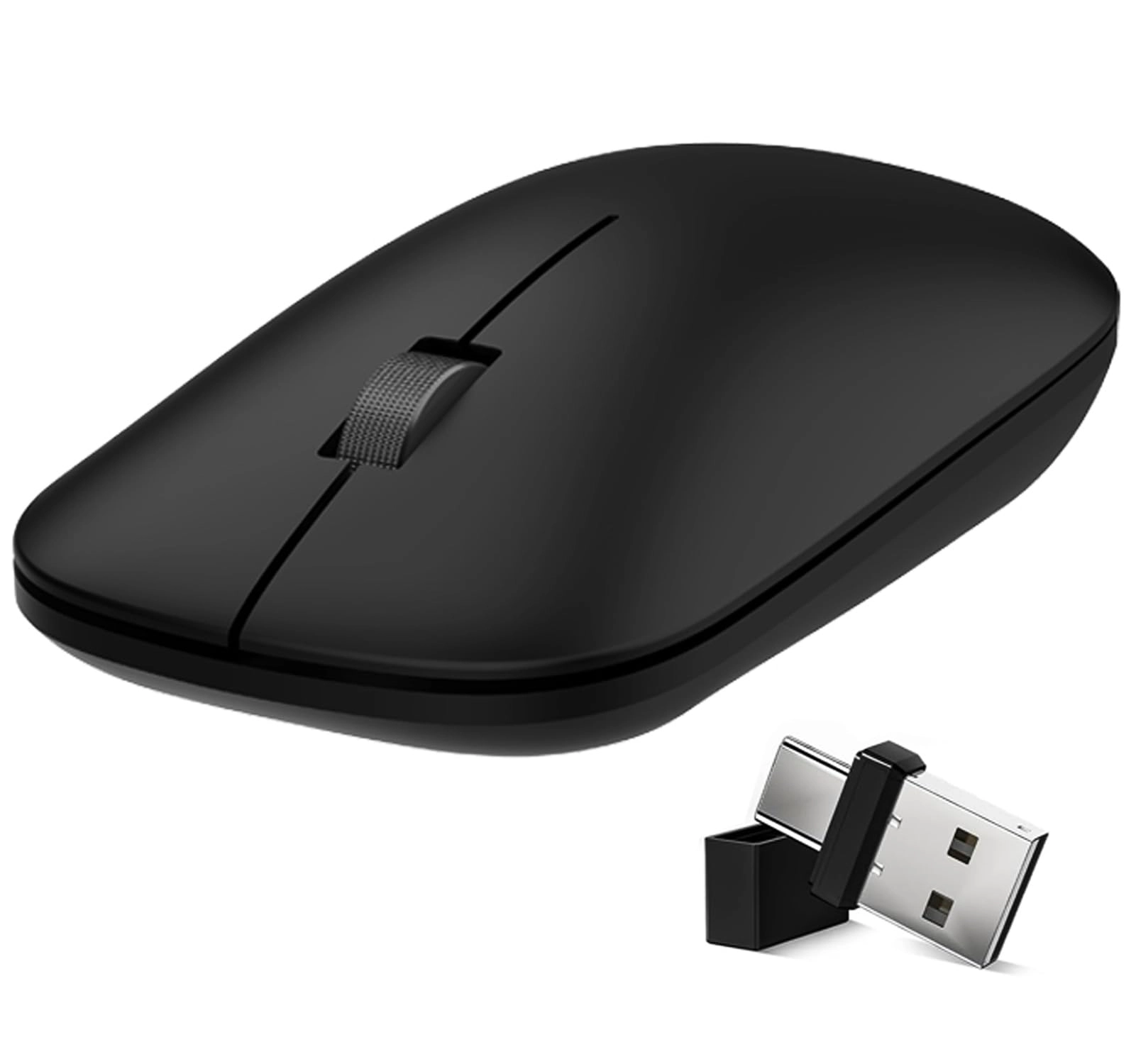
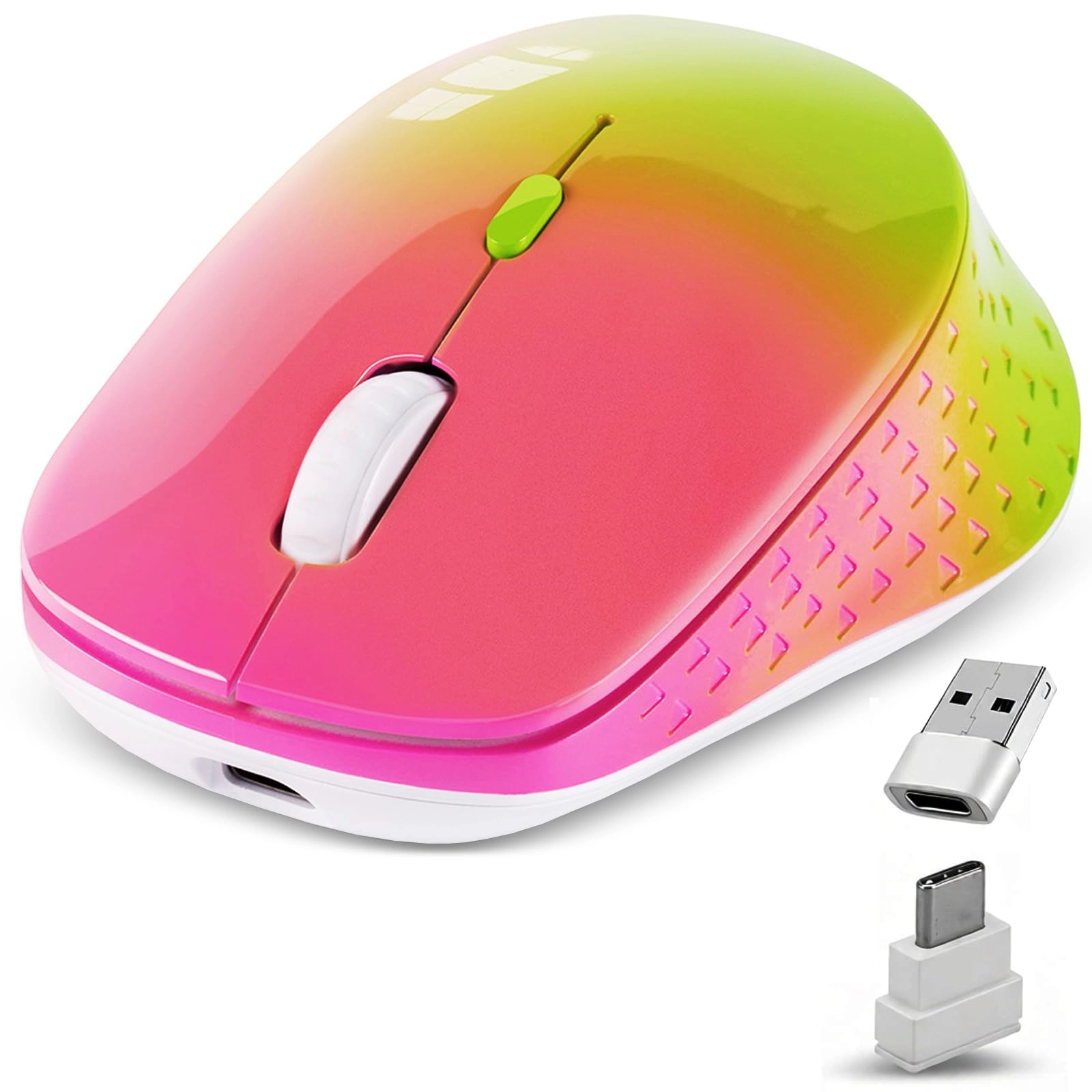
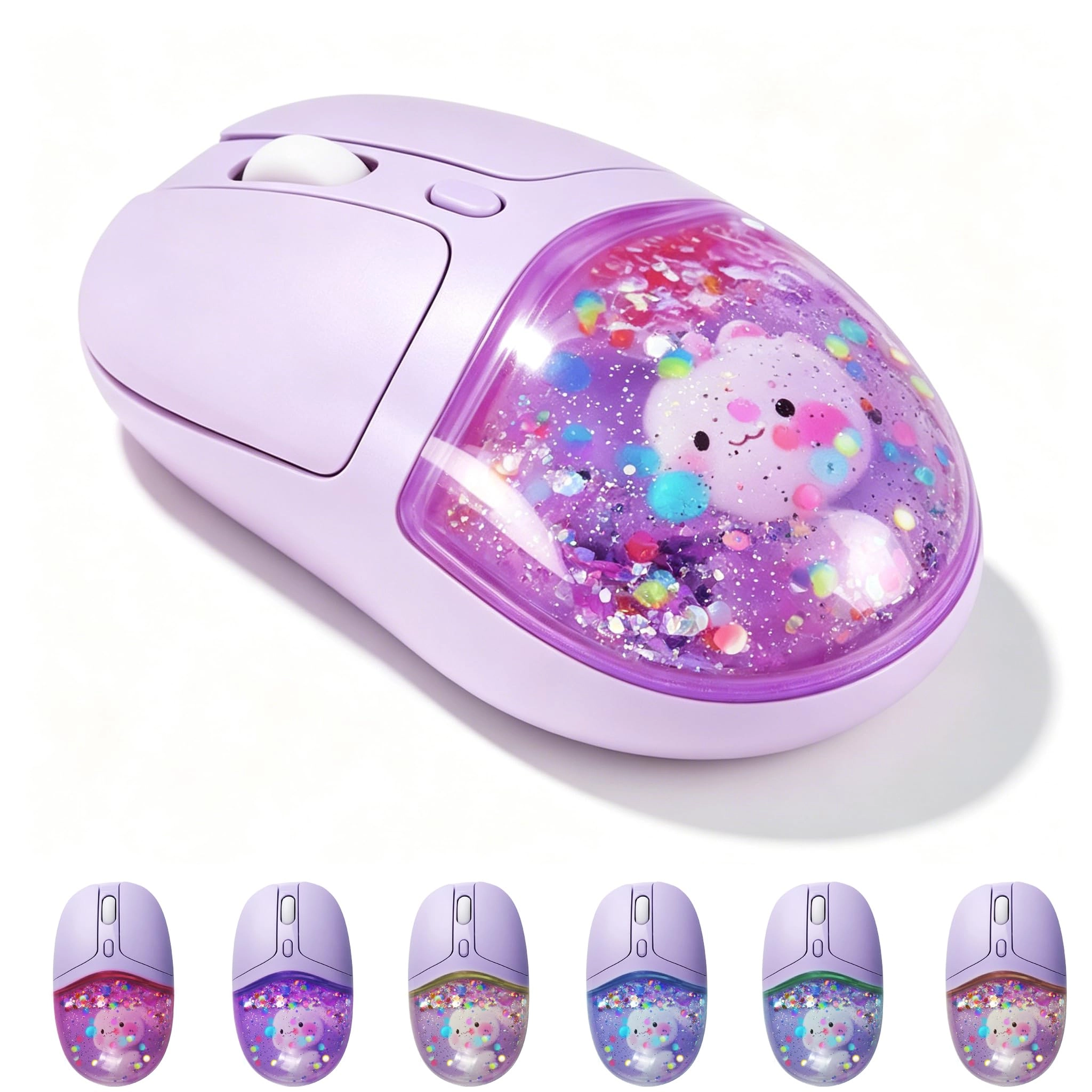
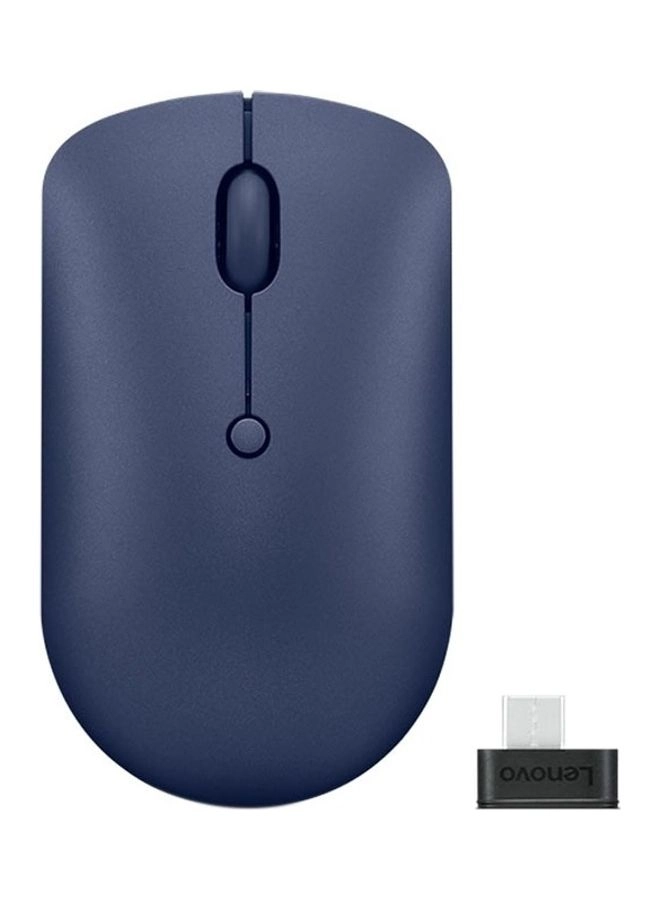
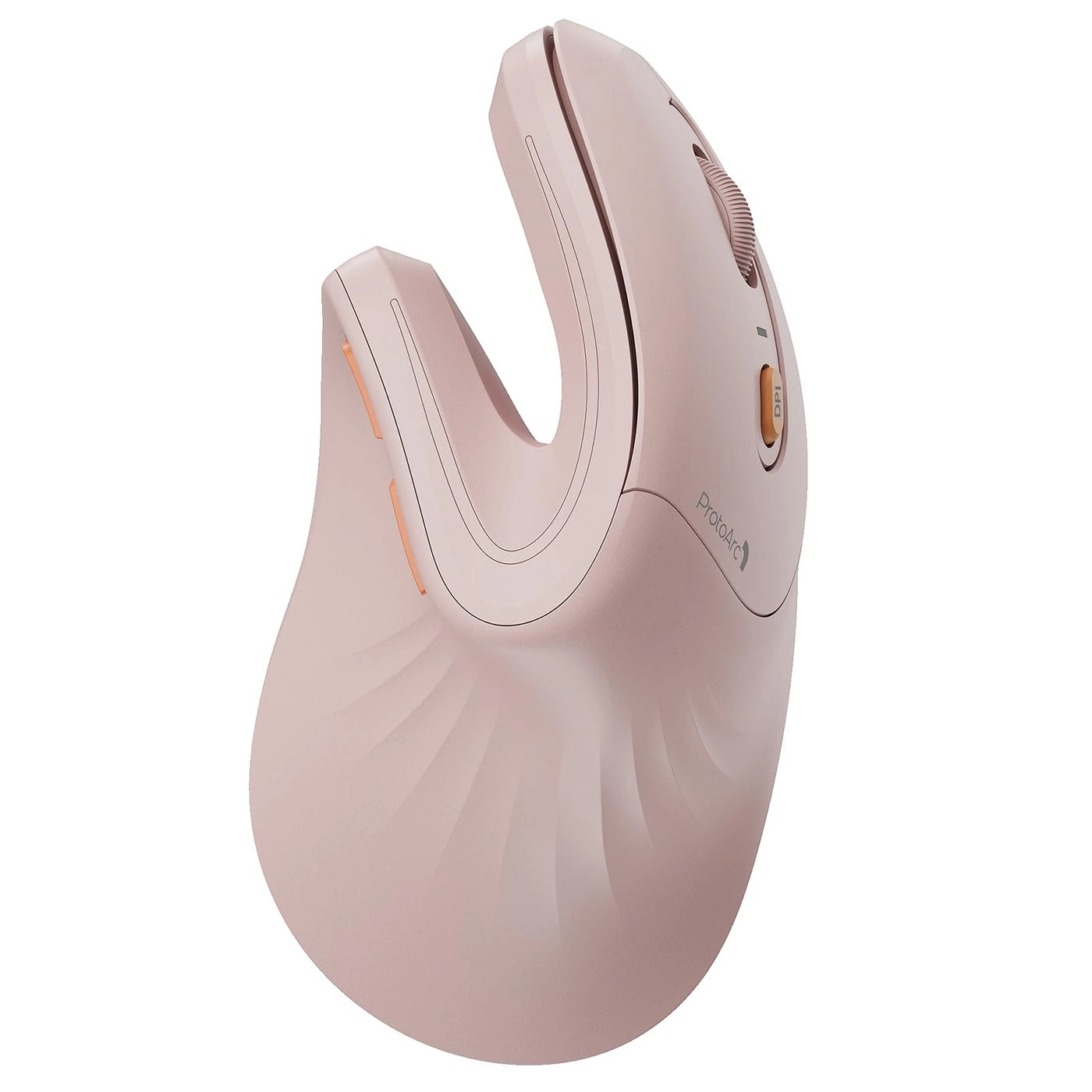
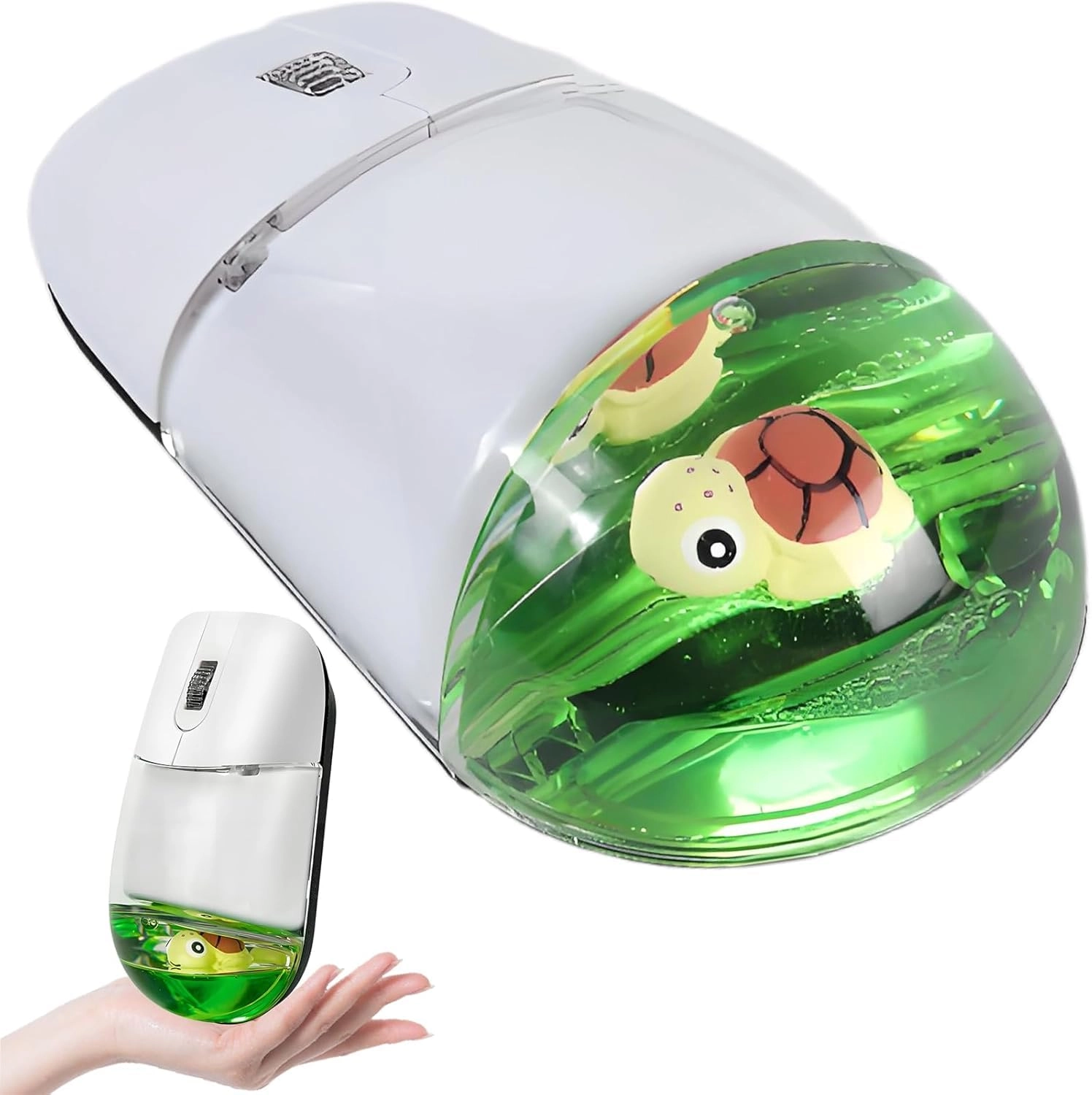
3- MODE BLUETOOTH MOUSE(Bluetooth 5.1+Usb-2.4G/Type-C)
Connection method:Bluetooth 5.1+USB-C+USB-A
Battery type: type-c rechargeable
Battery display:Battery > 75% 3 lights are on,Power ≤75% 2 lights are on,Power ≤50% 1 light is on,Battery <25% 1 light flashes.
Size:10.5*6.1*3.3cm/4.13*2.4*1.3in
Weight:120g/0.26lb
D-PI:1600/1200/800DPI
Buttons: 5
Roller: aluminum alloy
Return to desktop with one click
Left and right buttons to mute: 90% quieter than ordinary sound buttons
Charging time: 2-3 hours
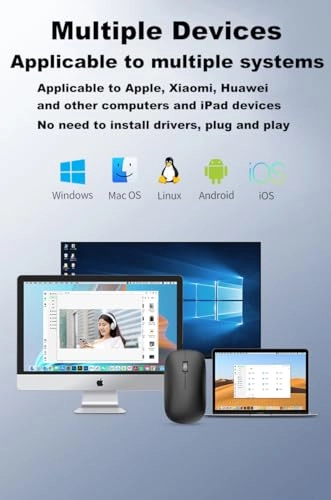
It is compatible with Smartphone Mac OS Windows 7/8/10/11/XP,Android, Vista, 7, 8, 10 MacOS/Chrome OS/HP,DELL,ASUS,Galaxy Book, Galaxy Tab Tablets and is suitable for i-phone17/16/15...desktop, Personal Computer, Laptop,Surface, notebook, PC,Flat,Tablet,Gaming Console/Projector/ Mac Smart TV ChromeBook Macbook Pro/Air/ipad/iMac and any device with a USB-A/USB-C Bluetooth Interface.
How to use it Bluetooth Mode:
No need to occupy PC interface, fast and stable connection, Turn on the device's Bluetooth function,Switch to "ON/OFF" button to right, Click the button to go to Bluetooth mode,Search the product of Bluetooth and find “BT5.1” to pair,It's ready to use.
How to use it 2.4Ghz Mode:
just take the USB/Type-C receiver from the bottom of the mouse, then insert the USB/Type-C receiver into the computer USB/Type-C port,Switch to "ON/OFF" button to right,Then you can use the mouse in 2.4GHz Mode.
Note1: Some Android phones need to turn on OTG:
Found on the Android phone: Settings-Other Settings-OTG Connection
Note2: Iphones and IPADs with TYPE C interface need to turn on assistive touch:
Settings - Accessibility - Touch - Assistive Touch - Turn on
Note3: How to set the page turning wheel reverse direction on Apple computers:
System Preferences... - Mouse - Scroll Direction: Natural
Note4: The mouse cursor will move slowly or stop moving when the mouse is low battery,Please charge in time.
Packing list:
3-mode mouse *1
USB2.4G+Type C Nano USB receiver *1(hidden in the slot at the mouse)
USB charging line *1
Instructions*1.