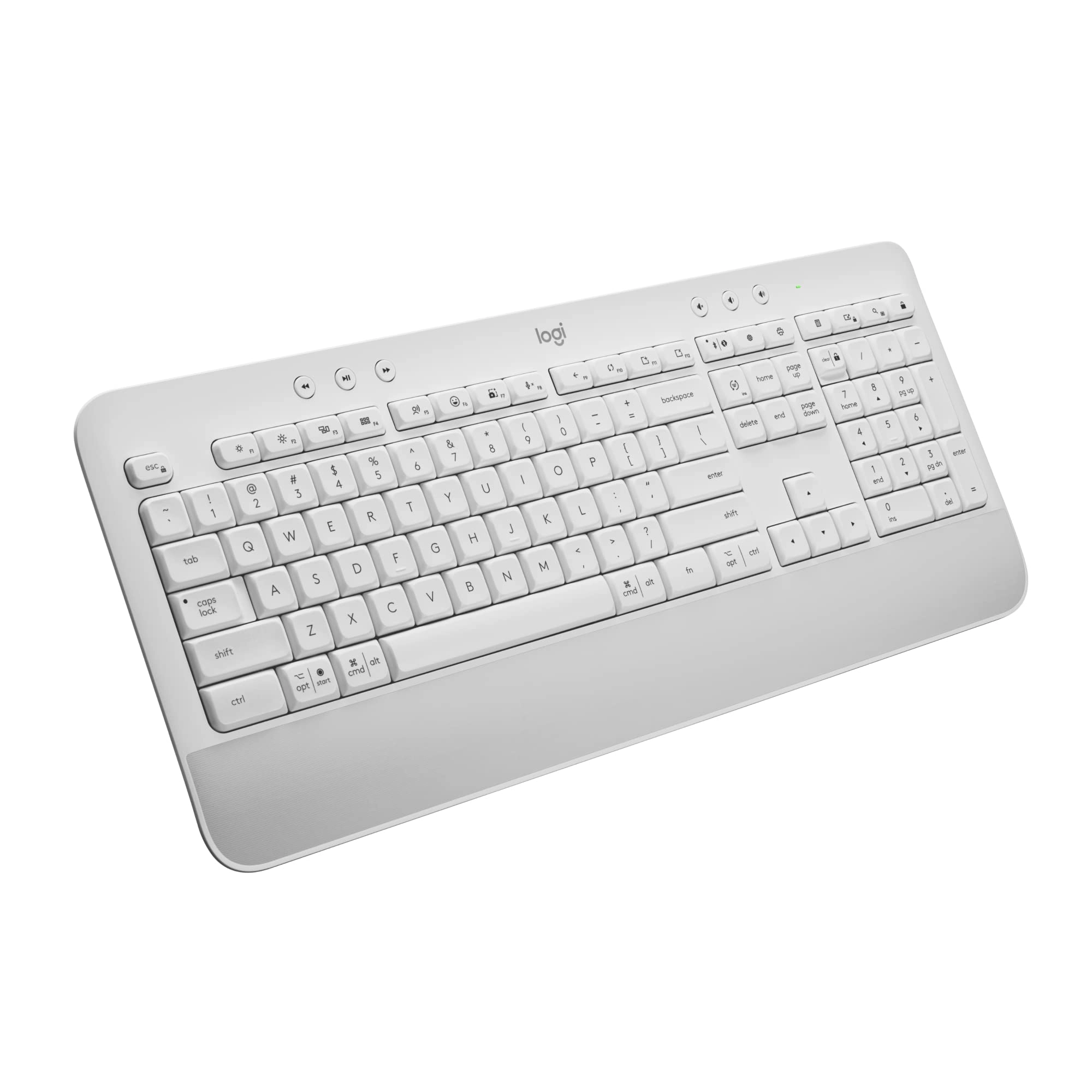
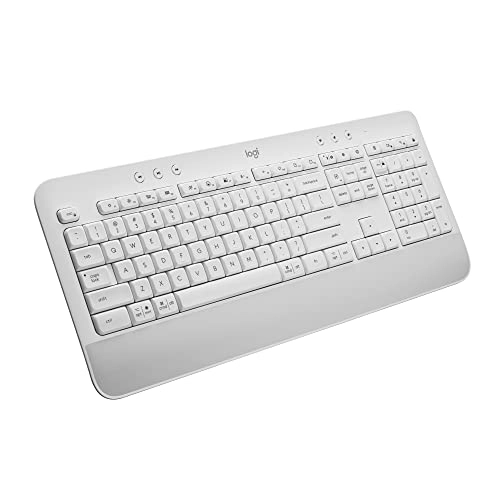
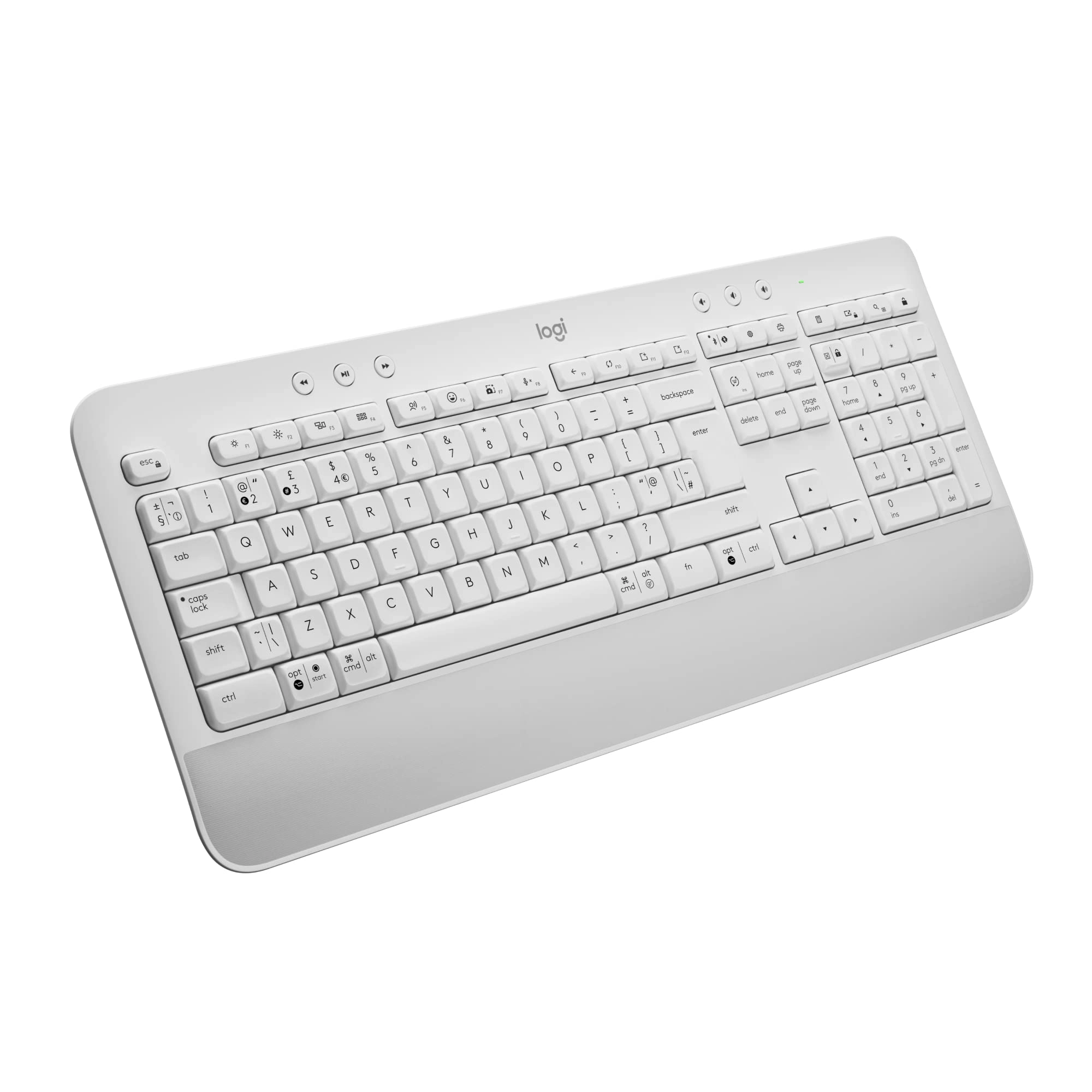
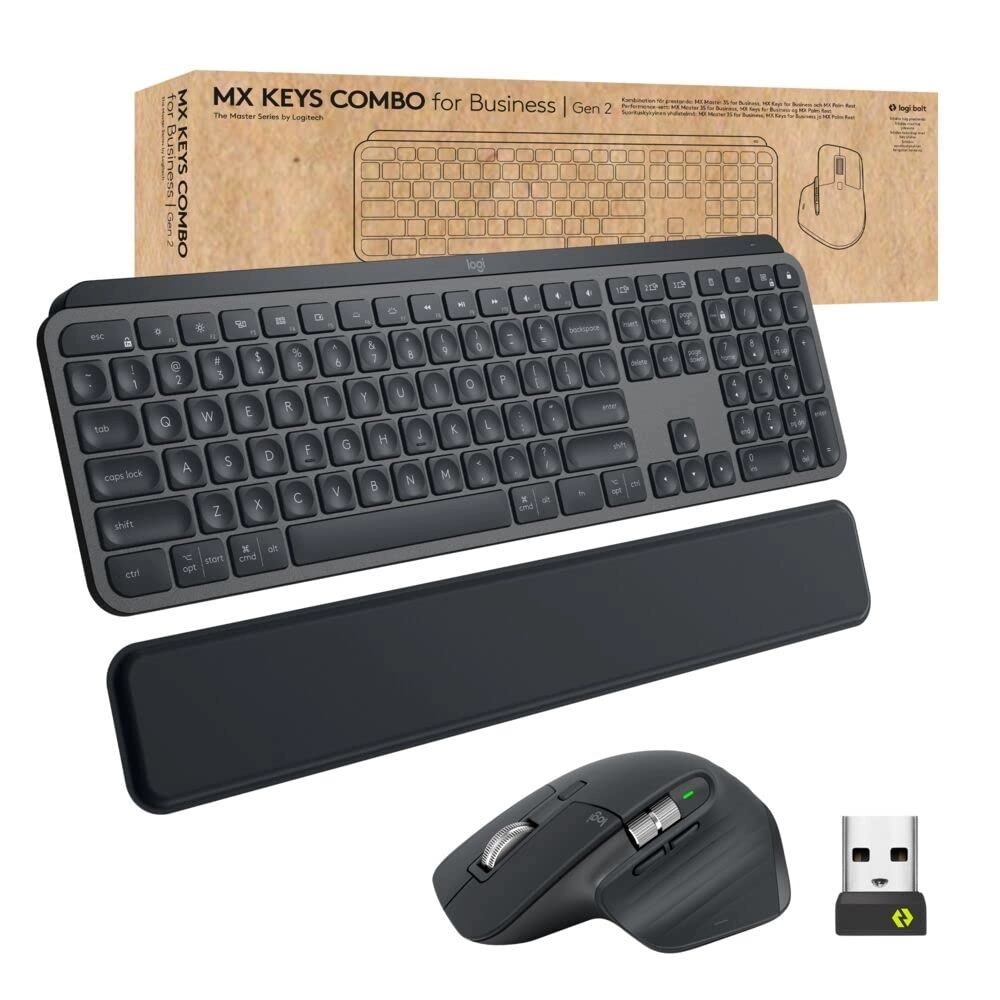
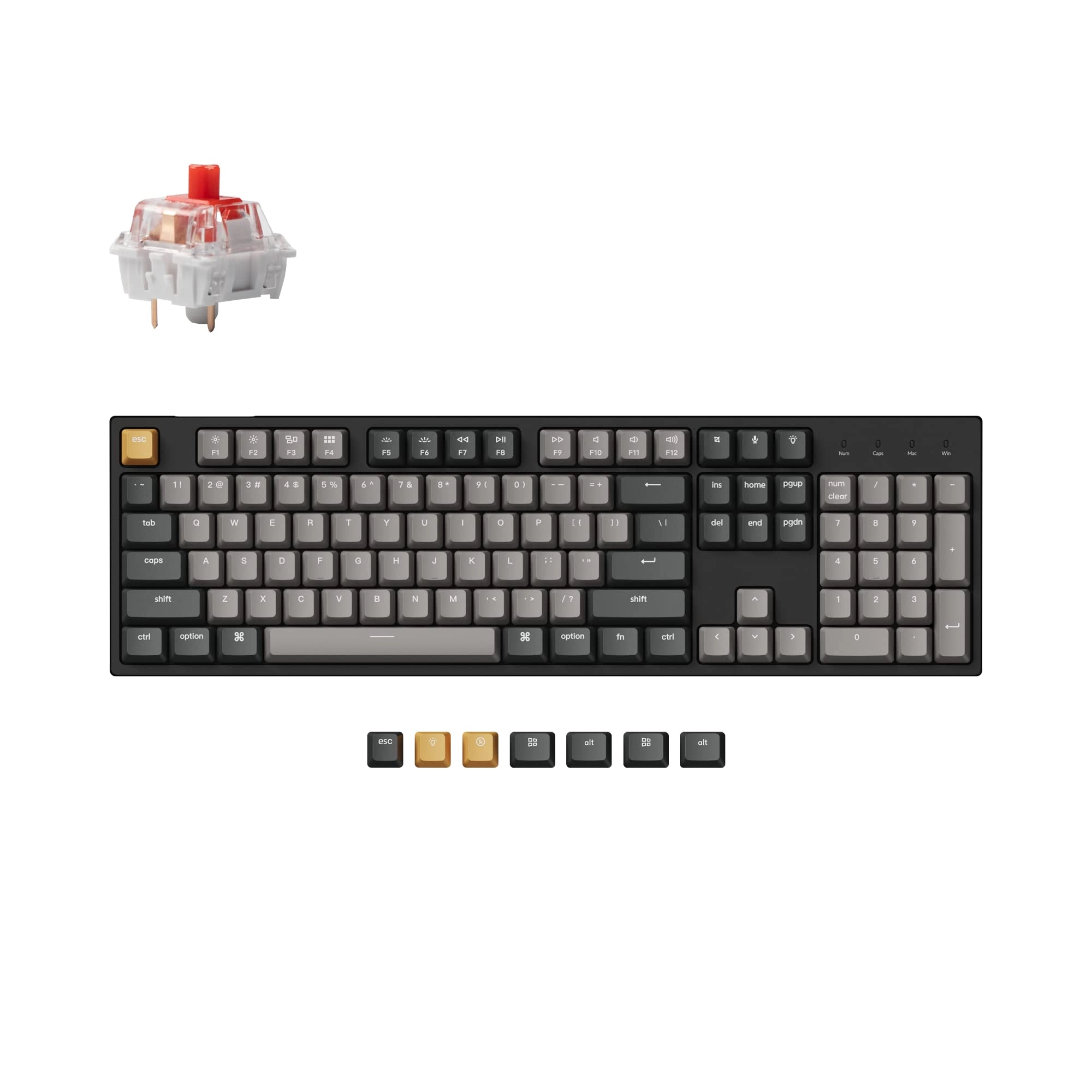
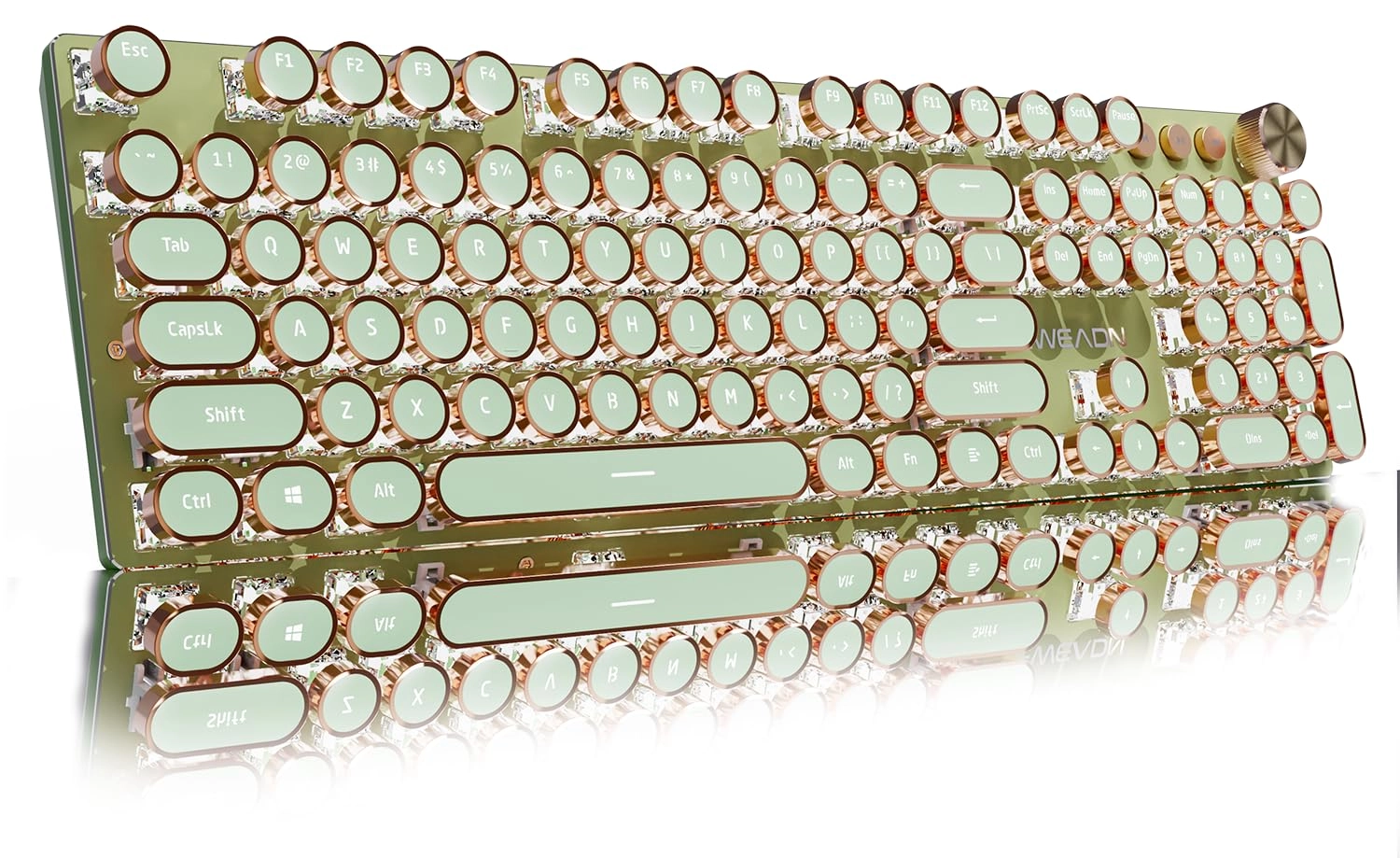
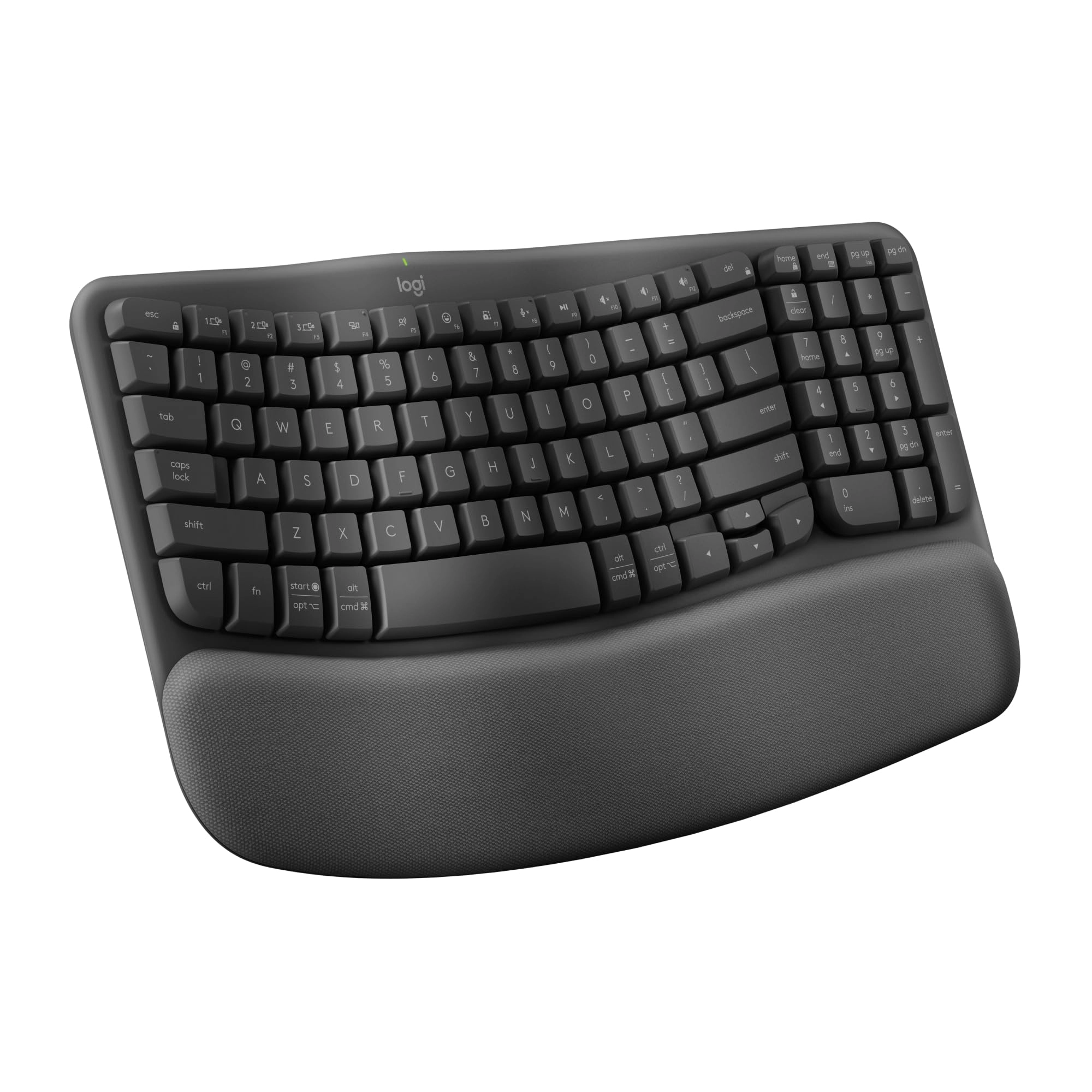
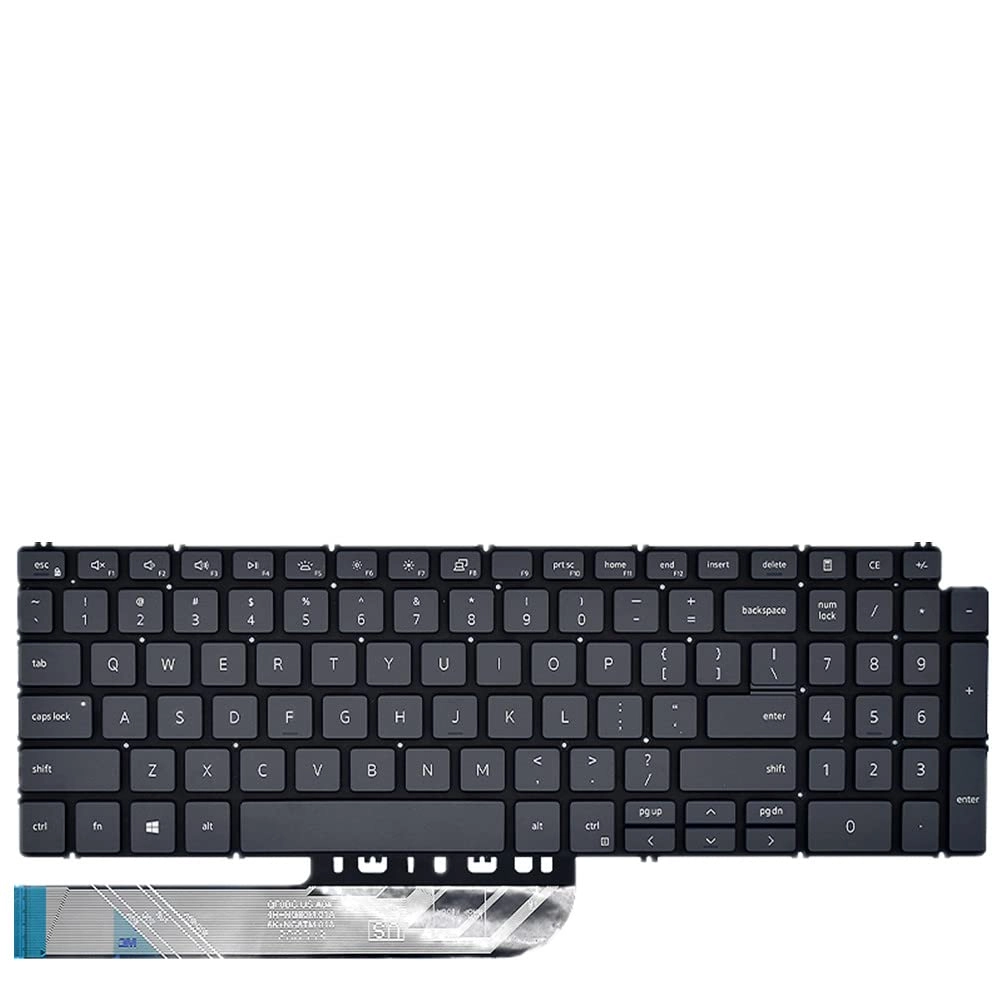
Type in comfort and get more done with the Logitech Signature
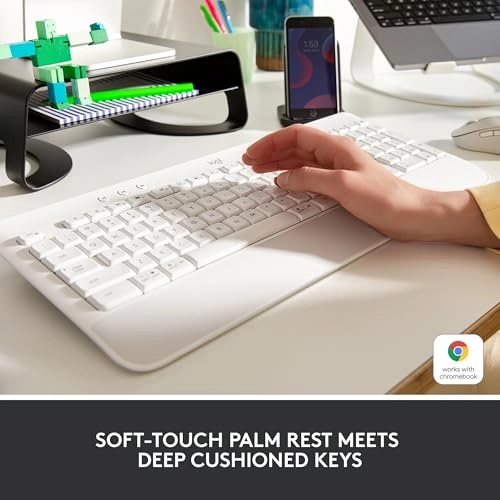
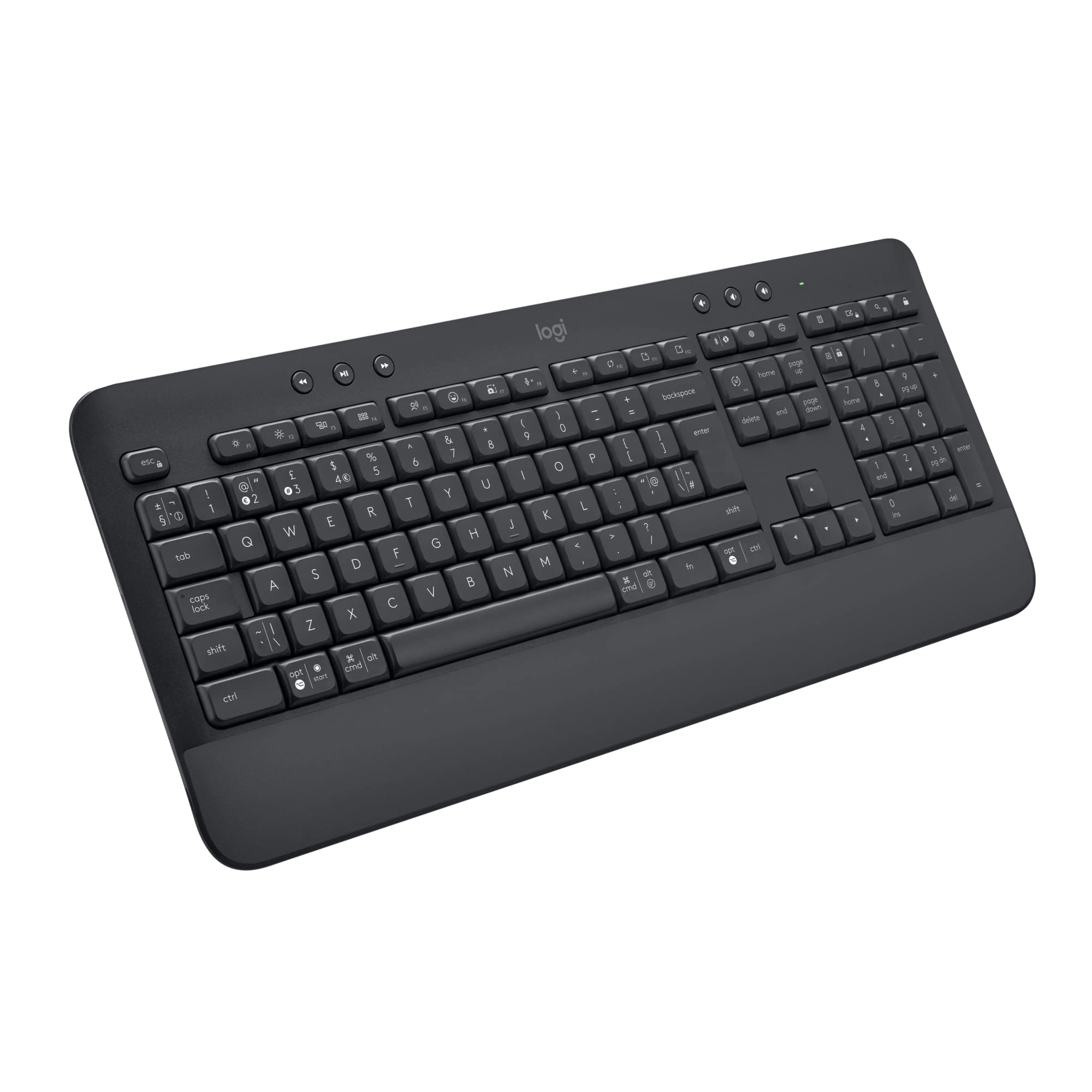
K650 Wireless Comfort Keyboard. Featuring a built-in soft-touch
palm rest and deep-cushioned keys, this comfortable keyboard lets
you type with ease all day long. The adjustable feet offer two
different tilt angles so you can customize your typing position,
and the full-size keyboard layout provides convenient access to
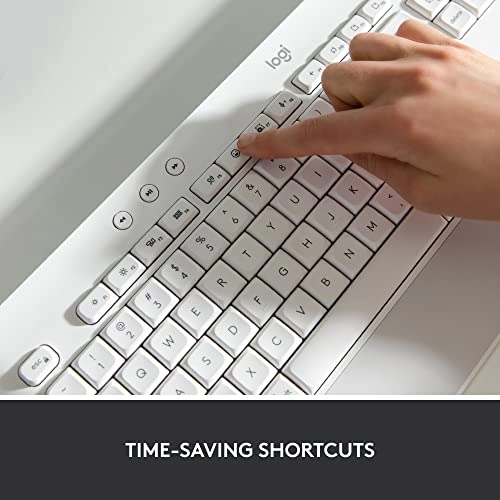
all the right keys. Logitech’s upgraded shortcut keyboard helps
you save time with 24 different commands including mic mute and
unmute, screenshot, and web navigation. Designed for versatility,
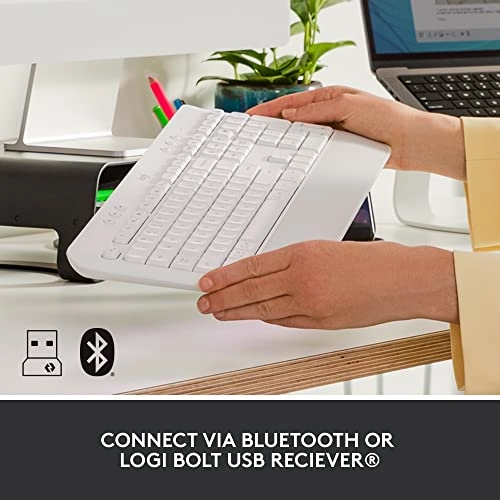
it offers two different wireless options for connecting to your
computer: Bluetooth or the included Logi Bolt USB receiver.
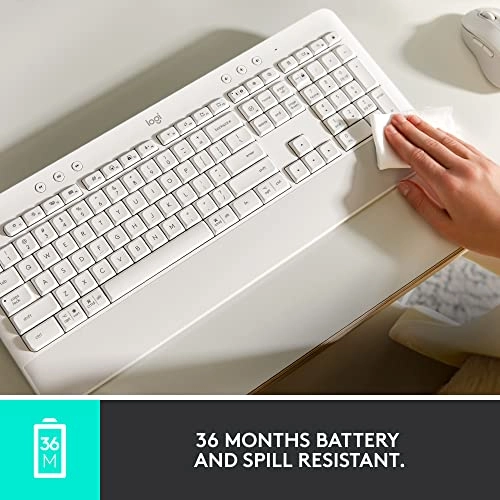
Powered by 2 AA batteries that will last up to 36 months (1),
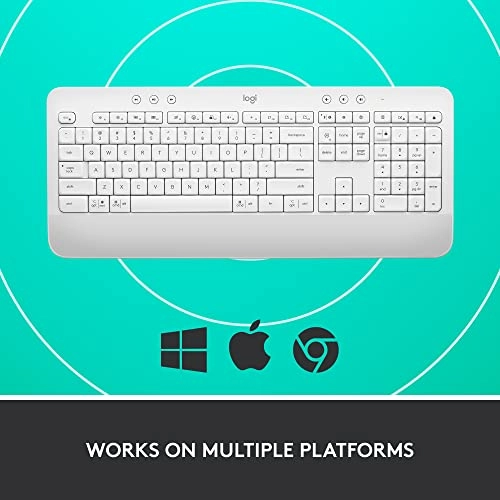
this wireless computer keyboard is also compatible with multiple
operating systems, including Windows, Mac and Chrome. Reliable
and hassle-free, it’s an easy-to-clean, spill-resistant work
keyboard. Upgrade to better productivity and more flexibility by
combining your wireless Logitech keyboard with the Signature M650
mouse and downloading the Logi Options+ Software App (2) to
personalize your experience. (1) Battery life may vary based on
user and computing conditions (2) Logi Options+ software
available only on Windows 10 and macOS 10.15 or later (3) Device
basic functions will be supported without software for systems
other than Windows and macOS. (4) Excludes plastic in printed
wiring assembly (PWA) and packaging (5) ©2022 Logitech. Logitech,
Logi and their logos are trademarks or registered trademarks of
Logitech Europe S.A. or its affiliates in the U.S. and/or other
countries. (6)Wireless range may vary based on user,
environmental, and computing conditions. (7) Dictation function
requires the user to use device microphone (Required only for
China) (8) Bluetooth® is recommended for Chrome OS. Use of Chrome
with Logi Bolt USB receiver will face experience limitations
Review: Love this keyboard.... perfect for a legal
transcriptionist! - I don't normally give reviews, but this
product was honestly worth my time in the case it may help
someone else... I am currently starting my new career as a legal
transcriptionist and typing thousand of pages a month on my
laptop keyboard was not not ergonomic and slowing me down. I
researched all of Logitech's keyboard options\ and decided on
this one. It was important to me that function keys could be used
as primaries (without having to press the function key) as I use
them hundreds of times a day in my transcript creation and this
keyboard has the feature of setting functions keys as primary
shortcuts or primary function keys. It's super easy to toggle
back and forth between features with just two key presses. I put
a sticky note on the back of the keyboard with the shortcut, so I
won't forget it in the future. Also, my USB dongle was floating
around in the box, instead of placed inside the secure
compartment in the back of the keyboard. I only got lucky and saw
it on the floor one day, otherwise it would have been lost so
beware when you unbox. On to my review... The Pros: soft, rounded
corner keys that feel like pressing clouds and relatively quiet.
Is it the quietest keyboard on the market? Probably not. But it's
not clunky-sounding and doesn't wake my family when I'm working
well into the midnight hours. Connectivity was super easy and had
no hang ups. Connects via USB or Bluetooth, which is great
because with all my transcription gear, I have no USB space left
on my current computer. I've had no issues with lag or it keeping
up with key presses and I type fast! There is an LED indicator
light on the CAPS LOCK key. All of the shortcut keys are
extremely useful, especially the screenshot, as well as the media
keys at the top, and there is a dedicated lock key if you work in
an office setting where you need to lock your computer if you
step away. Even though this keyboard isn't advertised as portable
in size, it isn't so large or heavy that it wouldn't fit in a
larger size bag to carry with you somewhere or from room to room.
I keep mine in a basket beneath my desk when not in use and I
love that feature. It's also got a built-in plastic wrist rest
that I cannot live without, although some may find that a con as
you can not use your own padded or softer version. There are two
incline levels, as well as flat, and all three options use
premium rubber feet so you've got good traction and shouldn't
scar or scratch any surface you place it on. Cons: This keyboard
is not backlit. I am worried the white color will likely stain
over time and lose it's aesthetics. USB dongle was not packed
inside the secure battery storage compartment. No instruction
manual - an illustration of the shortcuts and their meanings
would have been super useful as well as the primary function key
feature switch shortcut. Had it not been for other reviews, I
would not have known about this feature and I had look it up on
my own from the Logitech website. I cannot get the media controls
to control my media when I'm using mini-player mode
(ExpressScribe). I'm hoping with some research this may be
remedied. Would be better if: It was backlit. Include some
instructions-short, sweet and simple would do the trick. Maybe
have a manual switch for the primary function key feature. For me
personally, the keys could have a little more spacing between
them, but this of course would sacrifice space and portability.
What I can't speak on... I haven't typed for hours on this yet,
so I can't speak to it's durability or battery life. I also have
not tried using this with more than one device, so I cannot speak
to that either. For my career needs, I can't see finding a better
keyboard in this price range and I will likely order a second one
in the near future to have as a backup.
Review: Works Great! - I really like this keyboard! Way better
than your basic keyboard especially if you’re going to be using
it for work.