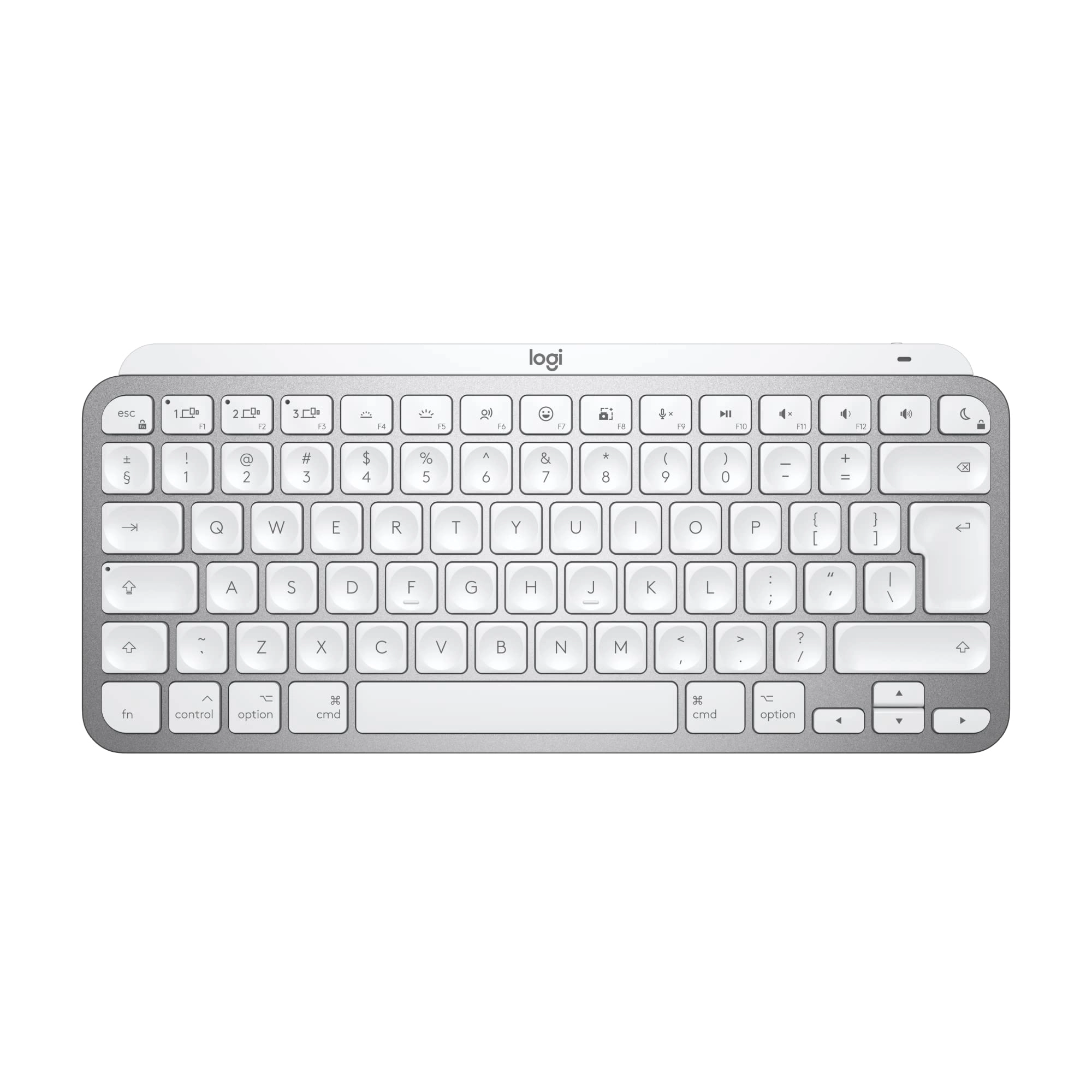
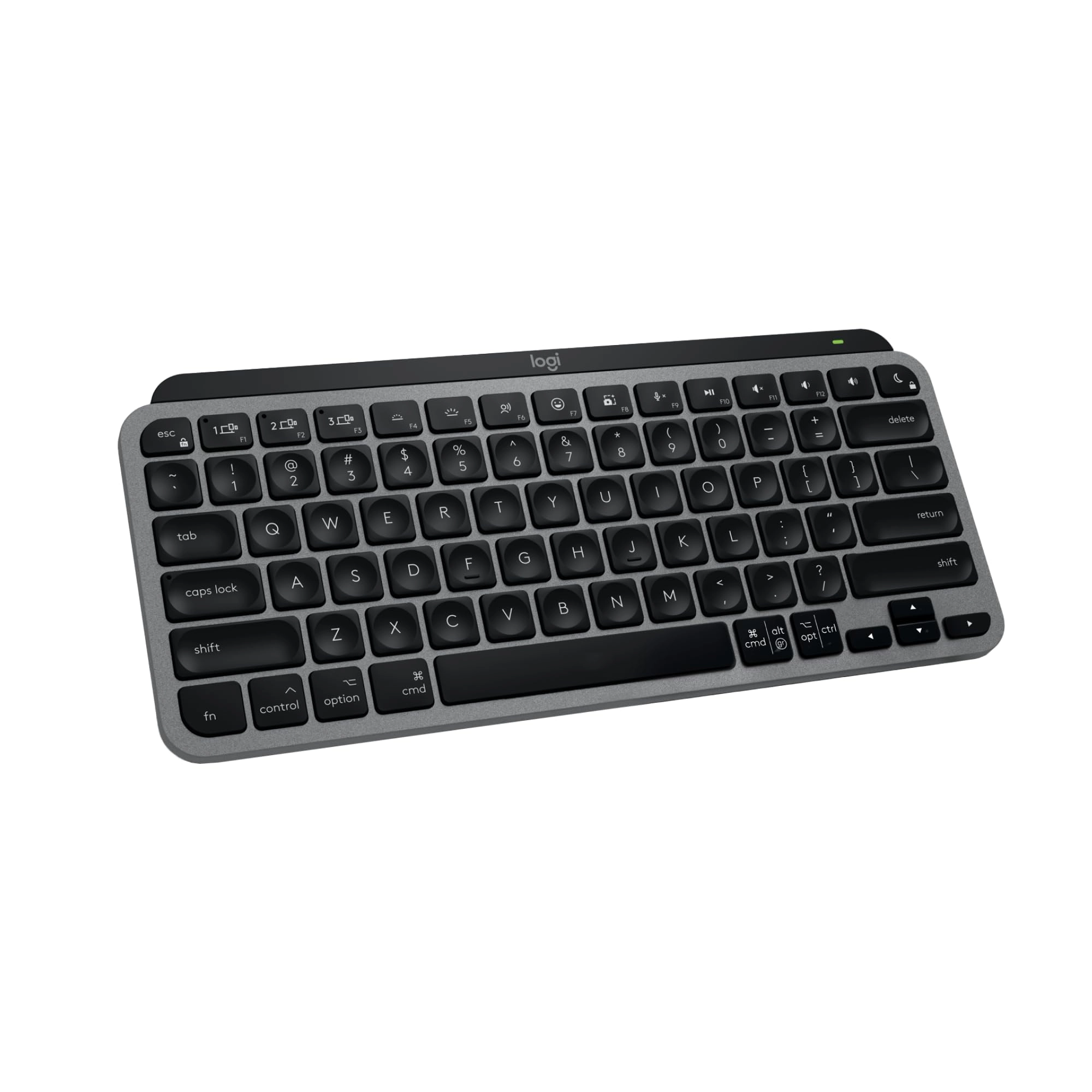
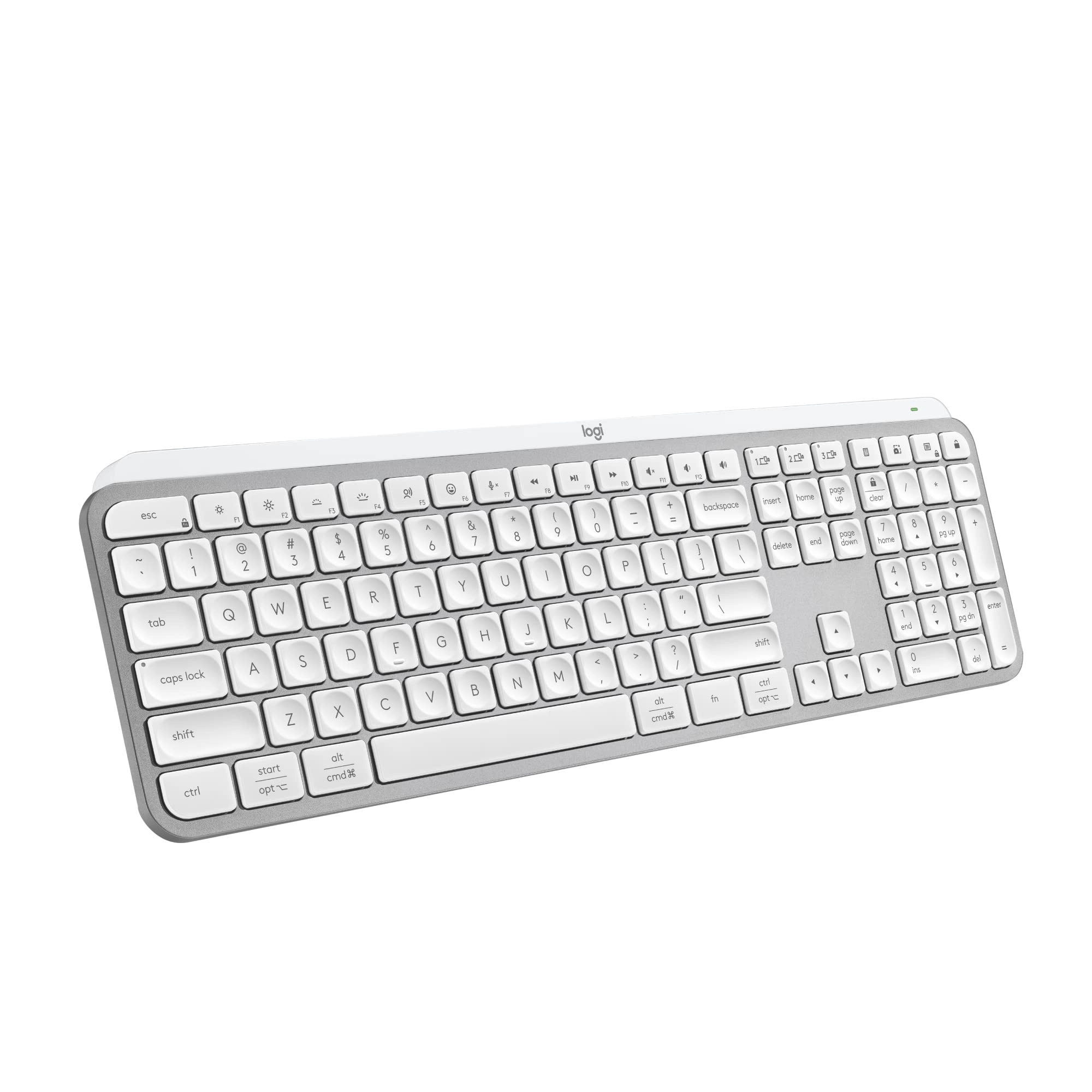
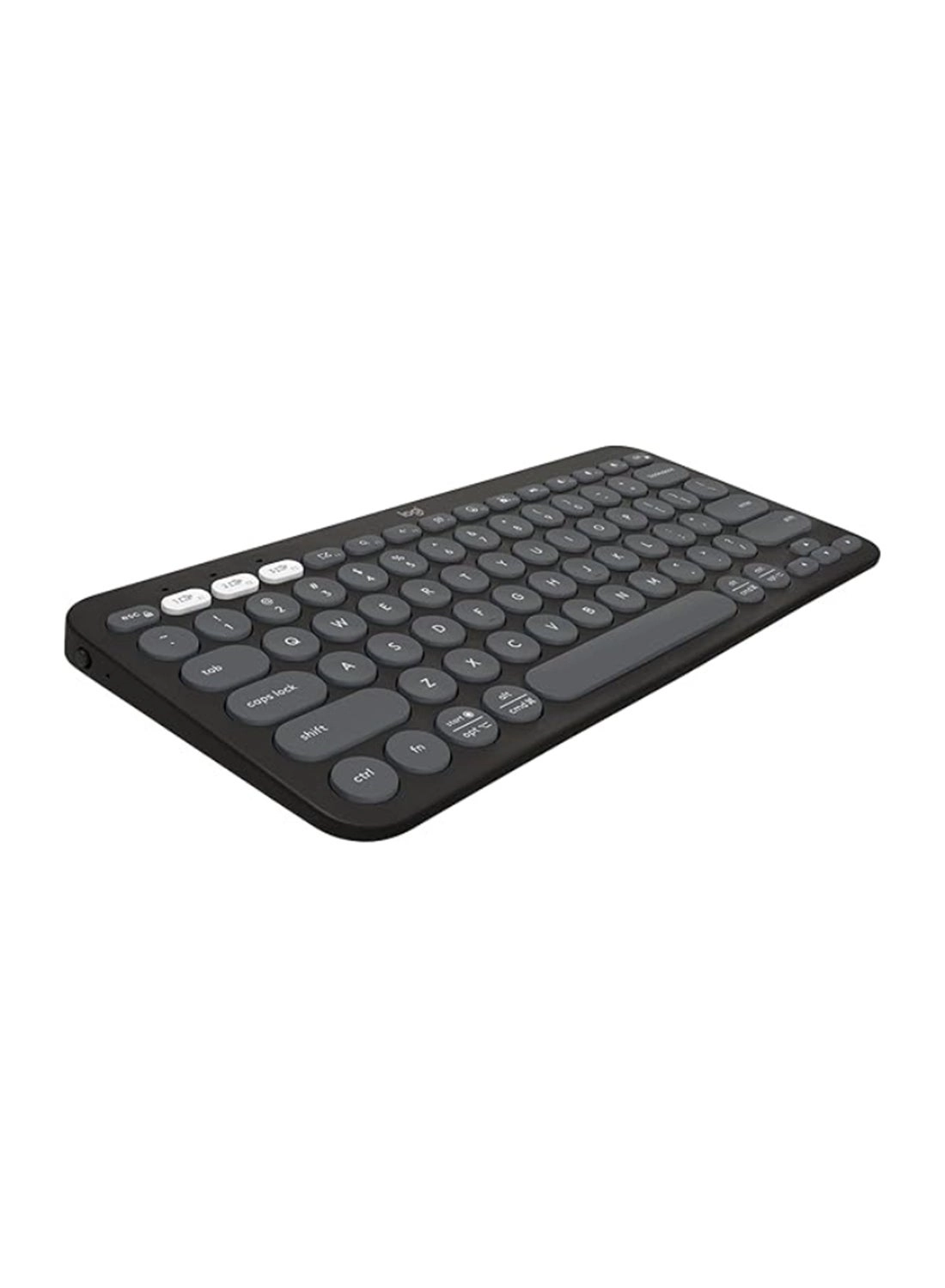
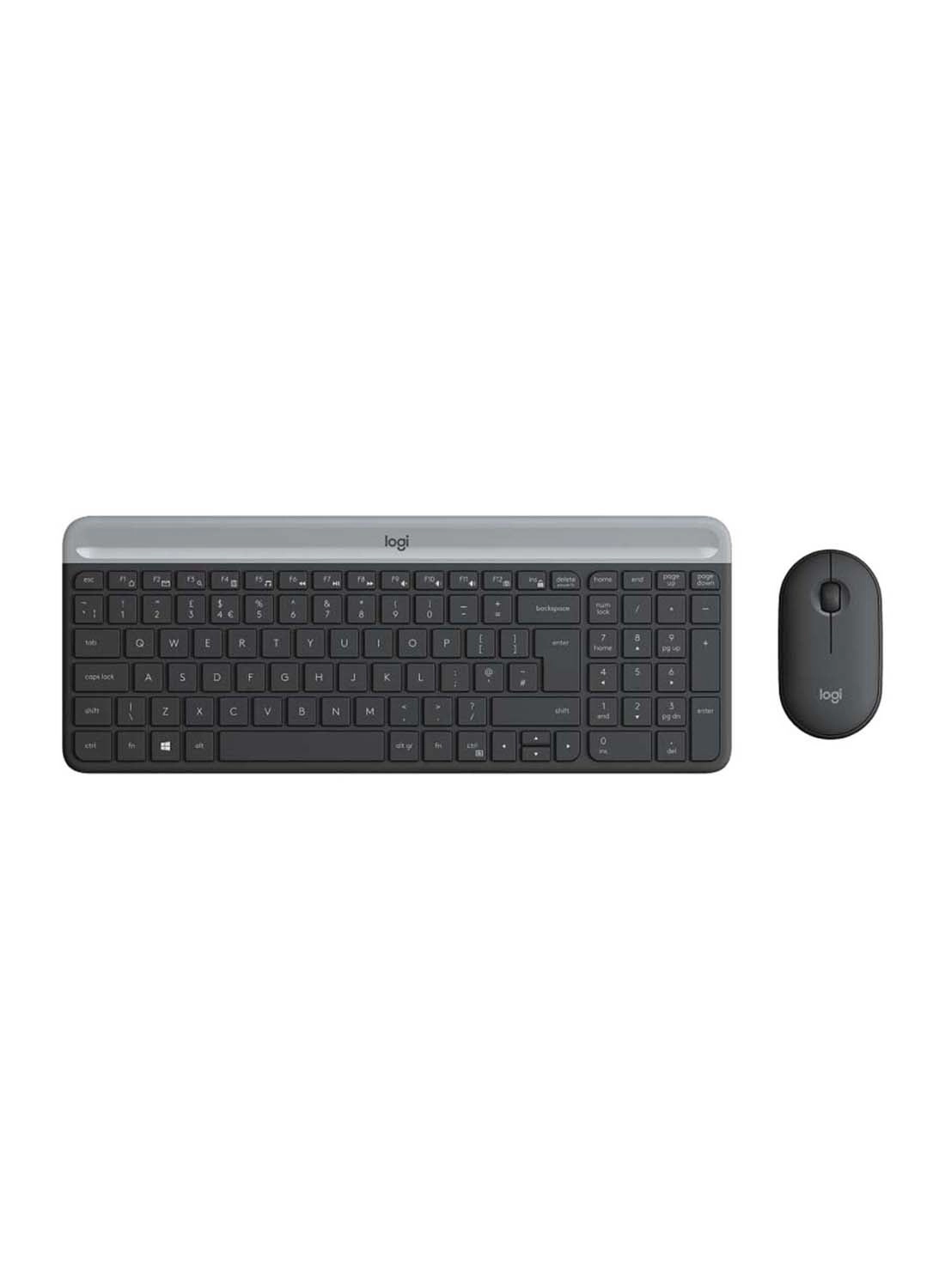
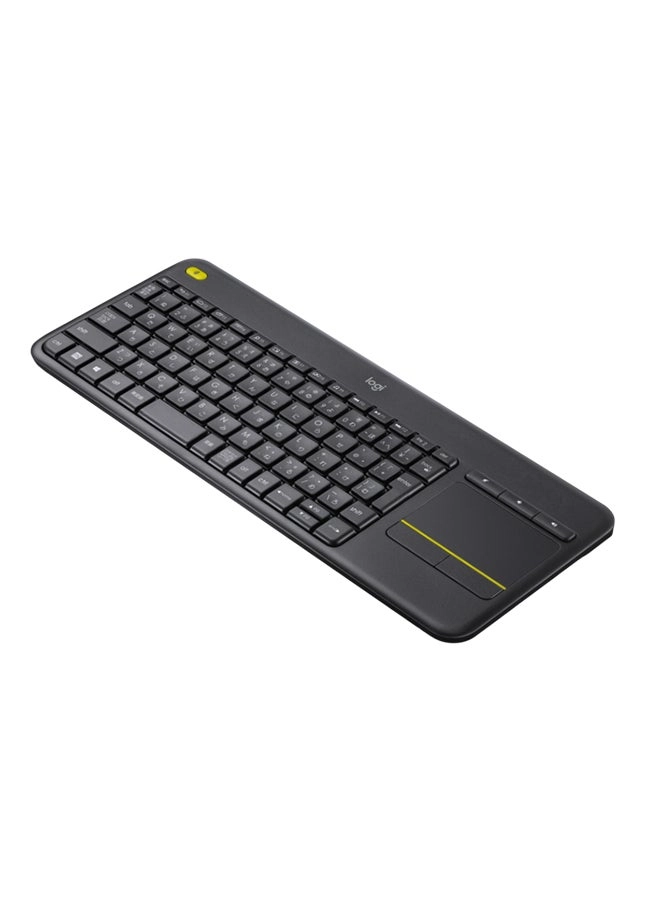
Logitech MX Keys Mini for Mac Introducing MX Keys Mini for Mac– a
smaller, smarter, and mightier keyboard made for creators. MX
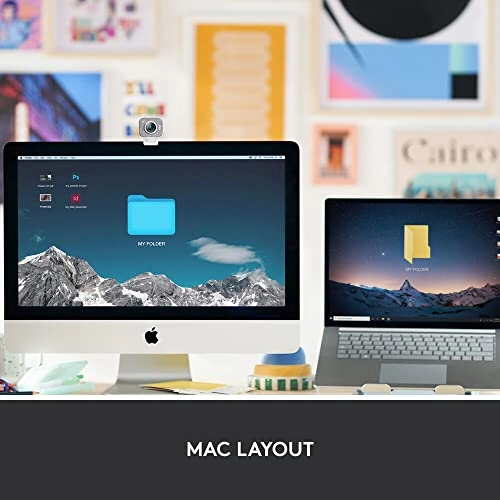
Keys Mini for Mac is optimized for macOS and iPadOS (2). With a
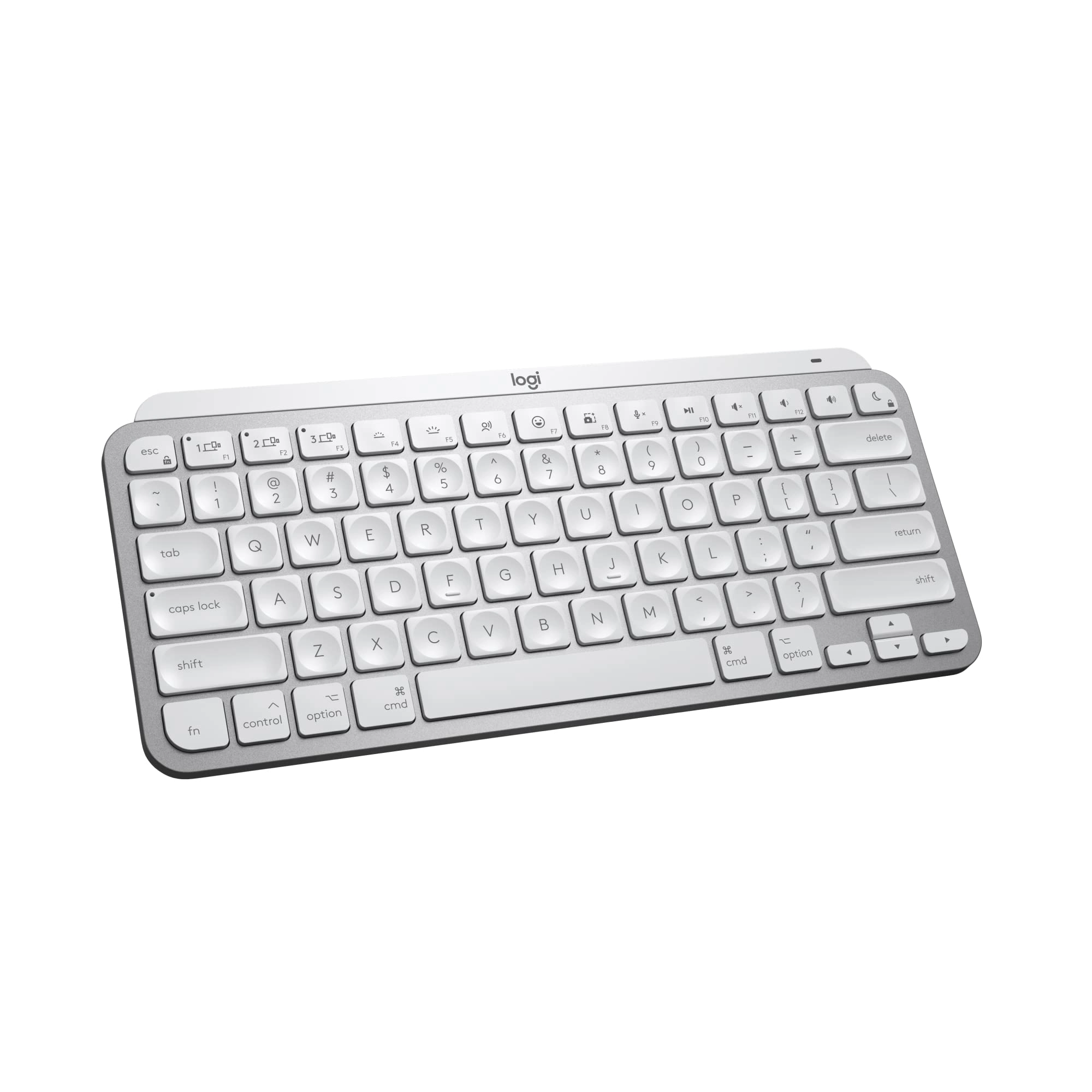
Mac-specific key layout, matching Apple finishes, and a design
that blends into your Apple setup. Type with confidence on a
keyboard designed for efficiency, stability, and precision. The
ergonomic design aligns your shoulders, allowing you to place
your mouse closer to your keyboard. Get comfortable and a new
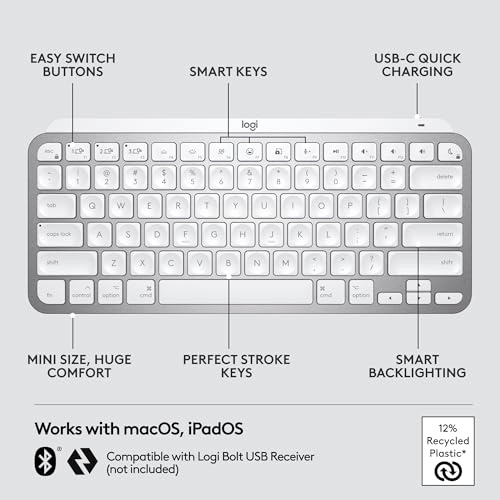
improved body posture. Easily pair MX Keys Mini for Mac via
Bluetooth Low Energy with up to 3 Apple devices. (4) Team up with
a Flow-enabled MX Master 3S for Mac or MX Anywhere 3S for Mac and
type on multiple devices in one fluid workflow (1). Transfer
files, documents, and images across Apple devices. Plus, get a
complimentary 1-month Creative Cloud subscription with your
purchase of MX Keys Mini For Mac and create, make, and do like
never before. English copy add: Available for UK only. Spanish
copy add: Available for ES only. Product details: Weight: 17.86
oz (506.4 g) Dimensions: 0.82 x 11.65 x 5.19 in (20.97 x 295.99 x
131.95 mm) Battery type: LiPo rechargeable battery Battery life:
Up to 10 days on a full charge or up to 5 months with the
backlighting turned off (3) Wireless Connectivity: Bluetooth low
energy Additional wireless compatibility of this device only with
Logi Bolt receivers (not included). Compatible with macOS, iOS
(2), iPadOS (2).
Review: Great Keyboard - I pair this Logitech keyboard with a Mac
Studio, and it works great. I used an Apple keyboard for many
years with an older iMac and considered getting another when I
upgraded to the Mac Studio. After doing some research, though, I
decided to switch to this Logitech and haven’t looked back. The
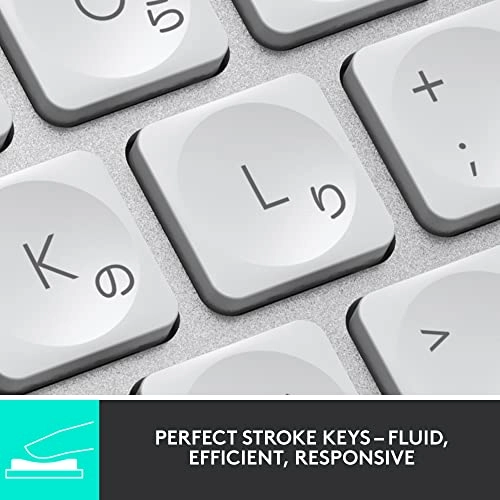
Logitech’s keys are slightly concave and have a nice feel to
them. Being concave, they help keep your fingers centered on the
keys. They keys are fairly quiet (though not totally) when
typing. I think their noise level is comparable to the Apple’s
keys. You can recharge the keyboard with a USB-C cable while
still using it. With the Apple keyboard, you have to swap out the
batteries when they run out. The keyboard looks nice and matches
the esthetic of the Mac Studio and the display I bought. The keys
are backlit when in use, if that matters to you. The backlight
turns off when the keyboard is not in use. It doesn’t seem to eat
up the battery any faster than the batteries lasted on my Apple
keyboard. A couple of the function keys don’t work the same as an
Apple’s do, but it’s not a major problem for me. Specifically,
you can’t control screen brightness up or down with the function
keys, and apparently you can’t map those functions to the same
function keys Apple uses (although I could be wrong on that—I’ve
only done a cursory investigation into it). When I first set up
my new computer, I had to open the display settings in MacOS to
make the brightness adjustments. For me it was just a case of set
it and forget it. Also, the F3 key doesn’t provide the Mission
Control function that lets you see all of your open apps and
documents in a minimized view. I do use that function a fair
amount, but Control + Up Arrow on the Logitech performs the same
function, so I’ve not yet explored whether that can be mapped to
the F3 key. Overall, I’m pleased with the Logitech keyboard and
have no regrets about getting it instead of an Apple.
Review: Excellent, solid, clicky keyboard for Mac, easy setup -
Unlike the keyboards Apple sells, and other Apple-style keyboards
I've used, this one has well-designed keys and a smooth clicky
action that enables accurate fast typing with no weird glitches,
repetitions, or irregularities. The software it comes with lets
you adjust a number of settings (my one complaint is the
backlighting made it hard to see the characters on the keys,
basically making them white on white, but I've adjusted it more
to my liking). I also like that it speaks directly to my Mac
system so I can monitor the power level in the bluetooth
dropdown, unlike the Macally keyboard I'm replacing where I was
always taken by surprise when it suddenly died. It's not
super-lightweight so if you like to carry your keyboard around or
type in your lap this may be heavier than you like -- but I like
the solidity of it: it never slides around on my desk unless I
deliberately move it somewhere. It can connect to 3 different
devices, easy switching between them. There are certainly cheaper
Mac keyboards out there, but probably not better ones.