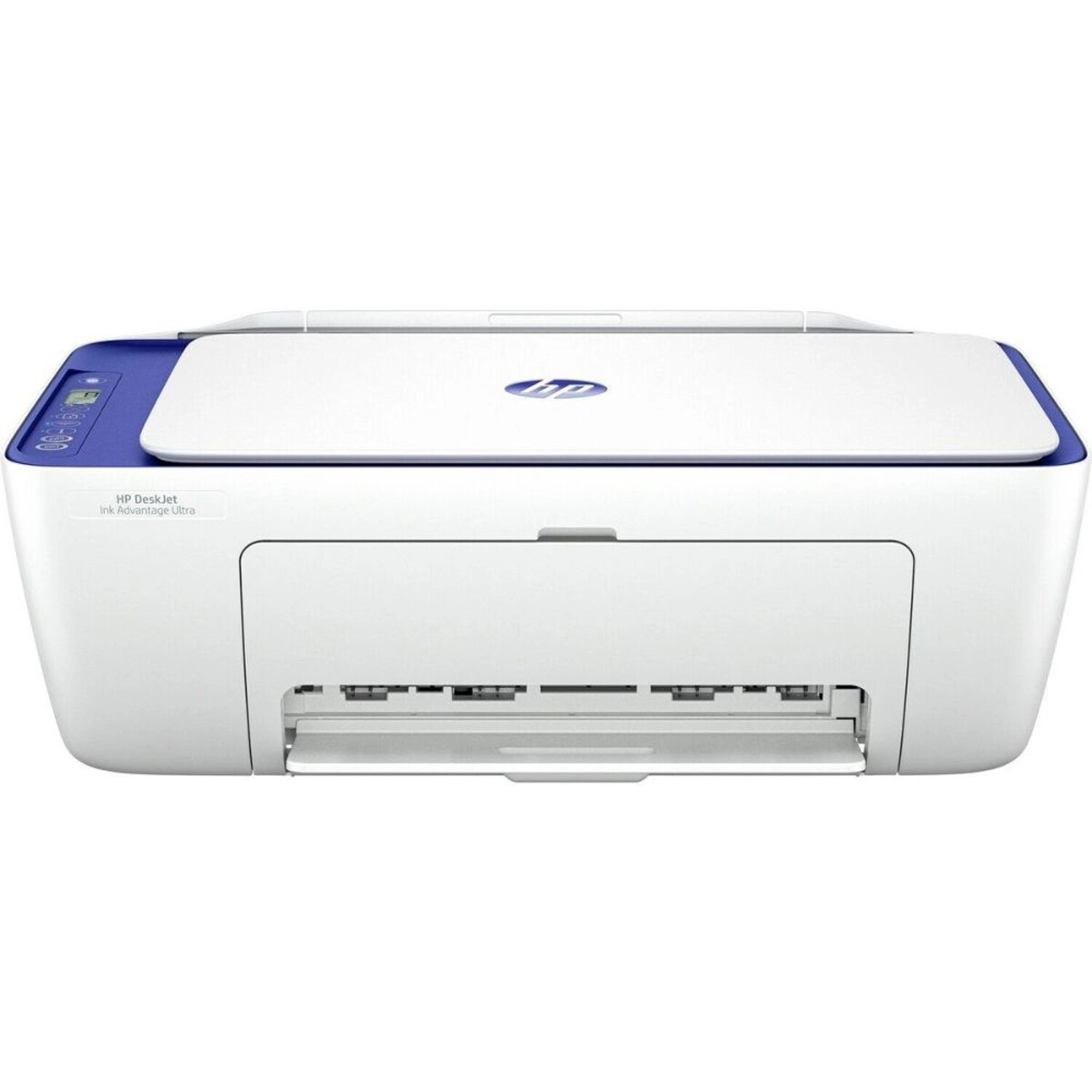
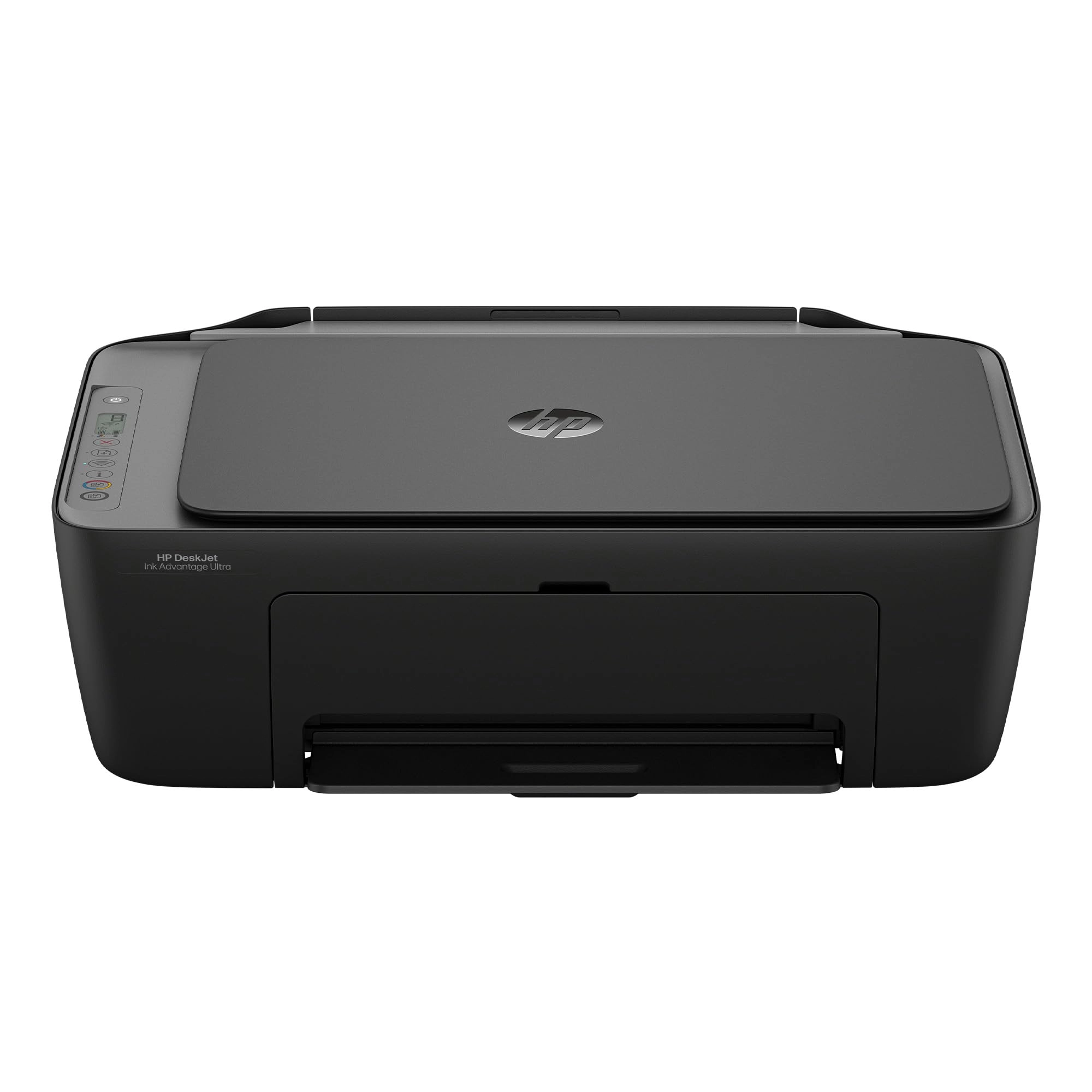
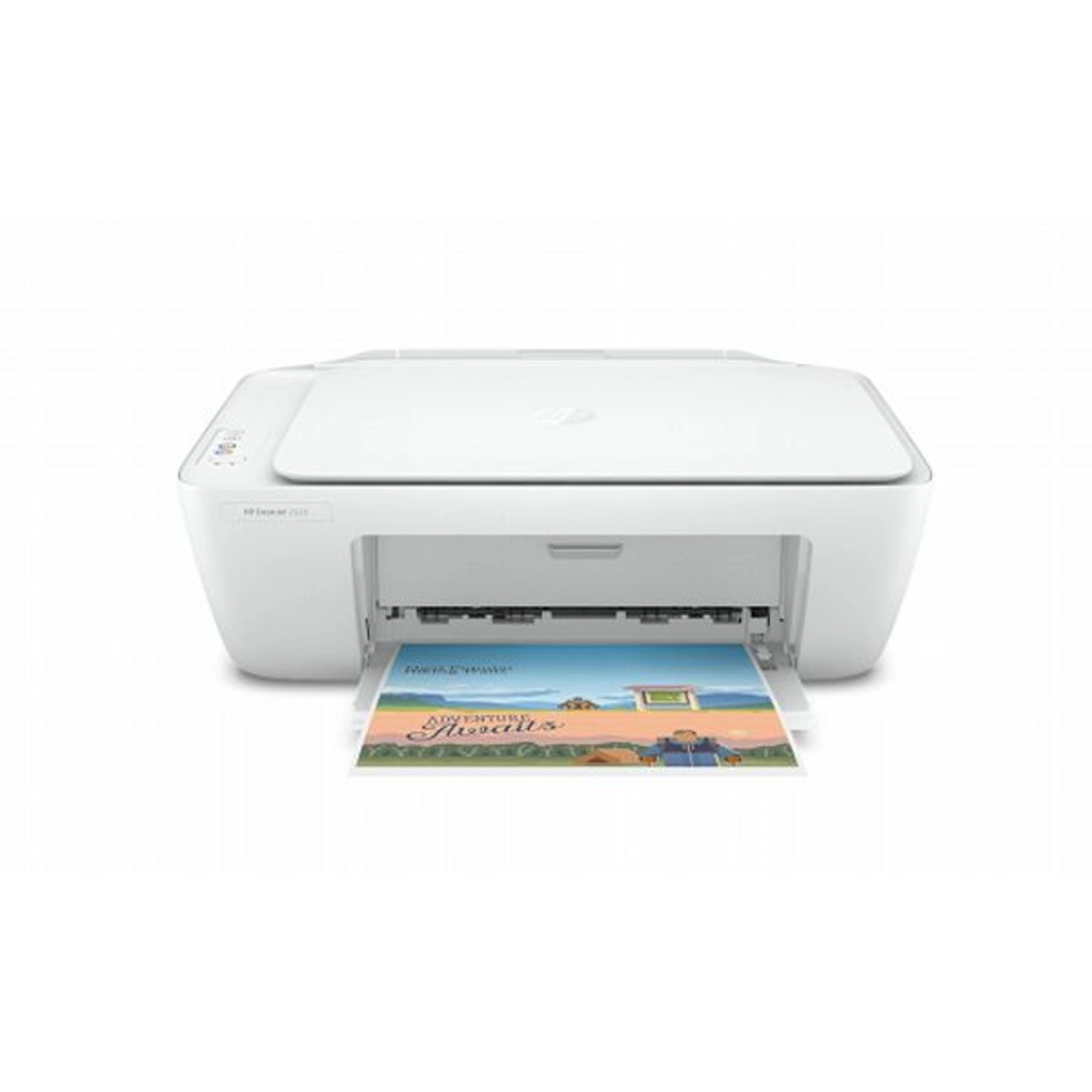
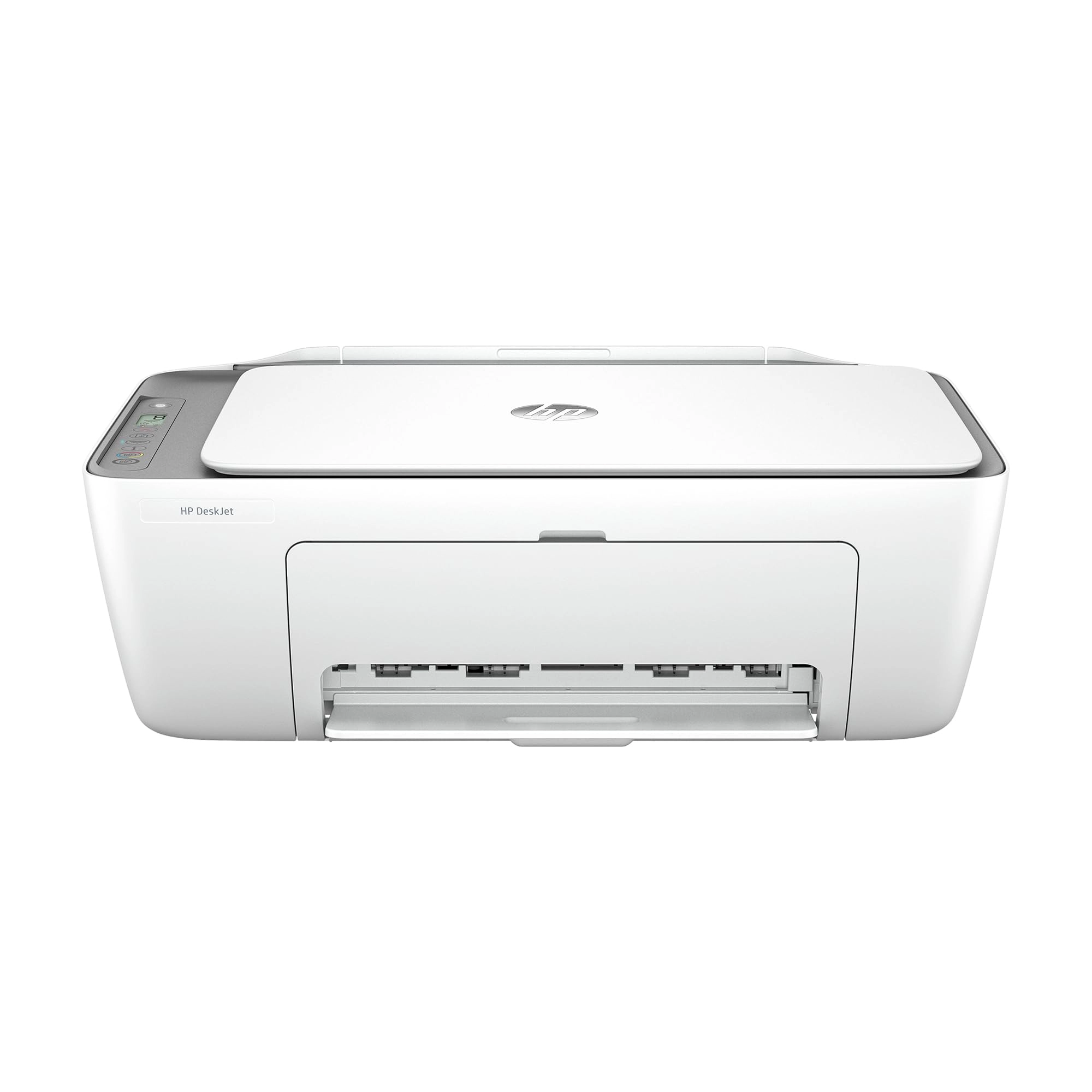
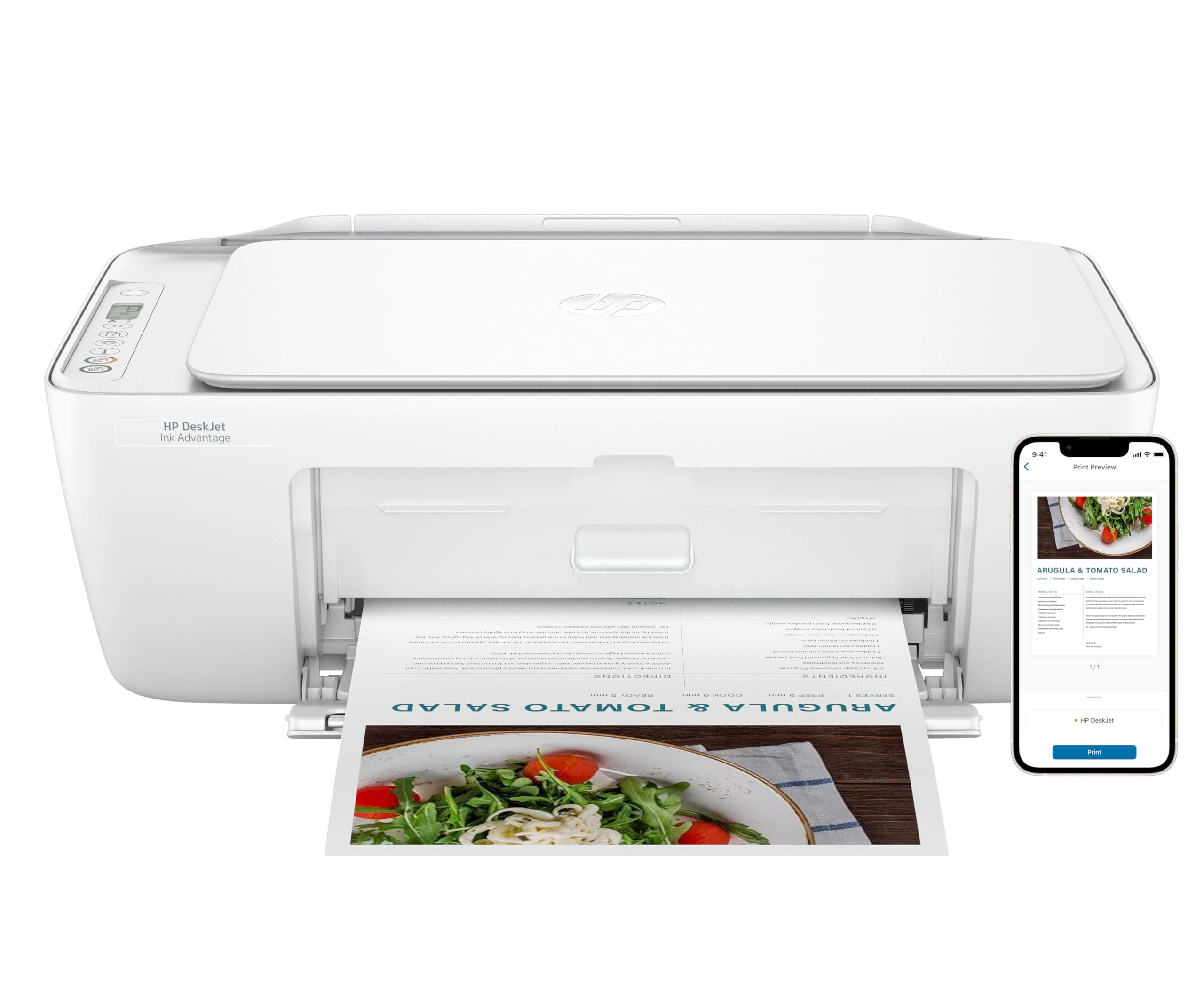
The HP DeskJet 2855e delivers color printing, 60-sheet paper
capacity, and a flatbed scanner for easy scanning and copying. It
includes 3 months of Instant Ink with HP+ activation at printer
setup. It's also AI-enabled to intuitively adapt to your
workflow, with wireless and security features that keep your
multifunction printer up to date and secure.
Review: The printer works! - Good reasonably priced printer.
Connectivity has been a problem in the past with reasonably
priced printers, i've noticed not a tech genius.And often had to
call h p support. So far, i have.I have not had any challenges
and both.My phone and my laptop are connected to the printer and
working effectively. Receiving the error message printer. Not
ready happened a few times with my phone in the week.I have owned
this printer, but I have resolved it. HP printers work best with
HP ink, i wish it was more reasonably priced.
Review: The troublesome program and the frustrating printing
experience - I'm really at a loss for words. The printer itself
is completely fine, but the program written by HP is a complete
mess. The computer took a long time to finally print out a
document, but then what happened? I happily threw away the
packaging box, thinking everything was fine. But then what
happened next? Damn it, the next day when I reconnected, I
couldn't do anything. The port couldn't connect, and the program
couldn't associate with the device. Later on, on the HP smart
page, it showed that I was connected, everything was online, and
everything was ready. Then I tried to open a random file from my
Office 365 and print it. But it couldn't print out a single
document. At this point, I thought, can't be! Maybe it's just an
issue with Office. I never even thought to blame this HP printer.
But I wasn't giving up. I opened a PDF file. Damn it, it still
couldn't print. My computer was doing nothing. Alt+F4 didn't work
either. I tried printing from the web. Haha, there was no sign of
response at all. Who wrote this "WIRELESS PRINTING – Stay
connected with our most reliable Wi-Fi, which automatically
detects and resolves connection issues"? Was it written for
someone else? For your boss? For your lover? For your mom? You
can tell anyone "Oh, it's reliable", but you never told your own
purchasing users. You used the most unreliable connection scheme!
HP smart? Hp Stupid!!!! The connection program is long, complex,
confusing, and no one knows why you have to register an account
before you can connect. The network connection technology is even
worse. Ha ha, do you know that the WSD port is inherently
unreliable? Why didn't they design a backup port? And then you
set WSD as the default option. I changed the option but they
changed it back. I really can't stand it. Also, the designers
never thought that not all networks are stable and long-lasting.
Once they go offline or disconnect, this thing will be useless!!!
The funniest thing is that downloading this program on a Windows
system is a very slow process. During the download, I wasn't
allowed to change the storage location. The design like this is
like a sewage pit. Who should be buried for such a bad design?
Why not something else? Because I suspect that the things that
can be called organized in the design of this thing simply can't
be sold for value! And that's not all. I tried using other
built-in programs to print in an attempt to fix the bug. Damn it,
you even won't let me use the most basic method. How can you be
so proud of saying that the connection is reliable??? ?? ?