Allware
Loading...
  • News
  • Price drops
  • New arrivals
  • Featured categories
  1. Computers & Peripherals
  2. Networking
  3. Networking Hardware
  4. Wireless Access Points
DAP-2660
DAP-2660
DAP-2660
DAP-2660
DAP-2660
DAP-2660
DAP-2660
DAP-2660
DAP-2660
DAP-2660
DAP-2660
DAP-2660
DAP-2660
DAP-2660

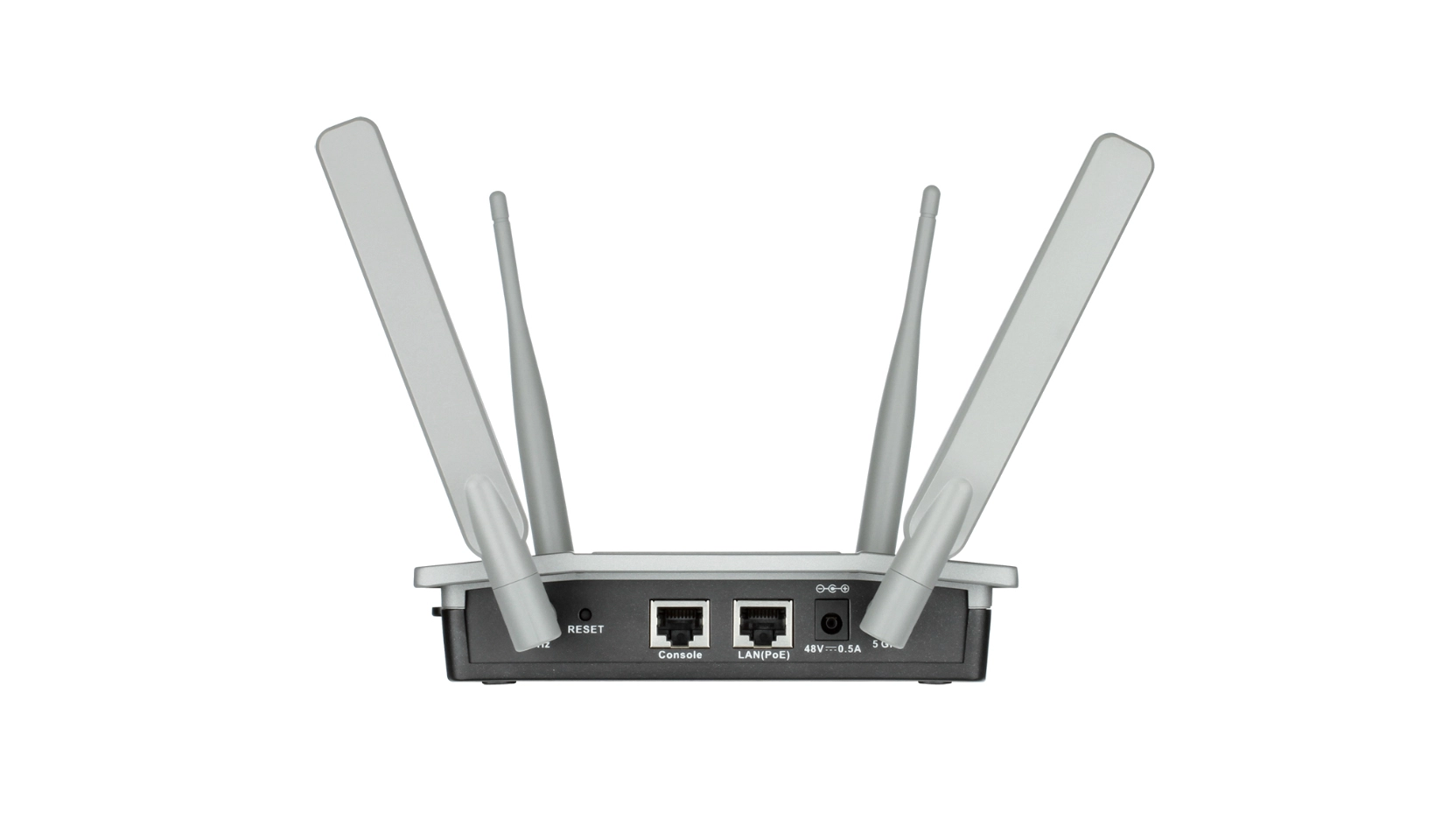
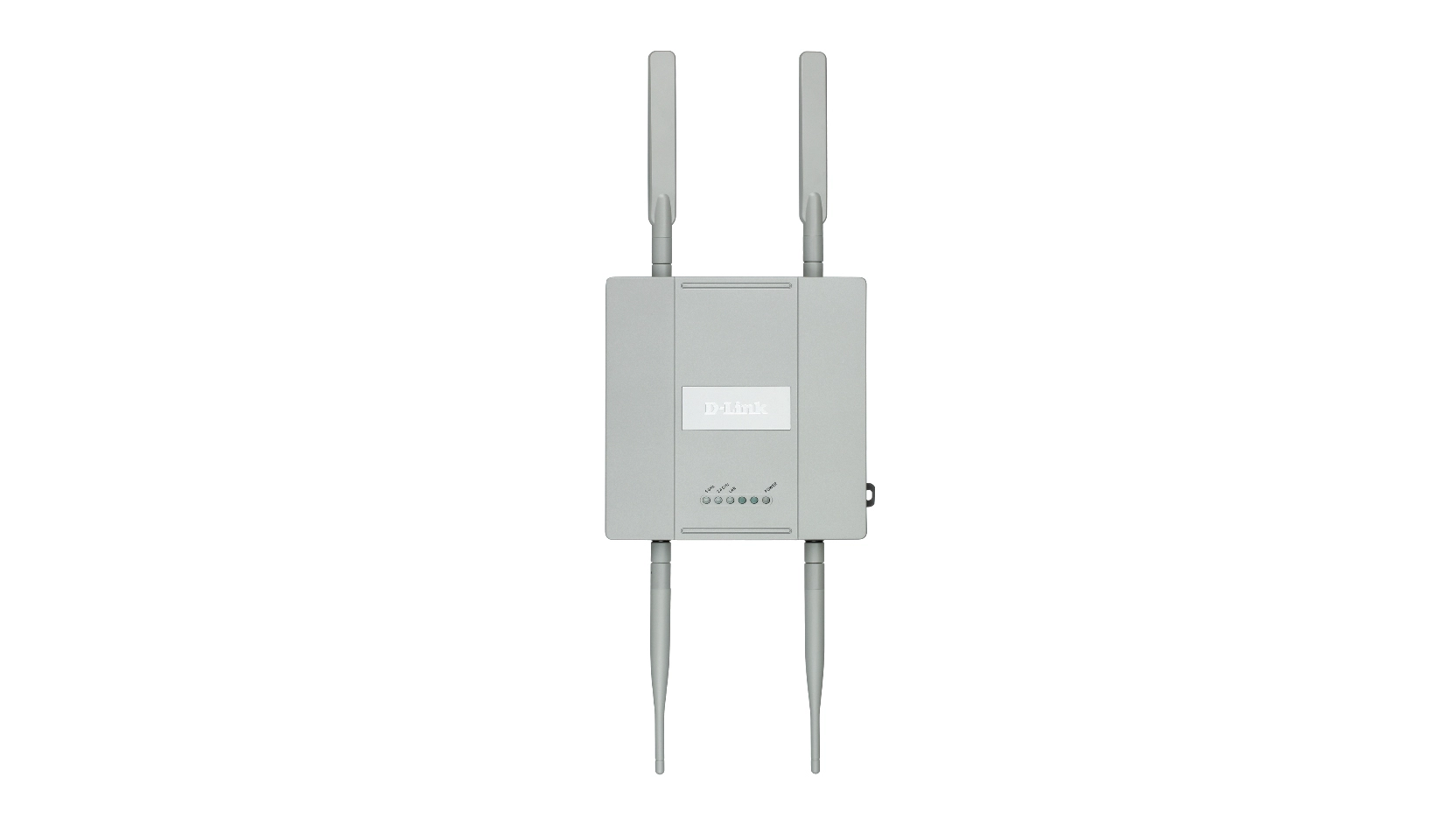
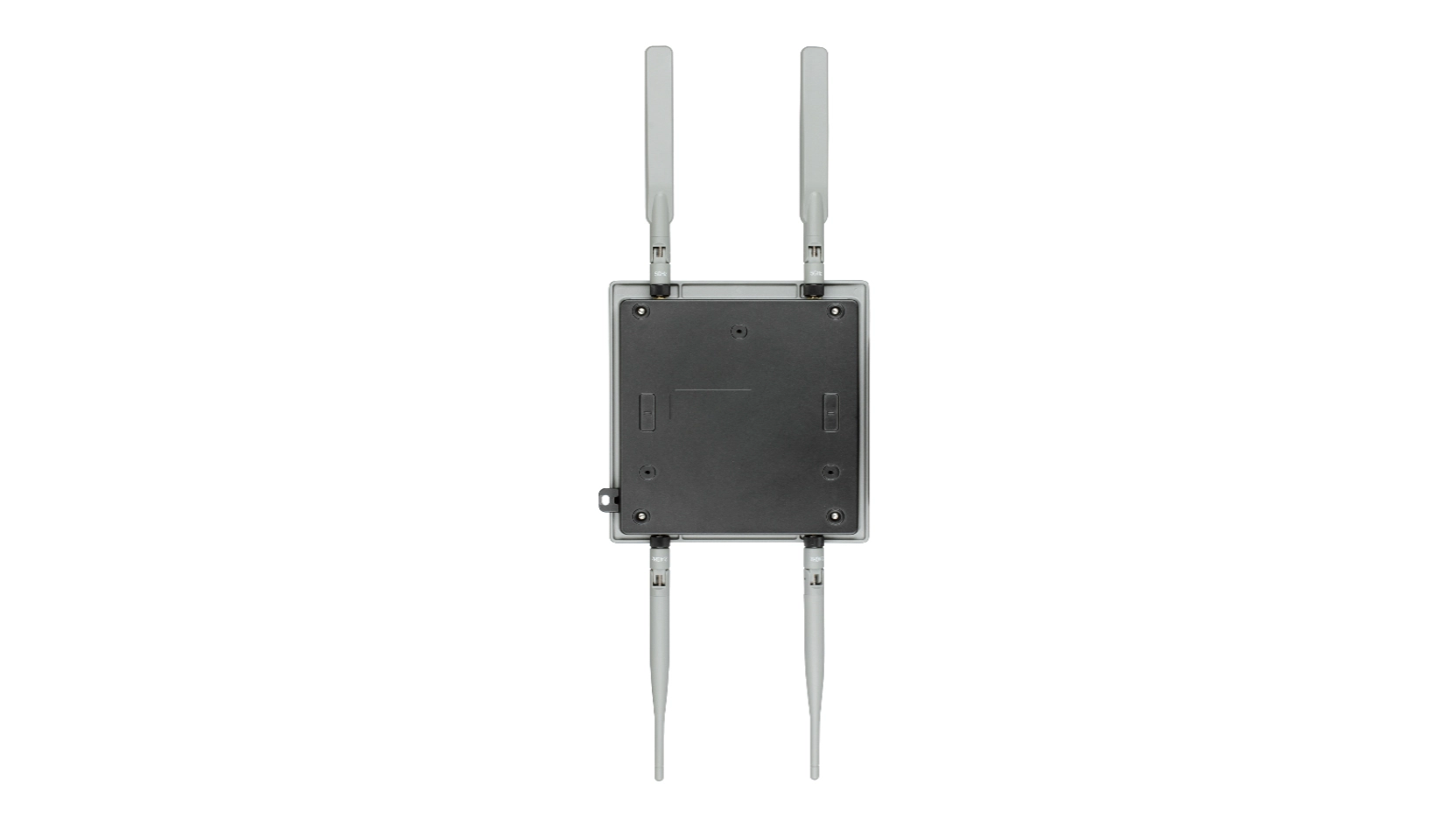
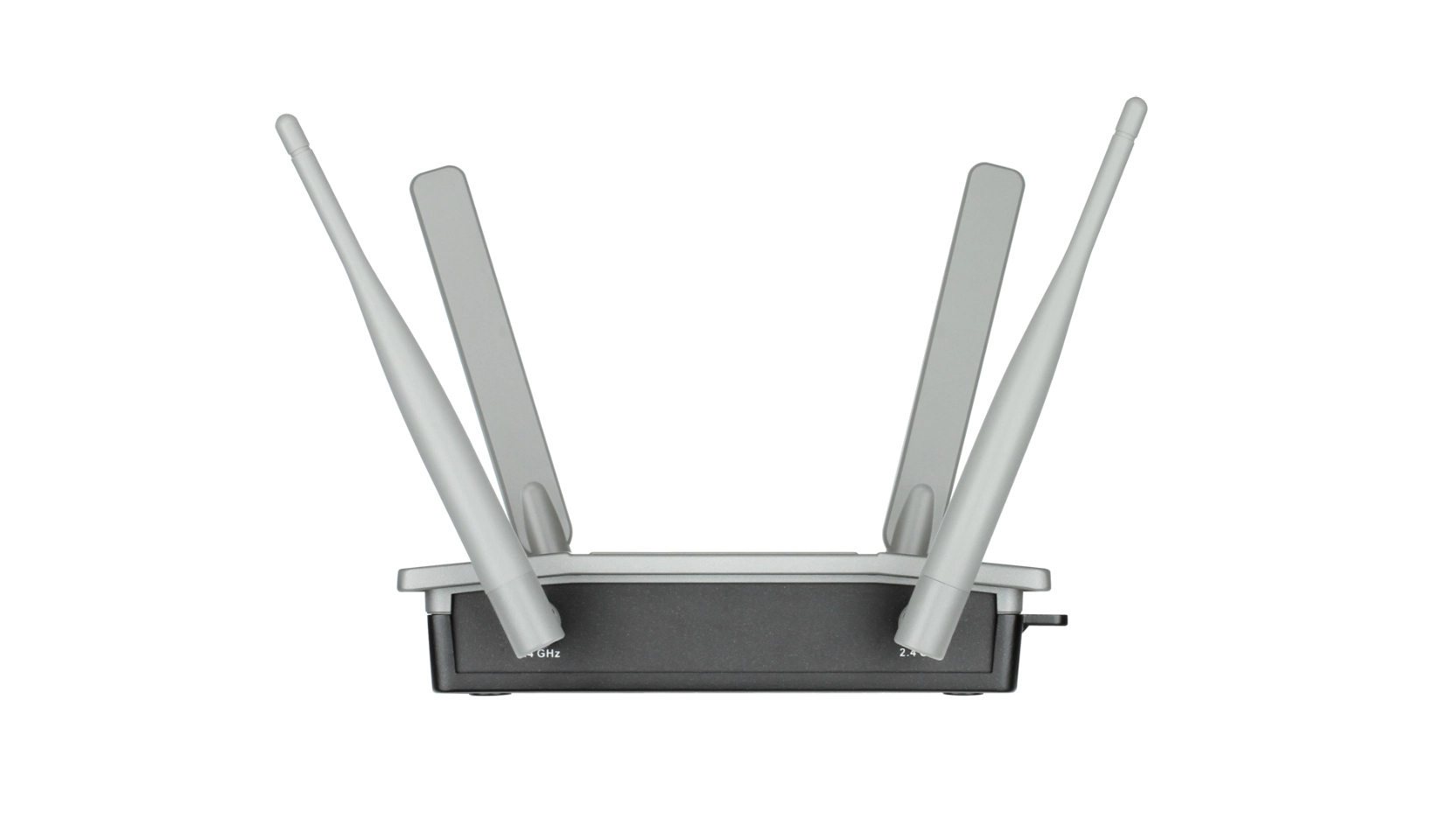
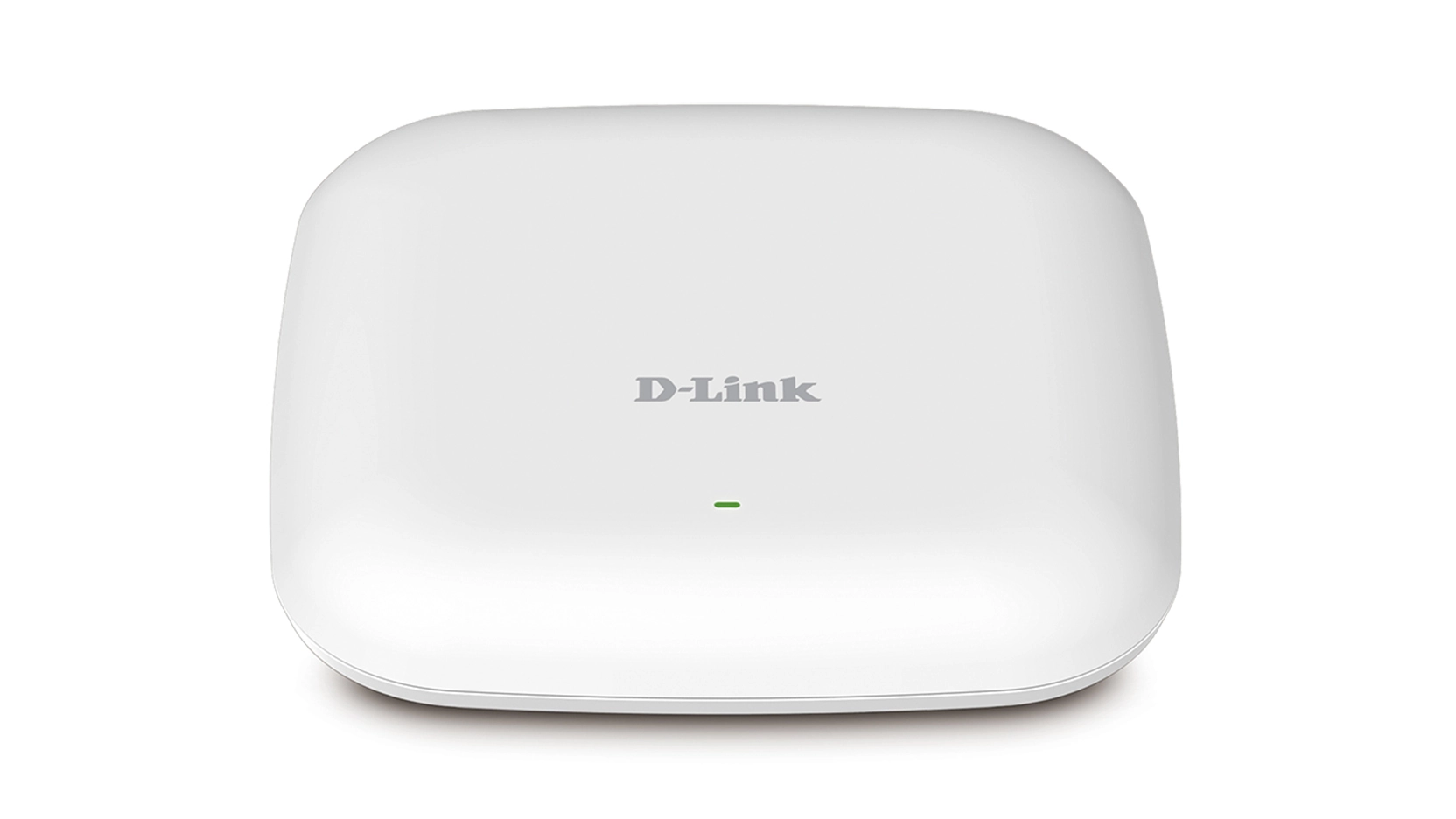
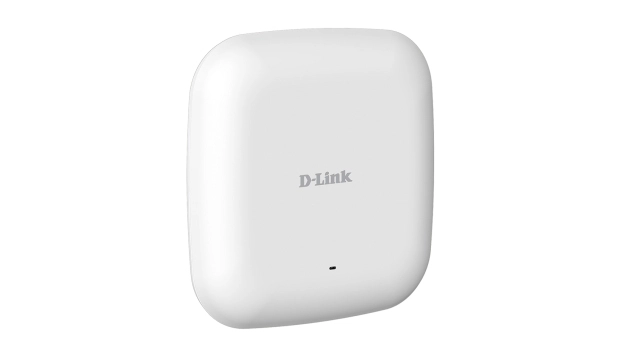
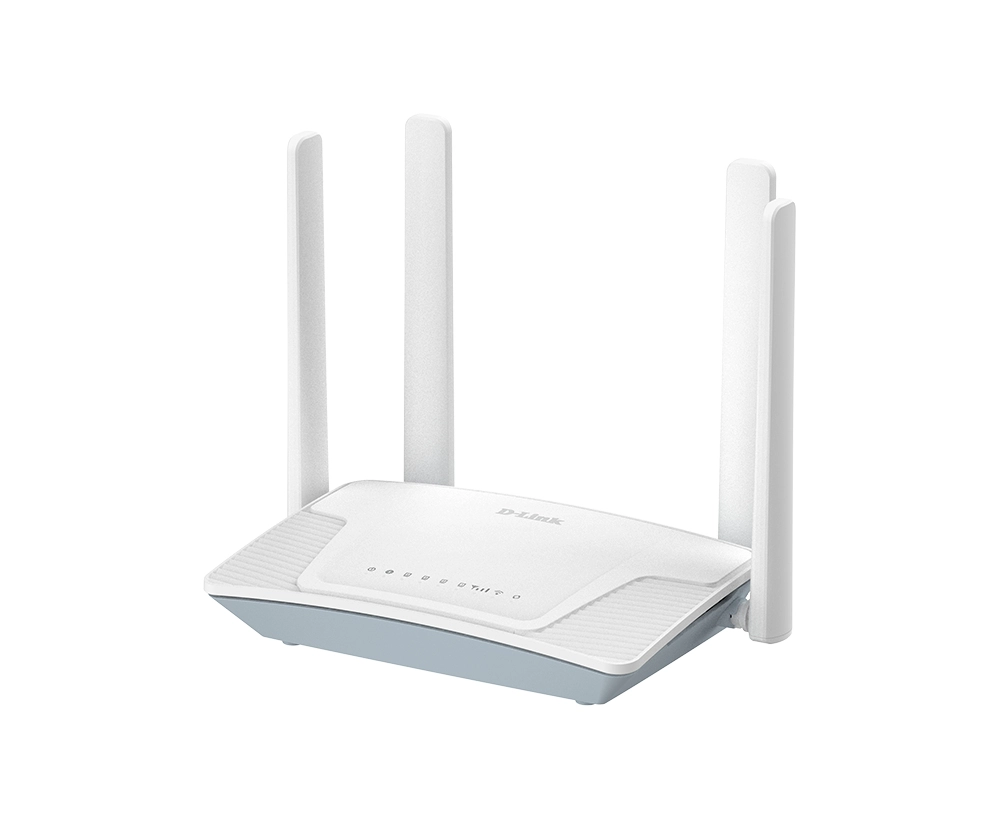
D-Link DAP-2660

Unavailable

Key Features

  • 2.4 GHz: Yes
  • 5 GHz: Yes
  • Maximum data transfer rate (2.4 GHz): 300Mbit/s
  • Maximum data transfer rate (5 GHz): 867Mbit/s
  • Fit AP mode features: Wireless distribution system (WDS)
  • Antenna features: Integrated antenna
  • Number of SSID supported: 16
  • Service Set Identifier (SSID) features: SSID broadcast on/off
  • Antenna gain level (max): 4dBi
  • Maximum data transfer rate: 1200Mbit/s
  • Placement: Wall
  • Frequency band: 2.4 - 5 GHz, 2.4 - 5.8 GHzGHz
  • Internal: No
  • Antenna type: External, Internal
  • Ethernet LAN data rates: 10, 100Mbit/s
  • Offers
  • Price History
  • Specifications
  • Product Details
  • Review IconReviews

Specifications

Features

Antennas quantity
2
Quality of Service (QoS) support
✓
Security algorithms
128-bit WEP, 64-bit WEP, AES, SSH, TKIP, WPA, WPA2, WPA2-PSK
Maximum indoor range
100 m
Maximum outdoor range
100 m
MIMO
✓
Product colour
White
Antenna gain level (max)
4 dBi
Maximum data transfer rate
1200 Mbit/s
Placement
Wall
Frequency band
2.4 - 5 GHz, 2.4 - 5.8 GHz
Fit AP mode features
Wireless distribution system (WDS)
Maximum data transfer rate (5 GHz)
867 Mbit/s
Maximum data transfer rate (2.4 GHz)
300 Mbit/s
5 GHz
✓
2.4 GHz
✓

Weight & dimensions

Weight
316 g
Height
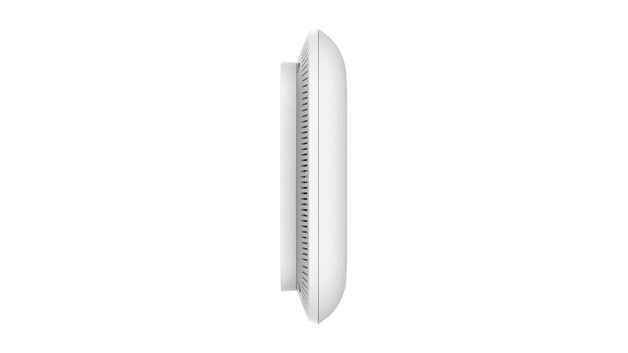
28 mm
Depth
170 mm
Width
170 mm

Power

AC input voltage
12 V
Power consumption (typical)
11 W
Power over Ethernet (PoE)
✓

Performance

Transmitting power
26 dBmW

Design

Housing material
Plastic
LED indicators
Yes
Internal
✗

Computer system

Antenna type
External, Internal

Network

Networking standards
IEEE 802.11a, IEEE 802.11ac, IEEE 802.11b, IEEE 802.11e, IEEE 802.11g, IEEE 802.11n, IEEE 802.3ab, IEEE 802.3af, IEEE 802.3u
Management protocols
HTTP, HTTPS, SNMP, SSH, Telnet
Ethernet LAN data rates
10, 100

Ports & interfaces

DC-in jack
✓
Ethernet LAN (RJ-45) ports
1
WAN connection
Ethernet (RJ-45)

Operational conditions

Operating temperature (T-T)
0 - 40 °C
Operating relative humidity (H-H)
10 - 90 %
Storage relative humidity (H-H)
5 - 95 %

Technical details

Sustainability compliance
✓
Certification
CE, FCC, IC, UL, Wi-Fi
Compliance certificates
CE

Security

MAC address filtering
✓
Auto Wireless Distribution System (WDS)
✓
Service Set Identifier (SSID) features
SSID broadcast on/off
Number of SSID supported
16

Antenna

Antenna features
Integrated antenna

Product Details

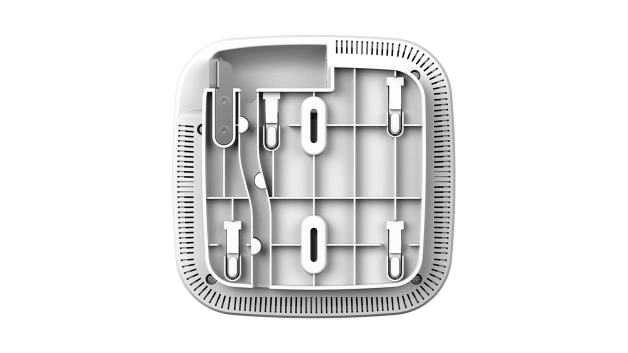
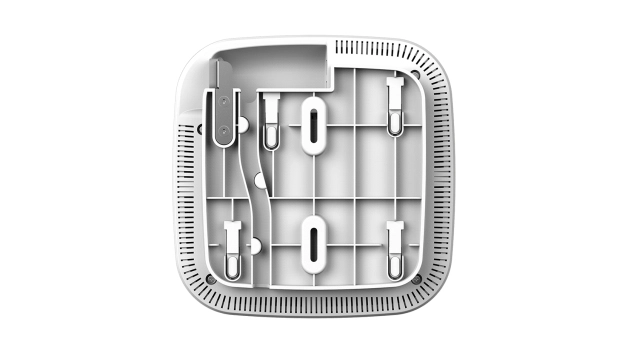
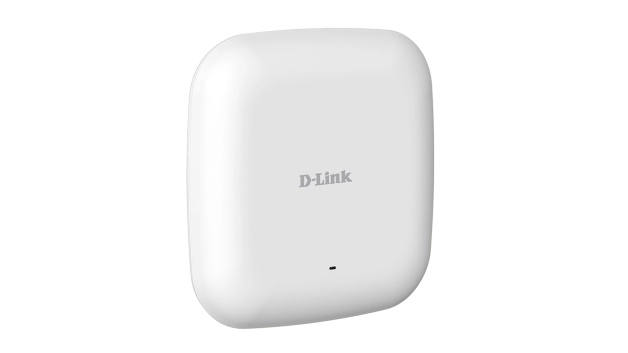
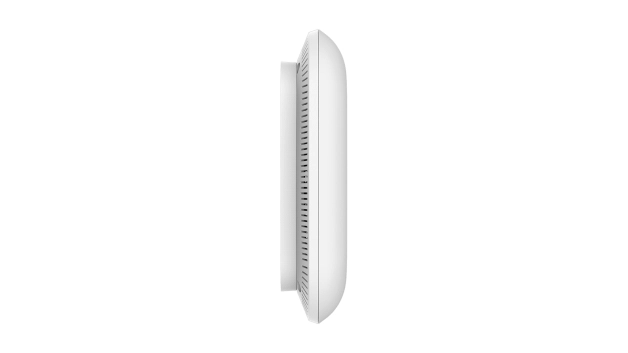
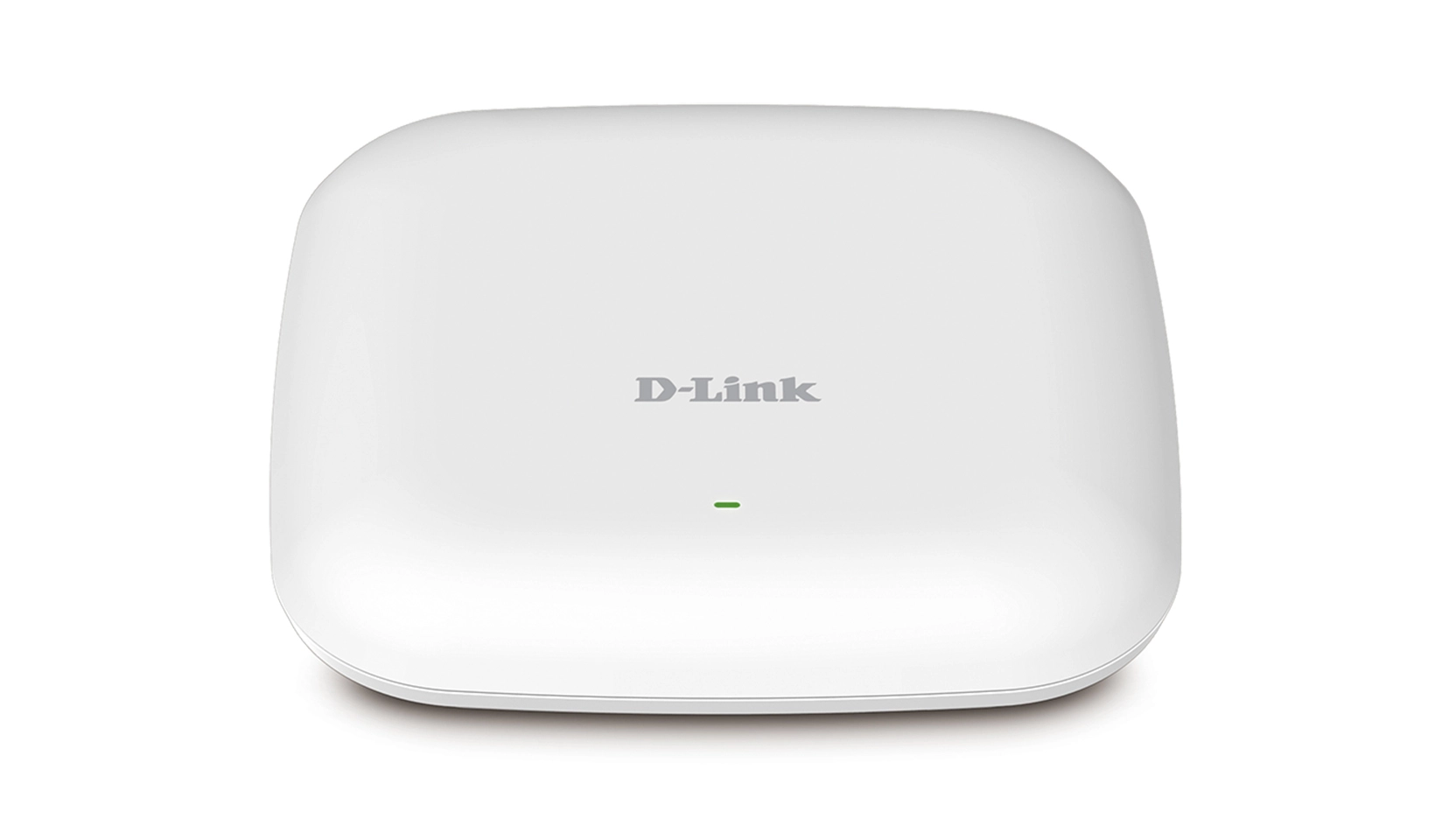
The DAP-2660 Wireless AC1200 Simultaneous Dual-Band PoE Access Point is designed to support small to medium business or enterprise environments by providing network administrators with secure and manageable dual-band wireless LAN options, and utilising the cutting-edge speed of Wireless AC. Super-fast Wireless AC Performance The DAP-2660 delivers reliable, high-speed wireless performance using the latest 802.11ac standards with maximum wireless signal rates of up to 300 Mbps over the 2.4 GHz band, and 867 Mbps over the 5 GHz band1. With band steering, the DAP-2660 detects whether or not the wireless client is dual-band capable and if it is, it will push the client to connect to the less congested 5 GHz 802.11ac/n network. It does this by actively blocking the client’s attempts to associate with the 2.4 GHz network. Band steering can ensure clients on the 5 GHz band can achieve their maximum performance without being bottle-necked by legacy 2.4 GHz 802.11b/g/n clients. This way, you can make the most of Wireless AC technology and at the same time ensure backwards compatibility with existing legacy equipment. This, coupled with support for the Wi-Fi Multimedia (WMM) Quality of Service (QoS) feature, makes it an ideal access point for audio, video, and voice applications. Additionally, the DAP-2660 supports load balancing to ensure maximum performance by limiting the maximum number of users per access point. Versatile Access Point Functionality The DAP-2660 allows network administrators to deploy a highly manageable and extremely robust simultaneous dual-band wireless network. The DAP-2660 can provide optimal wireless coverage over either the 2.4 GHz (802.11b, 802.11g, and 802.11n) or the 5 GHz (802.11a, 802.11n, and 802.11ac) band. The DAP-2660 can be ceiling-mounted, wall-mounted, or placed on a desktop to meet any wireless demands. For advanced installations, the DAP-2660 has integrated 802.3af Power over Ethernet (PoE) support, allowing this device to be installed in areas where power outlets are not readily available. Security To help maintain a secure wireless network, the DAP-2660 supports both Personal and Enterprise versions of WPA and WPA2. With support for RADIUS server backend and a built-in internal RADIUS server allowing users to create their accounts within the device itself. This access point also includes MAC address filtering, wireless LAN segmentation, SSID broadcast disable, rogue AP detection, and wireless broadcast scheduling to further protect your wireless network. The DAP-2660 includes support for up to eight VLANs per band for implementing multiple SSIDs to further help segment users on the network. It also includes a wireless client isolation mechanism, which limits direct client-to-client communication. Additionally, the DAP-2660 supports Network Access Protection (NAP), a feature of Windows Server 2008, allowing network administrators to define multiple levels of network access based on individual client’s needs. Multiple Operation Modes To maximise total return on investment, the DAP-2660 can be configured to optimise network performance based on any one of its multiple operation modes: access point, wireless distribution system (WDS) with access point, WDS/bridge (no AP broadcasting), and wireless client. With WDS support, network administrators can set up multiple DAP-2660s throughout a facility and configure them to bridge with one another while also providing network access to individual clients. The DAP-2660 also features advanced features such as load balancing and redundancy, for fail-safe wireless connectivity. Network Management Network administrators have multiple options for managing the DAP-2660, including web (HTTP), Secure Socket Layer (SSL), which provides for a secure connection to the Internet, Secure Shell (SSH), which provides for a secure channel between local and remote computers, and Telnet. The DAP-2660 has a wireless scheduler feature, which turns off wireless functionality when it isn’t needed, saving power. With simultaneous dual-band functionality, PoE support, extensive manageability, versatile operation modes, and solid security enhancements, the DAP-2660 provides small to medium business and enterprise environments with a business-class solution for deploying a wireless network.

Files

Product Brochure

mmo_86189282_1612002659_3128_54613.pdf

PDF• 659.7 KB

Images

599-337.png599-337.png

Reviews

Loading...
Loading...
Loading...
Loading...
Loading...
Loading...
Loading...
Loading...
Loading...
Loading...
Loading...
Loading...
Loading...
Loading...
Loading...
Loading...
Loading...
Loading...
Loading...
Loading...
Loading...
Loading...
Loading...
Loading...
Loading...
Loading...
Loading...
Loading...
Loading...
Loading...
Loading...
Loading...
Loading...
Loading...
Loading...
Loading...
Loading...
Loading...
Loading...
Loading...
Loading...
Loading...
Loading...
Loading...
Loading...
Loading...
Loading...
Loading...
Loading...
Loading...
Loading...
Loading...
Loading...
Loading...
Loading...
Loading...
Loading...
Loading...
Loading...
Loading...
Loading...
Loading...
Loading...

Join our newsletter

Be the first to know about new arrivals, sales, and exclusive picks

Sign in to unlock newsletter access and stay in the loop

Allware
info@allware.com
+971522500911
World technology awards winner badge

Allware

  • About Us
  • Terms And Conditions
  • Privacy Policy
  • Contact Us

Partners

  • Why become a partner?
  • How to list your Online Shop?

Newsletter

  • Subscribe

Info

  • How Allware works
All Rights Reserved.
Allware does not sell products. Prices shown are aggregated from verified merchants.
Please enable location access or select an emirate
-
00:00:00
Prayer timings

Offers (1)

Amazon logo

1 offer

From
AED
Infinity

D-Link DAP-2660 AC1200 Dualband Access Point mit PoE (bis zu 1200 Mbit/s Hochleistungsverbindung)

Unavailable

Similar Products

See all
HPE Instant On AP22

HPE Instant On AP22

AED
16800
8 offers
TP-Link TL-WA1201

TP-Link TL-WA1201

AED
12100
6 offers
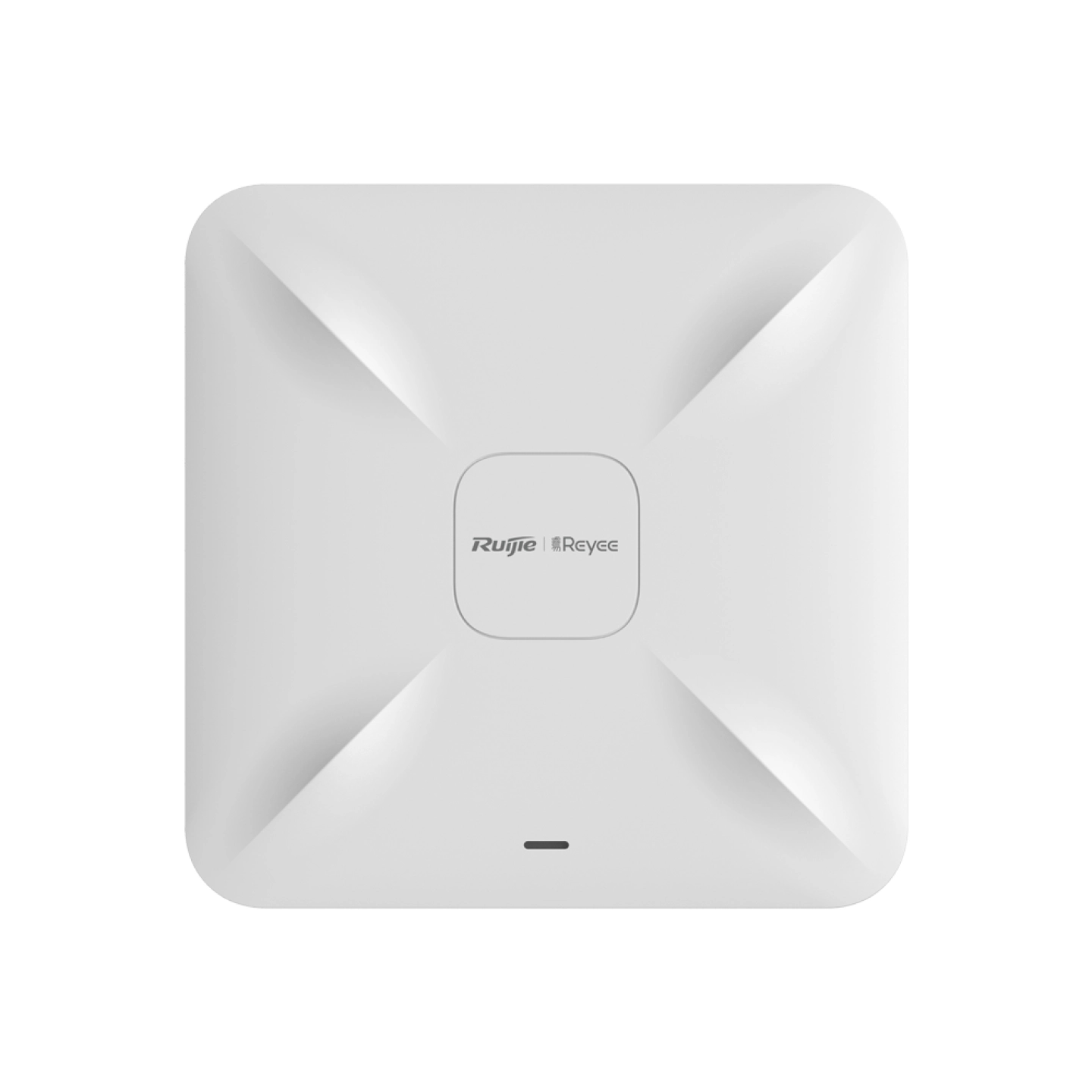
Ruijie Networks RG-RAP2200(E)

Ruijie Networks RG-RAP2200(E)

AED
17500
15 offers
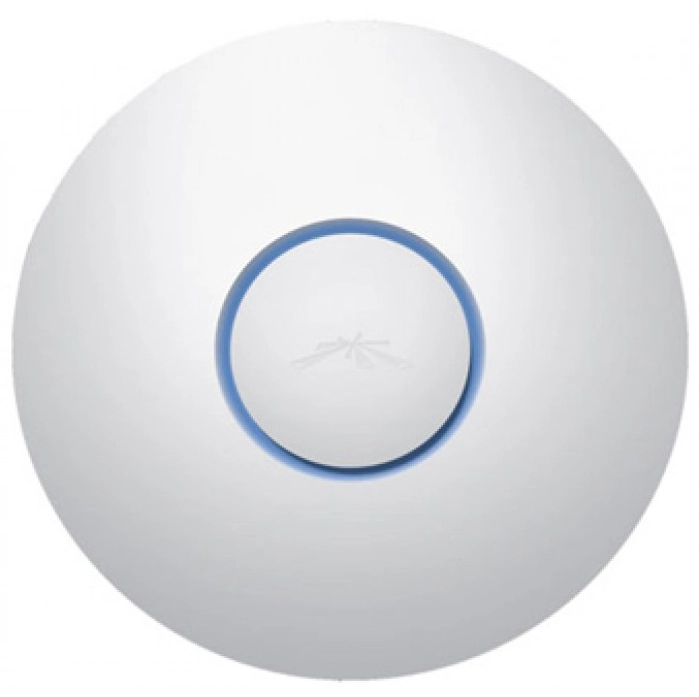
Ubiquiti UAP-AC PRO

Ubiquiti UAP-AC PRO

AED
22367
13 offers
-57%
TP-Link EAP610

TP-Link EAP610

AED
49900
AED
21000
10 offers
<1%
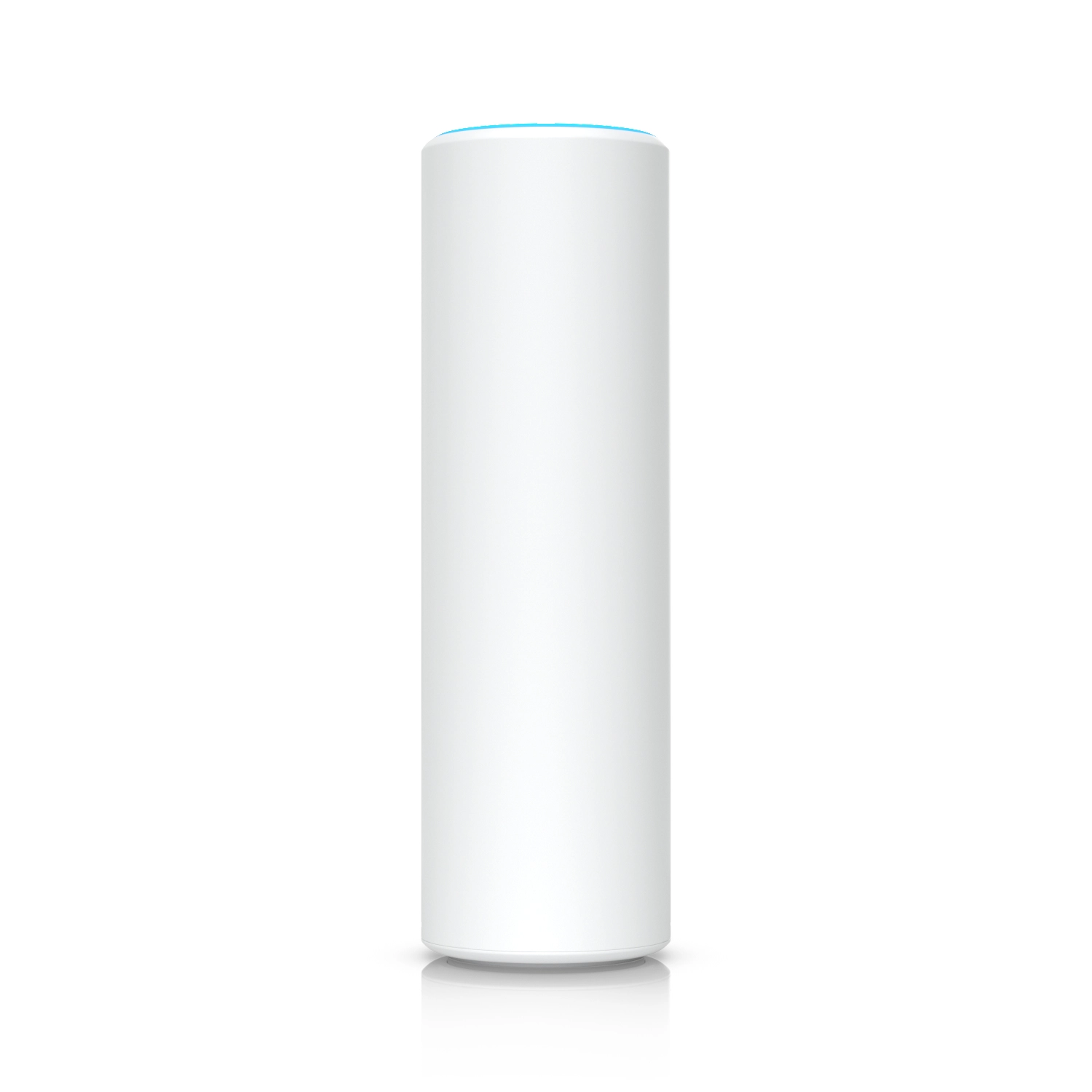
Ubiquiti U6-Mesh

Ubiquiti U6-Mesh

AED
64900
AED
64440
10 offers
TP-Link EAP225

TP-Link EAP225

AED
18500
10 offers
D-Link DAP-1665

D-Link DAP-1665

AED
11390
9 offers
TP-Link EAP245

TP-Link EAP245

AED
23900
9 offers
-5%
Ubiquiti U6-Pro-US

Ubiquiti U6-Pro-US

AED
58200
AED
55150
8 offers

More from D-Link

See all
D-Link DAP-X3060OU

D-Link DAP-X3060OU

AED
69900
3 offers
D-Link DXS-1210-28T 28-ports

D-Link DXS-1210-28T 28-ports

AED
13 36624
1 offer
D-Link DHP-1320

D-Link DHP-1320

AED
38500
1 offer
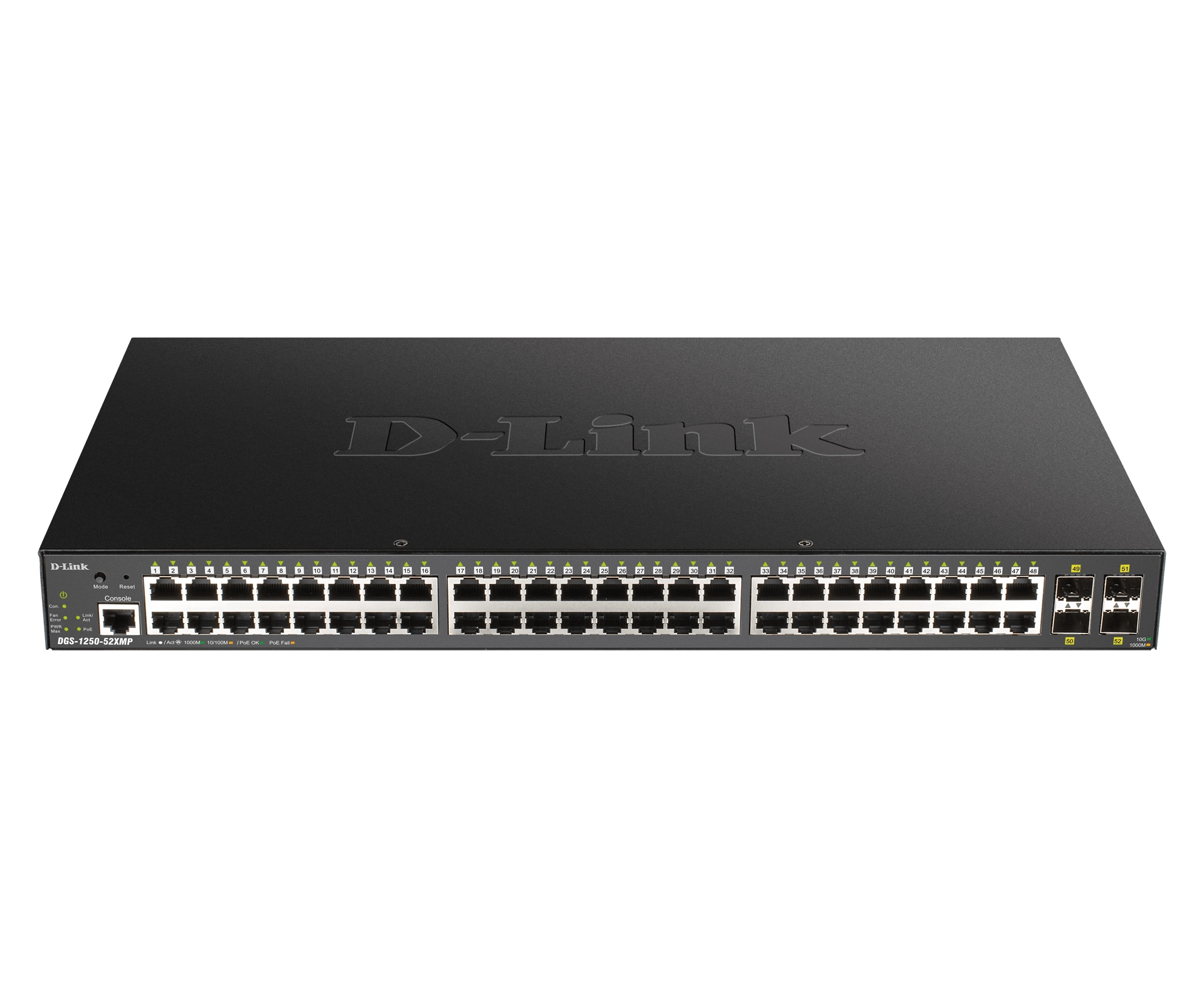
D-Link DGS-1250-52X/E 52-Ports

D-Link DGS-1250-52X/E 52-Ports

Unavailable
1 offer
-23%
D-Link AI Mesh M15

D-Link AI Mesh M15

AED
89900
AED
68700
1 offer
D-Link DSL-2790U

D-Link DSL-2790U

Unavailable
2 offers
D-Link N300 4G Smart Router - 300 Mbps

D-Link N300 4G Smart Router - 300 Mbps

AED
20000
Unavailable
1 offer
D-Link DIR-867 - 1750 Mbps 802.11ac

D-Link DIR-867 - 1750 Mbps 802.11ac

Unavailable
1 offer
D-Link GO-SW-16G 16-ports

D-Link GO-SW-16G 16-ports

AED
62287
1 offer
D-Link DAP-2660

D-Link DAP-2660

Unavailable
1 offer
Loading...
Loading...
Loading...
Loading...
Loading...
Loading...
Loading...
Loading...
Loading...
Loading...
Loading...
Loading...
Loading...
Loading...
Loading...
Loading...
Loading...
Loading...
Loading...
Loading...
Loading...
Loading...
Loading...
Loading...
Loading...
Loading...
Loading...
Loading...
Loading...
Loading...
Loading...
Loading...
Loading...
Loading...
Loading...
Loading...
Loading...
Loading...
Loading...
Loading...
Loading...
Loading...
Loading...
Loading...
Loading...