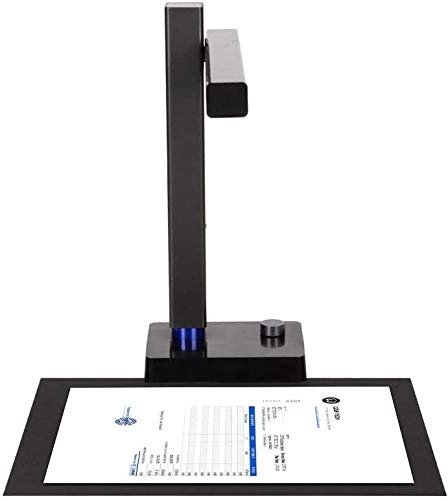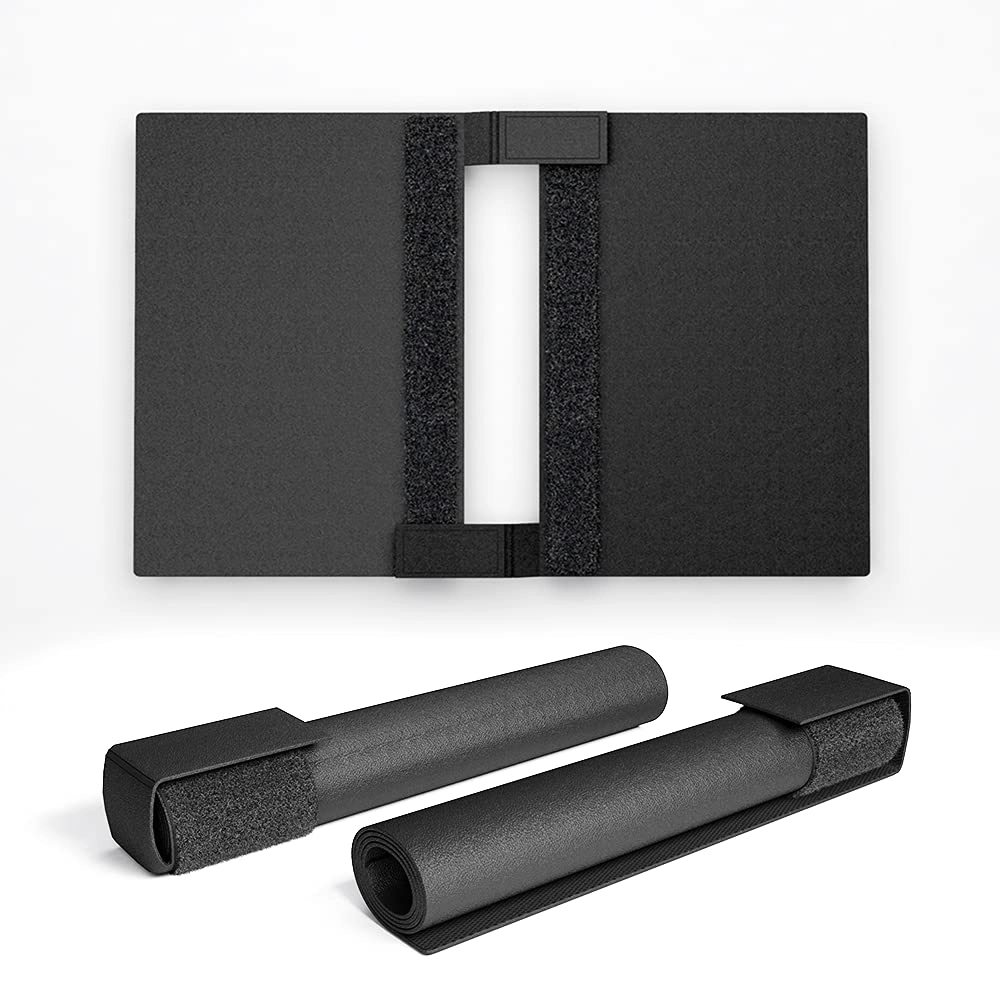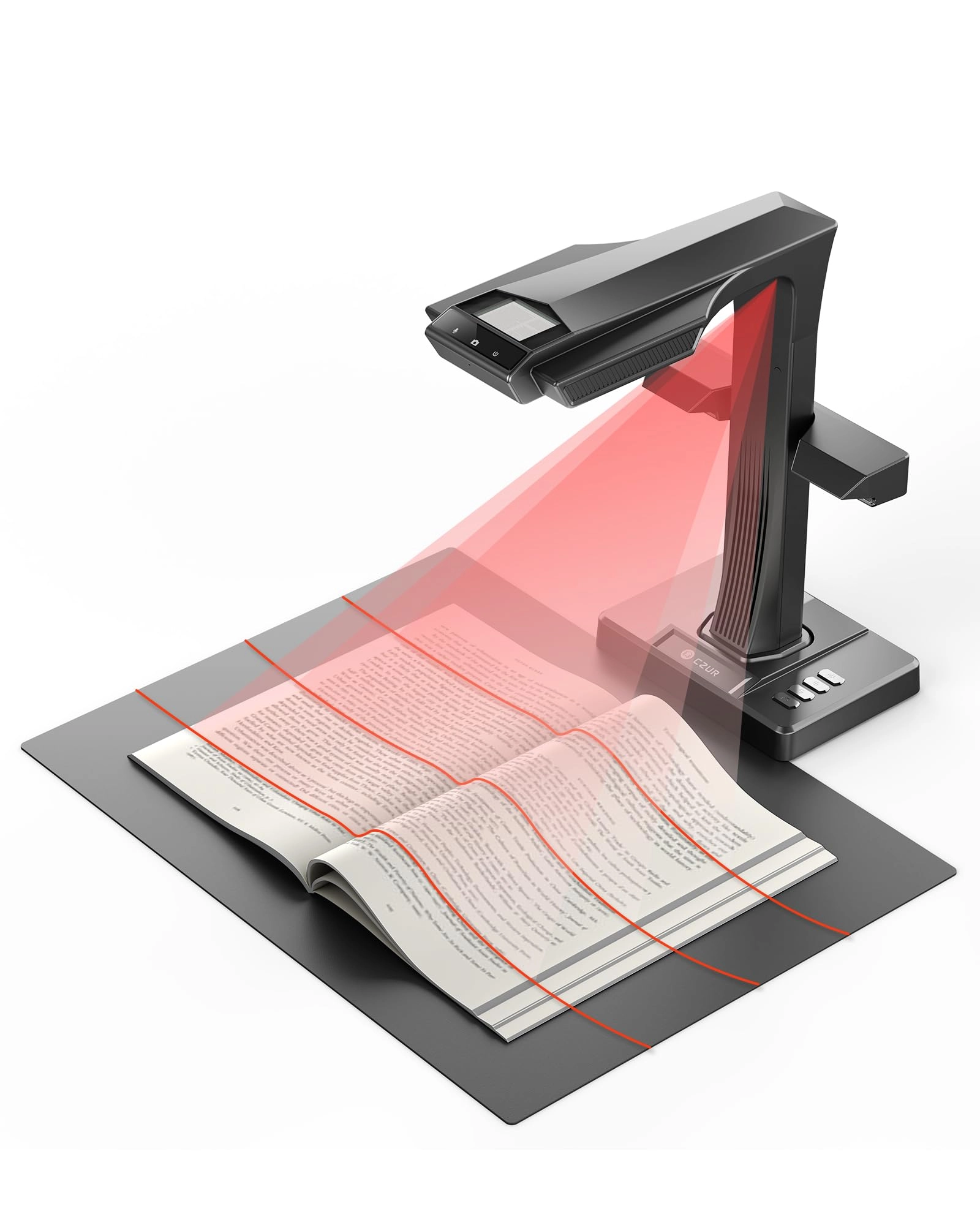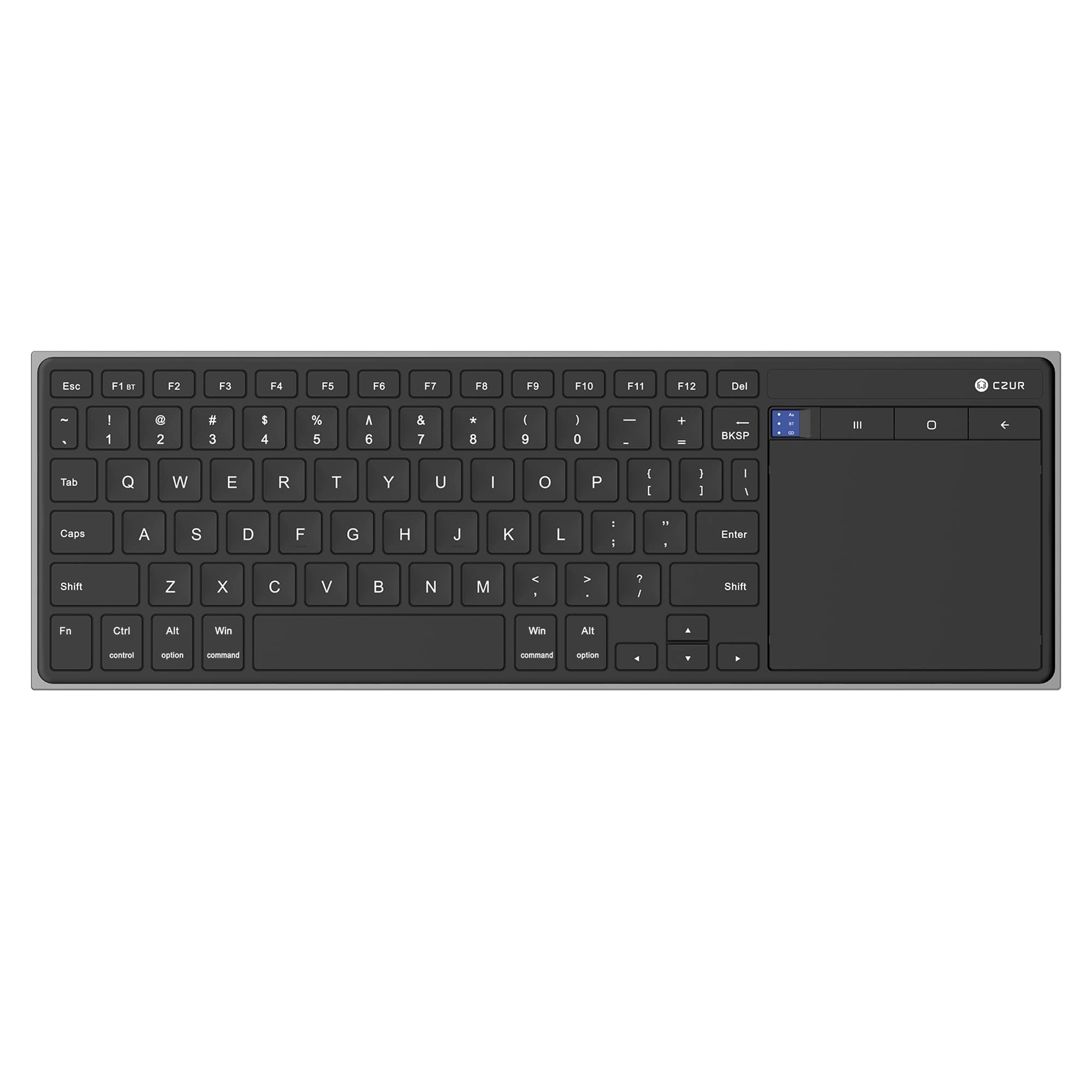
CZUR Tech ET18 Pro - USB
Unavailable
Best offer
AED
2 85600
Key Features
- Resolution: 4896 x 3672pixels
- Scanner type: Document
- Weight: 2000g
- Minimum system requirements: Windows 7
Specifications
Features
Resolution
4896 x 3672 pixels
Weight & dimensions
Weight
2000 g
System requirements
Minimum system requirements
Windows 7
Scanning
Scanner type
Document
Product Details
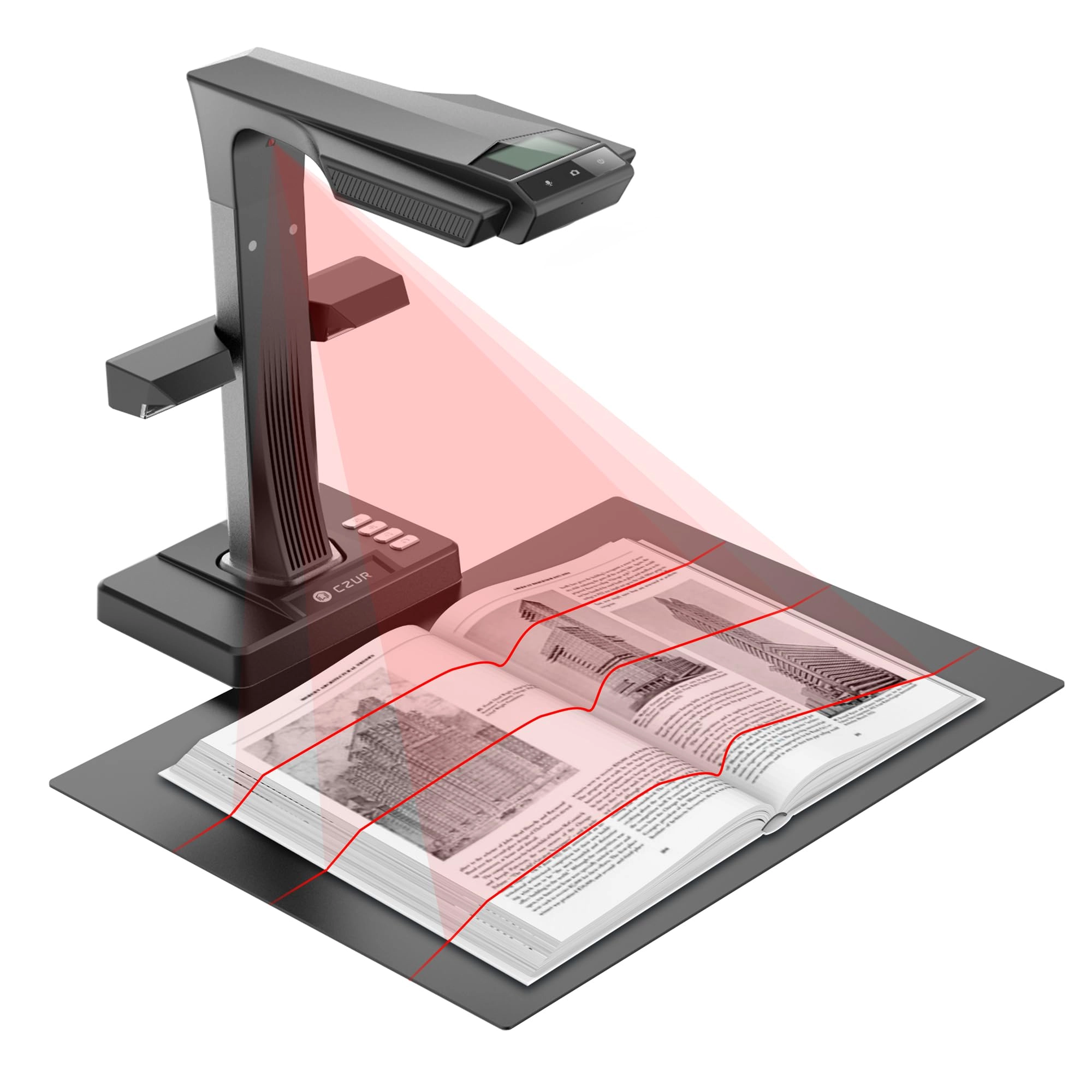
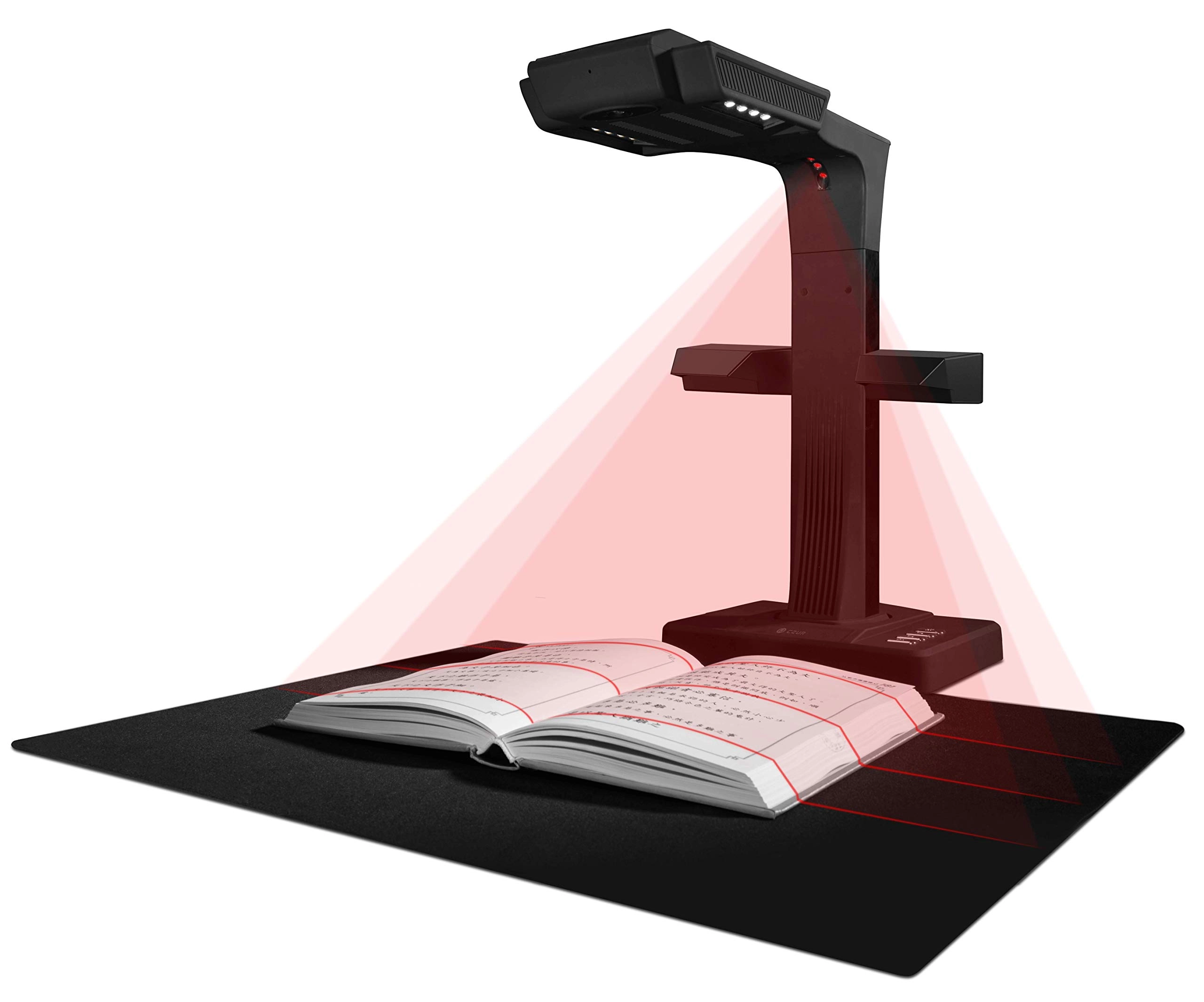
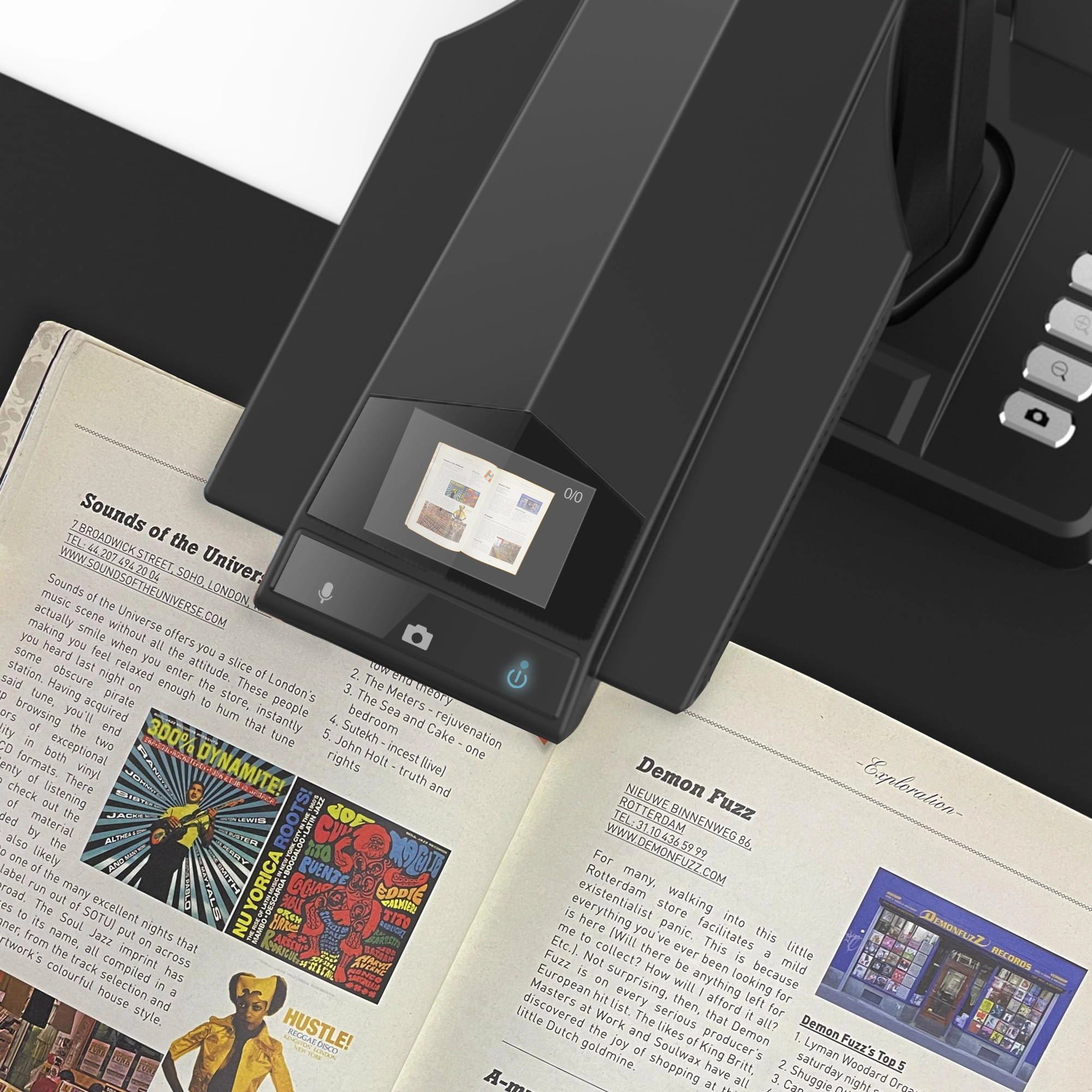
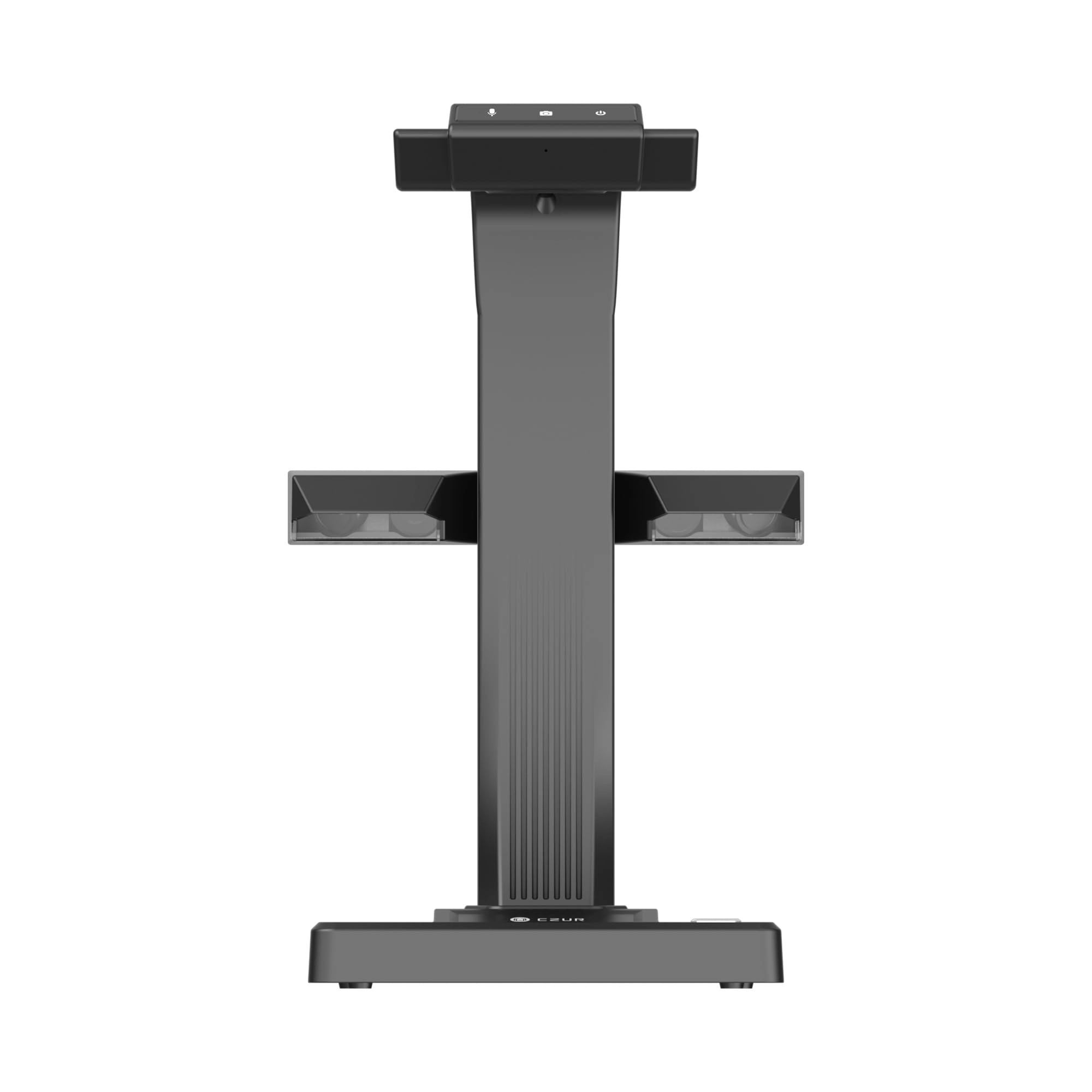
desertcart.com: CZUR ET18 Pro Professional Document Scanner, 2nd
Gen Auto-Flatten & Deskew Tech, 18MP HD Camera, Capture A3, 186
Languages OCR, Convert to PDF/Searchable PDF/Word/Tiff/Excel, Run
On Windows & MacOS : Office Products
Review: A very fast, efficient scanner. - I have thousands of
documents and other paper items to digitize, including many
oversized sketchbooks that my mom illustrated - these don't fit
in a regular size scanner without doing multiple scans and
stitching the pages together - which takes a lot of time with
mixed results. The ET-18 Pro was a desertcart Lightning Deal and
$100 off. So I decided to give it a try after doing some research
and watching 3rd party reviews. I was very impressed with the
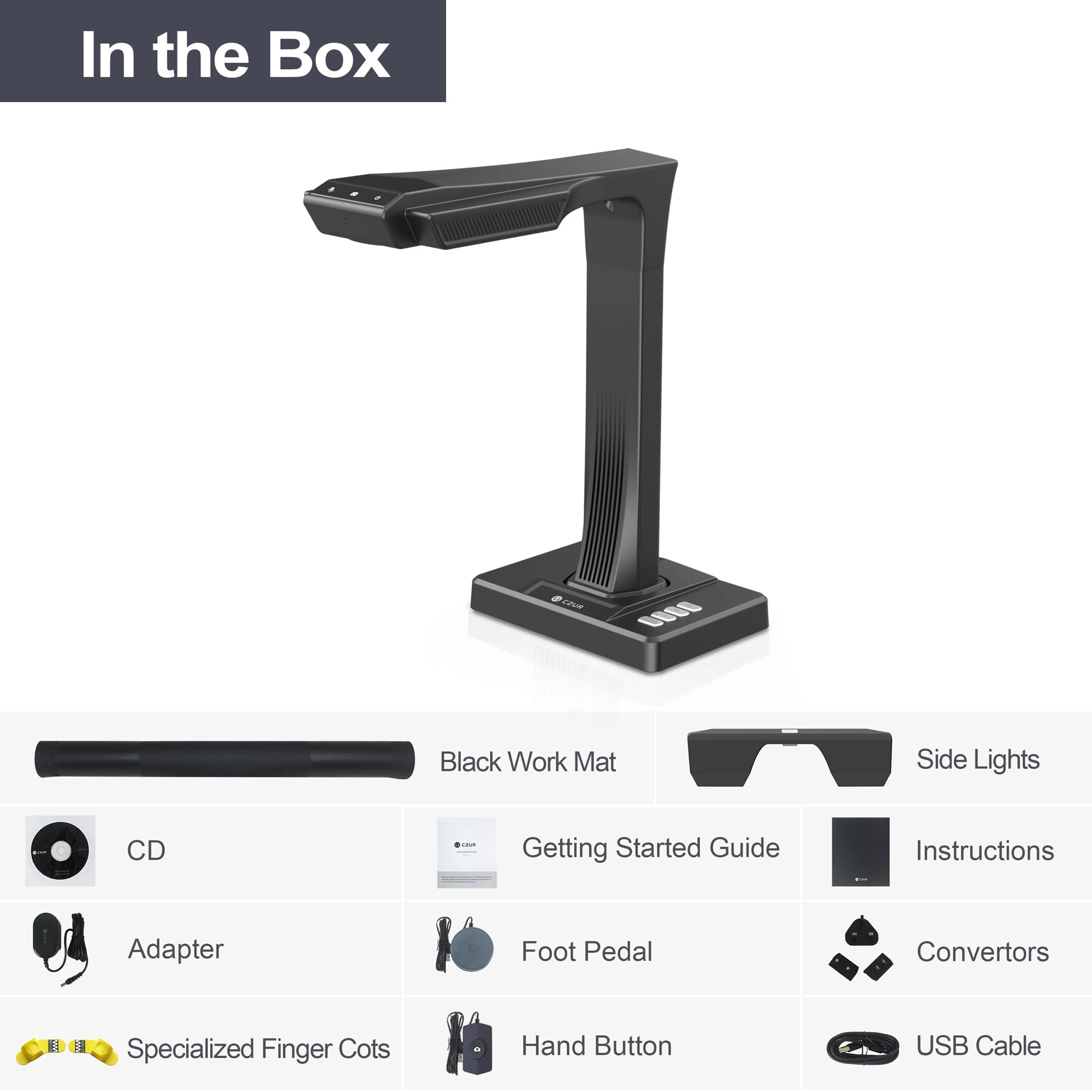
packaging, very sturdy and well organized. The unit itself is
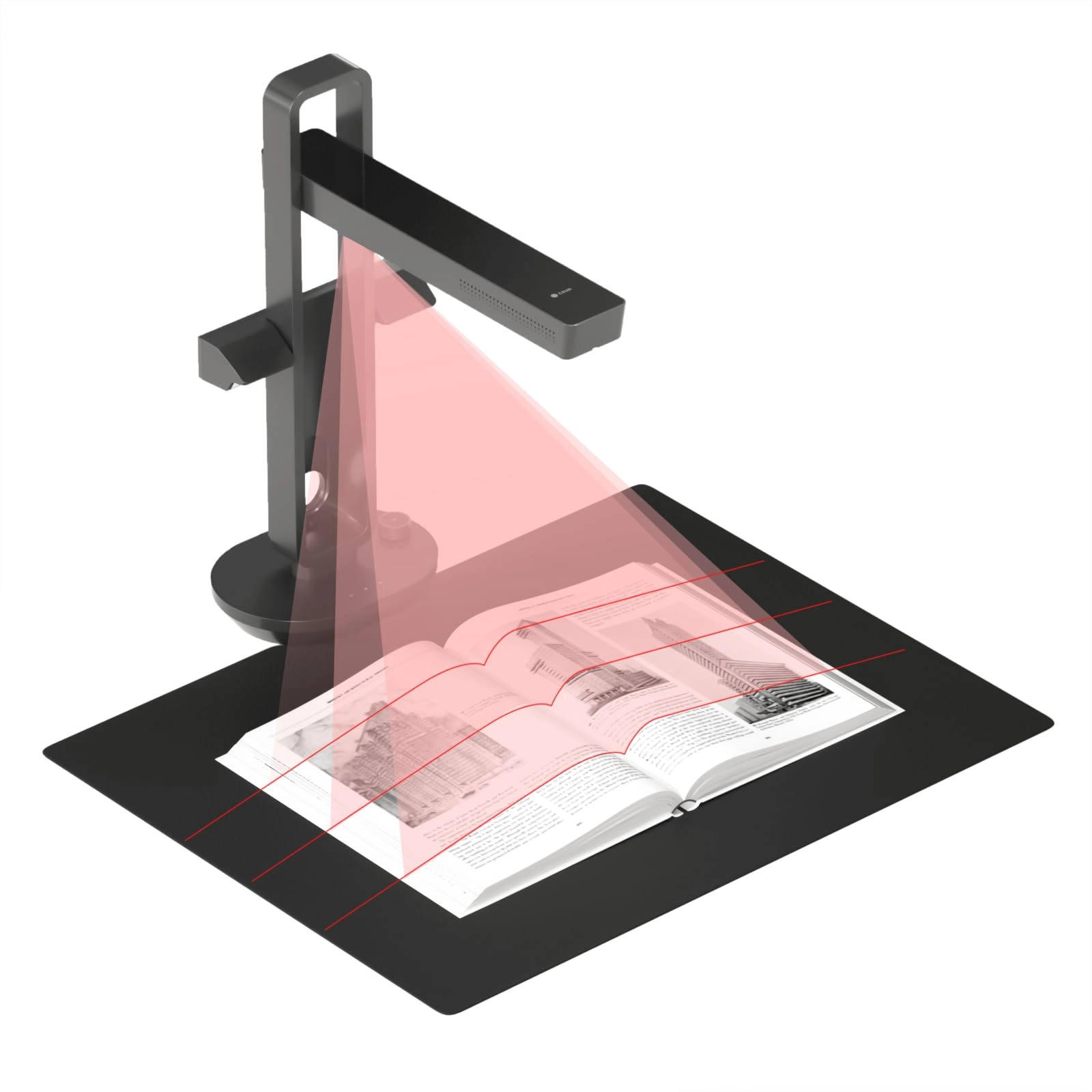
very well made and sturdy. The side/auxiliary lights are perfect
for eliminating glare. There are two triggers, desktop and foot.
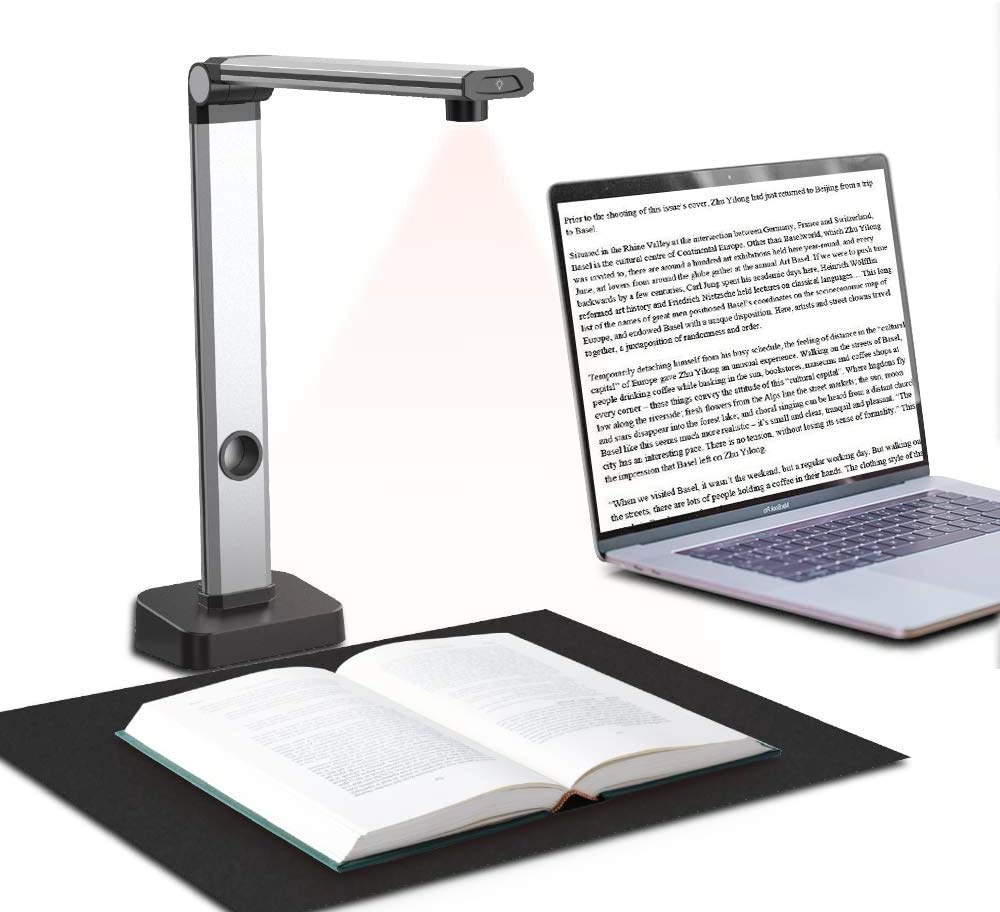
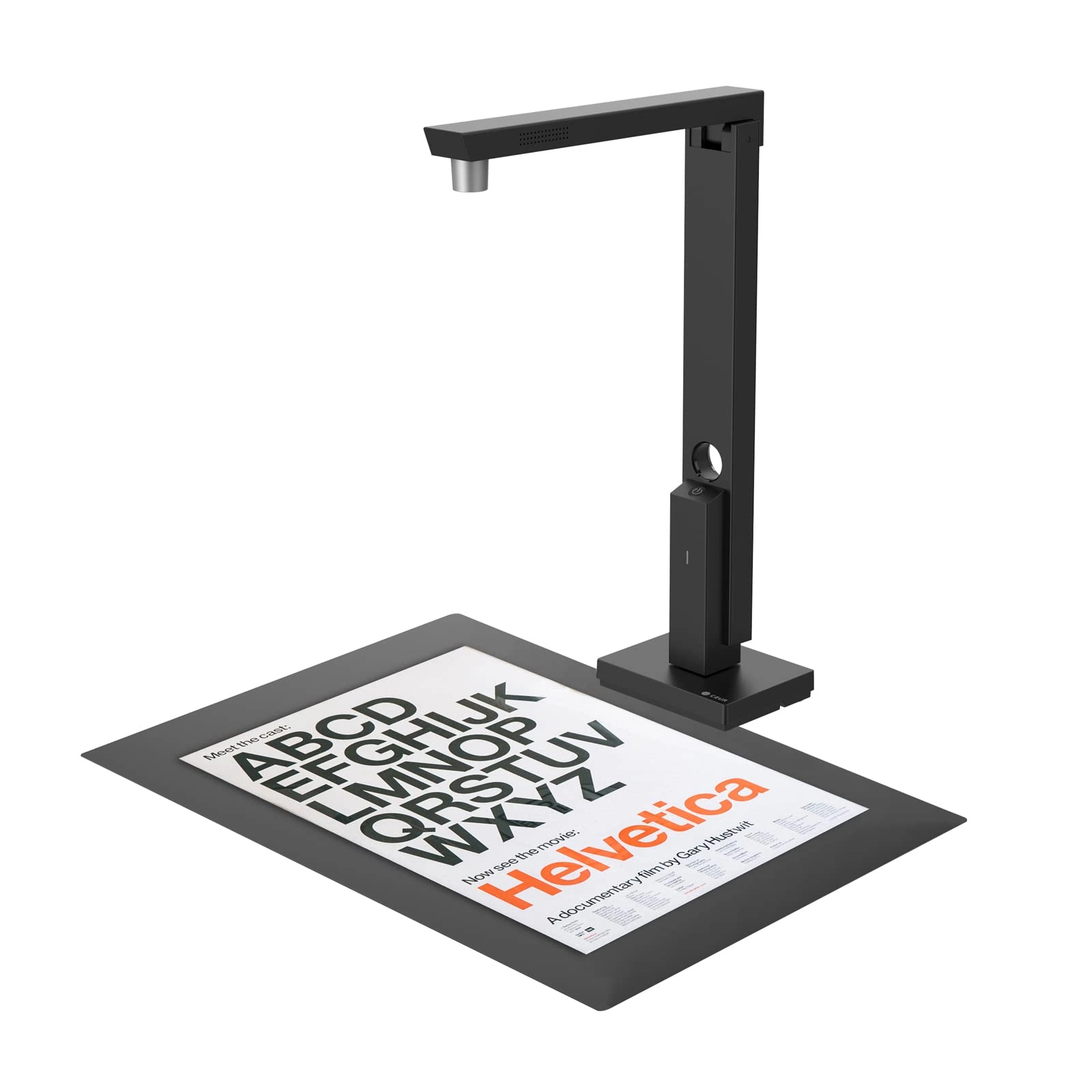
Both are well made and work well. Scanning is fast and the auto
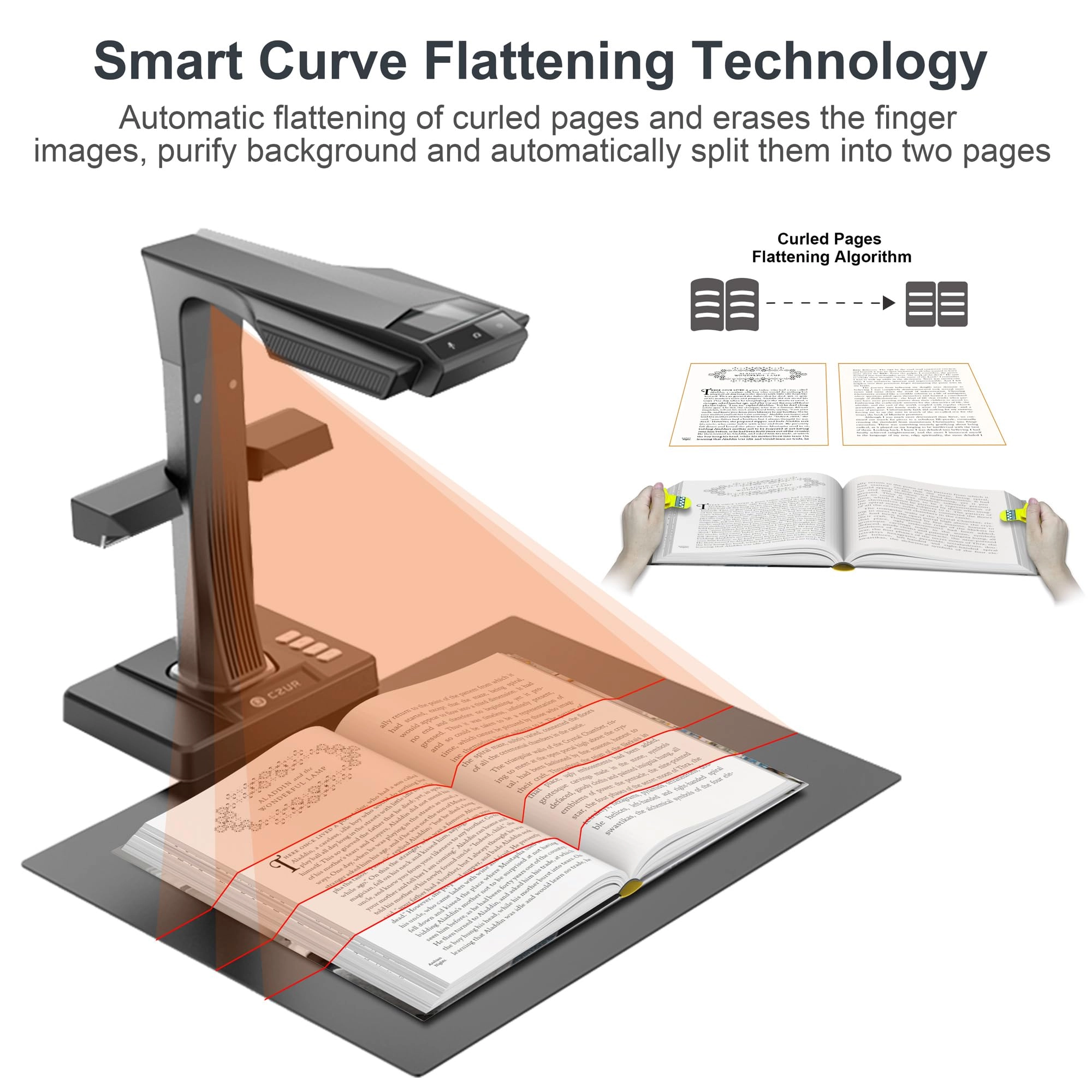
straightening is a fantastic feature, saves the effort of trying
to align the page before each scan. Basically you can scan as
fast as you can turn pages, change documents, the foot pedal
really helps with this. I cleared one large file drawer that was
FULL in just under an hour. I would not have gotten through 10%
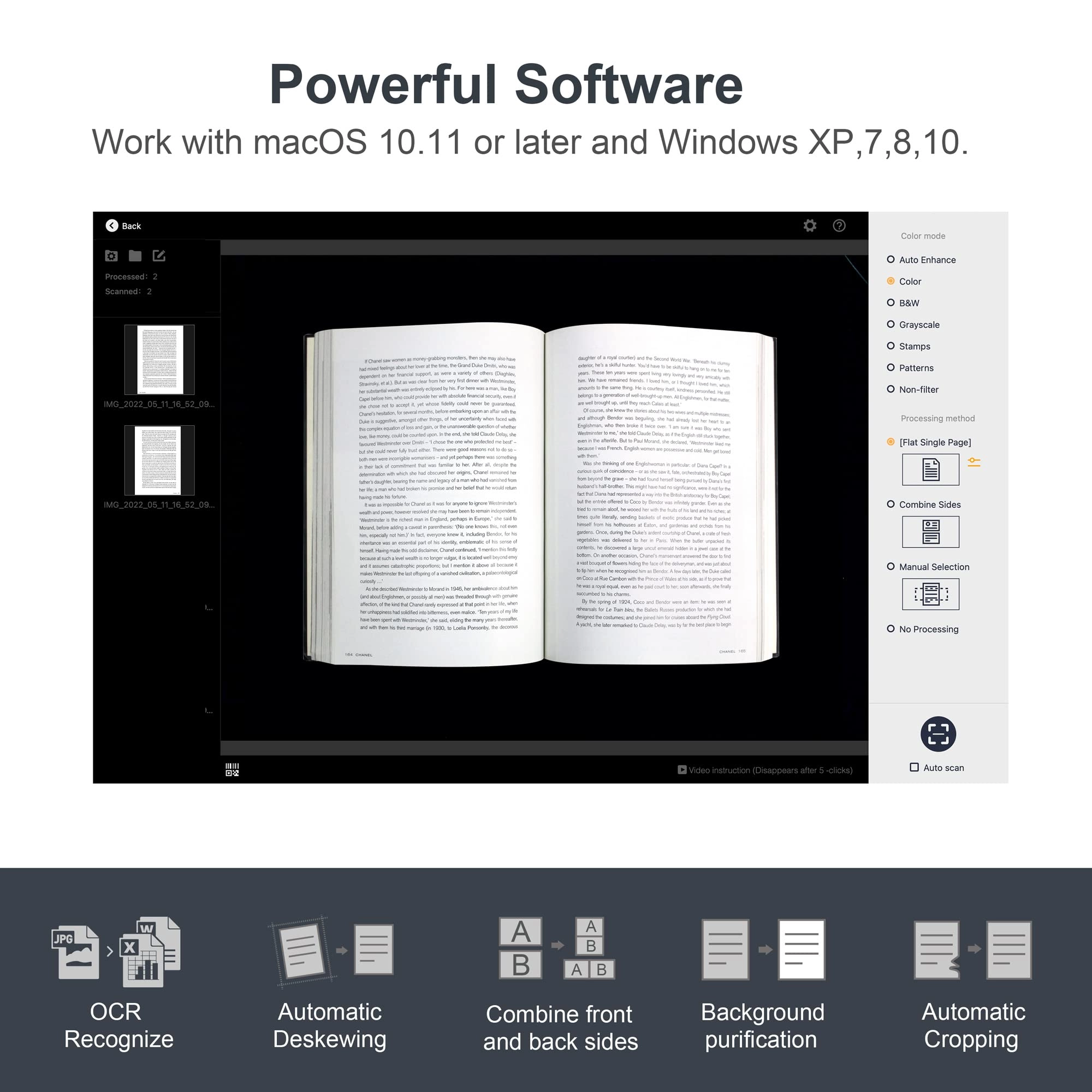
of that done with my flatbed scanner. Now for the software. As
many reviewers have said, it is not the most intuitive and it
took me a little bit to figure it out. There are a lot of
features and I have not delved into many of them. So far I have
not been able to find the way to scan directly to a PDF without
having to convert from TIFF - which is easy enough and goes
quickly, but it's one more step. Maybe there is a way to do this
and I haven't figured it out yet. As I said, not the most
intuitive. However, when it comes to quickly producing quality
scans of books, magazines and oversize documents, the ET-18 Pro
does a fantastic job. I have not had cause to use many of the
features - searchable text, etc, I will as I get to scanning
older documents with family history. Again, this is a very well
made unit and well worth the investment, I imagine the software
will continue to improve over time.
Review: this is a serious case of "shut up and take my money!" -
I got this scanner for humanitarian reasons: We're all out of
space at home. Our house is filled with thousands of books, most
of whom can just as easily be read in PDF, and the books keep
multiplying when we're not watching... I was looking for a means
of eliminating most of the physical books and replacing them with
PDF files that I can then read on my tablet. Some books will have
to remain: Reference books, certain textbooks, dictionaries...
But most other books can be replaced with PDF files. And this is
where CZUR ET-18 Pro comes in. It's a life-safer, it's a must. If
you have too many books at home, just get it. Cons: - The scanner
is not cheap. But if you take into account that you're recovering
square feets in your apartment or house, the cost of the scanner
becomes negligible. If you plan on scanning books (e.g., from a
library or books borrowed from friends) then the scanner will pay
for itself rather quickly. - The software that comes with the
scanner is not of great quality: It will crash after scanning a
large number of pages (between 450-500 seems to be the magic
number). The solution is simply to save every 300 pages, and then
use other software to combine the documents into a single book. -
The software lacks many options that come with software made for
other scanners. It's ability to edit the document is poor. The
user-interface is not very friendly. - The documentation that
comes with the scanner is rubbish. - There is a certain learning
curve to operating the scanner and the software properly: You
will need to learn how to switch between different options, e.g.,
for the cover of the book vs the inside. You will need to learn
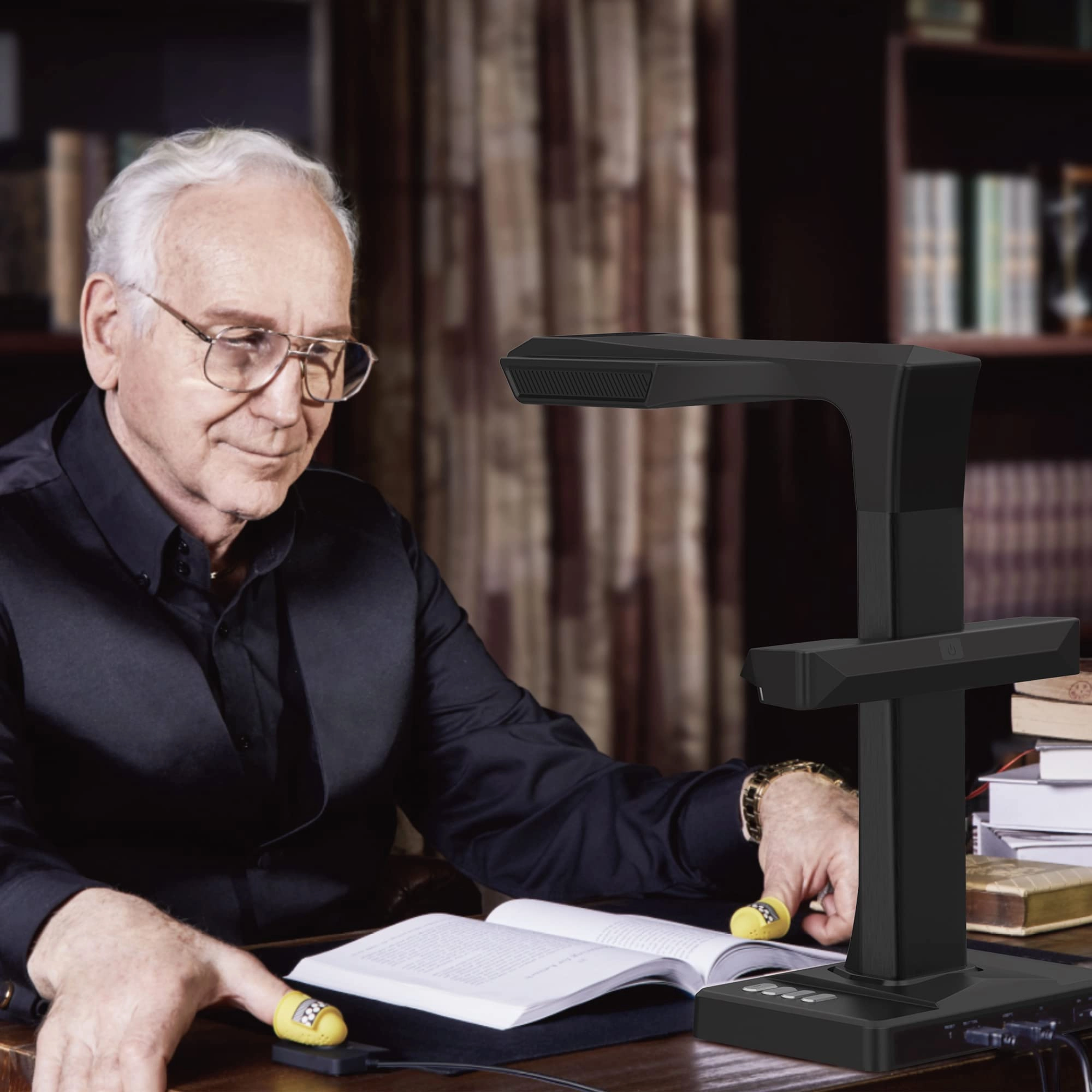
how to hold the book open using the plastic finger thingies that
are provided. You will need to learn at what speed you can scan.
This takes time, and you're going to mess up the first N scans.
But then your hands and foot (yes, it's operated with a foot
pedal) will get the hang of it, and your copies will come out
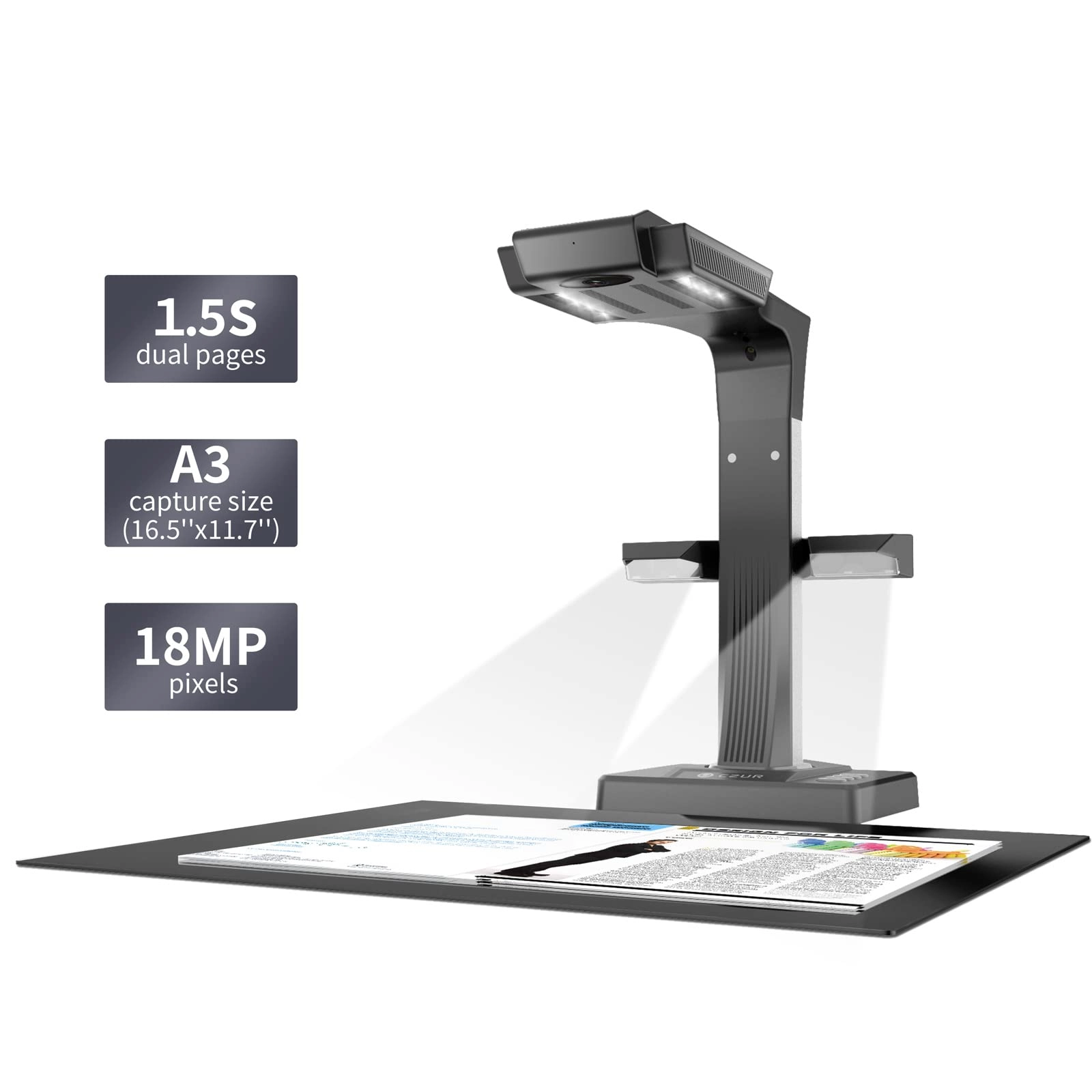
perfectly. Pros: - Less than 1.5 seconds for scanning two pages.
I don't know of any other scanner with this speed! - The foot
pedal is pure genius. That said, the pedal is too light, and the
cable is a bit on the short side. I'd rather they made the foot
pedal much heavier so that it would be stabler... - The software,
as clunky as it is, actually does a fantastic job when one needs
to replace sheets, and this can be done in much less time and
with no hassle. - The scanner lives up to its promise: You can
scan a 350+ page book in under 10-15 minutes, and get a perfectly
usable PDF file. - Even though the software lacks OCR for
right-to-left languages (Hebrew, Arabic, Farsi, etc), it does
handle right-to-left documents well in terms of splitting and
ordering pages in right-to-left books. - The scanner is very
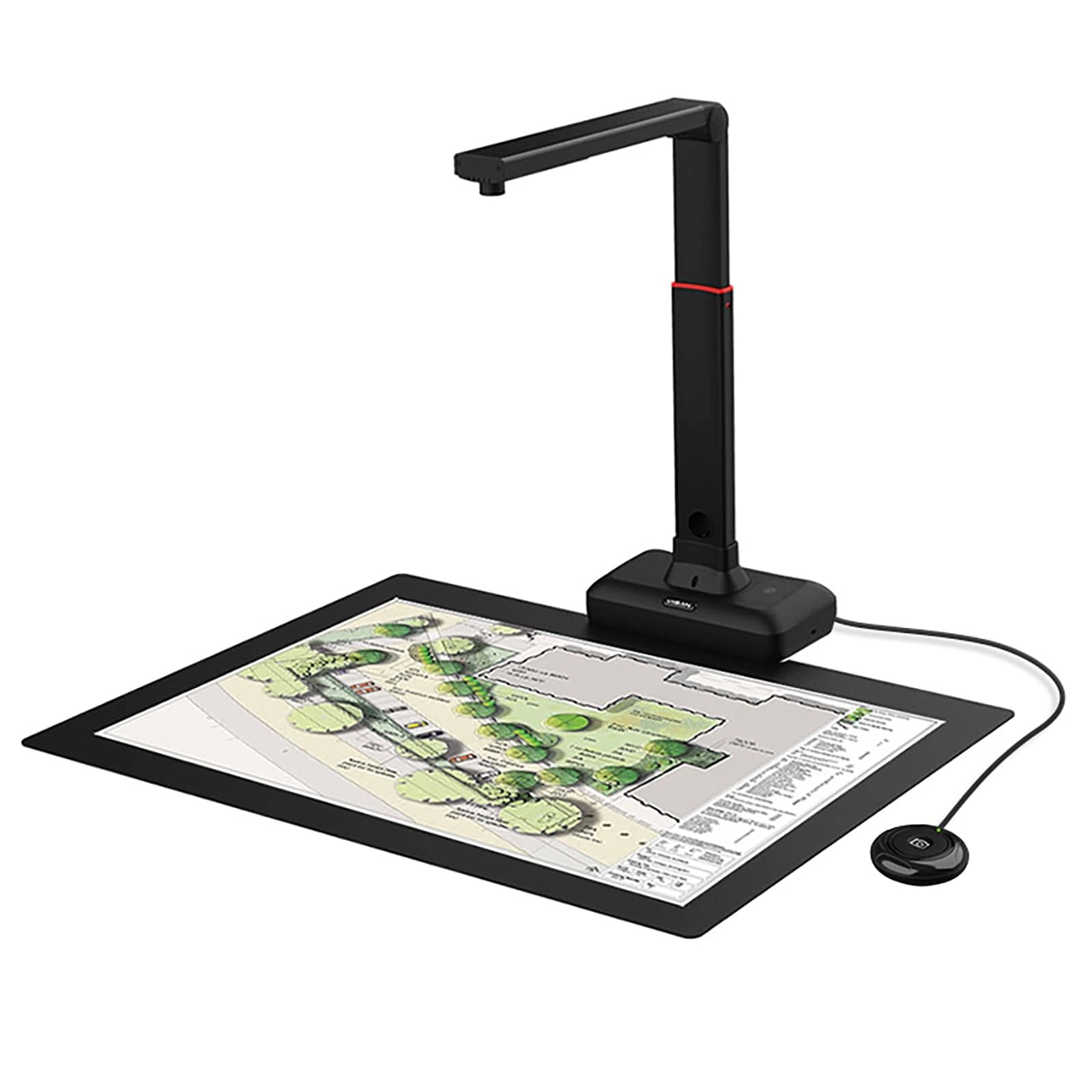
forgiving when it comes to page size: It handles page sizes from
very small to A3! If you check youtube, you'll find ways of using
this scanner for even larger documents, simply by elevating it a
bit above the scanning surface, using, e.g., a small stack of
books. The scanner lends itself to a crazy workflow & reading
schedule: - I scan books at full speed - While I scan books, I'm
listening to ebooks from my tablet - When I'm done scanning a
book, I add it to my tablet. ☺ I've increased my rate of reading
dramatically since I started using this scanner. My advice is to
get yourself tiny rubber thingies you can place on your finger,
to help you turn pages. They're dirt-cheap, available online on
aliexpress and ebay, and will really speed-up page-turning. If
you don't want to get these or can't find them, make your own by
cutting a finger off of an ordinary latex glove, and using it to
turn pages… In two days of casual scanning, I've managed to scan
well over 20 books, and read 4. This is becoming my weekend
hobby! If you love reading books, but are running out of physical
space for all the books you've collected, you really owe it to
yourself to have them scanned! You can fit thousands of books on
a micro-sd card in your tablet, and carry your library with you!
Reviews
Loading...
Loading...
Loading...
Loading...
Loading...
Loading...
Loading...
Loading...
Loading...
Loading...
Loading...
Loading...
Loading...
Loading...
Loading...
Loading...
Loading...
Loading...
Loading...
Loading...
Loading...
Loading...
Loading...
Loading...
Loading...
Loading...
Loading...
Loading...
Loading...
Loading...
Loading...
Loading...
Loading...
Loading...
Loading...
Loading...
Loading...
Loading...
Loading...
Loading...
Loading...
Loading...
Loading...
Loading...
Loading...
Loading...
Loading...
Loading...
Loading...
Loading...
Loading...
Loading...
Loading...
Loading...
Loading...
Loading...
Loading...
Loading...
Loading...
Loading...
Loading...
Loading...
Loading...
Join our newsletter
Be the first to know about new arrivals, sales, and exclusive picks
Sign in to unlock newsletter access and stay in the loop