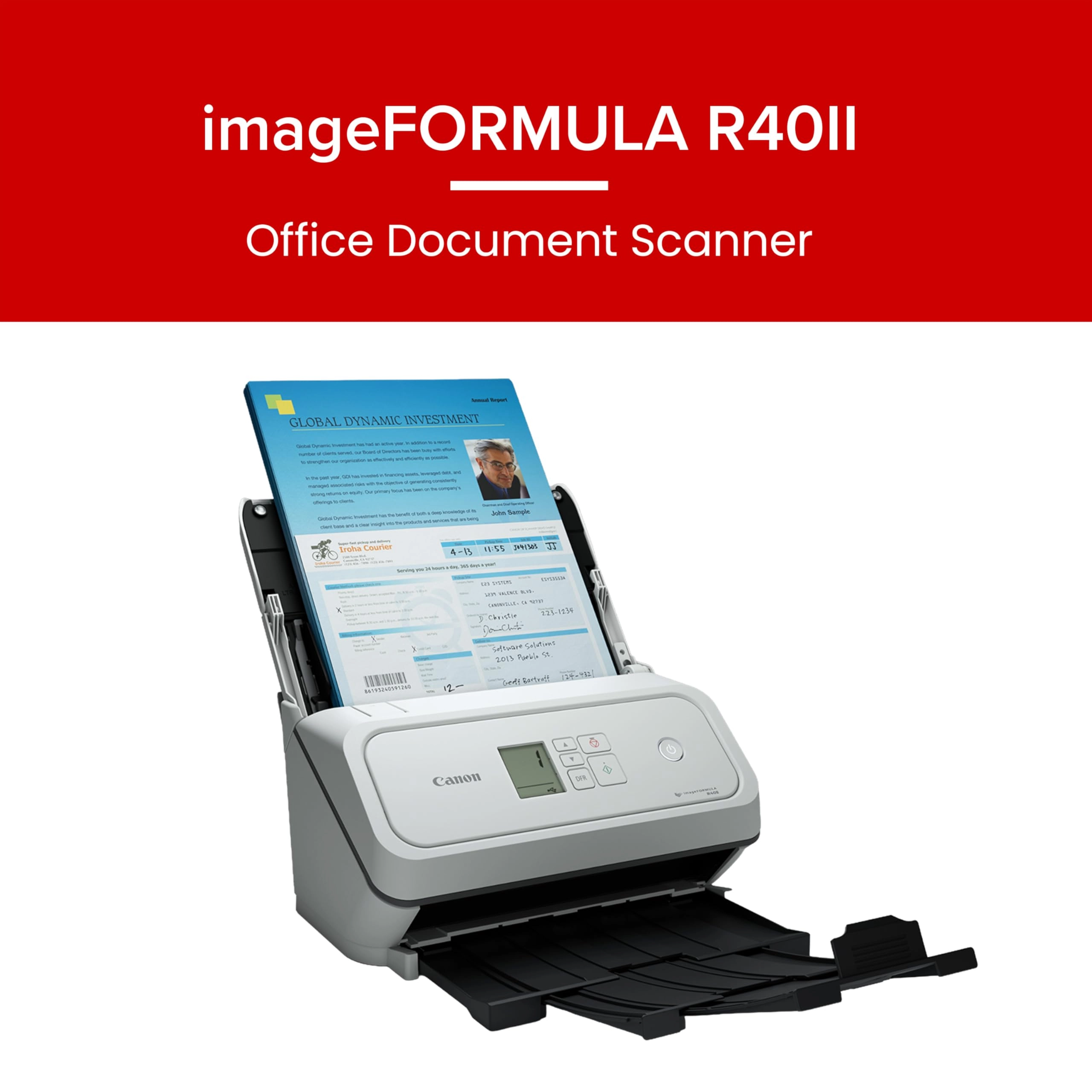
Canon imageFORMULA R40II
Best offer
AED
1 79100
AED
2 16100
-17%
Key Features
- Scanner type: Document
- Weight: 3197.82621g
Specifications
Weight & dimensions
Weight
3197.83 g
Scanning
Scanner type
Document
Product Details
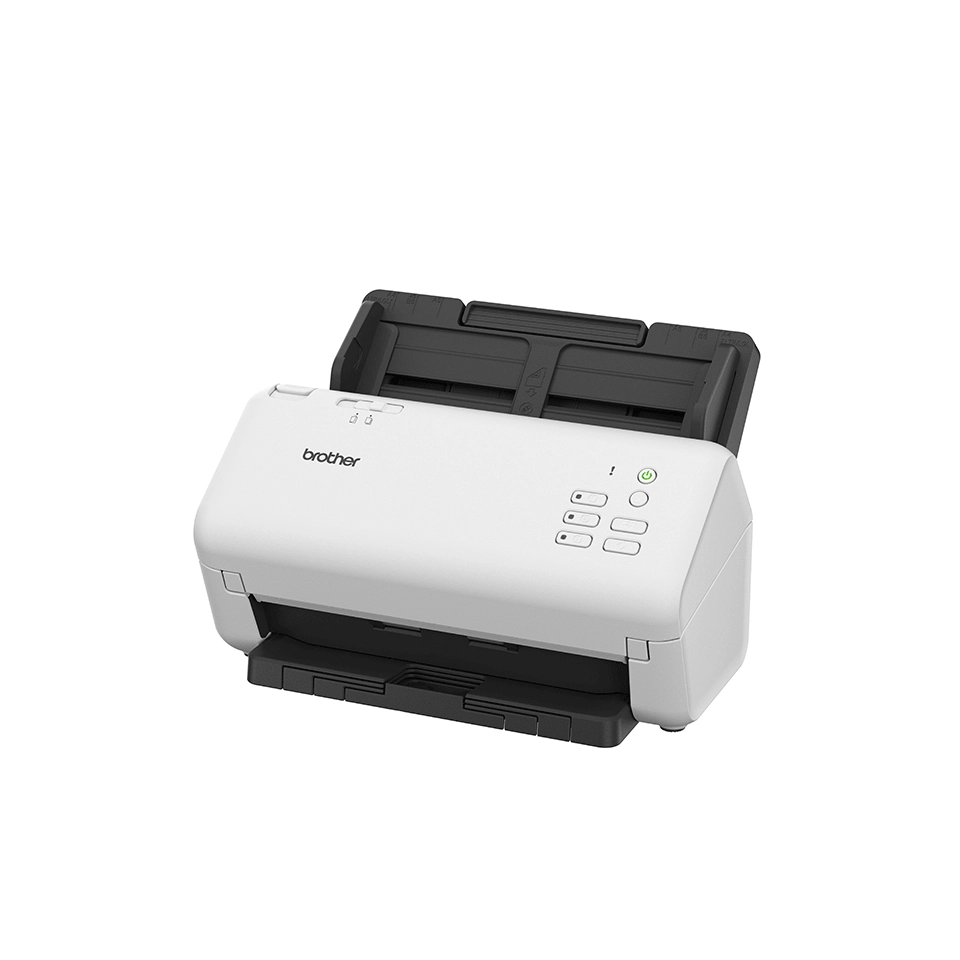
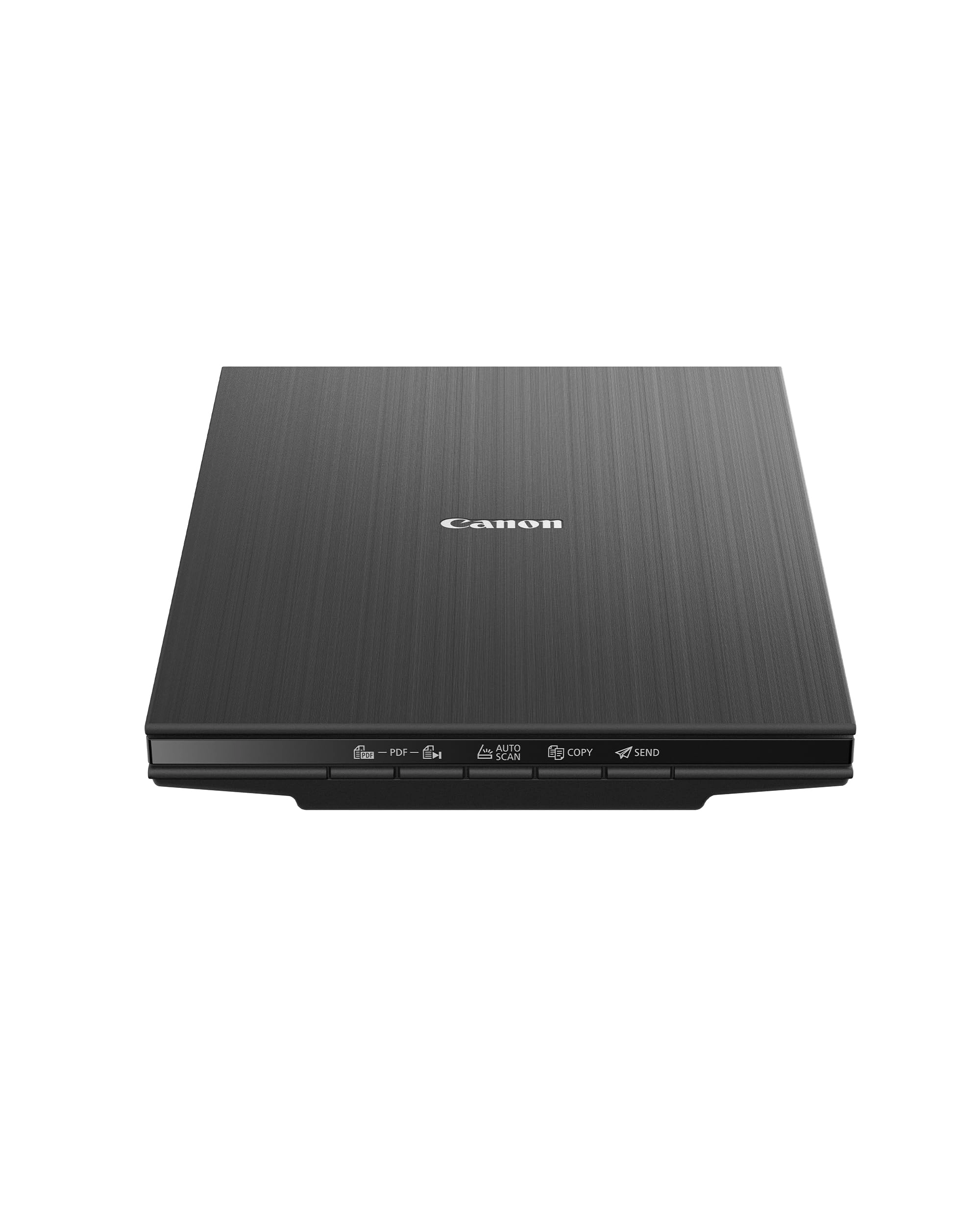
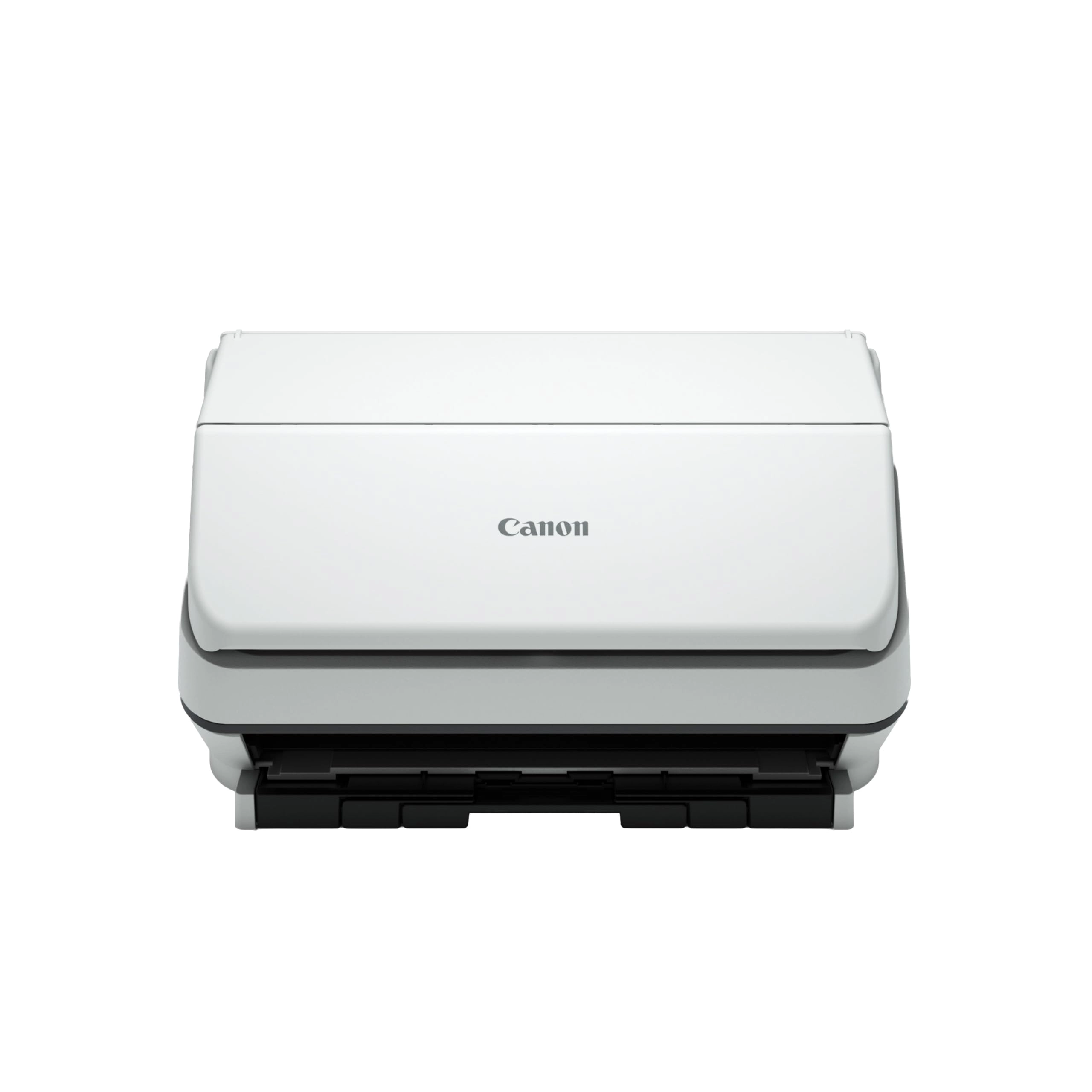
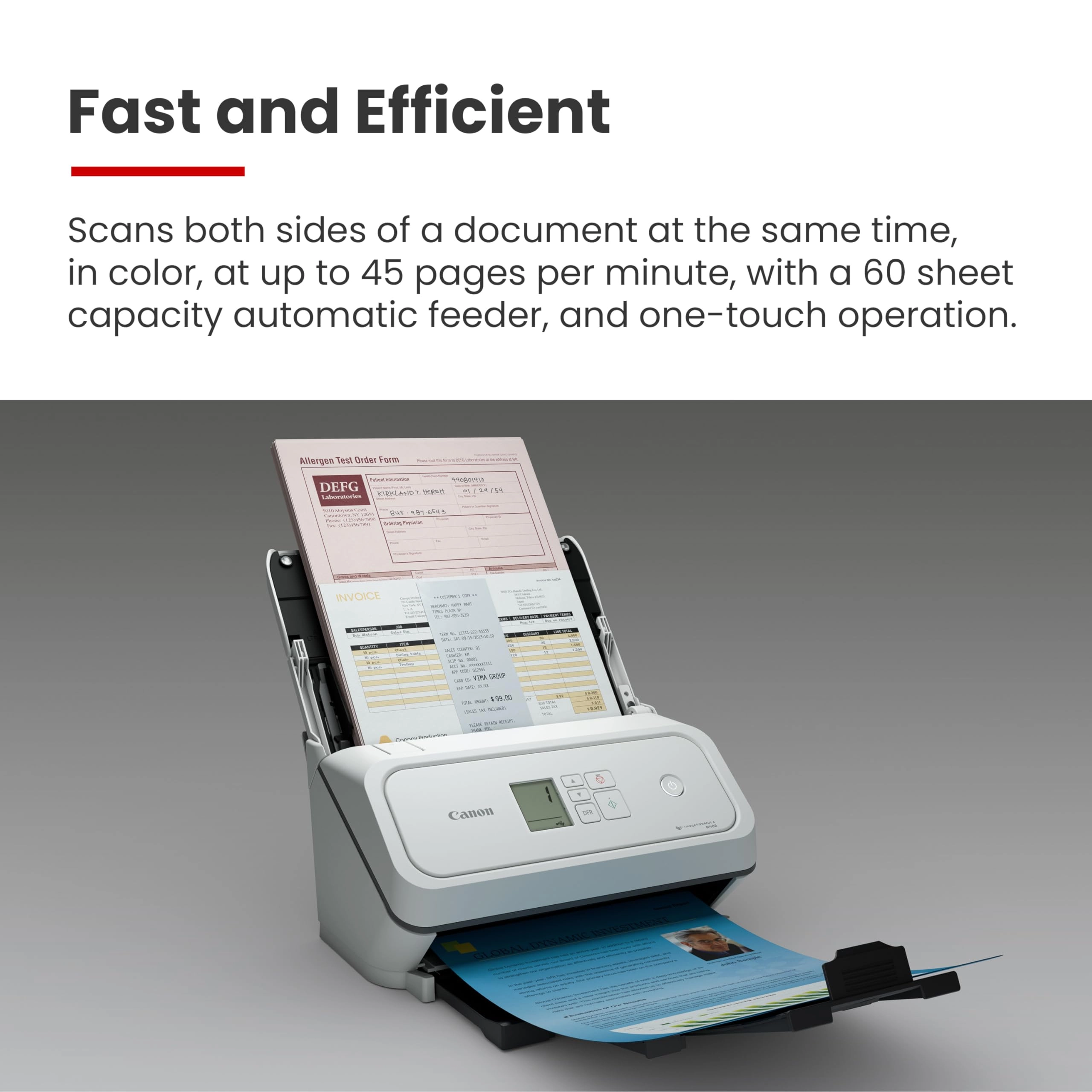
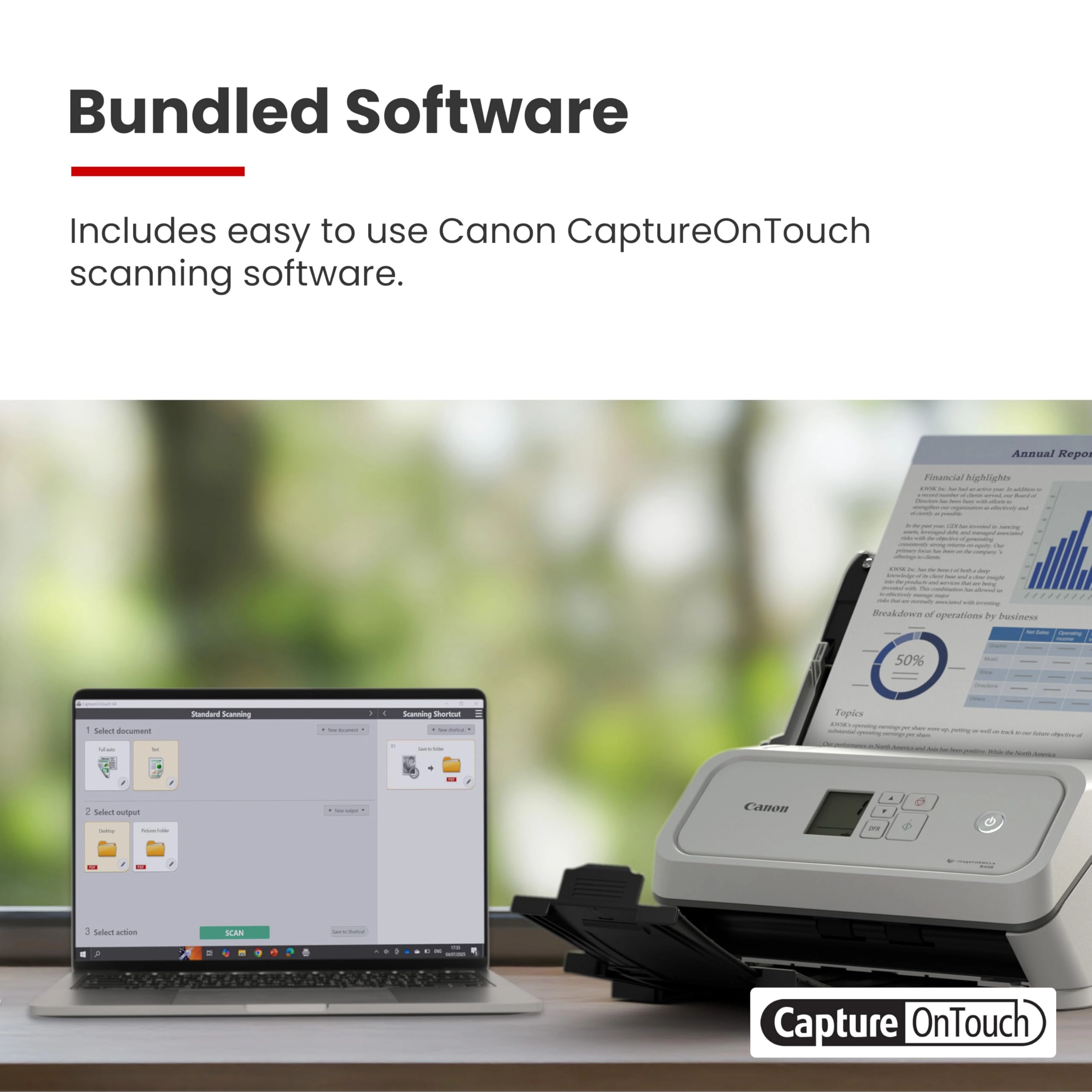
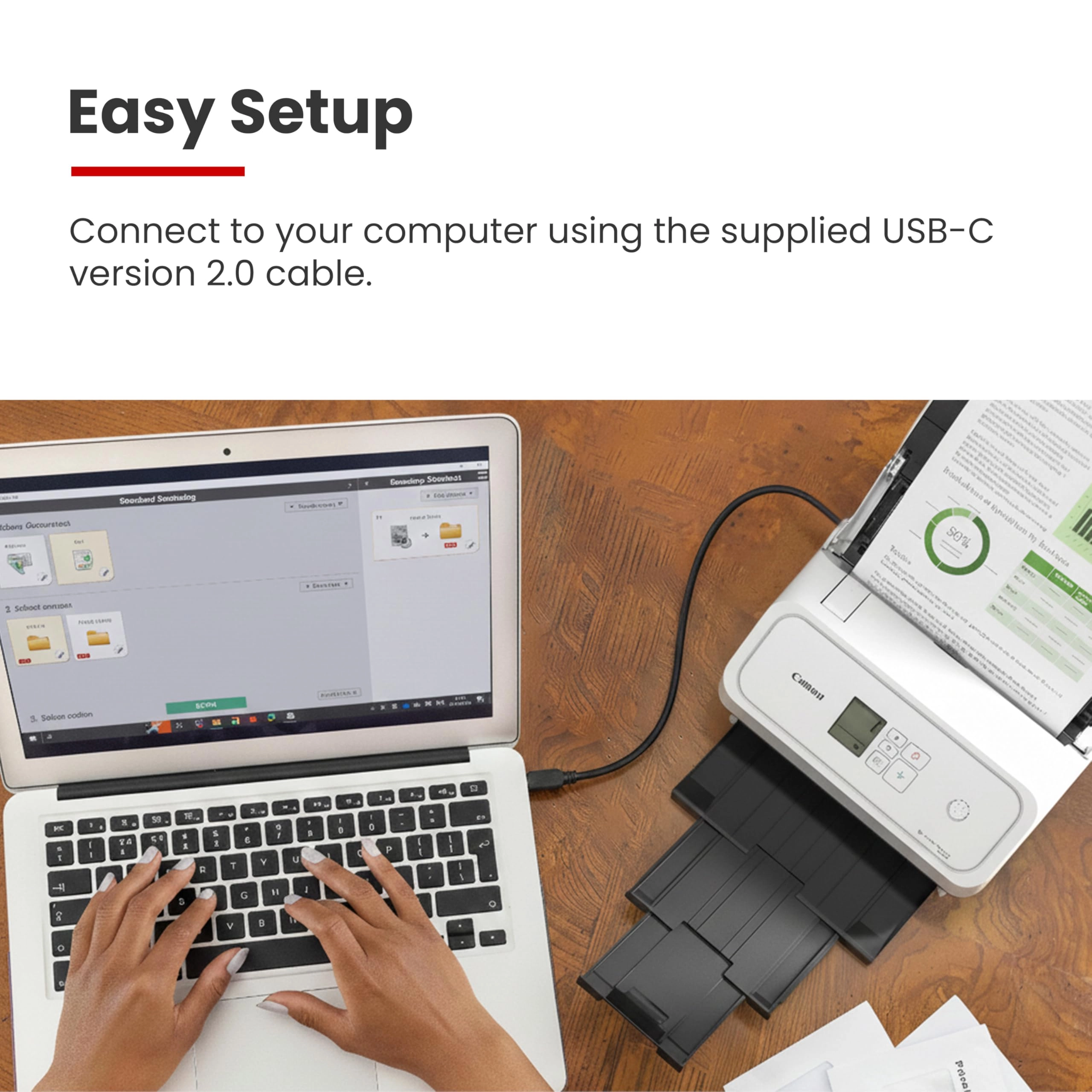
The Canon imageFORMULA R40II office document scanner is simple to
set up and easy to use. It is designed to help you increase
productivity and organization at home or in the office. The R40II
offers a compact body style and features a foldable paper feed
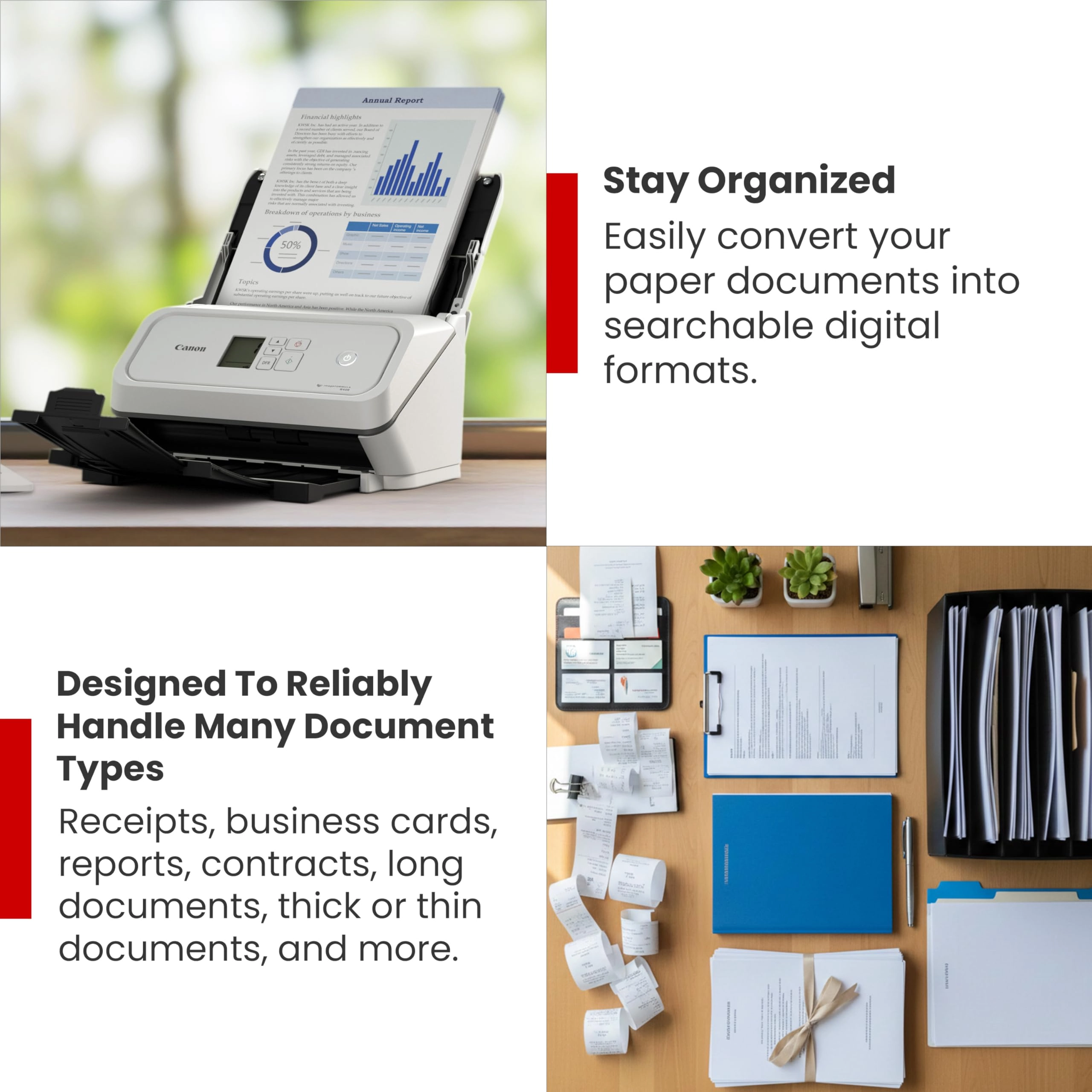
tray to help optimize your desk space. It quickly converts many
types of paper documents into searchable digital files.
Successors to the R40 scanner.
Review: Great Scanner - This doesn’t print — it’s strictly a
scanner — but it’s excellent for documents and very fast. Works
well for photos too, easy to use, and definitely recommend it.
Review: Great little home scanner. Worth the price if you have a
lot of scanning to do. Back up to 5 stars - My old laptop died
that I used to use this scanner on with no issues (I think it was
originally Windows 7 that was upgraded to Windows 10). My new
desktop has Windows 11 and each time I want to use the scanner, I
have to re-install the TWAIN software to get the scanner to work
as the software 'forgets' what scanner is attached to the
computer. After I finish using the scanner and some unknown
amount of time passes, the software 'forgets' again what scanner
it is connected so and I have to re-install the software the next
time I want to use it. Totally unacceptable and no workaround
seems to be available from Canon other than to keep reinstalling
the software each time I want to use the scanner. I would have
returned the scanner if this has happened from the word go. Put
the rating back up to 5 star after I deleted the Canon scanner
software on my computer and re-installed it completely. Voila, no
more losing the connection between the software and the scanner.
Yeah, for all the years I've been using computers, I should have
thought of removing and re-installing the software. With that
issue gone, it's a really nice scanner especially for scanning
significant numbers of pages. I was looking for a printer so I
could put several boxes of old engineering paperwork into
electronic format. So far, I've been really impressed with the
R40. I can scan with my current printer but it's sloooooow, noisy
and less than stellar quality. Definitely not a candidate for
what I wanted to do. Setup was easy. You have to download the
software which is 525 Mb. I missed the note on the download page
directing US customers to an download link. My download speeds
weren't great but it did come down. Installation went with no
problem. Pros 1. Fast. The first time I ran about 4 or 5 pages
through it, the scanner was set on 200 dpi greyscale and the
pages just whipped through the feeder. I thought both sides could
not have scanned but everything was there. Even on 300 dpi color
it's pretty fast (max is 600 dpi). Compared to the scanner built
into my printer, it's another whole other level of speed. I can't
prep the next batch in time to keep up with the scanner. 2. The
scanner says it will rotate pages into the correct orientation
and overall it does a really good job. I finally found the
section in the scanner software that allowed me to rotate a page
that scanned in the wrong orientation (having it worked into a
right mouse click with some other options would be useful Canon).
I want to do some more testing but a couple of tests I did with
flipping some pages or putting all the pages in upside down had
them all come up in the right orientation (as mentioned, I had
some early problems with some scans but that doesn't seem to be
an issue now). 3. Handles flimsy magazine paper with no real
problems. Ragged edges don't appear to be a problem but any
amount of glue from the backing left on the pages and they don't
feed properly causing a jam. Any amount of glue is bad. If you
run your fingers down the edge and can feel bumps, remove it,
trim the edges, whatever. If you can see a flat line of glue,
trim it off. Sometimes it will feed, sometimes it won't. 4.
Compact, nice small size. With the document feeder installed and
extended as well as the output tray, it's about 12" high by 15"
deep by 11" wide. Remove the feeder the retract the tray and the
dimensions are about 7.5" high by 6.5" deep by 11" wide. 5. All
necessary cables are provided. Small point maybe but there's
nothing more annoying than getting a new toy and finding out you
need to go out for a cable. While many of use have boxes of old
cables, that doesn't mean we will have the right one. 6. Return
shipping is included if I need to return it or don't like it, I
don't think that's going to be an issue. Return shipping can be a
nasty surprise. 7. The power supply handles 100V to 240V, doubt I
will take it on a trip overseas but it's a nice feature to have.
Cons: 1. The software version of the manual is useless. I had
pages that were upside down and do you think 'rotate' or 'rotate
pages' came up with useful information? If you said yes, you be
wrong. 2. I finally figured out how to scan and then get the file
written to my hard drive by setting up a one-touch button. Before
that, sometimes when I hit 'finish', the file would write to my
hard drive, other times it would not or I had no clue where it
went to. Drove me crazy at first and really slowed down the
overall speed. 3. Does an okay job on pictures but if I was going
to scan a lot of pictures, this would not be the scanner I would
pick. I didn't take anything off my rating as that was not my
purpose in buying this scanner but I'll note it. 2023 comment
Last point I'll add is when we came back from a 6 month cruise I
decided to save all the daily cruise reports just in case I
wanted to go back some time and see what we did on some day. It
didn't take very long to scan that many pages, even less when I
changed from full color to greyscale which was more than adequate
for what I wanted. Full color looks good but does make some big
files though that's not much of an issue given the multi Tb hard
drives that you can get now.
Reviews
Loading...
Loading...
Loading...
Loading...
Loading...
Loading...
Loading...
Loading...
Loading...
Loading...
Loading...
Loading...
Loading...
Loading...
Loading...
Loading...
Loading...
Loading...
Loading...
Loading...
Loading...
Loading...
Loading...
Loading...
Loading...
Loading...
Loading...
Loading...
Loading...
Loading...
Loading...
Loading...
Loading...
Loading...
Loading...
Loading...
Loading...
Loading...
Loading...
Loading...
Loading...
Loading...
Loading...
Loading...
Loading...
Loading...
Loading...
Loading...
Loading...
Loading...
Loading...
Loading...
Loading...
Loading...
Loading...
Loading...
Loading...
Loading...
Loading...
Loading...
Loading...
Loading...
Loading...
Join our newsletter
Be the first to know about new arrivals, sales, and exclusive picks
Sign in to unlock newsletter access and stay in the loop