Allware
Loading...
  • News
  • Price drops
  • New arrivals
  • Featured categories
  1. Computers & Peripherals
  2. Monitors & Accessories
  3. Monitors
  4. Computer Monitors
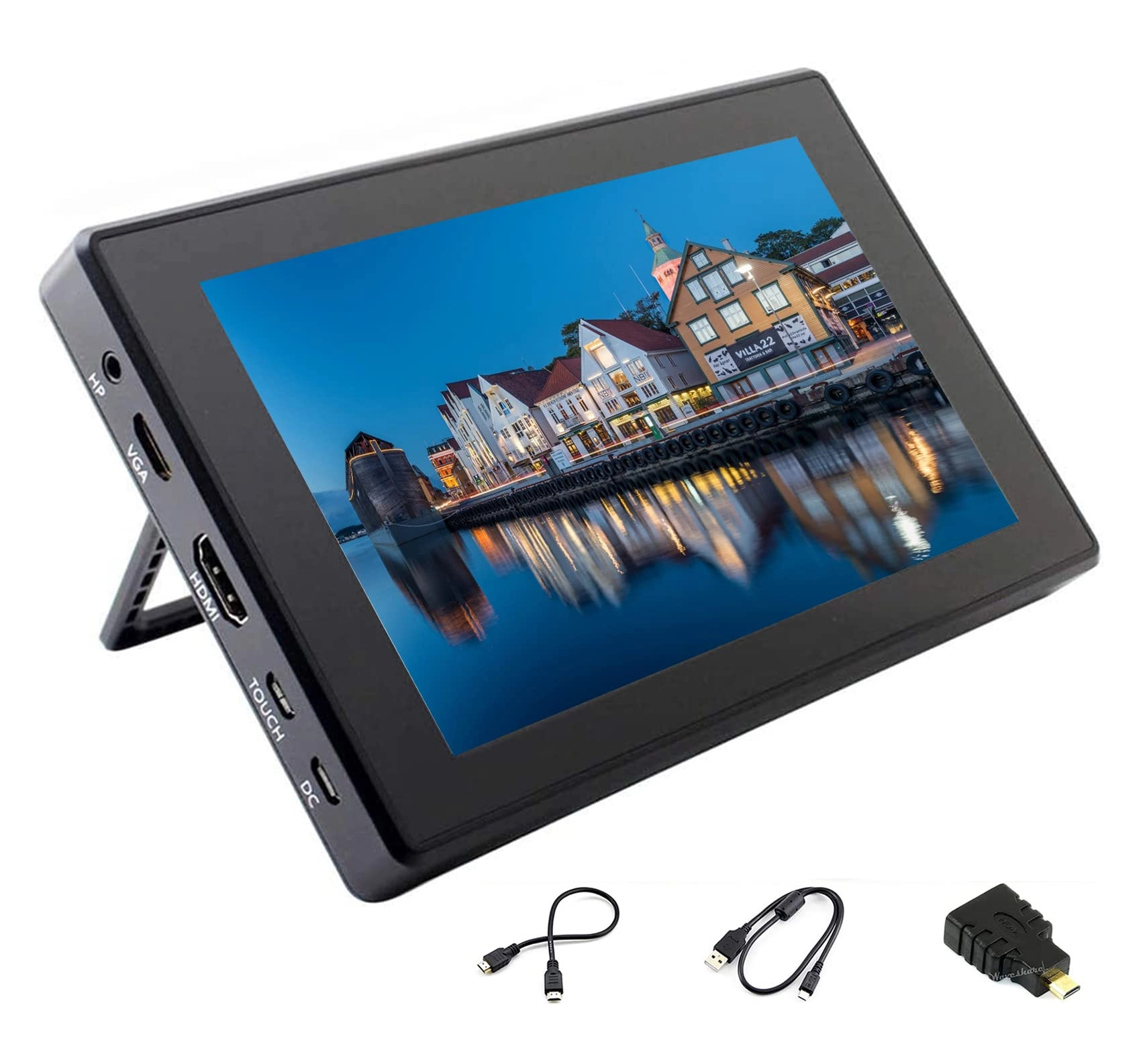
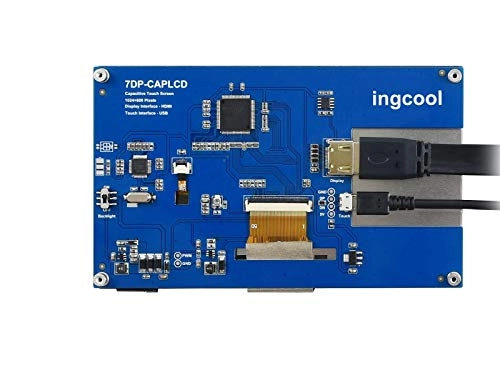
7DP-CAPLCD - 1024x600 7 Inches

Ingcool 7DP-CAPLCD - 1024x600 7 Inches

Best offer
AED
22415

Key Features

  • Resolution: 1024 x 600pixels
  • Colour name: 7DP-CAPLCD
  • Aspect ratio: 16:9
  • HDMI ports quantity: 1
  • USB 2.0 ports quantity: 1
  • Resolution: 1024
  • Weight: 300g
  • Batteries included: No
  • Native aspect ratio: 16:9
  • Display diagonal: 7"
  • Display resolution: 1024 x 600pixels
  • Series: 7DP-CAPLCD
  • Offers
  • Price History
  • Specifications
  • Product Details
  • Review IconReviews

Specifications

Features

Display diagonal
7 "
Resolution
1024 x 600 pixels
Colour name
7DP-CAPLCD
Aspect ratio
16:9

Weight & dimensions

Weight
300 g

Display

Display resolution
1024 x 600 pixels
Native aspect ratio
16:9

Packaging content

Batteries included
✗

Ports & interfaces

HDMI ports quantity
1
USB 2.0 ports quantity
1

Technical details

Series
7DP-CAPLCD
Resolution
1024

Product Details

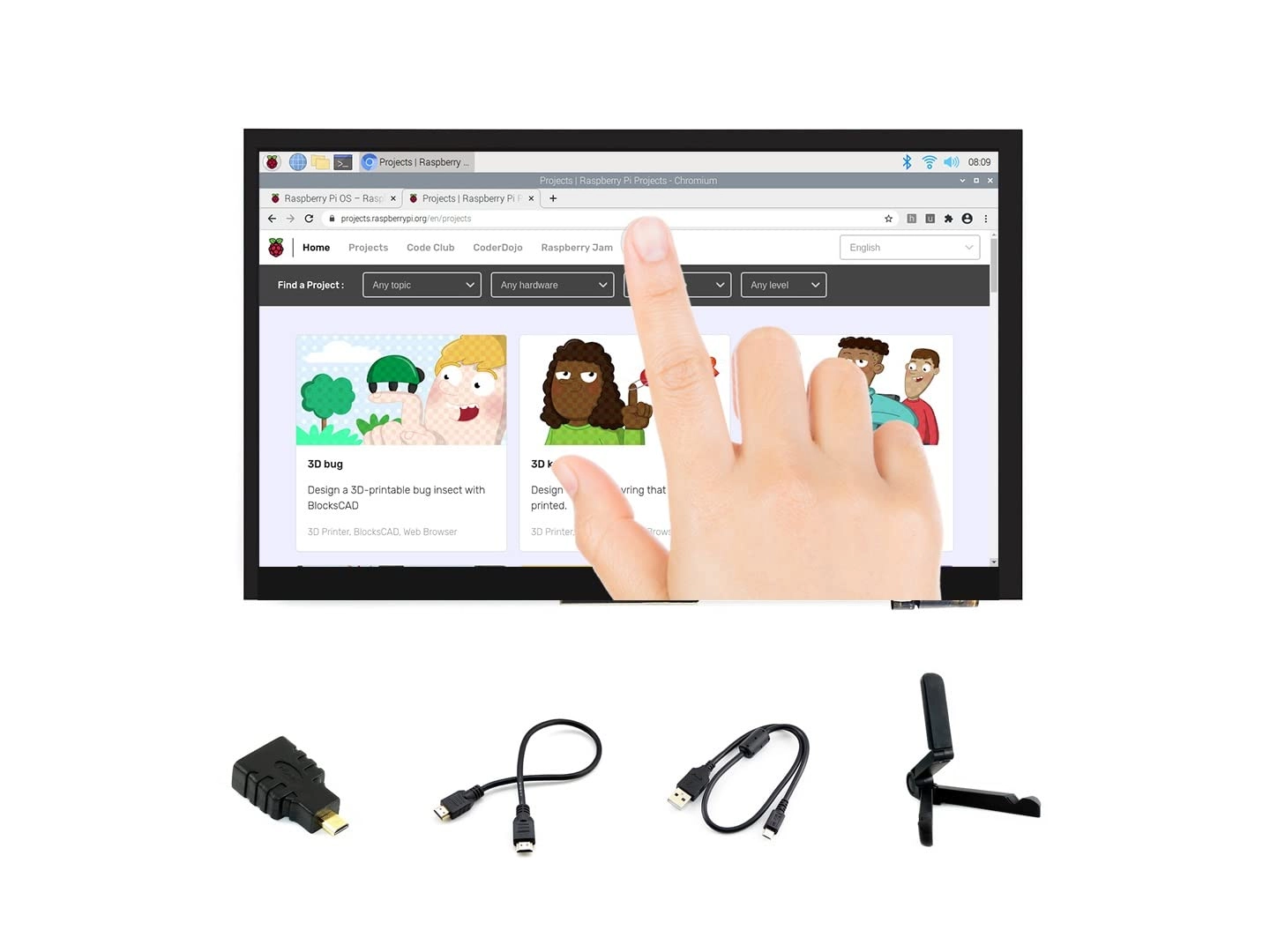
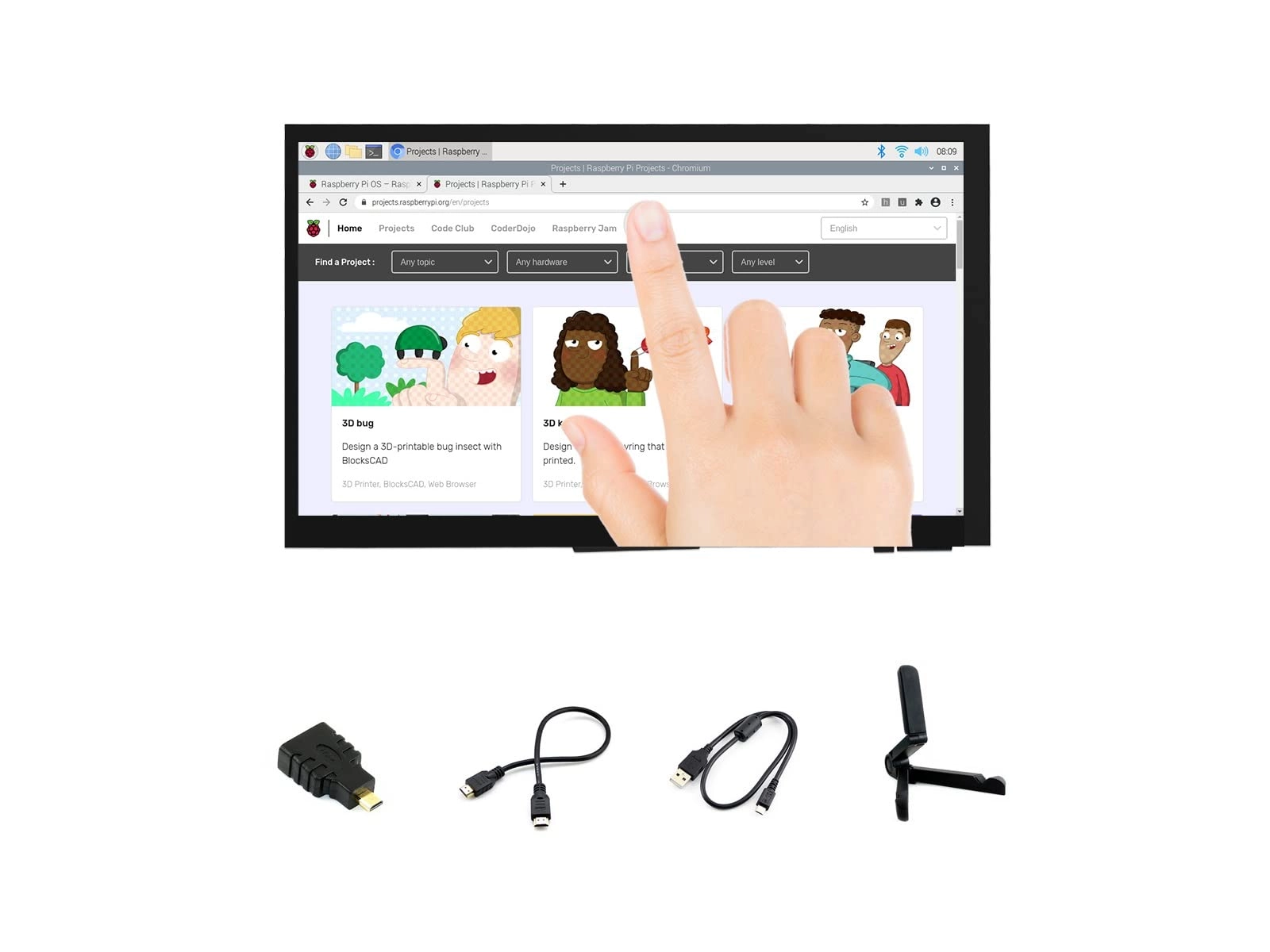
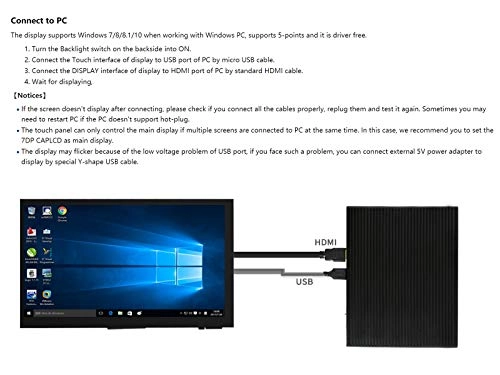
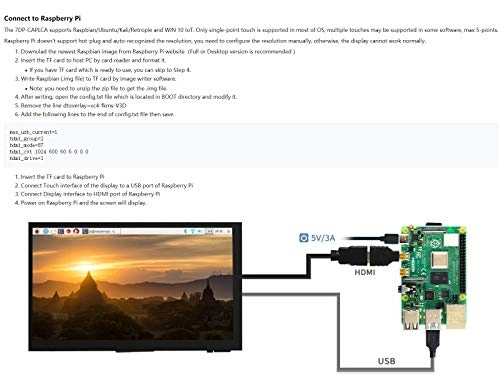
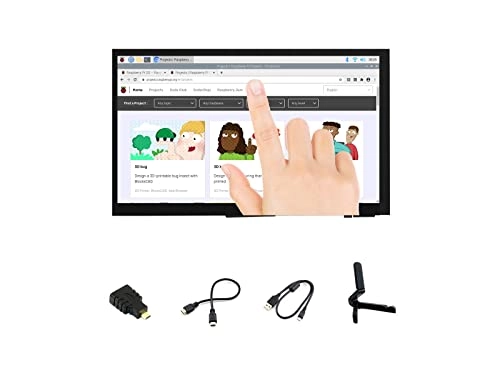
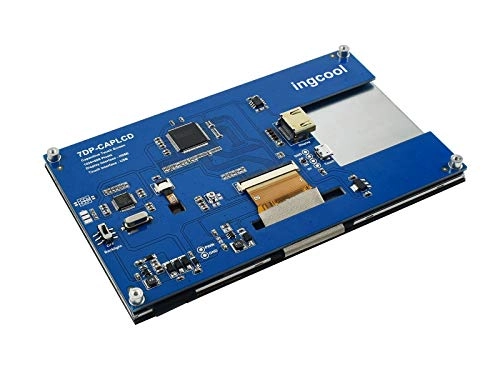
Connect to Raspberry Pi The 7DP-CAPLCA supports Raspbian/Ubuntu/Kali/Retropie and WIN 10 IoT. Only single-point touch is supported in most of OS, multiple touches may be supported in some software, max 5-points. Raspberry Pi doesn't support hot-plug and auto-recognized the resolution, you need to configure the resolution manually, otherwise, the display cannot work normally. 1.Downolad the newest Raspbian image from Raspberry Pi website(Full or Desktop version is recommended ) 2.Insert the TF card to host PC by card reader and format it. If you have TF card which is ready to use, you can skip to Step 4. 3.Write Raspbian (.img file) to TF card by image writer software. Note: you need to unzip the zip file to get the .img file. 4.After writing, open the config.txt file which is located in BOOT directory and modify it. 5.Remove the line dtoverlay=vc4-fkms-V3D 6.Add the following lines to the end of config.txt file then save.max_usb_current=1 hdmi_group=2 hdmi_mode=87 hdmi_cvt 1024 600 60 6 0 0 0 hdmi_drive=1 1.Insert the TF card to Raspberry Pi 2.Connect Touch interface of the display to a USB port of Raspberry Pi 3.Connect Display interface to HDMI port of Raspberry Pi 4.Power on Raspberry Pi and the LCD will display. Connect to PC The display supports Windows 7/8/8.1/10 when working with Windows PC, supports 5-points and it is driver free. 1.Turn the Backlight switch on the backside into ON. 2.Connect the Touch interface of display to USB port of PC by micro USB cable. 3.Connect the DISPLAY interface of display to HDMI port of PC by standard HDMI cable. 4.Wait for displaying Development Resources http://www.ingcool.com/wiki/7DP-CAPLCD?Amazon Note:Technical Support is provided.Please contact with us first if you have any problem.

Reviews

Loading...
Loading...
Loading...
Loading...
Loading...
Loading...
Loading...
Loading...
Loading...
Loading...
Loading...
Loading...
Loading...
Loading...
Loading...
Loading...
Loading...
Loading...
Loading...
Loading...
Loading...
Loading...
Loading...
Loading...
Loading...
Loading...
Loading...
Loading...
Loading...
Loading...
Loading...
Loading...
Loading...
Loading...
Loading...
Loading...
Loading...
Loading...
Loading...
Loading...
Loading...
Loading...
Loading...
Loading...
Loading...
Loading...
Loading...
Loading...
Loading...
Loading...
Loading...
Loading...
Loading...
Loading...
Loading...
Loading...
Loading...
Loading...
Loading...
Loading...
Loading...
Loading...
Loading...

Join our newsletter

Be the first to know about new arrivals, sales, and exclusive picks

Sign in to unlock newsletter access and stay in the loop

Allware
info@allware.com
+971522500911
World technology awards winner badge

Allware

  • About Us
  • Terms And Conditions
  • Privacy Policy
  • Contact Us

Partners

  • Why become a partner?
  • How to list your Online Shop?

Newsletter

  • Subscribe

Info

  • How Allware works
All Rights Reserved.
Please enable location access or select an emirate
-
00:00:00
Prayer timings

Product.Navigation.offersCount

Amazon logo

Product.OfferList.offerCount

From
AED
224

Ingcool 7 inch HDMI LCD 1024x600 Resolution Capacitive Touch Screen IPS Display Module Compatible with Raspberry Pi 4 3 2 1 B B+ A+, PC, Supports Windows 10/8.1/8 / 7

AED
22415

Price History

Price History Skeleton
Price History Shimmer Effect
Loading price history...

Similar Products

See all
Hosyond Small Monitor TFT LCD Display - 7 inch 1024X600

Hosyond Small Monitor TFT LCD Display - 7 inch 1024X600

AED
19485
ProductCard.offer
Excefore PC Sensor Panel Display - 8.8 inch 1920 × 480

Excefore PC Sensor Panel Display - 8.8 inch 1920 × 480

Unavailable
ProductCard.offer
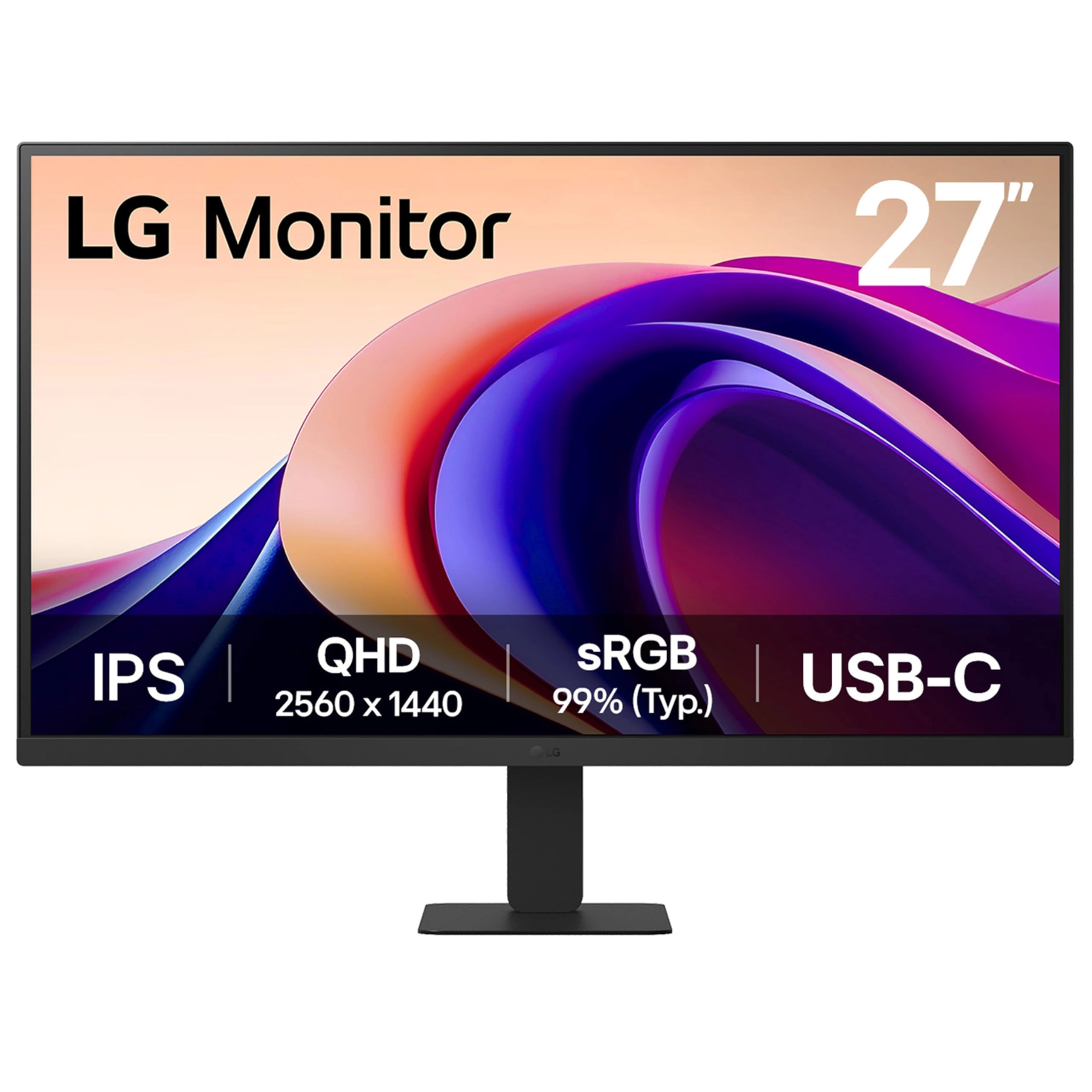
LG 27U631A-B - 27 Inches 2560x1440

LG 27U631A-B - 27 Inches 2560x1440

AED
94173
ProductCard.offer
Shenzhen Kenowa Electronics Co., LTD HD-116 - 11.6 Inches 1366x768

Shenzhen Kenowa Electronics Co., LTD HD-116 - 11.6 Inches 1366x768

AED
31481
ProductCard.offer
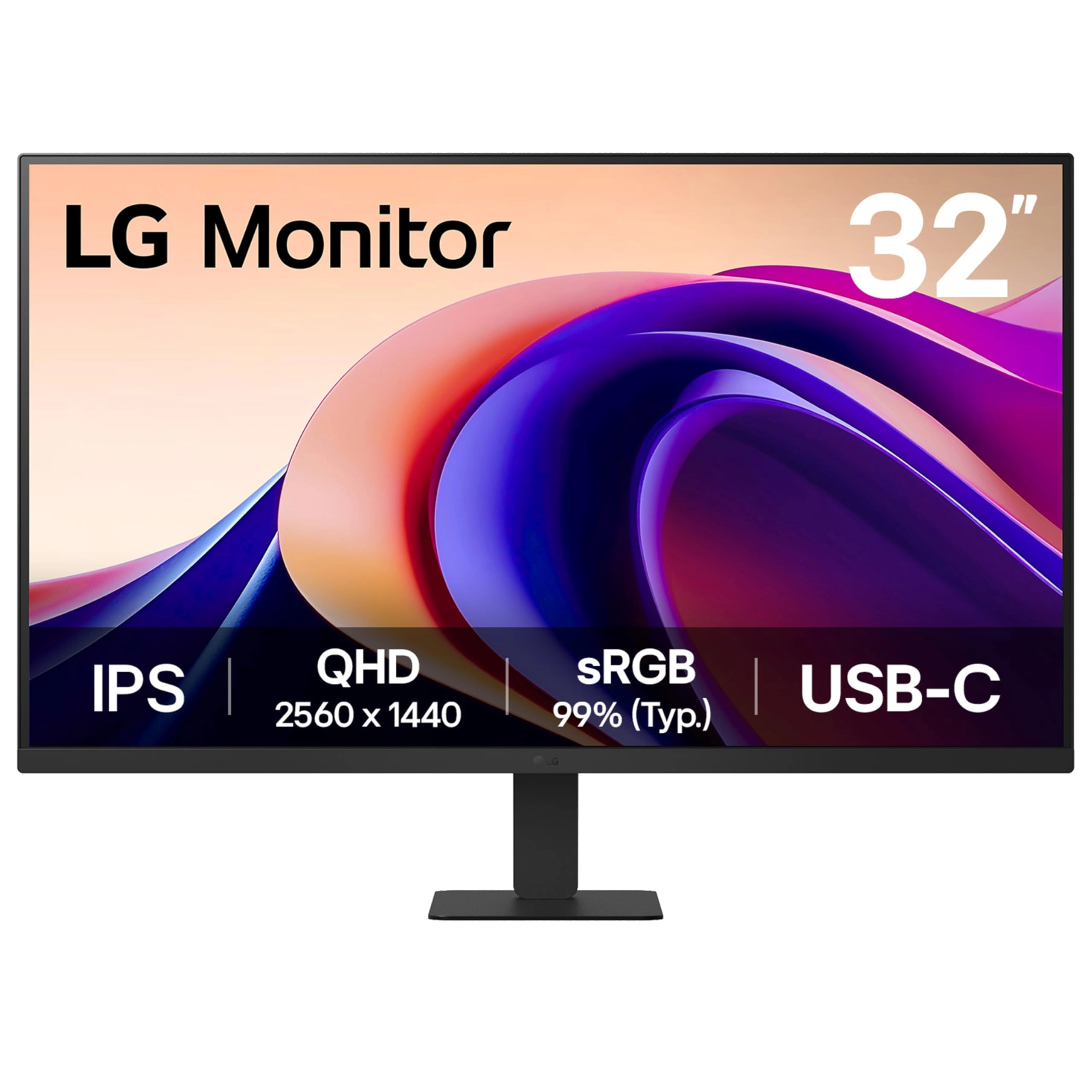
LG 32U631A-B - 32U631A-B.AEUQ 32 Inches 2560 x 1440 Pixels

LG 32U631A-B - 32U631A-B.AEUQ 32 Inches 2560 x 1440 Pixels

AED
1 17748
ProductCard.offer
Guangzhou Yisi Electronic Technology Co.Ltd FHD-215T - 21.5 Inches 1920x1080

Guangzhou Yisi Electronic Technology Co.Ltd FHD-215T - 21.5 Inches 1920x1080

AED
65119
ProductCard.offer
Shenzhen Kenowa Electronics Co., LTD Portable Monitor - 1920x1080 14 Inches

Shenzhen Kenowa Electronics Co., LTD Portable Monitor - 1920x1080 14 Inches

AED
54971
ProductCard.offer
IBest 7inch LCD Display (C) - 1024x600 7 Inches

IBest 7inch LCD Display (C) - 1024x600 7 Inches

AED
24565
ProductCard.offer
OUNA LCD Monitor - 3.5 Inches

OUNA LCD Monitor - 3.5 Inches

AED
10069
ProductCard.offer
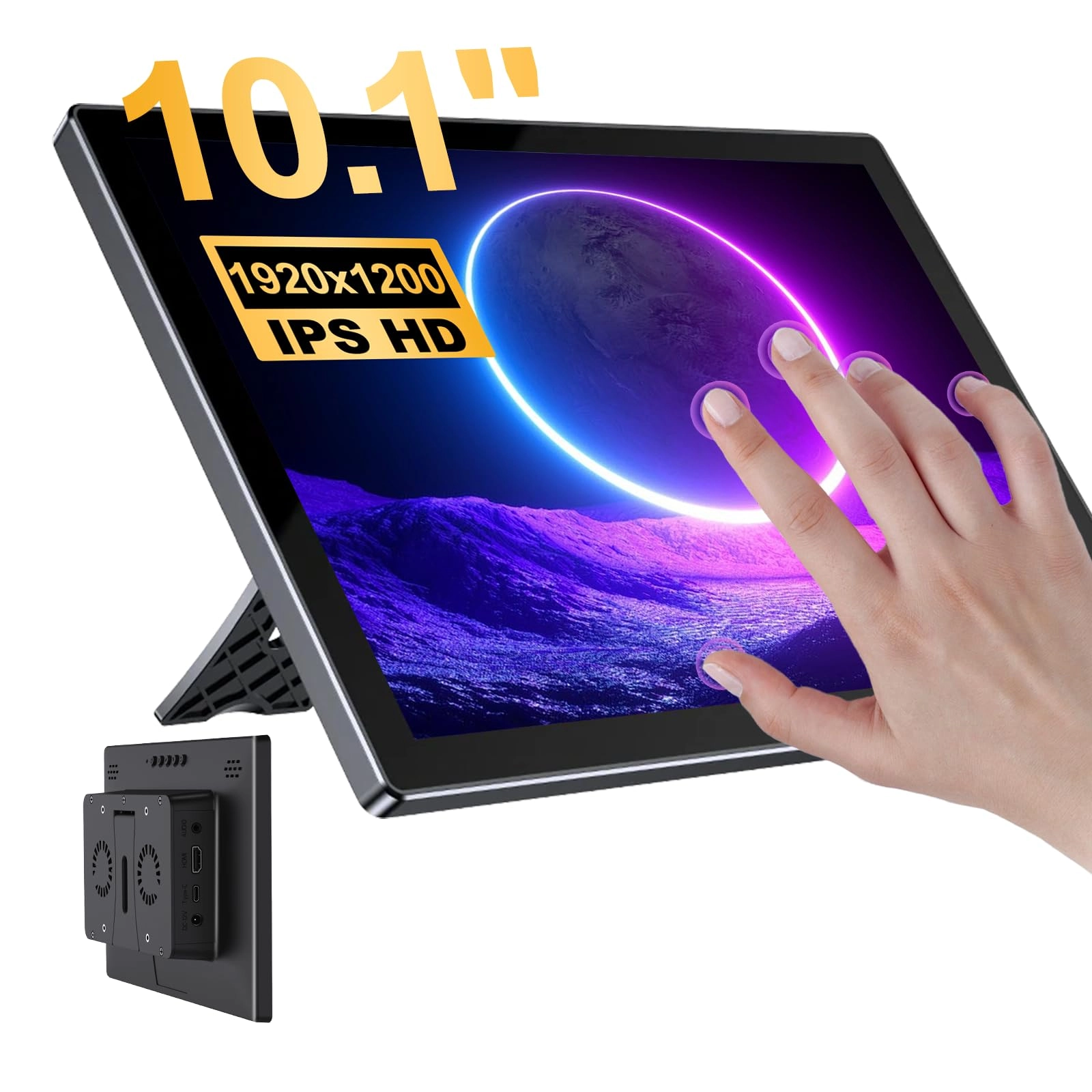
Gallagher Touchscreen for Raspberry Pi - 10.1'' 1920*1200

Gallagher Touchscreen for Raspberry Pi - 10.1'' 1920*1200

AED
77812
ProductCard.offer

More from Ingcool

See all
Ingcool 7inch HDMI LCD (H) - 7inch HDMI LCD (H) (with case) 7 Inches 1024x600

Ingcool 7inch HDMI LCD (H) - 7inch HDMI LCD (H) (with case) 7 Inches 1024x600

AED
31318
ProductCard.offer
Ingcool 7DP-CAPLCD - 1024x600 7 Inches

Ingcool 7DP-CAPLCD - 1024x600 7 Inches

AED
22415
ProductCard.offer
Ingcool 7IP-CAPLCD - 7 Inches 1024x600

Ingcool 7IP-CAPLCD - 7 Inches 1024x600

AED
22930
ProductCard.offer
Loading...
Loading...
Loading...
Loading...
Loading...
Loading...
Loading...
Loading...
Loading...
Loading...
Loading...
Loading...
Loading...
Loading...
Loading...
Loading...
Loading...
Loading...
Loading...
Loading...
Loading...
Loading...
Loading...
Loading...
Loading...
Loading...
Loading...
Loading...
Loading...
Loading...
Loading...
Loading...
Loading...
Loading...
Loading...
Loading...
Loading...
Loading...
Loading...
Loading...
Loading...
Loading...
Loading...
Loading...
Loading...