Allware
Loading...
  • News
  • Price drops
  • New arrivals
  • Featured categories
  1. Vehicles
  2. Motor Vehicle Electronics
  3. Dashcams
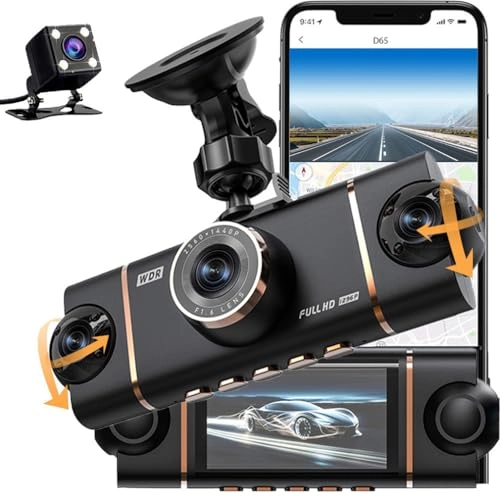
D65 - 1080p
D65 - 1080p
D65 - 1080p
D65 - 1080p
D65 - 1080p
D65 - 1080p
D65 - 1080p
D65 - 1080p
D65 - 1080p

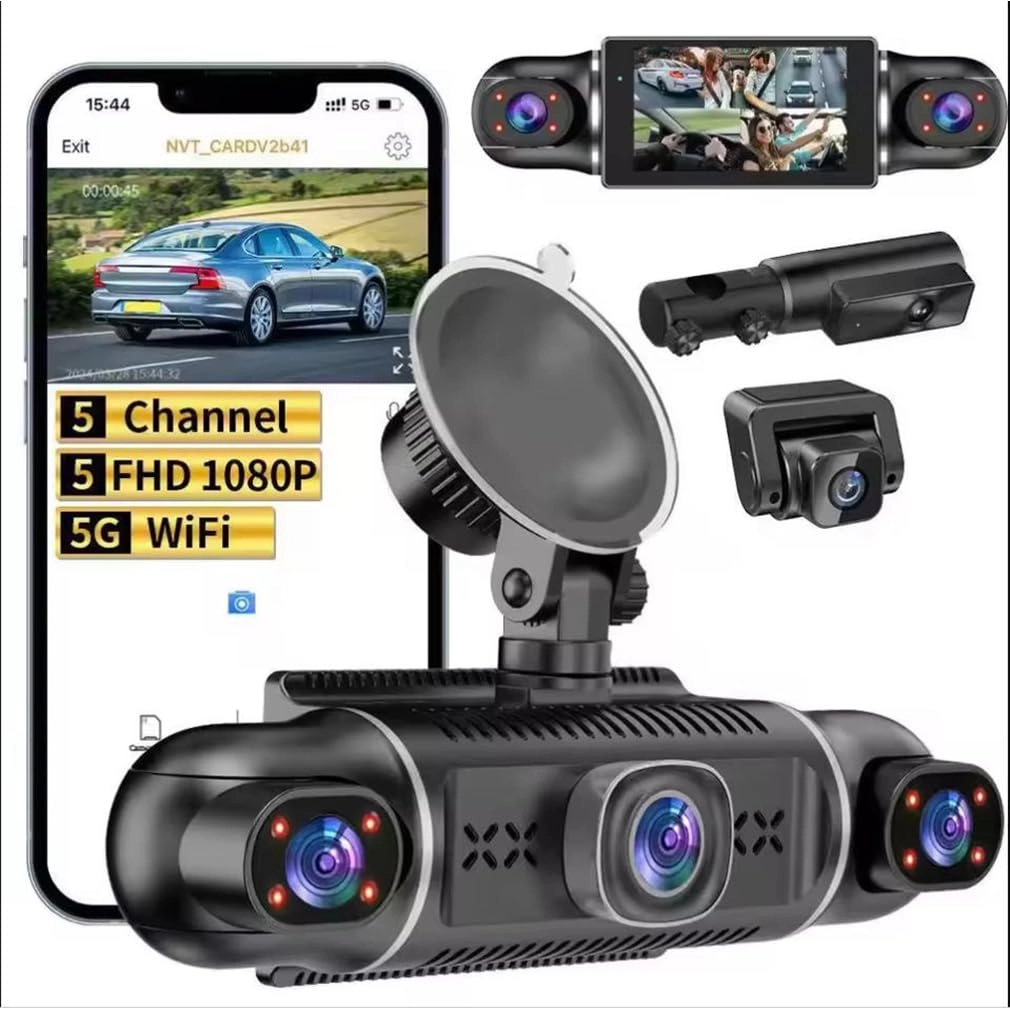
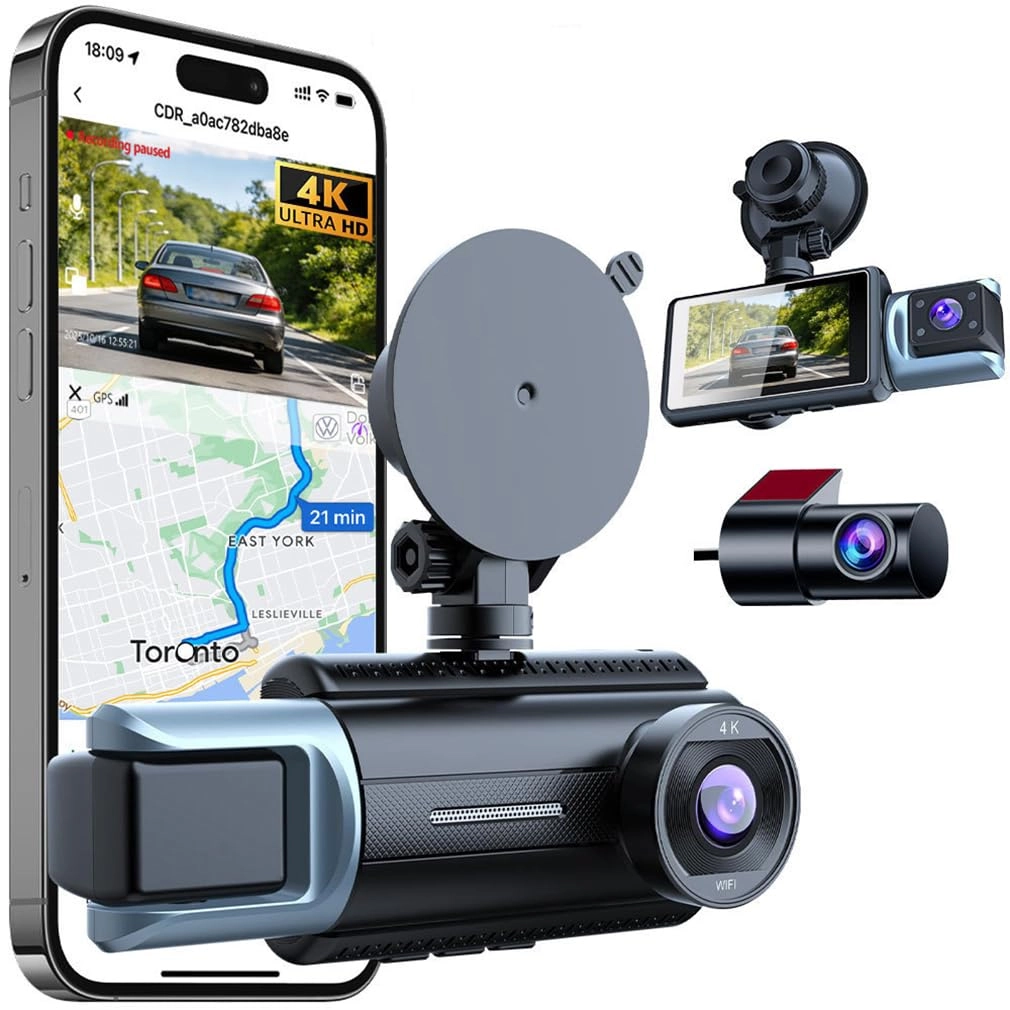
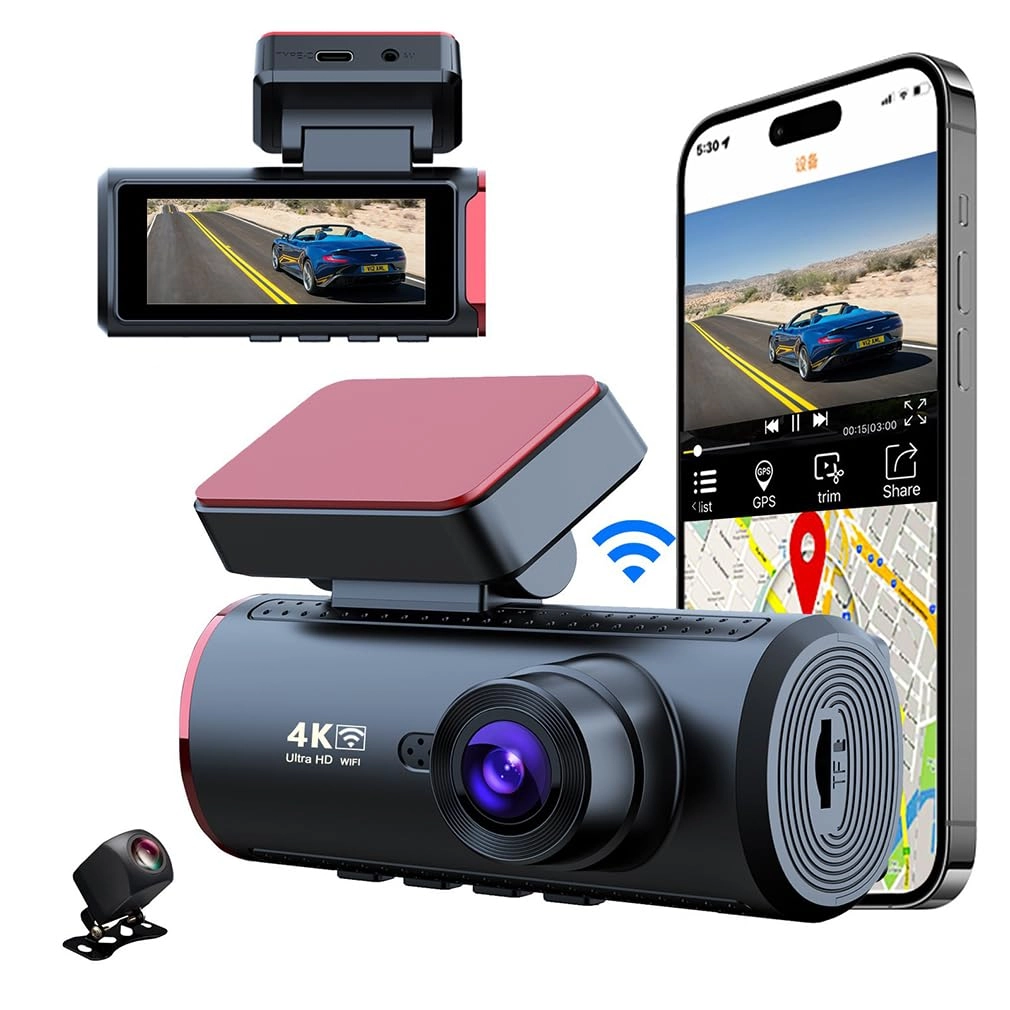
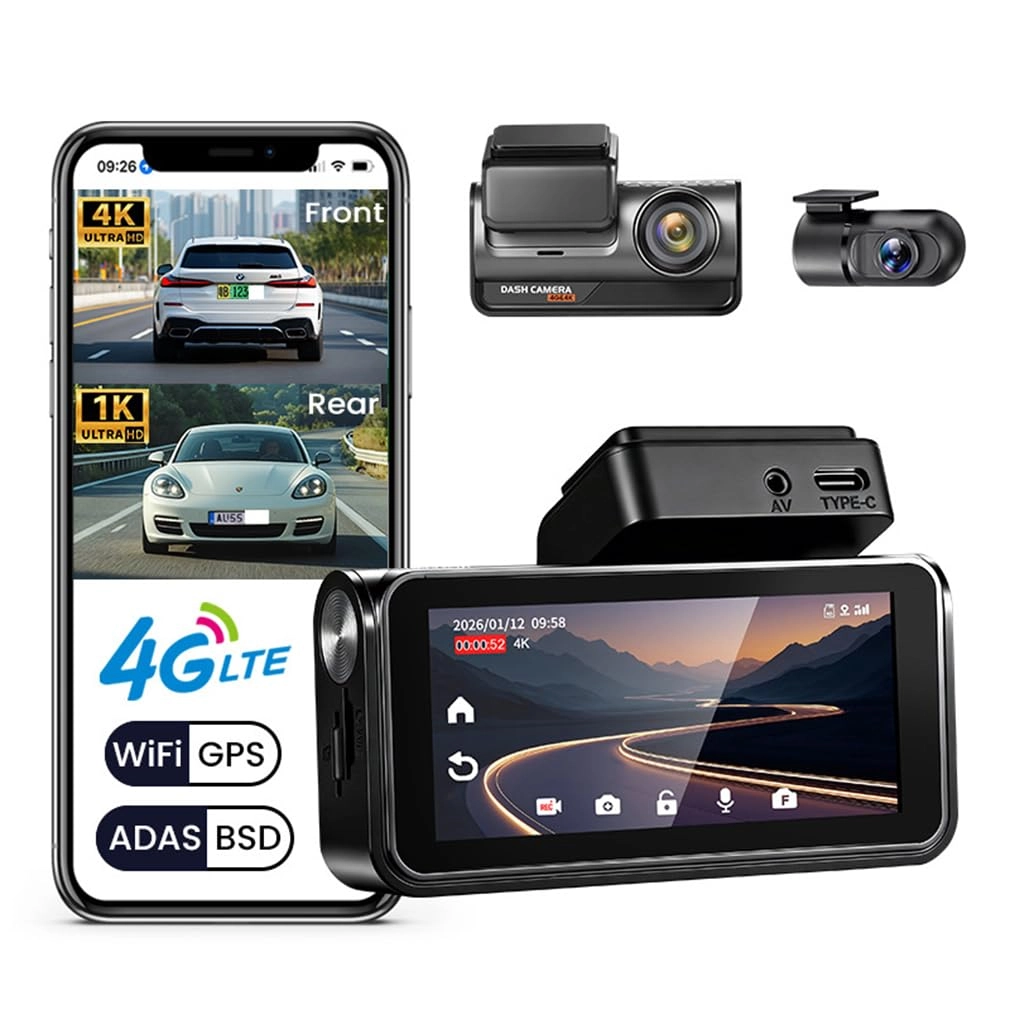
XRC TECH D65 - 1080p

Best offer
AED
25900

Key Features

  • Product dimensions: 500 g
  • Manufacturer: XRC TECH
  • Offers
  • Price History
  • Specifications
  • Product Details
  • Review IconReviews

Specifications

Supplier features

Manufacturer
XRC TECH

Weight & dimensions

Product dimensions
500 g

Product Details

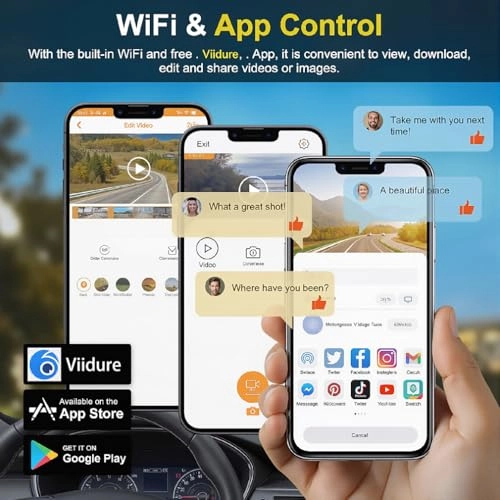
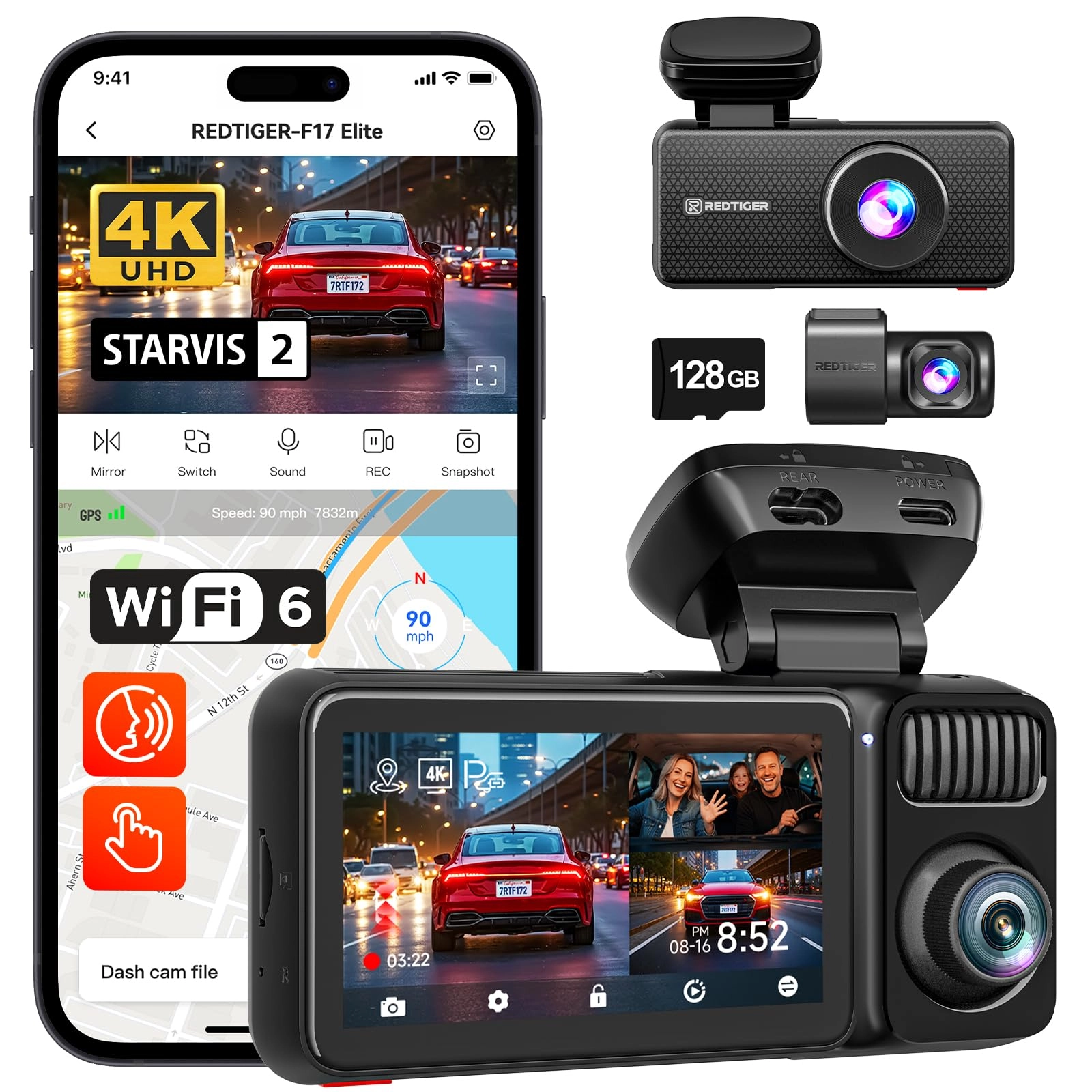
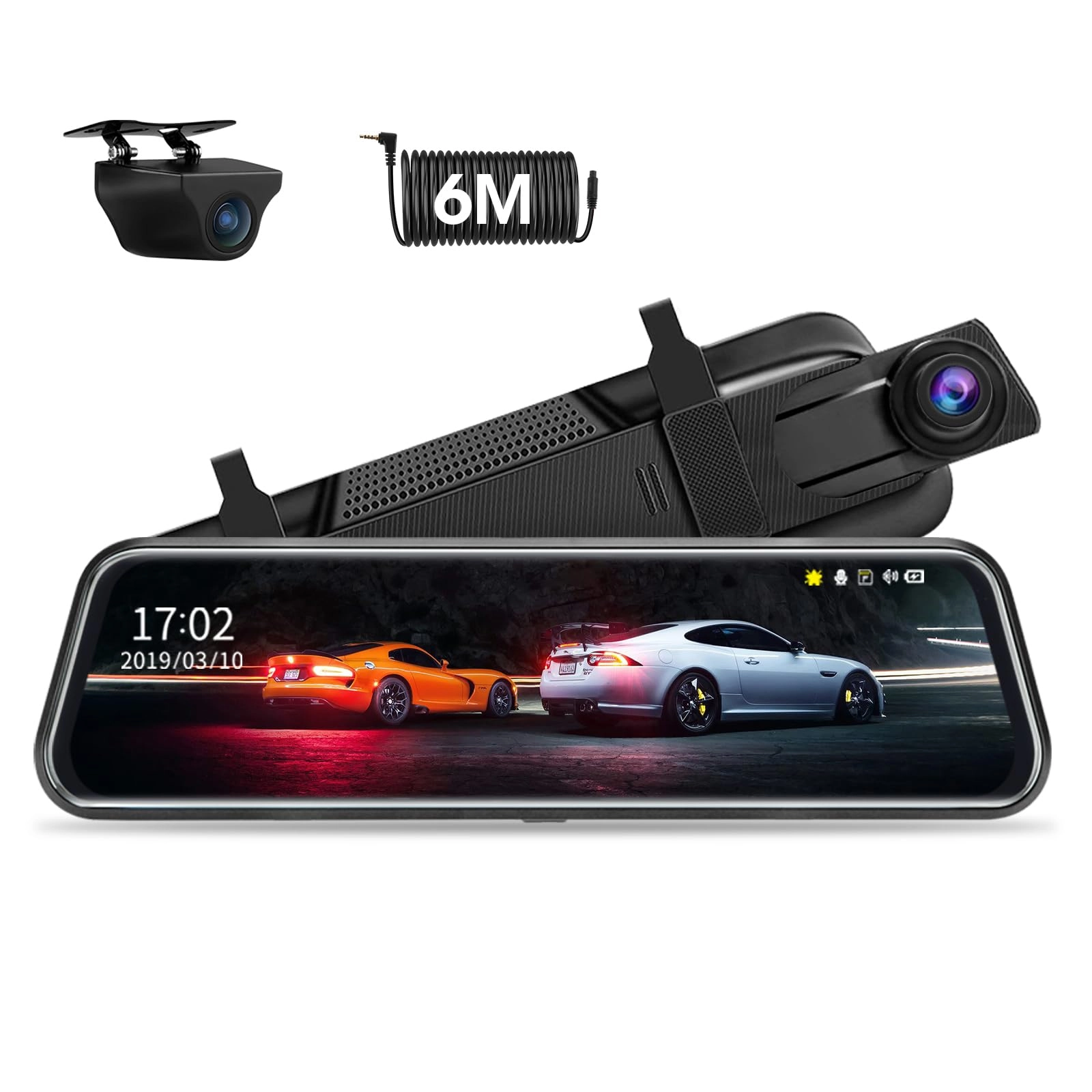
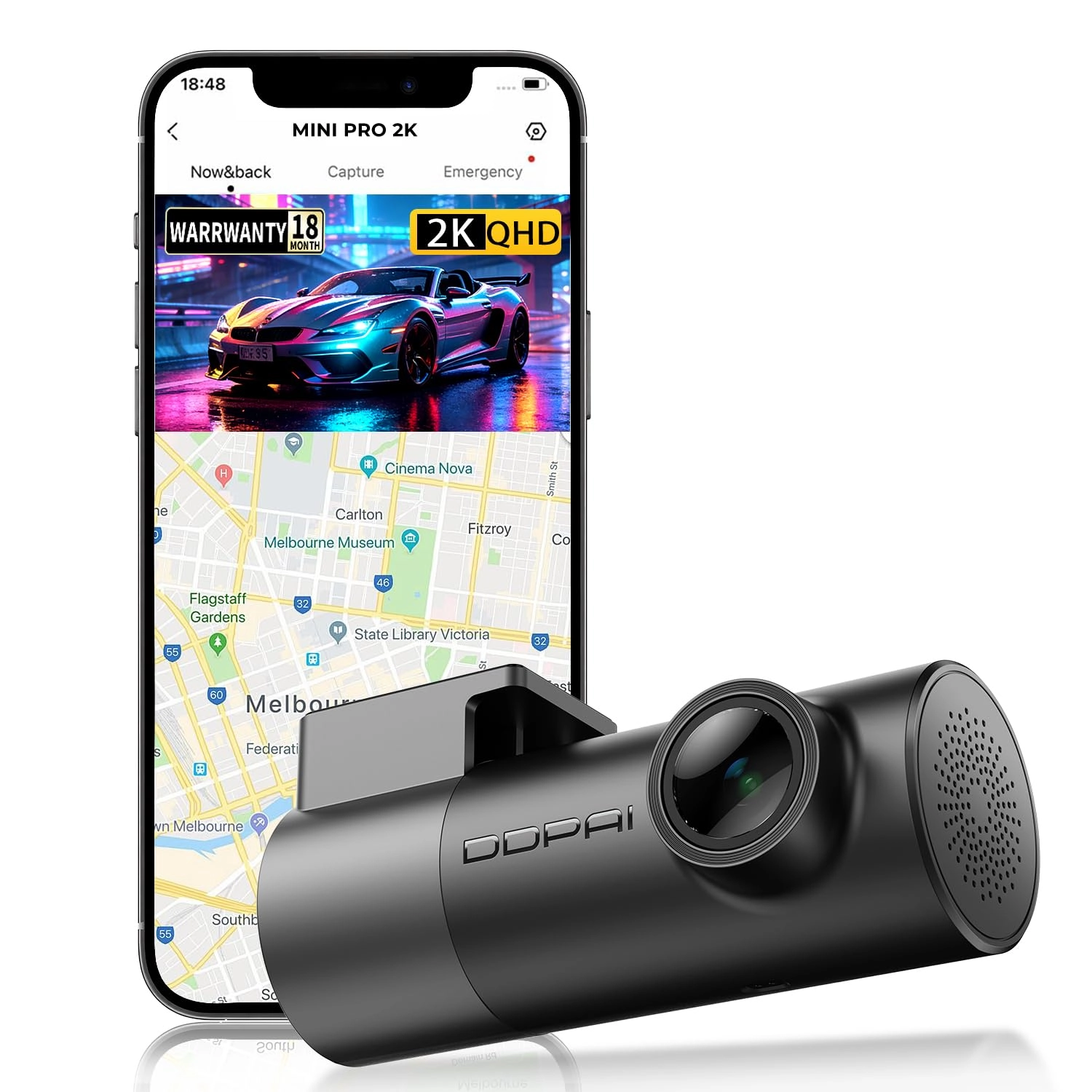
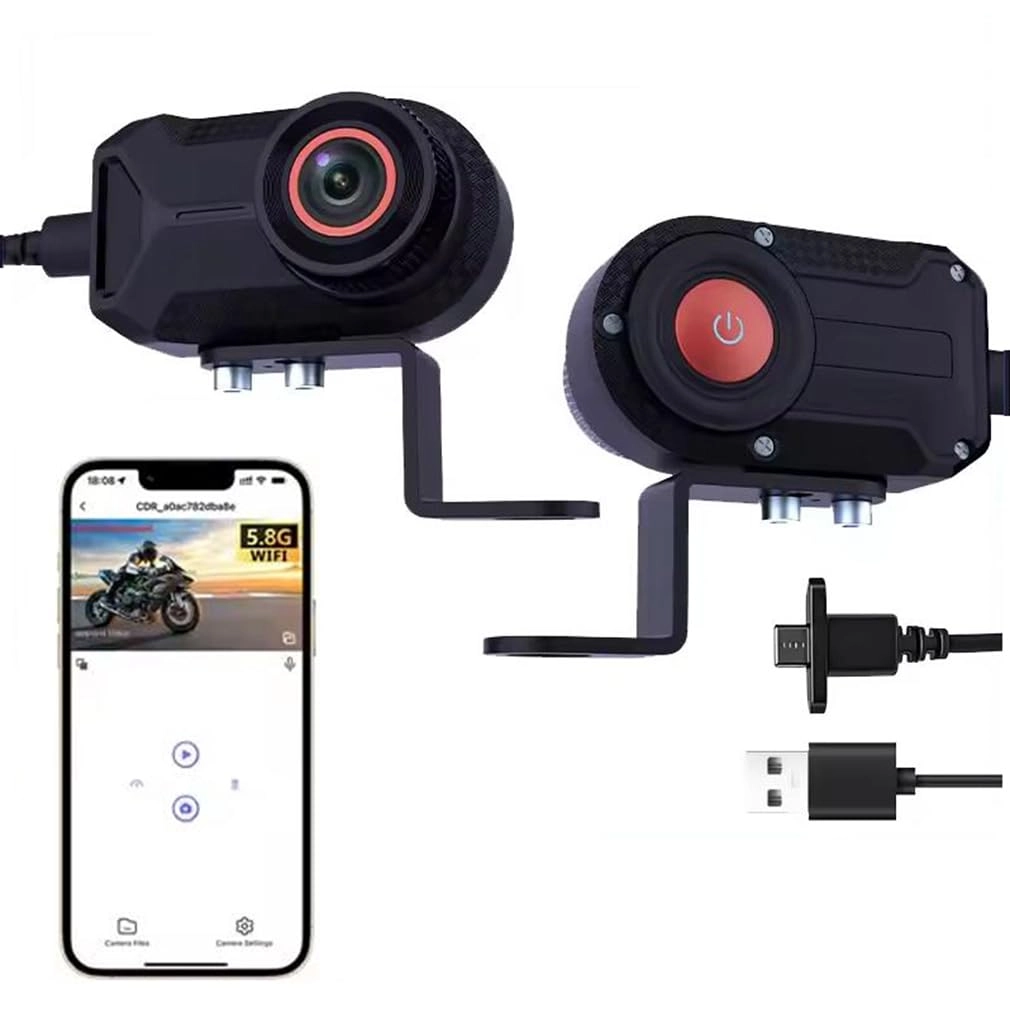
About WIFI Connection: Before connecting to the DVR on the phone, it is necessary to install the WIFI connection app "Viidure APP" in advance.You can search for "Viidure" installation in the Apple App Store or Google App Market. Steps: (1) In standby mode, long press the "M" key to enter the DVR menu and enter the WIFl setting menu; (2)In the wifi menu of the DVR, check to obtain the wifi SSID name and password; (3)Open the "Viidure" APP on your phone, enter the configuration mode, turn on the wifi function of the phone, follow the prompts to find the SSID wifi signal of the DVR and enter the password to connect; (4)After successful configuration, you can connect and operate the DVR through the "Viidure" APP. About Formatting The Memory Card: When installing a memory card for the first time, be sure to format the memory card on the DVR. After formatting, the DVR can correctly match the memory card. Formatting Steps: After installing the memory card, please enter the DVR menu, find the format option, and click to format the memory card.(Important: Formatting the memory card on the computer is an incorrect operation. Please be sure to format the memory card on the DVR's menu option.) About The Reversing Assist Function: If the kit you ordered includes a rearview camera and you need to implement the reversing assist function, you need to connect the red signal wire of the rearview camera to the car's reversing light (the light will come on when reversing). If you don't need the reverse assist function, just disconnect the red signal wire and leave it unconnected. About 24-Hour Parking Monitoring: If you need the 24 hour parking monitoring function, you can order the corresponding Buck Line accessories to replace the car charger.Through Buck Line, the DVR power can be obtained directly from the car battery or car ACC, so that the DVR can maintain normal recording work even when the car is turned off.(Since different car models have different battery interfaces or ACC interfaces, it is not recommended to install it by yourself. It is recommended to find a professional to install the Buck Line.)

Reviews

Loading...
Loading...
Loading...
Loading...
Loading...
Loading...
Loading...
Loading...
Loading...
Loading...
Loading...
Loading...
Loading...
Loading...
Loading...
Loading...
Loading...
Loading...
Loading...
Loading...
Loading...
Loading...
Loading...
Loading...
Loading...
Loading...
Loading...
Loading...
Loading...
Loading...
Loading...
Loading...
Loading...
Loading...
Loading...
Loading...
Loading...
Loading...
Loading...
Loading...
Loading...
Loading...
Loading...
Loading...
Loading...
Loading...
Loading...
Loading...
Loading...
Loading...
Loading...
Loading...
Loading...
Loading...
Loading...
Loading...
Loading...
Loading...
Loading...
Loading...
Loading...
Loading...
Loading...

Join our newsletter

Be the first to know about new arrivals, sales, and exclusive picks

Sign in to unlock newsletter access and stay in the loop

Allware
info@allware.com
+971522500911
World technology awards winner badge

Allware

  • About Us
  • Terms And Conditions
  • Privacy Policy
  • Contact Us

Partners

  • Why become a partner?
  • How to list your Online Shop?

Newsletter

  • Subscribe

Info

  • How Allware works
All Rights Reserved.
Please enable location access or select an emirate
-
00:00:00
Prayer timings

Offers (1)

Amazon logo

1 offer

From
AED
259

KANDUO 4 Channels Dash Cam For Cars ,360 Degrees View Panoramic Protection WIFI APP Car DVR,Full HD 1080P Front Camera,Rear View Camera Night vision Video Recorder


AED
25900

Price History

Price History Skeleton
Price History Shimmer Effect
Loading price history...

Similar Products

See all
-12%
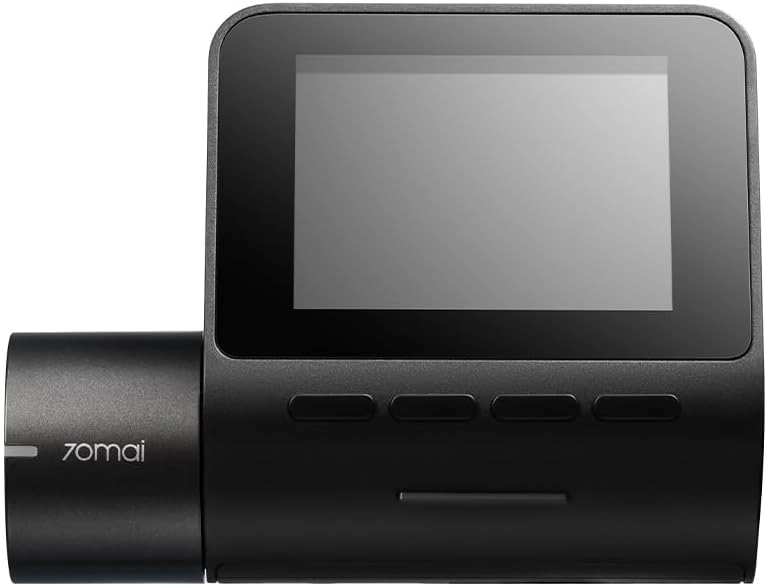
70mai XM-D8-2 1080P

70mai XM-D8-2 1080P

AED
19890
AED
17494
7 offers
Rexing V1P 4K

Rexing V1P 4K

AED
45900
4 offers
-17%
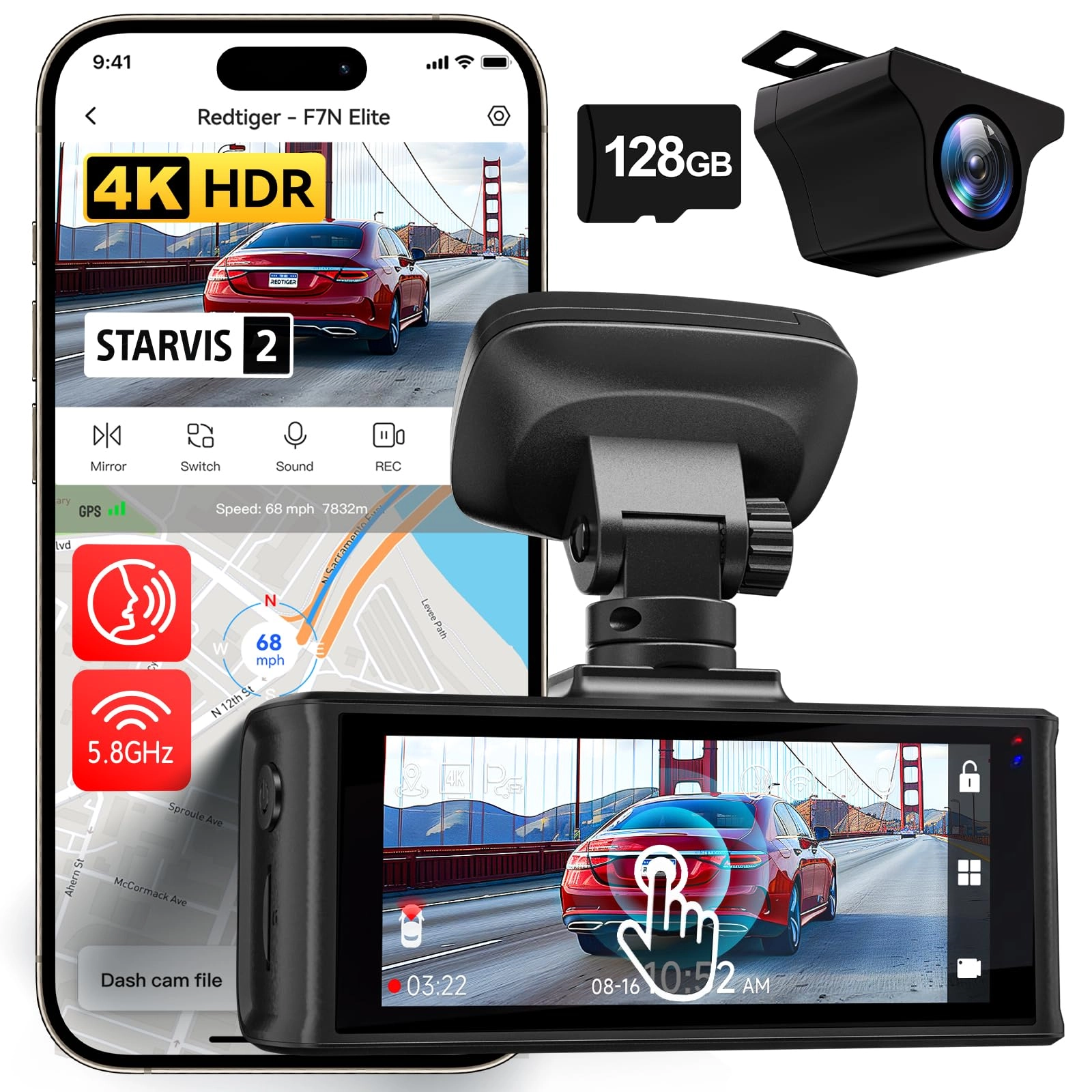
REDTIGER F7NP 3840 X 2160 pixels

REDTIGER F7NP 3840 X 2160 pixels

AED
52900
AED
43520
12 offers
AZDOME M550 Max 3840 X 2160

AZDOME M550 Max 3840 X 2160

AED
47900
9 offers
-20%
WOLFBOX G900 Tripro 4K

WOLFBOX G900 Tripro 4K

AED
1 20000
AED
95375
8 offers
-55%
AZDOME GS63 Pro 3840 X 2160 pixels

AZDOME GS63 Pro 3840 X 2160 pixels

AED
85900
AED
38000
7 offers
REDTIGER F9 3840 X 1080 pixels

REDTIGER F9 3840 X 1080 pixels

AED
29900
7 offers
-35%
WOLFBOX G850 3840 X 2160 pixels

WOLFBOX G850 3840 X 2160 pixels

AED
79900
AED
51716
5 offers
-5%
70mai X200 1080P

70mai X200 1080P

AED
64150
AED
60730
5 offers
Vuzmode Store Car Front Dash Cam Camera - 4K 2160P

Vuzmode Store Car Front Dash Cam Camera - 4K 2160P

AED
48825
214 offers

More from XRC TECH

See all
XRC TECH T8A 4K

XRC TECH T8A 4K

AED
41900
1 offer
XRC TECH G5 - 1080p

XRC TECH G5 - 1080p

AED
29900
1 offer
XRC TECH V820 - 4K 2160P 60FPS

XRC TECH V820 - 4K 2160P 60FPS

AED
69900
1 offer
XRC TECH G80 - 2160p

XRC TECH G80 - 2160p

AED
19800
1 offer
XRC TECH Q60 - 1080P

XRC TECH Q60 - 1080P

AED
19900
1 offer
XRC TECH T100 - 2160p

XRC TECH T100 - 2160p

AED
43900
1 offer
-9%
XRC TECH G7 1080p

XRC TECH G7 1080p

AED
43900
AED
39900
1 offer
XRC TECH V36 - 3840*2160P@25FPS

XRC TECH V36 - 3840*2160P@25FPS

AED
26900
1 offer
XRC TECH D9 - 1080p

XRC TECH D9 - 1080p

AED
49900
1 offer
XRC TECH G6 - 1080P

XRC TECH G6 - 1080P

AED
39900
1 offer
Loading...
Loading...
Loading...
Loading...
Loading...
Loading...
Loading...
Loading...
Loading...
Loading...
Loading...
Loading...
Loading...
Loading...
Loading...
Loading...
Loading...
Loading...
Loading...
Loading...
Loading...
Loading...
Loading...
Loading...
Loading...
Loading...
Loading...
Loading...
Loading...
Loading...
Loading...
Loading...
Loading...
Loading...
Loading...
Loading...
Loading...
Loading...
Loading...
Loading...
Loading...
Loading...
Loading...
Loading...
Loading...