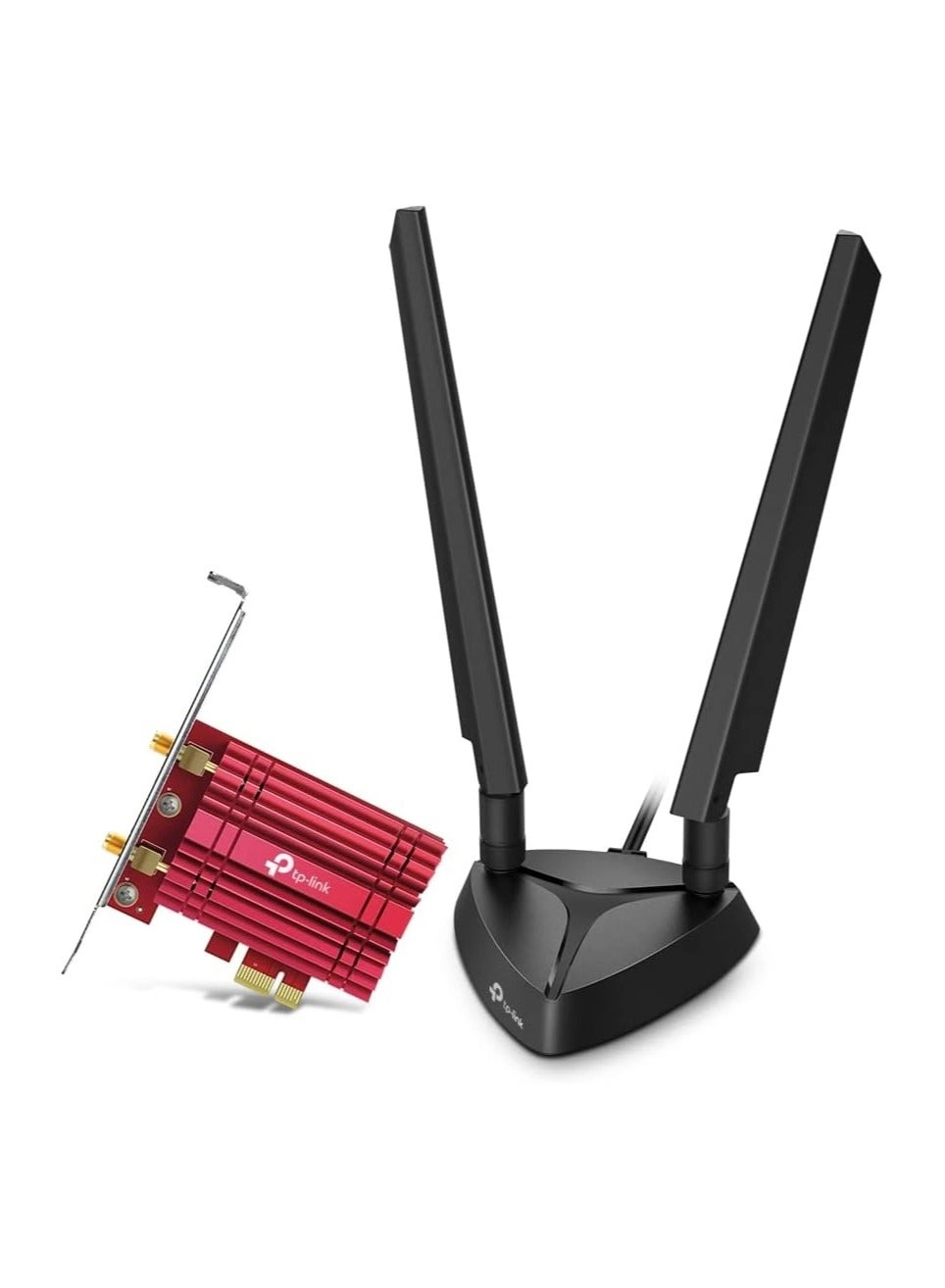
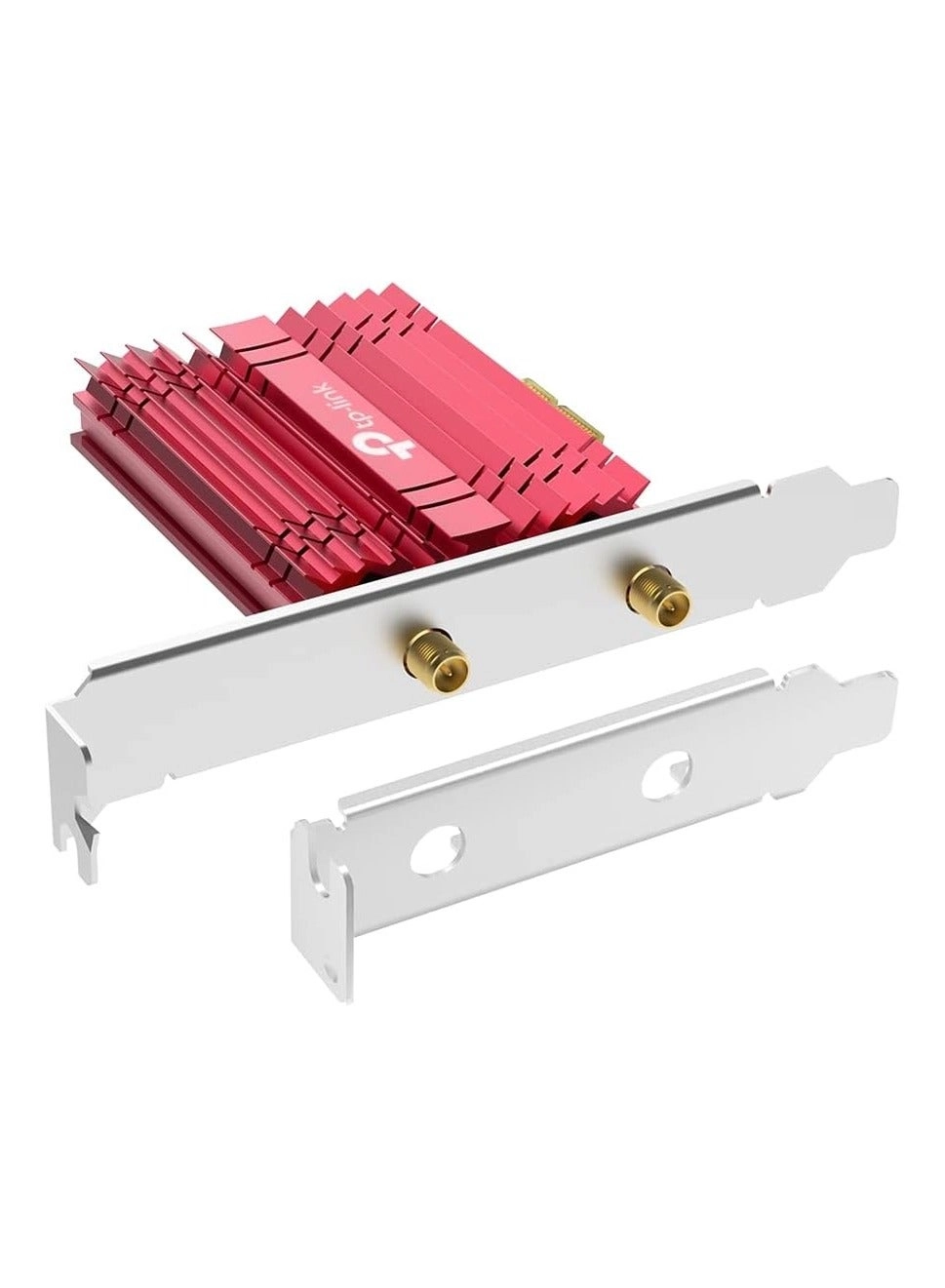
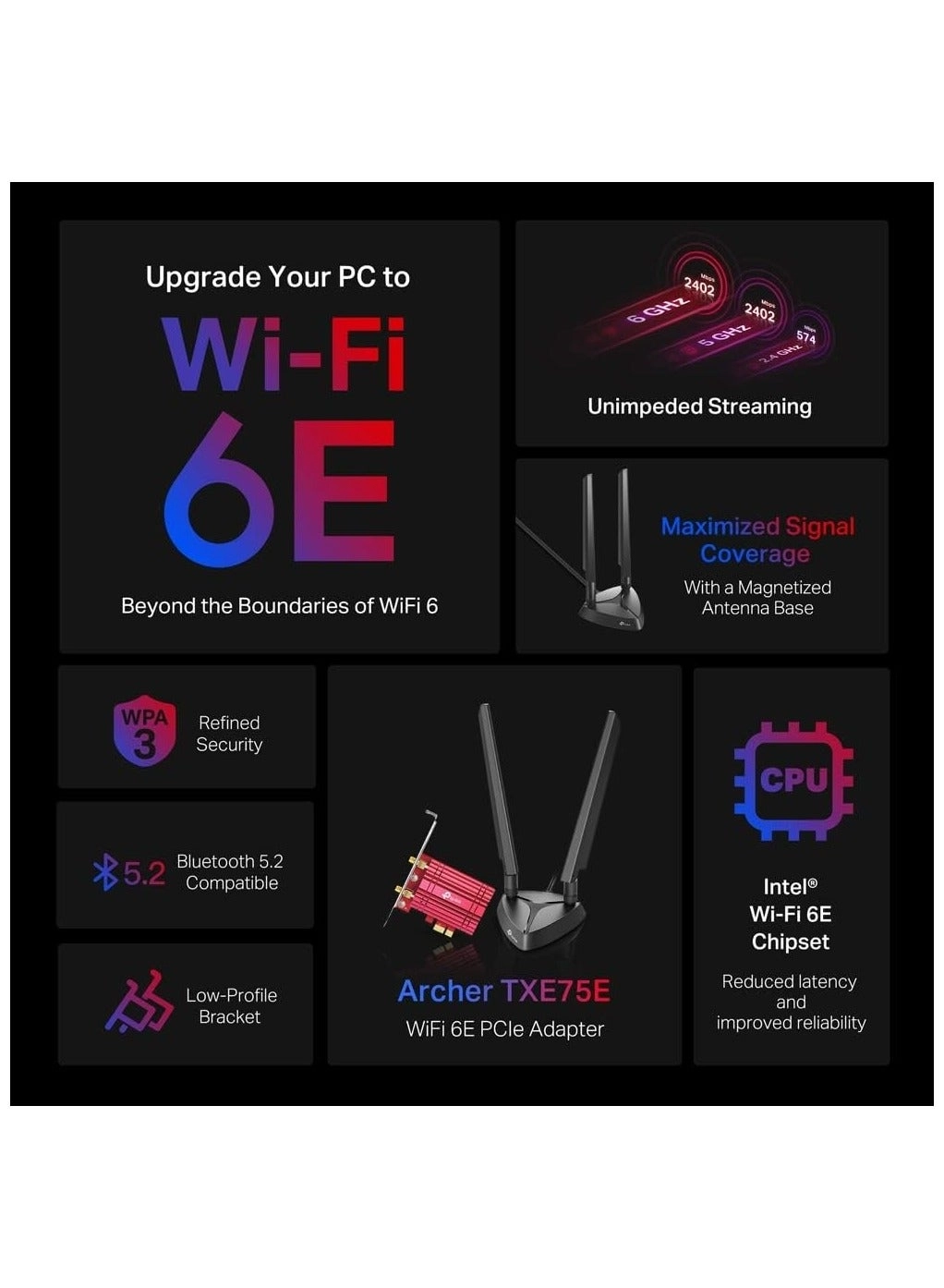
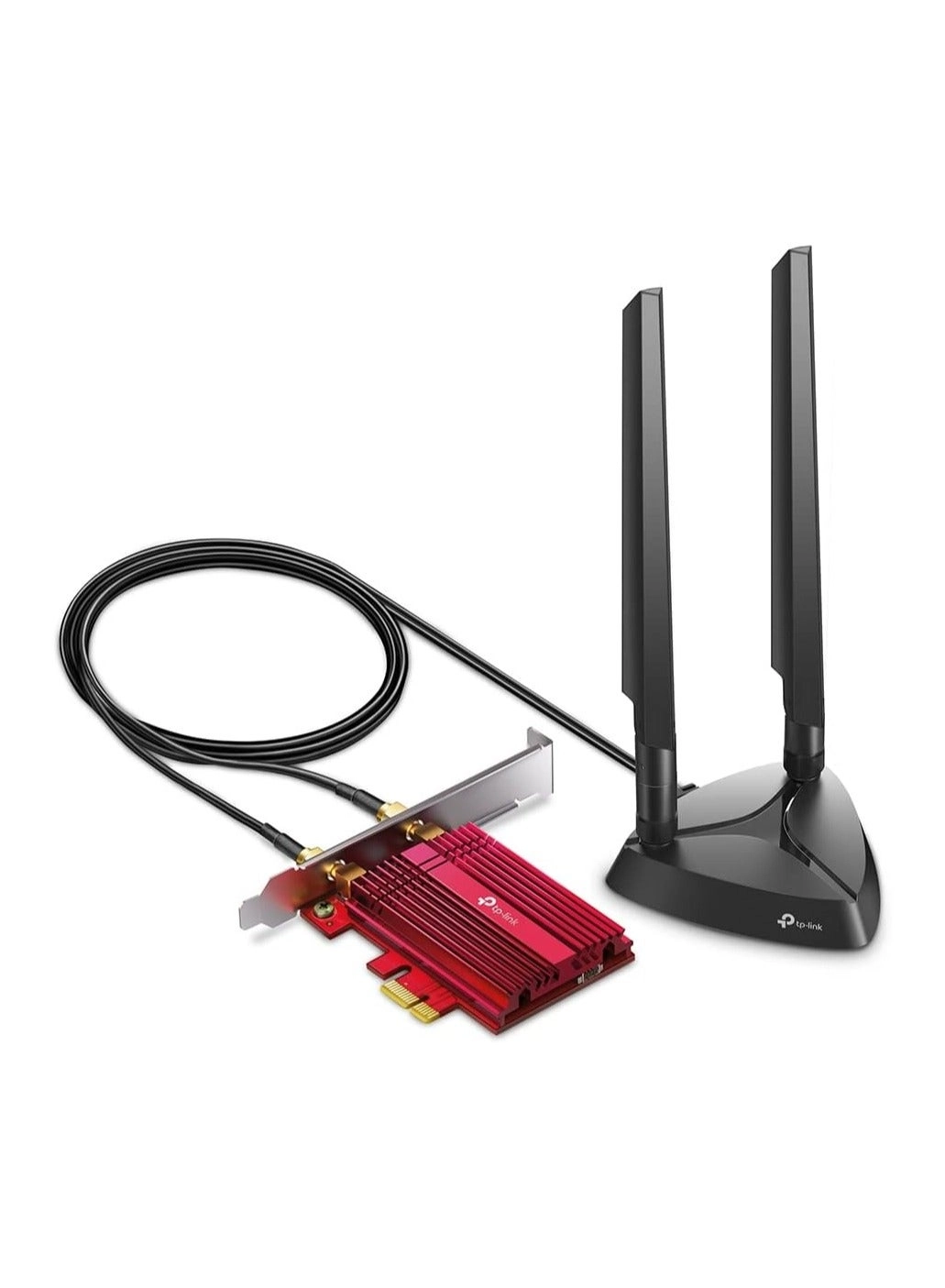
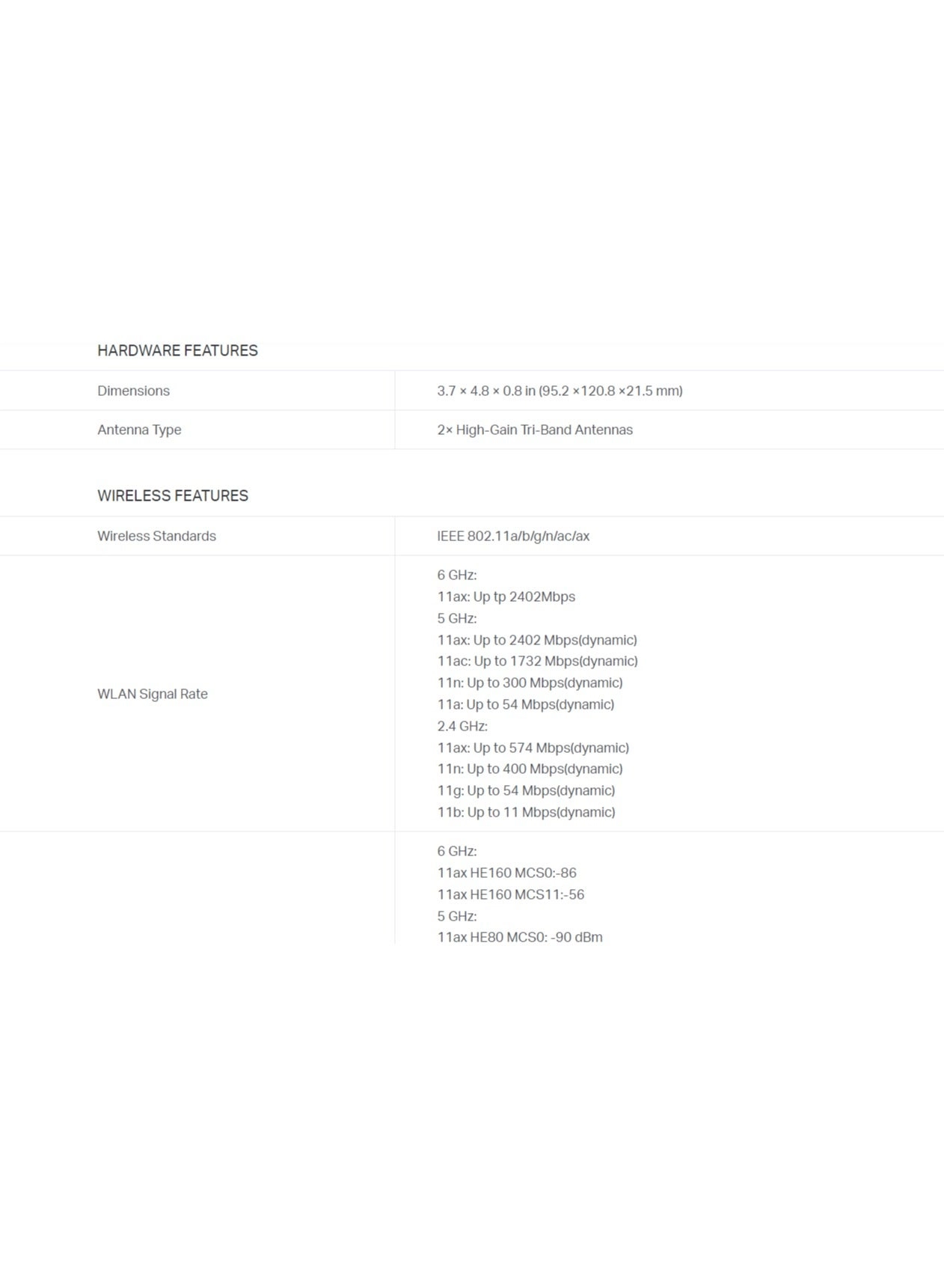
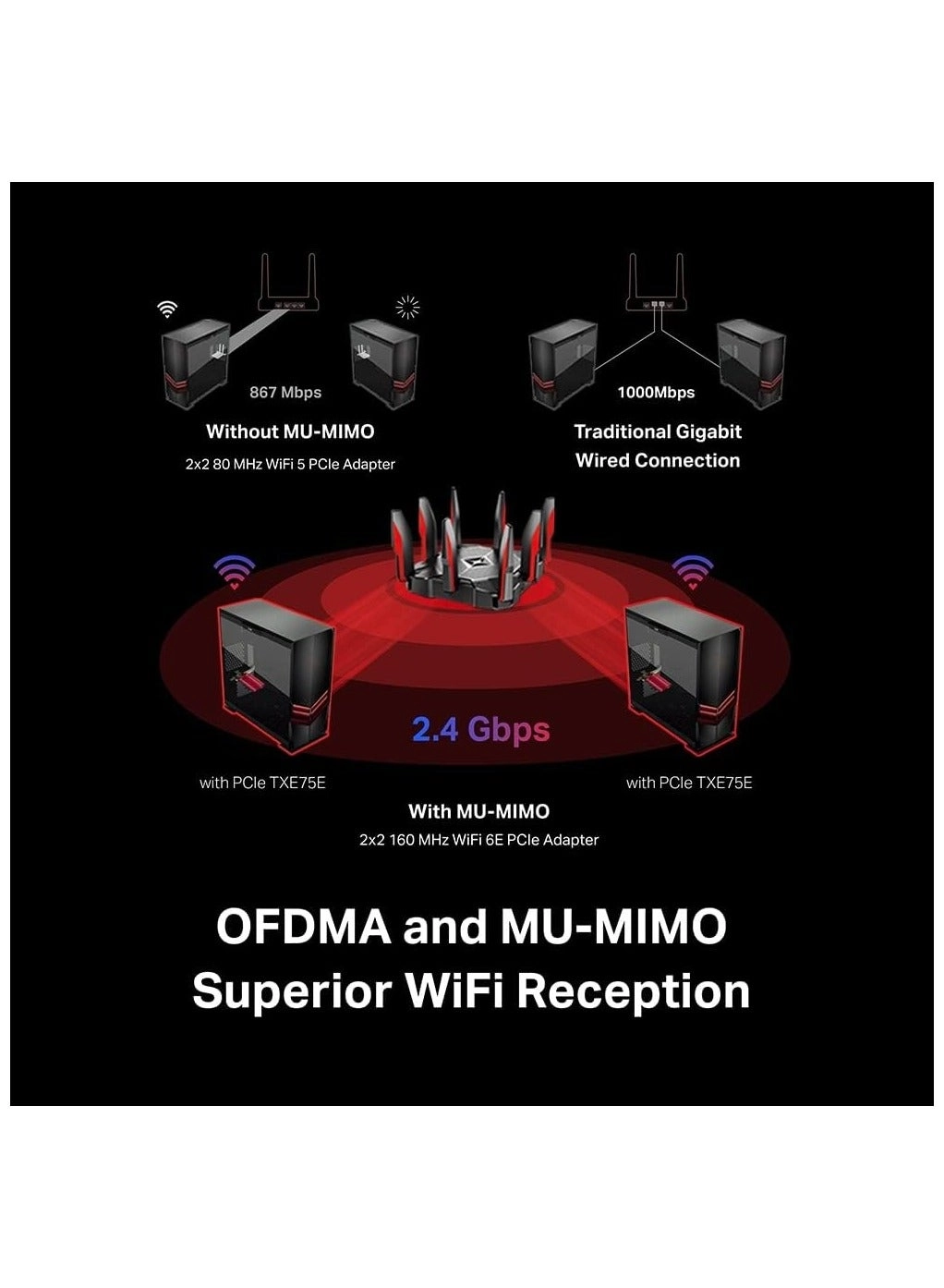
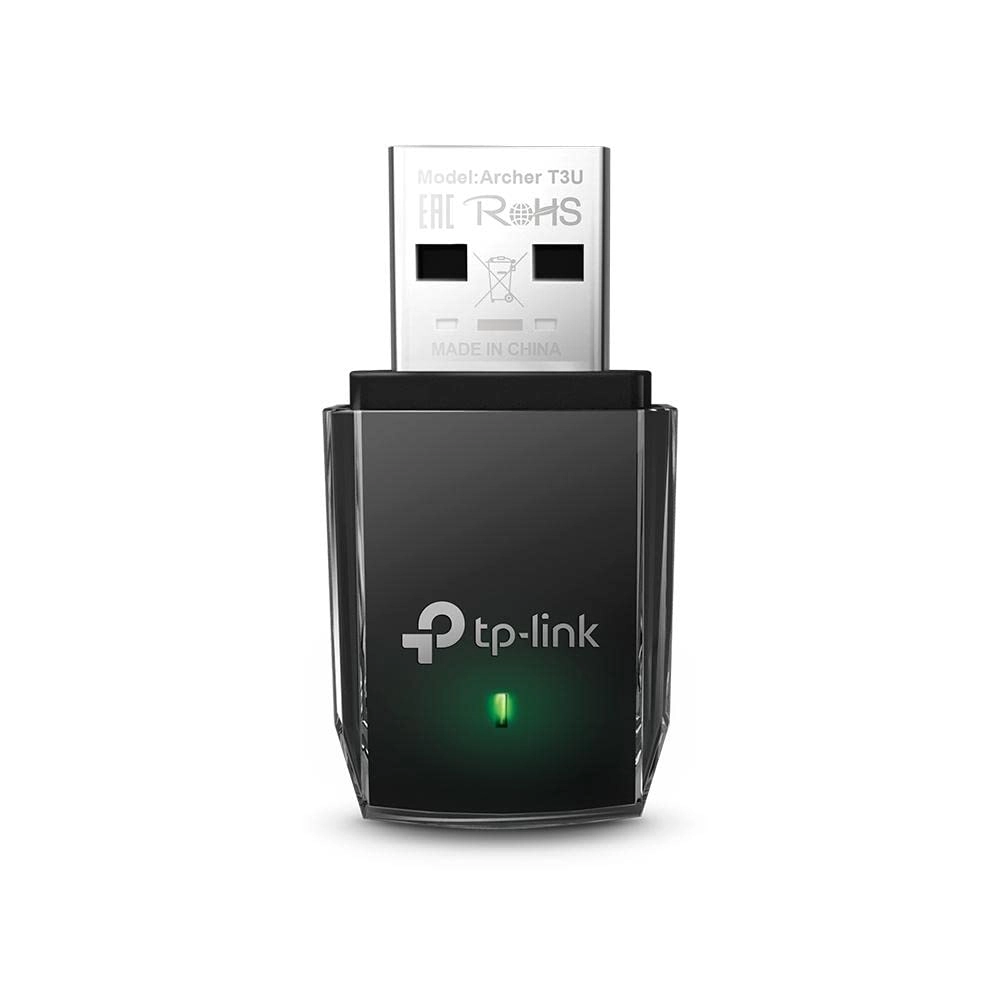
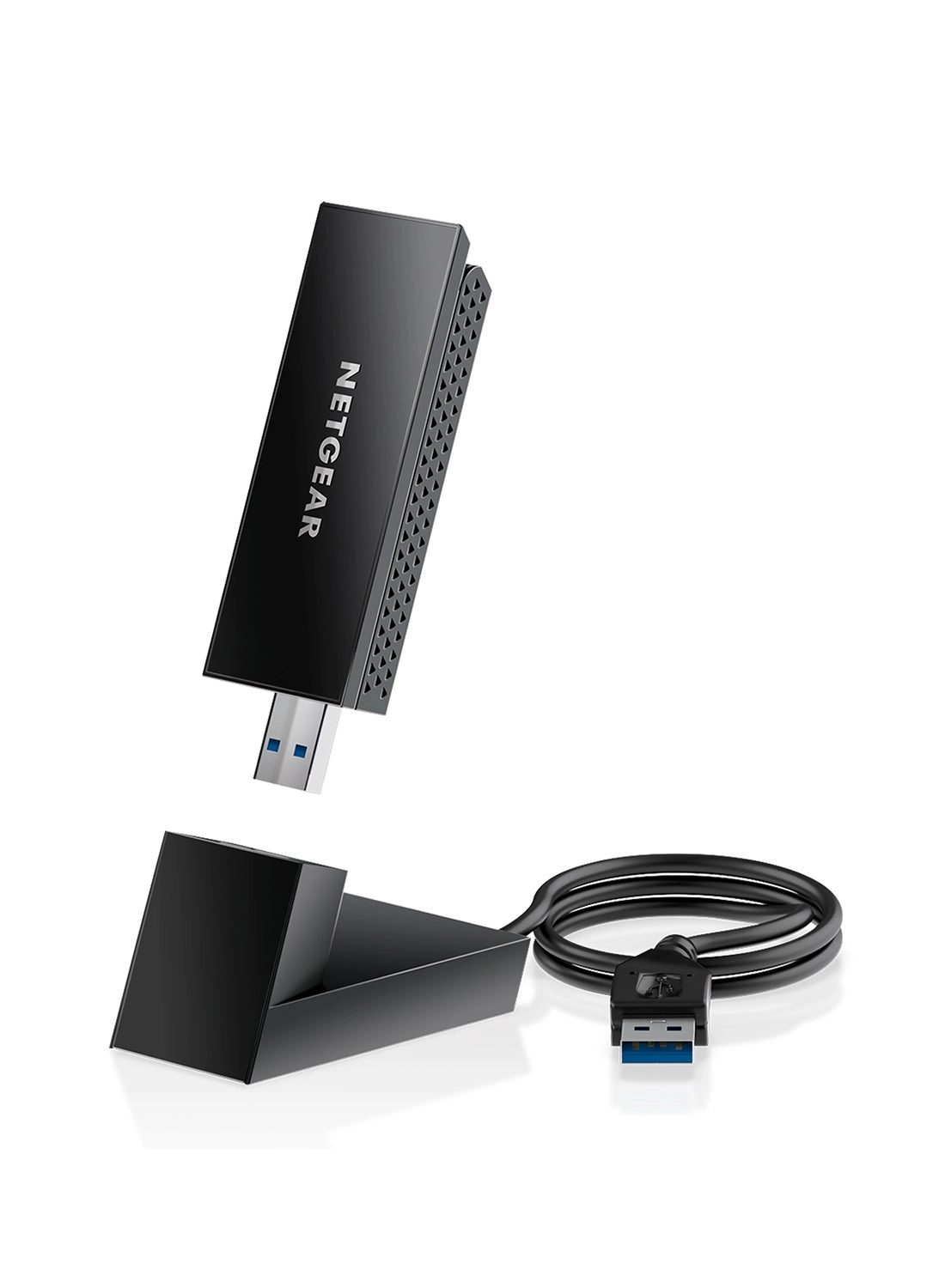
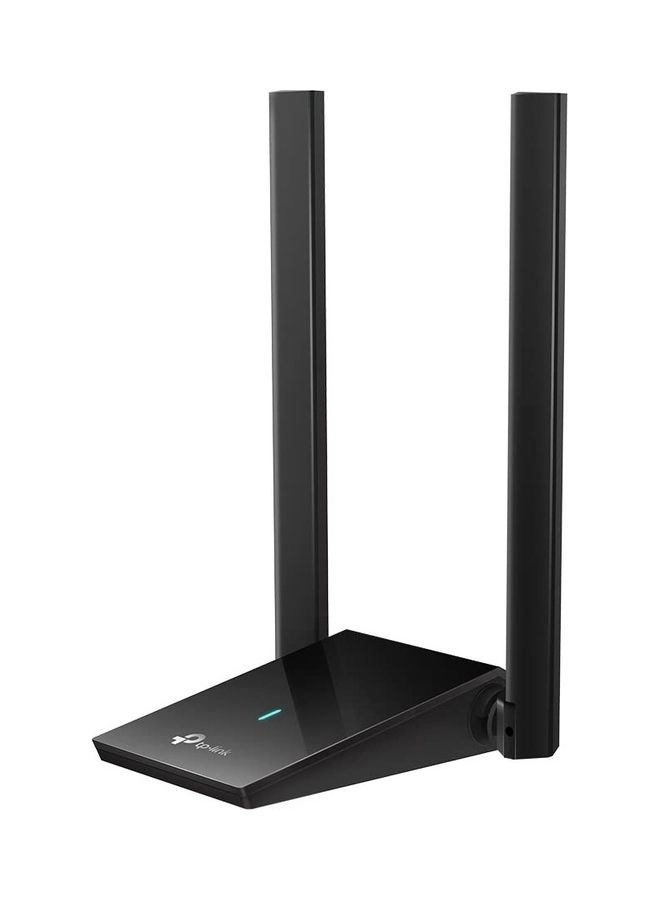
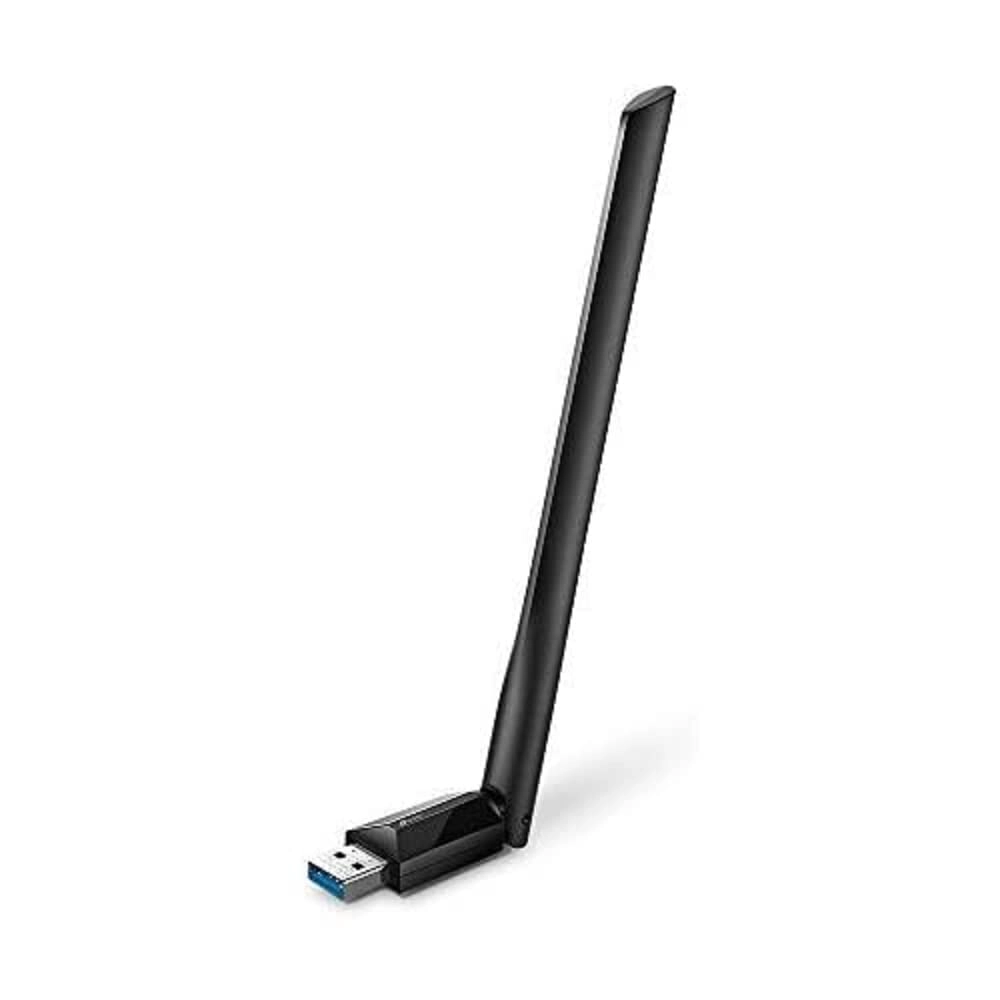
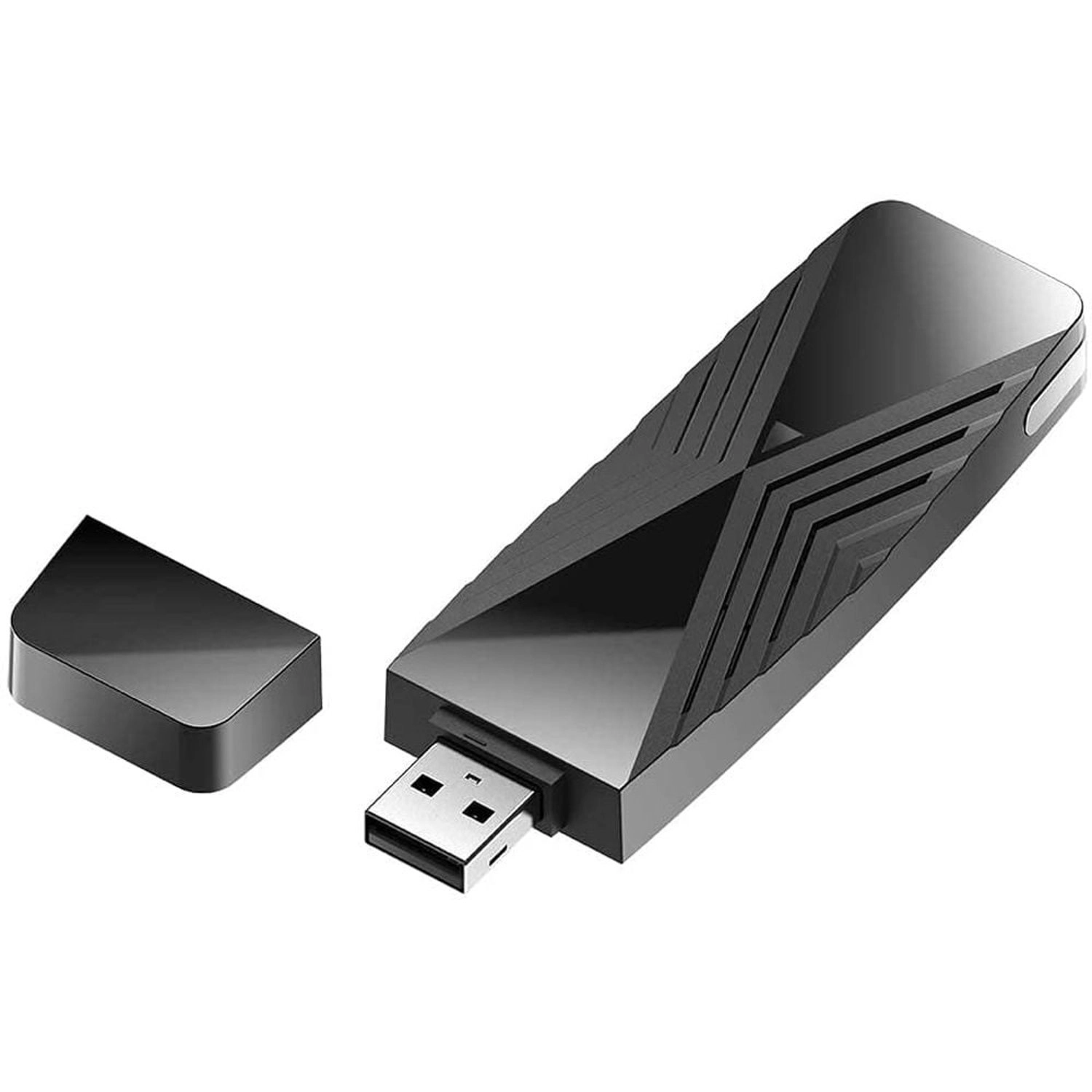
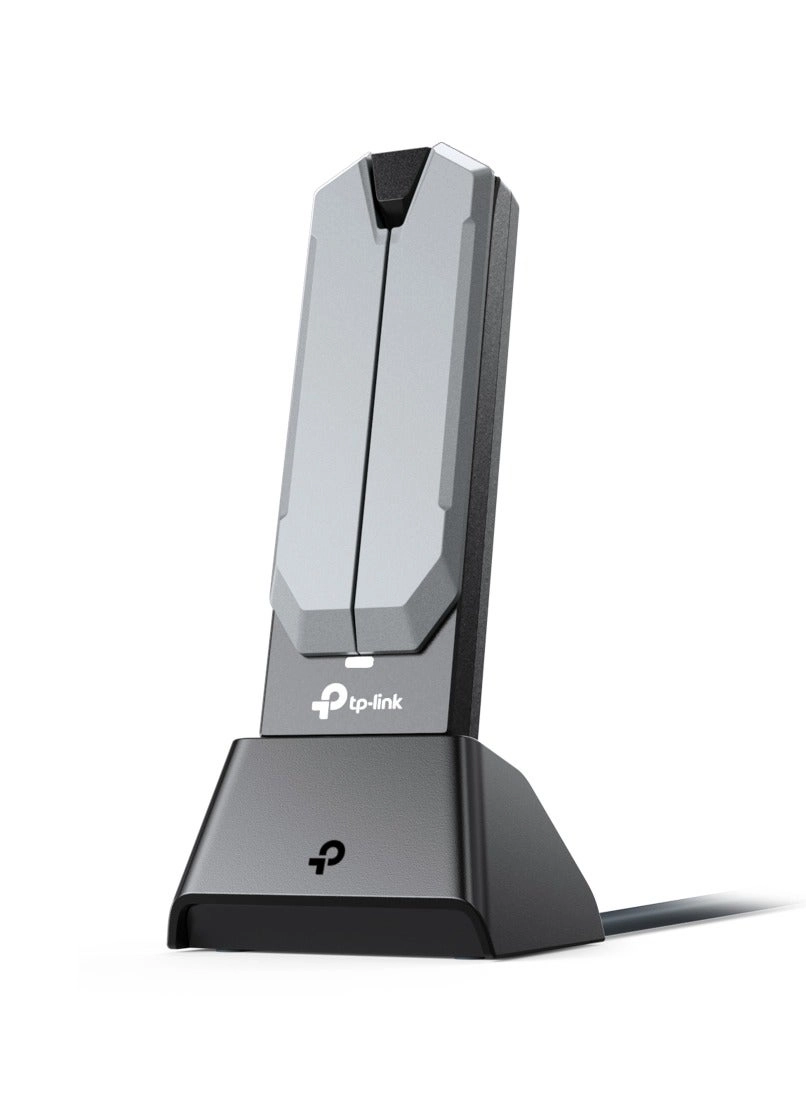
Boost wireless speeds up to 5.4Gbps with this tri-band WiFi 6E
adapter. Enjoy ultra-low latency, wider 6GHz band coverage, and
Bluetooth 5.3 for seamless connectivity.
Review: Unmatched Performance for Gaming and Streaming – A
Must-Have Upgrade! - (Archer TXE72E), and it has been a total
game-changer! From installation to performance, this Wi-Fi card
exceeded all my expectations. Performance The speed and stability
of this adapter are phenomenal. I’m consistently getting
blazing-fast internet speeds, even on the 6GHz band, which is a
huge upgrade for my AR/VR gaming setup and 8K streaming. The
ultra-low latency is noticeable – no more lag spikes during
competitive gaming! Ease of Installation The installation process
was seamless. The adapter fit perfectly into my PCIe slot, and
the included antennas provide excellent signal strength. Setting
it up with Windows 11 was a breeze, and it worked flawlessly
right out of the box. Bluetooth 5.3 The built-in Bluetooth 5.3 is
a fantastic bonus. Pairing my wireless peripherals, like my
headset and controller, is effortless, and the connection remains
rock-solid even during intense gaming sessions. Design & Build
Quality The adapter feels sturdy and well-made, and the external
antennas ensure top-tier signal reception. The tri-band
functionality is a game-changer for minimizing interference,
especially in a household with multiple devices. Who Should Buy
This? This adapter is perfect for gamers, streamers, or anyone
who needs fast, reliable wireless connectivity. If you're into
AR/VR or want to future-proof your setup for 8K streaming, look
no further. Verdict I couldn’t be happier with this upgrade. The
TP-Link Archer TXE72E is worth every penny for its cutting-edge
features, outstanding performance, and seamless connectivity.
Highly recommend it to anyone looking for a top-tier Wi-Fi 6E
solution.
Review: Easy to install and good performance. BE CAREFUL... - So,
I bought the TX50E AX3000. One surprise I had was the fact
Bluetooth connectivity is accomplished via a cable between the
TX50E PCI card and a spare USB header on the motherboard! I had
assumed all communication would take place directly via the PCI
slot. Make sure you have a spare header if Bluetooth connectivity
is important to you - I only had one spare. (Do not confuse an
internal USB header with an external USB socket either - they're
not the same!). So I installed it, powered on, and it wasn't
recognised automatically by Windows. I installed the WiFi drivers
first (directly from the website mentioned in the small print of
the instructions) because I don't have a CD-ROM drive, so
couldn't use their included CD. As soon as the WiFi driver was
installed I was able to easily connect to my home WiFi. I then
repeated the same process for the Bluetooth drivers and then
Windows recognised it had Bluetooth capability - so far, so good.
So everything was working perfectly and I was very happy. I had a
nosy around in the settings. Then a few hours later, I couldn't
get WiFi to connect. It would just timeout when verifying the
connection, every time. I scratched my head for around half hour.
I had another nosy in the settings and saw that I had checked
"Use random hardware addresses" when logging on to WiFi networks.
This is an option in the Windows WiFi settings, and I thought it
sounded like a good idea. Turns out that, for some unknown
reason, this isn't compatible with my system or the TalkTalk
router we have here. The moment I switched that setting off, my
connection issue resolved. The router isn't configured to limit
connections to certain MAC addresses, so a connection from a
randomised address *should* work. It's weird that it doesn't. So
take that as a heads up: if you turn that feature on, and
experience connection issues on new connections, turn it back off
again! :) Overall I'm really happy with the purchase in terms of
reliability (no connection dropouts), ping time, download speeds
etc.