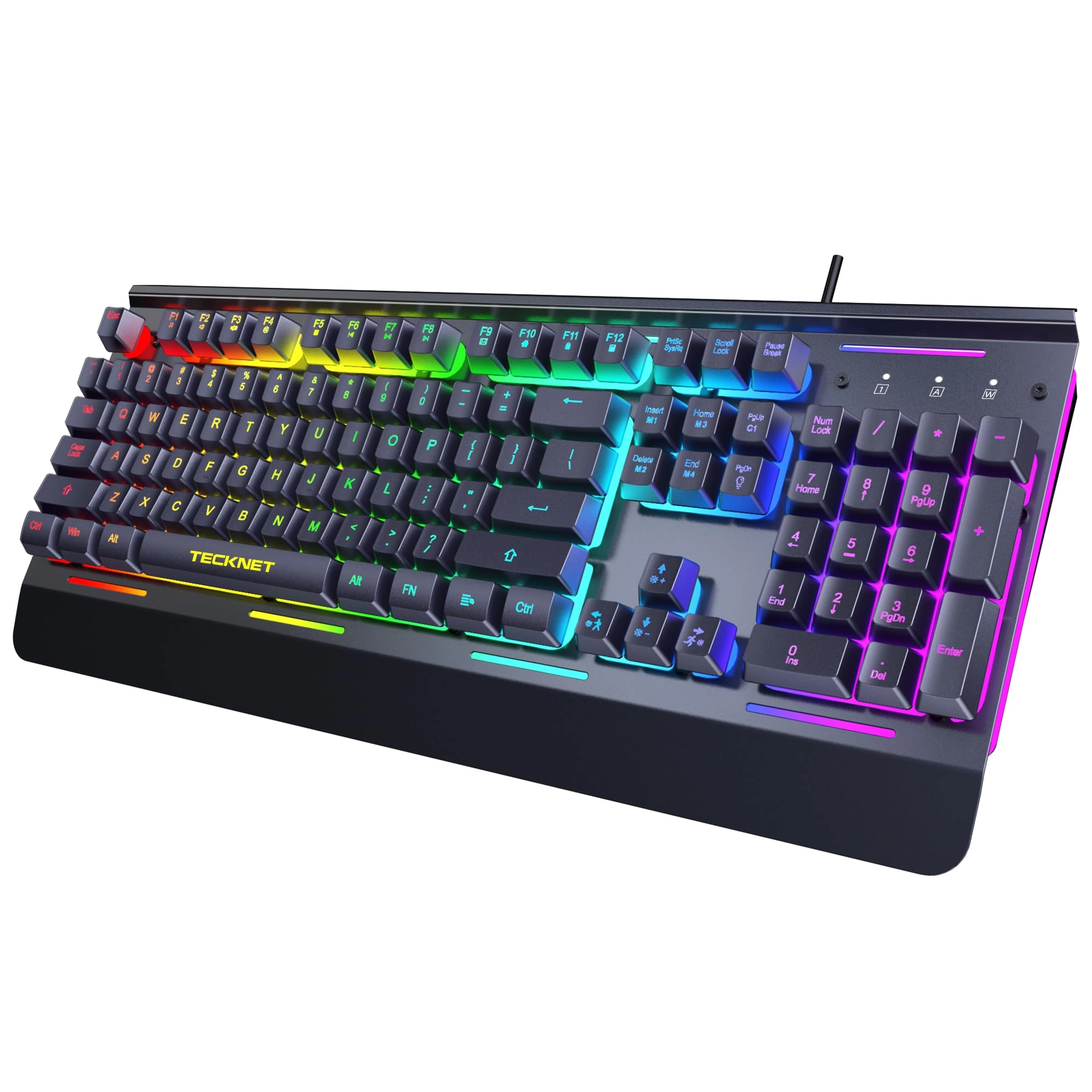
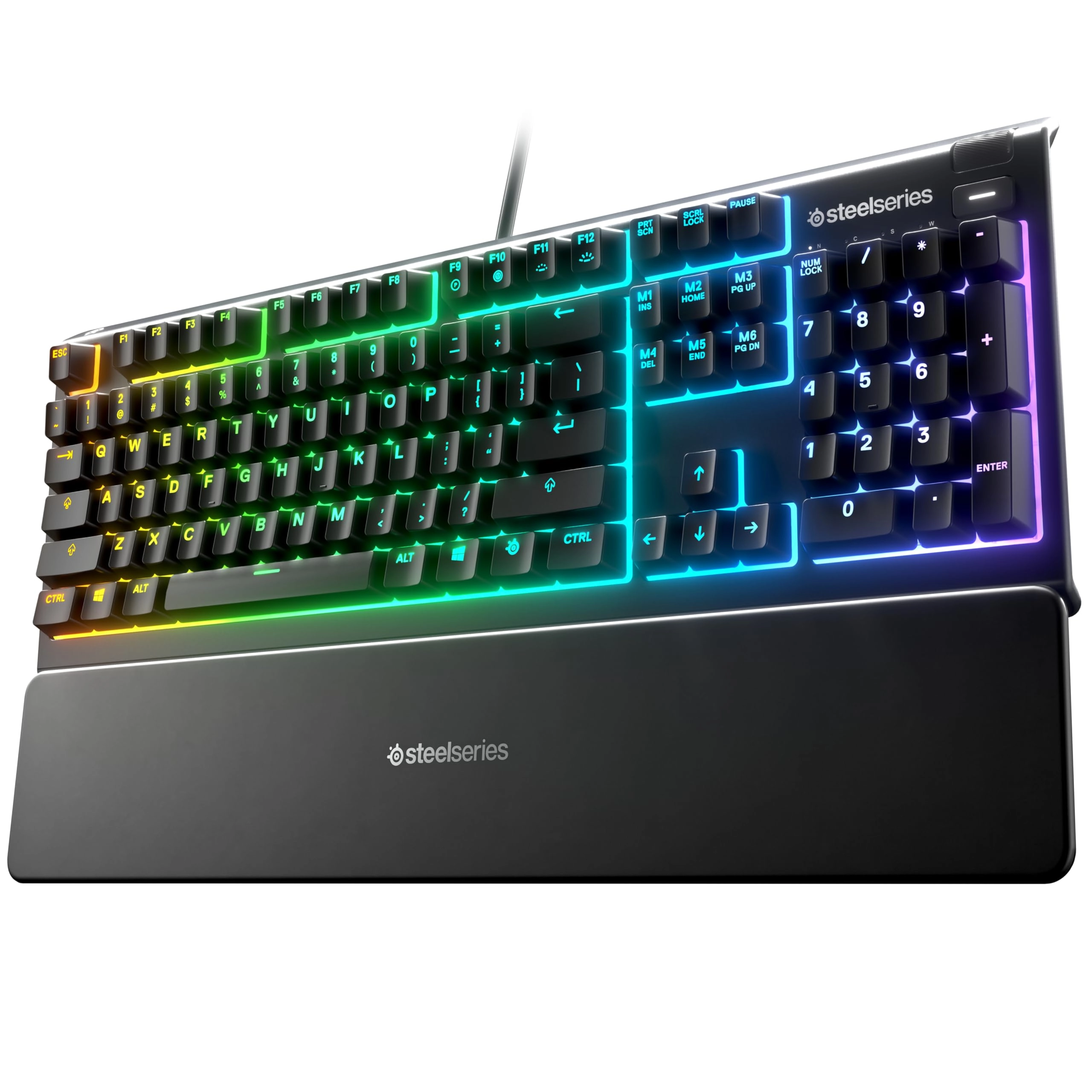
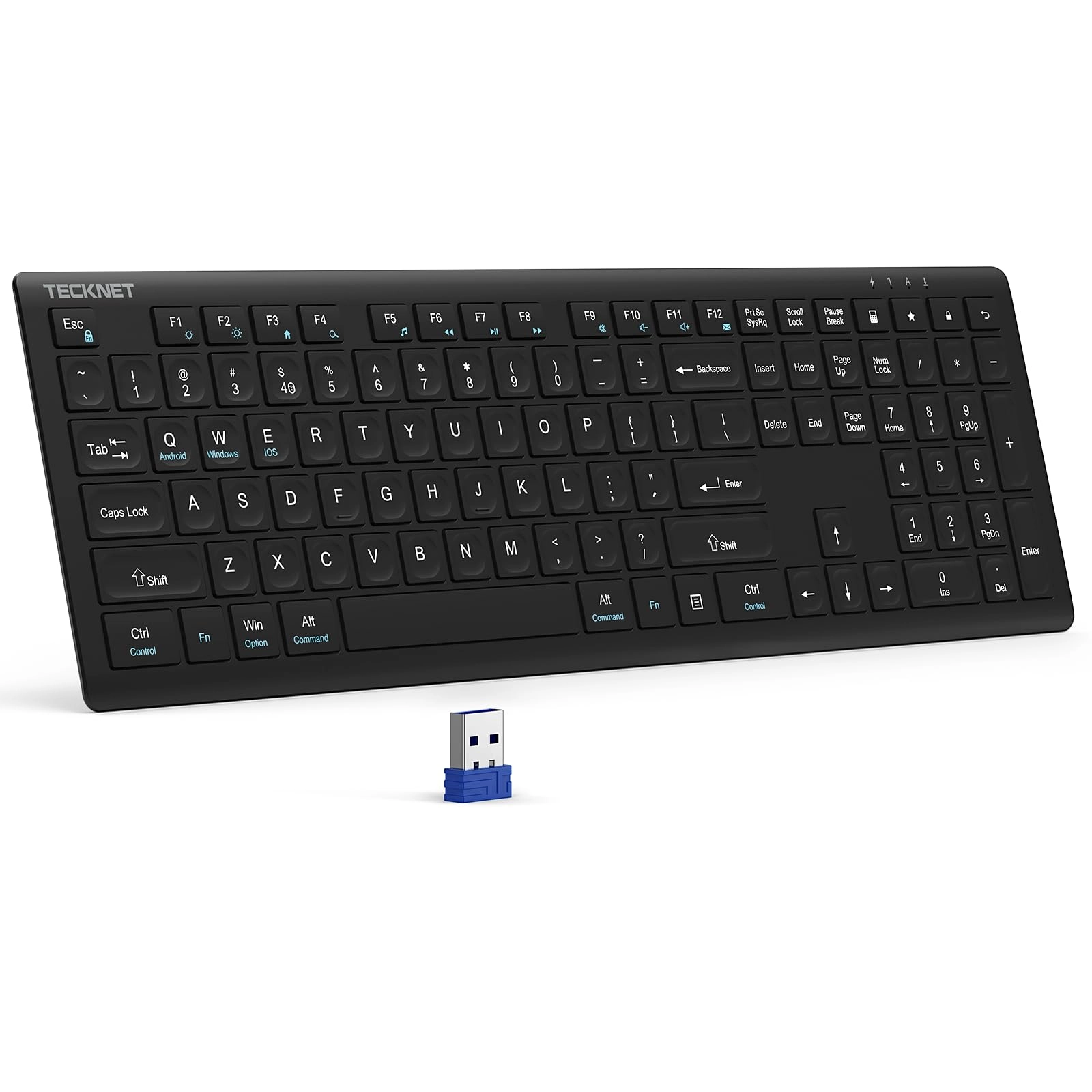
TECKNET RGB Gaming Keyboard, 105 Keys, All-Metal Panel, 15-Zone
RGB Illumination, Backlit Quiet Computer Keyboard, Wrist Rest, 25
Anti-ghosting Keys,IP32 Water & Dust Resistant USB Wired:
desertcart.co.uk: Computers & Accessories
Review: Great for the price - Very sturdy, metal construction,
quiet keys, differnt colours.
Review: It's a great mechanical keyboard - I love this mechanical
keyboard! The brushed metal finish is gorgeous, not only does it
look good with the LEDs off, but when the LEDs are on the metal
really accentuates the lighting. The light-modes themselves are
all pretty good, with their being about a dozen or so in all. The
usual ones such as breathing, solid on, off, and various
patterns. Each row of keys can light up independently of each
other. While it doesn’t have individual keys that are able to
light up independently like my last Tecknet keyboard, the
lighting effect is significantly nicer due to the combination of
LEDs and brushed metal. I wanted a keyboard that doesn’t have a
number pad, which means that I can have the keys perfectly
centred with my body and the monitor. It’s just good ergonomics.
I am a programmer, so as you can imagine having a good keyboard
(and ergonomics) is a necessity for this line of work. While I
don’t have repetitive strain injury (RSI), many of my friends and
colleagues have it. And so I’ve been making an effort to
proactively avoid developing RSI as best as I can. I try to make
my typing experience the best possible. One thing I do know is
that mechanical keyboards are good for ergonomics because of how
comfortable they are to type on. Typing on this keyboard feels
really good, and I am not sure how to describe it, but it’s got a
certain sense of satisfaction that you don’t get with other types
of keyboards (such as the membrane keyboards you get on laptops)
due to the tactile nature of the switches. Some people say that
popping bubble wrap is really satisfying, and whenever I type on
this keyboard or my other mechanical keyboard, the closest thing
I can think of to describe the sensation of typing on a
mechanical keybord is that it is something akin to the
satisfaction of popping bubble wrap. Although some may disagree,
I love the ‘clickyness’ of the blue switches in this keyboard. My
other keyboard had brown switches, and I was a little worried
that perhaps the blue would be too clicky for me, but now that
I’ve been using it I find that I am enjoying it. It feels
different, but in a good way. Although I do understand switch
preference is a highly subjective thing so best to do your own
research. While discussing the switches I should also note that
this keyboard also has anti-ghosting technology that I will no
doubt find useful since I like to play video games from time to
time. It has a keycap puller conveniently located on the bottom.
I’ve already made good use of this, when I decided to clean my
old mechanical keyboard, and couldn’t find it’s keycap puller but
remembered my new one had one. I like that it’s built into the
keyboard because that will solve the problem I had with my old
keyboard where I put the keycap puller in a safe place, that
ended up being too safe (I can’t remember where it is). Some
expensive brands of Mechanical Keyboard require you to sign into
an online service before you can access the keyboard’s drivers
(which leads to the comical situation where you need to go online
to configure your own hardware such as turning keyboard LEDs!).
Technet blows those expensive keyboards out of the water by doing
the same thing much better. With this keyboard all the LED
settings are tweakable through the hardware itself using physical
buttons on the device. I like that this keyboard is plug and
play. I can move it from my desktop to my laptop very easily.
When this keyboard is plugged in windows will just automatically
find the needed drivers, and the LED settings are always
available through the hardware. If there are any downsides to
this keyboard I’ve not encountered them yet. The lack of numpad
is (for me at least) more of a benefit since I’d rather use an
external one that I can then position to my left (which to me
feels like the most sensible place for a numpad). But I can
imagine for some it might be an issue. It would have been nice if
each individual key could be lit independently, but for me that
is a luxury rather than a necessity but I could see that some
individuals may see it as a drawback. The clickyness of blue
switches are all down to personal preference. It has so many
upsides, such as being plug and play, configuration of the LEDs
accessible through the hardware, built in keycap puller,
absolutely gorgeous brushed metal finish, braided cable,
anti-ghosting technology, not to mention how downright pretty it
looks like when its all lit up. All in all, I am delighted with
this Tecknet Mechanical Keyboard. I think it goes toe to toe with
some much more expensive keyboards while being much more
reasonably priced (and without sacrificing any quality).