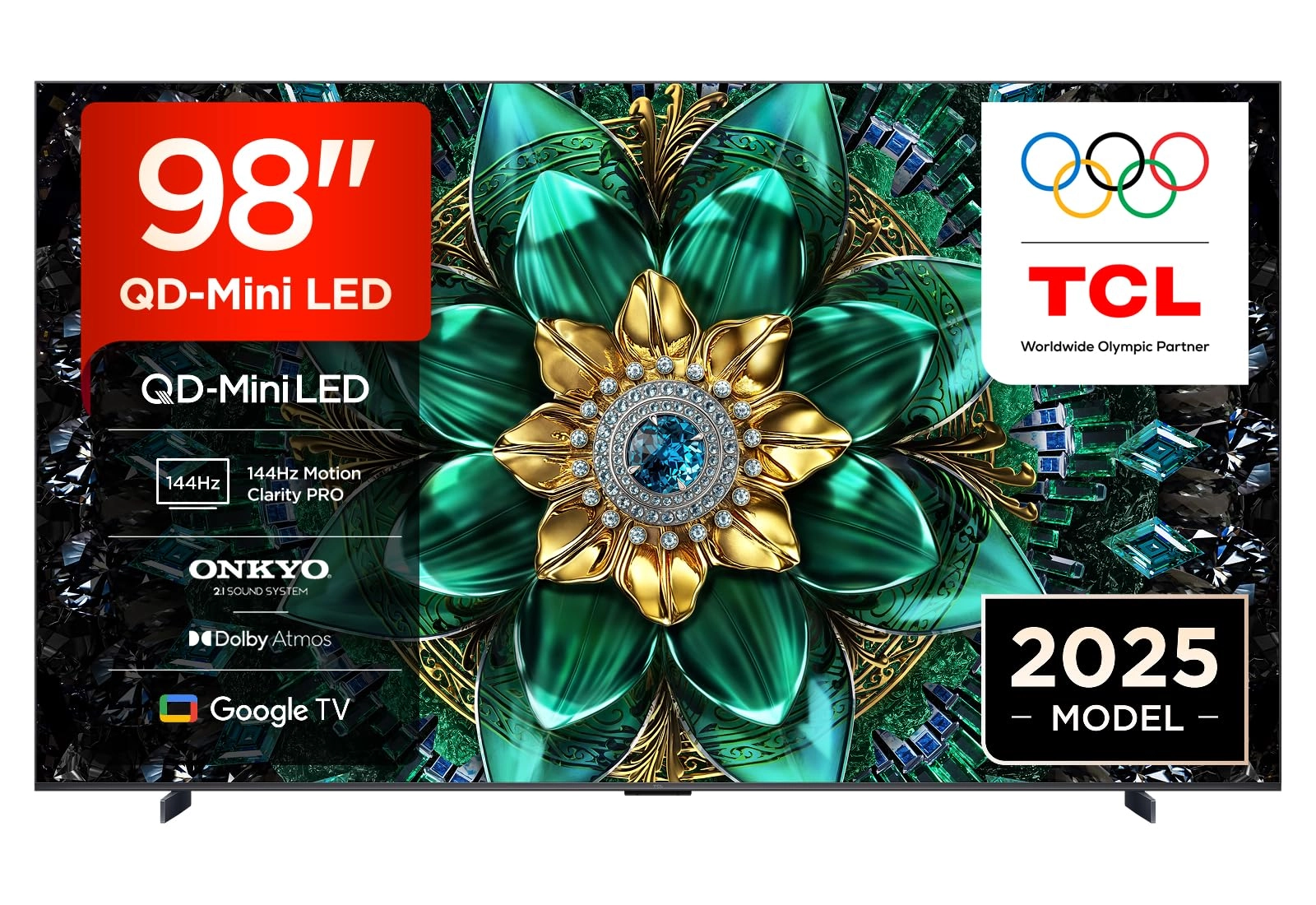
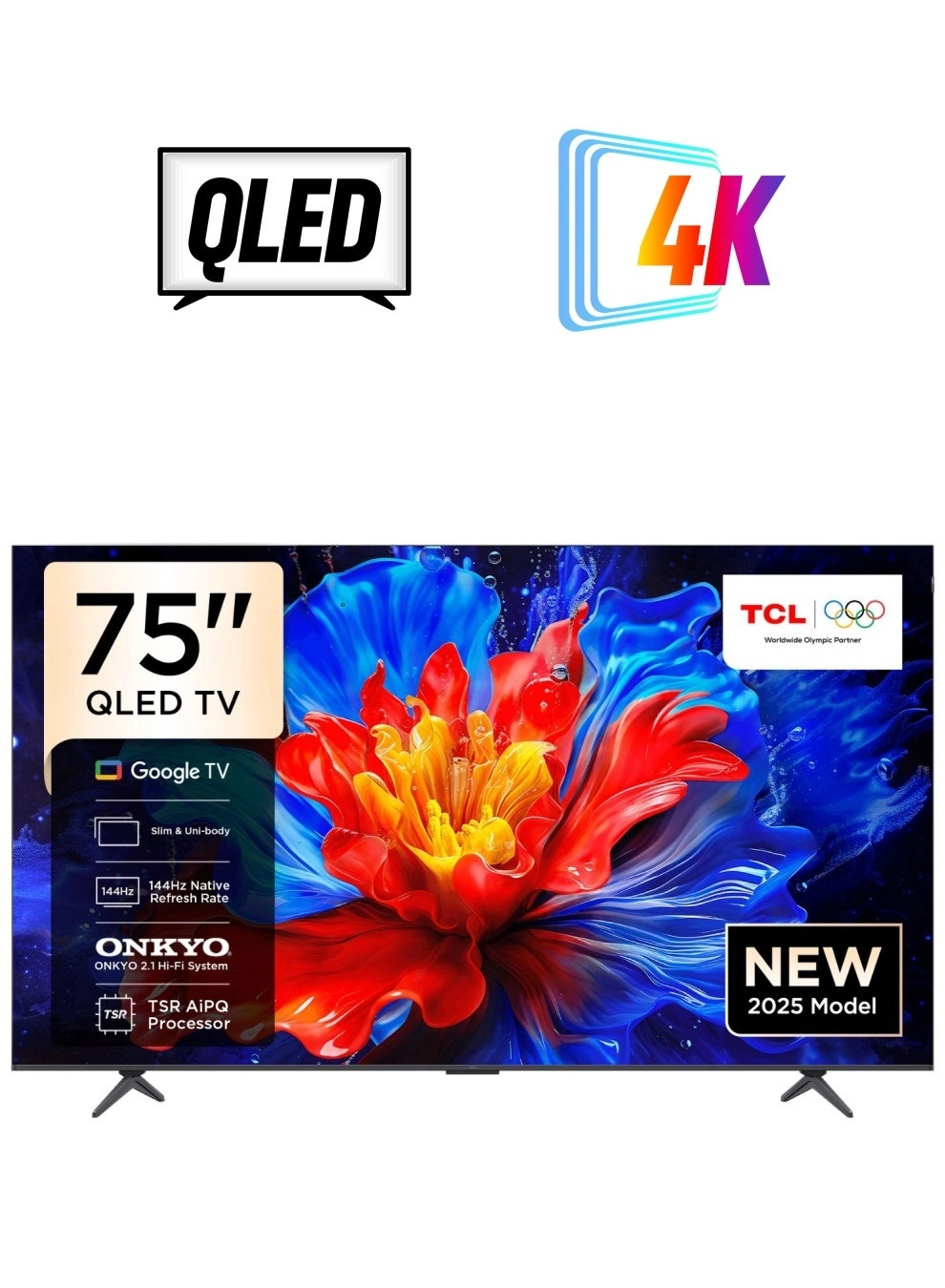
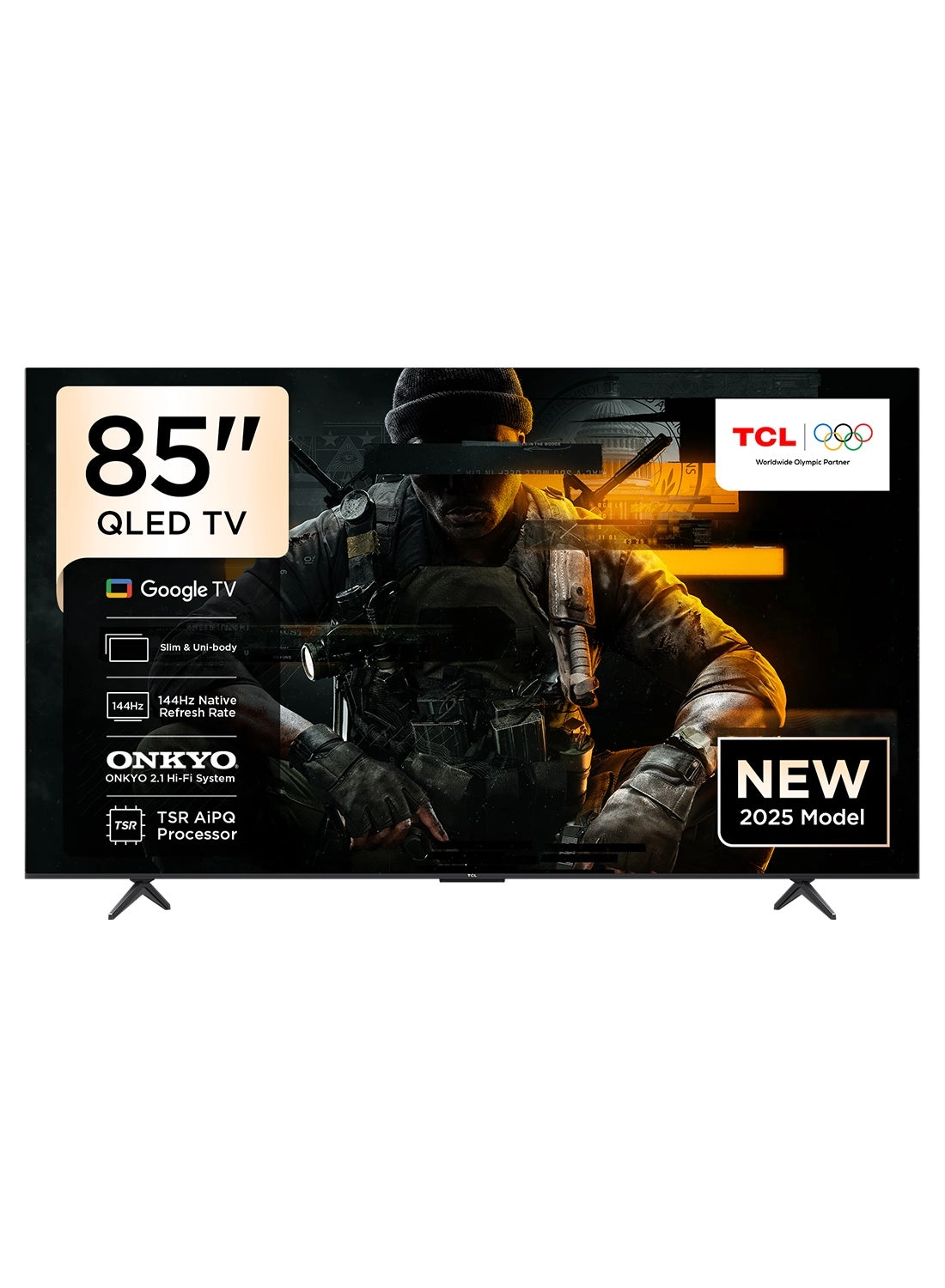
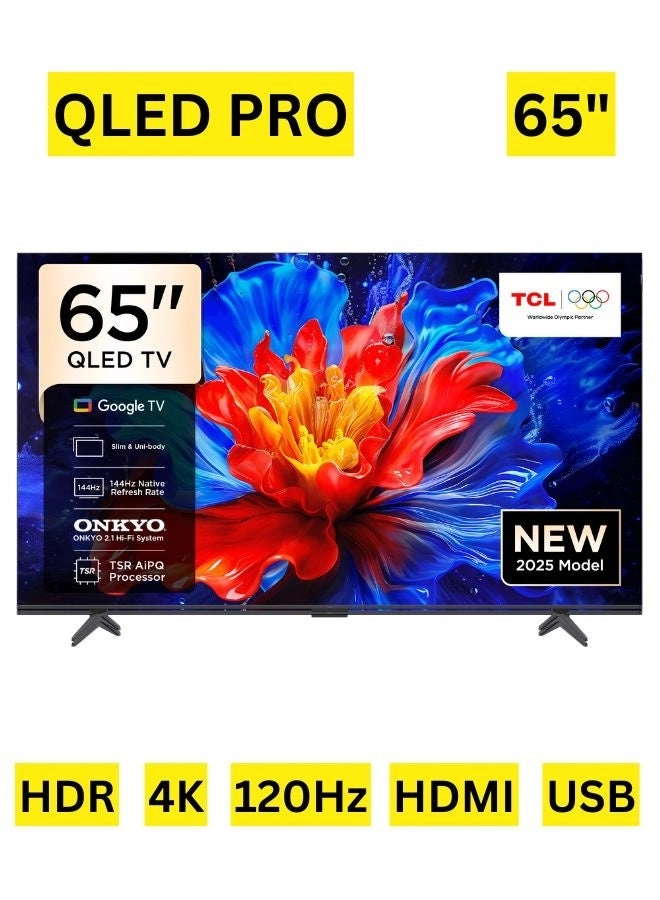
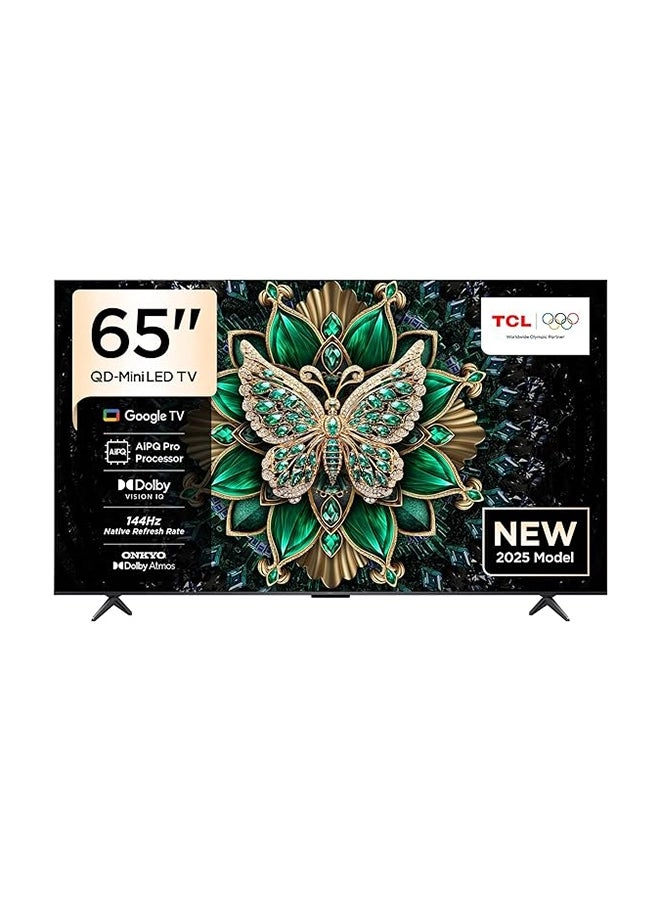
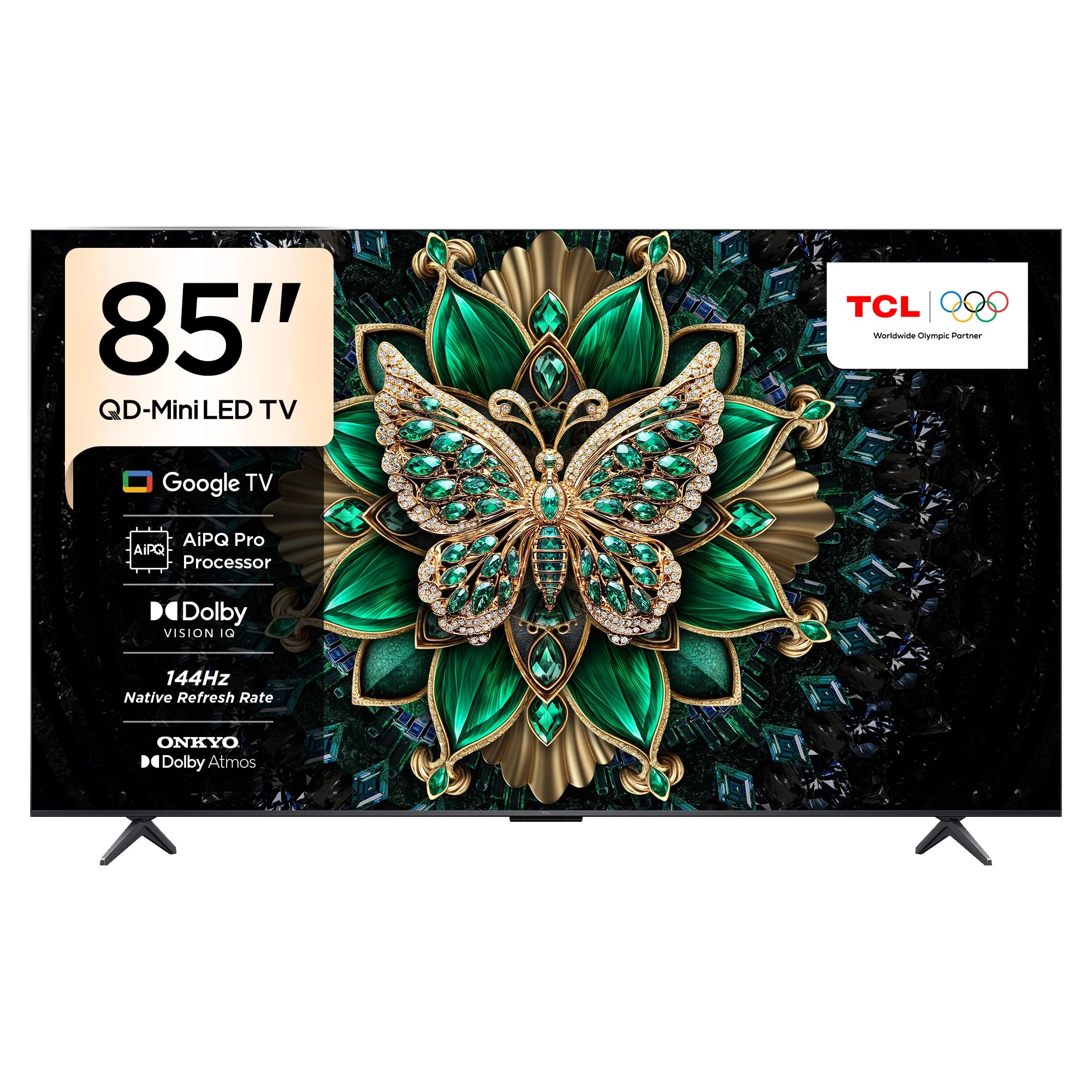
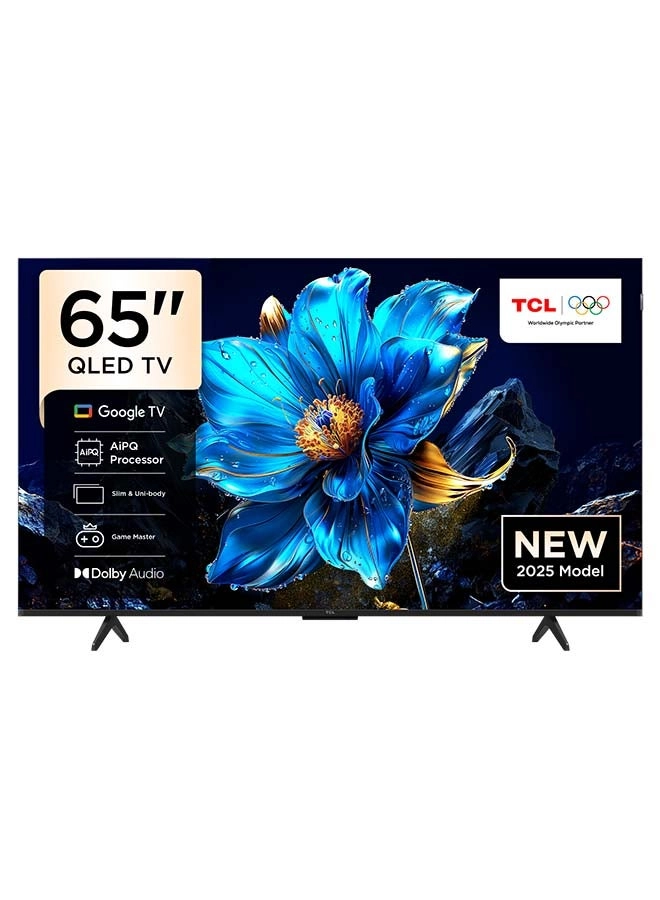
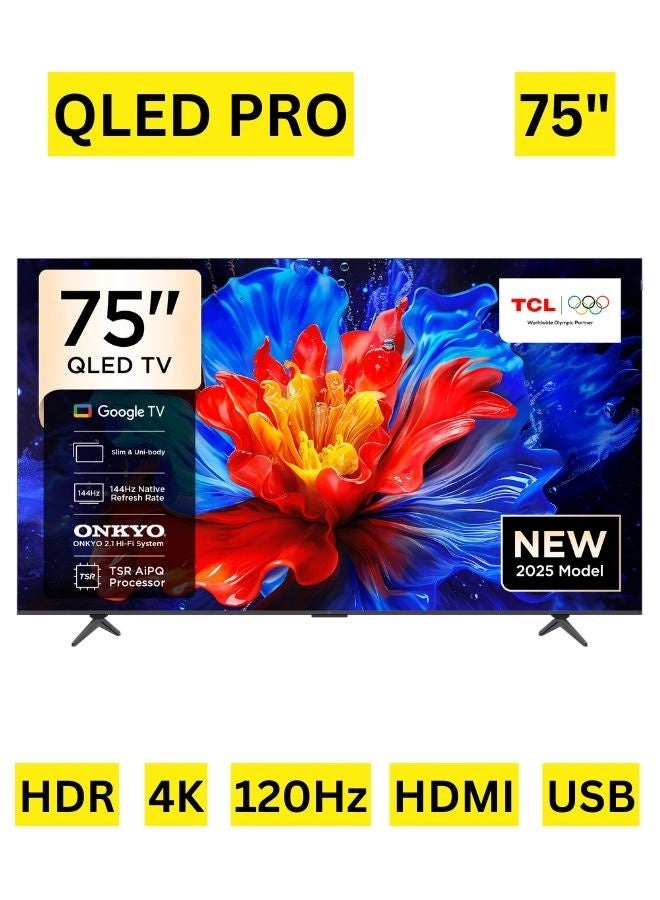
TCL 85Q6C-UK - 98 Inch
Best offer
AED
19 51400
AED
22 58600
-13%
Key Features
- Colour name: Brushed dark metal front
- Audio input: Bluetooth, HDMI, USB
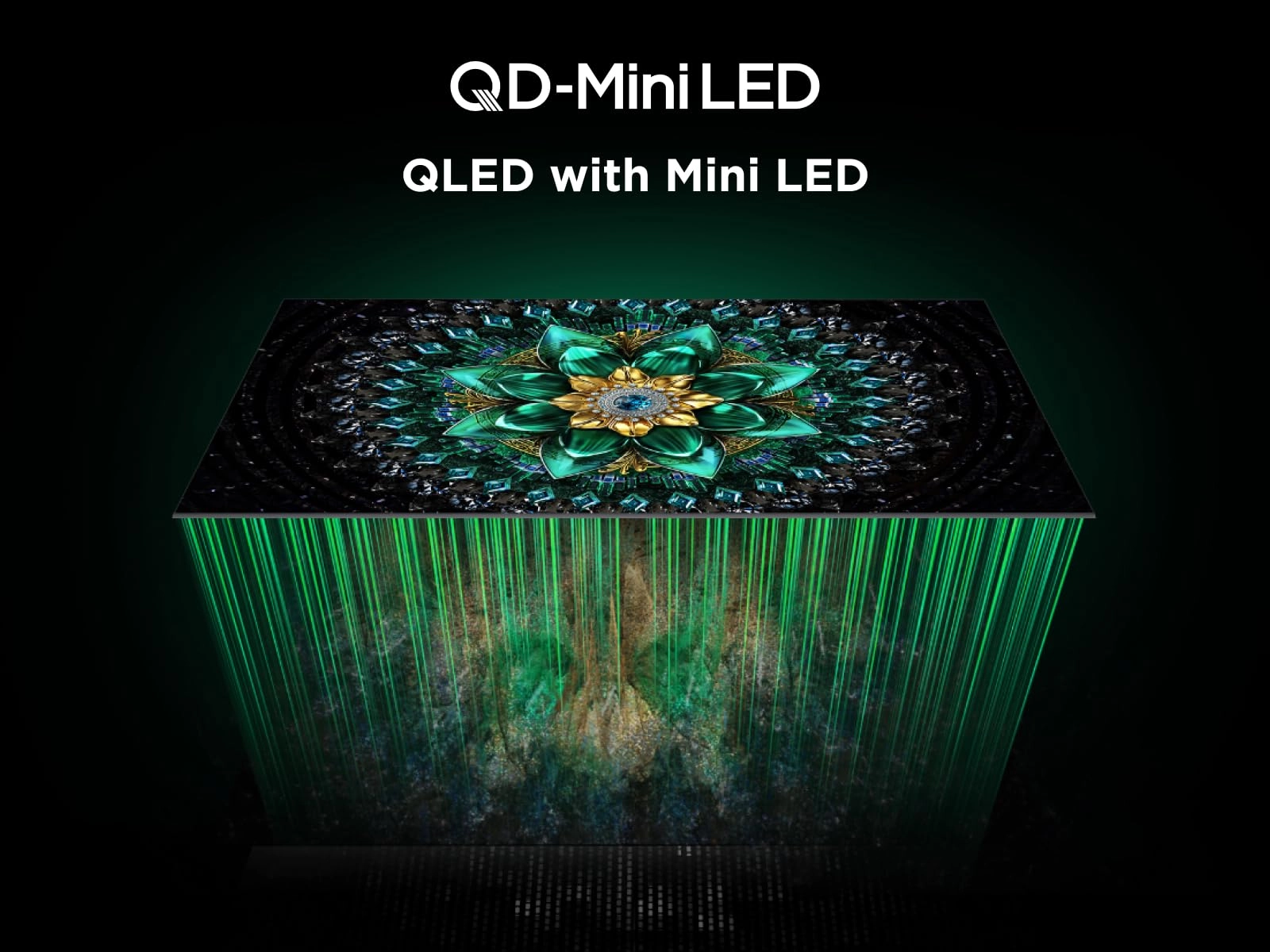
- Display technology: Mini LED
- Introduction year: 2025
- Native aspect ratio: 16:9
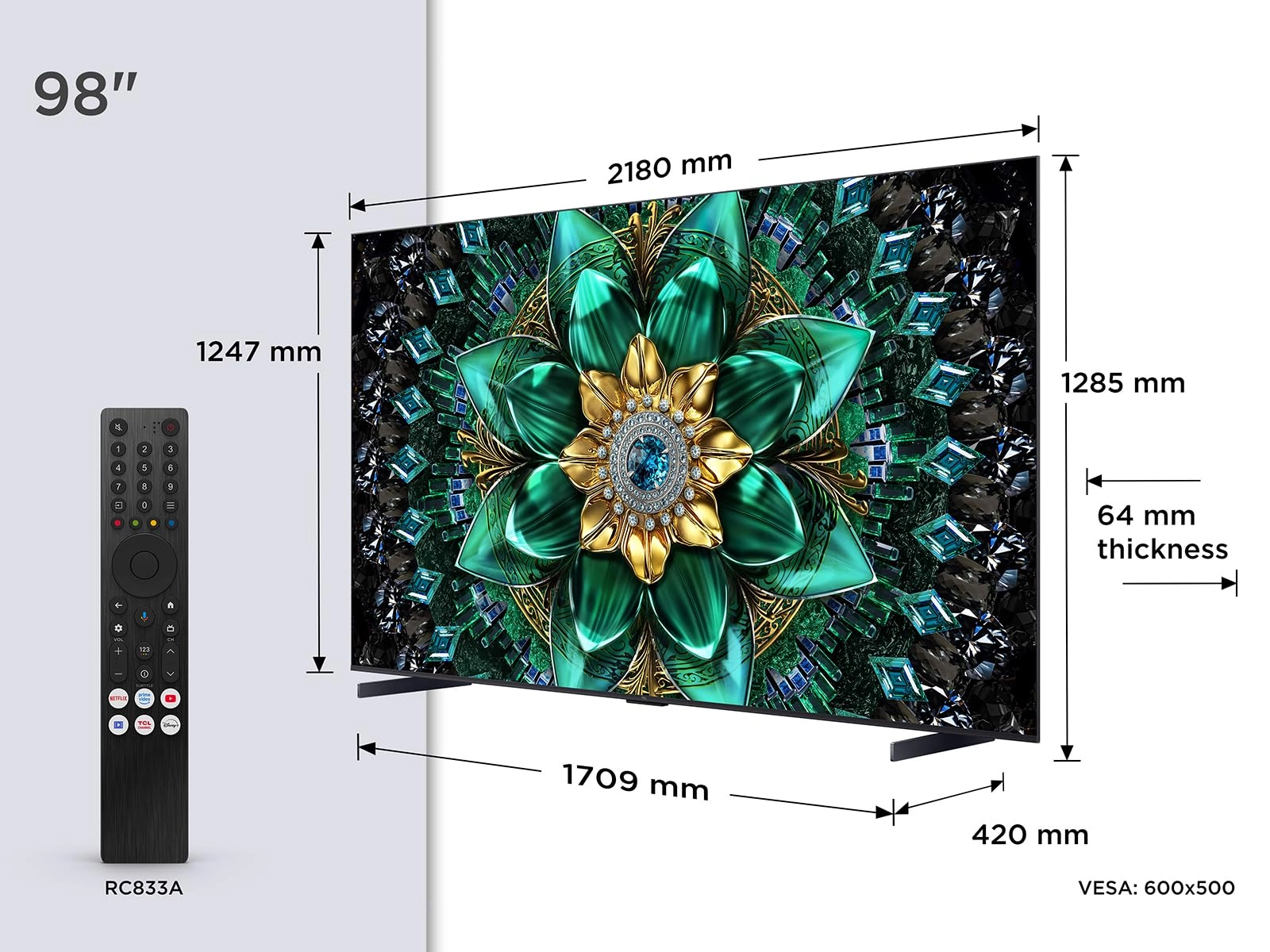
- Display diagonal: 98"
- Country of origin: China
Specifications
Features
Country of origin
China
Display diagonal
98 "
Audio input
Bluetooth, HDMI, USB
Colour name
Brushed dark metal front
Display
Native aspect ratio
16:9
Display technology
Mini LED
Technical details
Introduction year
2025
Product Details
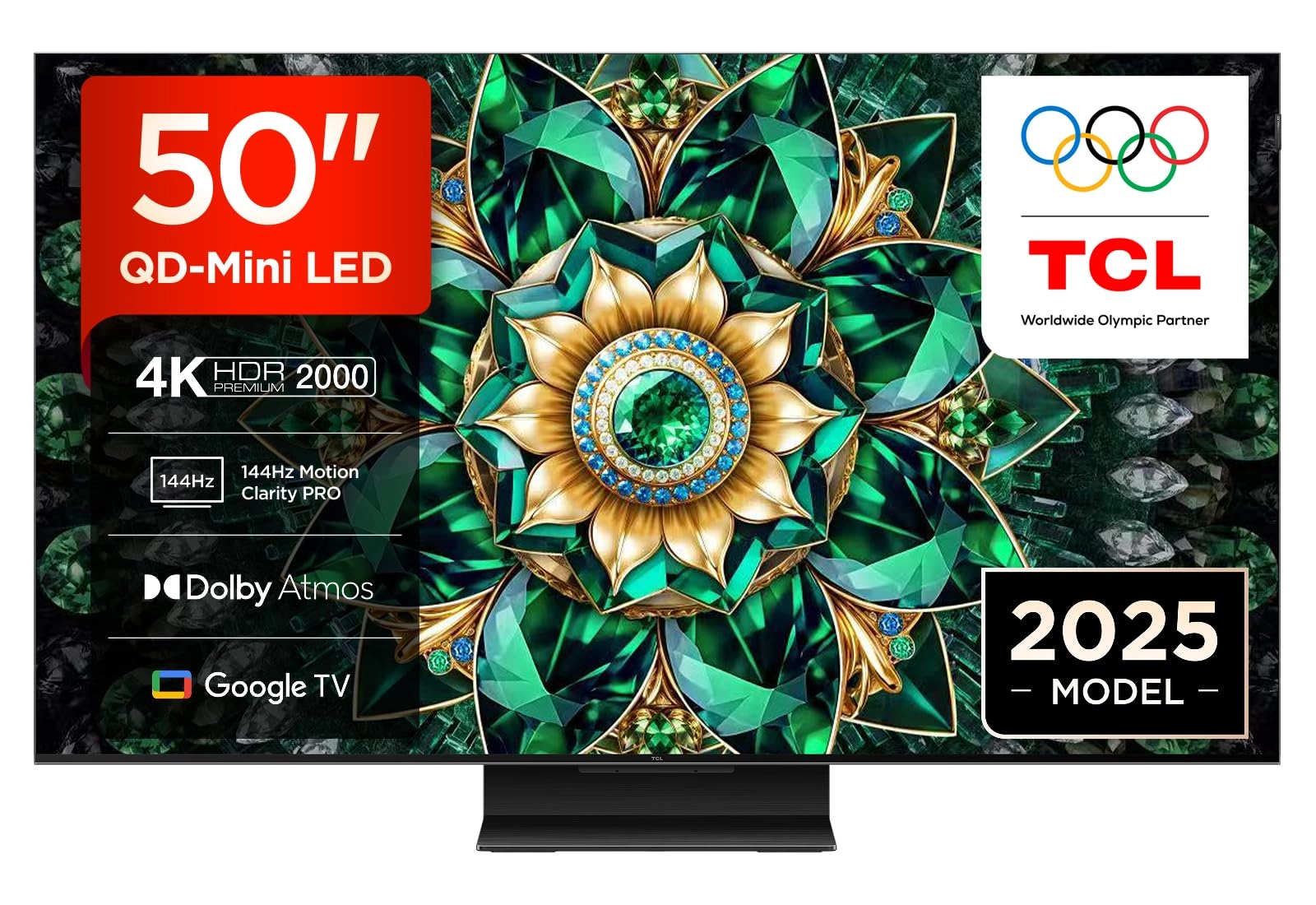
Free delivery and returns on eligible orders. Buy TCL 50Q7C-UK
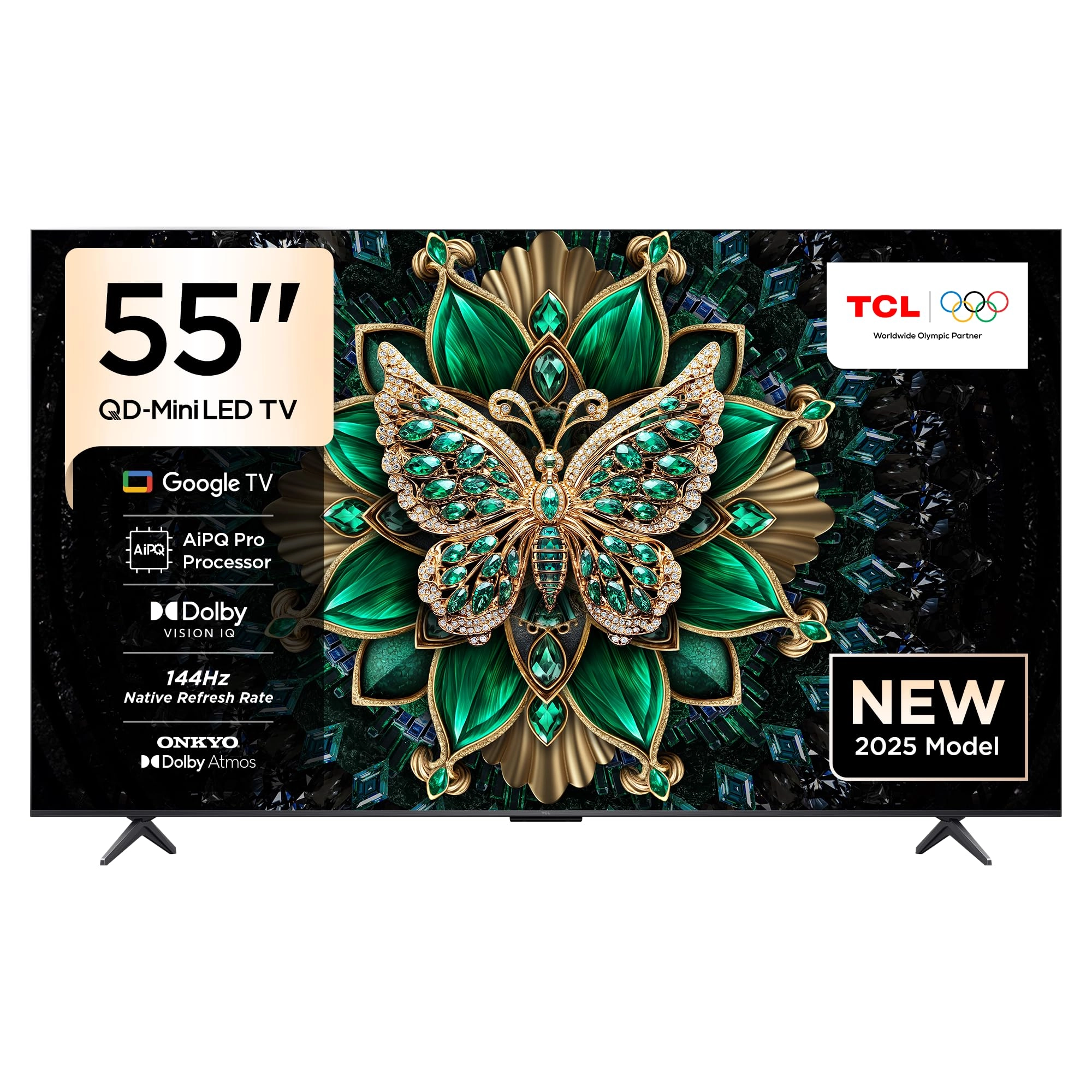
50” QD-Mini LED TV, 4K HDR Premium 2000, Smart TV Powered by
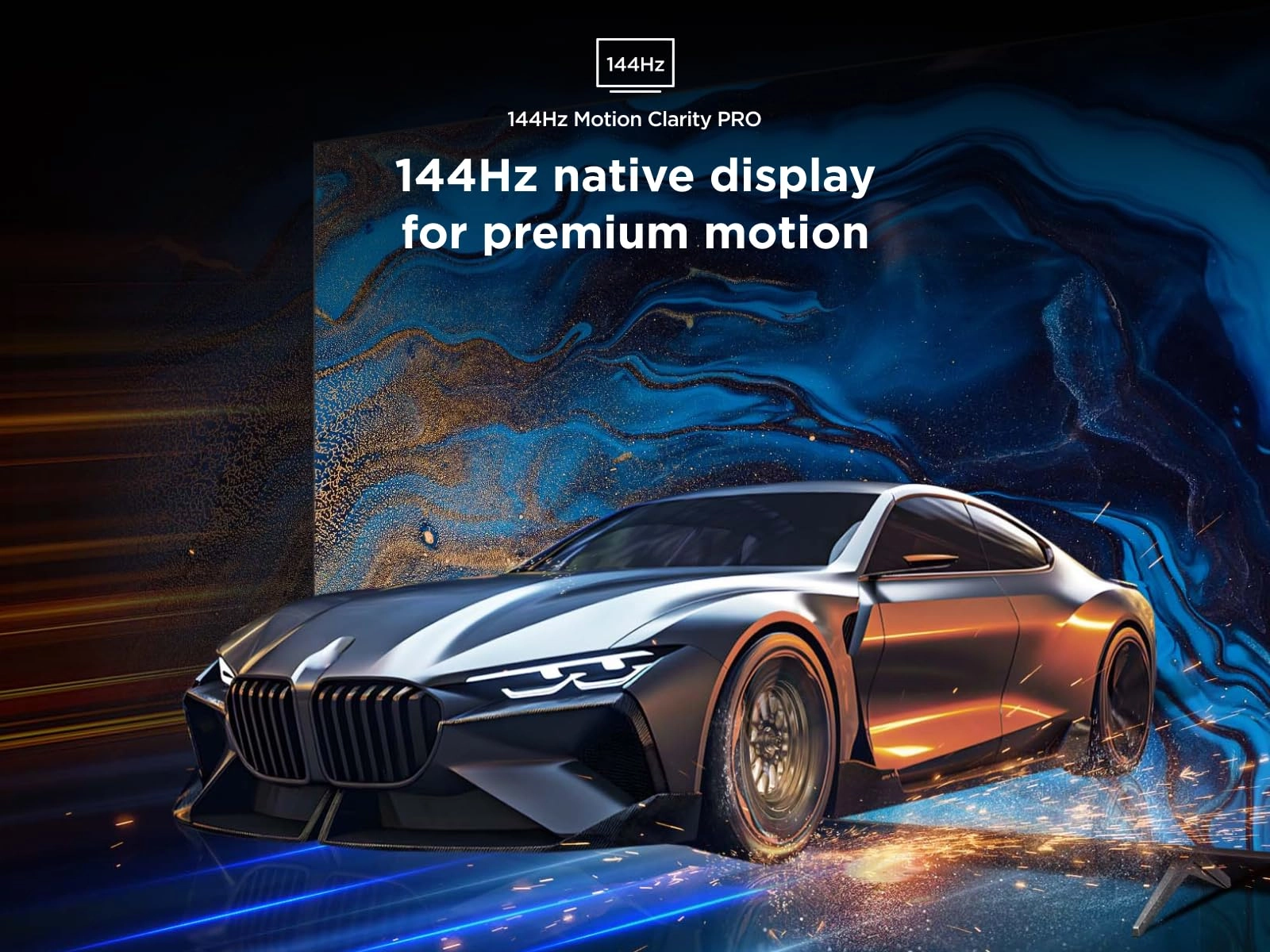
Google TV (Dolby Vision IQ & Atmos, HVA Panel, 144Hz Motion
Clarity Pro) at desertcart UK.
Review: Fantastic TV for the price - This is a replacement for a
"Philips - The One" and Primary use will be as a PC Monitor. Out
of the Box, this thing is huge (I got the 65" model) though
surprisingly light & weighing in around 15kg (w/out the stand).
As it's going on a floor stand the vesa brackets were easy enough
to attach & I was able to pick the TV up by myself and hook it
onto the stand. All the ports are located on the right side (none
on the rear!) and the power cable plugs into the left side. Yeah,
a bit odd & requires a bit of forward planning. It also means
cable management is a pain if you want things looking sleek &
un-messy! Switching on & setting up is easy enough - You're
greeted with the Google setup screen & can either log in manually
or scan the QR code with your phone & do things that way.
Unfortunately the QR code option wouldn't work & kept stalling
mid way with an error message! This I suspect is a Google issue &
NOT from TCL as I've encountered this issue many times. Doing it
manually and I had zero issues. So the import specs for the TV:
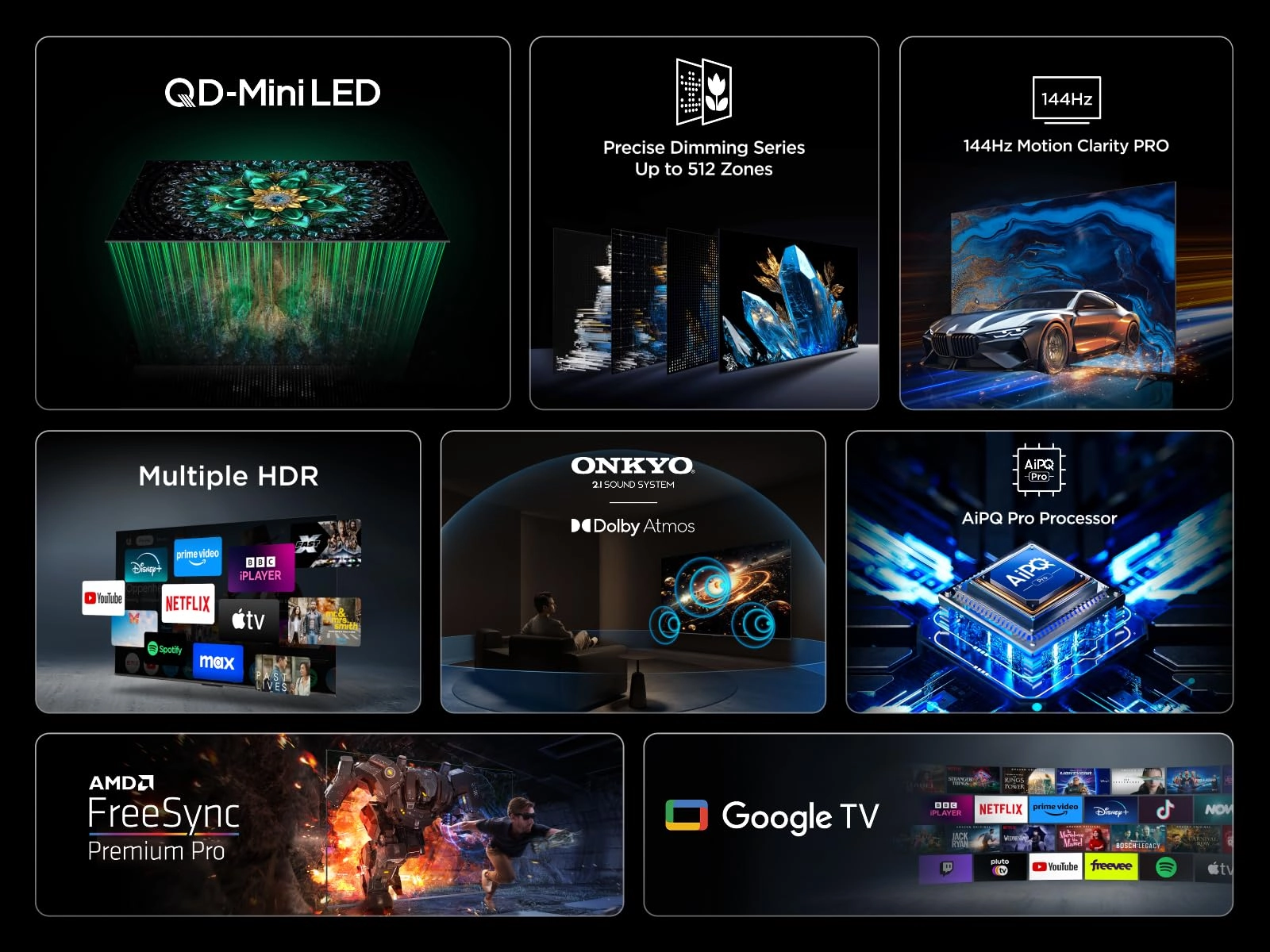
True 4k resolution (4096 x 2160 through HDMI) HDR10+, Dolby
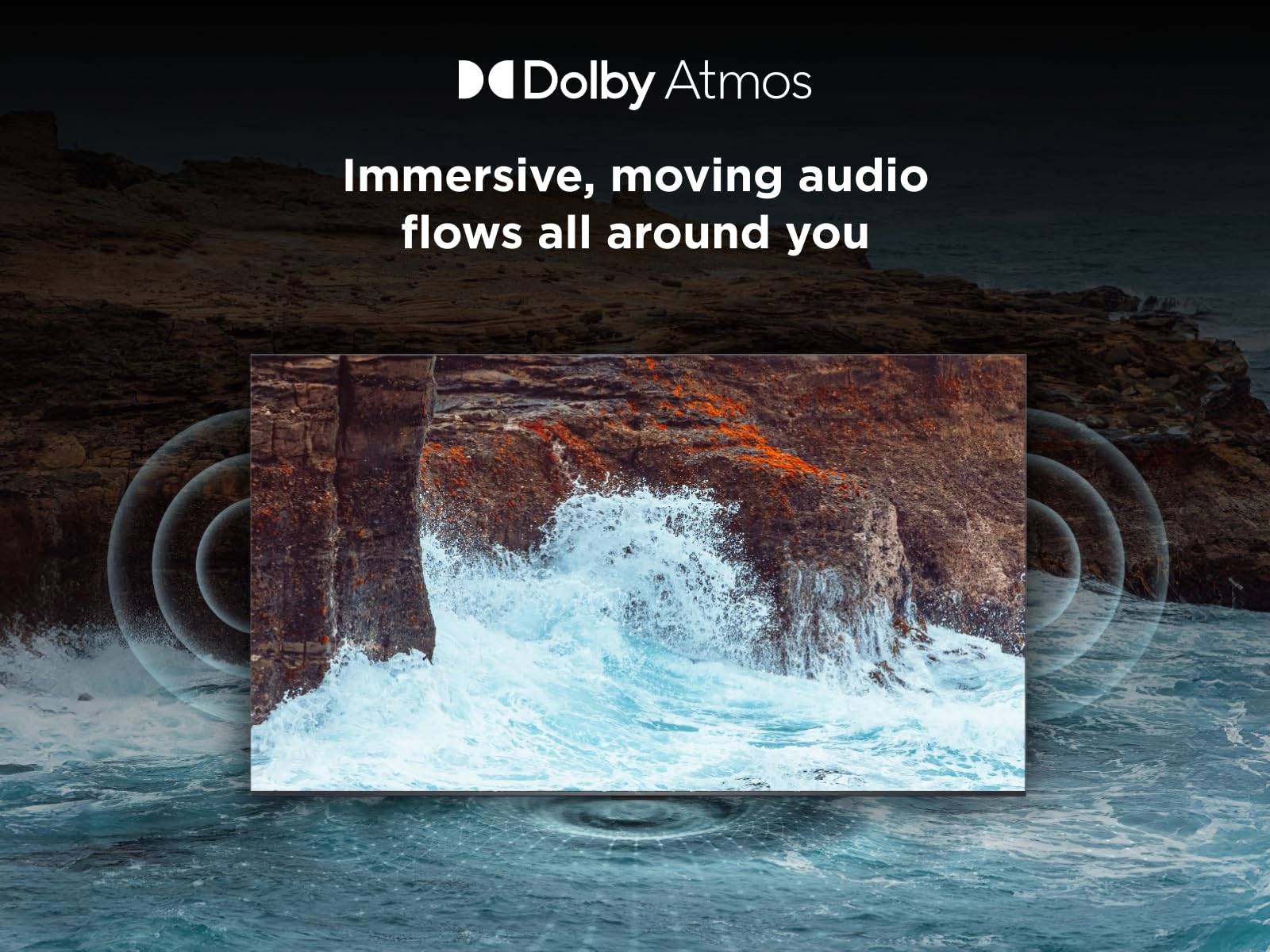
Vison, IMAX (all checked & supported) DTS:X and Dolby Atmos
(Tested & supported) HDMI 2.1 (Tested & supported with correct
HDMI cable) 2.1 Audio (Dolby Atmos support) c/w Built in
Subwoofers Up to 288hz Screen Refresh Rate (Only useful for
consoles / PC) I DO NOT Watch Live Terrestrial / Satellite TV so
those aspects I can't review. The main uses will be the usual
Streaming Apps & use as a PC Monitor!! Yeah, 65" is a bit
overkill for the PC it looks awesome. The TV comes with 3gb
Memory & 64gb Storage - plenty to keep things running smooth. If
you download a lot of content though (or record a lot of TV) then
you'll want to connect up an external storage device or you are
going to run out of storage space very fast! Google Home screen
is not very good compared to the Philips. Installed apps show as
a small list & keeps the "Highlighted App" to the far left
instead of moving to the centre of the screen and you scroll
across! There may be an option in the setting to change this
behaviour. If I find it, I'll add a "How to" at the end under
"edited bits". I've also not been able to find an option to
customize the Google Home screen as of yet! It's annoying and may
put people off as we want to be able to clearly see our most
common Apps. With that aside, Installing Apps is pretty much the
same for those already used to Android phones. You can also
install Apps remotely using your phone (or tablet) via the Play
Store if you've setup the TV with your normal Android account.
All Apps run as they're meant to. Movies which support the
various HDR/Expanded Audio formats all displayed correctly with
the correct audio formats. You will have to play with the Display
Image settings to get the most out of the TV. i.e. Dolby Vision
IQ is horrendous - Light or Dark mode are preferred unless you've
silly levels of light coming in to where the TV is located! Also
disable "Eco" features if you find the Screen Brightness levels
are all over the place - these rely on a sensor fitted to the TV
which monitors the current light level. It works for some but
most people turn it off. I have it on "Filmmaker Mode" & Motion
smoothing set to either "Off" or "Custom 2 & 2". This seems to
give the best Image without the horrible "Soap Opera" effect &
horrible blurring or juddering. Now for me, the Primary use will
be with a PC hooked up & this is where I hit some problems. I
have a Full External Sound system which is connected via HDMI
ARC/eARC but is only HDMI 2.0 This means I can't run the PC
through the passthrough on the Audio system to the TV as it
doesn't support the required refresh rates. AND this is where I
hit a snag! the TV has 4 x HDMI ports: Port 1 - 4k / 144hz (e)ARC
Port 2 - 4k / 144hz Service Port Port 3 - 4k / 60hz Port 4 - 4k /
60hz (e)ARC is only supported on Port 1. I can confirm this as
trying the External audio on the 3 other HDMI ports resulted in
zero Audio output! A Really stupid decision. Why they don't have
it enabled on a second port is beyond me and does mean a
potential headache depending on what you're plugging in & the
desired Maximum outputs you want! So the External audio is hooked
up to HDMI port 1 (e(ARC) and the PC is connected to HDMI port 2.
TV found the PC and automatically went into "Game Mode" when I
selected the HDMI input. This also opens a new menu where you can
change a few specific settings relating to what you've plugged in
(Console / PC). This is the interesting bit (And for those
interested in knowing the actual supported outputs), What can the
TV actually output? 4096 x 2160 @ 60hz (4k) 3840 x 2160 @ 144hz
(UHD) 2560 x 1440 @ 288hz (1440p/QHD/WQHD) 2080 x 1080 @ ???hz
(2k True Filmmaker Mode) - Resolution not supported by TV (IDED
Check - resolution missing) 1920 x 1080 @ 288hz (1080p / Full HD)
1280 x 720 @ 288hz (720p / HD) These results are via HDMI 2.1a to
HDMI 2.1 and tested on both HDMI 1 & 2 outputs and are limited by
the HDMI (144hz & over is only possible using Display Stream
Compression (DSC) which is done automatically above 120hz). Makes
you wonder why they didn't add a Display port to the TV?!?!?
Results will vary when using a Gaming Console & your PC specs. I
will try a Display port 2.1 to HDMI 2.1 adapter if they ever
become available to see if this makes a difference. Currently
only able to find Display port 1.4 to HDMI 2.1 adapters and these
seem to be hit & miss as to whether they work or not! Overall,
I'm super happy with the TV. Local Dimming Zones really help with
Blacks & reducing "Halo Effects", There's a blue light reduction
and lots of advanced Picture settings to allow you to tweak
things to your personal preference. Audio options are very
lacking compared to other brands & I haven't come across an
option which allows me to change the audio format if more than
one is present (Think Stereo / Dolby / DTS) so you're stuck with
whatever the TV thinks is the best! Not an issue when using
External Speakers though. The TV sound is actually half decent
considering how thin it is. The inclusion of dual Subs built into
the back of the TV definitely makes a difference. Just be aware
it will never be as good as an External Speaker setup. You can
pair Bluetooth speakers to be used in tandem with the TV speakers
which gives things a bit more depth & range. Finally (and just to
repeat myself) this is a Huge TV. I have a Soundbar sat
underneath which is 1.2 metres long.. and the TV overhangs it by
around 15cm either side. Yep, this thing is just shy of 1.5
metres wide! Great TV and some amazing features you would
normally only find on much higher end models.
Review: Incredibly impressive bang for your buck TV - for a £650
tv this thing slaps, super bright HDR and SDR and some fantastic
image processing makes everything super crisp and vibrant, the
audio is surprisingly good and you can actually feel the sub bass
from the 2 rear woofers. for gaming it has everything you could
ever possibly need and 40fps modes on consoles looks stunning.
only really 2 negatives and one of those is related to my
personal setup, the remote is plastic and cheap but what you
would expect really and all the IO is on the right hand side so i
just had to wrangle the cables about to get them to reach,
luckily the cable manage was pretty well thought out and they all
clip in to the back of the stand nicely.
Reviews
Loading...
Loading...
Loading...
Loading...
Loading...
Loading...
Loading...
Loading...
Loading...
Loading...
Loading...
Loading...
Loading...
Loading...
Loading...
Loading...
Loading...
Loading...
Loading...
Loading...
Loading...
Loading...
Loading...
Loading...
Loading...
Loading...
Loading...
Loading...
Loading...
Loading...
Loading...
Loading...
Loading...
Loading...
Loading...
Loading...
Loading...
Loading...
Loading...
Loading...
Loading...
Loading...
Loading...
Loading...
Loading...
Loading...
Loading...
Loading...
Loading...
Loading...
Loading...
Loading...
Loading...
Loading...
Loading...
Loading...
Loading...
Loading...
Loading...
Loading...
Loading...
Loading...
Loading...
Join our newsletter
Be the first to know about new arrivals, sales, and exclusive picks
Sign in to unlock newsletter access and stay in the loop