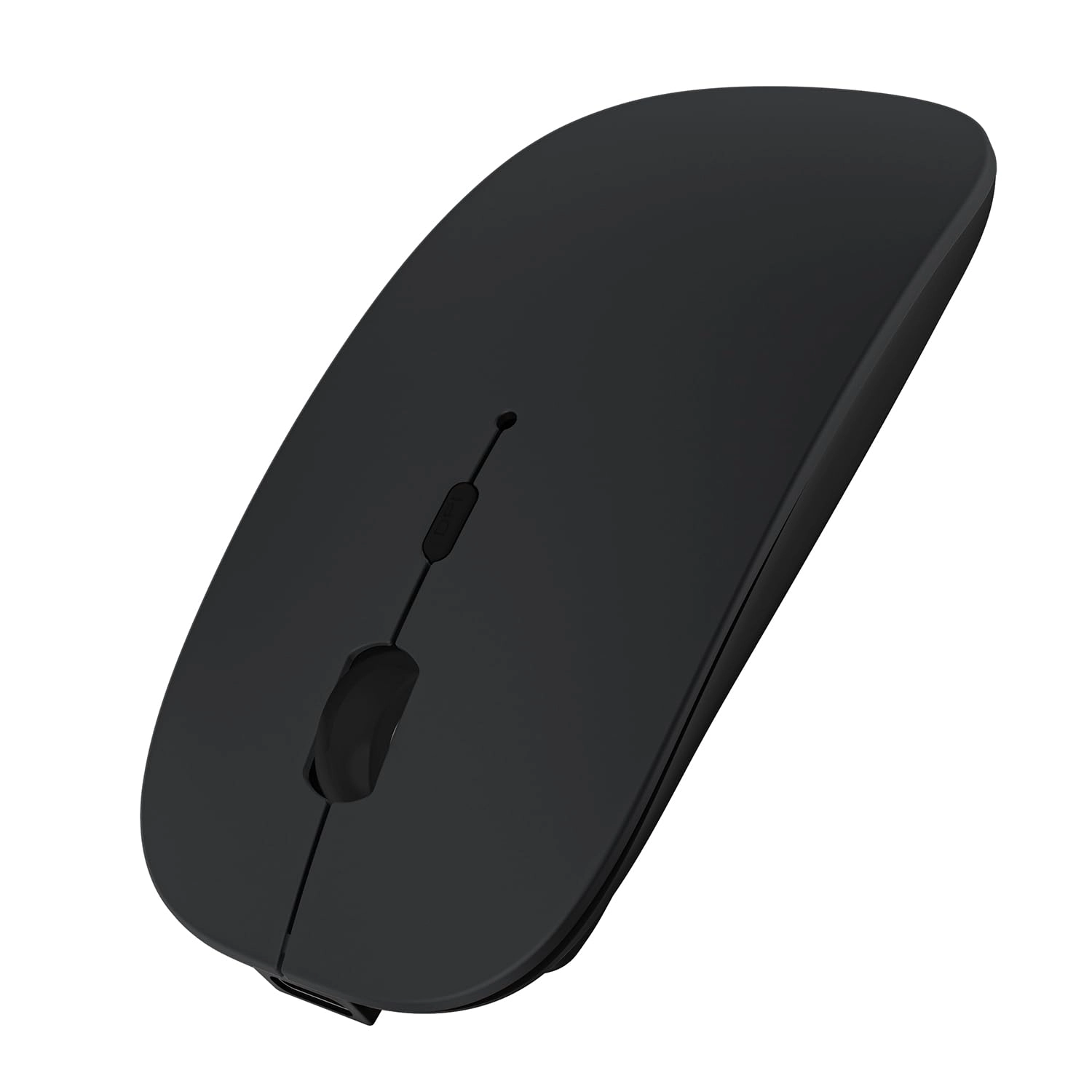
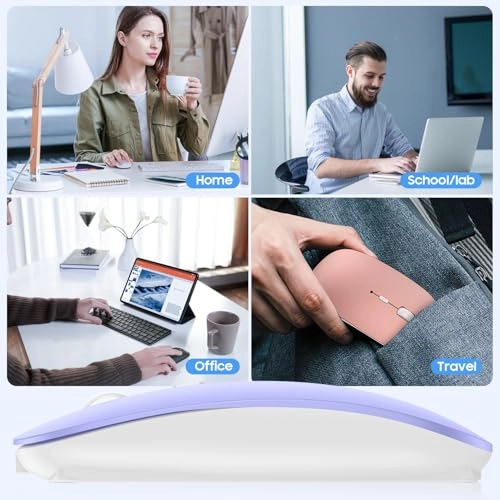
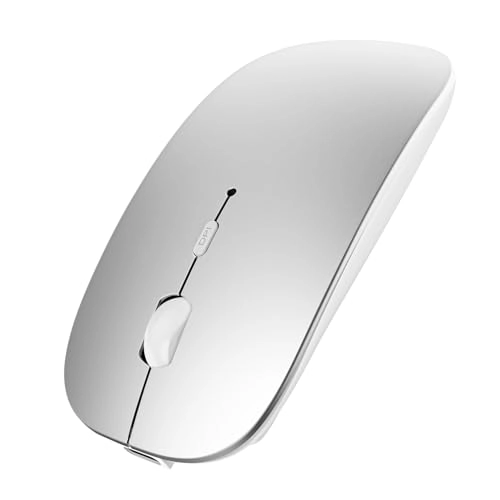
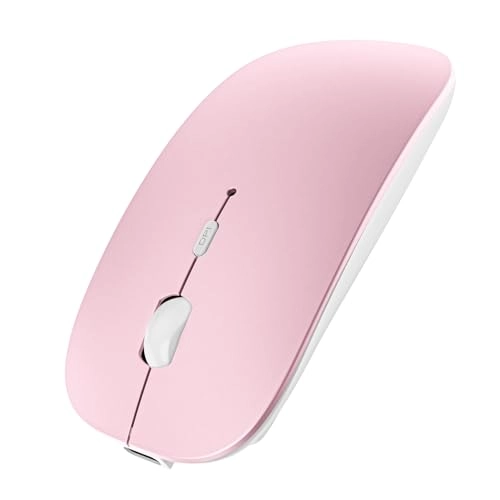
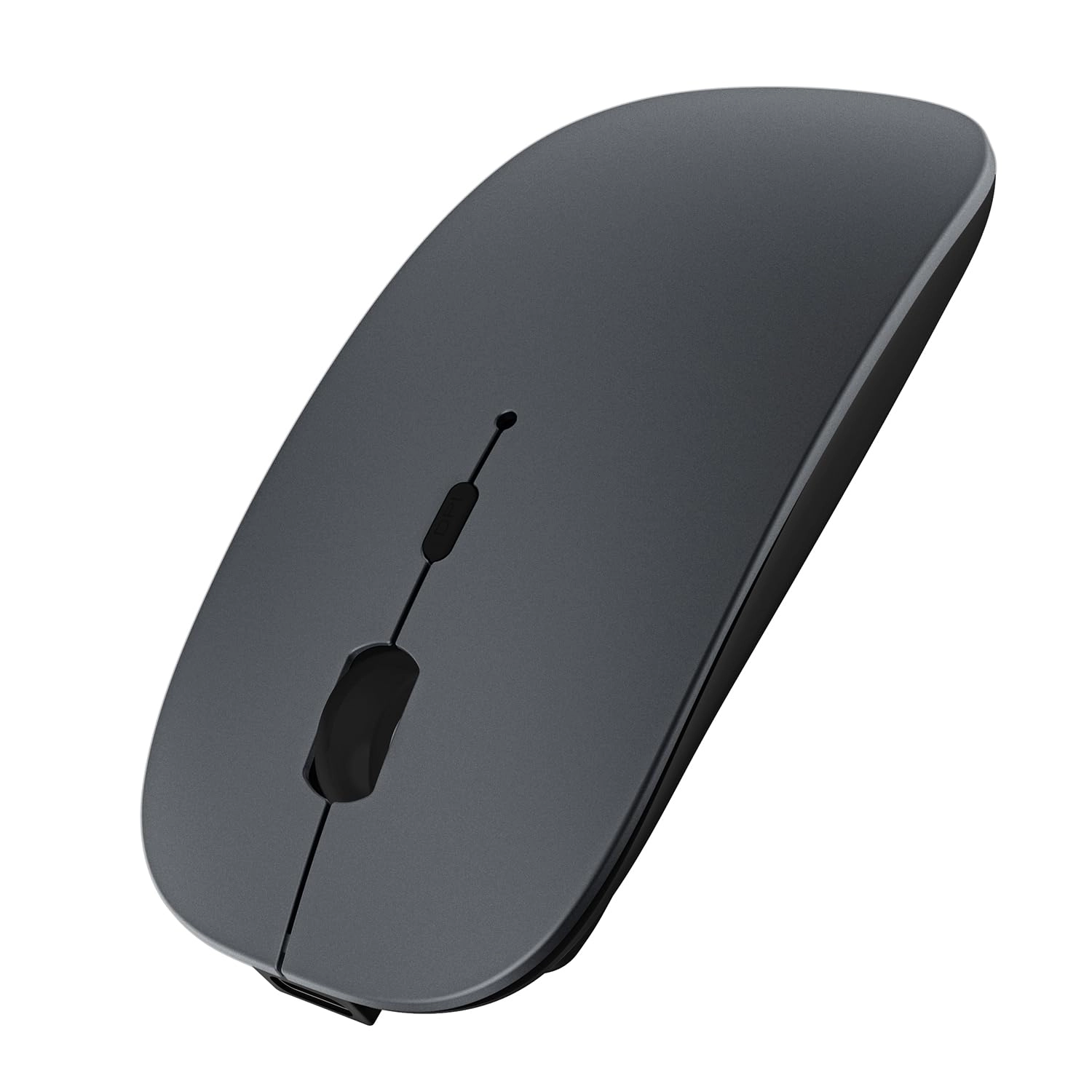
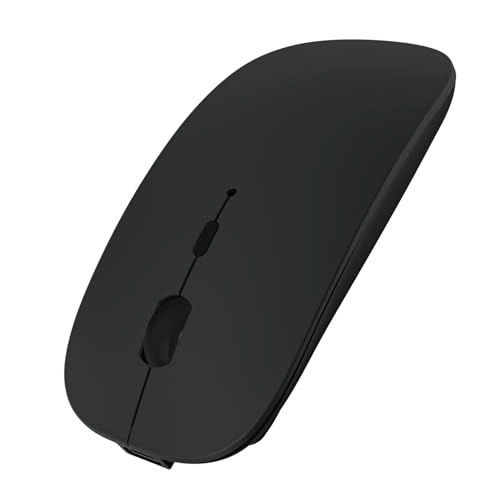
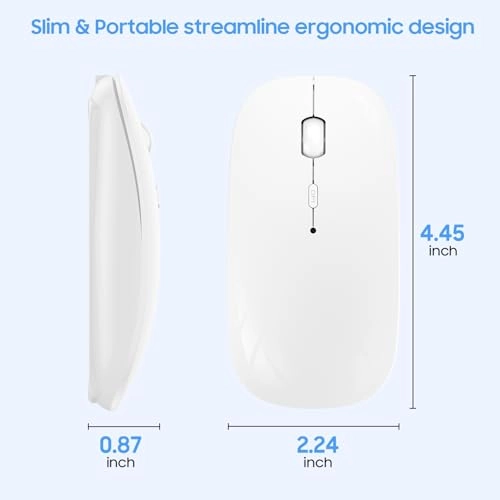
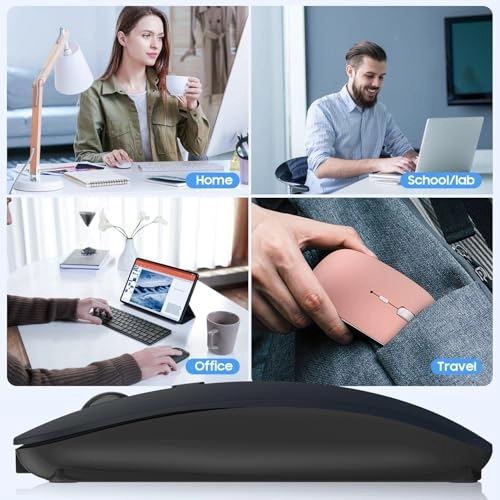
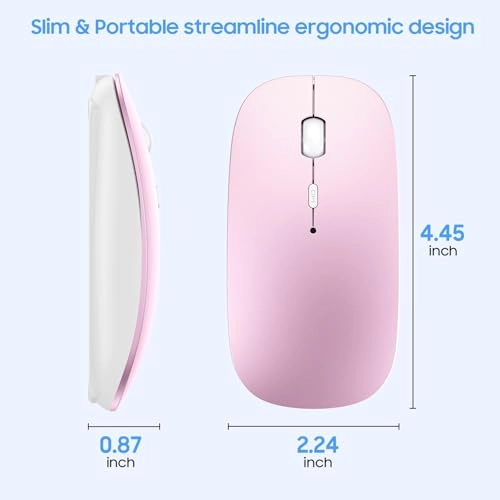
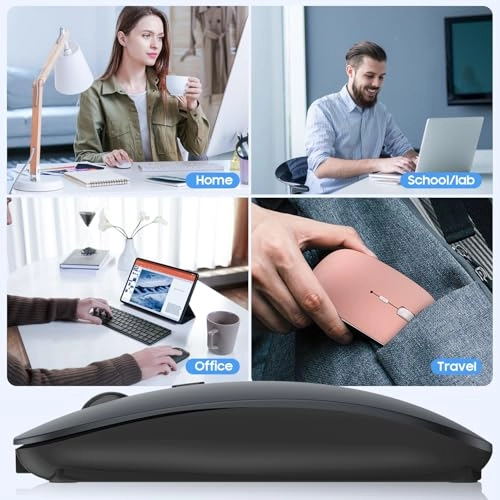
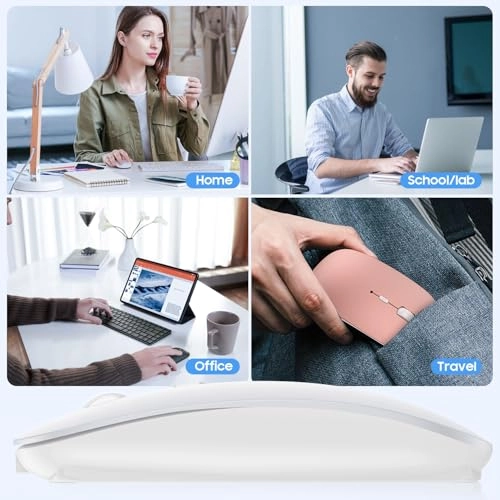
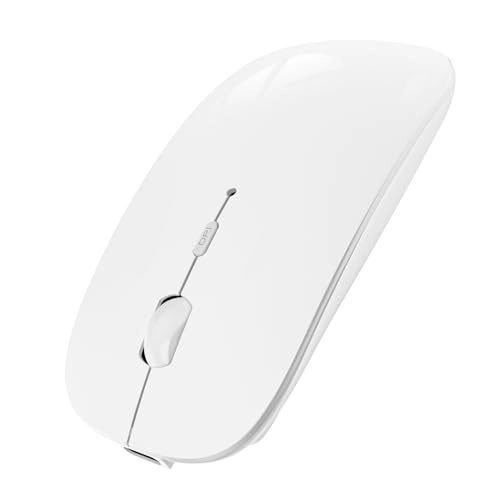
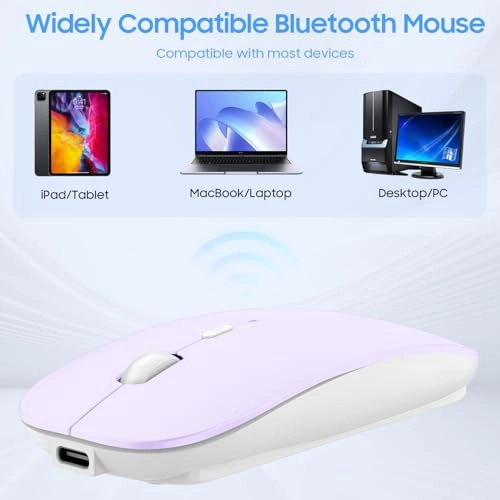
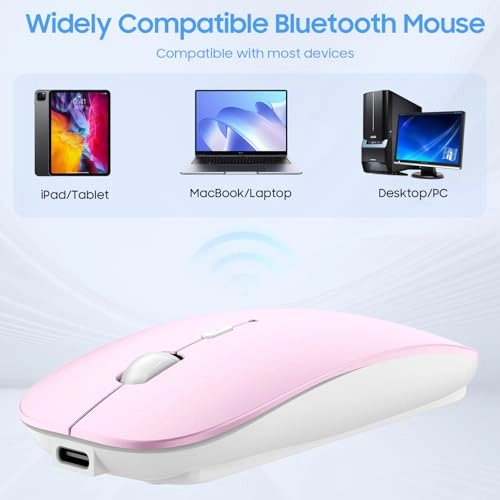
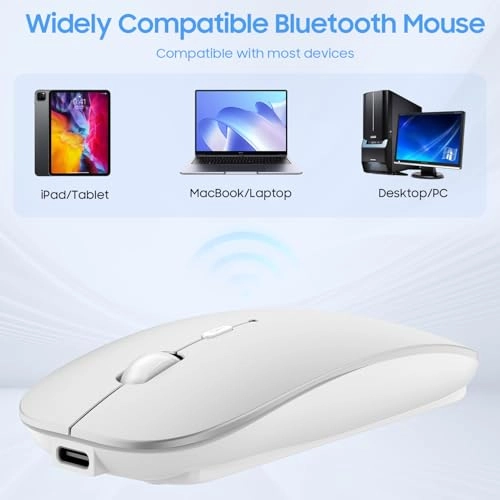
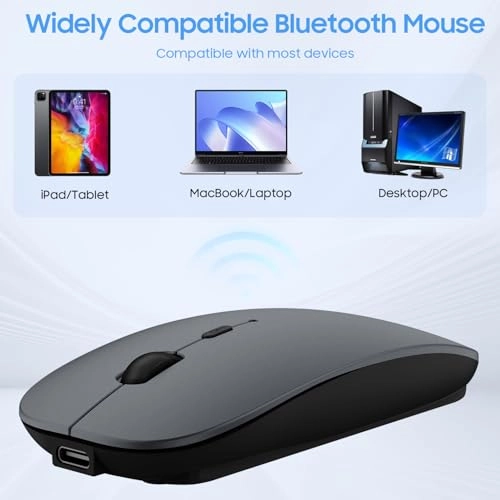
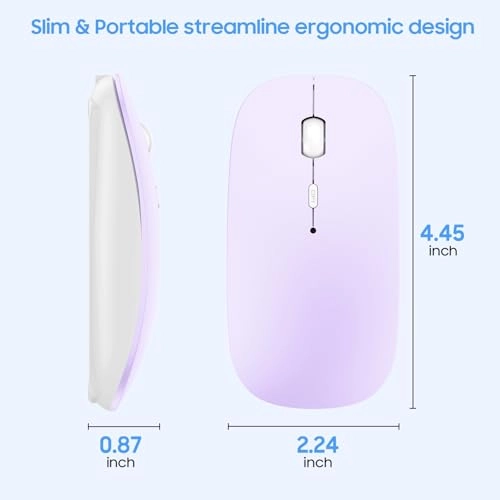
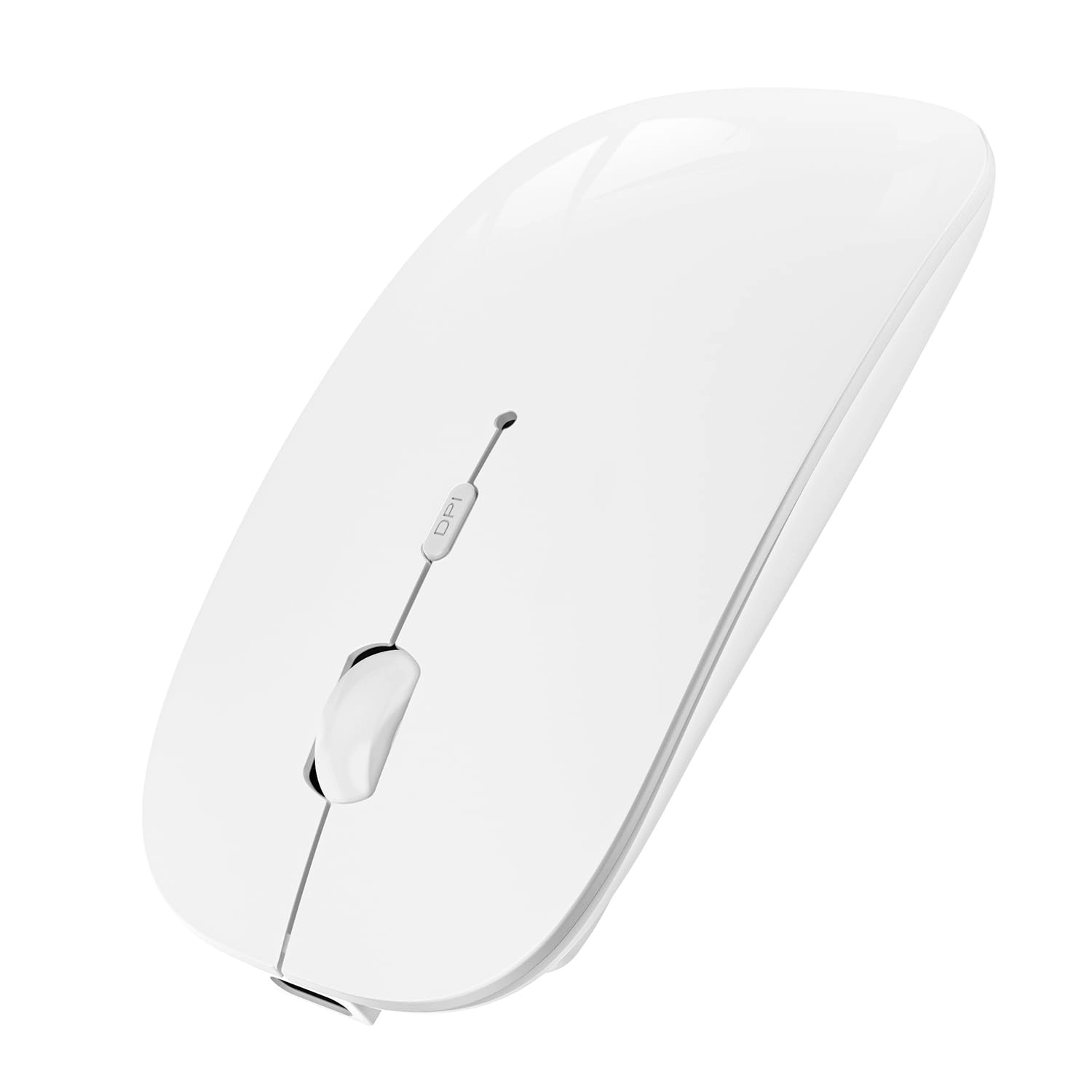
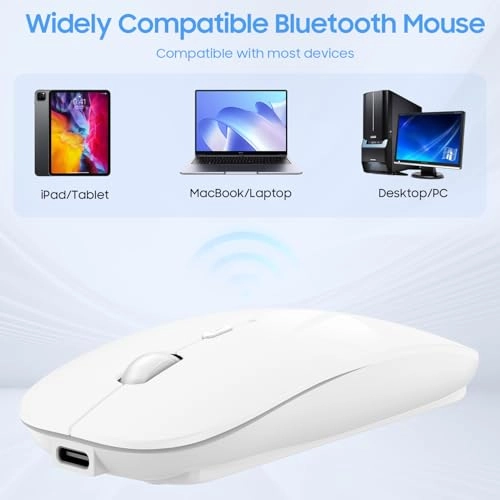
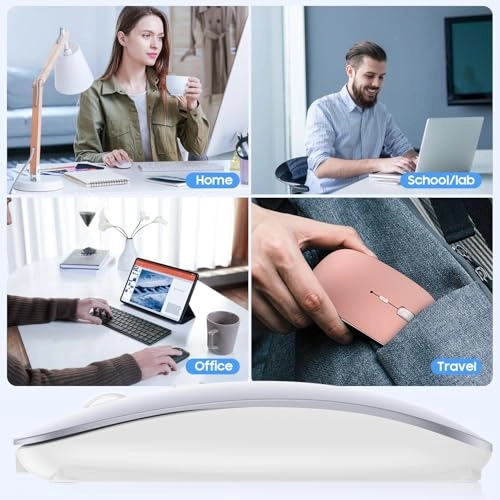
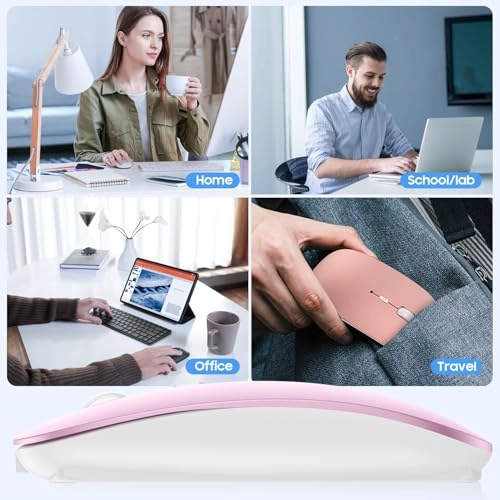
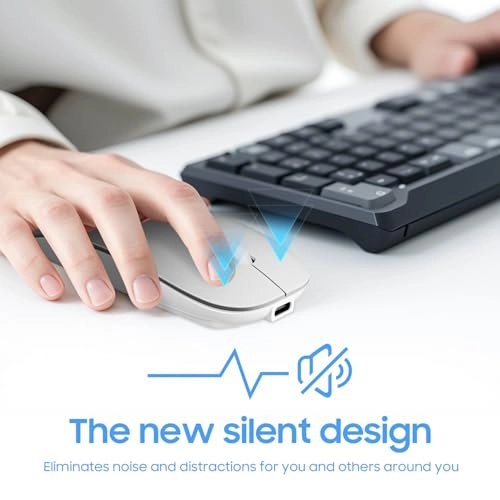
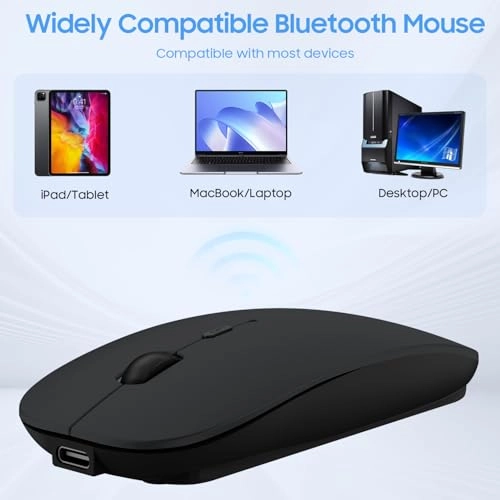
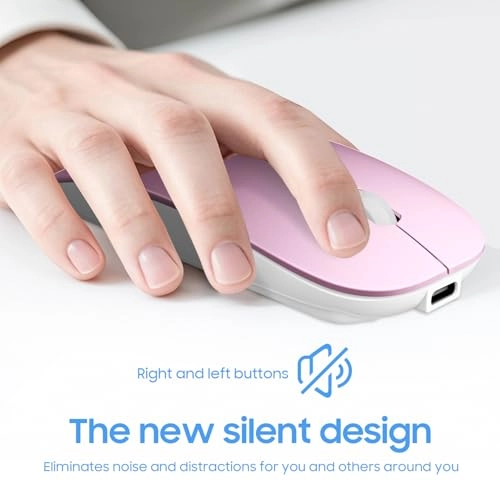
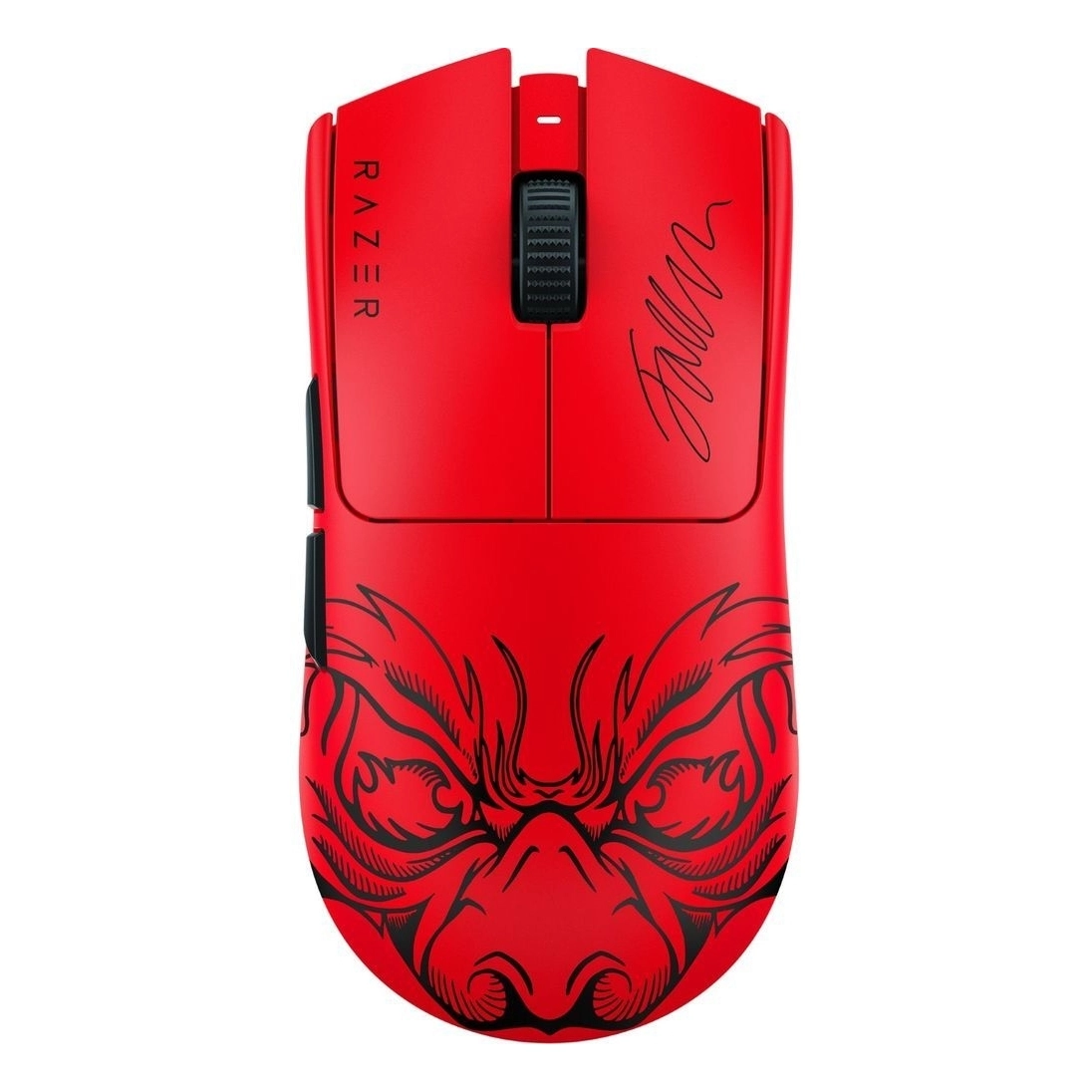
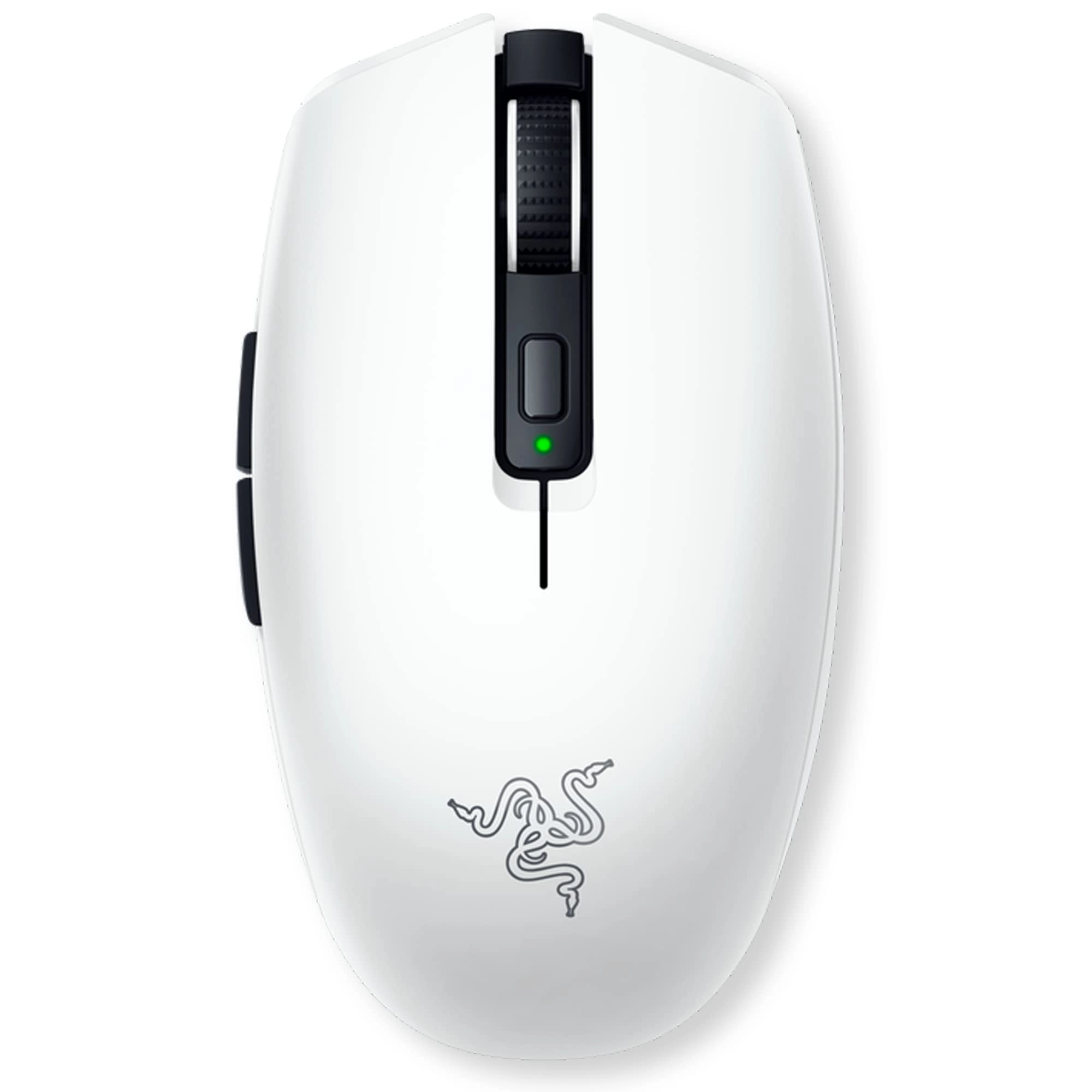
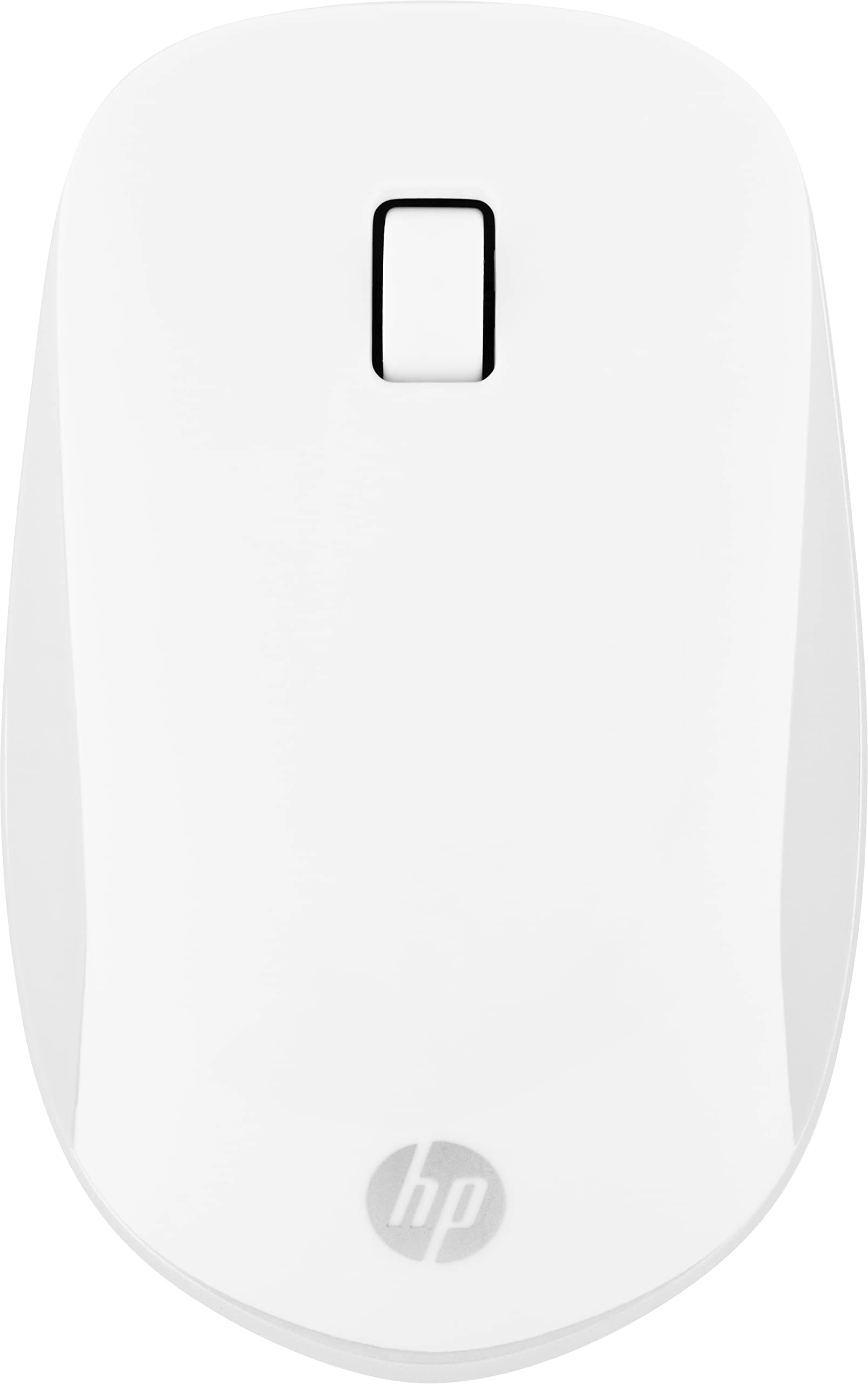
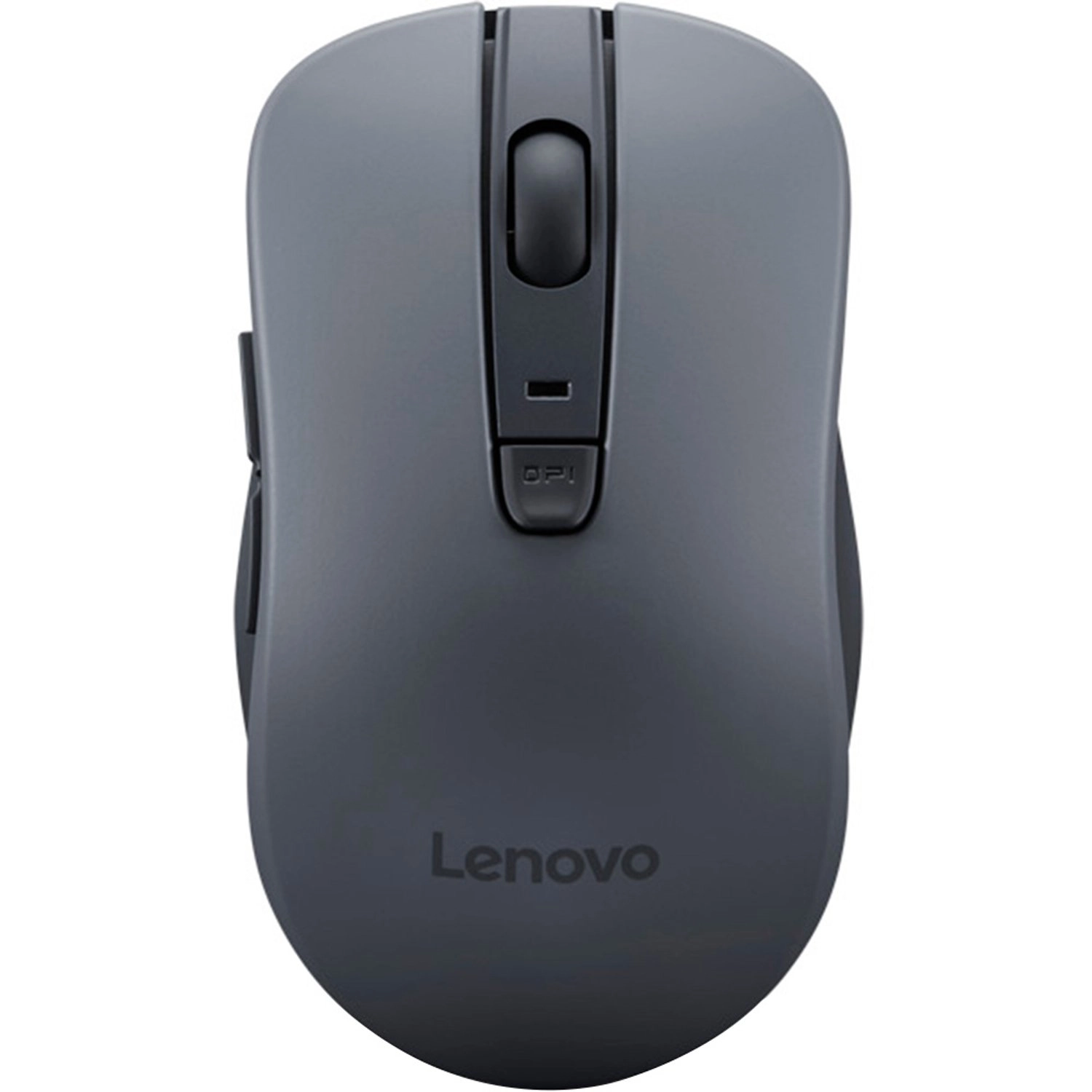
Wide application:
for Tablet/iphone/ipad:compatible with ios13.1.2 and later
PC/Laptop/Computer:Windows/Mas OS X(for Mac, MacBook, Mac OS10.13.3 and Mojave system )/Linux/Andriod
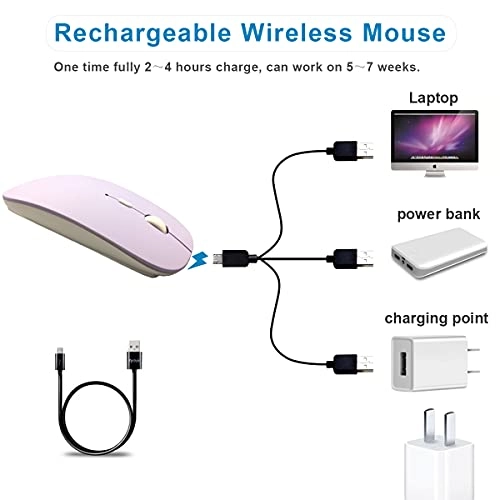
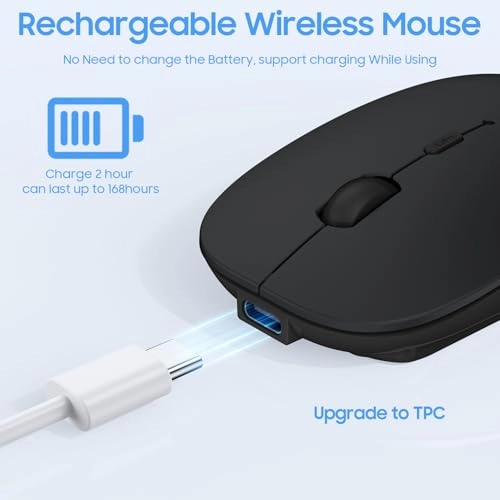
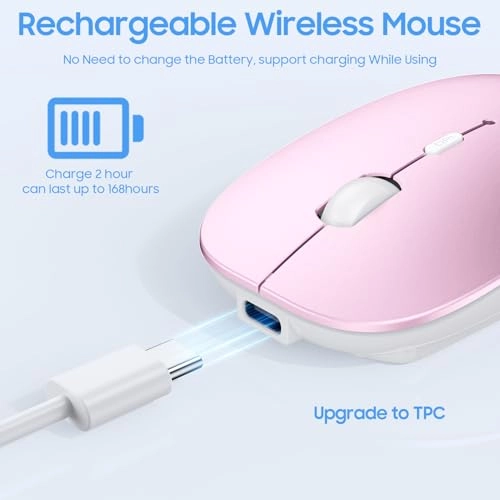
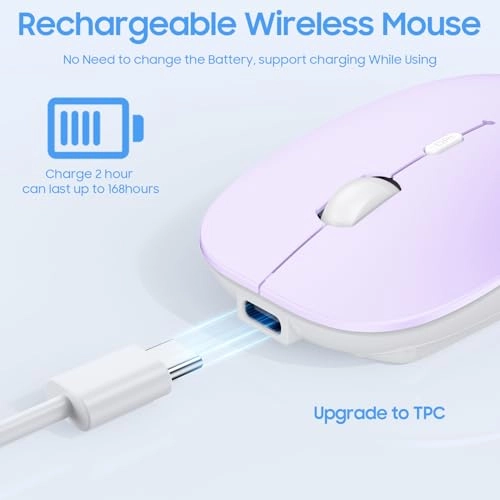
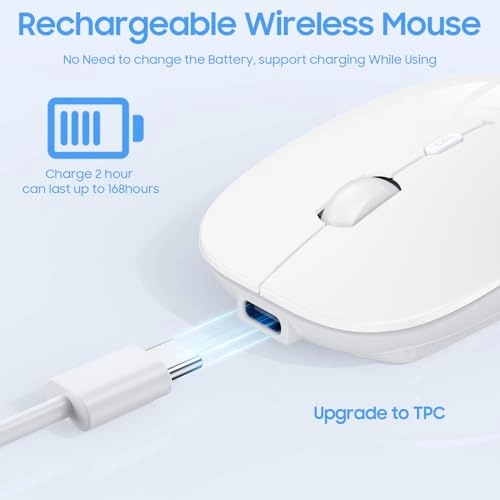
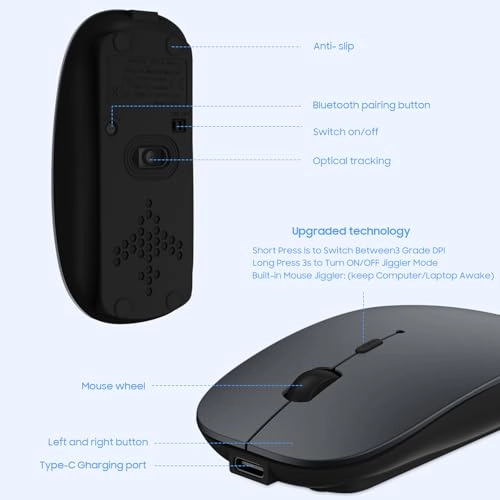
How to charge the mouse:
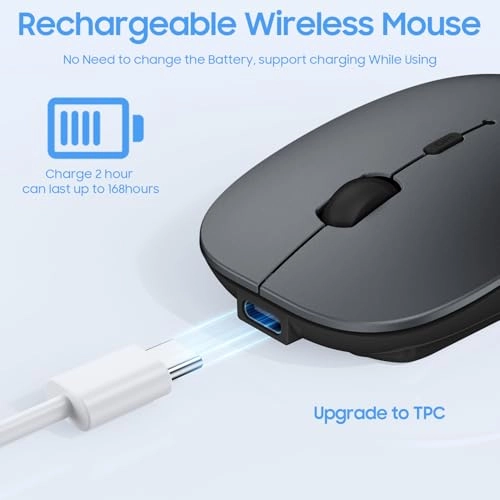
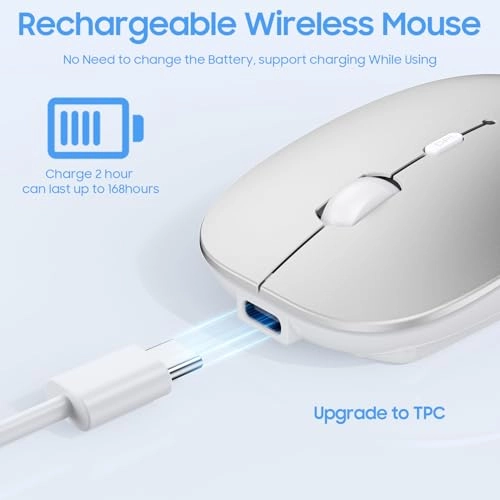
1.Set up the power before first charge,and then turn off the mouse.Charge it with USB cable.
2.When charging,the blue light is on.When fully charged,there is no light.It take 2-3hours to fully charge.
How to use bluetooth mouse:
1.Open the computer system preference settings, open the Bluetooth function.
2.turn on the mouse by switching to "ON" position,the optical blue light will be on for about 4 seconds and then go off.
3.when the computer Bluetooth display is searching for the nearby Bluetooth device, you will need hold down the black button at the back of the mouse ,while holding down for 3-6 seconds, then your computer Bluetooth display search device will appear Bluetooth mouse, then click to connect it, and then Successful connection.
Packaging list:
instruction x1
USB cable x1
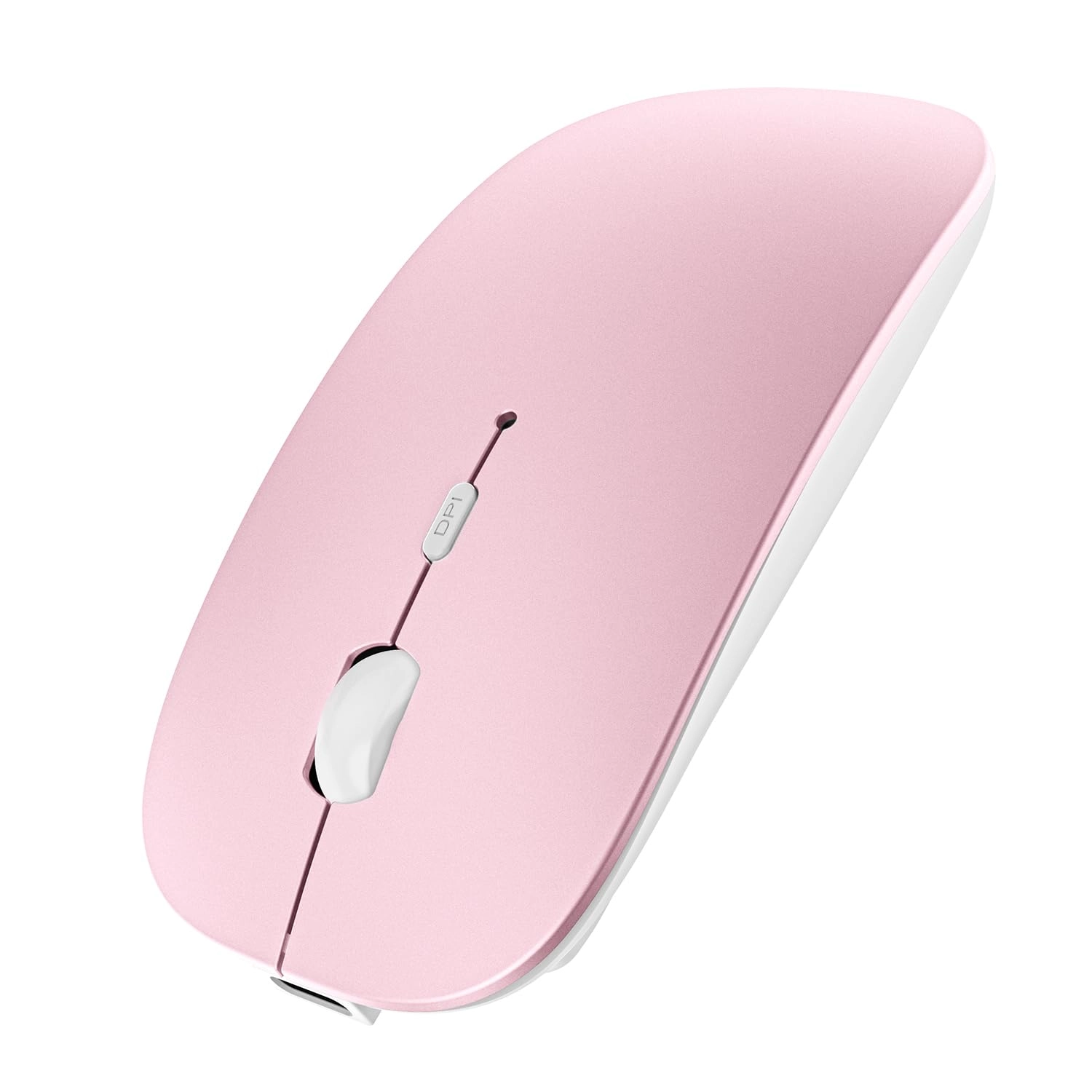
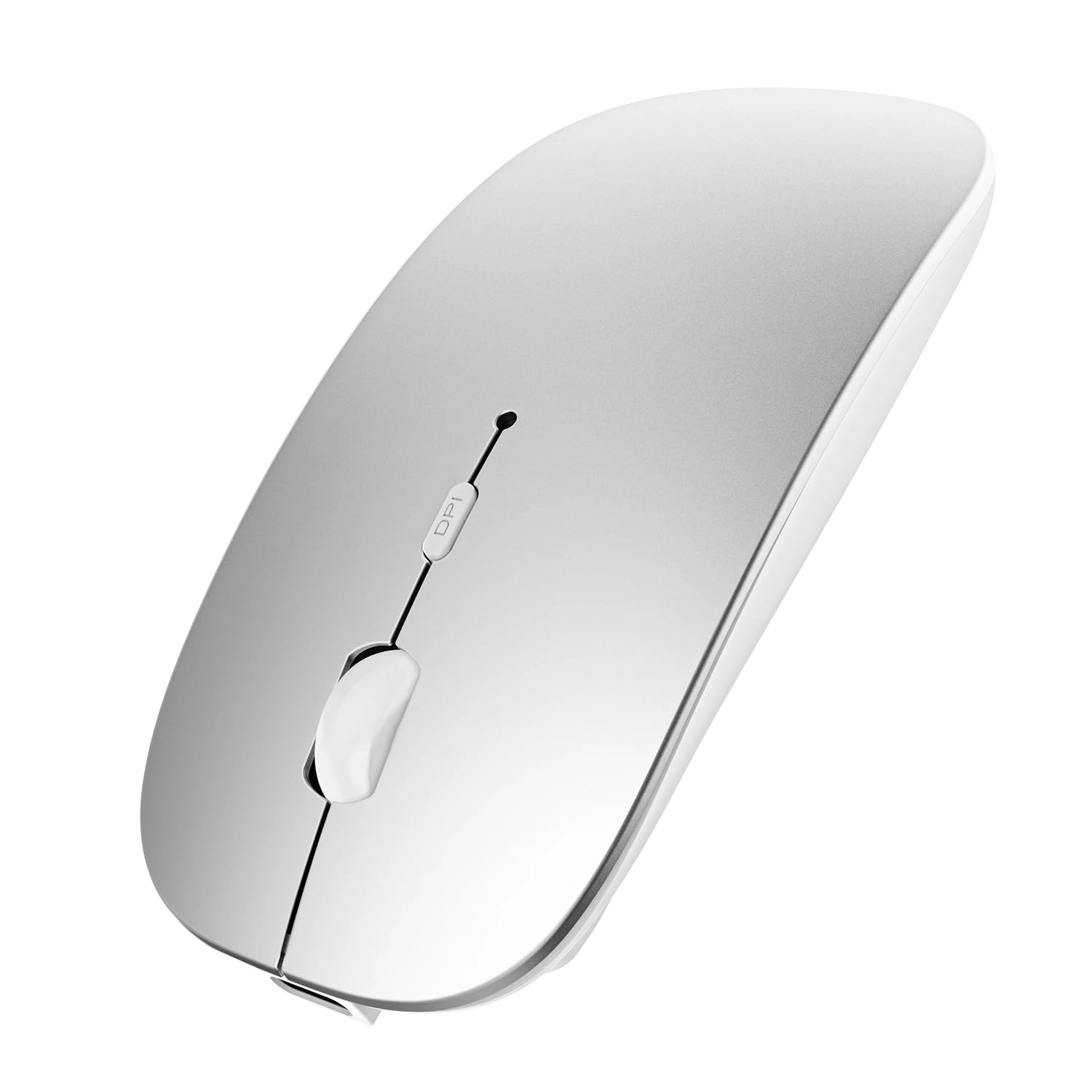
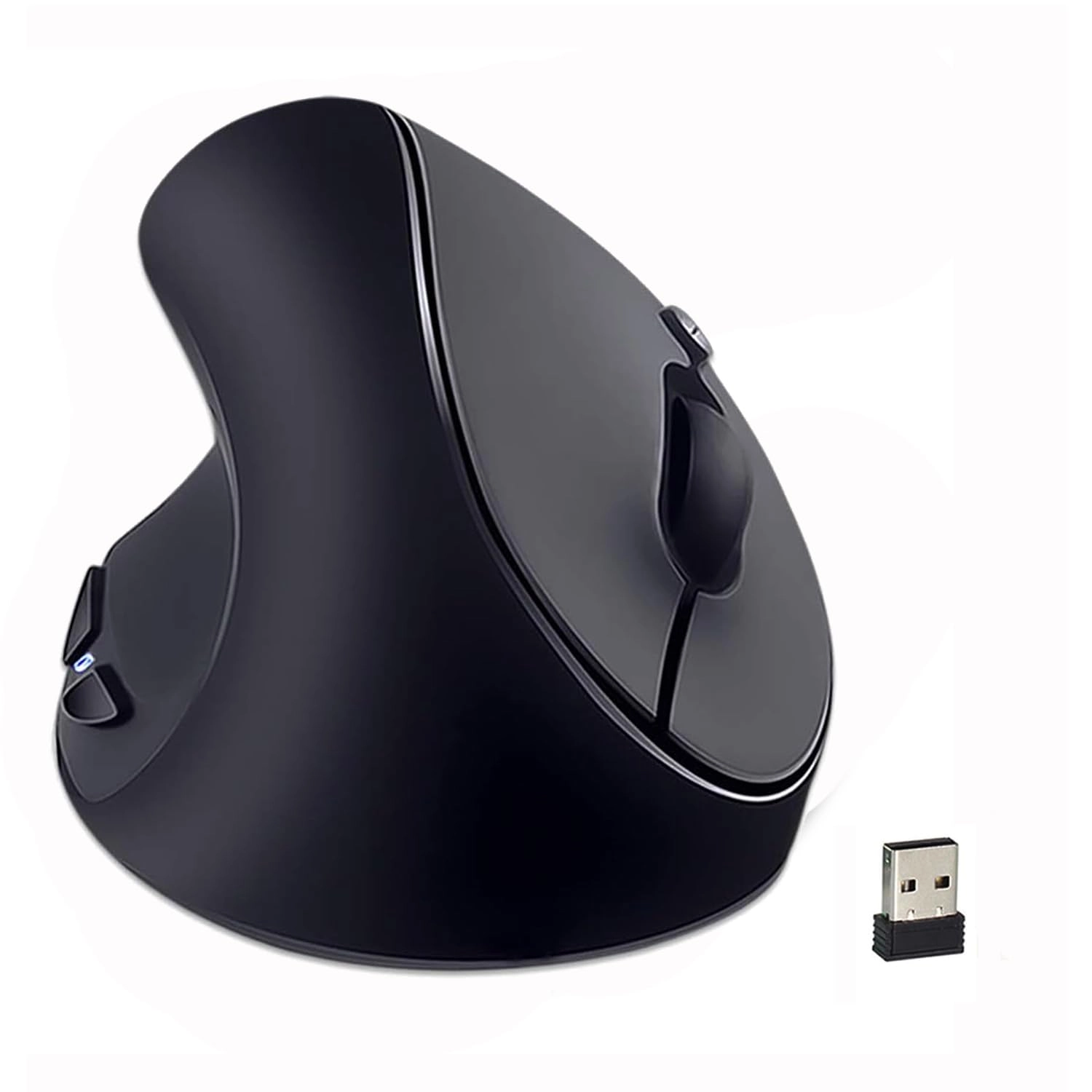
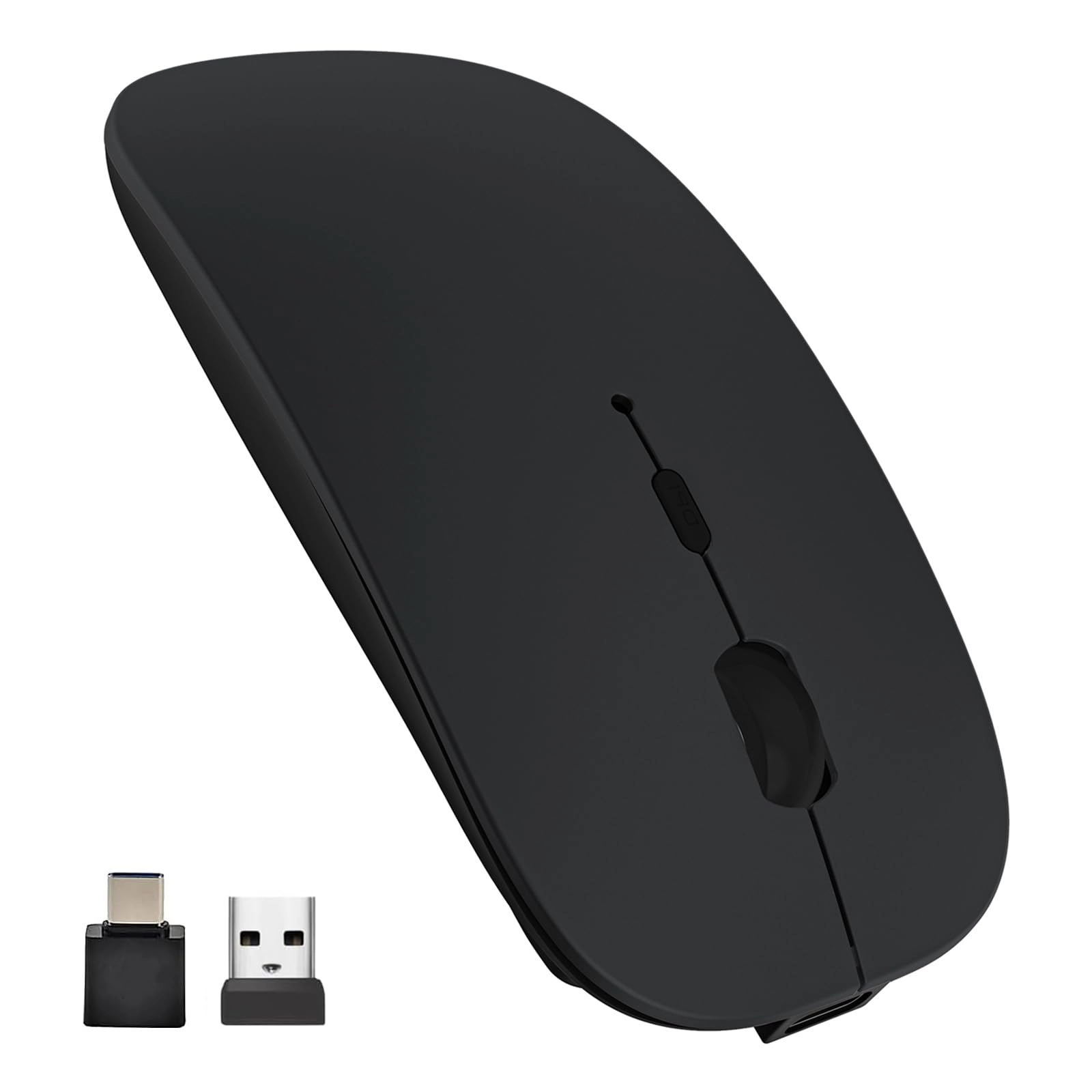
rechargeable Bluetooth mouse x1
NOTE:
1.Before purchasing, please confirm that your device has Bluetooth;
2.When the mouse cannot be charged, please make sure the port is dirty, just clean it up;
Dear customer, if you have any questions, please contact us.