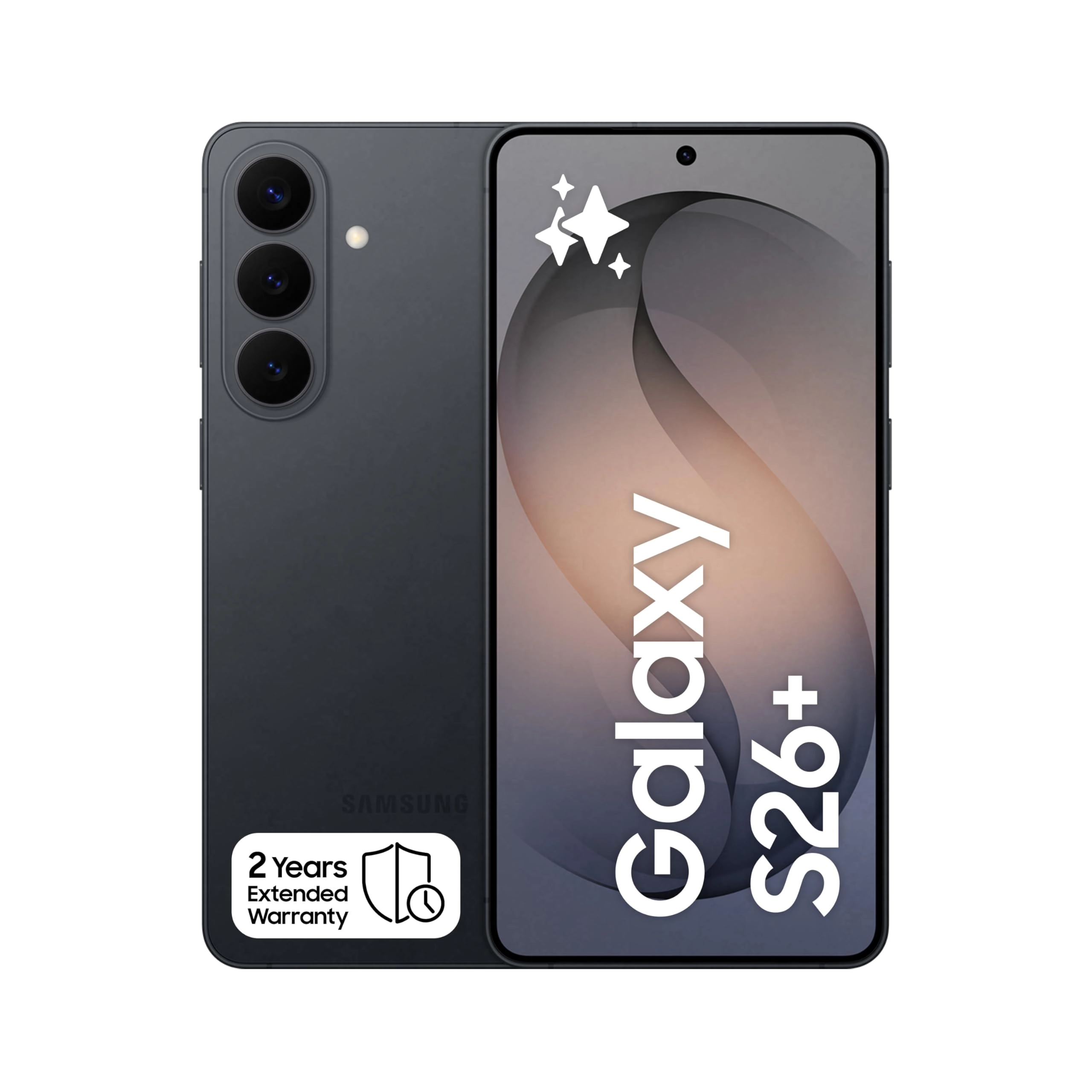
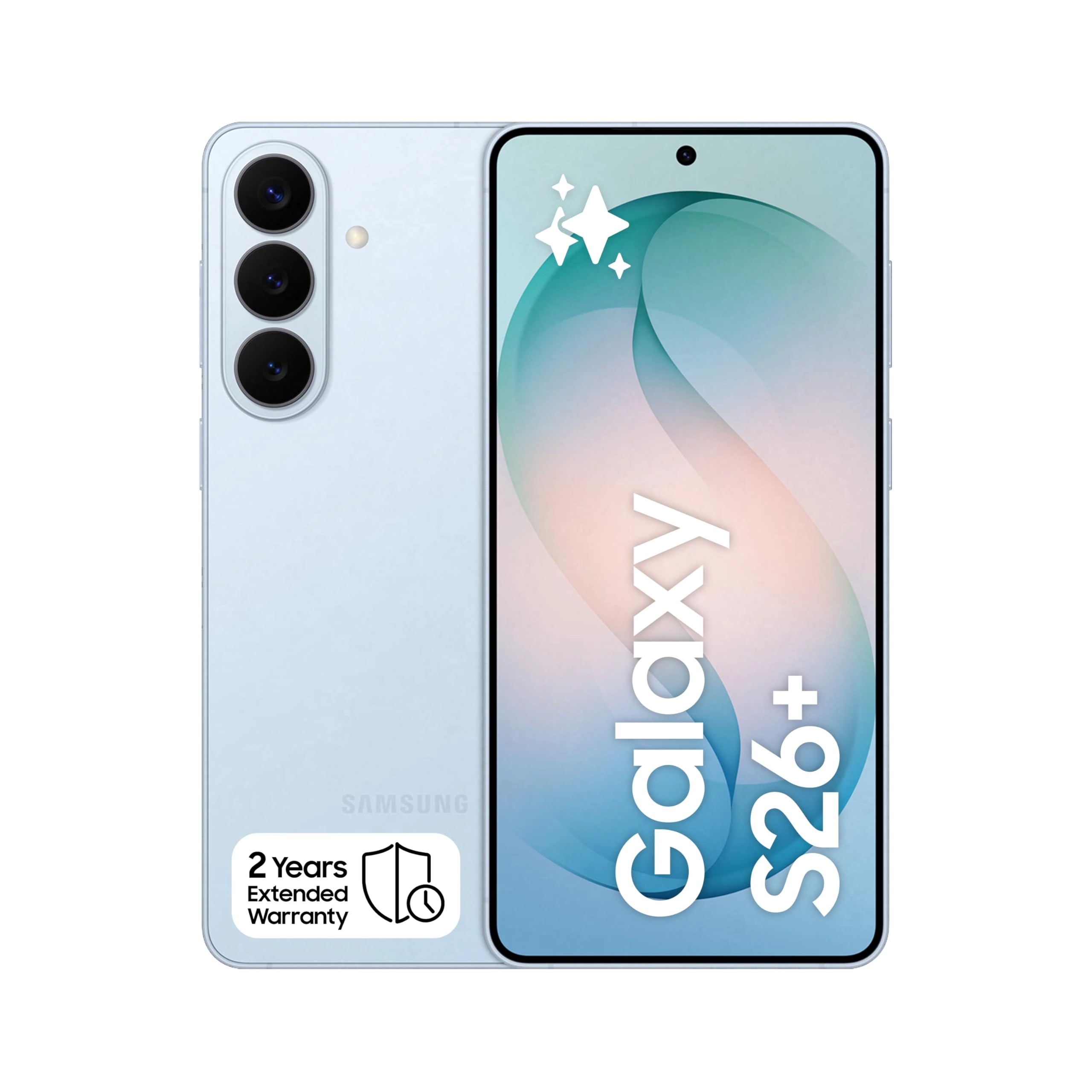
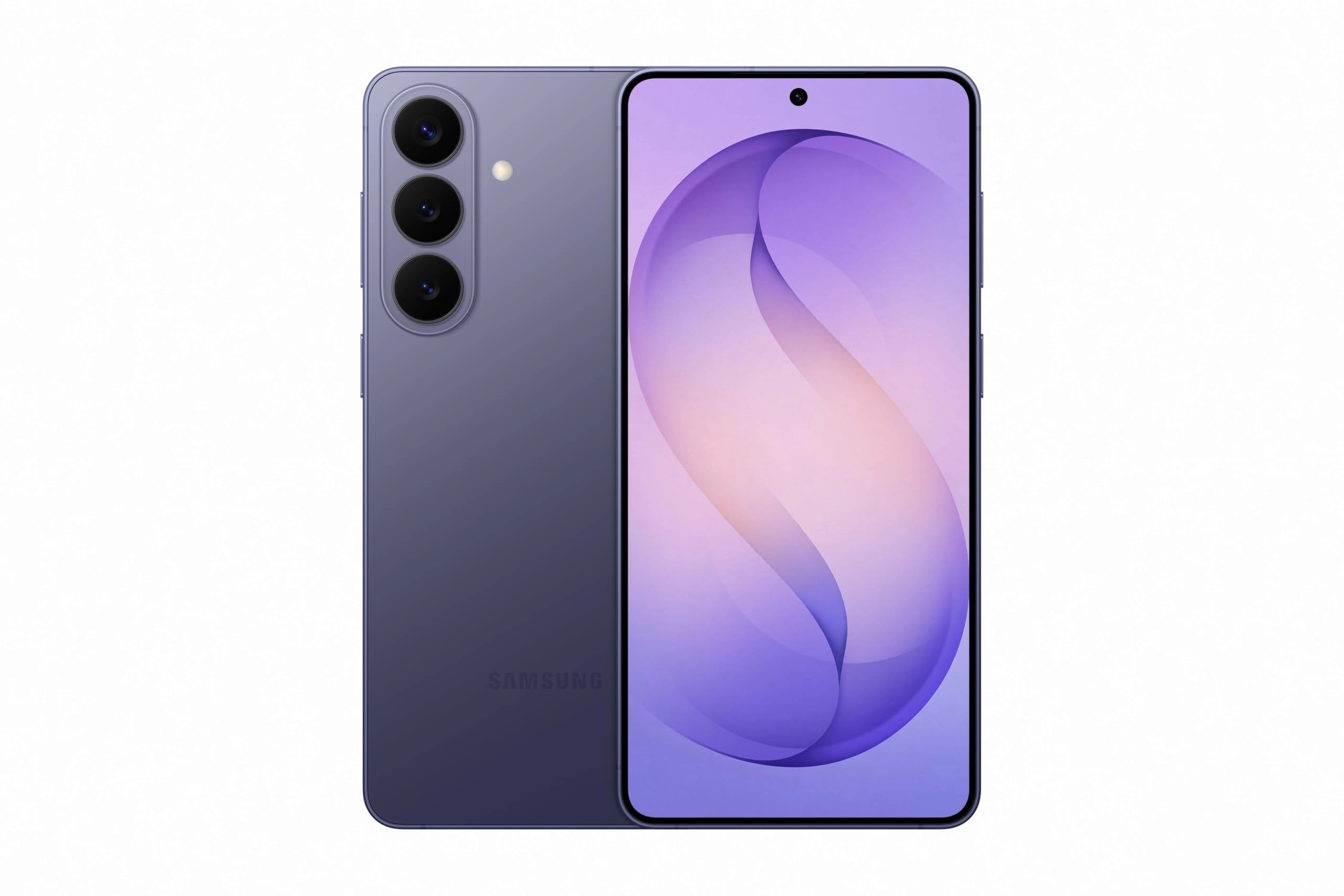
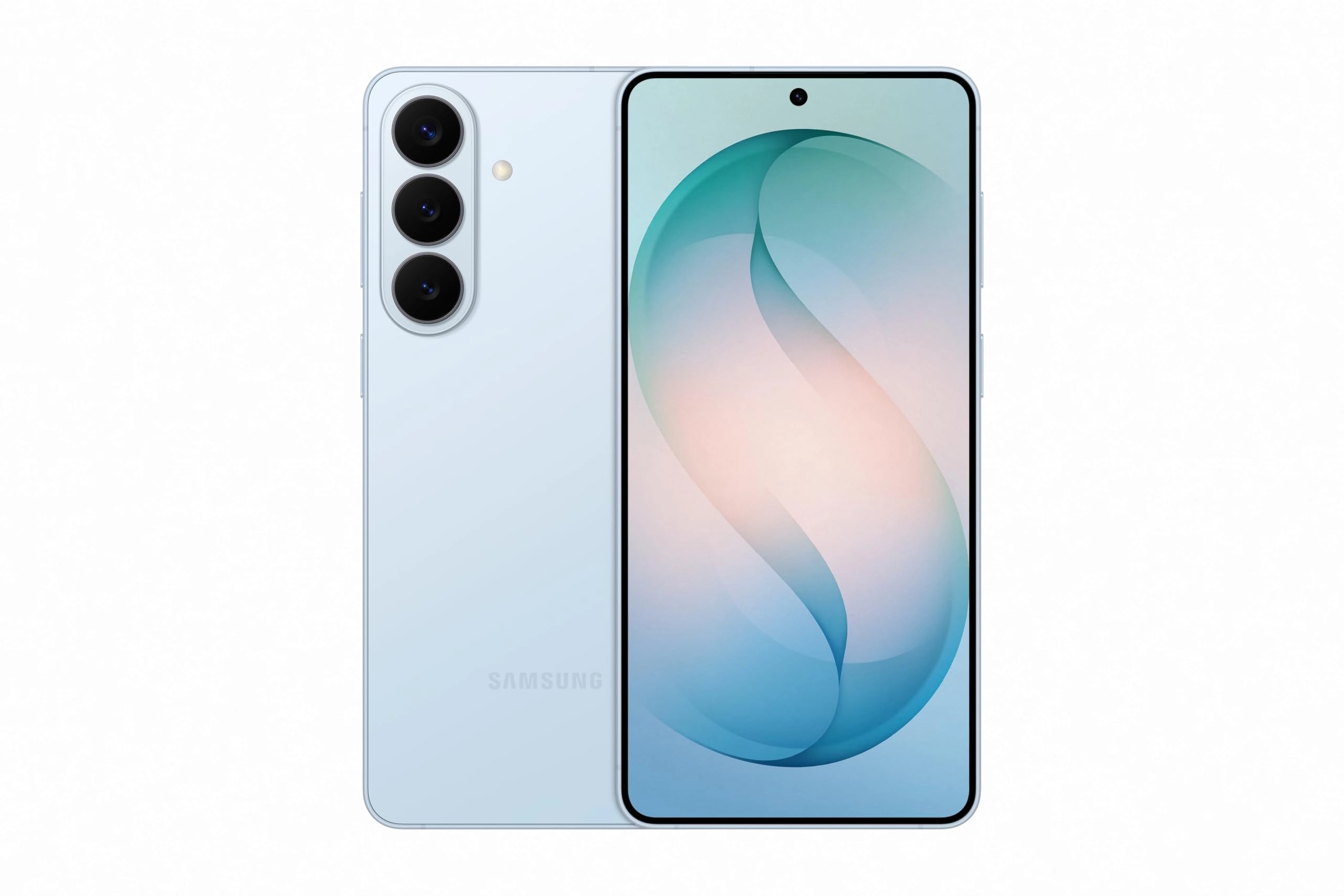
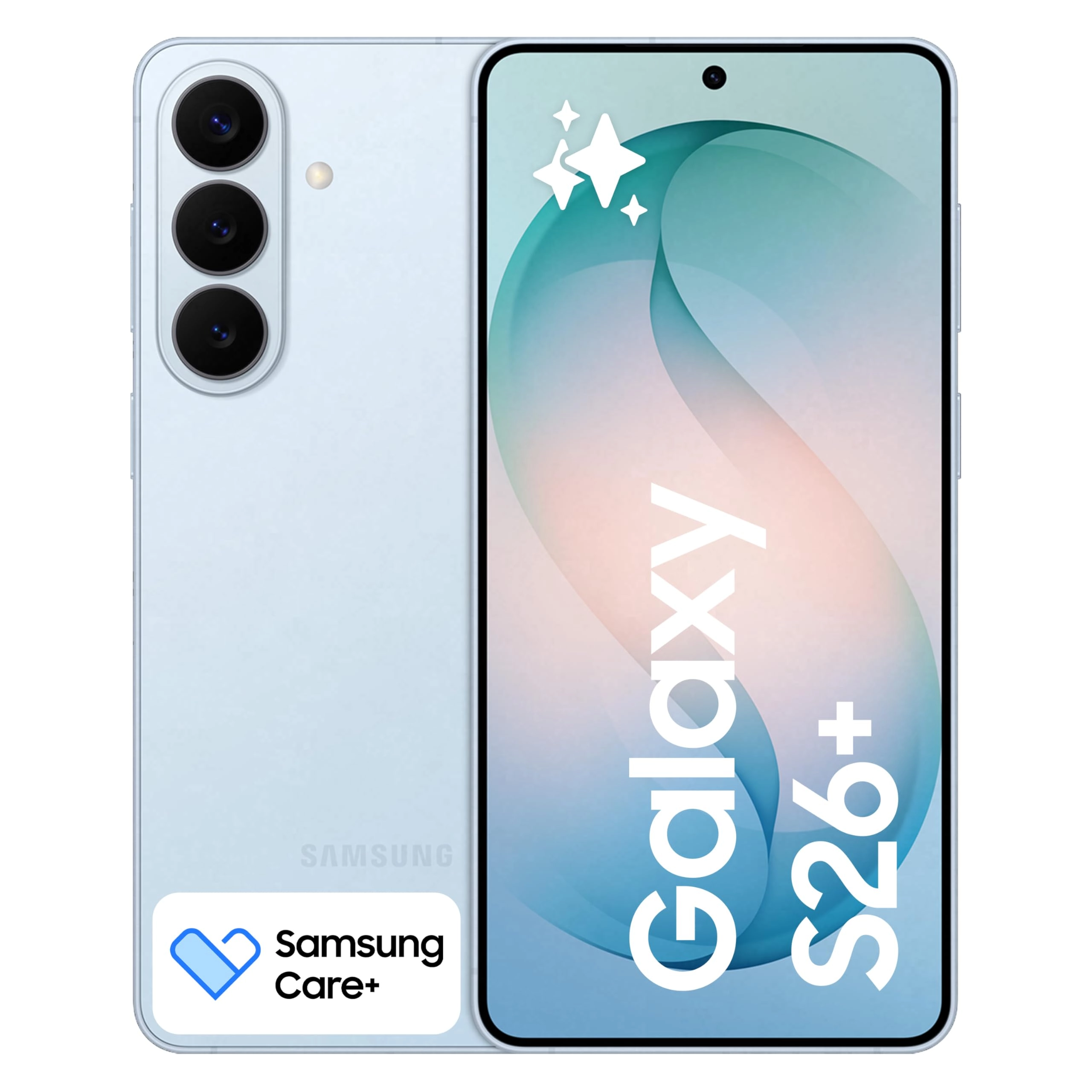
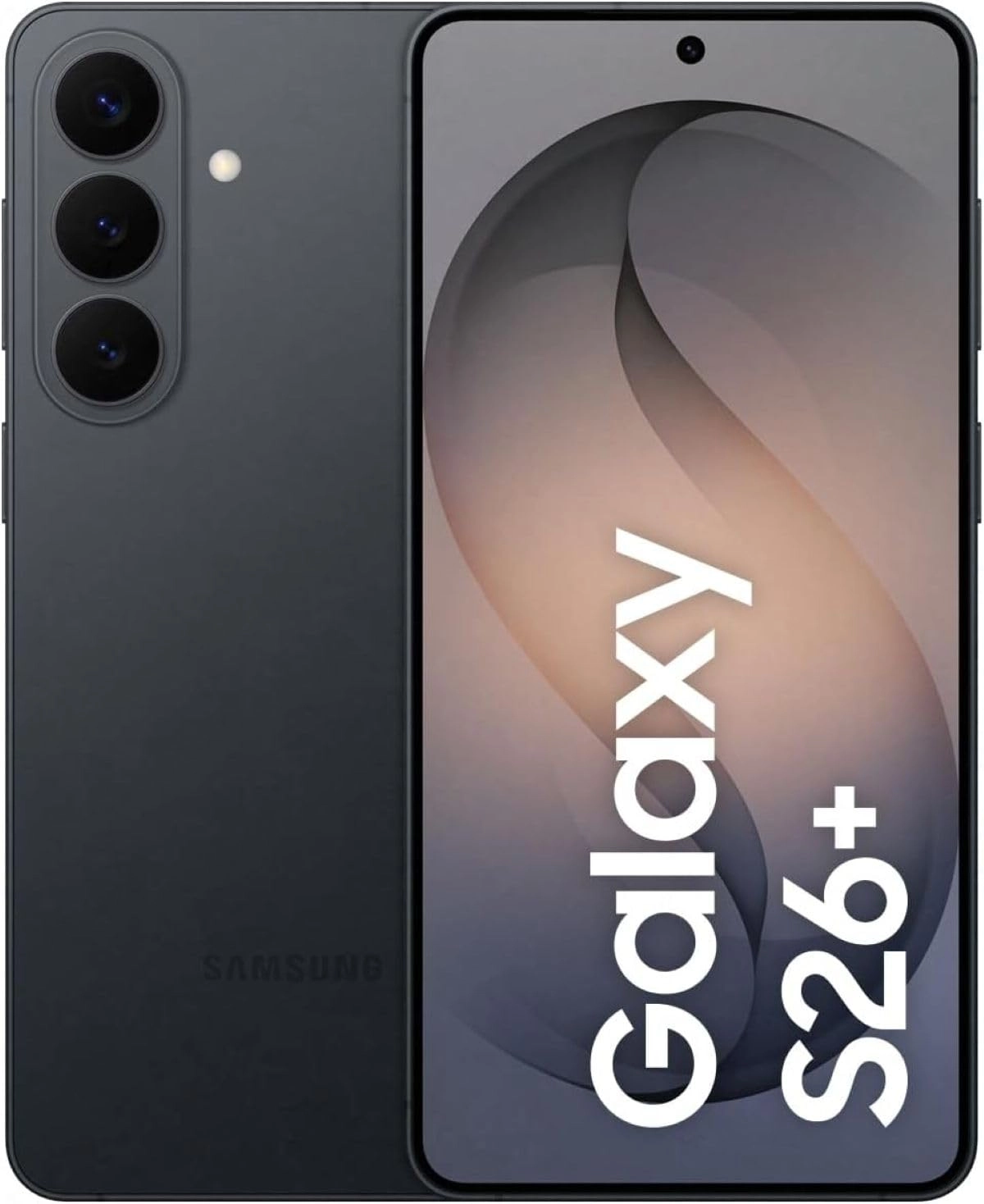
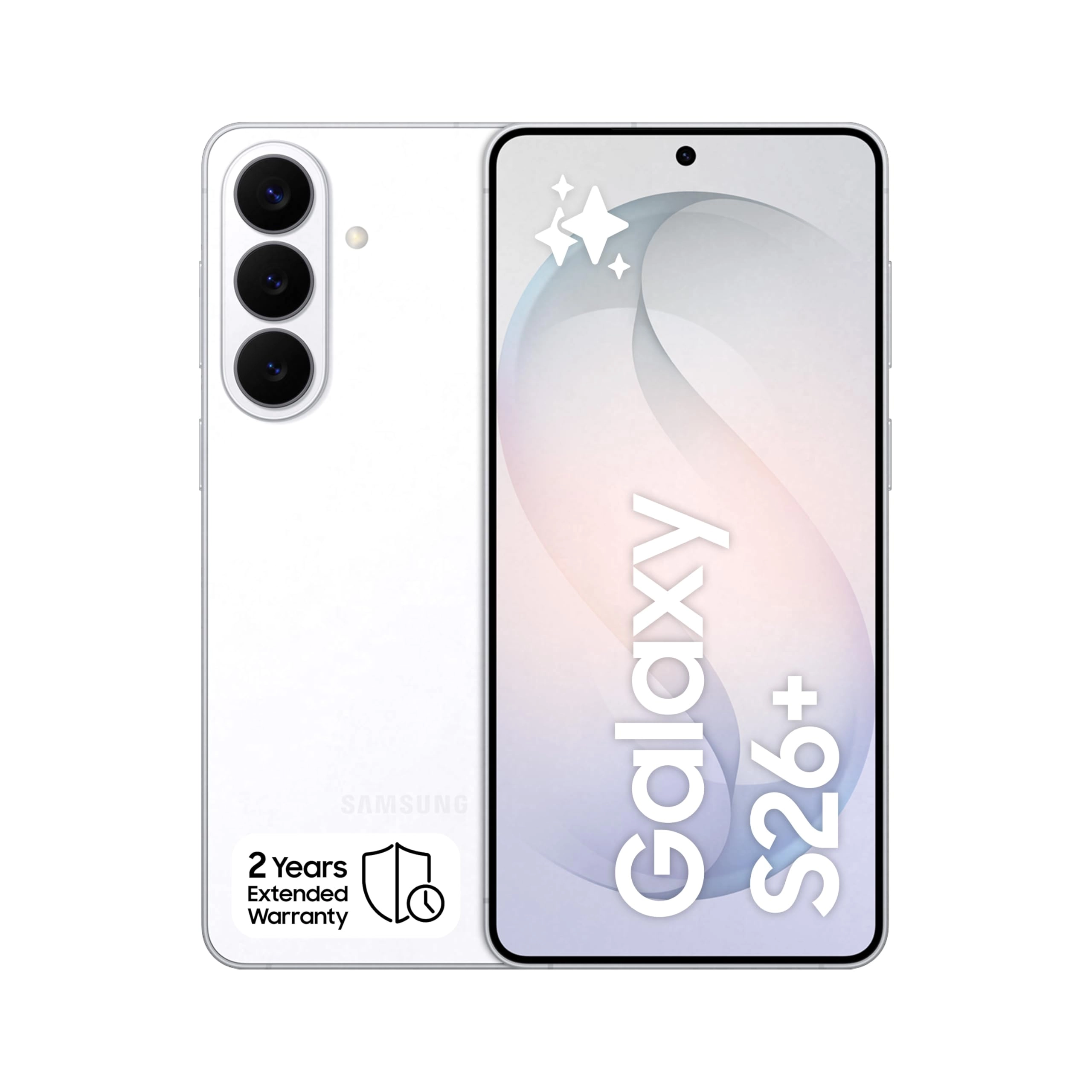
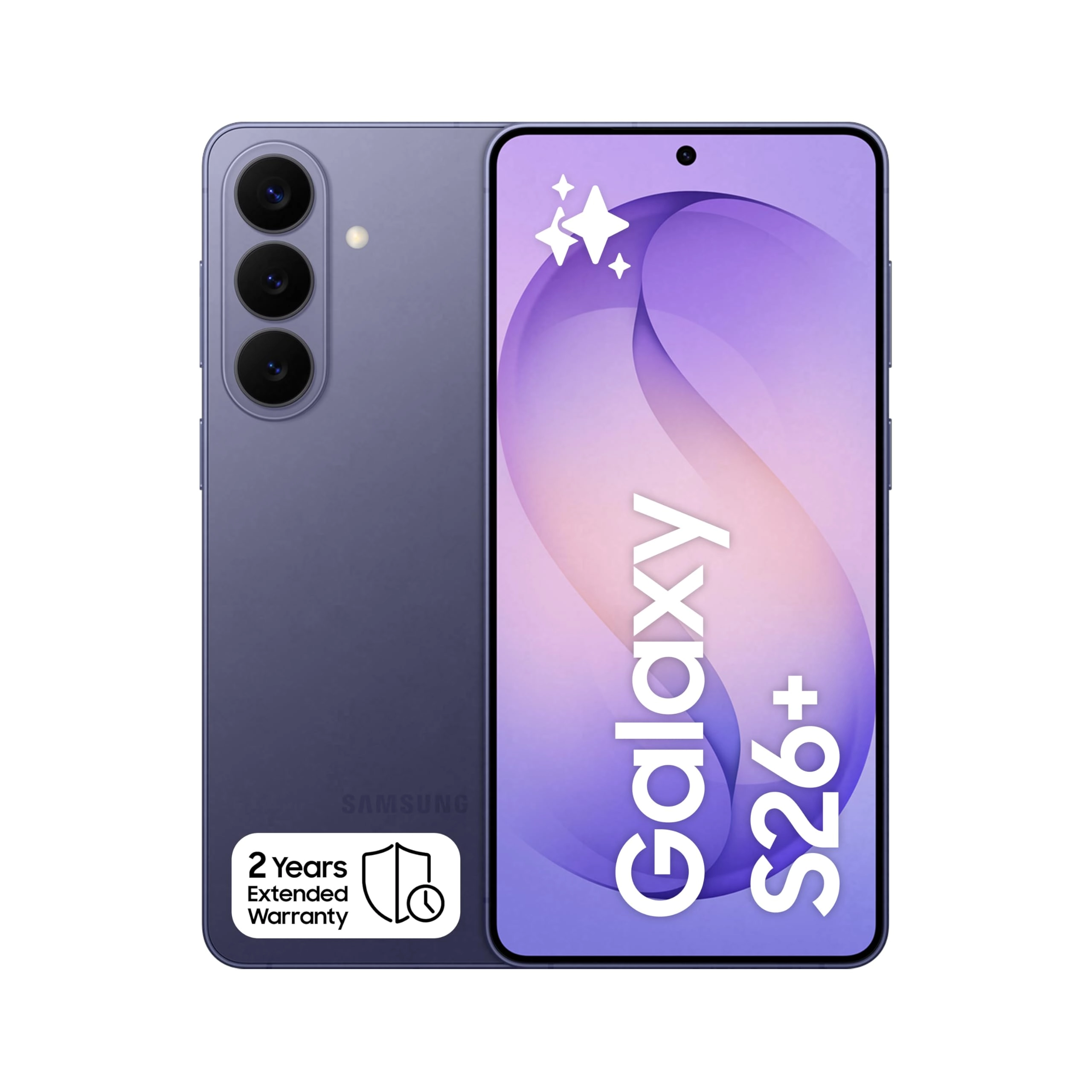
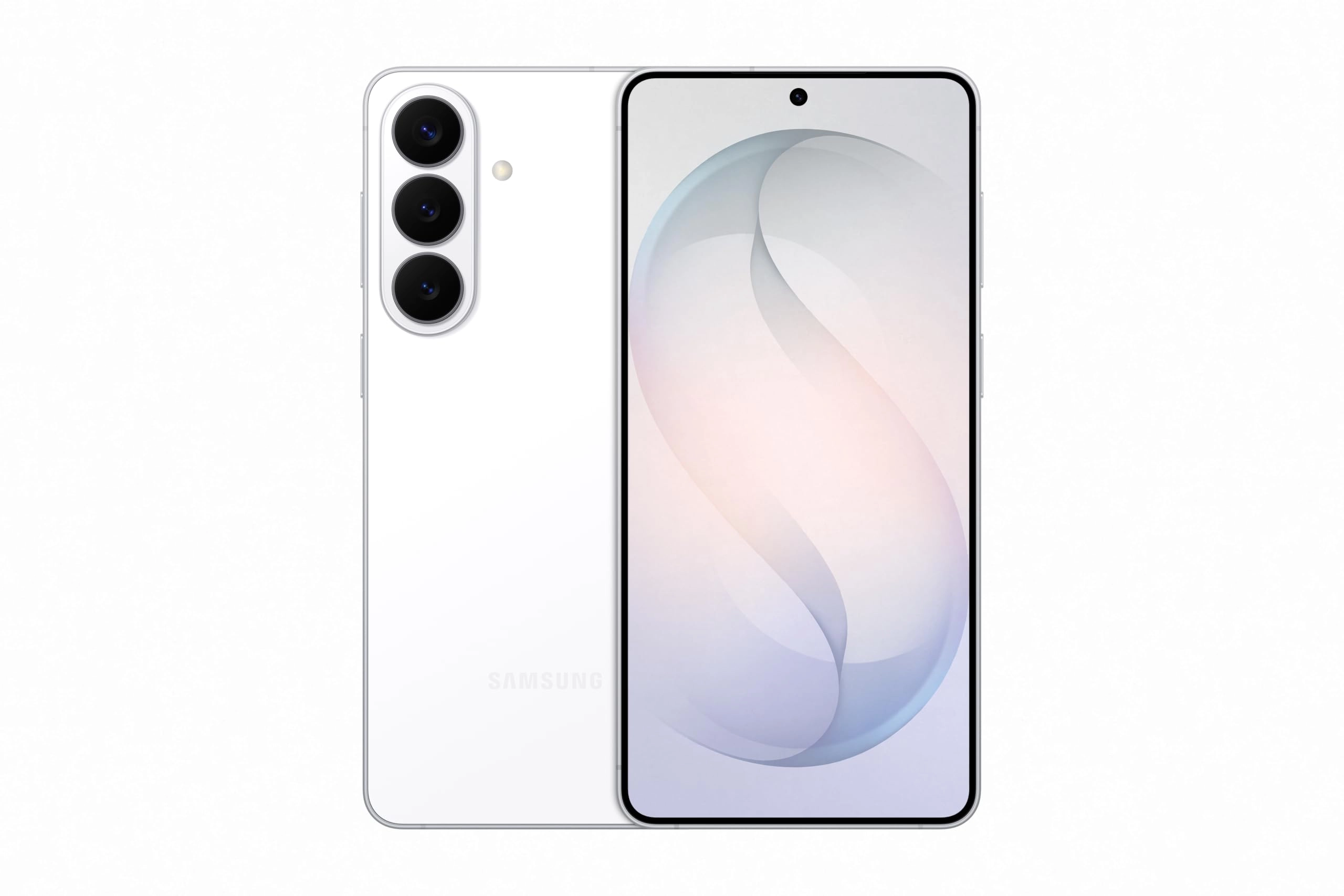
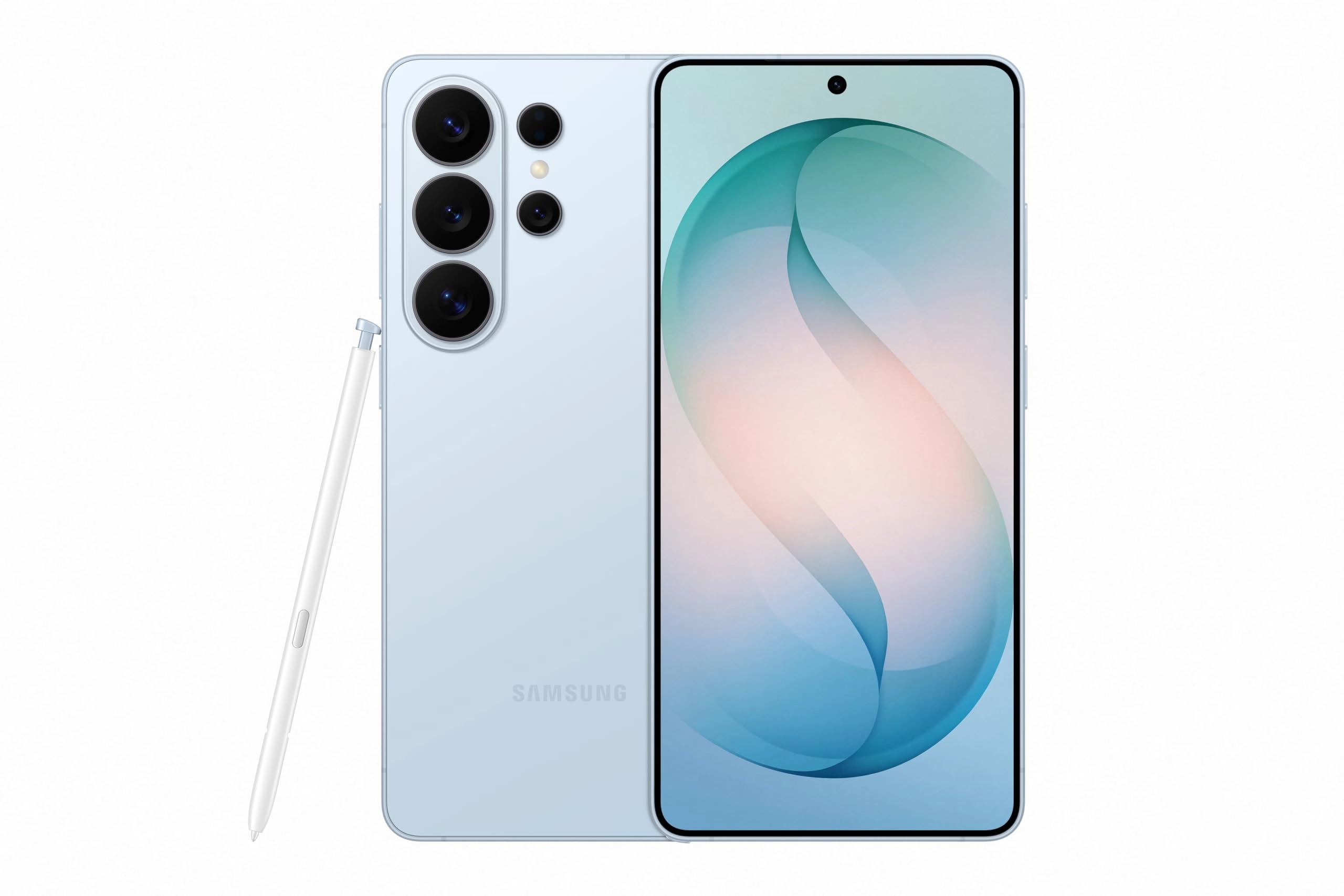
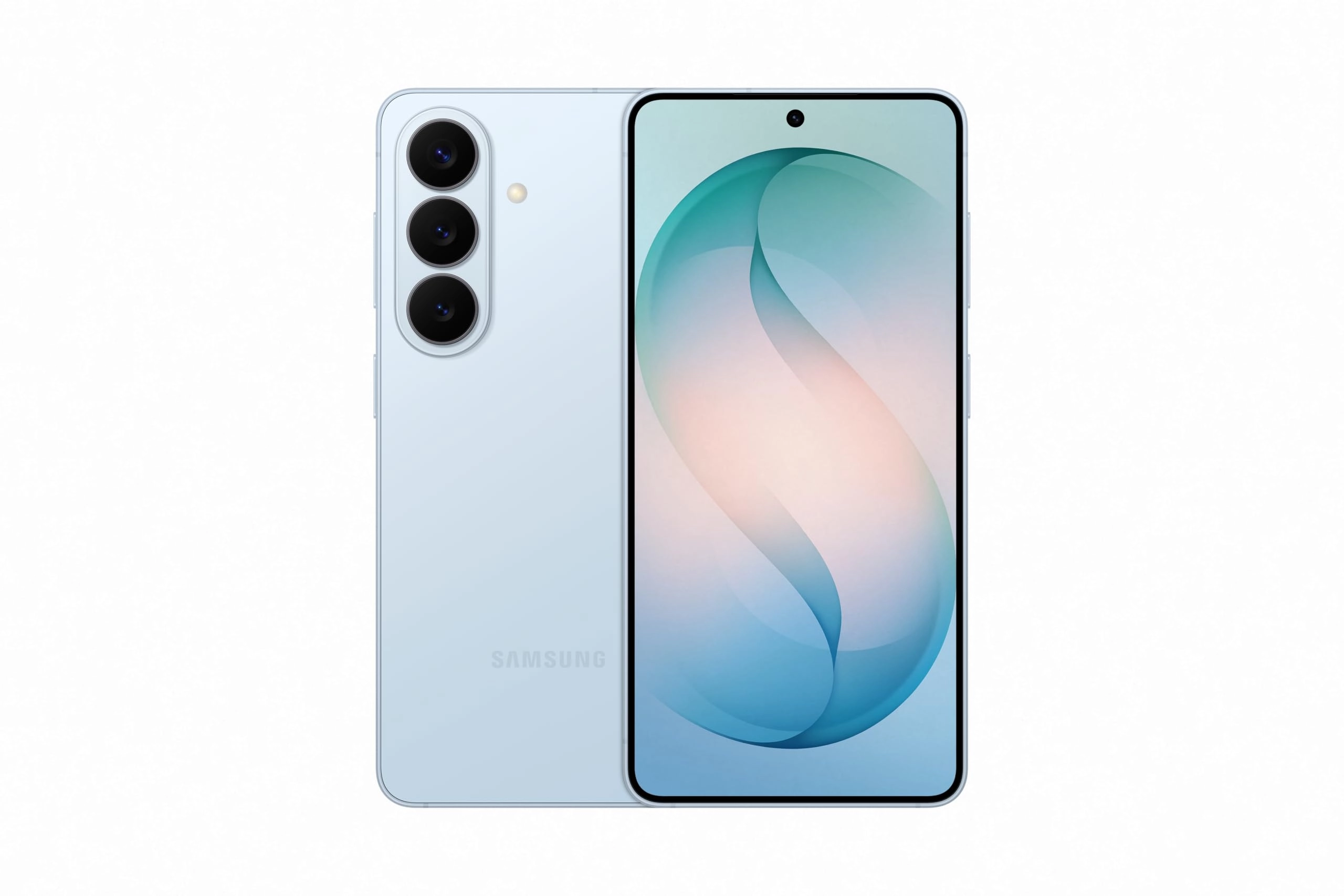
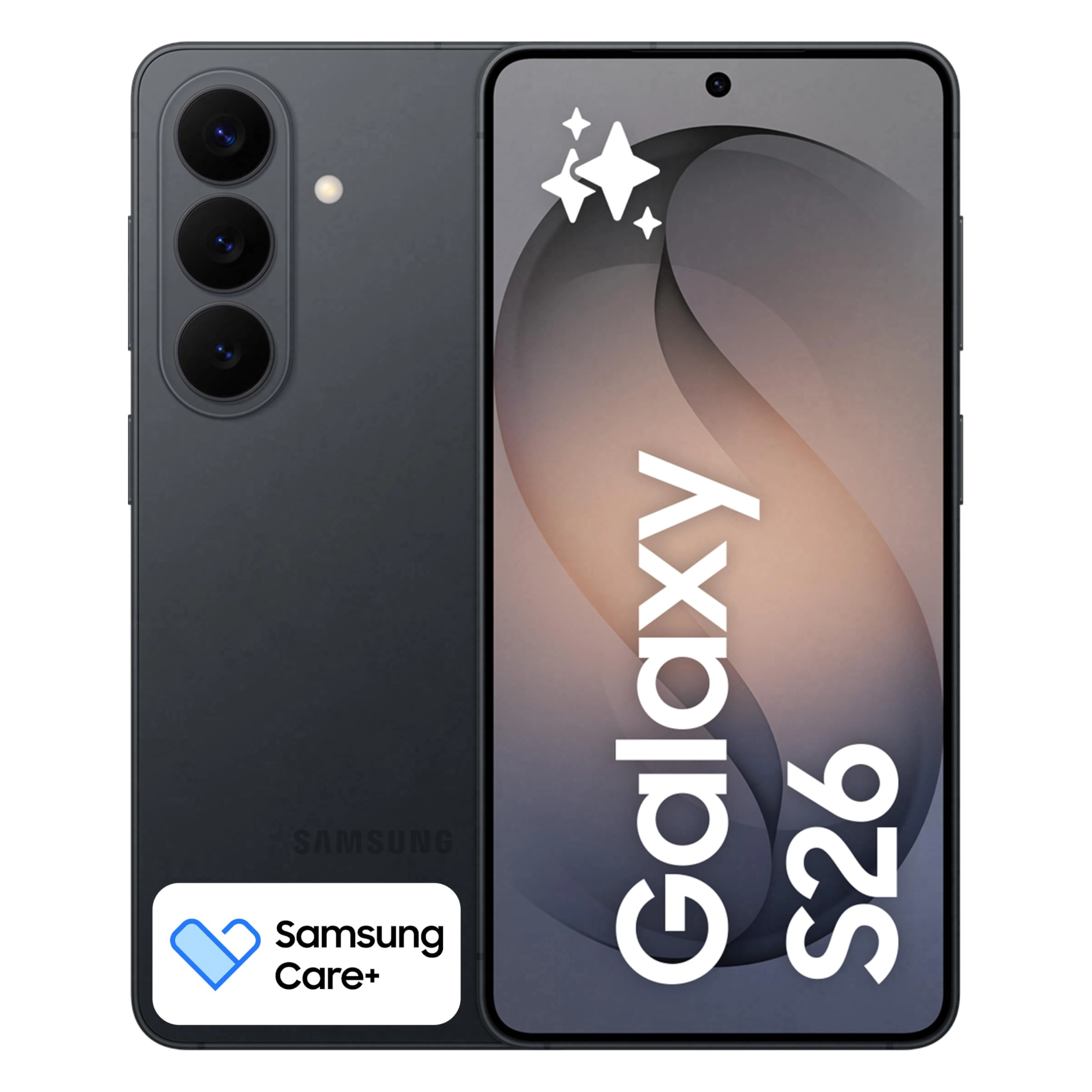
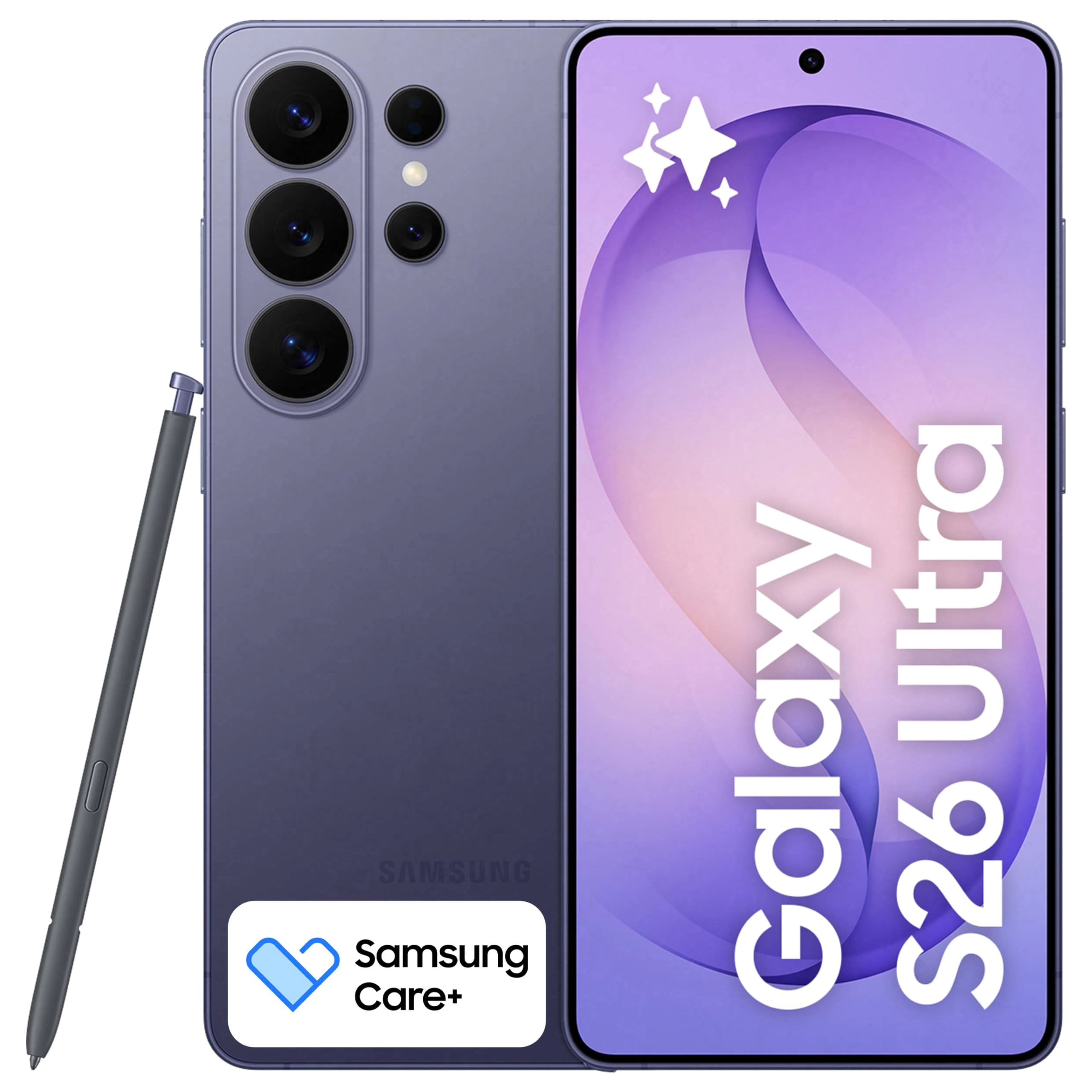
Galaxy S26+ automates your life with the power of Galaxy AI.²
Photo Assist¹ magically edits photos in seconds. It fills in
missing elements and naturally blends objects with existing
lighting and shadows. If you’re looking to easily generate
playful illustrations and 3D cartoons for custom wallpapers,
stickers, and more³, the Creative Studio brings your ideas to
life. Making all this possible is our fastest, smoothest and most
powerful processor yet.To ensure no details are missed, the
ultra-vivid display on Galaxy S26+ instantly enriches colors.
This makes experiences on the screen feel realistic, including
taking the perfect selfie. There’s also Wider Selfie Capture to
get the right group shot in one go. Thanks to the wider⁵ front
camera and lens, you don’t need to stretch all the way back. It
also means less retakes.Speeding up daily tasks, Now Nudge with
Galaxy AI¹ works behind the scenes to prioritize apps, reminders,
and notifications.⁴ You’ll have the most relevant information
right when you need it. Further simplifying your life, Samsung
Wallet securely stores payment cards, boarding passes⁷, and more.
Leave your bulky wallet at home.To get the most out of your S26+,
pair with Galaxy Buds4 Pro⁸ to hear music like never before with
Hi-Res Audio.⁶¹Requires Samsung account login and internet
connection. Editing with Photo Assist results in a resized photo
up to12MP.²Galaxy AI basic features provided by Samsung are free.
Any Samsung enhanced AI features and all third-party AI features
are subject to different terms and may be subject to fees.
(Galaxy AI basic features are listed under ""Advanced
intelligence"" in Samsung Services Terms and
Conditions.)³Requires an internet connection / Samsung account
login. Edited images may be resized and will have visible AI
watermark. The accuracy and reliability of the generated output
is not guaranteed.⁴For location information, Location permission
should be allowed.⁵As compared to S25 Series.⁶Requires initial
setup via settings or Samsung Wear app on a compatible
Galaxy/Android smartphone; see Samsung.com for
compatibility.⁷Requires a compatible NFC card from a
participating bank. Specific requirements and limitations apply
to each Samsung Wallet feature.See samsung.com Wallet FAQ for
more information.⁸Products sold separately.**Requires initial
setup via settings or Samsung Wear app on a compatible Galaxy
smartphone; see Samsung.com for compatibility.
Review: Wonderful upgrade from the S21 Ultra! Display is good
straight on and up to 30% off-axis. - SUMMARY: BUY IT! I didn't
like any of the newer S series phones enough to buy until this
one, plus the OS updates recently ended for the S21U. * The
display looks great, better than the S21U, if viewed straight-on
and up to maybe 30% off-axis with the privacy display off. I use
my phone like this 90% of the time, and have no need for a
"privacy" display, so a win. Farther off-axis though, or with the
privacy display "on", the nicest thing I can say is "it will do
the job until the S27U is released with hopefully Privacy Display
2.0". * The dithered 8-bit to 10-bit display (FRC tech) works
fine. I’ve read that the iPhone 17 also uses the 8 to 10 bit FRC.
A true hardware 10 bit or 12 bit display would take more power.
Samsung would have to get their small battery problem solved
first. I'm hoping for a hardware 12-bit display with a 7000mAh
silicon-carbon battery in the S27U. :) * The 25W wireless
charging works so well that I can see I won't be using the 60W
wired charger (EP-T6010NBEGUS) much. Same 25W rate as my wired
S21U charging. I have the Otterbox Defender Pro XT case with the
magnet ring on back. The wireless charger puck’s magnet ring
strongly locks right onto the case’s ring (opposite-pole
magnets). The Samsung 25W wireless charger is labeled "Magnet
Wireless Charger | 45W Power Adapter", a 25W wireless puck AND a
45W charger in the same box (EP-P2900TBEGUS). The puck requires
the 45W charger (EP-T4511NBEGUS, if by itself), it says, even
though it puts out just the 25W of charging power. The 15W
wireless charging on the S21U was nearly useless due to no magnet
for coil alignment and the lower charging rate. Problem though:
no rubber strain relief on either end of the 25W puck’s cable. It
won’t last over time, IMHO. The S26U 3A straight cords do have
nice rubber strain reliefs at the ends (3ft 3A = EP-DA705BBEGWW;
6ft 3A = EP-DX310JBEGUS) * You can simply unplug the 25W wireless
charging puck ^^ from the 45W adapter it comes with, then use the
wired charging cable in the S26U box to get a full 45W charging
rate, about 2x as fast as 25W! 2 charging rates in one box. :)
The S26U display shows: “Super fast wireless charging” for 25W
from the puck; “Super fast charging 2.0” for 45W wired charging;
& “Super fast charging 3.0” for a wired connection with the 60W
wall charger. I’m finding the 60W & 45W wired chargers are
charging at the same rate if the battery is already mostly full.
Seems the 60W rate would only happen (for a while) if the battery
is very low. The 25W wireless & 45W wired straight cable S26U
charging is really all many people would likely need. * The S26U
battery is lasting much longer for a given time period than the
S21U, likely thanks to the higher efficiency of the 3nm
Snapdragon SoC vs 5nm in the S21U, even though the battery is
still the same 5000 mAh in both. The charging rate “stop %”
setting in the S26U is adjustable from 80 – 100%, vs. fixed at
either 80% or 100% in the S21U. Mine is set at 85% now. I can go
to bed with 85% showing on the S26U, then wake up with 81% - and
that is with the two cell carriers (see below). Awesome. :) * The
S26U uses higher 15V and 20V charging voltages than some past
phones, so that it only needs 3A vs 5A of current, resulting in
less bulky (than 5A) 3A charging cables. S26U 45W = 3A*15V; 60W =
3A*20V. Some older phones used 5A*9V = 45W; so their “45W” wall
adapter wouldn’t give 45W S26U charging with only 9V & a 3A
cable. * App start-up & switching between apps is much faster and
smoother on the S26U than the S21U, given the 2X faster
performance SoC. Only having the UFS 4.0 on the S26U vs latest
4.1 isn’t making much difference. The 2nm 8 Elite Gen6 Pro SoC
expected in the S27U is slated for UFS 5.0, twice the bandwidth
of V4.0, and LPDDR6 memory. Will be a beast. :D * The dual SIM
radios in the S26U work well! I'm now running Cricket (AT&T
towers) on physical SIM IMEI1 and Spectrum Mobile (Verizon
towers) on eSIM IMEI2. The S26U is fully set up for switching the
call, messages, and data independently between carriers, sim1 and
sim2 in the quick panel. The upper left of the lock screen shows
"cricket * Spectrum" for carriers, and the signal strength bar
adds a new row of dots underneath to show the signal strength of
the other carrier too, plus showing both strength bars when the
quick panel is pulled down. If you travel to different parts of
town where one carrier’s signal is much weaker, and/or has a
“full tower load” signal drop-out, and/or you want to use your
data on a specific carrier, this is great. Two chances at getting
a good connection. * The WiFi 7 works great as does the 6GHz
band. In my TP Link BE 550 Pro router/AP (from desertcart!) I had
to change the 6GHz bandwidth from the default 160 MHz to "mixed
160/320 MHz" (or just 320 MHz) to have that band show as Wi-Fi 7
on the S26U vs Wi-Fi 6E (symbols for both on the display). I
recently read that iPhones don't even have a 320 MHz bandwidth
option on 6GHz, so those users are apparently left with 6E on
6GHz. * The S26U Wi-Fi switches between SSIDs VERY well,
automatically, based on signal strength, when walking around a
spread-out house with different wired Wi-Fi AP’s, as is my case.
The S21U usually didn’t, requiring frequent manual SSID changes
walking around. I’ve noticed the S26U even turns the Wi-Fi back
on when I get home (SSID recognition), after I’ve turned it off
while gone in the car. * The fingerprint reader on the S26U works
very well! Nearly every time. That is without even turning on the
new "improve accuracy" additional 10x scan option, too. The
fingerprint reader on the S21U was useless, at least with my worn
and scarred fingerprint. I gave up early on with the S21U reader
and used PIN codes ever since. The “Samsung Pass” app is usable
now with its required fingerprint bio-ID. * I've shot some 4K and
8K video and it works well! Samsung's new APV encoding standard,
a modern competitor to the older Apple Pro Res, is good with
claimed 10% better storage efficiency. The phone will record
4:2:2 internally, supports Log recording, and can record to
external storage on USB via the port. Hoping for a full 1" camera
sensor on the S27U! The S25 Ultra doesn't have APV, or the
amazing new video Horizon Lock feature, so right there are 2 good
reasons to get the S26U if you are a video fan. * The low light
camera ability of the S26U is also amazing. I wind up with a
*lot* of low light situations I need to take photos in. Couldn't
do it with the S21U most of the time. I would have to use my
large Lumix GH7 & GH5 MFT cameras with a fast lens. The photo
with this review was taken in 1x mode on the S26U. * The camera
lenses do stick out in the back though, unlike the S21U where
they were flat and recessed. The Otterbox Pro XT case mitigates
that to some extent by having a plastic ring around the lens area
that is slightly taller to help keep the lens from scraping on
things when the phone is set down on its back. Lens protectors
are a good idea. *The speakers/audio on the S26U can go a bit
louder (and clearer) than the S21U, which was needed. Hopefully
the S27U will support 32-bit float audio recording, like the
Lumix GH7 cam and iPhone 17 Pro Max support, for zero concern
over recording levels! Samsung really needs to update their new
APV codec to support 32-bit float audio, like Pro Res can – this
is a big Samsung omission, IMHO. :/ * The Bluetooth V6.0 in the
S26 works better (stable, less lag, faster connect) than the S21U
BT V5.2 with my car entertainment link (Lexus RS350) and PreSonus
Eris 4.5BT desktop speakers. Unfortunately the S26U’s 8 Elite Gen
5 SoC chip doesn’t support the latest low-latency (Nov 2025) BT
V6.2. I’m hoping for that and a USB 3.2 gen 2 port in the S27U. *
The Samsung Smart Switch transfer app - the default that comes up
when you power up the S26U - from the S21U took about 45 minutes
to transfer 72GB of apps and data using the cable in the S26U
box. The S26U had 69% battery out of the box, then the 45
transfer took it down to 55%. Keep in mind the SSS app completely
re-installs the phone’s apps from Google Play & Samsung Store,
not just copying them over, then re-loads their data. Works
extremely well! ZERO problem with the transfer, but of course
passwords have to be re-entered everywhere. * Can't comment about
the AI/Bixby and stylus. I don't use either, maybe in the future.
If you do use the phone’s AI, the S26U has a 40% faster NPU than
the S25U, . Remember that Claude & ChatGPT do all their computes
in the cloud, at data centers. They don’t use a phone’s (or PC’s)
NPU at all (at least currently). * And *great work* desertcart in
getting the pre-ordered phone to me right on the promised March
11 release date! This review updated 3/24/26.
Review: Ahhh it’s good to be back! - Absolutely above my
expectations! I was using iPhones the past 3 years. Not because I
wanted to, but because I wanted to make things easier for my wife
and her family. But after swapping back to the S26 Ultra I
realize how much I’ve missed Android and Samsung. The amount of
customization, not just looks, but functionality, is something
that I love about Samsung. From the color reproduction,
resolution to extend battery life, privacy screen enable per app
or notifications, instead of a Dynamic Island everything lives at
the top bar and might not function the same way but it’s close
enough. And the Good Lock app alone makes takes the whole
experience to a new level. The phone feels amazing in hand and
feels like it is high quality. And durability is the same across
the board. Don’t drop it and you will be fine. I paired mine with
a MagBak case, which comes with a great screen protector. I think
it is well worth the asking price and love how well Android
integrates with windows. I also have a Samsung tablet and
swapping between the two is seamless. Just not enough good things
to say. For any iPhone users, simply take the time to learn the
operating system and adapt your muscle memory and it will be
fine. RCS chat makes sending high quality photos and videos
simple, and Google Meet is a universal video calling app that
makes it simple for everyone. FaceTime is fine, but other apps do
video calling better. Just stop being stubborn and enjoy what
else can be had. Anyway, hope this helps :) it’s a great device!