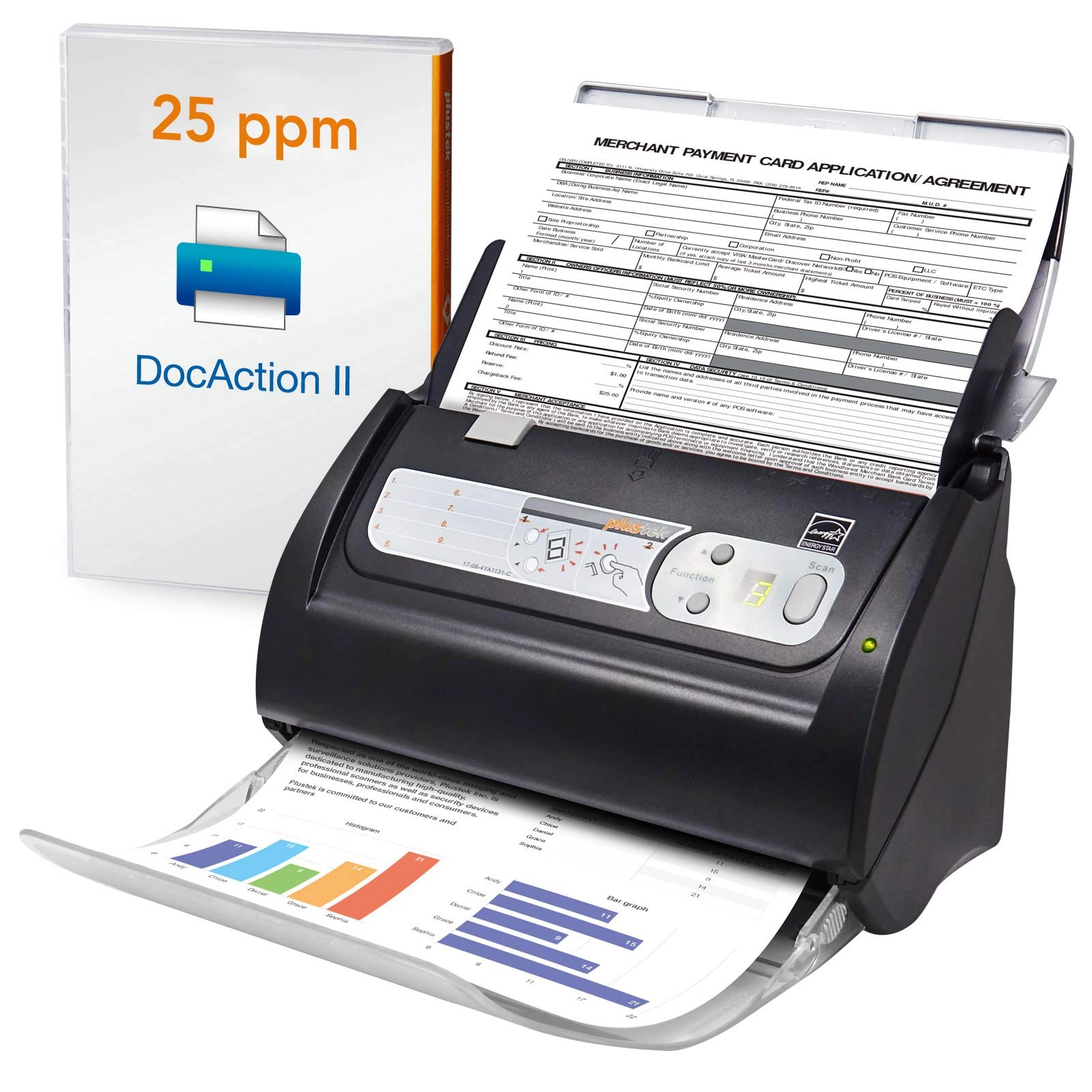
Product description OCR Technology Convert scanned paper document
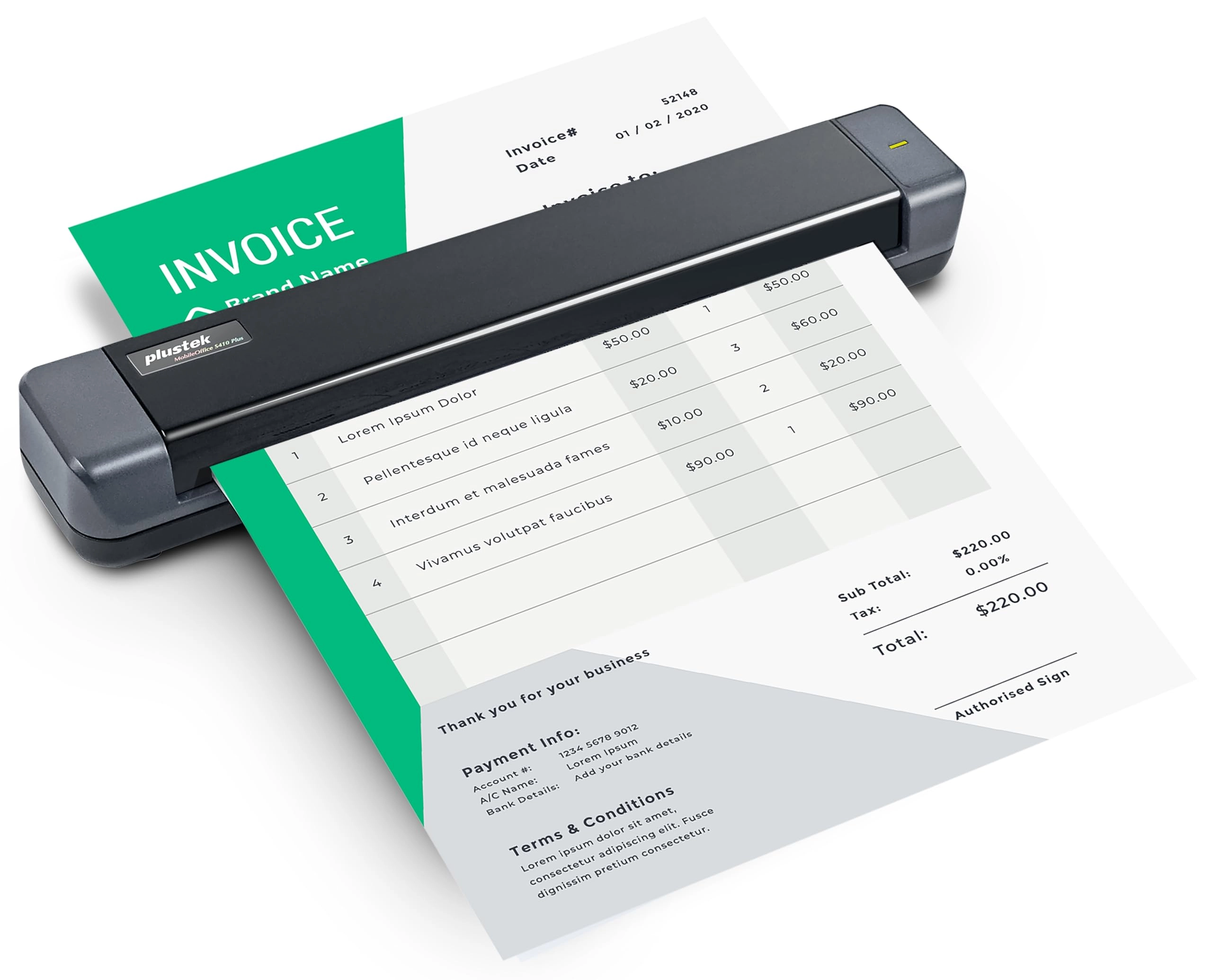
into search PDF or editable files. Automated image crop and
deskew TWAIN Compliant The included TWAIN driver ensures
compatibility with thousands of software application and systems
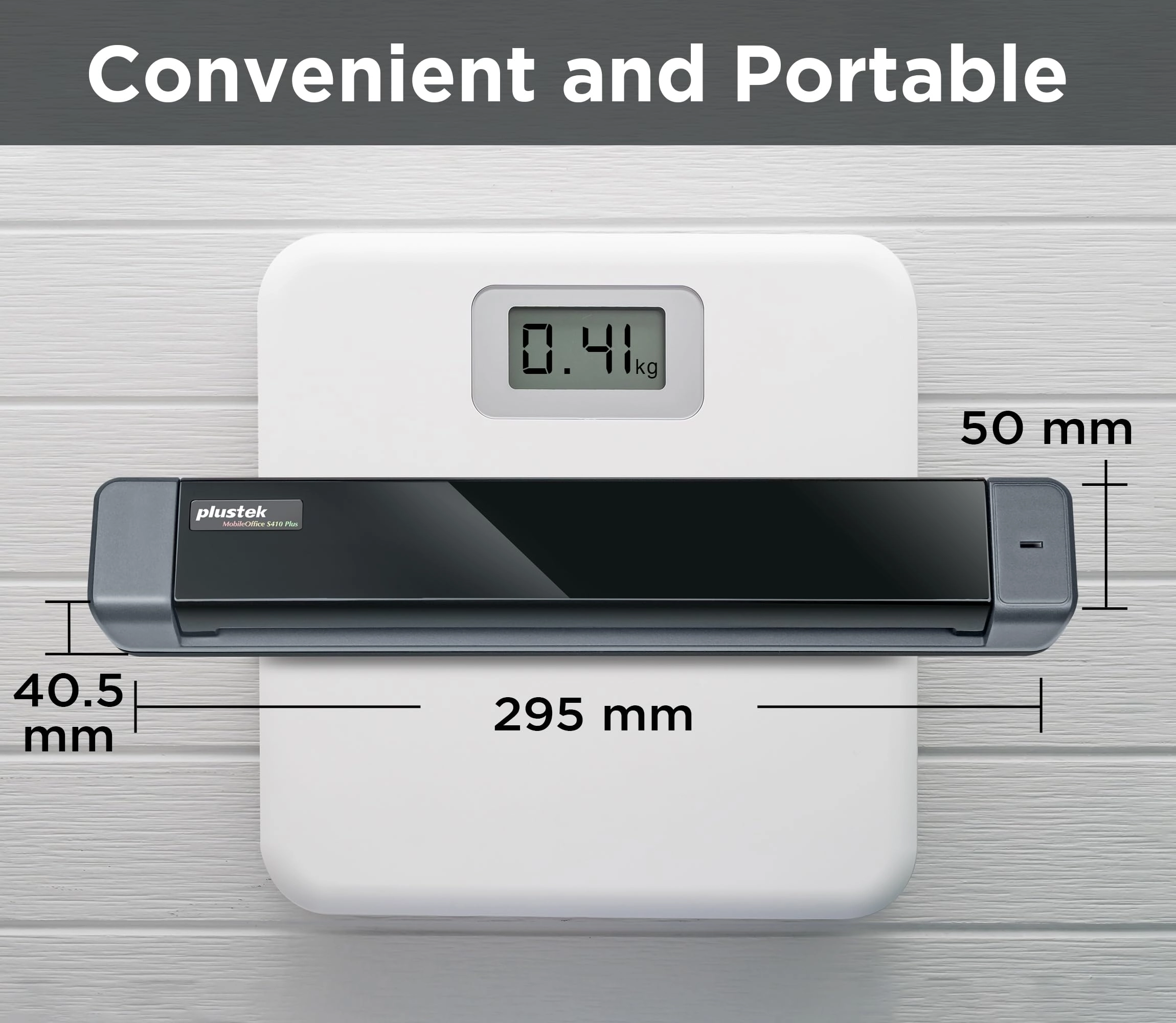
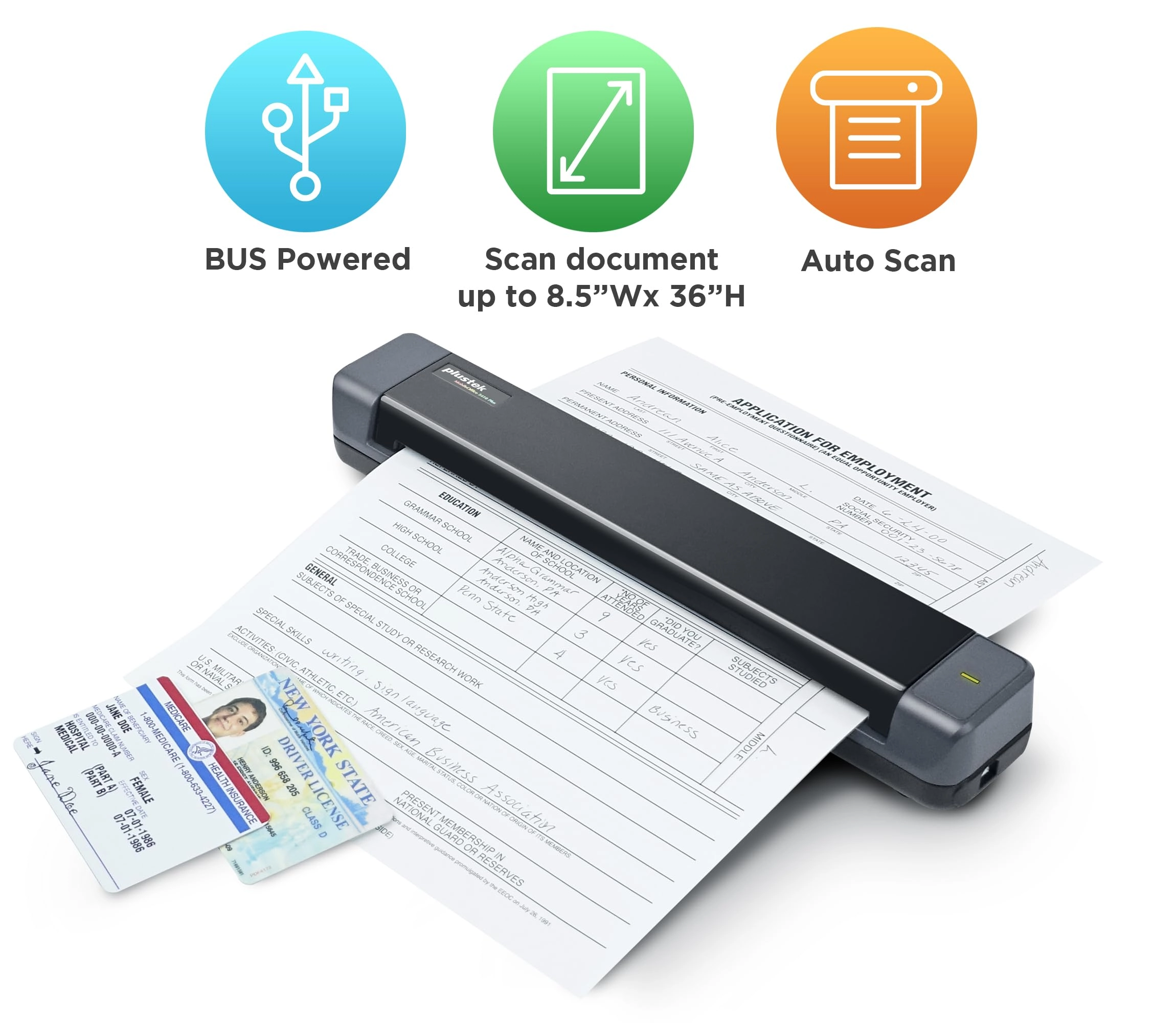
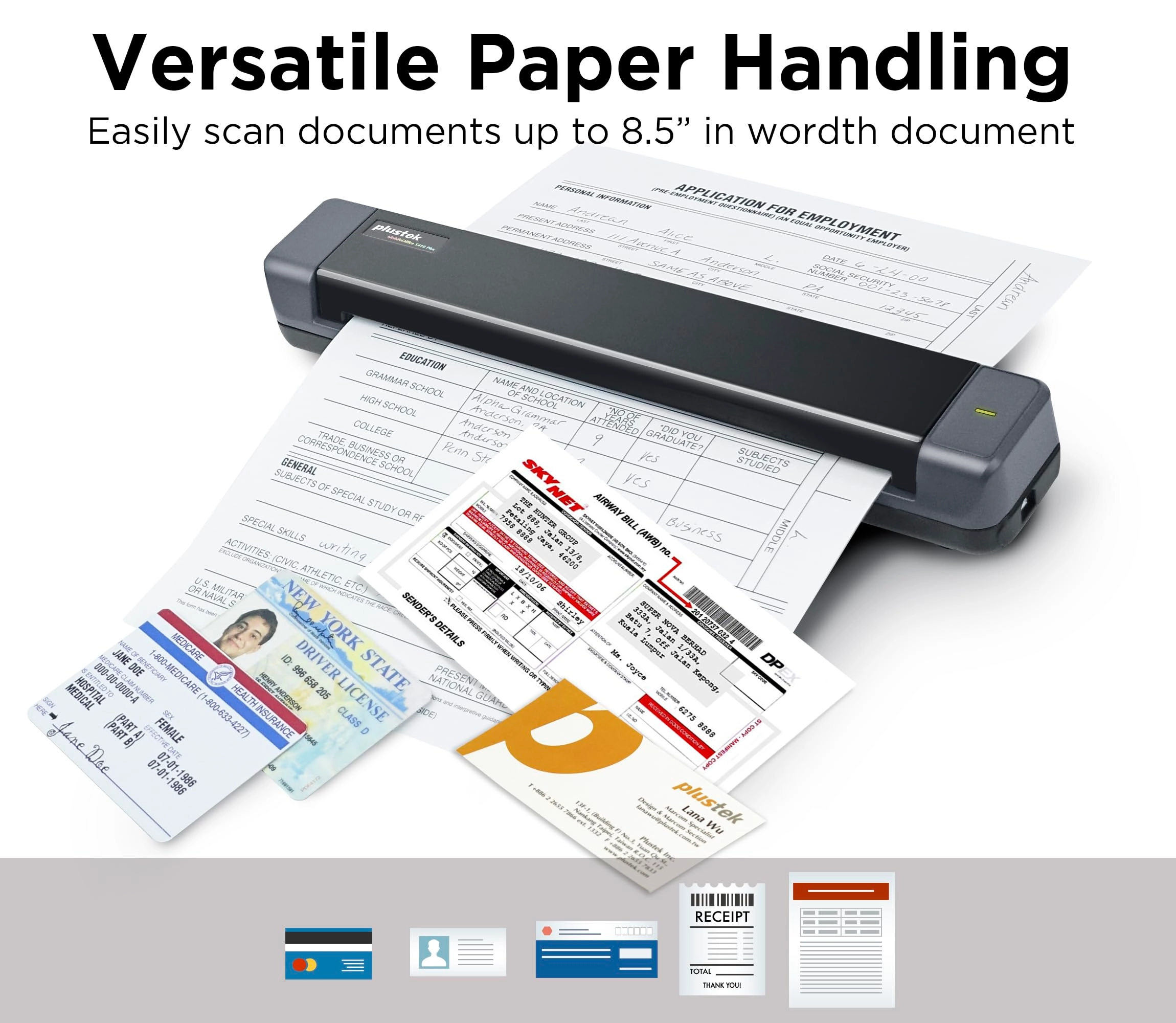
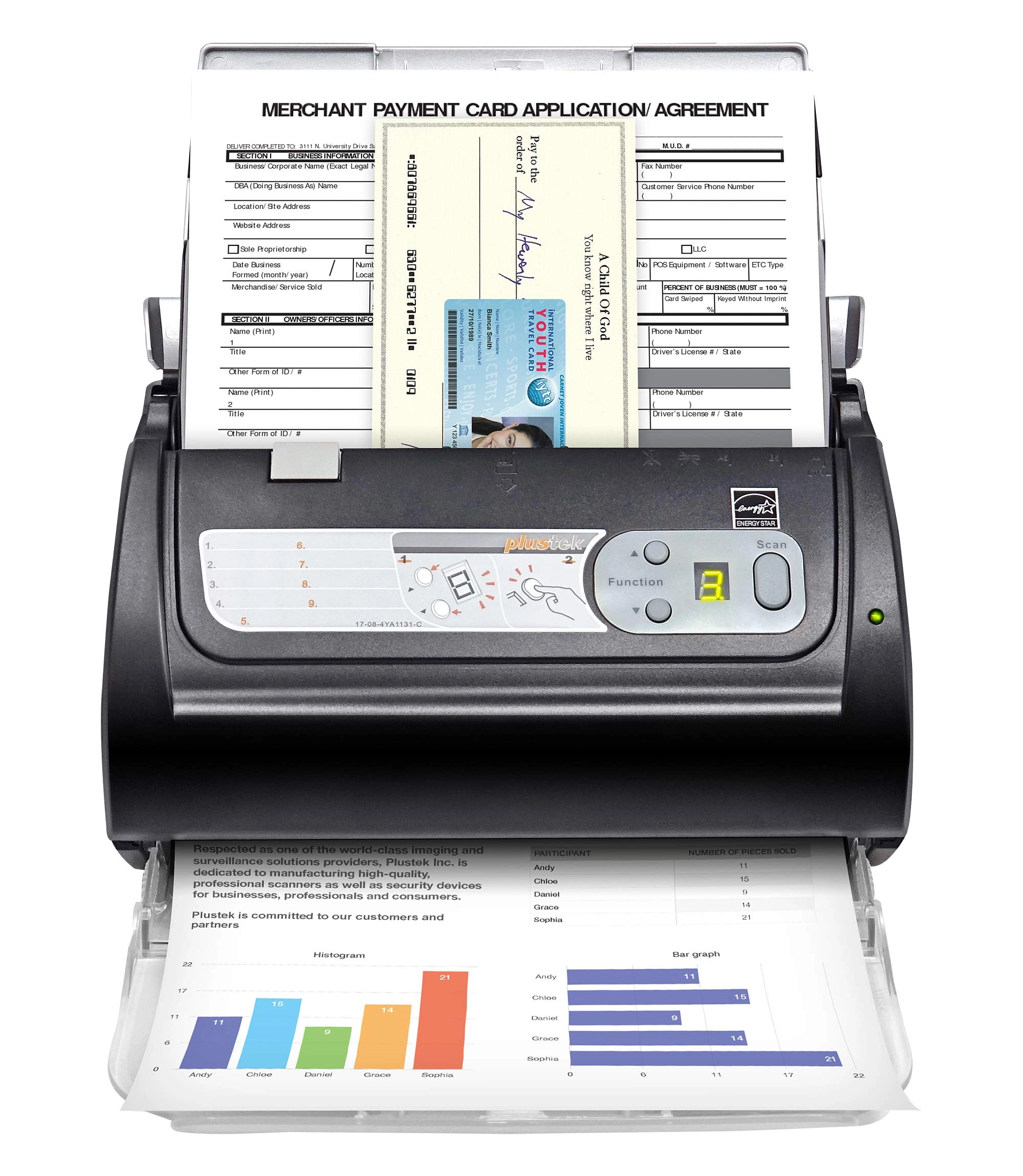
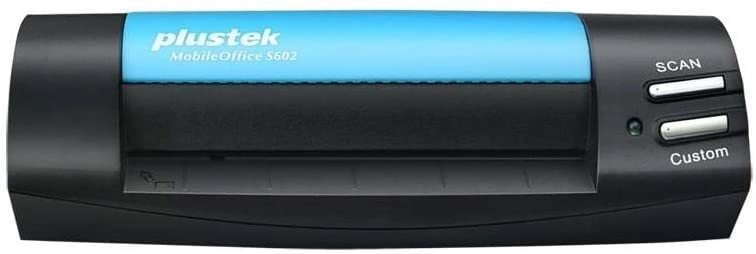
Ket Feature compact size and light versatile paper accpet Auto
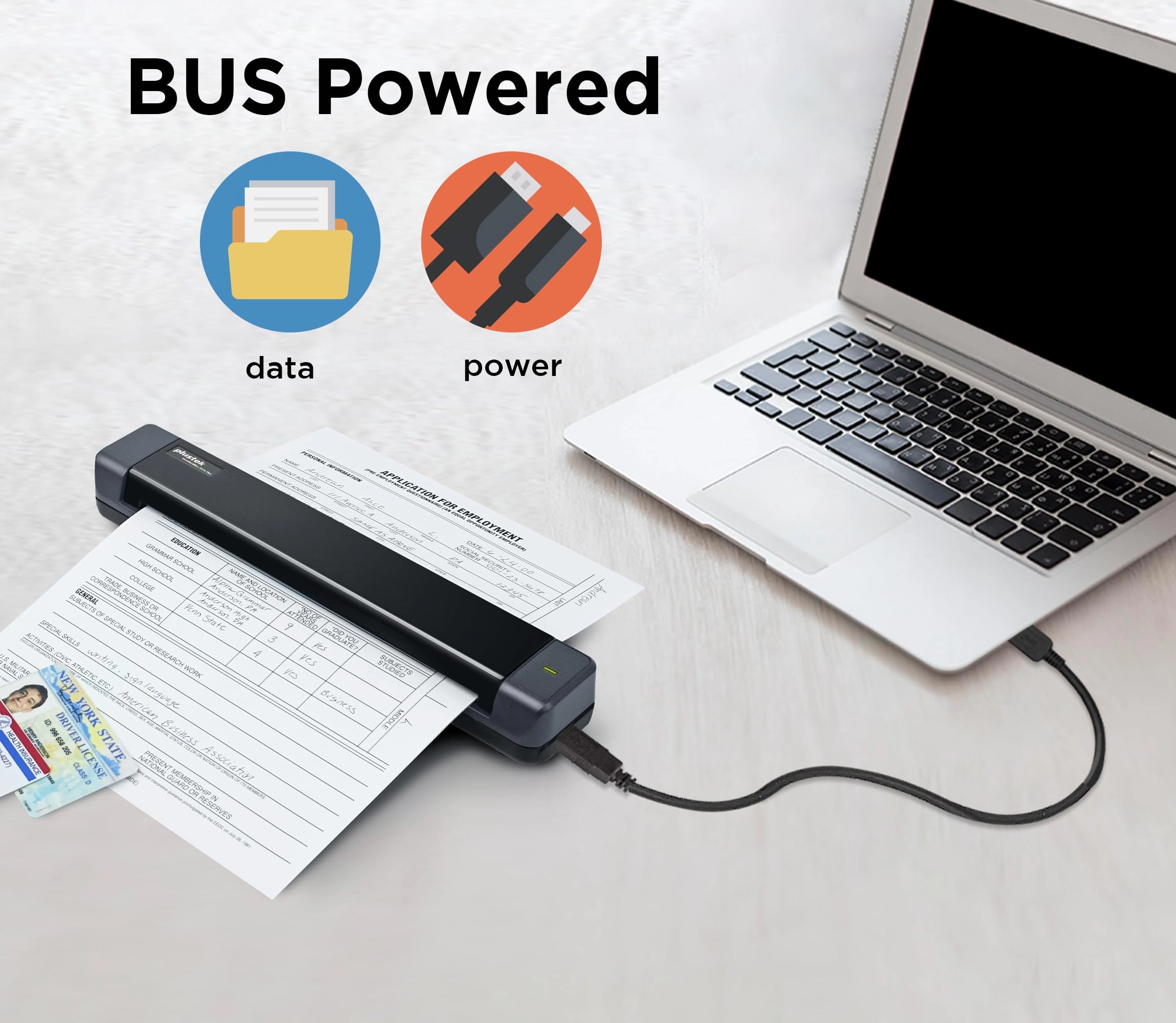
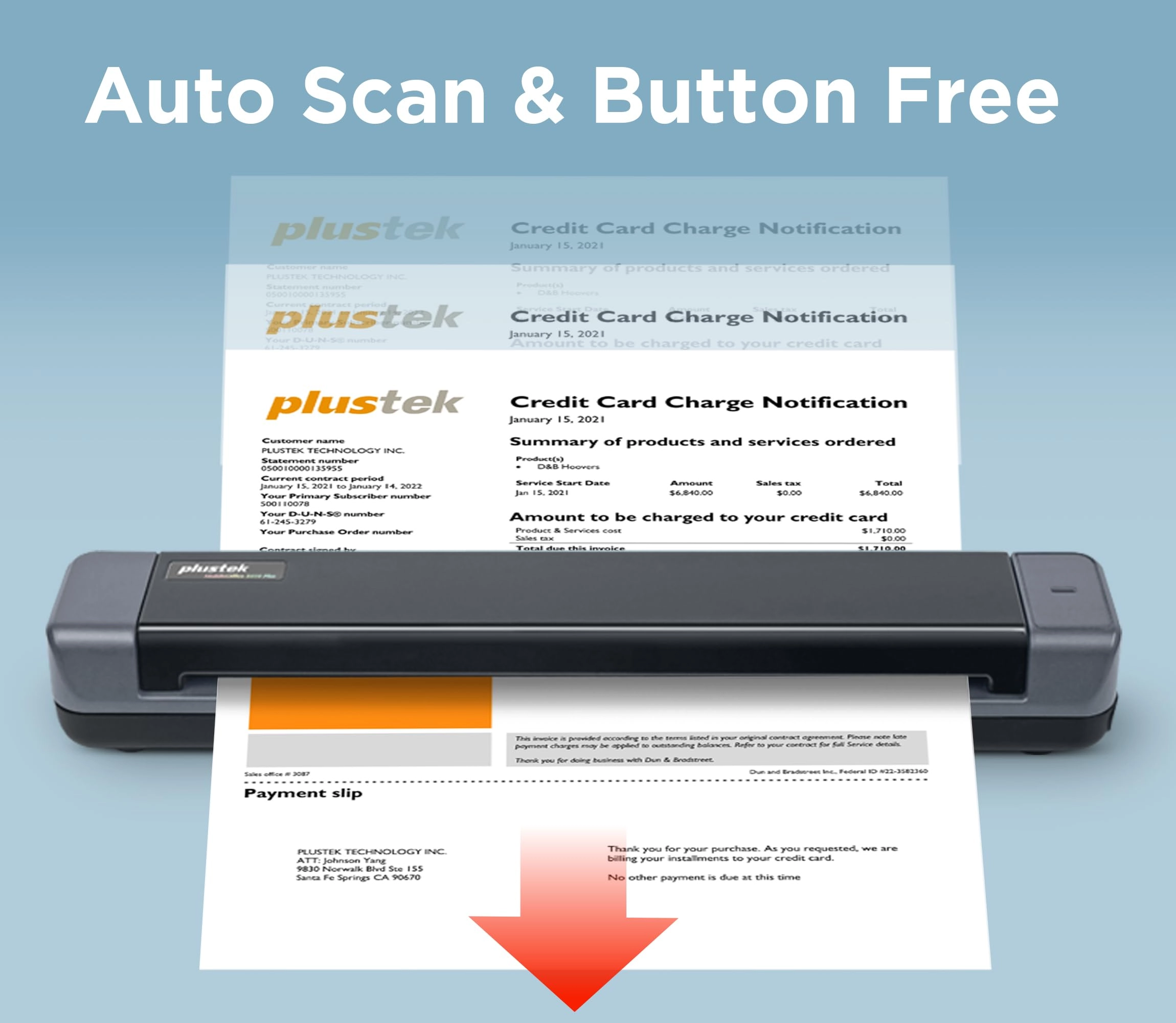
scan , button free USB power enhance image process Support TWAIN
protocol My Laptop/PC don't have CD-ROM How can I install driver
& software? For user who's Laptop/PC don't have CD-ROM, can
follow quick installation guide driver download link, or visit
Plustek website download driver to install. My Laptop/PC don't
have CD-ROM How can I install driver & software? For user who's
Laptop/PC don't have CD-ROM, can follow quick installation guide
driver download link, or visit Plustek website download driver to
install. How can I launch DocAction software with Windows system
to change scan setting After install the driver and software, you
can open DocAction by double click the icon in the taskbar, which
is located on the bottom right corner. How can I launch DocAction
software with Windows system to change scan setting After install
the driver and software, you can open DocAction by double click
the icon in the taskbar, which is located on the bottom right
corner. Is scanner can auto crop image size? if I scan receipt or
letter size document The S410 Plus default enable auto deskew and
crop function.You will get the complete scanned image without any
black edge. Is scanner can auto crop image size? if I scan
receipt or letter size document The S410 Plus default enable auto
deskew and crop function.You will get the complete scanned image
without any black edge. How to deal with the strips or bands on
the scanned images? If the colors of scanned images are not
correct or there are strips on the images. Use bundle calibration
target to calibration the scanner, you can visit Plustek website,
select S410 plus to see tutorial video How to deal with the
strips or bands on the scanned images? If the colors of scanned
images are not correct or there are strips on the images. Use
bundle calibration target to calibration the scanner, you can
visit Plustek website, select S410 plus to see tutorial video
Where I can find help for Plustek MobileOffice S410 plus? If you
need help with any issue or question, Visit Plustek website,
click the chat windows at the bottom right corner to contact our
engineer. Where I can find help for Plustek MobileOffice S410
plus? If you need help with any issue or question, Visit Plustek
website, click the chat windows at the bottom right corner to
contact our engineer.
Review: Great, speedy scanner - I love this scanner. It does plug
into my laptop but it is such a relief not having use my printer
scanner. NO MORE lifting the lid, putting one document in,
scanning etc. It
Review: It's worth it! - This little device is great in
functionality, ease of use, size, and value for the money. The
only downside I found was that It has to be connected via usb,
maybe the next version will be a wireless option. Even still, I
love this look device, gets the job done, and saves it to a file
destination of your choice. I read one review where the person
complained of memory cache being full, I ran into that issue, and
simply clicked okay, and a few seconds later, I was scanning
again!