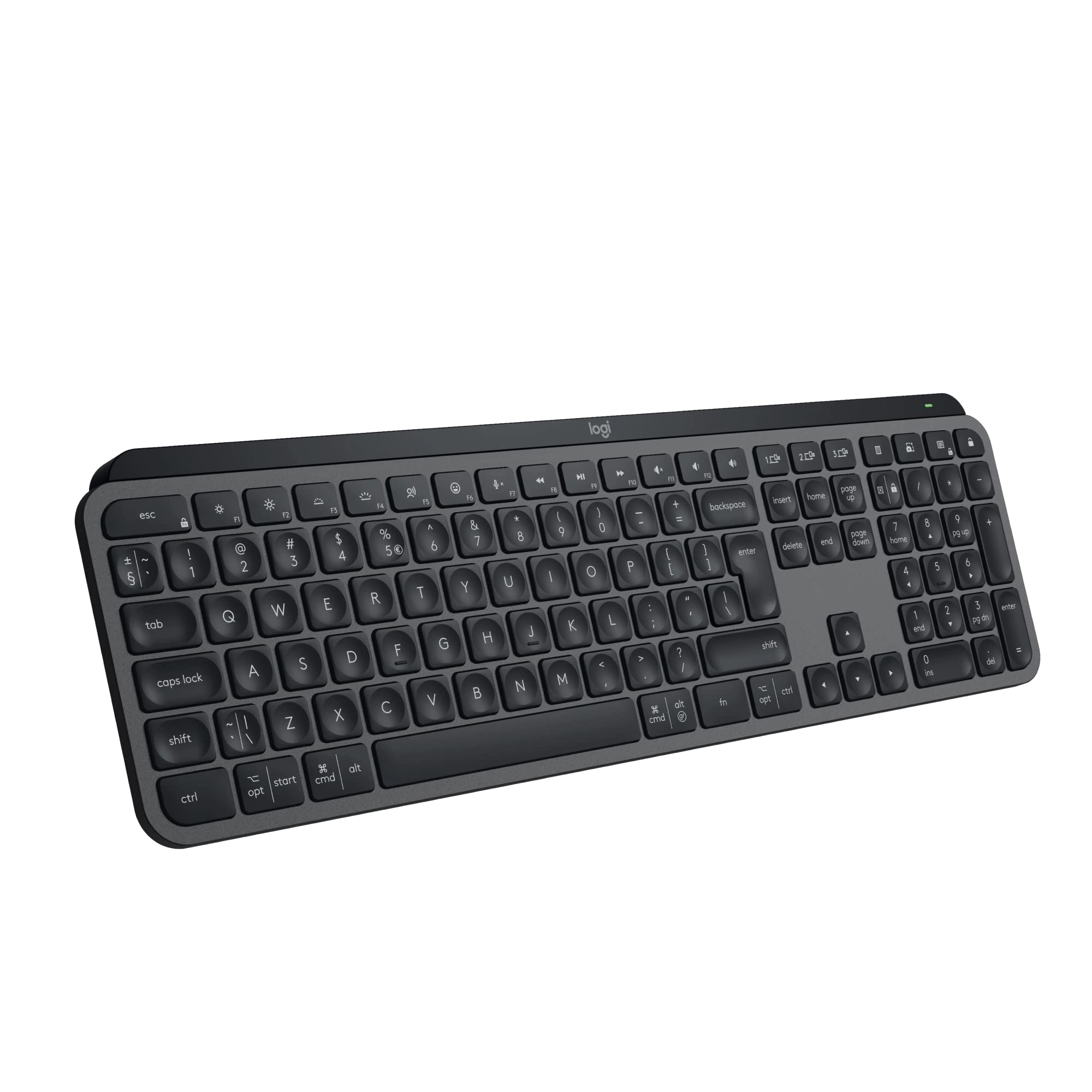
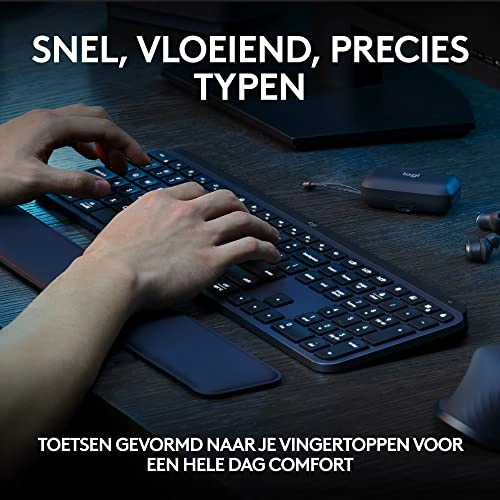
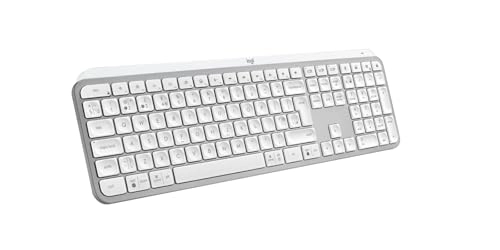
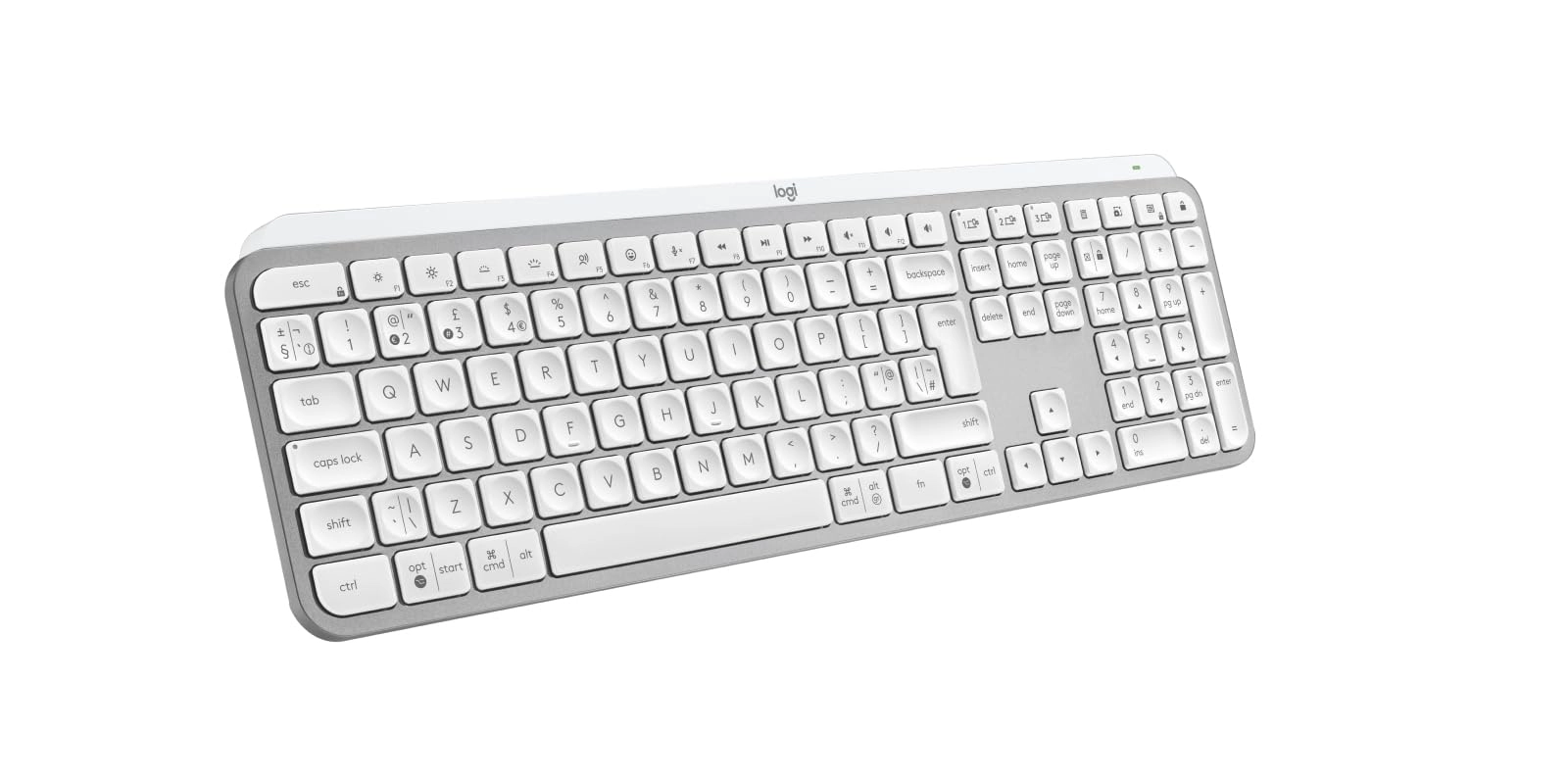
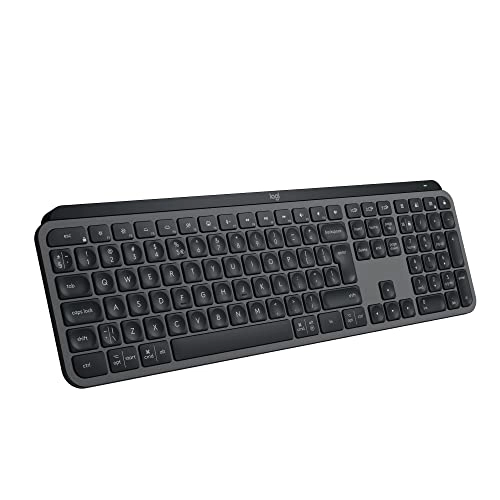
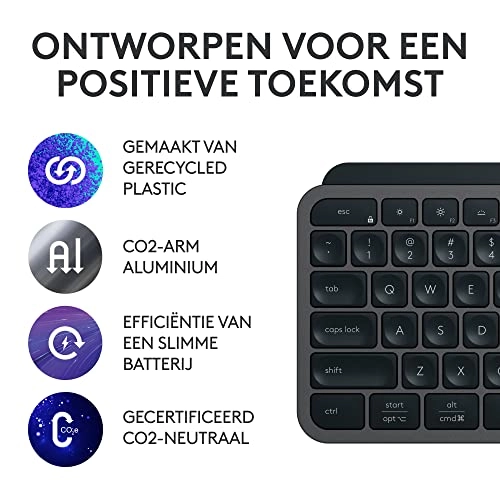
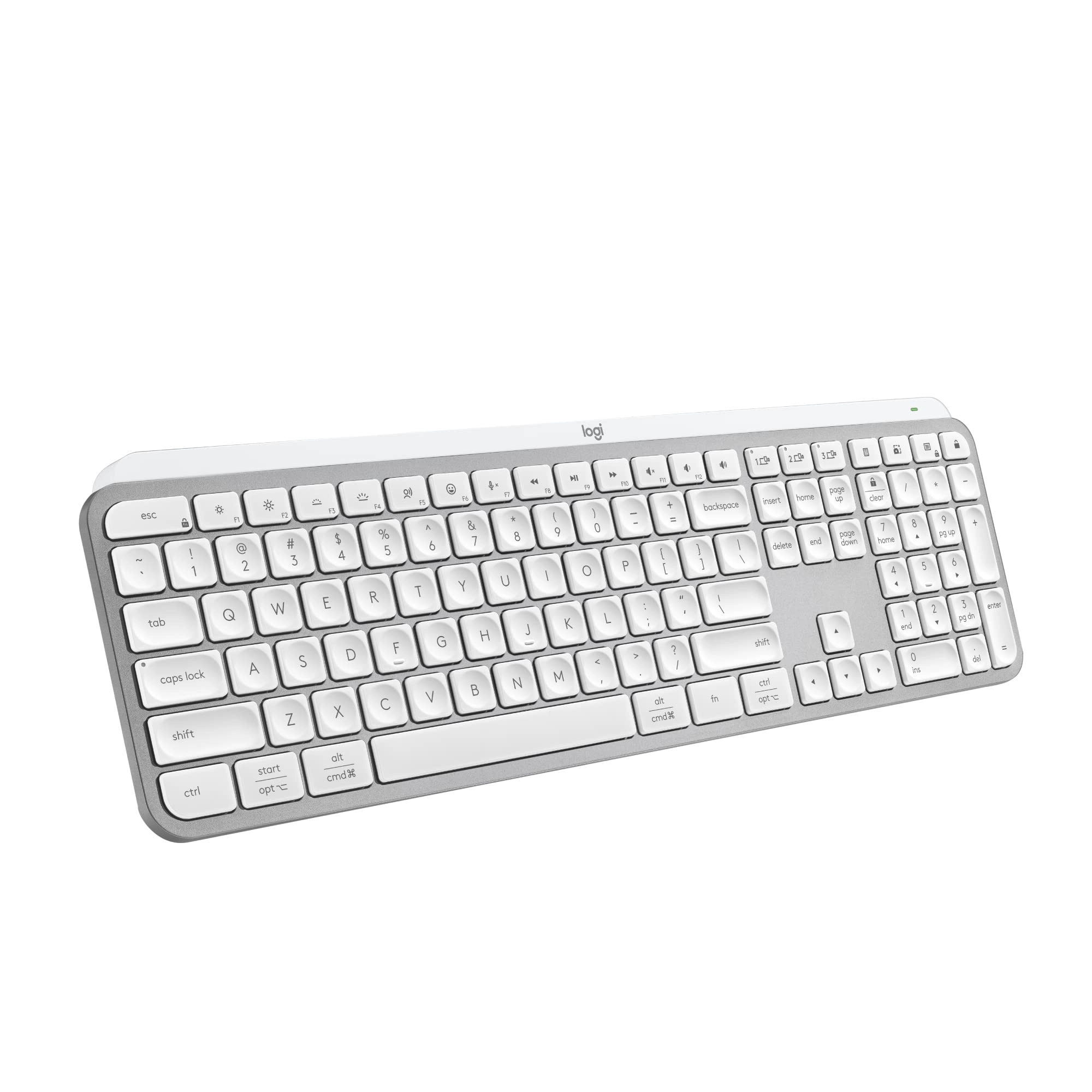
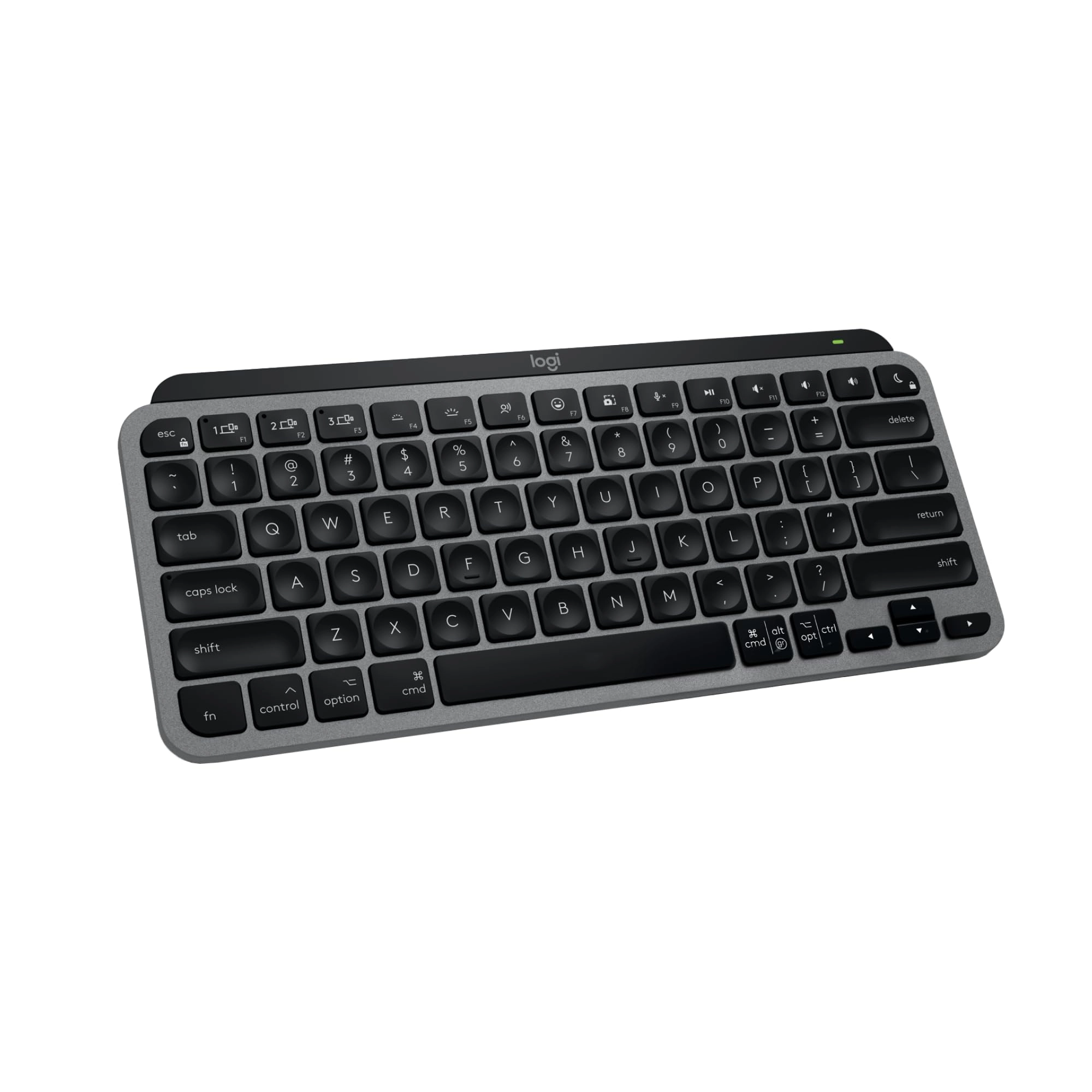
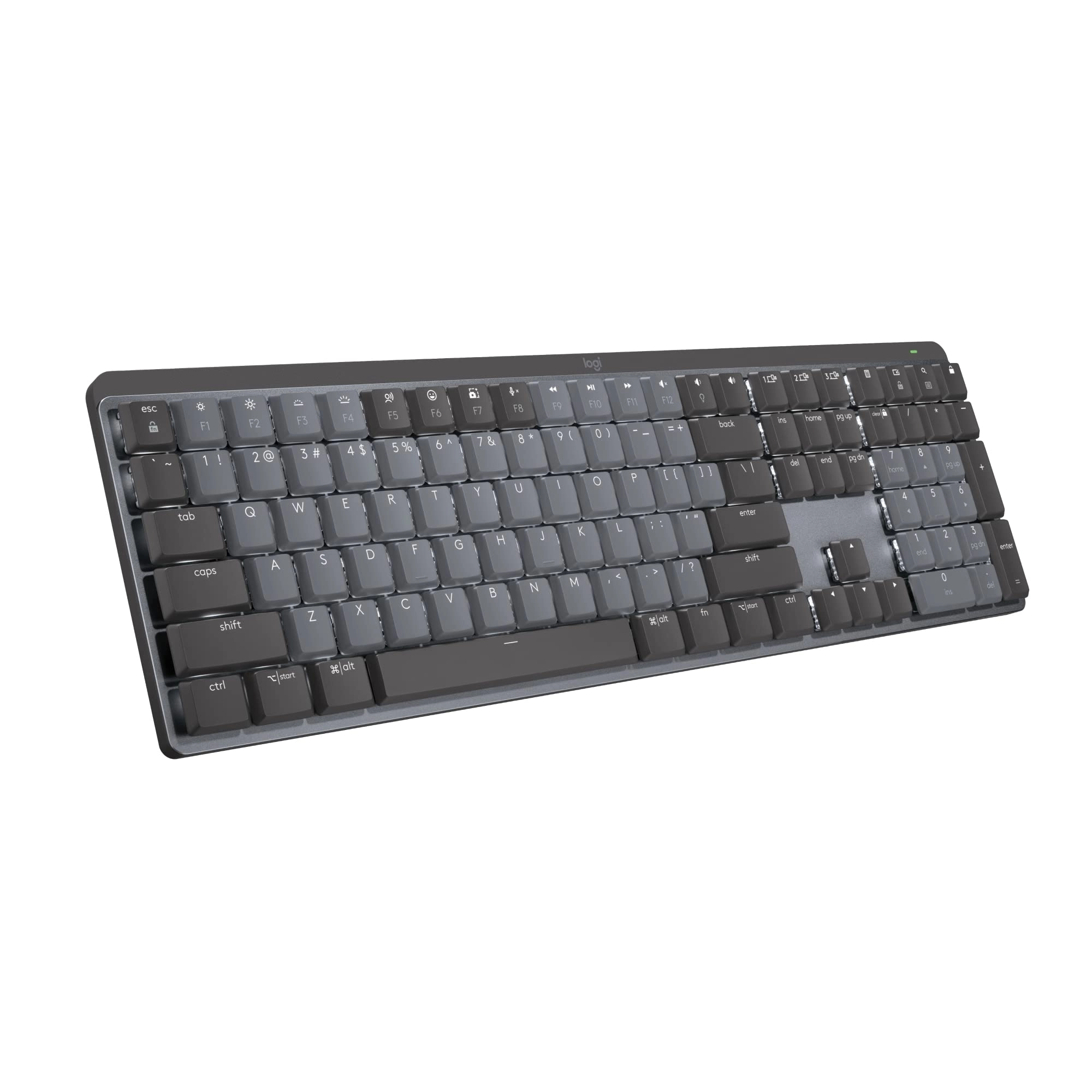
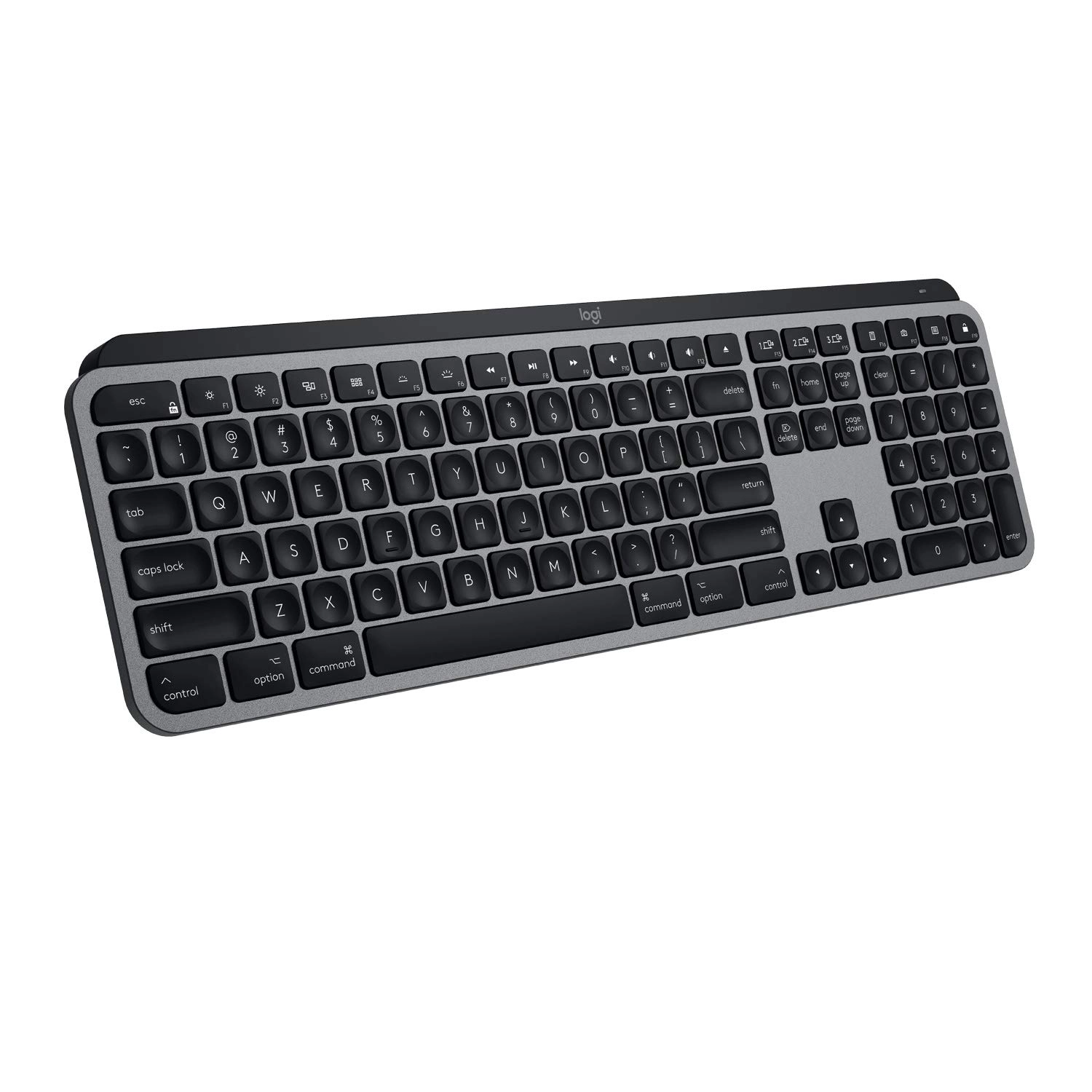
MX Keys S Logitech Wireless Keyboard — a low-profile full-size
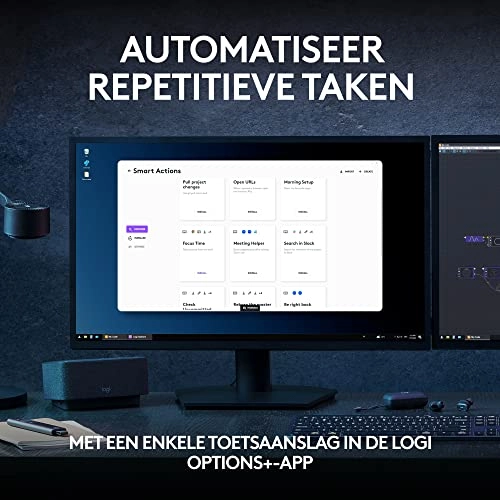
keyboard that offers a fluid, precise typing experience and
customisable, time-saving Smart Actions that automate your most
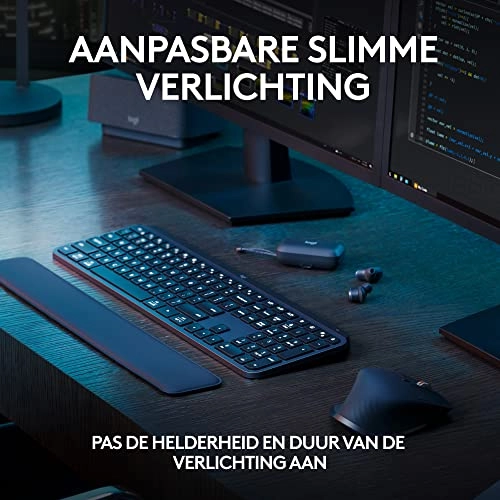
repetitive tasks with a single keystroke. The backlit keyboard
features smart backlighting that lights up when your hands
approach it and automatically adjusts to suit the time of day.
Conveniently create and customise Smart Actions, adjust
illumination brightness and duration, check battery life, assign
app-specific profiles with the Logi Options+ app (1). MX Keys S
Logitech Wireless Keyboard Details: Weight: 810 g Dimensions:
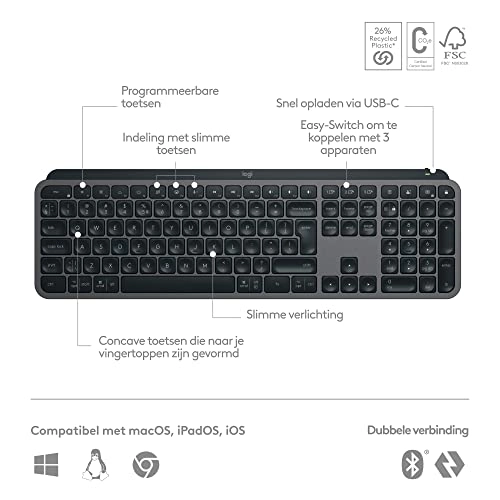
20.5 x 430.2 x 131.63 mm Laptop keyboard compatible with Windows,
macOS, Linux(3), Chrome OS(3), iOS(3), iPadOS(3), Android(3)
operating systems. Rechargeable Li-Po (1500 mAh) battery Optional
Customisation app (1): Logi Options+ Important: FileVault might
be enabled on your macOS computer, which could prevent you from
entering your password at start or reboot when connected to
Bluetooth. In this case, use Logi Bolt USB Receiver. (1) Requires
Logi Options+ app, available for Windows and macOS. (2) The
keyboard is not compatible with other Logitech USB receivers. (3)
Device basic functions will be supported without software for
other systems than Windows and macOS. (4) Battery life may vary
based on user and computing conditions. (5) Excludes plastic in
printed wiring assembly (PWA), FFC cable, cables, and packaging.
(6) 4 mm minimum glass thickness.
Review: A truly mind blowing keyboard! - I recently got my hands
on the Logitech MX Keys S PLUS Wireless Keyboard, and let me tell
you, it's been a game-changer in my world. This keyboard has
seriously elevated my typing experience and made life at the desk
so much better. Here's why I'm giving it a rock-solid 5 stars:
Premium Aesthetics and Quality (5/5): First off, this thing looks
sleek. It's got that modern design that instantly adds a touch of
sophistication to your workspace. The build quality is top-notch.
When you start typing on those low-profile keys, it's like
tapping on clouds - super quiet and comfortable. Seamless
Wireless Connectivity (5/5): The wireless connection is a breeze.
You can connect it to multiple devices via Bluetooth or use the
included Logitech Bolt Receiver (which is in the box, by the
way), and switching between devices is a snap. No more fussing
with cables. This feature alone is a game-changer for anyone
managing different tech devices. Backlit Brilliance (5/5): The
keys light up! This is a game-changer if you're working late into
the night. The backlighting adjusts to your surroundings, so
you'll never hit the wrong key in the dark. Late-night work
sessions have never been so easy on the eyes. Customisation at
Your Fingertips (5/5): Those function keys at the top? They're
your personal helpers. I've set them to open my most-used apps
and shortcuts, and it's like having shortcuts to productivity.
It's a time-saver and a cool personal touch to make your keyboard
work just the way you want it to. Impressive Battery Life and
Quick Charging (5/5): Logitech claims this thing can go up to 10
days on one charge, and you know what? It's true. I've gone a
whole week without plugging it in, and it's still going strong.
Plus, quick charging means one minute of charging gives you three
hours of typing power. No more worrying about running out of
battery during important tasks. Endless Customisation with
Logitech Options Software (5/5): The Logitech Options software is
where the real magic happens. You can fine-tune this keyboard to
be your perfect partner, from key assignments to gesture
controls. It's like having your own personal keyboard assistant,
making your workflow smoother and more efficient. In summary, the
Logitech MX Keys S PLUS Wireless Keyboard, complete with the
included Logitech Bolt Receiver, is the real deal. It's got that
premium feel, exceptional wireless capabilities, quick charging,
and it's fully customisable. If you want a keyboard that makes
work (and play) more enjoyable, this is it. Seriously, I couldn't
be happier with this purchase - it's worth every penny! 🚀👌
Review: Wow, what an incredible typing experience! - The M Keys S
Plus with palm rest is an amazing keyboard. There are plenty of
reviews out there can describe it better than I can, but in my
own words I'd say the following: Strengths: - The build is
premium, excellent material choices - The keys have the perfect
amount of travel, resistance and feel for typical desk based jobs
- Plenty of useful features: the ability to switch between
machines is seamless by selecting one of three pairing buttons;
able to re-assign keys; backlit keyboard that lights up as your
hands approach it - It's quiet too: you're able to hold a video
conference using a desk / screen mounted mic without worrying
about others hearing you types your notes - Dongle or Bluetooth:
Windows machines will recognise the keyboard without having to
dig around Bluetooth settings which is impressive. You can also
elect to use the included dongle, which is compatible with the MX
Masters 3s Mouse if you have it. Potential downsides - If you're
looking for a mechanical experience with specific key stroke
noise characteristics, then look elsewhere - If you want RGB,
this isn't for you Summary If you're looking for the ultimate
typing experience that provides convenience (see strengths) and a
very pleasant typing experience, then look no further. Having
come from a Blackwidow Lite mechanical keyboard by Razer, that
was very noisy and clunky, I couldn't recommend this keyboard
enough. For reference I paid 119 GBP for this item.