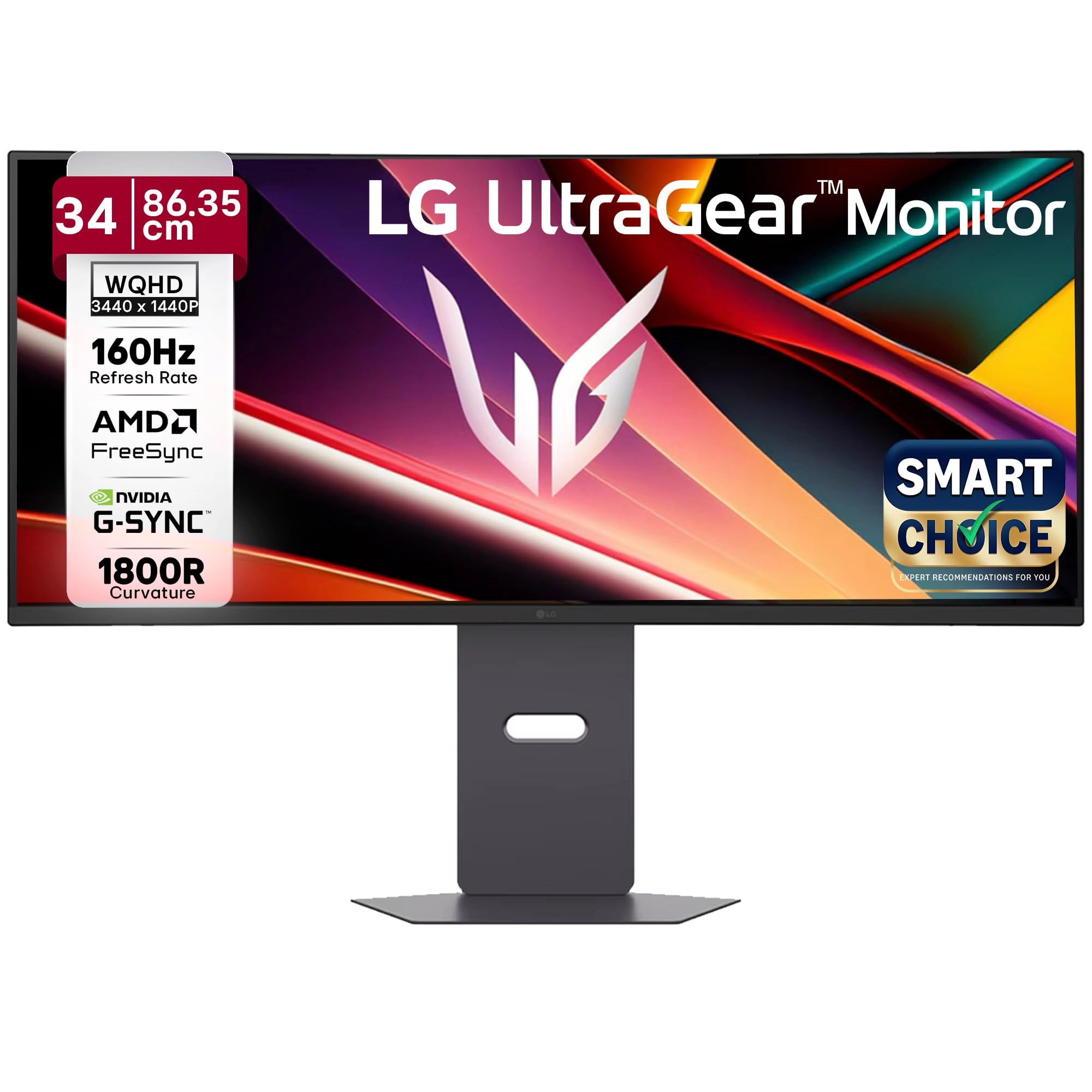
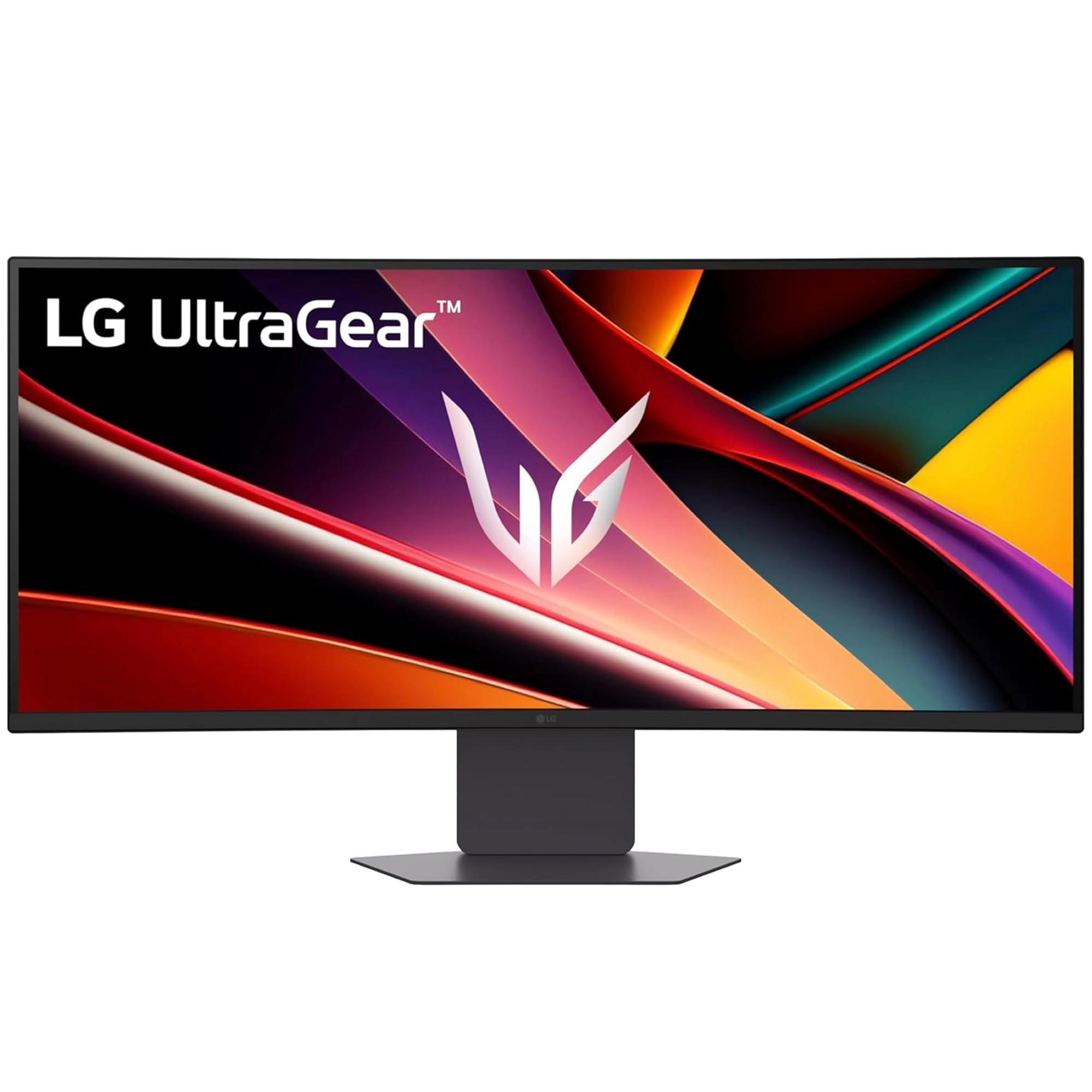
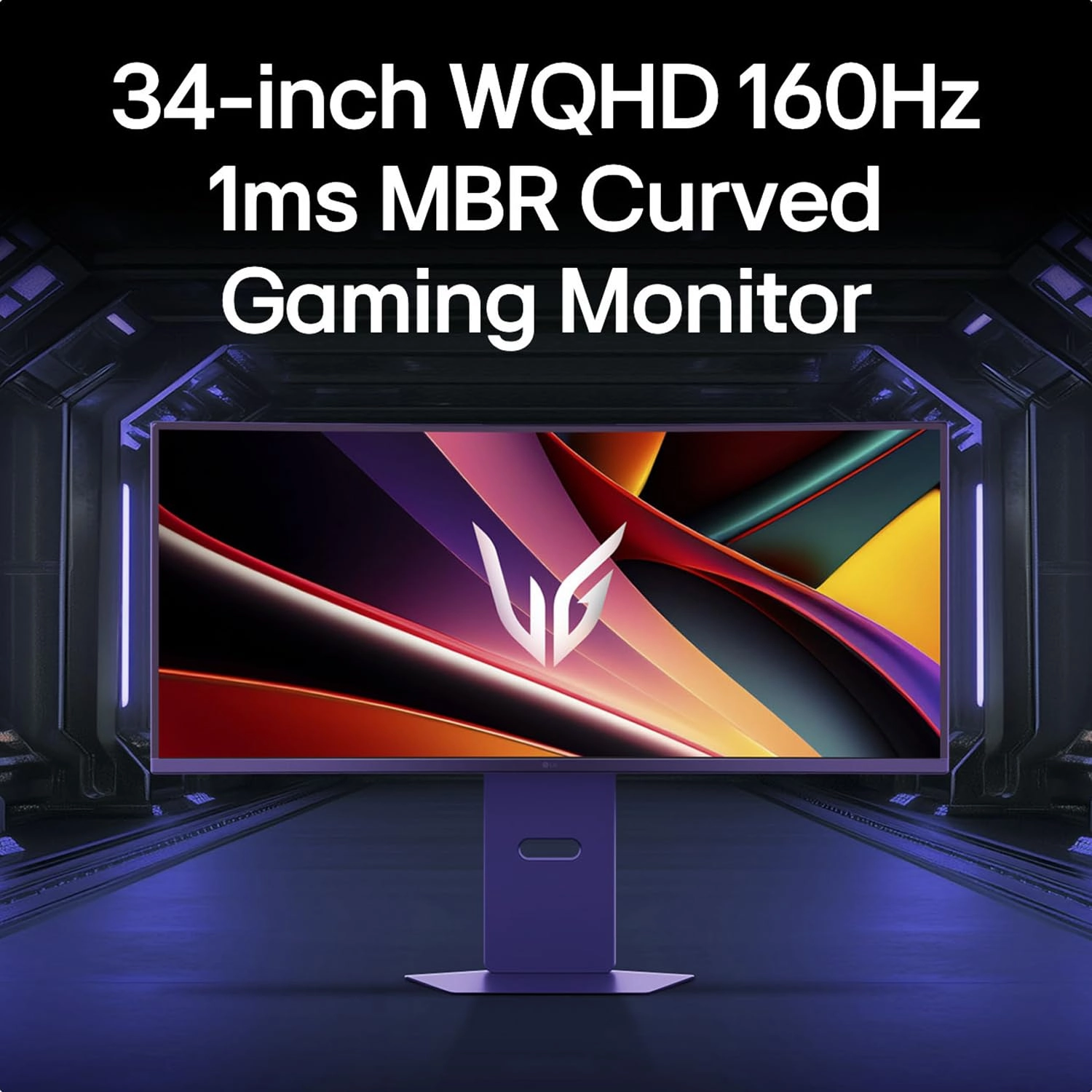
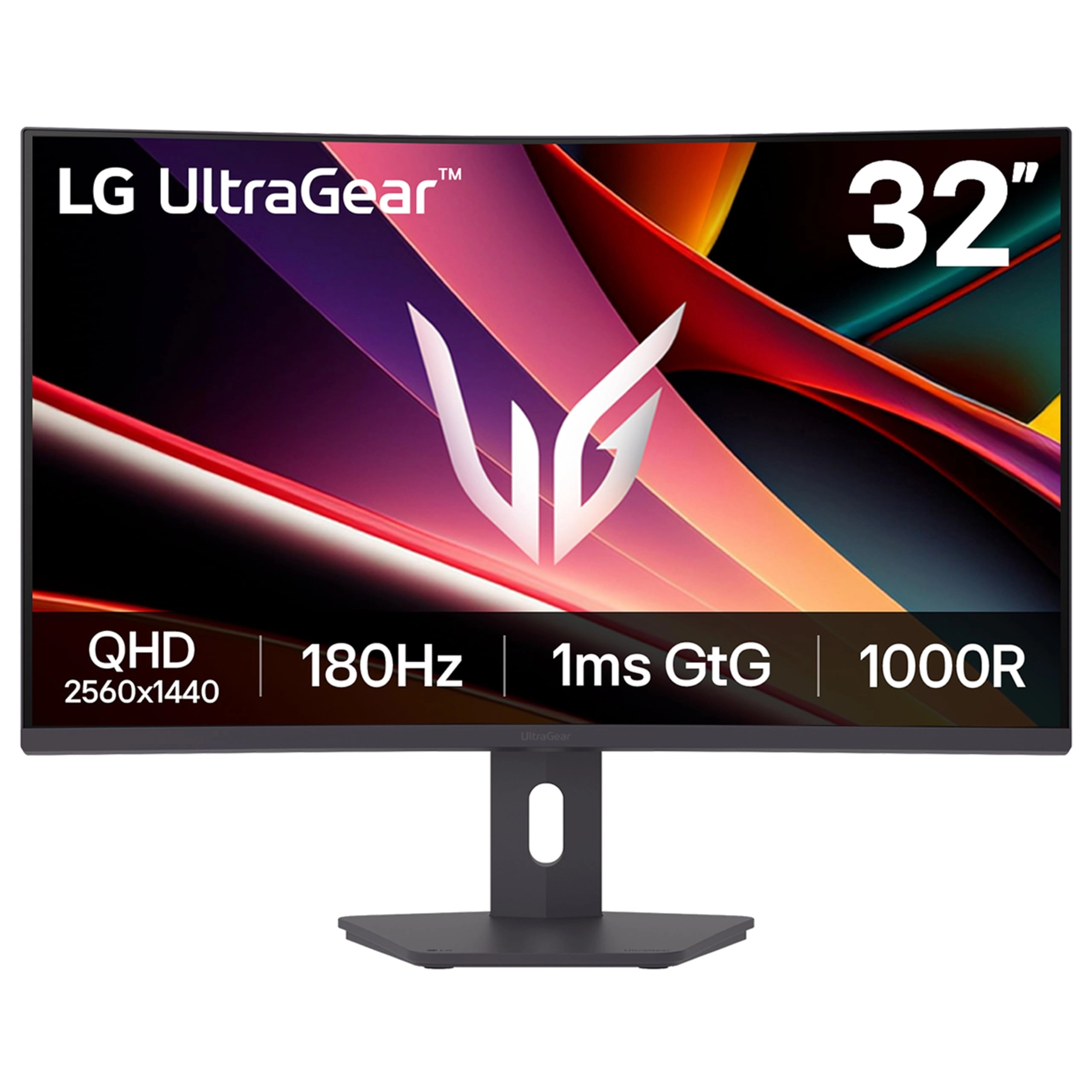
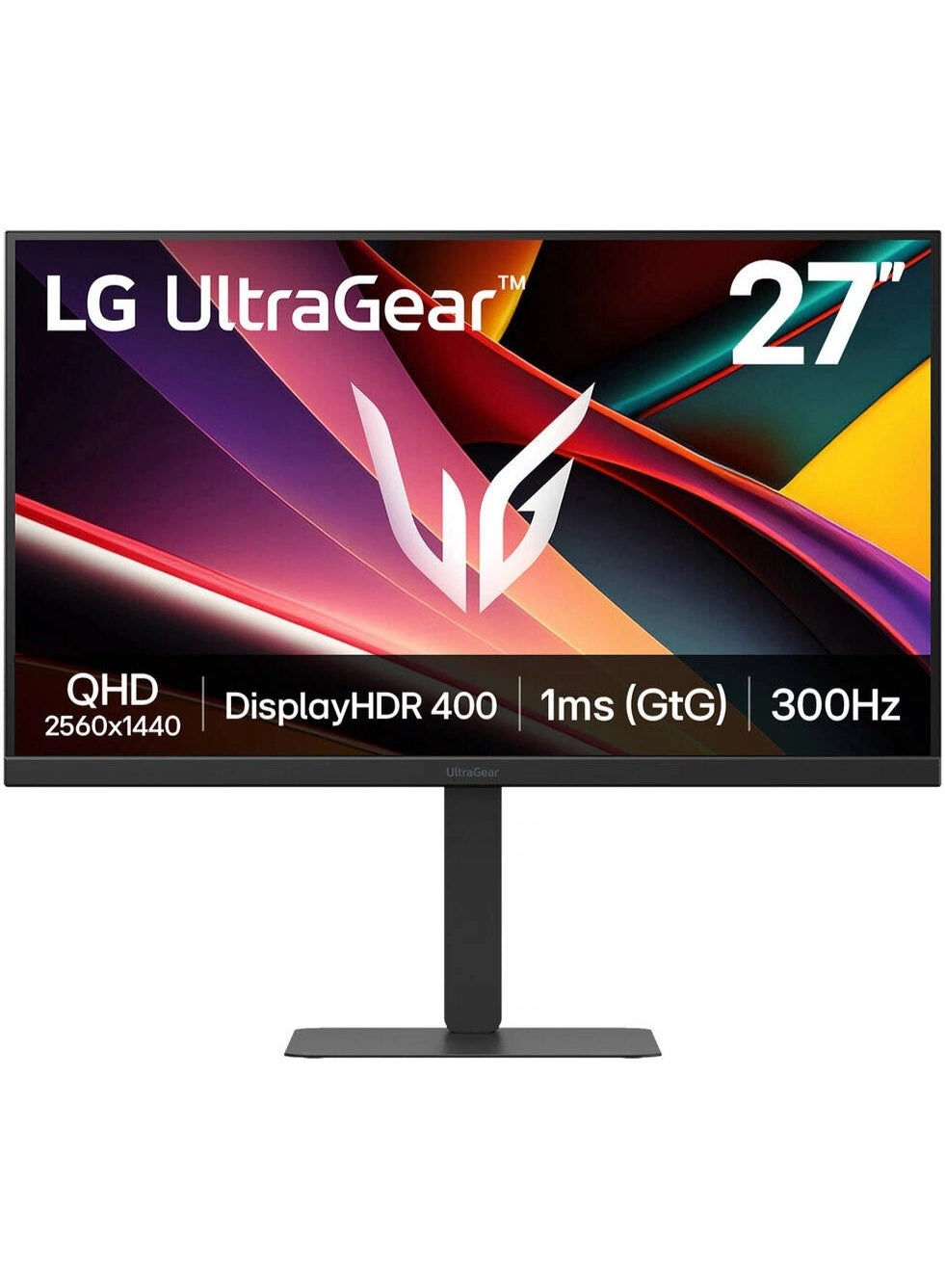
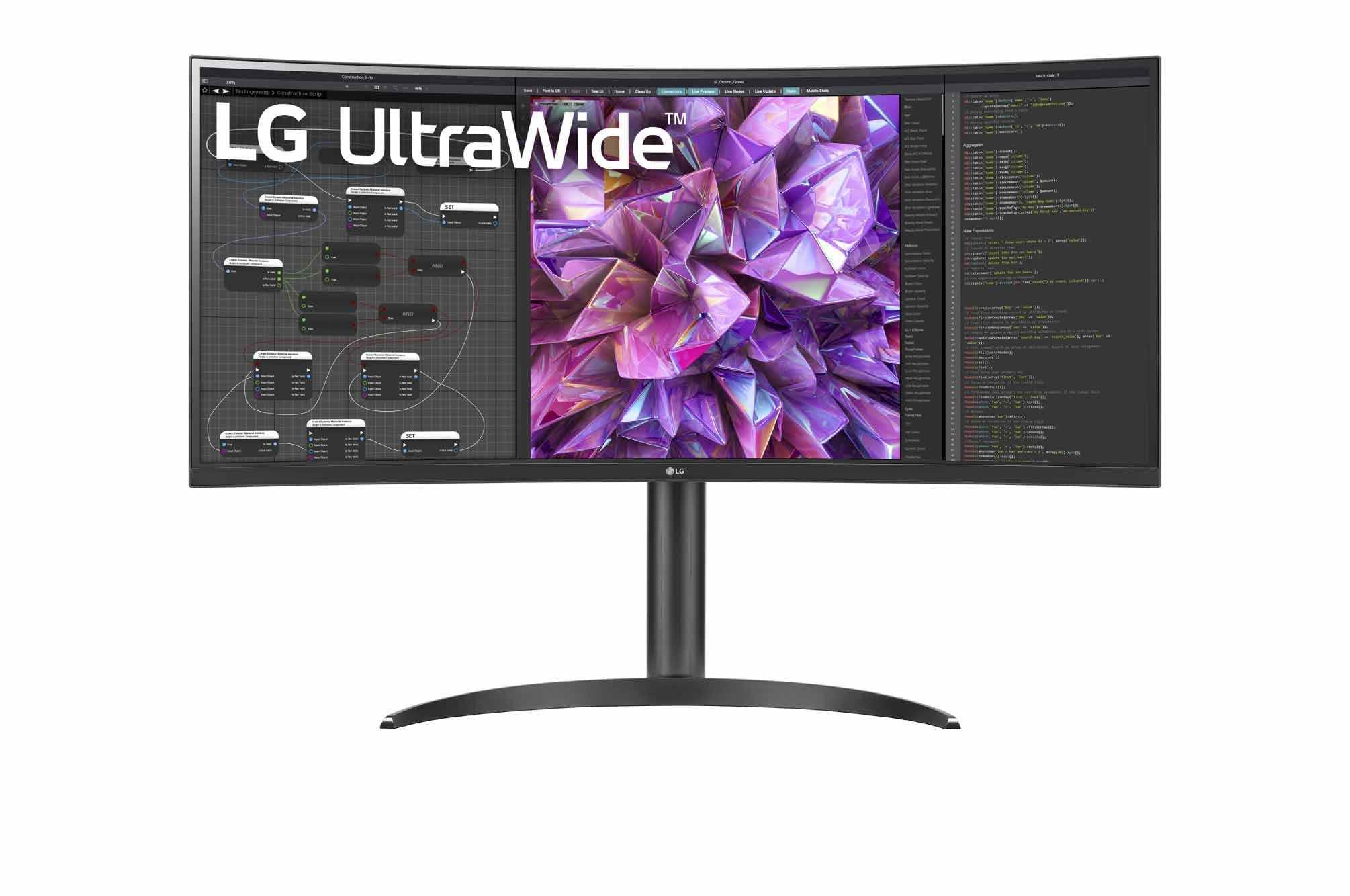
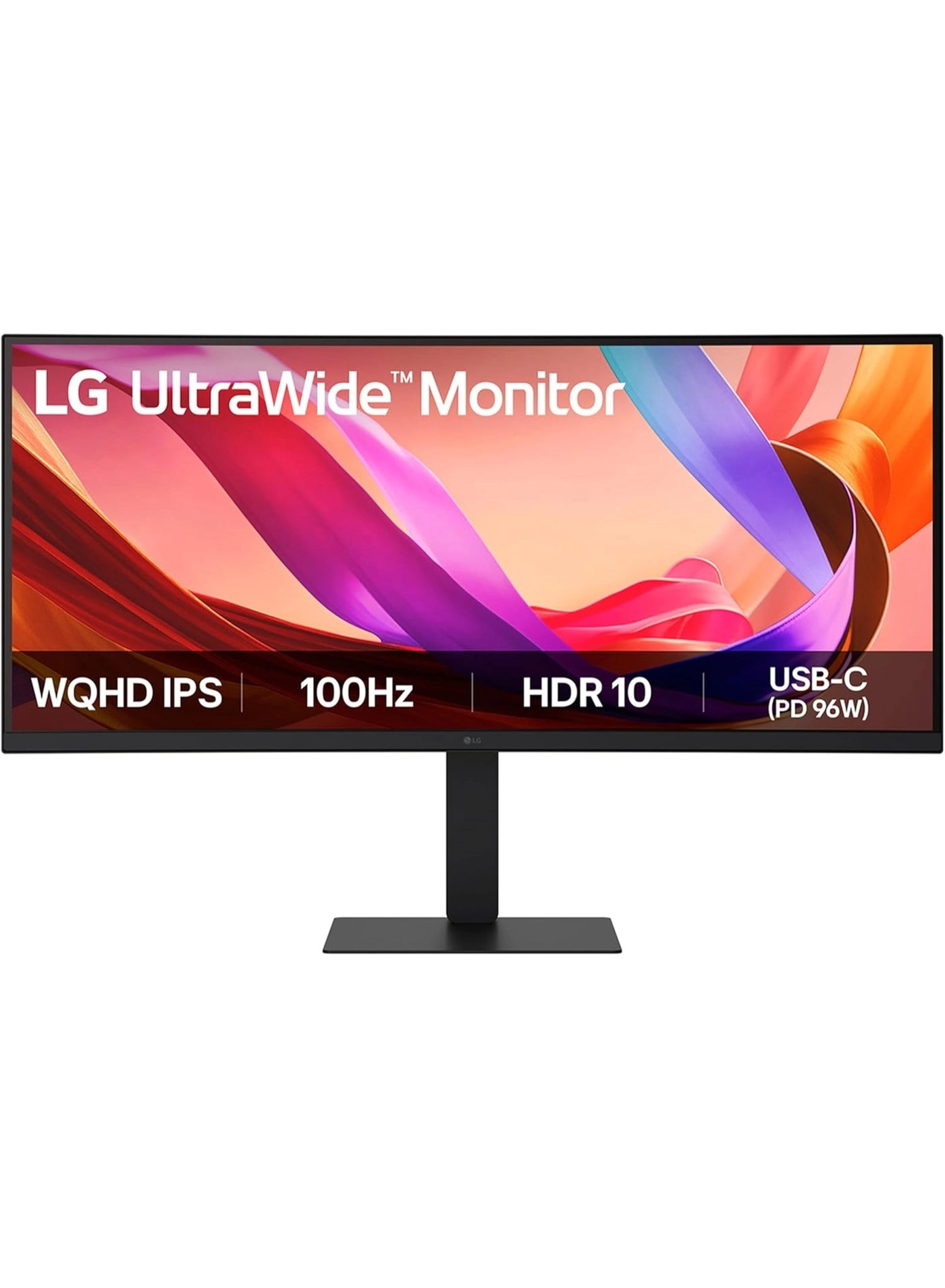
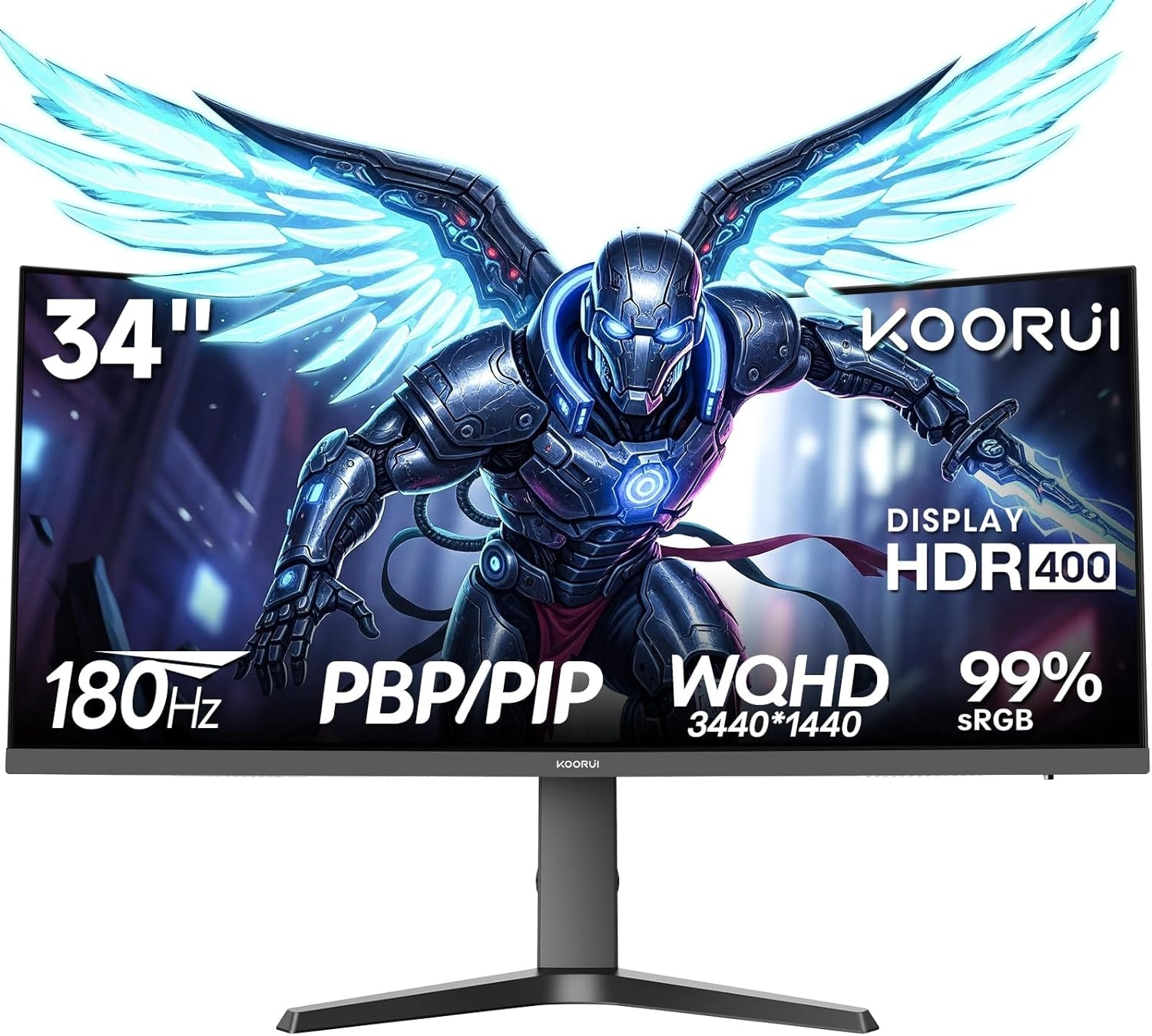
From the manufacturer 34-inch WQHD 160Hz 1ms MBR Curved Gaming
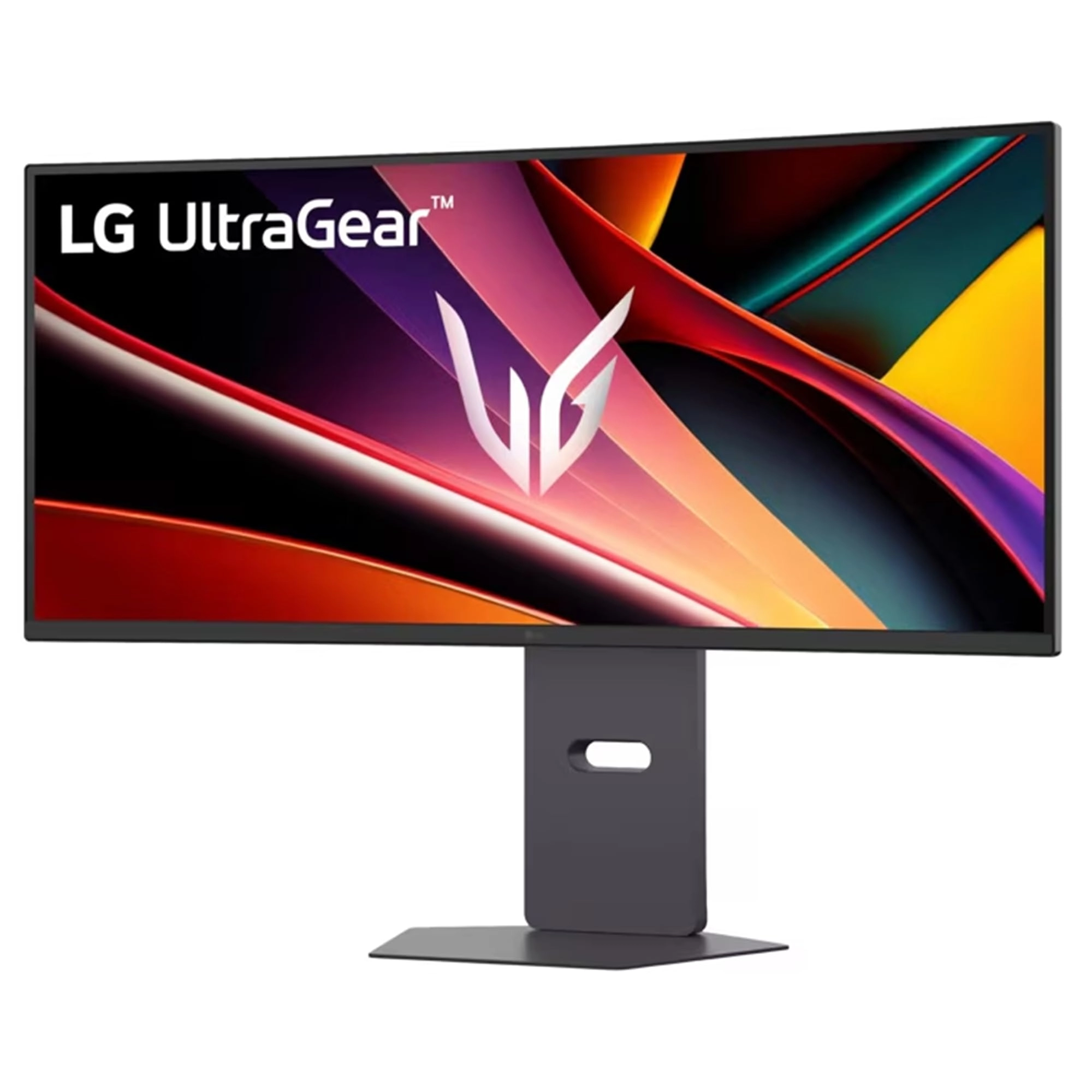
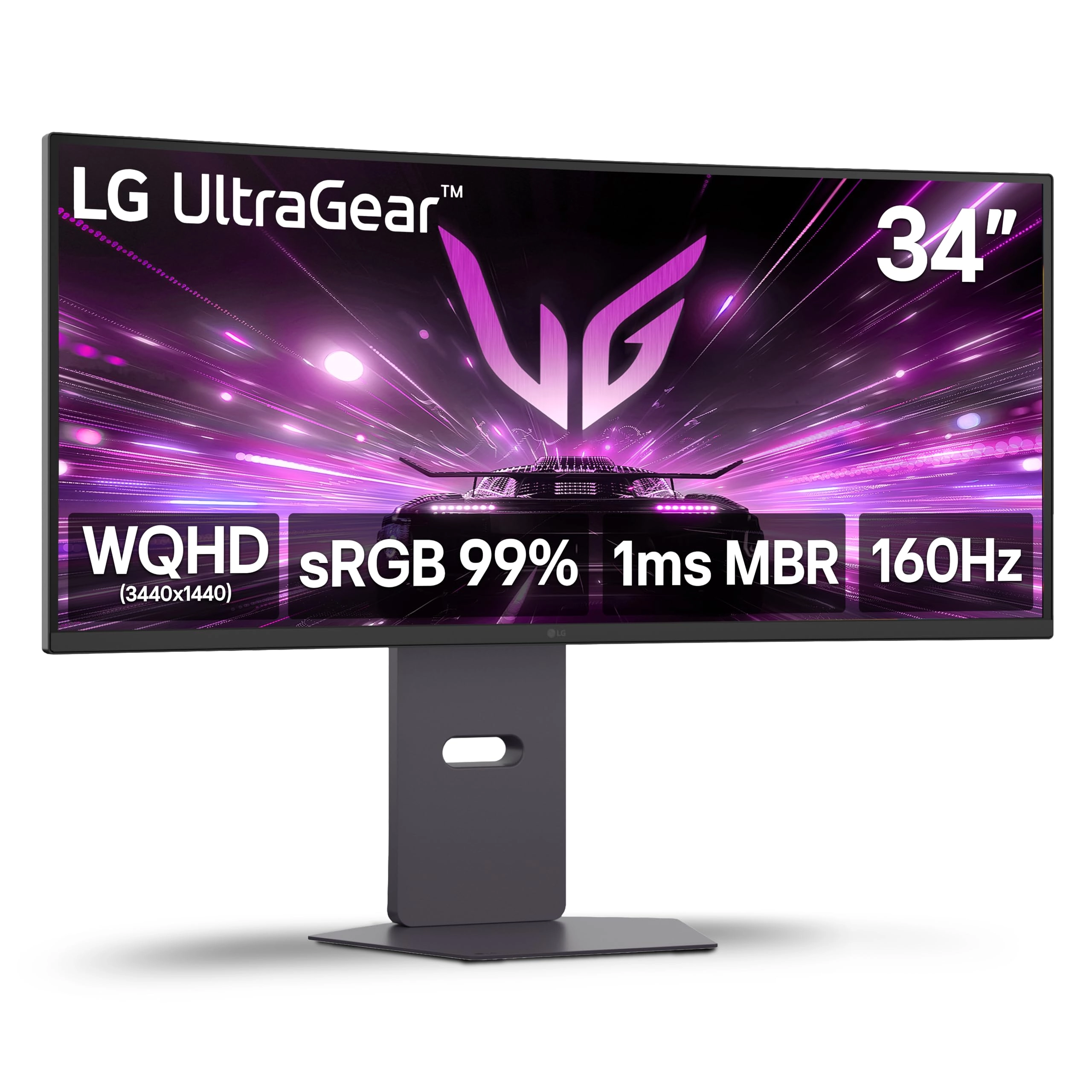
Monitor This UltraGear delivers fast, immersive gameplay on a 34"
WQHD curved display, with 160Hz refresh rate, and 1ms MBR. AMD
FreeSync Premium ensures smooth, tear-free action, while HDR10
and up to 99% sRGB coverage bring vivid color. Expand The Screen
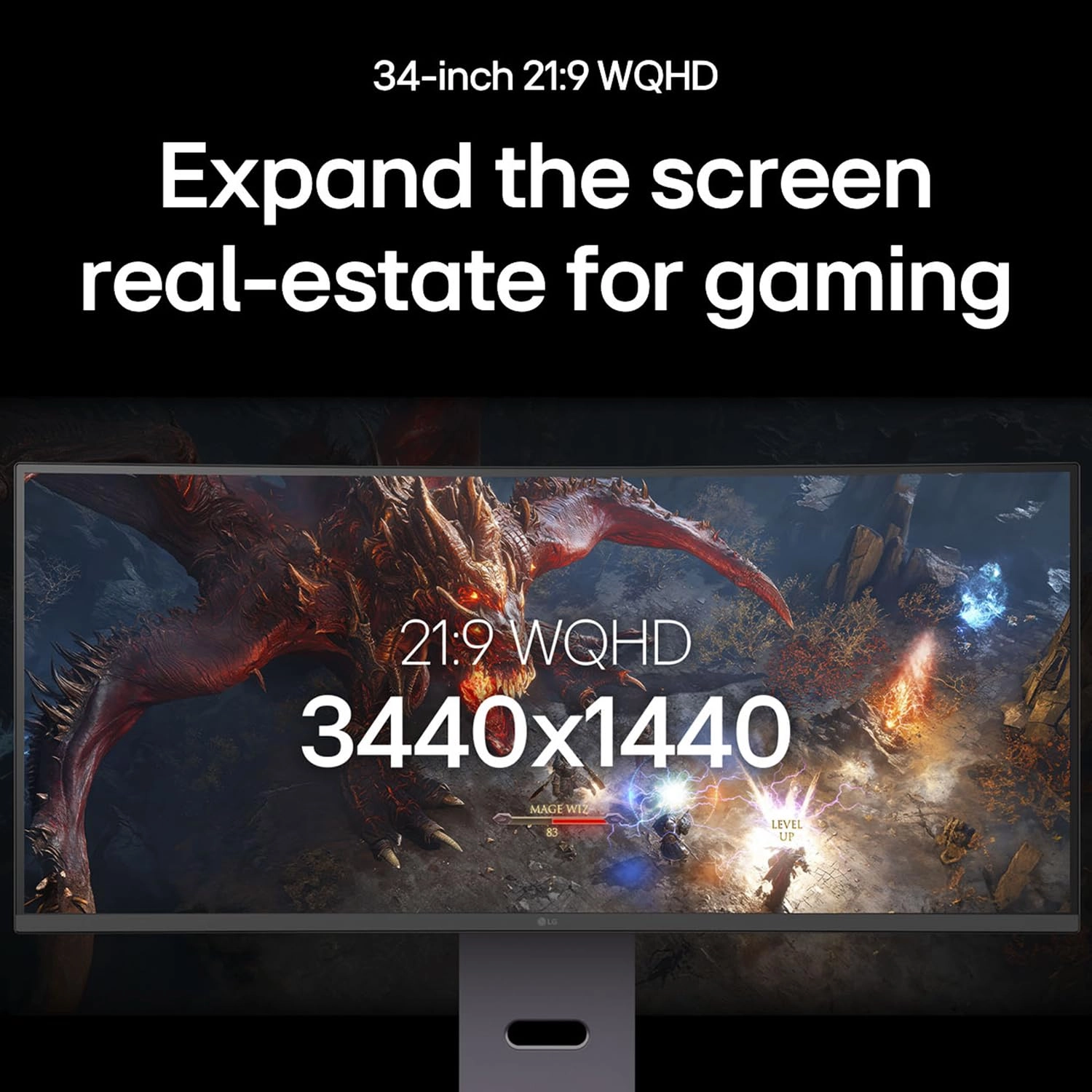
Real-Estate for Gaming Expand the screen real-estate for gaming
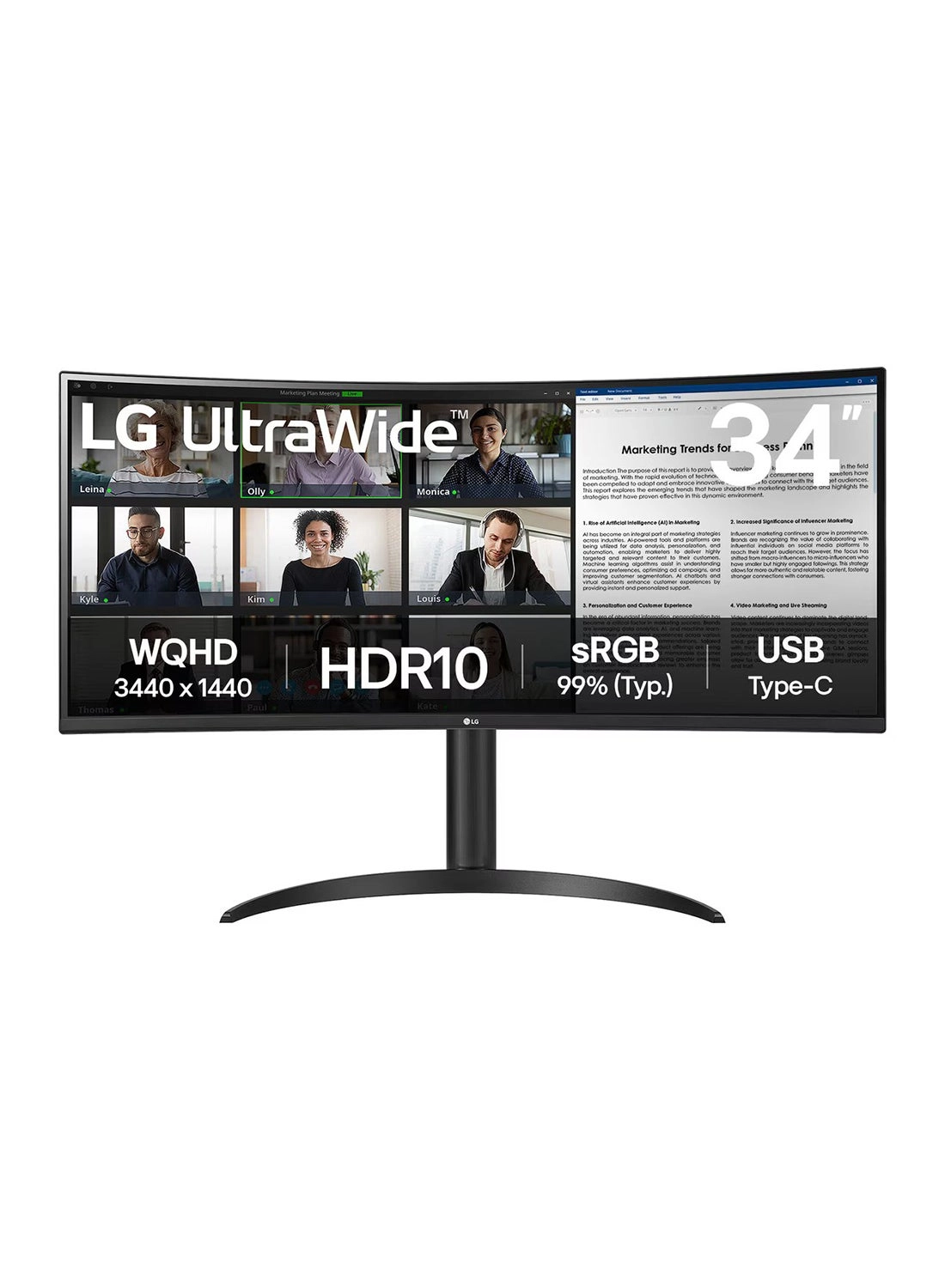
The 34-inch WQHD (3440x1440) screen provides a 34% wider view1)
than a standard 16:9 display, allowing gamers to see more details
on the game screen. Feel Actual Combat with Vivid Color Our
monitor supports HDR10 and offers 99% sRGB coverage, providing a
wide color spectrum that enables high-fidelity color
representation for an immersive gaming experience. It allows
gamers to experience dramatic battlefields as intended by the
game developers. Fluid Gaming Motion To bring a rapid 160Hz
refresh rate for fluid, crystal-clear visuals, while minimizing
motion blur. Speed to Victory 1ms Motion Blur Reduction makes
smooth gameplay, reducing blur and ghosting. Clearer Smoother &
Faster Gamers can experience seamless, fluid movement in
high-resolution and fast-paced games. Immersive Gaming Experience
This streamlined display features a slim bezel on 3-side
virtually borderless design and no distractions from the
dazzlingly precise, vivid image while 5W x 2 Stereo Speakers with
MaxxAudio completes your immersive gameplay. Clutter-Free,Sleek
Design Experience hexagon lighting and a 3-Side virtually
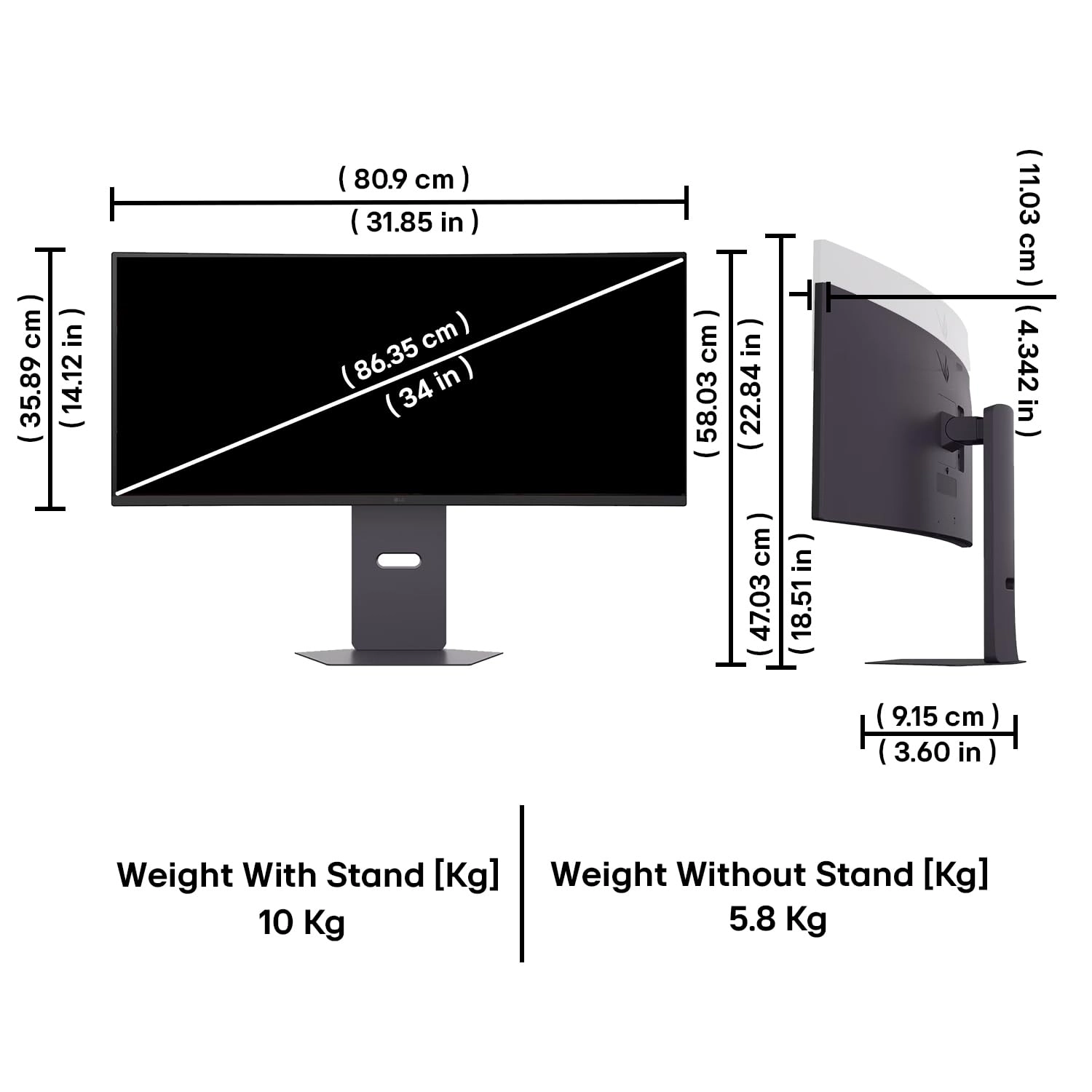
borderless design, paired with a fully adjustable base for
swivel, tilt, and height adjustments. The clutter-free L-stand is
crafted to save desk space and eliminate dead zones, making your
setup clean and efficient.
Review: Best Ultra Wide Curved Monitor with few drawack. - Was a
little skeptical as there weren’t a lot of reviews about this
Monitor as it’s a new model, but turns out it wasn’t a bad
decision after all. This is my first ultra wide curved monitor
and I gotta say, if you are using a regular Full HD monitor which
has a screen size less than 30 inch, you are really missing out
on the benefits of a large screen ultra wide display. Pros - 1.
Screen Size is 34 inch 2. The resolution is WQHD (Its an upgrade
if you are used to a Full HD monitor) 3. There are two HDMI ports
(2.1 and 2.0) 4. The stand takes very minimal desk space compared
to other monitors. 5. Height Adjustable, Tilt Adjustable and
Swivel Stand. 6. Matt Screen (Most of the latest monitors have
it) 7. The bottom of the stand is made of metal. 8. The built
quality feels solid. 9. The display quality is sharp with punchy
colours. (Not as good as OLED, but definitely not bad for its
price) Cons - 1. The speakers are located in both the bottom and
top edges. They are good for normal media consumption but not
that great if you are an audiophile. 2. The Curvature is decent.
3. There is no Auto Brightness Sensor. 4. Its a VA Panel, the out
of box colour settings are not good. You will have to spend some
time to calibrate your display settings to bring the best out. 5.
To use the screen refresh rate upto its full potential of 160 Hz,
you need to use the Display Port. (Not really a con, but for
people who will use this monitor with a Laptop may not have a
display port). Regardless I was able to push the refresh rate to
120 Hz with some tweaking on my NVIDIA Control Centre. 6. The
monitor lacks a USB port.
Review: Great value for the budget, but keep the VA panel and
cable limits in mind !!! - Overall, this monitor is absolutely
worth the price and is likely the best option available if you
are on a strict budget. However, there are a few technical
details you should know before buying: Pros: * Unbeatable for the
price: Gives you a massive amount of screen space, making it
excellent for productivity and multitasking. * High Refresh Rate:
Capable of hitting a very smooth 165Hz. Cons: * VA Panel
Smearing: The biggest downside is the noticeable black smearing
and ghosting while scrolling, especially if you use dark mode or
dark themes. It is a physical trait of VA panels, so you just
have to adapt to it. * Cable Limitations: To get the full 165Hz,
you must use a DisplayPort cable. If you use the included HDMI
cable, the monitor caps out at 85Hz at full resolution. * No
Type-C DisplayPort Cable: The box includes a standard DisplayPort
cable. If you are connecting this to a modern laptop that uses
Thunderbolt/Type-C for display output, you will have to spend
extra money to buy a separate Type-C to DisplayPort cable
yourself. Bottom Line: A fantastic budget ultrawide, as long as
you can tolerate the VA smearing and are prepared to buy the
right cable for your setup.