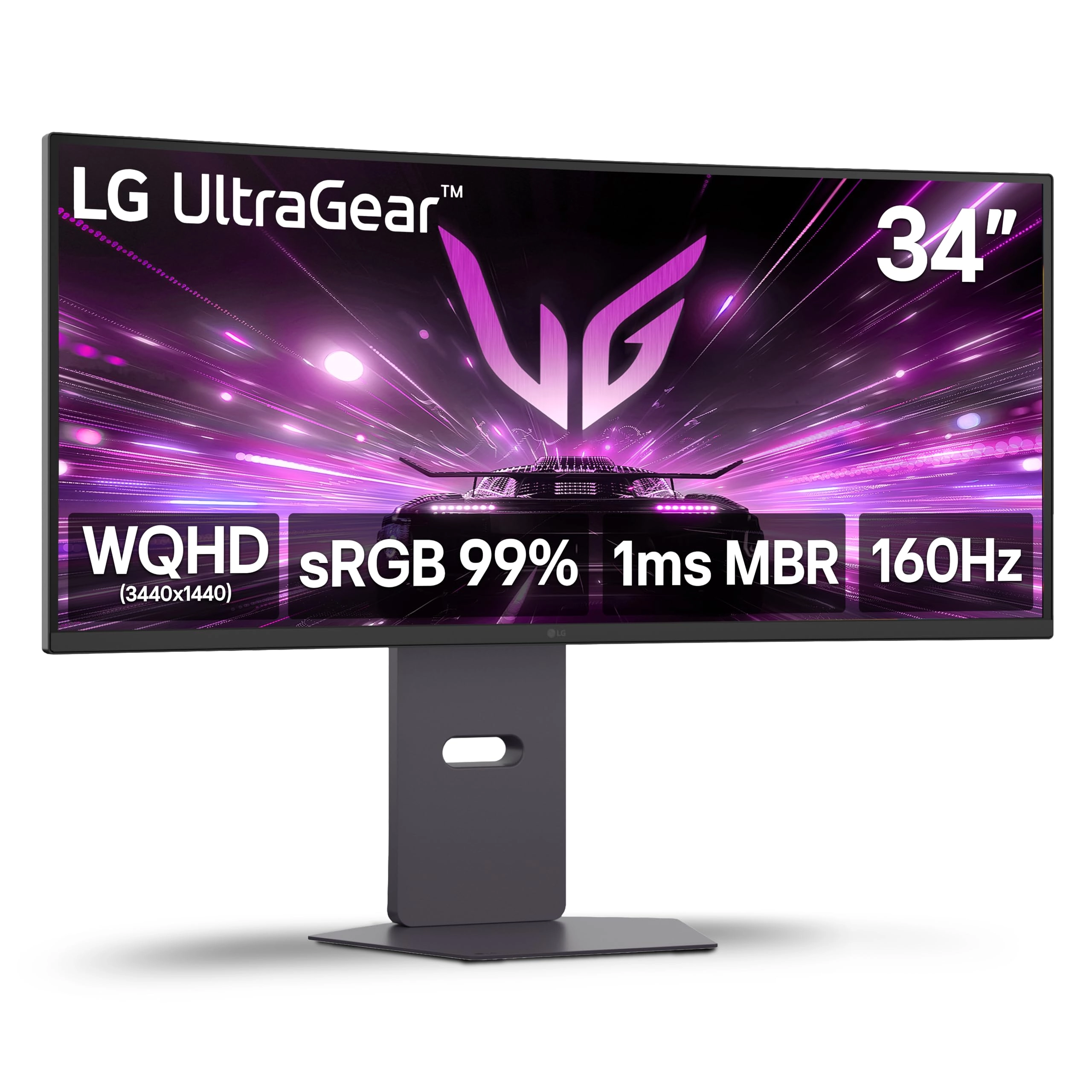
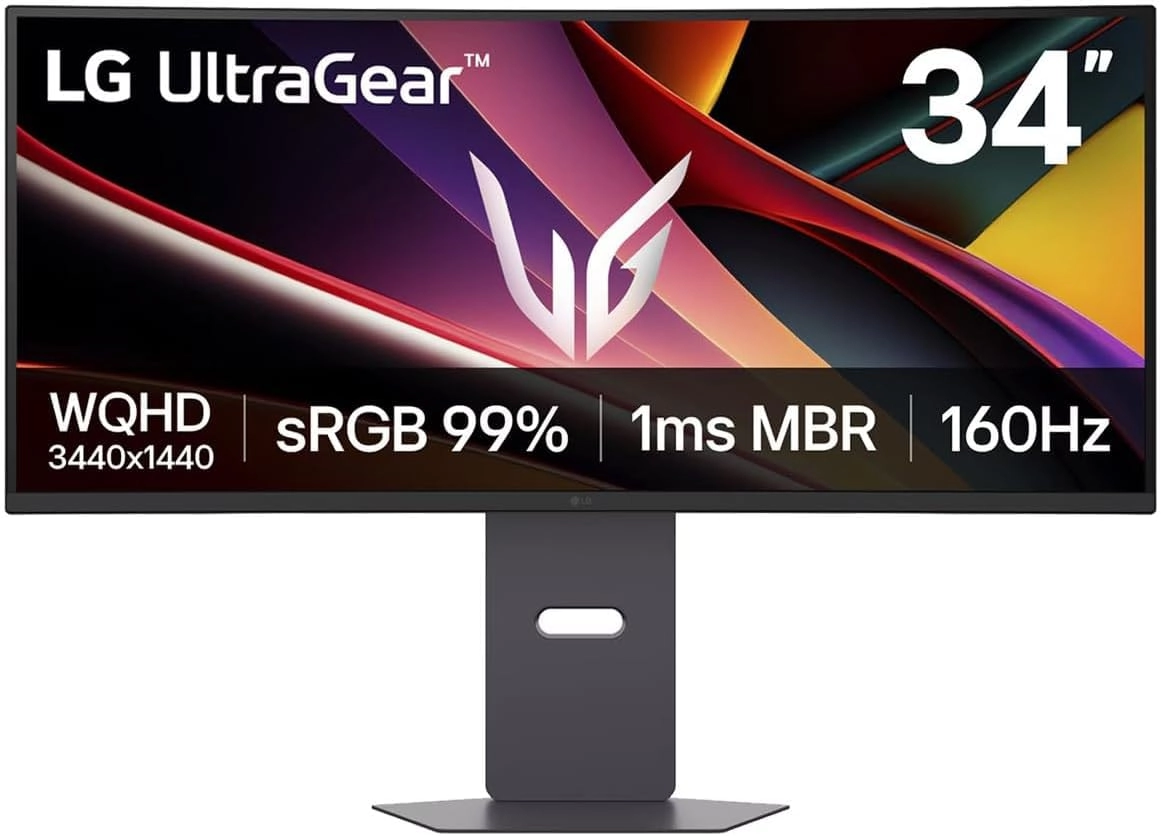
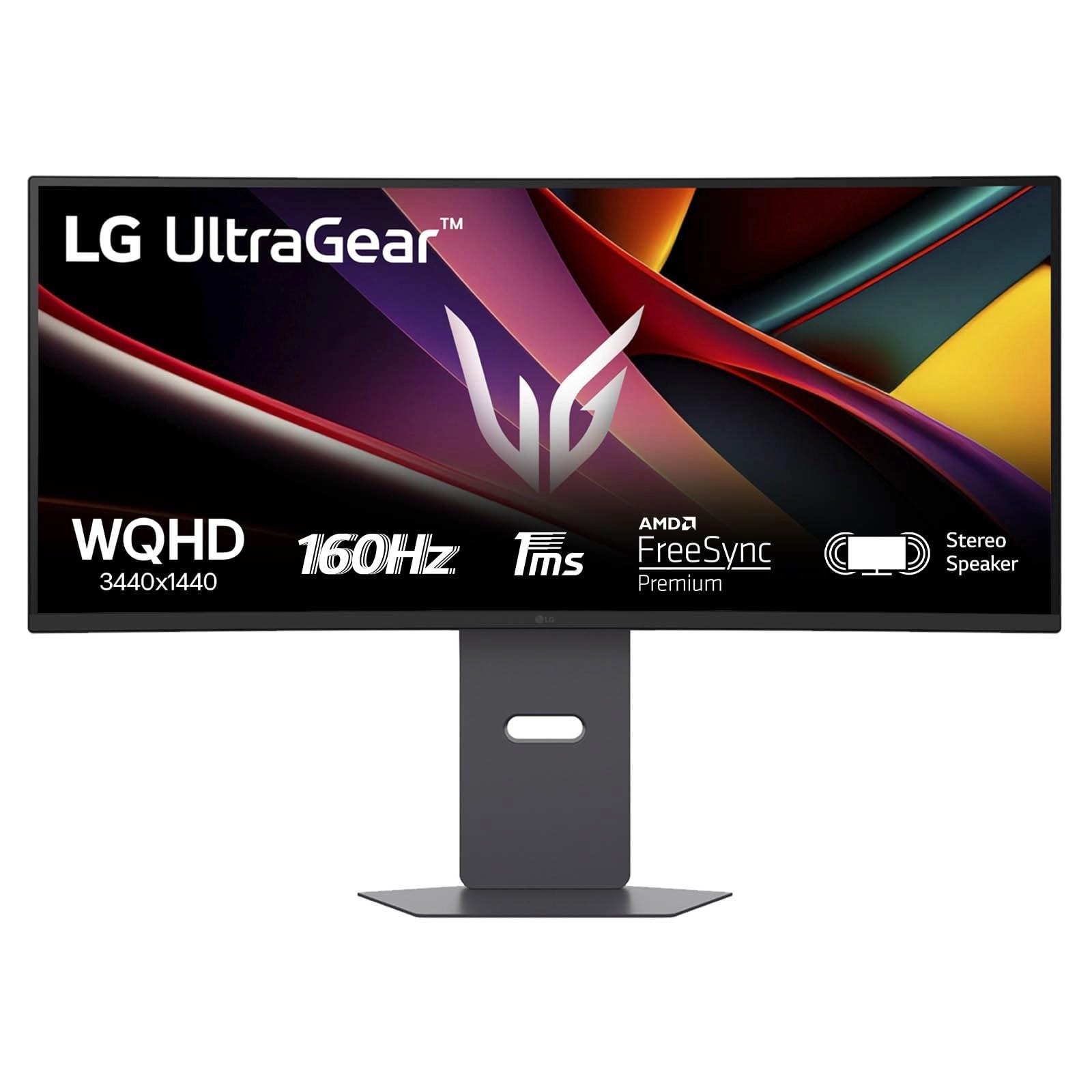
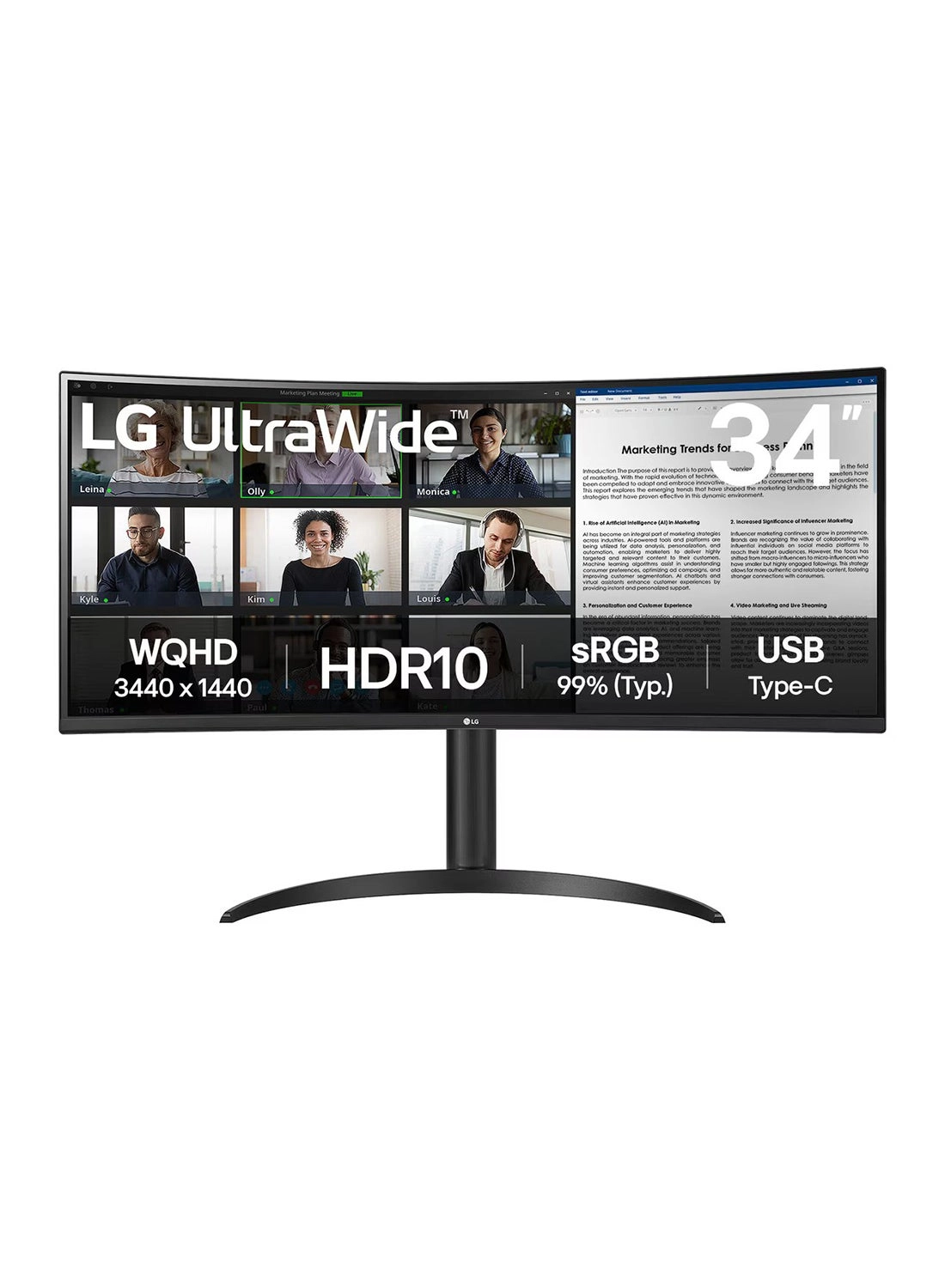
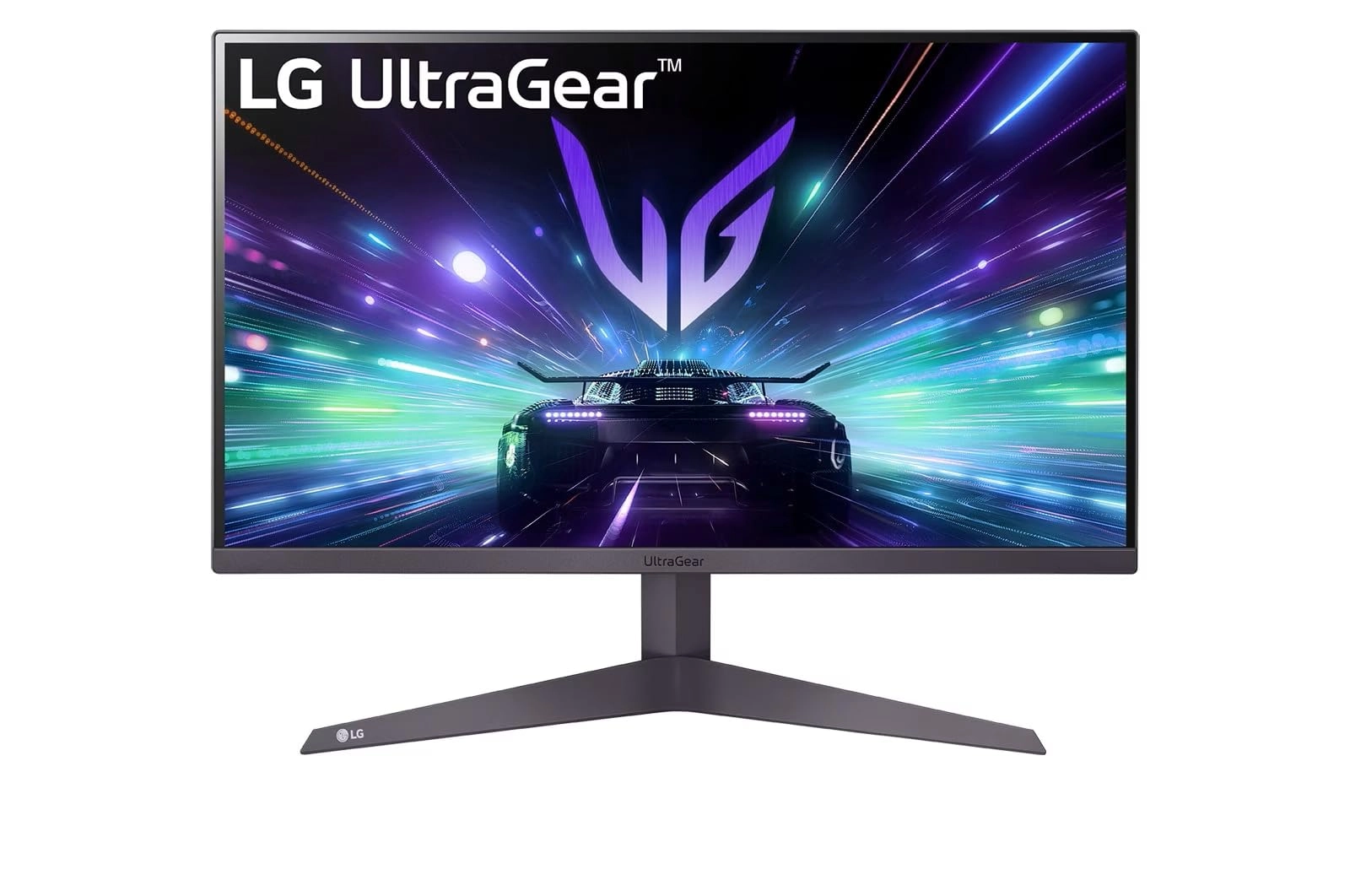
Experience expansive, responsive gameplay with the LG UltraGear
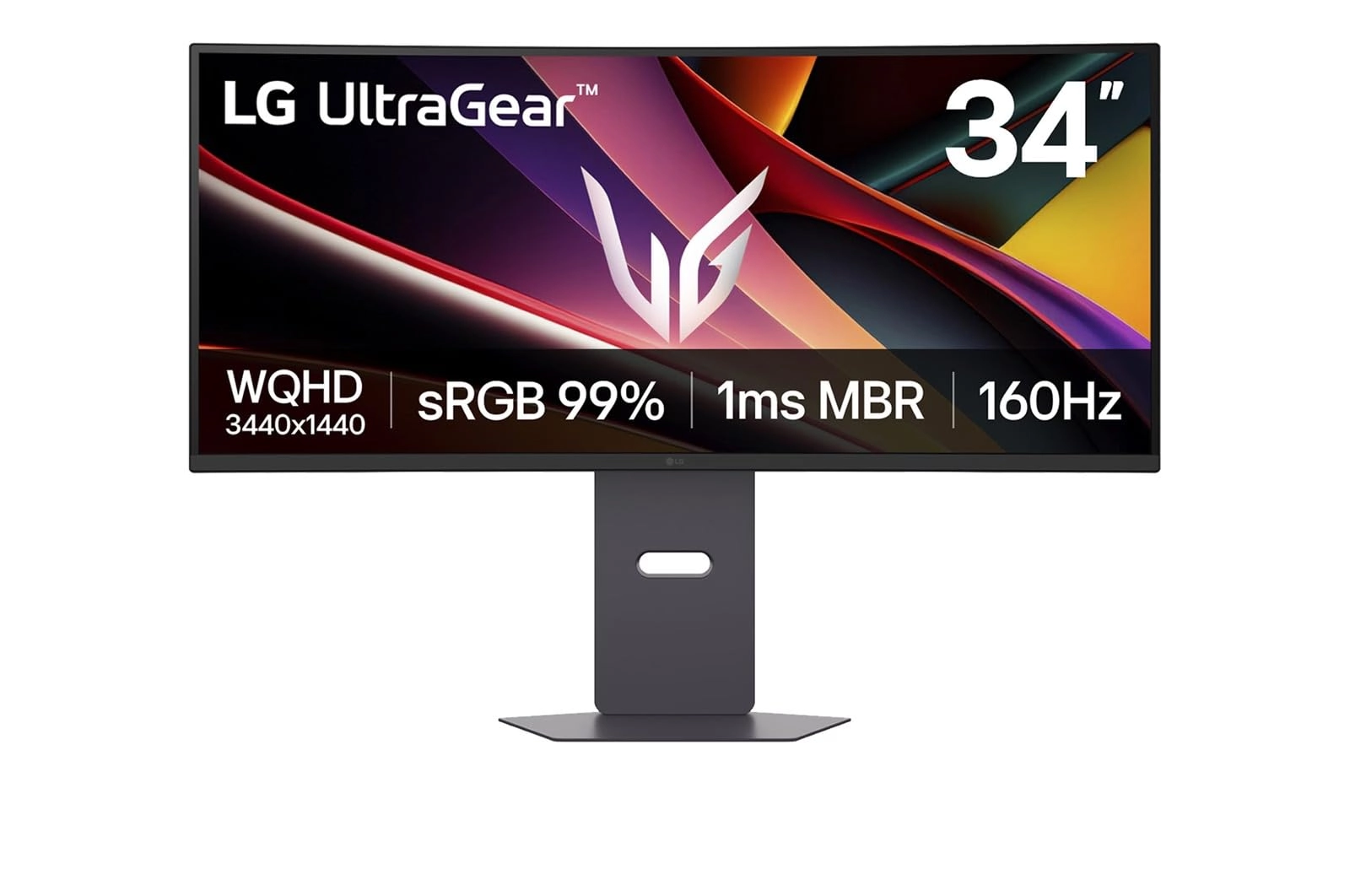
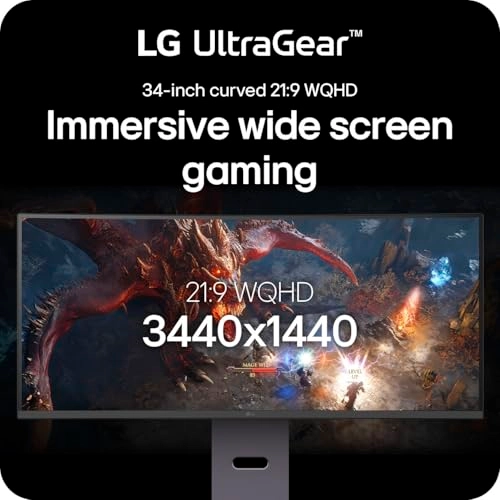
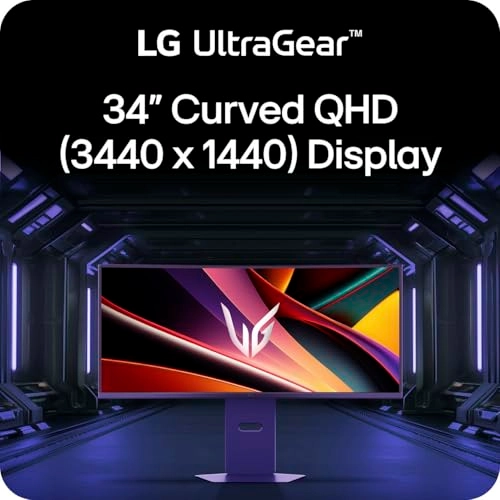
34G600A-B gaming monitor. This 34" curved WQHD (3440x1440)
display wraps you in the action with a cinematic 21:9 aspect
ratio and immersive 1800R curvature. Designed for gamers who
demand speed and clarity, the monitor delivers a 160Hz refresh
rate and 1ms MBR (Motion Blur Reduction) time for smooth,
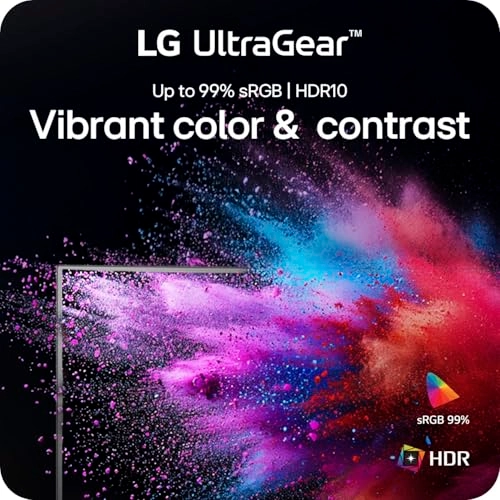
virtually blur-free visuals. HDR10 and up to 99% sRGB color
coverage bring out vibrant details in every scene, whether you're
exploring open worlds or battling in fast-paced arenas. AMD
FreeSync Premium minimizes tearing and stutter, while Black
Stabilizer, Crosshair, and Dynamic Action Sync (DAS) give you a
competitive edge. An adjustable stand with tilt, height, and
swivel options helps you find your optimal setup. Plus, built-in
speakers with MaxxAudio complete the setup with powerful sound.
Whether you're gaming or multitasking, this UltraGear monitor
delivers the speed, color, and comfort you need to stay locked
in.
Review: The CURVE is the straight choice! - You have to get the
CURVED monitor. I had the flat monitor that was double wide -and
moved my head like a snake trying to find the mouse. HORRIBLE. I
use this for work (who has time for games) and I absolutely will
never go back. I put up my email, my word doc, and my XLS OR A
programming window, the browser, and WhatsApp. Looks great, the
brightness options are ridiculous (and you can save different
ones so you can flip flop from DOCS to VIDEO GAMES FUnctionality
is amazing And the curve ... it could be slightly more (I've got
another one at my office - this one is in my house) but it's
enough. Actually, I'm unsure which I like more!
Review: Great for the cost - I use them for productivity and I
just got one for my two monitor ultawide setup. The one on the
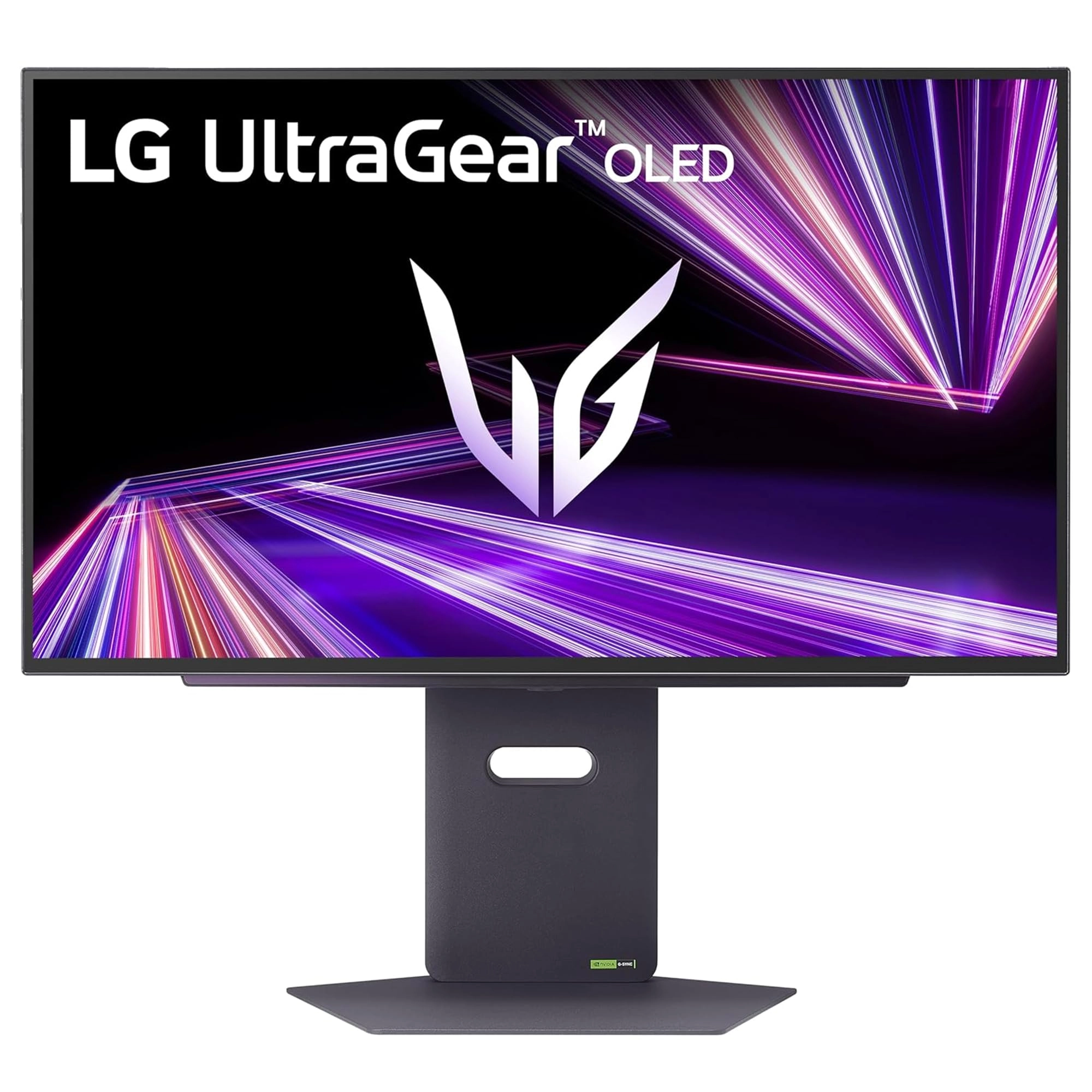
bottom is the much more expensive 5k 45 inch ultawide with 800
curve. It's the newer OLED and was $1600. Sure the OLED is
thinner and lighter, with a few more connection opinions but the
picture isn't much different. Slightly better. The 34in above it
isn't as tall but honestly works for my work setup. With the
45in, I think i could have gotten the $600 or $800 versions and
been just as happy. That said, 2 of the 34in ($300,(on sale),
would be also been amazing and could be put side by side with a
large desk but probably best stacked. I'd recommend them highly.
Plus it's not OLED, i do sometimes worry about burnin. Side note:
Must have- Microsoft has a free app called Power Tools. Within
that is a function called Fancy Tools, that allows you to setup
custom grids I setup my other mouse button to show the different
sections, instead of using the Shift button. It's easy to setup
within the apps settings.There are YouTube videos discuss it.