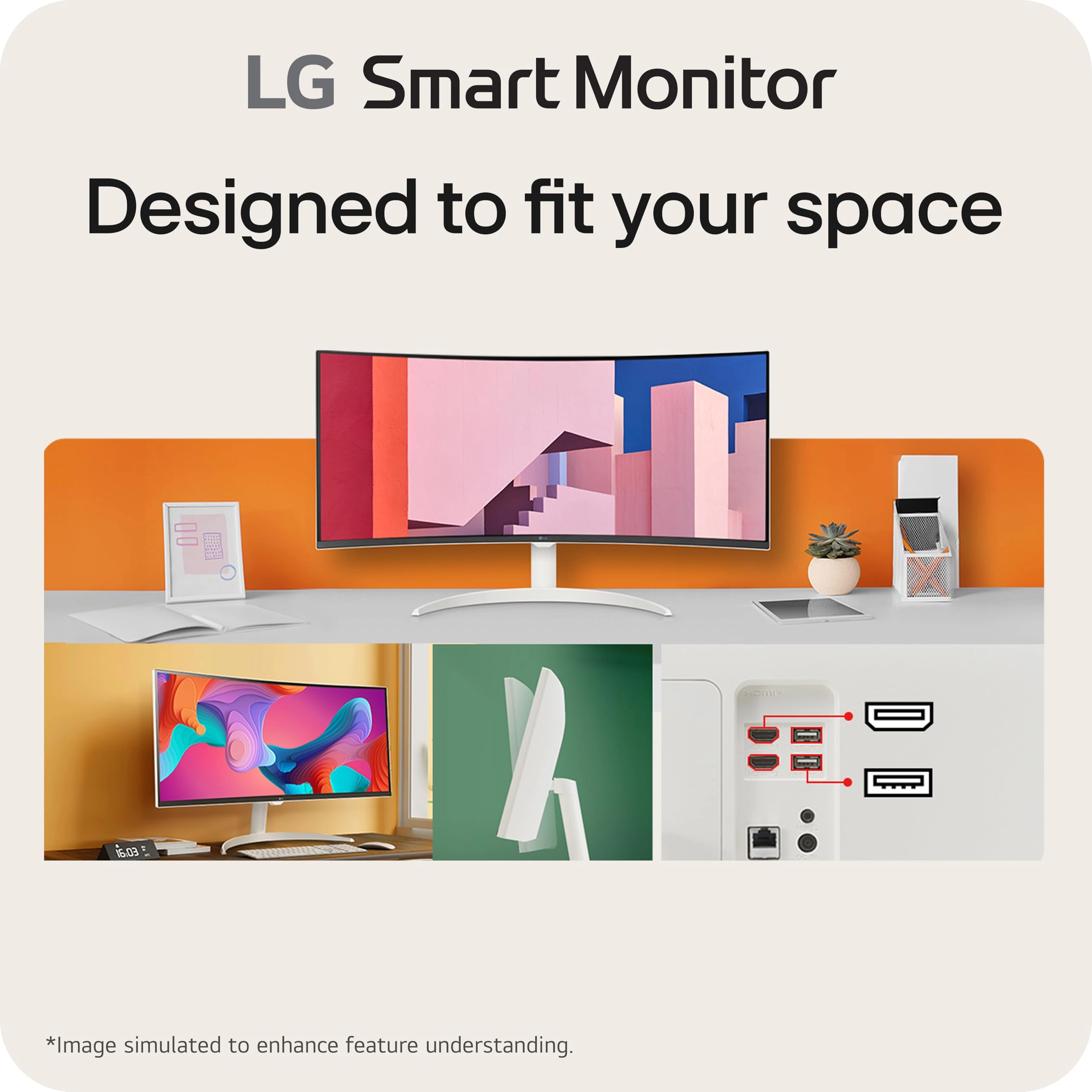
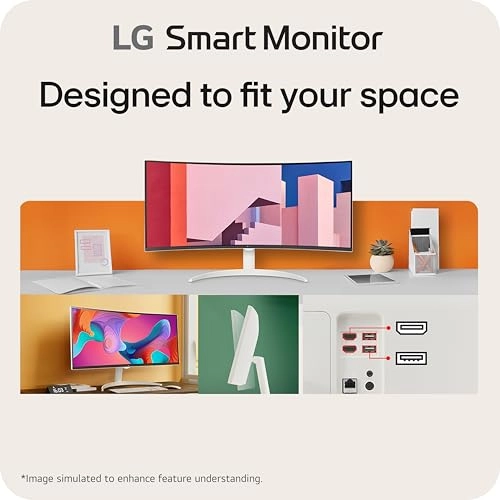
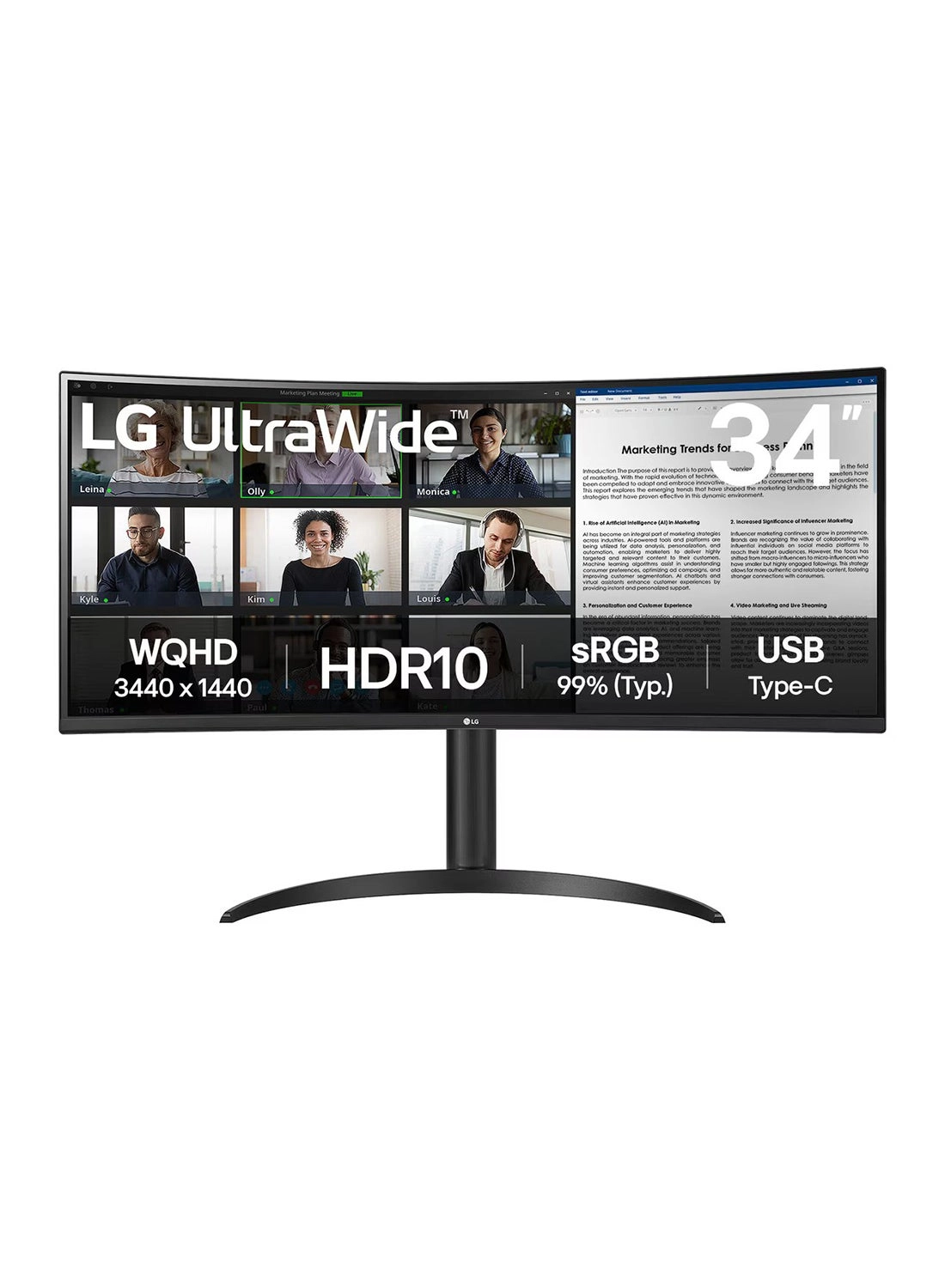
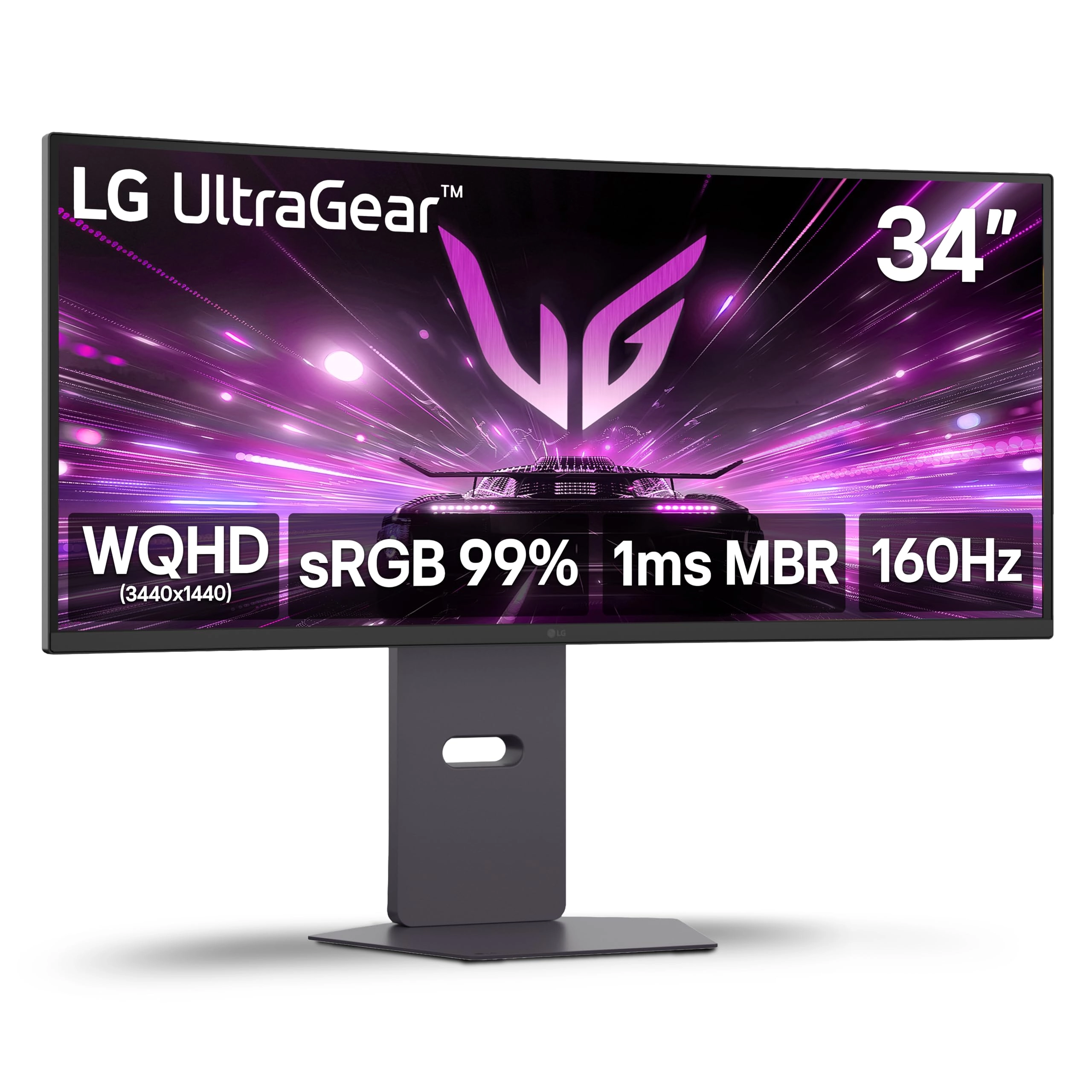
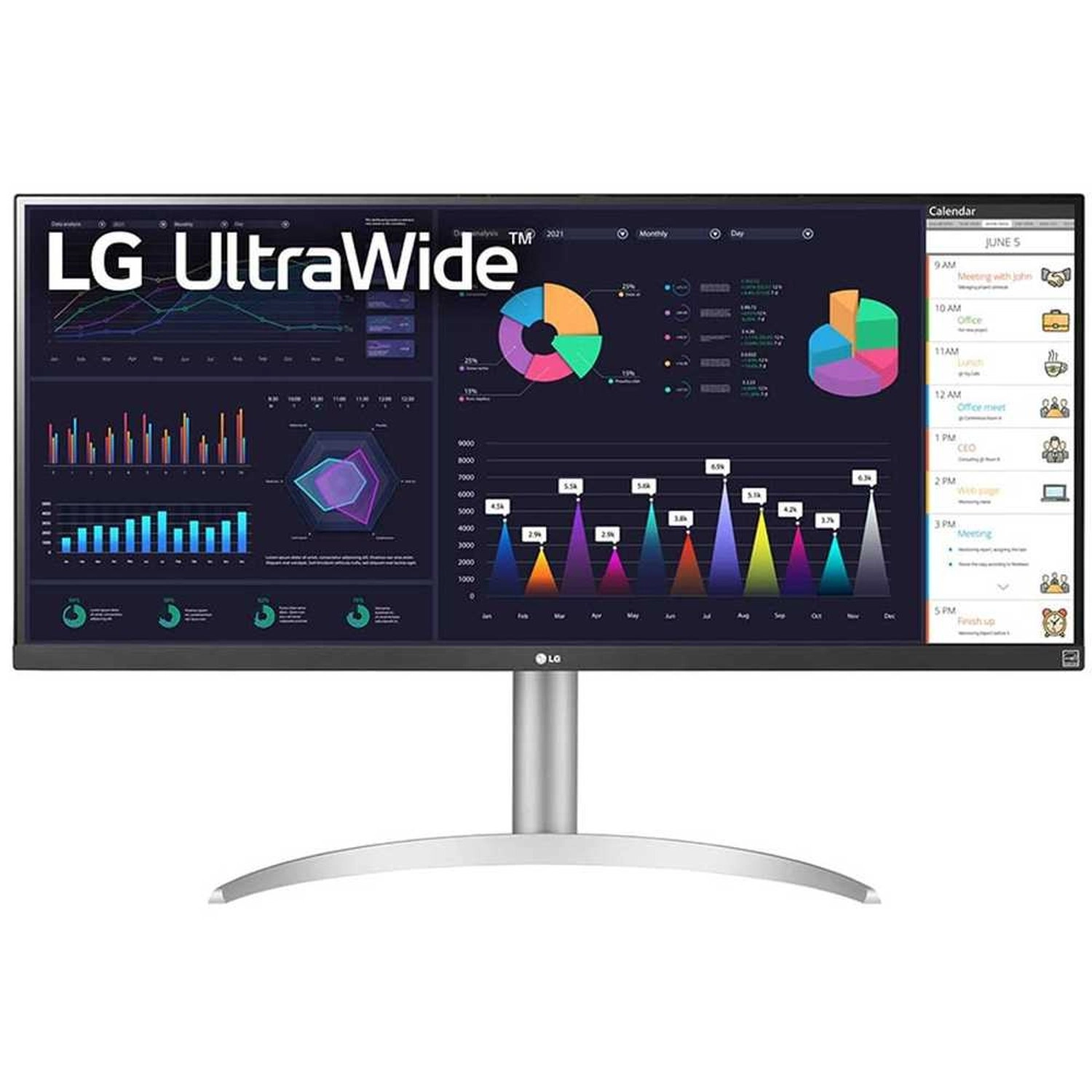
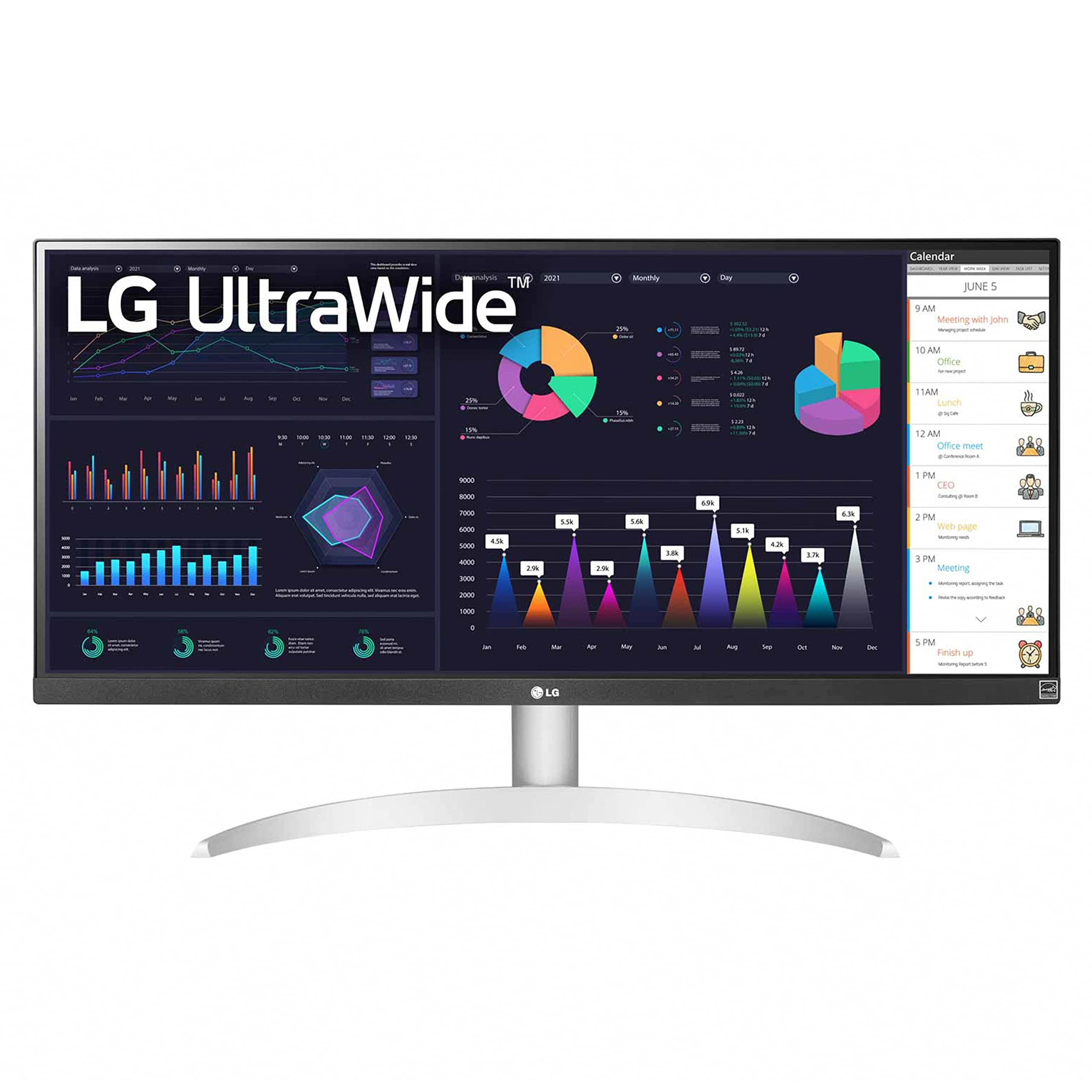
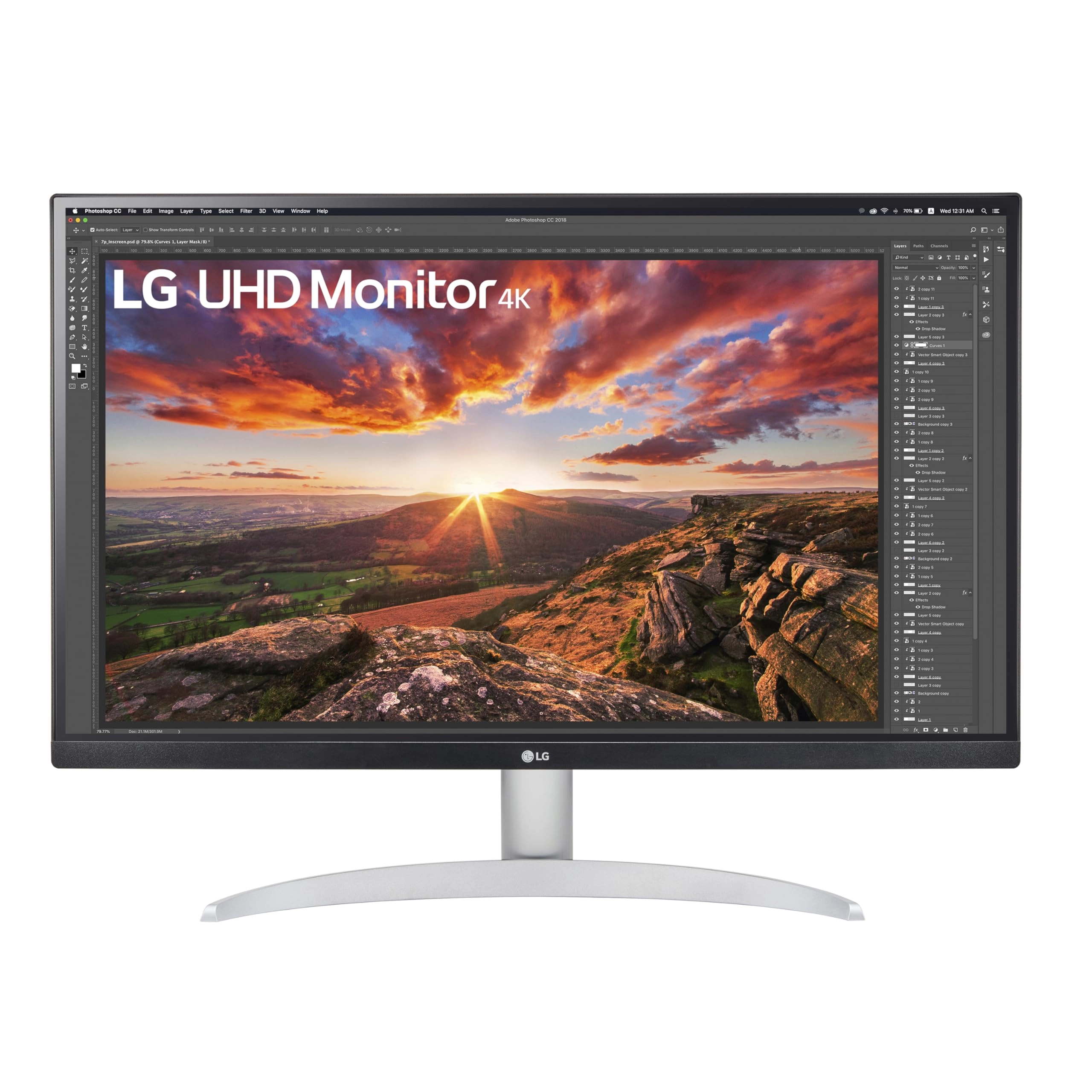
One screen. Endless possibilities. The 21:9 ultra-wide 34” curved
Smart Monitor offers stunning widescreen visuals and a sleek
design that's perfect for work, play, cinematic viewing and
everything in between. Experience vivid color with up to 99% sRGB
color gamut expression and impeccable clarity with the 21:9 WQHD
(3440x1440) screen, bringing every detail to vivid life. Thanks
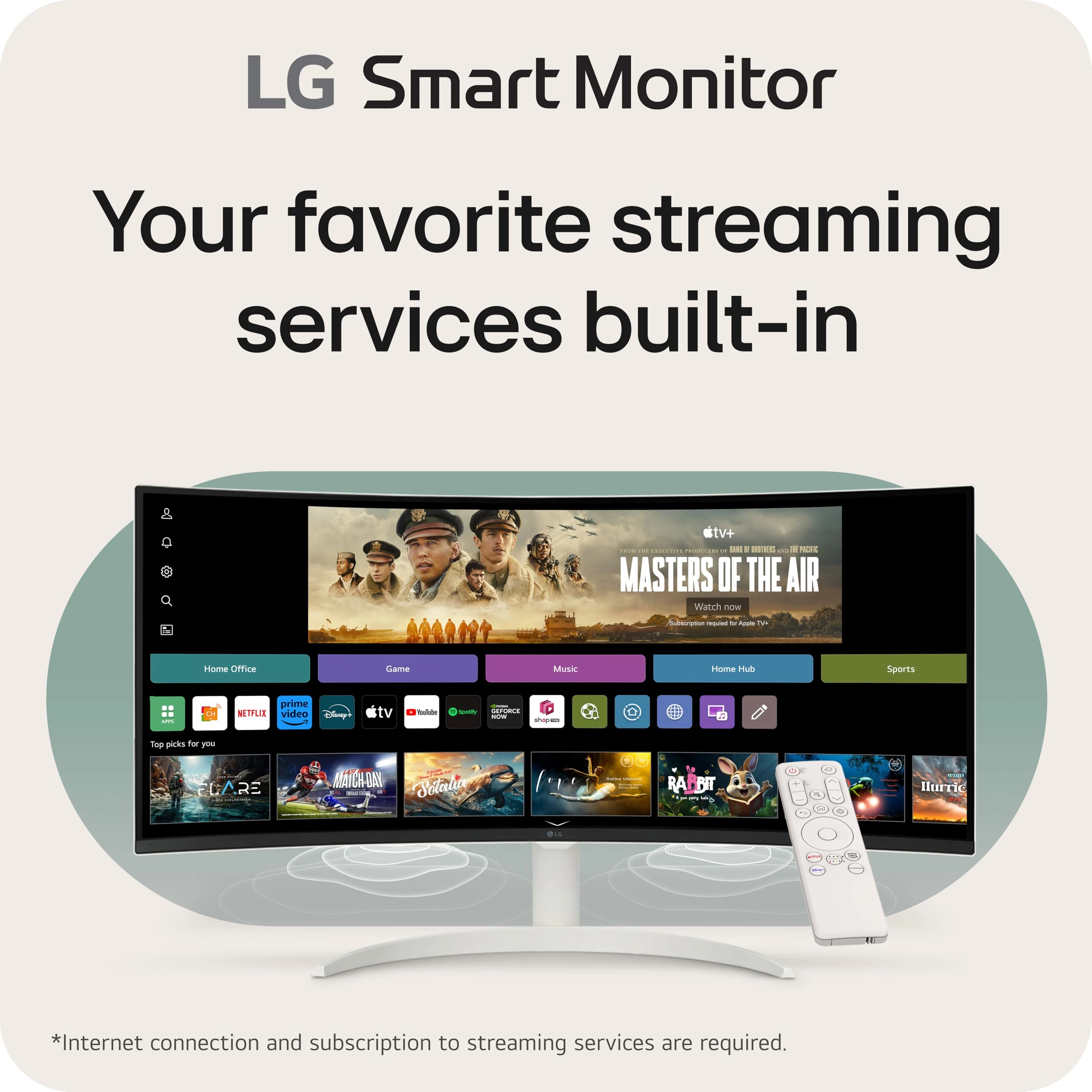
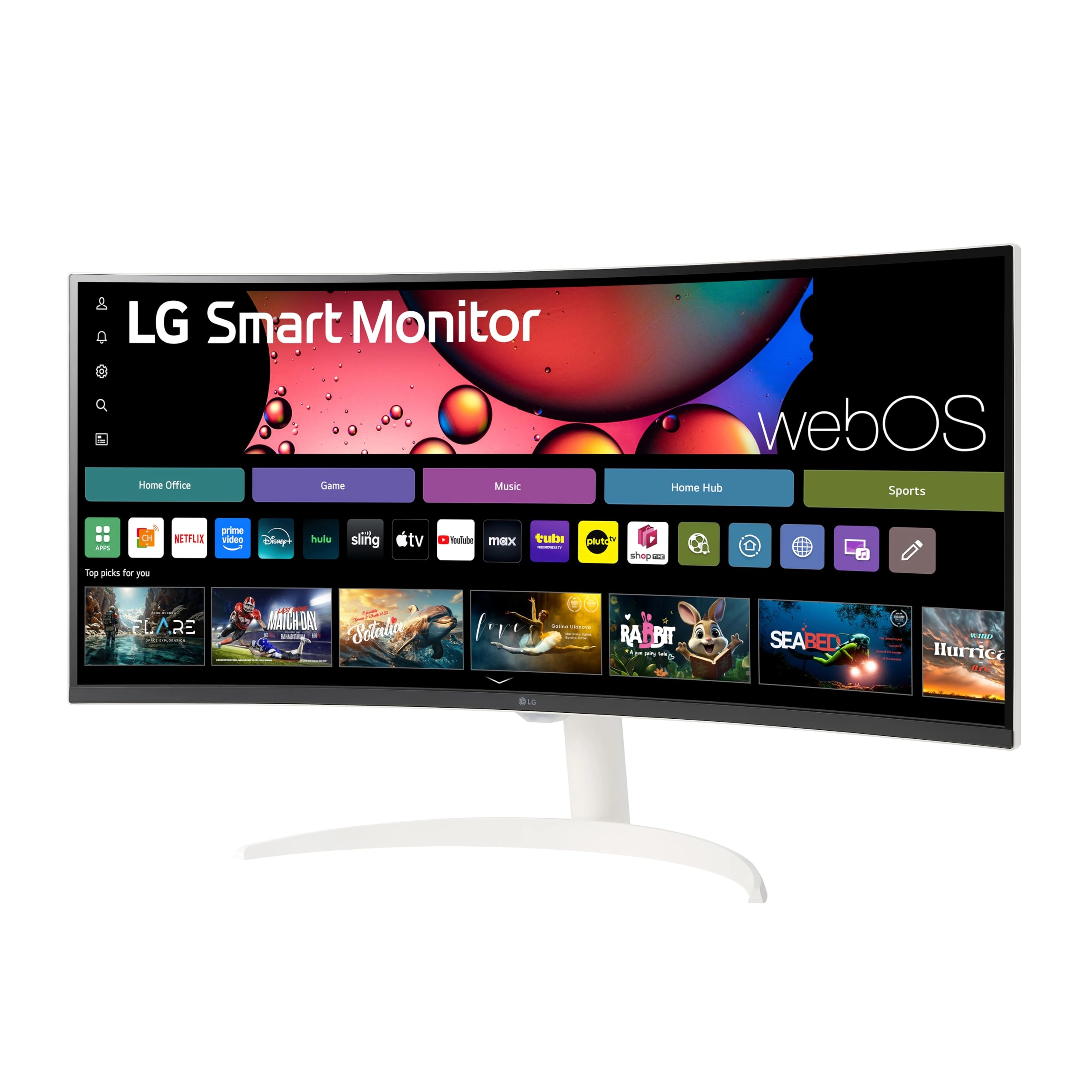
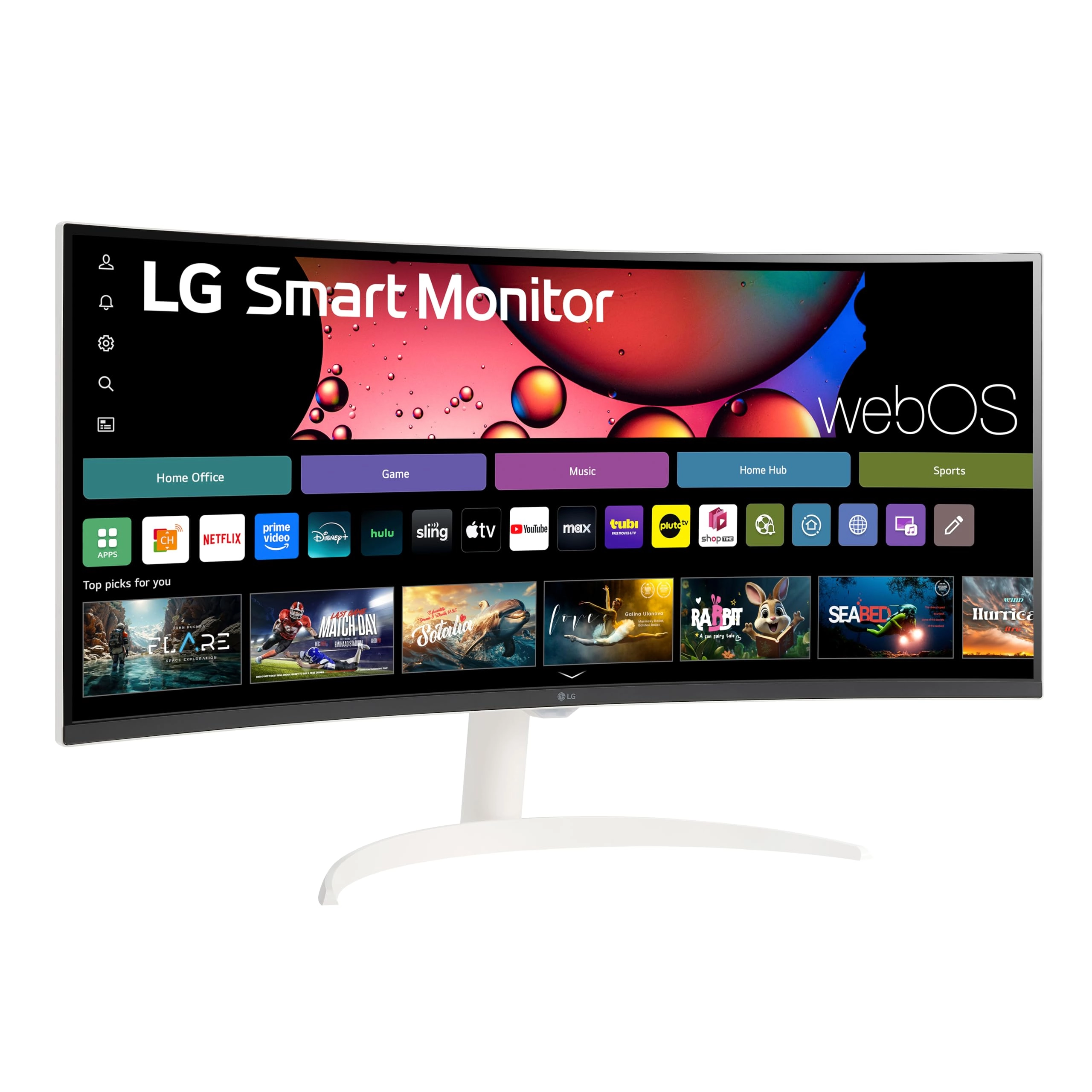
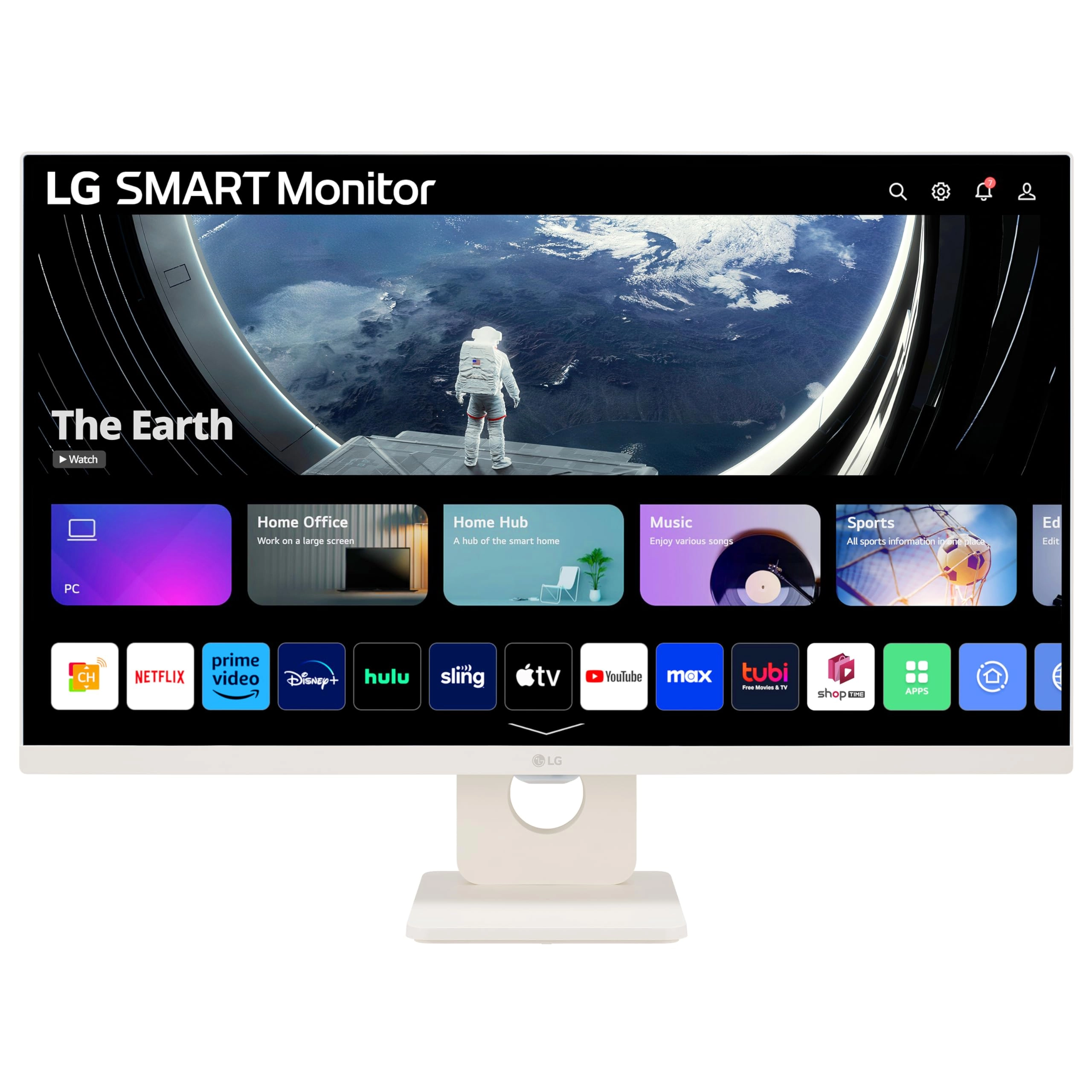
to LG streaming platform webOS23, find your streaming favorites
fast with built-in access to Netflix, Prime Video, the Apple TV
app, Disney+, HBO Max and instant access to over 300+ free LG
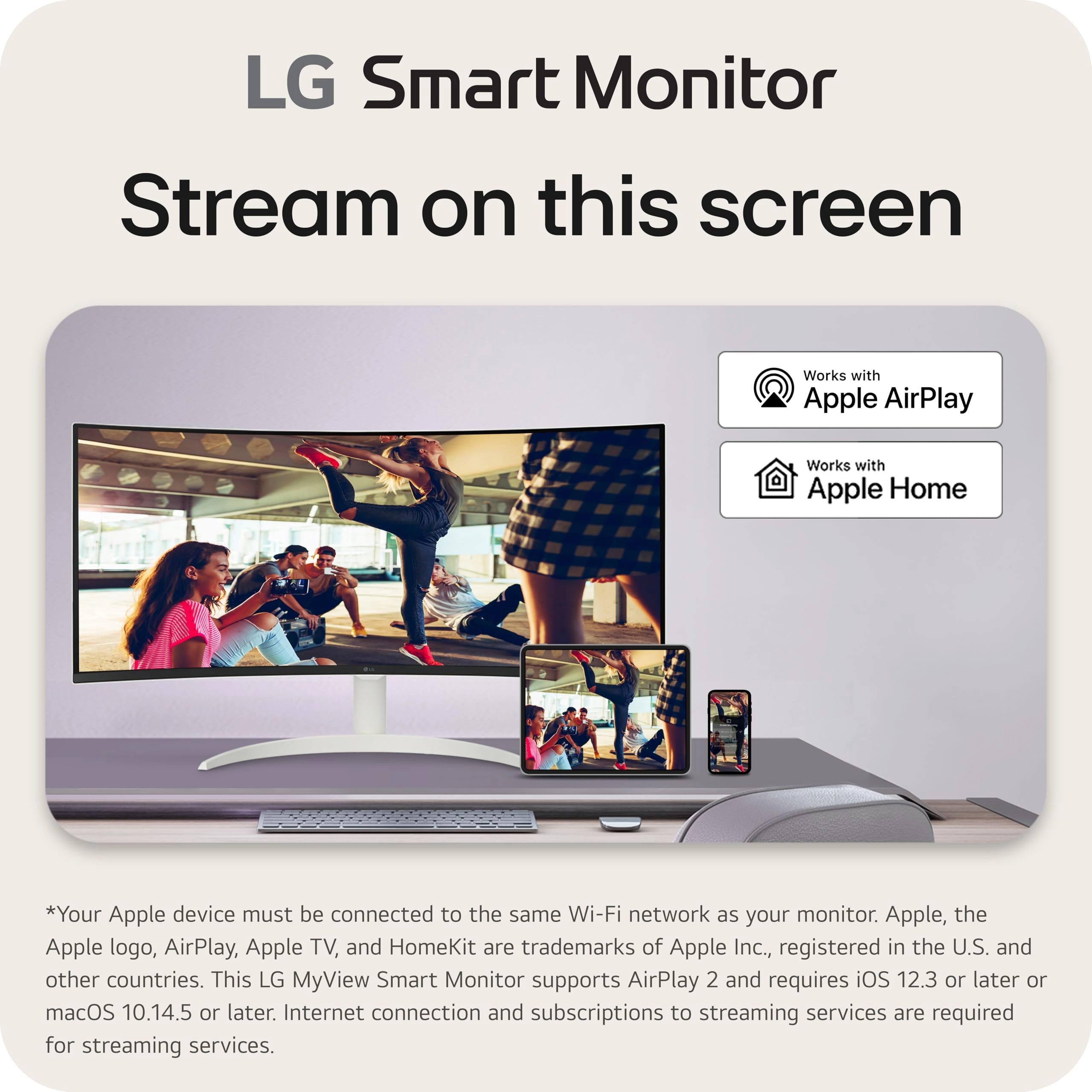
Channels with everything from comedy to movies to sports. Apple
AirPlay 2 & HomeKit compatibility allow you to wirelessly control
your monitor plus cast and mirror content from iOS or MacOS
devices, no Apple TV necessary. Gaming on the monitor’s wide
screen with the 100Hz refresh rate assures ultra-smooth action.
¹Internet connection and subscription to streaming services are
required. ²Internet connection and subscriptions to streaming
services are required. desertcart, Prime Video and all related
logos are trademarks of desertcart.com, Inc. or its affiliates.
desertcart Prime membership and/or Prime Video fees apply. See
primevideo.com/terms for details. HBO Max 2023 Warner Media, LLC.
All Rights Reserved. HBO Max is used under license. Number of LG
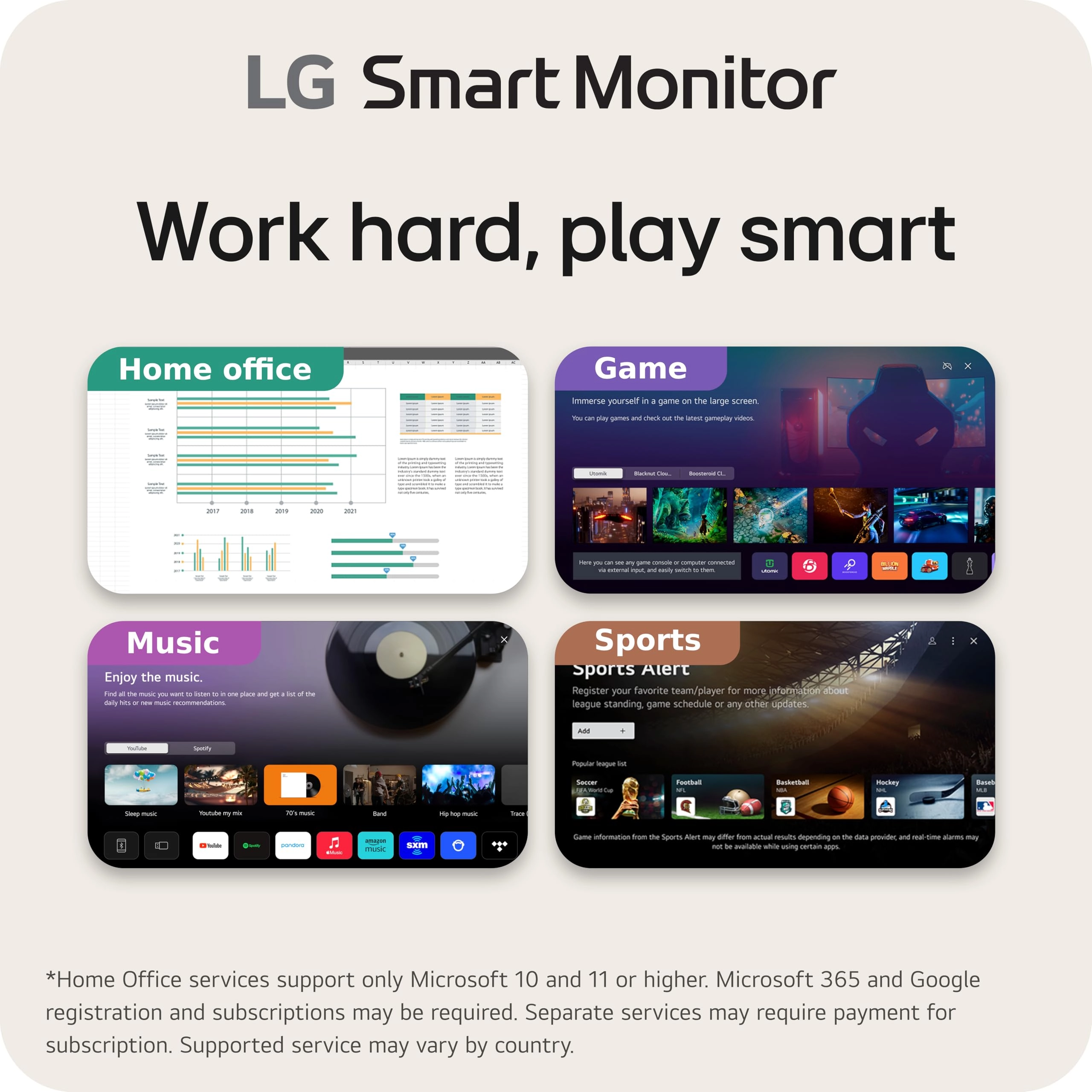
Channels subject to change. ³Home Office services support only
Microsoft 10 and 11 or higher. Microsoft 365 and Google
registration and subscriptions may be required. Separate services
may require payment for subscription. Supported service may vary
by country. ⁴Your Apple device must be connected to the same
Wi-Fi network as your monitor. Apple, the Apple logo, AirPlay,
Apple TV, and HomeKit are trademarks of Apple Inc., registered in
the U.S. and other countries. This LG Smart Monitor supports
AirPlay 2 and requires iOS 12.3 or later or macOS 10.14.5 or
later. Internet connection and subscriptions to streaming
services are required for streaming services. ⁵Keyboard and mouse
available separately.
Review: Solid monitor for everyday use — great value - This
monitor is a great value for the price. I mainly use it for work
(SAP-heavy tasks) and general web browsing with my Mac mini, and
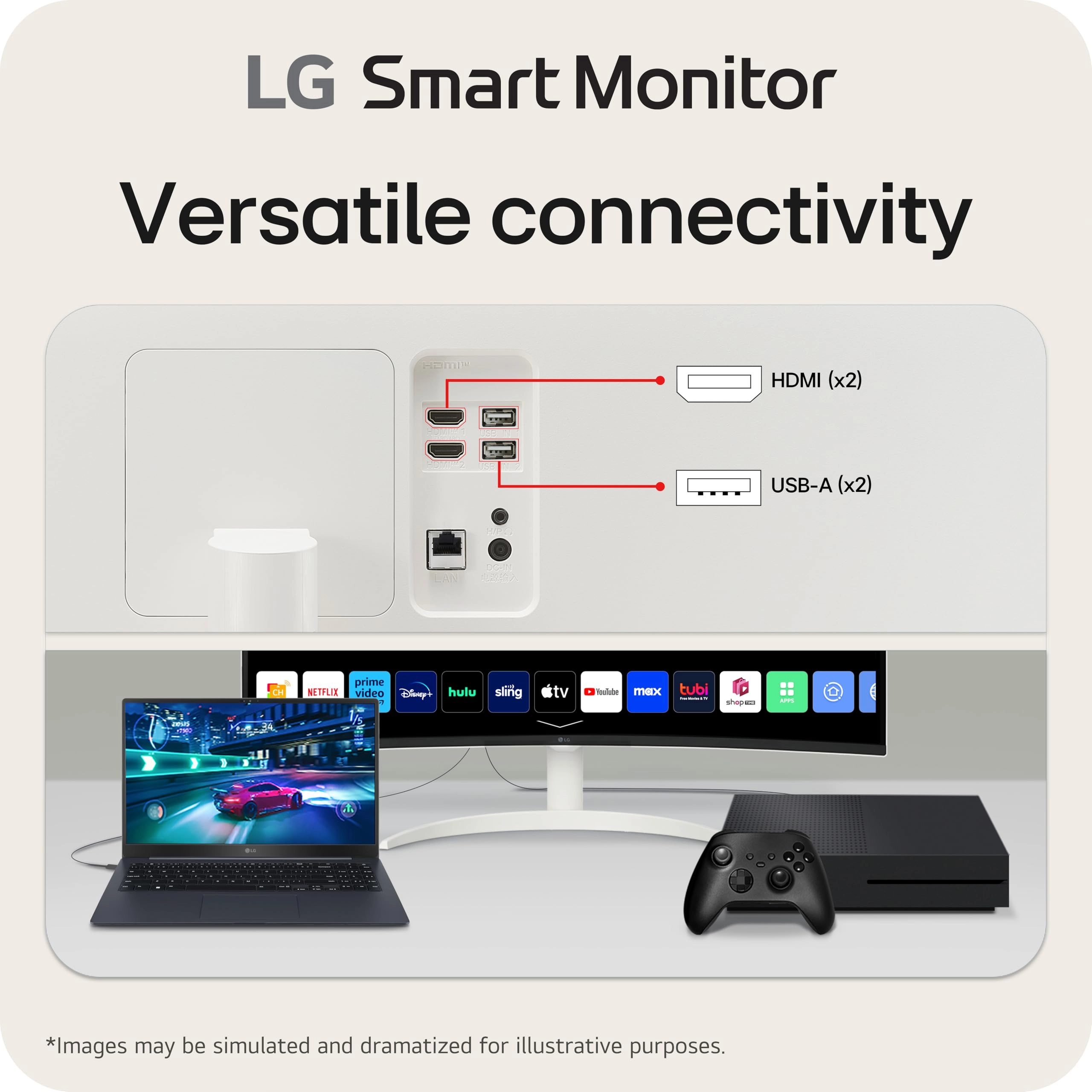
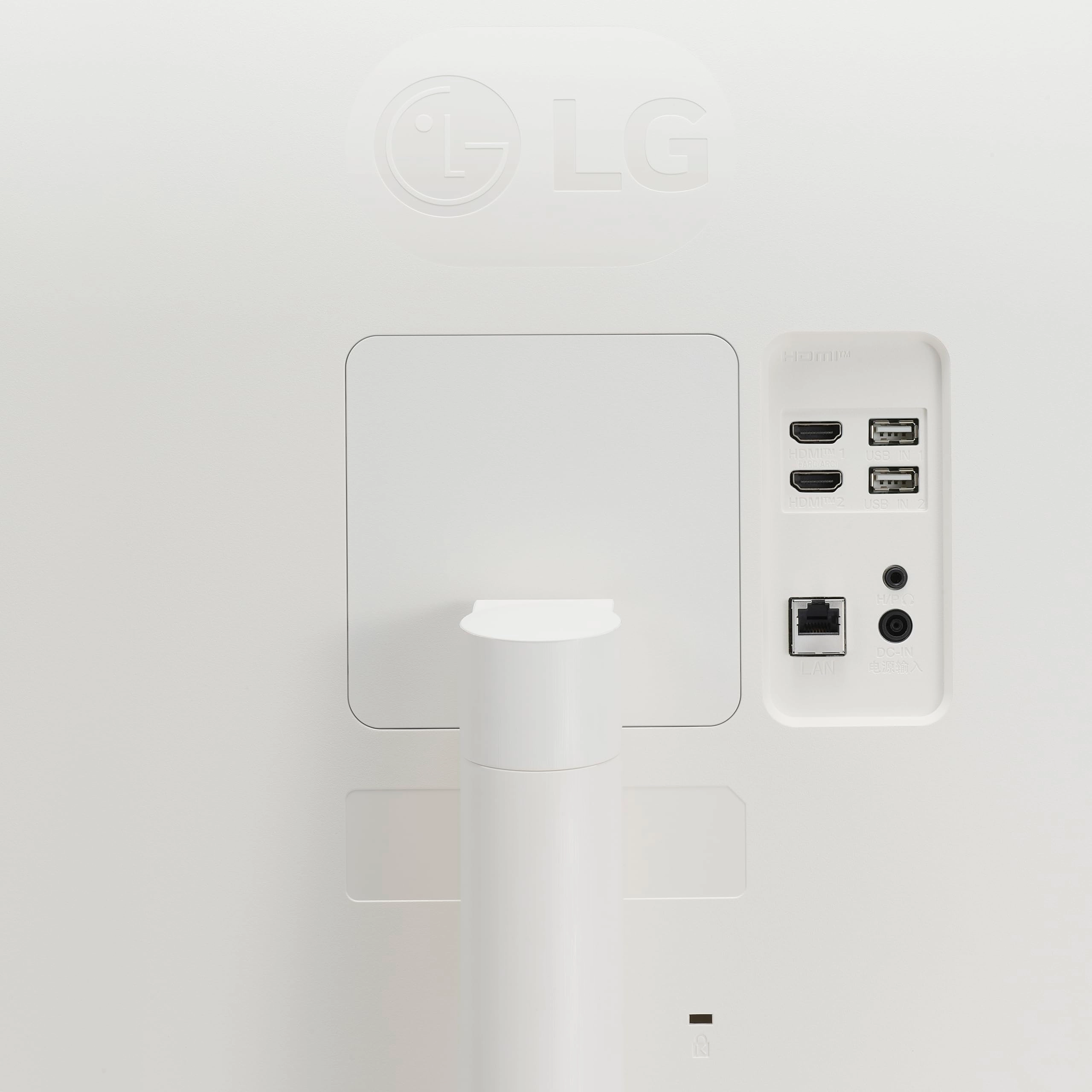
it performs well. It comes with both a USB-C and HDMI cable,
which is super convenient for switching between my Mac and
ThinkPad. The remote aids in the switching between PC and smart
monitor use (picture quality is ok but I didnt expect a lot of a
monitor since it isn’t a tv) Assembly was easy, and the display
quality is nice—though I did tweak the contrast and color
settings to my liking. The built-in sound is decent, and while
I’m not picky about audio, it’s more than fine for everyday use.
My only gripe is with the smart TV feature—when using apps like
Peacock, the resolution doesn’t fill the screen, leaving black
bars on the sides (included a photo). Not a dealbreaker, but
worth noting. Overall, I’m glad I kept it. It’s proven that you
don’t have to drop $1,300 on an iMac—pairing a Mac Mini with this
monitor cost me under $1,000 and works just as well. If LG tossed
in a second USB-C cable and fixed the resolution issue, they’d
have a customer for life.
Review: You may need to upgrade your docking station & Cables - I
bought this monitor to get more viewing space and the curved
screen. But, it took me sometime to figure out how to get it to
work properly because I am using a docking station that only
support USB-C upstream at 5Gbps/100W and 2K HDMI, 4K HDMI. This
monitor has 5M pixel (3440x1440) that is equivalent to 2.5K. If
your docking station only supports 2K HDMI, the image will be
blurry. Once, I switch to 4K HDMI port on the docking station,
the blurry image is gone. Please make sure the HDMI cable is also
4K, too. The one come with the monitor is good. After that, the
image is perfect but it flicks (screen black out 2s, come back,
and disappear agin) every few seconds, especially when I use Web
browser. This basically make it useless. I google the problem,
updated my graphic card driver, and it is still the same. I
suspected upstream speed of my docking station is too slow. I
search internet and it shows 5Gbps is enough for 2.5K. When I
connect with my laptop Thunderbold 4 port (40 Gbps), the flicking
is gone. It only happens when I connect with my laptop's USB-C
3.2/DisplayPort/PD (10 Gbps/100W) combo port. At this point, I am
pretty sure it is caused by the docking station 5Gbps upstream
speed. Therefore, I bought another docking station that support
USB-C upstream 10Gbps/100W with 2x HDMI 4K. All problems are gone
when it connects with the new docking station. By the way, the
USB-C cable come with the monitor only support 5Gbps/100W so that
I have to use my own USB-C cable. To sum up, it needs USB-C 3.2
DisplayPort/PD combo port (10 Gbps/100W) connection including the
USB-C cable and a 4K HDMI port and cable. Overall, this is a good
monitor.