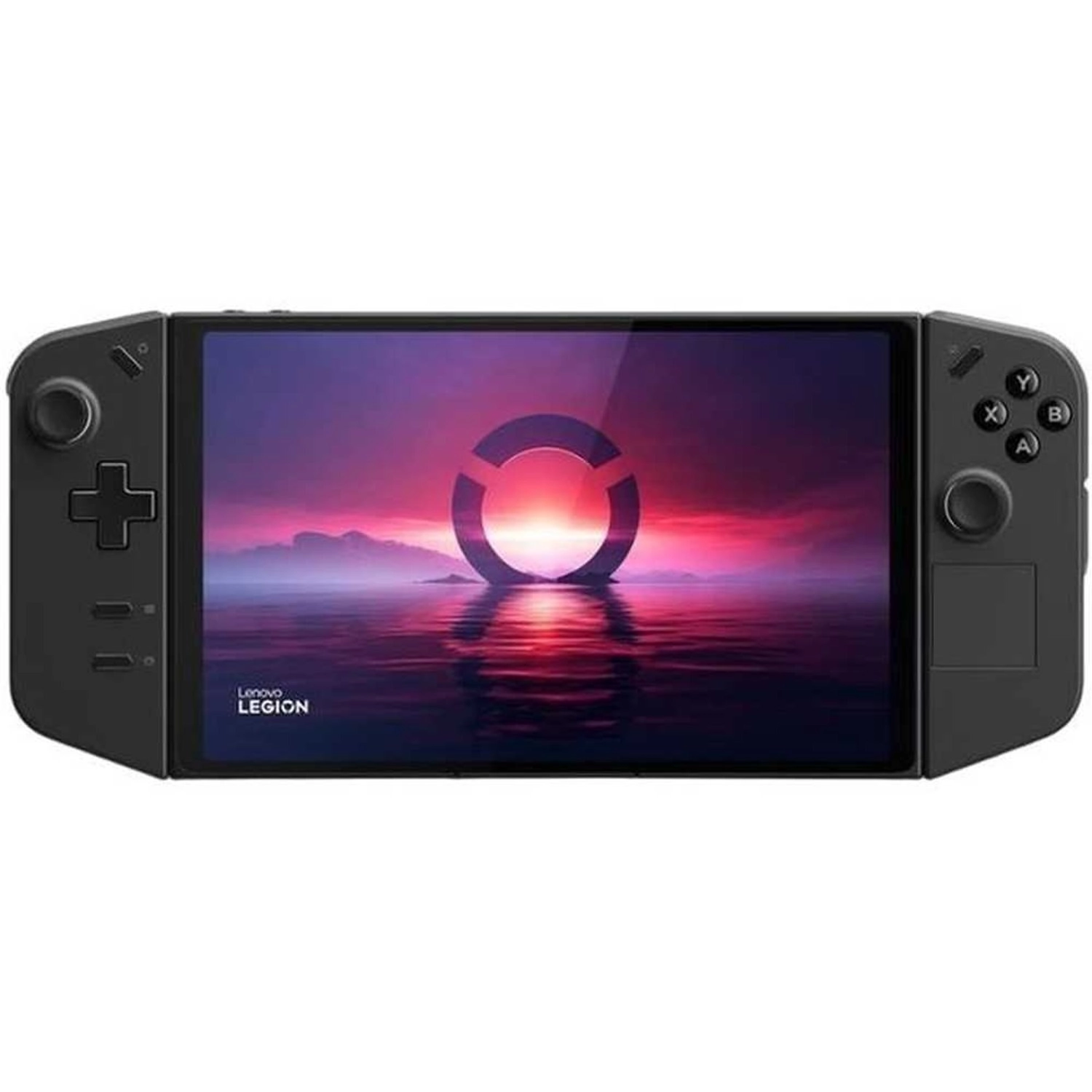
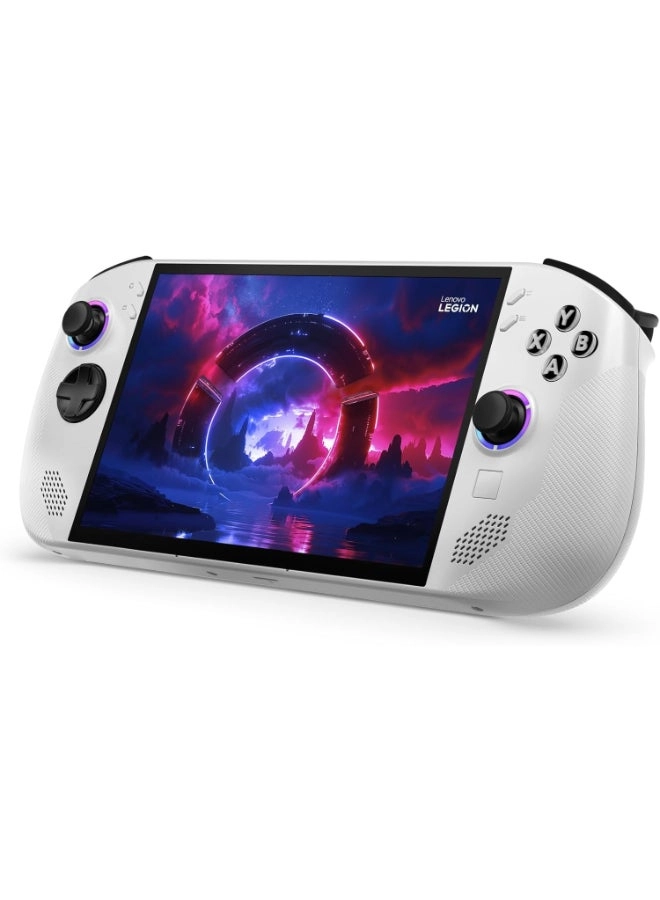
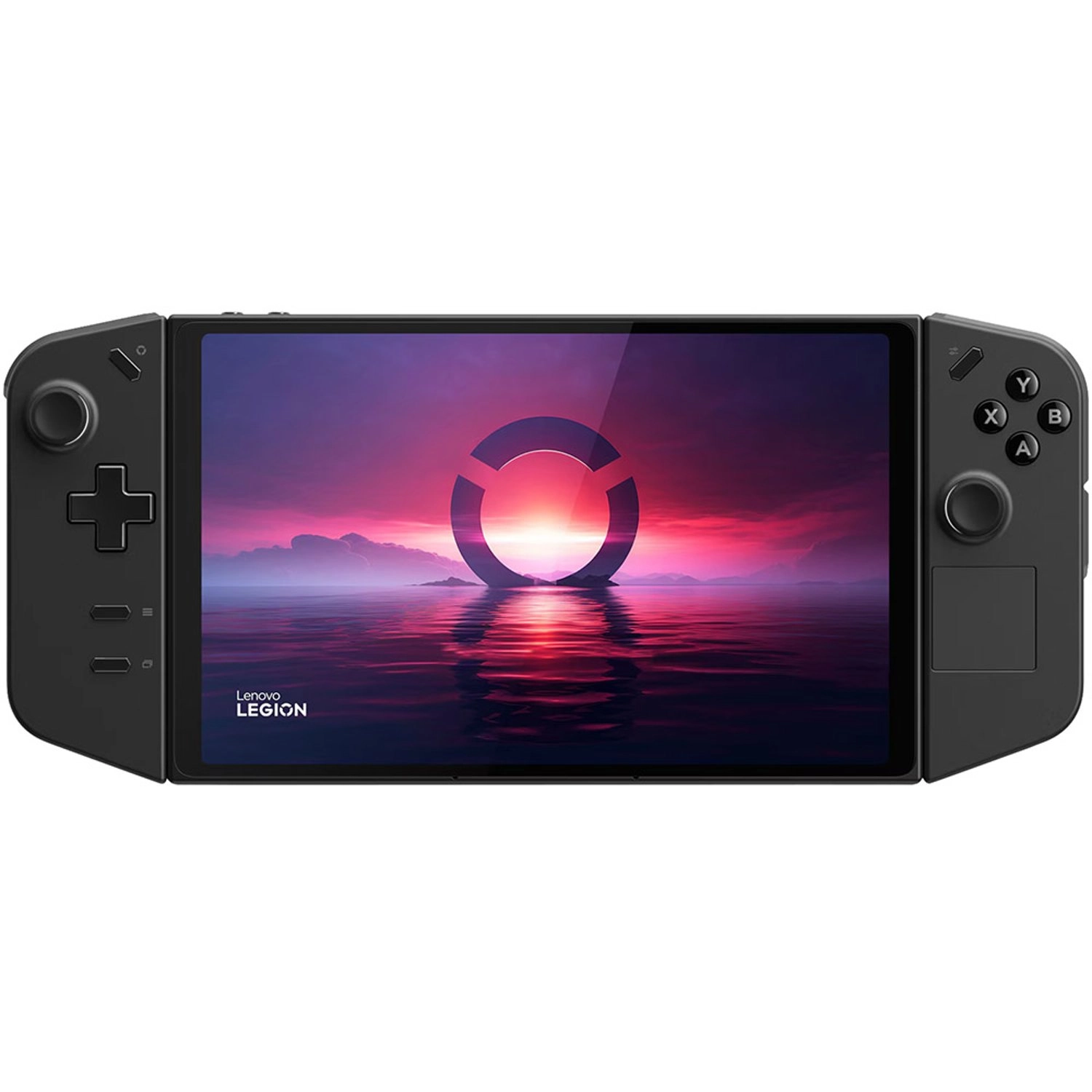
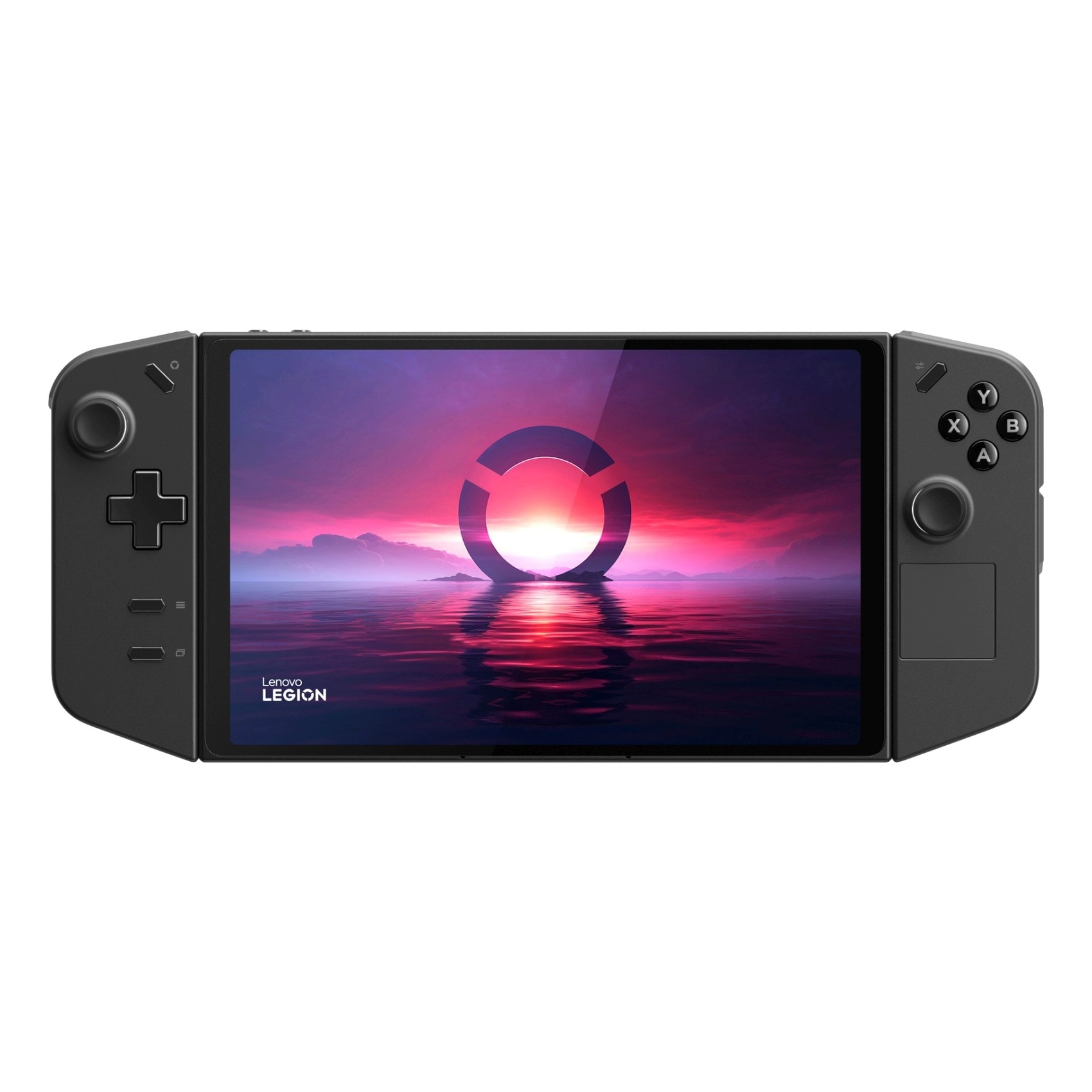
Buy Lenovo Legion Go Handheld Gaming Console | 8.8 inch 2K
Display | Detachable Controllers | AMD Ryzen Z1 Extreme | 16GB
RAM | 512GB SSD | Windows 11 Home | 3 Months Xbox Games Pass at
desertcart UK. Free delivery and return on eligible orders.
Review: Great Handheld Console - The Legion Go is a great gaming
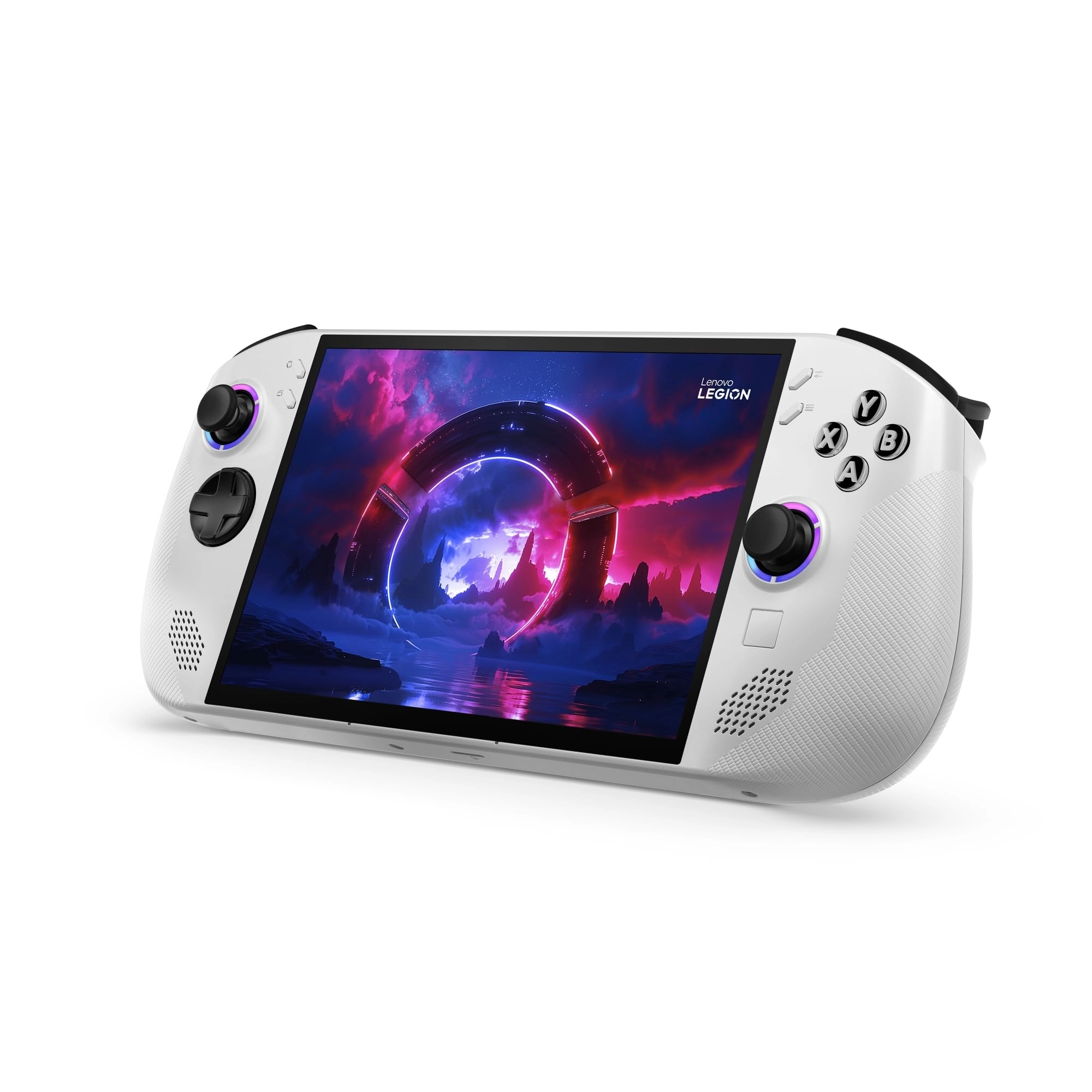
handheld console, although not perfect. Design: The screen is
beautiful and really good for watching movies, and the console's
integrated kickstand makes it really easy to just prop the
console up and enjoy. The Legion Go has 2 USB C ports - one on
the top and one on the bottom, which is really useful from a
practicality perspective, especially when gaming as you're not
restricted to one port for charging. The trackpad is a very
useful inclusion, and makes navigating Windows much easier. The
detachable joysticks are a really useful feature - you can prop
up the display using the kickstand on a desk and use the
detachable joysticks to game. It could be made better if there
was some sort of accessory (similar to the Nintendo Switch) with
which you could connect the two joysticks, as it does feel a
little bit weird having two separate controllers. Setup: The
Legion Go has Windows 11, which is a bit of a double-edged sword
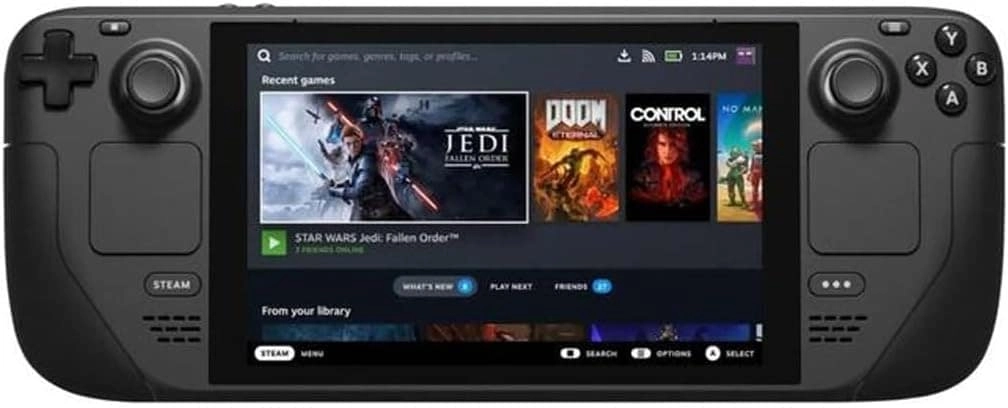
- you do get a lot more freedom as standard compared to the Steam
Deck, especially as it is easier to use games from Xbox Game
Pass, Epic Games, Ubisoft Connect etc., but it does come at the
cost of the Legion Go being much less plug and play as compared
to the Steam Deck. On first use you should update Windows and all
the drivers - Windows does auto-update on initial setup, however
you should check for updates to ensure your device is up to date.
Lenovo also has a handy auto-driver update tool on their website,
which updates all drivers and even the BIOS, but still expect
initial setup to take a couple of hours. Legion Software: This is
an area where the Legion Go is a bit of a let-down, as it's
software isn't as fleshed out as the Steam Deck or even the ROG
Ally. If you are quite good with tech and setting up different
settings etc., then you won't have an issue. but if you prefer
having a more streamlined experience, then it may be better to
look elsewhere. Also, Lenovo has been slow to update drivers and
software, especially compared to Asus with their ROG Ally, which
is something you may want to keep in mind. Lenovo has however
been quite active on social media in terms of communication,
which is admirable. Gameplay: Gameplay is what you would expect
from the Z1 extreme chip, and pretty much on par with other
handhelds such as the ROG Ally which also have this chip. There's
also plenty of guides online to optimise gameplay, such as
changing the VRAM to 6GB in the BIOS. Obviously don't expect to
game with settings cranked to max, but the Legion Go still
provides a very respectable gaming performance. Battery: Battery
life ranges from 1.5-3 hours depending on the game you are
playing. If you are travelling, then I would highly recommend you
invest in a large power bank capable of providing at least 60W of
power. Conclusion: The Legion Go is a solid device and I am
loving it so far, although it does have a few issues. However, it
is my preference when compared to the Steam Deck and ROG Ally,
mainly due to the detachable joysticks, kickstand, lovely screen
and my preference for having Windows, despite the additional work
it requires as compared to SteamOS.
Review: Great Little All in One Gamer! - I think this little
machine is a fantastic way to play games on the go. The screen is
really bright, a fantastic max resolution of the built in
1560x1600 touch screen is sharp and colourful. Screen refresh
rate can be changed via Lenovo's quick access menu to change
video settings on the fly. This screen (especially with the
kickstand) would be fantastic for movie watching or YouTube
browsing and of course Gaming! Although it is not the world most
powerful mobile windows 11 machine, it still has plenty of power
to play some lighter titles at higher framerate or some AAA
titles at lower resolutions or framerates. This little machine
has really impressed me overall. i could quite happily play
fallout 4 on a mix of med/high settings, in diamond city (
demanding part of the game) and get around 45FPS, which on
controller feels surprisingly smooth. Battery Life could be
better, however on the 30W max performance setting, I'm getting
around an hour on some more demanding titles while on battery
power alone. Overall, this may struggle with AAA titles on higher
res or game settings, but can once turned down, it can play it
very nicely. For any other controller supported game, this is a
fantastic way to play games on the go. I had a 3050TI Gaming
laptop before, however I would choose this all day every day over
a Gaming laptop for the ease of portability in the back of a car,
on a plane or sitting on the living room sofa. The only thing I
don't enjoy about this machine is the quality of the speakers, as
they are really tinny and not very good quality. They do get
fairly loud for the device if you turn up the volume, however I
would recommend some earbuds or headphones if you're a serious
- gamer or movie watcher. screen: 9/10 Speakers: 3/10 Controllers:
- 9/10 battery life: 6/10 performance: 8/10 Overall: 8.5/10
Fantastic Device & and I look forward to using it every time I
get The chance./ Would Recormend!!















![Sniper Elite III [Collector's Edition] | PS4](https://cdn.allware.com/images/a4215bdc-c6cb-43ee-bd96-e7cd8ce059c9?width=3840&format=webp)