desertcart.com: Keychron K10 Full Size 104 Keys Bluetooth
Wireless Mechanical Gaming Keyboard for Mac Windows with Keychron
Super Brown Switch, Multitasking/White LED Backlight/USB C Wired
Computer Keyboard : Electronics
Review: Very good keyboard overall - *** One year ownership
update *** This is still by far the best keyboard I have ever
used. I absolutely love this keyboard and still use it with my
Apple laptop when docked at my desk and with my Windows gaming
computer, where it excels as well. It is very easy to switch
between computers on the fly and it holds up to gaming very well.
I don't press enough keys at once to have to worry about hitting
the rollover point when using this keyboard wirelessly as I only
play casually, but it still feels very good under the hand and
very responsive. I have one complaint with the keyboard after
having it for a bit over a year now. THERE IS NO OBVIOUS BATTERY
INDICATOR. Other than a blinky red light on the left side of the
keyboard, you get no indication that the keyboard is about to
die. Don't get me wrong the keyboard lasts a very long time on a
charge, but the one little red light that isn't even very bright
on the side of the keyboard where you aren't going to be able to
see it during normal use is not a good indication system. My
Logitech mouse has a prompt on both Windows and MacOS that the
battery is low, along with three green LEDs on the mouse that
light up when you first turn it on for the day that tell you the
relative level of the battery. They're in a position that you
will see them when you look at the mouse and turn themselves off
after about 10 seconds so they aren't obnoxious. I don't see why
a system like that was not implemented on this keyboard. It has
died on me during use several times now and it is highly annoying
each time it happens. If it happened more frequently I would
probably be looking for a new keyboard, but as it is only once
every month or two depending on how much I'm using it I can live
with it. Other than that, the below original review still applies
and I am not changing my star rating, as it is still my favorite
keyboard. *** Original Review *** I am really enjoying this
keyboard. It is fantastic to type on, very comfortable, and all
the keys feel like they are in the exact right spot. I find that
I have very few accidental keystrokes or "fat fingers" on this
keyboard simply because everything is the exact right size,
shape, and in the exact right position. I purchased this keyboard
to finally go wireless on my MacBook setup. I mounted my monitor
to the wall over my desk to clear some room (my desk currently
doubles as my workbench) and hid all of the wires on my desk. The
one exception was the cable for my wired keyboard. It really
bugged me so I started looking into wireless keyboards. Initially
I wanted Apple's Magic Keyboard so I could log in with Touch ID
like I do when using my laptop as a laptop, but the price tag was
a bit too hard to swallow. This keyboard, on the other hand, is
fully mechanical, Bluetooth OR wired, HAS A 10 KEY, and is
optimized for Mac OS, all at less than half of what Apple asks
for their keyboard in Space Grey. And you can pair it to three
different devices and hot key swap between them on the fly. I can
now ditch having a keyboard for my Mac and one for my PC on the
same desk and moving them on and off the desk as I switch between
the computers. Just a quick key combo, flip a switch to change
from Mac to Windows support, and boom. Apple's keyboard can't do
that. The reviews complaining about the keyboard going to sleep
frequently are true with a grain of salt. I found that if you do
not type on the keyboard for about 10 minutes it puts itself to
sleep. Honestly this is more than enough time for me personally
as when I am using my computer I'm using the keyboard almost
constantly for writing, video editing, recording and editing
voice overs, etc. The only time it goes to sleep on me is during
YouTube videos, and even then it comes back up pretty quickly
after pressing a key. Yes, the first keystroke is lost so you
have to press it again, but if you're using the backlight
function of the keyboard it really is not difficult to tell when
the keyboard is asleep. When the lights go out, its asleep. Just
whack the spacebar to wake it up and resume typing as normal.
Some of the other reviews complaining about this gave me the
impression the sleep timeout was only like two or three minutes,
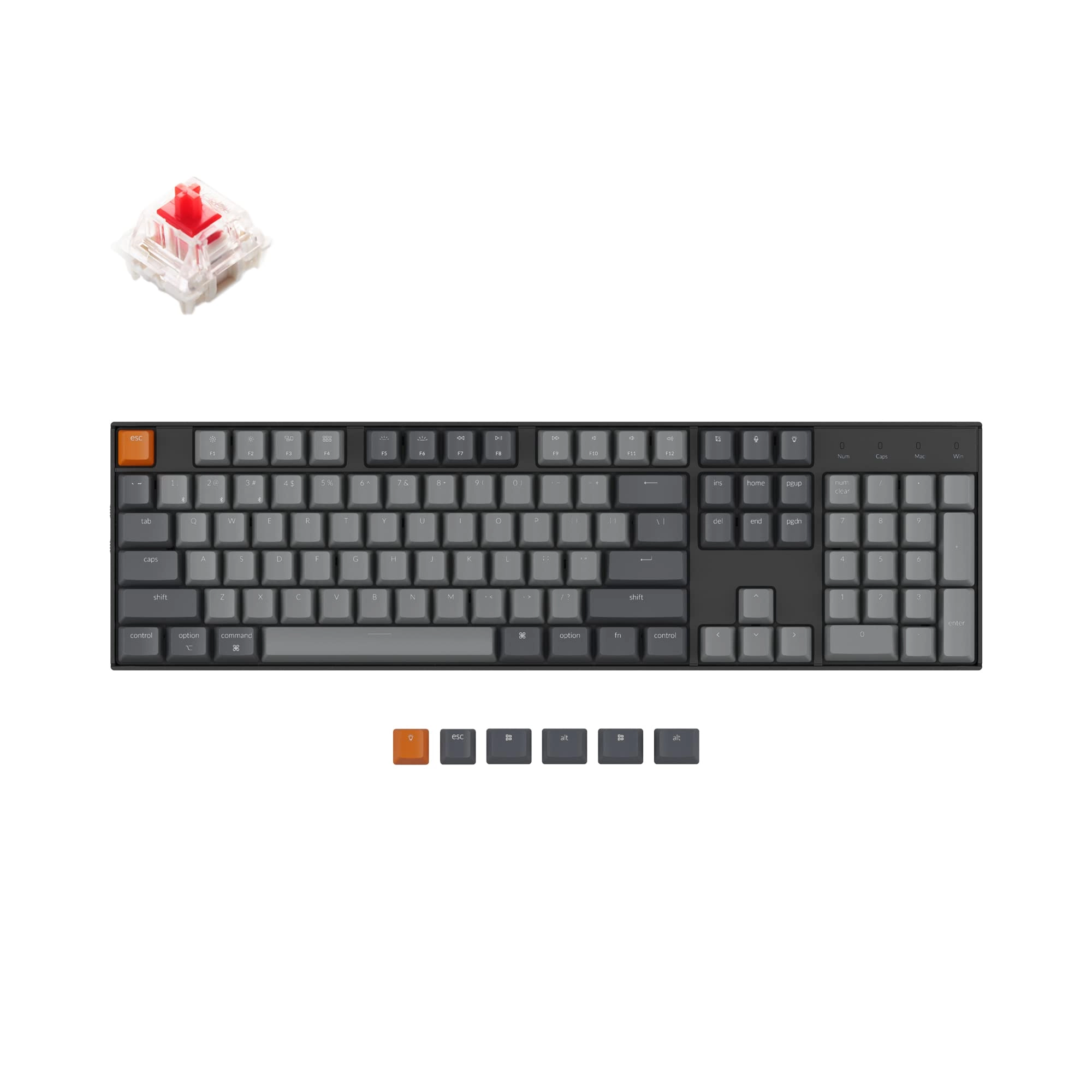
and that is definitely not the case. I purchased the version with
the red switches (because I like the clicky-clack of a mechanical
keyboard) and it does have a very good tactile response without
being obnoxiously loud. I can type on this keyboard late at night
without fear of waking up my family upstairs. I have not used it
as a gaming keyboard (yet), but with the way the keyboard feels
under my fingers I can already tell that it will do just fine for
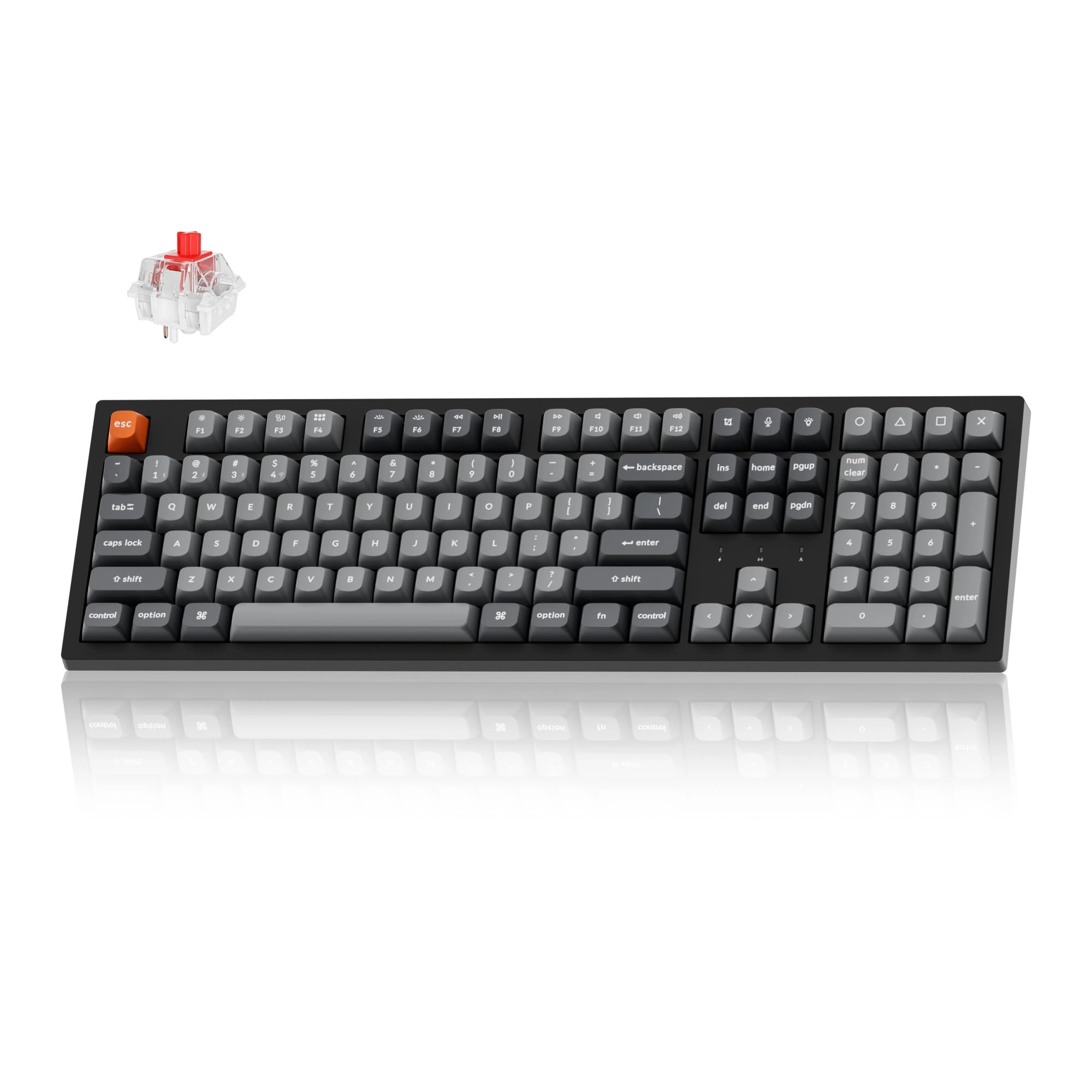
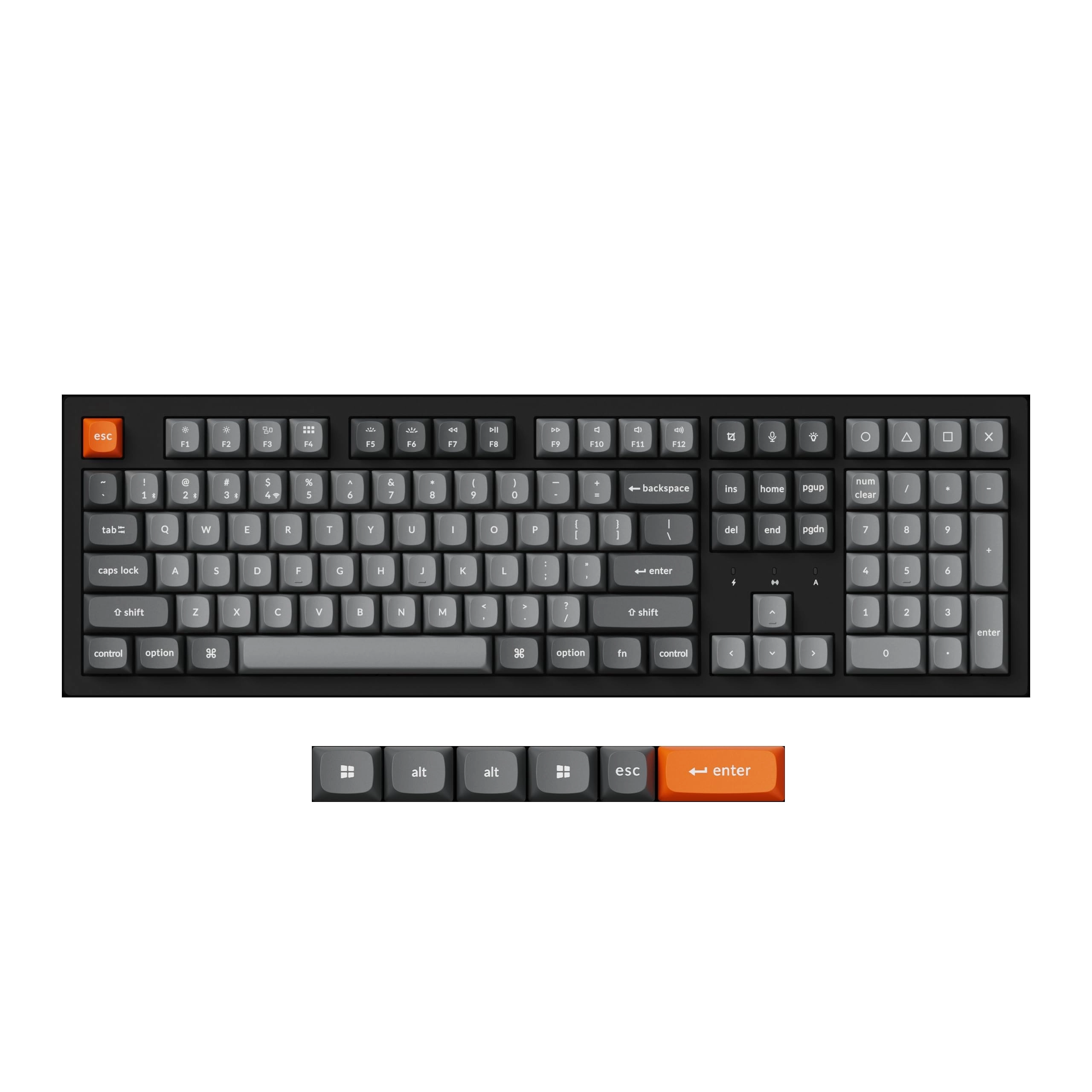
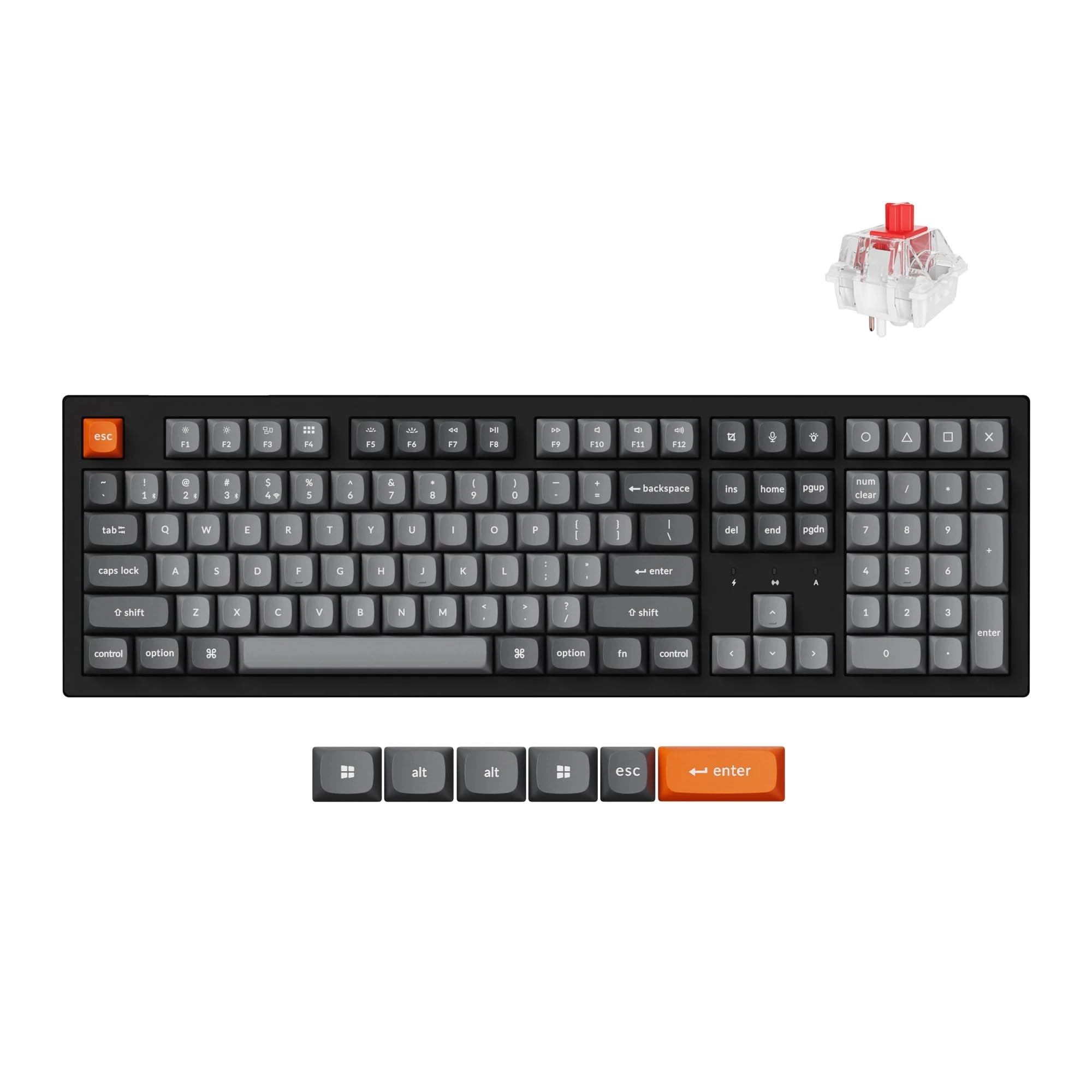
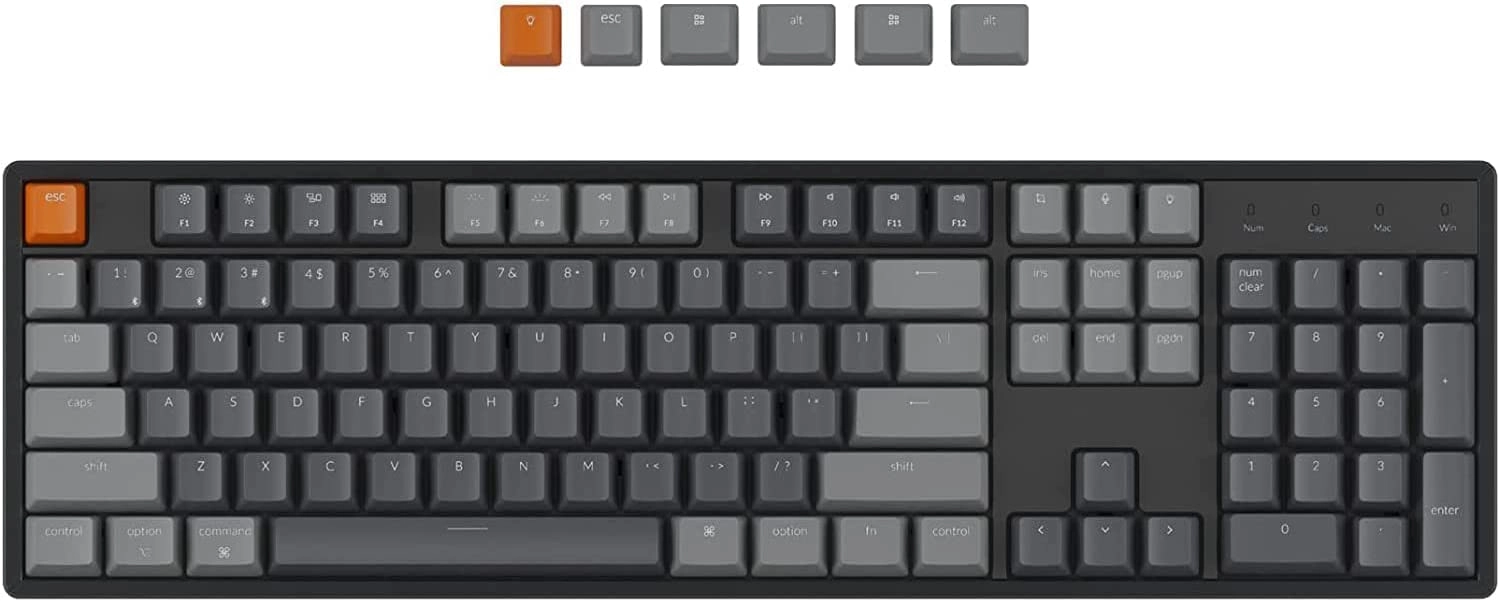
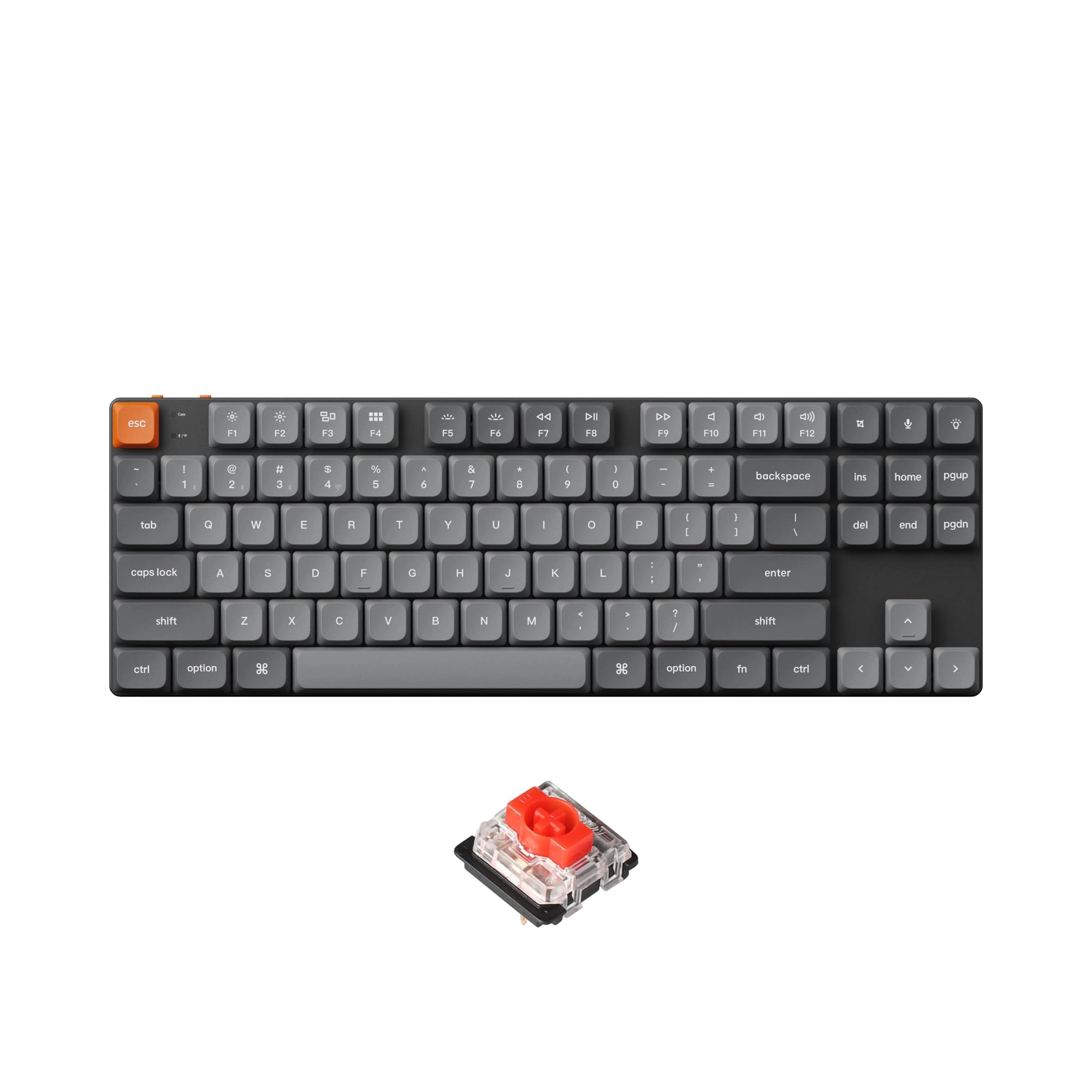
gaming. I am very glad that Keychron includes the key caps to
swap it to a Windows layout if you wish, and a grey escape key
instead of the obnoxious orange one that comes on the keyboard. I
swapped out that key before I even paired it to the computer. It
is a very nice touch to include the caps and a cap puller, not
many other companies include a cap puller with their extra key
caps (if they even include extra key caps). It will definitely
make it very easy to clean under the keys when the time comes for
that to happen. Overall, I would say if you can live without a
Touch ID sensor in your keyboard, this is a very worthy
competitor to Apple's very good but overpriced keyboard.
Review: Overall Great Keyboard! Typing feels like a dream with
the K10 - I bought this keyboard for both gaming and work - two
things I do a lot of. When it comes to keyboard's I'm looking for
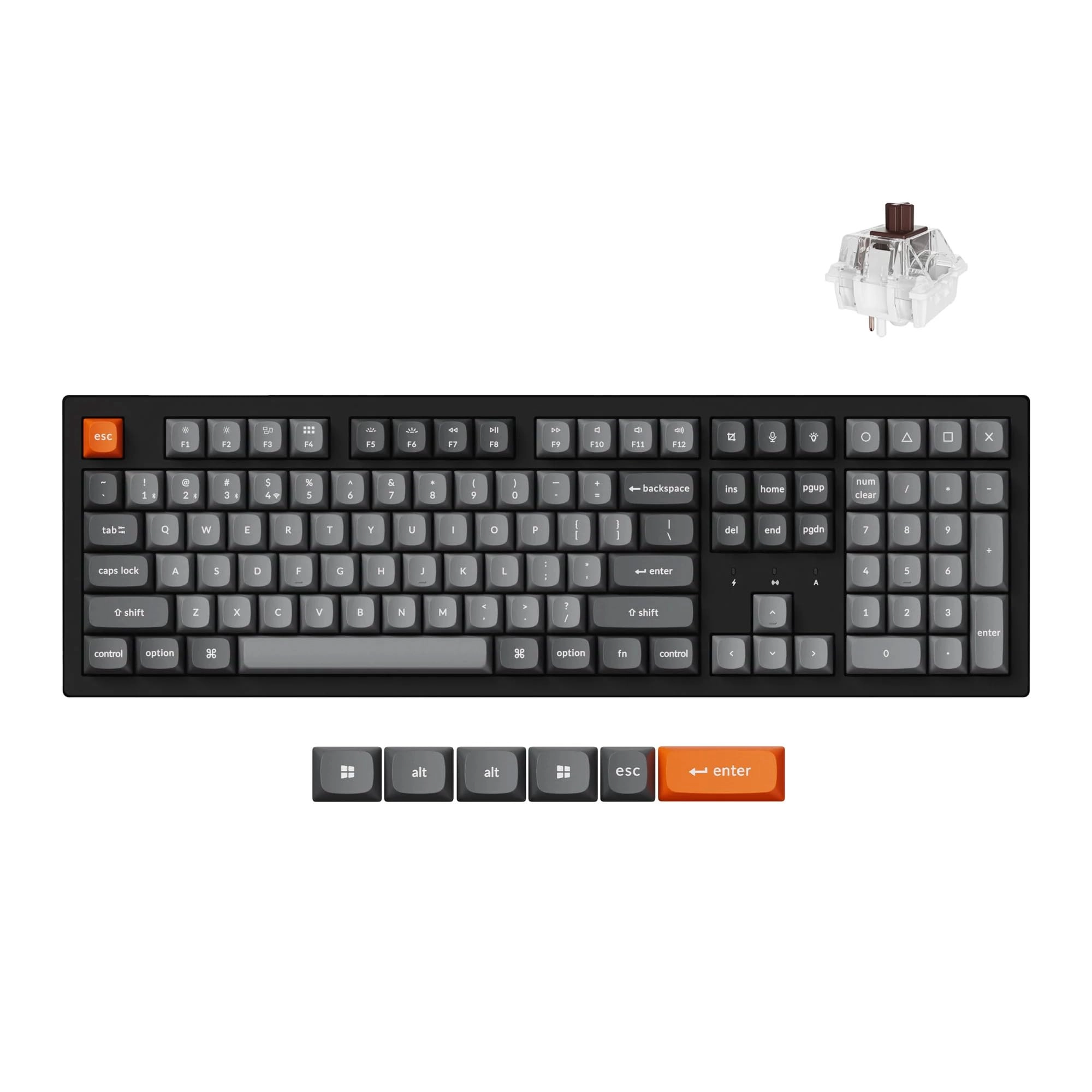
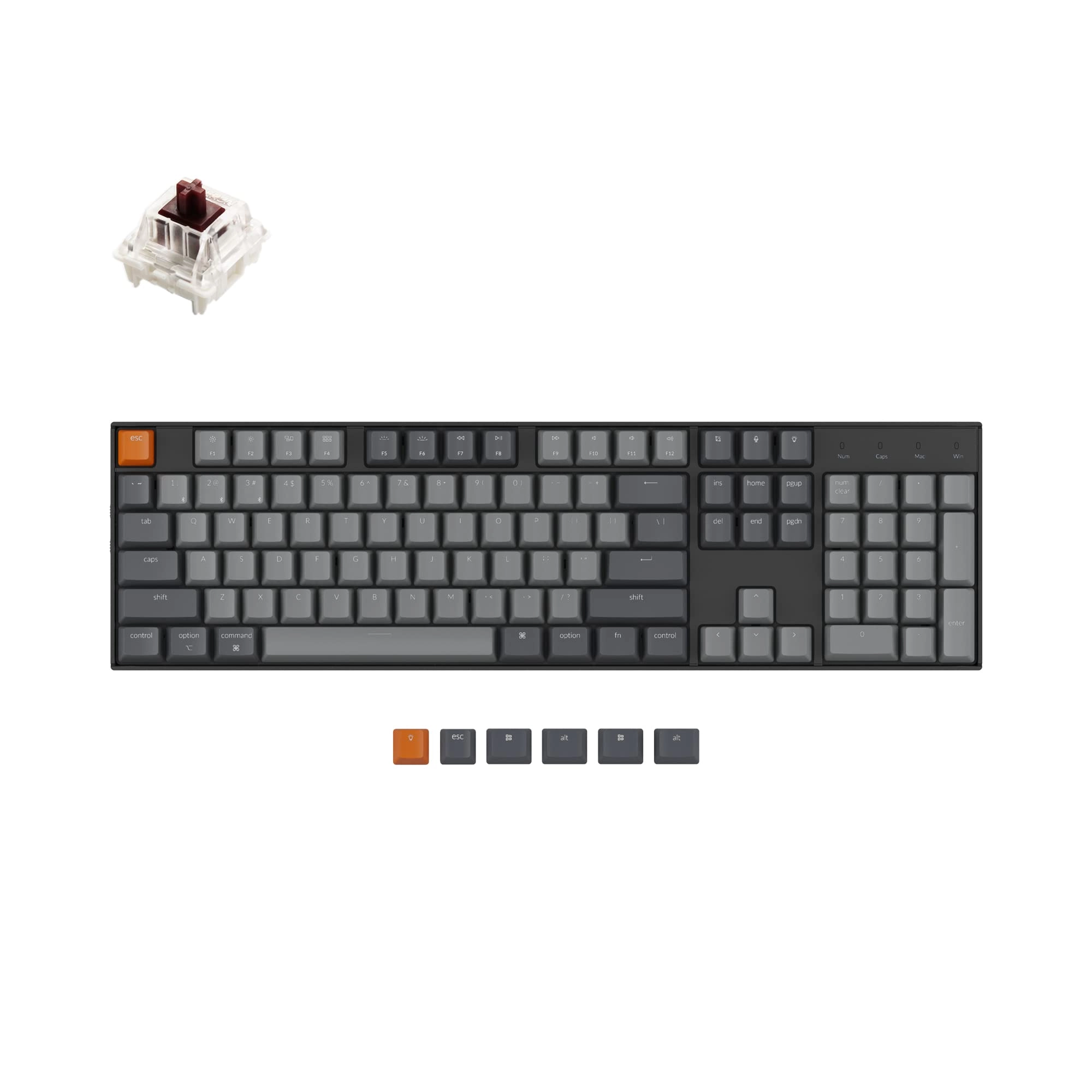
a range of things and I will rate them all below. 1. Typing feel:
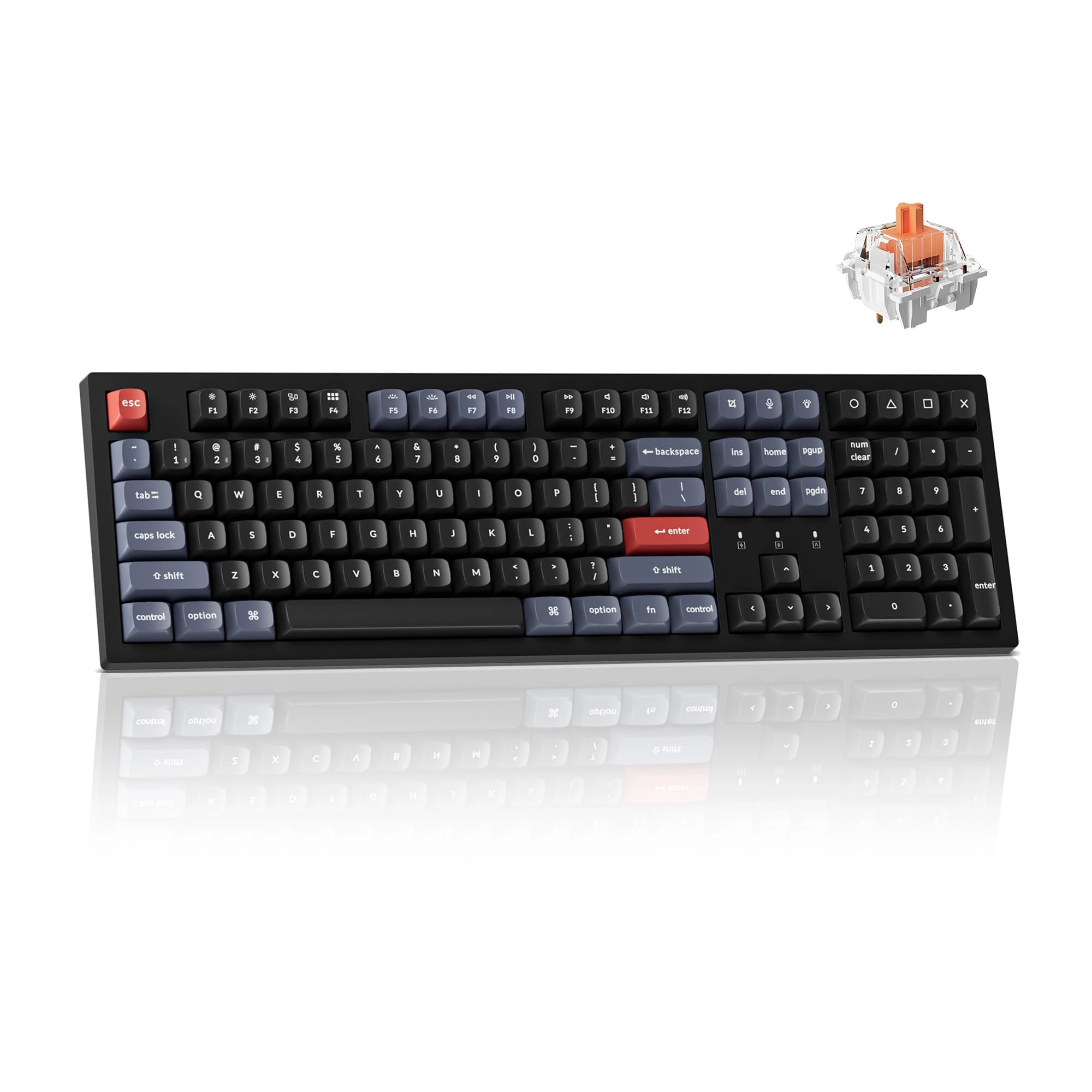
I'm using the variant of the K10 that has brown switches and they
feel great to type on. I personally love brown's because they
make enough sound to provide feedback when typing but they are
not so loud that it disturbs others who might be around you or
activates a microphone ( if you aren't using a background noise
filter like NVDIA Broadcast). Additional, the keycaps themselves
feel wonderful. They have a slightly soft texture to them that
feels premium and enhances the typing experience. 2.
Compatibility: Looking for a few things here and luckily this
keyboard covers all but one area. The keyboard is Bluetooth 5.1
compatible allowing for wireless connectivity, it also has a
modular power cord for wired use and charging, allowing for
versatility between the two options. Additionally, if you using a
mac for some reason (gross) like because your work forces you to,
this keyboard can switch between both MAC and PC with the flip of
a switch, and provides you with the keycaps for both
configurations. 3. Design: The keyboard has a simple and
professional design that can be made even more clean if you swap
in the black keycap for your ESC key (this cap is included). They
also included a handy tool for removing keycaps easily, which
I've previously only seen included on my Ducky keyboard
purchases. This allows you easy access to the underneath of the
keycaps for cleaning purposes, keycap saps and switch swaps. The
keyboard also has pure white backlighting that can be set to
various different styles locally on the keyboard, no software
required. Value: Excellent. For the quality your getting a
massive value with this keyboard. You would pay 3x the price to
get a worse keyboard from big names like Razer - and the only
difference (in most cases) is that it doesn't allow you to change
the backlighting color from pure white. But this comes with the
added benefit of not requiring you to download a cumbersome
software to manage your keyboard. Many other peripheral options
require software just to function these days, and it can be a
major pain. They require updates frequently and often times full
reboots. Your devices may not work properly without them. All of
this is avoided with the Keychron K10. Keyboard's serve a simple
function - and I appreciate the simplicity this.