Allware
Loading...
  • News
  • Price drops
  • New arrivals
  • Featured categories
  1. Computers & Peripherals
  2. Data Input Devices
  3. Mice
Mouse - Wireless
Mouse - Wireless
Mouse - Wireless
Mouse - Wireless
Mouse - Wireless
Mouse - Wireless
Mouse - Wireless
Mouse - Wireless
Mouse - Wireless
Mouse - Wireless
Mouse - Wireless
Mouse - Wireless
Mouse - Wireless
Mouse - Wireless
Mouse - Wireless
Mouse - Wireless
Mouse - Wireless
Mouse - Wireless
Mouse - Wireless
Mouse - Wireless
Mouse - Wireless
Mouse - Wireless
Mouse - Wireless
Mouse - Wireless
Mouse - Wireless
Mouse - Wireless
Mouse - Wireless
Mouse - Wireless
Mouse - Wireless
Mouse - Wireless
Mouse - Wireless
Mouse - Wireless
Mouse - Wireless
Mouse - Wireless
Mouse - Wireless
Mouse - Wireless
Mouse - Wireless
Mouse - Wireless
Mouse - Wireless
Mouse - Wireless
Mouse - Wireless
Mouse - Wireless
Mouse - Wireless
Mouse - Wireless
Mouse - Wireless
Mouse - Wireless
Mouse - Wireless
Mouse - Wireless
Mouse - Wireless
Mouse - Wireless
Mouse - Wireless
Mouse - Wireless
Mouse - Wireless
Mouse - Wireless
Mouse - Wireless
Mouse - Wireless
Mouse - Wireless
Mouse - Wireless
Mouse - Wireless
Mouse - Wireless
Mouse - Wireless
Mouse - Wireless
Mouse - Wireless
Mouse - Wireless
Mouse - Wireless
Mouse - Wireless
Mouse - Wireless
Mouse - Wireless
Mouse - Wireless
Mouse - Wireless
Mouse - Wireless
Mouse - Wireless
Mouse - Wireless
Mouse - Wireless
Mouse - Wireless
Mouse - Wireless
Mouse - Wireless
Mouse - Wireless
Mouse - Wireless
Mouse - Wireless
Mouse - Wireless
Mouse - Wireless
Mouse - Wireless
Mouse - Wireless
Mouse - Wireless
Mouse - Wireless
Mouse - Wireless
Mouse - Wireless
Mouse - Wireless
Mouse - Wireless
Mouse - Wireless
Mouse - Wireless
Mouse - Wireless
Mouse - Wireless
Mouse - Wireless
Mouse - Wireless
Mouse - Wireless
Mouse - Wireless
Mouse - Wireless
Mouse - Wireless
Mouse - Wireless
Mouse - Wireless
Mouse - Wireless
Mouse - Wireless
Mouse - Wireless
Mouse - Wireless
Mouse - Wireless
Mouse - Wireless
Mouse - Wireless
Mouse - Wireless

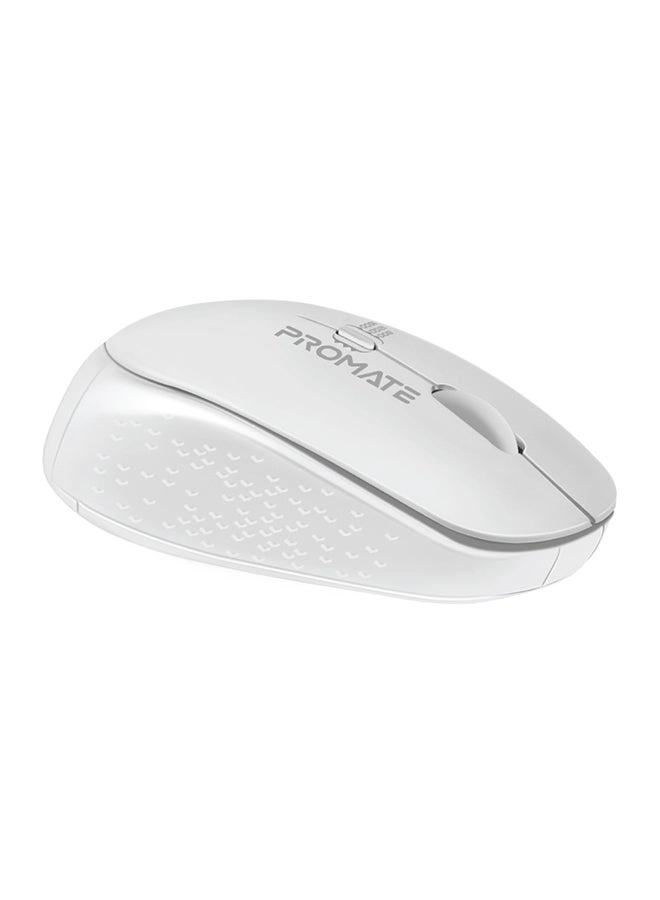
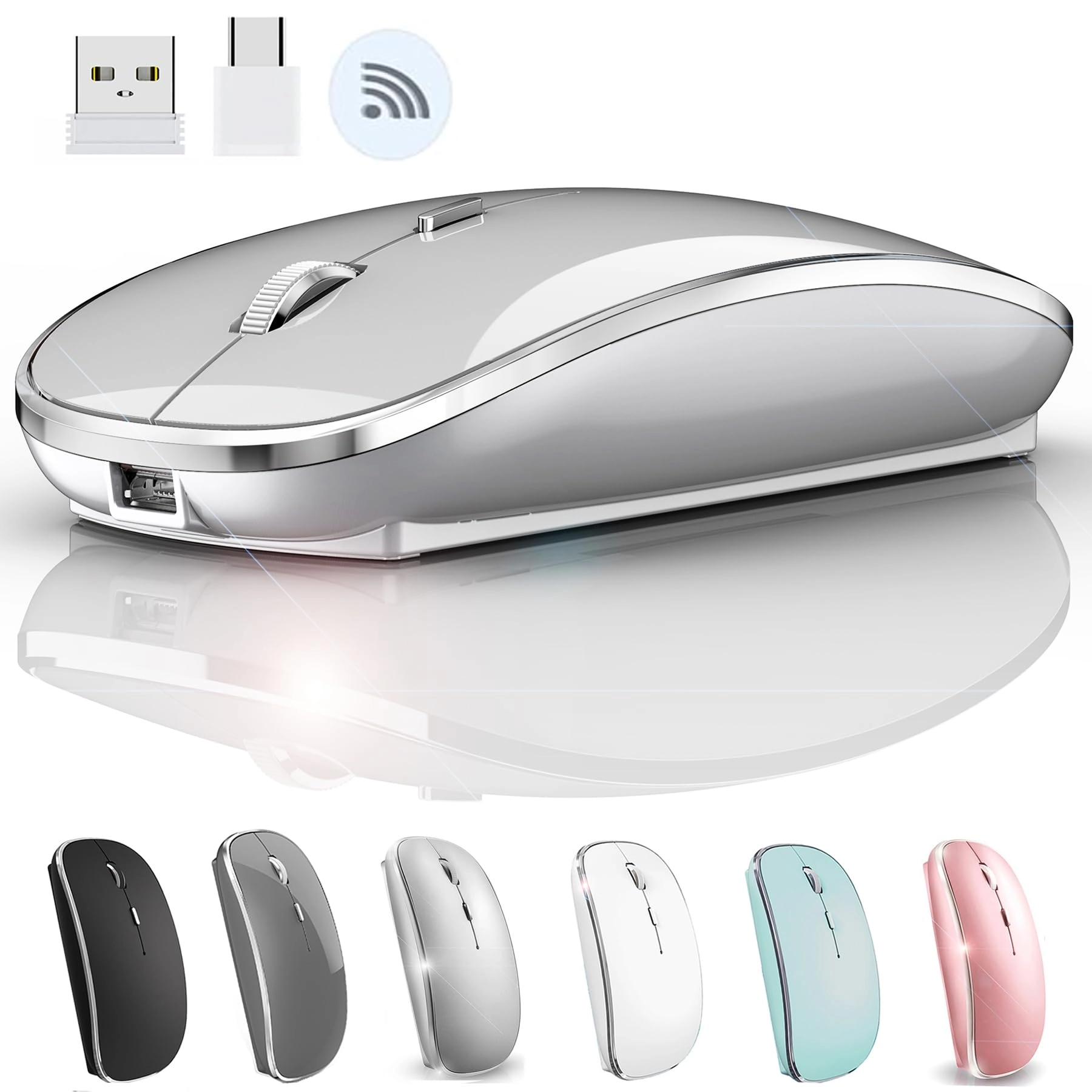
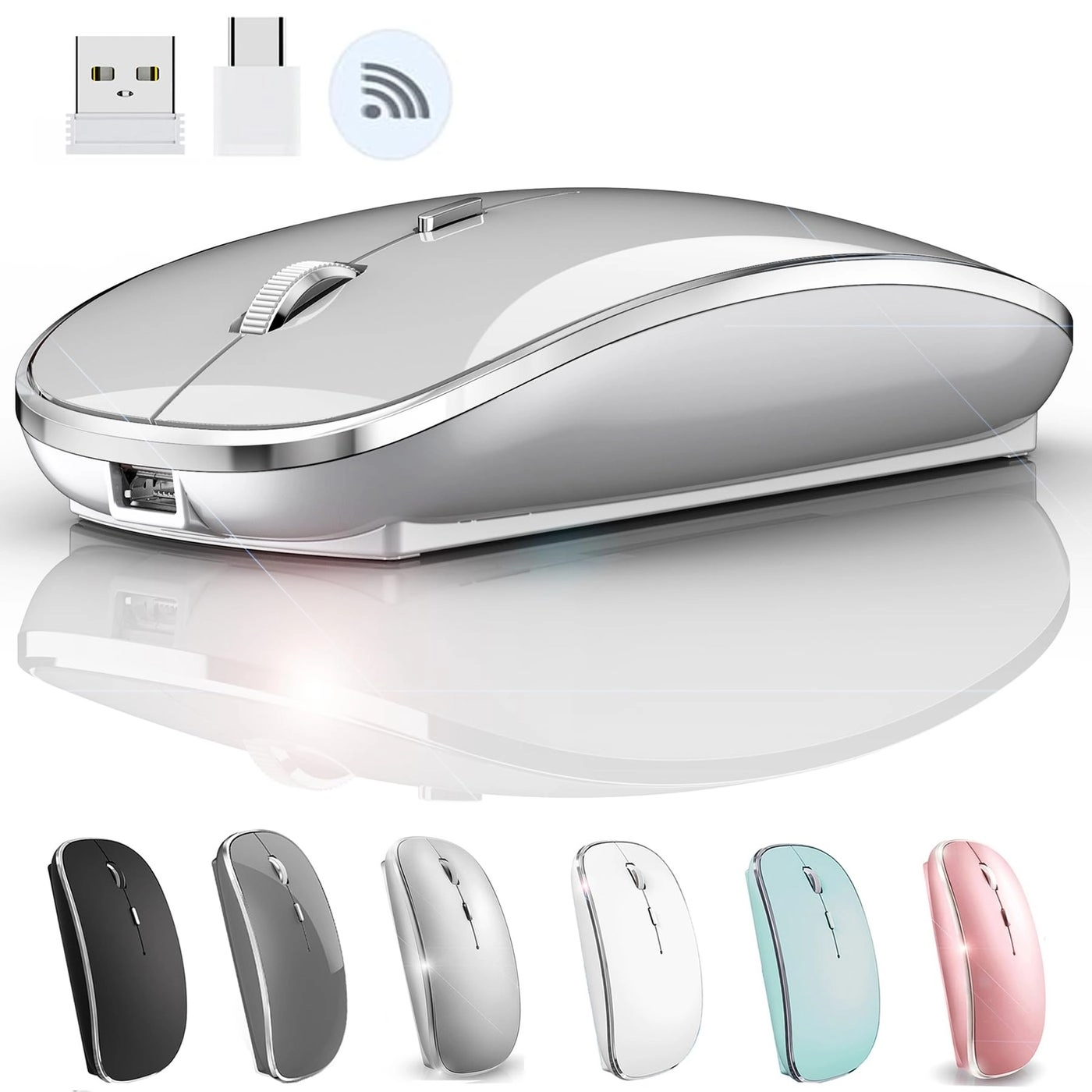
JETTA Mouse - Wireless

Best offer
AED
4169

Key Features

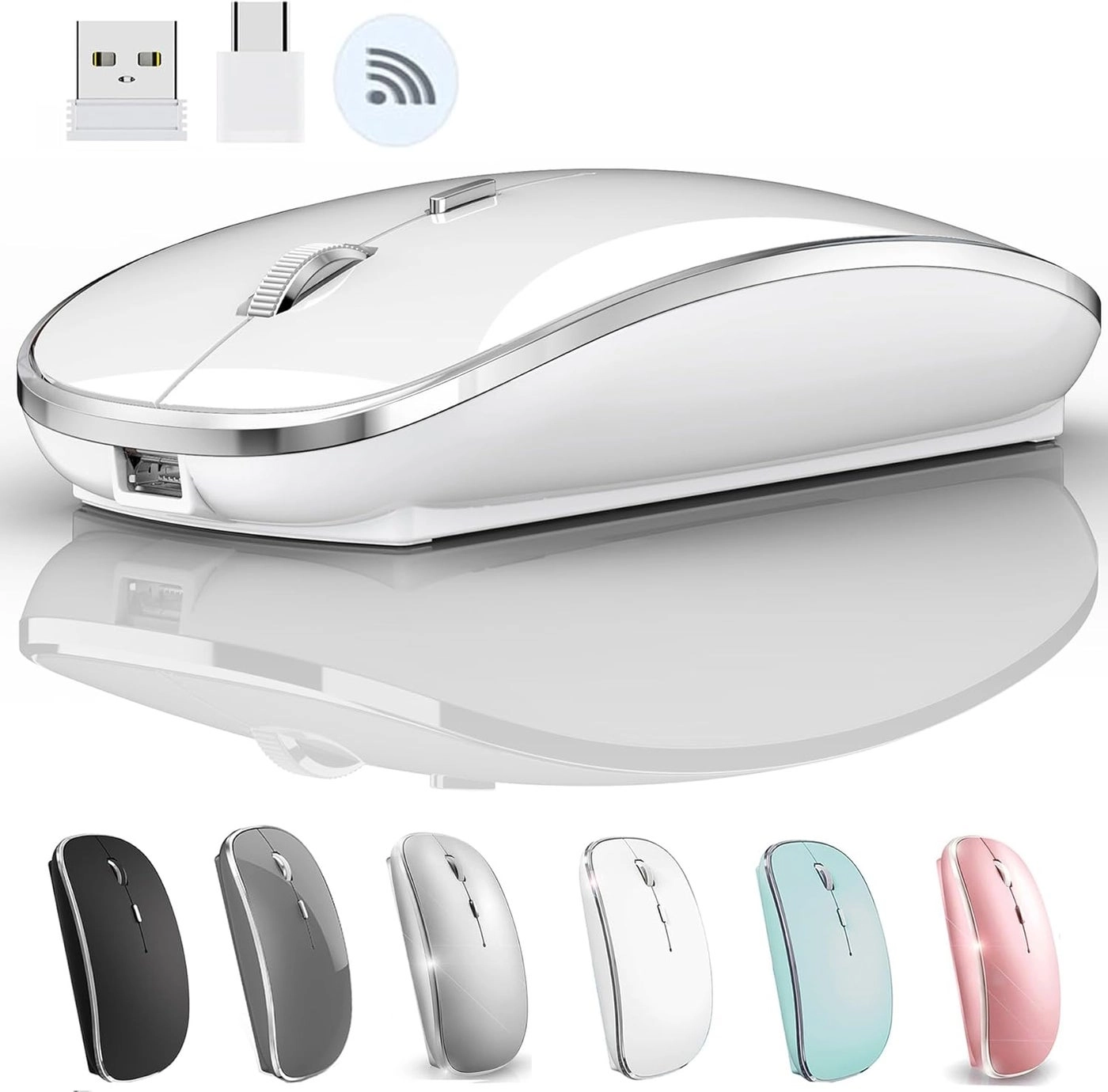
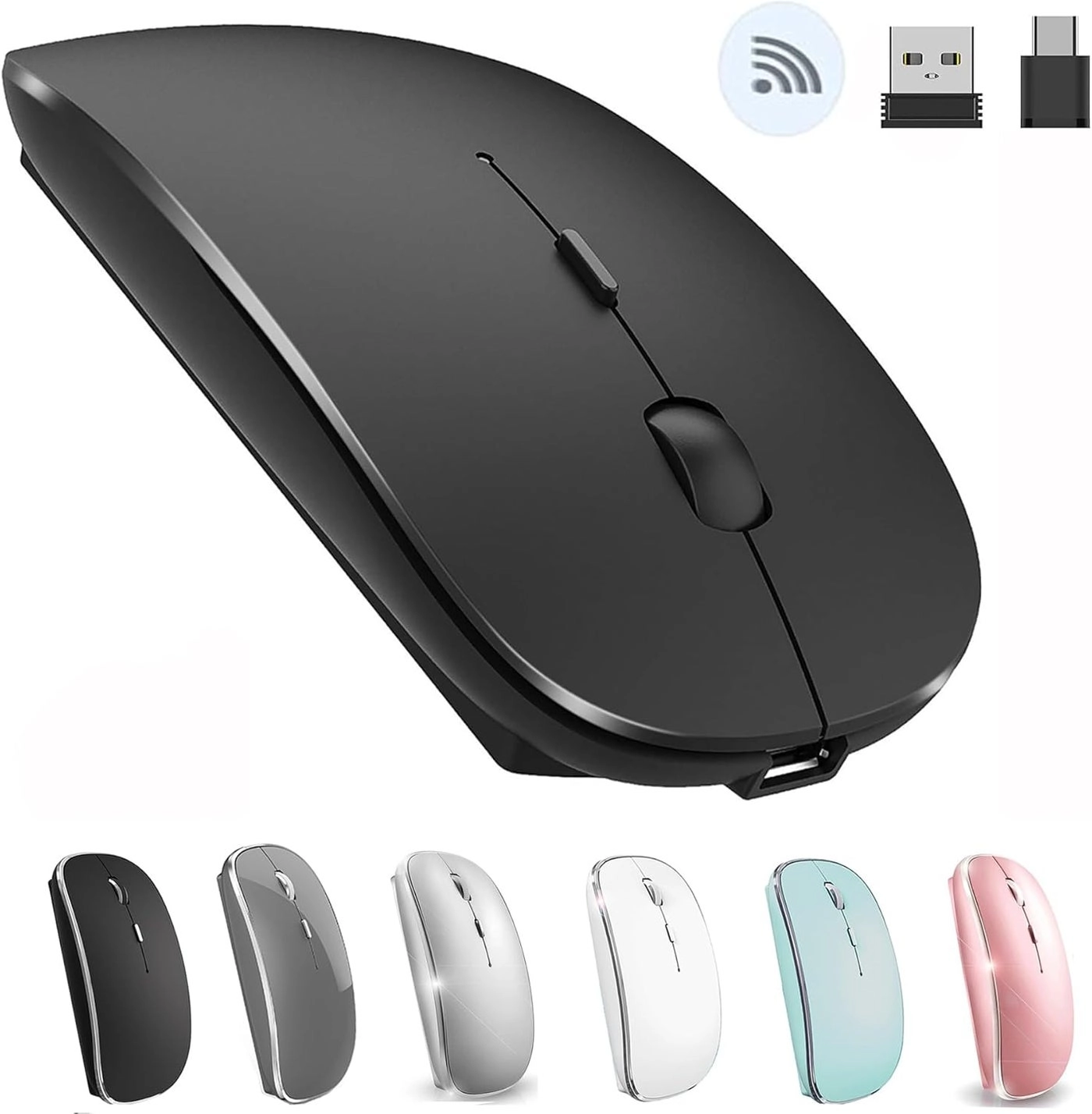
  • Movement detection technology: Optical
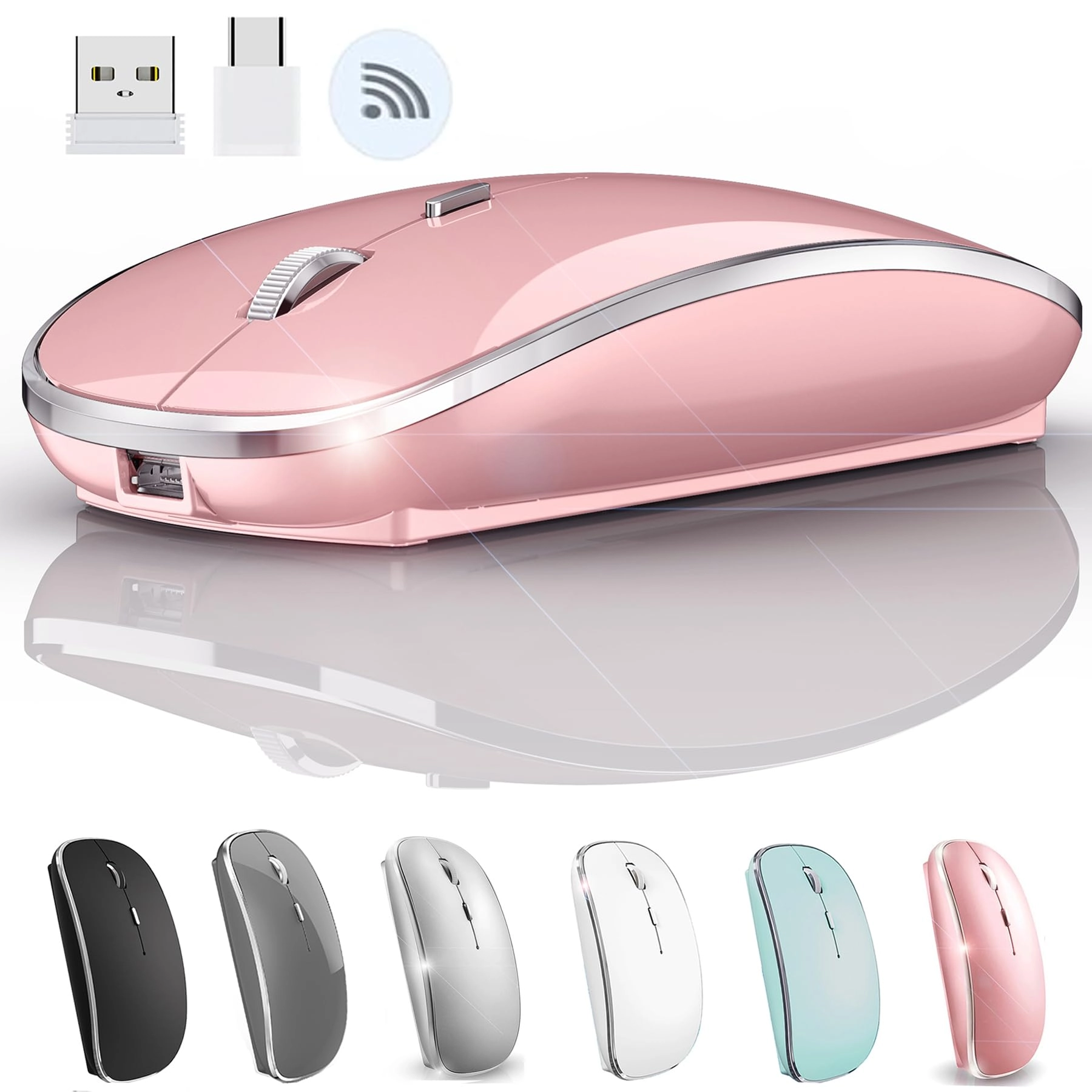
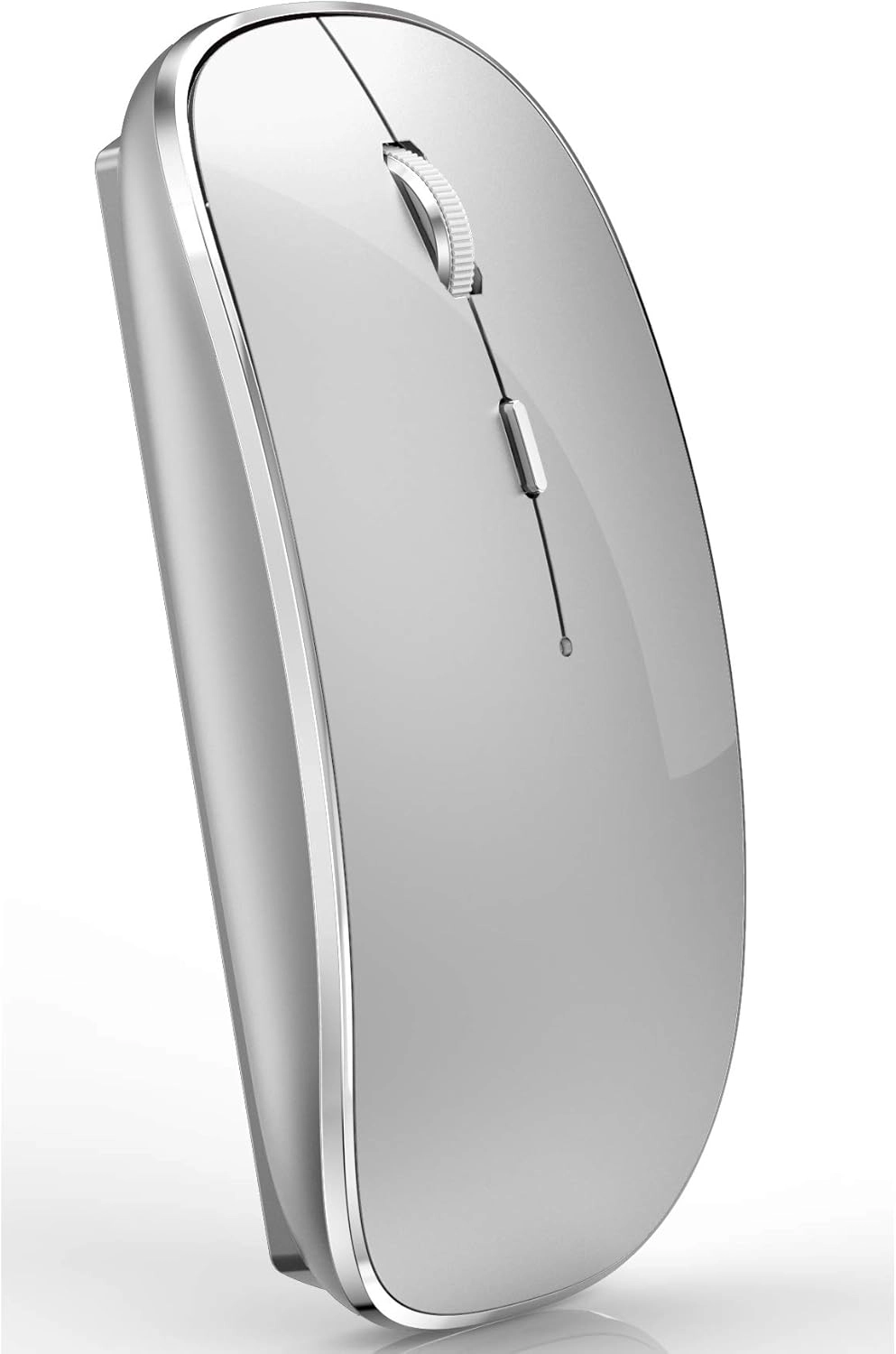
  • Product colour: Black/White
  • Connectivity technology: Bluetooth, USB, Wireless
  • Product dimensions: 11.8 x 5.8 x 2.3 cm
  • Special features: Wireless
  • Batteries: 1 Lithium Polymer batteries required. (included)
  • Offers
  • Price History
  • Specifications
  • Product Details
  • Review IconReviews

Specifications

Features

Special features
Wireless
Connectivity technology
Bluetooth, USB, Wireless
Product colour
Black/White
Movement detection technology
Optical

Weight & dimensions

Product dimensions
11.8 x 5.8 x 2.3 cm

Technical details

Batteries
1 Lithium Polymer batteries required. (included)

Product Details

✅ Mac laptop Bluetooth connection steps: Mac Setting > Bluetooth > ‘(Turn on the mouse switch, hold down the button🔘 at the bottom of the mouse and hold for 3 seconds )’ > then your computer displays the search to “Bluetooth 5.1 mouse” > connect (This method does not apply to the iPad. Read on for the iPad connection method) ✅OS13/iOS14 iPad/ iPad pro/ iPad Air/ mini /iphone connection method: Open iPad settings > Accessibility > Touch > AssistiveTouch > Devices > (Open the mouse switch and long press the black button at the bottom of the mouse for 3-5 seconds.) > Bluetooth Devices > Bluetooth 5.1 Mouse > PIN: 0000 >Pair ✅ Windows 7/8/10 / XP/ ChromeOS / series notebook computer instructions: computer Settings > open add bluetooth bluetooth bluetooth devices > open open bluetooth when computer display is looking for a nearby bluetooth devices > " (Turn on the mouse switch,Hold down the small button at the bottom of the mouse for 3 seconds)”> and then your computer display the search "bluetooth 5.1 mouse" > connect 🔋🔋How to Charge Wireless Mouse? 1、This is a rechargeable mouse. It doesn't require you to buy any other batteries. It already has a built-in lithium battery. It can be charged like a mobile phone. There is a USB charging line in the box. please please keep the mouse power switch in "ON" position when charging . 2、When the pointer of your mouse does not move or cannot be used, or suddenly disconnects continuously in use, you need to charge it for about 3 hours. Please use the USB port of your computer to charge it, or use an adapter with an output of no more than 5v to charge it 3、 If you do not use the mouse for eight minutes, it will go to sleeping mode, you can press the any button to weak it up. ✅Packaging list: instruction *1, rechargeable Bluetooth mouse *1, USB Charging line *1

Reviews

Loading...
Loading...
Loading...
Loading...
Loading...
Loading...
Loading...
Loading...
Loading...
Loading...
Loading...
Loading...
Loading...
Loading...
Loading...
Loading...
Loading...
Loading...
Loading...
Loading...
Loading...
Loading...
Loading...
Loading...
Loading...
Loading...
Loading...
Loading...
Loading...
Loading...
Loading...
Loading...
Loading...
Loading...
Loading...
Loading...
Loading...
Loading...
Loading...
Loading...
Loading...
Loading...
Loading...
Loading...
Loading...
Loading...
Loading...
Loading...
Loading...
Loading...
Loading...
Loading...
Loading...
Loading...
Loading...
Loading...
Loading...
Loading...
Loading...
Loading...
Loading...
Loading...
Loading...

Join our newsletter

Be the first to know about new arrivals, sales, and exclusive picks

Sign in to unlock newsletter access and stay in the loop

Allware
info@allware.com
+971522500911
World technology awards winner badge

Allware

  • About Us
  • Terms And Conditions
  • Privacy Policy
  • Contact Us

Partners

  • Why become a partner?
  • How to list your Online Shop?

Newsletter

  • Subscribe

Info

  • How Allware works
All Rights Reserved.
Allware does not sell products. Prices shown are aggregated from verified merchants.
Please enable location access or select an emirate
-
00:00:00
Prayer timings

Offers (18)

Amazon logo

8 offers

From
AED
41

JETTA Wireless Mouse for MacBook Pro MacBook Air MacBook Laptop Mac iMac Desktop Computer Chromebook Win7/8/10/11 PC HP Dell Laptop (WHITE 2)

White
AED
4169
Noon logo

10 offers

From
AED
115

JETTA Wireless Mouse for MacBook Pro, MacBook Air, Laptop, Desktop, Chromebook, Win7/8/10/11, PC - Silver

AED
11500

Price History

Price History Skeleton
Price History Shimmer Effect
Loading price history...

Similar Products

See all
-21%
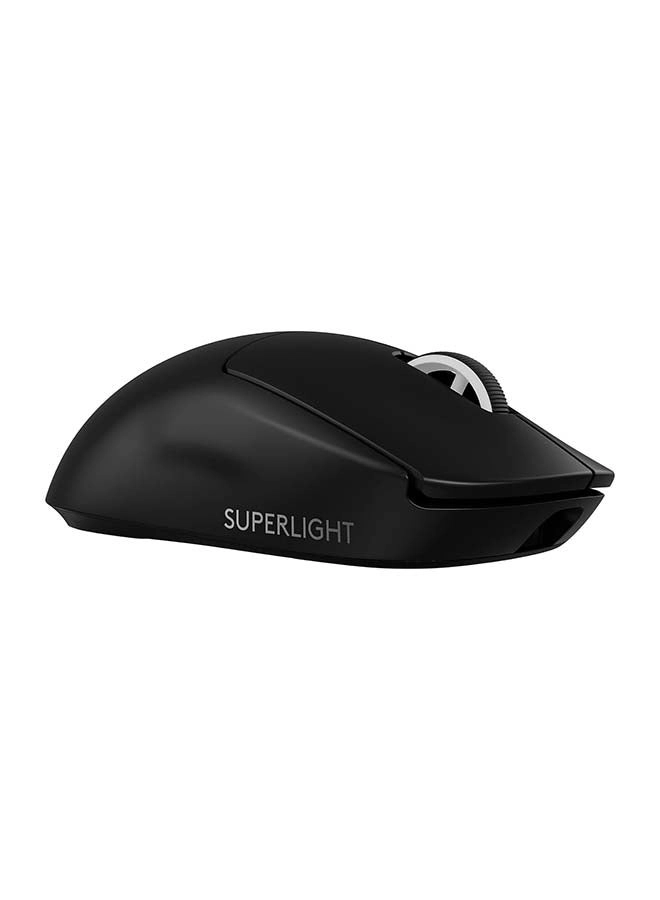
Logitech PRO X SUPERLIGHT 2 Gaming Mouse - Wireless

Logitech PRO X SUPERLIGHT 2 Gaming Mouse - Wireless

AED
56900
AED
44800
70 offers
-38%
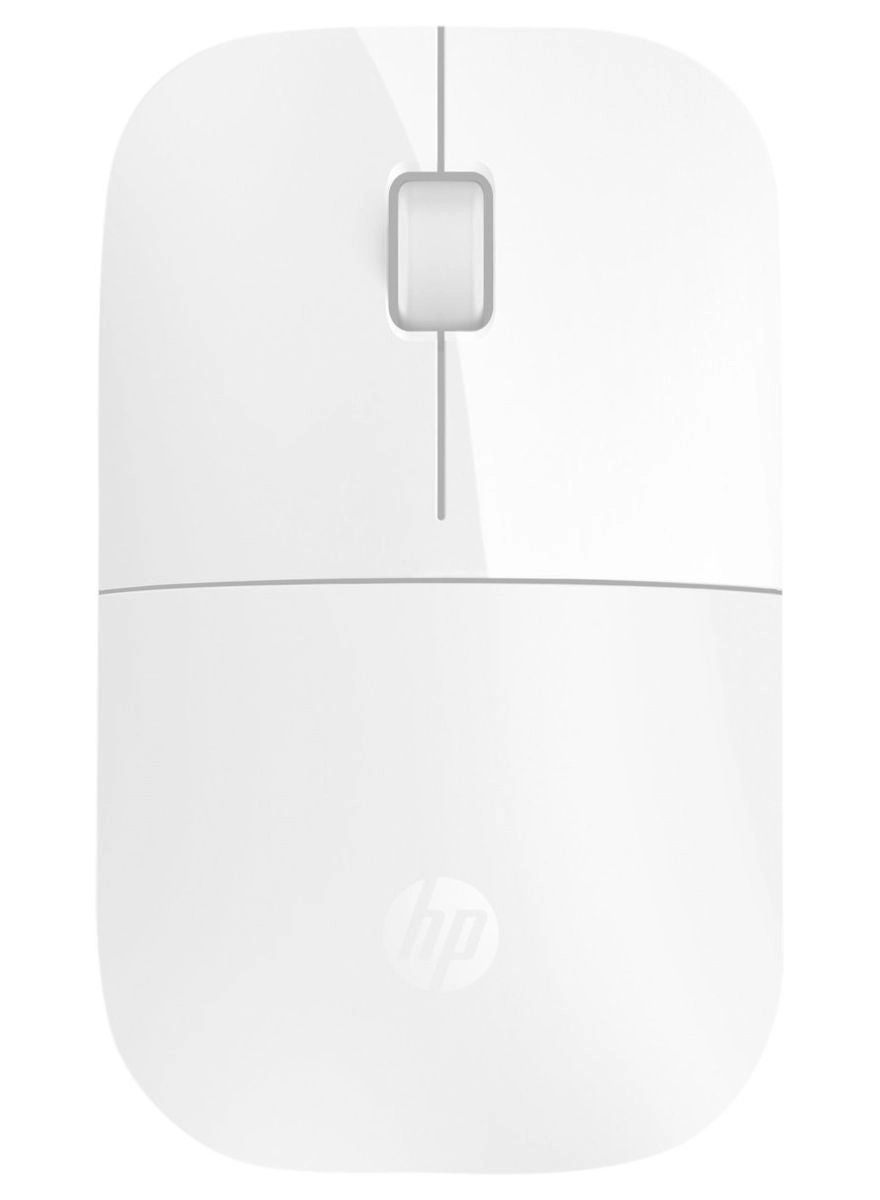
HP Z3700 Mouse - Wireless

HP Z3700 Mouse - Wireless

AED
8900
AED
5500
65 offers
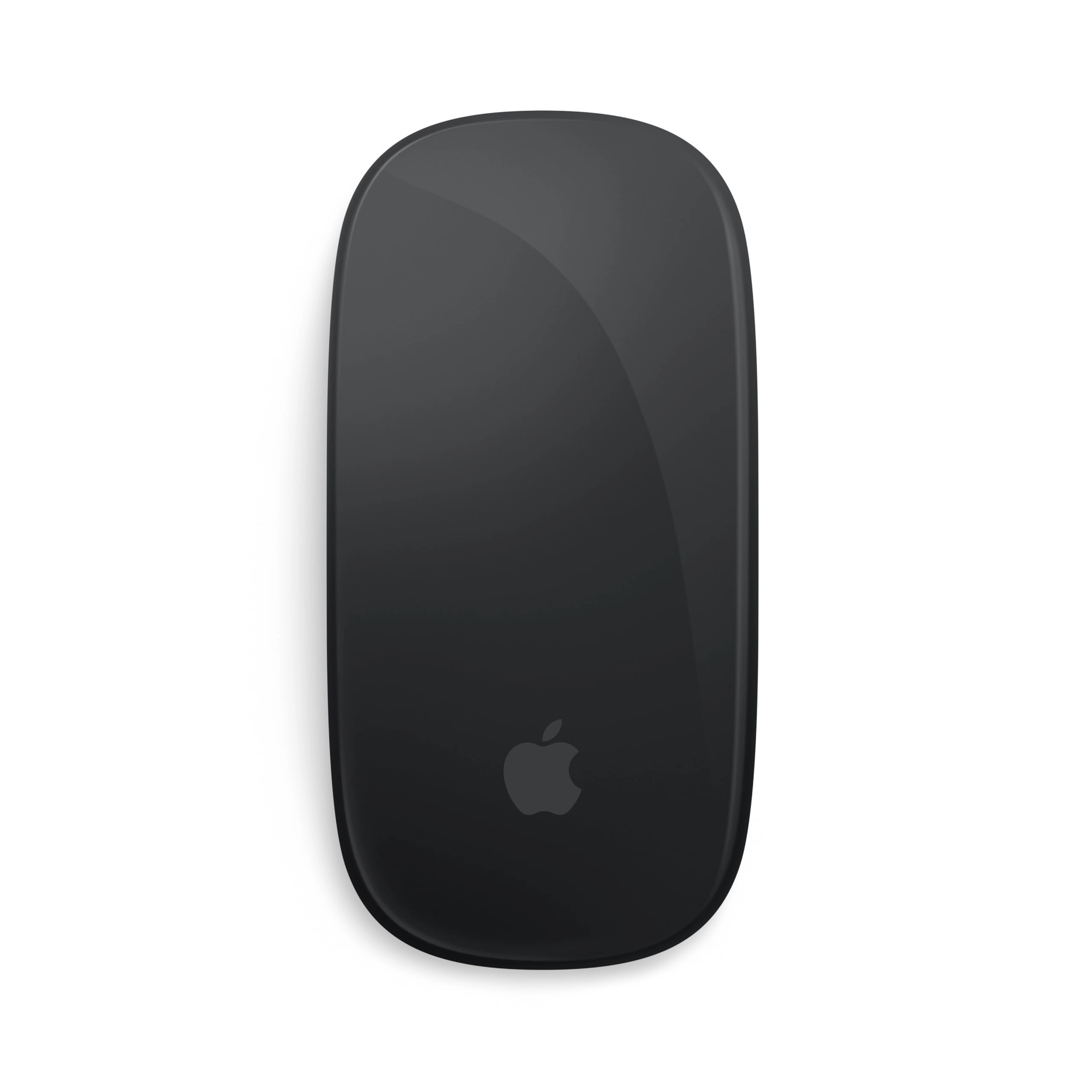
Apple Magic Mouse 2 - Wireless

Apple Magic Mouse 2 - Wireless

AED
24900
41 offers
-34%
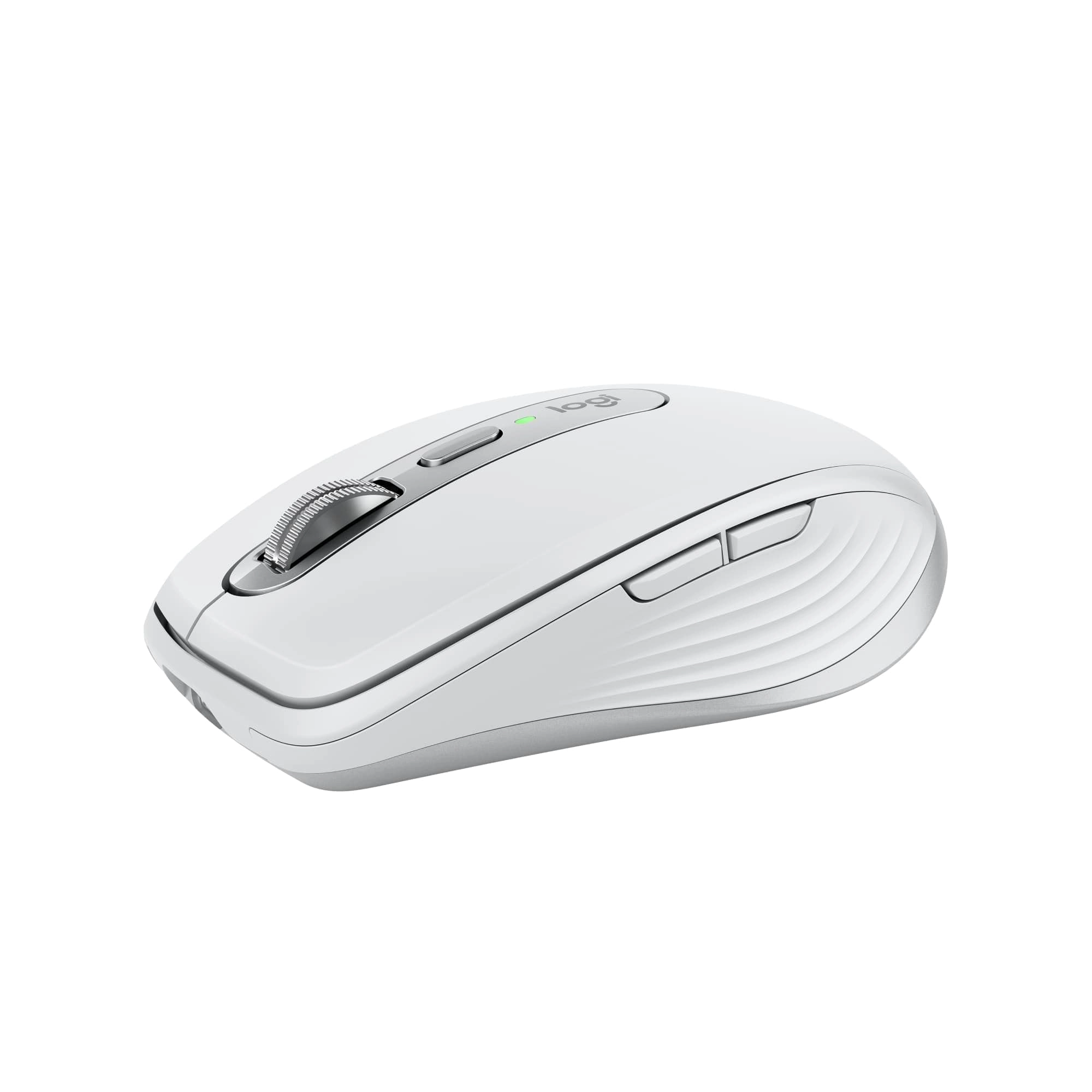
Logitech MX Anywhere 3S - Wireless

Logitech MX Anywhere 3S - Wireless

AED
34900
AED
22900
34 offers
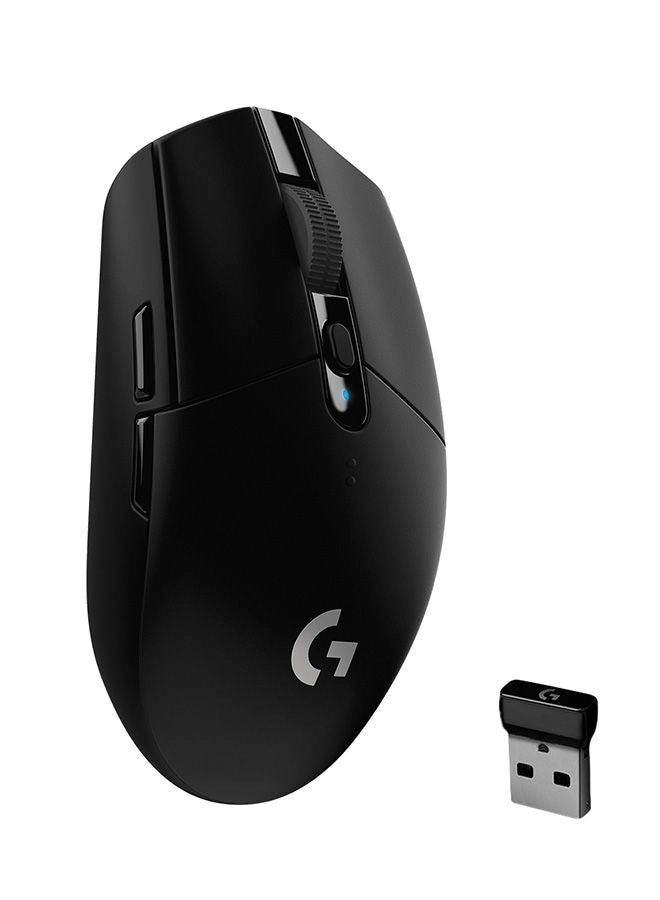
Logitech G305 LIGHTSPEED Gaming Mouse - Bluetooth

Logitech G305 LIGHTSPEED Gaming Mouse - Bluetooth

AED
15800
21 offers
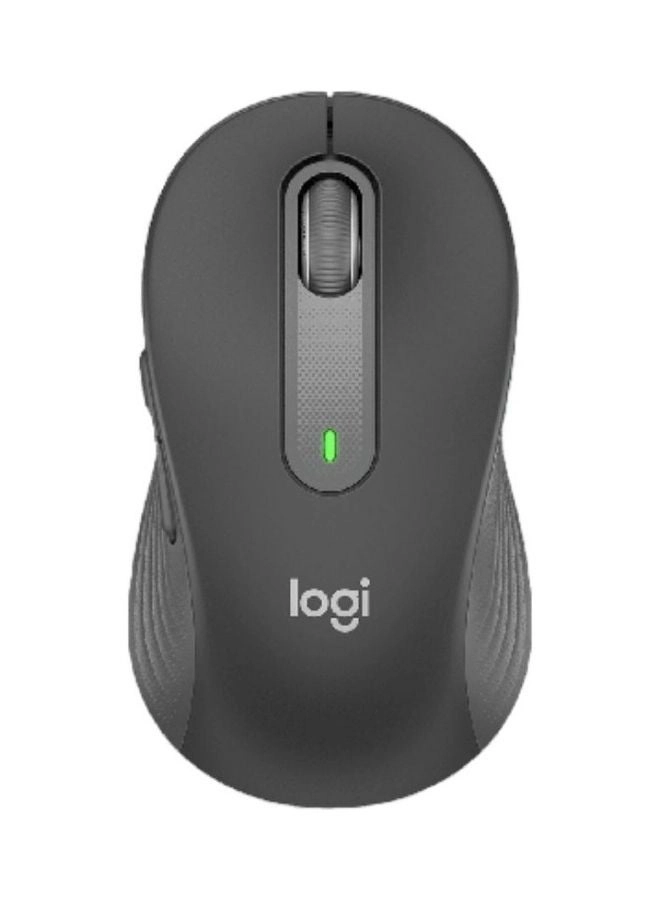
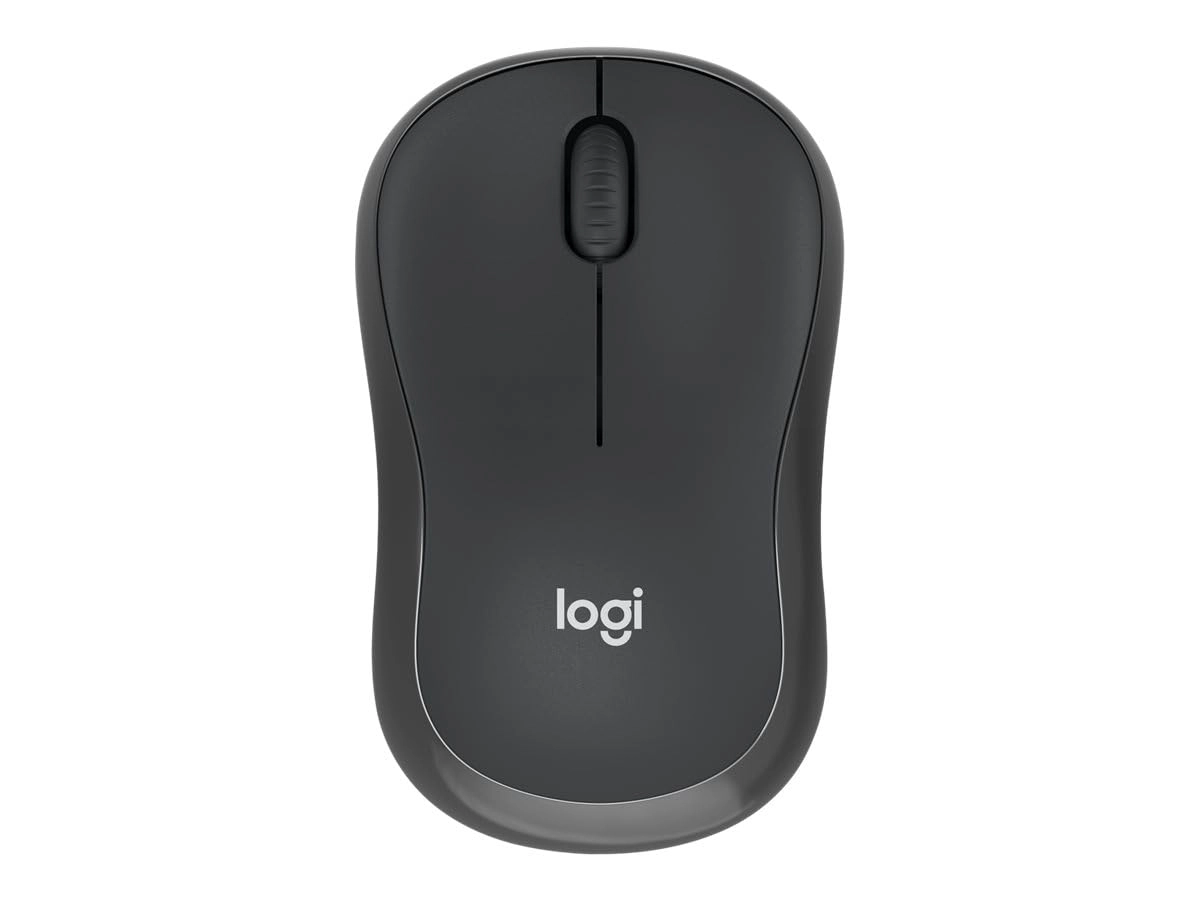
Logitech M650 Signature Mouse - Wireless

Logitech M650 Signature Mouse - Wireless

AED
9900
33 offers
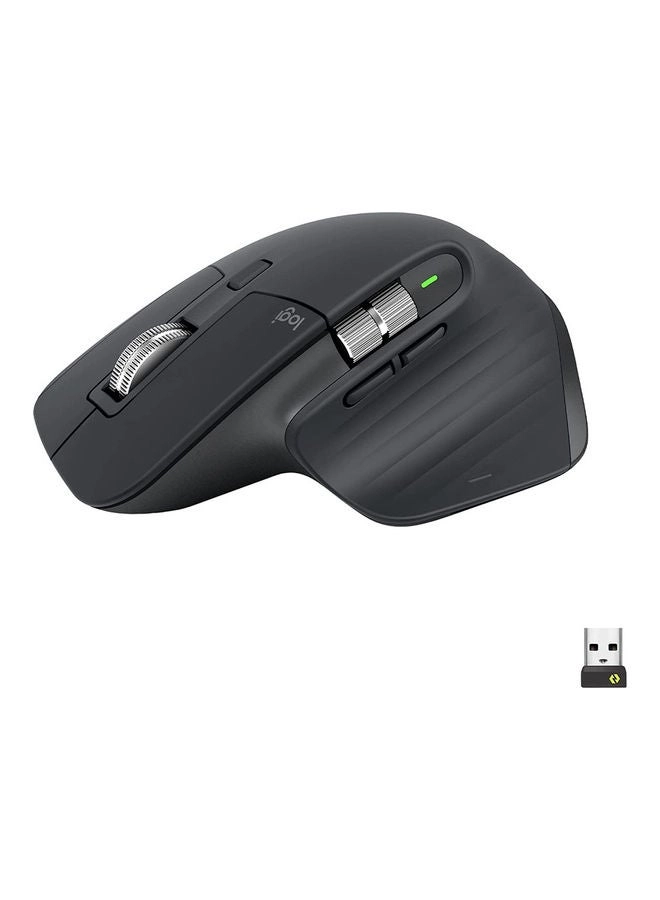
Logitech MX Master 3S Mouse - Wireless

Logitech MX Master 3S Mouse - Wireless

AED
33900
33 offers
-43%
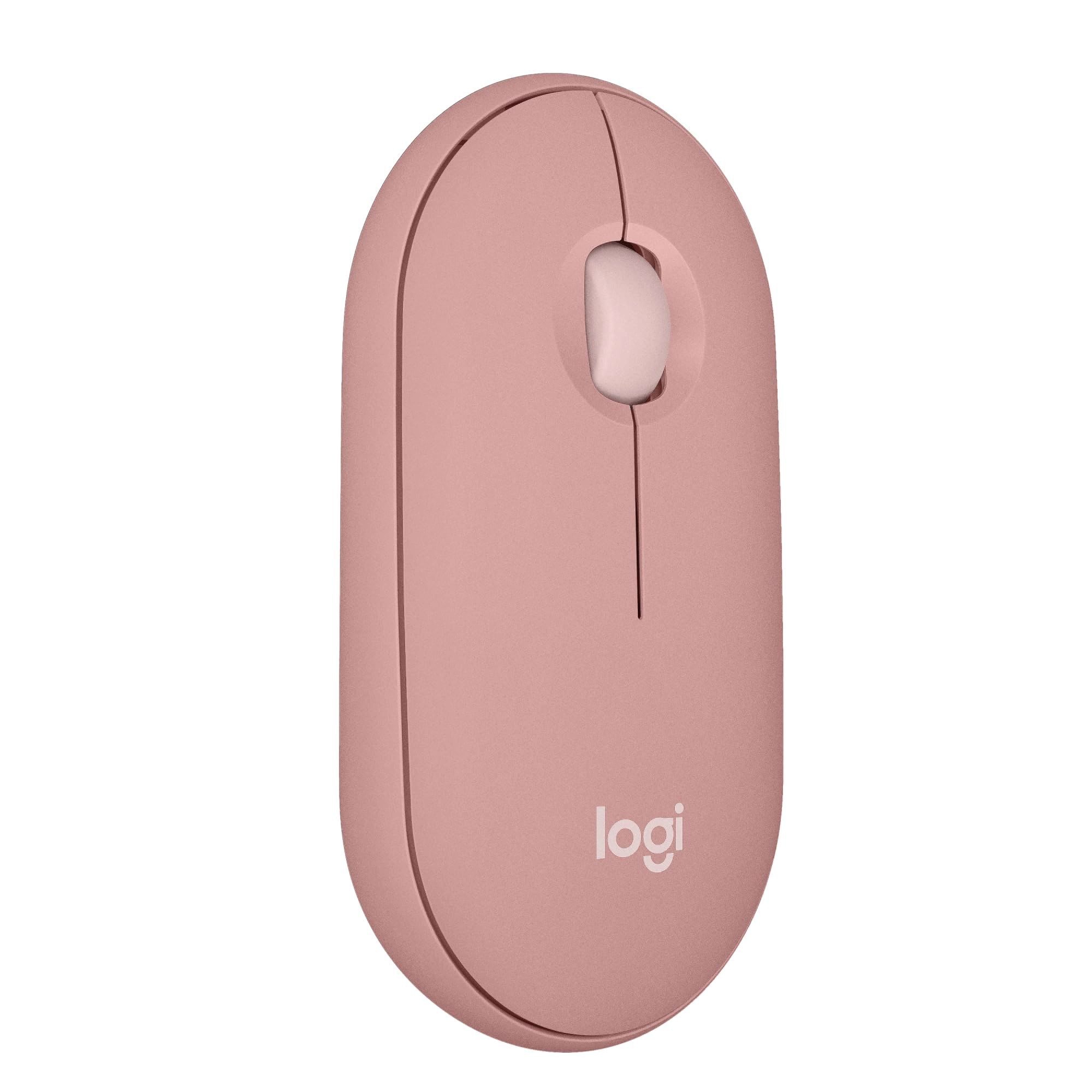
Logitech Pebble Mouse 2 M350s - Wireless

Logitech Pebble Mouse 2 M350s - Wireless

AED
10500
AED
5900
31 offers
4.7(507)
4.7(507)
-30%
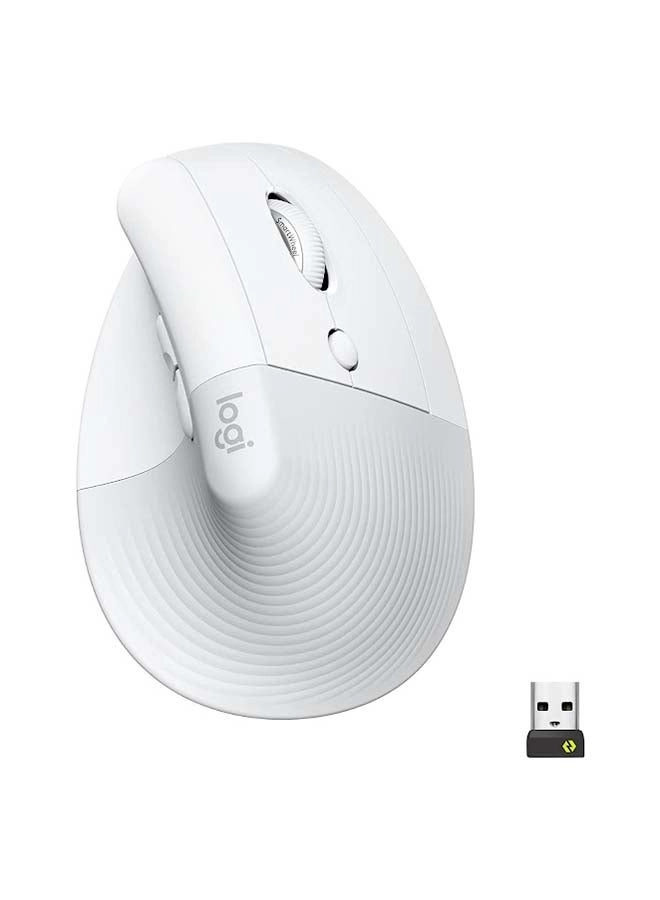
Logitech Lift Vertical Ergonomic Mouse - Wireless

Logitech Lift Vertical Ergonomic Mouse - Wireless

AED
28900
AED
20200
26 offers
-21%
Logitech M330 Optical Mute Mouse - Wireless

Logitech M330 Optical Mute Mouse - Wireless

AED
7300
AED
5750
25 offers

More from JETTA

See all
JETTA Mouse - Bluetooth

JETTA Mouse - Bluetooth

AED
10500
6 offers
JETTA Mouse - Wireless

JETTA Mouse - Wireless

AED
4169
18 offers
Loading...
Loading...
Loading...
Loading...
Loading...
Loading...
Loading...
Loading...
Loading...
Loading...
Loading...
Loading...
Loading...
Loading...
Loading...
Loading...
Loading...
Loading...
Loading...
Loading...
Loading...
Loading...
Loading...
Loading...
Loading...
Loading...
Loading...
Loading...
Loading...
Loading...
Loading...
Loading...
Loading...
Loading...
Loading...
Loading...
Loading...
Loading...
Loading...
Loading...
Loading...
Loading...
Loading...
Loading...
Loading...