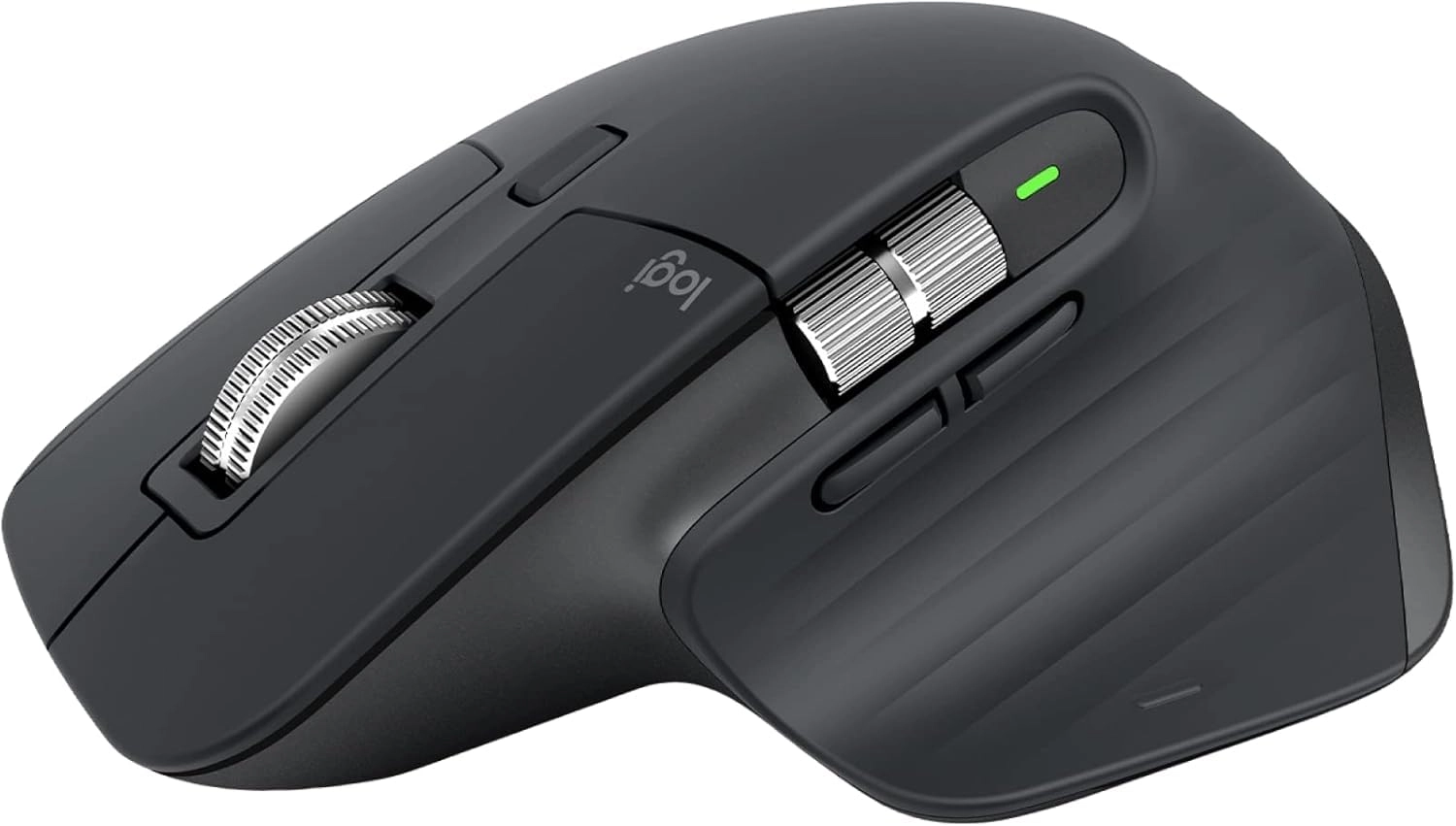
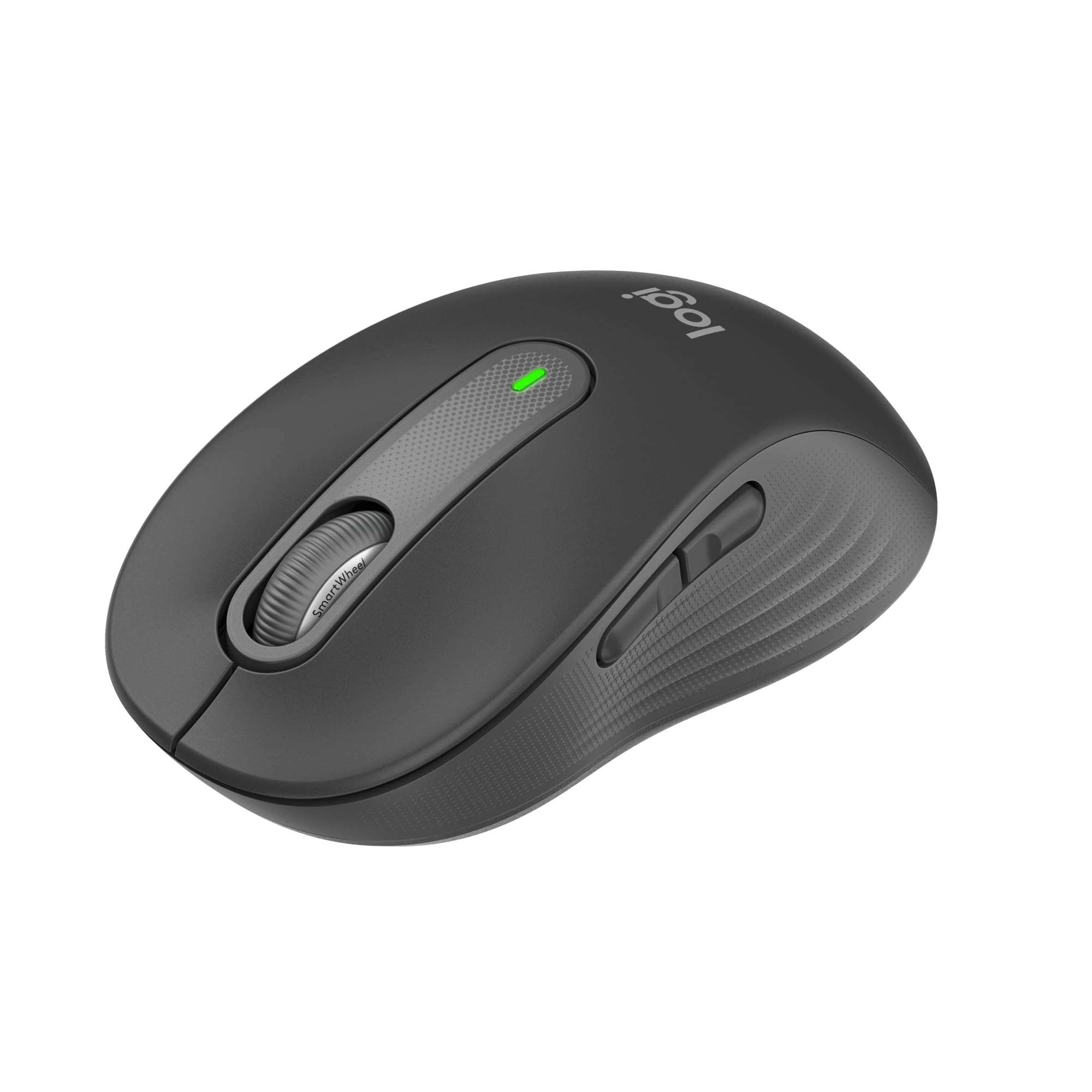
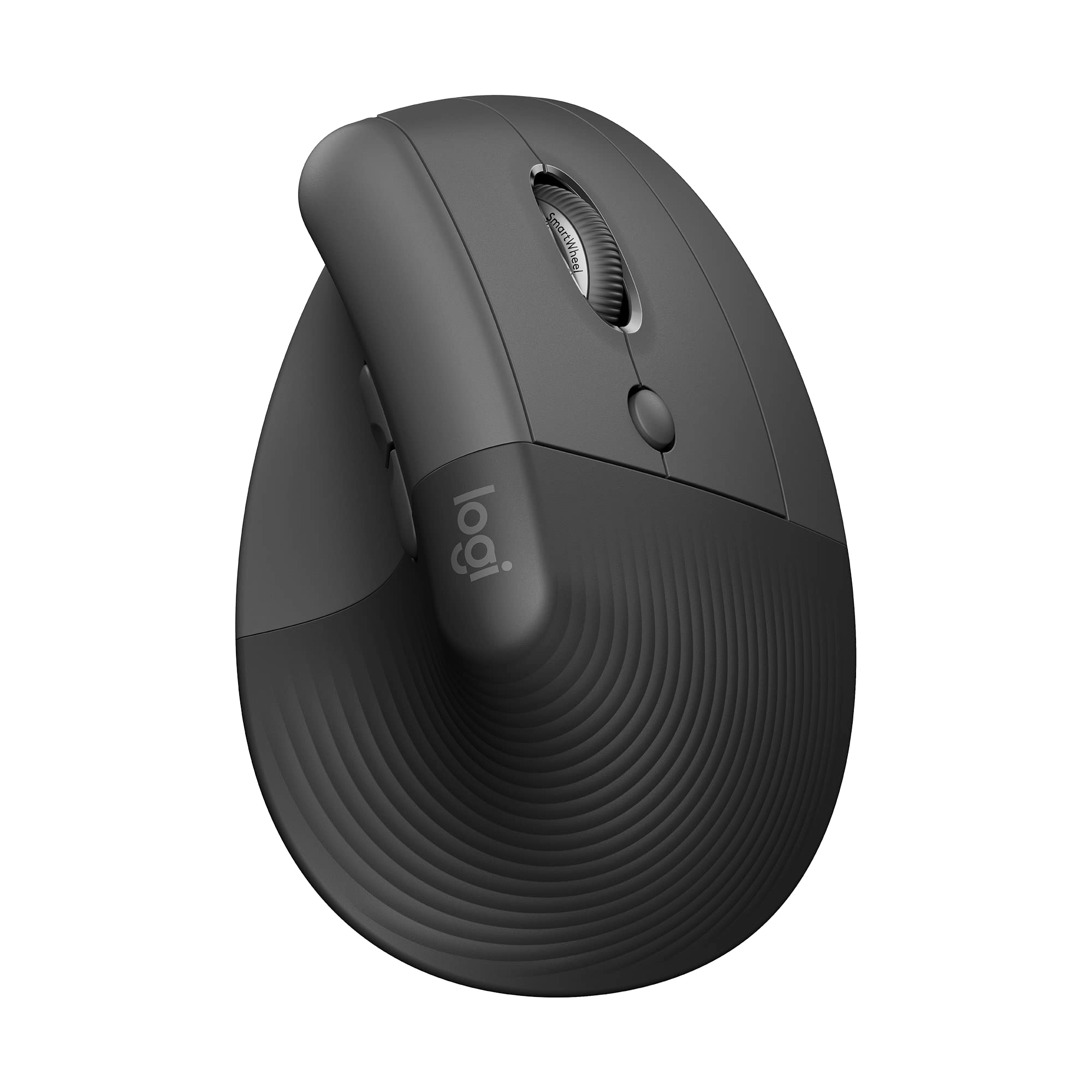
Logitech MX Master 3S Performance Wireless Mouse Introducing the
Logitech MX Master 3S – a logitech bluetooth mouse remastered.
Now with Quiet Clicks(2) and 8K DPI any-surface tracking,
suitable for use as a Windows mouse and PC mouse, providing more
feel and performance than ever before. This black wireless mouse
is an ergonomic mouse wireless option featuring a rechargeable
Li-Po (500 mAh) battery. Product details: Weight: 4.97 oz (141 g)
Dimensions: 2 x 3.3 x 4.9 in (51 x 84.3 x 124.9 mm). Compatible
with Windows, macOS, Linux, Chrome OS, iPadOS, Android (8), the
wireless mouse for pc is equipped with advanced Darkfield high
precision sensor technology. With 7 buttons including
Left/Right-click, Back/Forward, App-Switch, Wheel mode-shift,
Middle click, it serves well as a bluetooth mouse for laptop. The
Scroll Wheel, Thumbwheel, and Gesture button make it a more
ergonomic mouse that users will appreciate. Operates wirelessly
up to a distance of 33 ft (10 m)(9). Additional key features
include wireless mouse bluetooth technology and multi-device
compatibility, making it an apt choice as a laptop mouse wireless
alternative. The Logitech MX Master 3S is not just a standard
computer mouse, but an effective wireless bluetooth mouse and
cordless mouse, meeting diverse user needs.
Review: Best mouse I've used so far - This mouse is a nice
upgrade from my previous one, also a Logitech mouse. The design
feels more comfortable to use compared to the previous mouse I
was using. The thumb wheel is very convenient when I need to
scroll left or right in a spreadsheet. The left and right buttons
have a satisfying quieter sound and the metal scroll wheel is
great for scrolling quickly. This mouse has many options for
assigning tasks for the buttons depending on your needs. It's
well built, has a bit of weight to it which makes it feel more
premium in my opinion. I've only had the mouse for close to a
month, but I have not experienced any issues with it at all. The
battery life is more than sufficient in my experience, and
charging the mouse doesn't take hours. The option to connect via
the USB connector or Bluetooth makes it easy to use on multiple
devices, up to 3.
Review: Finally decent scrolling on Windows - Pros: Scrolling 5/5
-Scrolling on Windows has always be light years behind Mac - even
when using a track pad on Windows vs a stepped scroll wheel, the
scroll feels jerky and inconsistent while Macs always feel
buttery smooth and fluid no matter what device you use. This
mouse with the scroll wheel in free spin "MagSpeed" mode is the
closest I've ever felt a Windows machine scroll like a Mac. It
really is super nice. I almost never put it into the stepped
mode. I see a lot of comments talking about inconsistent
scrolling on this mouse and I cannot say I have experienced that.
For context I am using the Lightspeed connector and not
Bluetooth, which I'm sure plays a large factor with the free
spin. Let's look at the math behind that. Logitech claims
Lightspeed has a 1ms response time, while bluetooth can be as low
as 34ms but is often times more around 100-300ms. In "MagSpeed"
mode at full spin speed, this mouse will do 1000 lines per
second. So yes, for your computer to ingest those line signals
it's going to need a 1ms response rate. I am also using
Logitech's Options+ software which may also play a role in
scrolling stability. Ergonomics 4/5 -Ergonomics feel really nice
to me, but borderline too small. My glove size is between M and L
(or 8 and 9), so if you are an L or larger hand maybe this won't
work for you, but everyone's comfort is different. The thumb and
palm sculpting is really nice and fills the hand nicely
(depending on your size). The matte finish texturing also feels
nice, I just hope it doesn't deteriorate over time. Logitech
Options+ Software 5/5 -Being able to program the button map per
application is a game changer (for me) and has really improved my
work flow. DPI can also be adjusted here. Gesture Button 5/5 -The
lower thumb "gesture" button gives back Mac like gestures to
mouse users, something I sorta forgot I was missing but use it
all the time now. DPI 5/5 -I found out 8k DPI is too high for my
monitor, which was one of the deciding factors for me between
this and the MX 3. I have a 49inch ultrawide 32:9 ratio monitor
at 5120X1440 resolution, and I could feel the lower DPI of my old
mouse on this monitor. However this one set to 8k is crazy fast -
way too fast - so I currently have it set to 55% speed. Again
lets look at the math - if you have a 8k monitor, this mouse set
to max DPI is going to get from the left most side of the screen
to the right most side in just 1inch of mouse travel. That's fast
- you may find that 8K is overkill for your needs. That said,
this is all easily adjustable in the Options+ software and it
does feel WAY smoother than any mouse or trackpad I've used. I've
yet to use this on glass - I'm sure the DPI helps in that regard.
Click 4/5 -I honestly thought I wouldn't like having a silent
click feel, and I like clicky keyboards as well, but it's growing
on me. Enough so to make me rethink the type of keyboard I'm
using. Click feel and sound ultimately comes down to preference,
so all I can say is you feel the click, but it's barely audible.
Search youtube or even desertcart reviews, I've seen sound
comparisons with this mouse so judge for yourself. Cons:
Ergonomics: -The lost point above is due to size - my fourth
finger does rest on the desk, which was true of my previous mouse
as well so I'm used to it but the experience would be better if
there was a rest point or wing on the right side of this mouse. I
don't know, this is again preference and hold style but for me I
think I would have given a higher score for ergonomics if my
pinky didn't touch the desk. Click: -Still on the fence on how
silent the click is. Feel is good, sound is... well not there. So
if you're used to a satisfying click sound this is going to be
jarring. Update 4/13/2023 Custom Button Functions by App Glitch:
When you use the Logi Options+ software to customize how the
buttons function by app, sometimes there are glitches. It's not
often, may happen once or twice a week, but it seems to forget
how to behave from one app to another, and use the incorrect
customized settings for the buttons. While mildly annoying, when
I open up the Logi Options+ app, it seems to remember again
immediately, or if I'm patient enough it will resolve itself
after a few minutes without opening the Logi app. Probably a bug
that occurs somewhere along the lines of app switching and having
many windows open.