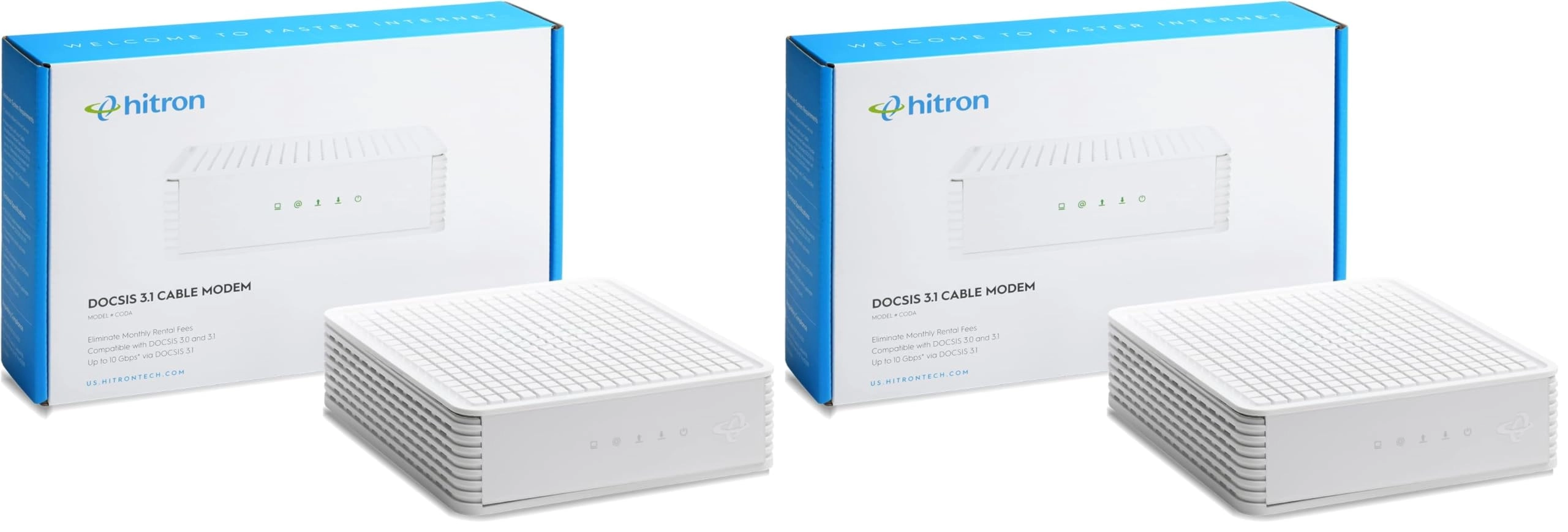
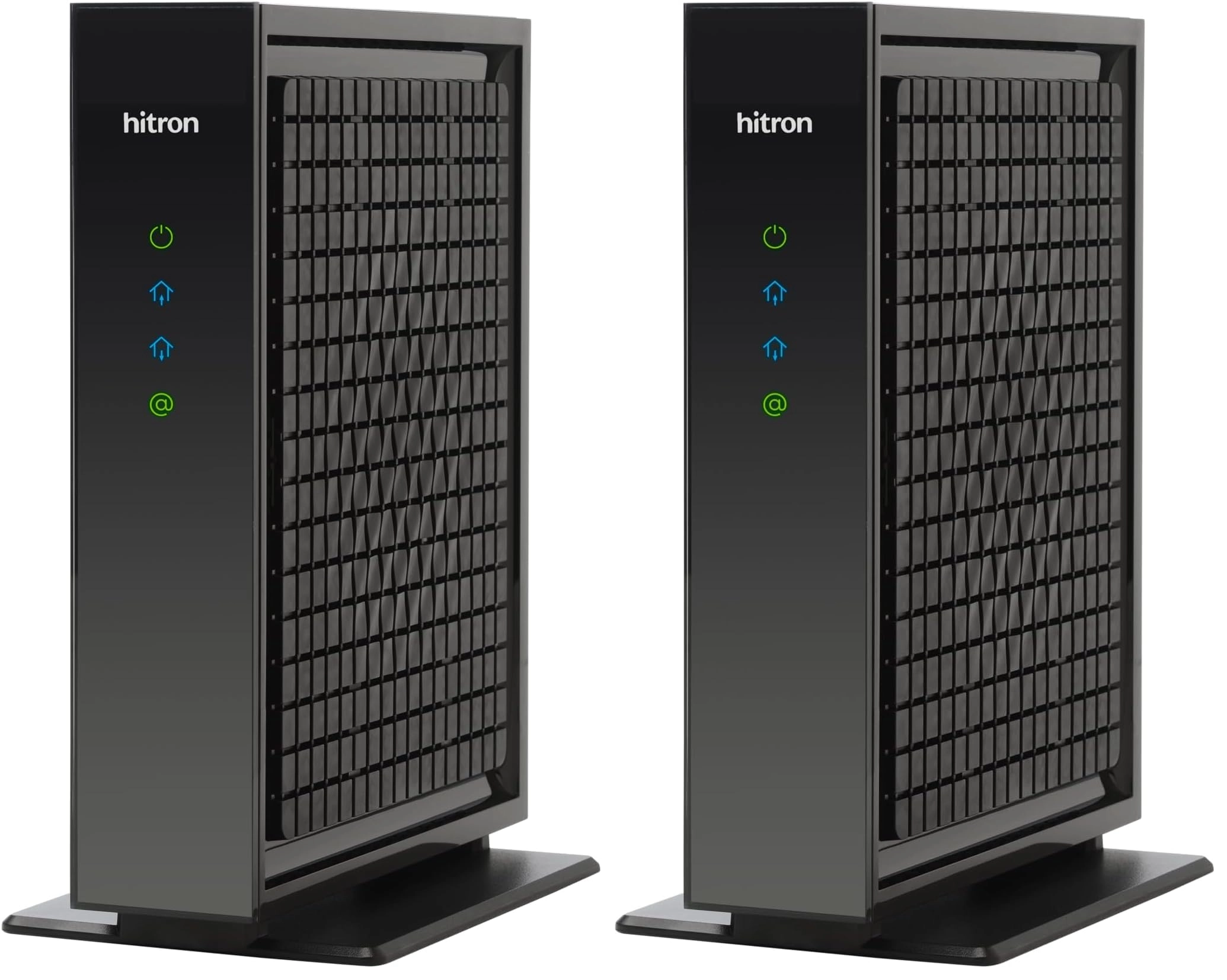
If you're looking for the best possible speeds available today,
look no further than the Hitron CODA docis3.1 cable modem. These
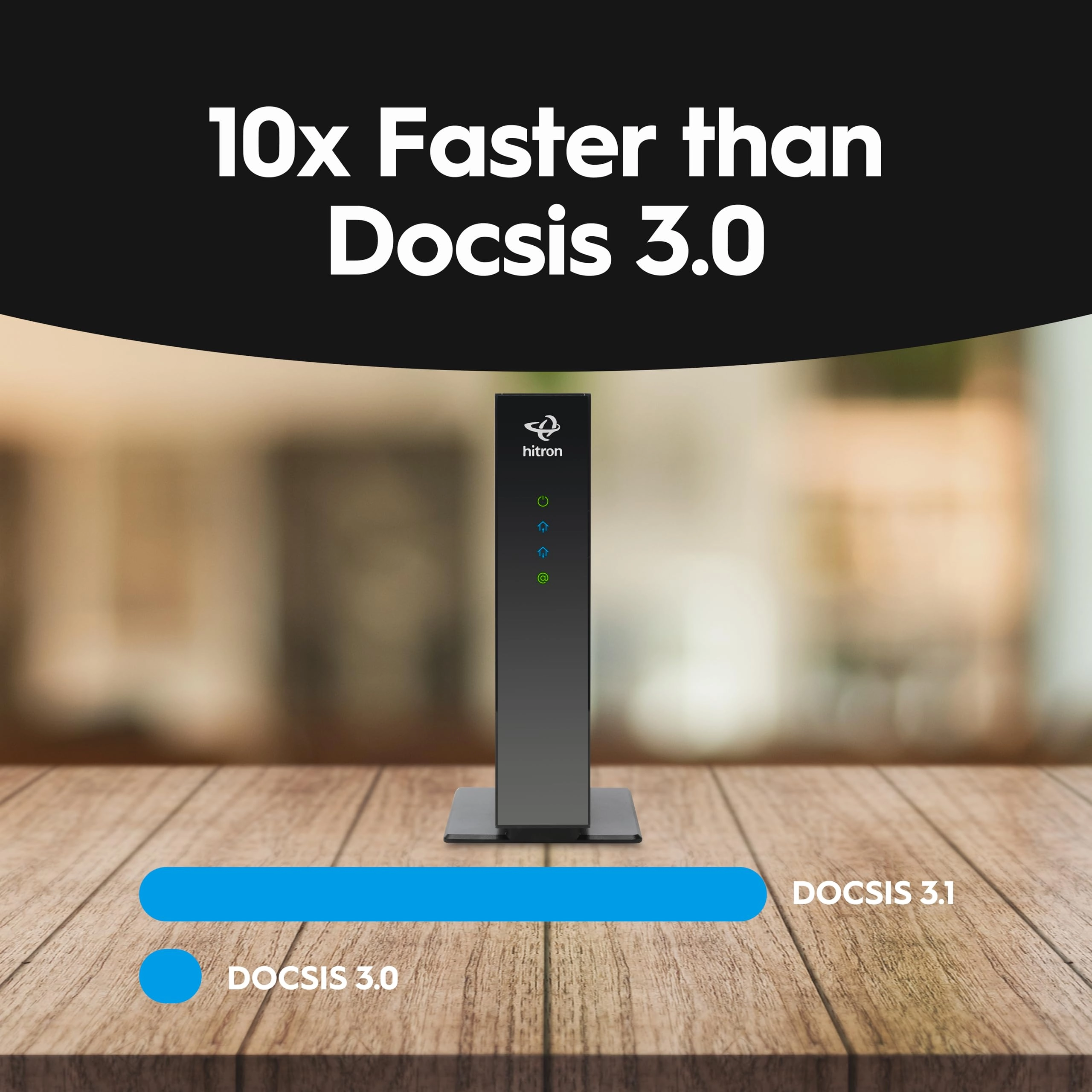
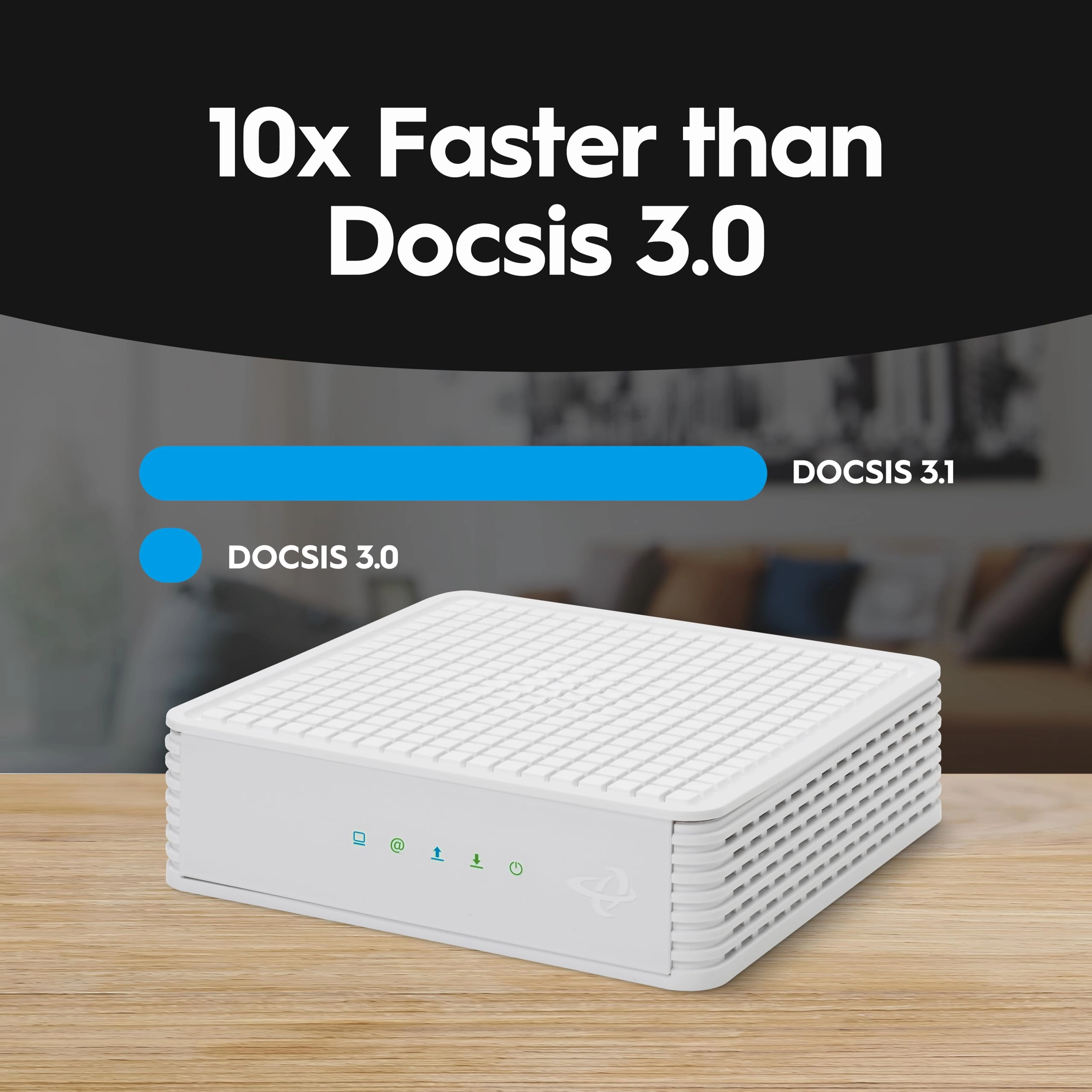
computer networking modems can reach download speeds of up to 10x
faster than DOCSIS 3.0, making them perfect for streaming HD
video, gaming and more. They also come with two 1 Gbps Ethernet
ports, so you can easily set up a home network. And with its
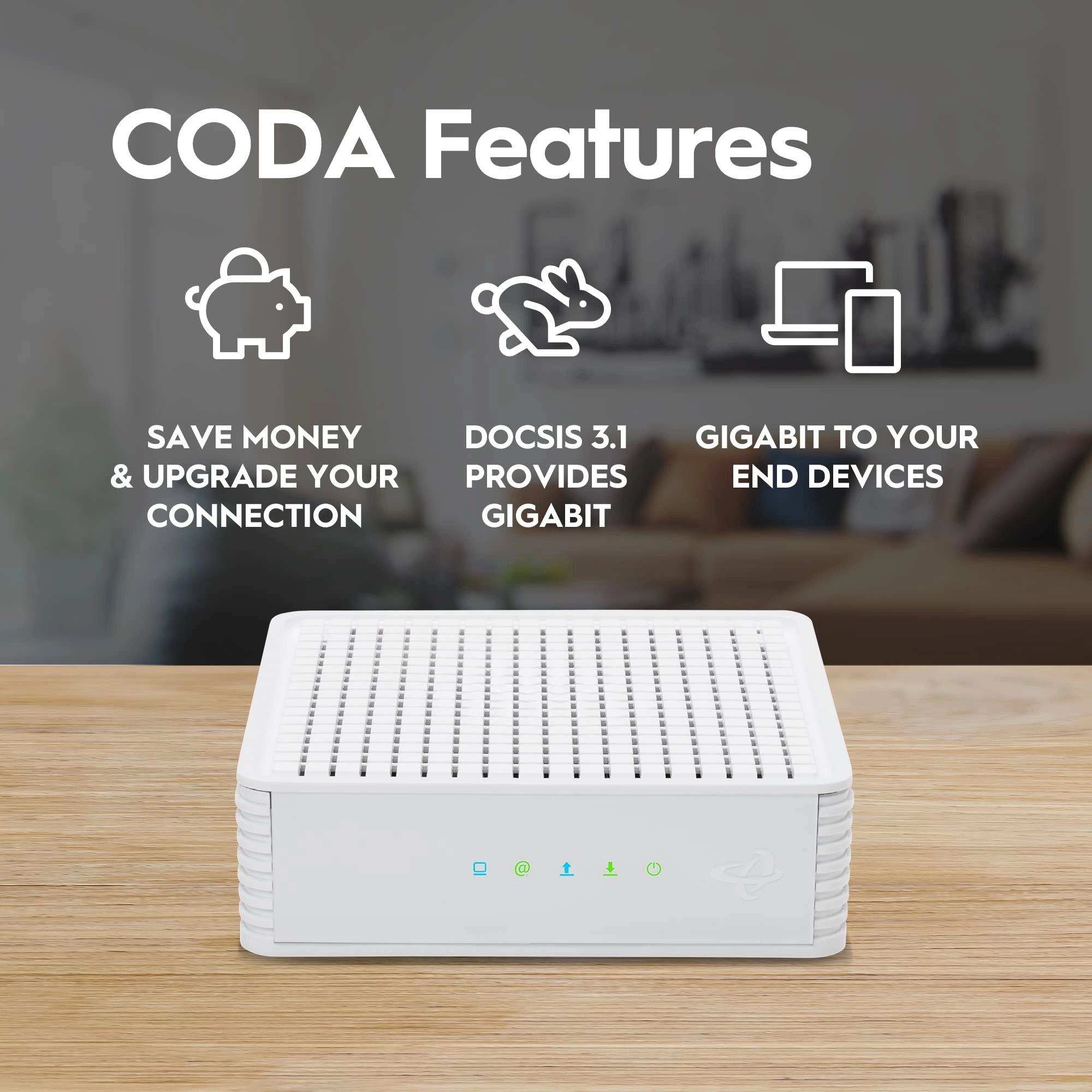
sleek design, the CODA will look great in any home. SAVE MONEY &
UPGRADE YOUR CONNECTION: Save up to $168* per year when you
purchase your own docsis 3.1+ modem and eliminate monthly modem
rental fees. Your Hitron modem is what sits between you and a
great connection with your Internet Service Provider. With the
latest in DOCSIS 3.1 technology, our Hitron CODA gigabit modem
enables you to achieve the best Internet connection. Choose
Gigabit speeds and save money, all at the same time. APPROVED by
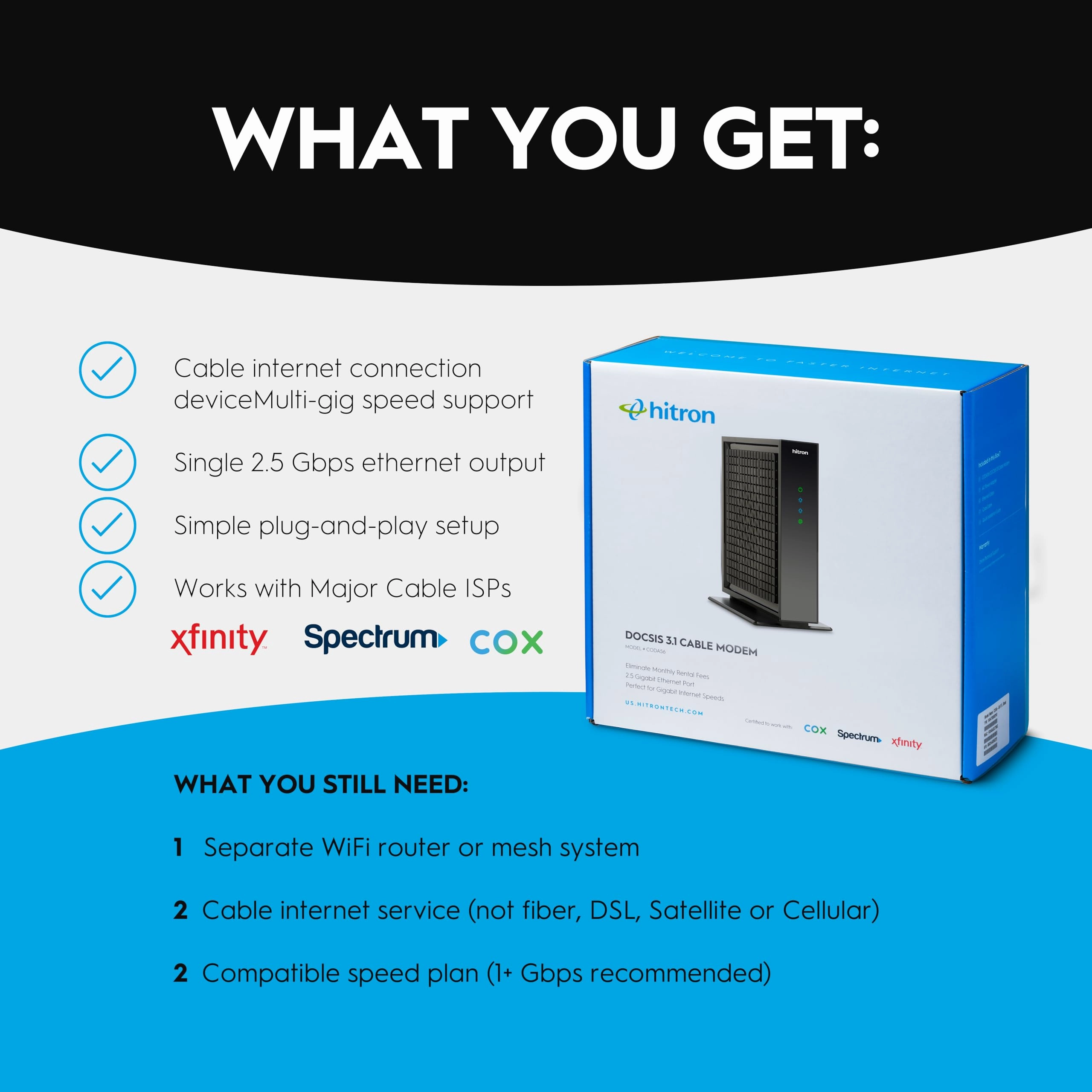
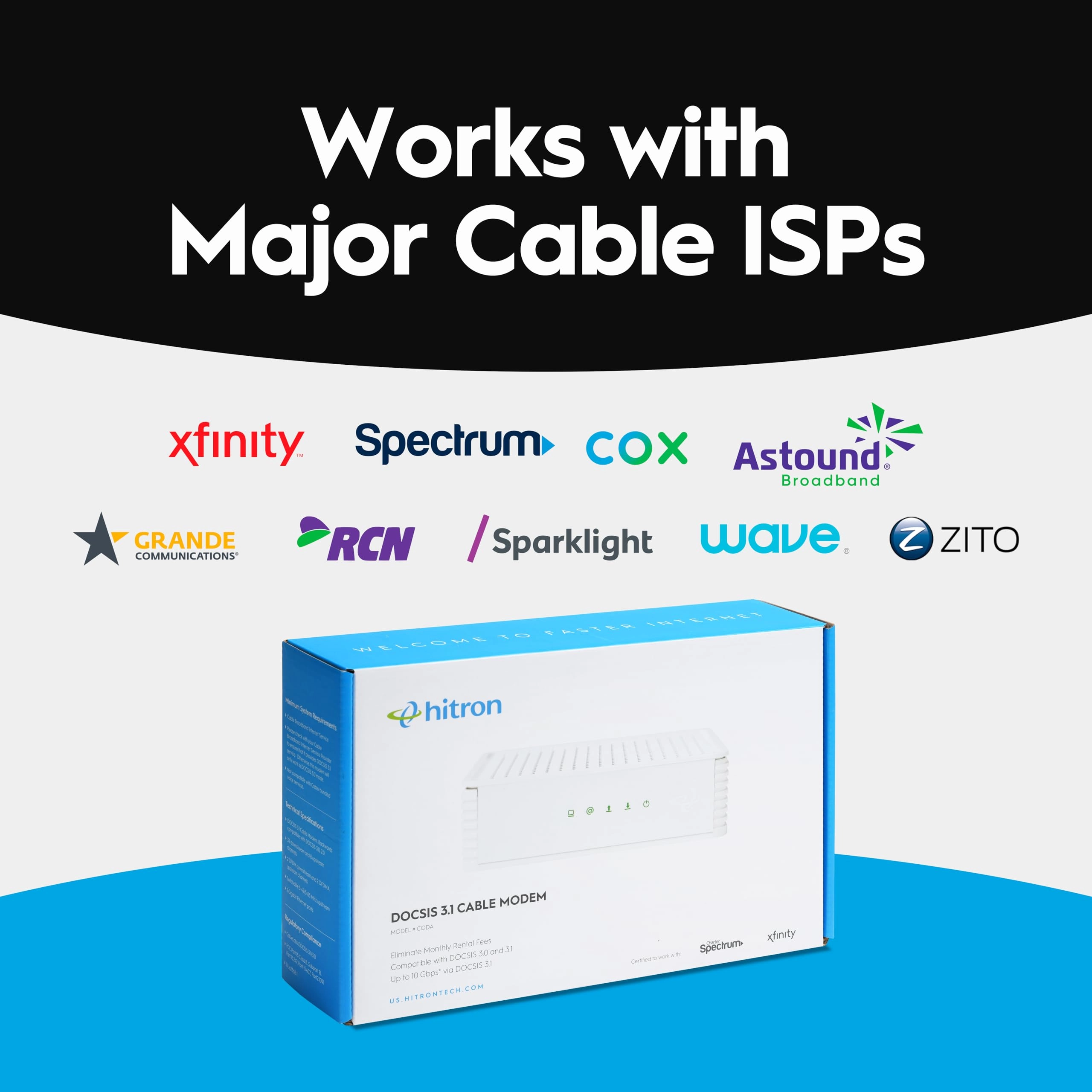
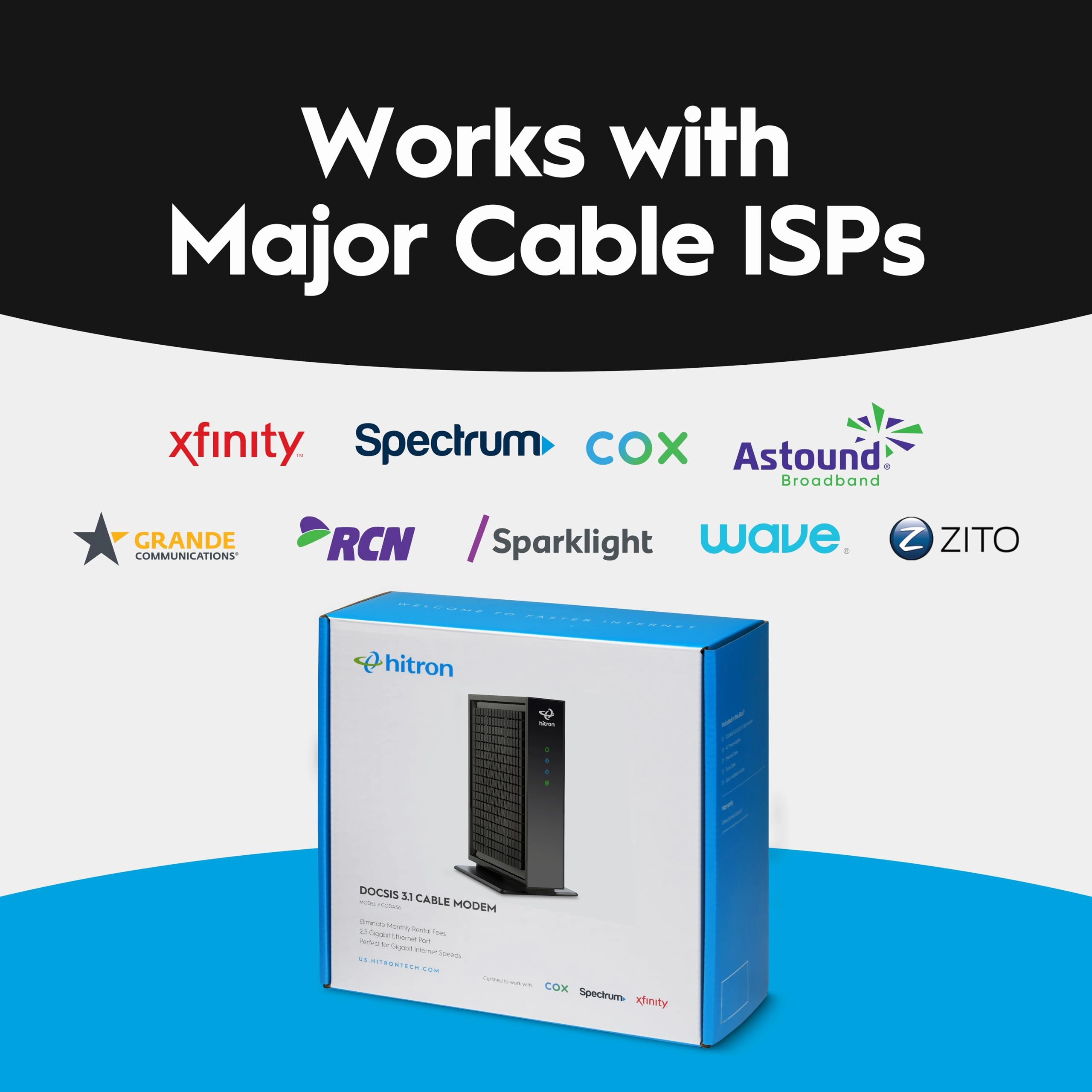
XFINITY, SPECTRUM, COX and ZITO Media: The Hitron CODA docsis 3.1
cable modem is approved and certified by Comcast Xfinity, Charter
Spectrum, Cox Gigablast and Zito Media. Always check with your
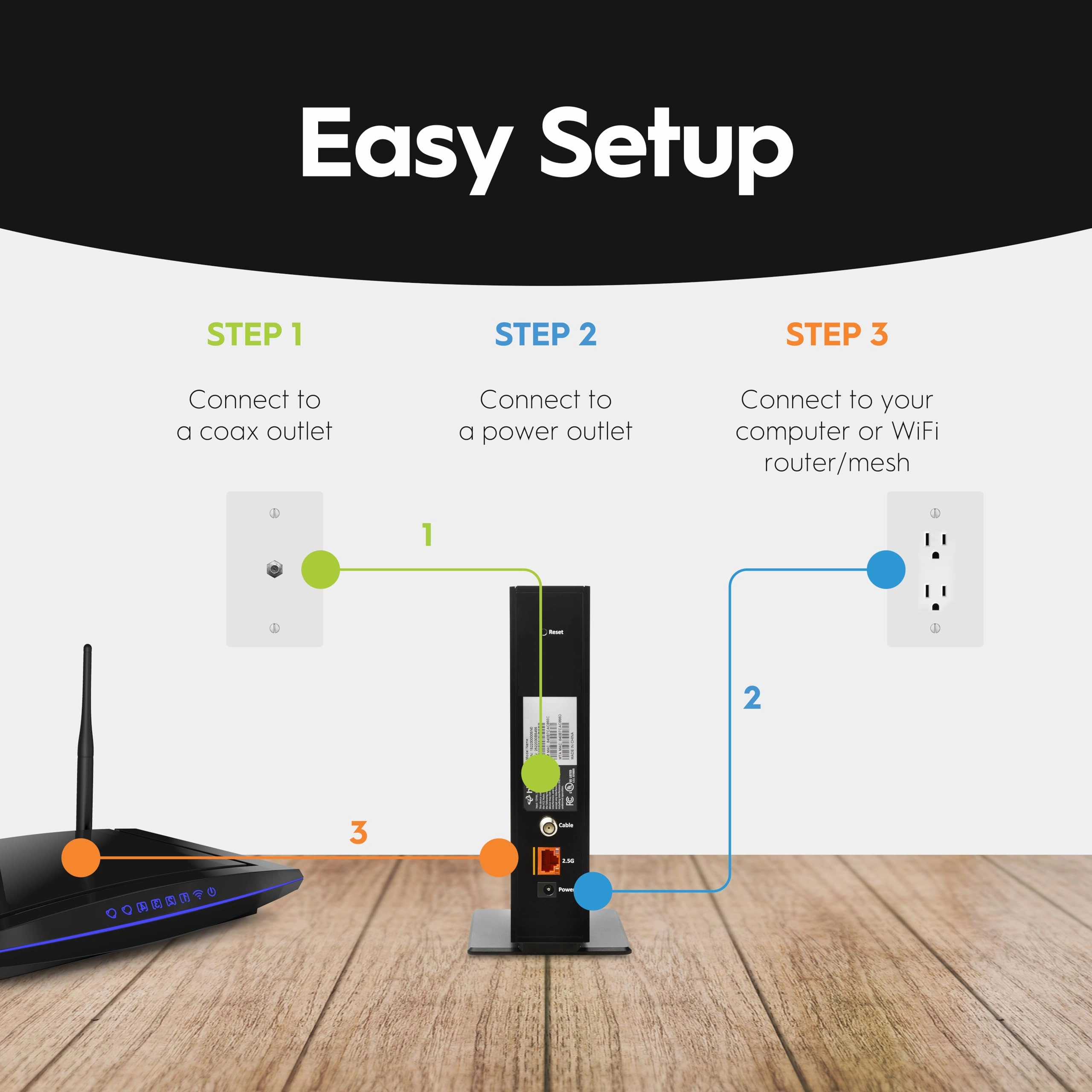
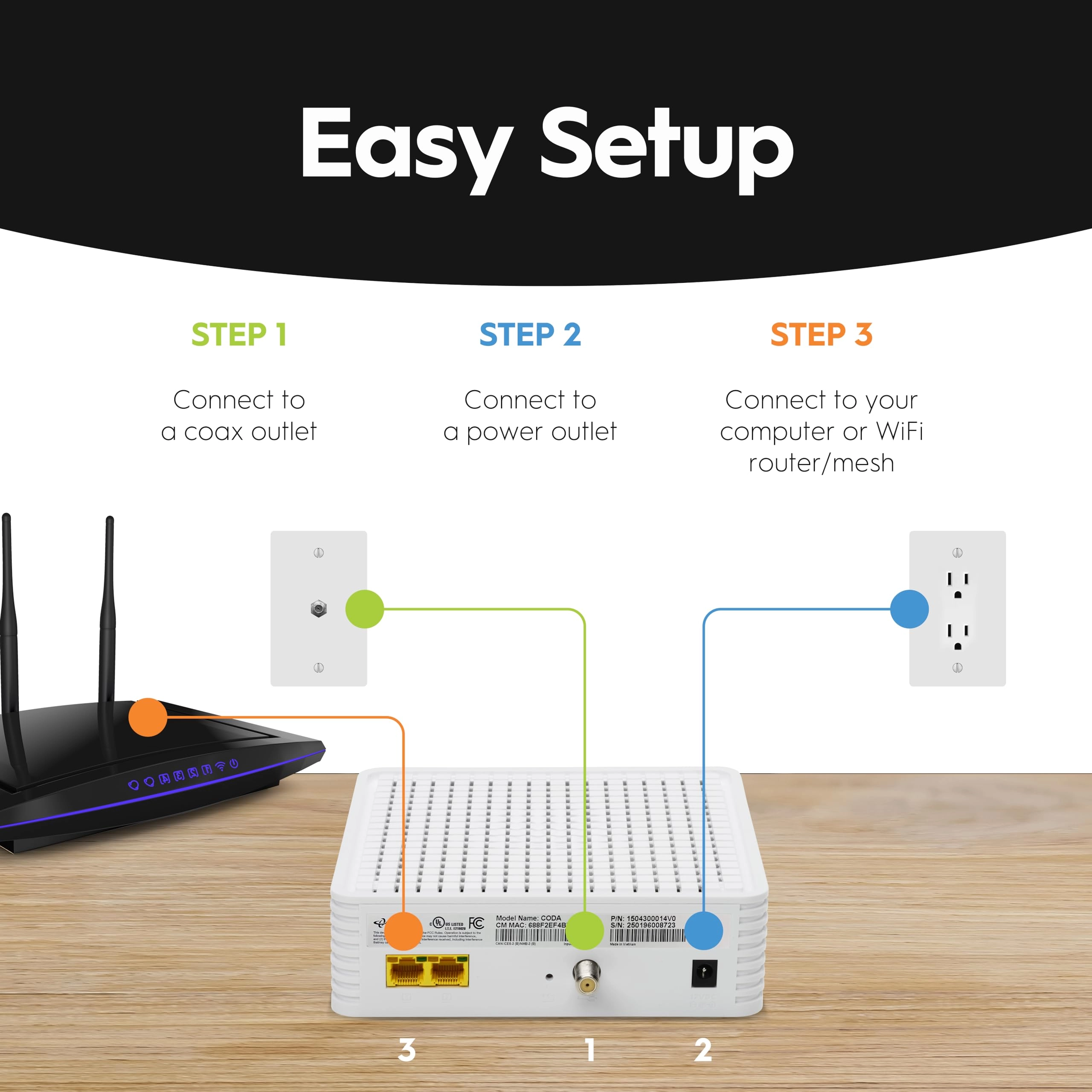
cable Internet provider before purchasing a modem. EASY TO SETUP:
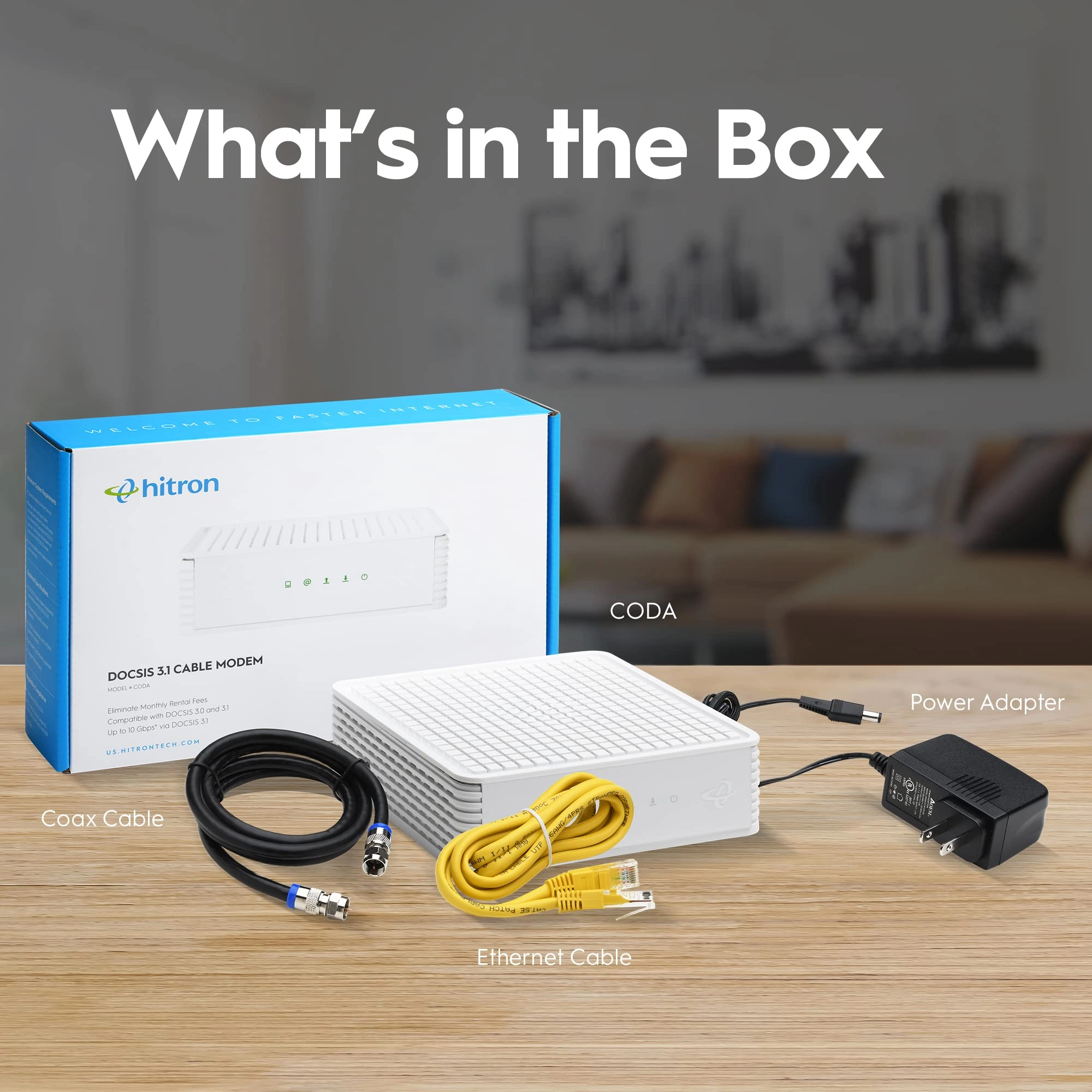
Works right out of the box and sets up in 3 simple steps: 1. Plug
in the coax cable to an active cable outlet; 2. Plug in the power
supply to a power outlet; 3. Plug in the Ethernet cord to either
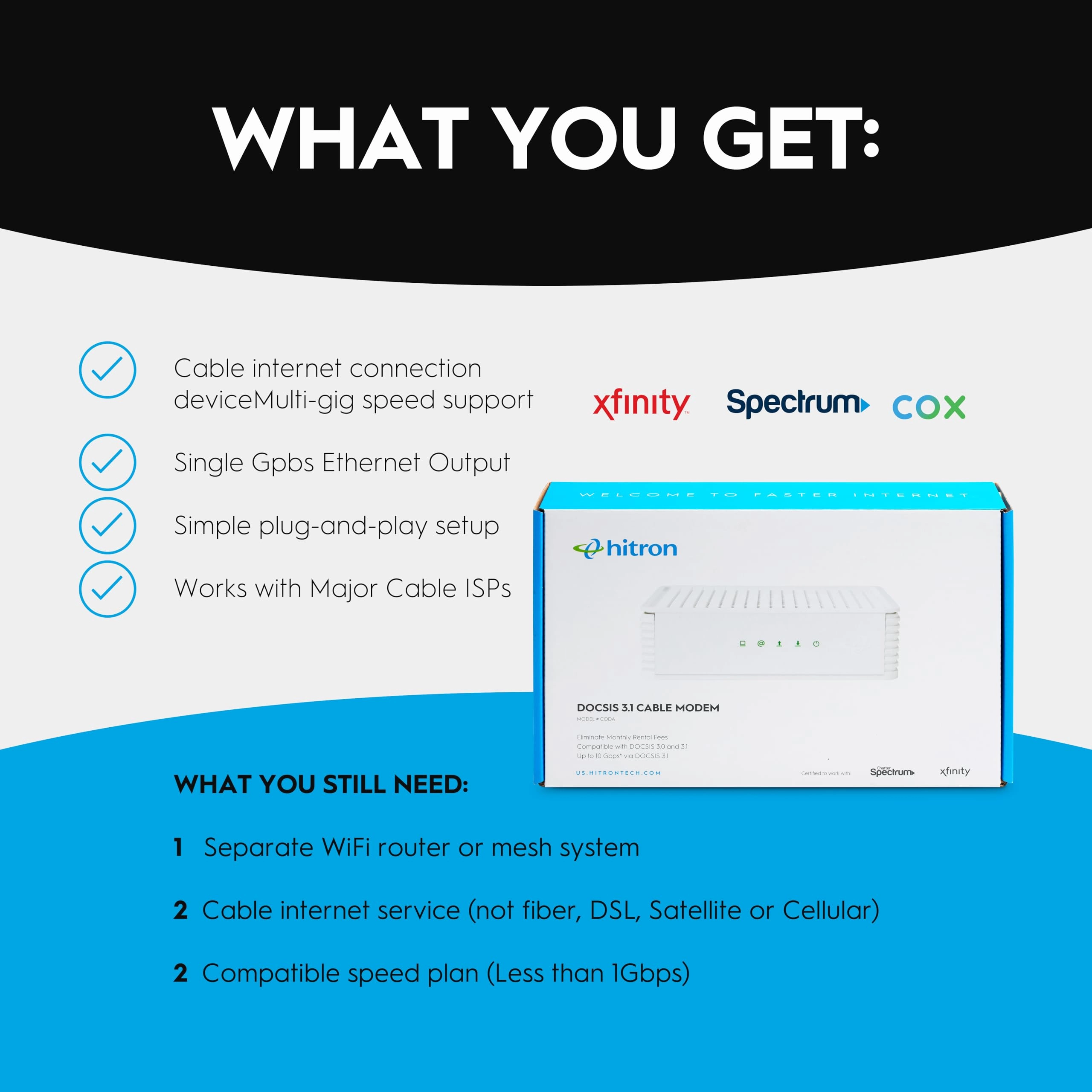
your computer or a router. SUPPORTS CABLE BROADBAND PLANS UP TO 1
Gbps: With this 1 gig cable modem, your home is ready for your
broadband cable provider's fastest speed plans today and tomorrow
to future-proof your connection. Get extremely fast speeds,
performance and reliability to fuel 4K ultra HD video streaming,
high-speed online gaming, faster downloads and more. GIGABIT TO
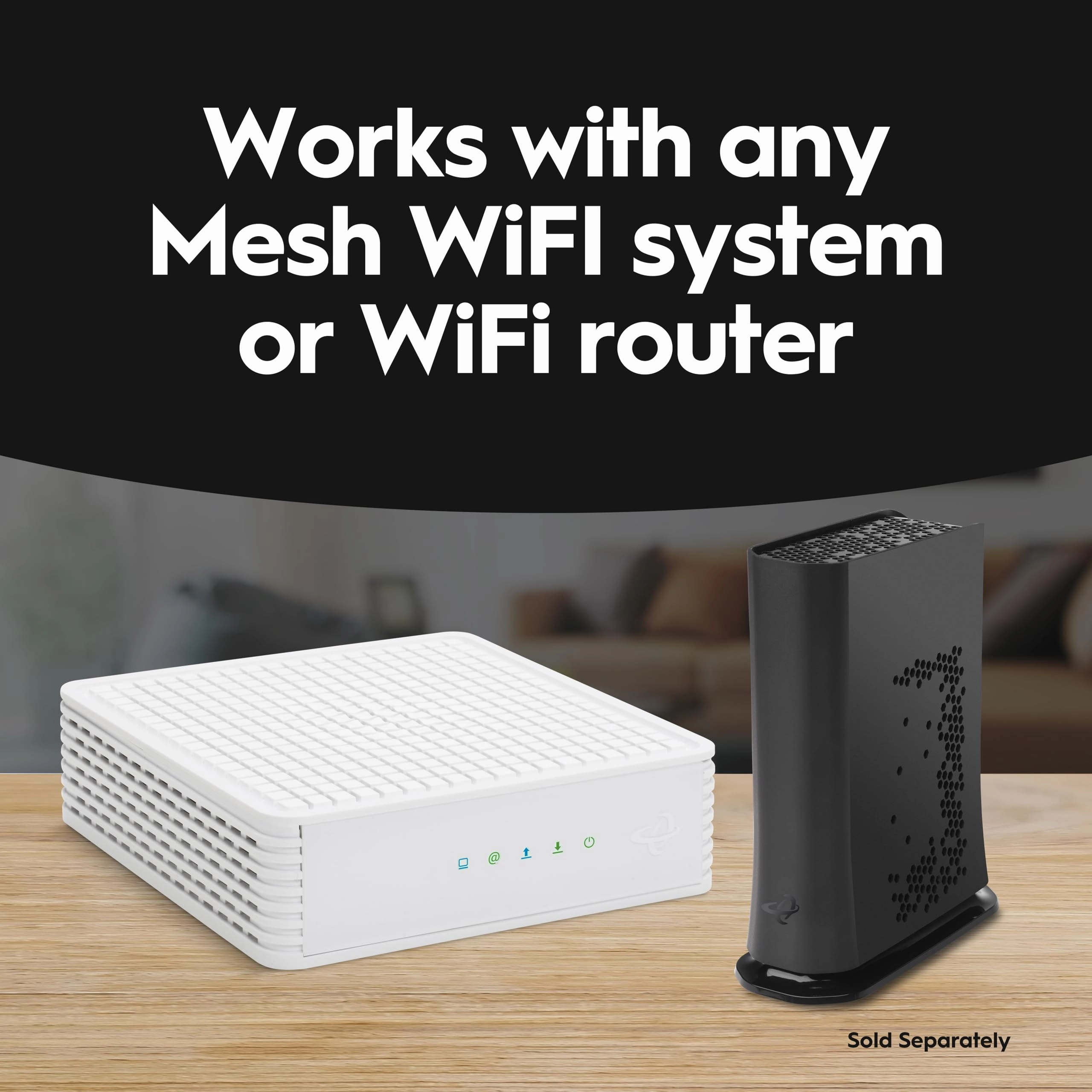
YOUR END DEVICES: With two (2) Gigabit Ethernet ports*, this
cable modem docsis 3.1+ provides extremely fast wired speeds to
any Ethernet device such as a separate WiFi router, WiFi mesh
network, computer, video streaming device, gaming consoles and
more.
Review: The best of the best Docsis 3.1 - OK, with everything
being working from home these days, online shopping and bill
paying, researching, news, TV, and so on, I had a real need for
speed and although my ARRIS Docsis did the job at almost 100
Mbps, it was not cutting it with seven high speed computers on
routers and switches and one coaxial cable at high speed from
COX. I signed up for high speed at COX but was not getting it.
The issue was Docsis 3.0, cannot handle the new standards. So I
did all my research from high prices to renewed, and found that
the new guy on the block that seems to make only a few products,
mainly the Hitron CODA56 Multi-Gigabit DOCSIS 3.1 Modem | 2.5
Gbps Max modem, seemed worth looking into. It wasn't the highest
price, so I was suspect a little, but do not go by price alone.
So I do reviews. The reviews were outstanding. A few reviews were
a little down but I now know why. This is why I think some are
having problems, not with this one, but all others as well: When
you are upgrading speed, the latest standards are just not
important, it is vital. If you keep the older Linksys SE1500
switches and router that runs at the 10/100 speeds, which were
wicked fast for the times, you will stay at that speed. So,
here's my biggest tip. Make sure all your older switches connect
your scanners, printers, and peripherals that do not need that
much, no need to discard the switches and buy all new GB switches
and routers, just use it for peripherals. Also, with APC power
containers in event of power failures, any switch lines going
into it need to be taken out unless you have the newest models
because, as I found out the hard way, it will limit you to the
older standard. You can still use the APC without the lines or
buy a new APC. Now, if I haven't scared you, it is really dead
simple. Take the time to get the information, most of it is given
to you along with the MAC address on the label on the box itself
and call your ISP, and as long as you have done all the
connections to your modem, just needs to be switched on and a
competent ISP person will walk you through. Ours is COX. I know
this model favors Xfinity of Comcast fame, but this model works
with the most major carriers I have ever seen. That being said,
most all the reviews were for Xfinity. I found you also need to
use a tool and make sure the cable from the ISP is securely
screwed on. Well, mine is a COX ISP, so all those that would like
to know, COX is the catch up company still growing like lightning
all over the country and for good reasons. They do mostly direct
connects. Not all this wireless 5G do anything is all that
reliable I believe. Anyway, I like direct hookup to cables for
reliability. You hear all about wi-fi drilling a hole in your
head. I believe it. So, I use routers and connect a TP-Link with
an on/off switch, not expensive, and can connect a wireless for
when I need it, even a travel wireless by ethernet or USB, but I
can put it off to give my home a peaceful feel without wireless
running except for when needed for laptops and kids. Shut the
wireless off, shut the kids off, lol. When the router is GB and
switches are GB and modem is GB, you have it made. It is as
simple as that. Now it would have taken me about 30 minutes with
COX to upgrade but I made all these mistakes I just mentioned
here. I mentioned it in the hopes you will not make the same
mistakes I made. Even with my mistakes you can learn from, it
took me about 3 hours to get seven computers running. As a side
note, don't fret your printers, drivers, windows, or setup. It is
just upgrading your speed. You can always put your old modem back
if you have to but I see it as the worse thing that can happen,
or most likely, is your speed doesn't change. In that case, you
will have your new modem running but using the older speed. Don't
panic. There is some switches or routers that are older causing
the speed not to increase. For all the new first timer setups, no
problem, you will have all the newest stuff. This is just tips
for us older timers, lol. Also, check your plan with your ISP. It
may not be the higher plan. This is the best router I have ever
seen that in this online world and it should not mean a
technician will have to come to your home and pay $75 an hour or
more. Buy this modem. It will pay for itself in less than a year
without having to rent it from your ISP monthly charge. It works,
it is brand new, and not refurbished with some renewed ones from
desertcart even cost more on some of the more famous models.
Always look at the number sold in a month, how RECENT the reviews
are, and the product itself how many ISP's they support. I am
sometimes in CT and live in RI and if I move, this modem handles
so many different ISP's, that it can go with me and even for
remote, I will never need 2.5 GB speed when I was getting along
with just 100 Mbps. Now 1 GB modem speed is all I will ever need
but nice to know if I need to download or upload a huge amount of
data that I can up my speed with COX to 2.5 GB. Just like the old
axiom, you are as strong as the weakest link, so remember with
online website and cloud stuff, you are only as fast as the
server you are on when in the cloud and, of course, assuming you
have a decent speed computer. I highly recommend the Hitron
CODA56 Multi-Gigabit DOCSIS 3.1 Modem | 2.5 Gbps Max modem. I
took the time to write this because this Hitron company is
running a huge discount right now, I think 43% at this time I
bought it, cheaper than most. So, for cheap, I wasn't sure I
should buy it, the you get what you pay for. In this case, this
is a quality item and better than the pricier ones I believe,
else I would not right this review. Mostly, it is so a few of you
reading this not to make my mistakes. Upgrade your routers and
switches, all should run at GB speeds first. Then call your ISP
and connect your MAC address. In fact, they give you the number
to call and it is the only one for any price I could see that
claims it can handle 2.5 GB speed for the price. Hey, it's
desertcart, don't work, can send it back. I ordered this modem
last night, got it today around noon time and on a Saturday!
Can't beat desertcart! Hope this helps anyone thinking of buying
this model, 5 stars in my book.
Review: Value buy for Xfinity/Comcast and their new upload speeds
- TL;DR: 1) The CODA and CODA56 seem to be the best price/value
buy for Comcast/Xfinity in 2024 2) Comcast/Xfinity certified for
their new improved upload speeds (100 and 200 Mbps, up to
~455Mbps) 3) Easy install via new Xfinity app (no interaction w/
CS needed (yeah!!!) 4) Shaved off 5-6 ms in ping times on my end
for both wired and wireless connections with only the cable modem
swapped 5) Stable! Long version: So far so good, it's been
running 72h so far. I had a very stable setup with the Netgear
CM1100 cable modem (excellent as well) and did not really need a
new modem, but read somewhere that Comcast offers new uploads of
100 and 200 Mbps in the Bay Area if you have the Gigabit or
Gigabit plus speed tier. The CM1100 does not support that. But it
also depends on your exact address and if available already at
your place (apparently not for us). In any case, I kept reading
and figured I get us ready and get a new modem. Never heard of
Hitron (Taiwan), but reviews were OK, so I gave it a shot. It
works. Best ever modem install. Downloaded the new (purple)
Xfinity app and deleted all the old Xfinity Connect and Account
apps (discontinued). Launched the new purple app and said new
equipment, entered the MAC address (via cellular Internet),
connected and plugged in the new cable modem and voila. App was
searching a few minutes, then downloading new firmware to cable
modem, restarting, and we were live. No wasted 45min chatting
with CSR as many times in the past. I have the 2x ASUS RT-86S
routers running Merlin in mesh behind the modem and a set MAC for
WAN there, so nothing else needed to be changed. Rebooted the
AI-Mesh and the modem one more time and everything has been
running fine the last 72. I have "SuperFast" speed or whatever
they call it listed at 800/20, and I usually get about ~940/24
wired and wireless download depends on the device. We have mostly
Apple and only the new 15pro supports 160 MHz WiFi, so I have 160
MHz actually still turned off so far. The 15pro is by far the
fastest WiFi device in the house, I have seen ~940 download on
WiFi now for the first time when I tested the 160 MHz shortly. I
checked with Comcast, and I cannot get the 100 upload yet, but
it's supposedly coming... The one thing I saw that the modem
change reduced the ping times. From a regular ~15ms on wired it
went to ~9ms, I even saw 8 once. And on wireless I see 12-15ms
now instead of 17-20ms. I am not an online gamer and don't really
care, but that is good reduction and consistent. Of note: This
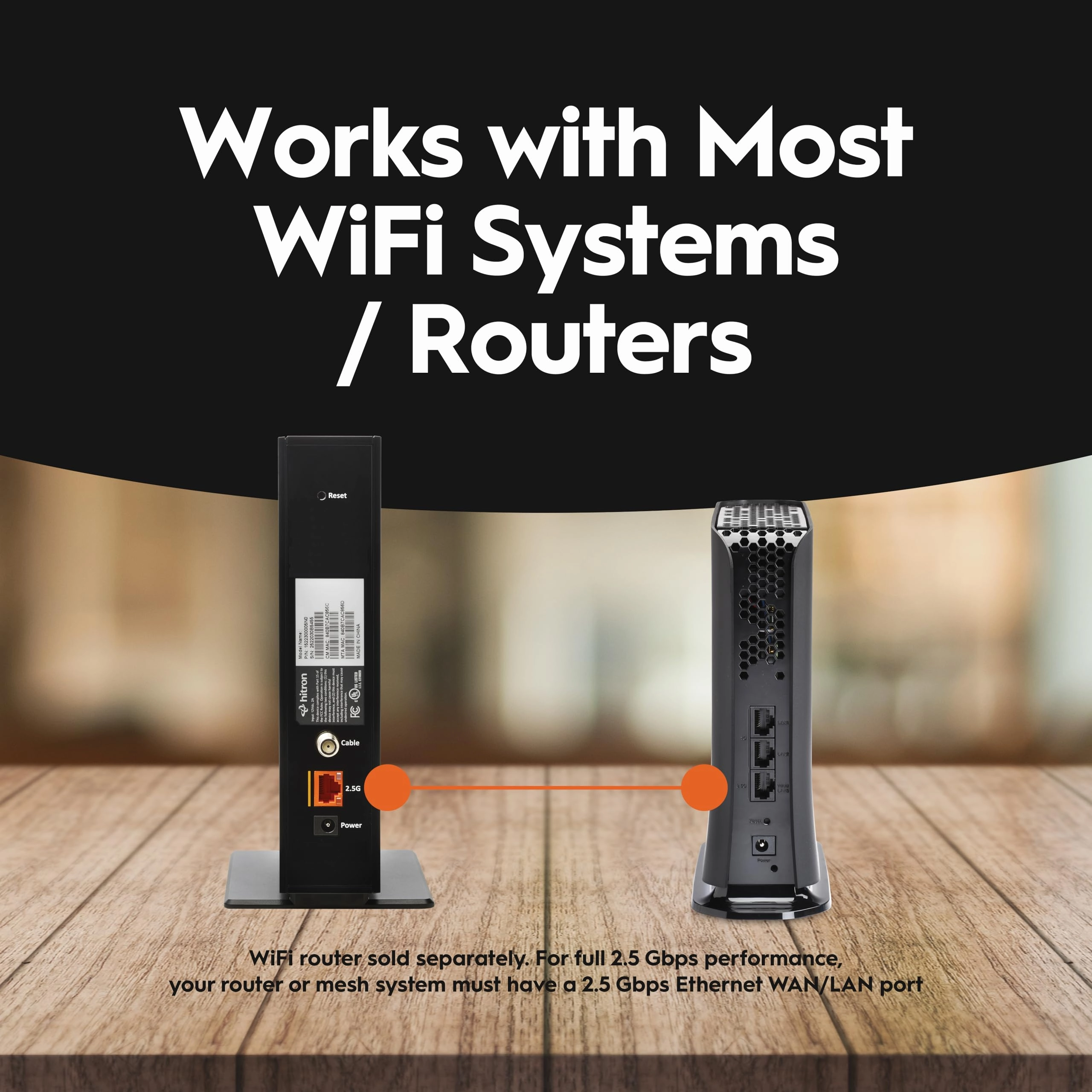
modem has one 2.5 Gbps Ethernet port only (downward compatible,
of course), but you cannot do WAN aggregation. So, if you have
the RT-AX86U/Pro with the 2.5 port and want to use that for the
LAN, you cannot leverage higher WAN speeds. The CM1100 allows to
combine two 1Gbps ports and the AX-86S/U allow to use 2x 1Gbps
for WAN as well, and then you could use a 2.5 Gbps for LAN. If
any of this concerns you, then the Netgear CM3000 modem may be
your friend, albeit at a much higher price. It's also on the
recommended Comcast list supporting the latest speed tiers. It
has 3 ports, 1x 2.5 Gpbs, and 2x 1Gbps for link aggregation. For
regular use though, from a price value perspective, the CODA or
this CODA56 seems to be the way to go. The regular CODA is the
cheapest of the bunch and the only difference is the 1Gbps port
vs 2.5 Gbps port. Both support up to ~455 Mbps upload speed on
Comcast/Xfinity as stated by Comcast.